
Dental Clinic 3D Asset Pack

$30

Standard License | Upgrade License
Formats (4)
Free file format Conversions available
Native | Blender 4.1 | Cycles Render
FBX 2019
glTF 2019
OBJ 2019
Other Files
Texture.rar
Specifications
Publish Date August 01, 2024
Product ID 2262335
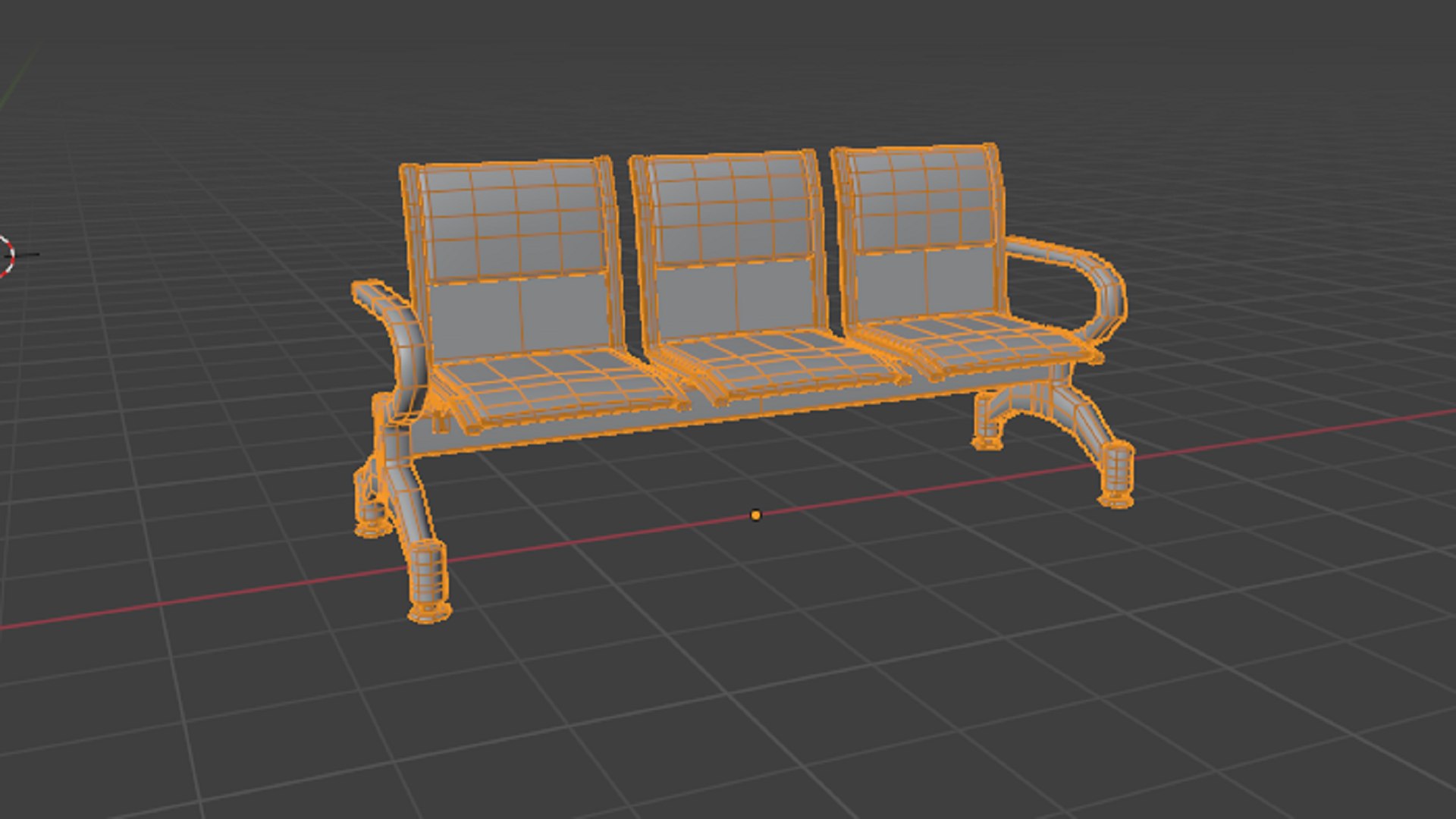
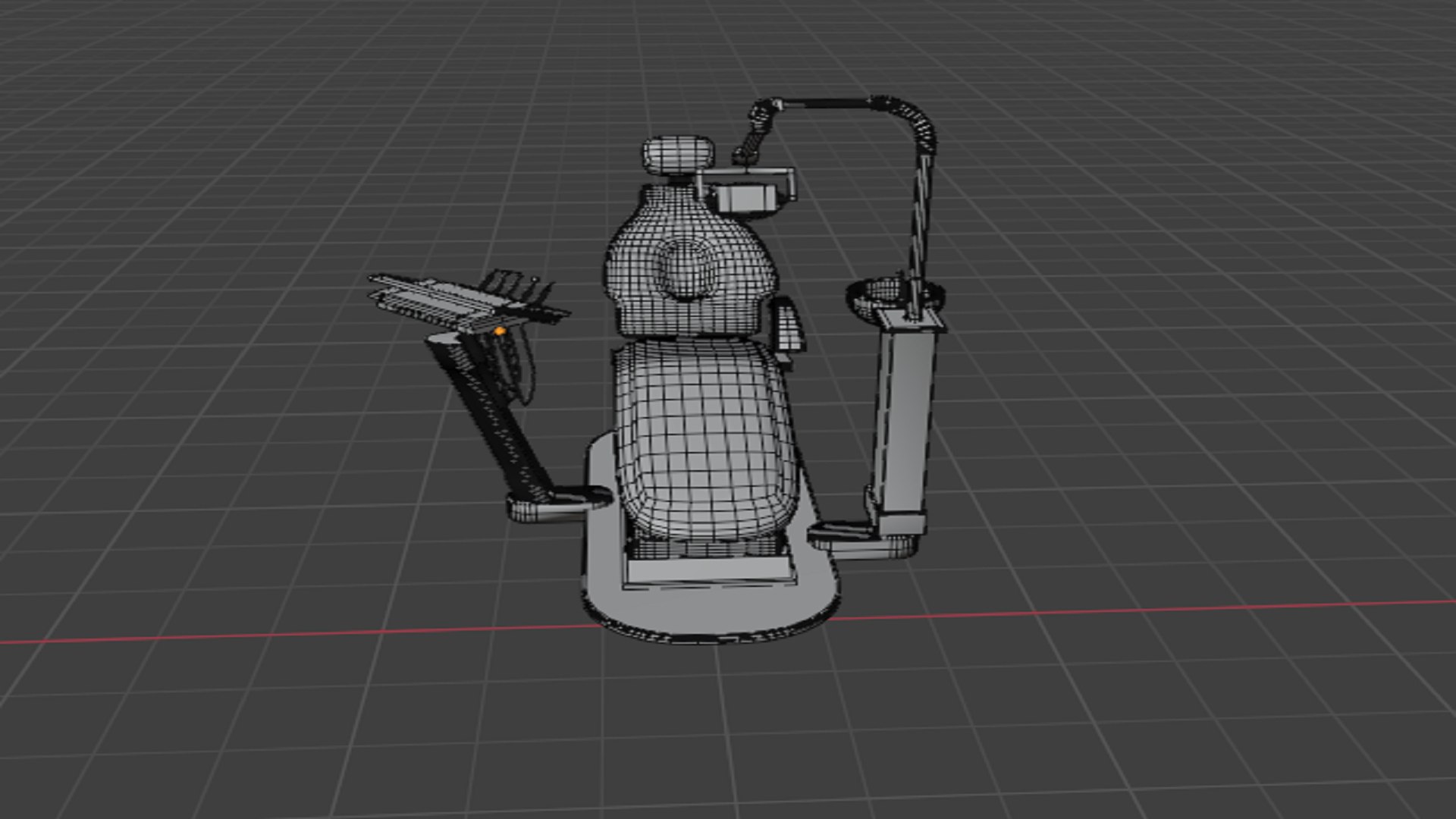
Polygons 806,885
Vertices 409,898
Polygonal Quads Only
Textures
Materials
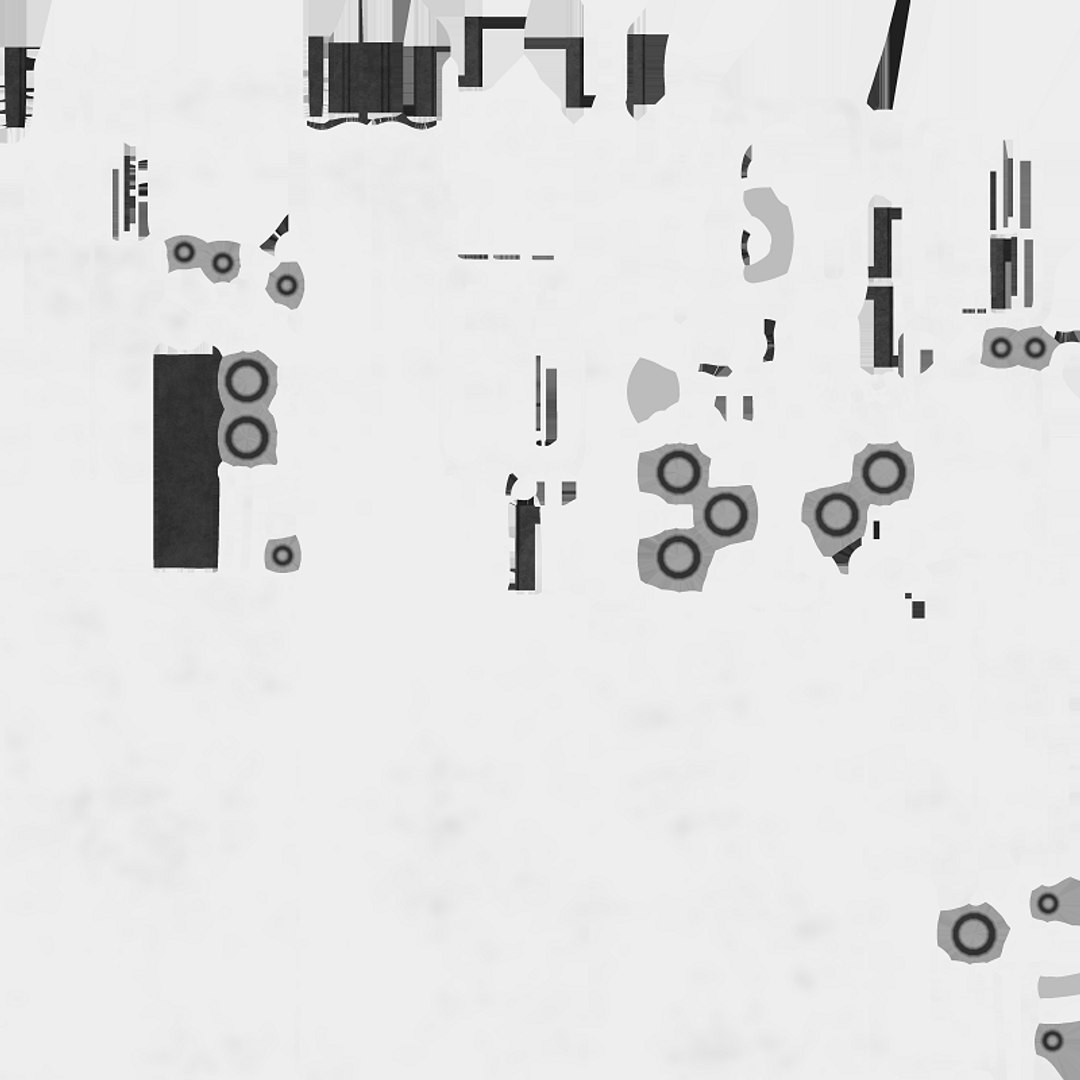
UV Mapped
Non-overlapping Unwrapped UVs
PBR

member avatar
Cobweb Games
22 Products | Contributor Since 2024
Have questions? Chat with us now.

Description

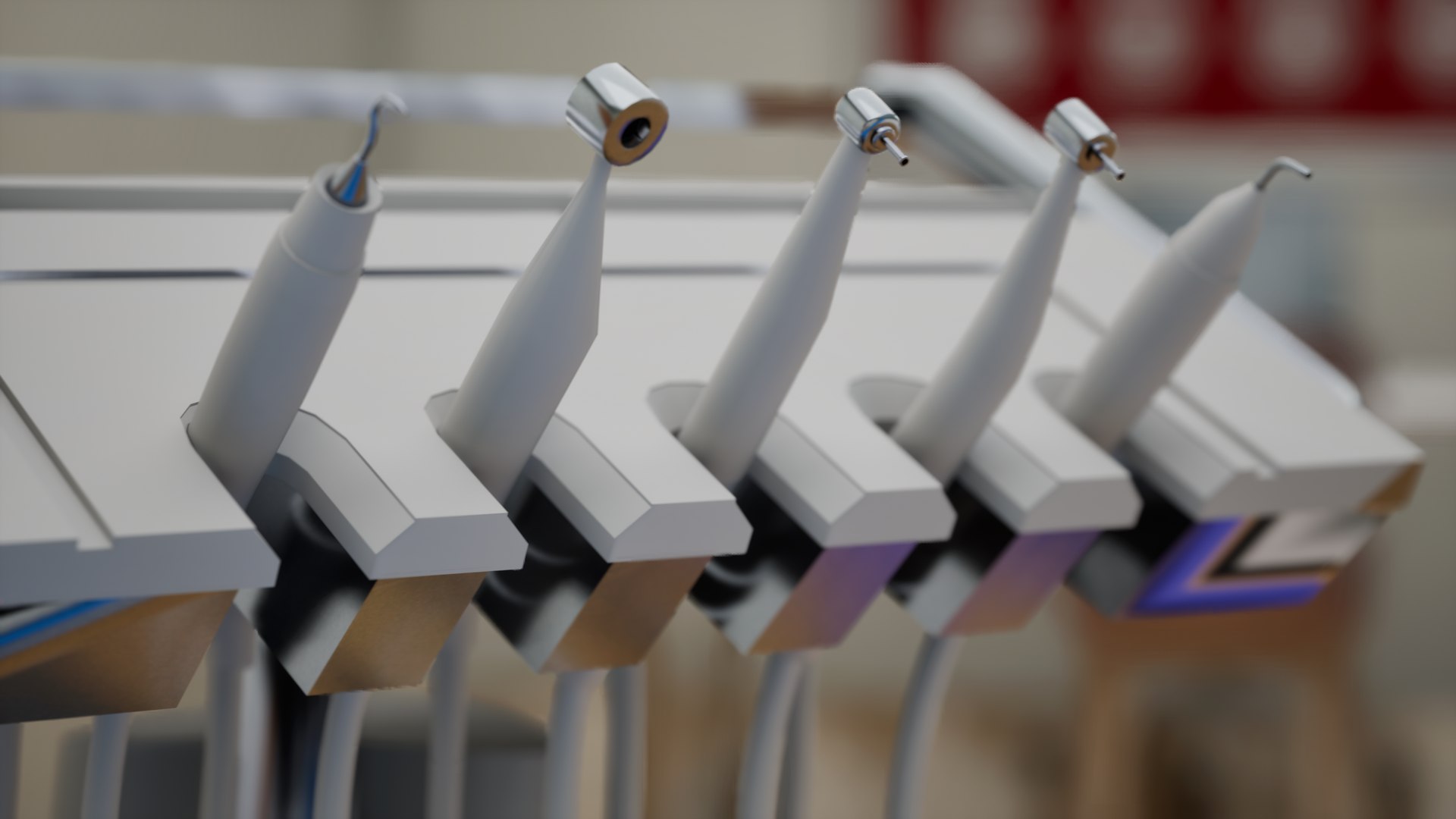
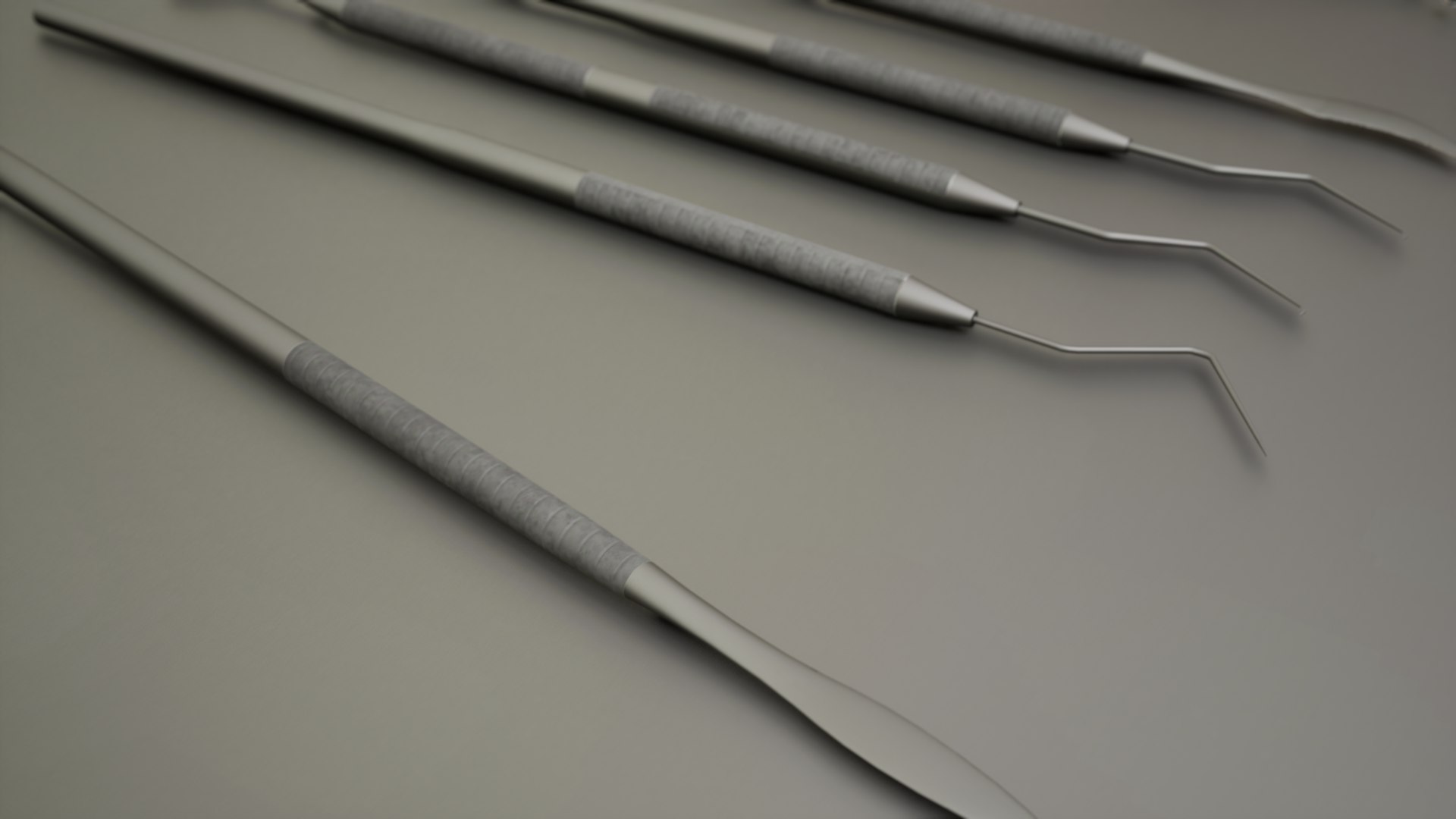
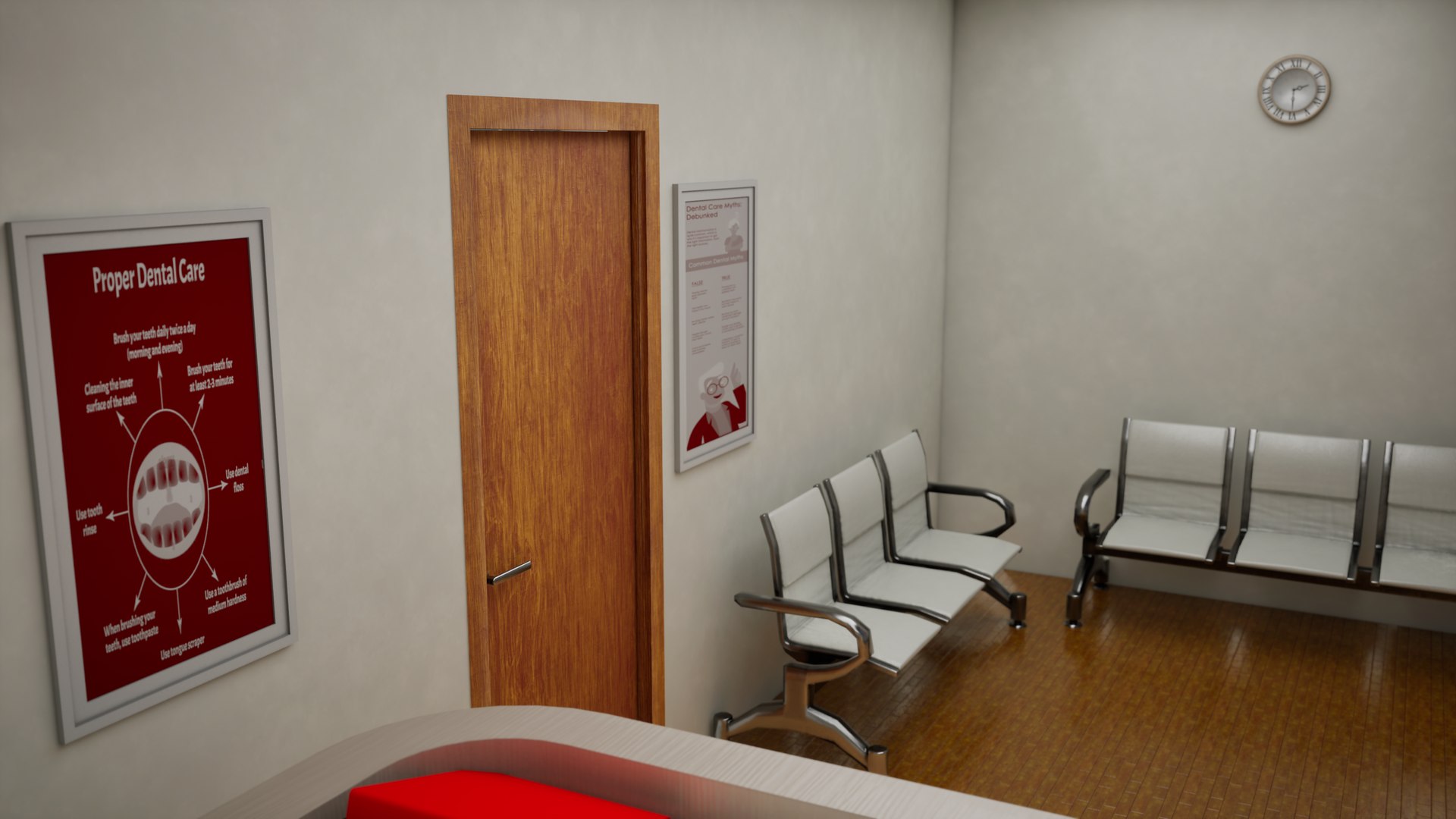
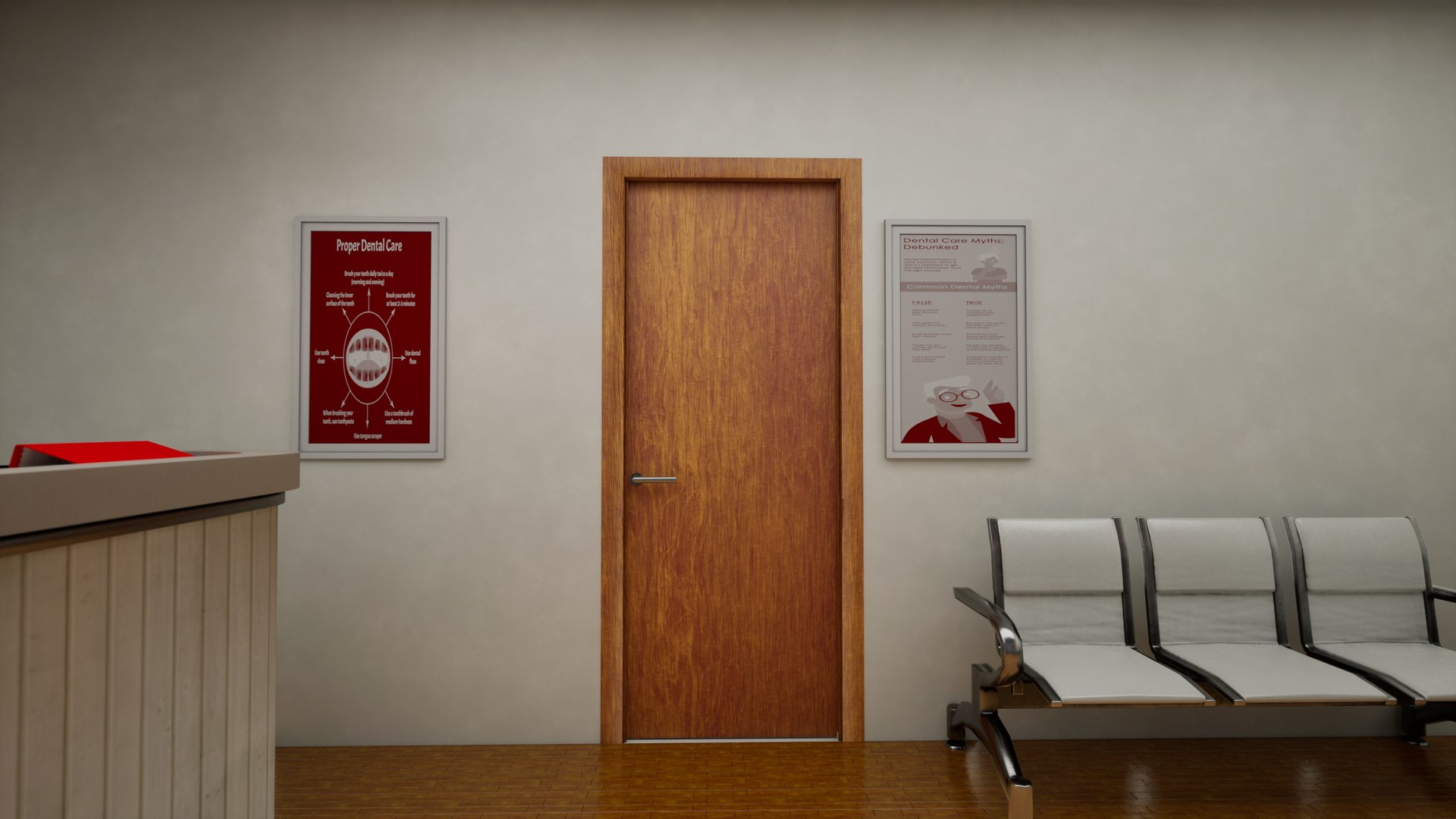
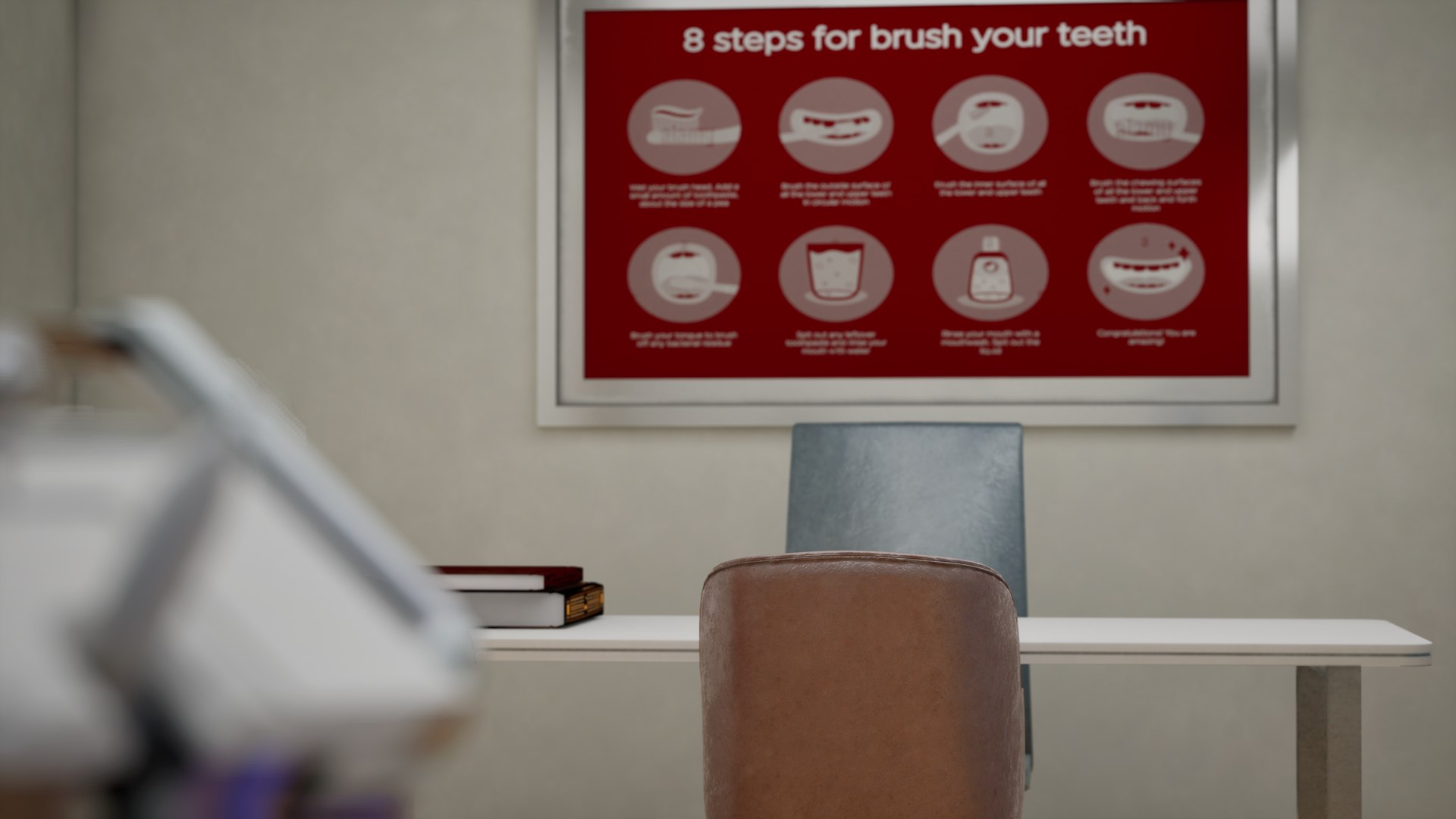
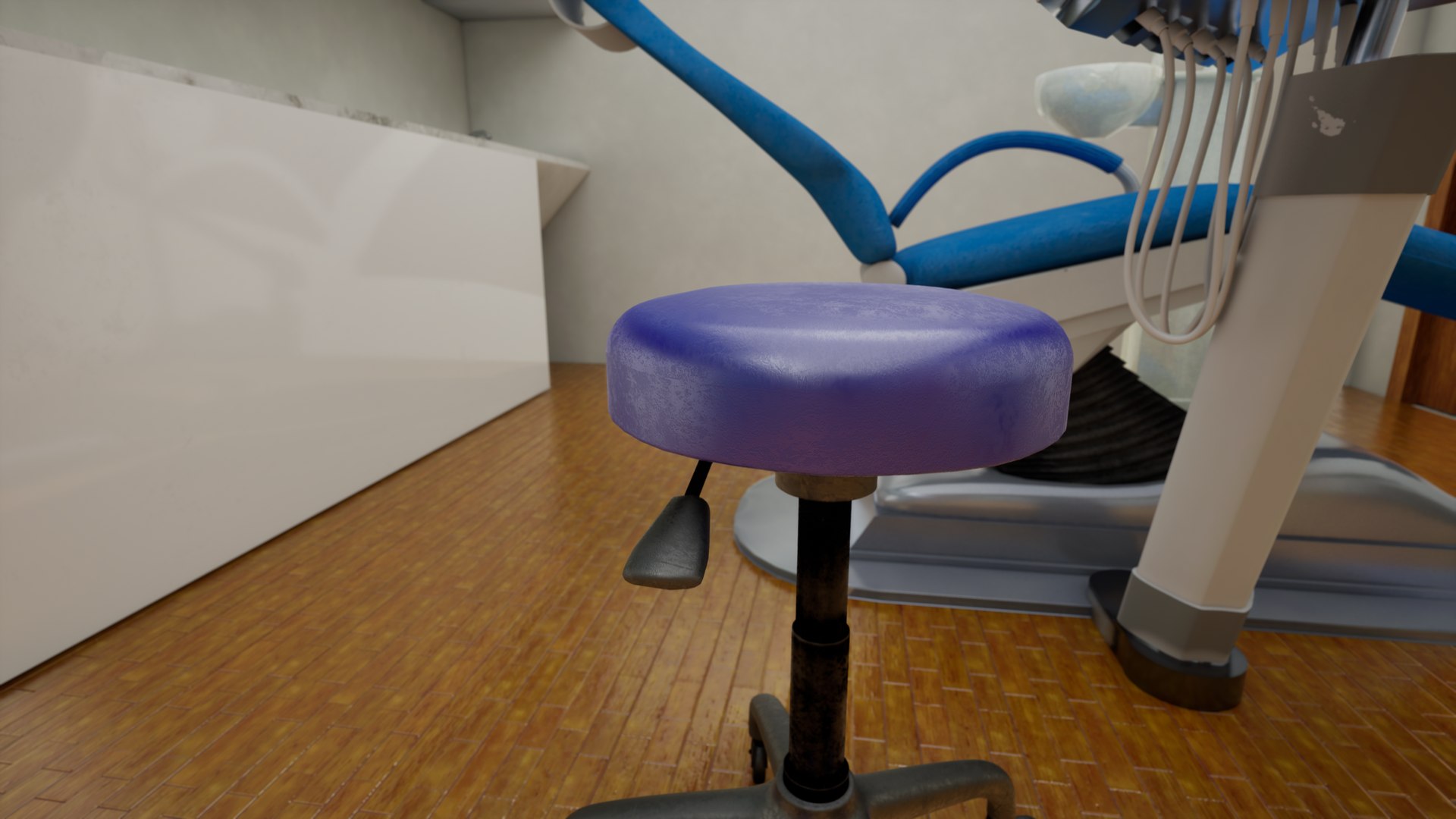
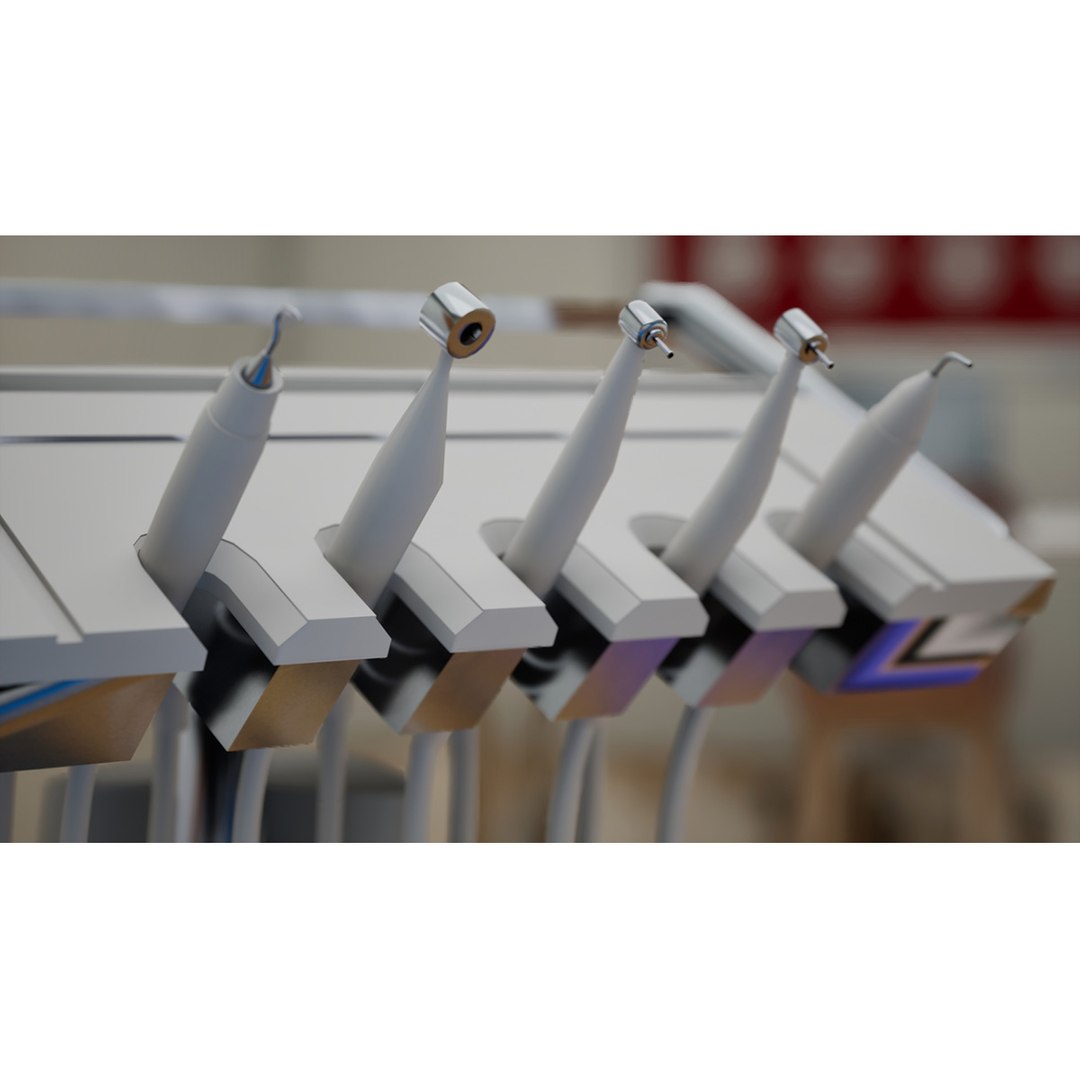
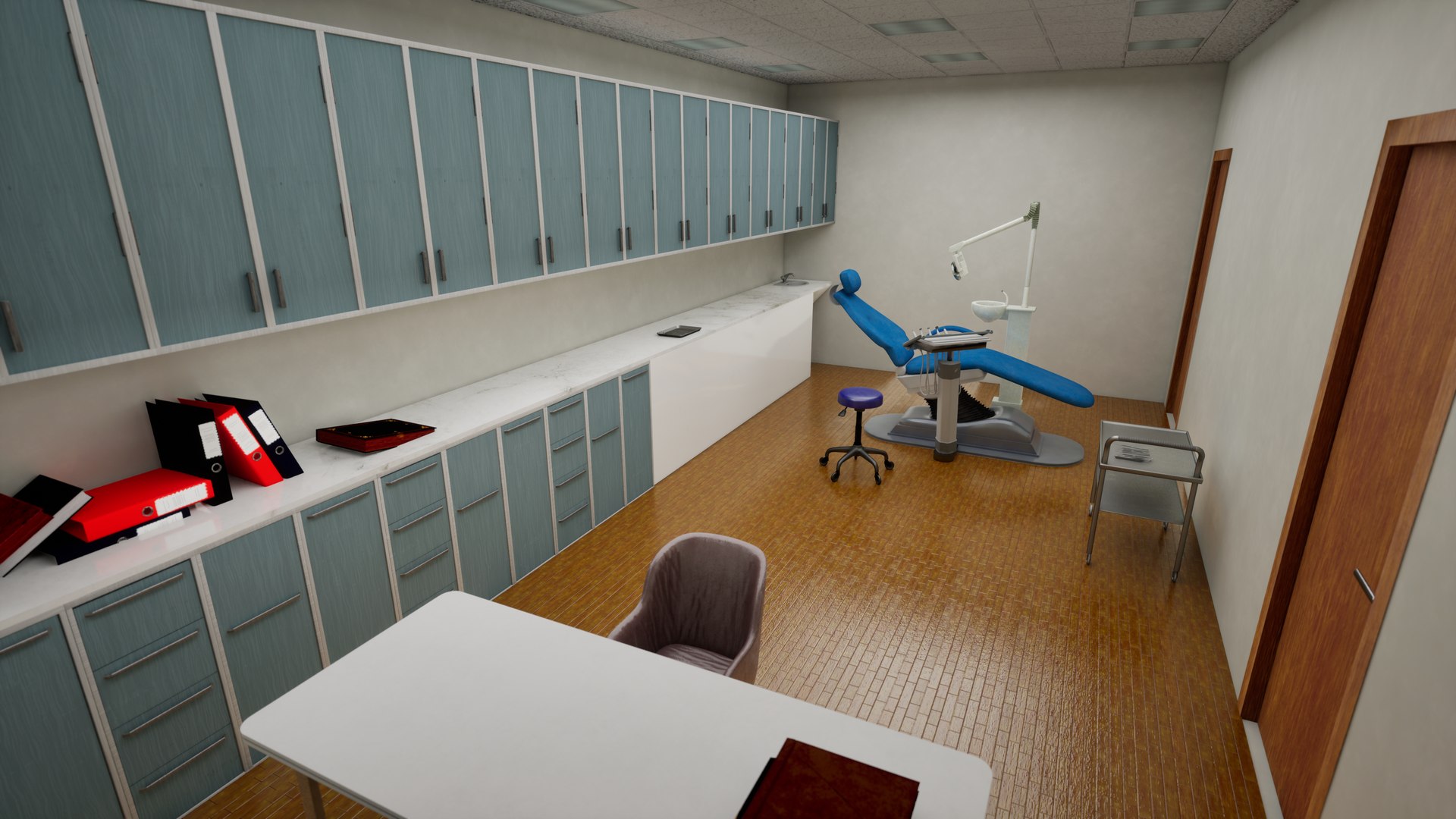
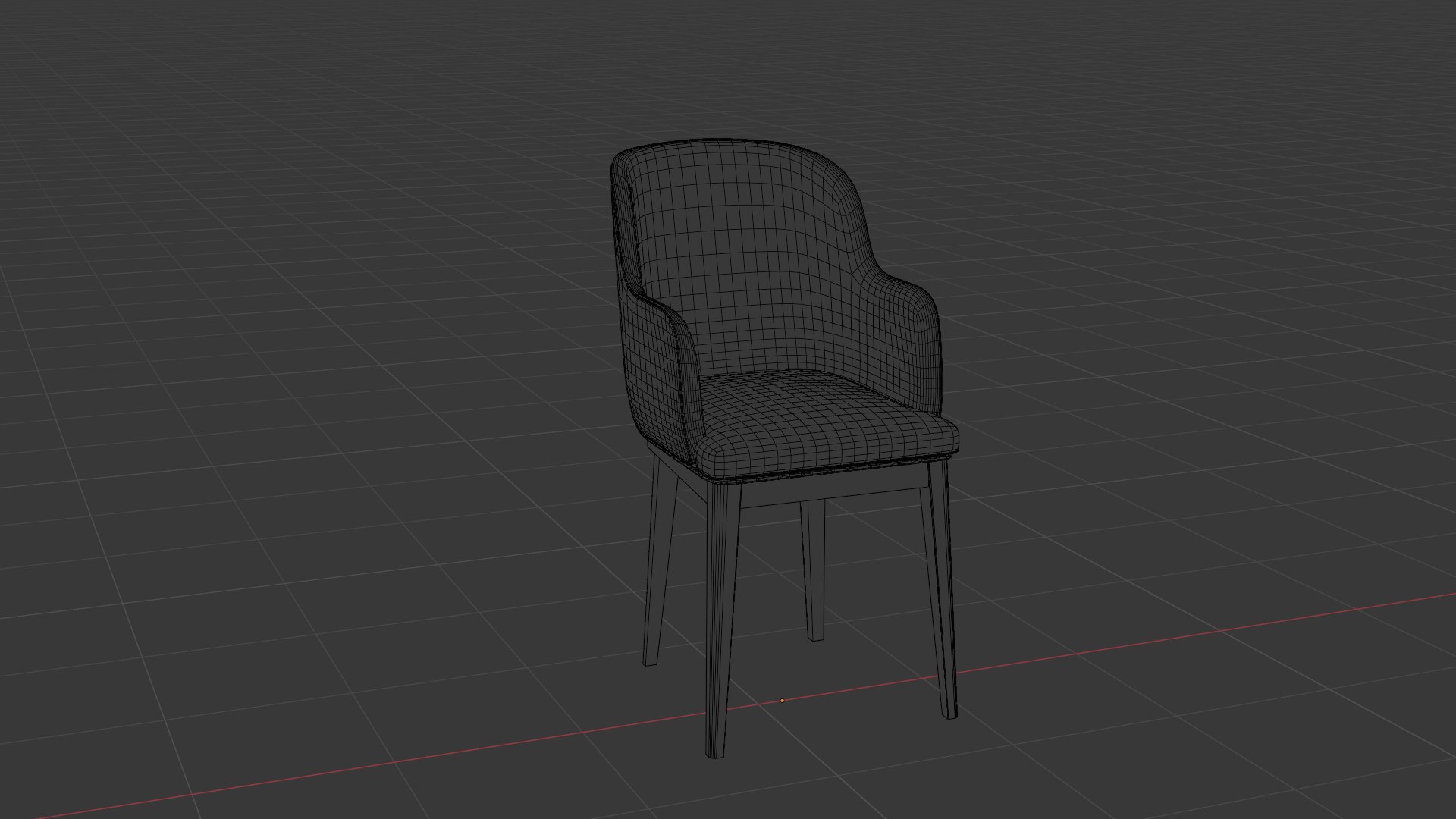
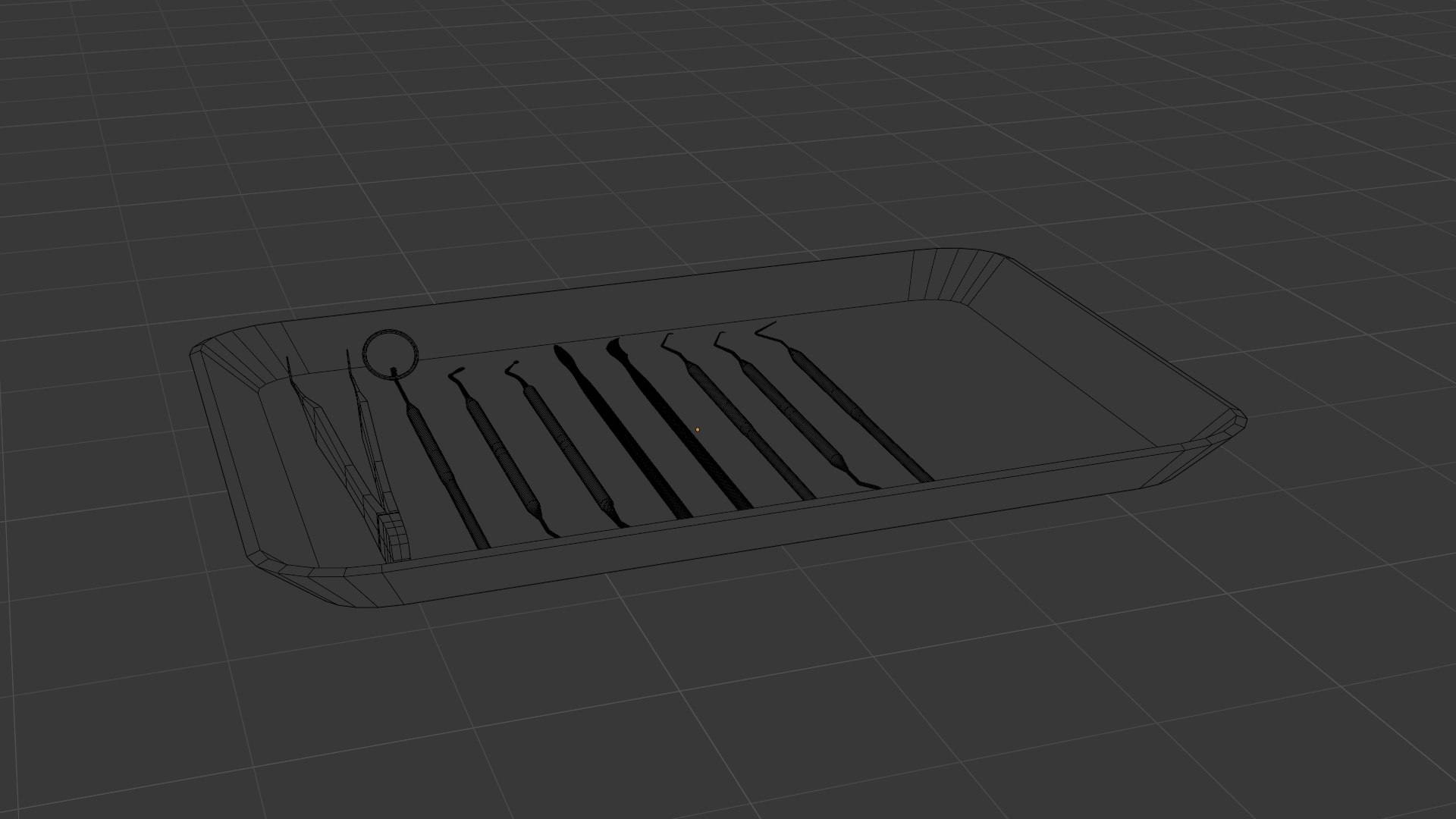
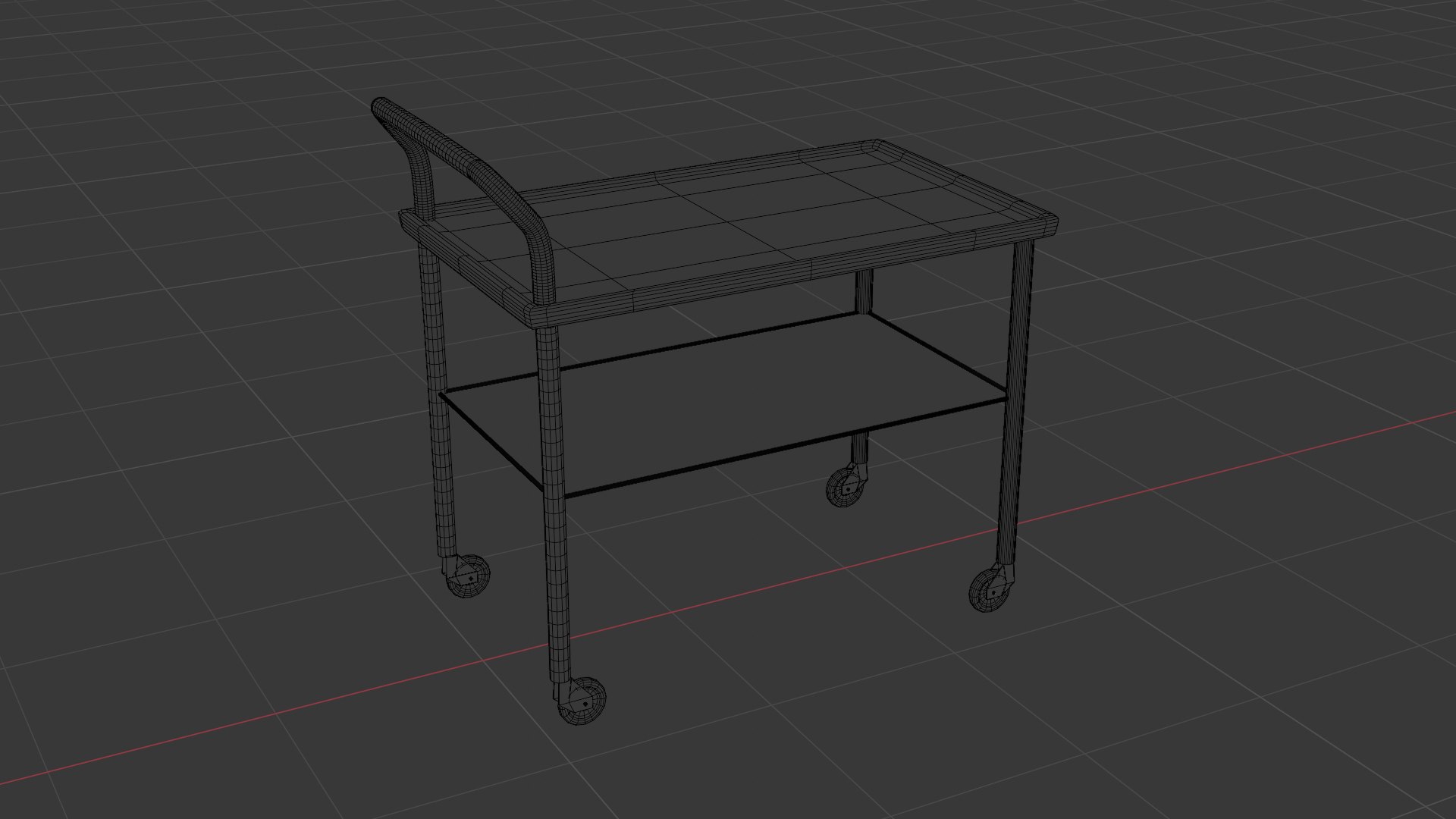
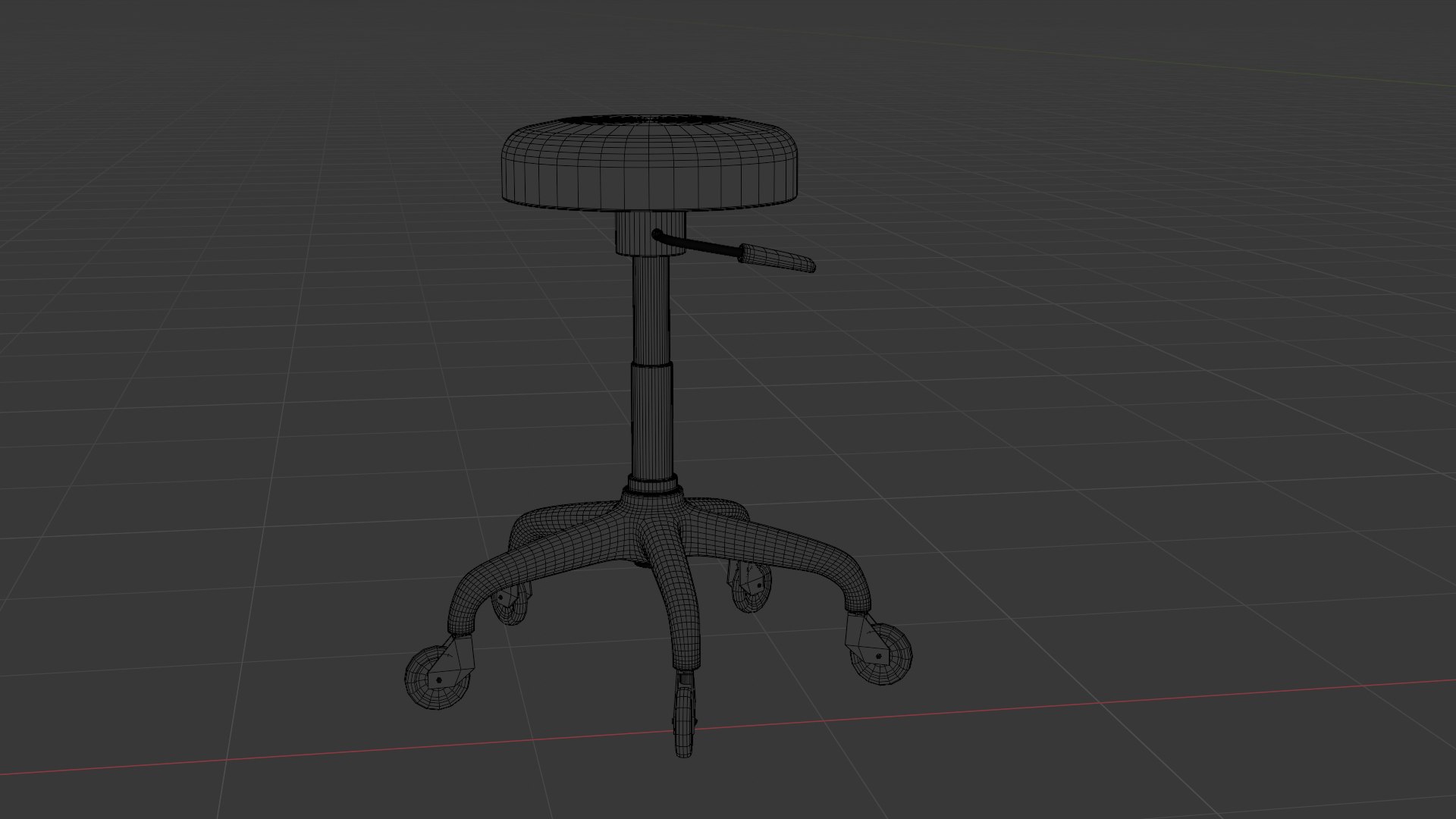
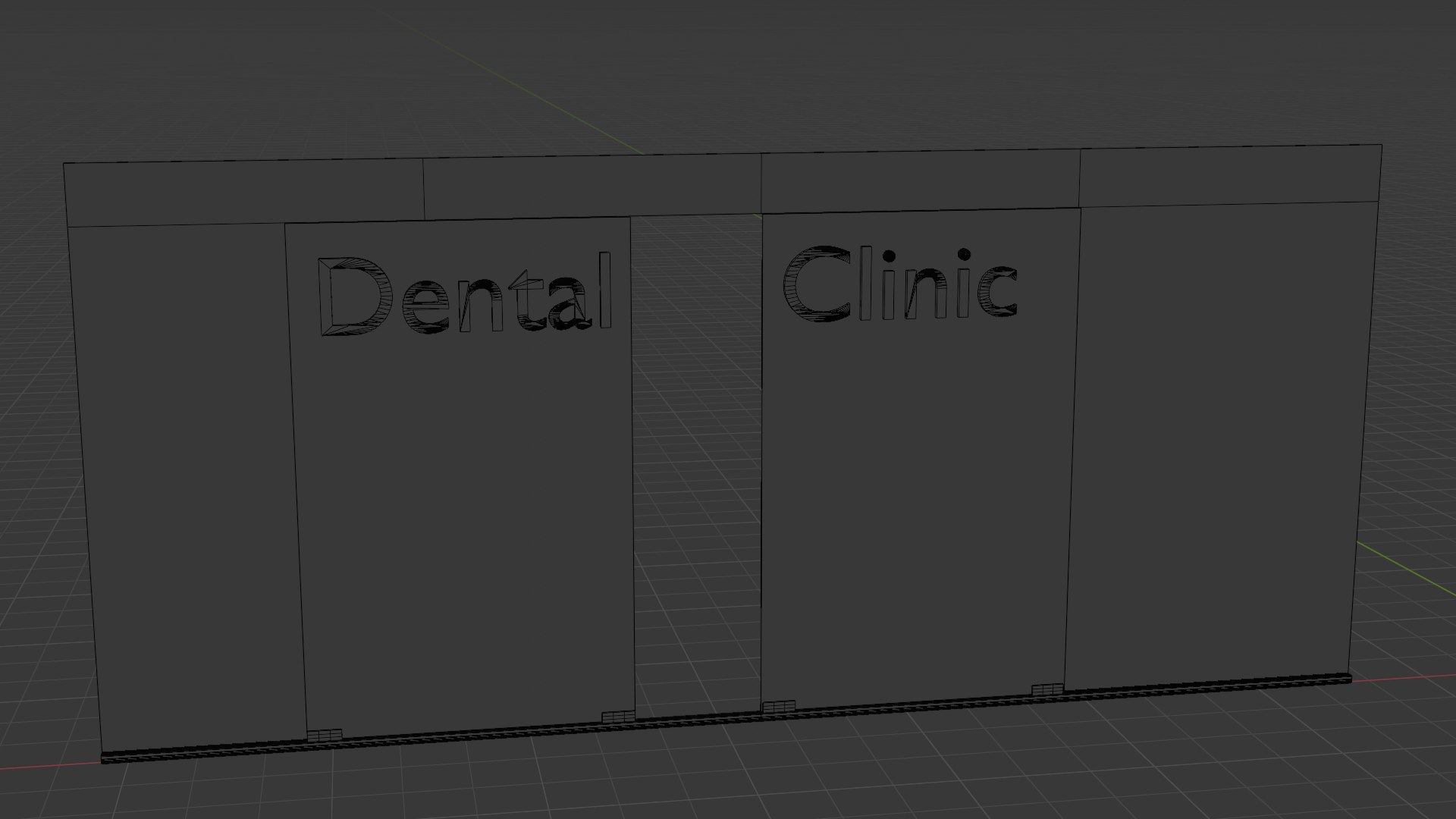
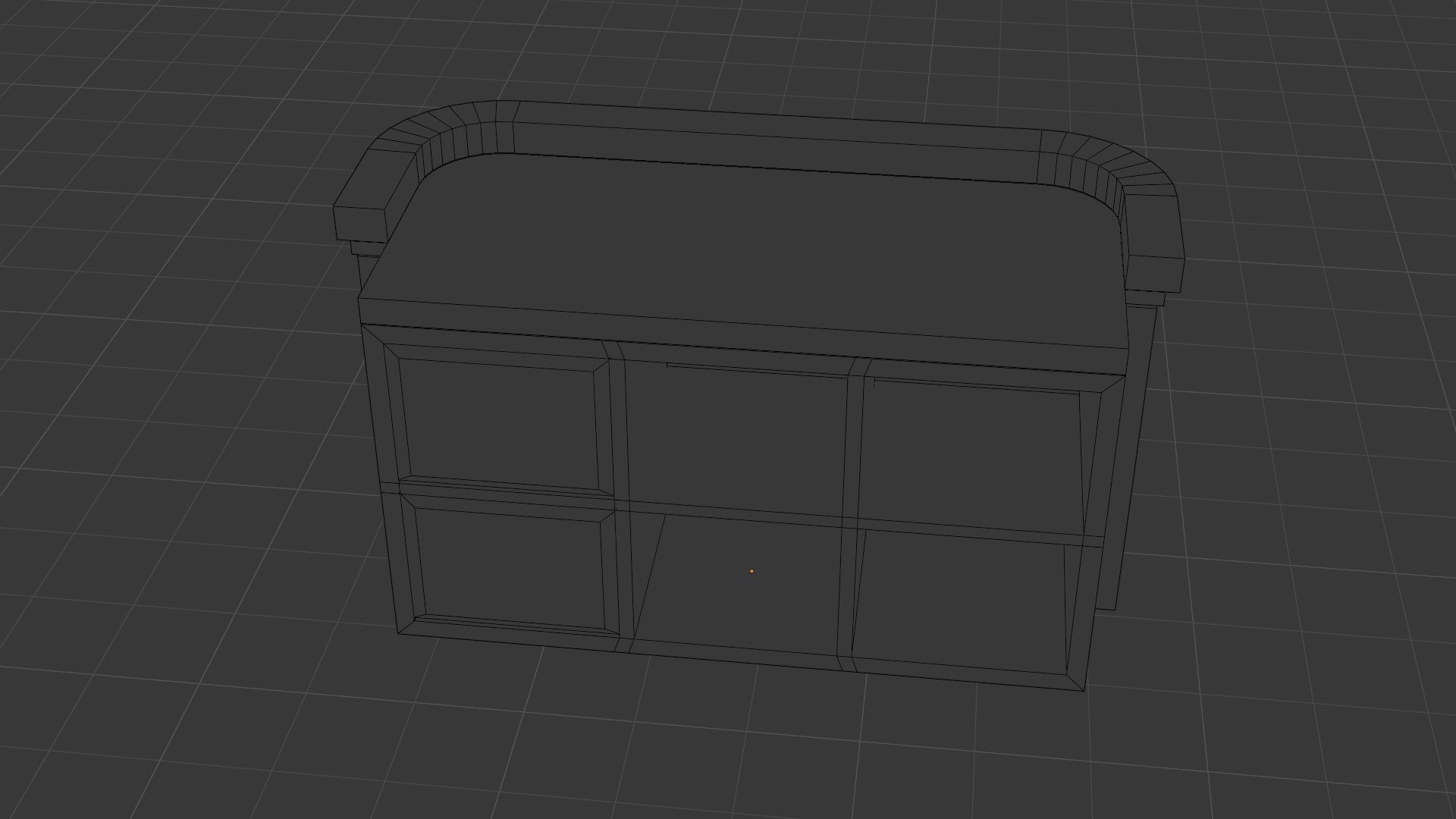
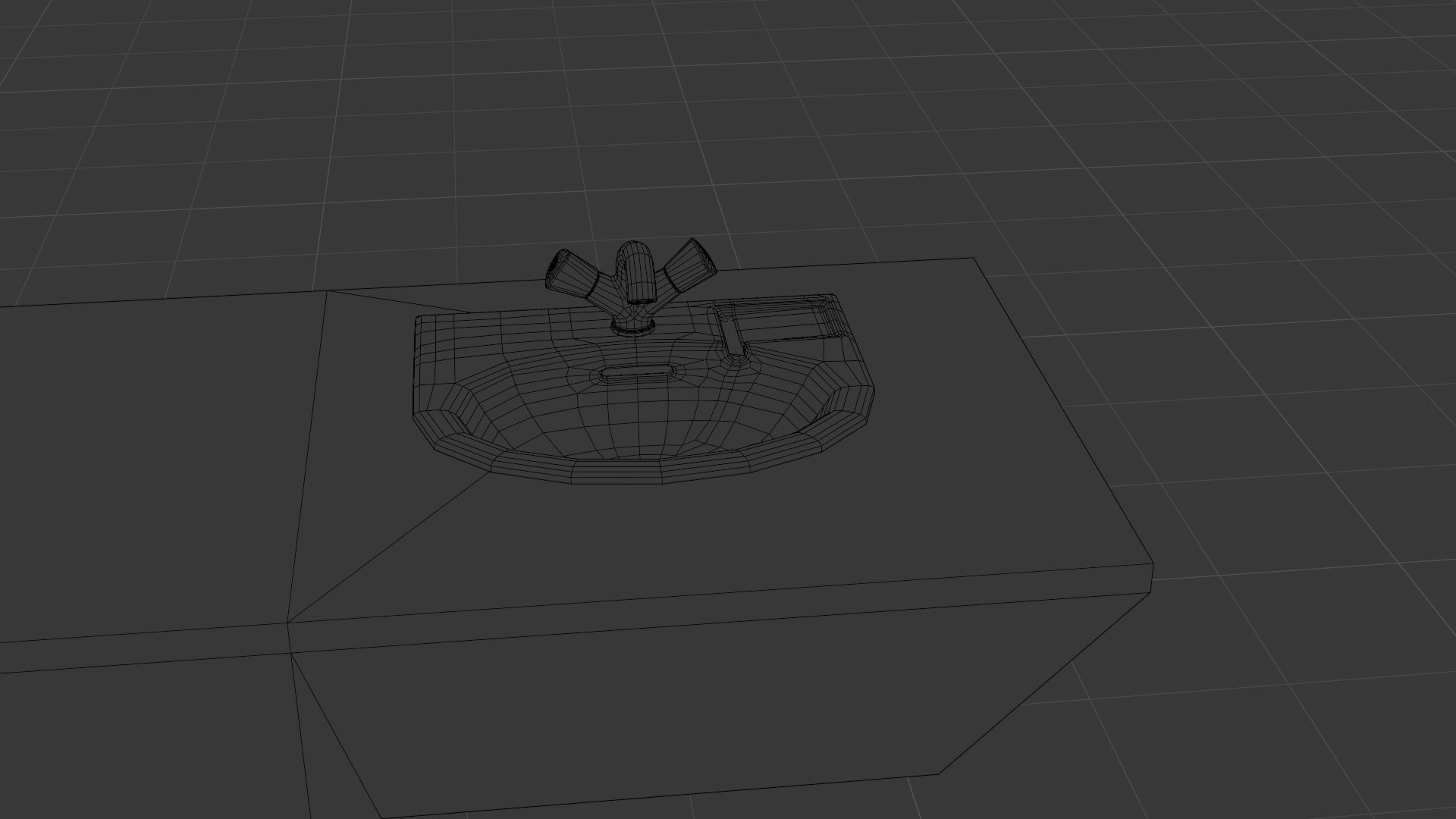
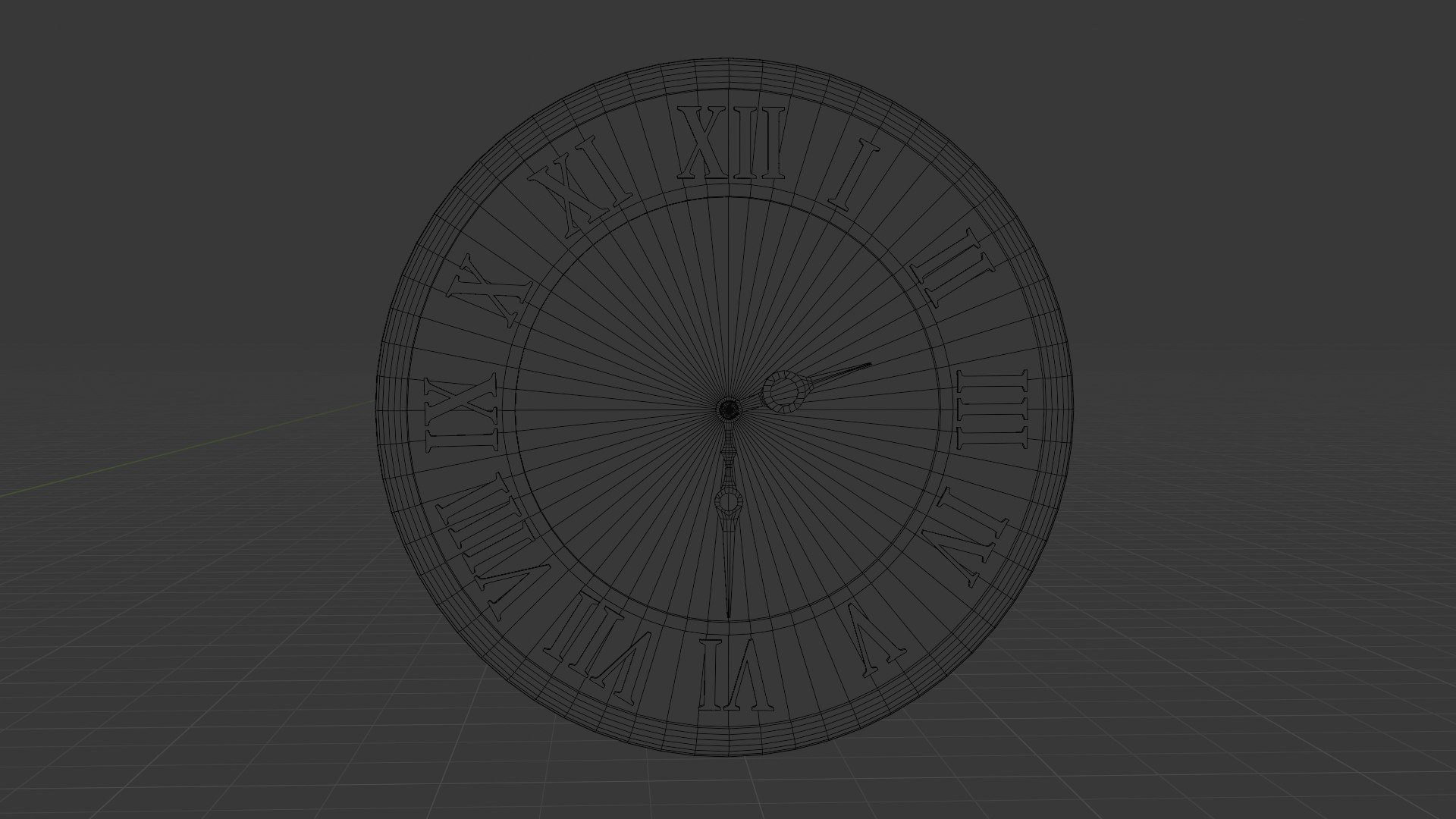
Step into a professional, immersive dental clinic environment with CobWeb Games' Dental Clinic 3D Asset Pack! Designed for Blender, Unreal Engine, and other 3D platforms, this asset pack includes everything you need to create a realistic dental clinic scene, from the waiting area to the intricate details of a treatment room to chrome and sharp dental instruments and drills.

Each item is meticulously crafted with top-notch textures, materials, and shaders to give your project that true-to-life feel. Whether for a game, animation, or cinematic, this collection is designed to make your dental clinic environment stand out.

The Pack Includes: 

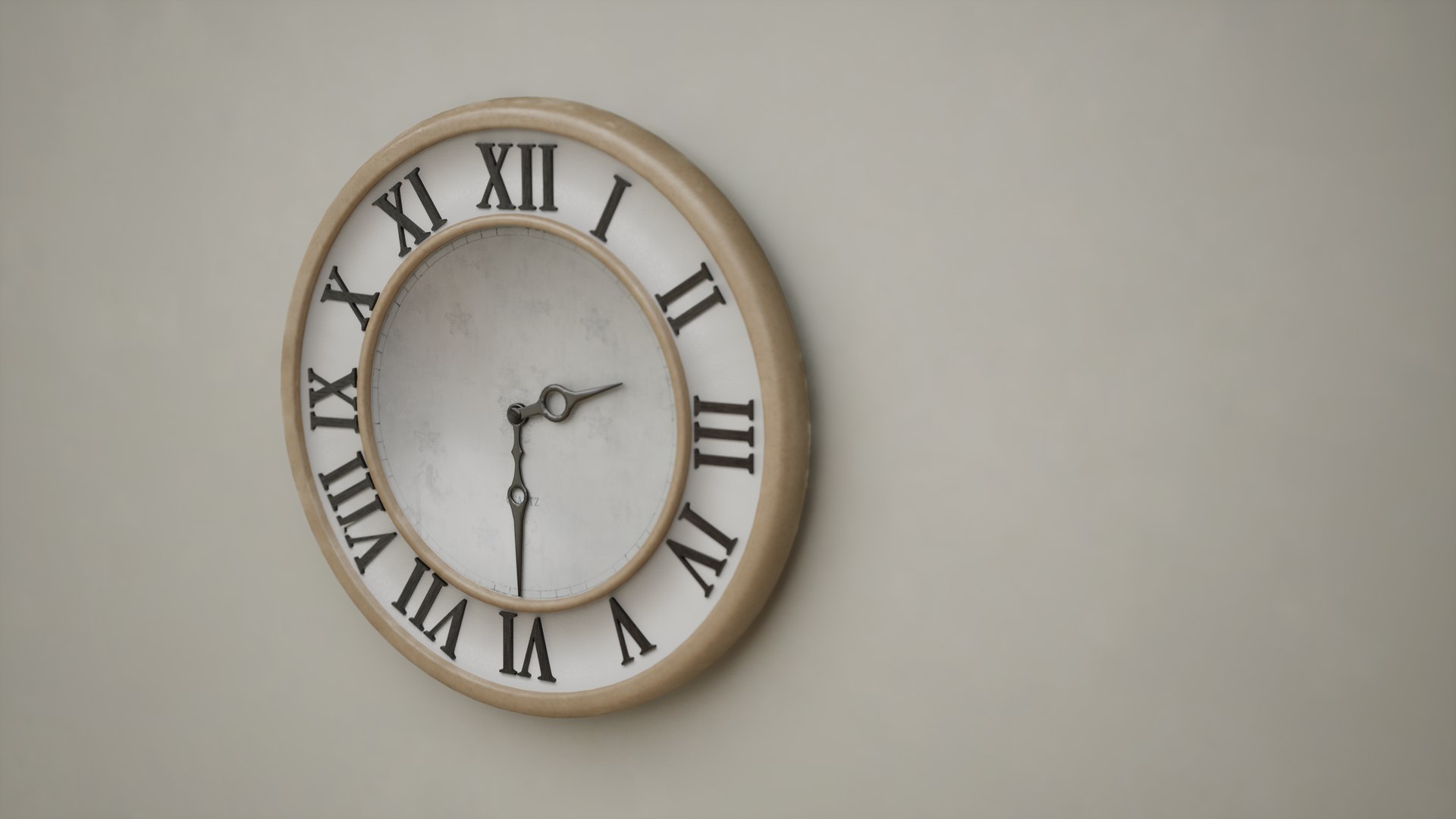
Dental Chair, Dental Instruments, Cabinets, Dental Drills, Drawers, Tables, Chairs, a Door, Glass Walls, a Sink, Clock, and more.

All assets are optimized for easy integration and modification, making them ideal for realistic healthcare scenes, educational simulations, and immersive experiences. Bring your clinic scenes to life with precision and detail.

Select Enhanced License

  • $10,000 in Legal Protection (Indemnification)
  • Uncapped Legal Protection (Indemnification)
  • Waiver from injunctive relief
  • Assignable model rights
  • $1,000,000 in Legal Protection (Indemnification)
  • Waiver from injunctive relief
  • Assignable model rights
  • $250,000 in Legal Protection (Indemnification)
  • Assignable model rights
Read more about enhanced license tiers, or contact us at enterprise@turbosquid.com. Already a Shutterstock Enterprise Customer? Contact your Shutterstock Sales Support Agent to talk about adding 3D.

About Conversion Requests

To submit a conversion request for a purchased asset, please complete our Conversion Request Form.

If you have not yet purchased a model, please review our Documentation about Conversions to learn about what limitations you may encounter with a conversion.

For any additional questions about a model’s suitability for conversion, please contact TurboSquid Support.

Loading...