
Death Star

$25

Standard License | Upgrade License
Editorial Uses Only
Formats (4)
Free file format Conversions available
Native | Blender
3ds Max 2010 | Default Scanline
FBX
OBJ
Specifications
Publish Date June 17, 2015
Product ID 936636
Polygons 20,268
Vertices 13,660
Polygonal Quads/Tris Geometry
Textures
Materials
UV Mapped
Mixed Unwrapped UVs
TurboSquid Exclusive
member avatar
EGPJET3D
1002 Products | Contributor Since 2012
Have questions? Chat with us now.

Description

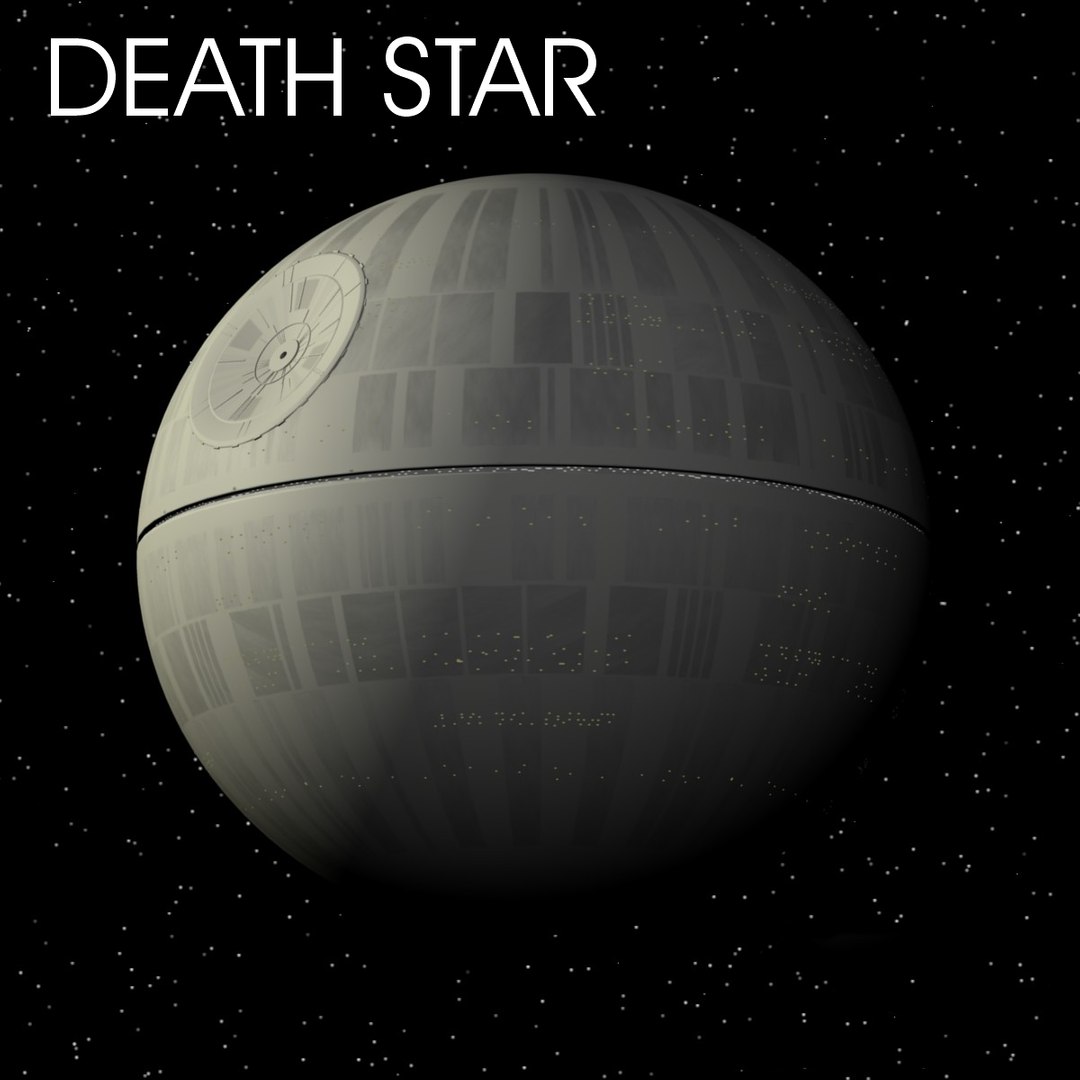
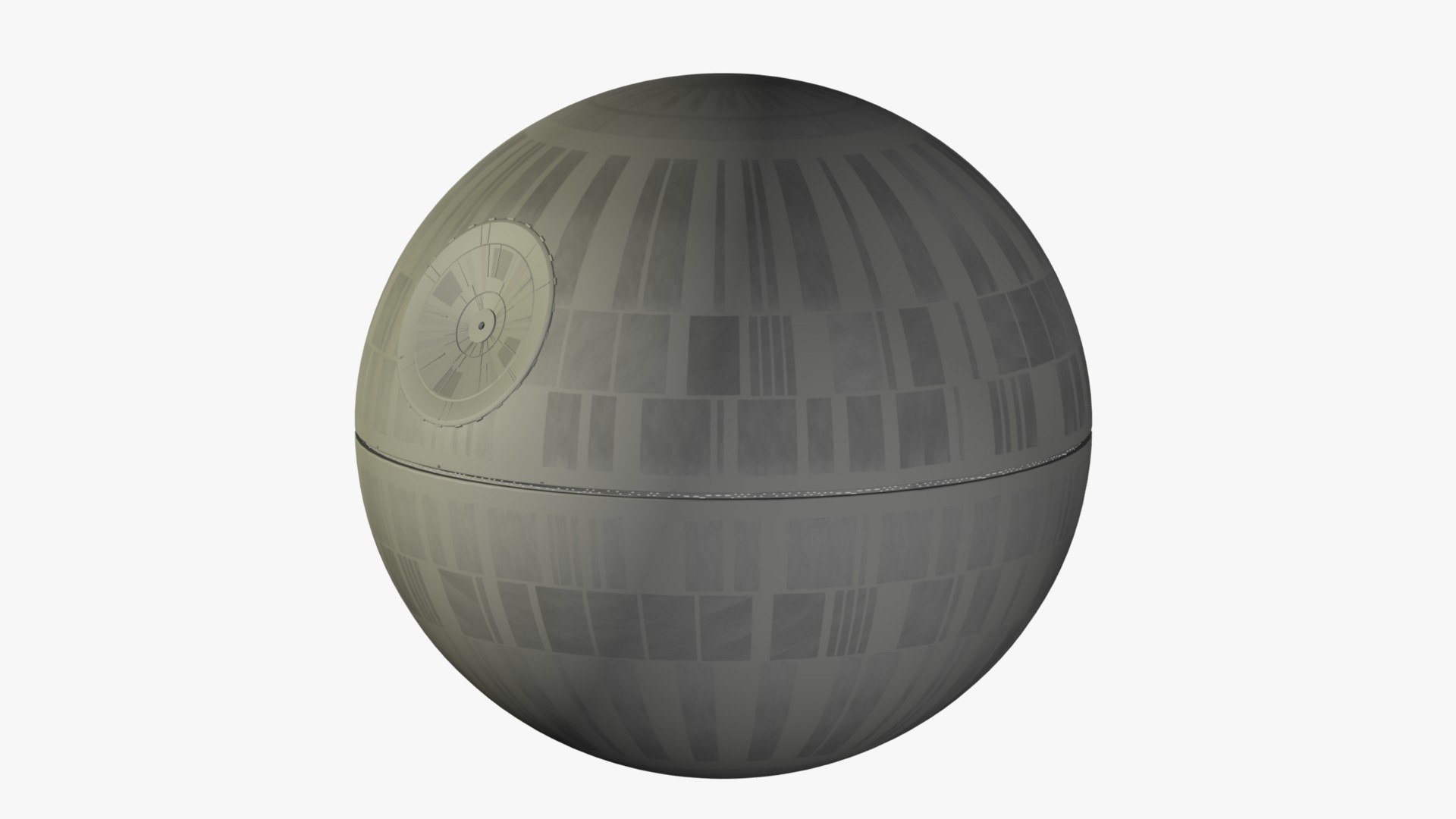
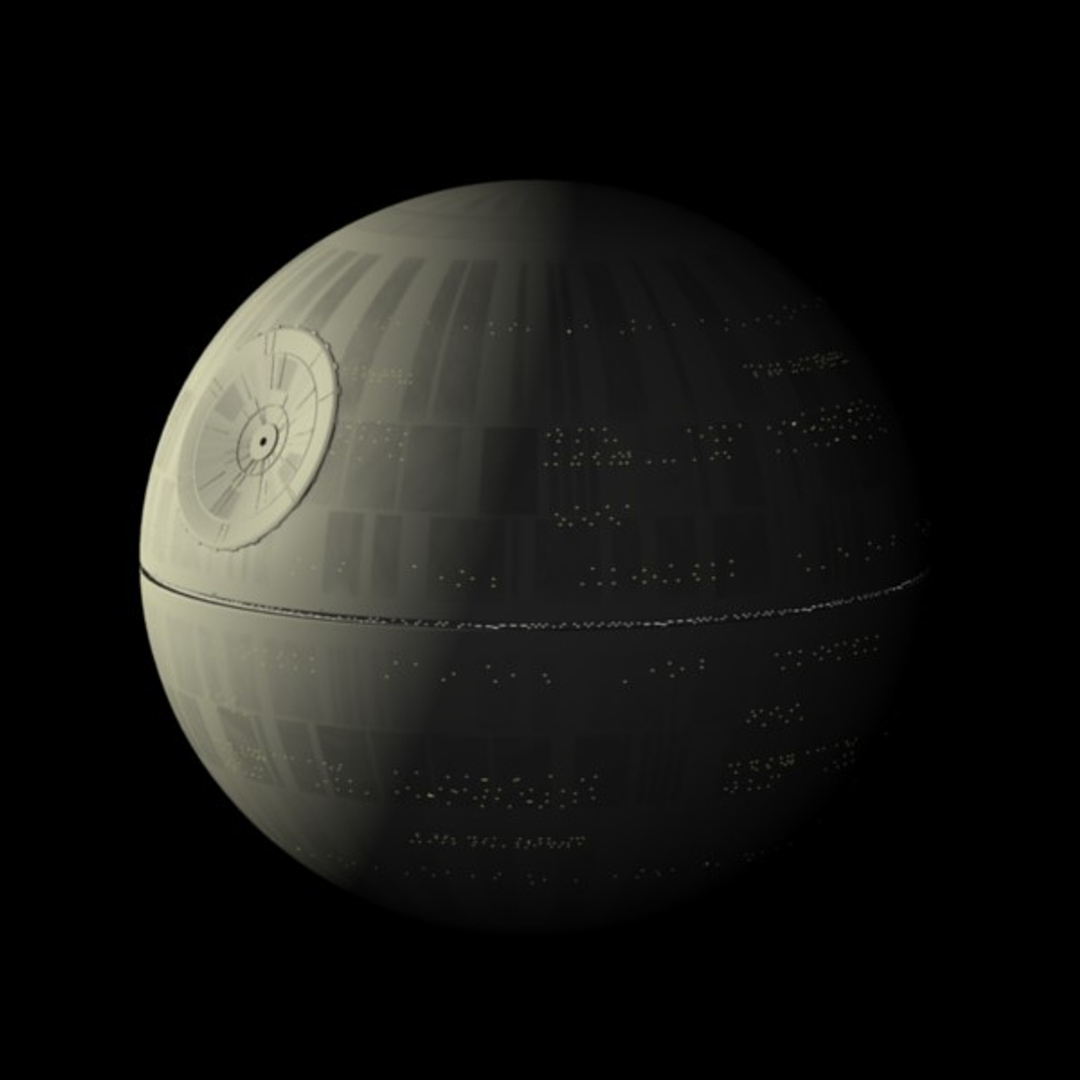
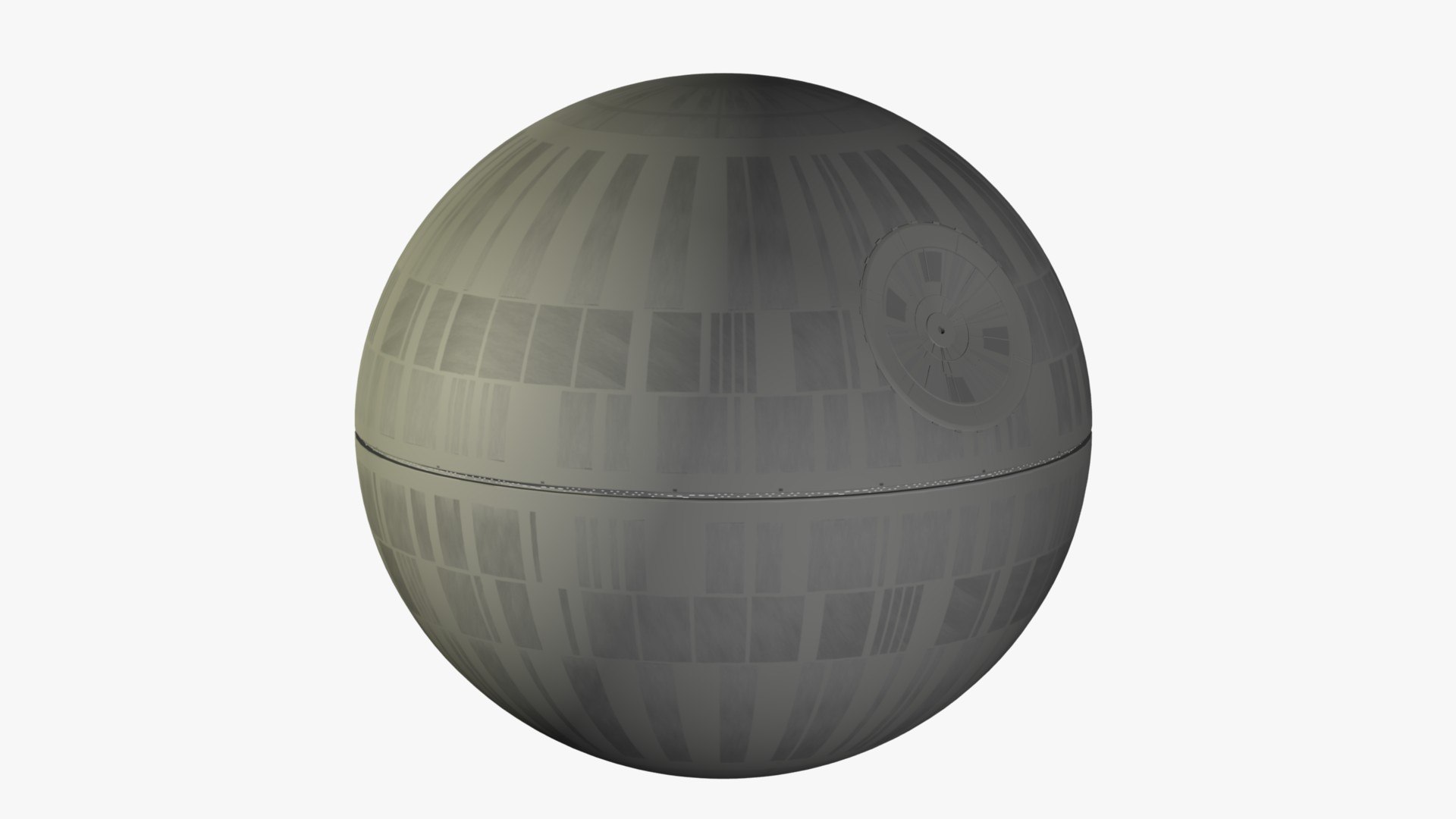
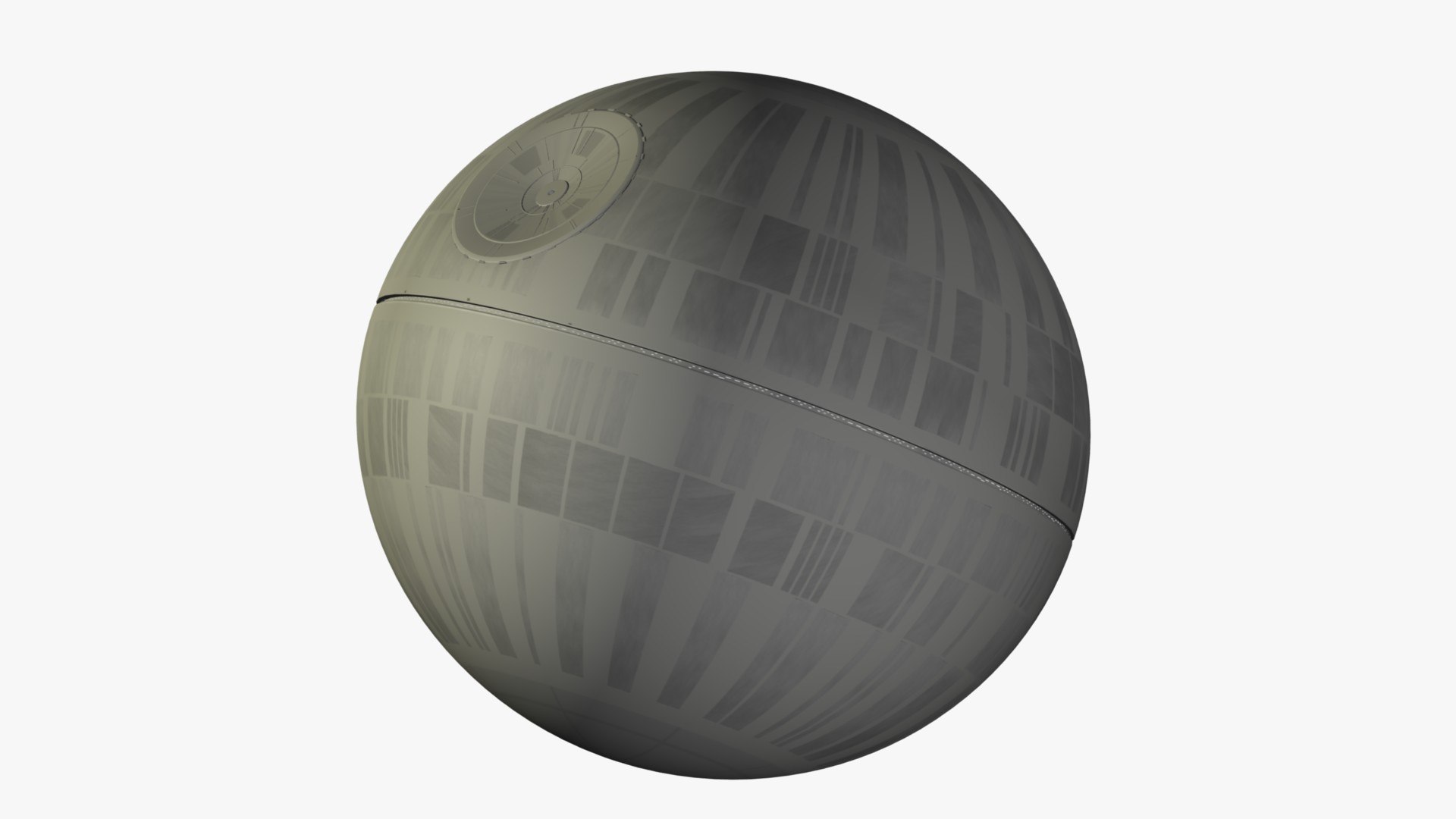
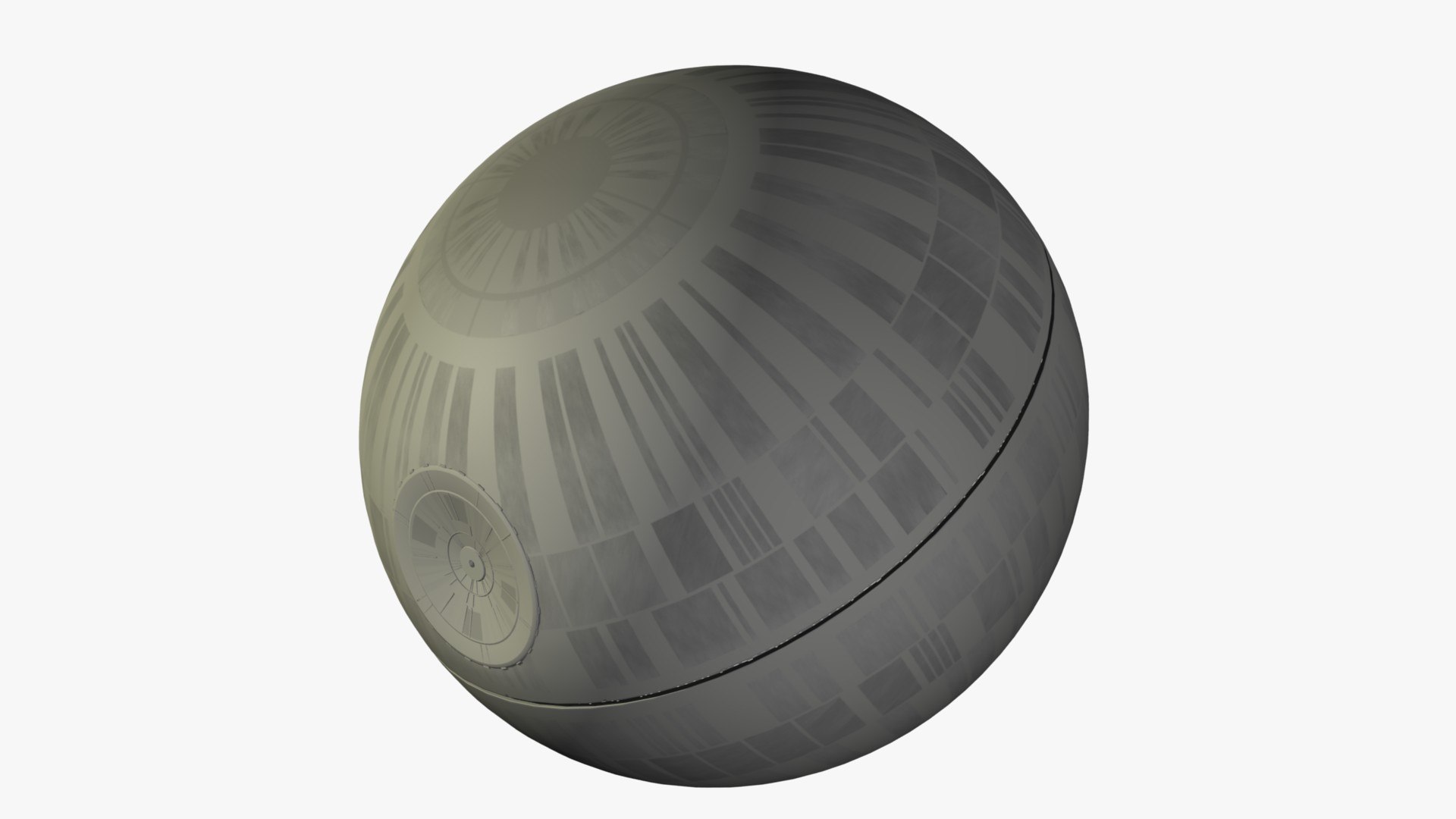
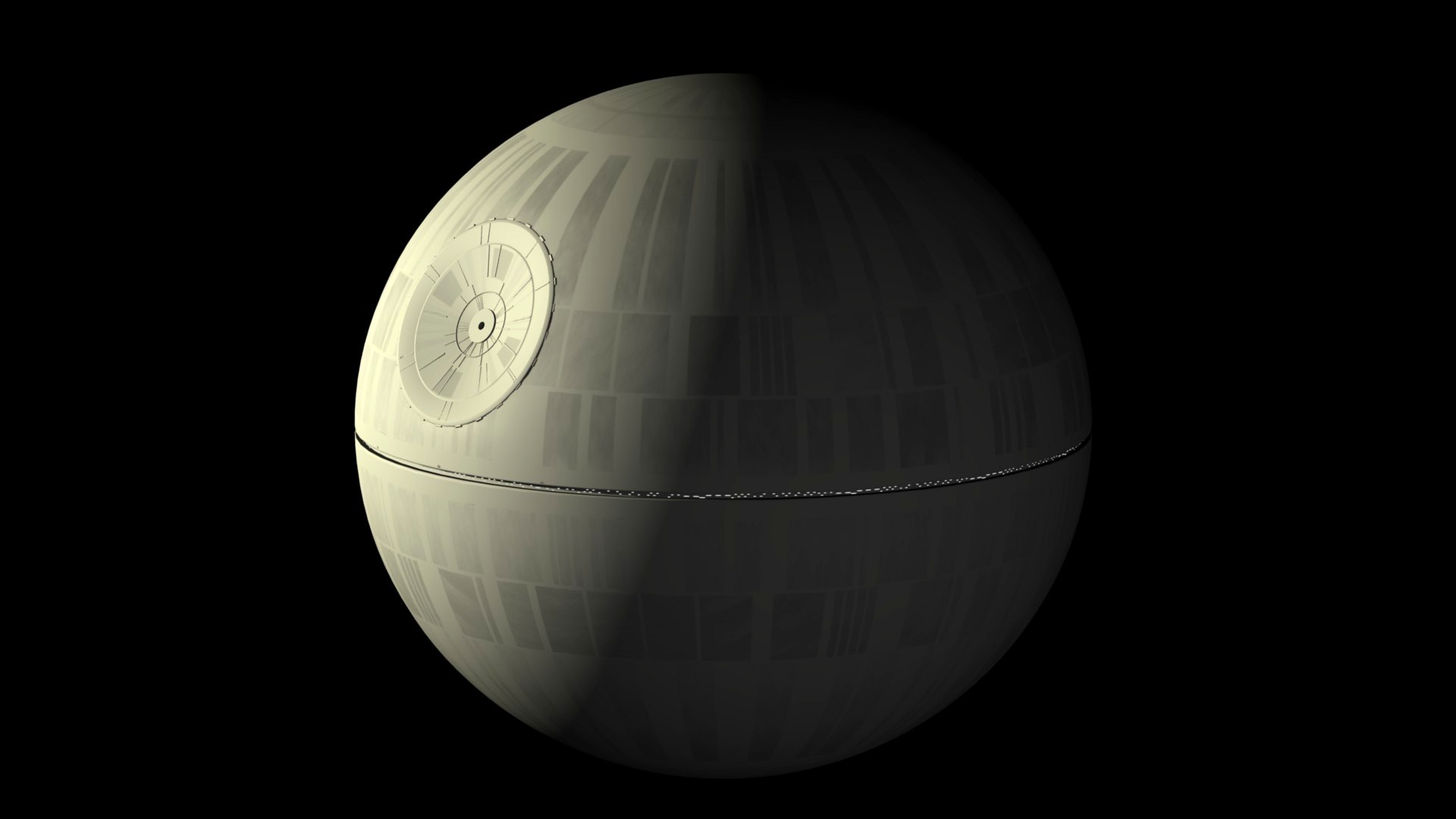
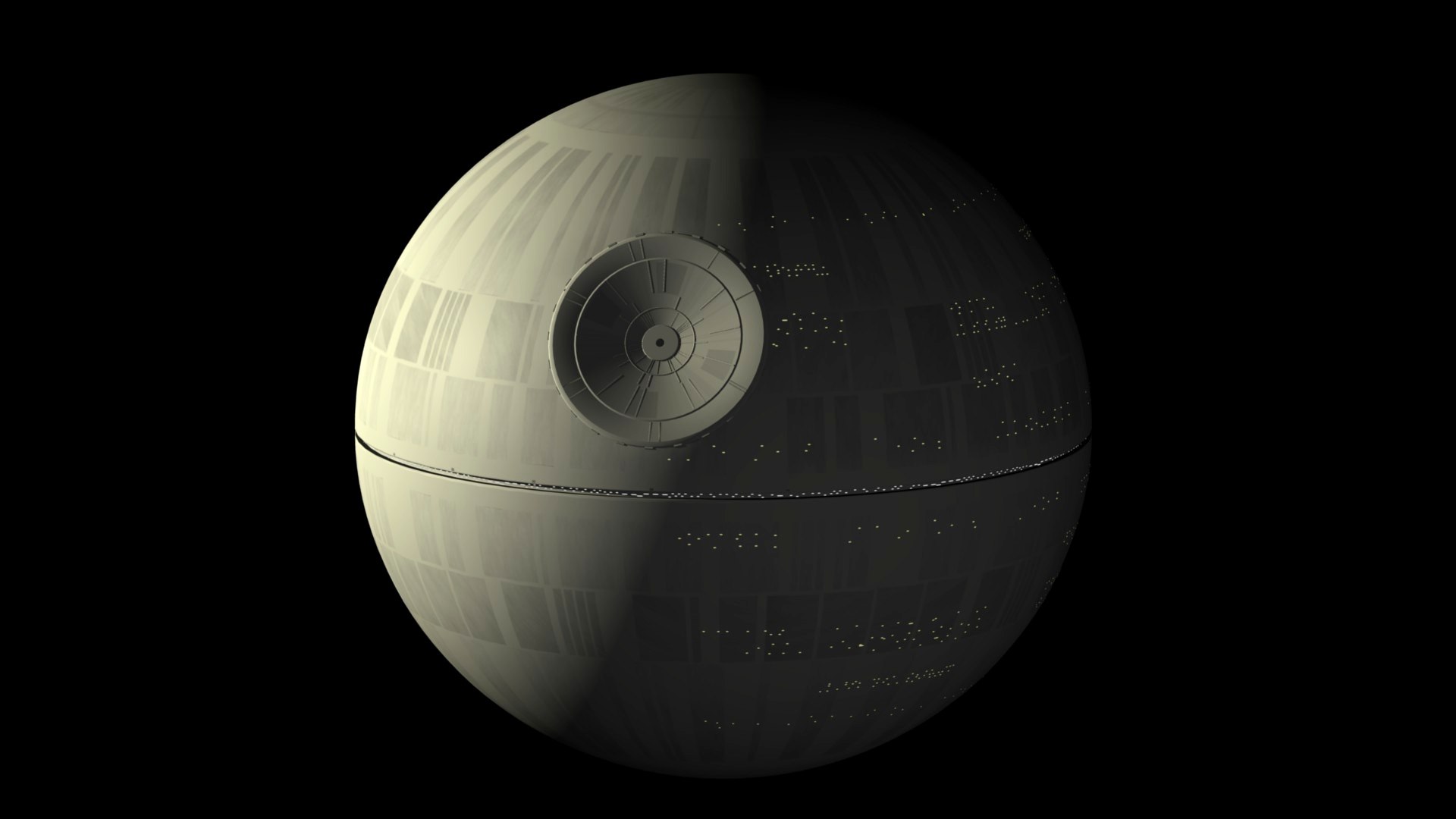
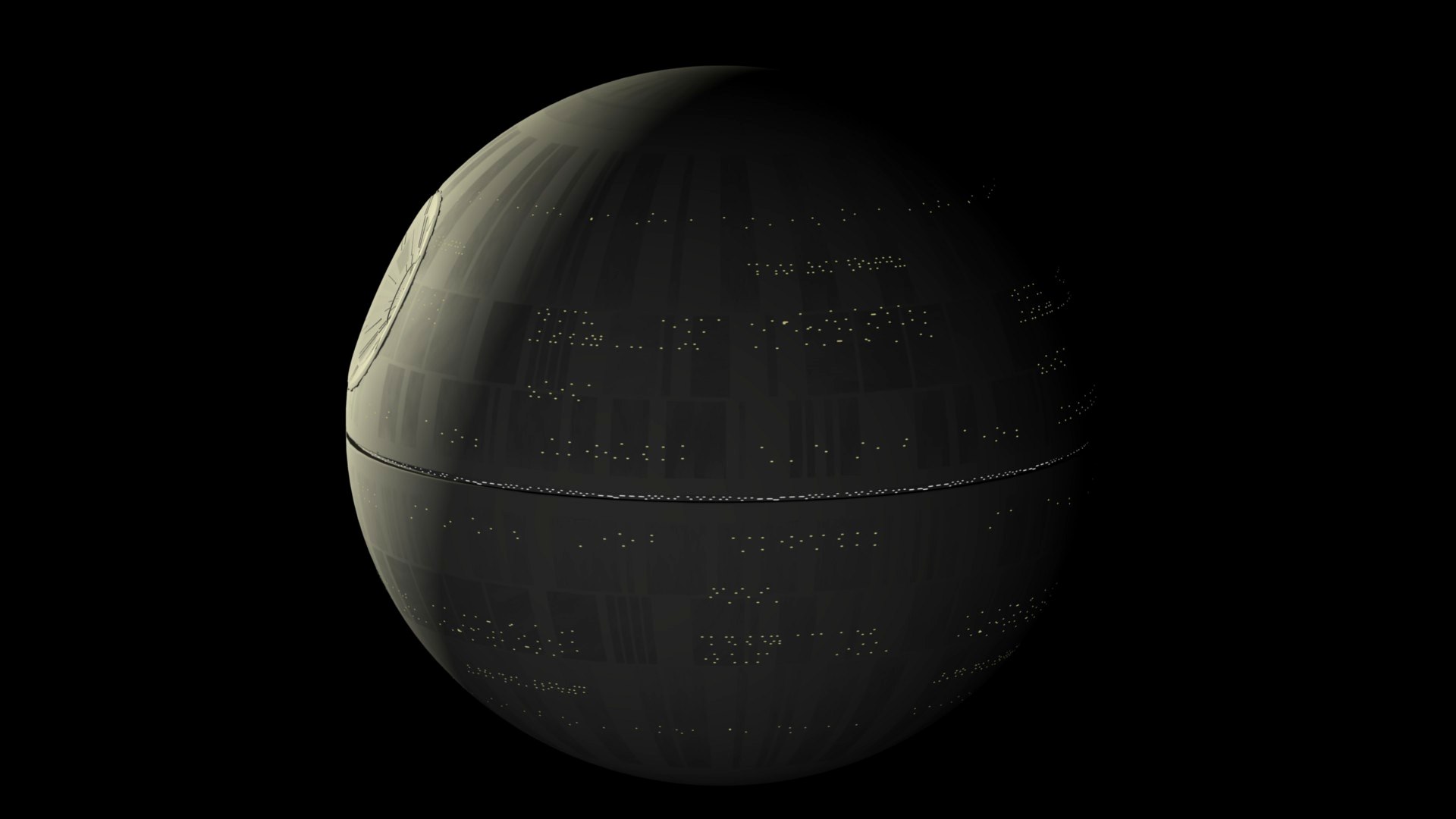
Death Star.

The Death Star was the Empires ultimate weapon: a moon-sized space station with the ability to destroy an entire planet.
But the Emperor and Imperial officers like Grand Moff Tarkin underestimated the tenacity of the Rebel Alliance, who refused to bow to this technological terror

The shapes and proportions of the objects are accurate. Following the original photos.


MODEL:
Selecting the object named CONTROL (parents). Change the size, position and rotation of the whole. Ready for animation. Ready to render. Textures , materials, lights, camera included.

In OBJ format.
In the OBJ format all properties are maintained. The meshes of the objects are independent. Materials and textures included. The ZIP file contains: OBJ file, MTL file, and original texture map JPG.

In FBX and MAX format.
The meshes of the objects are independent. Materials and textures included.

Optimized for infographics, integration in real environments and for close-ups.
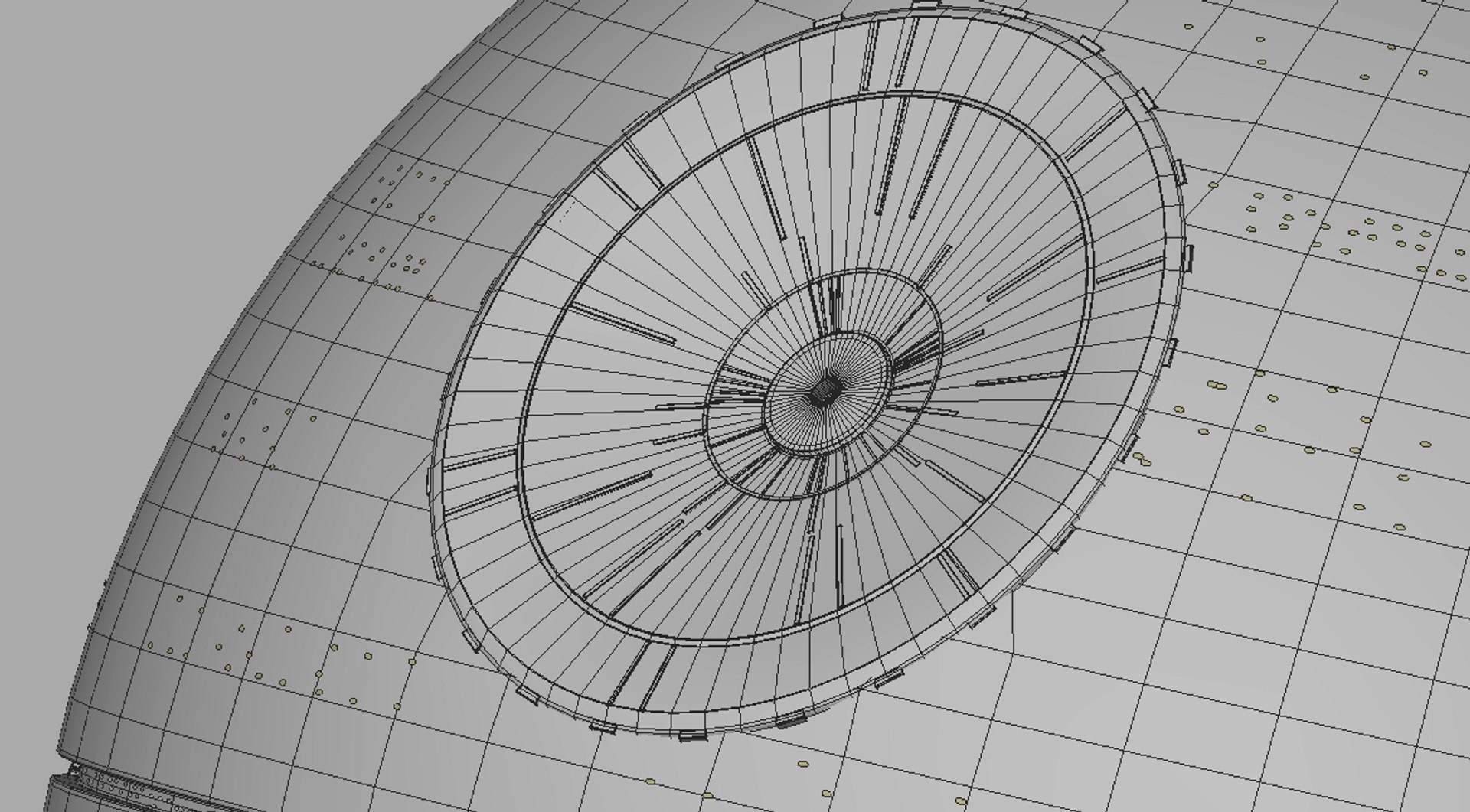
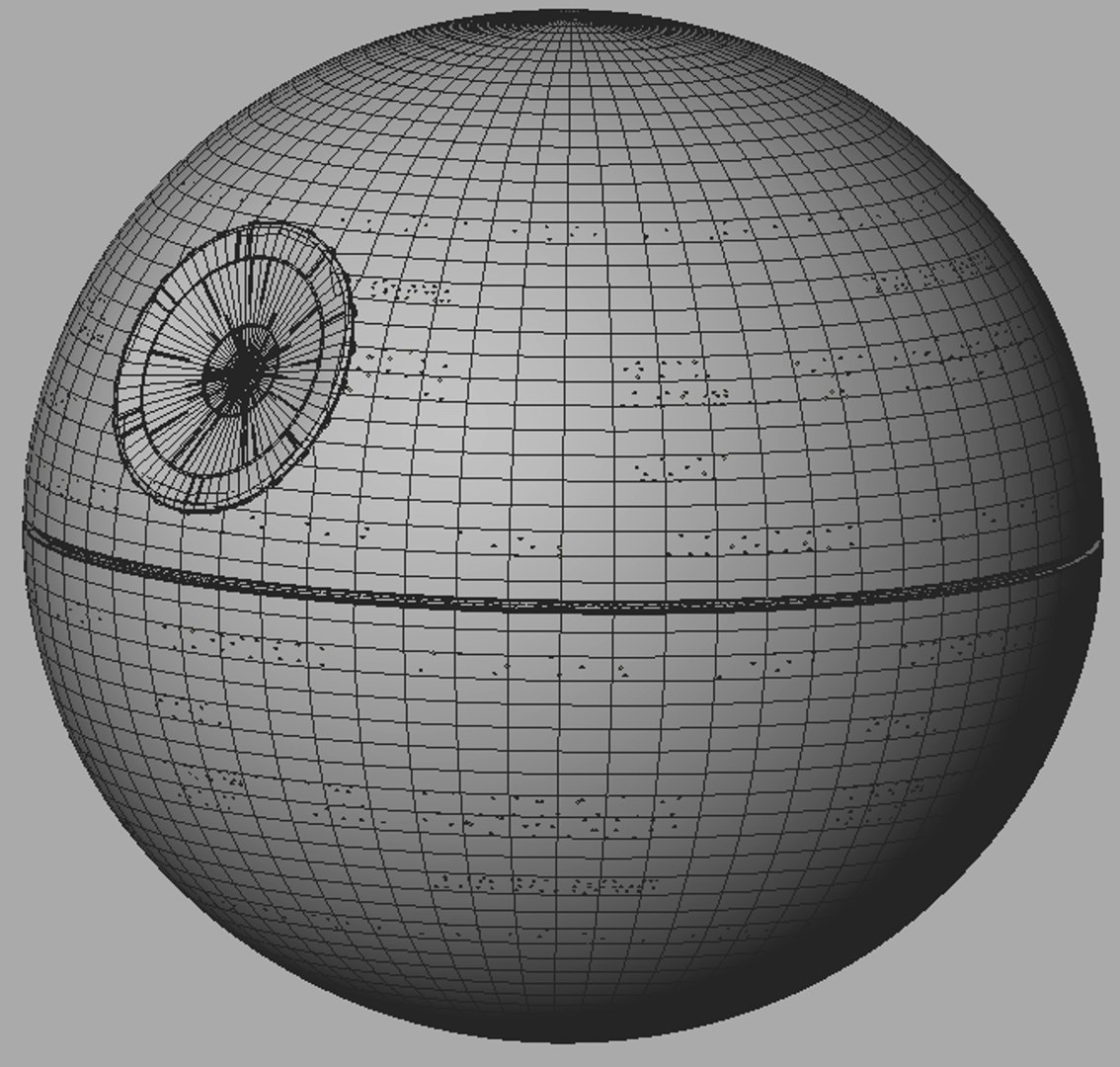
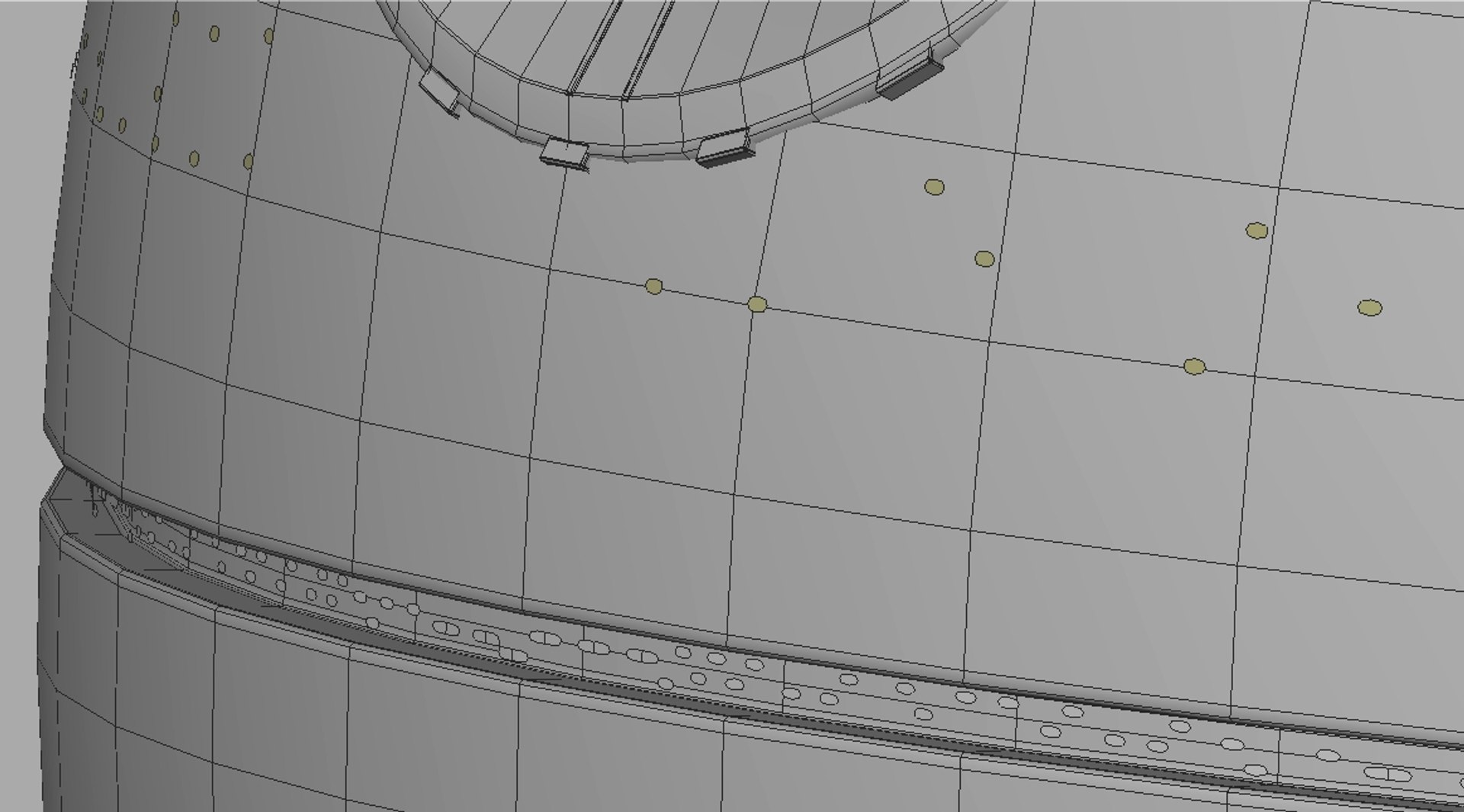
HD shapes with the minimum possible number of polygons.
Quad topology.
Ready to render.

Select Enhanced License

  • $10,000 in Legal Protection (Indemnification)
  • Uncapped Legal Protection (Indemnification)
  • Waiver from injunctive relief
  • Assignable model rights
  • $1,000,000 in Legal Protection (Indemnification)
  • Waiver from injunctive relief
  • Assignable model rights
  • $250,000 in Legal Protection (Indemnification)
  • Assignable model rights
Read more about enhanced license tiers, or contact us at enterprise@turbosquid.com. Already a Shutterstock Enterprise Customer? Contact your Shutterstock Sales Support Agent to talk about adding 3D.

About Conversion Requests

To submit a conversion request for a purchased asset, please complete our Conversion Request Form.

If you have not yet purchased a model, please review our Documentation about Conversions to learn about what limitations you may encounter with a conversion.

For any additional questions about a model’s suitability for conversion, please contact TurboSquid Support.

Loading...