
Dave No Rig

$27

Standard License | Upgrade License
Formats (5)
Free file format Conversions available
Native | 3ds Max 9 | Default Scanline
ZBrush 3.1 | Other
OBJ
FBX
3D Studio
Other Files
29Jan2013_dave_safety.zip dave_tex.zip additional_tex.zip
Specifications
Publish Date March 18, 2010
Product ID 522475
Polygons 9,643
Vertices 10,435
Polygonal Quads/Tris Geometry
Textures
Materials
UV Mapped
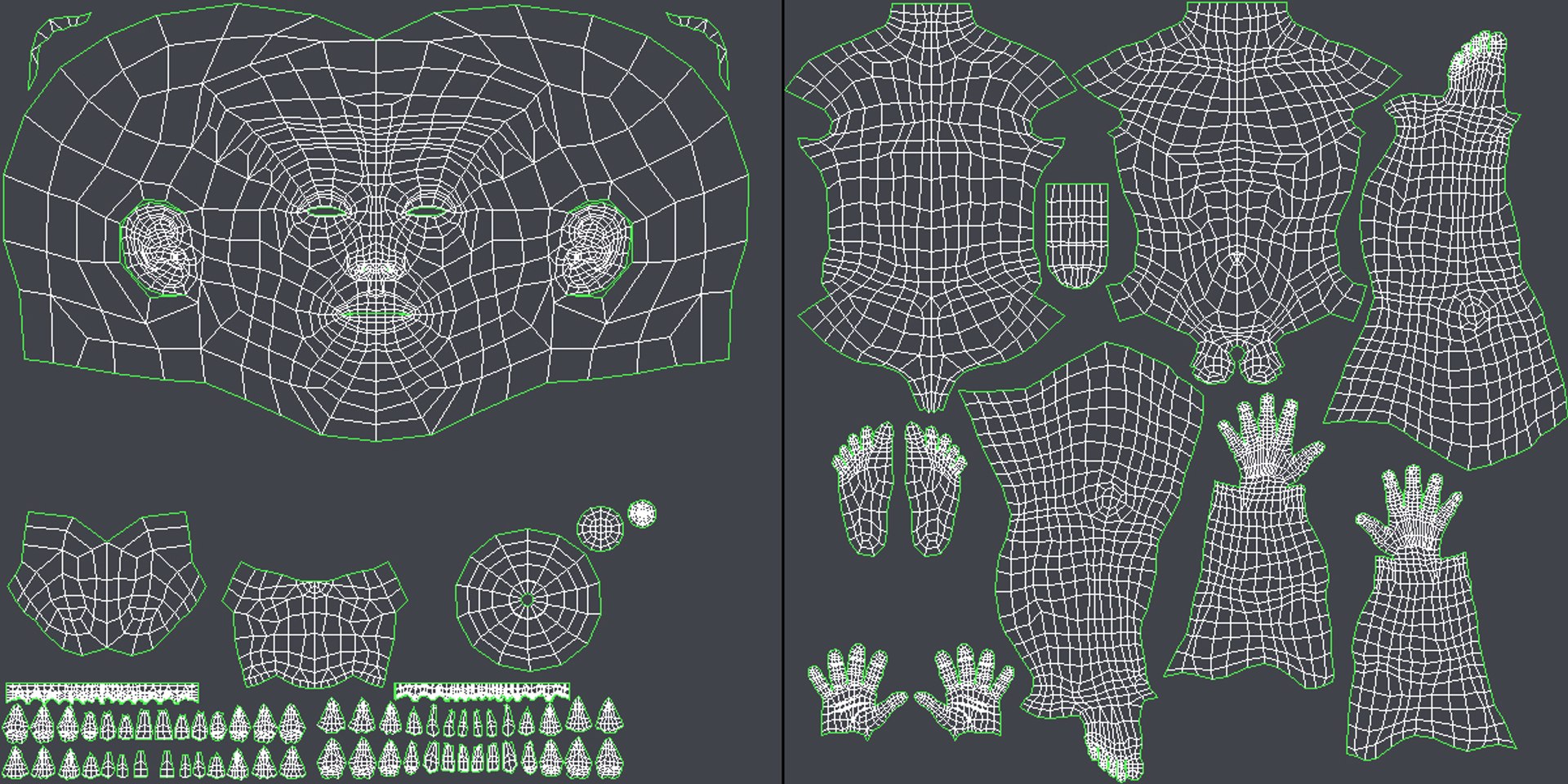
Non-overlapping Unwrapped UVs
TurboSquid Exclusive

member avatar
dmk76
58 Products | Contributor Since 2008
Have questions? Chat with us now.

Description

SEE THE RIGGED VERSION: Product ID: 541270

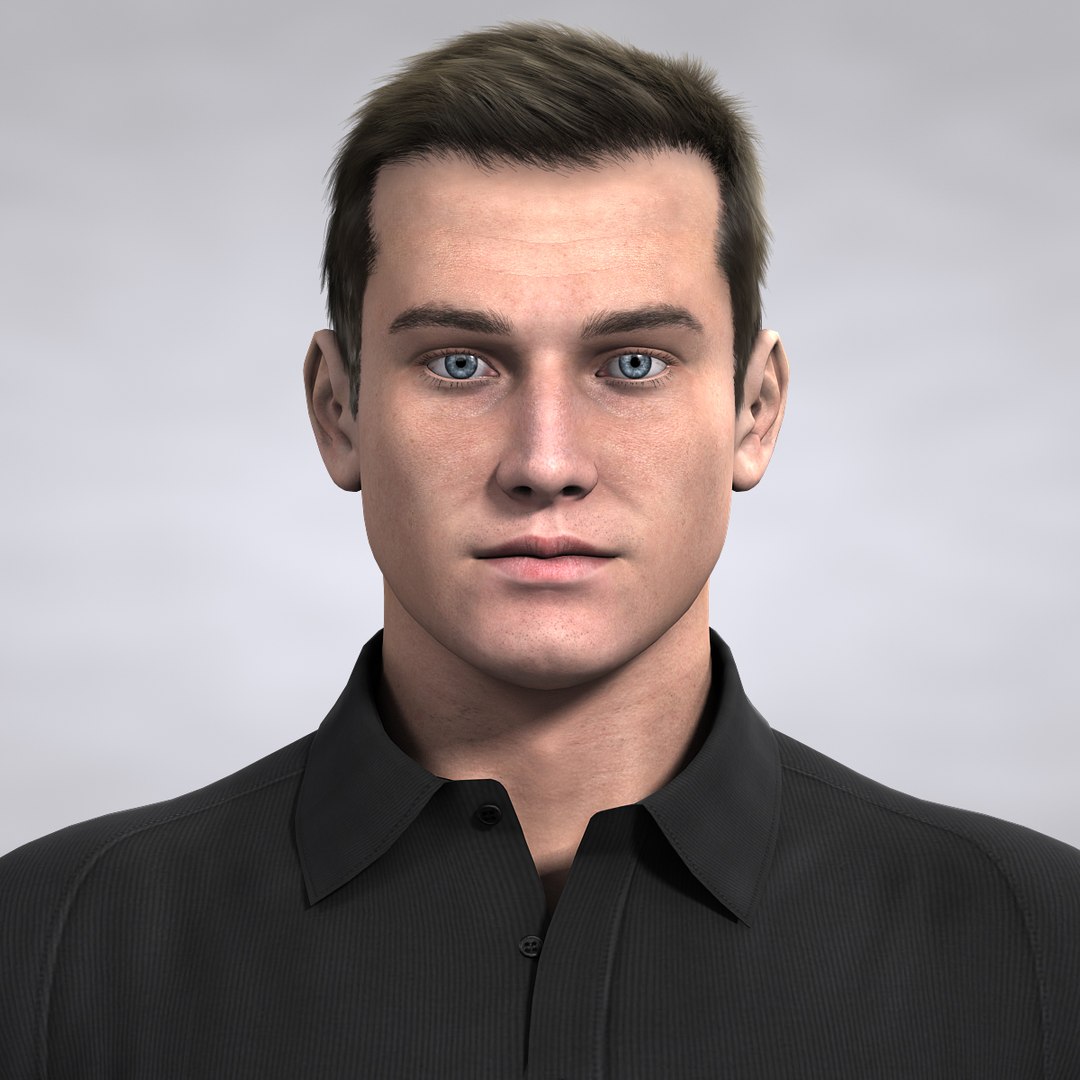
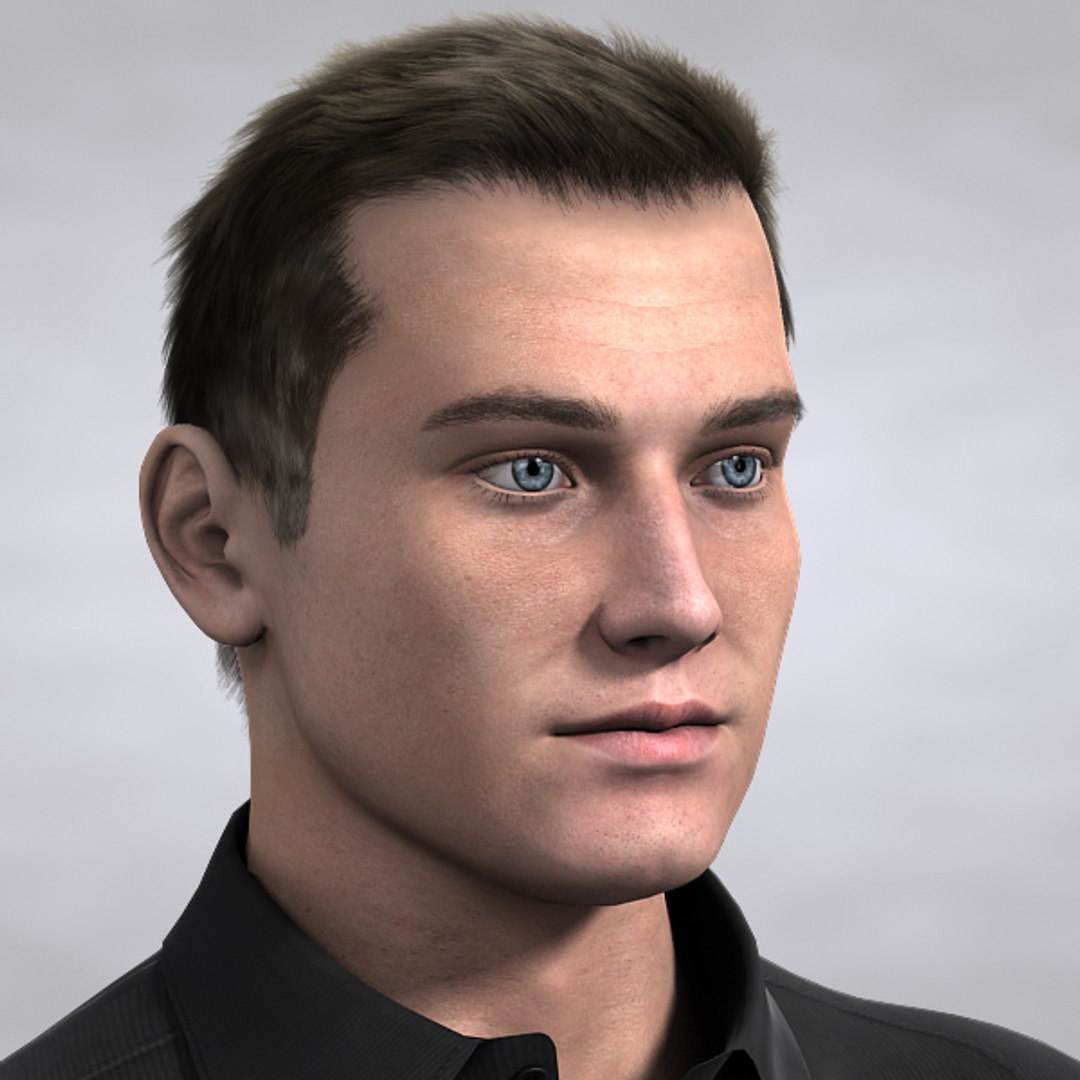
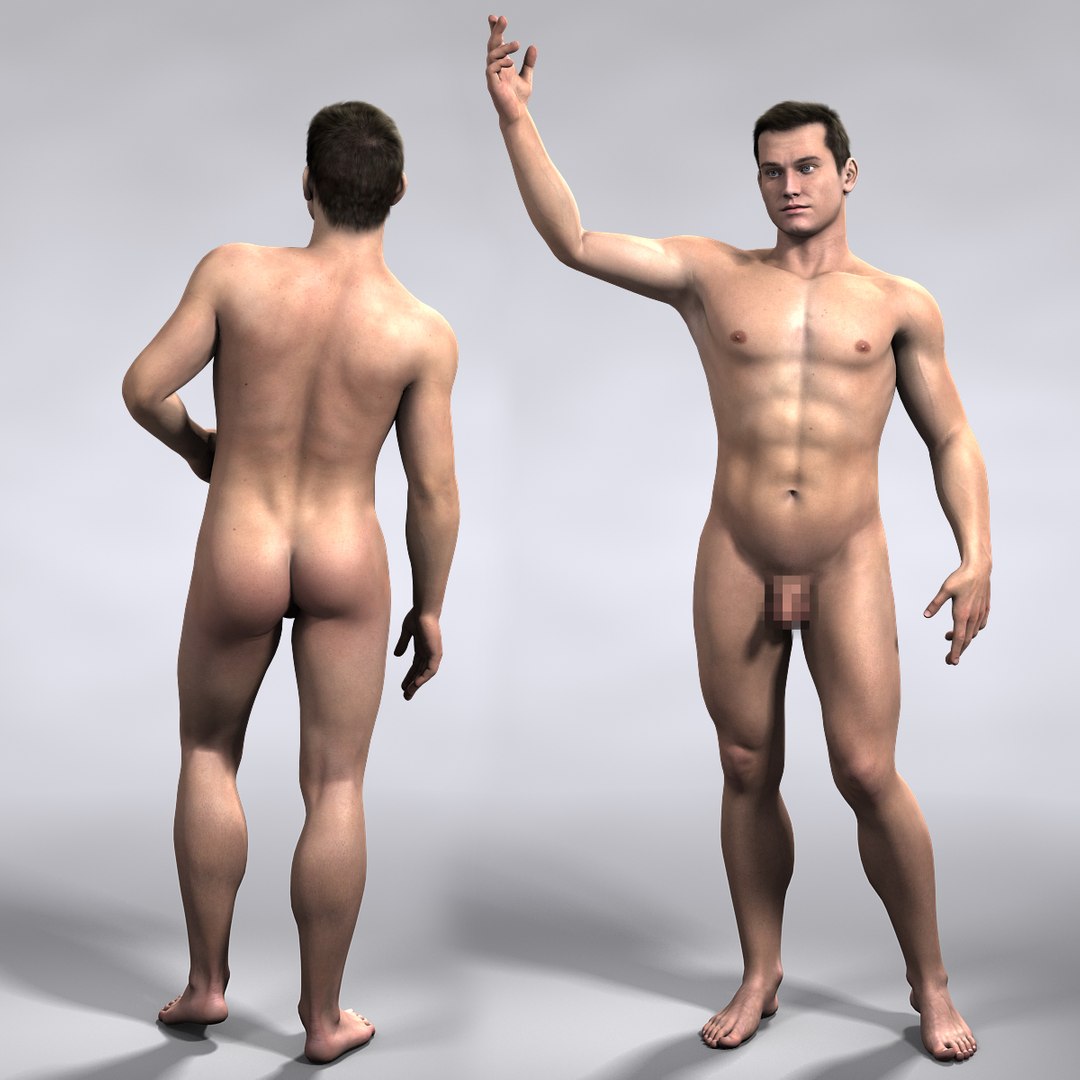
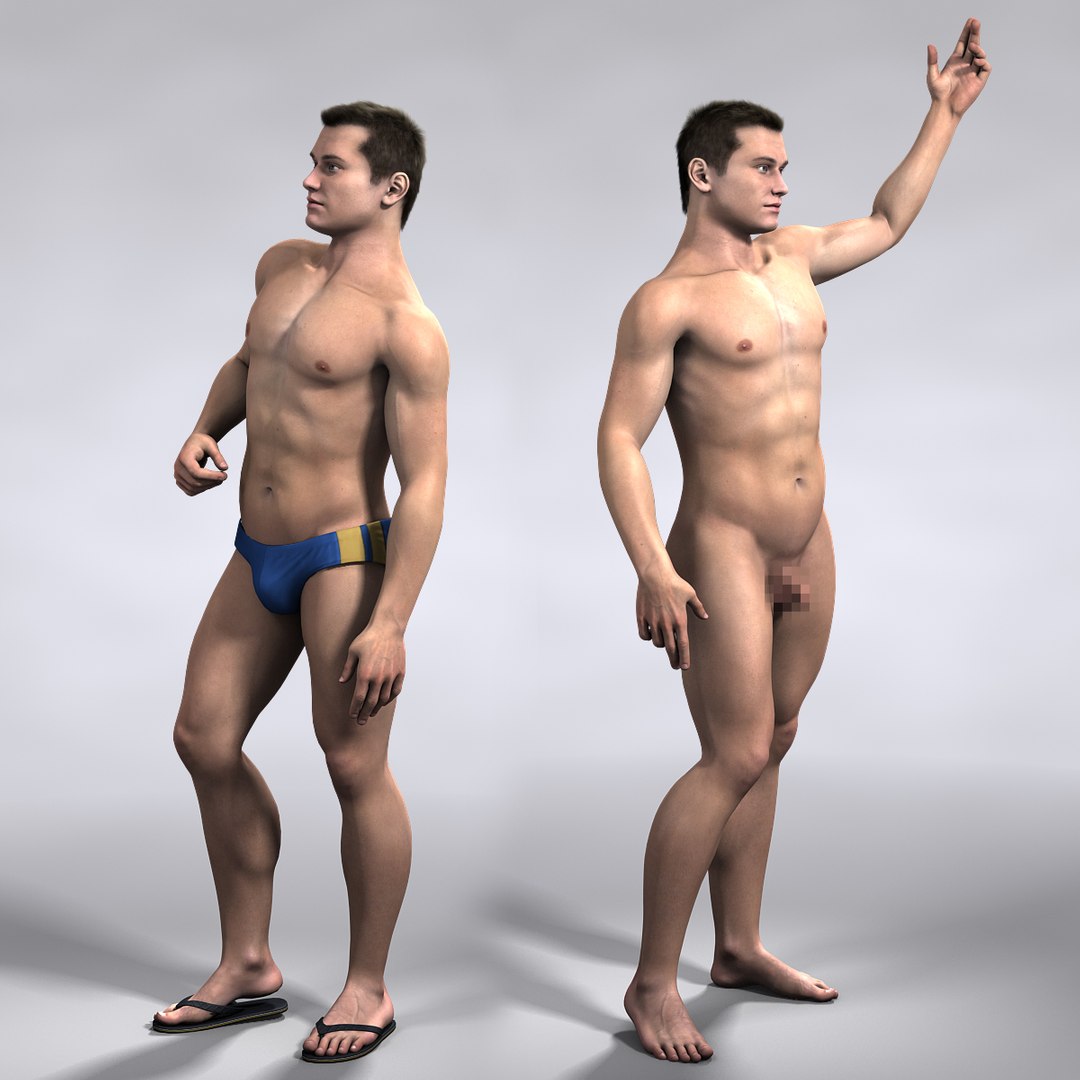
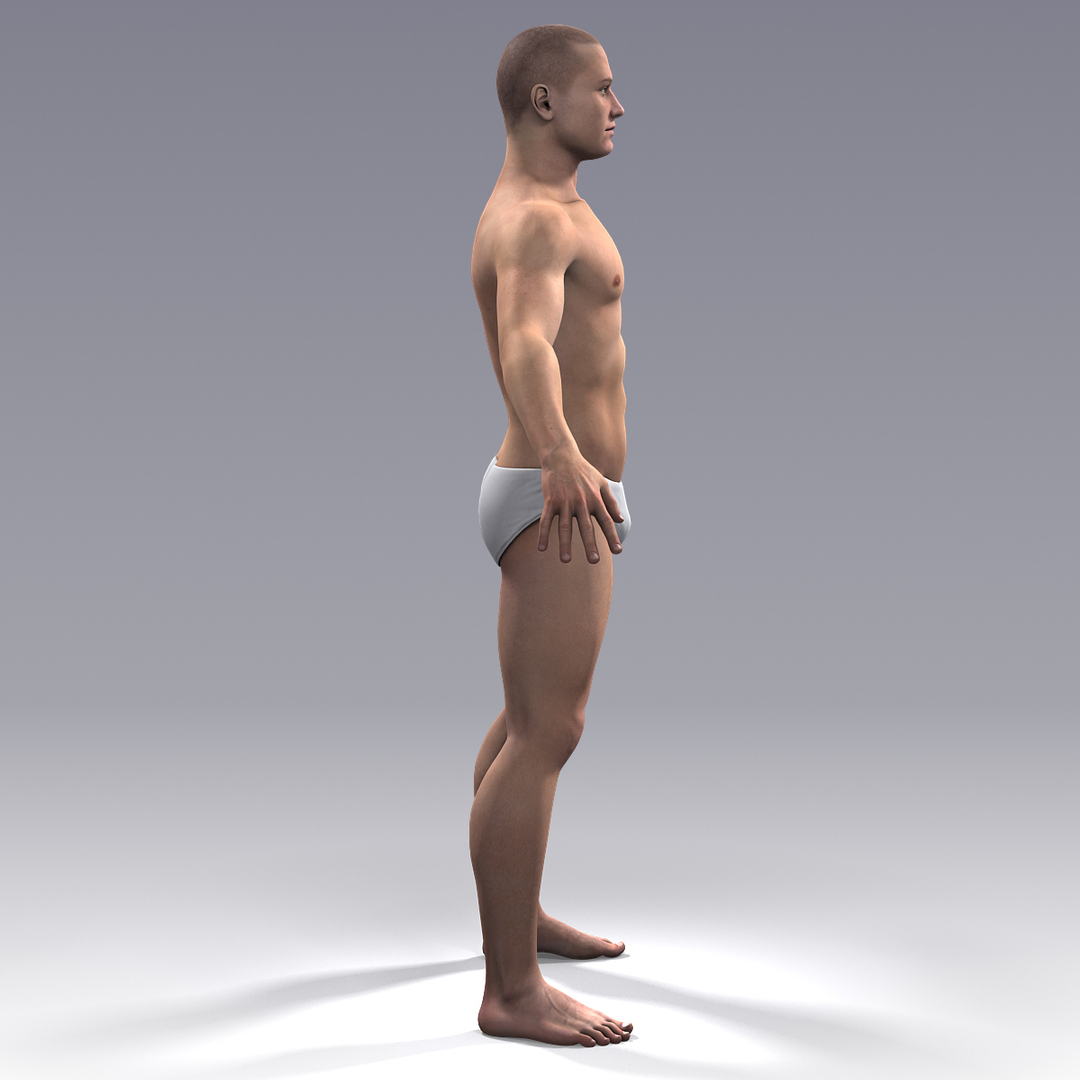
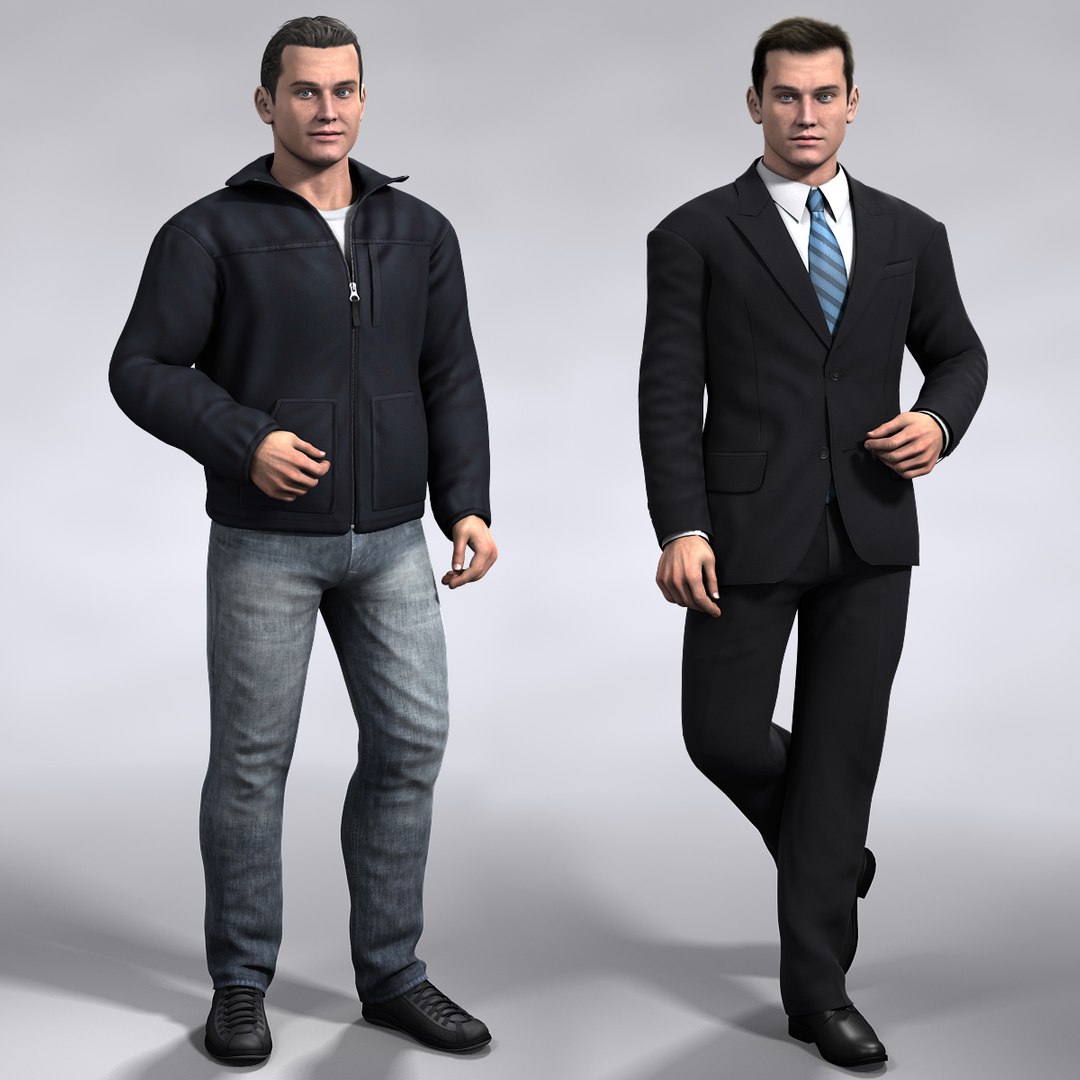
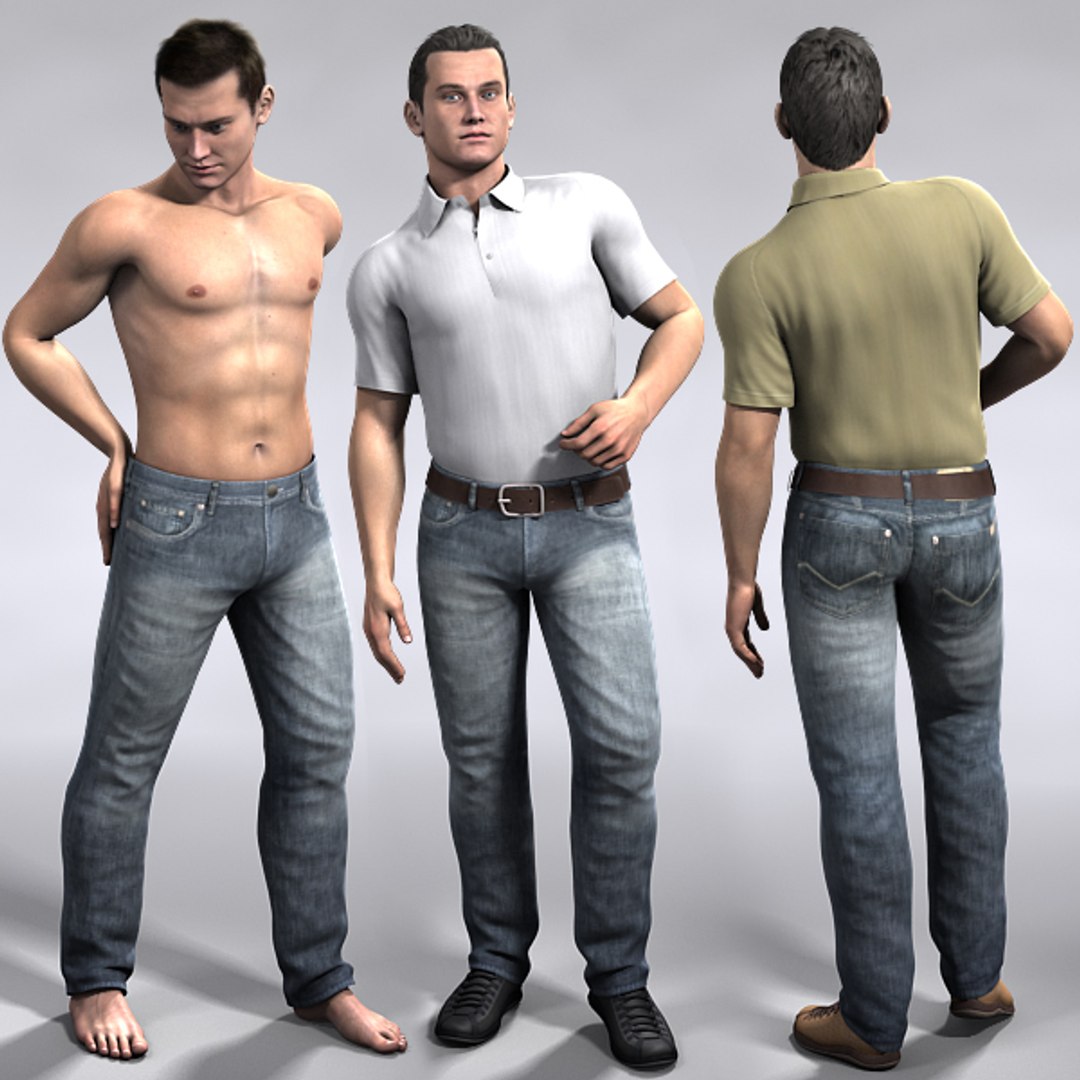
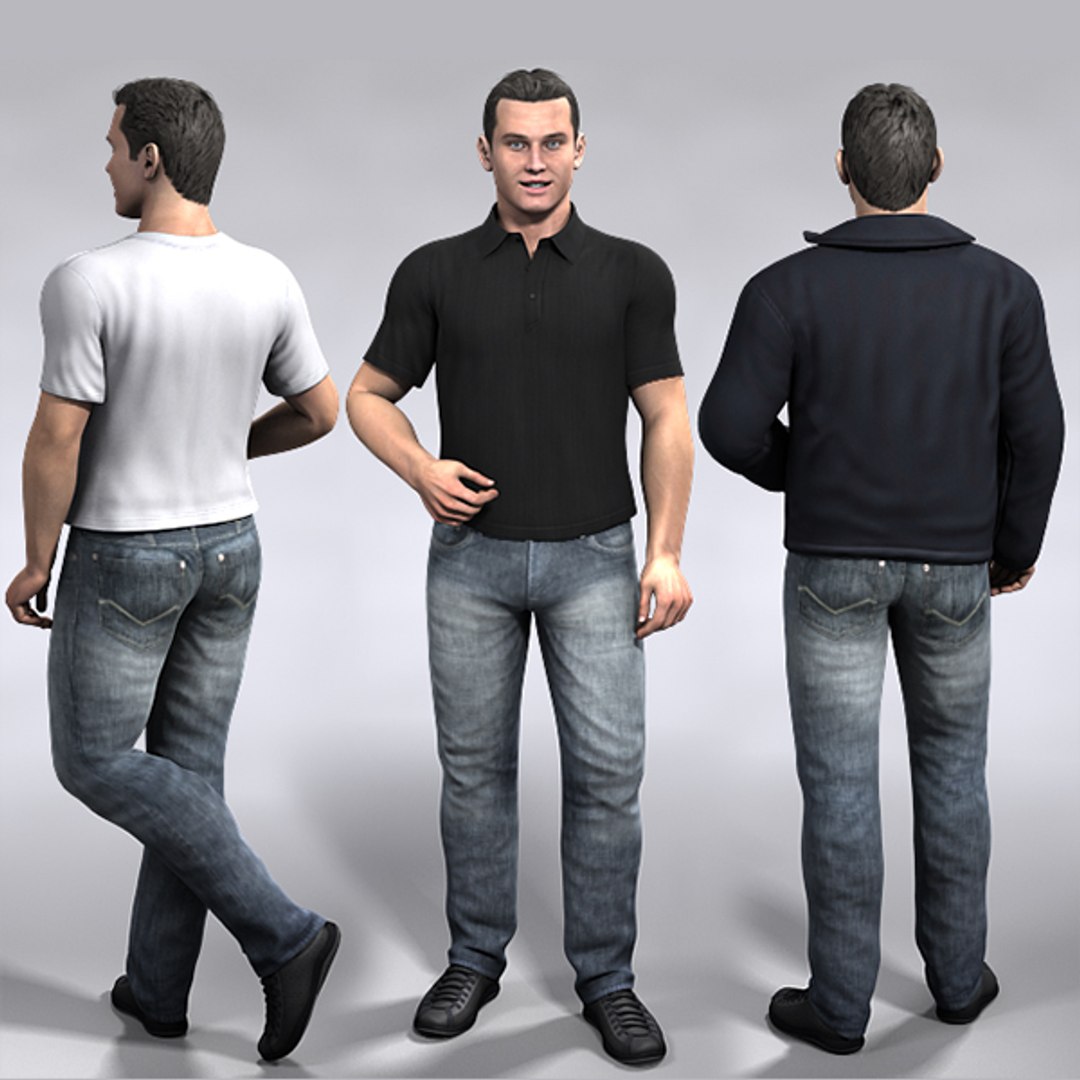
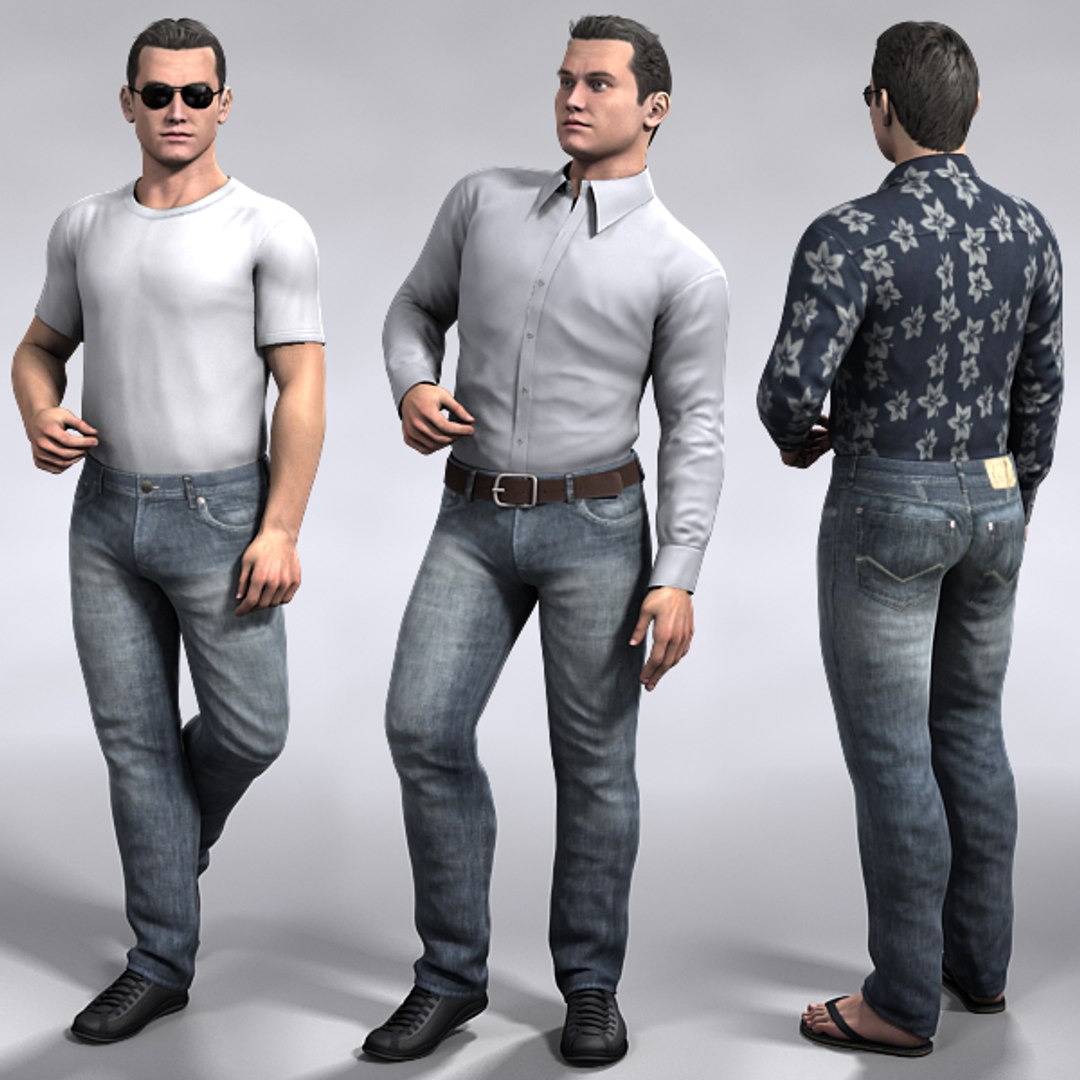
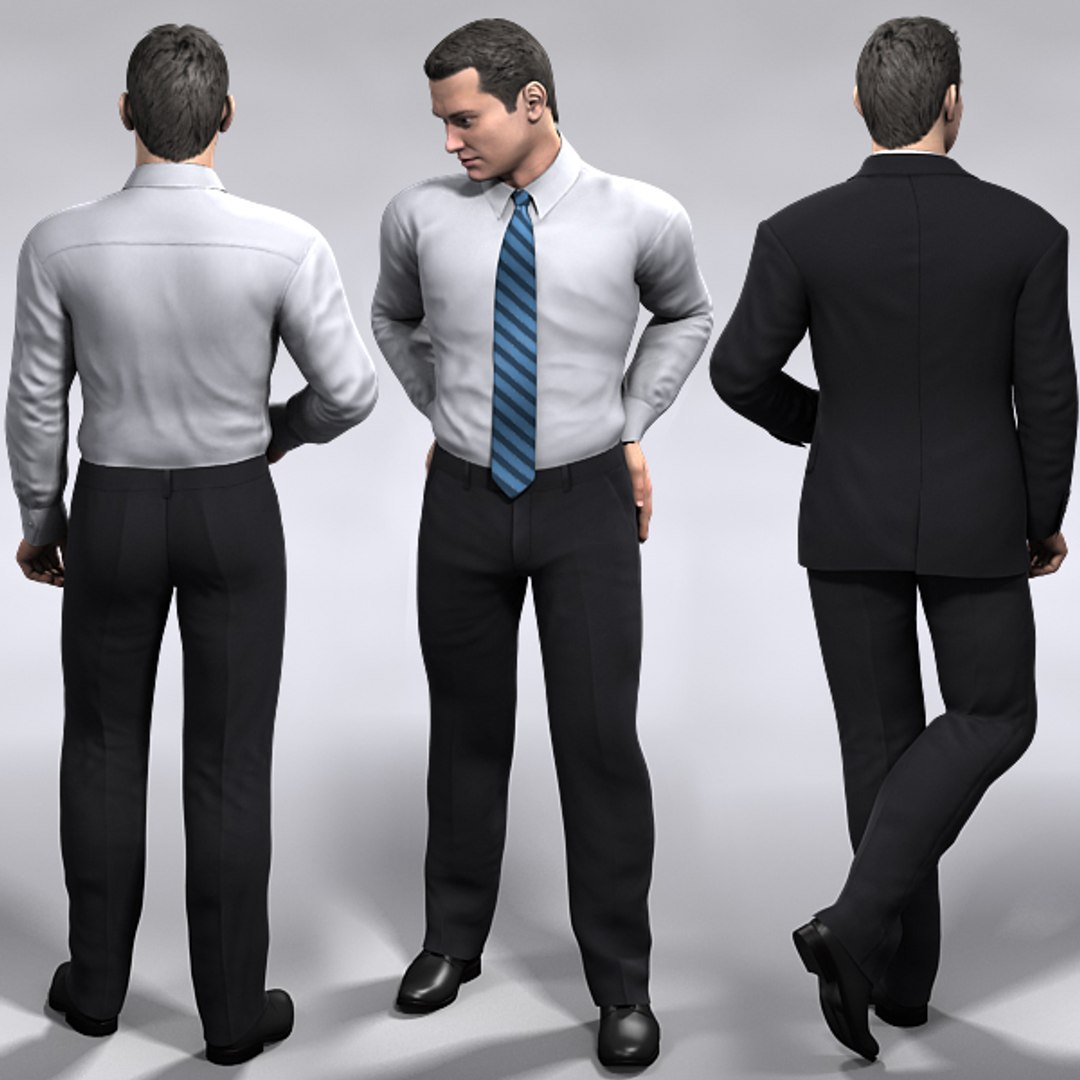
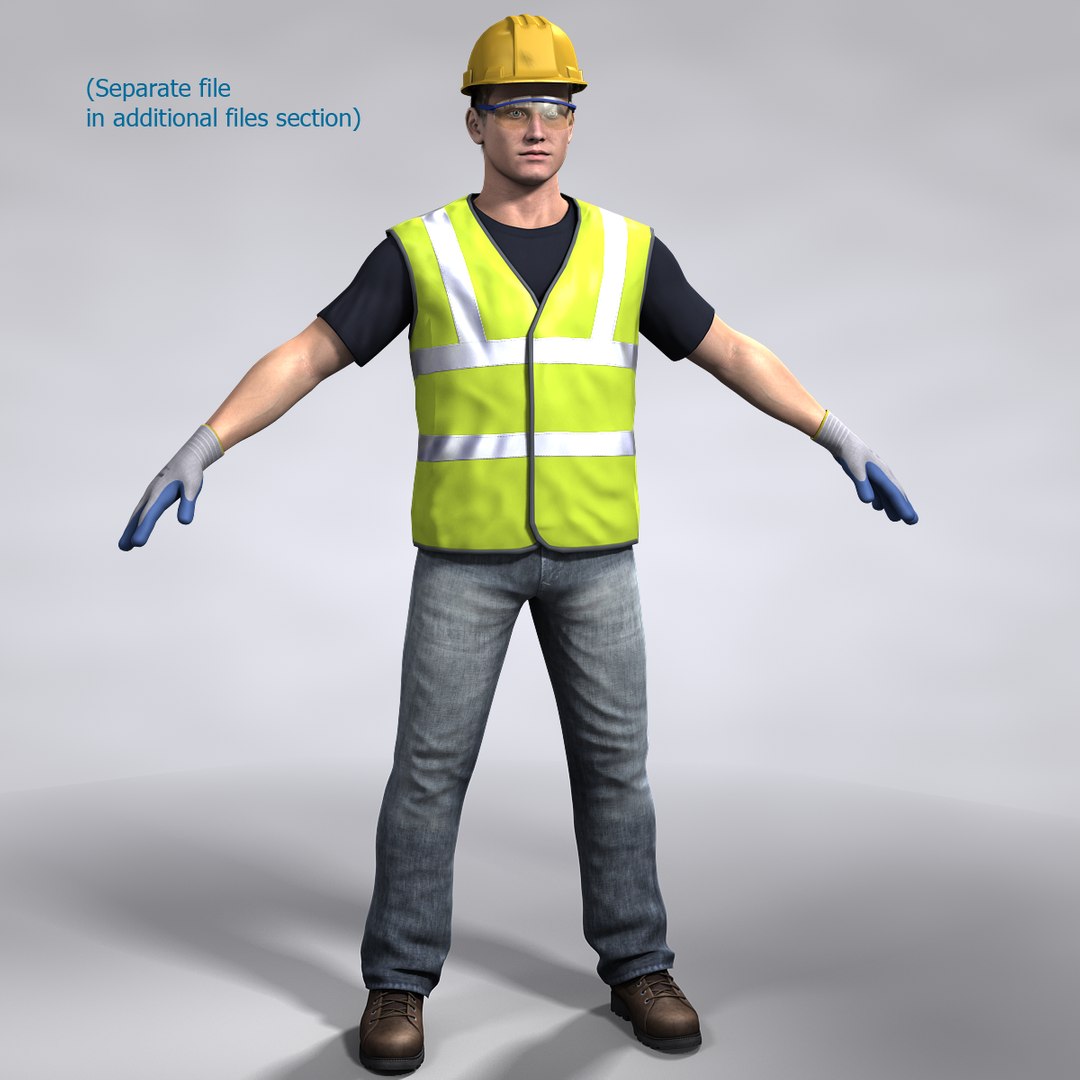
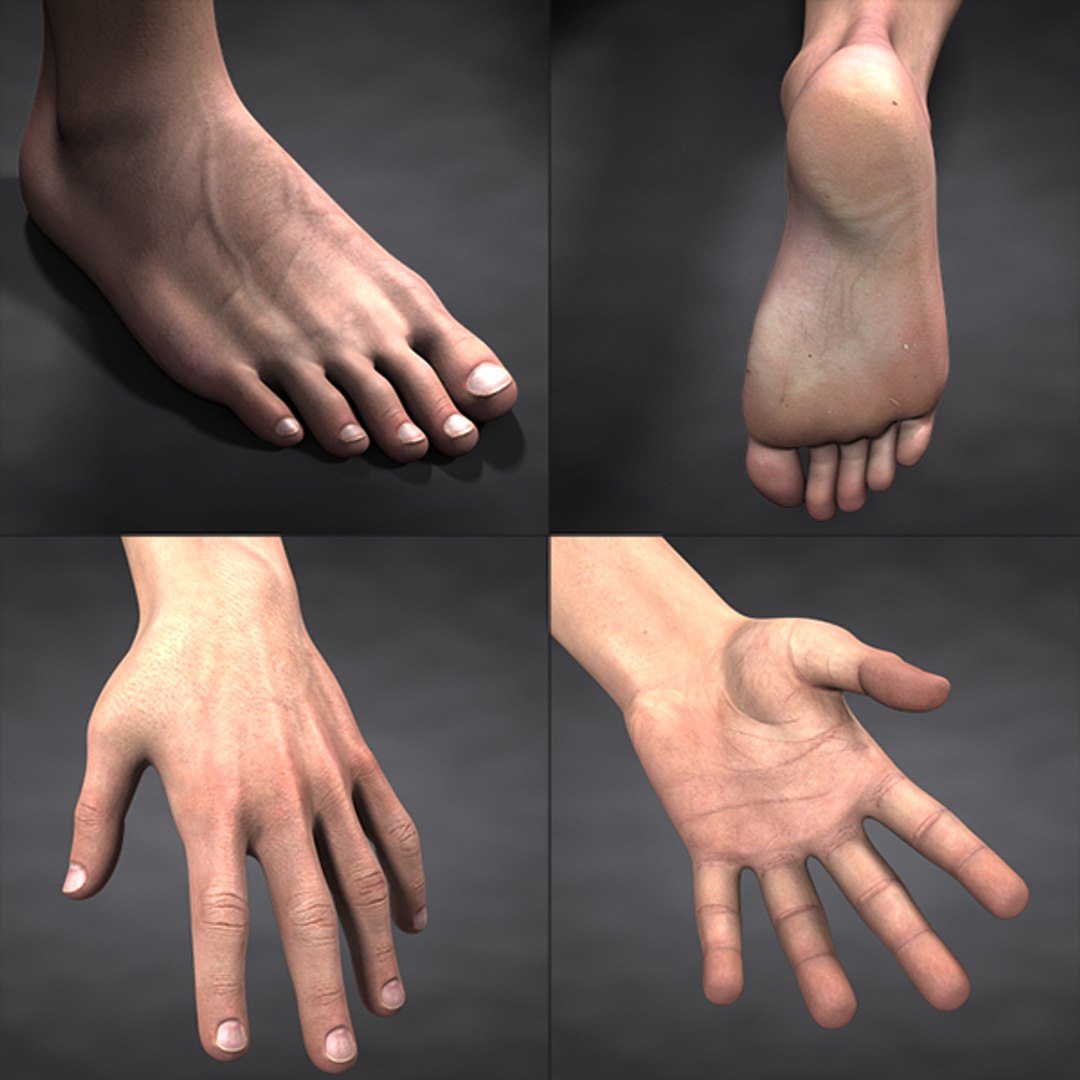
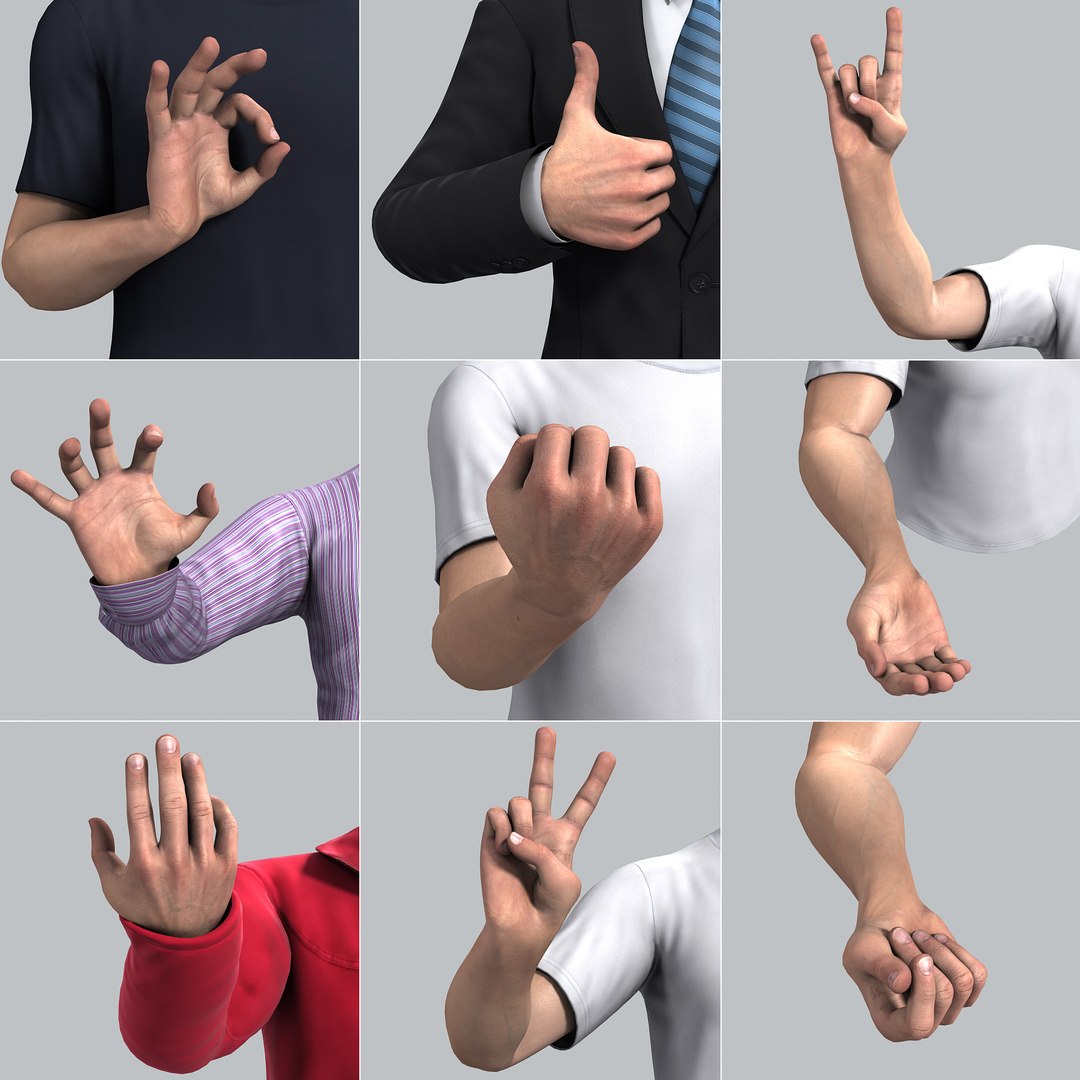
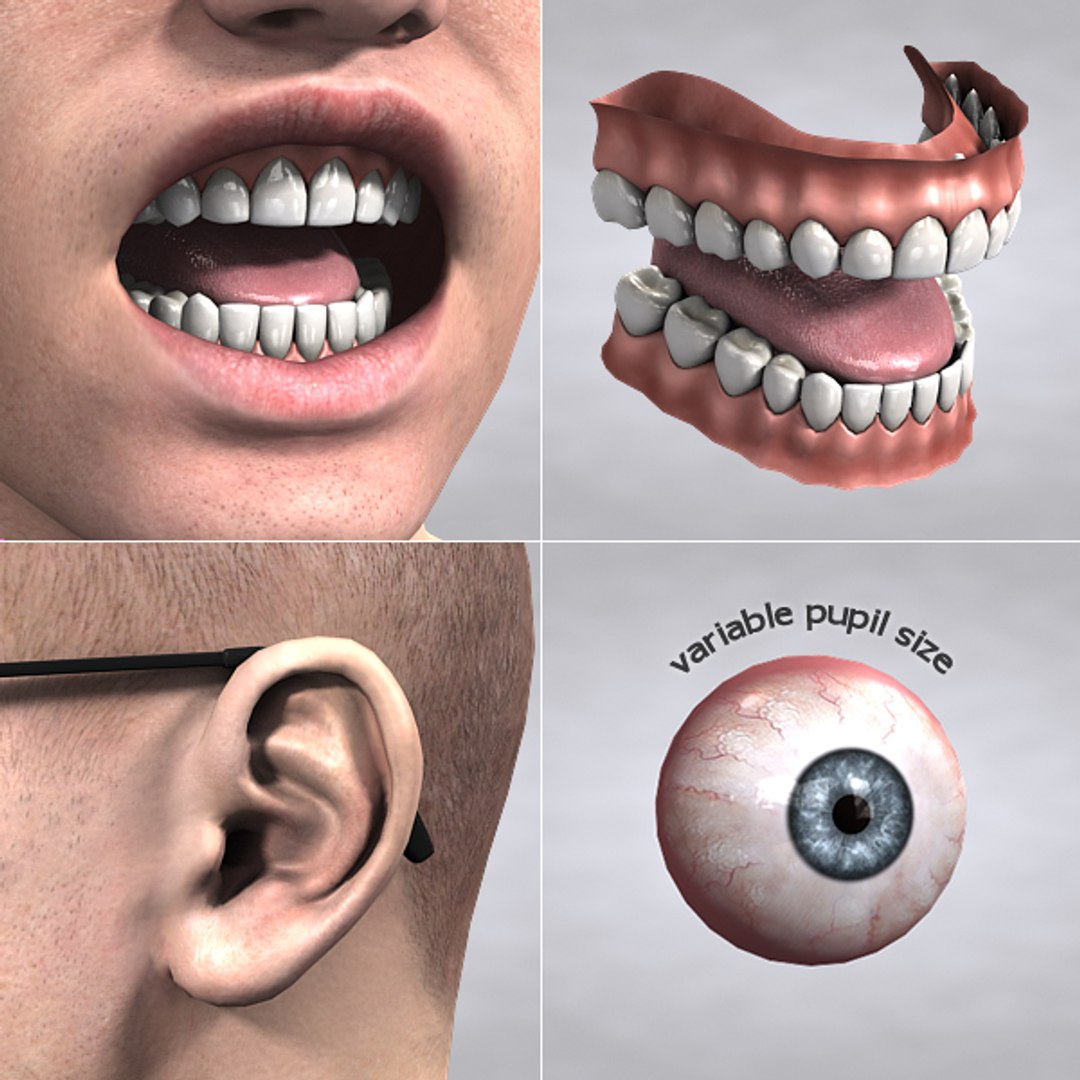
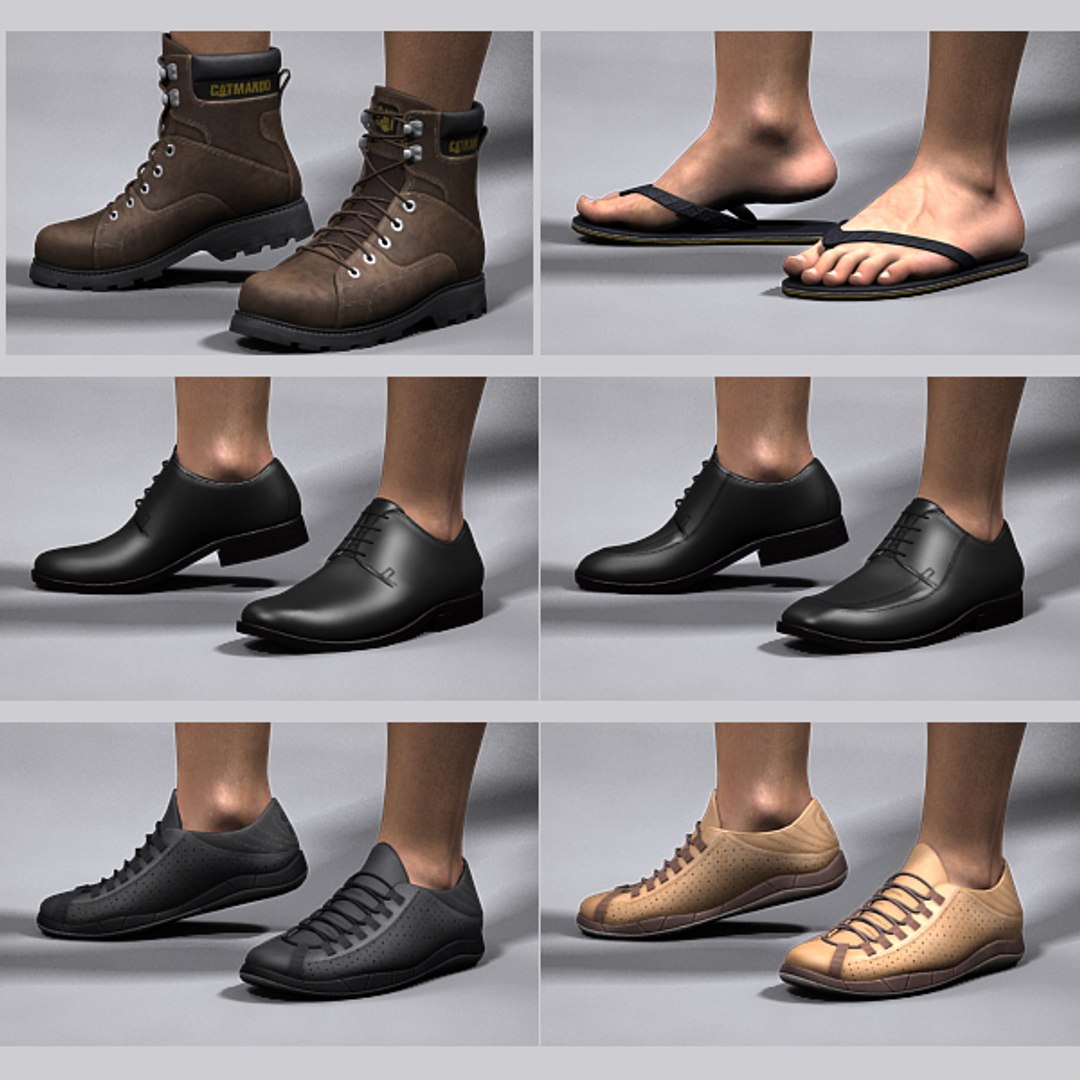
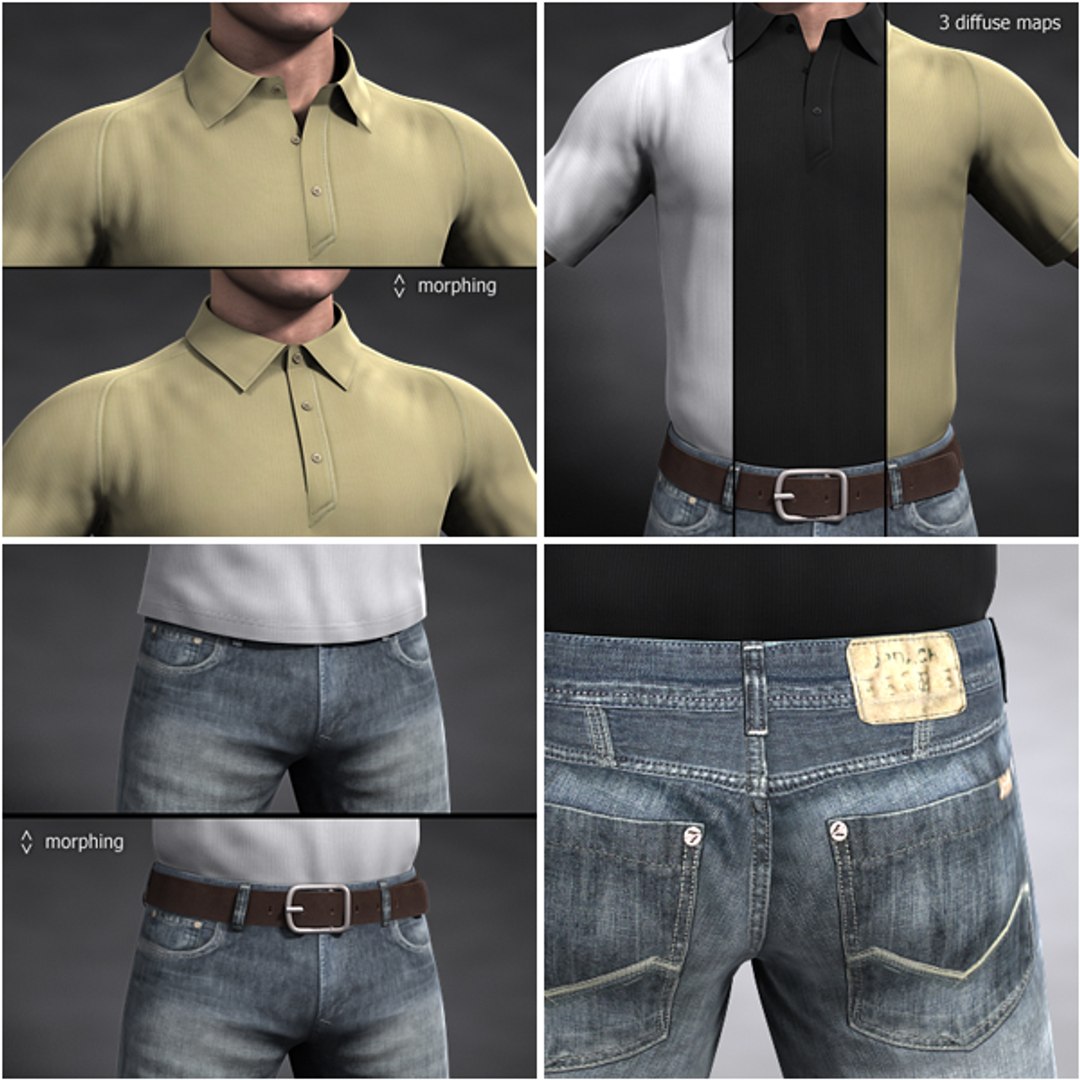
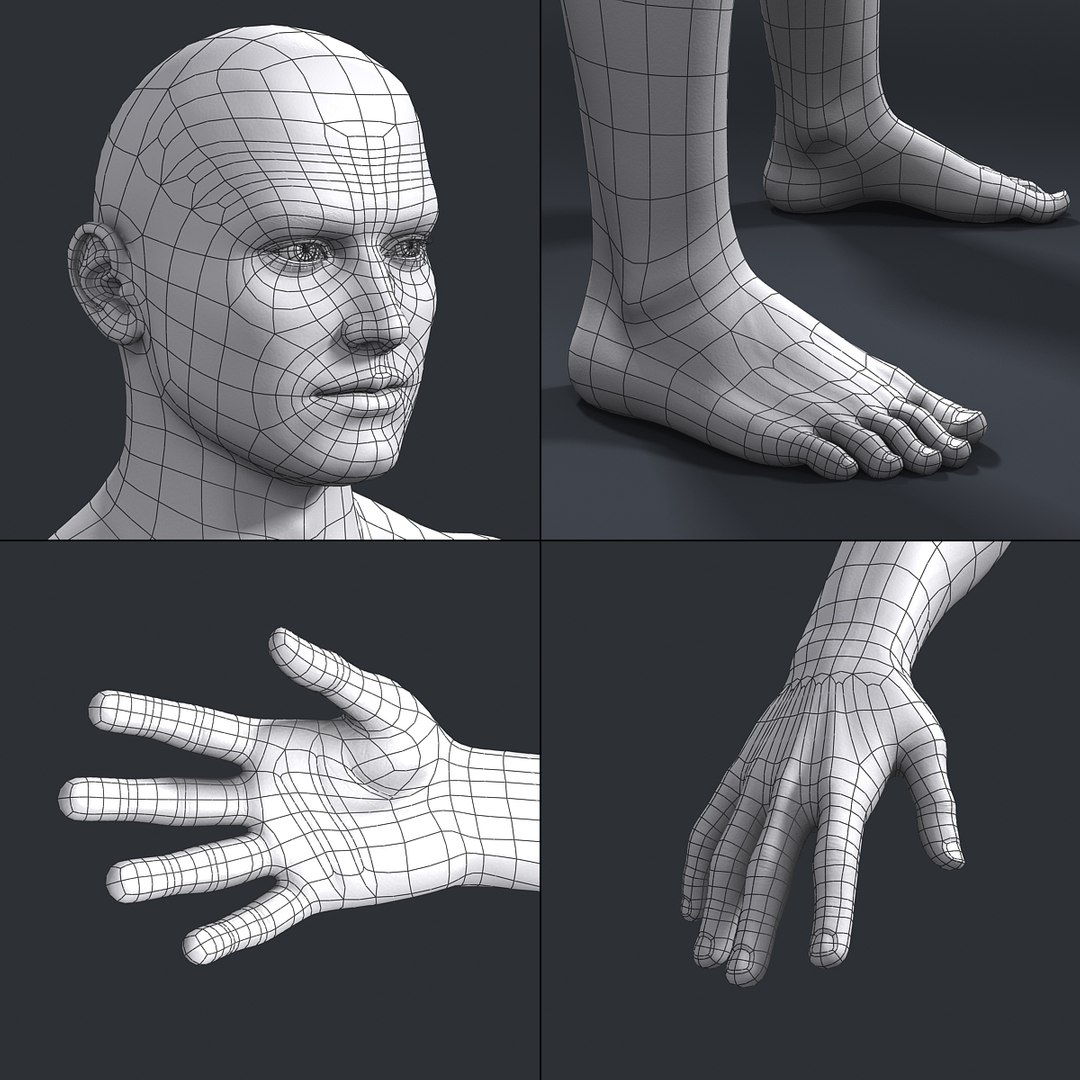
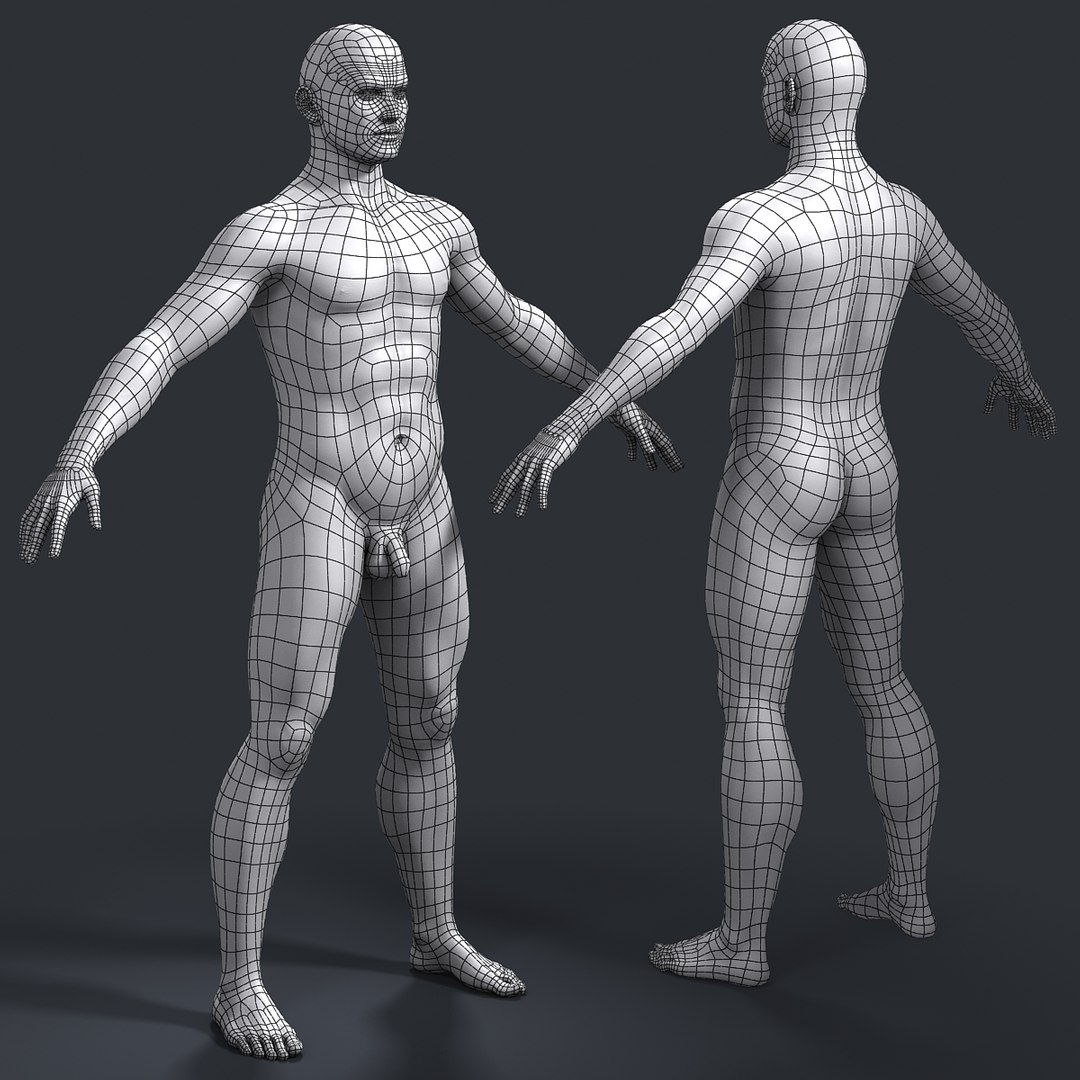
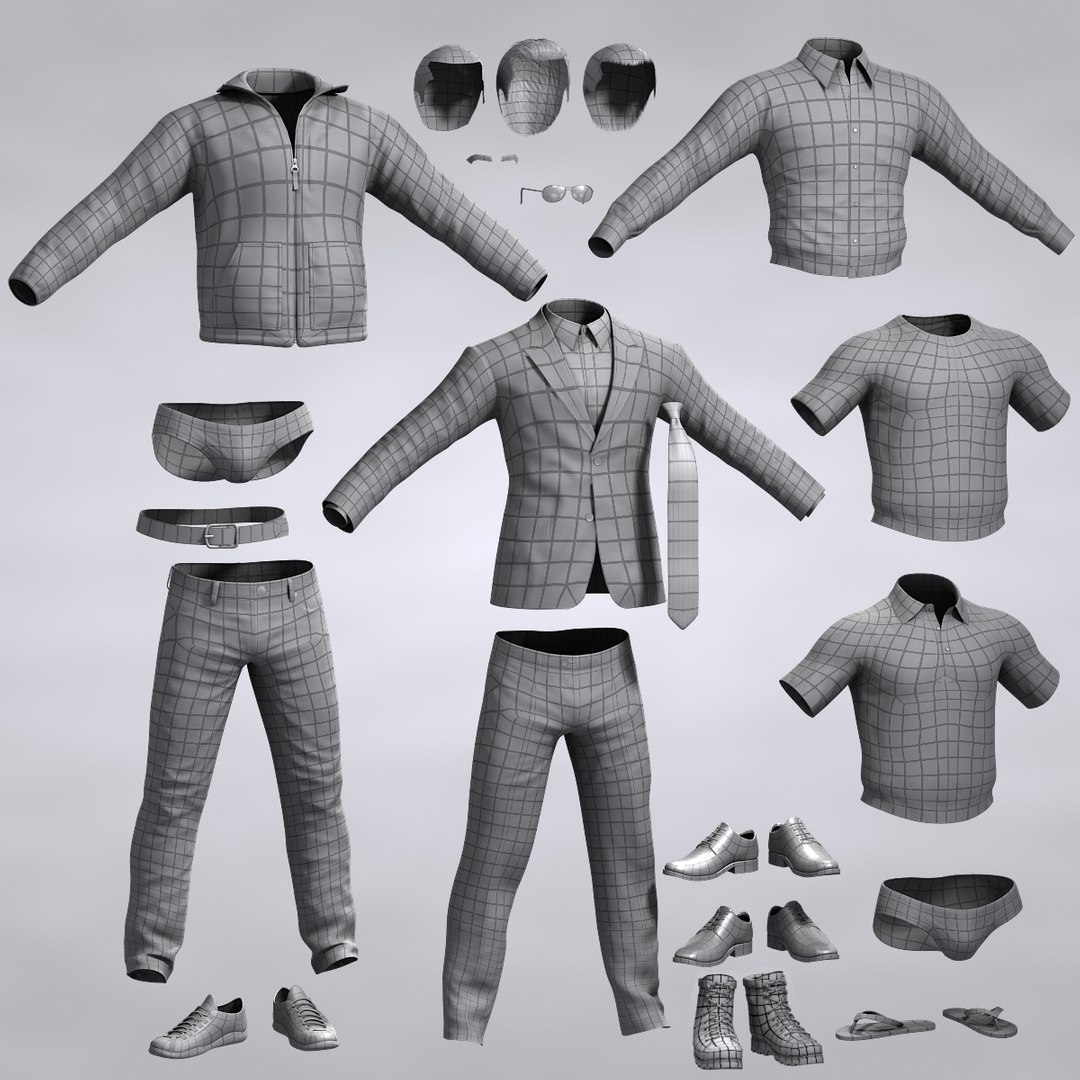
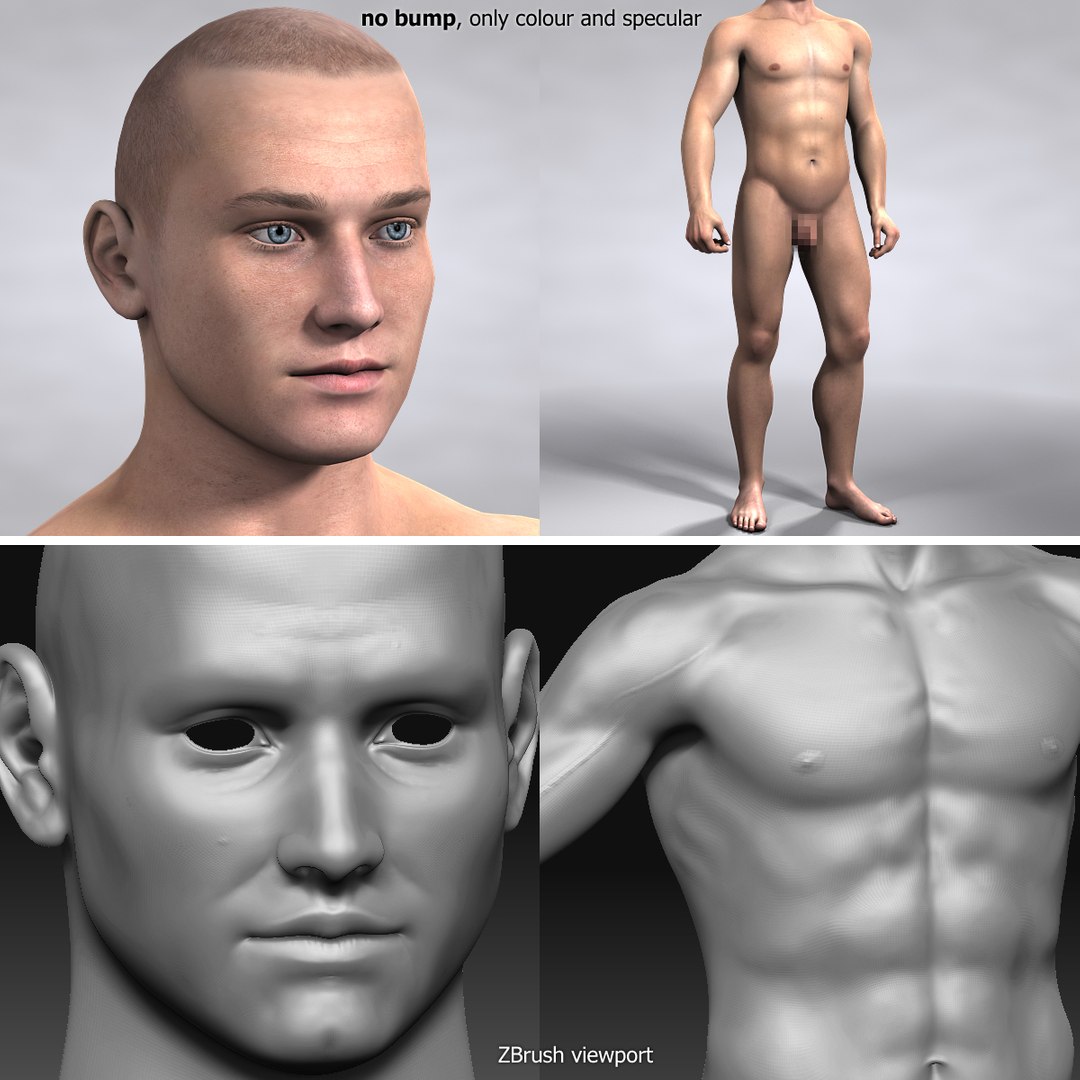
Dave is a realistic model of male that was originally modeled in 3ds max 9 with further animation in mind. Clear edge loops based mesh with reasonable polygon count and normals bump maps contributing to the level of detail of both body and clothes. Separate maps set for head (4096x4096px) and for body (6144x6144px) that you might even need to reduce if you have less than 3Gb of RAM to render.

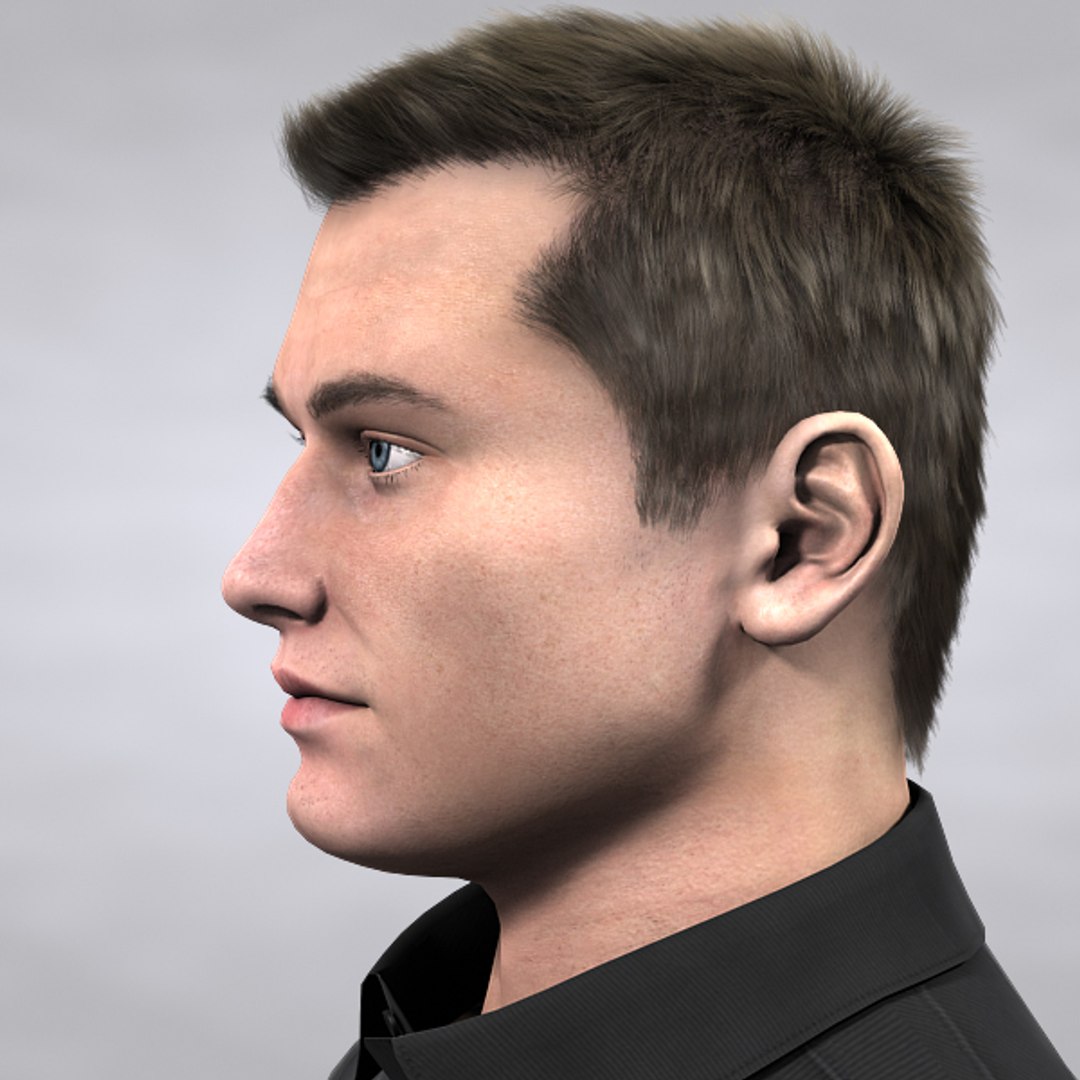
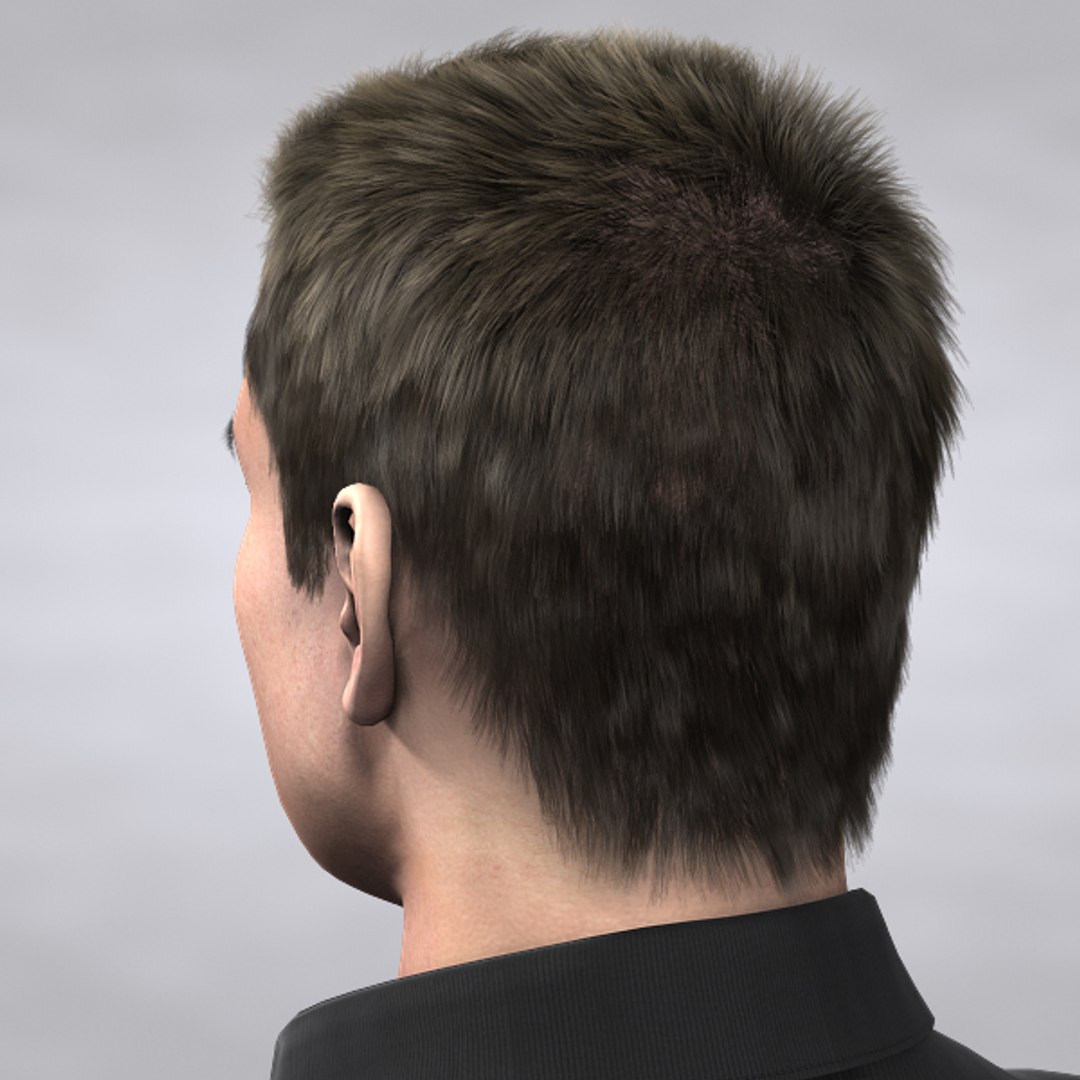
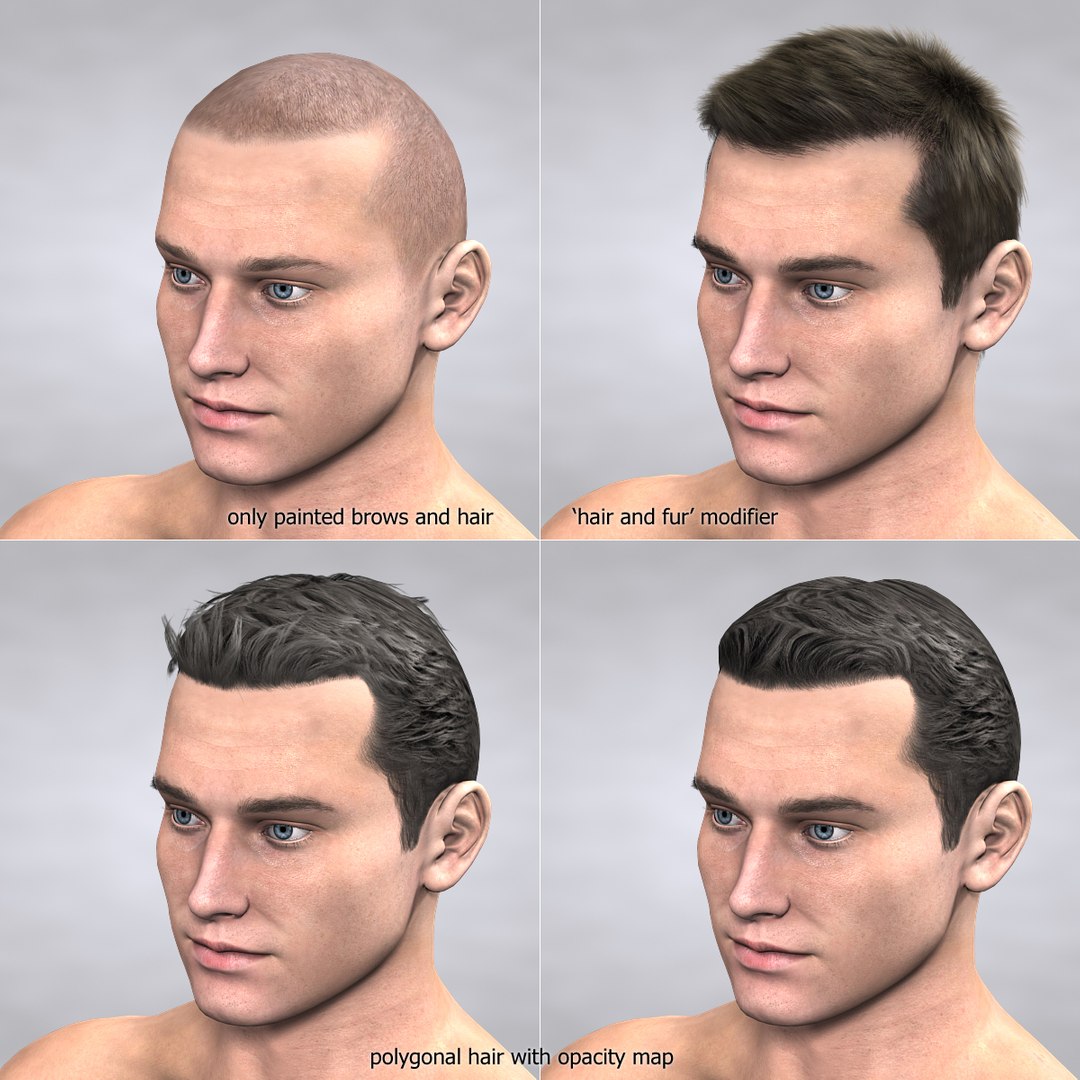
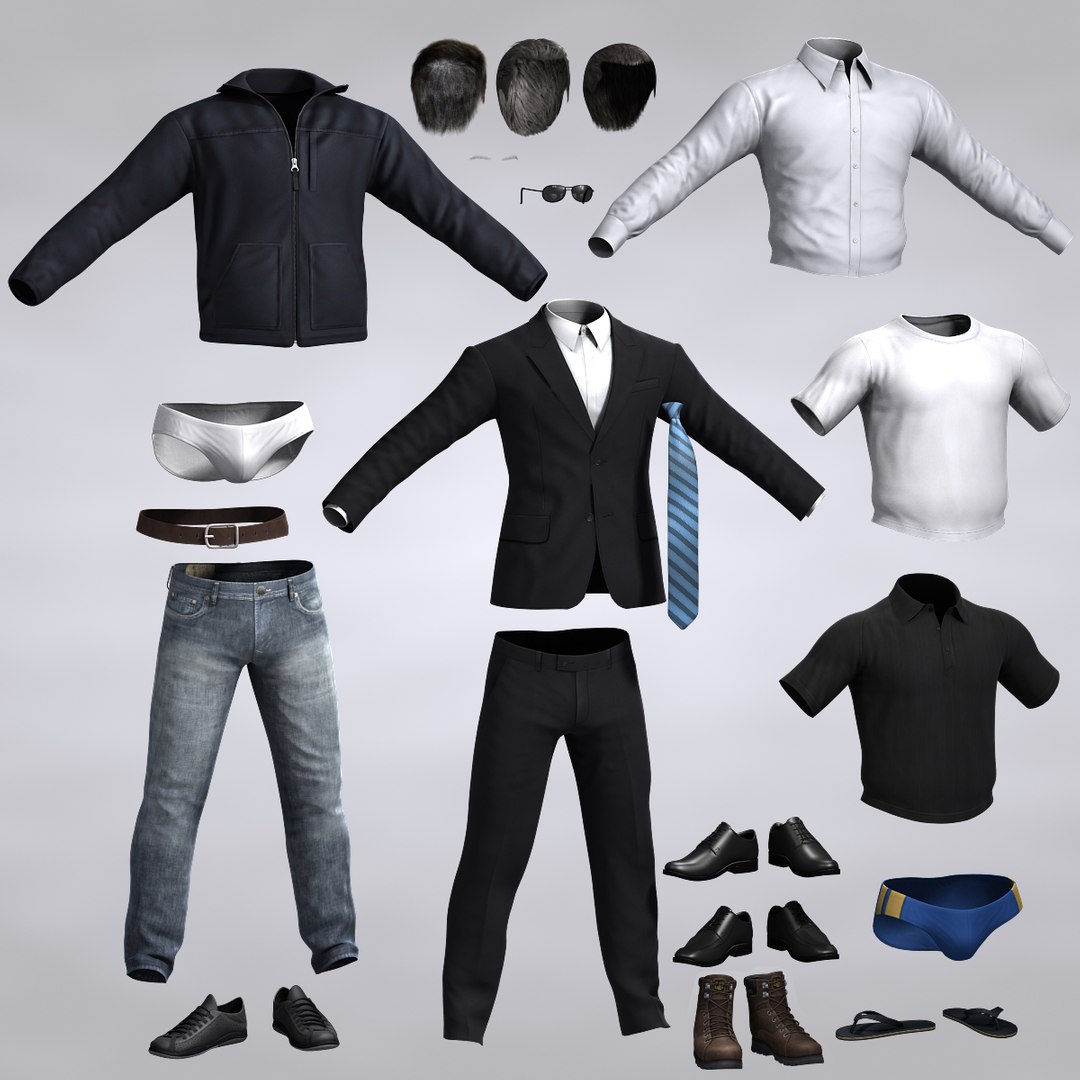
Dave is originally bald and has two types of hair to wear – polygonal hair with opacity map and native 3ds max hair grown from the low poly object linked to the head. Eyebrows are painted but also have hair to look even more realistic.

Previews were rendered with 3ds max’s scanline renderer , three spots and a skylight. No post work on the images, only captions were added.

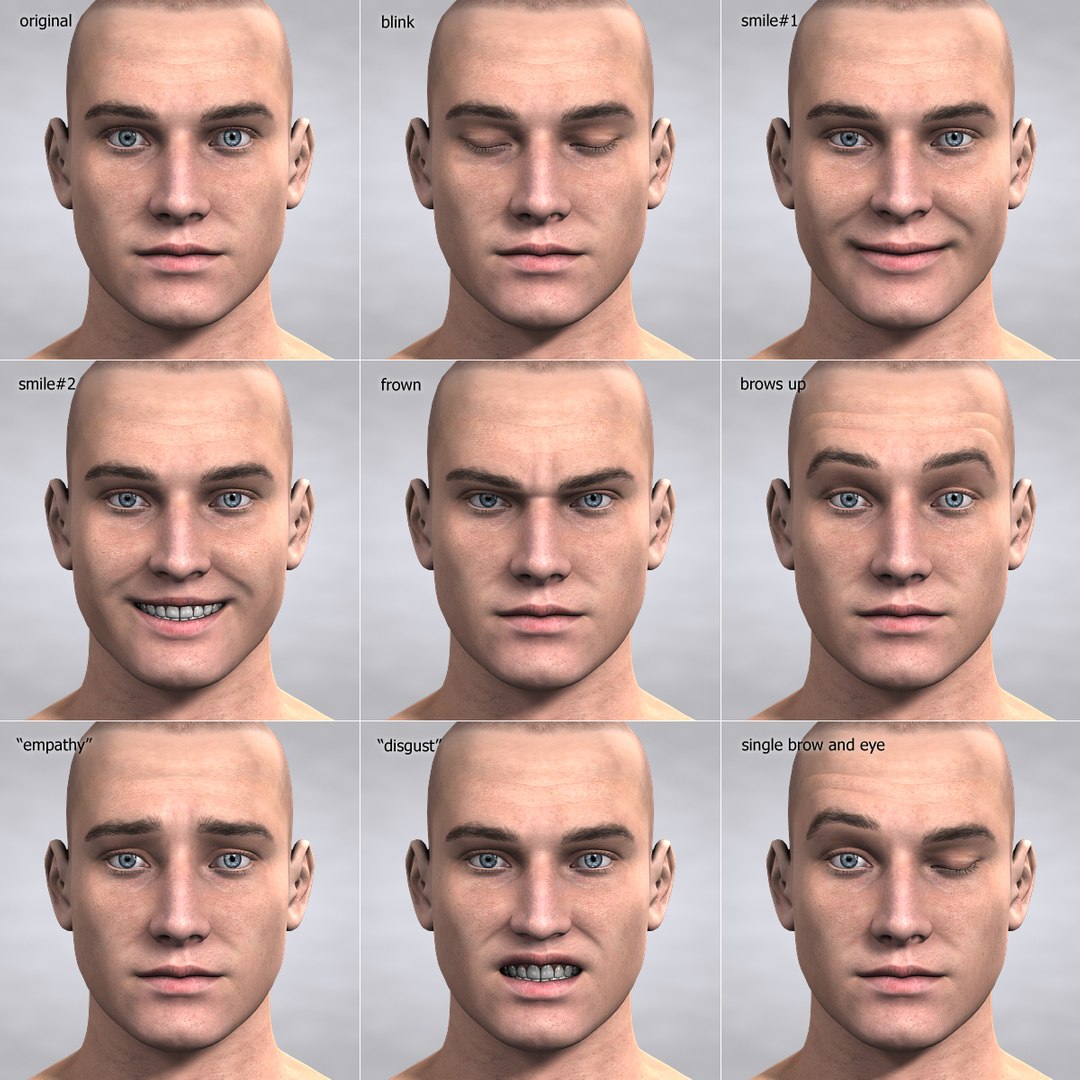
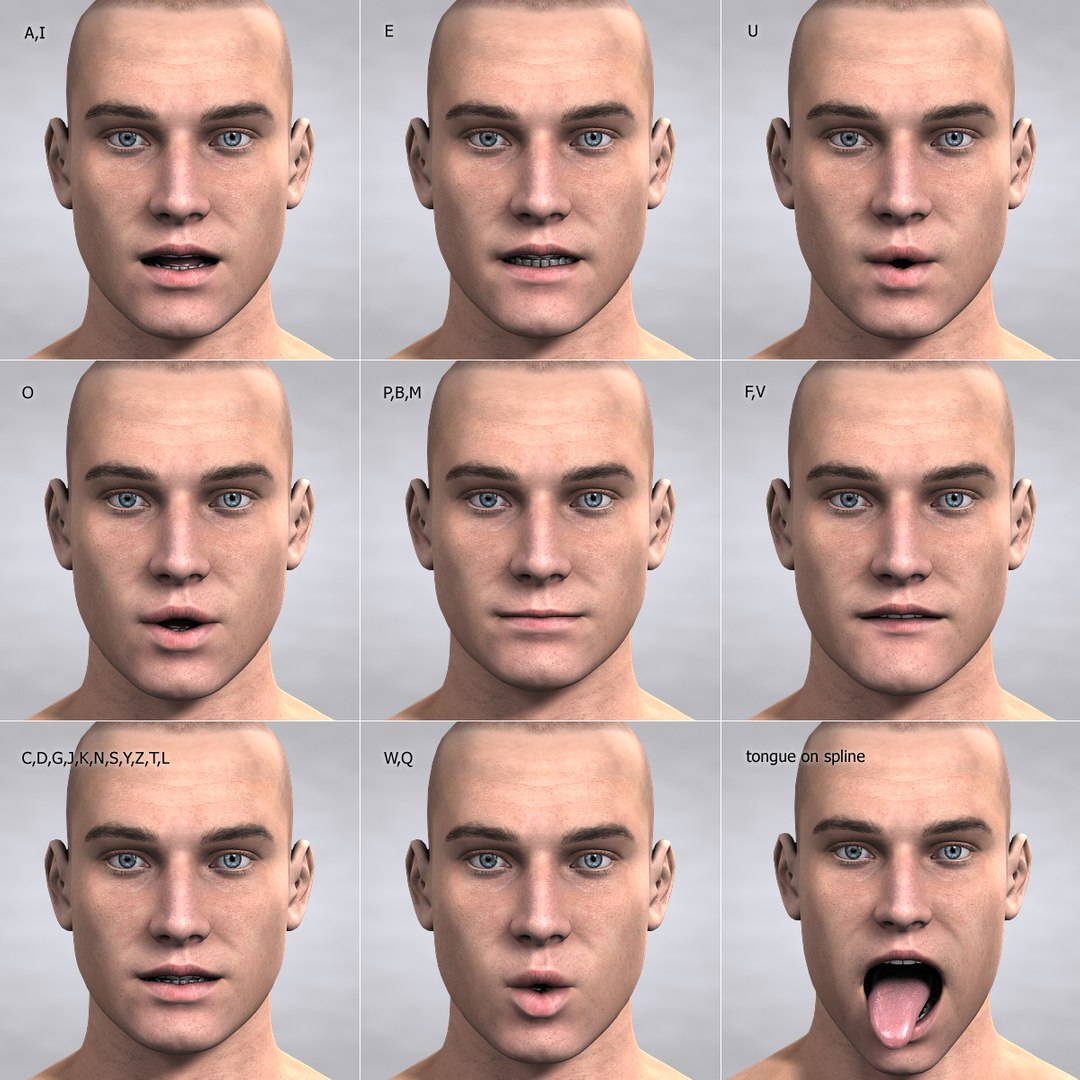
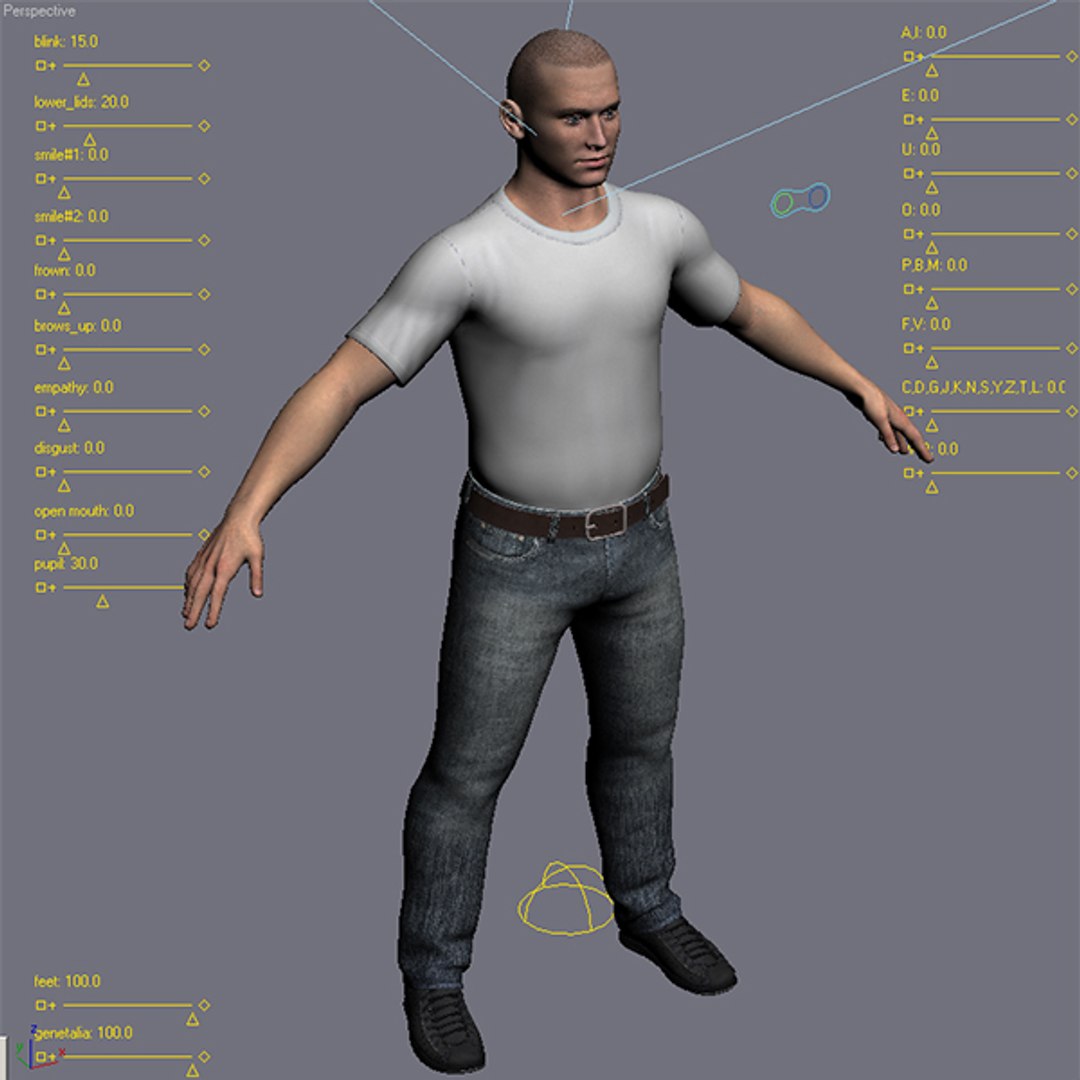
Object ‘body’ has 5615 polygons and 5658 vertices without ‘turbosmooth’ applied (8941 polys with eyes, teeth and tongue together). Model is symmetrical. All the morph targets (blend shapes) included in .obj format and named "targ_*"
Categories

Select Enhanced License

  • $10,000 in Legal Protection (Indemnification)
  • Uncapped Legal Protection (Indemnification)
  • Waiver from injunctive relief
  • Assignable model rights
  • $1,000,000 in Legal Protection (Indemnification)
  • Waiver from injunctive relief
  • Assignable model rights
  • $250,000 in Legal Protection (Indemnification)
  • Assignable model rights
Read more about enhanced license tiers, or contact us at enterprise@turbosquid.com. Already a Shutterstock Enterprise Customer? Contact your Shutterstock Sales Support Agent to talk about adding 3D.

About Conversion Requests

To submit a conversion request for a purchased asset, please complete our Conversion Request Form.

If you have not yet purchased a model, please review our Documentation about Conversions to learn about what limitations you may encounter with a conversion.

For any additional questions about a model’s suitability for conversion, please contact TurboSquid Support.

Loading...