
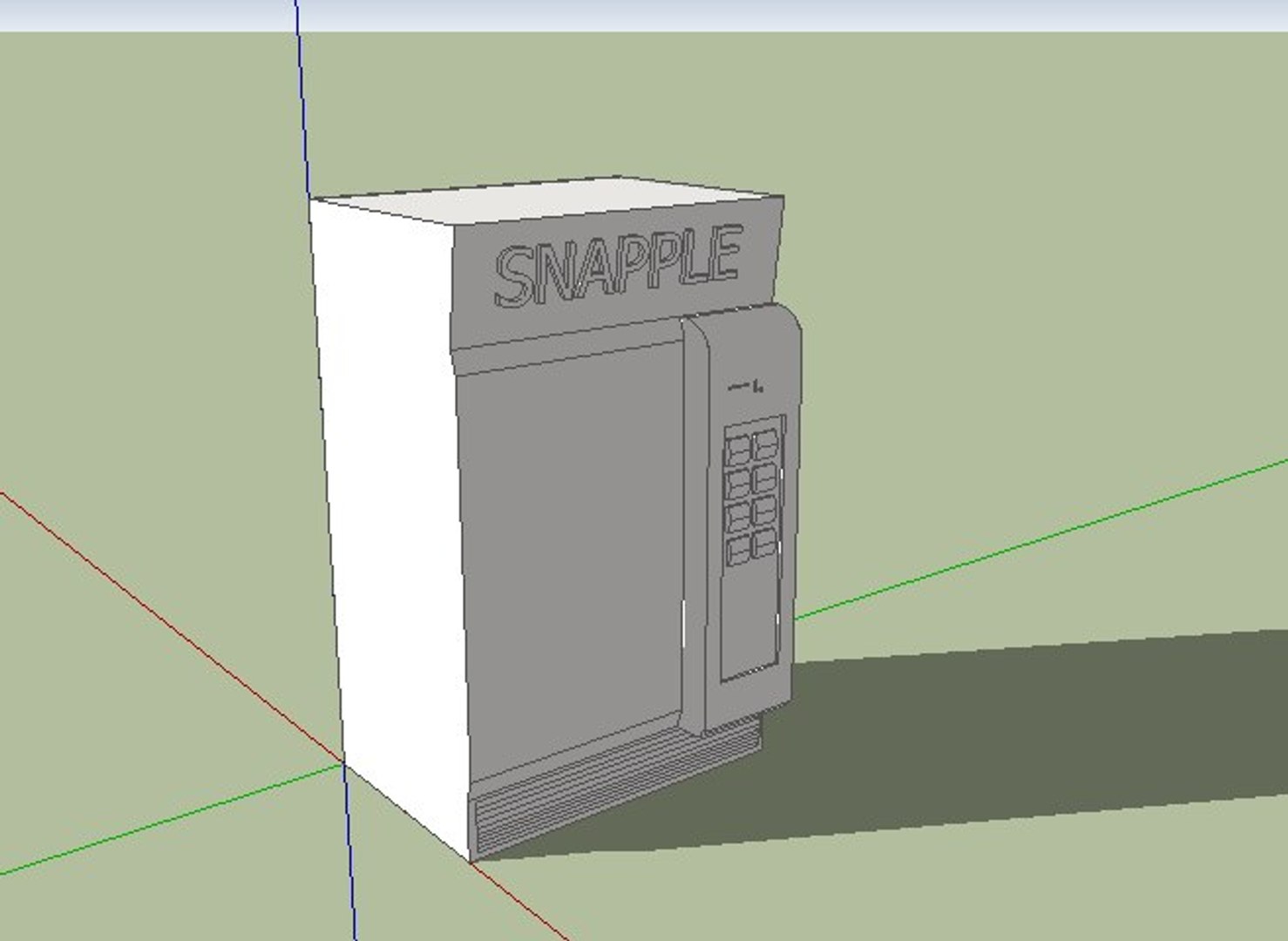
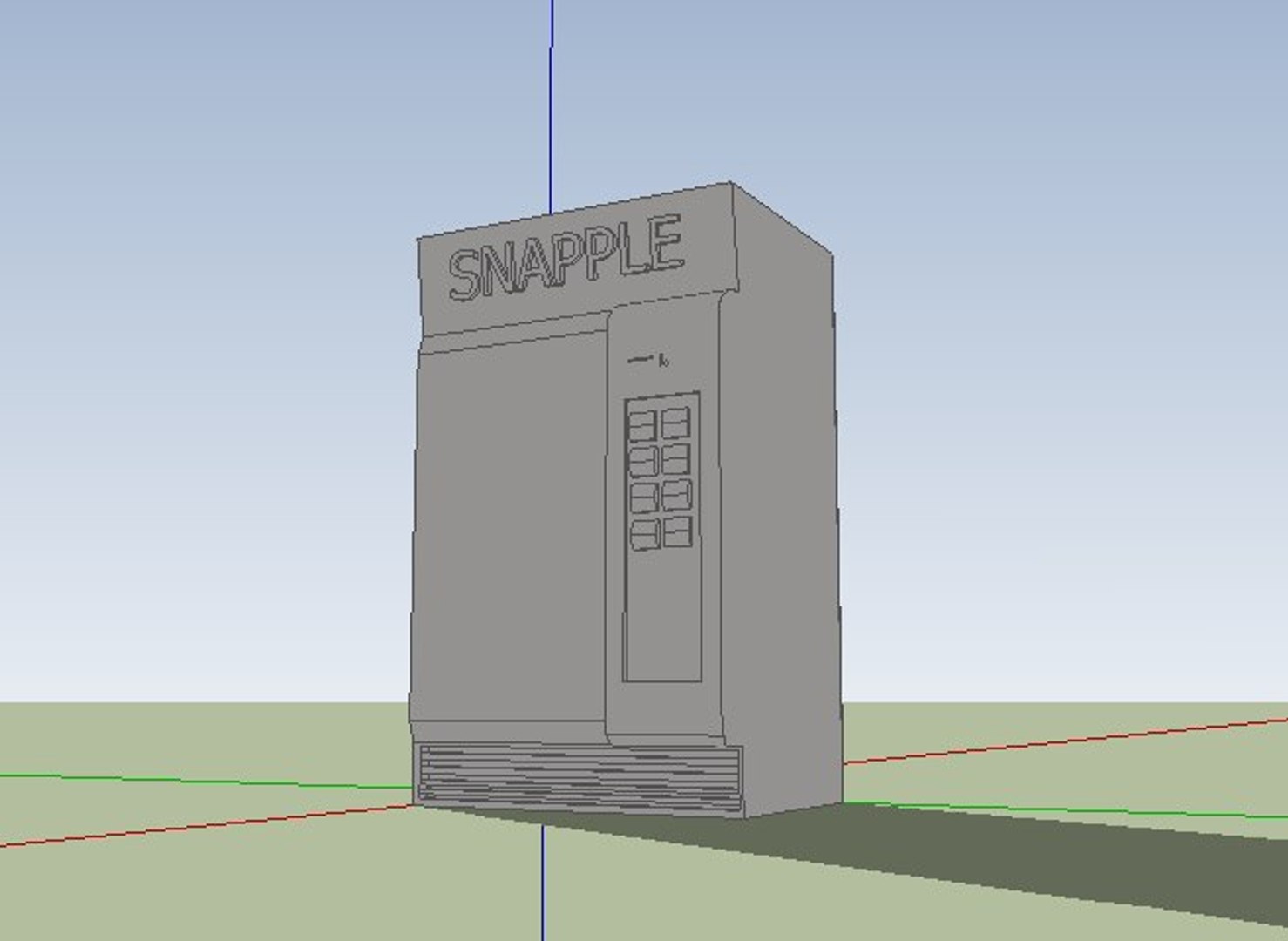
vending machine.dae

Free

Editorial Uses Only
Formats (1)
Collada
Specifications
Publish Date January 08, 2009
Product ID 436806
Polygons 498
Vertices 1,830
Polygonal
Materials
Unknown Unwrapped UVs
member avatar
orange451
3 Products | Contributor Since 2007
Have questions? Chat with us now.

Description

go to google and type "FBX converter" download the FBX converter and install it, now, in the FBX converter, load the file (.dae) into it, and convert it into a .FBX, then click in the "convert from FBX" tab and then click the convert to .3DS radio button if not already selected. now, hit convert and shaZAM! its now a .3ds and it works too.

Select Enhanced License

  • $10,000 in Legal Protection (Indemnification)
  • Uncapped Legal Protection (Indemnification)
  • Waiver from injunctive relief
  • Assignable model rights
  • $1,000,000 in Legal Protection (Indemnification)
  • Waiver from injunctive relief
  • Assignable model rights
  • $250,000 in Legal Protection (Indemnification)
  • Assignable model rights
Read more about enhanced license tiers, or contact us at enterprise@turbosquid.com. Already a Shutterstock Enterprise Customer? Contact your Shutterstock Sales Support Agent to talk about adding 3D.

About Conversion Requests

To submit a conversion request for a purchased asset, please complete our Conversion Request Form.

If you have not yet purchased a model, please review our Documentation about Conversions to learn about what limitations you may encounter with a conversion.

For any additional questions about a model’s suitability for conversion, please contact TurboSquid Support.

Loading...