
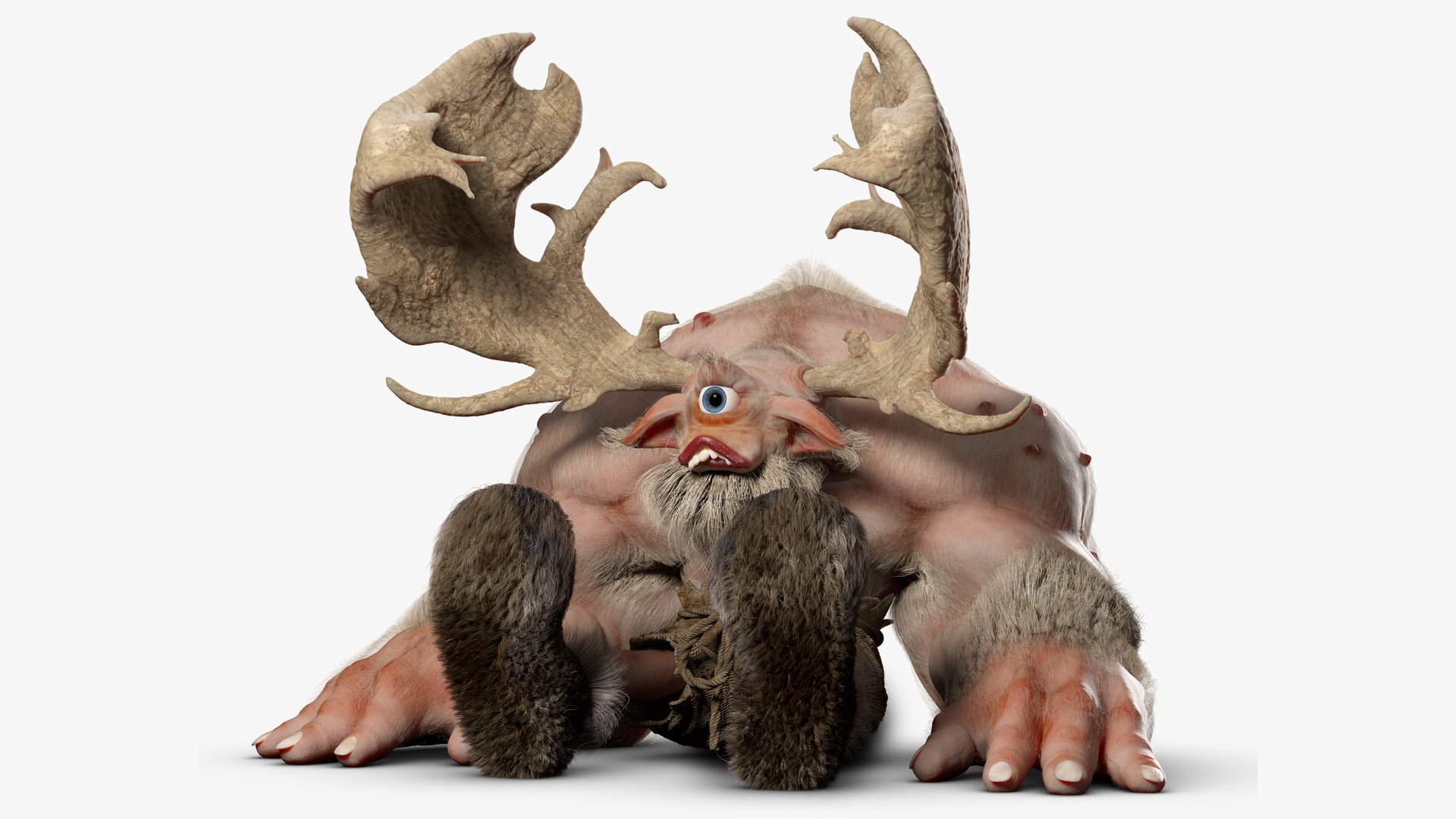
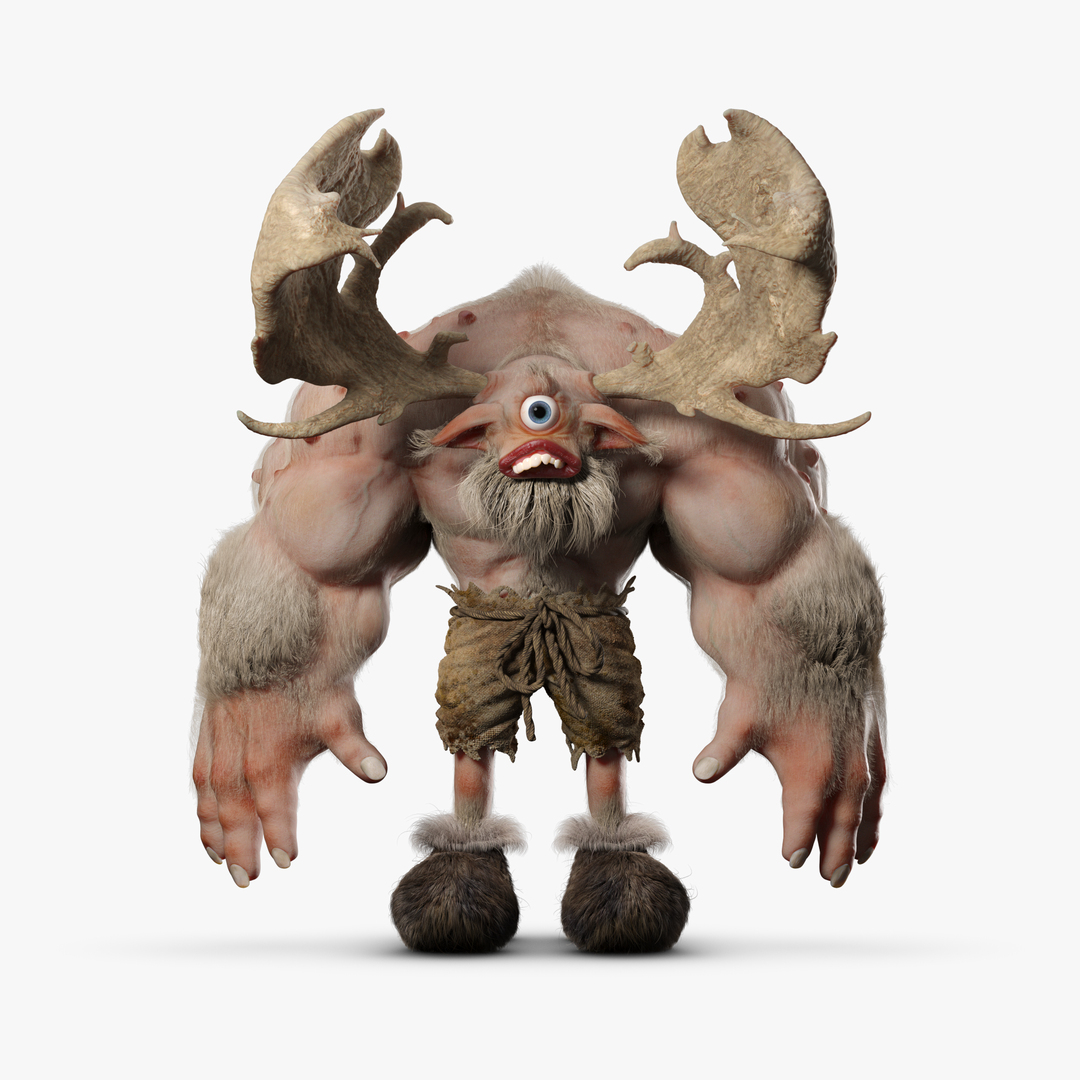
Cyclops Troll 3DS Max

$50

Standard License | Upgrade License
Formats (4)
Free file format Conversions available
Native | 3ds Max 2020
OBJ
FBX 2020
Other Textures
Specifications
Publish Date October 19, 2022
Product ID 1975299
Polygons 25,908
Vertices 26,385
Polygonal Quads/Tris Geometry
Textures
Materials
UV Mapped
Overlapping Unwrapped UVs
Rigged

member avatar
jebcg
19 Products | Contributor Since 2022
Have questions? Chat with us now.

Description

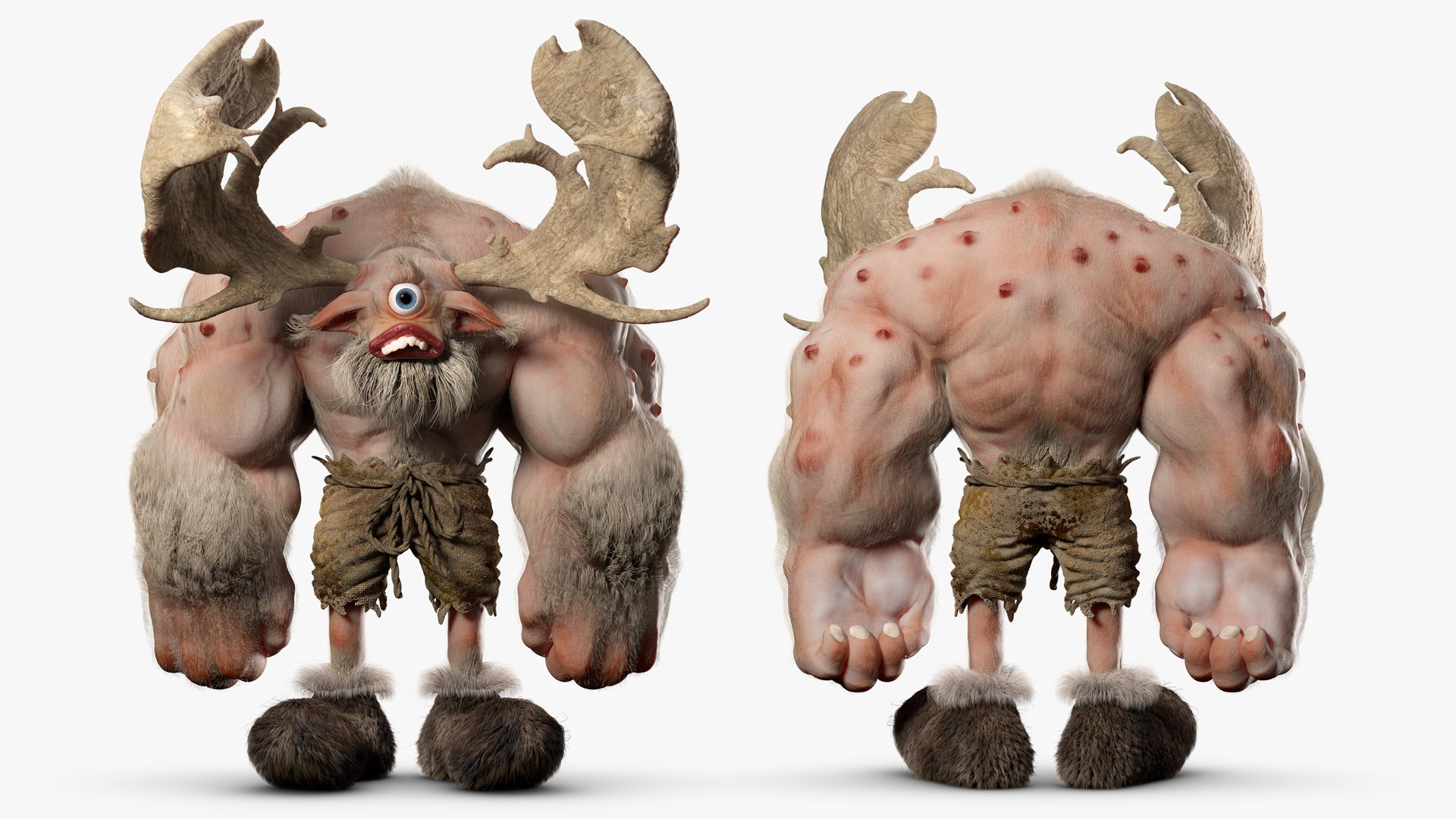
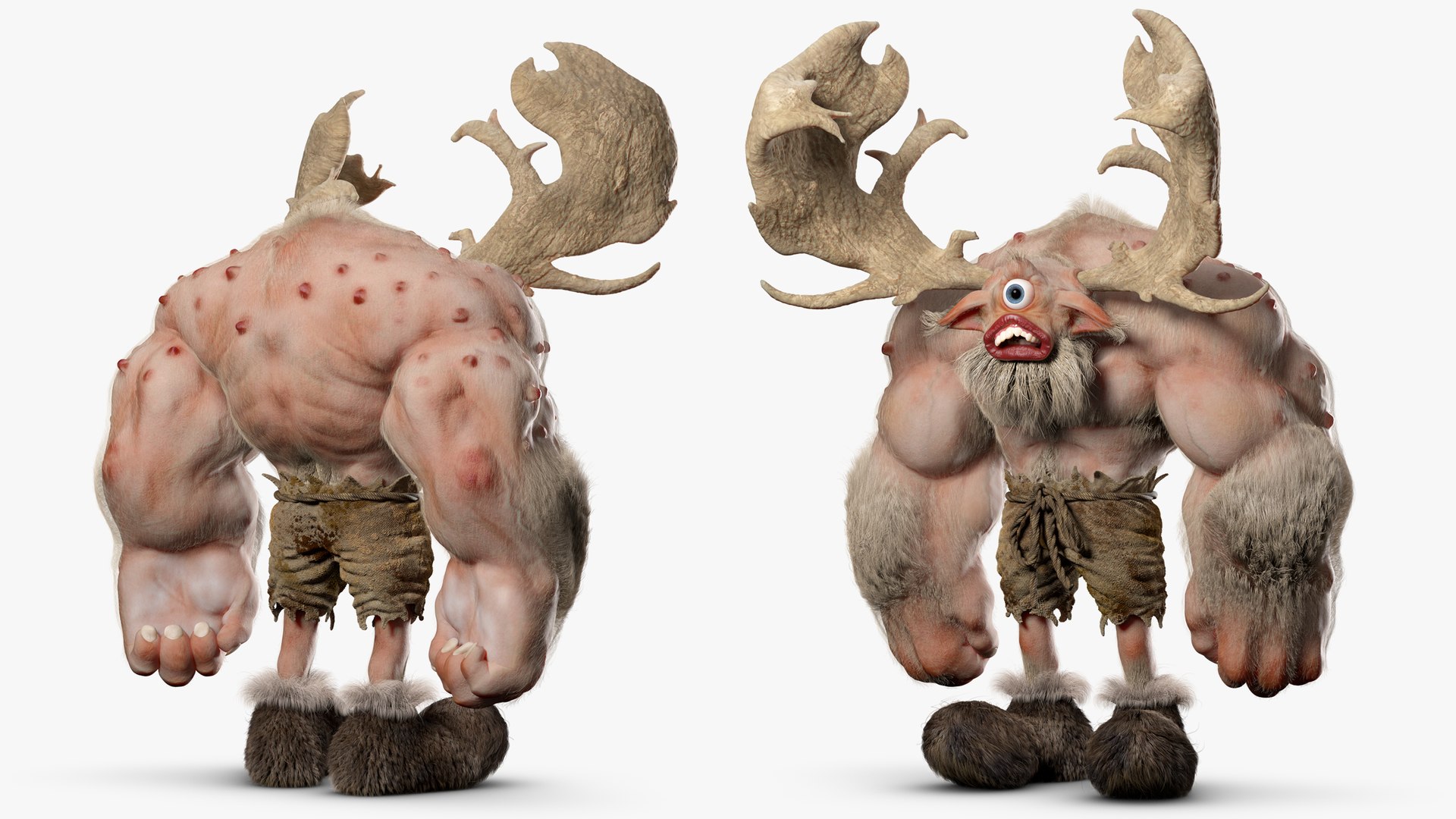
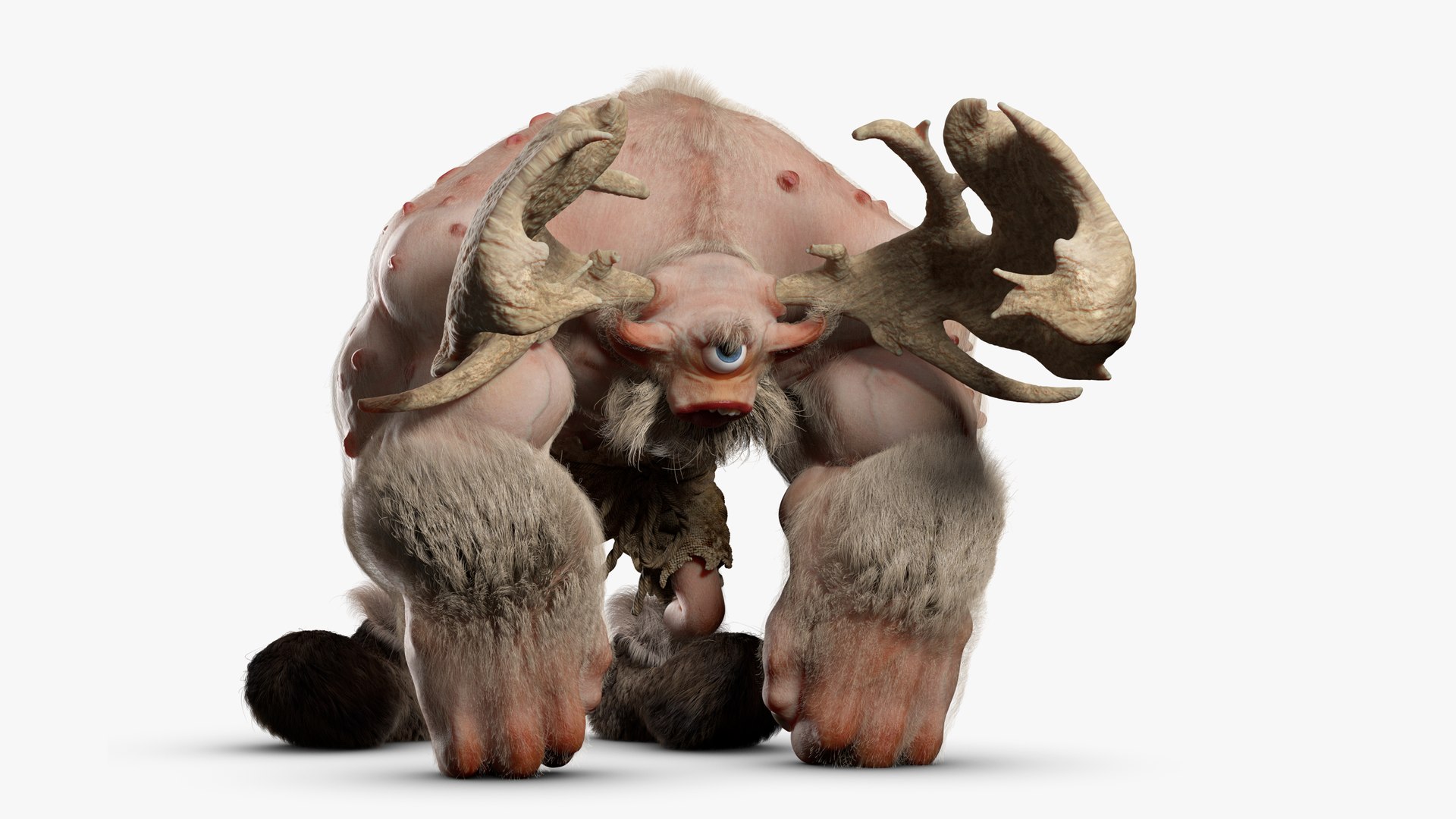
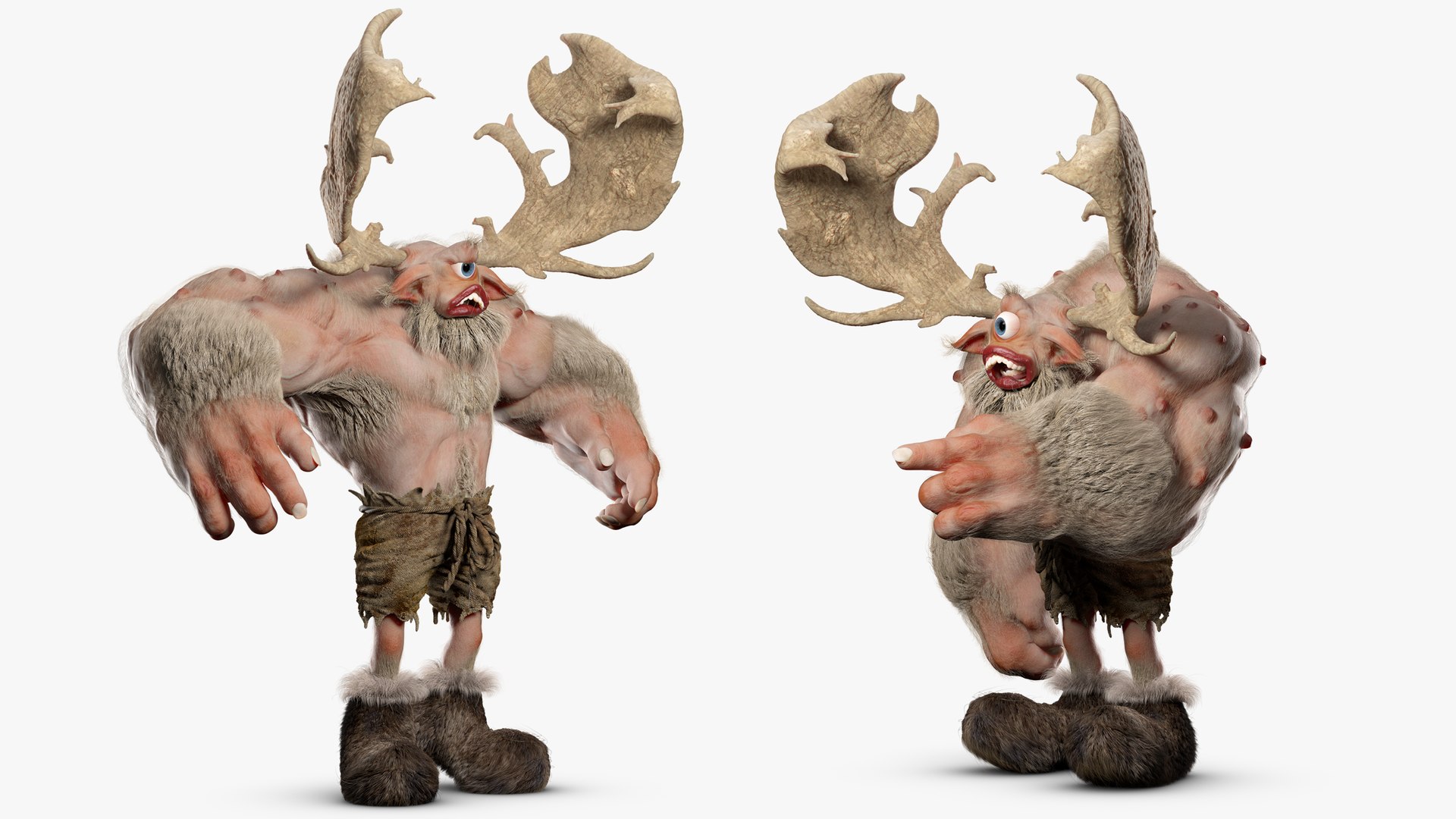
Cyclops Troll


|Model|

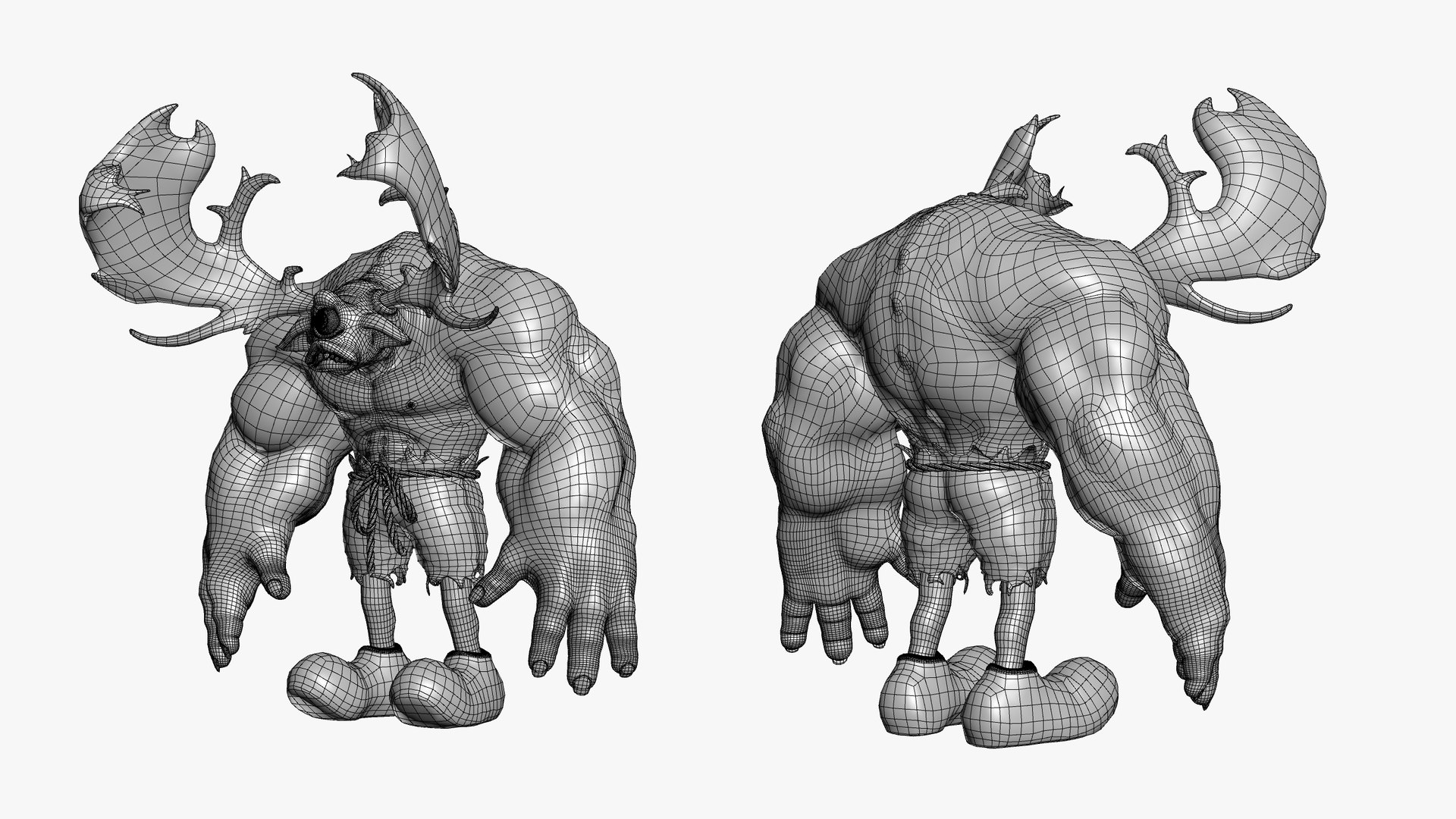
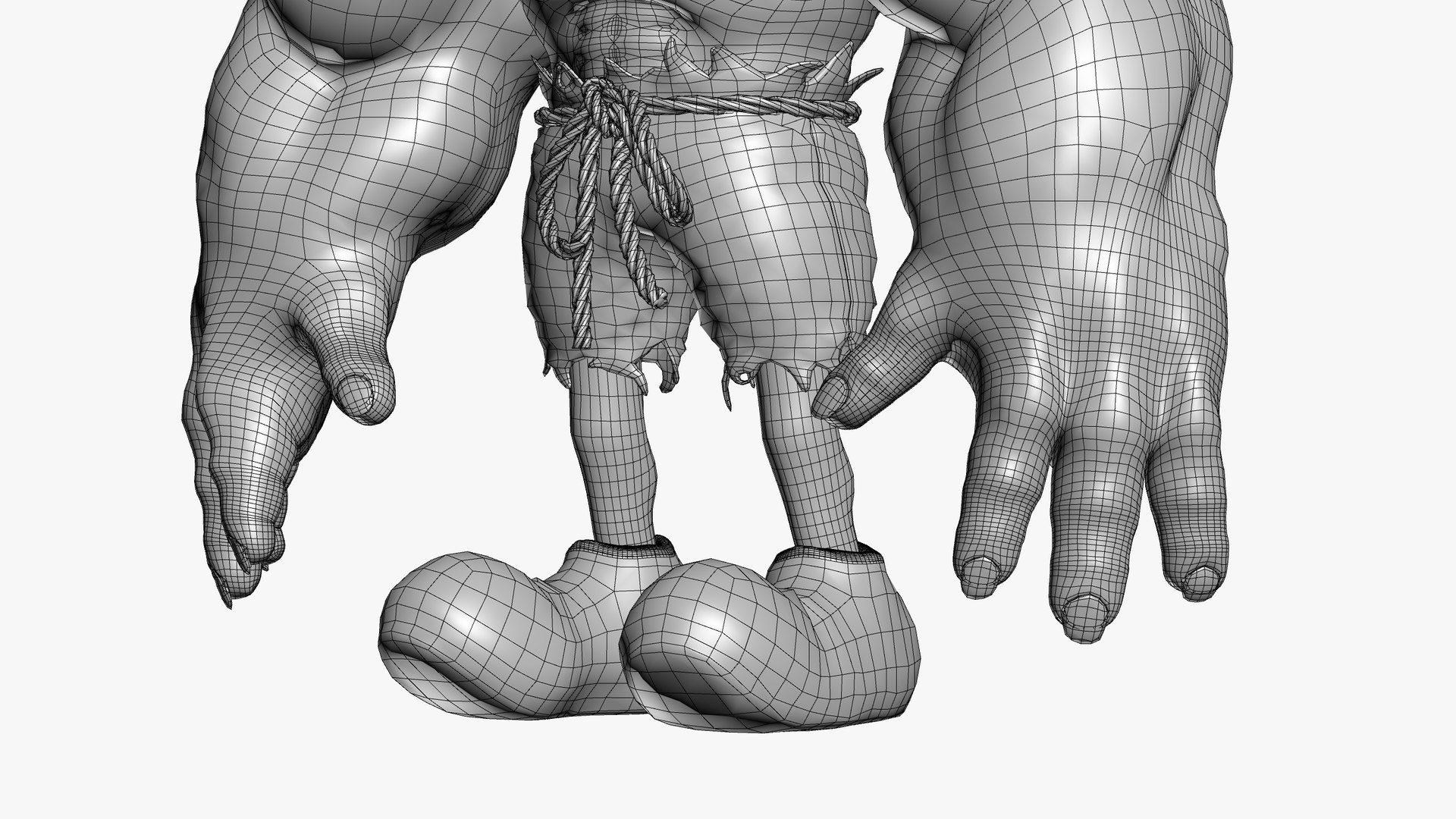
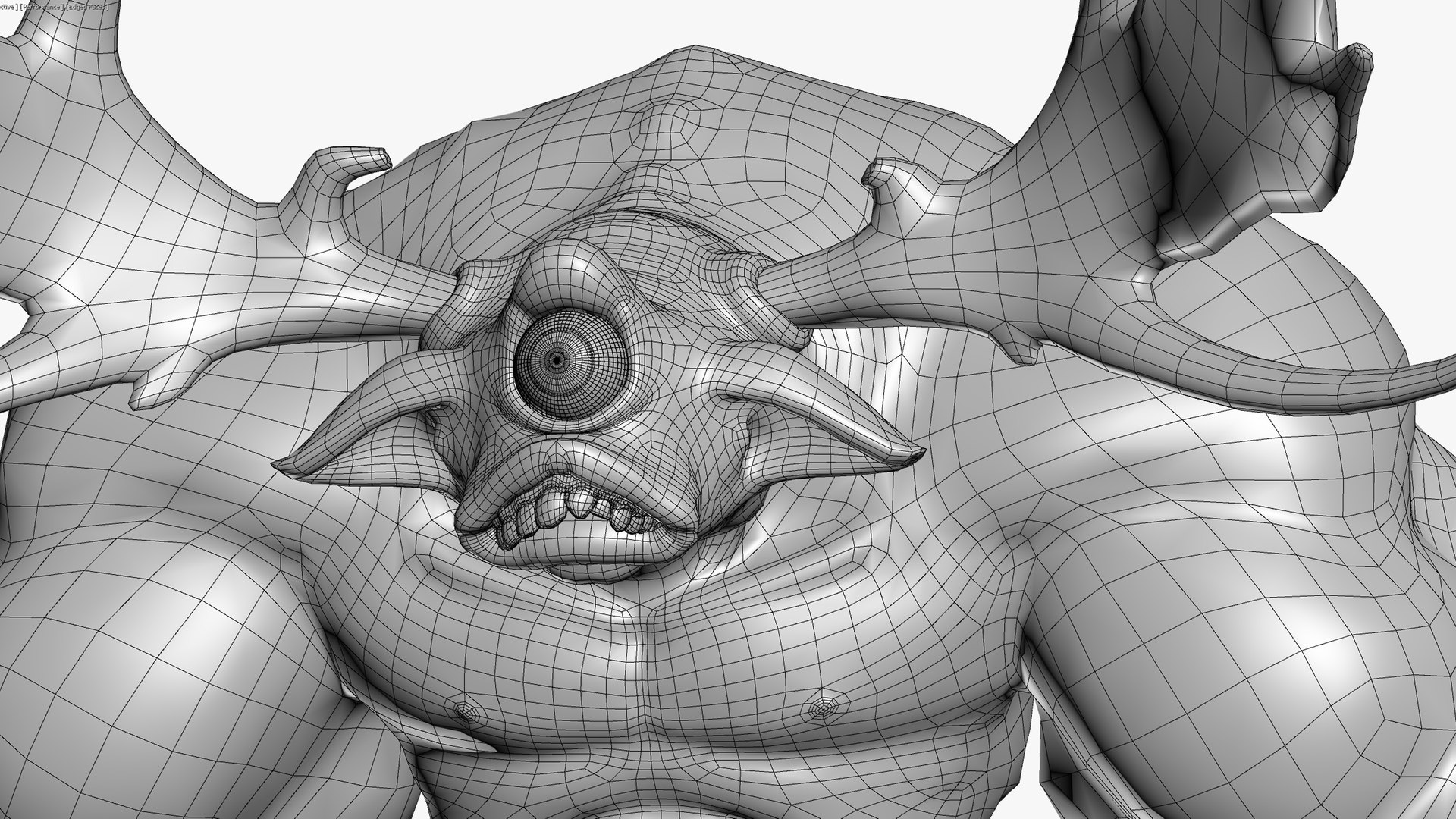
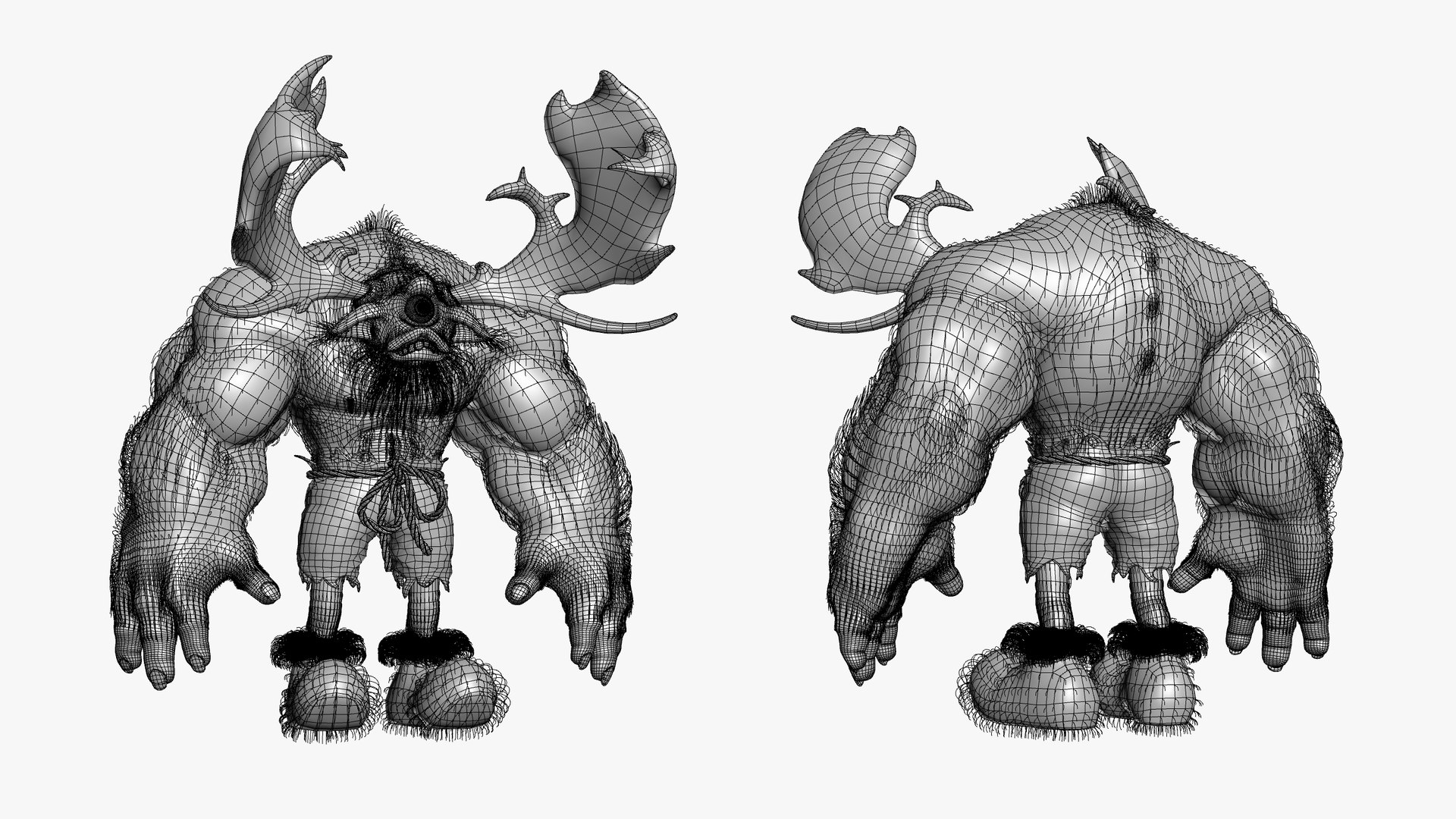
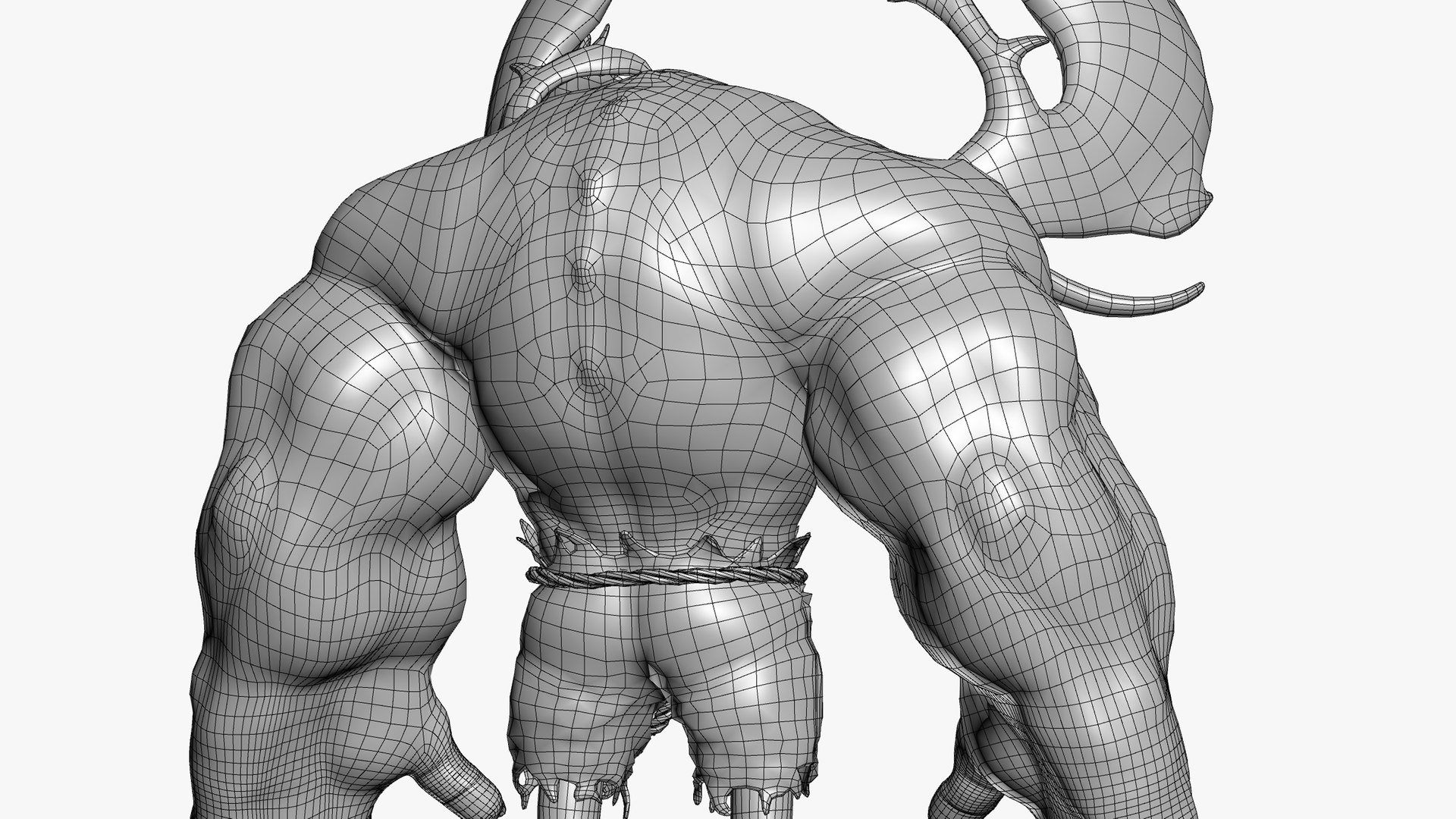
Character created in 3ds Max 2020. Mesh sculpted and retopologized into Editable Poly Object with TurboSmooth Modifier. Low frequency detail applied with Displacement Modifier for easy use in any render engine. High frequency details applied with Redshift Mesh modifier. Mostly done with Quad Polygons.


|Texture|

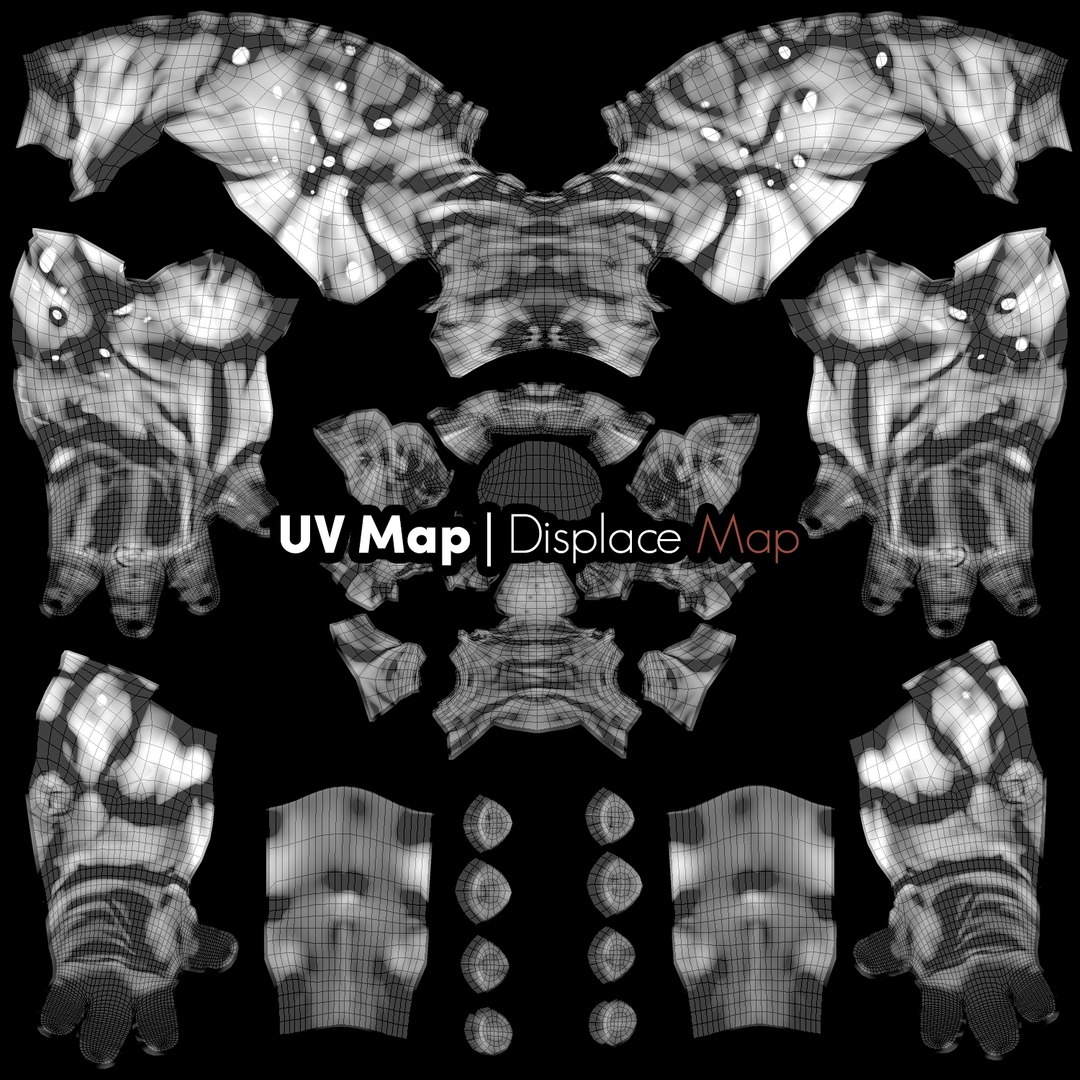
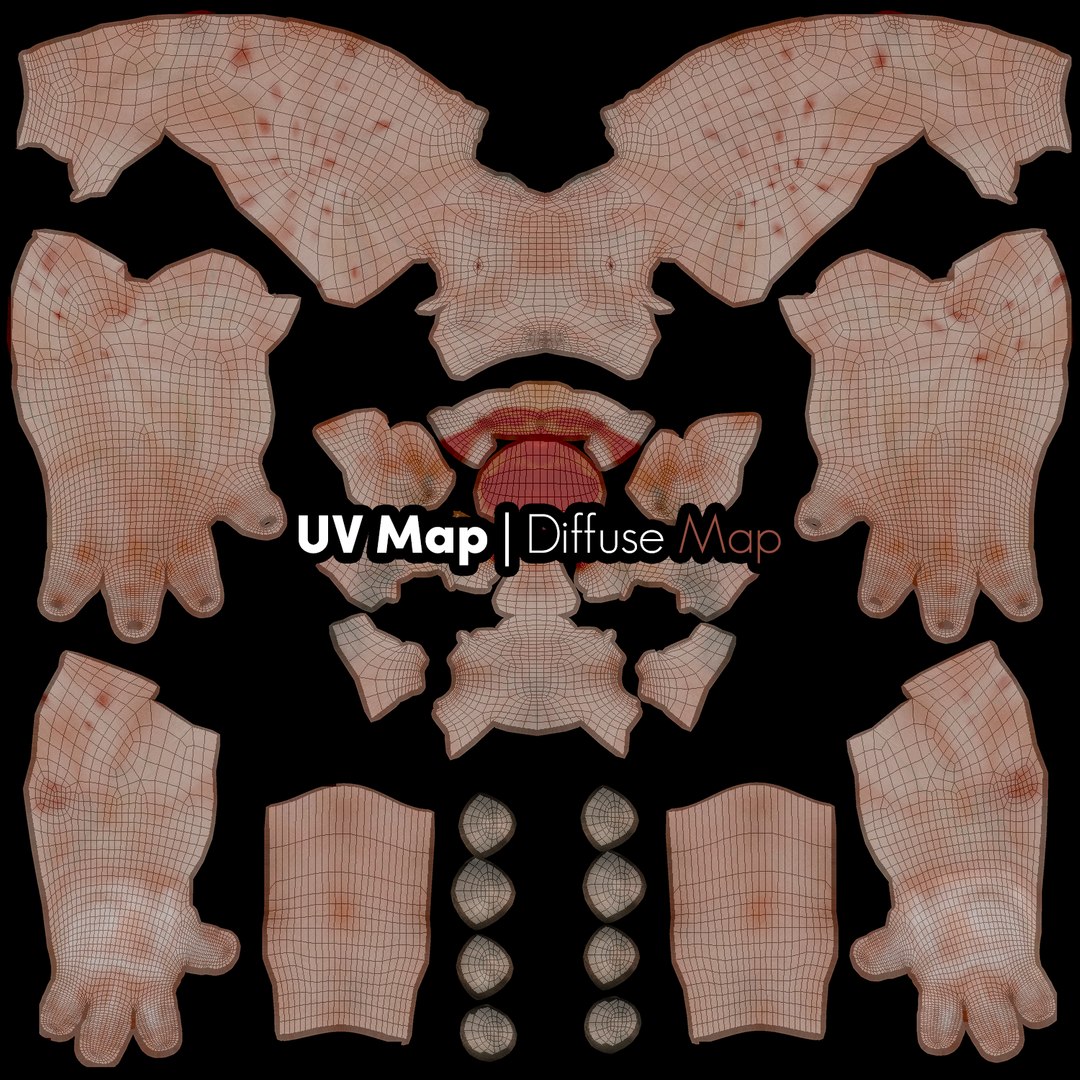
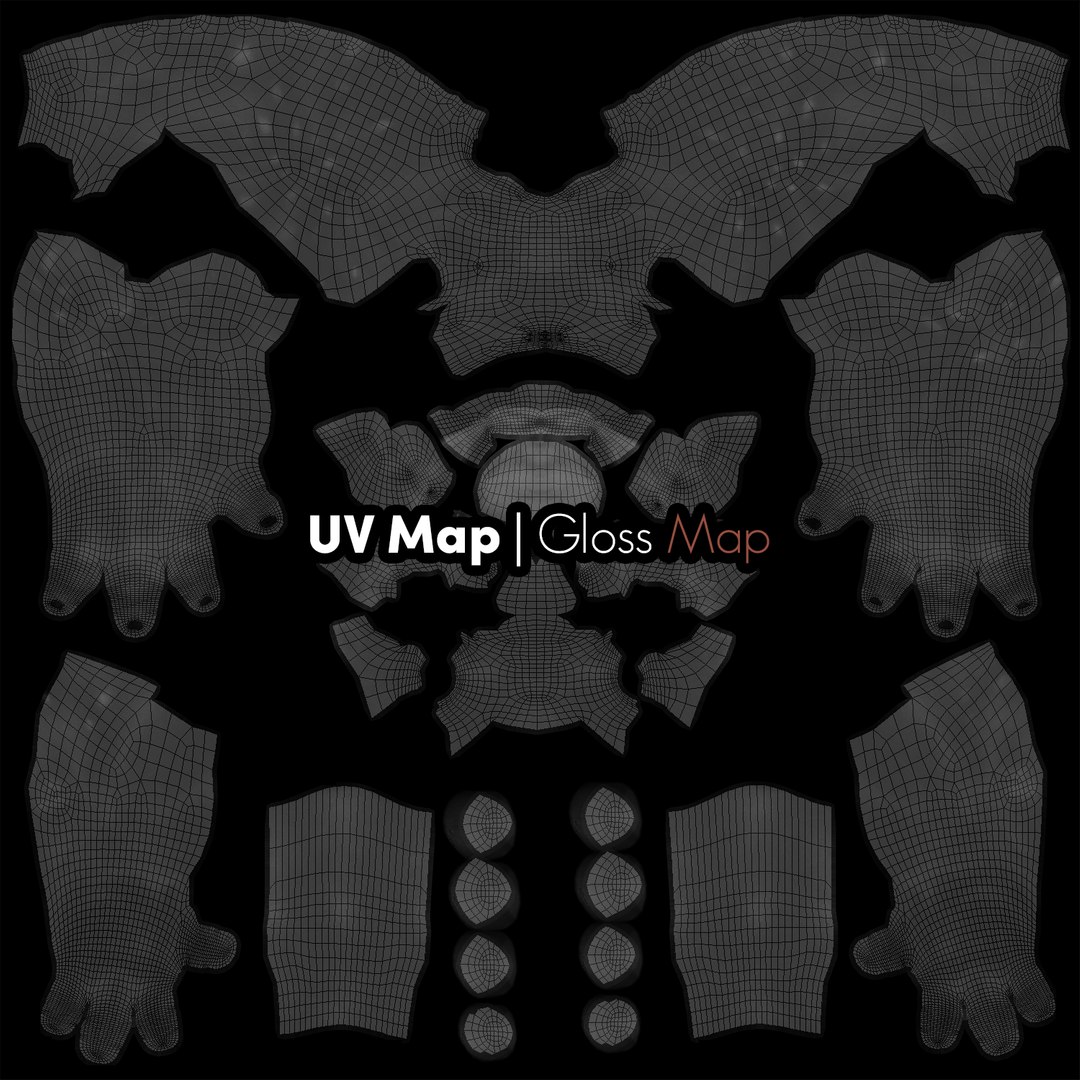
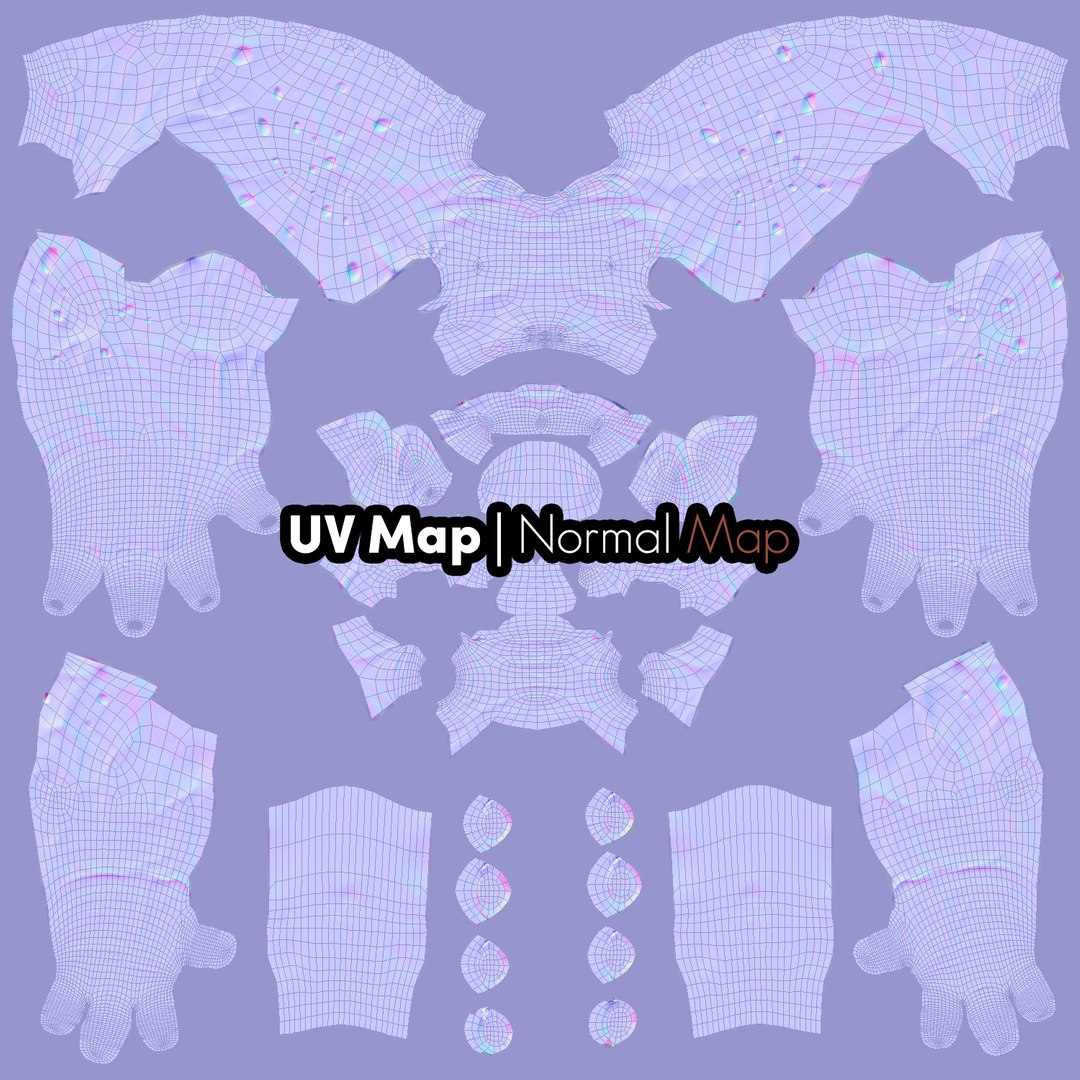
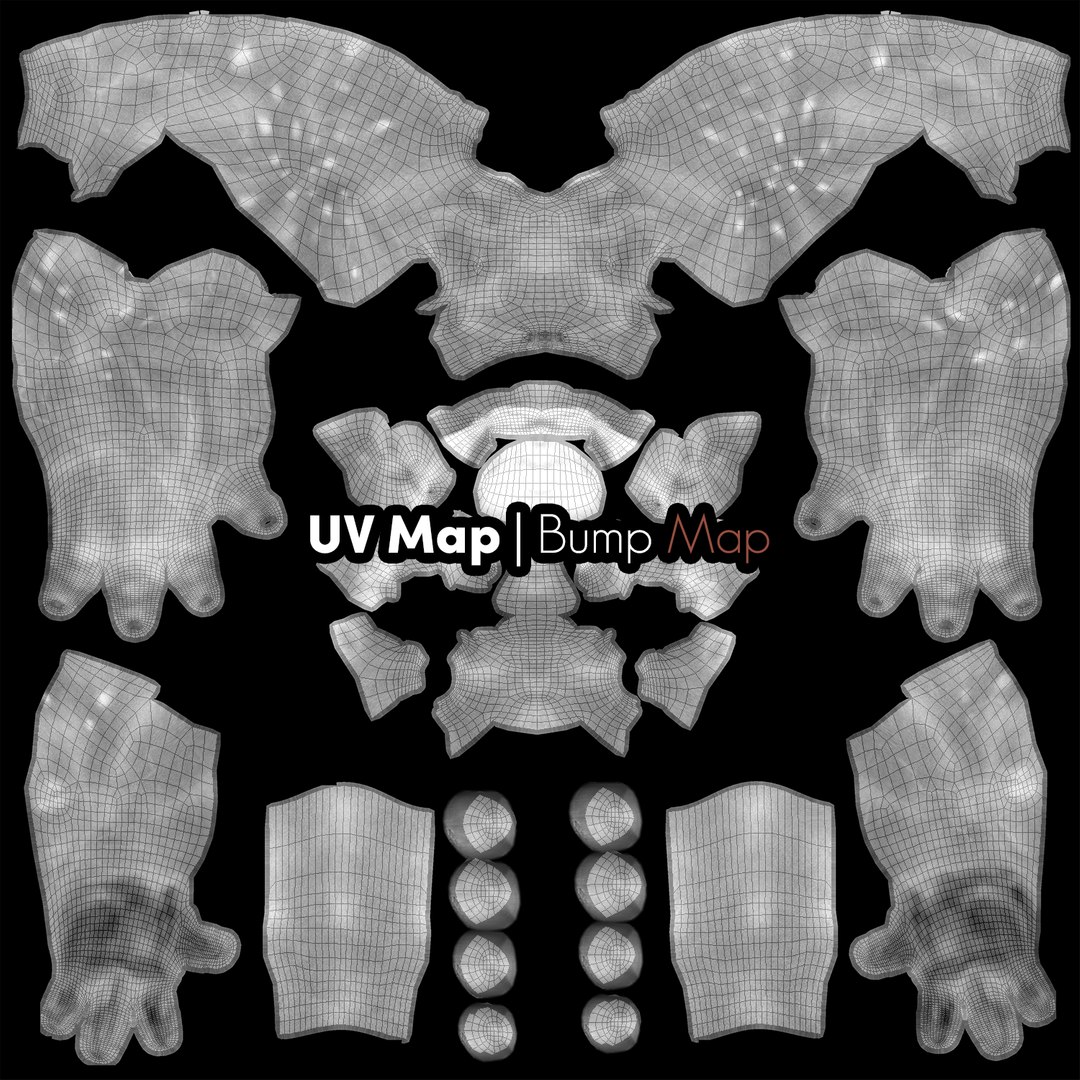
Textures are 4k for the body and 2K for the clothing. Includes: Diffuse Map, Glossiness Map, Normal Map and Displacement Maps.


|Render|

Materials and lighting created with Redshift Render. 3ds Max file has lights and render setup settings.


|Rig|

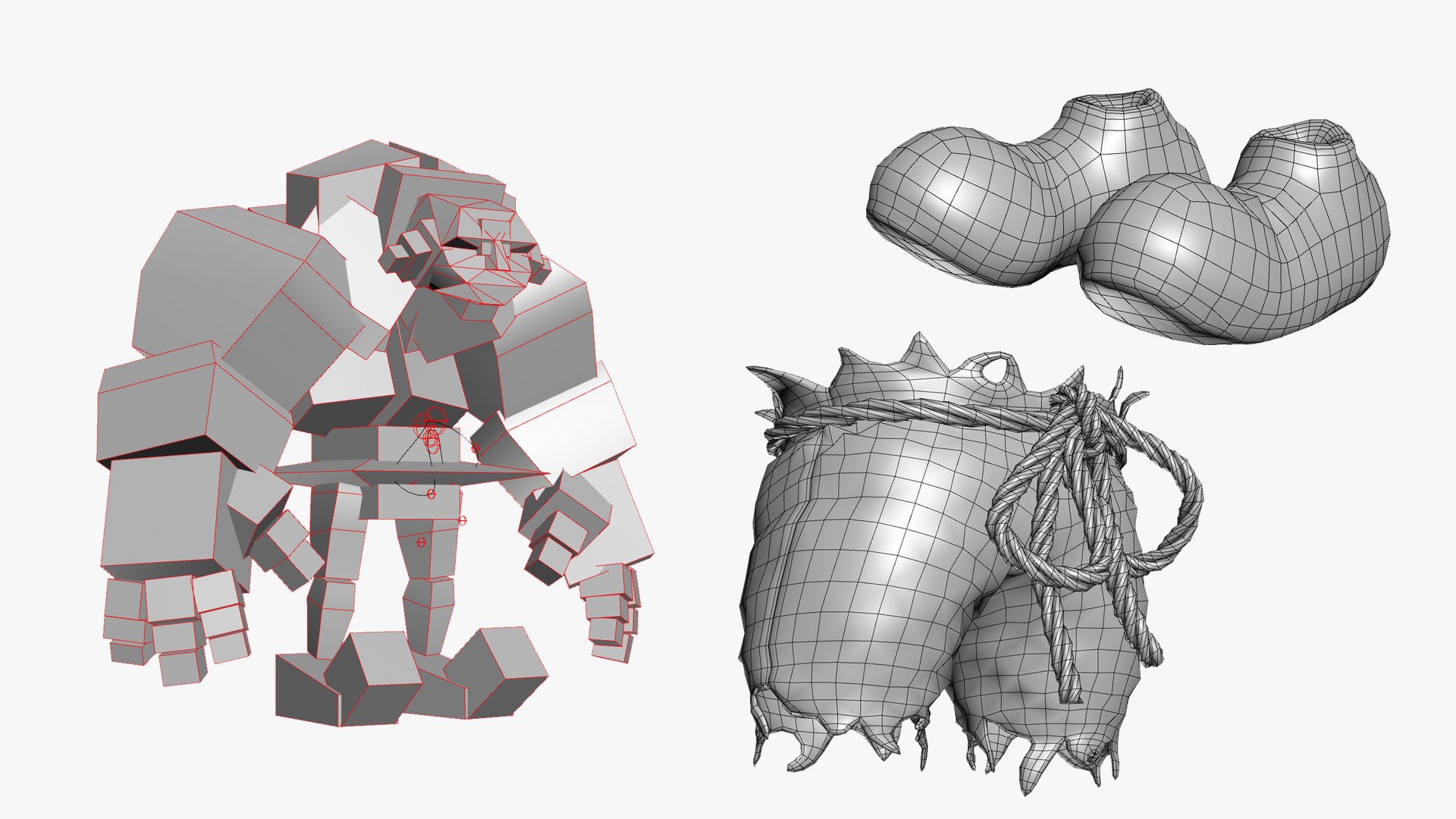
Includes a basic rig. Rigged with 3ds Max Character Studio Biped and skinned with Skin Modifier. The rig controls all the parts of body. Custom Spline rig created for the rope belt.


|Formats|

3ds Max 2020 file for Redshift 3d 2.6.41. FBX file with skinned mesh and hair guides but no hair modifier. OBJ and Alembic files of static model without hair.


*All images created with Redshift. Original Concept idea by Ben Henry (Roundeye)

Select Enhanced License

  • $10,000 in Legal Protection (Indemnification)
  • Uncapped Legal Protection (Indemnification)
  • Waiver from injunctive relief
  • Assignable model rights
  • $1,000,000 in Legal Protection (Indemnification)
  • Waiver from injunctive relief
  • Assignable model rights
  • $250,000 in Legal Protection (Indemnification)
  • Assignable model rights
Read more about enhanced license tiers, or contact us at enterprise@turbosquid.com. Already a Shutterstock Enterprise Customer? Contact your Shutterstock Sales Support Agent to talk about adding 3D.

About Conversion Requests

To submit a conversion request for a purchased asset, please complete our Conversion Request Form.

If you have not yet purchased a model, please review our Documentation about Conversions to learn about what limitations you may encounter with a conversion.

For any additional questions about a model’s suitability for conversion, please contact TurboSquid Support.

Loading...