
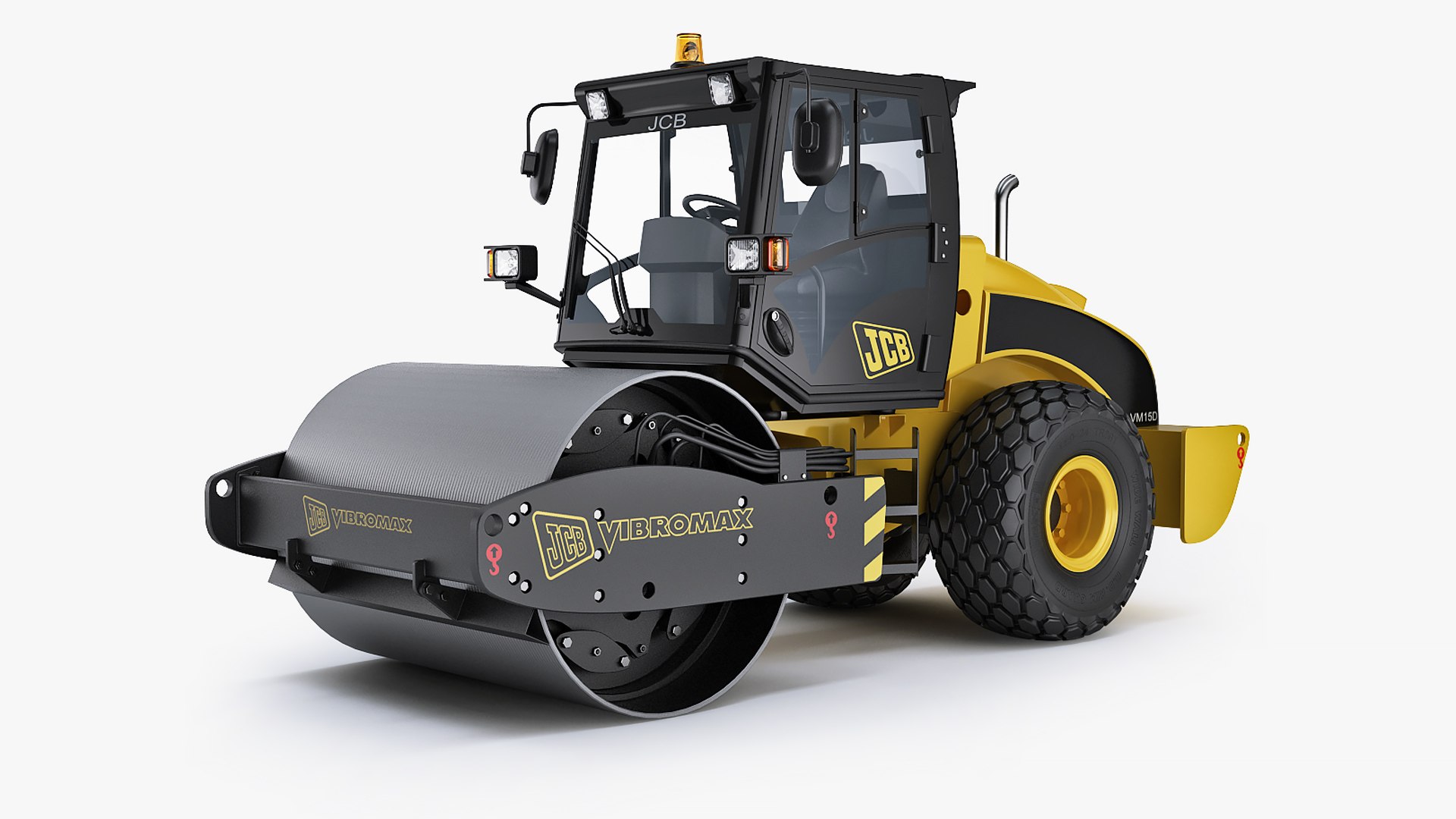
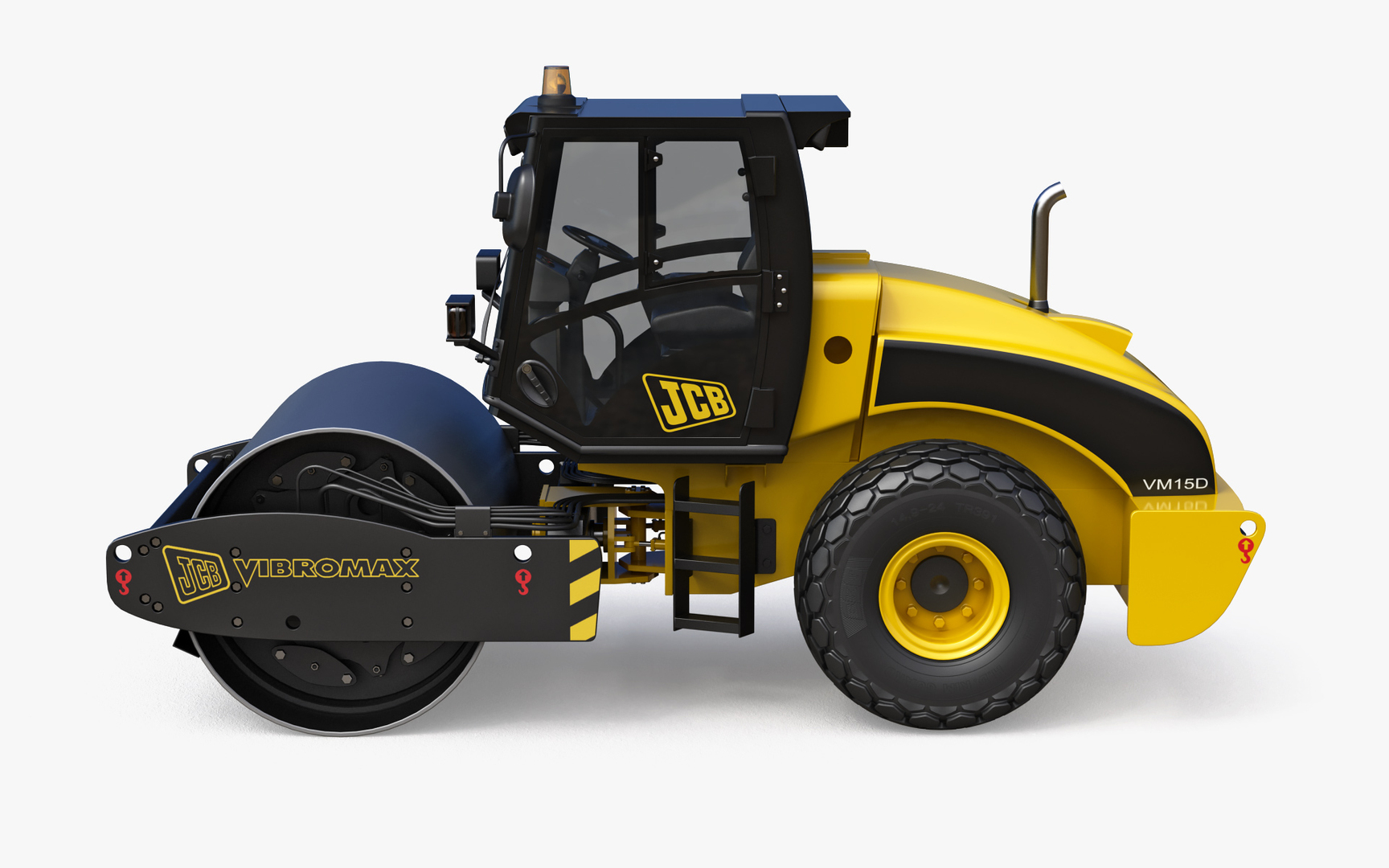
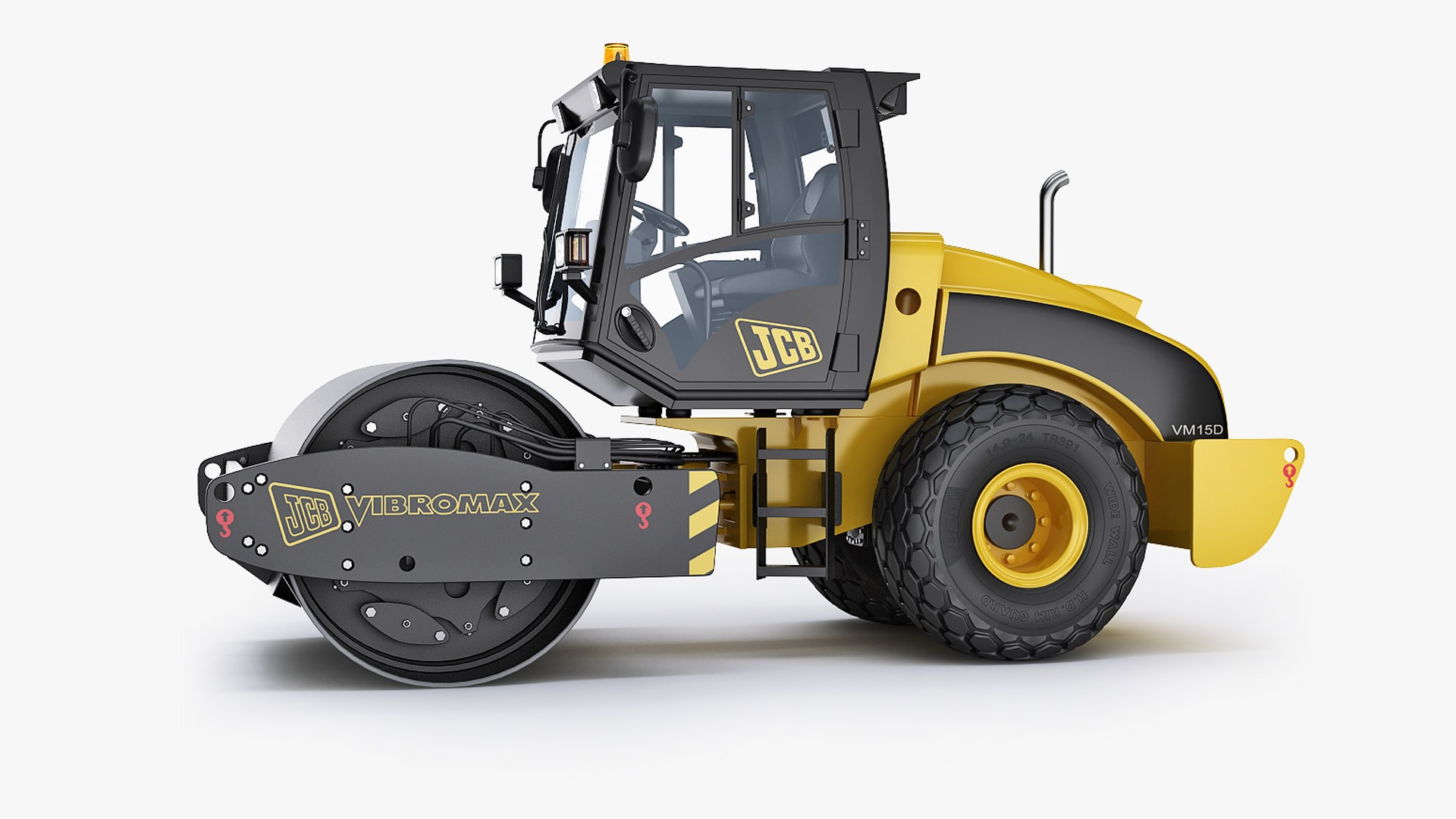
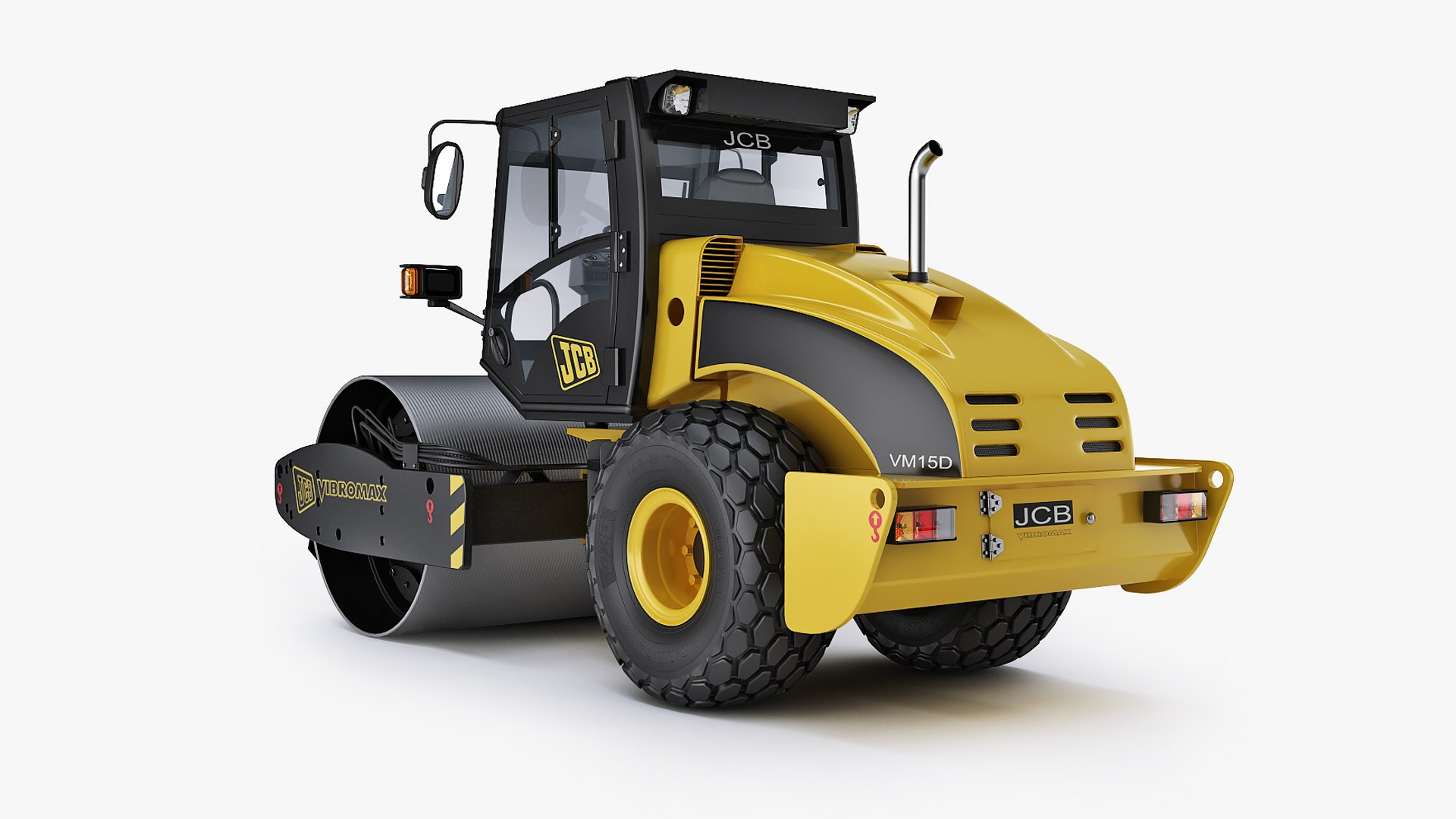
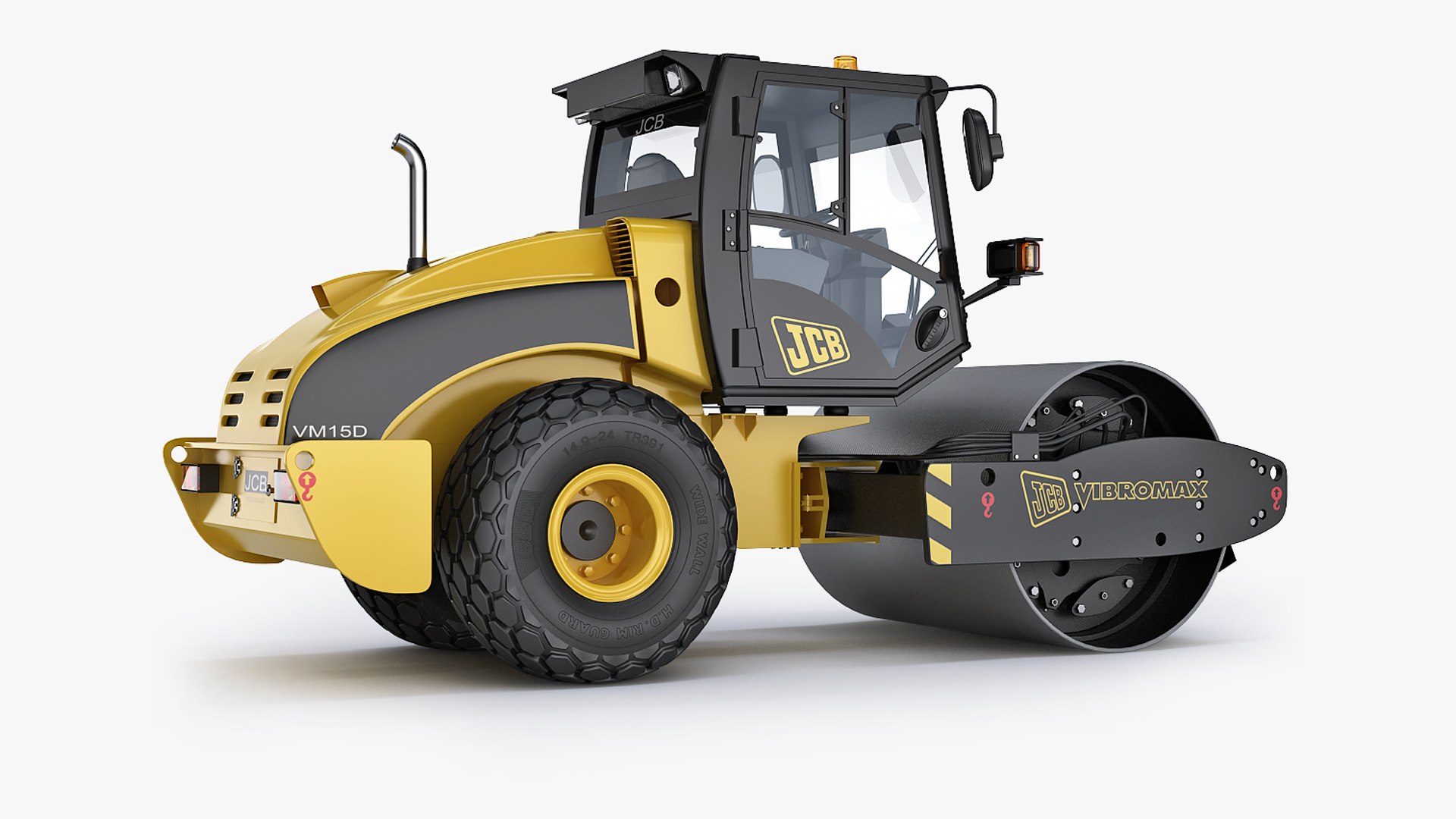
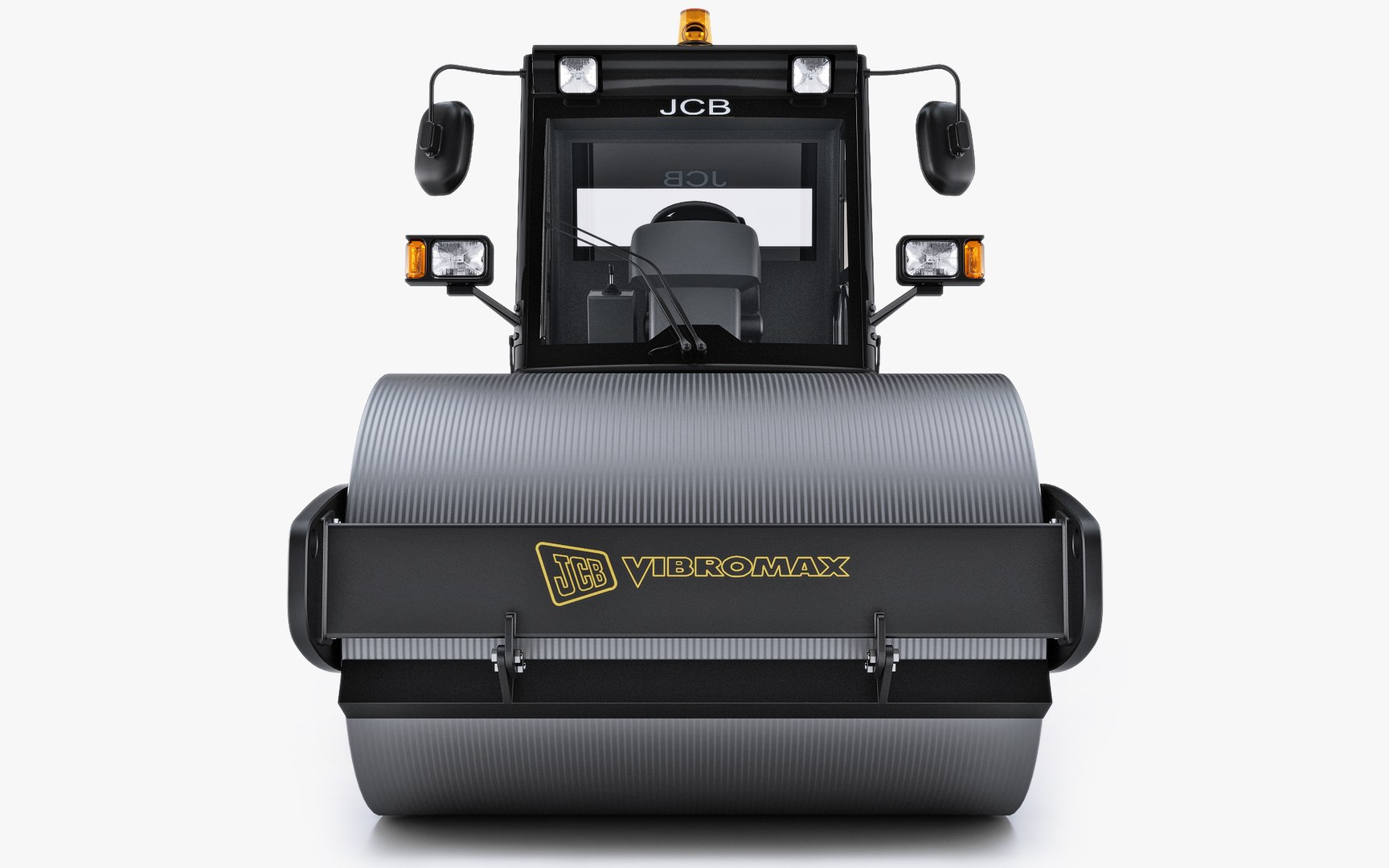
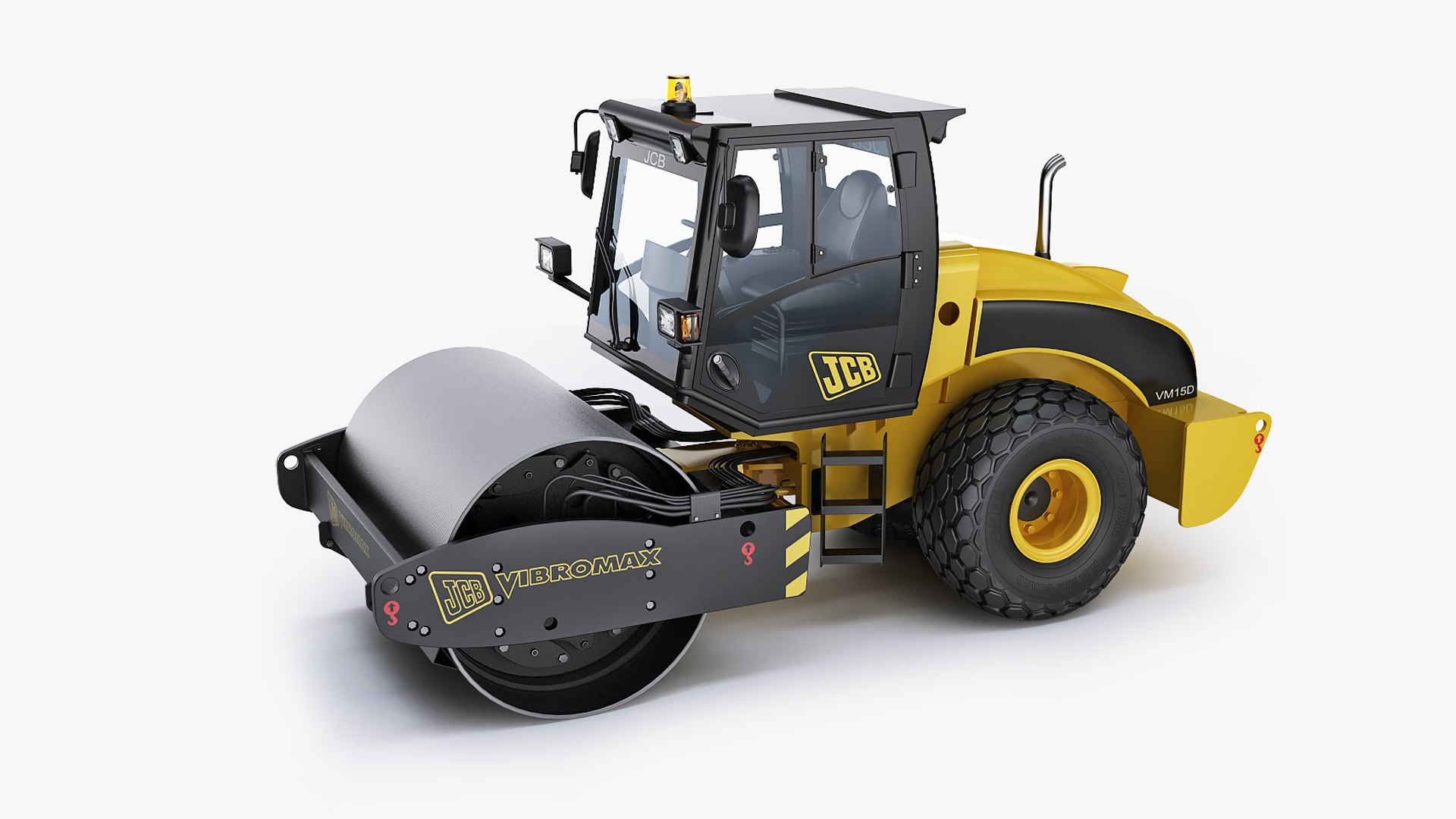
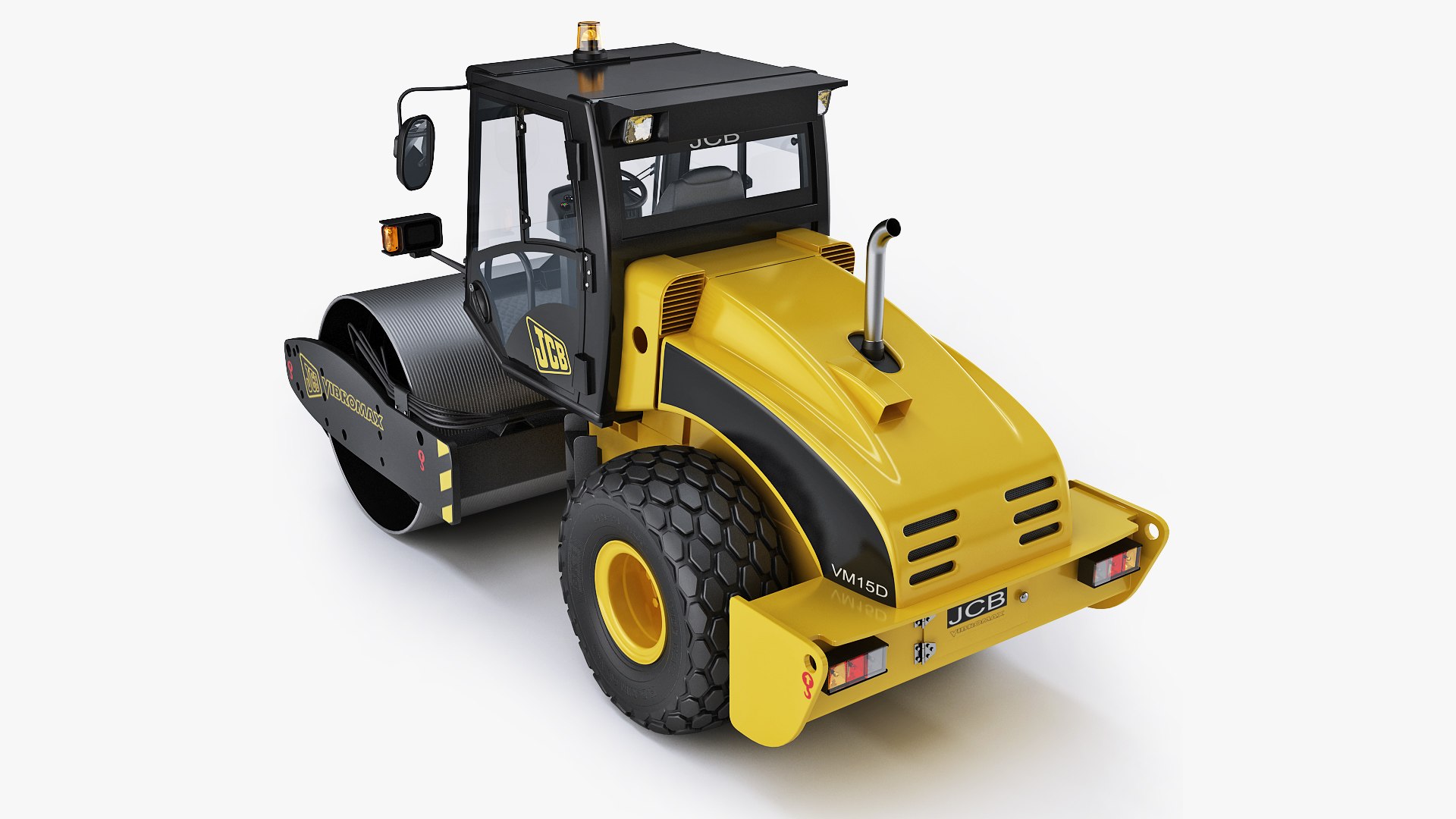
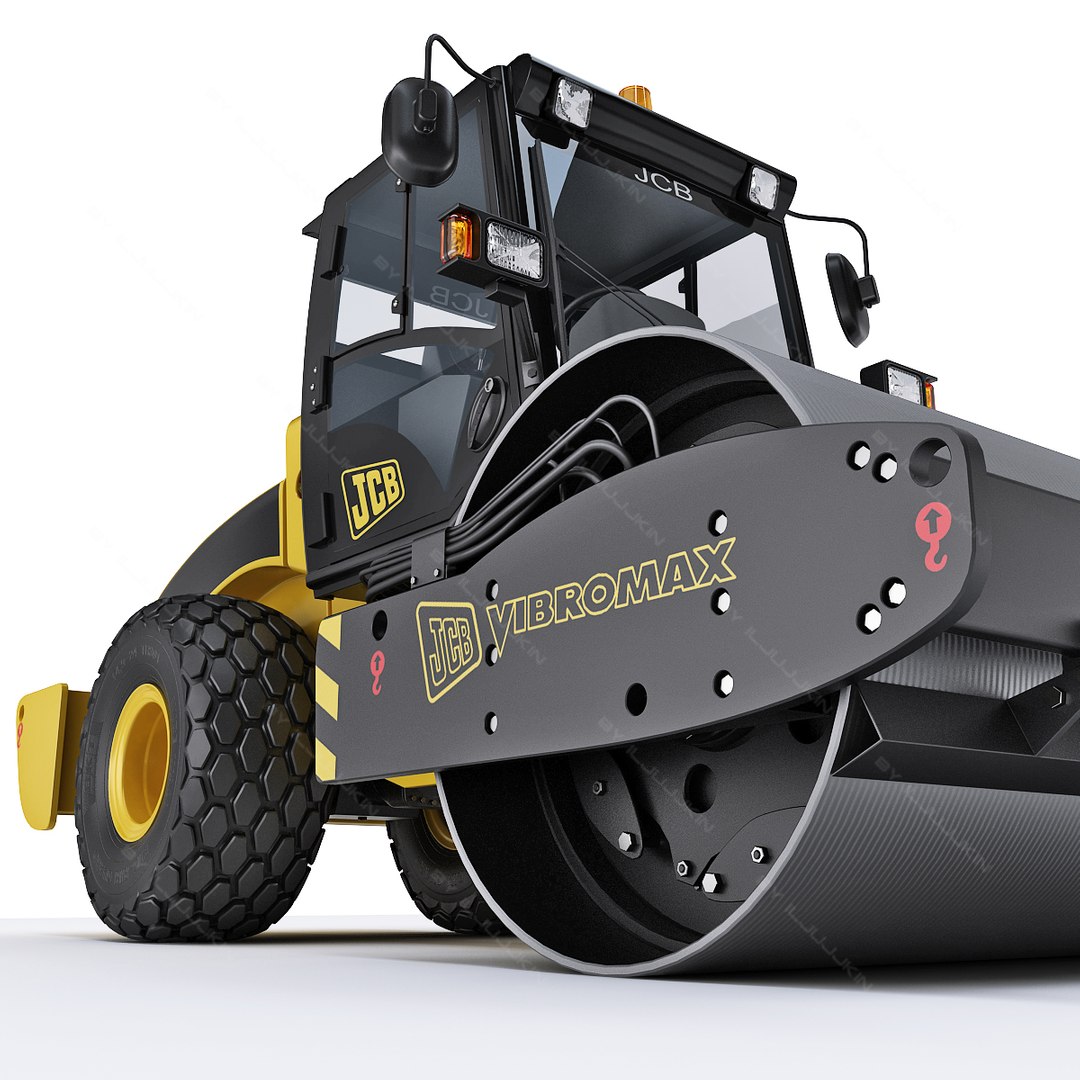
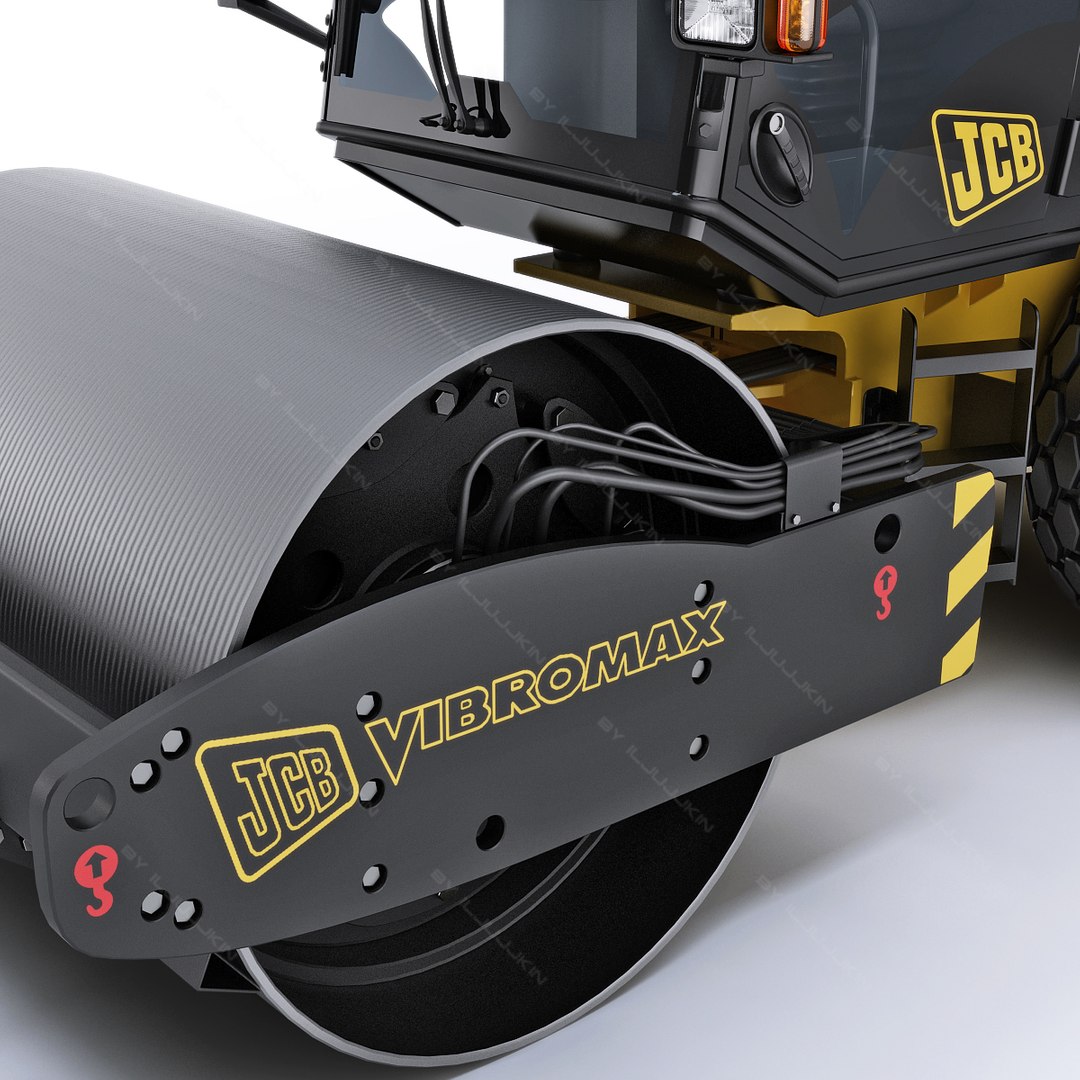
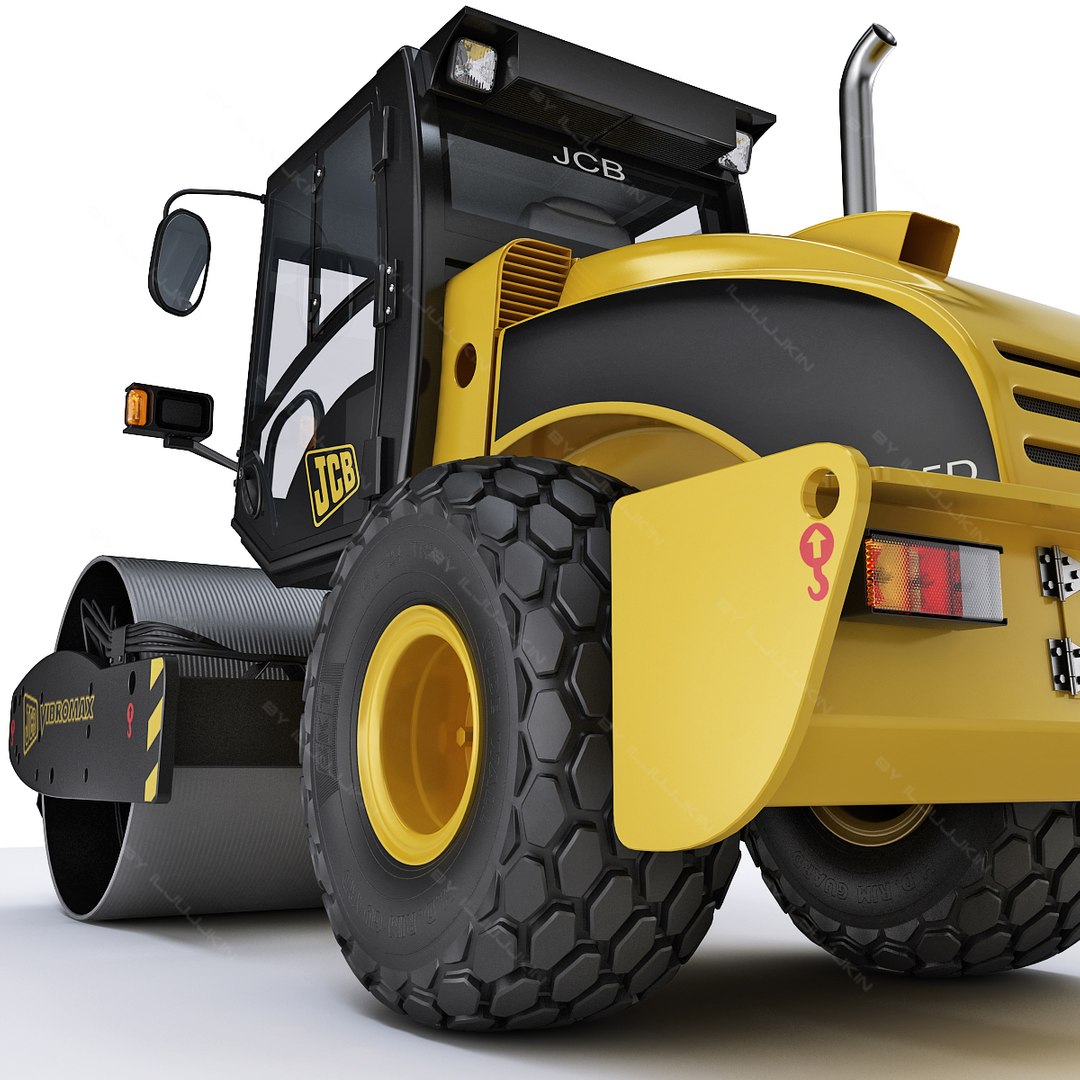
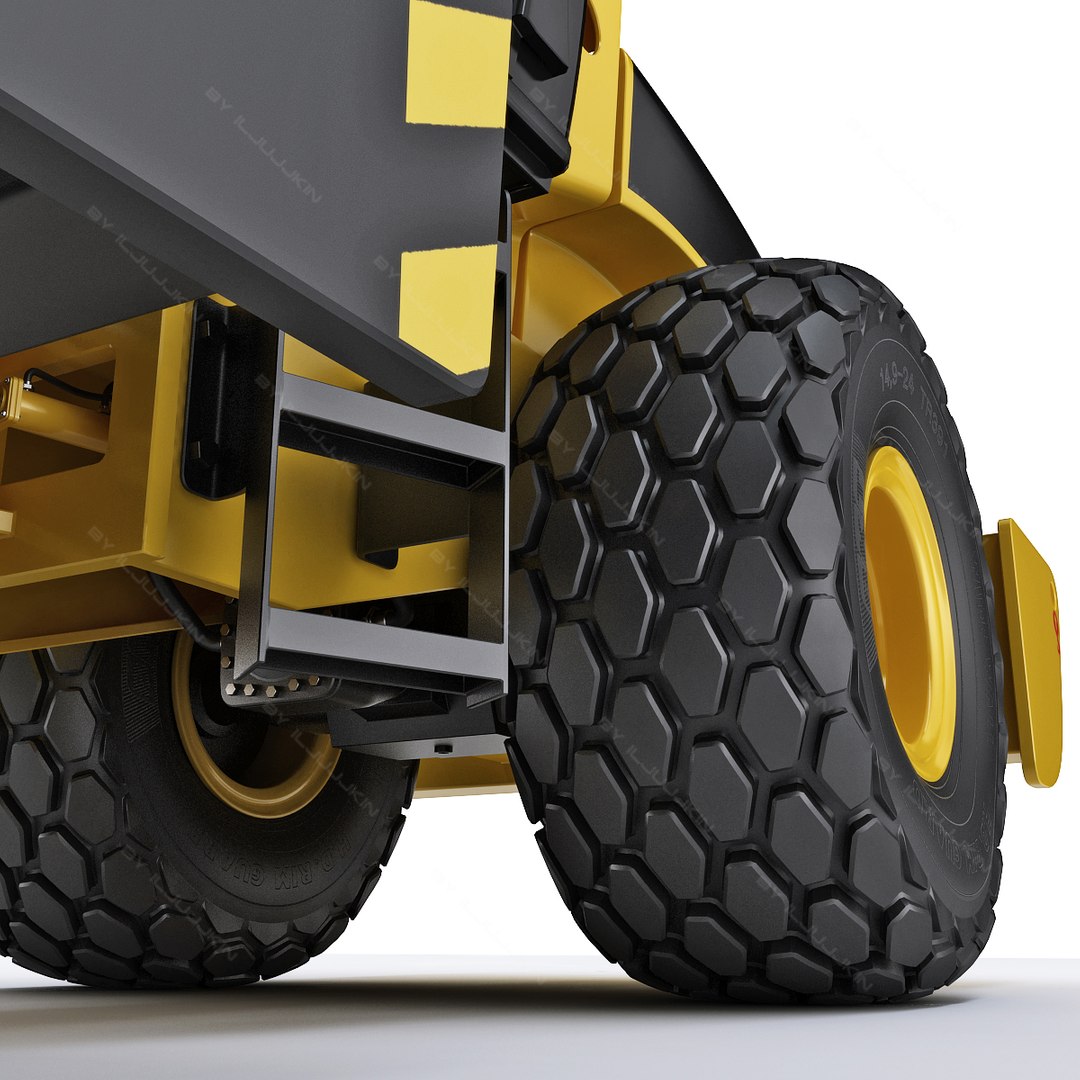
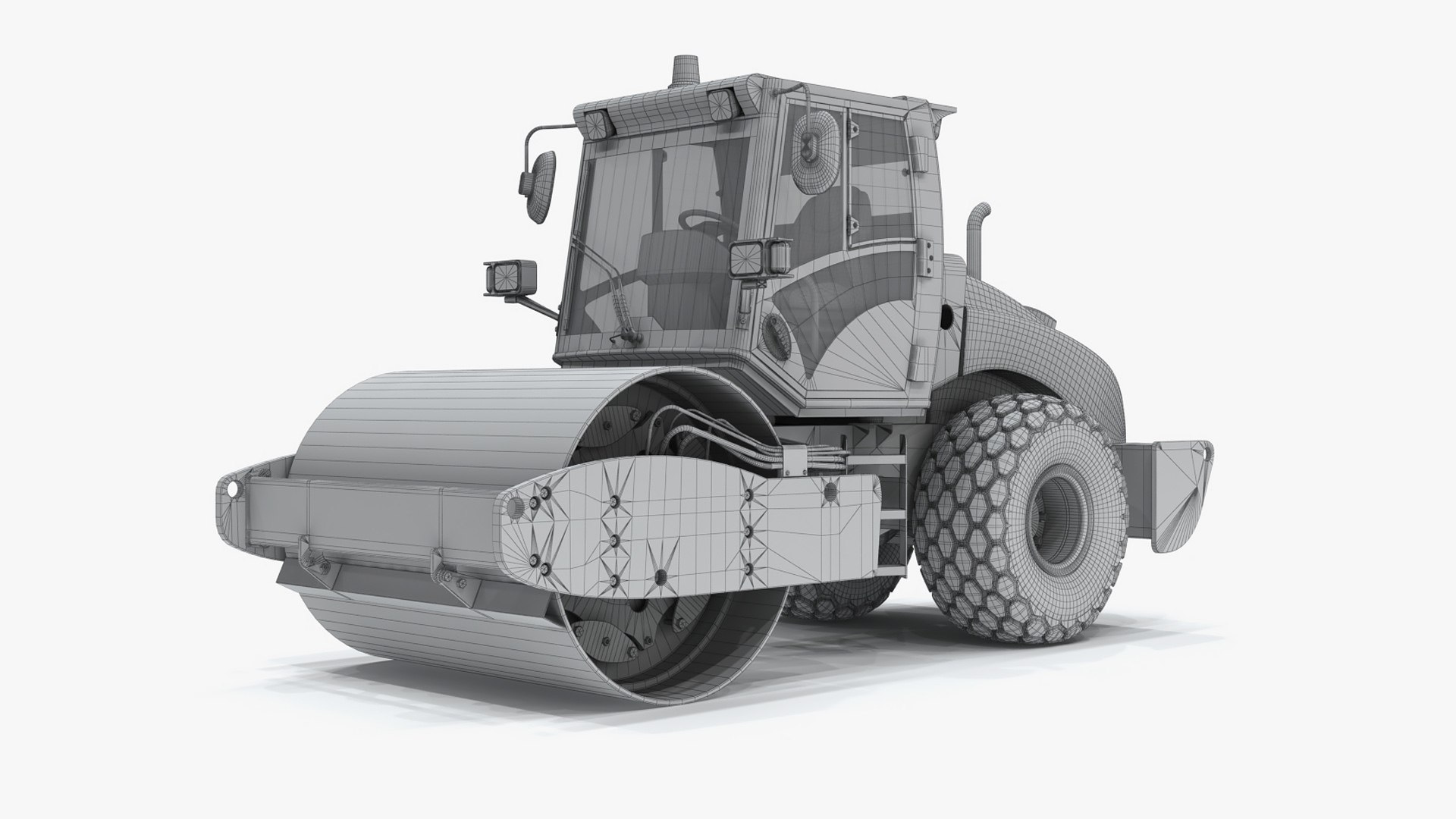
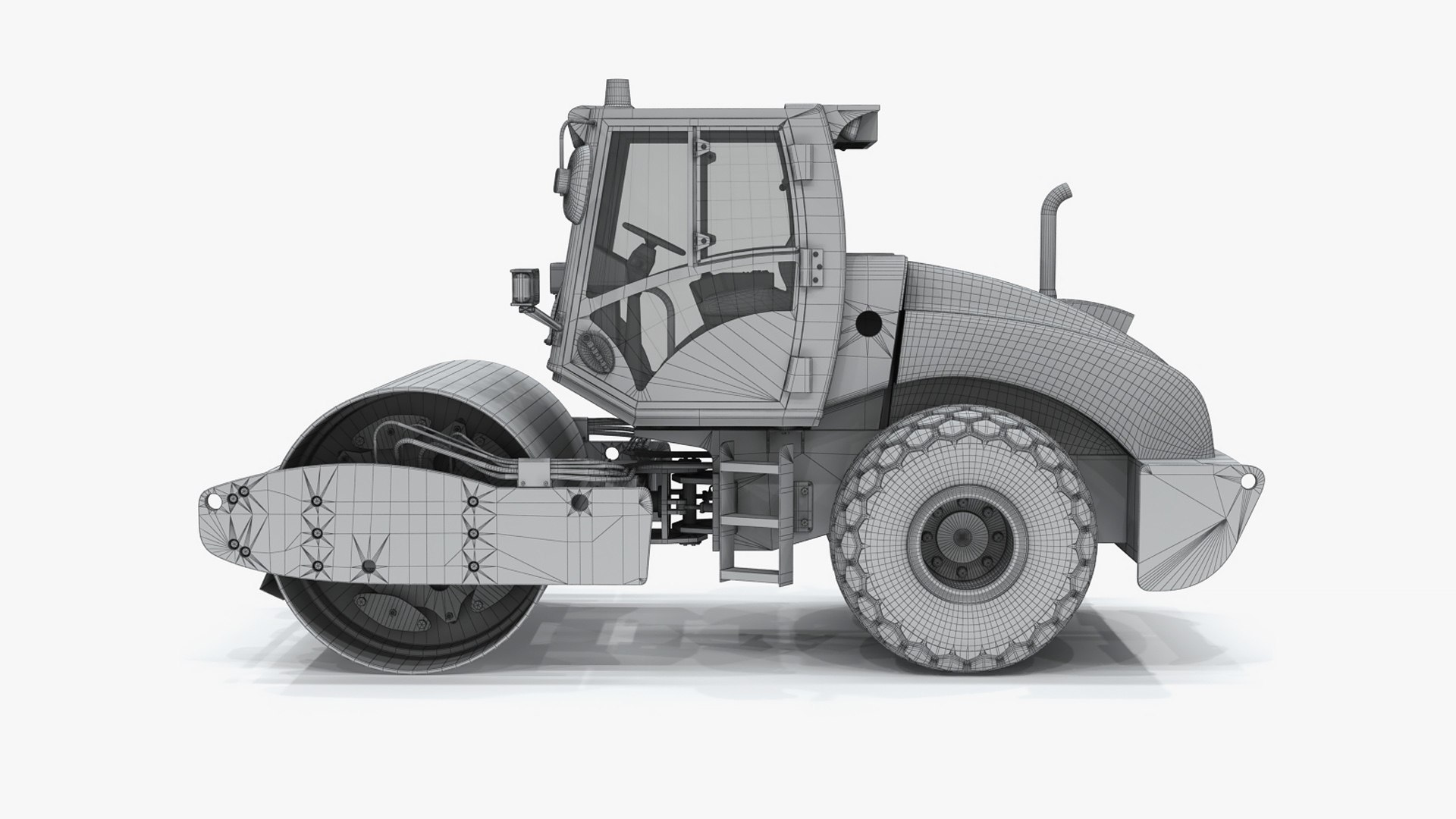
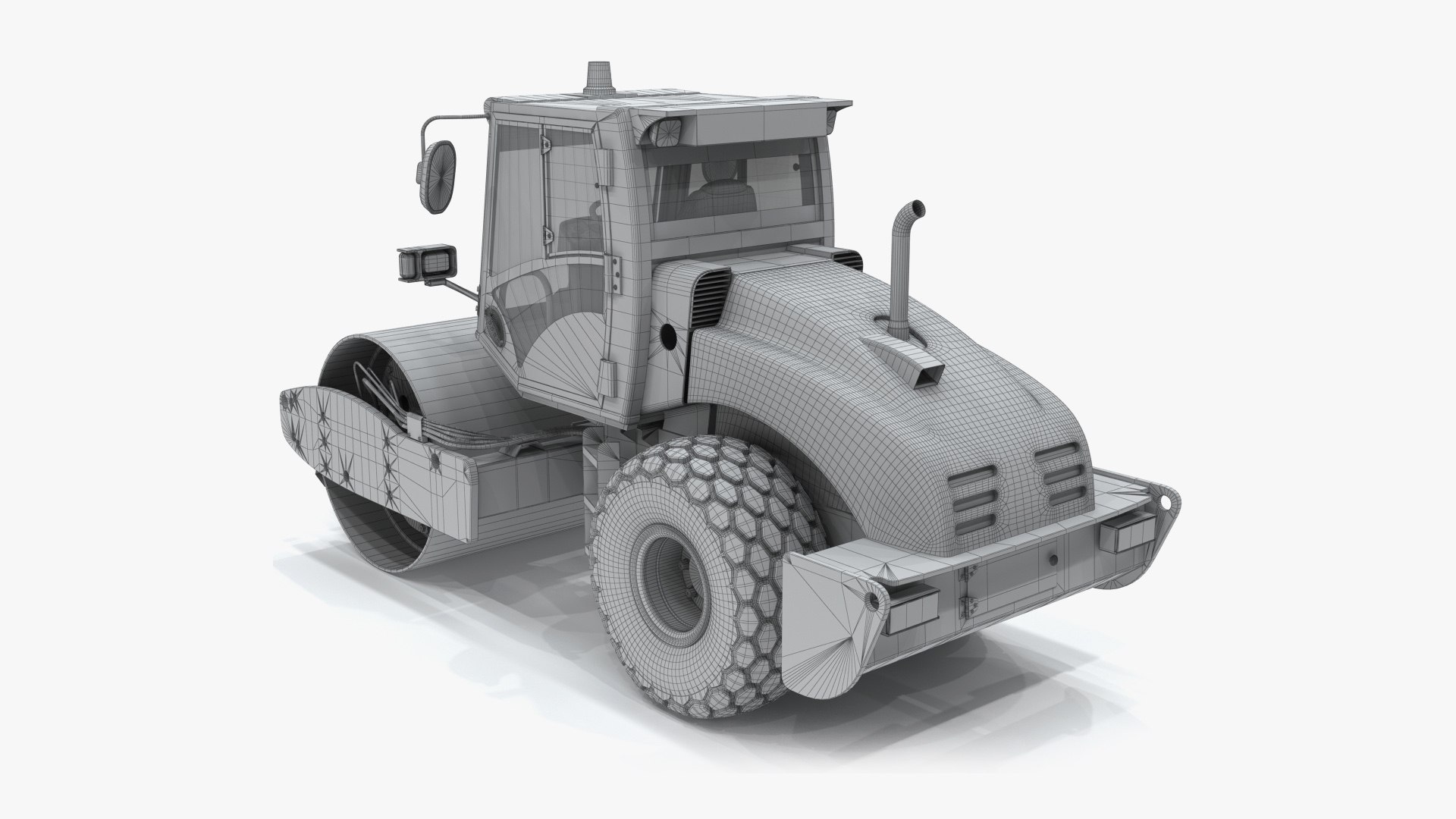
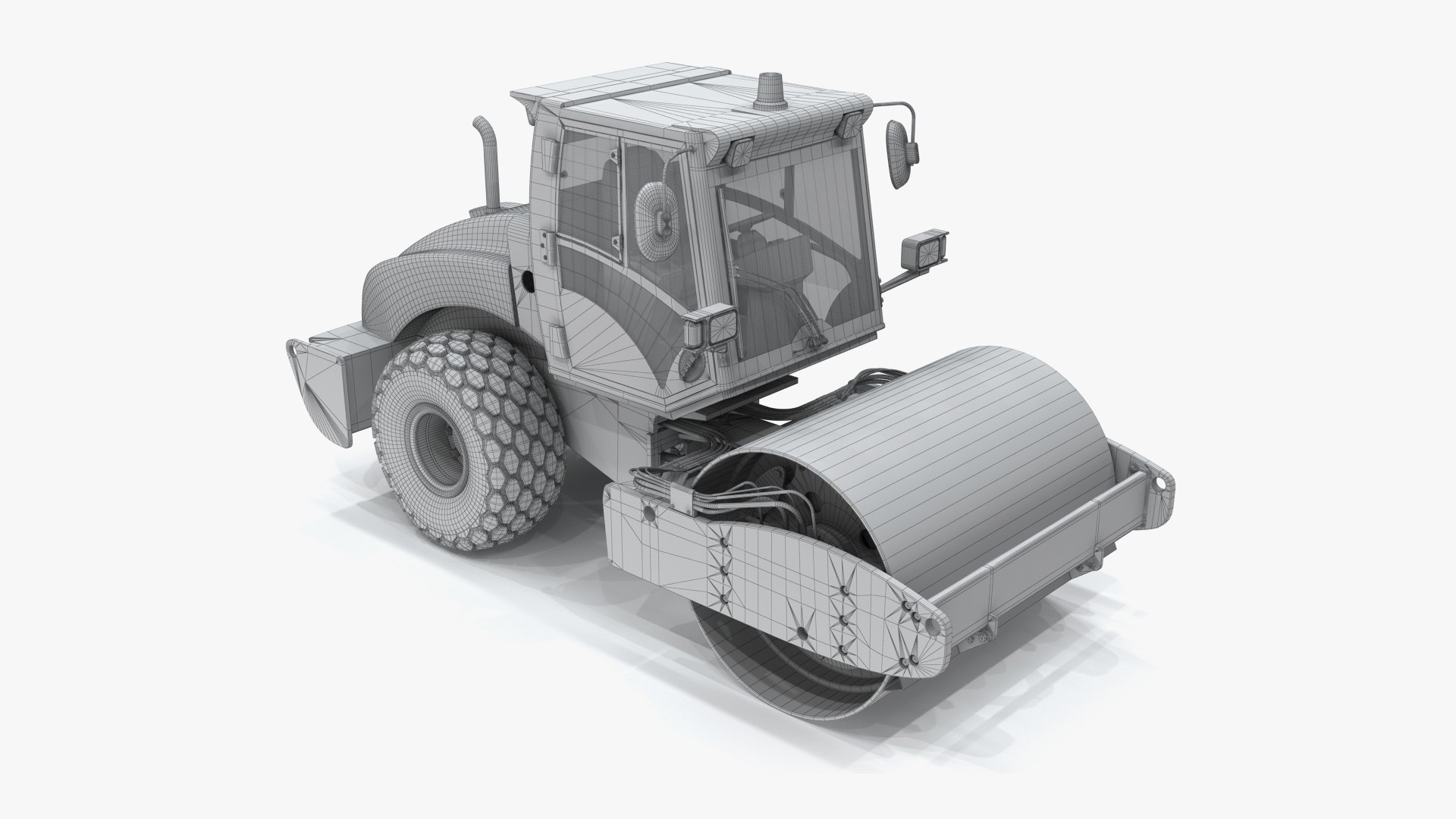
Compactor JCB Vibromax VM115 Construction Equipment

$99

Standard License | Upgrade License
Editorial Uses Only
Formats (7)
Free file format Conversions available
Native | 3ds Max 2012 | V-Ray 3,60
3ds Max 2012 | Default Scanline
Maya 2011 | Maya Software
3D Studio
FBX
OBJ
Cinema 4D
Other Files
JCB_vibromax_tex.rar JCB_vibromax_HQ_render.rar
Specifications
Publish Date January 28, 2012
Product ID 651782
Polygons 192,020
Vertices 191,267
Polygonal Ngons Used
Textures
Materials
Mixed Unwrapped UVs
TurboSquid Exclusive

member avatar
iljujjkin
2330 Products | Contributor Since 2009
Have questions? Chat with us now.

Description

Quality realistic 3d model of Compactor Vibromax VM115.

- detailed enough for close-up renders

- Two max files included Standart materials and Vray-materials

- Big size textures *.jpeg format included

- file format - max2009, 3ds, obj, fbx, c4d, ma, mb included

- original file format - max 2012

- to all objects and materials in a scene names are appropriated

- real world size (system units - mm)

- coordinates of the location of the model in space (x0, y0, z0)

- files with the model does not contain extraneous or hidden objects (lights, cameras, etc.)

- 16 realistic render 1200*1200 (*.tiff format, alpha channel) included

The model is completely ready for use in visualization 3ds max.

In formats c4d, 3ds, obj, fbx, ma, mb - model exported to standard materials, not contain Vray shaders.

Select Enhanced License

  • $10,000 in Legal Protection (Indemnification)
  • Uncapped Legal Protection (Indemnification)
  • Waiver from injunctive relief
  • Assignable model rights
  • $1,000,000 in Legal Protection (Indemnification)
  • Waiver from injunctive relief
  • Assignable model rights
  • $250,000 in Legal Protection (Indemnification)
  • Assignable model rights
Read more about enhanced license tiers, or contact us at enterprise@turbosquid.com. Already a Shutterstock Enterprise Customer? Contact your Shutterstock Sales Support Agent to talk about adding 3D.

About Conversion Requests

To submit a conversion request for a purchased asset, please complete our Conversion Request Form.

If you have not yet purchased a model, please review our Documentation about Conversions to learn about what limitations you may encounter with a conversion.

For any additional questions about a model’s suitability for conversion, please contact TurboSquid Support.

Loading...