
Commodore 64

$39

Standard License | Upgrade License
Editorial Uses Only
Formats (6)
Free file format Conversions available
Native | Maya 2011
Maya 8.5 | Maxwell
Other Textures
3ds Max
OBJ
Other Files
textures.rar
Specifications
Publish Date November 04, 2007
Product ID 376911
Polygons 40,113
Vertices 42,980
Polygonal
Textures
Materials
UV Mapped
Unknown Unwrapped UVs
TurboSquid Exclusive

member avatar
bLAZER76
85 Products | Contributor Since 2006
Have questions? Chat with us now.

Description

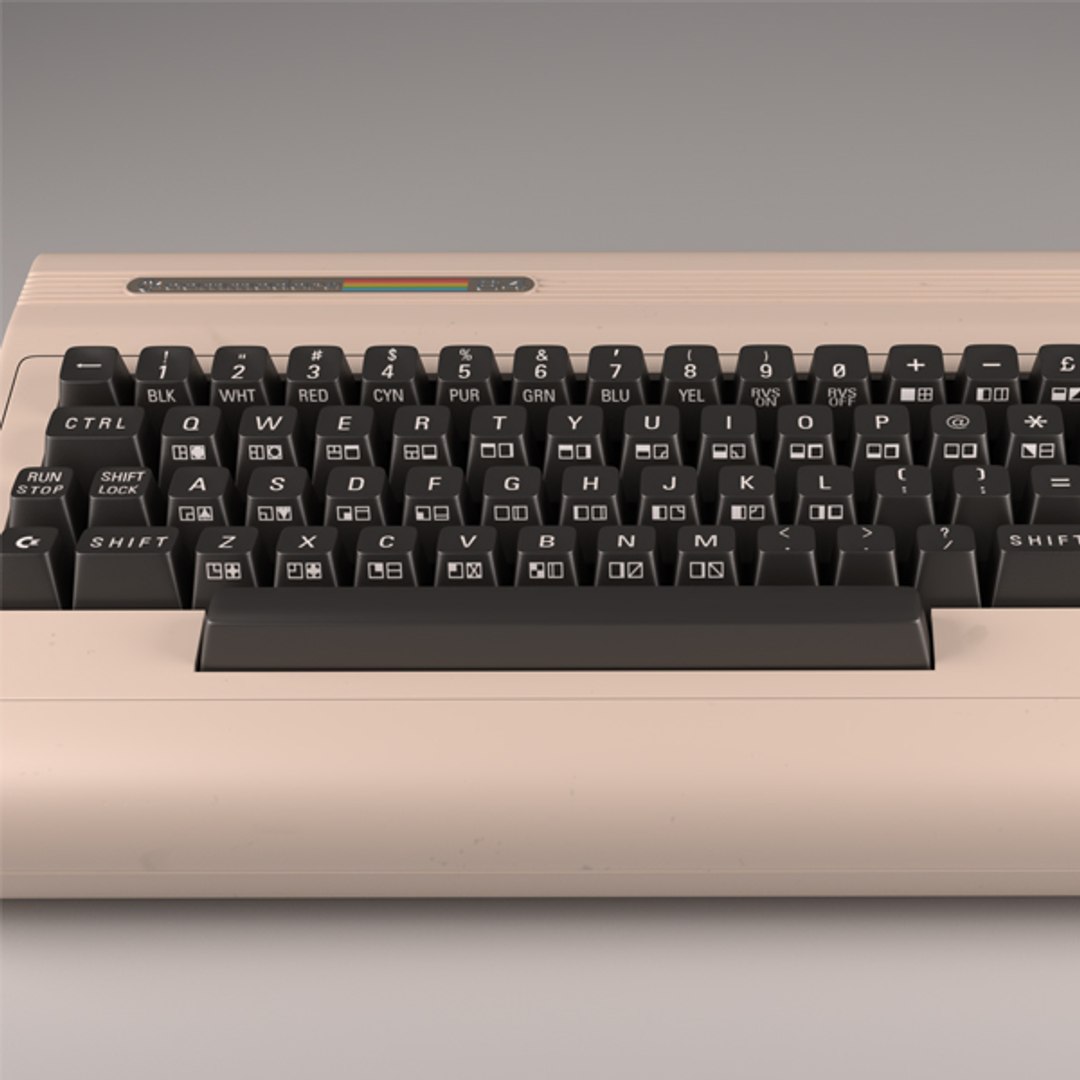
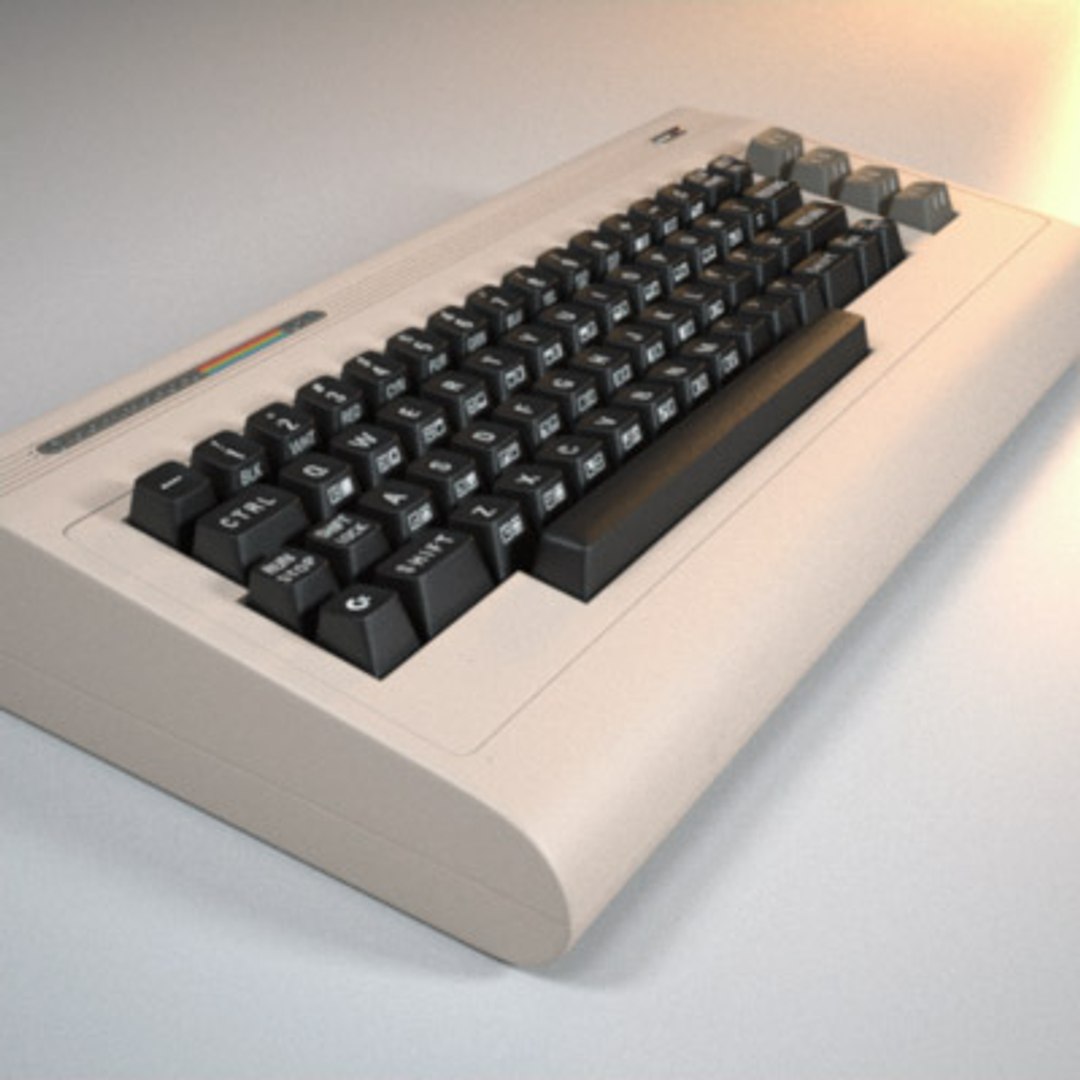
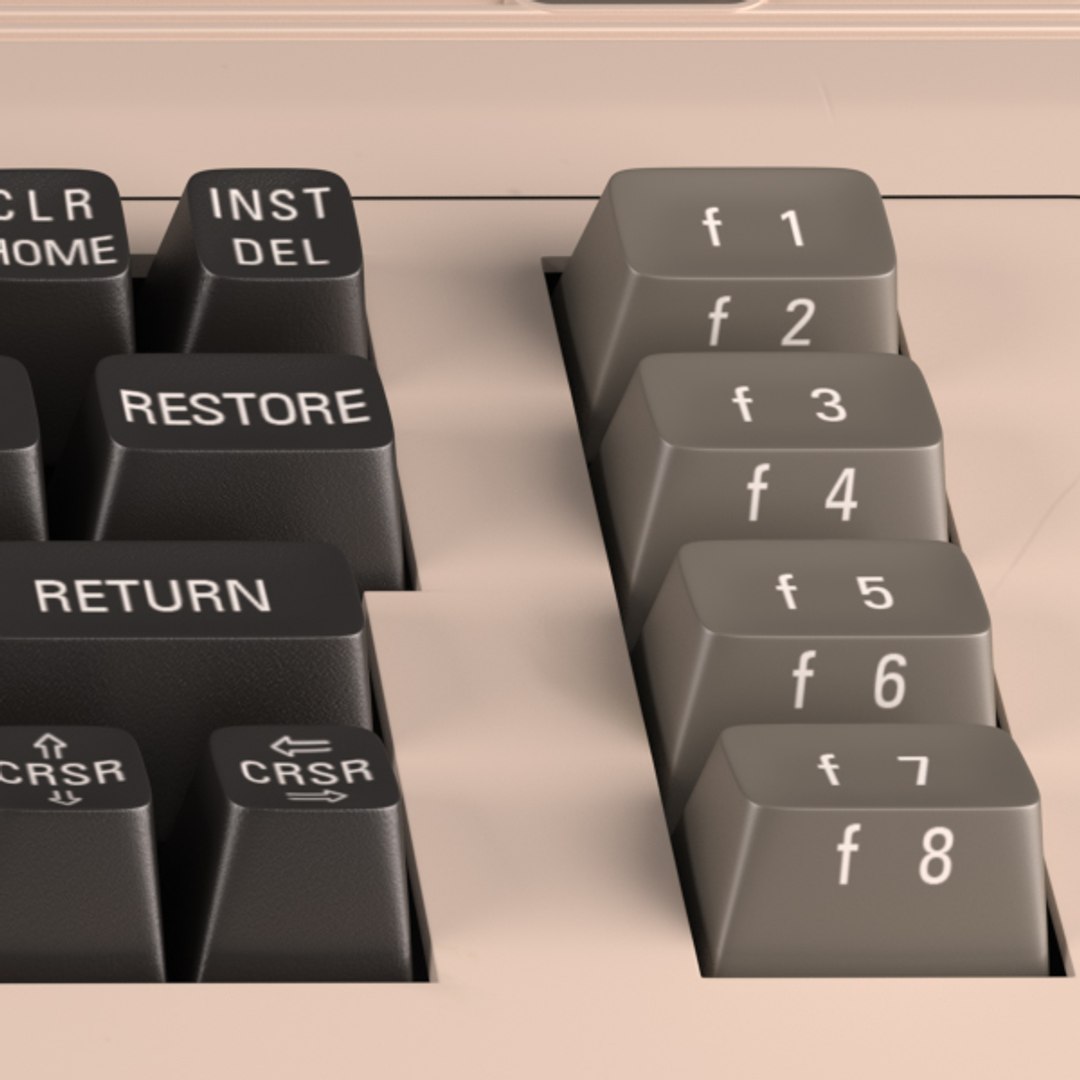
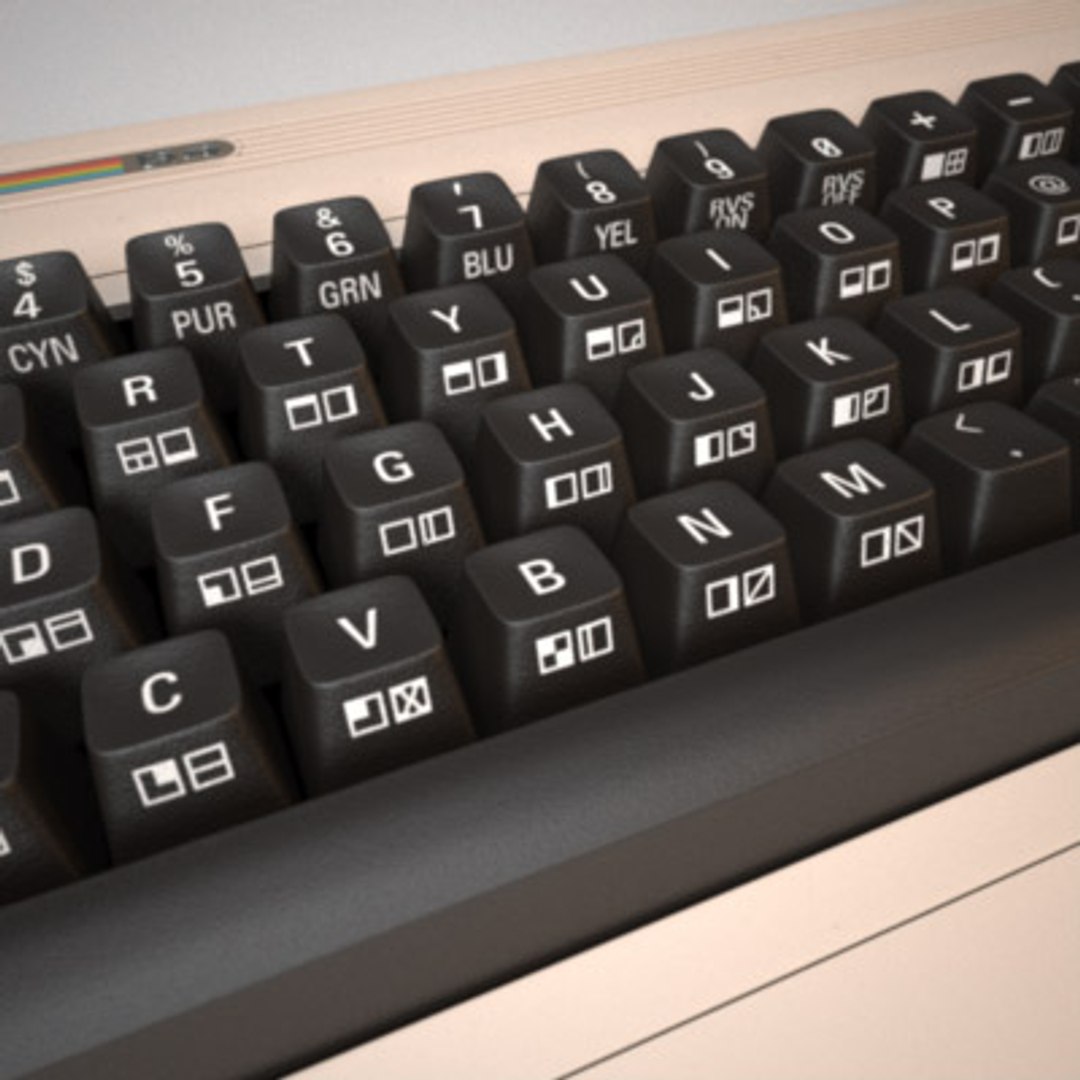
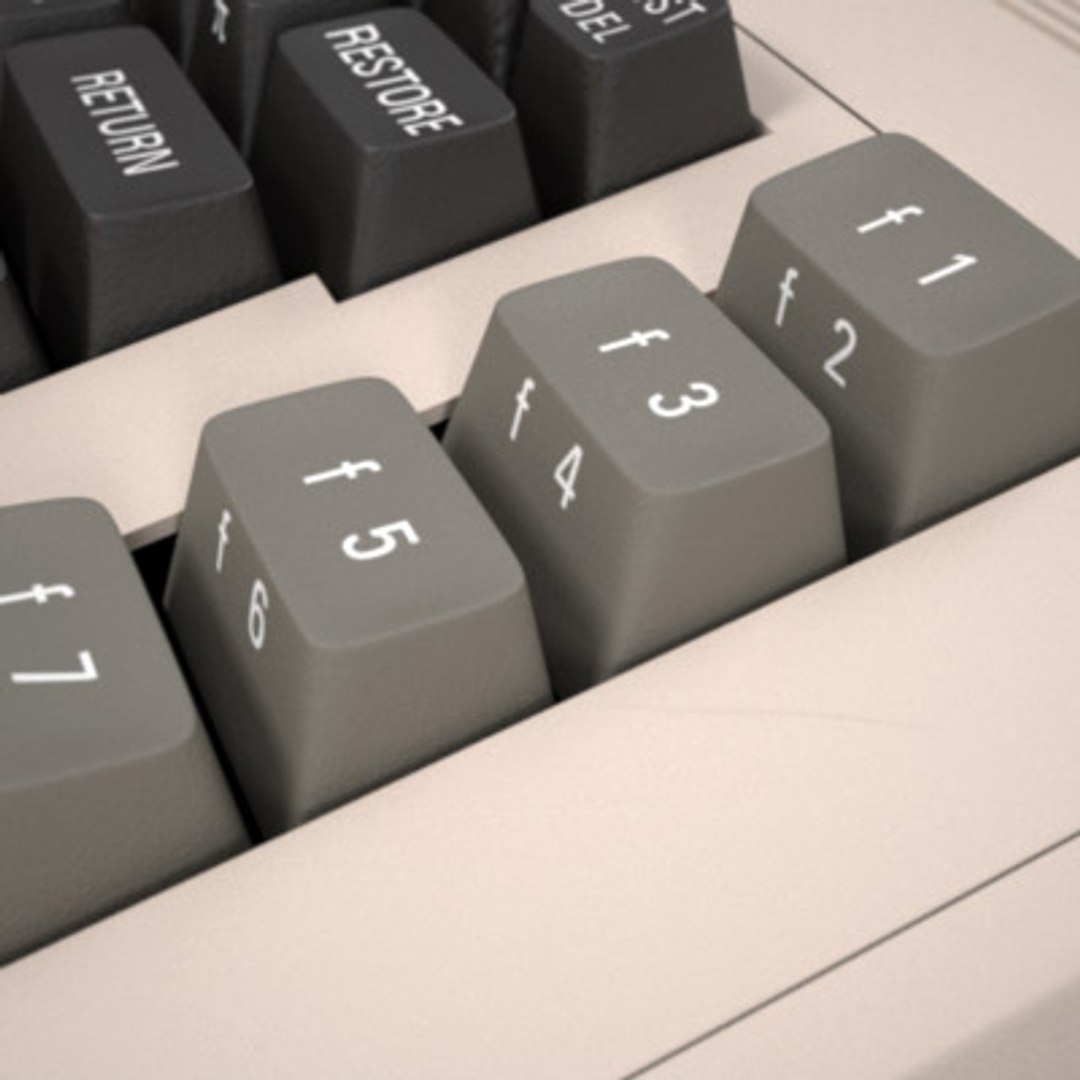
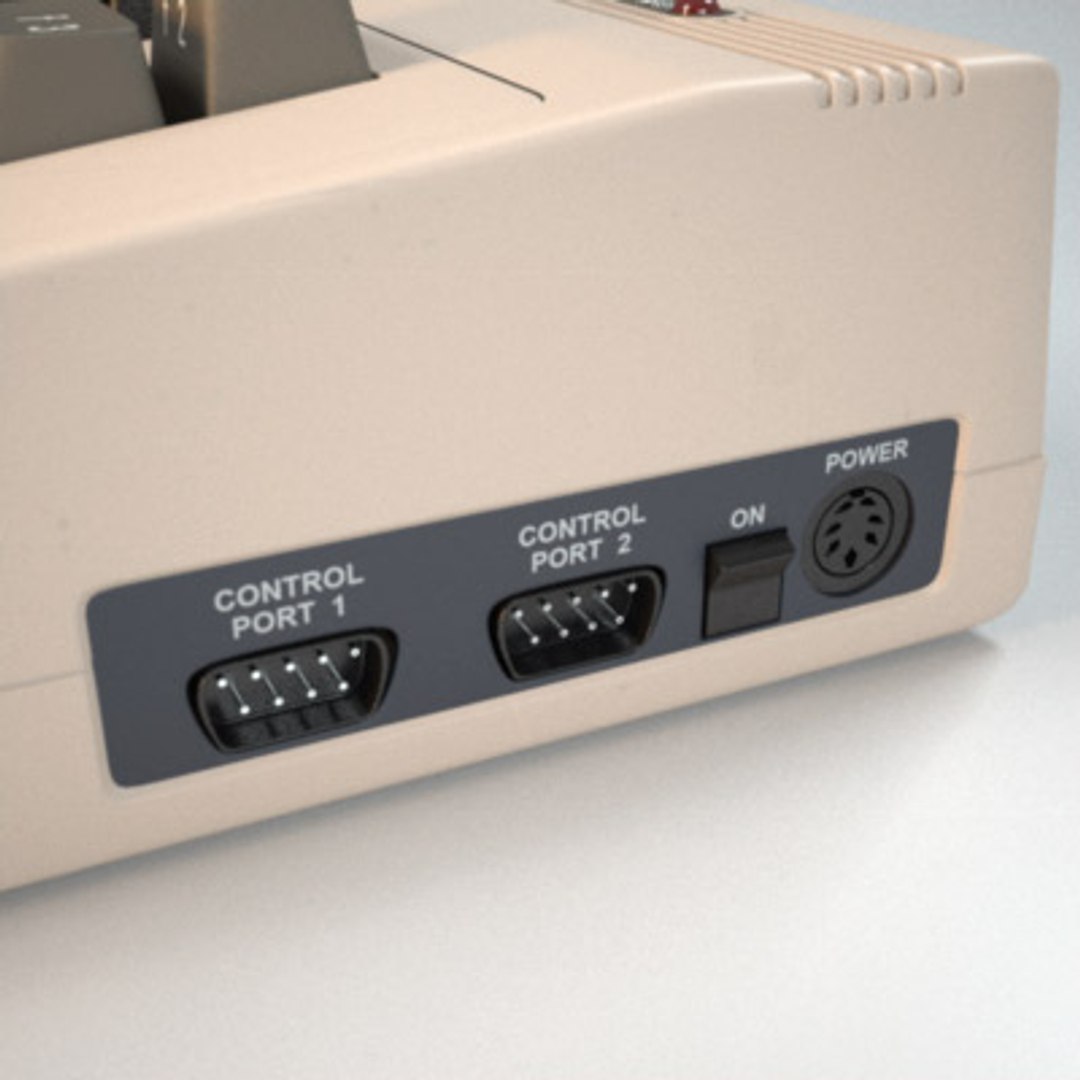
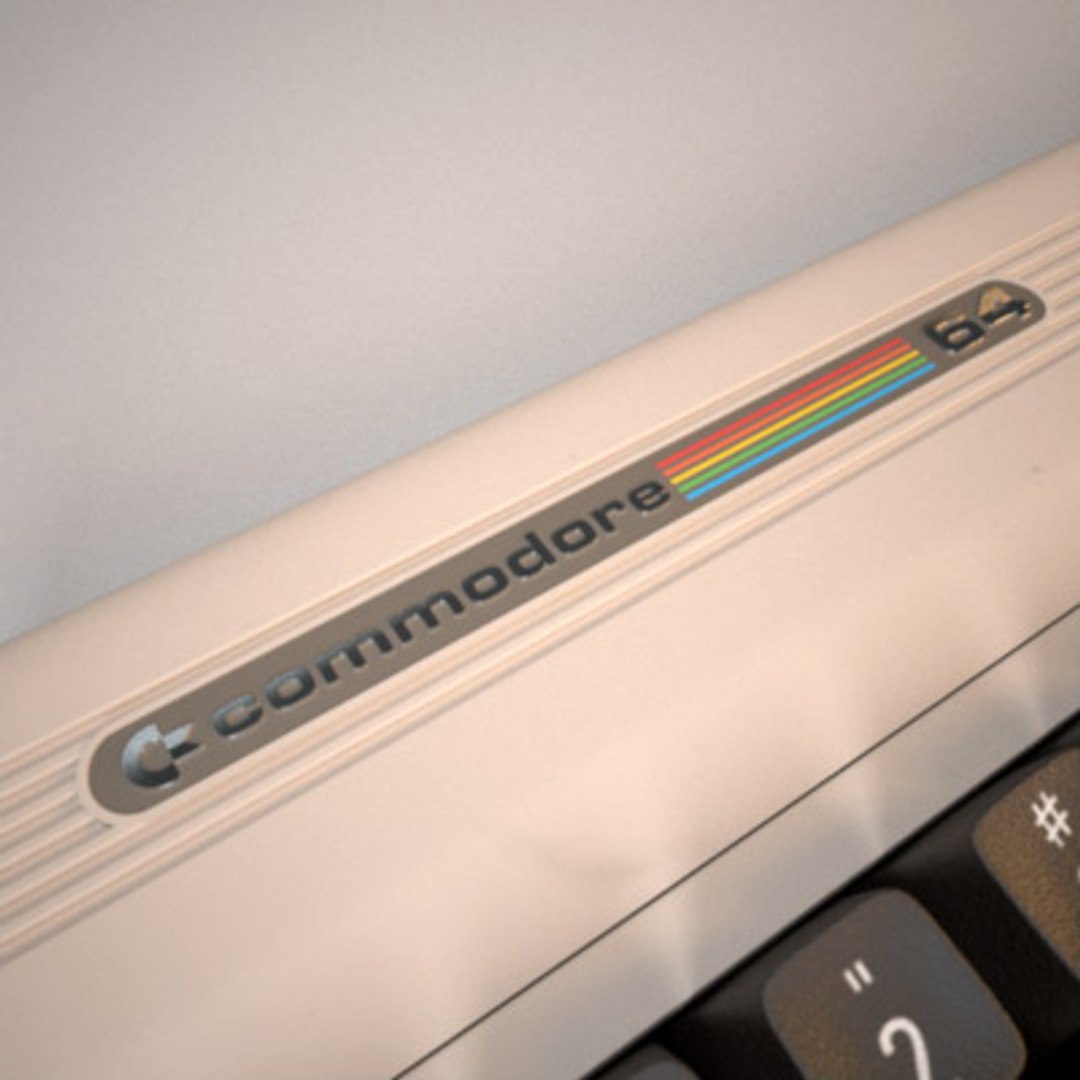
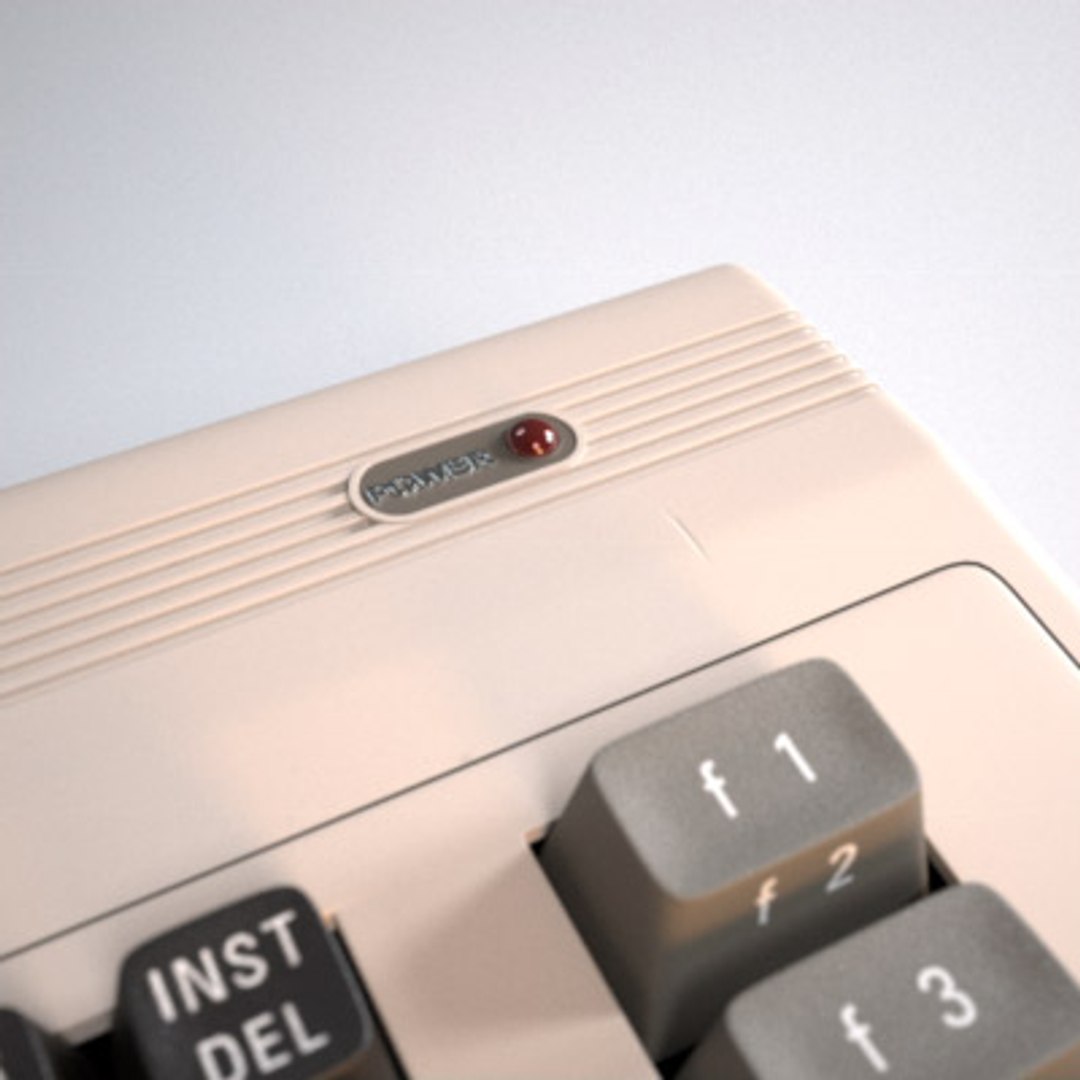
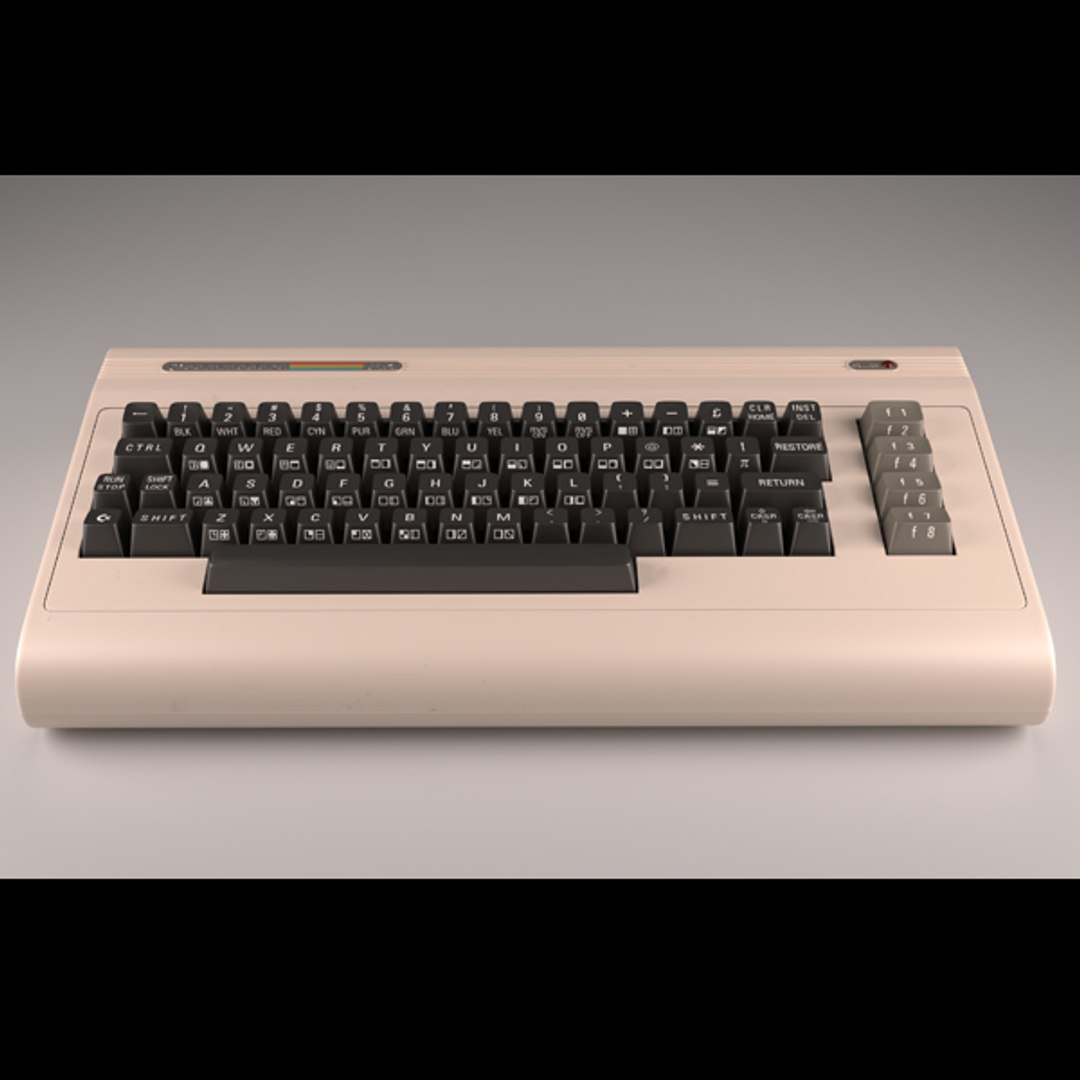
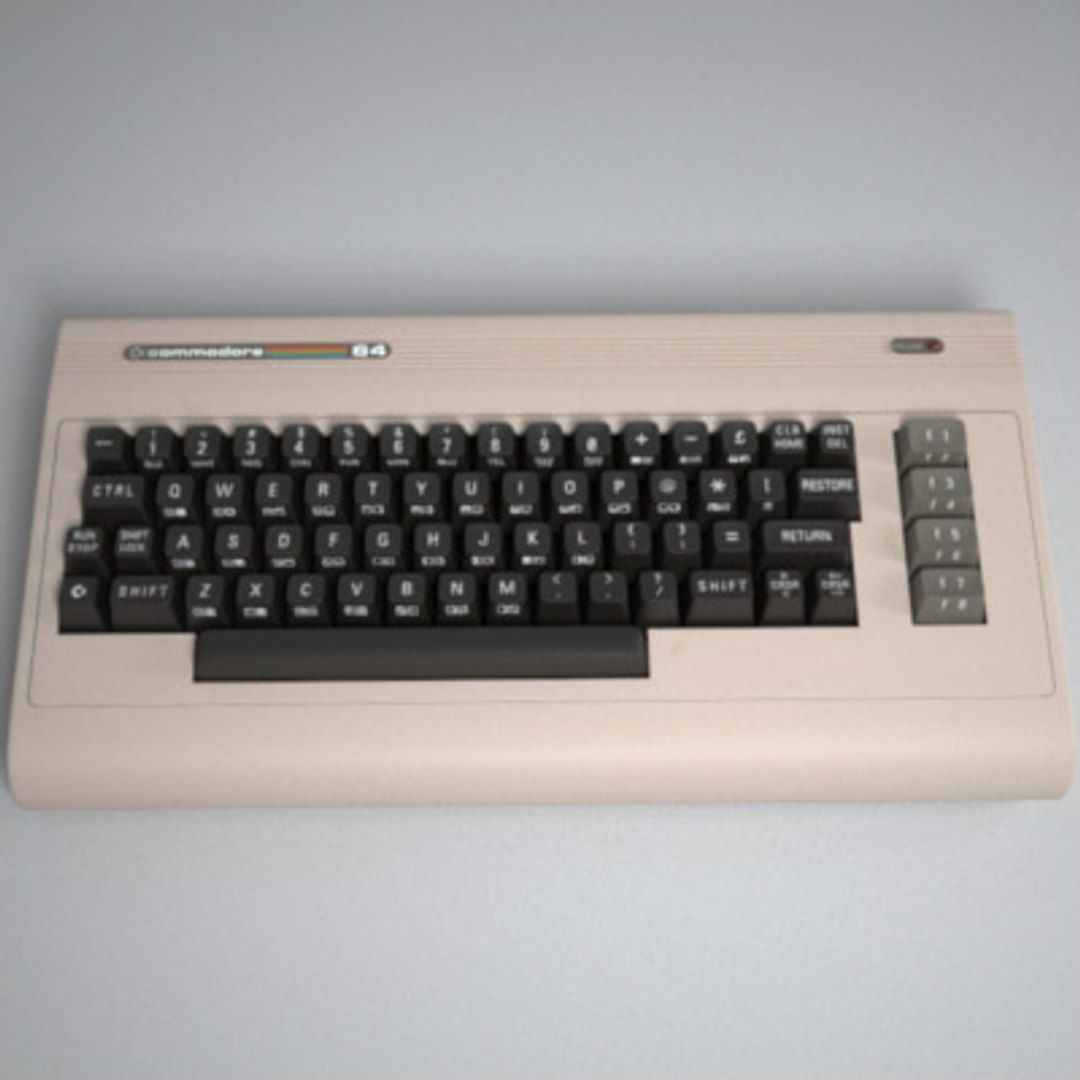
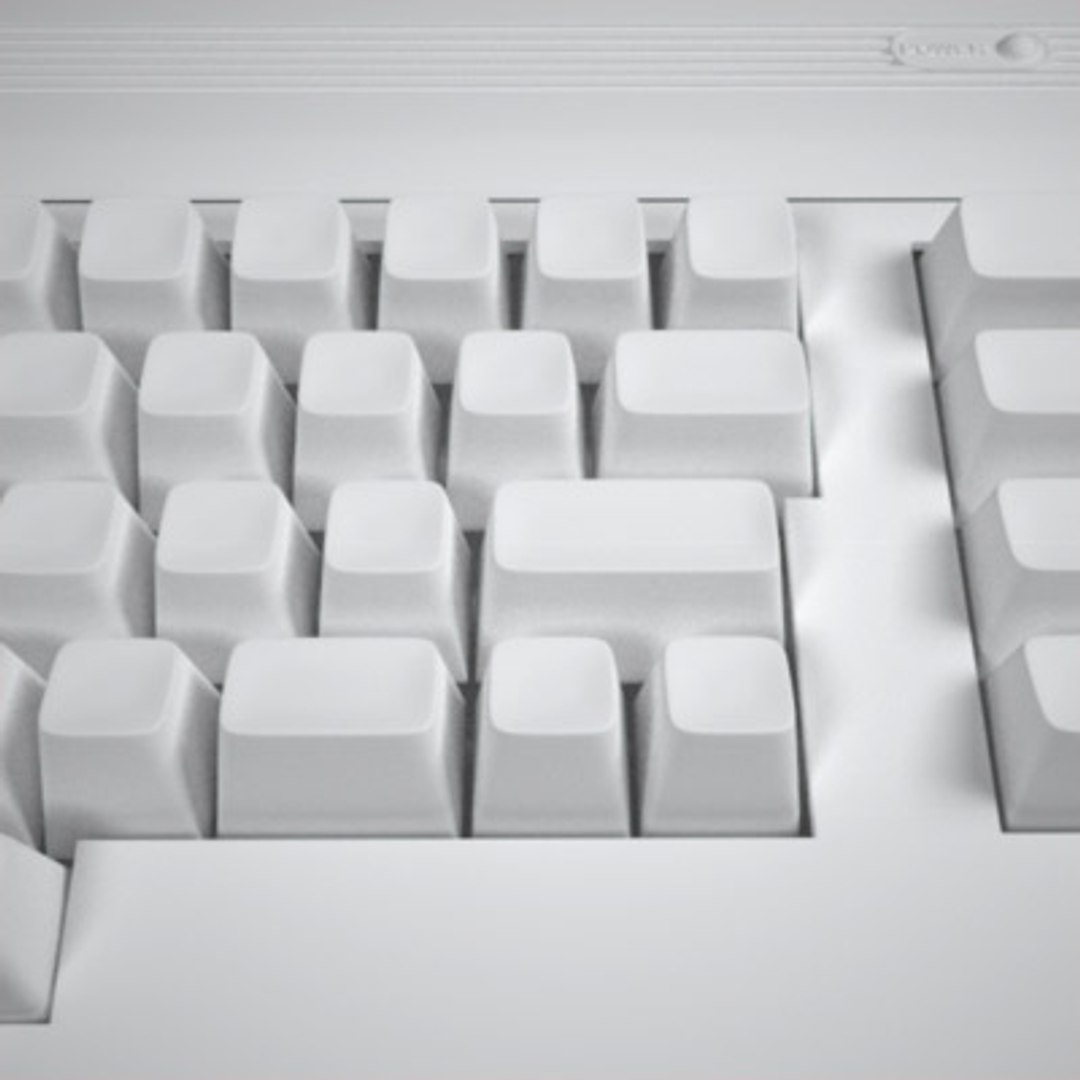
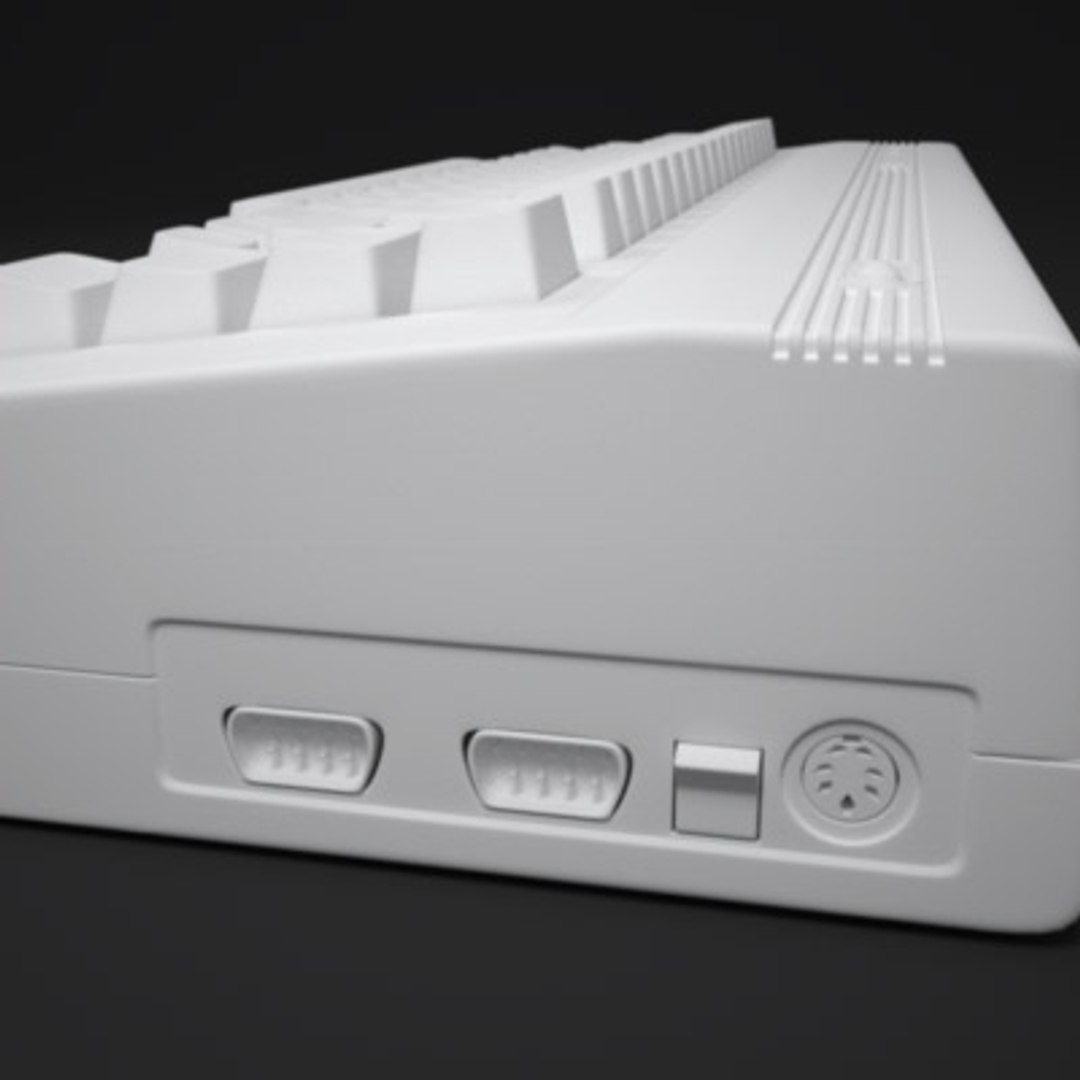
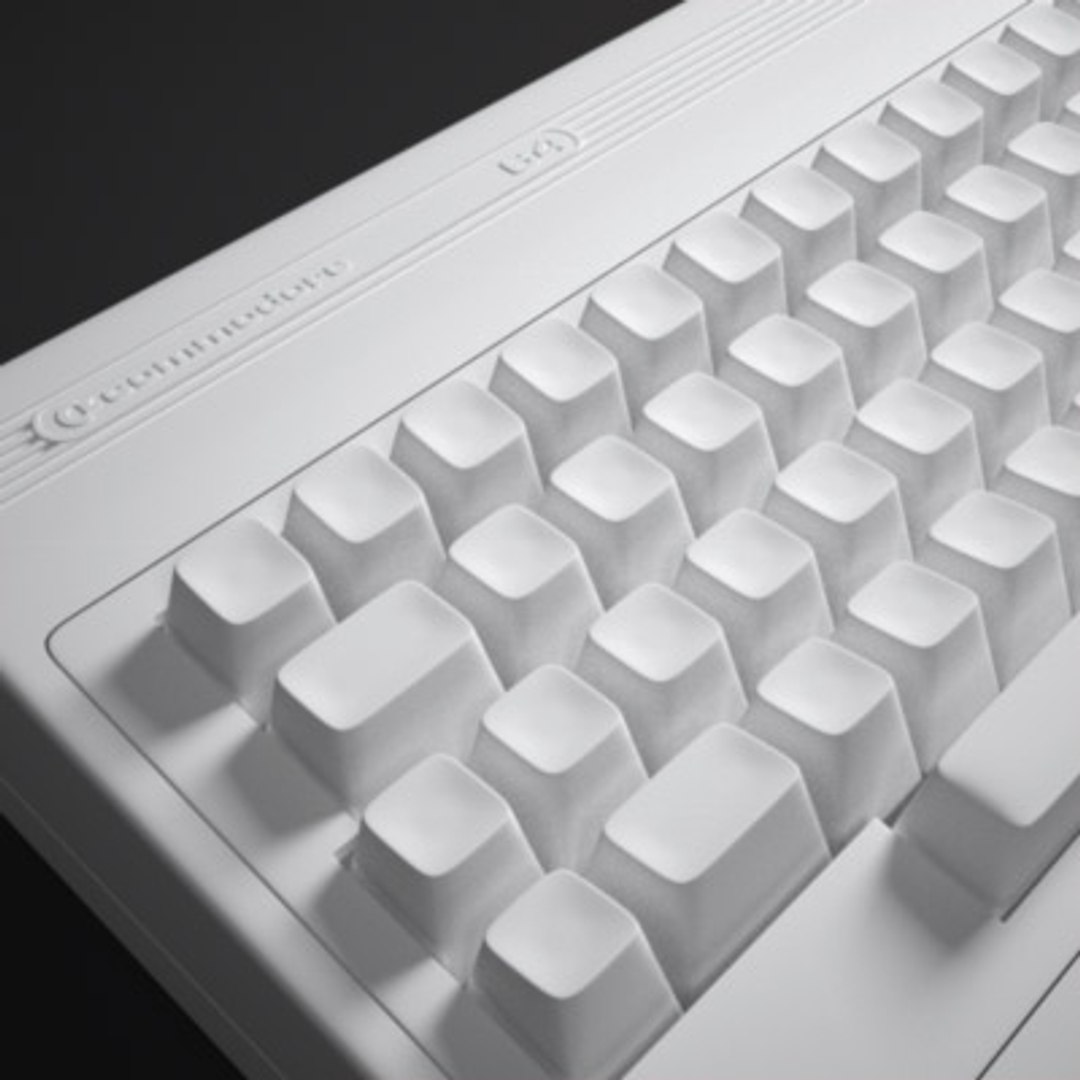
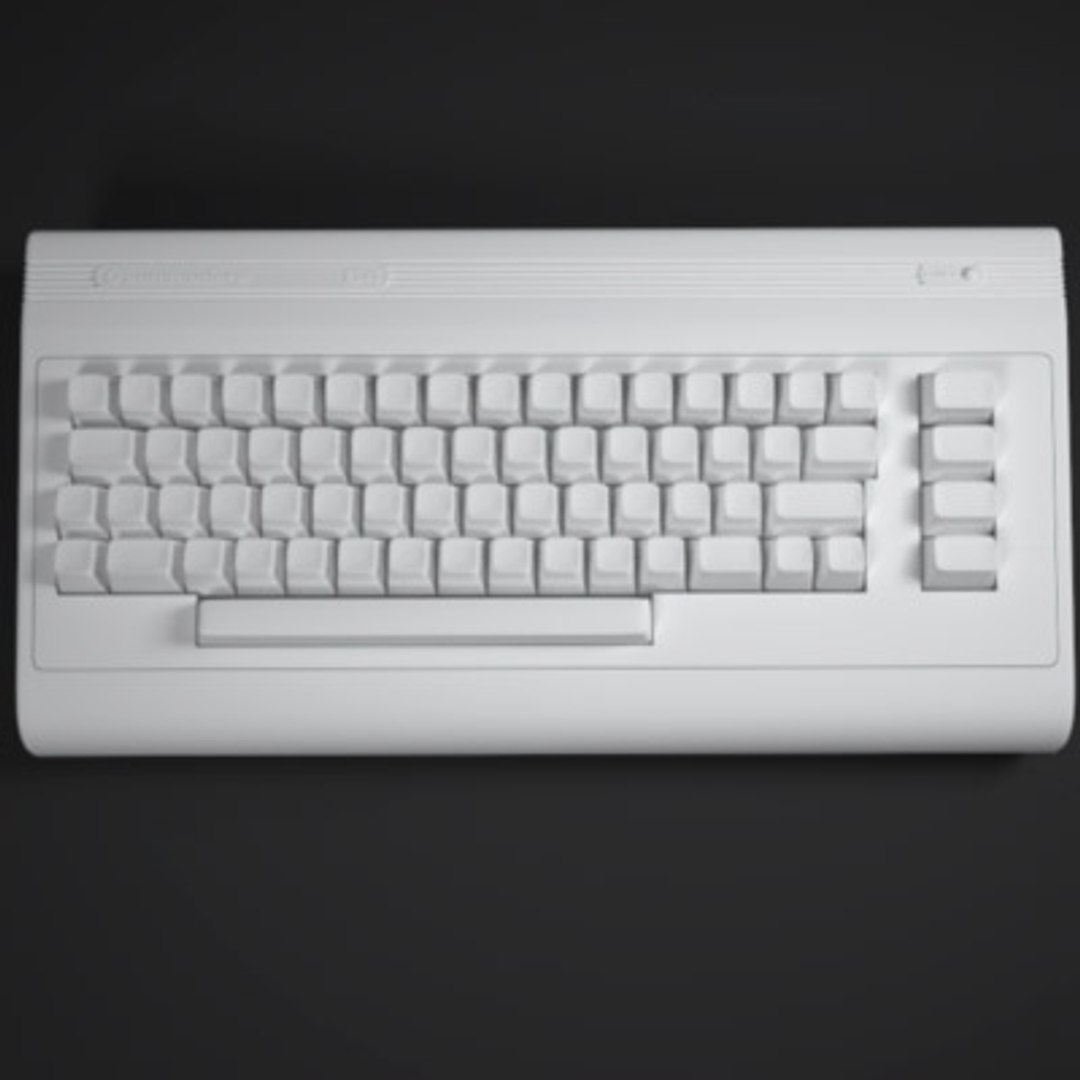
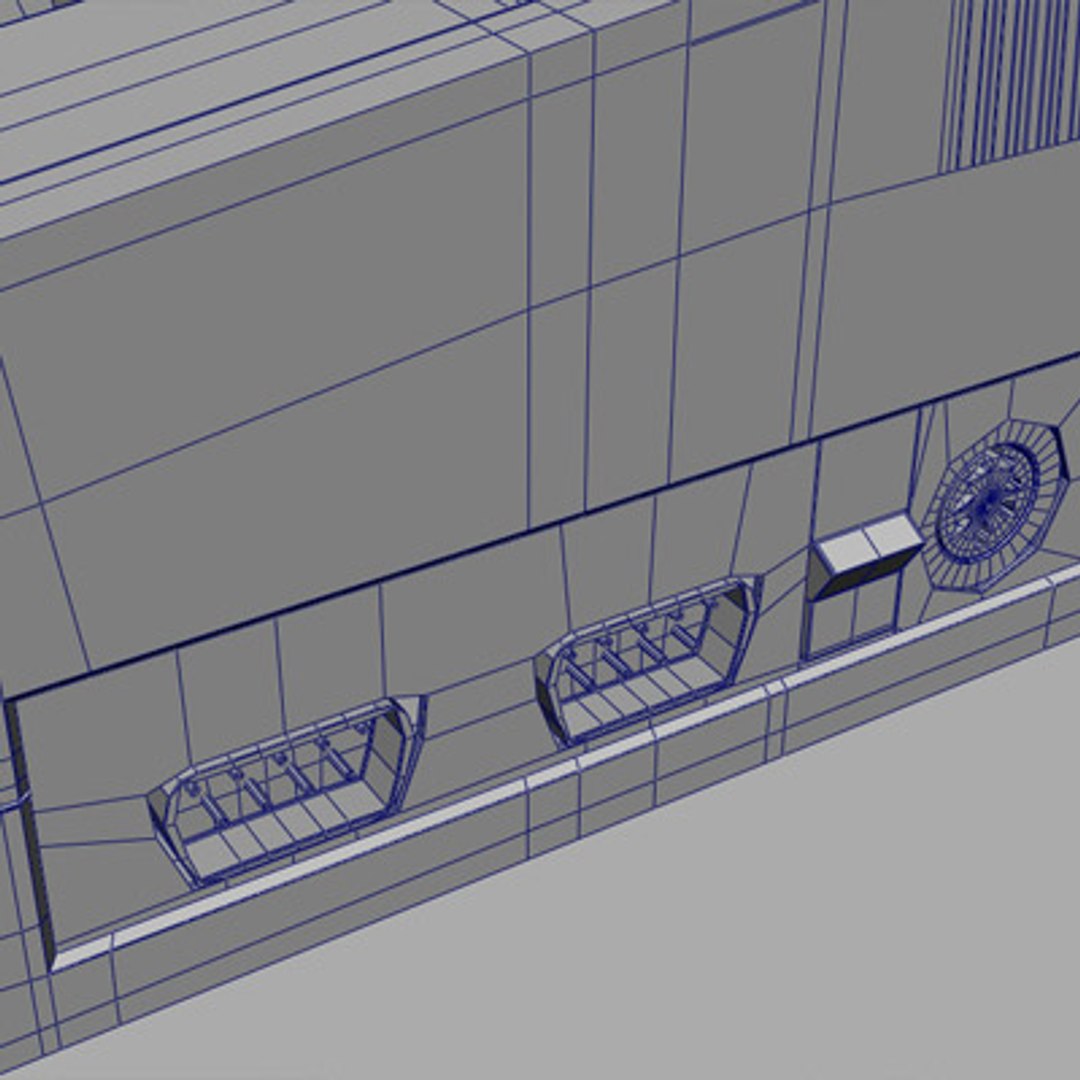
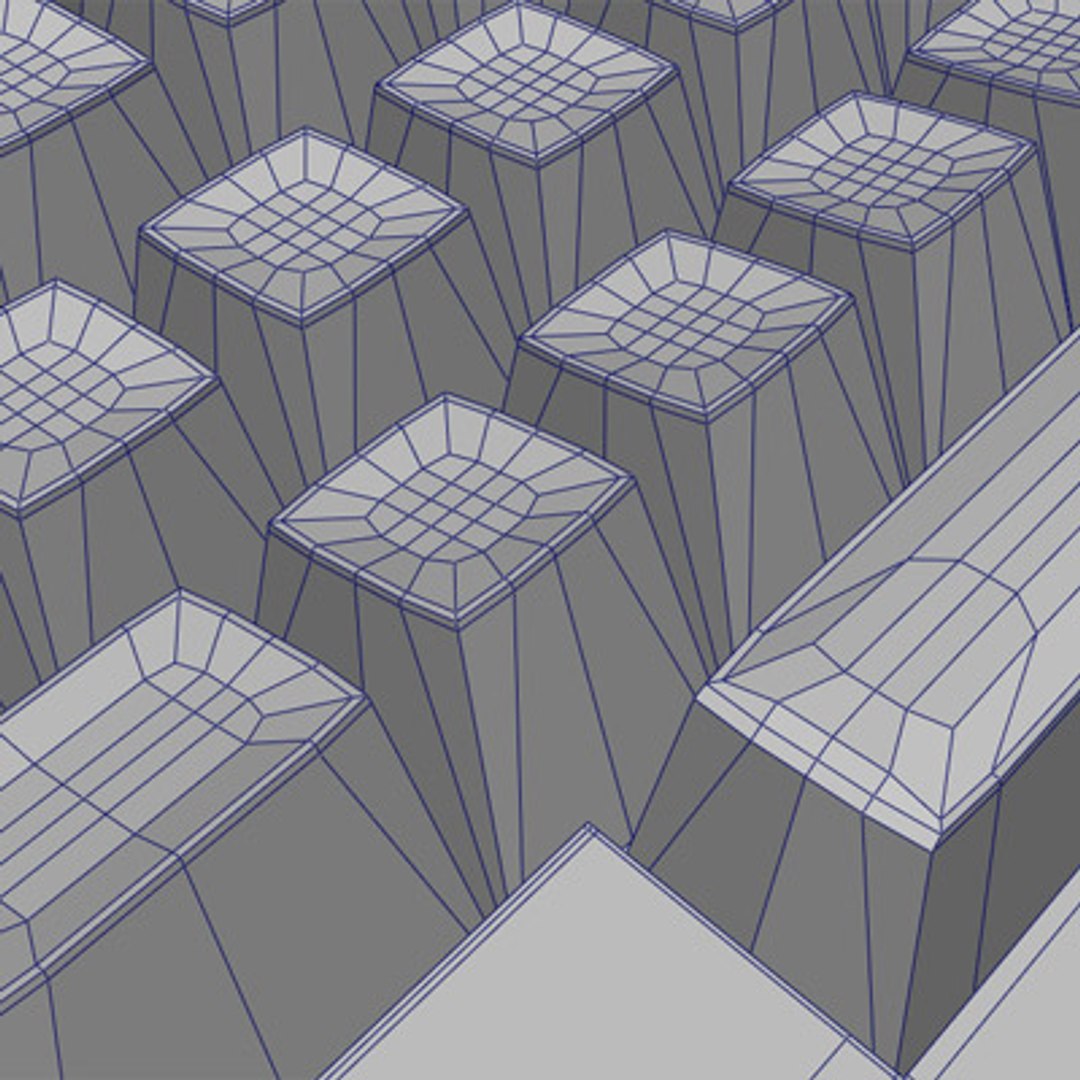
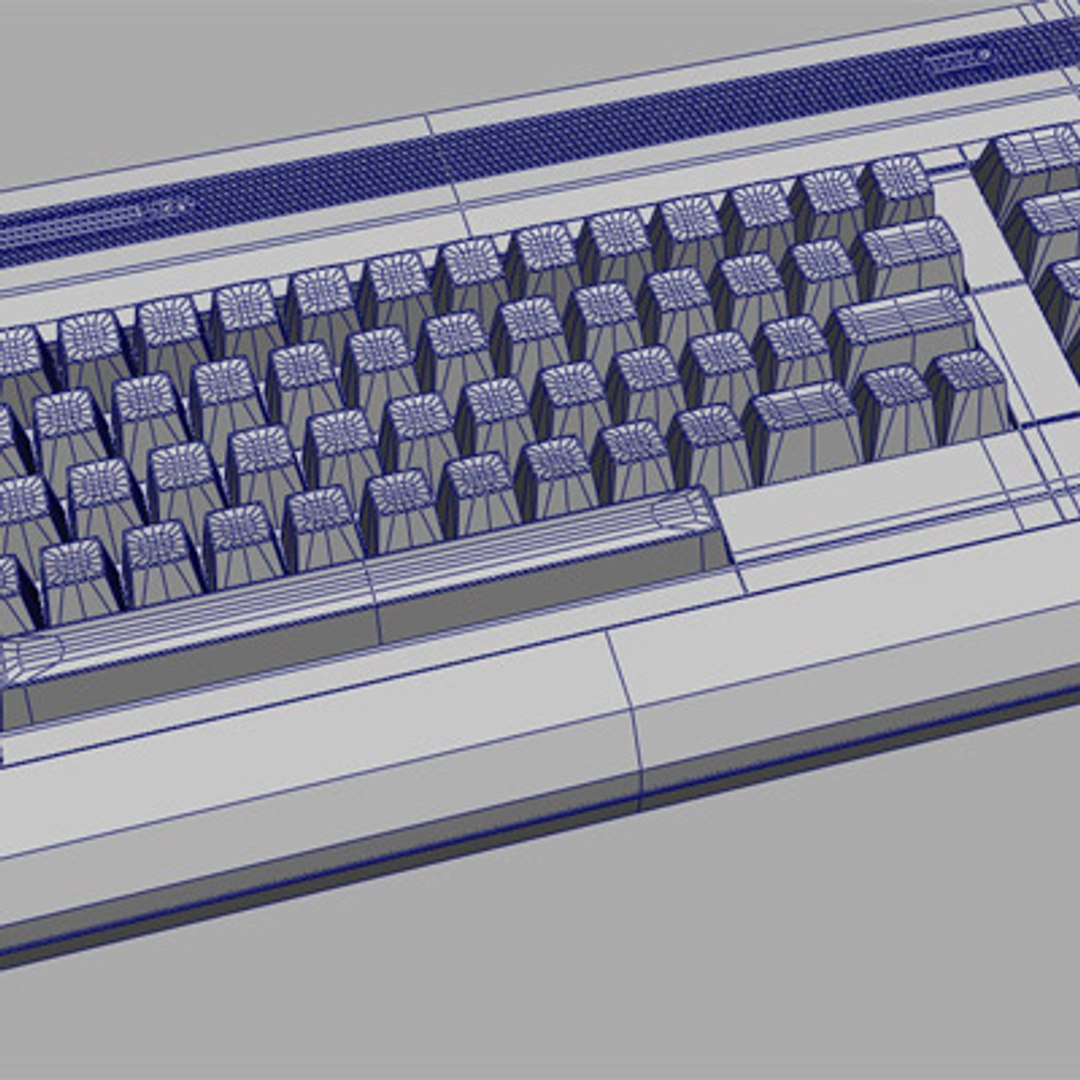
High detailed Commodore 64. The parts is grouped and has good names. The inputs on the backside are not modeled. The images are rendered in Maxwell.

Six different formats are available:

3D Studio Max 2010:
Meshsmooth applied and can be further adjusted if more smoothing is wanted. Everything is polygons. All materials are Maxwell 2 materials, and the scene is ready to render.

Maya 2011:
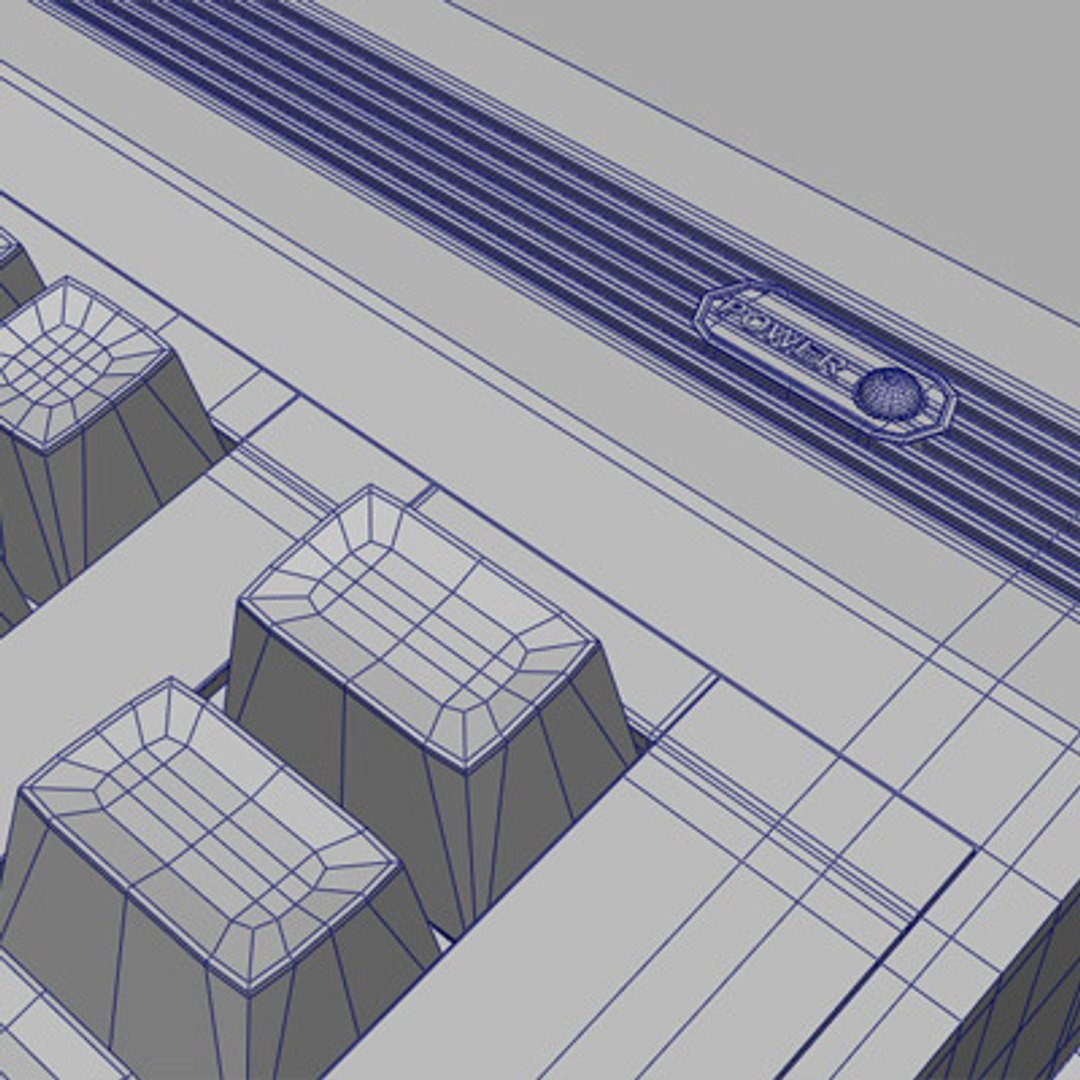
Includes all input graphs so the amount of smoothing and bevels etc. can be changed by you. Everything is polygons. All materials are Maxwell 2 materials, and the scene is ready to render.

Maya 8.5:
Includes all input graphs so the amount of smoothing and bevels etc. can be changed by you. Everything is polygons. All materials are Maxwell 1.7 materials, and the scene is ready to render.

Obj:
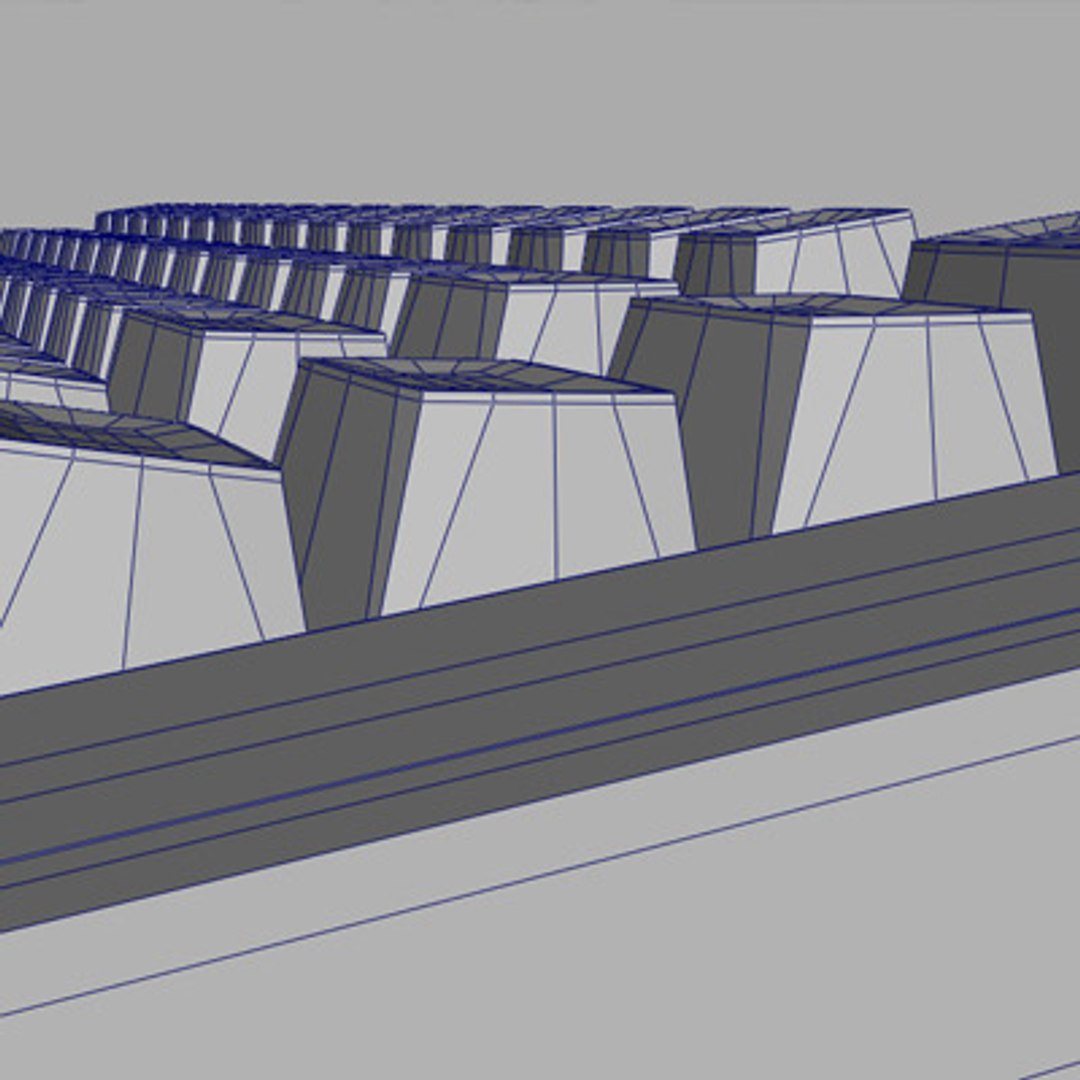
Unsmoothed version, all polygons.

Maxwell 1.7 Scene:
Smoothed version with all materials, ready to render.

Maxwell 2.5 Scene:
Smoothed version with all materials, ready to render.

Polygon and vertices count is for the unsmoothed models.

Select Enhanced License

  • $10,000 in Legal Protection (Indemnification)
  • Uncapped Legal Protection (Indemnification)
  • Waiver from injunctive relief
  • Assignable model rights
  • $1,000,000 in Legal Protection (Indemnification)
  • Waiver from injunctive relief
  • Assignable model rights
  • $250,000 in Legal Protection (Indemnification)
  • Assignable model rights
Read more about enhanced license tiers, or contact us at enterprise@turbosquid.com. Already a Shutterstock Enterprise Customer? Contact your Shutterstock Sales Support Agent to talk about adding 3D.

About Conversion Requests

To submit a conversion request for a purchased asset, please complete our Conversion Request Form.

If you have not yet purchased a model, please review our Documentation about Conversions to learn about what limitations you may encounter with a conversion.

For any additional questions about a model’s suitability for conversion, please contact TurboSquid Support.

Loading...