
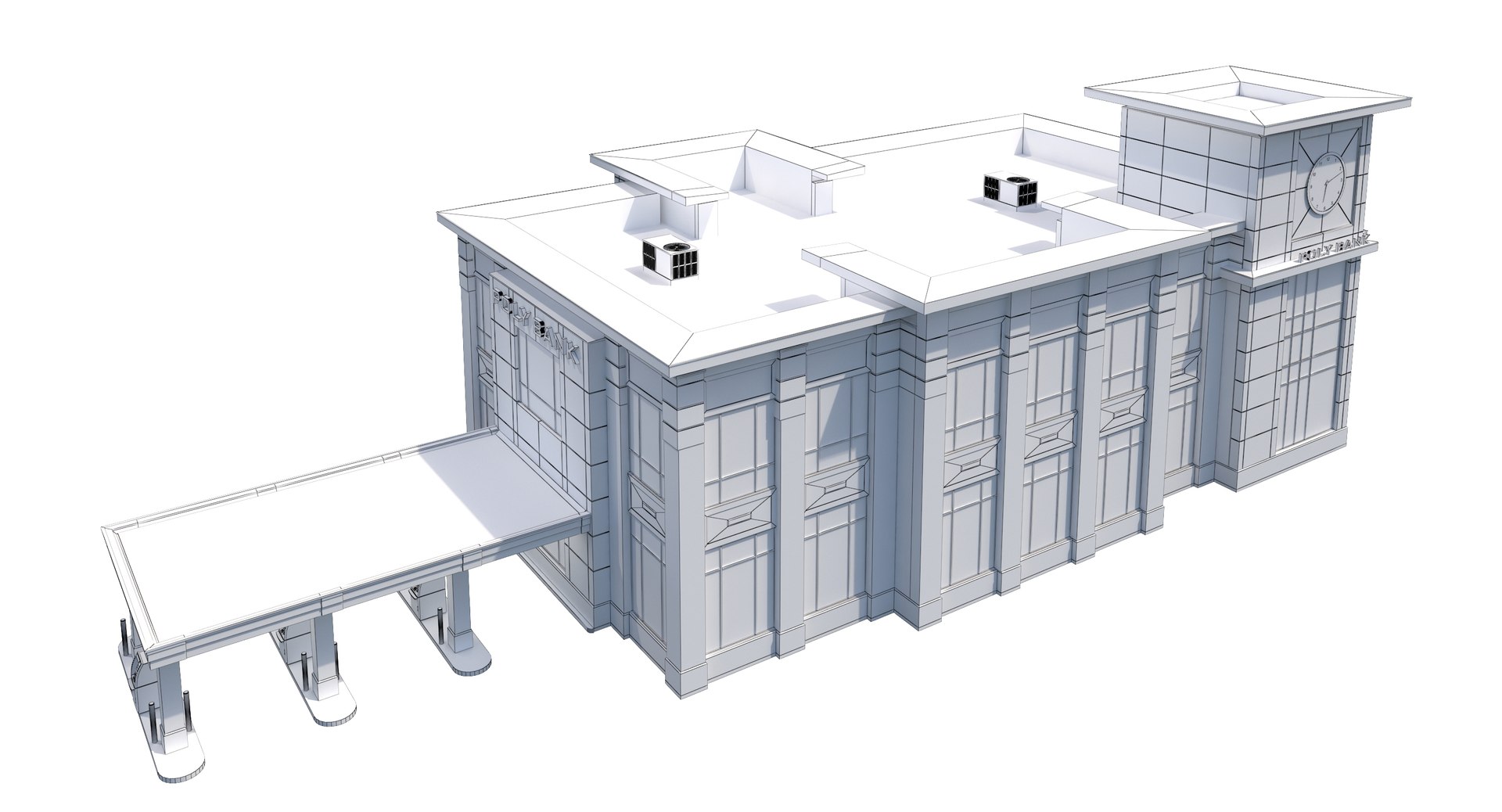
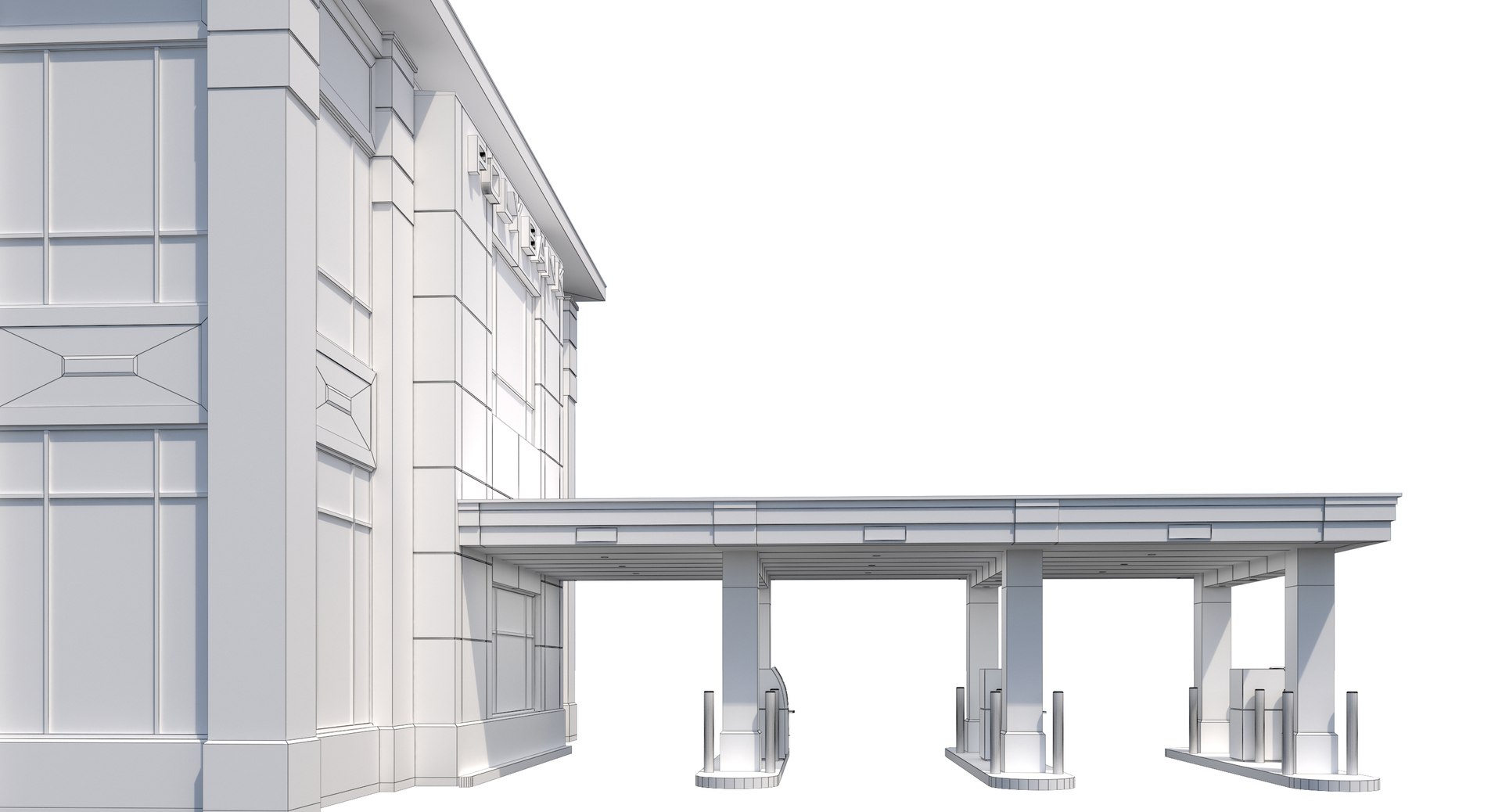
Commercial Building-023 Bank With Drive-thru

$59

Standard License | Upgrade License
Formats (13)
Free file format Conversions available
Native | 3ds Max 2015 | V-Ray 3.00.07
3ds Max 2012 | V-Ray
Other Textures
OBJ
FBX
AutoCAD drawing
3D Studio
glTF
3ds Max
USDz
Specifications
Publish Date June 08, 2018
Product ID 1294500
Polygons 47,216
Vertices 59,728
Polygonal
Textures
Materials
PBR
member avatar
Runnriot
765 Products | Contributor Since 2010
Have questions? Chat with us now.

Description

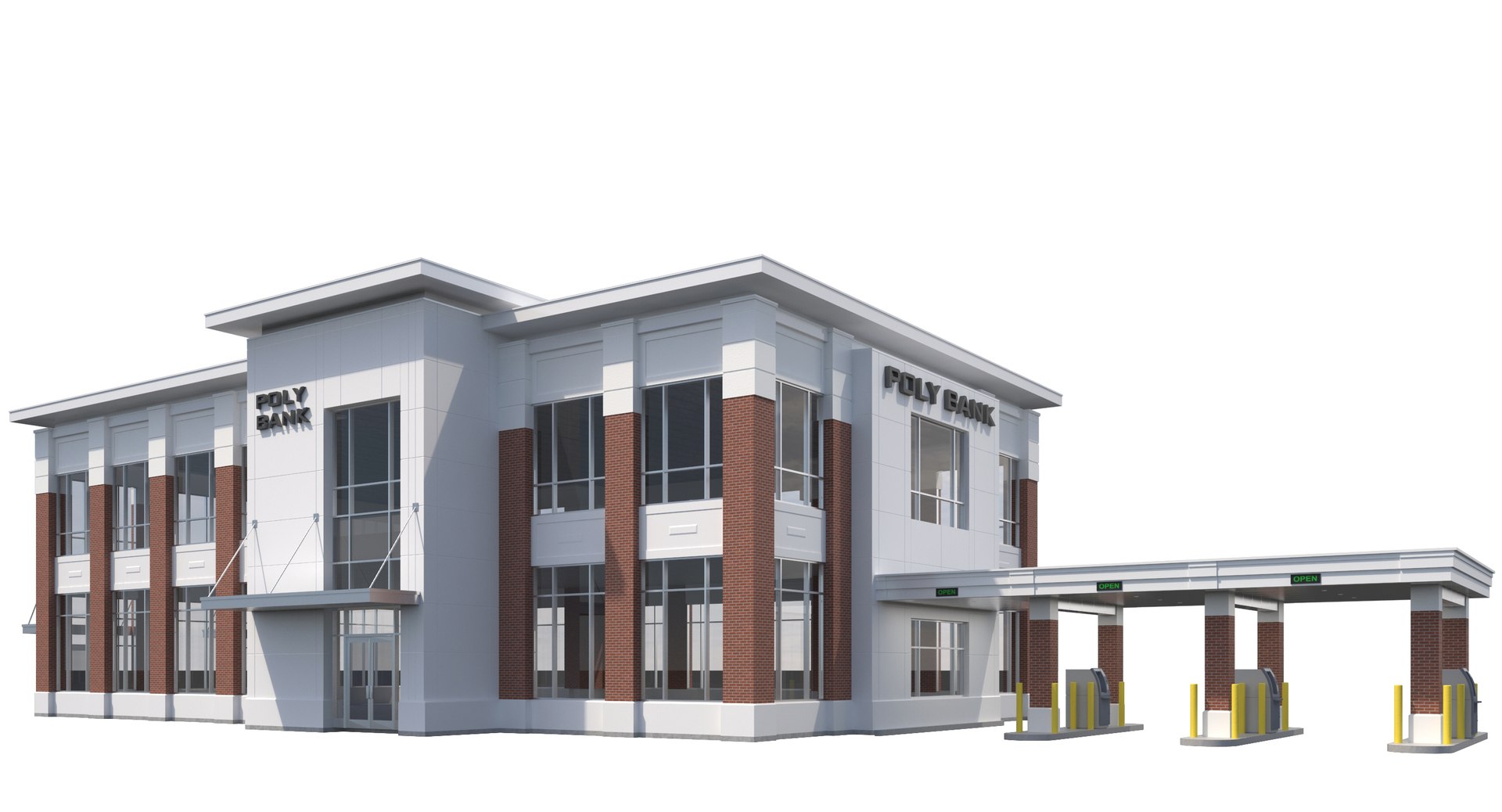
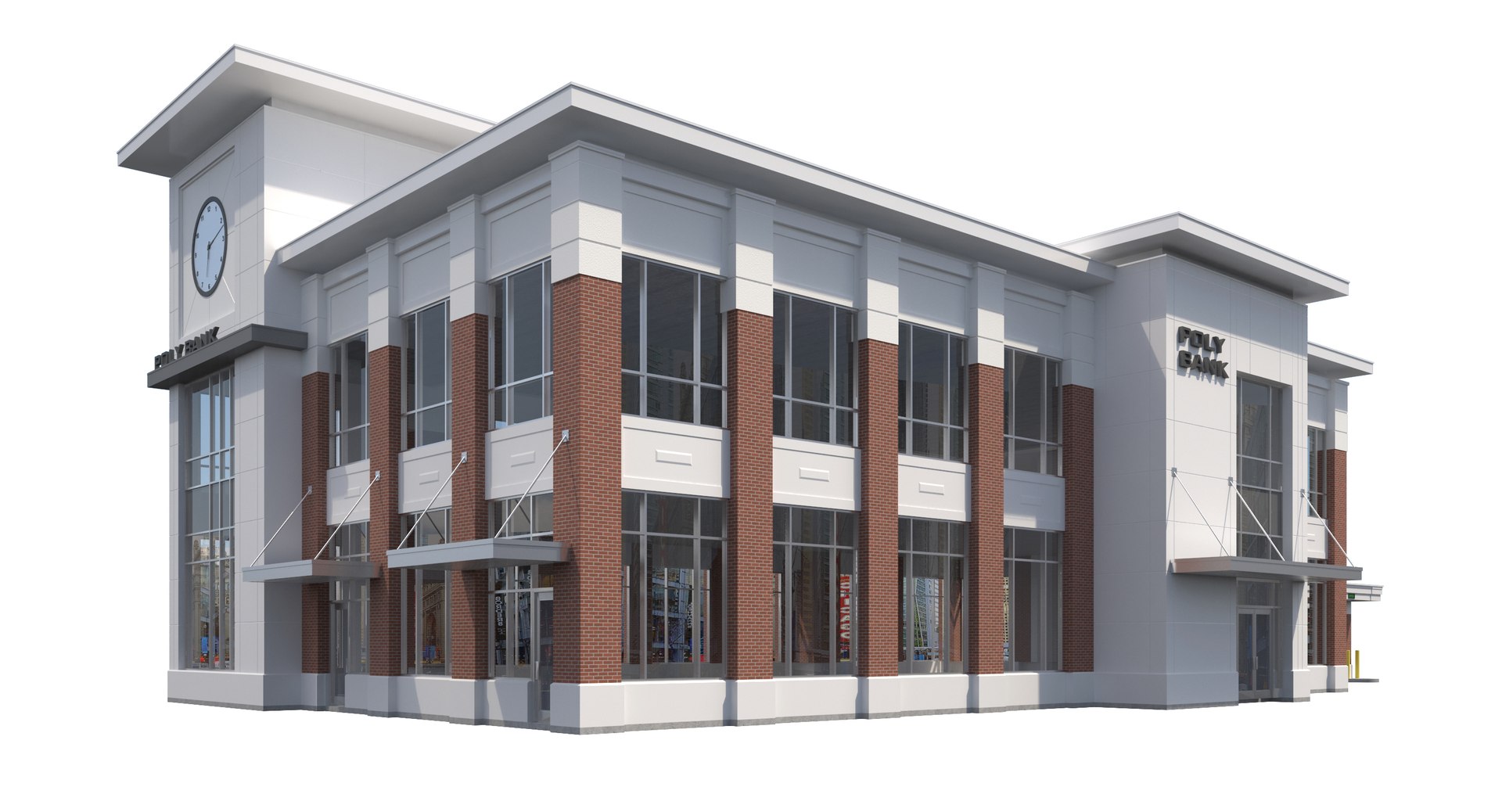
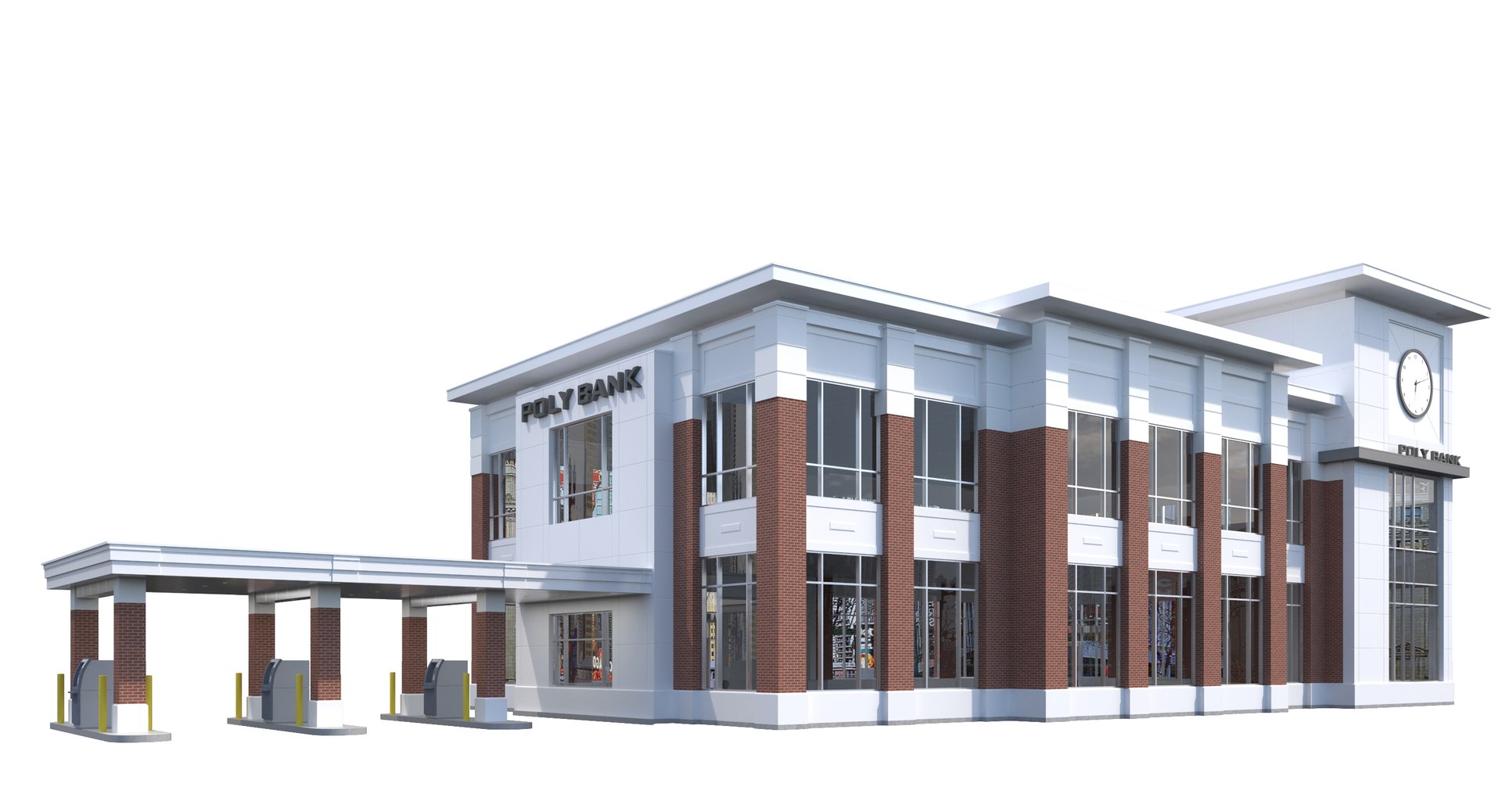
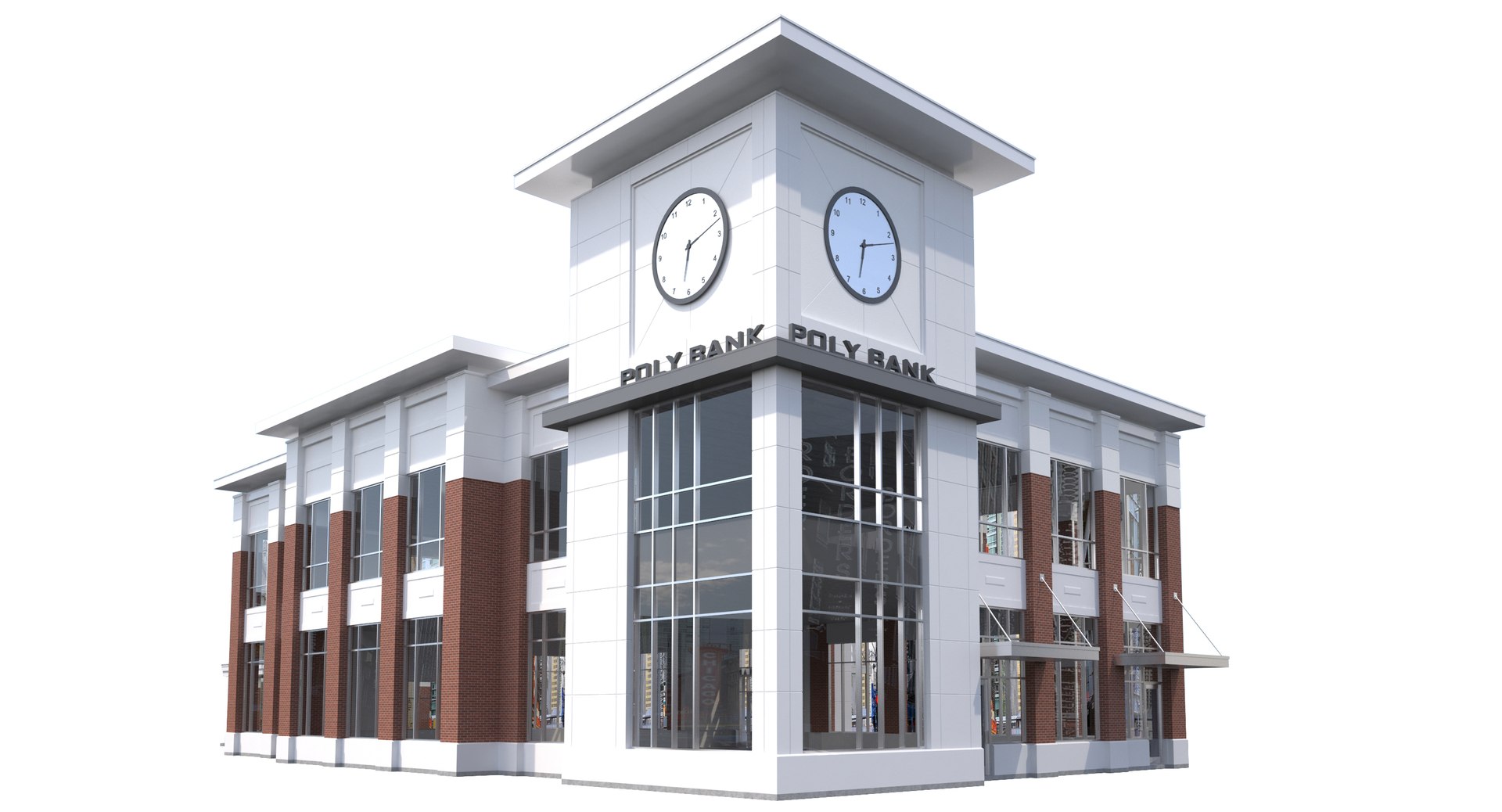
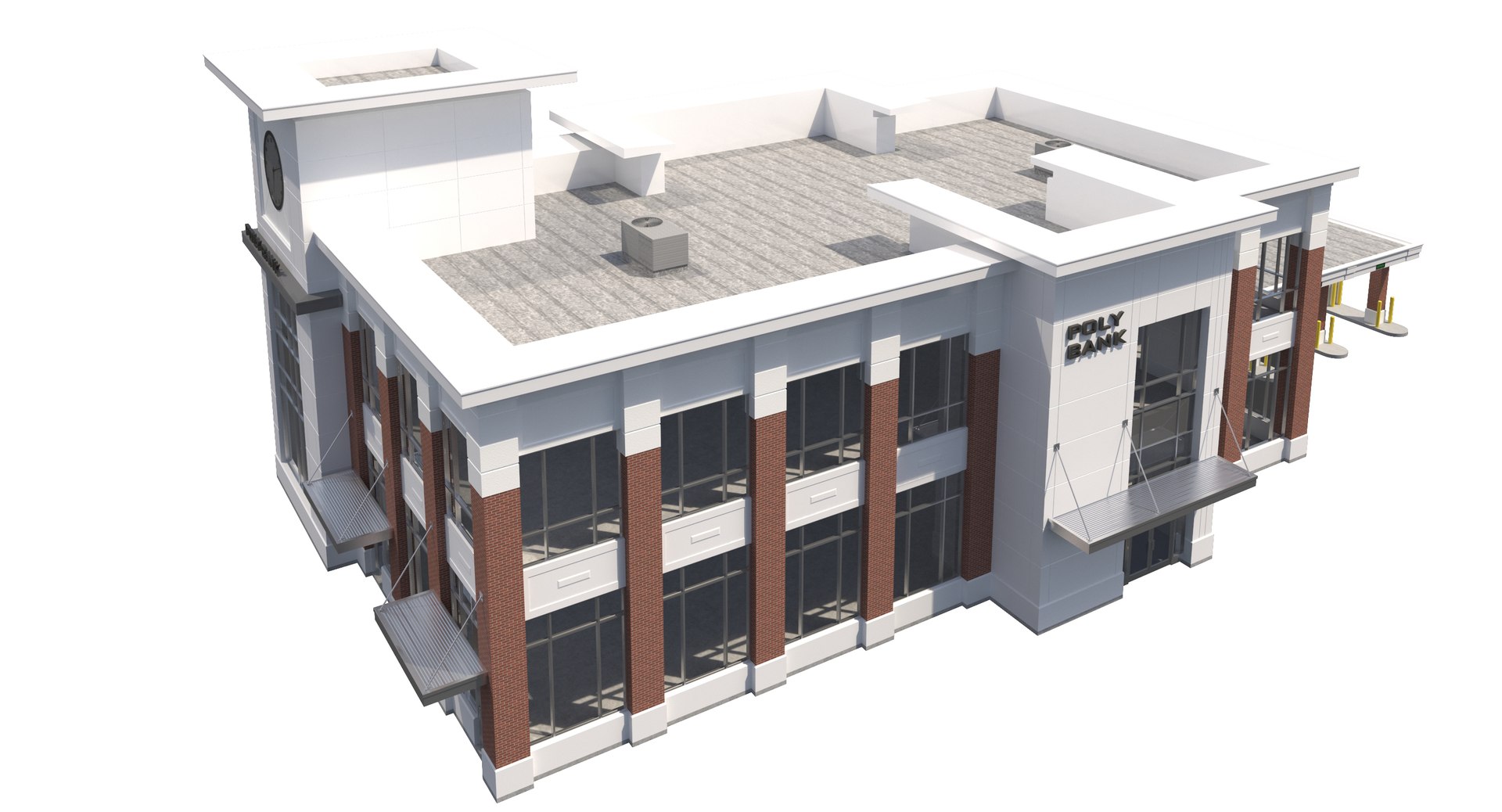
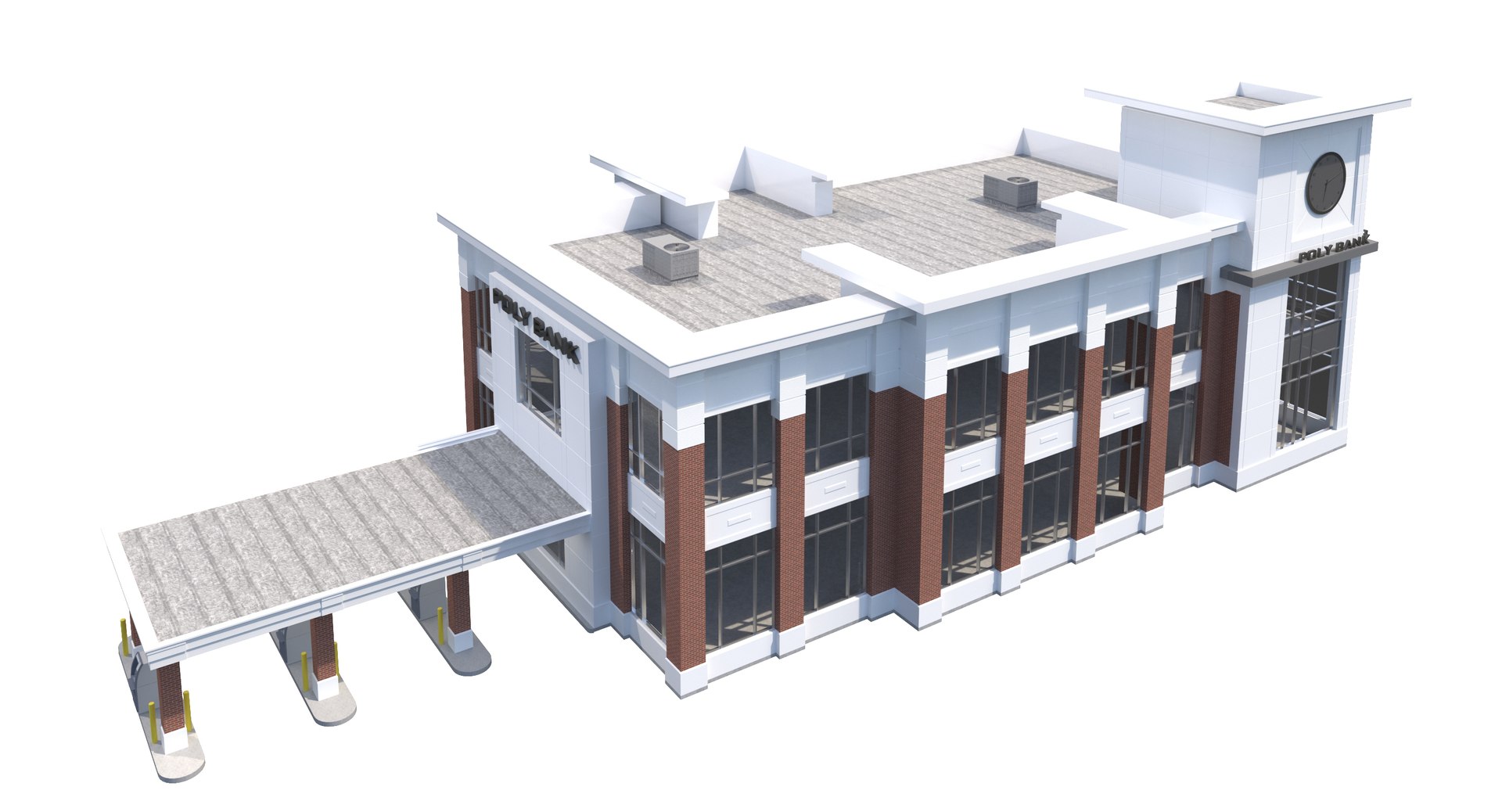
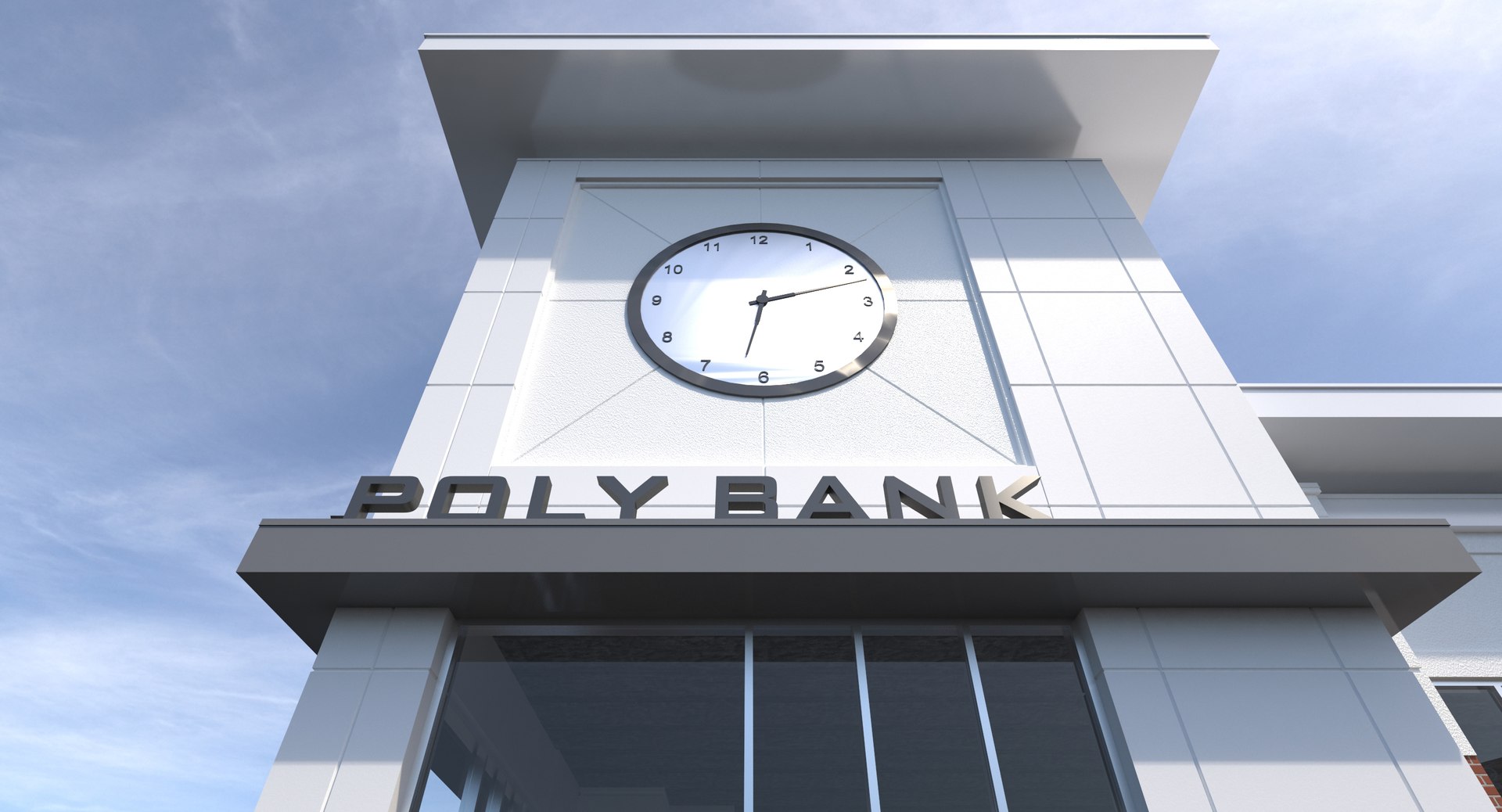
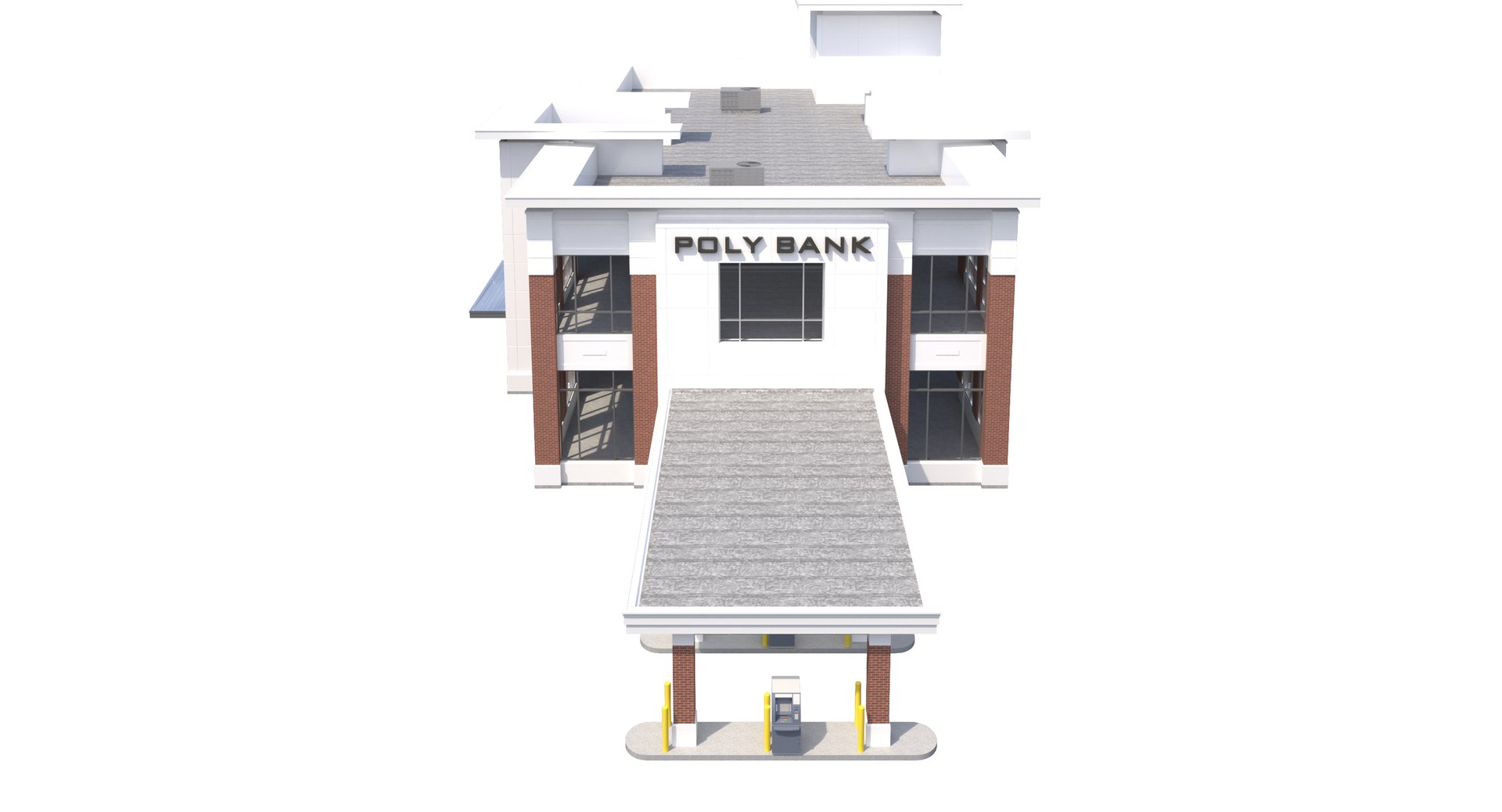
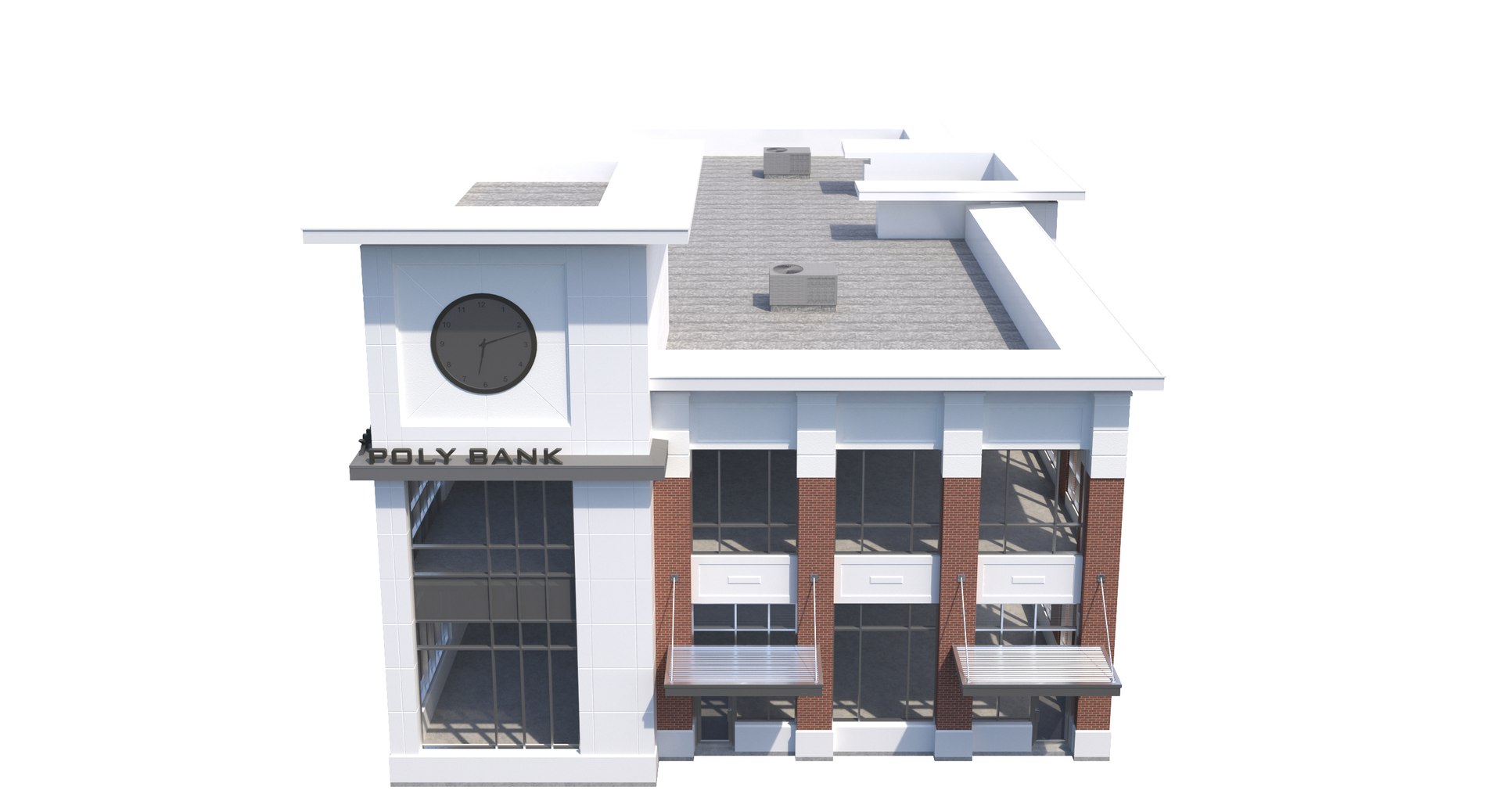
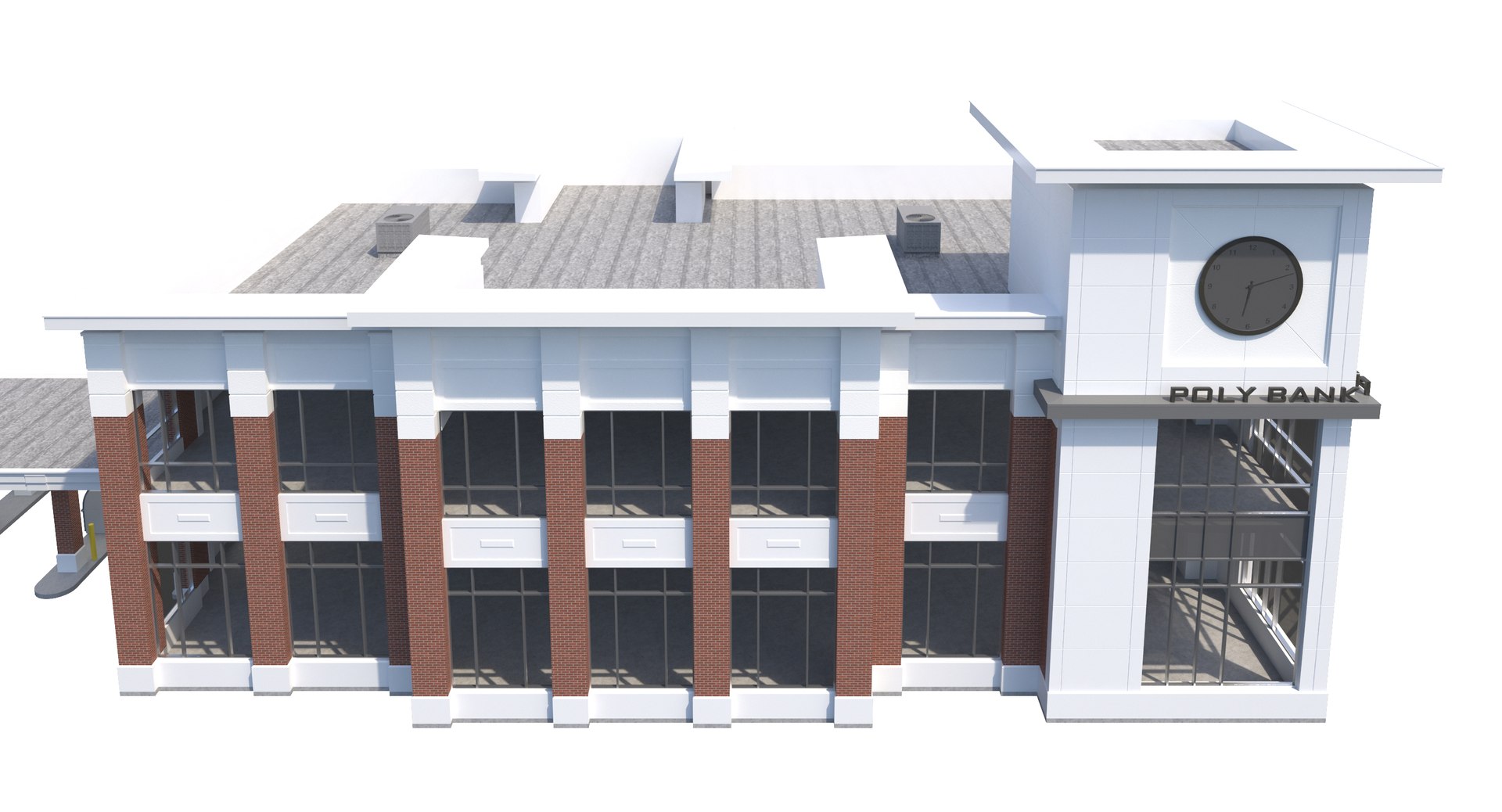
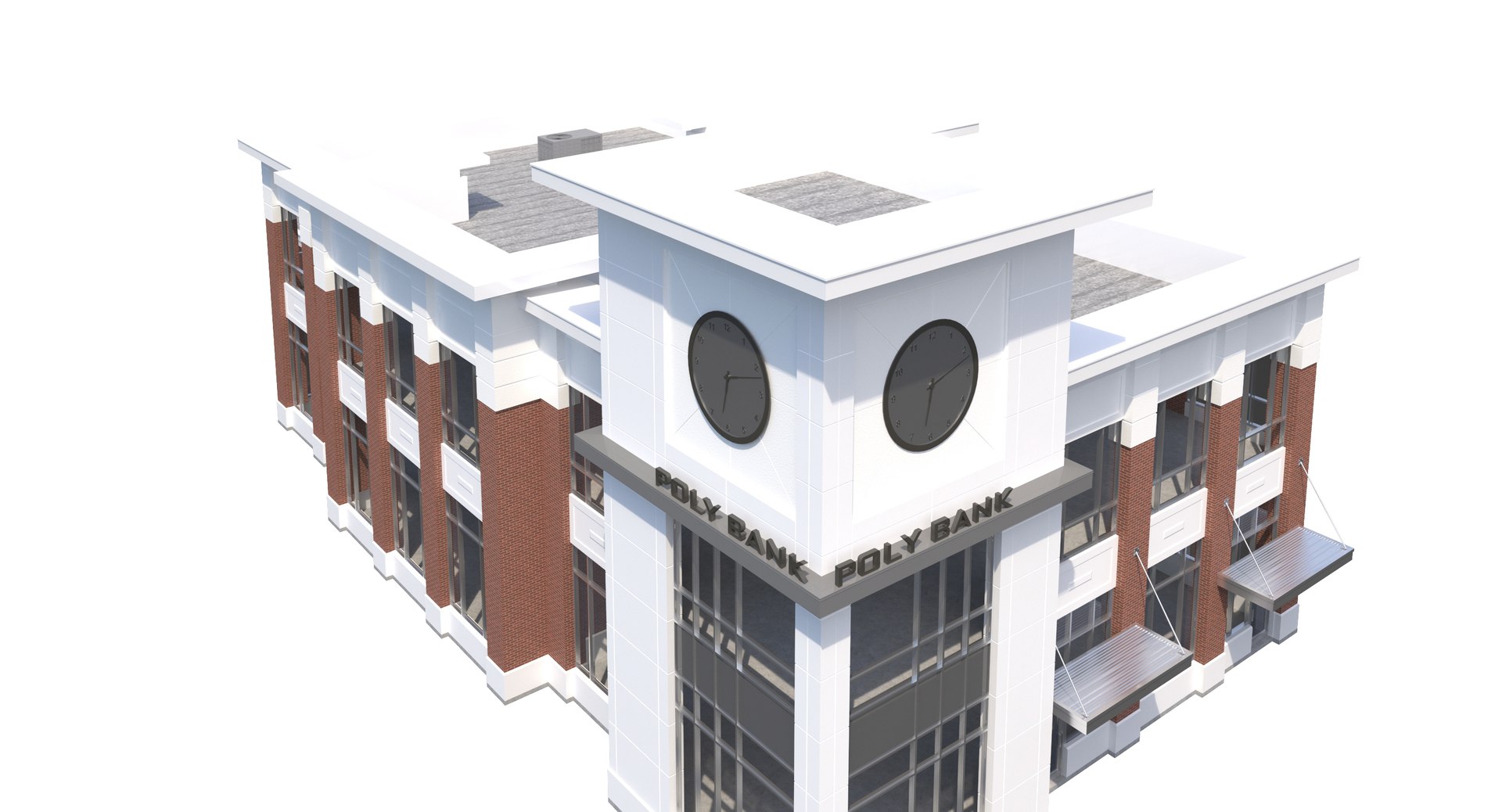
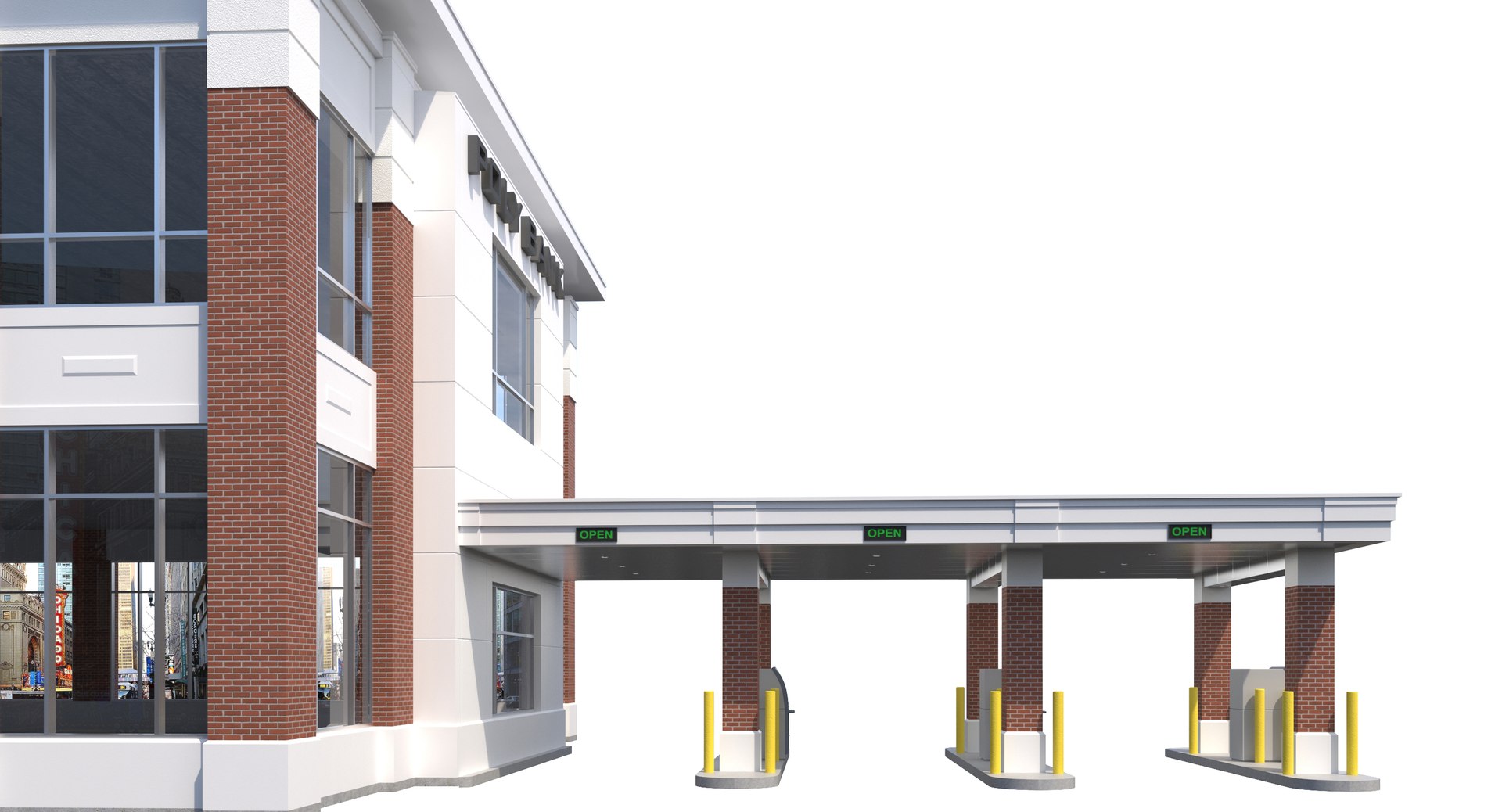
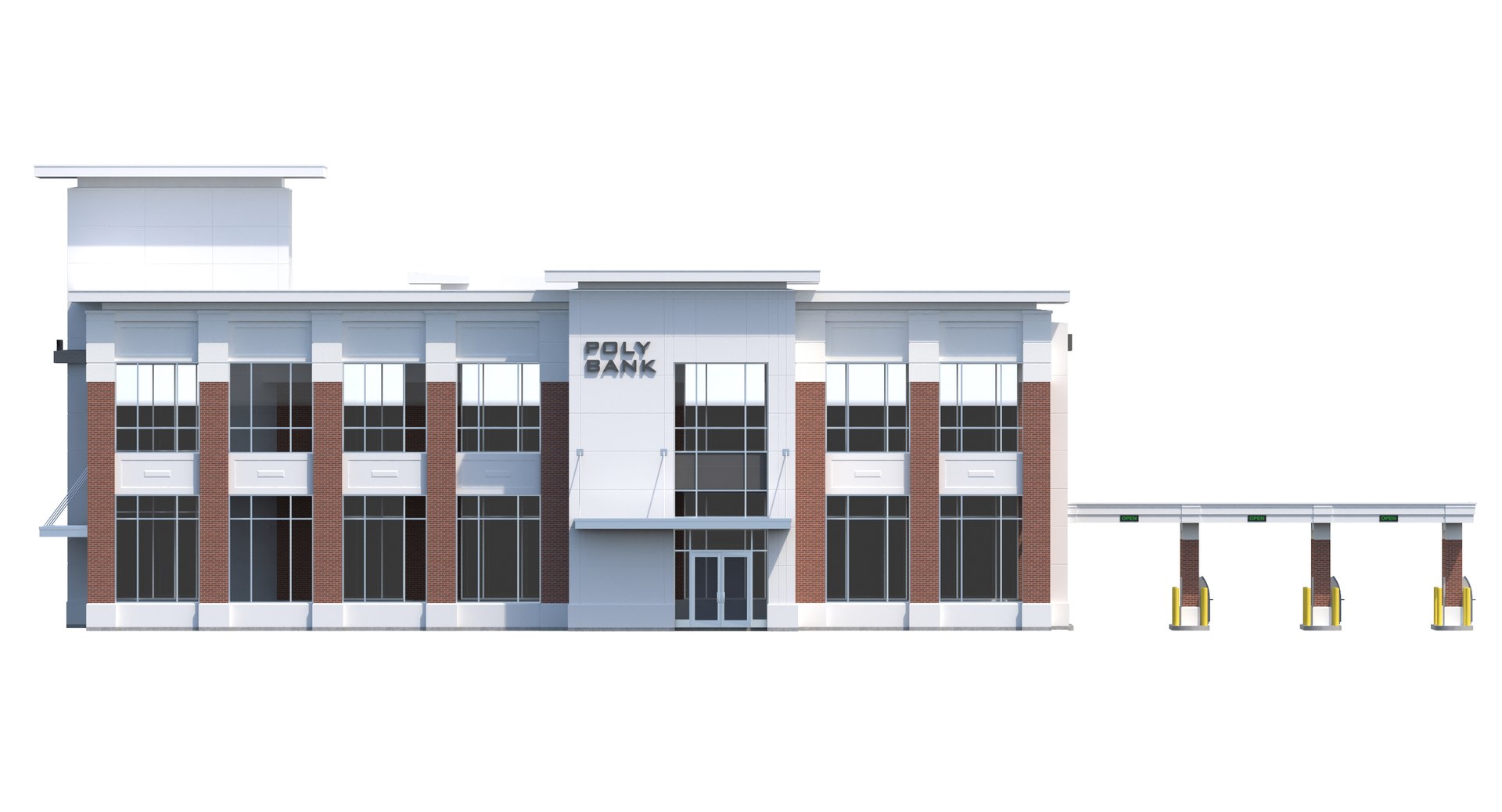
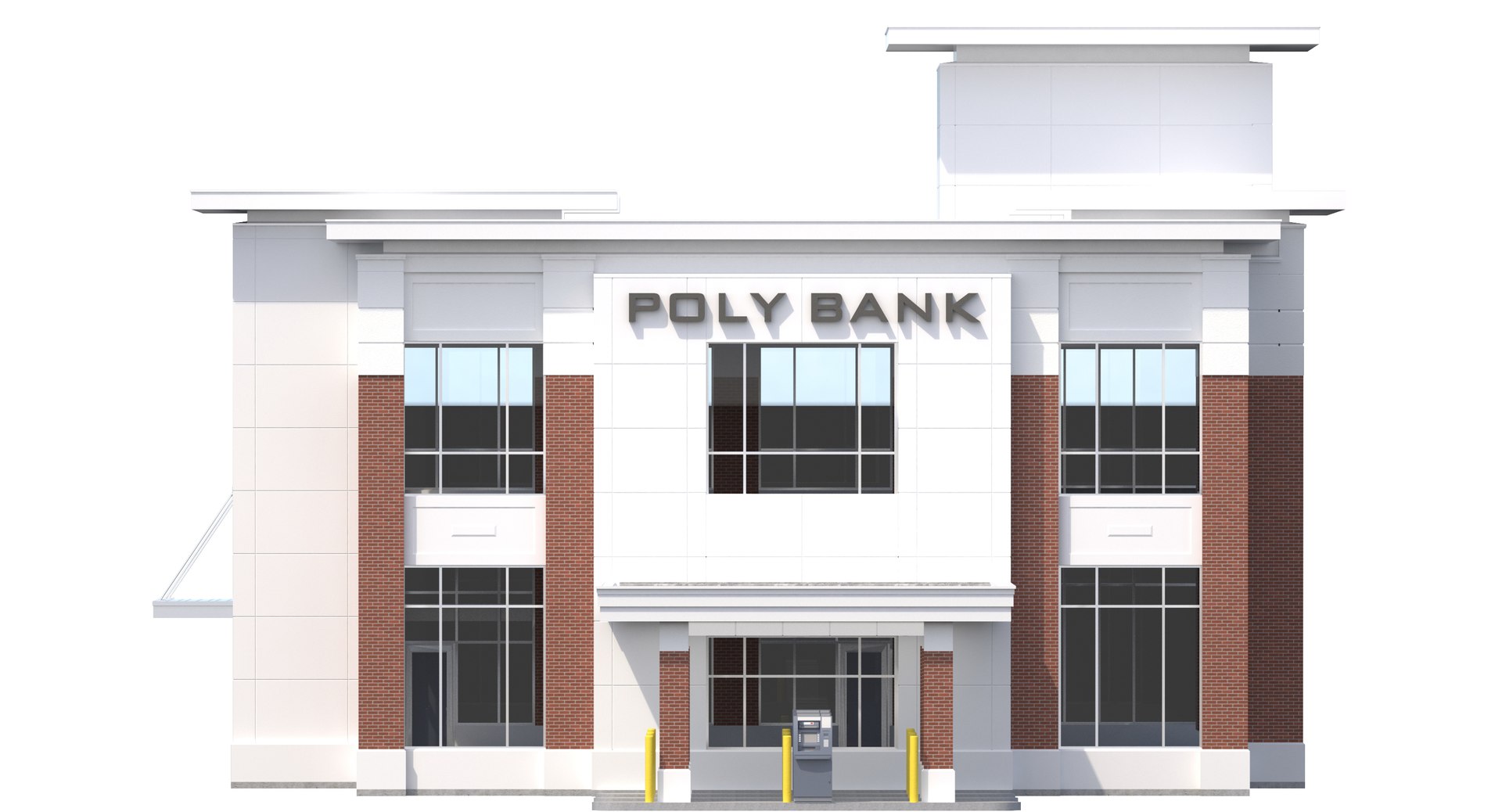
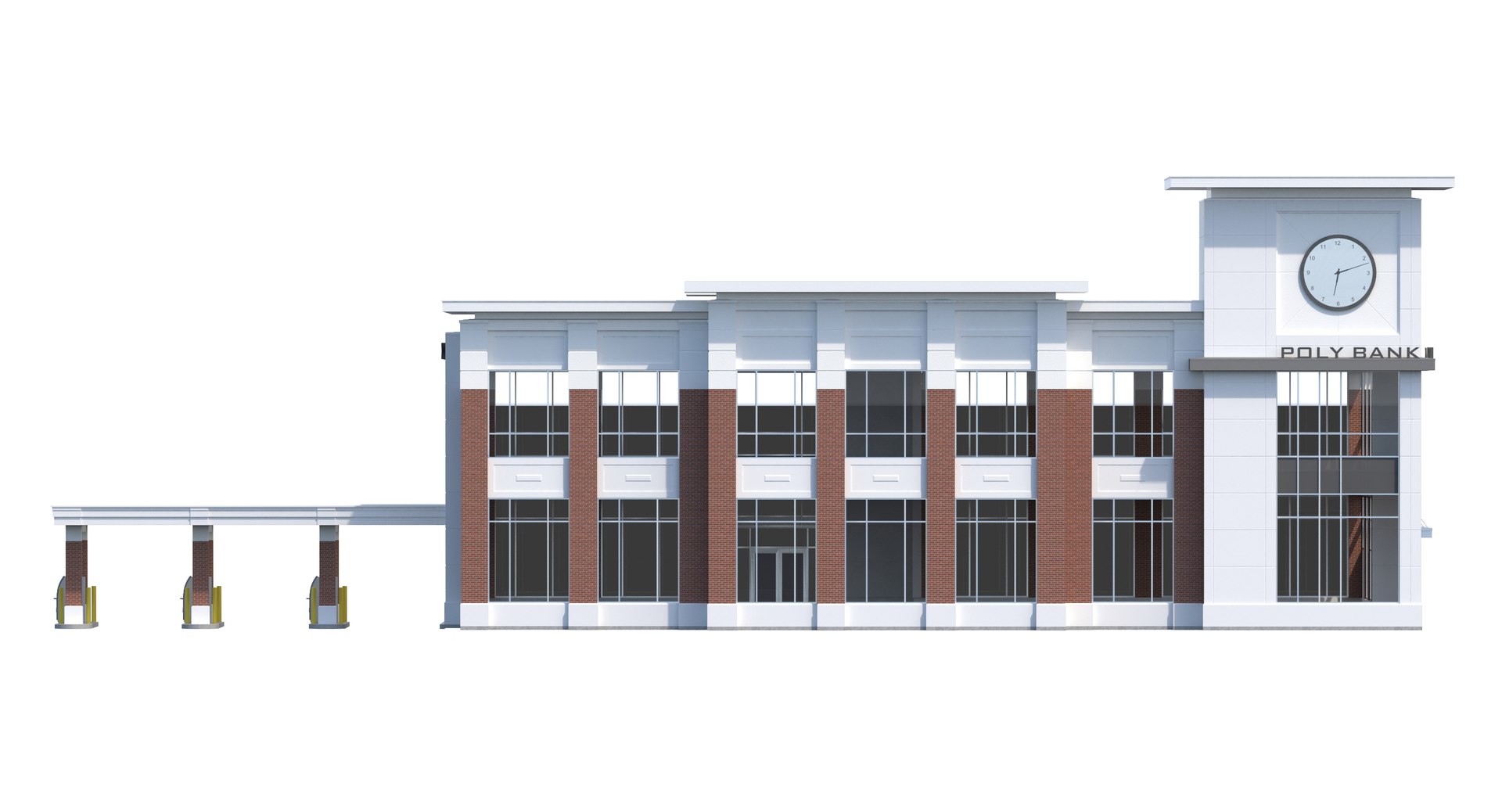
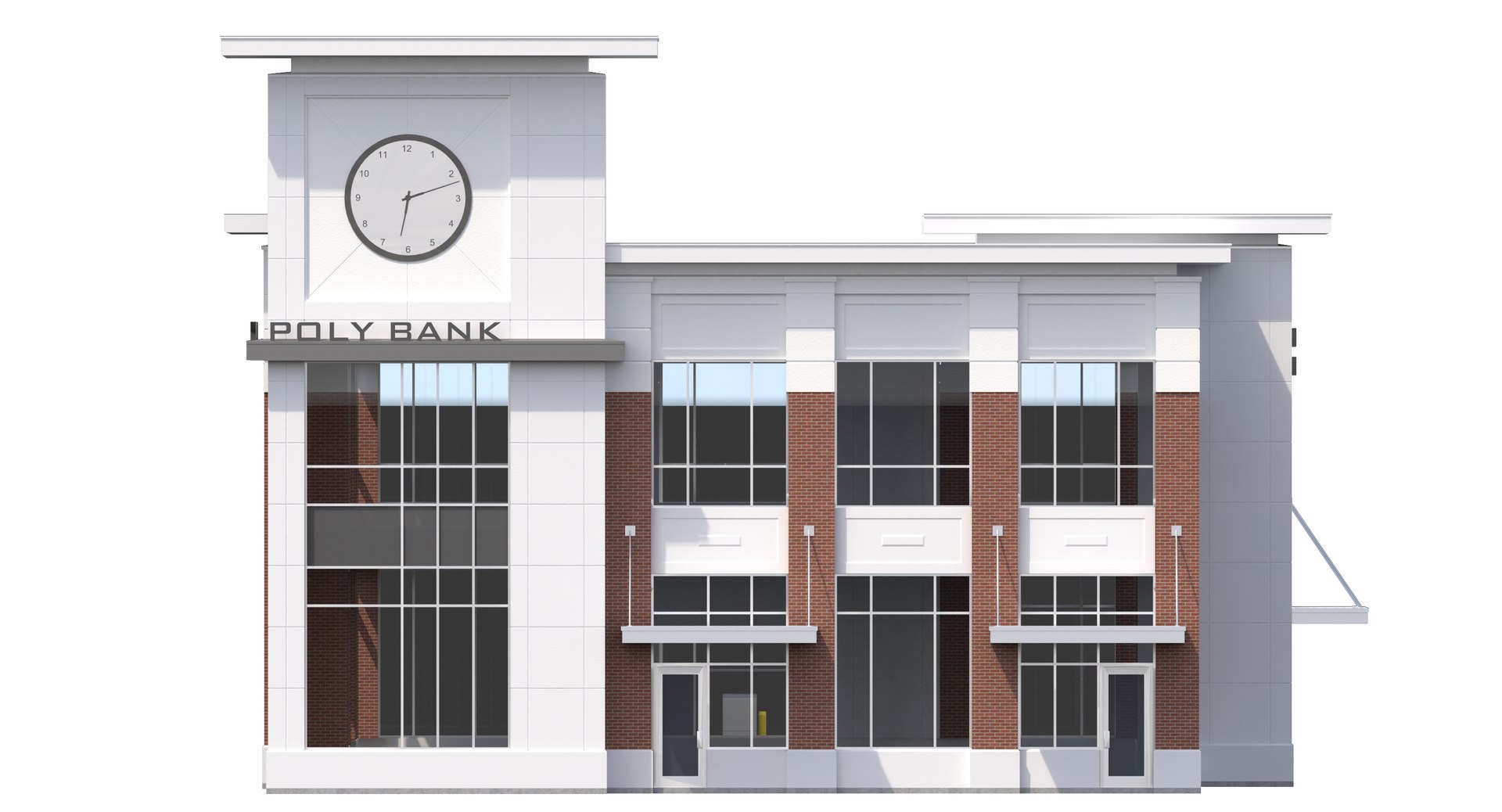
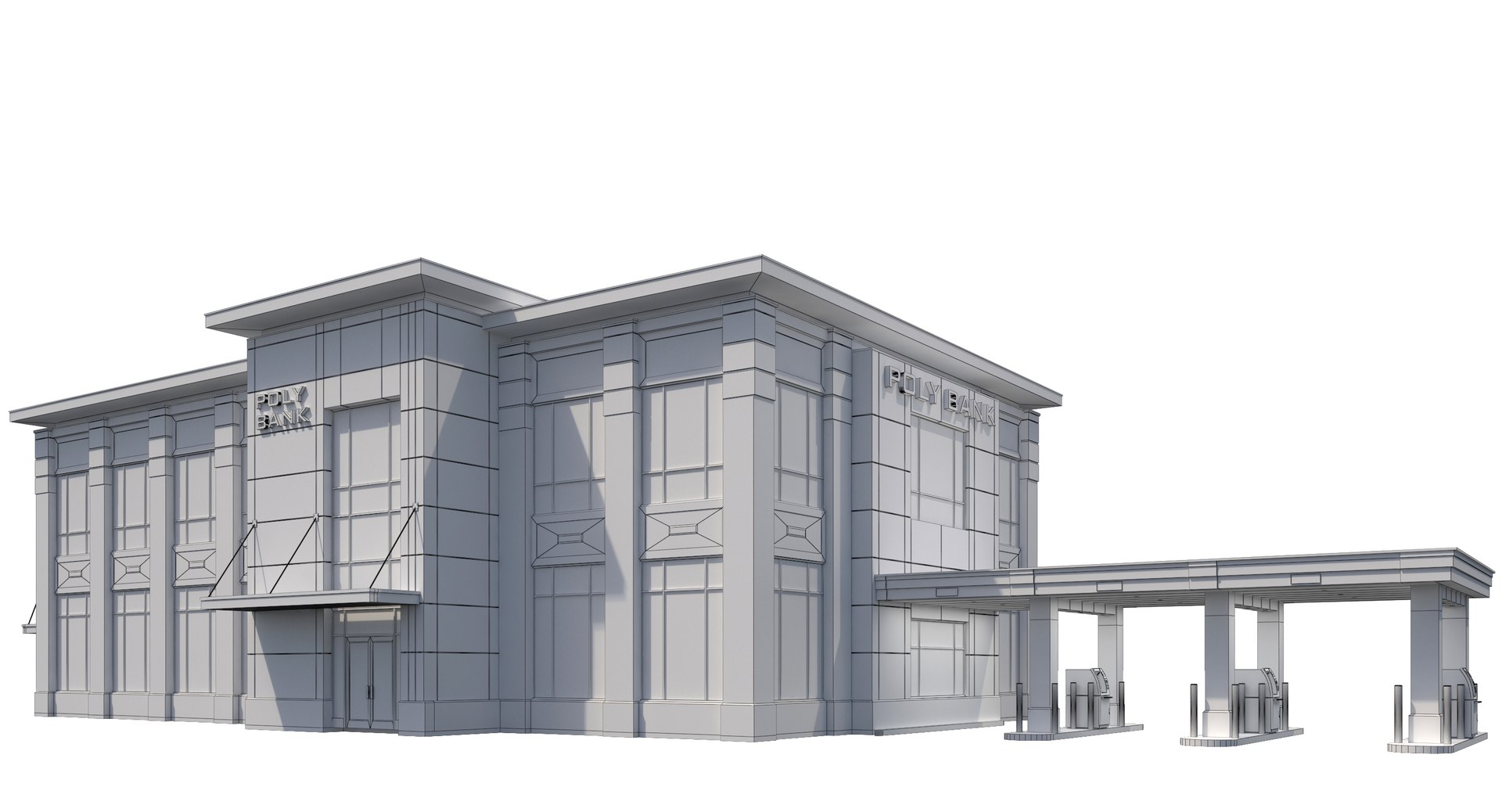
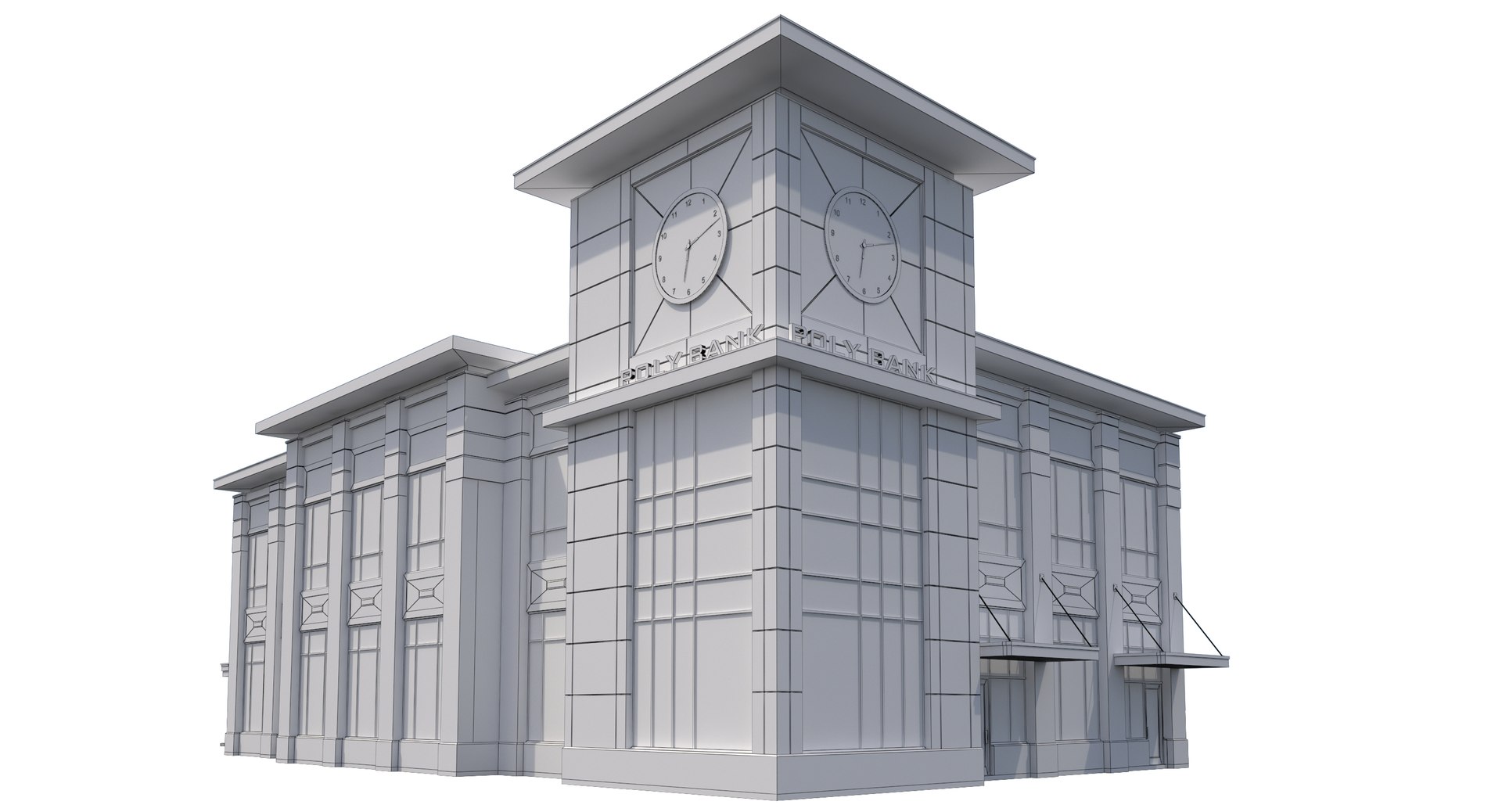
2 Story Commercial Bank Building with Drive Thru With Clock tower.

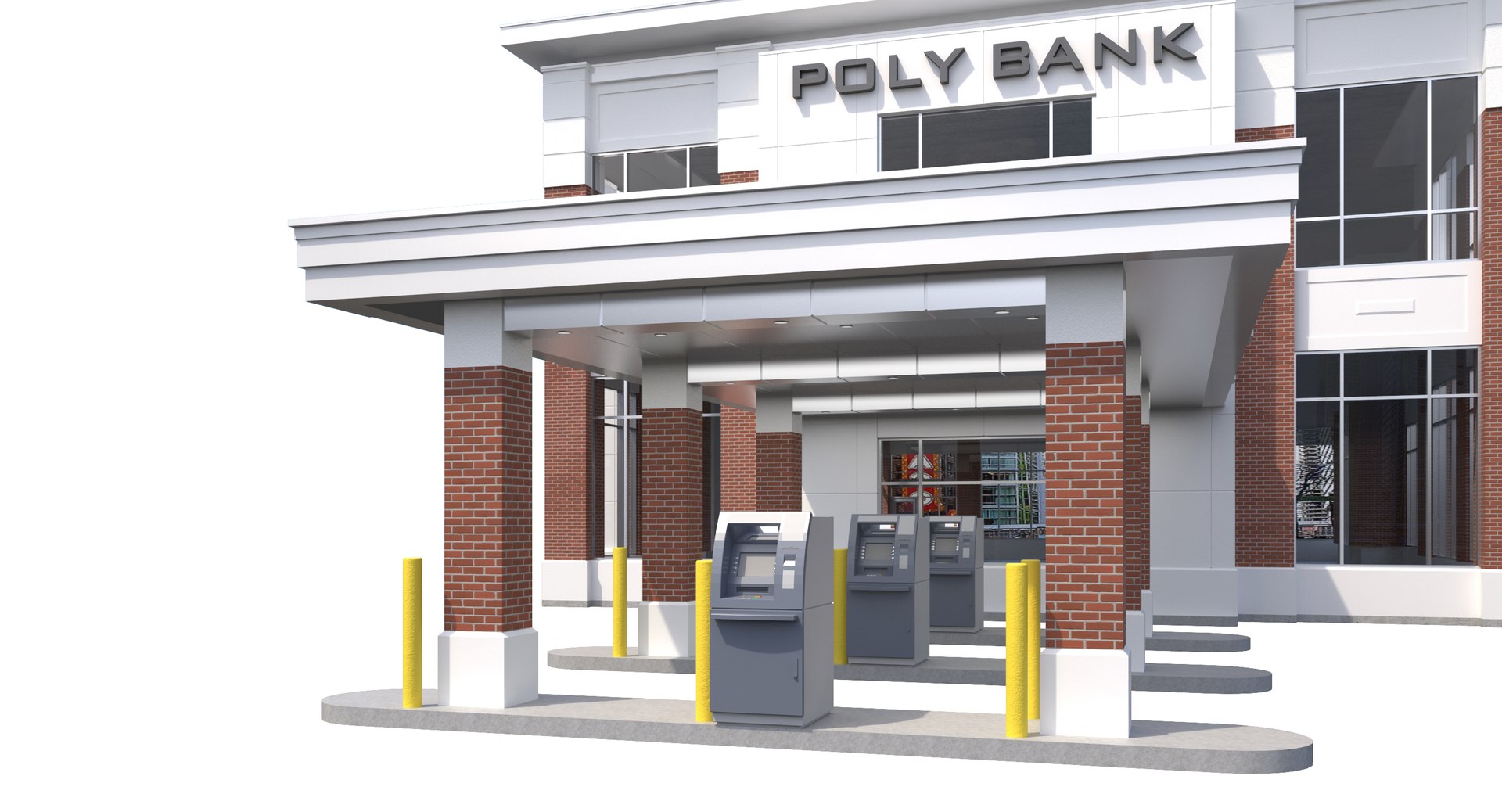
-3D model of a Bank with a Drive Thru for 4 cars with ATM's Included
-Materials Include: Brick, EIFS, Stone, Concrete, Glass, Metal

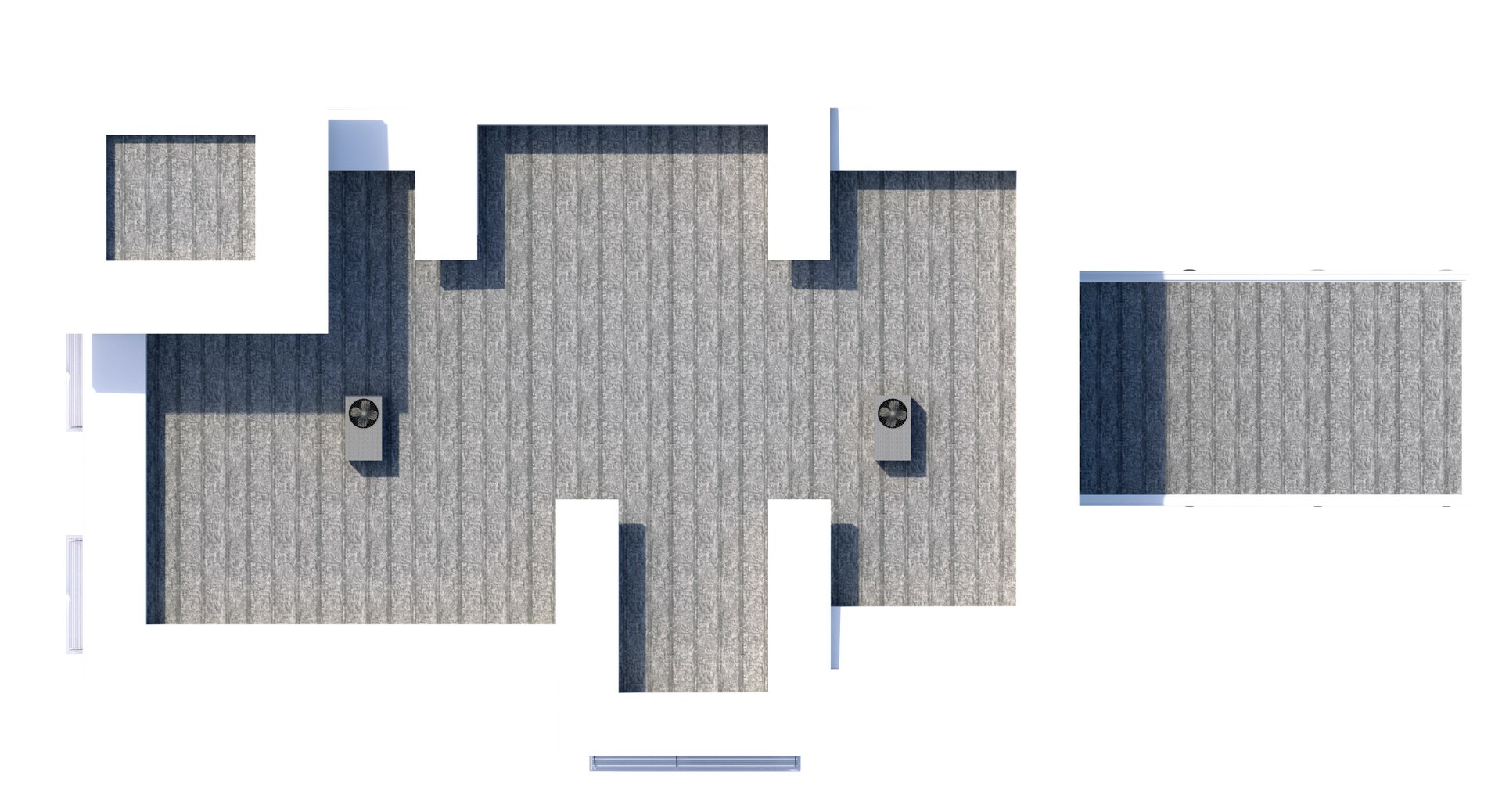
-Modeled to Scale and dimensions:Imperial Units: Building: 56' x 100'x35' H, 49' at Clock Tower Roof (Dimensions not including drive thru)
-Building Without Drive Thru: Polygons: 34,062, Vertices: 38,842
-ATM and bollards included, Open sign included.
-Modeled in 3ds Max 2015, Rendered Using Vray and HDRI Lights, HDRI Lights NOT included.
-Signage included, Name of Signage can easily be changed out in 3ds Max into any name. (3ds Max Text Used)
-All textures included in Zip file, Textures will have to be relinked from folder.
-Model objects all grouped into 1 group for easy scene movement
-Model set to 0,0,0 axis
-Interior NOT modeled other than floor slabs
-Please note model was made in 3ds Max and other provided formats have not been tested in other software and may need modifications, buyer is responsible for corrections into other software, reach out for assistance as required.

Enjoy!

Select Enhanced License

  • $10,000 in Legal Protection (Indemnification)
  • Uncapped Legal Protection (Indemnification)
  • Waiver from injunctive relief
  • Assignable model rights
  • $1,000,000 in Legal Protection (Indemnification)
  • Waiver from injunctive relief
  • Assignable model rights
  • $250,000 in Legal Protection (Indemnification)
  • Assignable model rights
Read more about enhanced license tiers, or contact us at enterprise@turbosquid.com. Already a Shutterstock Enterprise Customer? Contact your Shutterstock Sales Support Agent to talk about adding 3D.

About Conversion Requests

To submit a conversion request for a purchased asset, please complete our Conversion Request Form.

If you have not yet purchased a model, please review our Documentation about Conversions to learn about what limitations you may encounter with a conversion.

For any additional questions about a model’s suitability for conversion, please contact TurboSquid Support.

Loading...