
Clouds Scene

$85

Standard License | Upgrade License
Formats (5)
Free file format Conversions available
3ds Max 2021 | V-Ray 5
3ds Max 2020 | V-Ray 5
3ds Max 2019 | V-Ray 5
3ds Max 2022 | V-Ray 5
Other Textures
Specifications
Publish Date September 11, 2021
Product ID 1785778
Polygons 1,263,324
Vertices 597,337
Polygonal Quads/Tris Geometry
Textures
Materials
TurboSquid Exclusive
member avatar
Dan Carpenter
48 Products | Contributor Since 2014
Have questions? Chat with us now.

Description

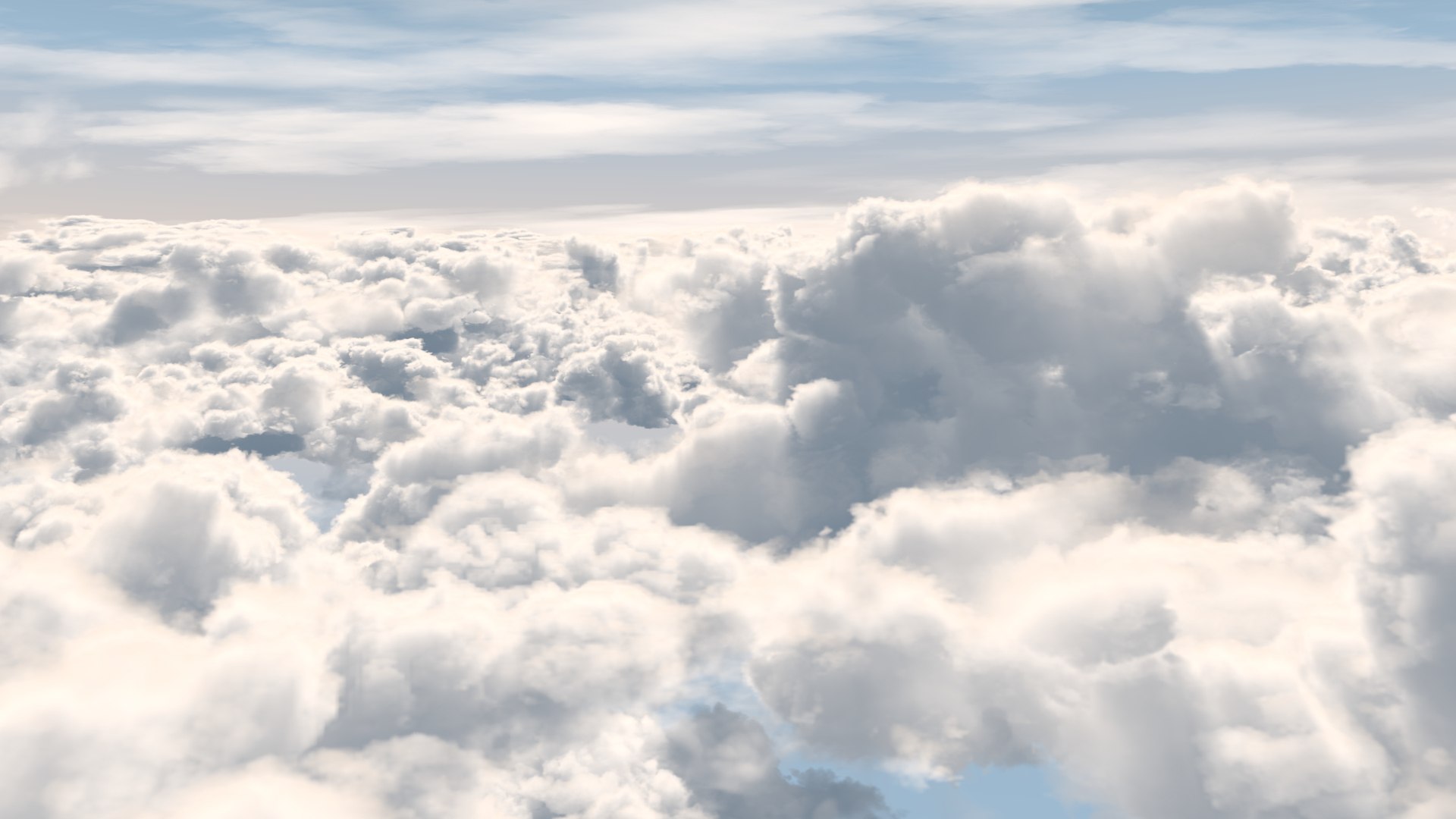
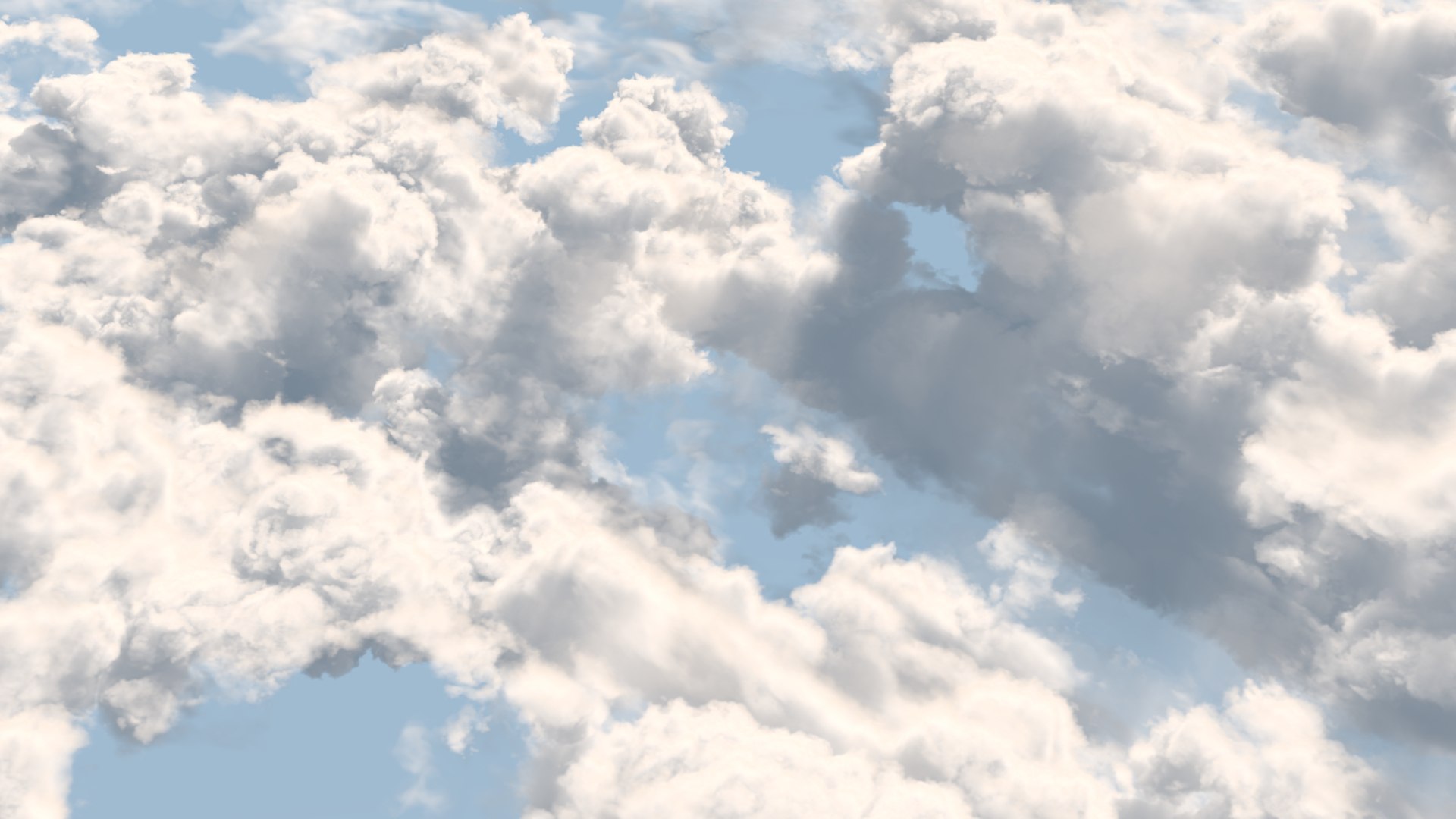
This Photorealistic 3D-cloud scene comes with complete volumetric cloud setup including shading and lighting with V-Ray.

The clouds are set up with with Vray Volumetric Grid

-Scene is completely set up (full atmospheric shading and lighting) and ready to render with Vray

- NO ADDITIONAL PLUGINS needed!

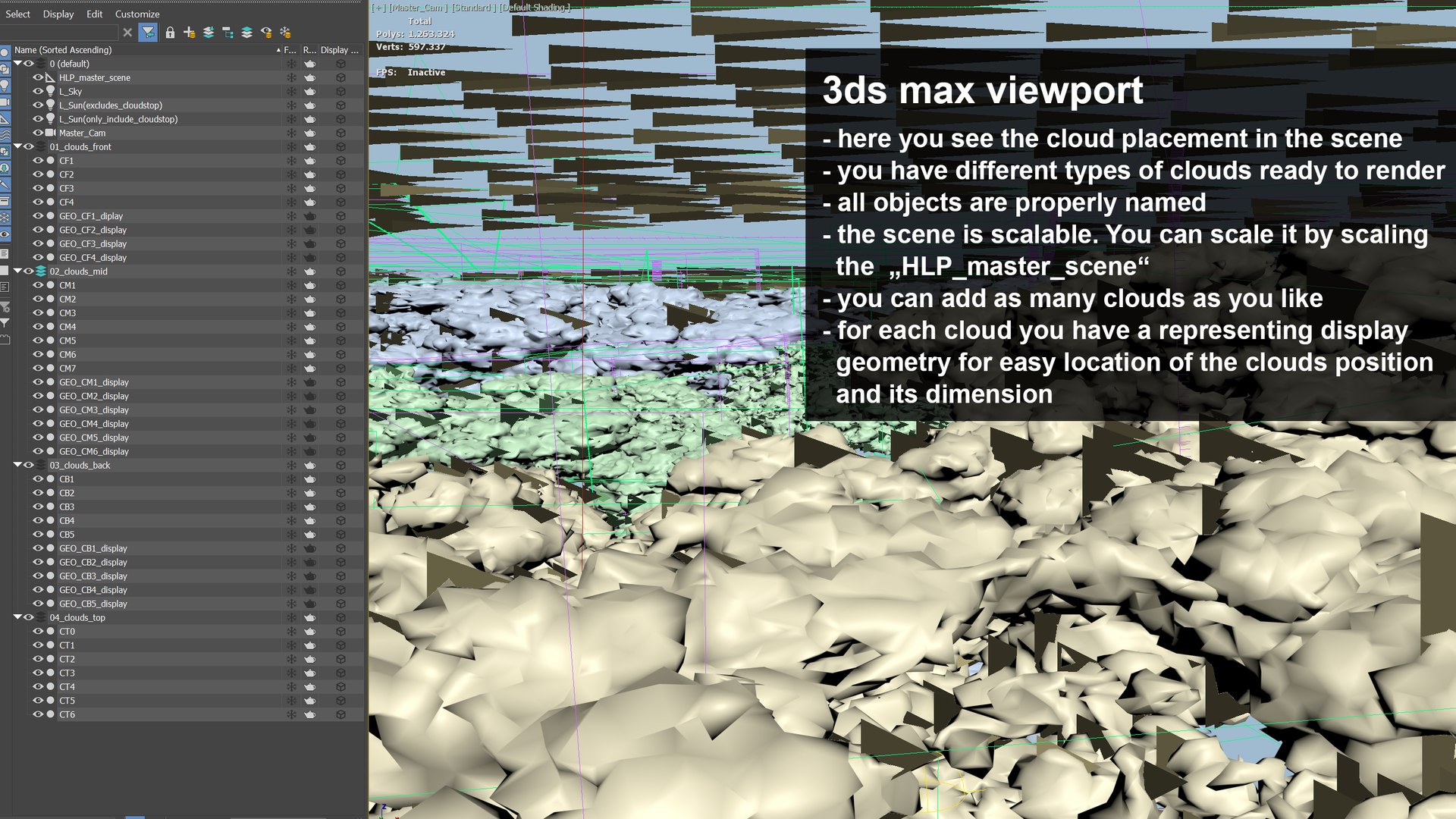
- proper naming and layering

- Everything is fully customizable and scalable!

The Scale of the whole scene can easily be changed be just scaling the Master Helper up or down, so you can easily fit it to your needs.

-the goemetry in the scene is only there to give you a better preview of the clouds positions and dimensions. So you can easily position and animate additional Objects. If so desired you can hide or delete the preview geometry.

------

additional info:

The Scene automaticaly loads the included cache-files into the several V-Ray environment containers. Please put the 'cache-folder' into your 'C:\' (so that your structure is: C:\cache\clouds) to let the scene use the proper paths!

Select Enhanced License

  • $10,000 in Legal Protection (Indemnification)
  • Uncapped Legal Protection (Indemnification)
  • Waiver from injunctive relief
  • Assignable model rights
  • $1,000,000 in Legal Protection (Indemnification)
  • Waiver from injunctive relief
  • Assignable model rights
  • $250,000 in Legal Protection (Indemnification)
  • Assignable model rights
Read more about enhanced license tiers, or contact us at enterprise@turbosquid.com. Already a Shutterstock Enterprise Customer? Contact your Shutterstock Sales Support Agent to talk about adding 3D.

About Conversion Requests

To submit a conversion request for a purchased asset, please complete our Conversion Request Form.

If you have not yet purchased a model, please review our Documentation about Conversions to learn about what limitations you may encounter with a conversion.

For any additional questions about a model’s suitability for conversion, please contact TurboSquid Support.

Loading...