
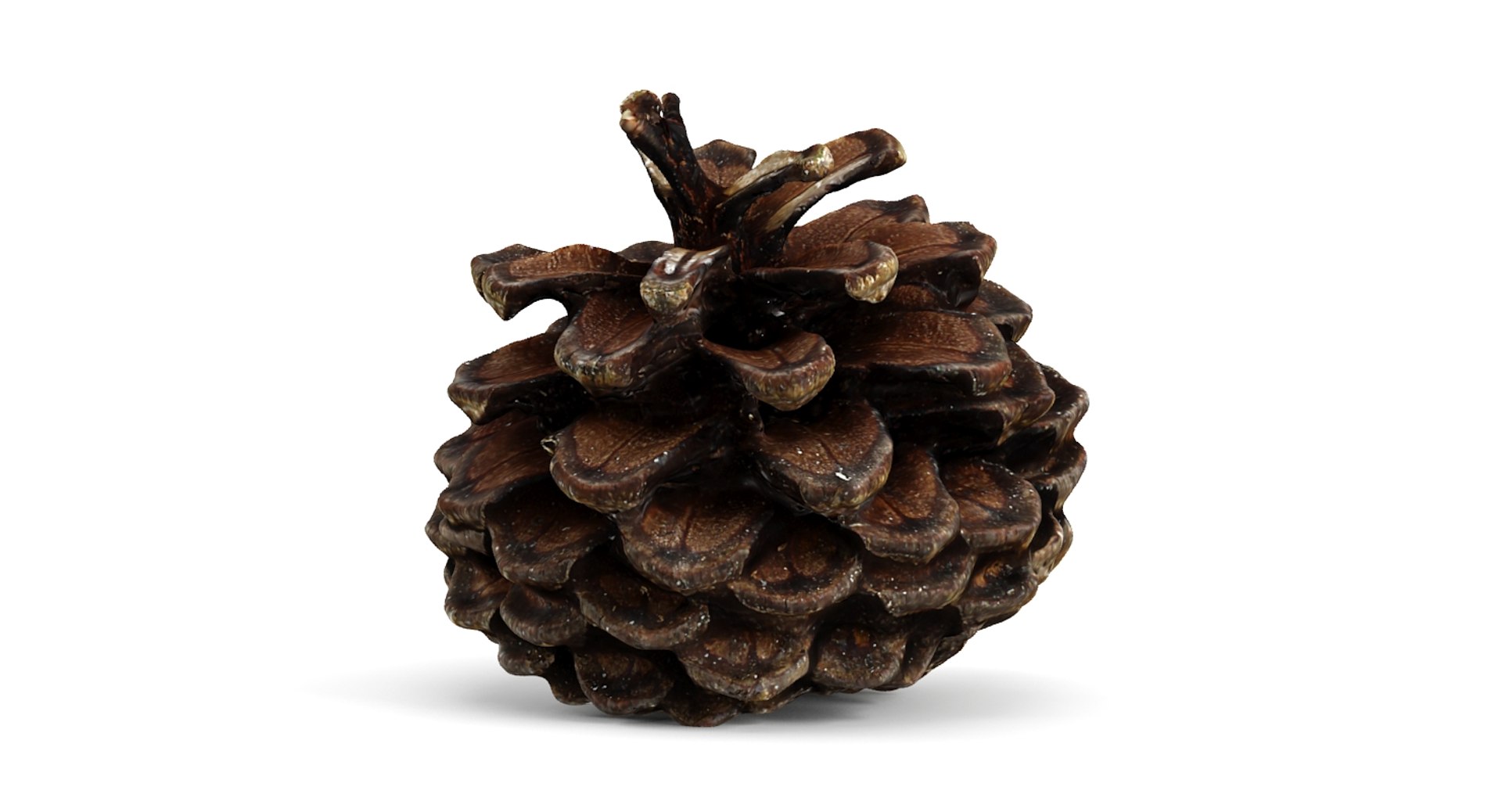
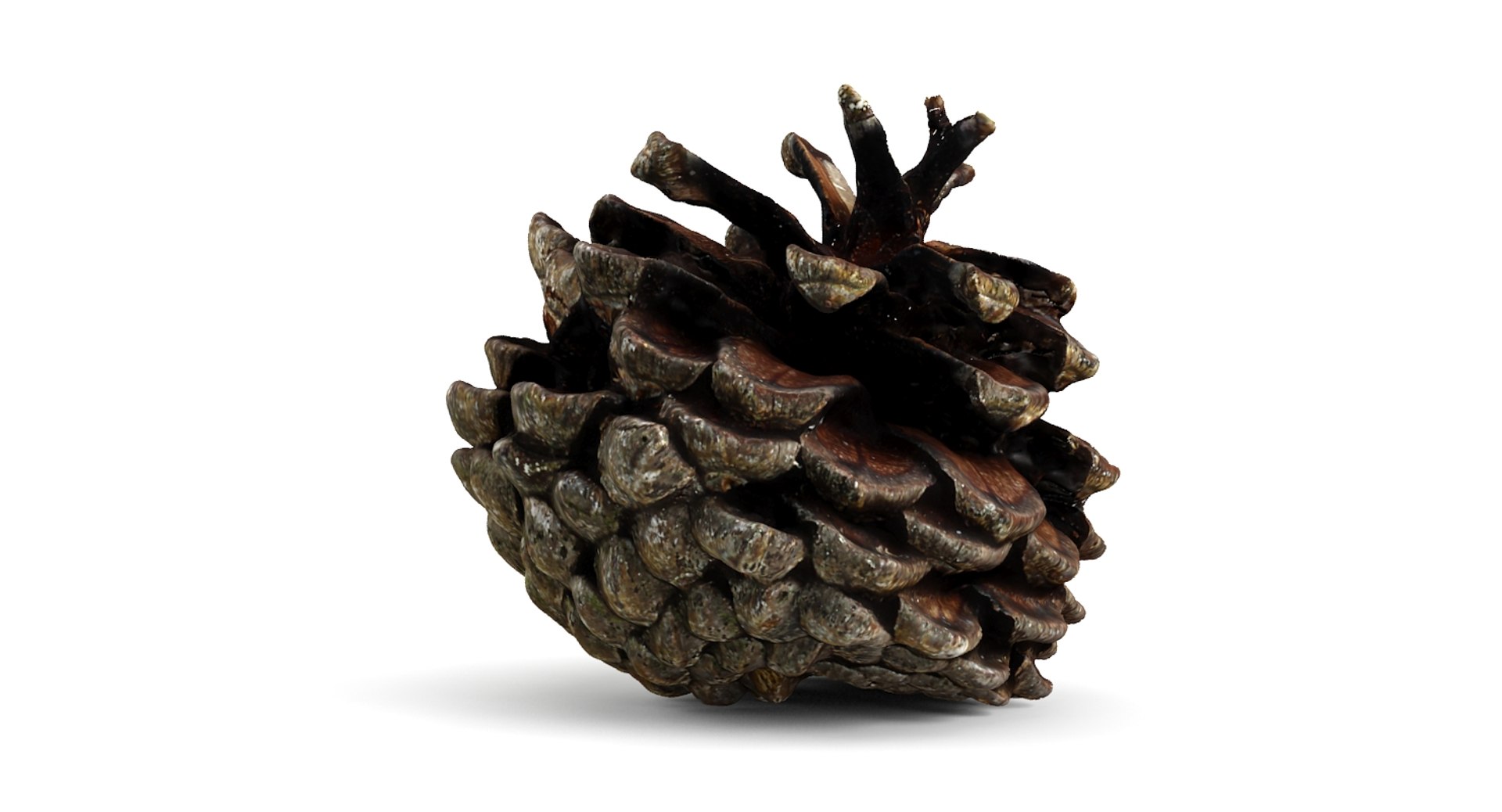
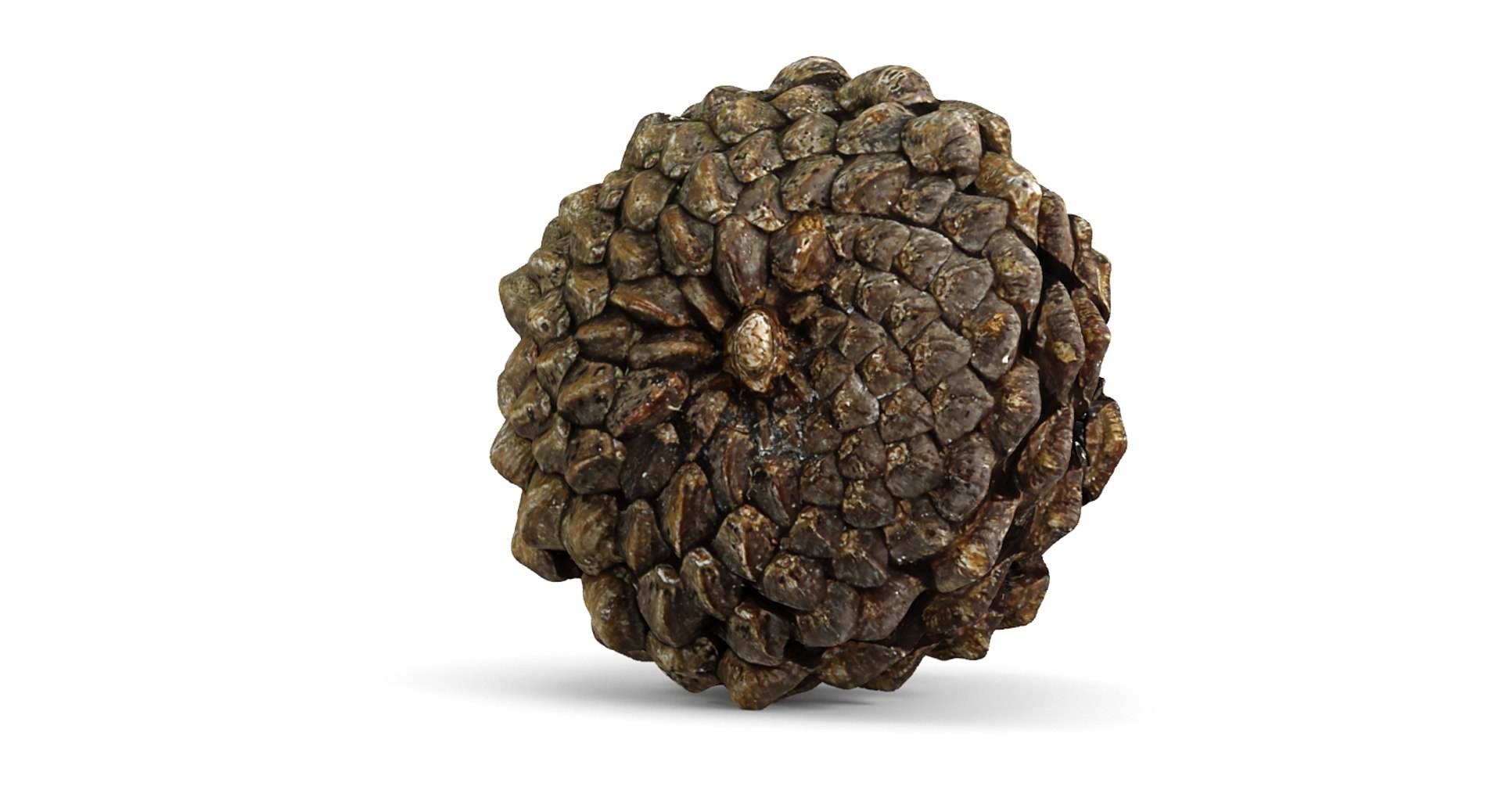
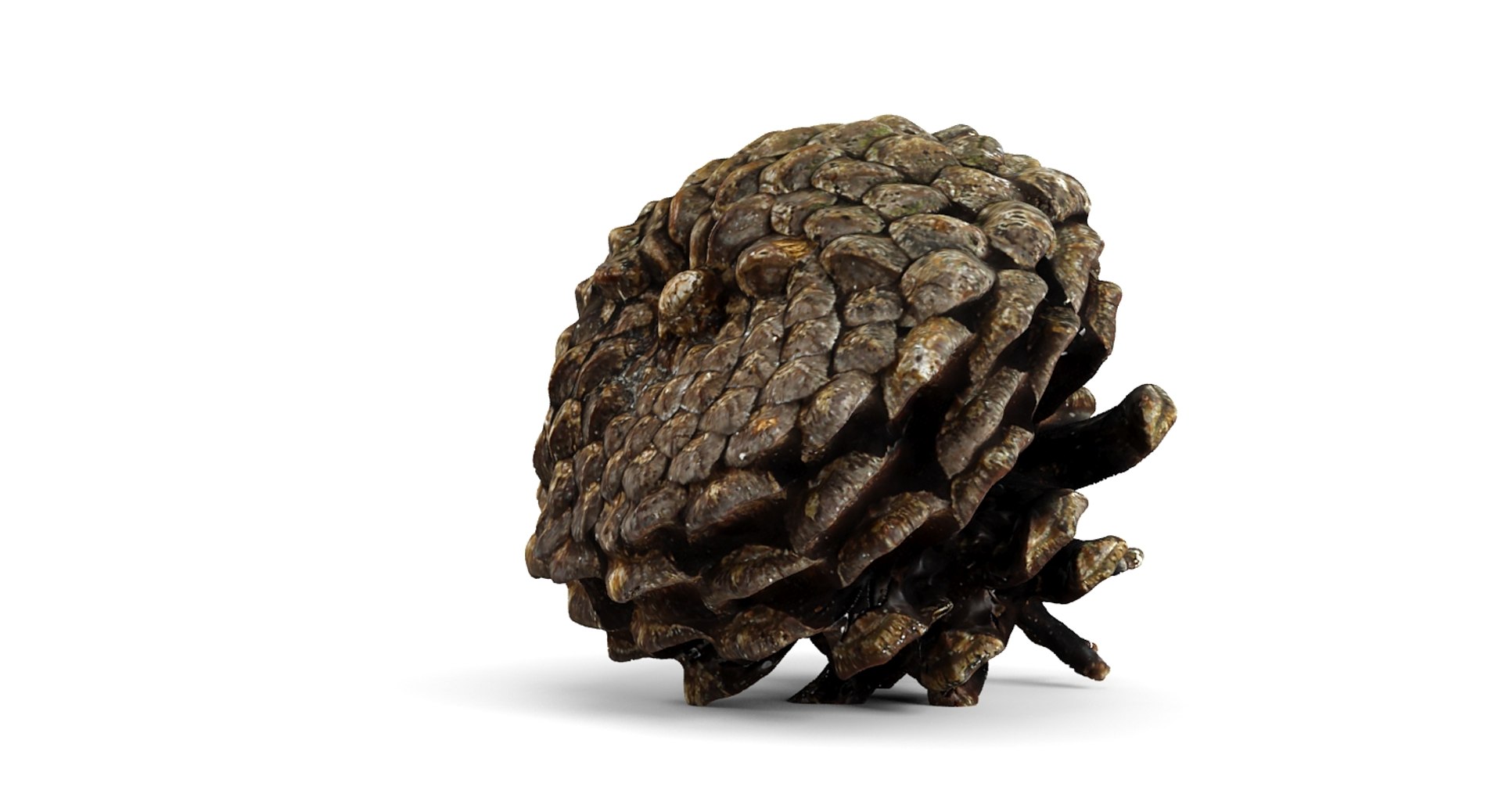
Closed Pinecone

$29

Standard License | Upgrade License
Formats (17)
Free file format Conversions available
Native | 3ds Max 2012 | mental ray
3ds Max 2012 | Default Scanline
3ds Max 2012 | V-Ray 2.3
glTF
3ds Max
USDz
Rhino
3D Studio
Cinema 4D
Collada
Lightwave
OBJ
SketchUp
Softimage
Other Files
Textures.zip
Specifications
Publish Date October 07, 2015
Product ID 967236
Polygons 6,714
Vertices 6,718
Polygonal Quads/Tris Geometry
Textures
Materials
UV Mapped
Non-overlapping Unwrapped UVs
PBR
TurboSquid Exclusive

member avatar
VyVera
242 Products | Contributor Since 2015
Have questions? Chat with us now.

Description

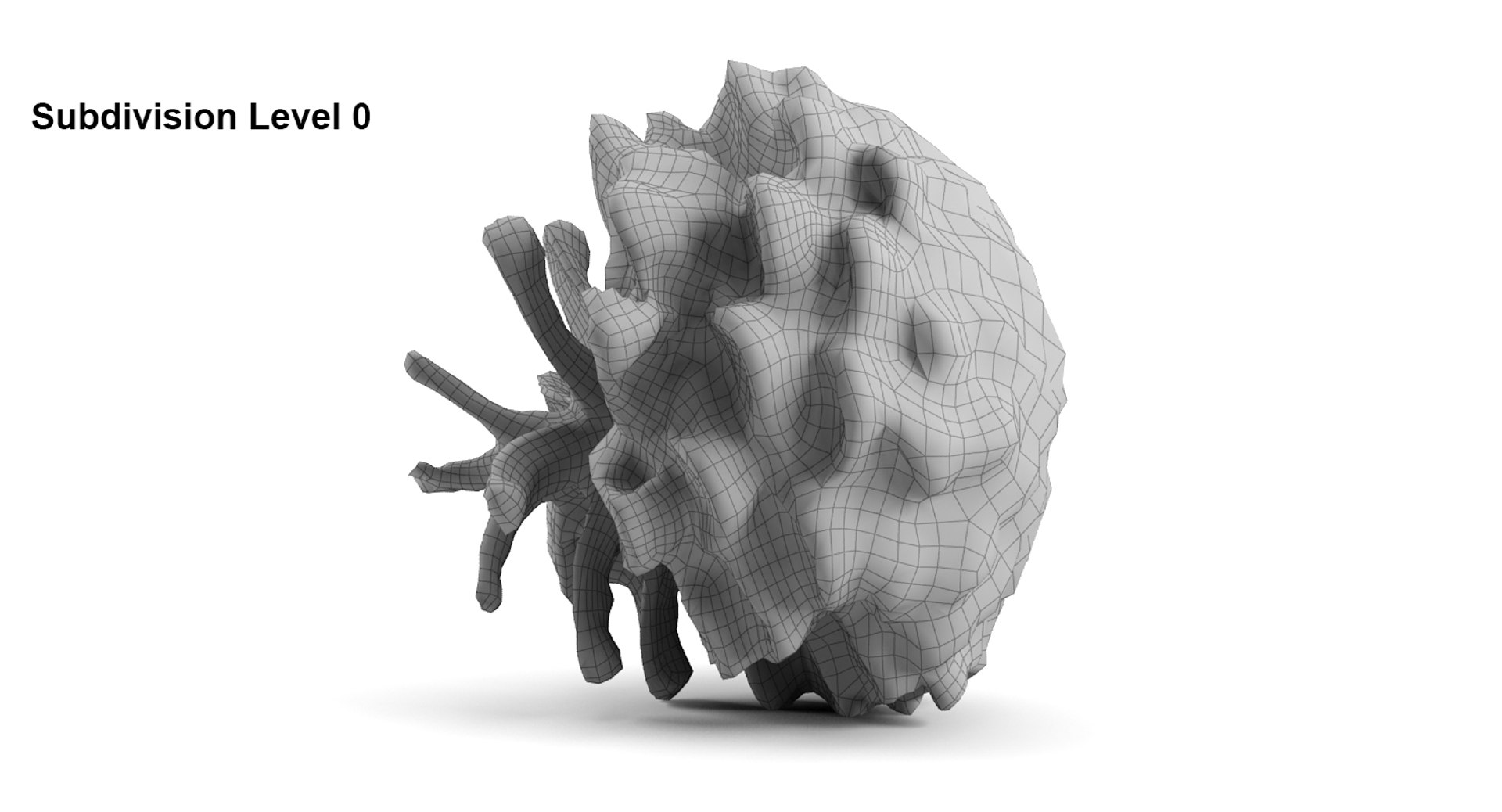
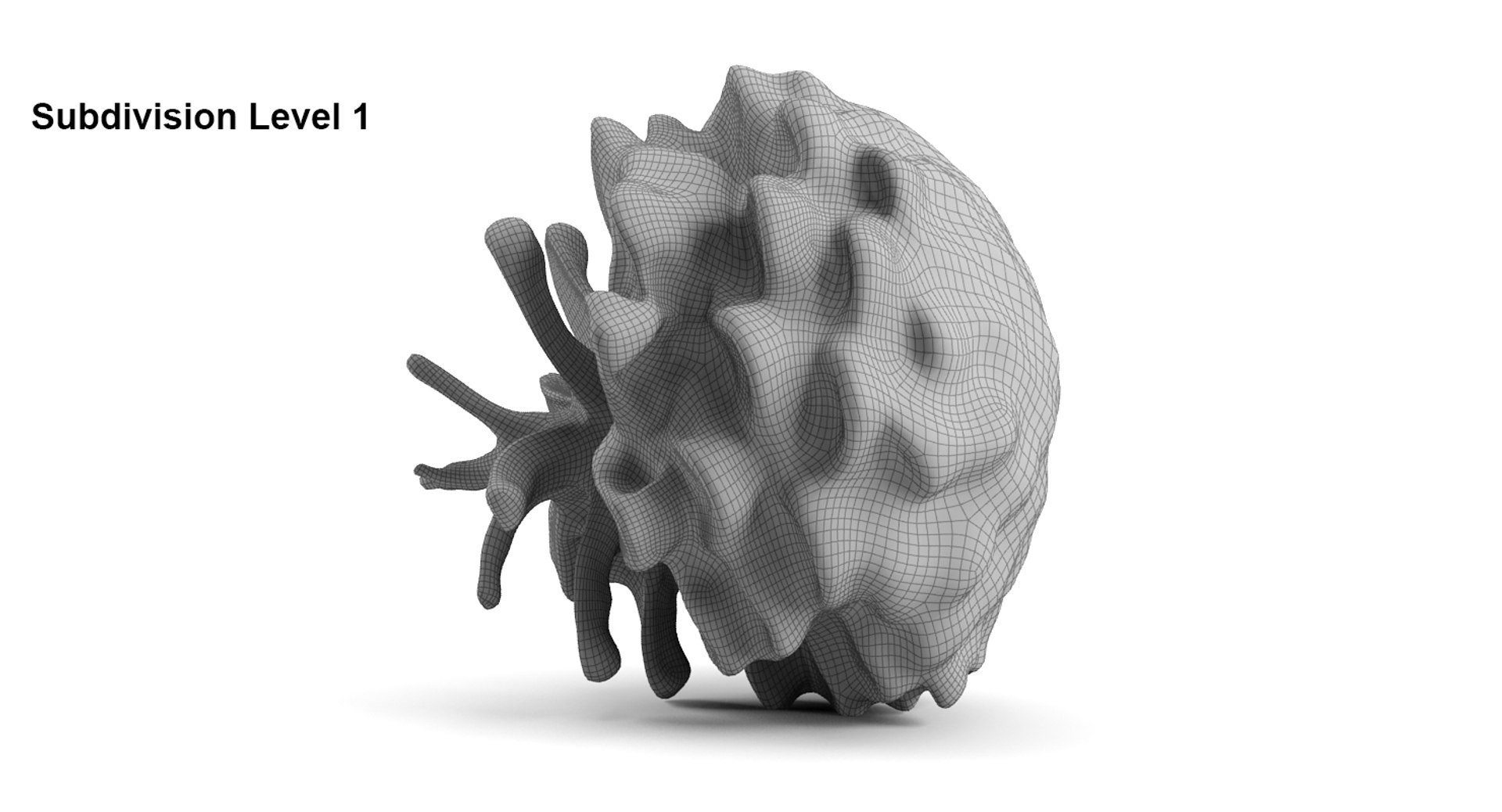
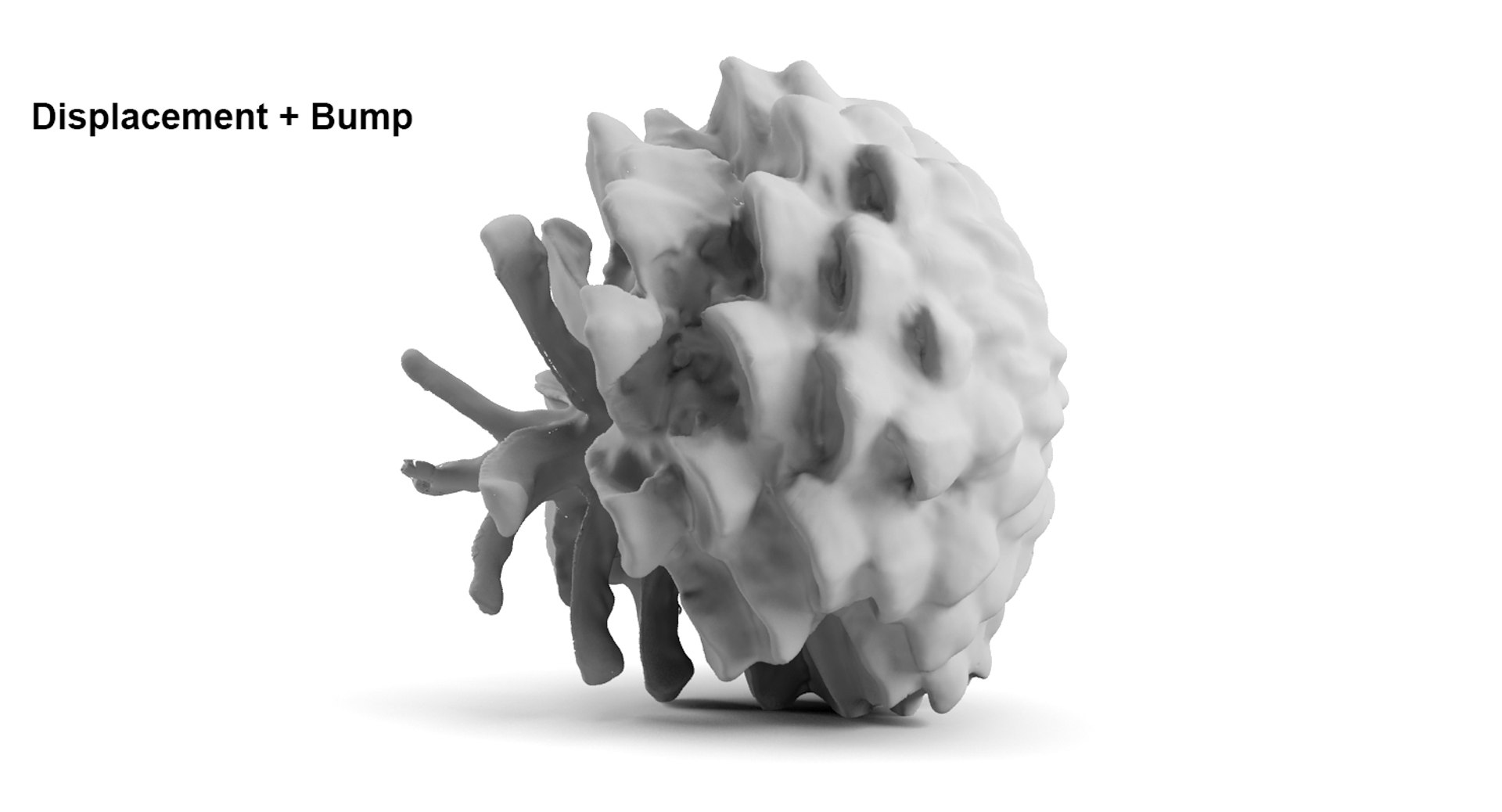
- A photo realistic low poly model of a Closed Pinecone (optimized for gaming and animation).
- The mesh is clean & mainly made from quads.
- The preview renders were made using 3ds max 2012 and Mental Ray.
- No 3rd Party Plugins are used.

=================

Textures:
- Texture maps consist of a (32bit EXR) displacement and Bump maps that stores the finest detail which was acquired from real world scan data.
- A Vector Displacement Map which enables displacement of meshes in three dimensions by using full spectrum of colors is also available in textures files.
- Texture maps can be downloaded separately for other files format.

Texture Maps :
- Diffuse (4096x4096)
- Bump (4096x4096)
- Normal (4096x4096)
- Displacement (4096x4096)
- Vector Displacement (4096x4096)

=================

To view a sample of our work, you can download the free product 964636 ( Add the number in Turbosquid's Search Box)

Vyvera

Select Enhanced License

  • $10,000 in Legal Protection (Indemnification)
  • Uncapped Legal Protection (Indemnification)
  • Waiver from injunctive relief
  • Assignable model rights
  • $1,000,000 in Legal Protection (Indemnification)
  • Waiver from injunctive relief
  • Assignable model rights
  • $250,000 in Legal Protection (Indemnification)
  • Assignable model rights
Read more about enhanced license tiers, or contact us at enterprise@turbosquid.com. Already a Shutterstock Enterprise Customer? Contact your Shutterstock Sales Support Agent to talk about adding 3D.

About Conversion Requests

To submit a conversion request for a purchased asset, please complete our Conversion Request Form.

If you have not yet purchased a model, please review our Documentation about Conversions to learn about what limitations you may encounter with a conversion.

For any additional questions about a model’s suitability for conversion, please contact TurboSquid Support.

Loading...