
Clock

$9.90

Standard License | Upgrade License
Editorial Uses Only
Formats (1)
Native | Blender 2.78 | Cycles Render
Specifications
Publish Date December 14, 2016
Product ID 1102460
Polygons 176,470
Vertices 192,853
Polygonal
Materials
Rigged
Animated
TurboSquid Exclusive
member avatar
Pi3d
19 Products | Contributor Since 2016
Have questions? Chat with us now.

Description

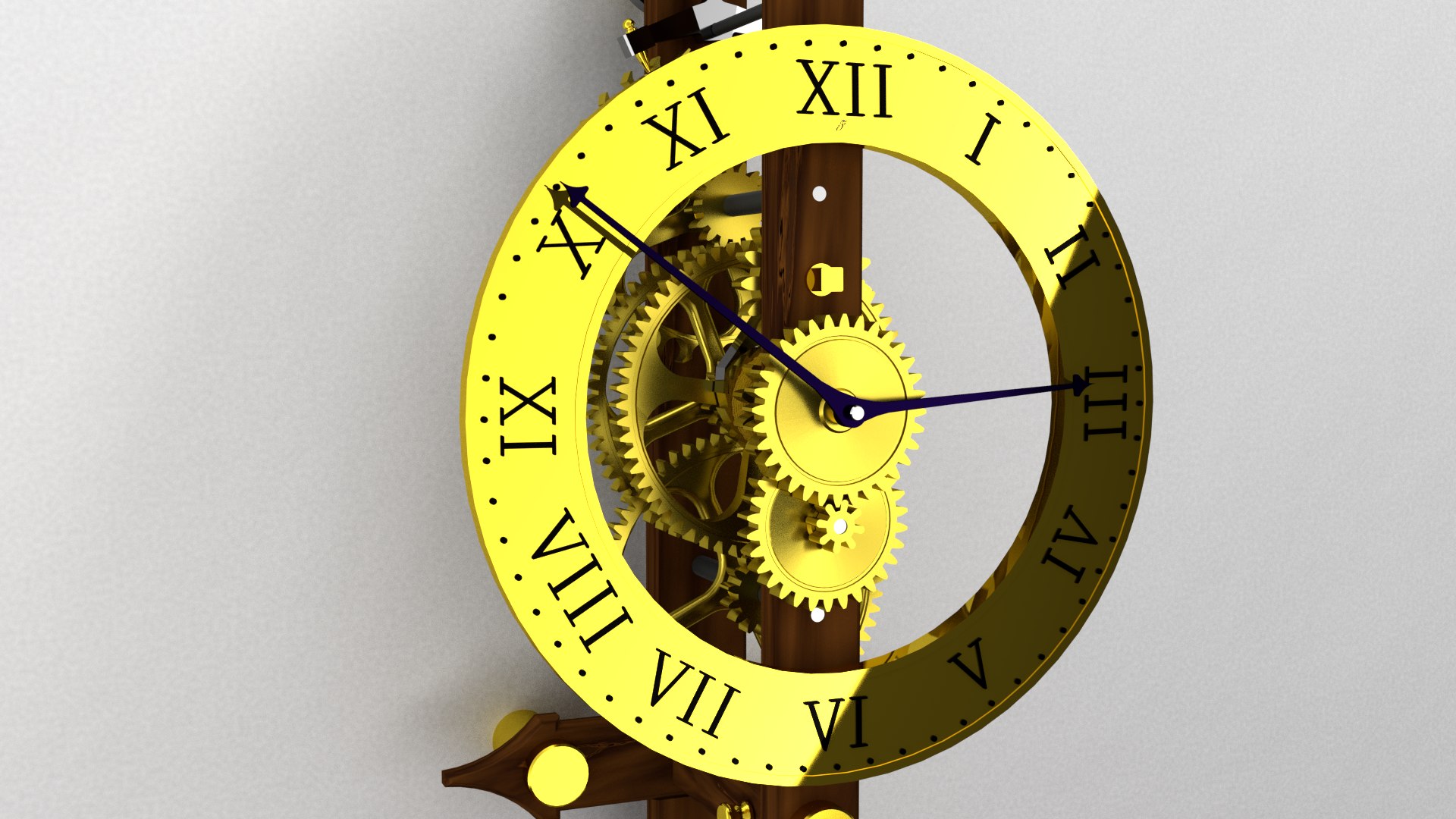
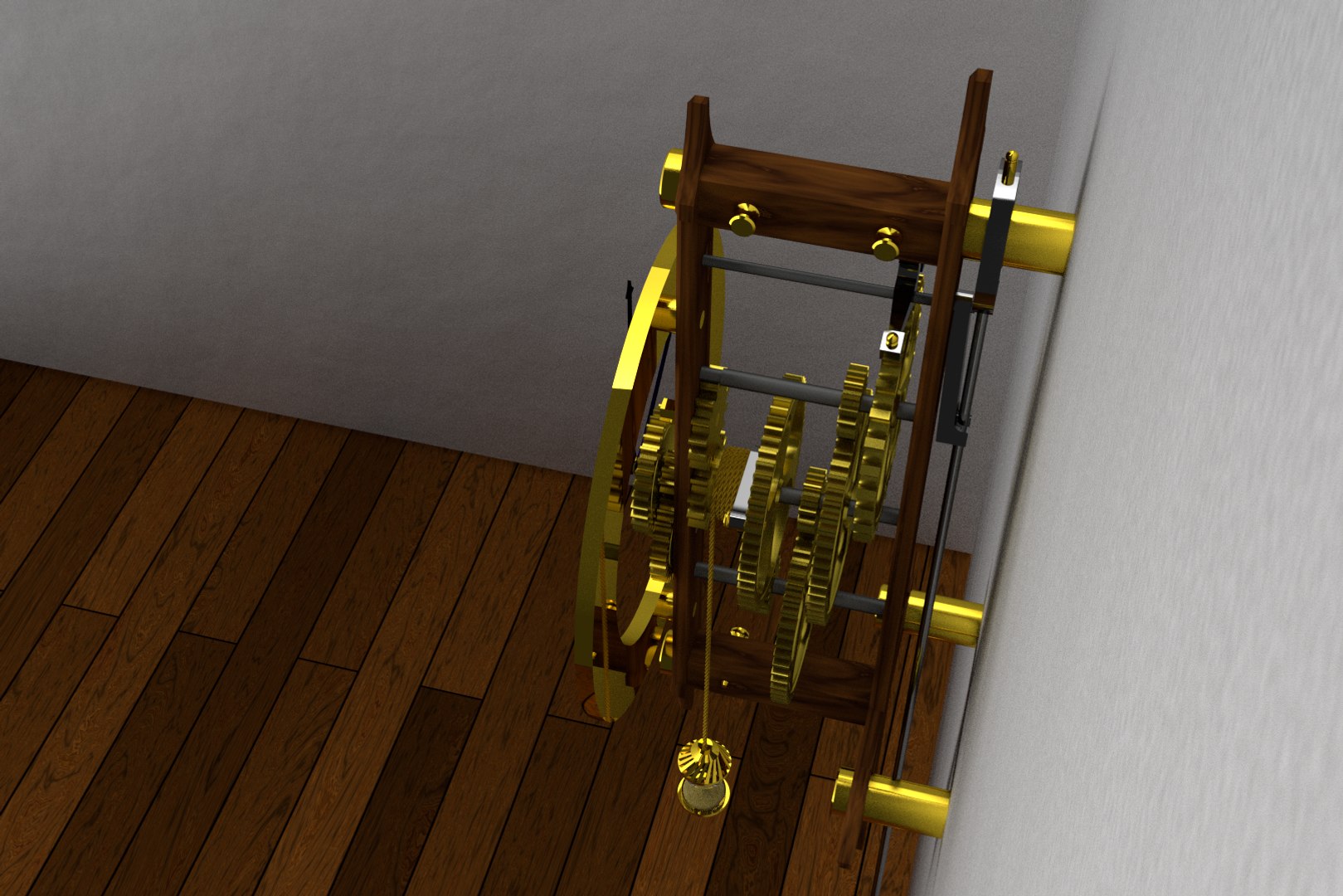
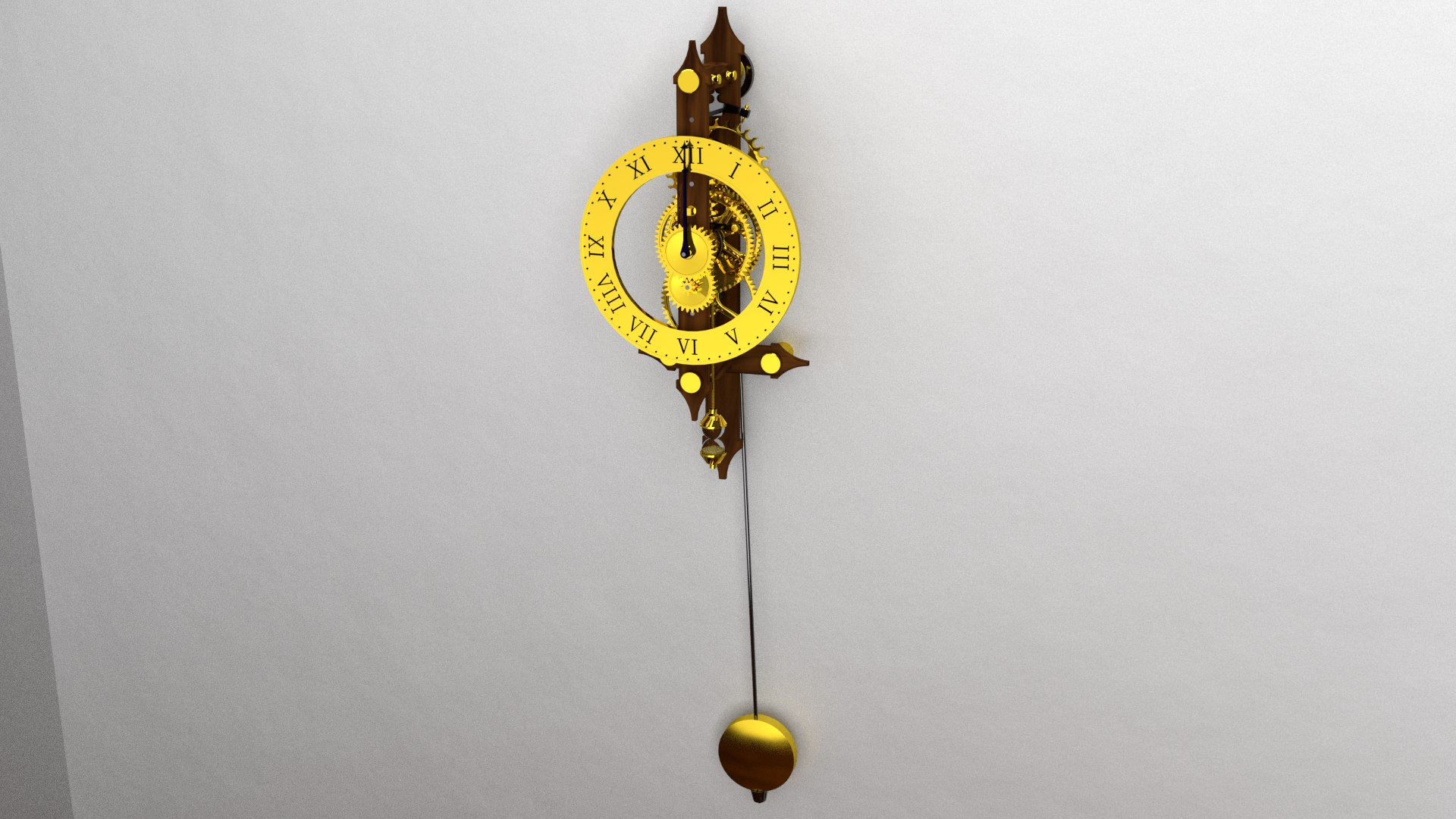
The clock(clock.blend) is meant to be imported and used in the scene quickly and simply, to move, rotate and scale use the bone(clock control) above the clock.
In the file there are two script:
-select hour, to choose the hour or read it from pc
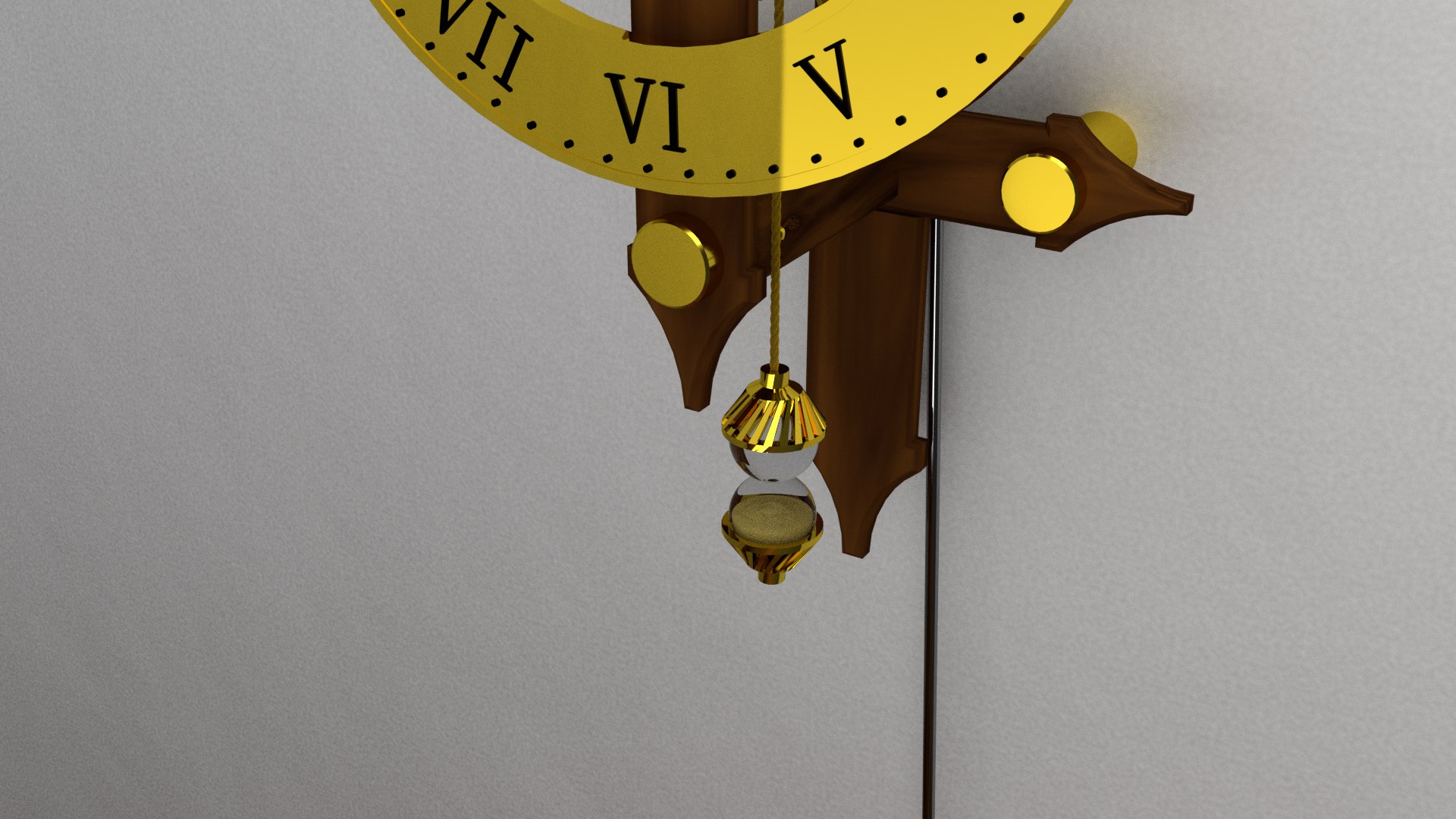
-rope center, to center the rope after scale(clock control) the object or after choose the hour
the rope centered fall for 44998 frame (25frame=1sec,45000=30min), after 44998 frame the wheight go back to the top.

there isn't texture, all material are procedural.
there is audio file(2000frame)
tested in Blender 2.78

Select Enhanced License

  • $10,000 in Legal Protection (Indemnification)
  • Uncapped Legal Protection (Indemnification)
  • Waiver from injunctive relief
  • Assignable model rights
  • $1,000,000 in Legal Protection (Indemnification)
  • Waiver from injunctive relief
  • Assignable model rights
  • $250,000 in Legal Protection (Indemnification)
  • Assignable model rights
Read more about enhanced license tiers, or contact us at enterprise@turbosquid.com. Already a Shutterstock Enterprise Customer? Contact your Shutterstock Sales Support Agent to talk about adding 3D.

About Conversion Requests

To submit a conversion request for a purchased asset, please complete our Conversion Request Form.

If you have not yet purchased a model, please review our Documentation about Conversions to learn about what limitations you may encounter with a conversion.

For any additional questions about a model’s suitability for conversion, please contact TurboSquid Support.

Loading...