

Chrome Golf Ball

$20

Standard License | Upgrade License
Formats (8)
Softimage
3D Studio
Cinema 4D
FBX
Lightwave
Maya
OBJ
3ds Max
Specifications
Publish Date October 07, 2010
Product ID 561301
Polygons 10,236
Vertices 5,120
Subdivision
Materials
Unknown Unwrapped UVs
TurboSquid Exclusive

member avatar
POPA_3D
187 Products | Contributor Since 2006
Have questions? Chat with us now.

Description

3d model features:
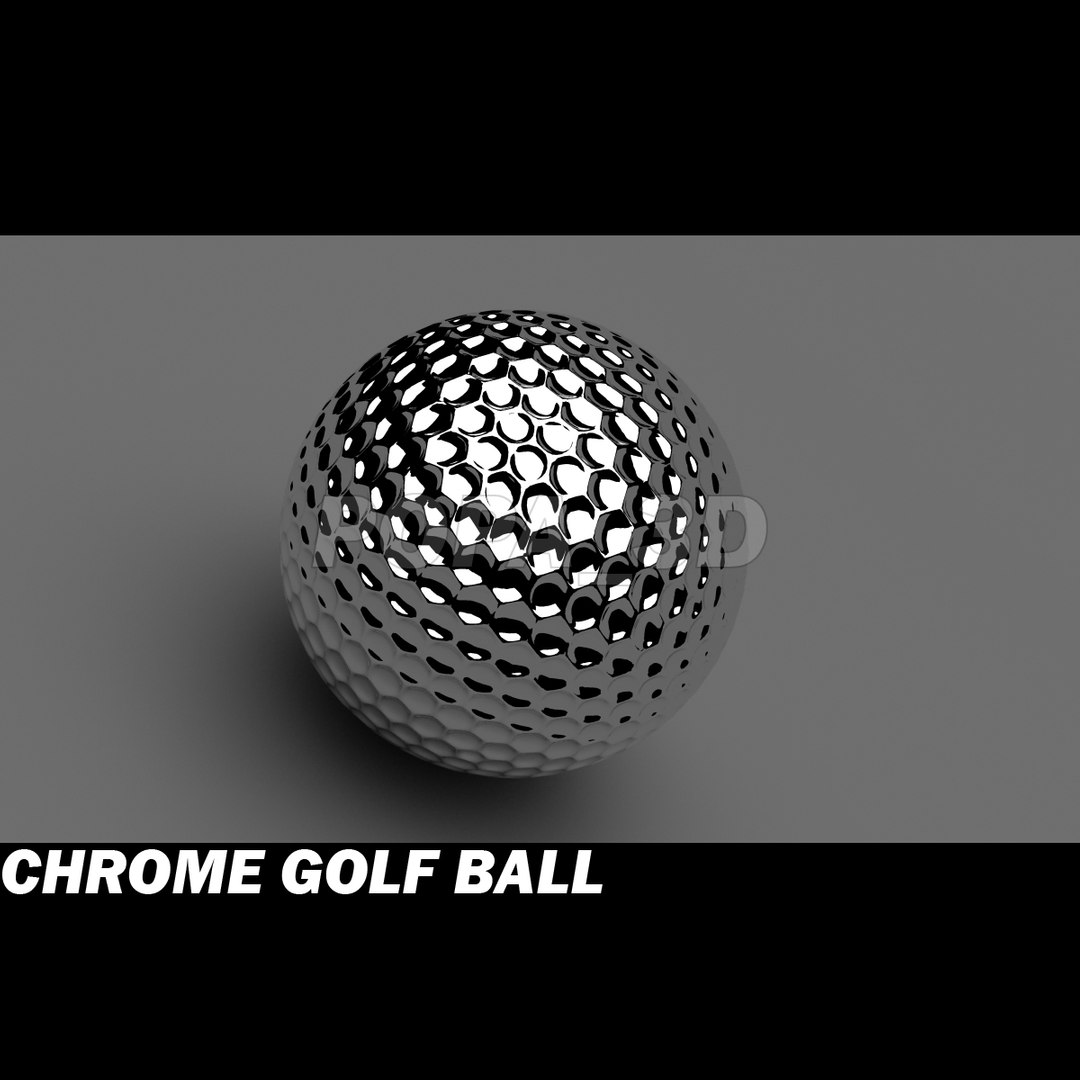
-chrome golf ball ideal for your advertissement show.
-realistic chrome look.
-all materials included (textures not needed).
-studio lighting included on both max, maya and cinema 4d version.
-no 3rd part required to open or render the scene ( mental ray render for max and maya version and standard for cinema 4d ).
-scene ready to render like on thumbnails(max, maya and cinema 4d).
-quality can be easilly increased by increasing final gather value and antialiasing options (required if you
need very high resolution for max and maya).
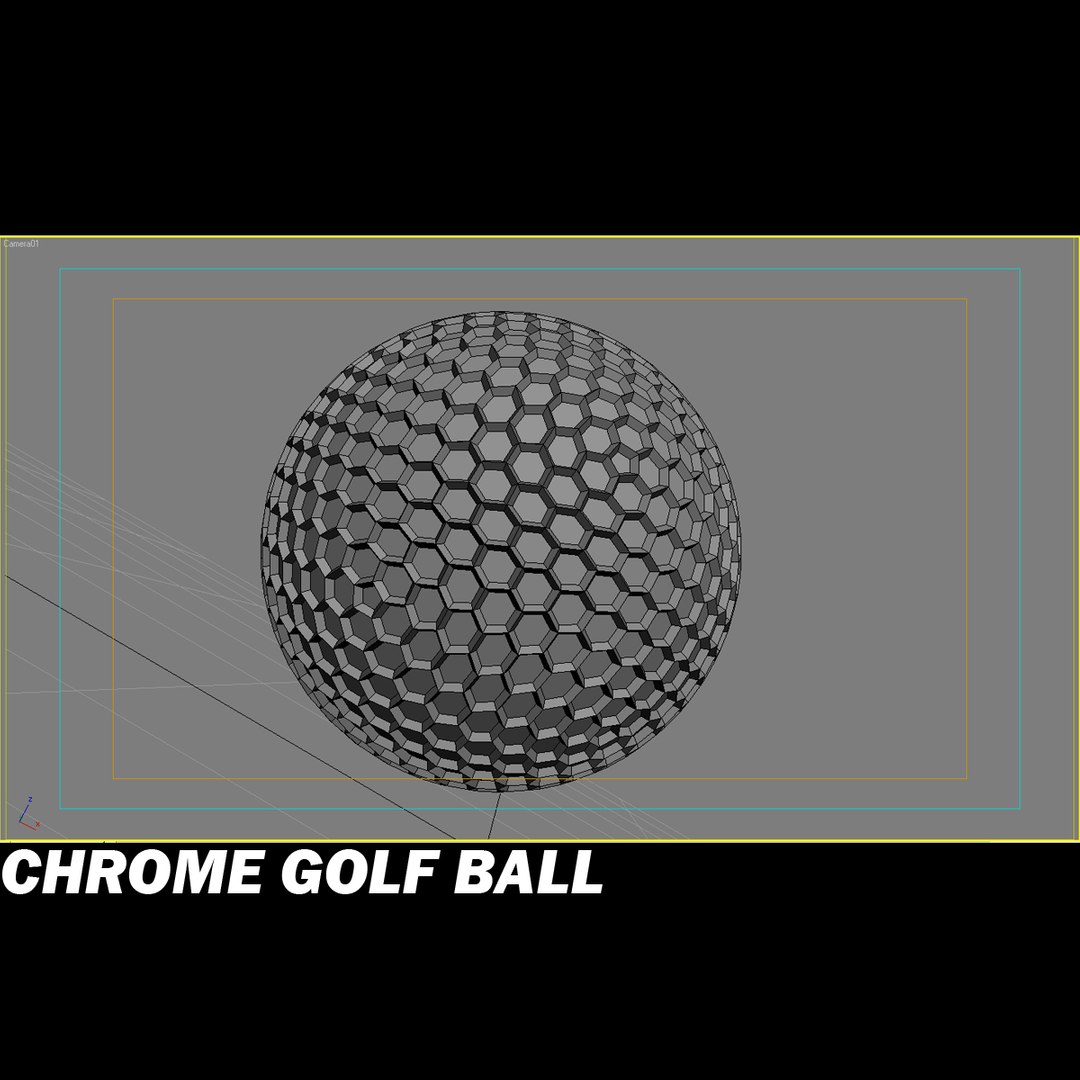
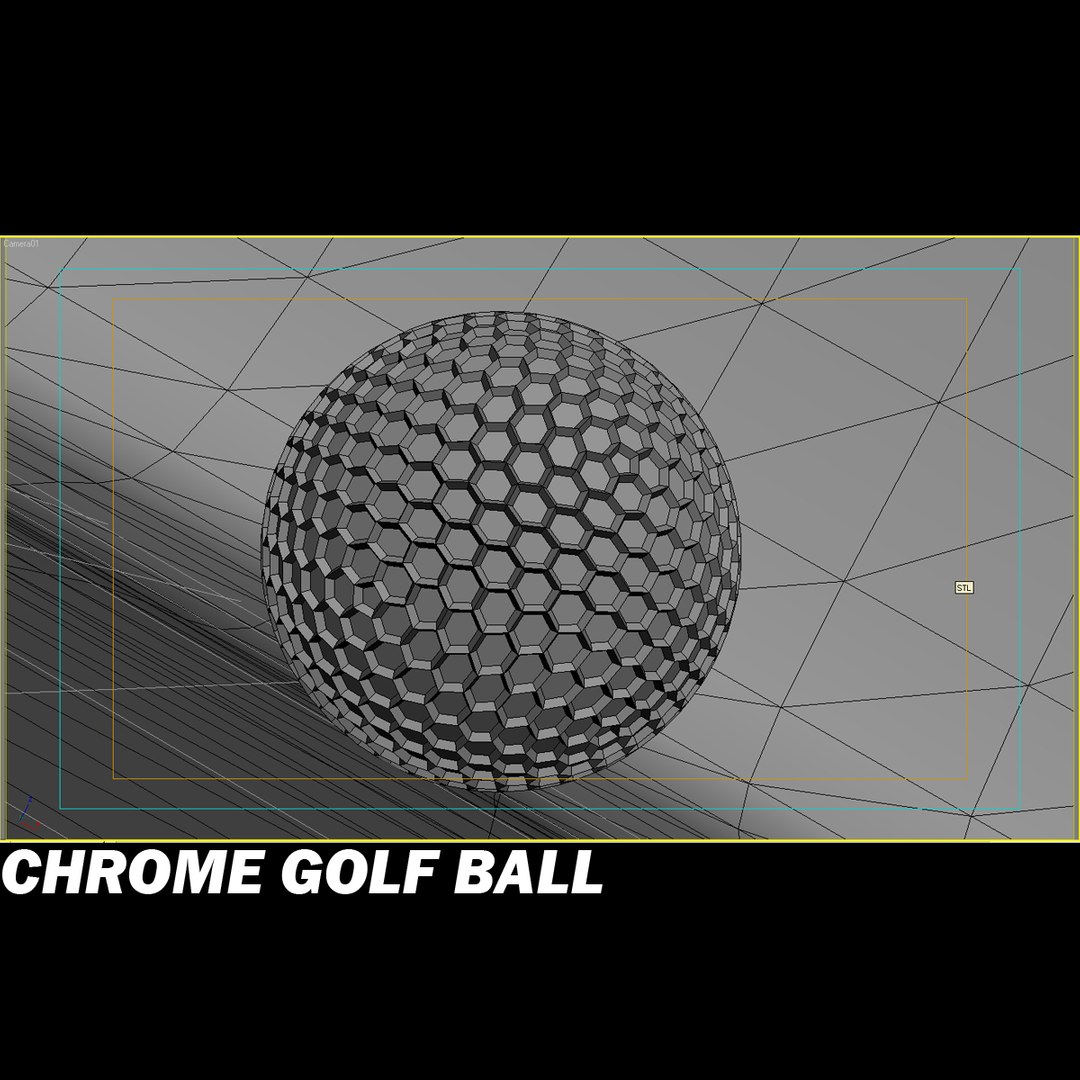
-scene statistics (golf bal subdivision 0l):
polycount:10236.
vertices count:5120.

note: only max , maya and cinema 4d versions contain chrome
material other formats contain only the golf ball.


Available formats:
**************************************************************
.max 3dsmax 7 and higher.
.mb Maya 8.5 and higher.
.lwo Lightwave 6 and higher.
.xsi Softimage 3.5 and higher.
.c4d Cinema 4D 9.0 and higher.
.3ds general 3dstudio.
.obj general wavefront obj.
.fbx Kaydara FBX 5.2 and higher.

**************************************************************

Select Enhanced License

  • $10,000 in Legal Protection (Indemnification)
  • Uncapped Legal Protection (Indemnification)
  • Waiver from injunctive relief
  • Assignable model rights
  • $1,000,000 in Legal Protection (Indemnification)
  • Waiver from injunctive relief
  • Assignable model rights
  • $250,000 in Legal Protection (Indemnification)
  • Assignable model rights
Read more about enhanced license tiers, or contact us at enterprise@turbosquid.com. Already a Shutterstock Enterprise Customer? Contact your Shutterstock Sales Support Agent to talk about adding 3D.

About Conversion Requests

To submit a conversion request for a purchased asset, please complete our Conversion Request Form.

If you have not yet purchased a model, please review our Documentation about Conversions to learn about what limitations you may encounter with a conversion.

For any additional questions about a model’s suitability for conversion, please contact TurboSquid Support.

Loading...