





Christmas Santa Hat Bulb Scene

$99

Standard License | Upgrade License
Formats (2)
Native | 3ds Max 2011 | mental ray
3ds Max 2011 | finalRender
Previews
Specifications
Publish Date December 18, 2011
Product ID 644971
Polygons 299,955
Vertices 151,276
Polygonal Quads/Tris Geometry
Textures
Materials
Animated
TurboSquid Exclusive

member avatar
CG ARTStudio
505 Products | Contributor Since 2005
Have questions? Chat with us now.

Description

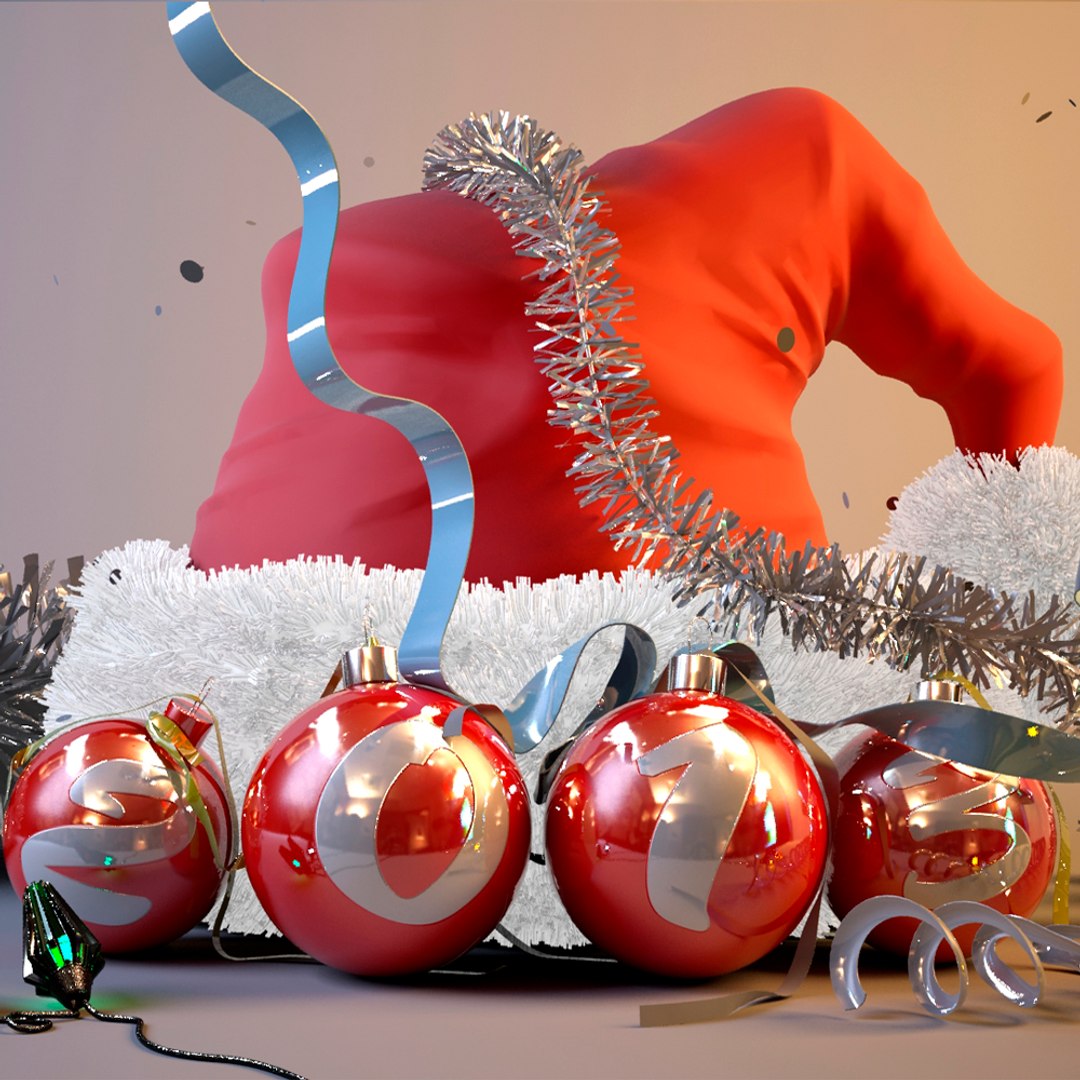
3D model of animated santa hat .

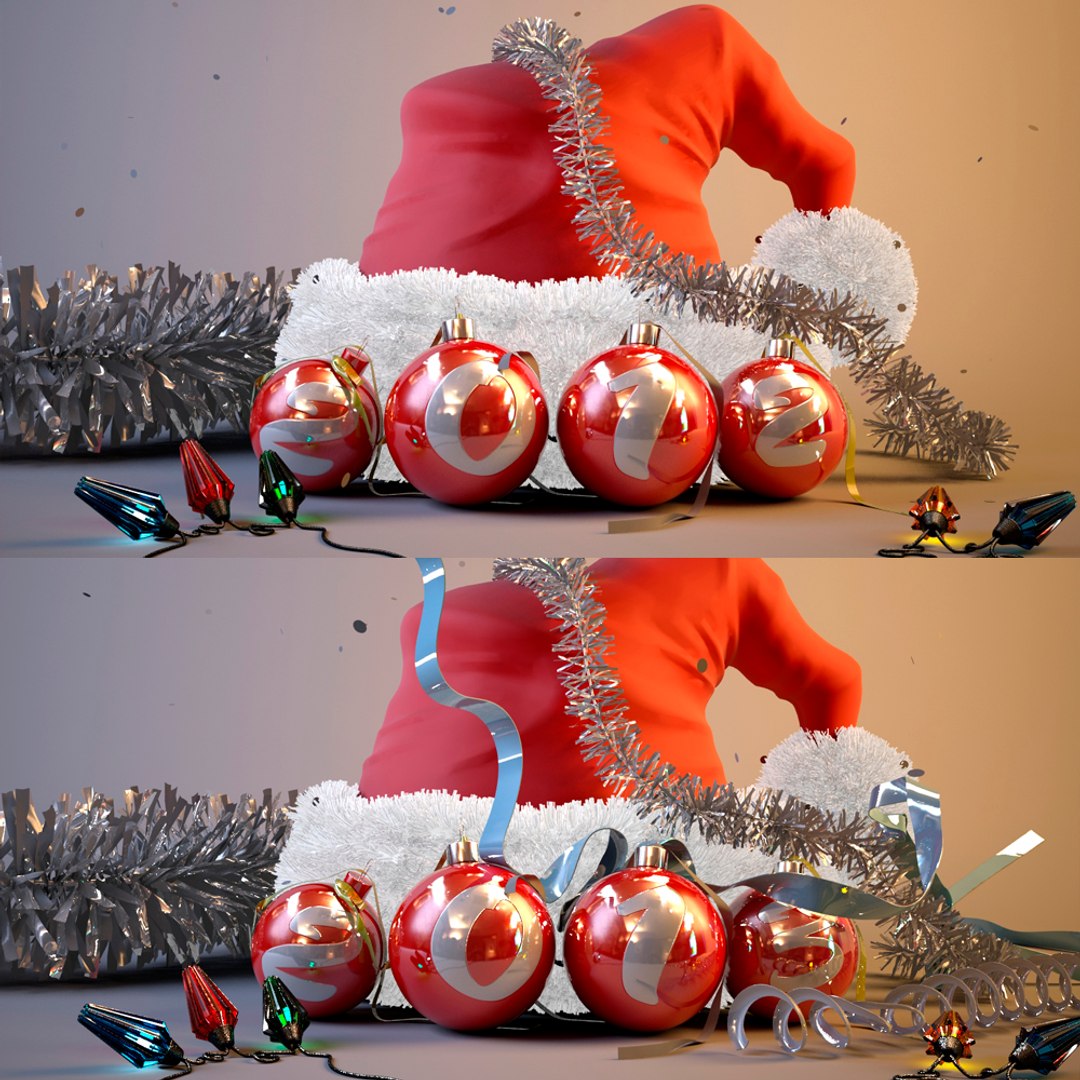
3D model completely an animated Christmas scene. Duration of animation of 10 seconds. Imitation of movement of a realistic videocamera is created.
Tapes and confetti fall. The garland blinks.
In a demonstration file the fragment of 2 seconds from 10 is shown.
In a scene module Hair and Cloth is applied. Confetti particles don"t fly by through objects...
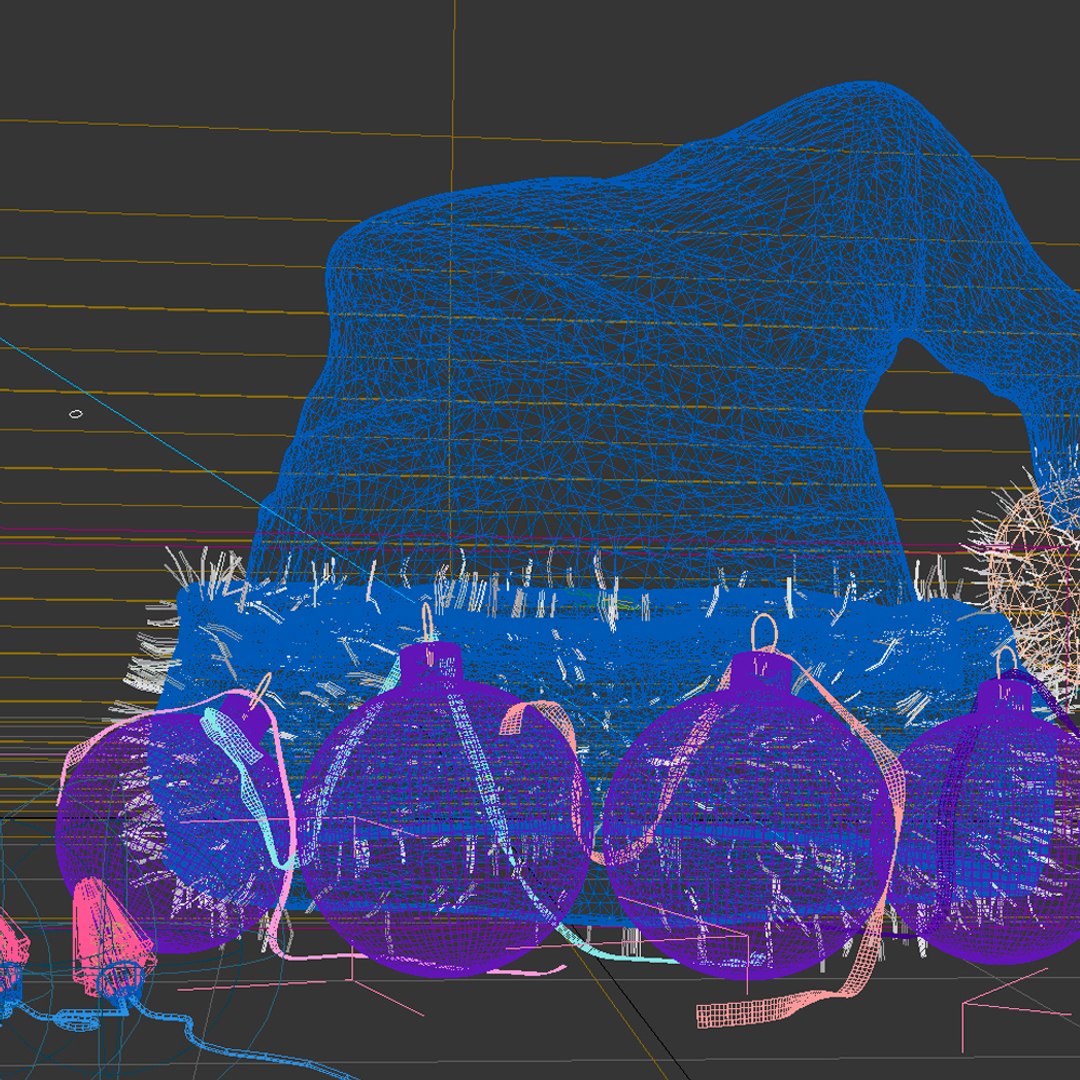
Models in a scene - Hi-poly.
Contain a lot of square and triangular poly.

Attention!
The model is ready to the render (mental ray)... You need to adjust parameters of a conclusion of animation only.
The model correctly opens in 3ds MAX2011 or higher version.

The version for final render is added. For correct opening of this scene 2 plug-ins are necessary:
1. Krakatoa plagin (it is possible and without it... But then the confetti will fly through objects of a scene).
2. Craft director tools (free)
Attention plug-ins are necessary only for version FINAL RENDER.
For version MENTAL RAY - any plug-ins it is not required.

Select Enhanced License

  • $10,000 in Legal Protection (Indemnification)
  • Uncapped Legal Protection (Indemnification)
  • Waiver from injunctive relief
  • Assignable model rights
  • $1,000,000 in Legal Protection (Indemnification)
  • Waiver from injunctive relief
  • Assignable model rights
  • $250,000 in Legal Protection (Indemnification)
  • Assignable model rights
Read more about enhanced license tiers, or contact us at enterprise@turbosquid.com. Already a Shutterstock Enterprise Customer? Contact your Shutterstock Sales Support Agent to talk about adding 3D.

About Conversion Requests

To submit a conversion request for a purchased asset, please complete our Conversion Request Form.

If you have not yet purchased a model, please review our Documentation about Conversions to learn about what limitations you may encounter with a conversion.

For any additional questions about a model’s suitability for conversion, please contact TurboSquid Support.

Loading...