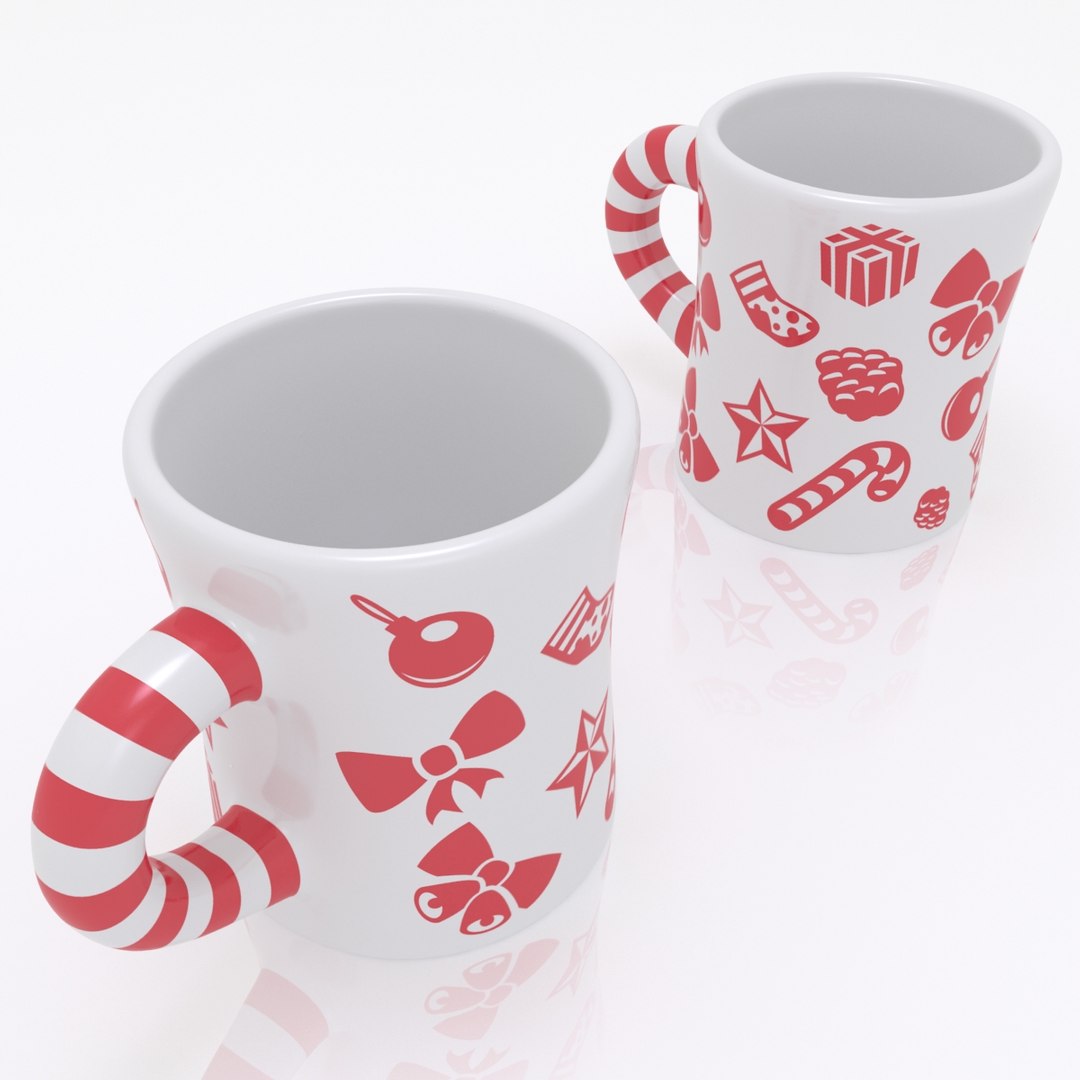
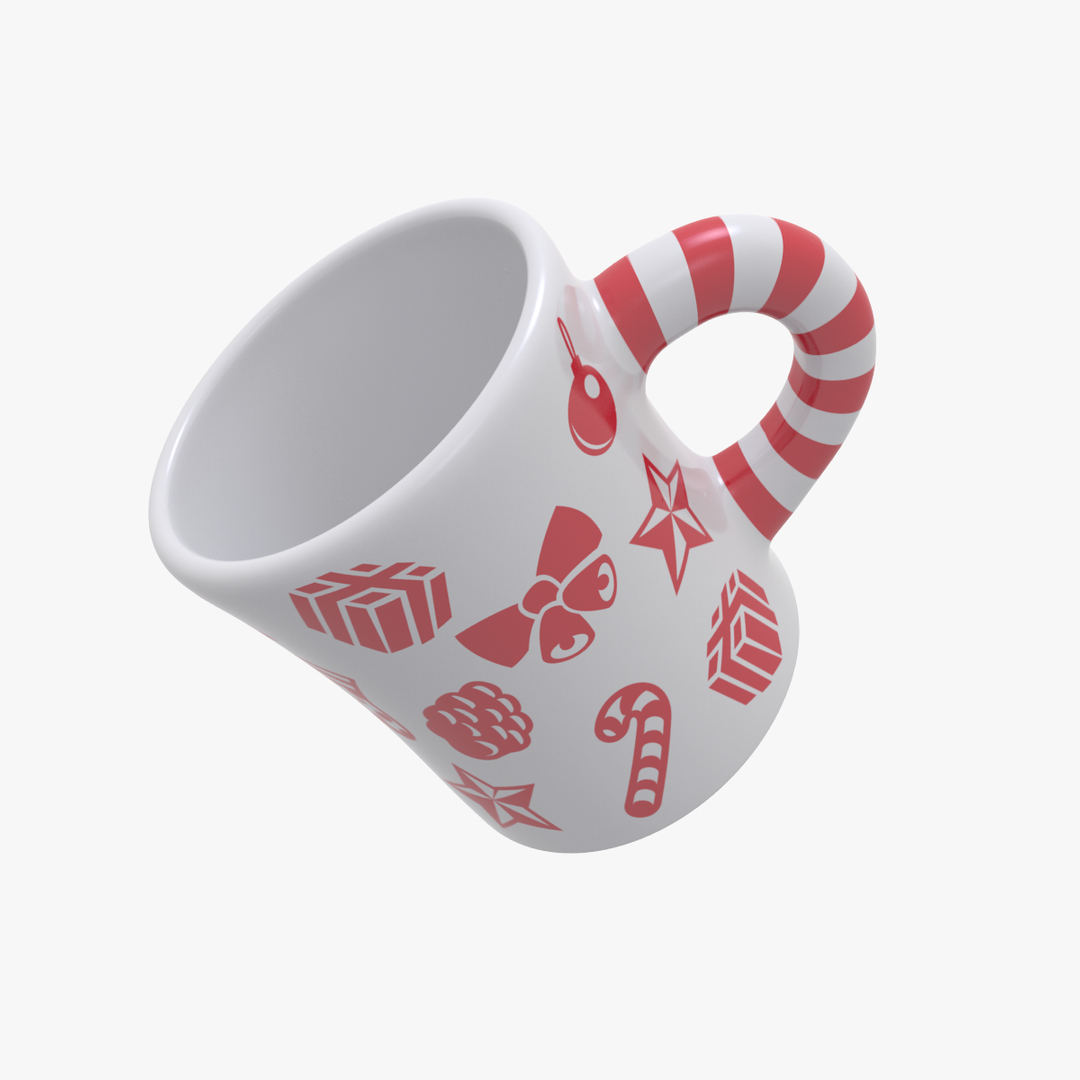
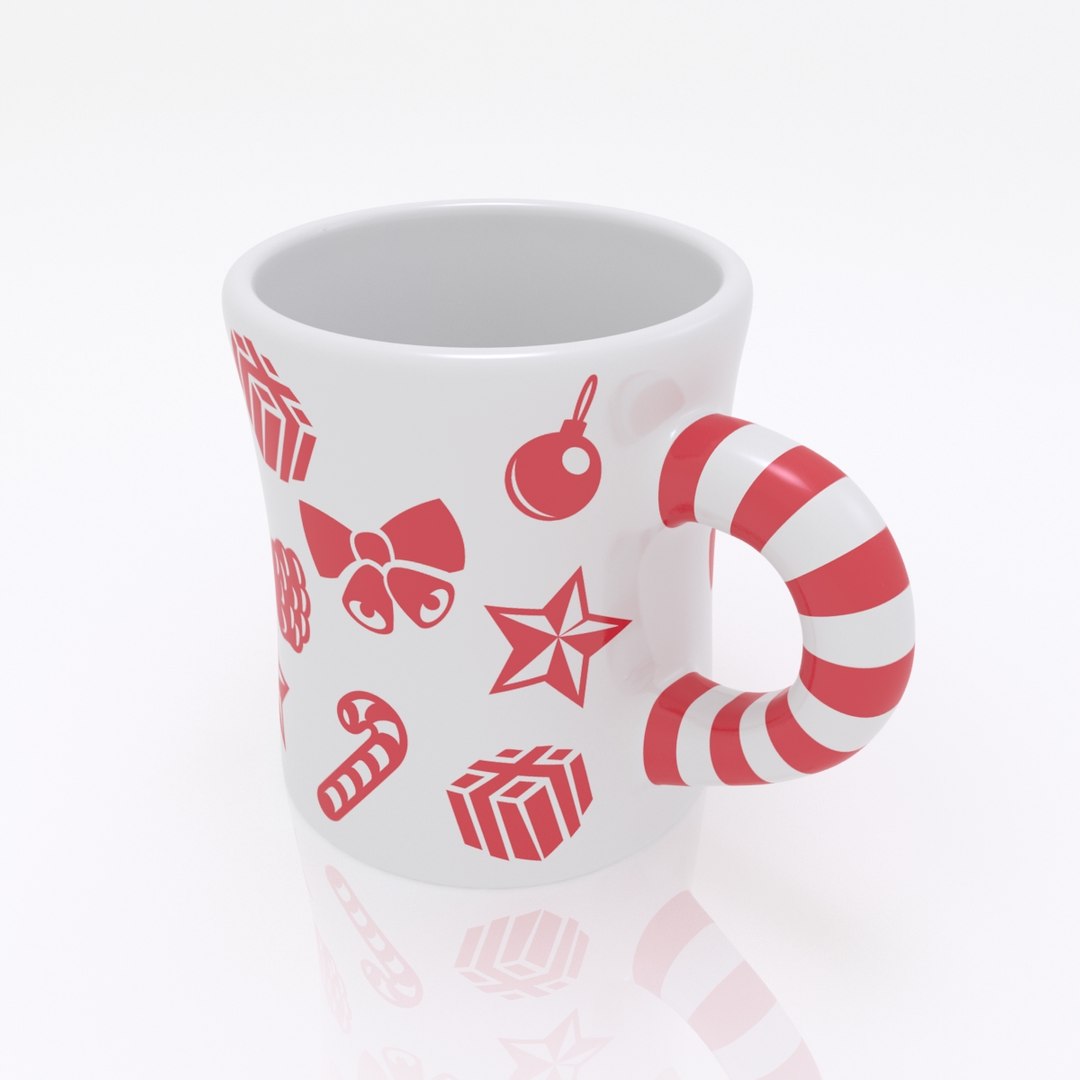
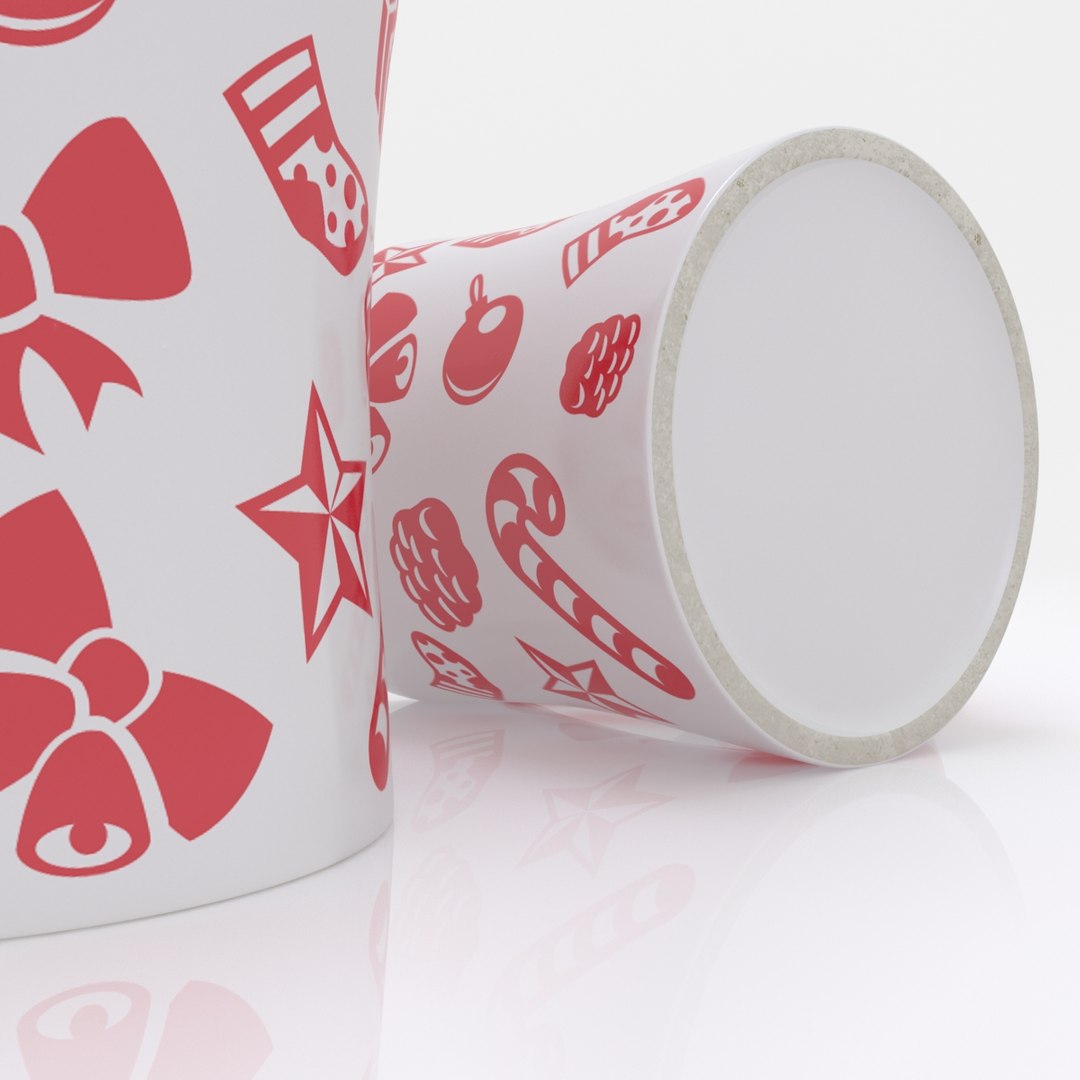
Christmas Candy Mug

$19

Standard License | Upgrade License
Formats (11)
Native | 3ds Max 2013 | V-Ray 2.30.01
Cinema 4D R17 | Default Scanline
3D Studio
FBX
OBJ
glTF
3ds Max
USD
Other Files
ChristmasCandyMug_Pattern.ai
Specifications
Publish Date December 19, 2016
Product ID 1104117
Polygons 589
Vertices 589
Polygonal Quads Only
Textures
Materials
UV Mapped
Non-overlapping Unwrapped UVs
PBR
TurboSquid Exclusive
member avatar
3d_factory
16 Products | Contributor Since 2014
Have questions? Chat with us now.

Description

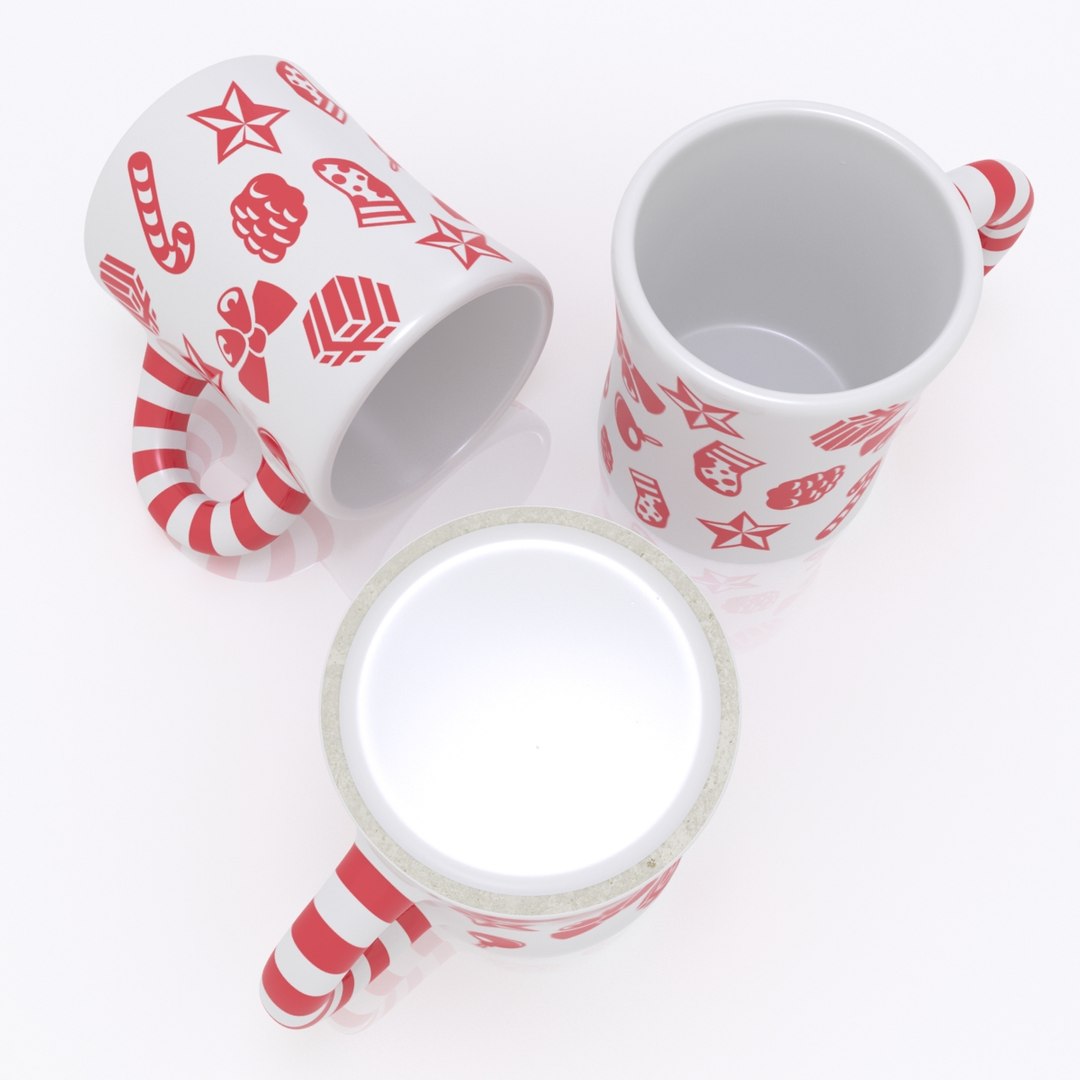
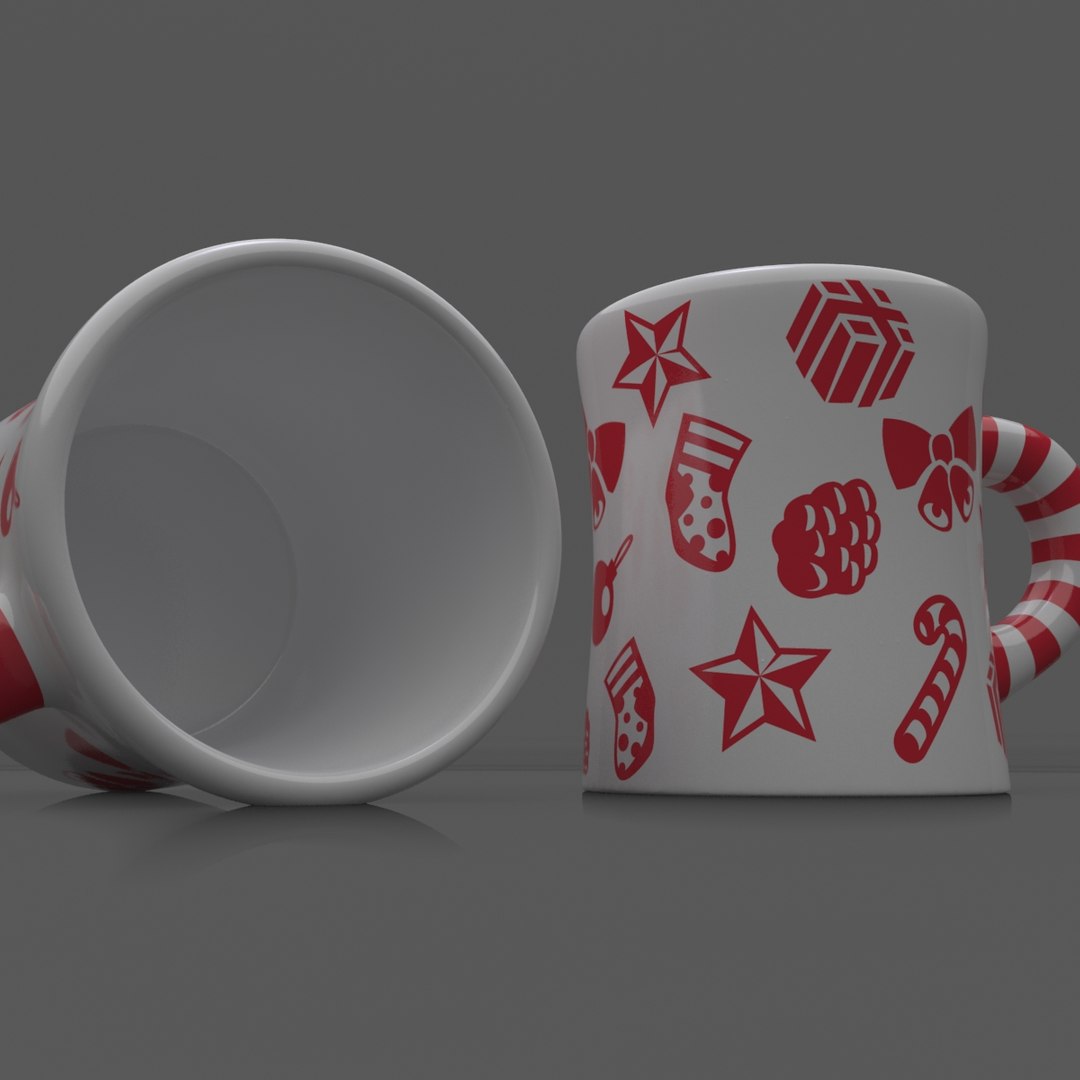
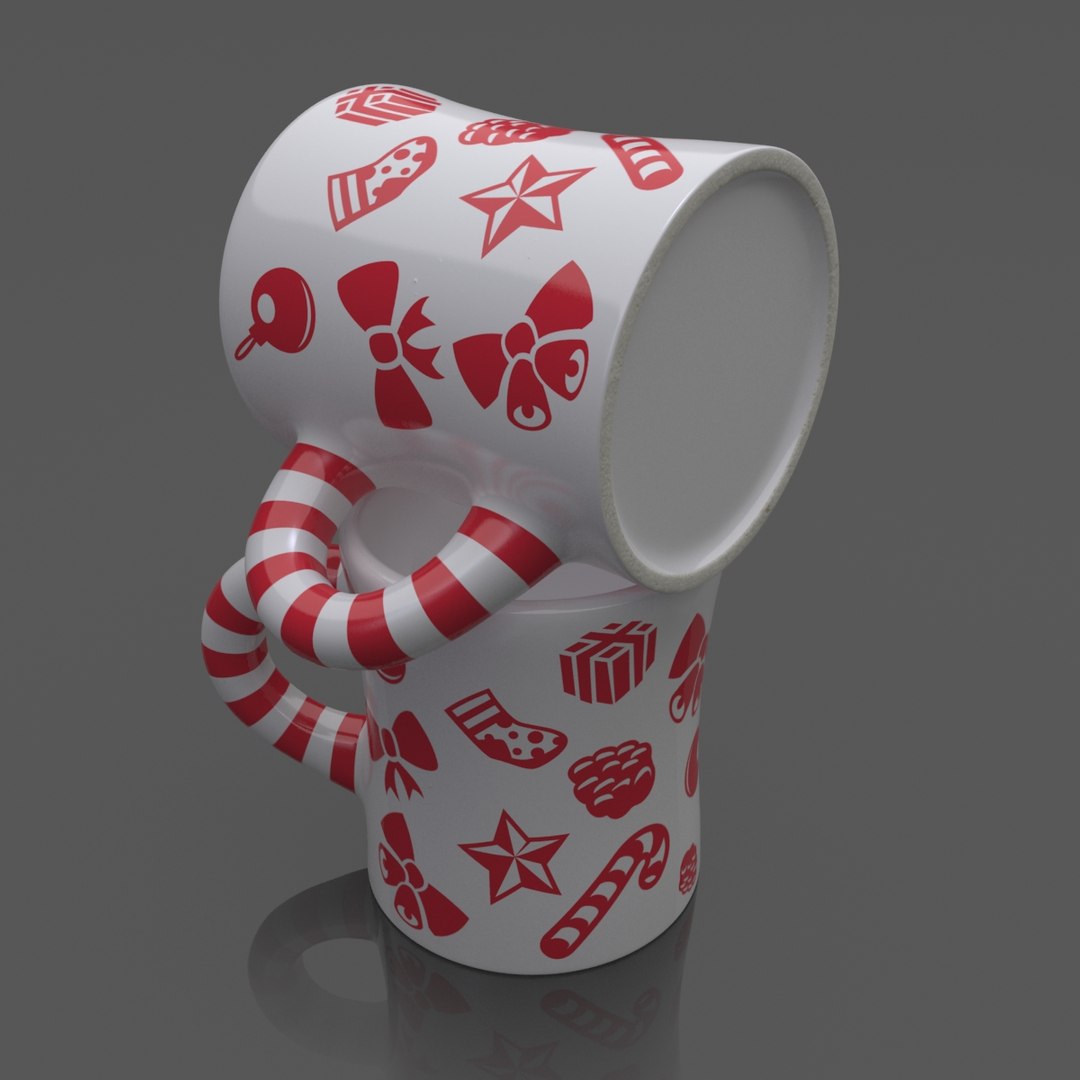
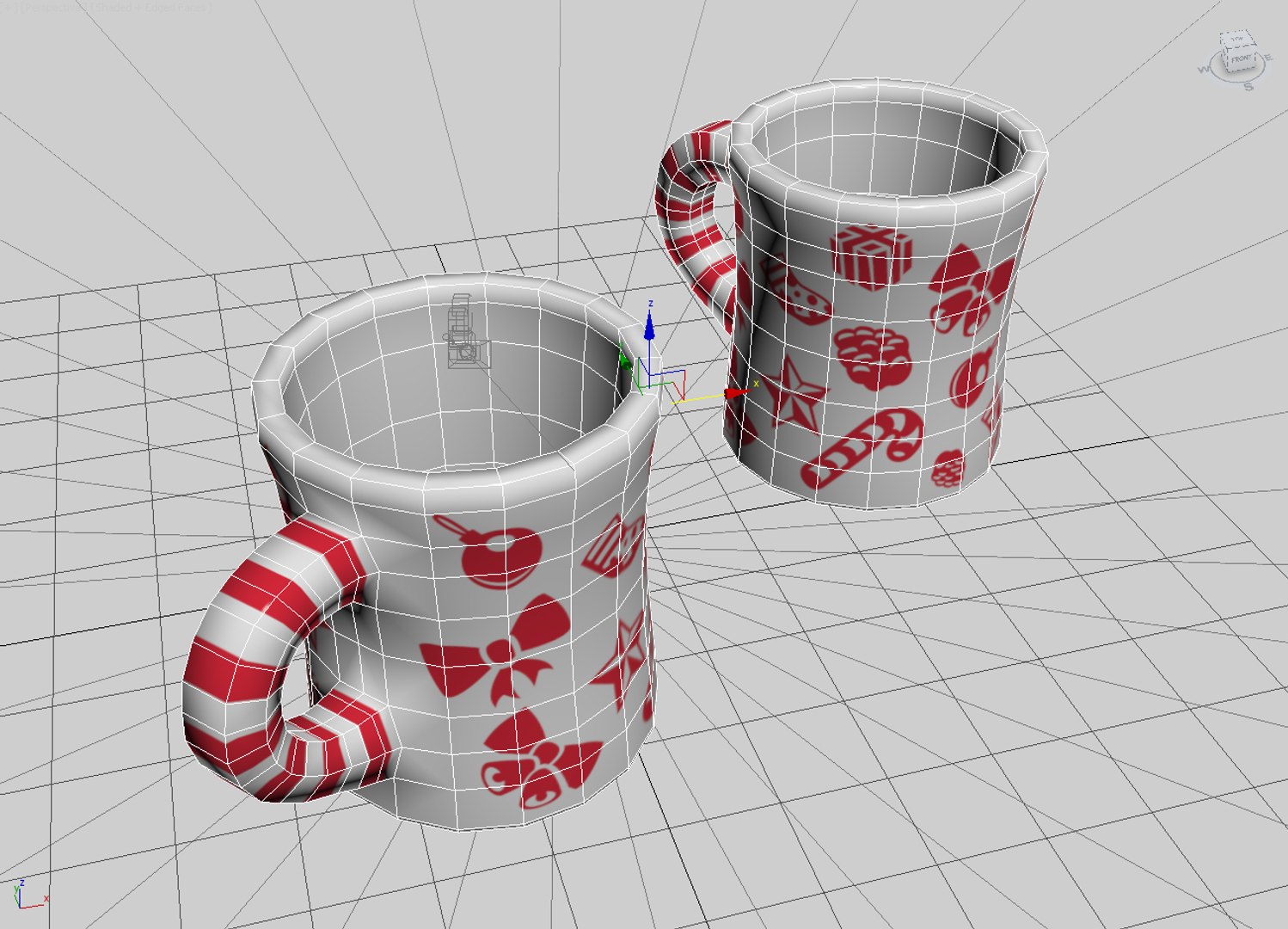
A high quality model of Christmas Candy Mug is perfect for using in print ad, interior renderings and films.

The mug was modelled in 3ds Max 2013 and rendered with VRay 2.30.01.

Features:
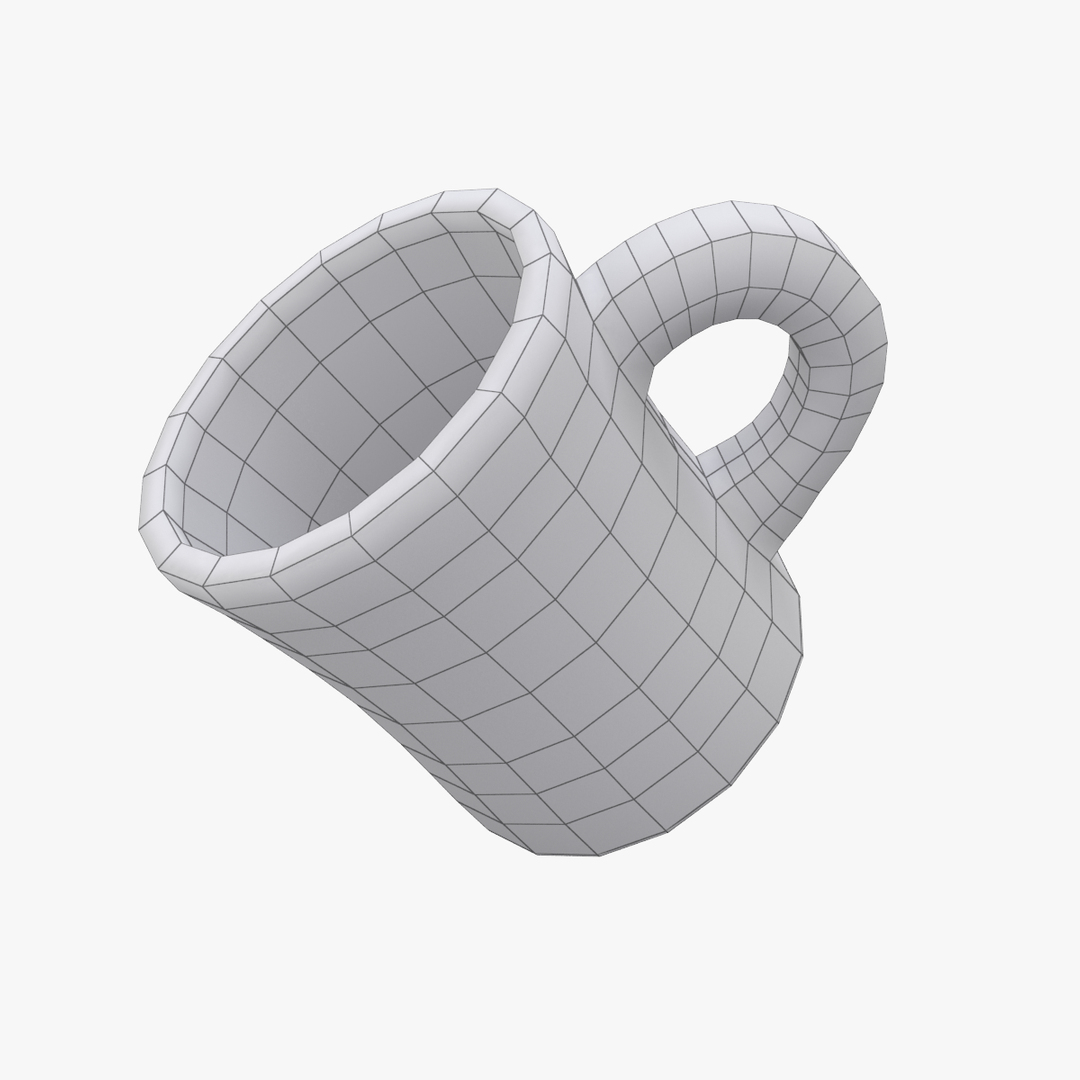
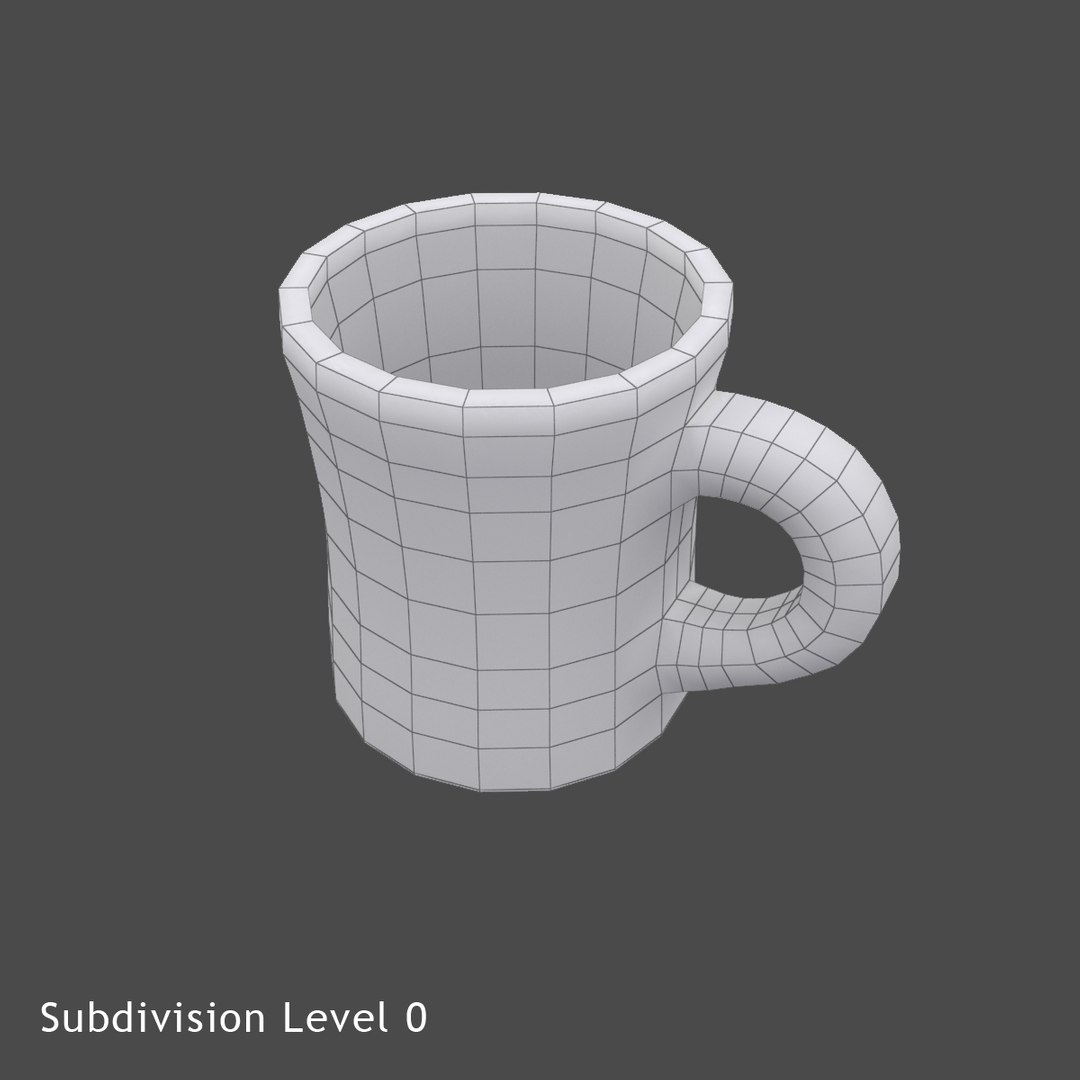
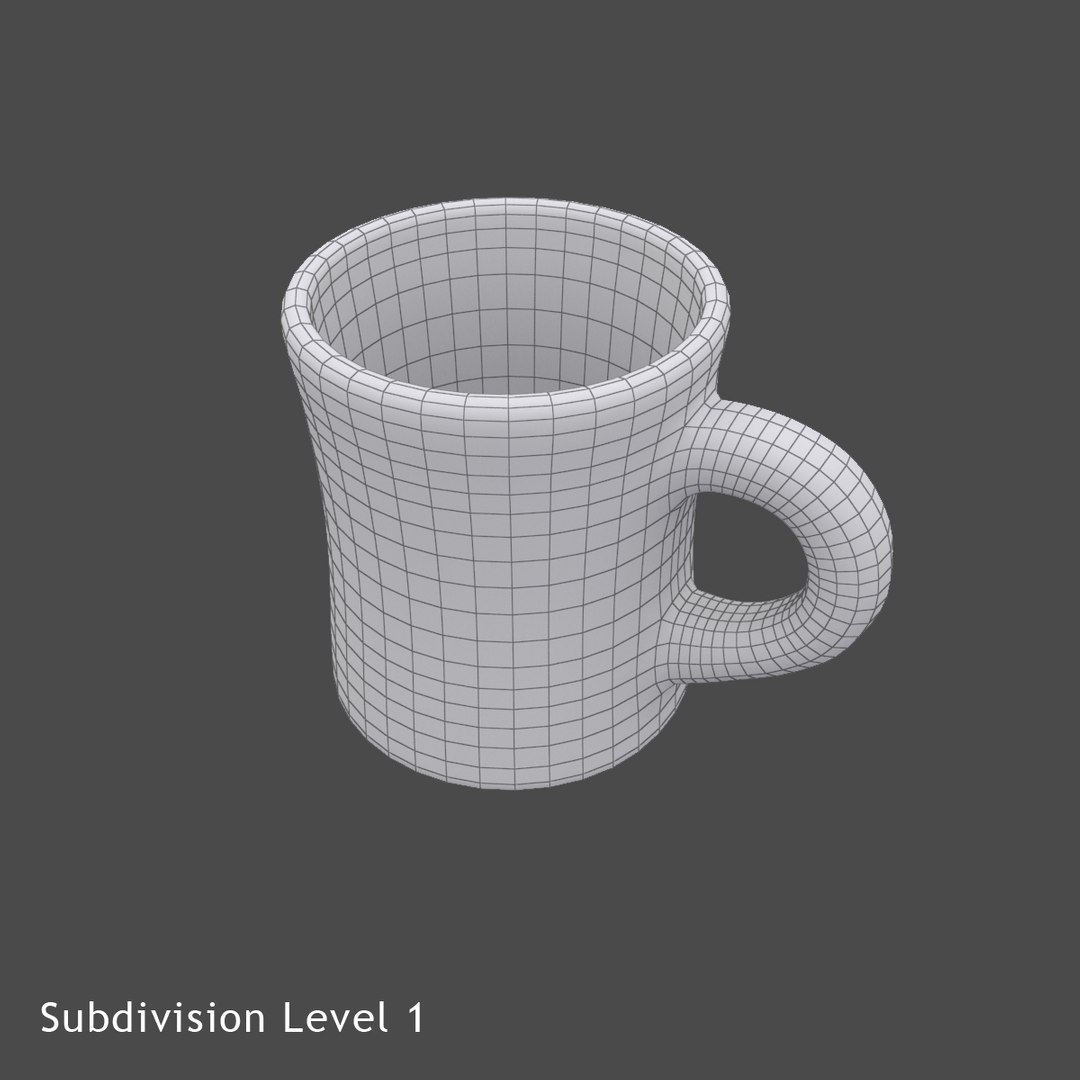
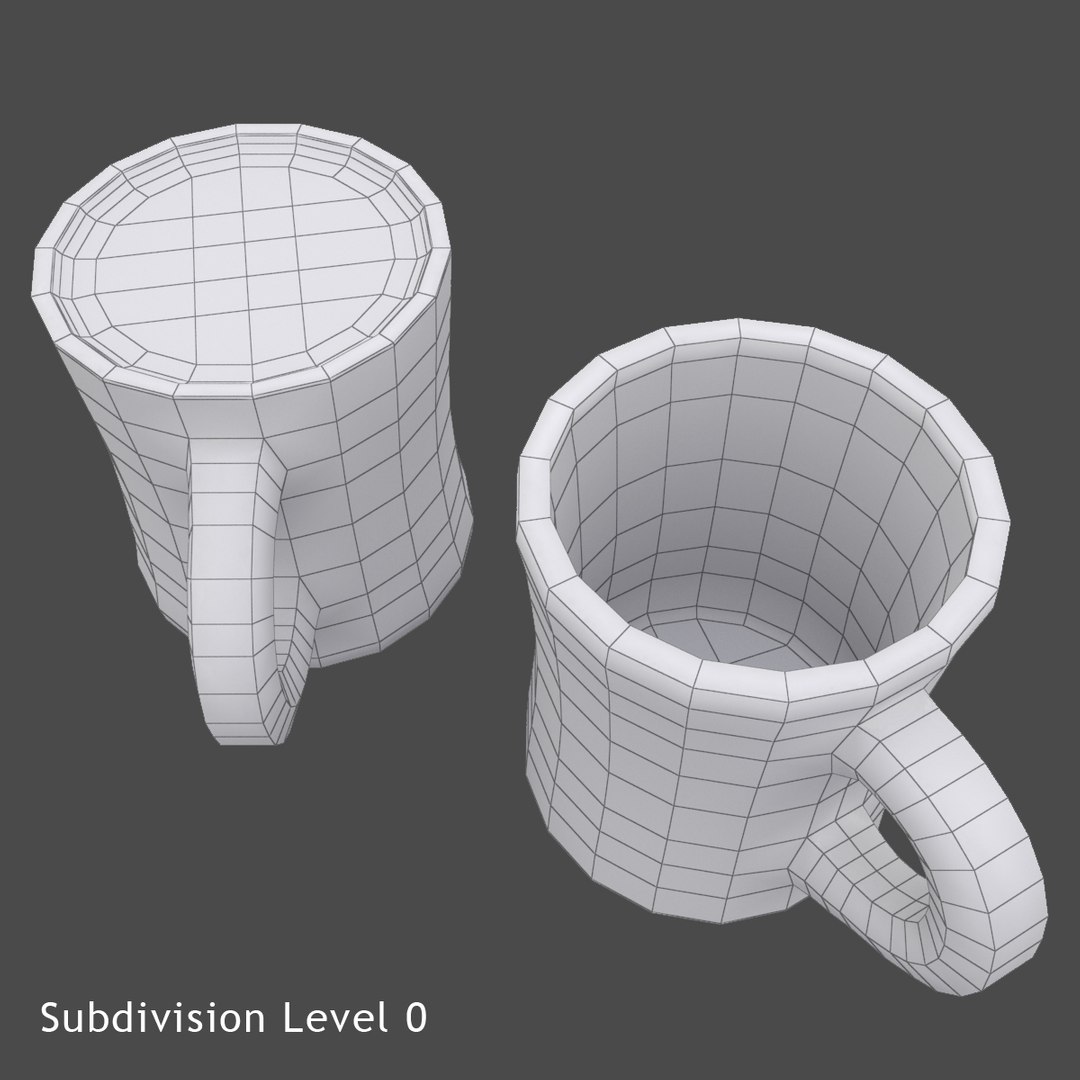
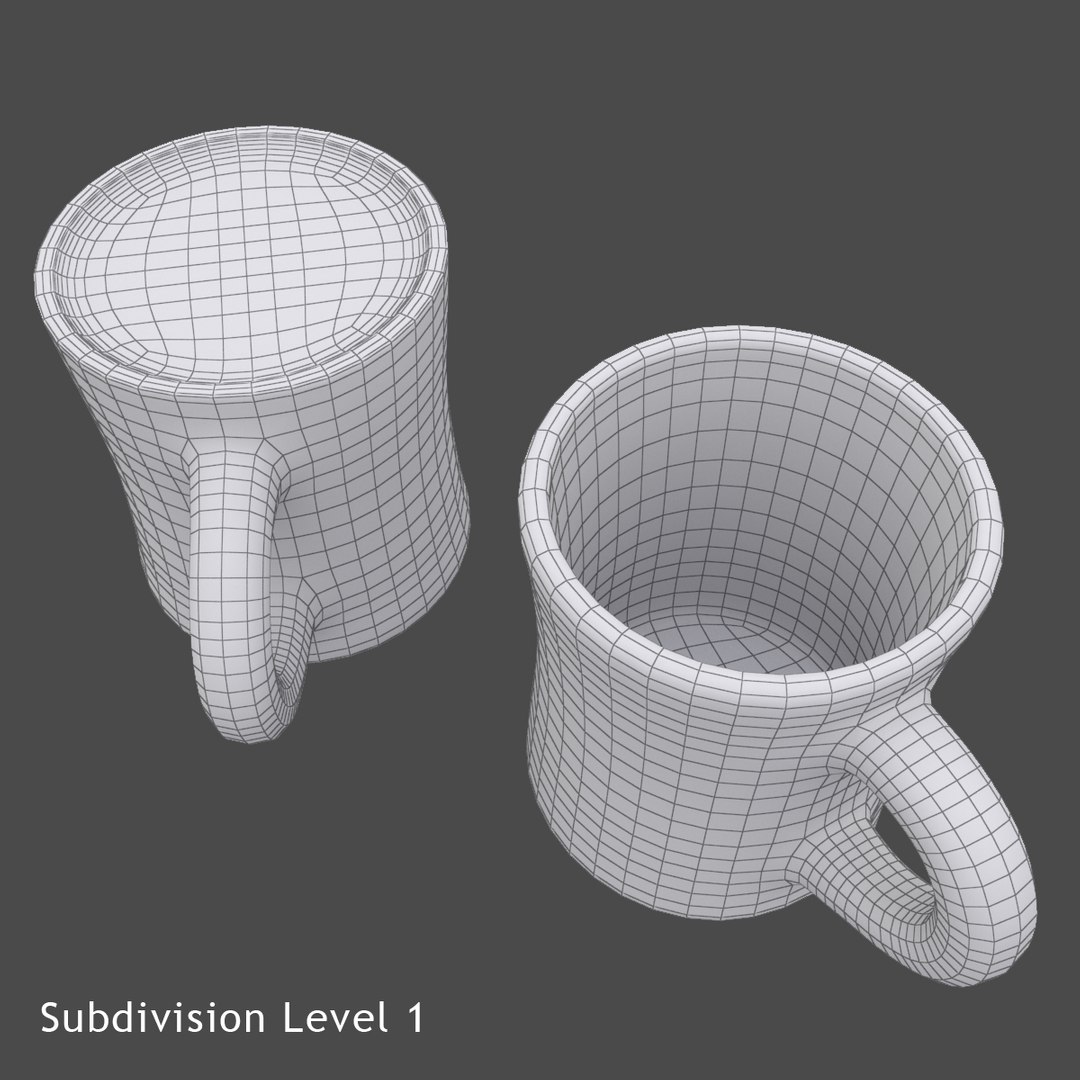
+ Extra clean mesh geometry allows to use the model for close-up renders
+ Any artworks or logos can be easily added
+ Scene is set up for rendering (for 3ds Max 2013 with VRay 2.30.01)

Specifications:
+ Polygons Count: 589
+ Vertices Count: 589
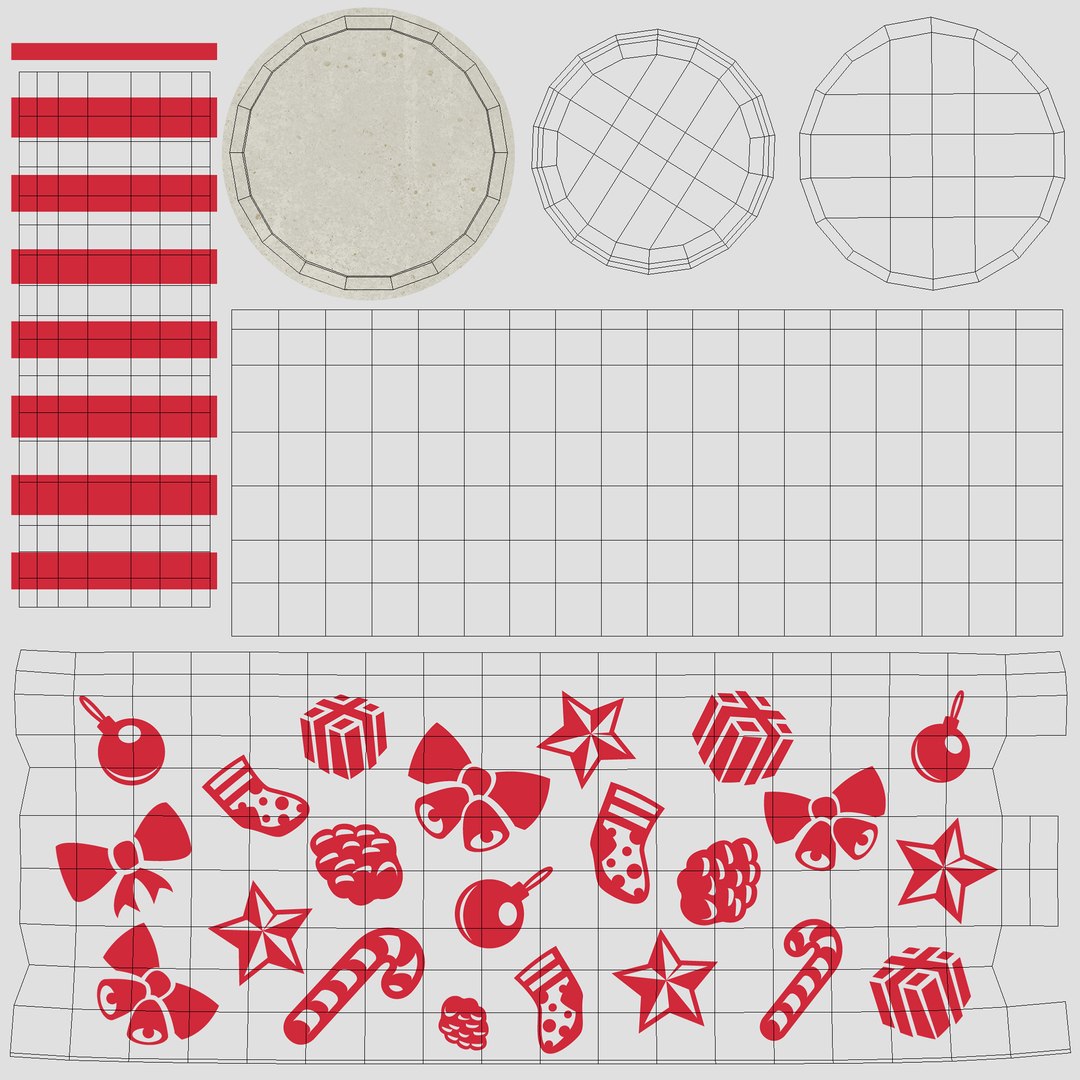
+ Unwrapped UVs, Non-overlapping
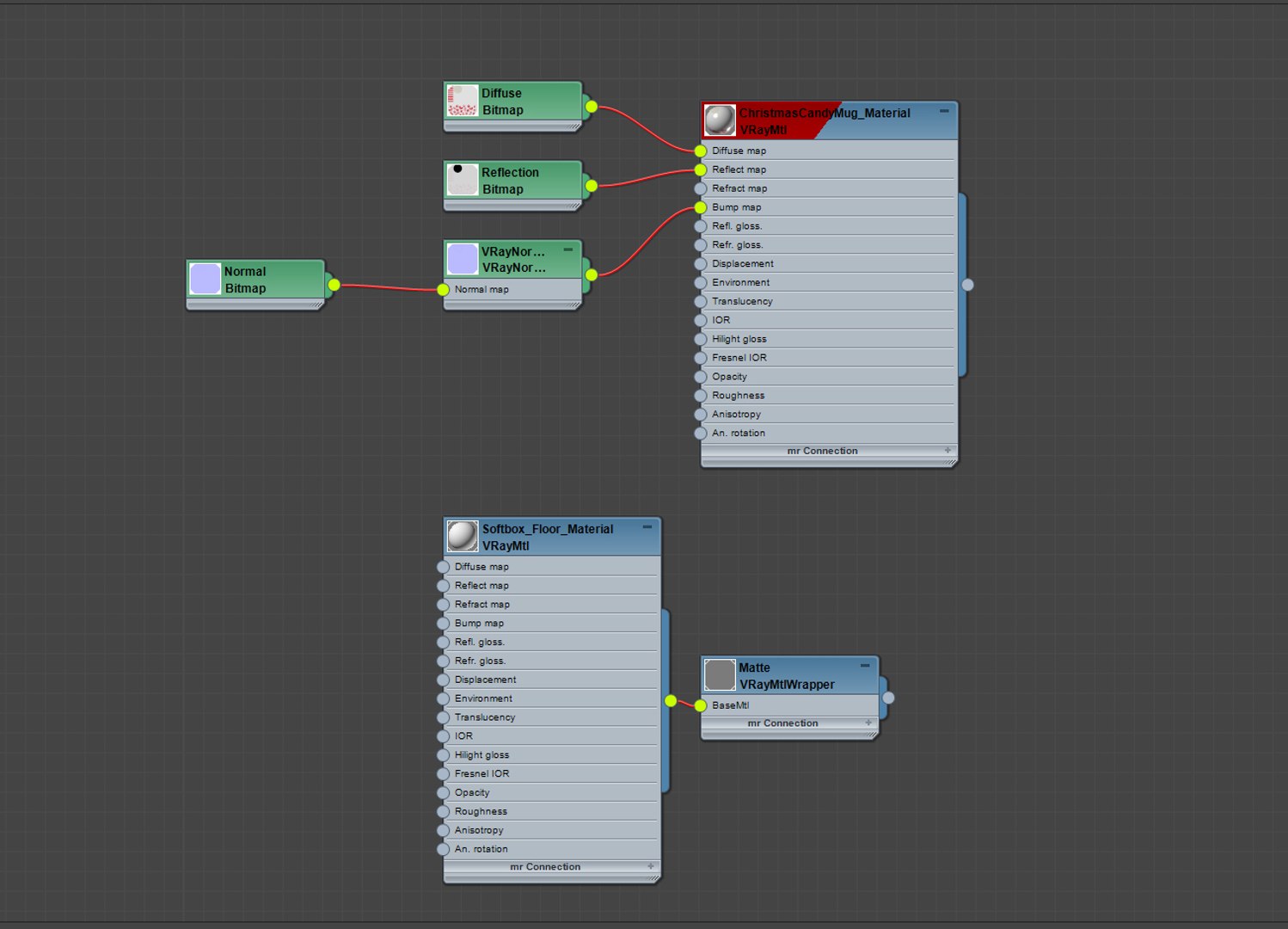
+ VRay Materials
+ Editable Poly model with TurboSmooth modifier
+ Mug material and scene lighting are included in MAX file

Supported File Formats:
+ 3ds Max 2013 (native)
+ 3DS
+ OBJ
+ Autodesk FBX
+ Cinema 4D

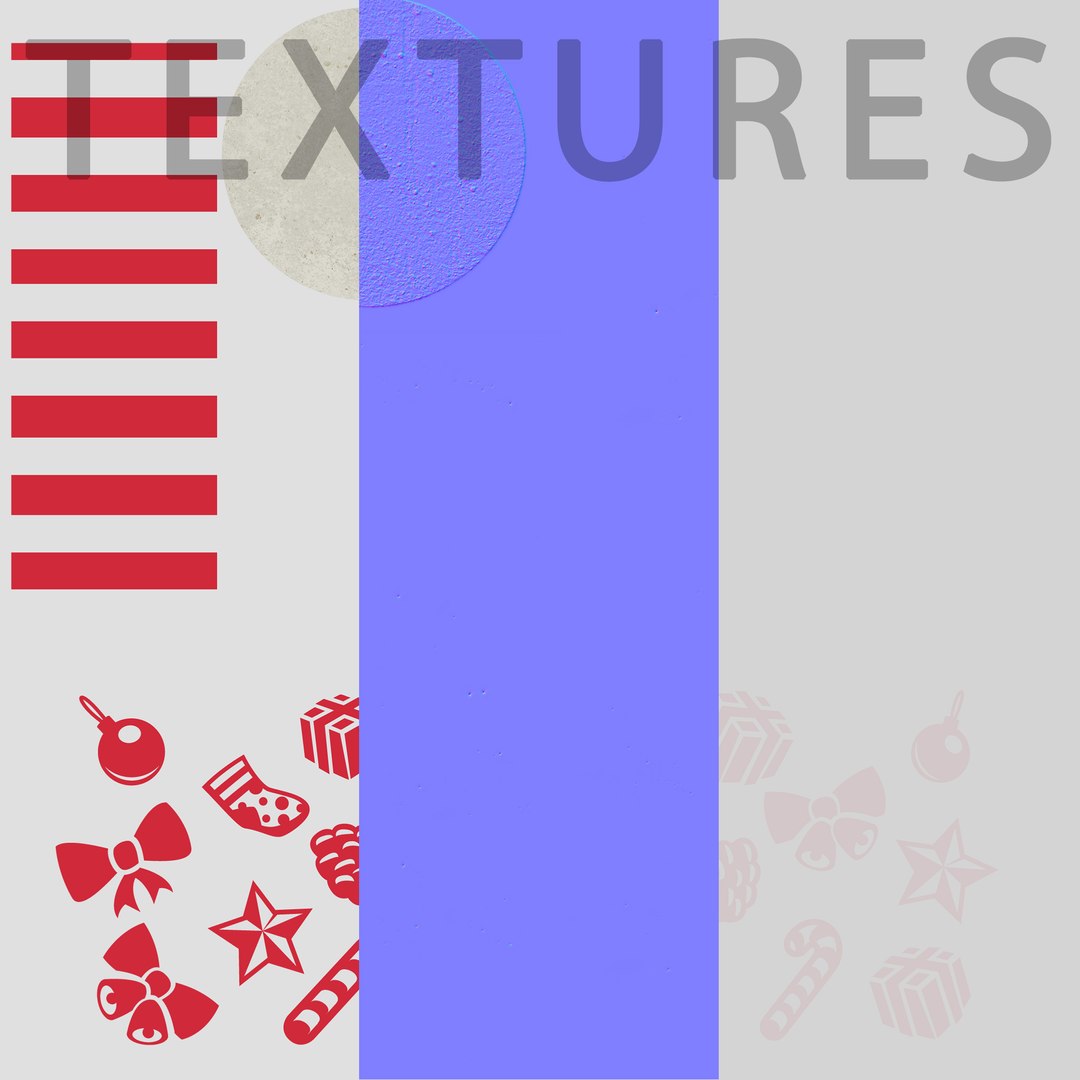
Includes 3 PNG textures:
ChristmasCandyMug_Diffuse.png - 2048x2048
ChristmasCandyMug_Reflection.png - 2048x2048
ChristmasCandyMug_Normal.png - 2048x2048

Also 1 additional file:
ChristmasCandyMug_Pattern.ai - AI file with vector pattern

Enjoy!

Like it? Checkout my gallery by clicking 3d_factory nickname!

Select Enhanced License

  • $10,000 in Legal Protection (Indemnification)
  • Uncapped Legal Protection (Indemnification)
  • Waiver from injunctive relief
  • Assignable model rights
  • $1,000,000 in Legal Protection (Indemnification)
  • Waiver from injunctive relief
  • Assignable model rights
  • $250,000 in Legal Protection (Indemnification)
  • Assignable model rights
Read more about enhanced license tiers, or contact us at enterprise@turbosquid.com. Already a Shutterstock Enterprise Customer? Contact your Shutterstock Sales Support Agent to talk about adding 3D.

About Conversion Requests

To submit a conversion request for a purchased asset, please complete our Conversion Request Form.

If you have not yet purchased a model, please review our Documentation about Conversions to learn about what limitations you may encounter with a conversion.

For any additional questions about a model’s suitability for conversion, please contact TurboSquid Support.

Loading...