
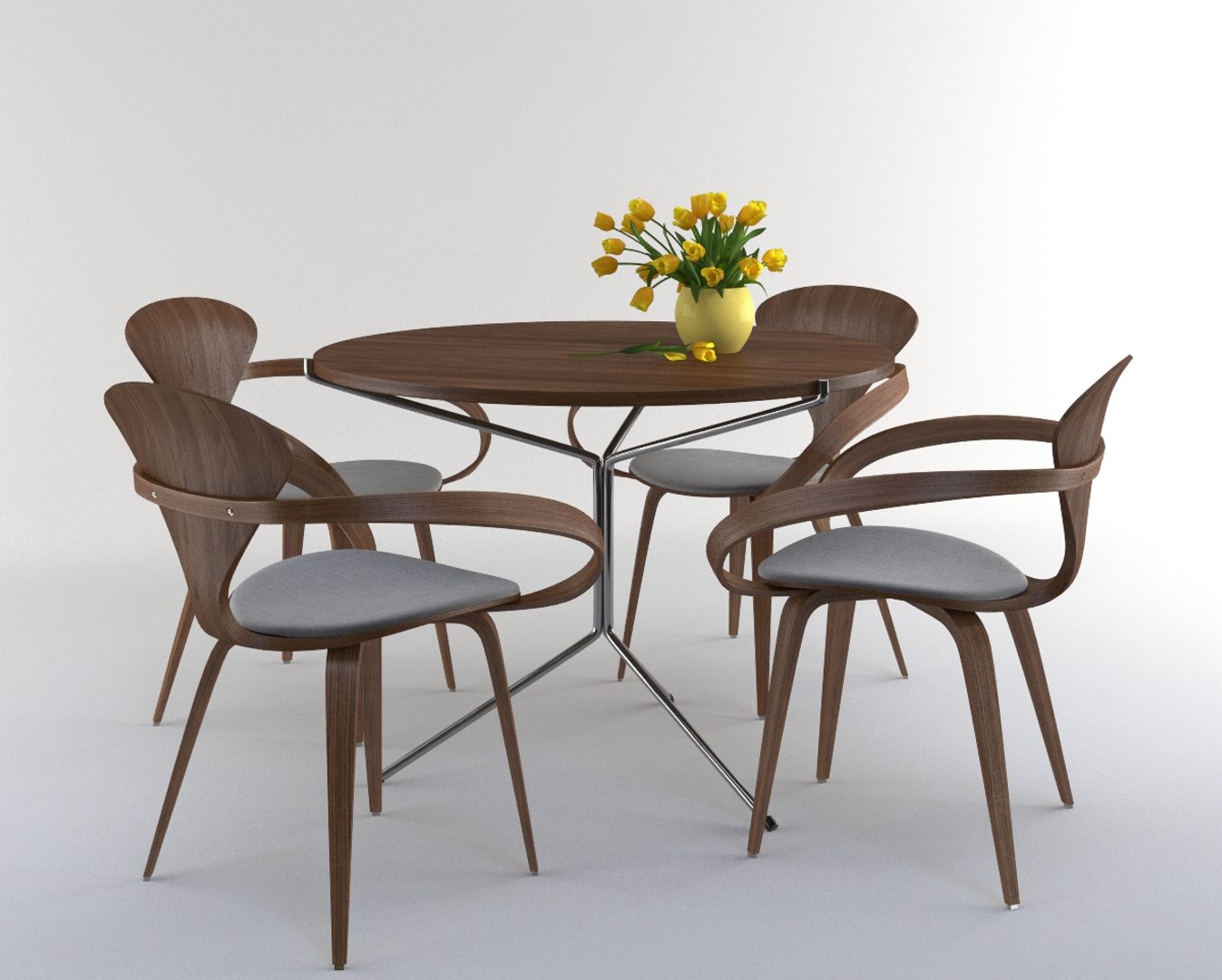
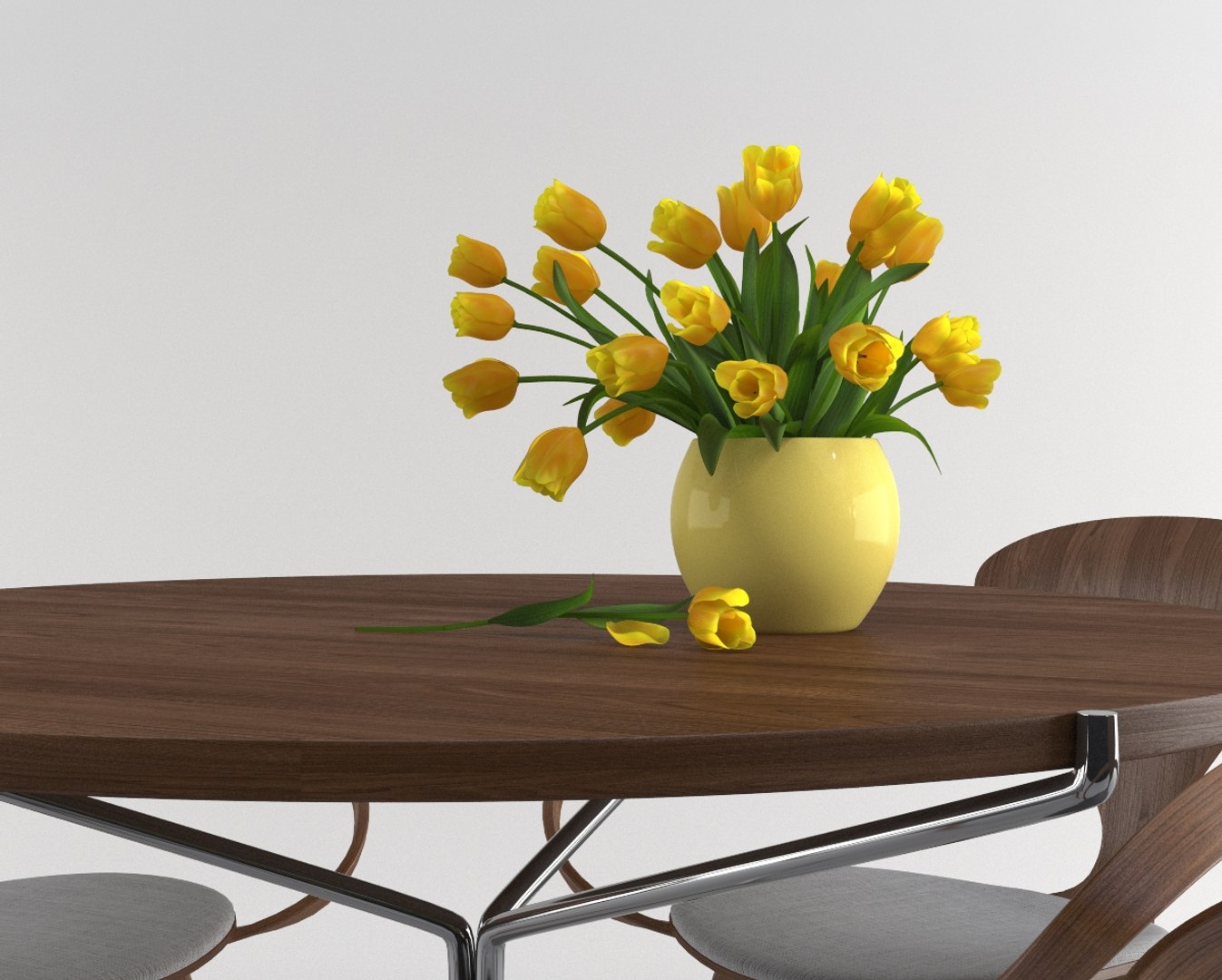
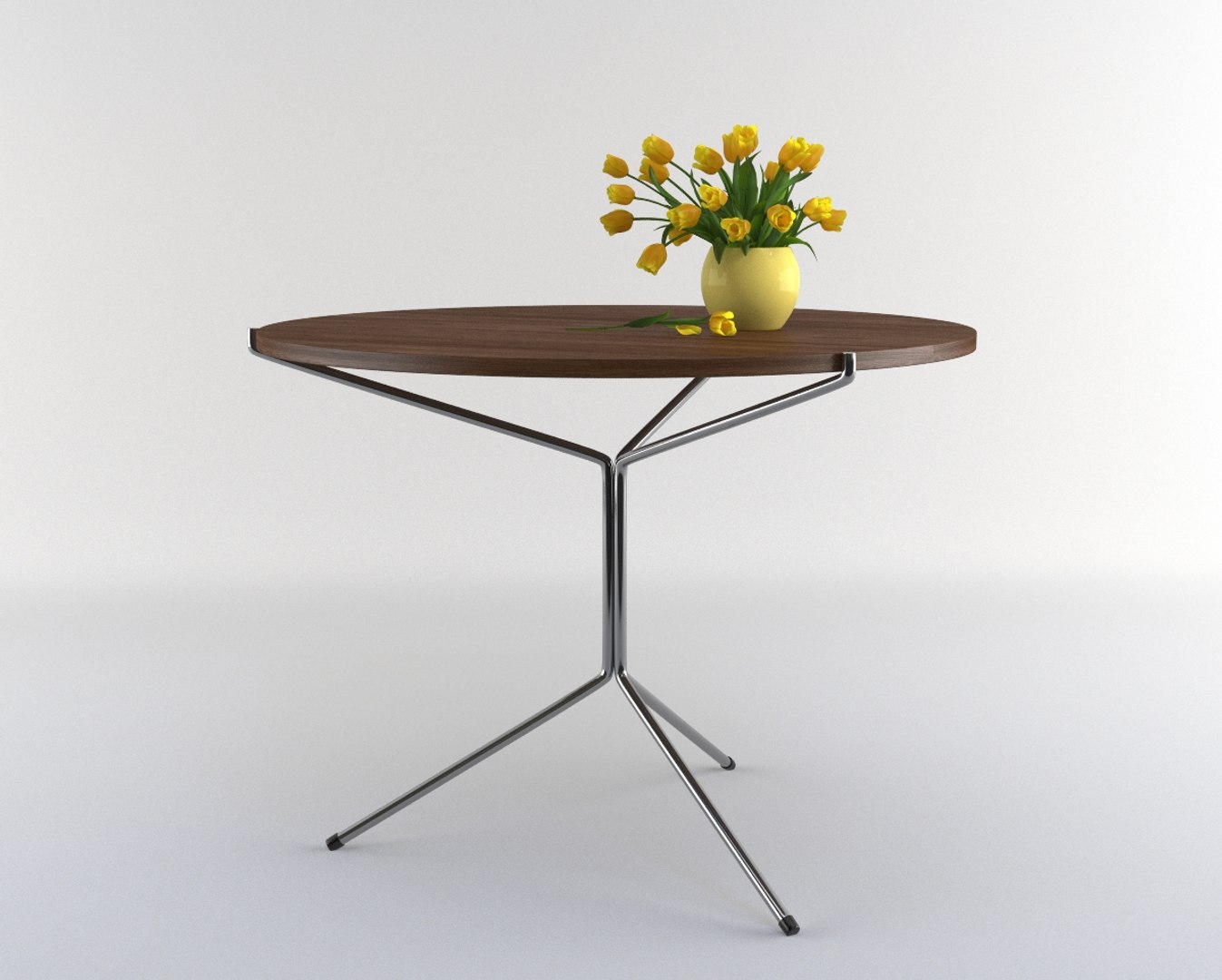
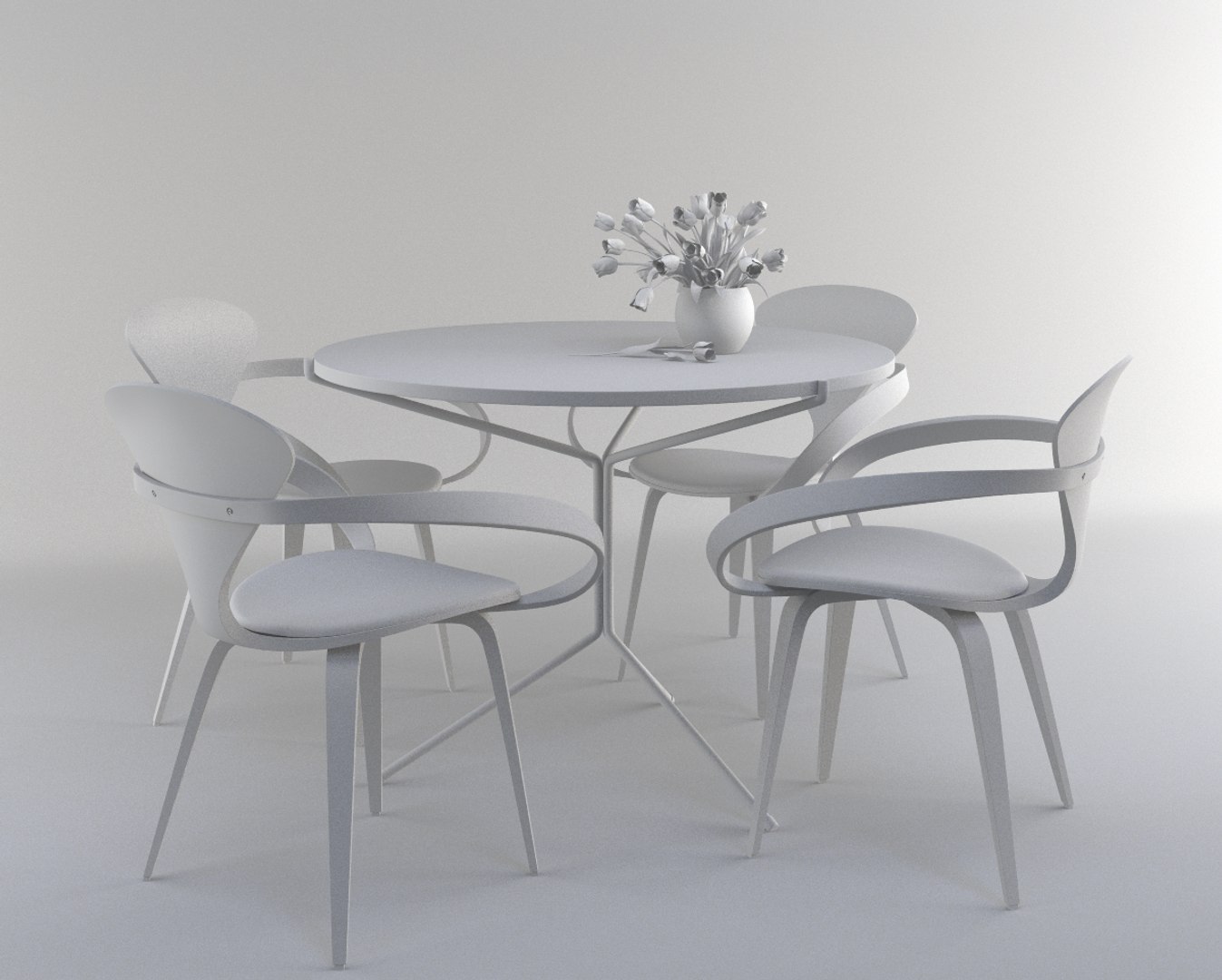
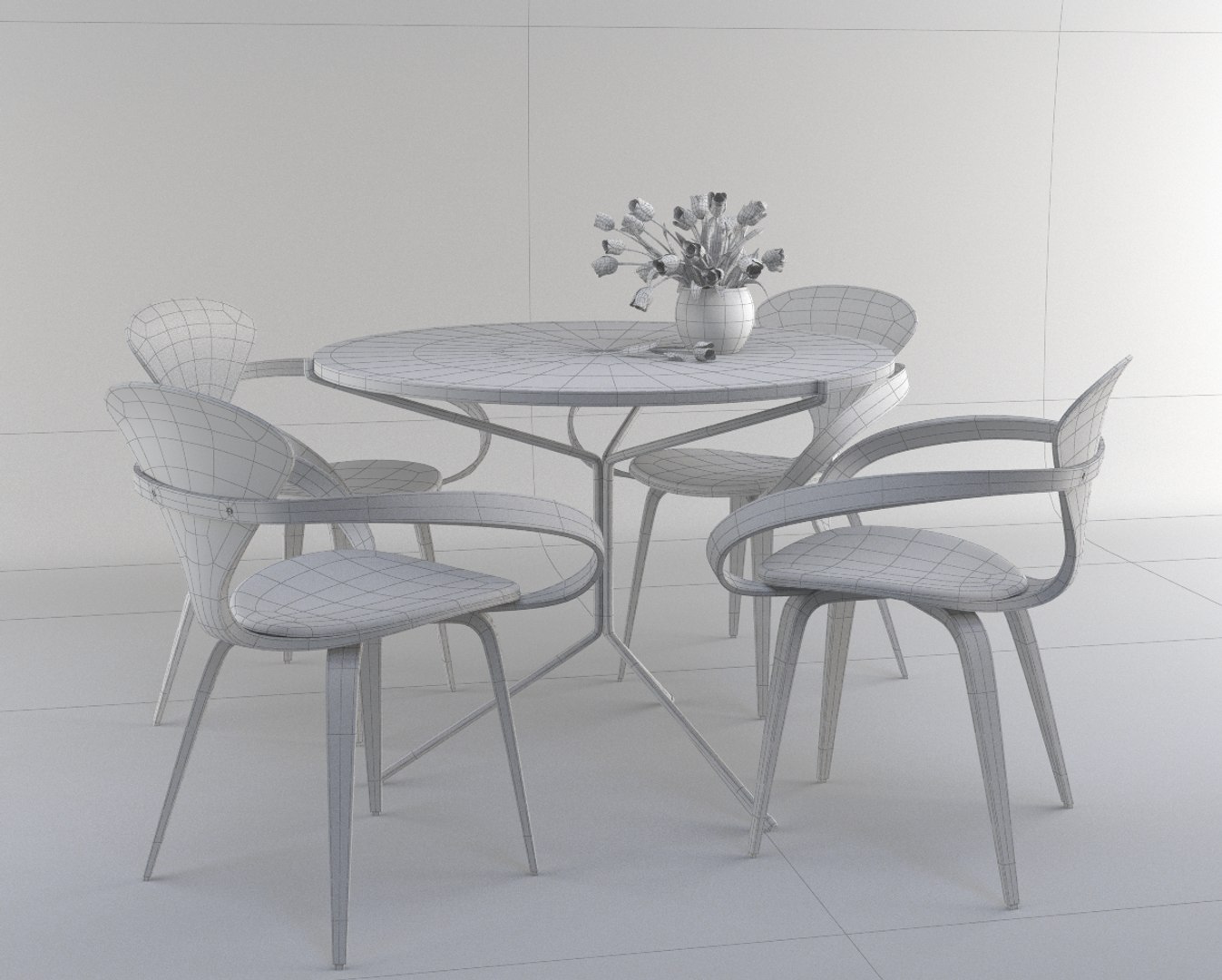
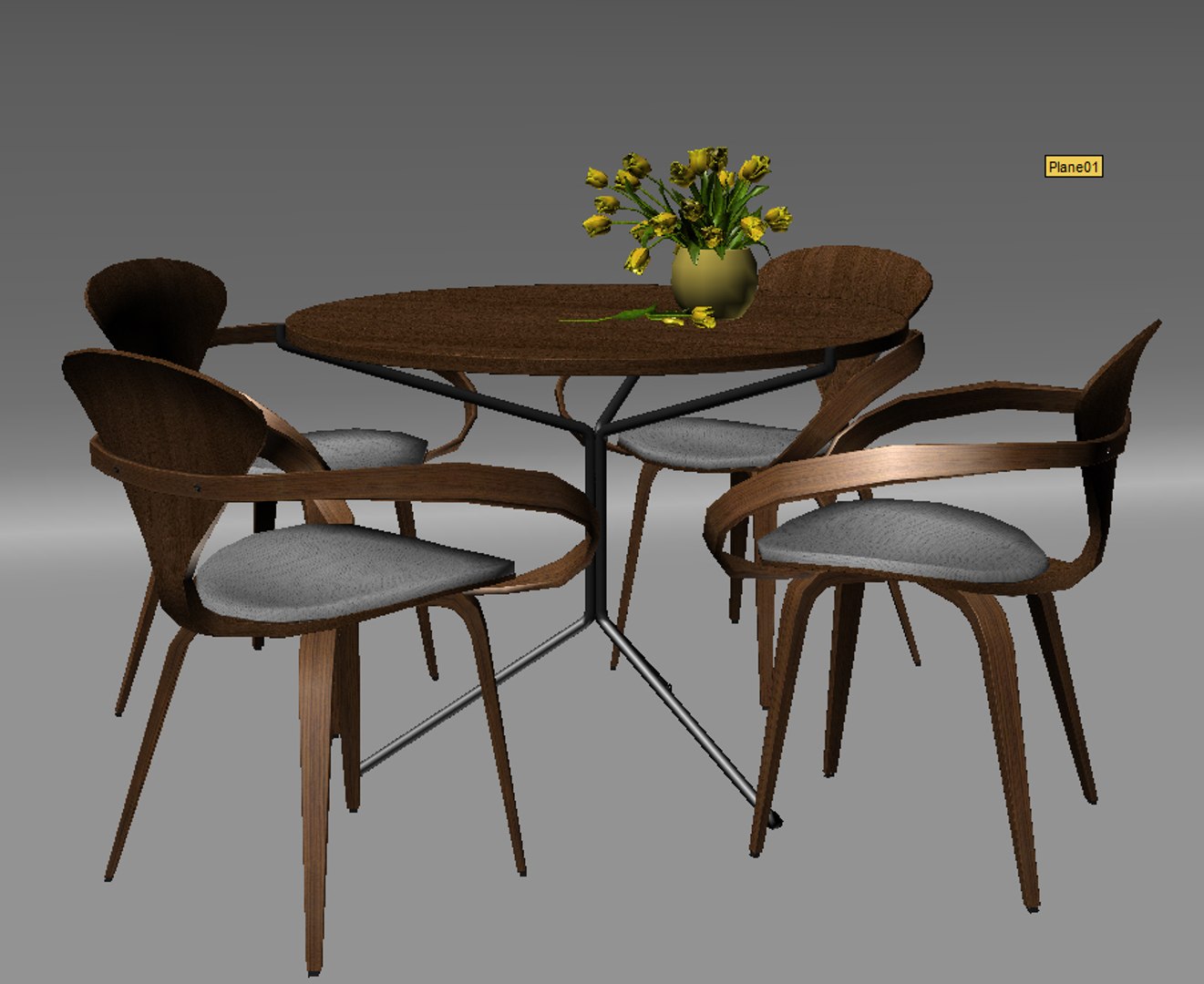
Cherner table set with tulip flower

$39

Standard License | Upgrade License
Editorial Uses Only
Formats (4)
Free file format Conversions available
3ds Max 2010 | V-Ray 2.02
FBX
OBJ
Specifications
Publish Date November 11, 2015
Product ID 976826
Polygons 39,352
Vertices 42,524
Polygonal
Textures
Materials
UV Mapped
Non-overlapping Unwrapped UVs
TurboSquid Exclusive
member avatar
fixcode84
107 Products | Contributor Since 2012
Have questions? Chat with us now.

Description

This 3d model :
- was originally created in Autodesk 3dmax 2010 and rendered with Vray 2.00.02.
- was built in edit polygon.
- has materials applied, ready to import and render.
- Lighting setup and HDRI included in maxfile.

All set polycout:
Meshsmooth level 0: 39,352 polygon / 42,524 vertex
Meshsmooth level 1: 156,416 polygon / 162,856 vertex
Meshsmooth level 2: 625,664 polygon / 637,648 vertex

Tulip flower polycout:
Meshsmooth level 0: 27,168 polygon / 30,366 vertex
Meshsmooth level 1: 107,968 polygon / 114,290 vertex
Meshsmooth level 2: 431,872 polygon / 443,738 vertex

Table polycout:
Meshsmooth level 0: 888 polygon / 902 vertex
Meshsmooth level 1: 3552 polygon / 3566 vertex
Meshsmooth level 2: 14,208 polygon / 14,222 vertex

Chair polycout:,
Meshsmooth level 0: 2,824 polygon / 2,814 vertex
Meshsmooth level 1: 11,224 polygon / 11,225 vertex
Meshsmooth level 2: 44,896 polygon / 44,922 vertex


Texture included : 1024x1024 jpeg type
1000x1000 for Farbic
2424x1800 for wood
932x1073 for wood handle

For any problems please feel free to contact me.

Select Enhanced License

  • $10,000 in Legal Protection (Indemnification)
  • Uncapped Legal Protection (Indemnification)
  • Waiver from injunctive relief
  • Assignable model rights
  • $1,000,000 in Legal Protection (Indemnification)
  • Waiver from injunctive relief
  • Assignable model rights
  • $250,000 in Legal Protection (Indemnification)
  • Assignable model rights
Read more about enhanced license tiers, or contact us at enterprise@turbosquid.com. Already a Shutterstock Enterprise Customer? Contact your Shutterstock Sales Support Agent to talk about adding 3D.

About Conversion Requests

To submit a conversion request for a purchased asset, please complete our Conversion Request Form.

If you have not yet purchased a model, please review our Documentation about Conversions to learn about what limitations you may encounter with a conversion.

For any additional questions about a model’s suitability for conversion, please contact TurboSquid Support.

Loading...