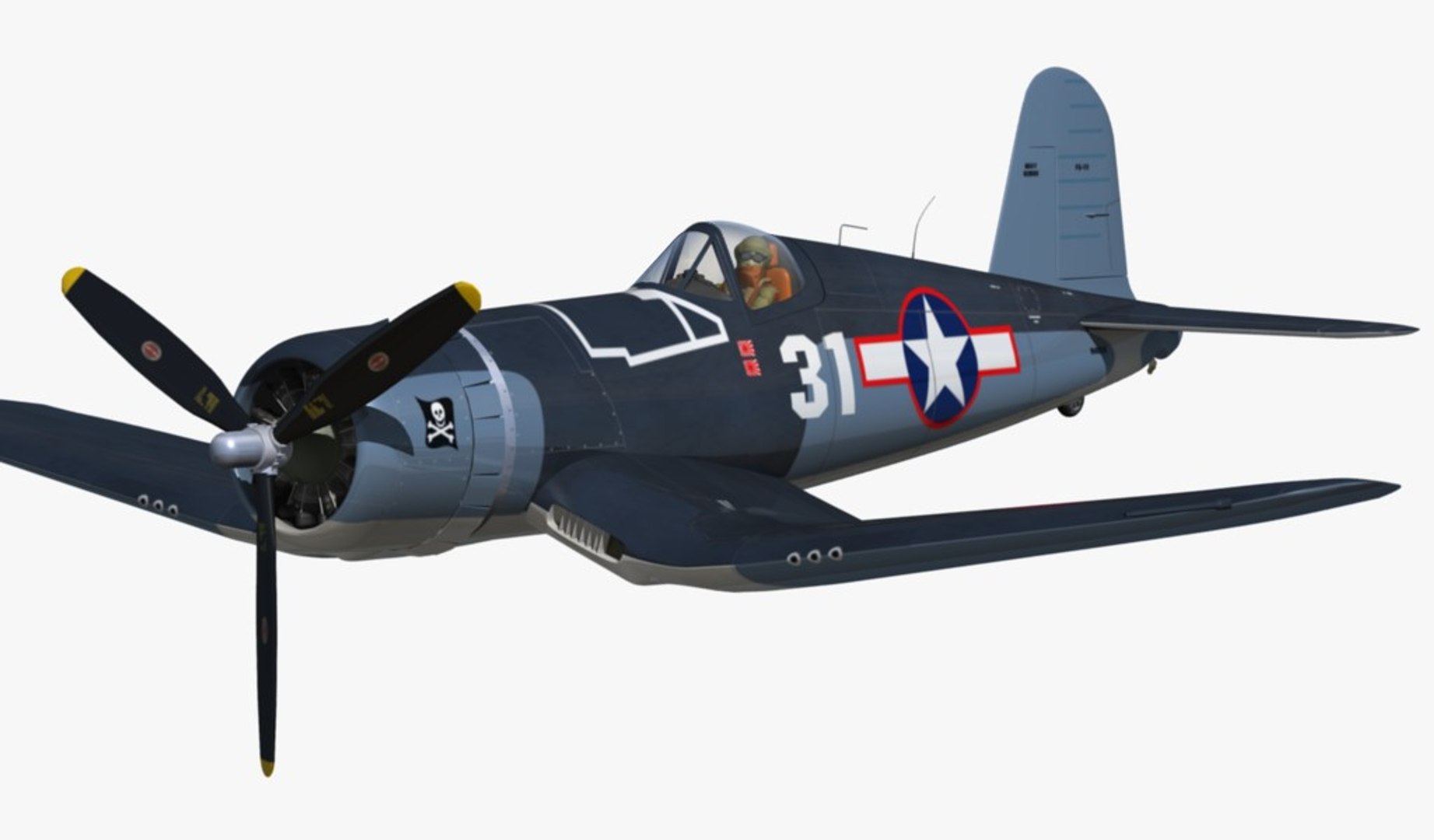
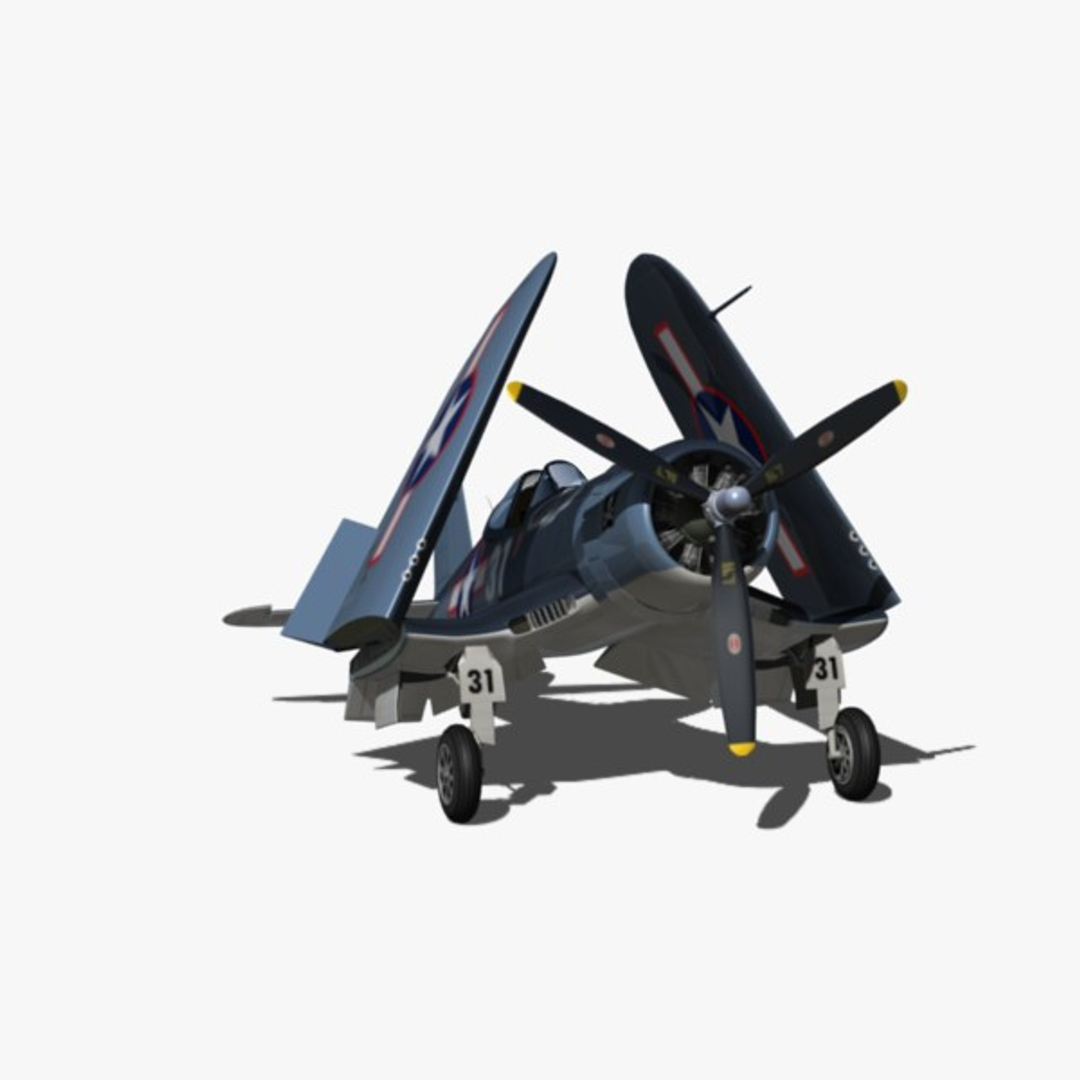
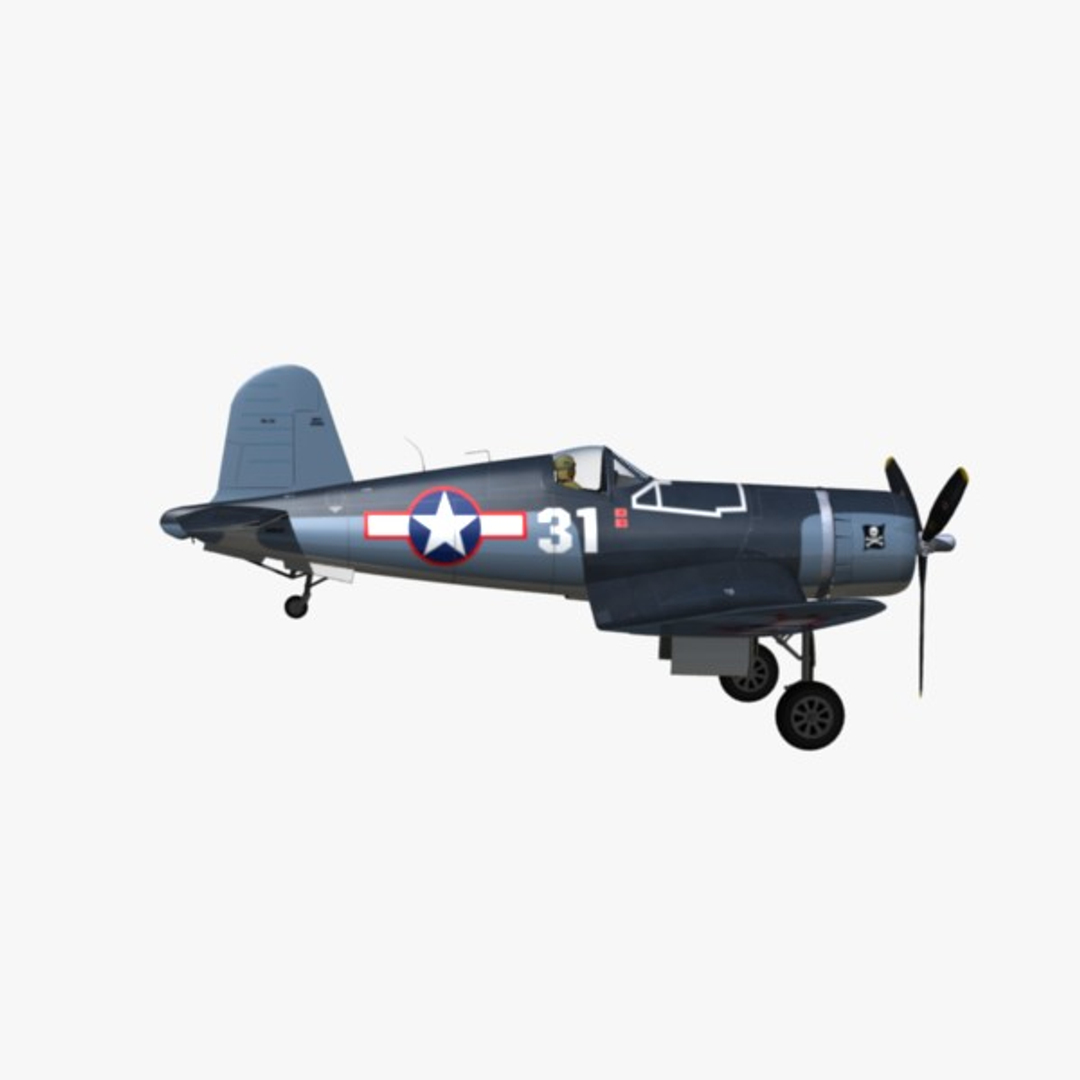

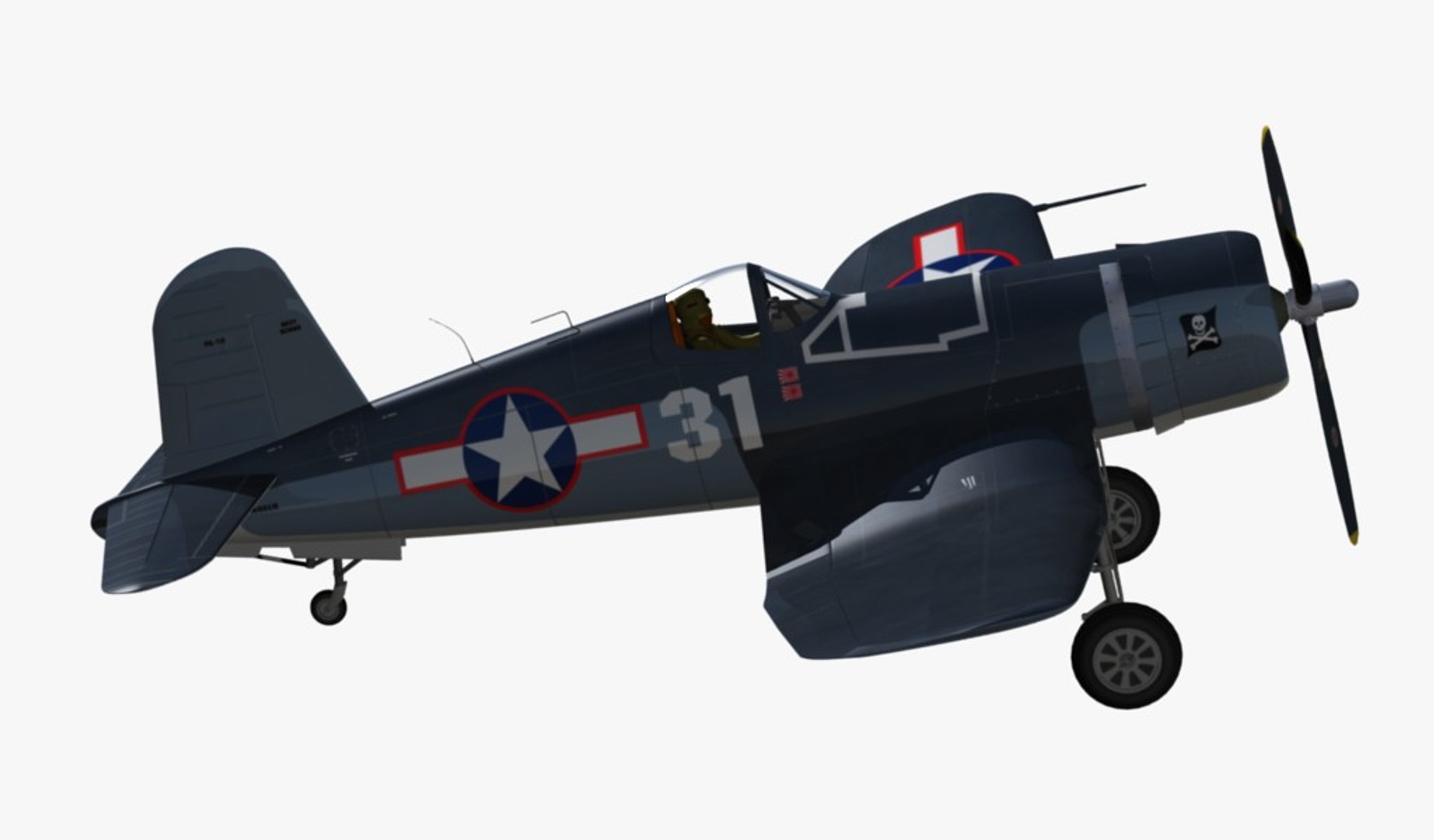
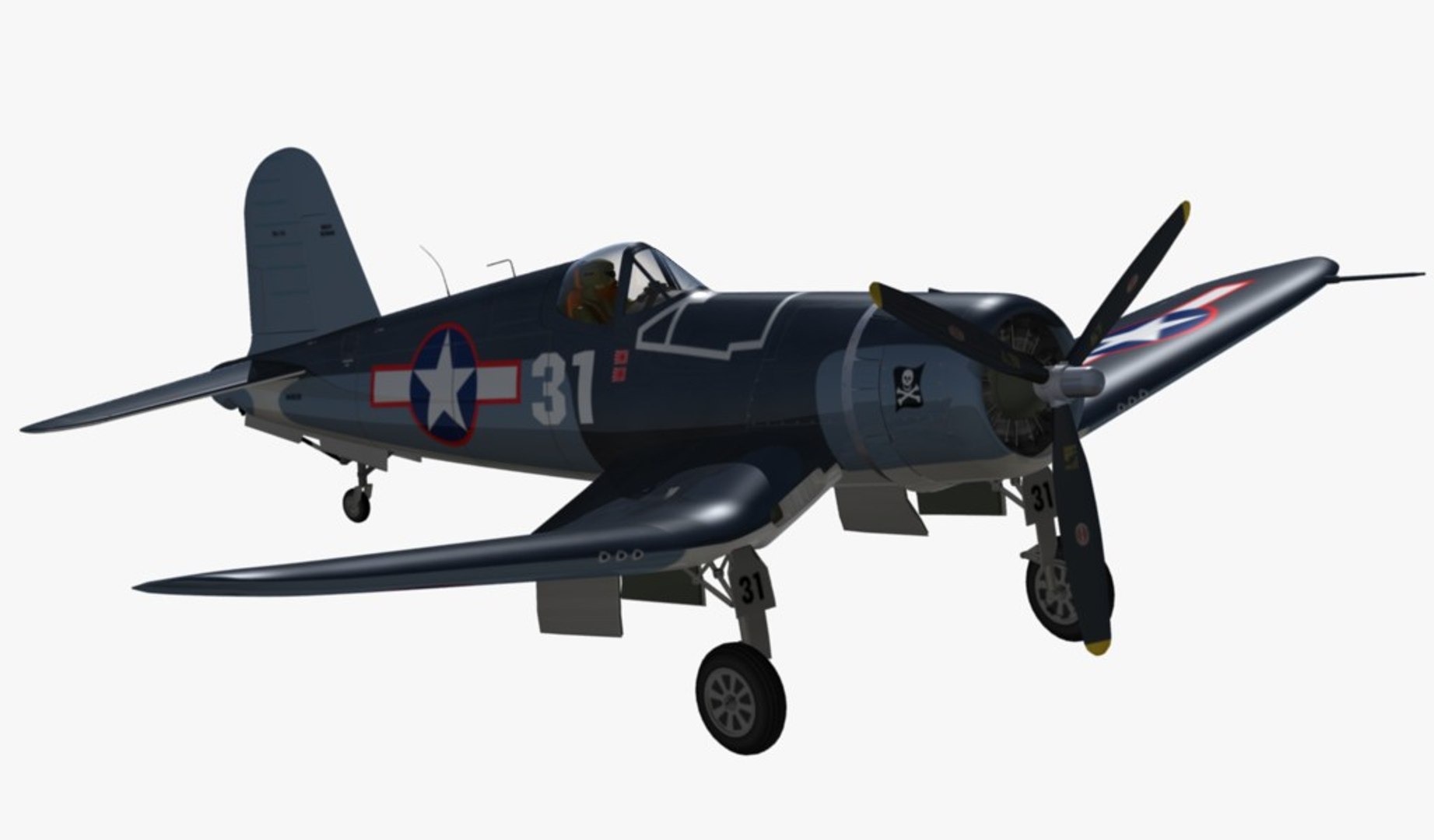
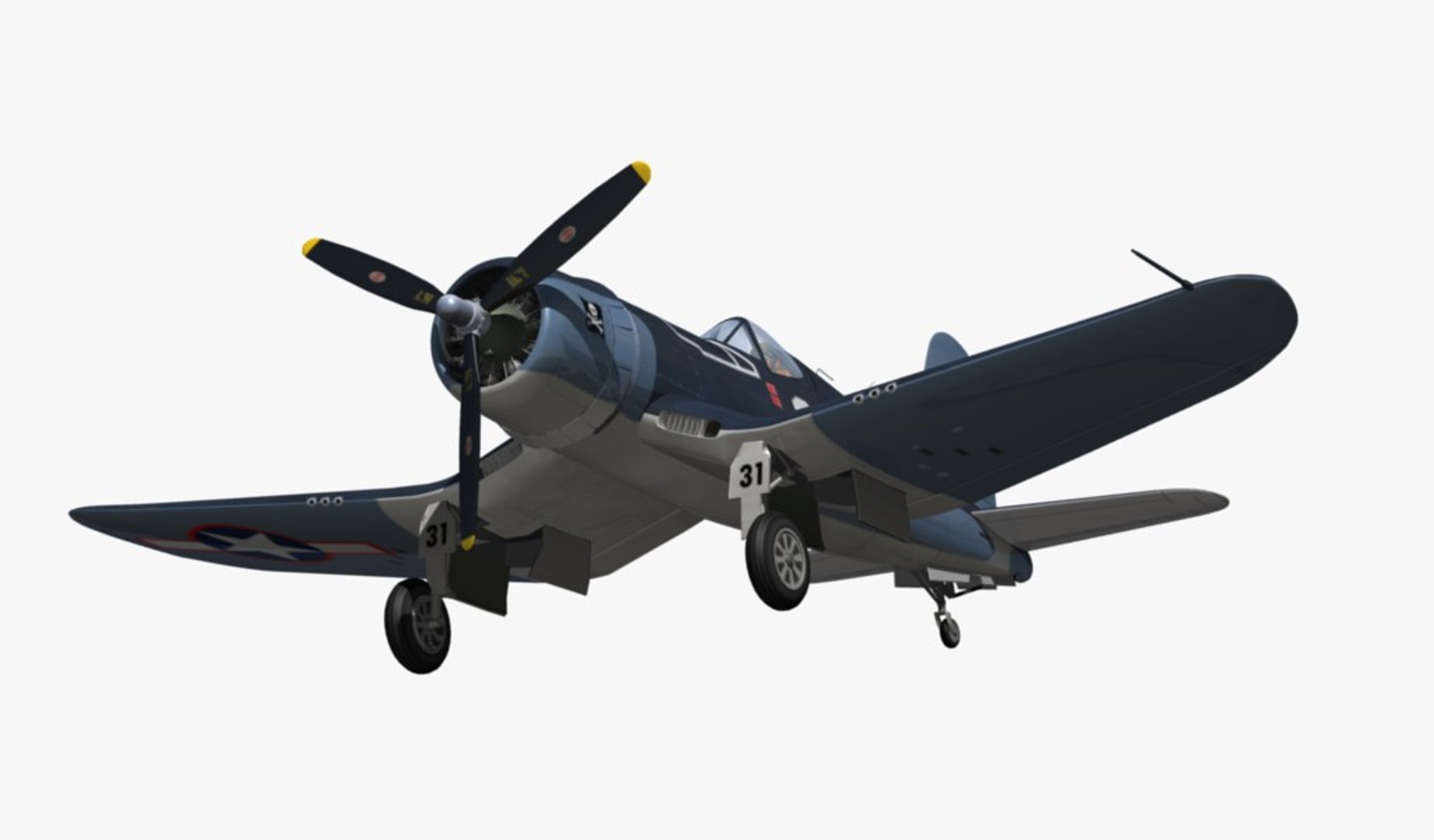
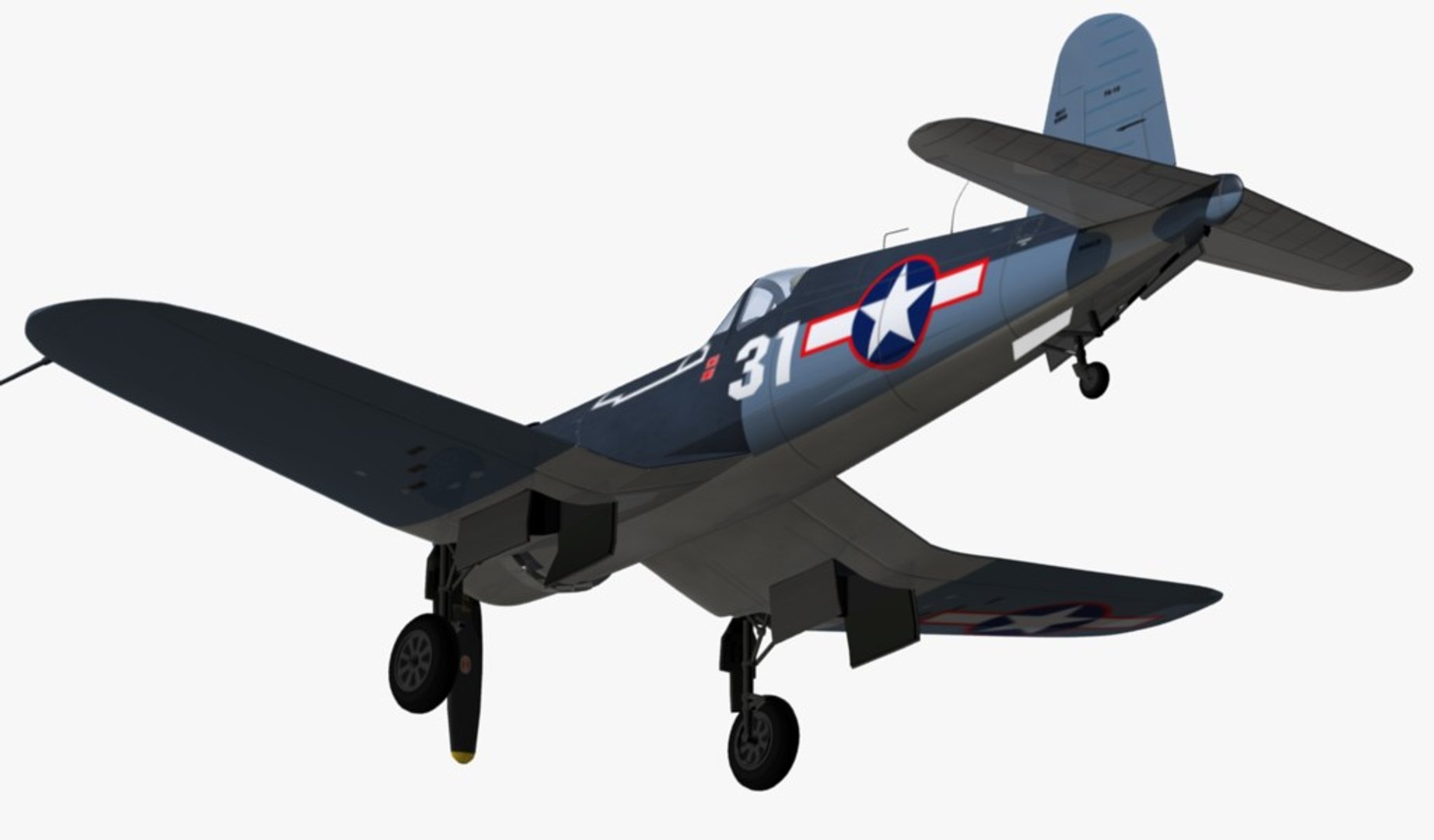
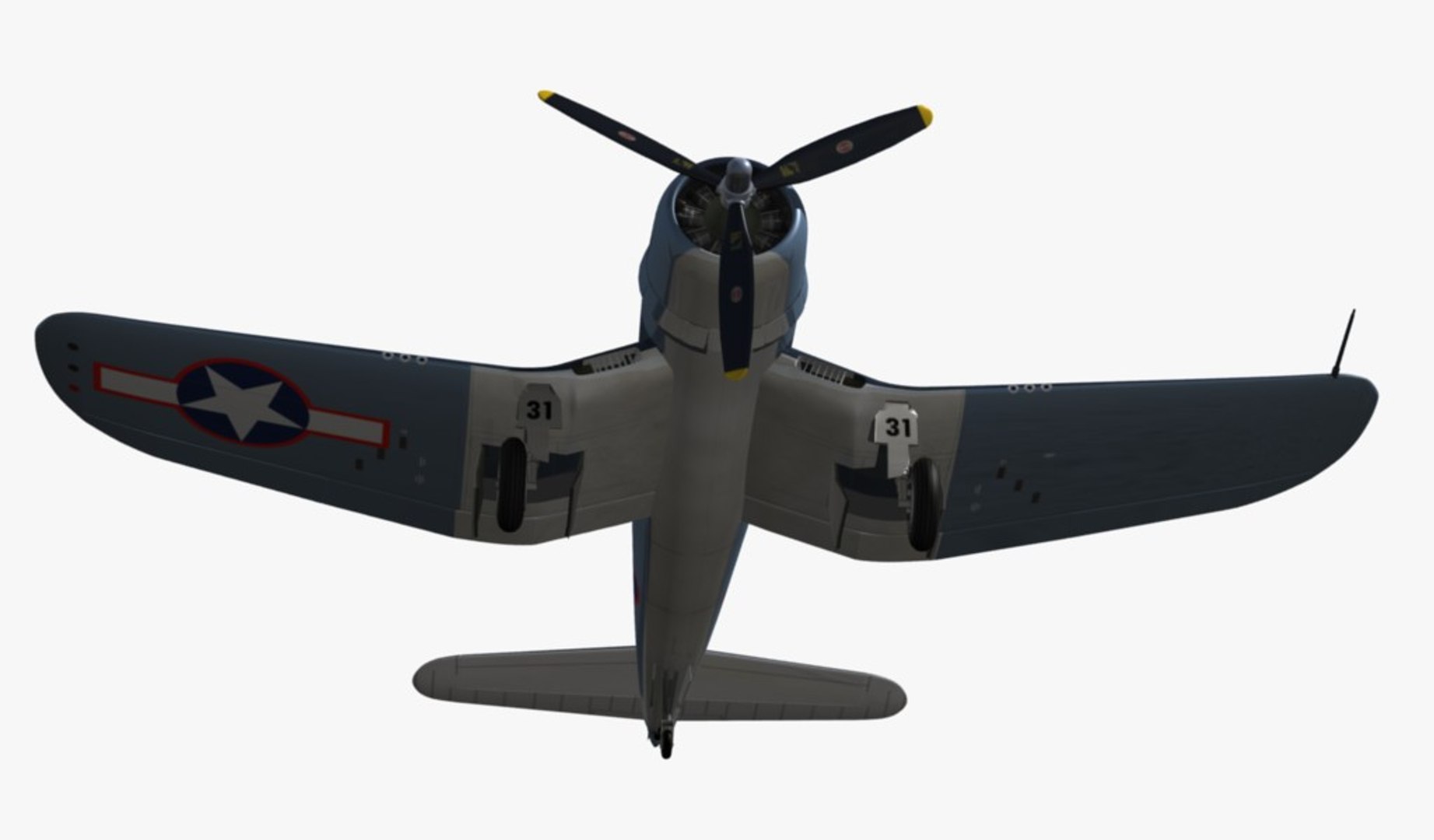
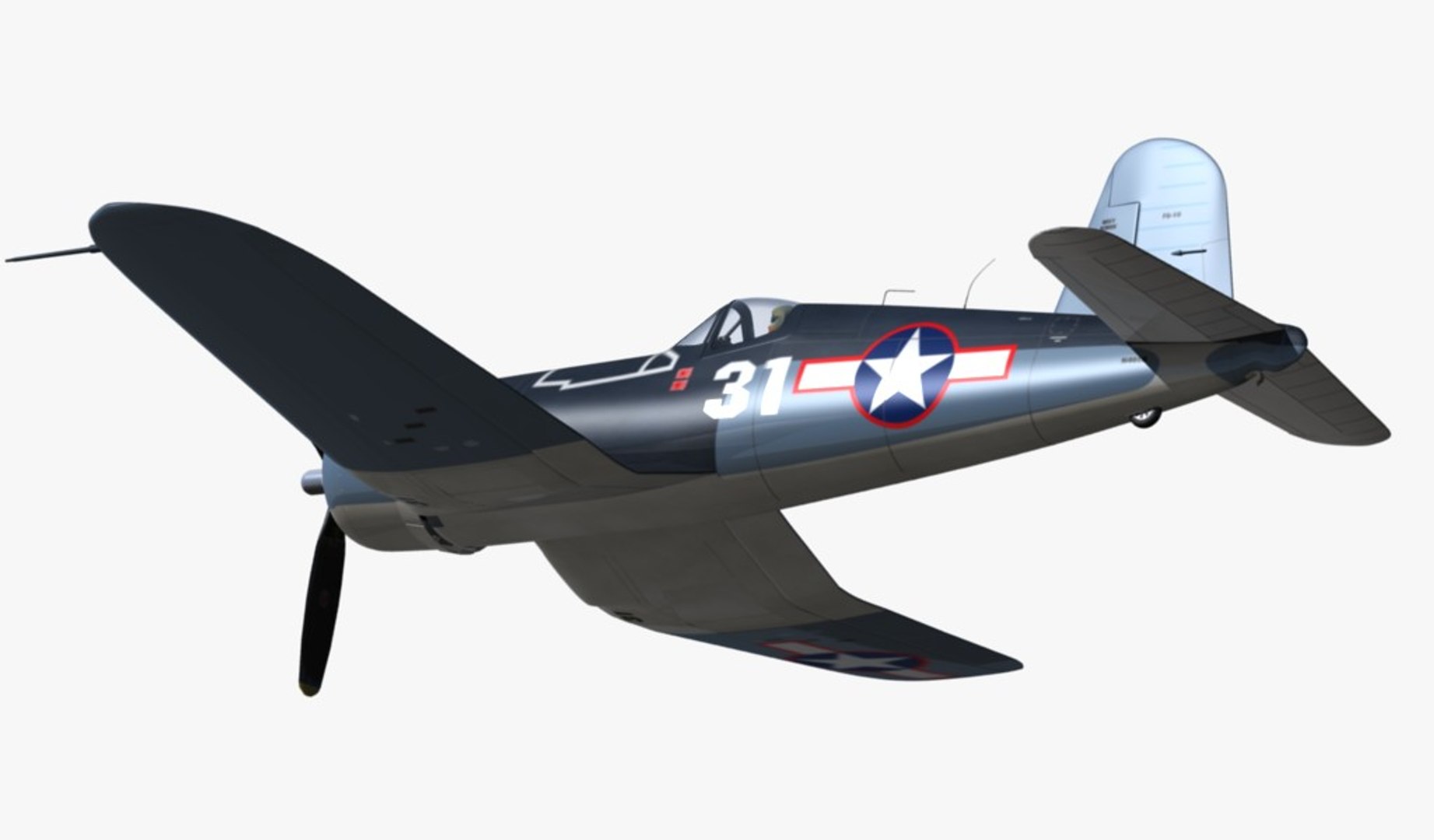
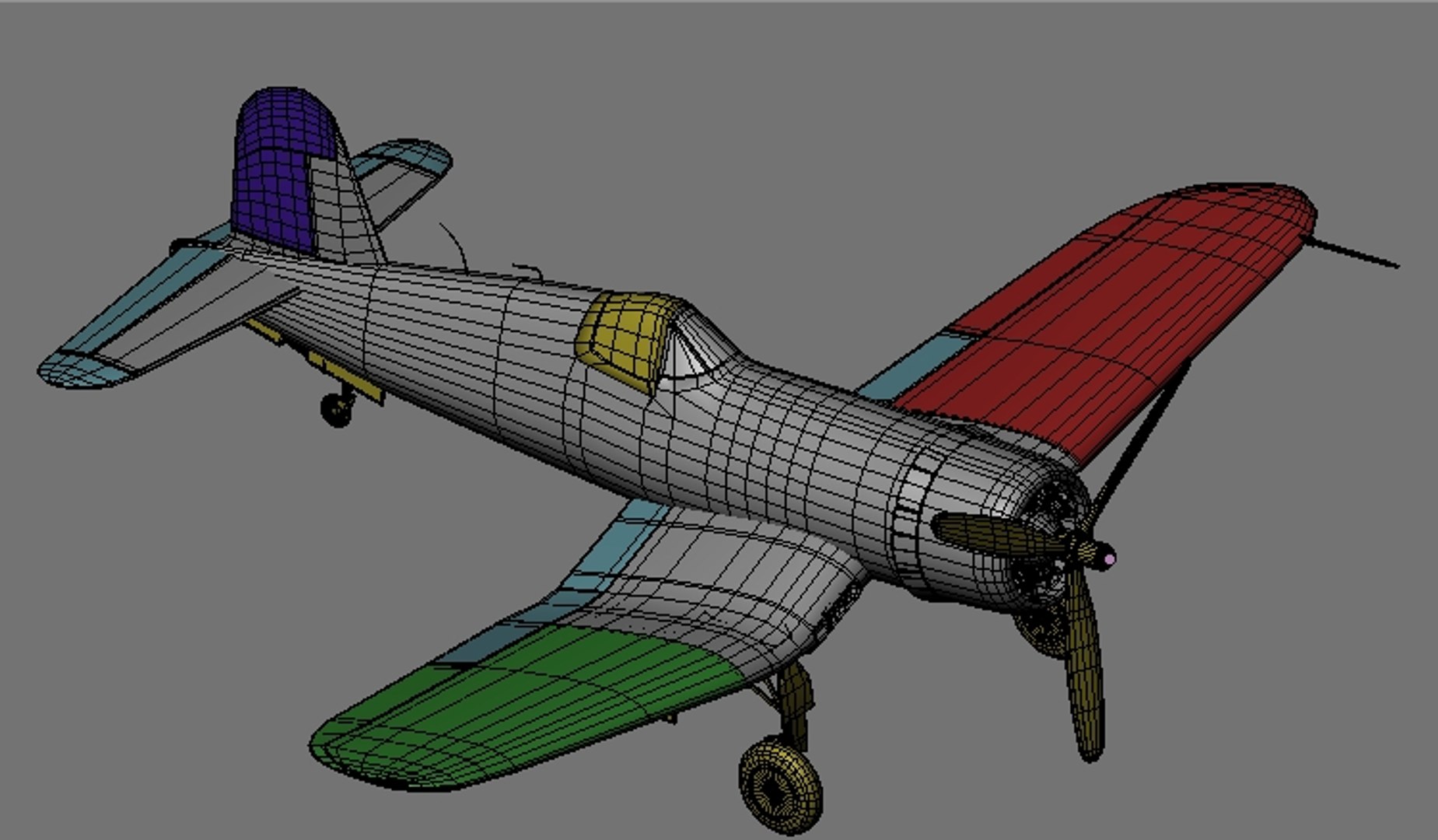
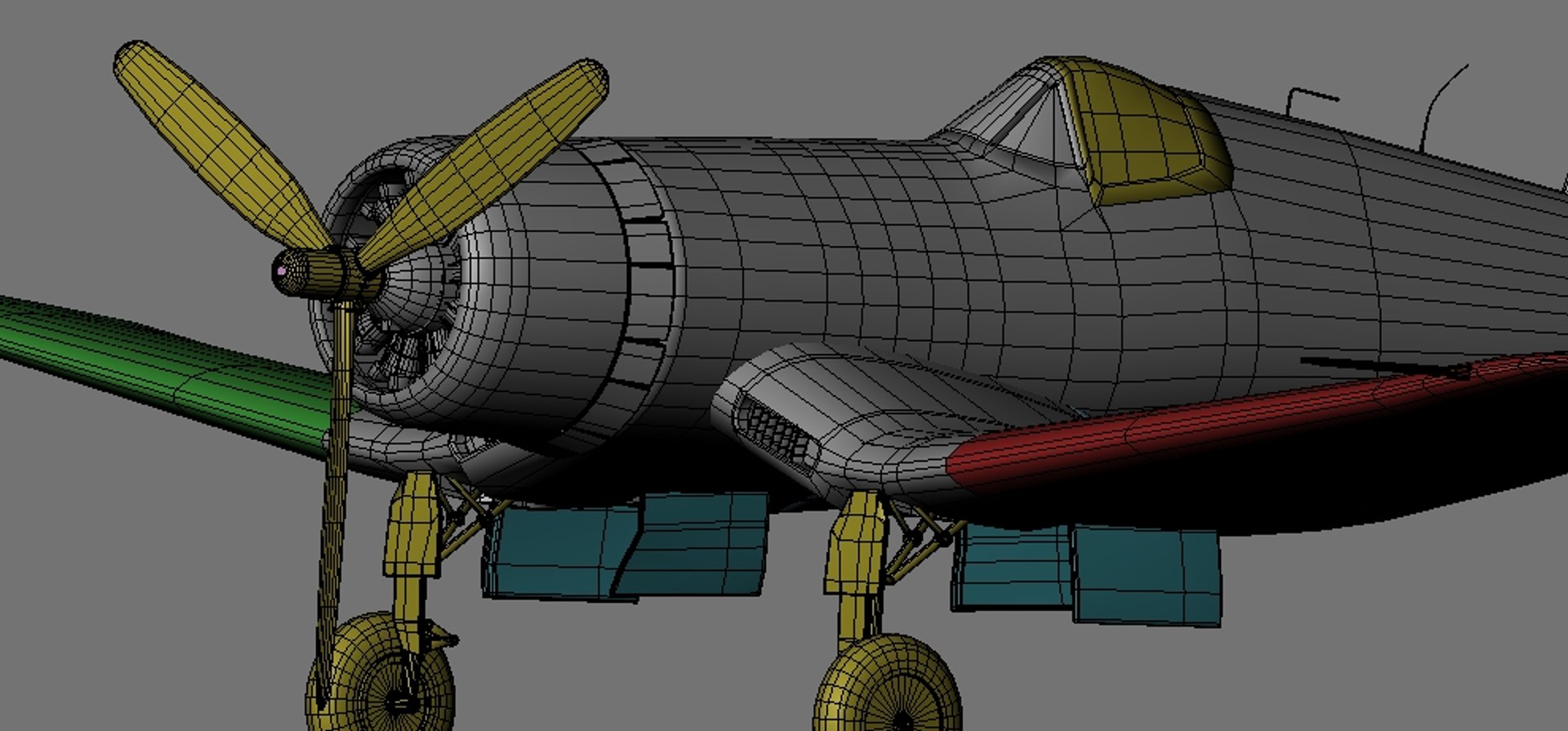
Chance Vought F4U Corsair

$45

Standard License | Upgrade License
Editorial Uses Only
Formats (6)
Free file format Conversions available
Native | Blender 3.1
Blender 2.79 | Blender Render
3ds Max 2010 | Default Scanline
OBJ
FBX
Specifications
Publish Date May 10, 2013
Product ID 741129
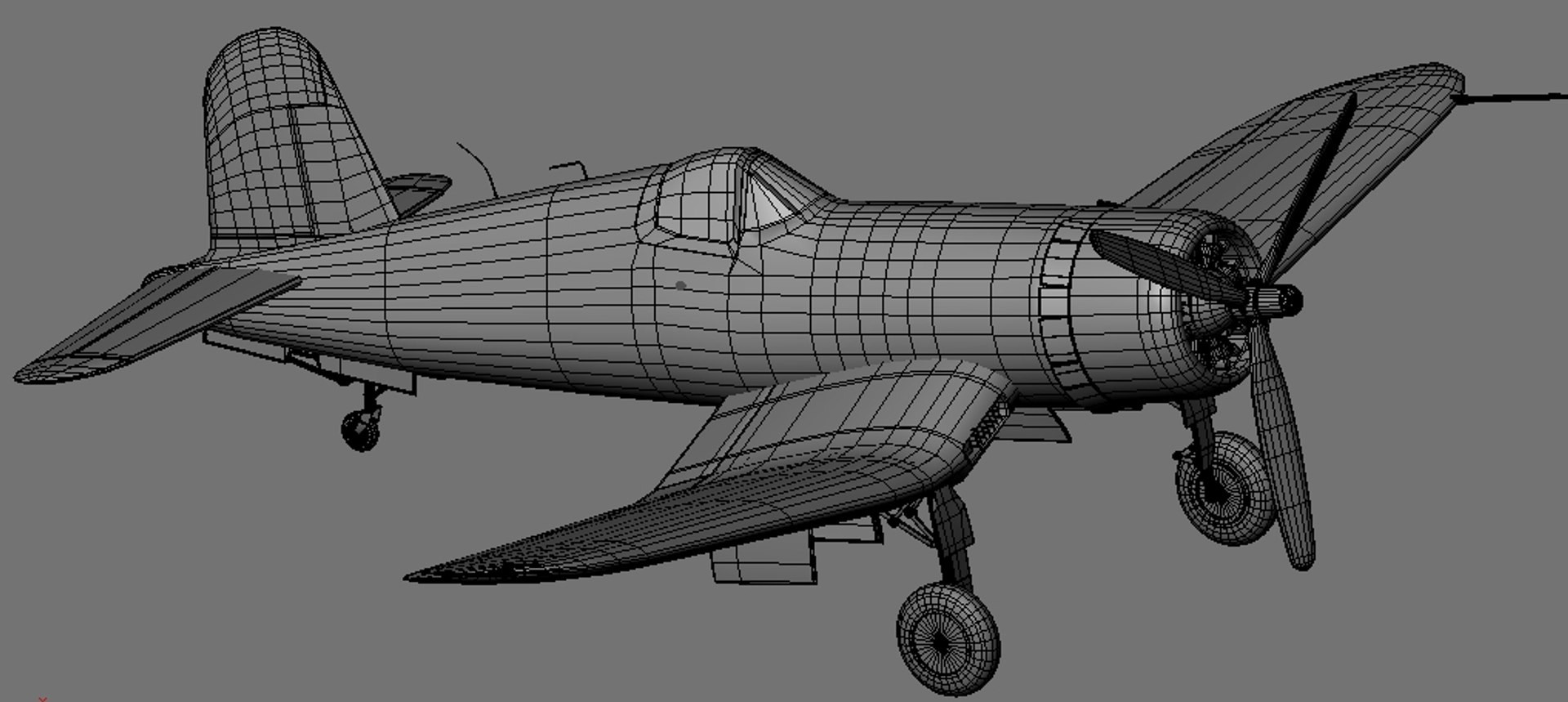
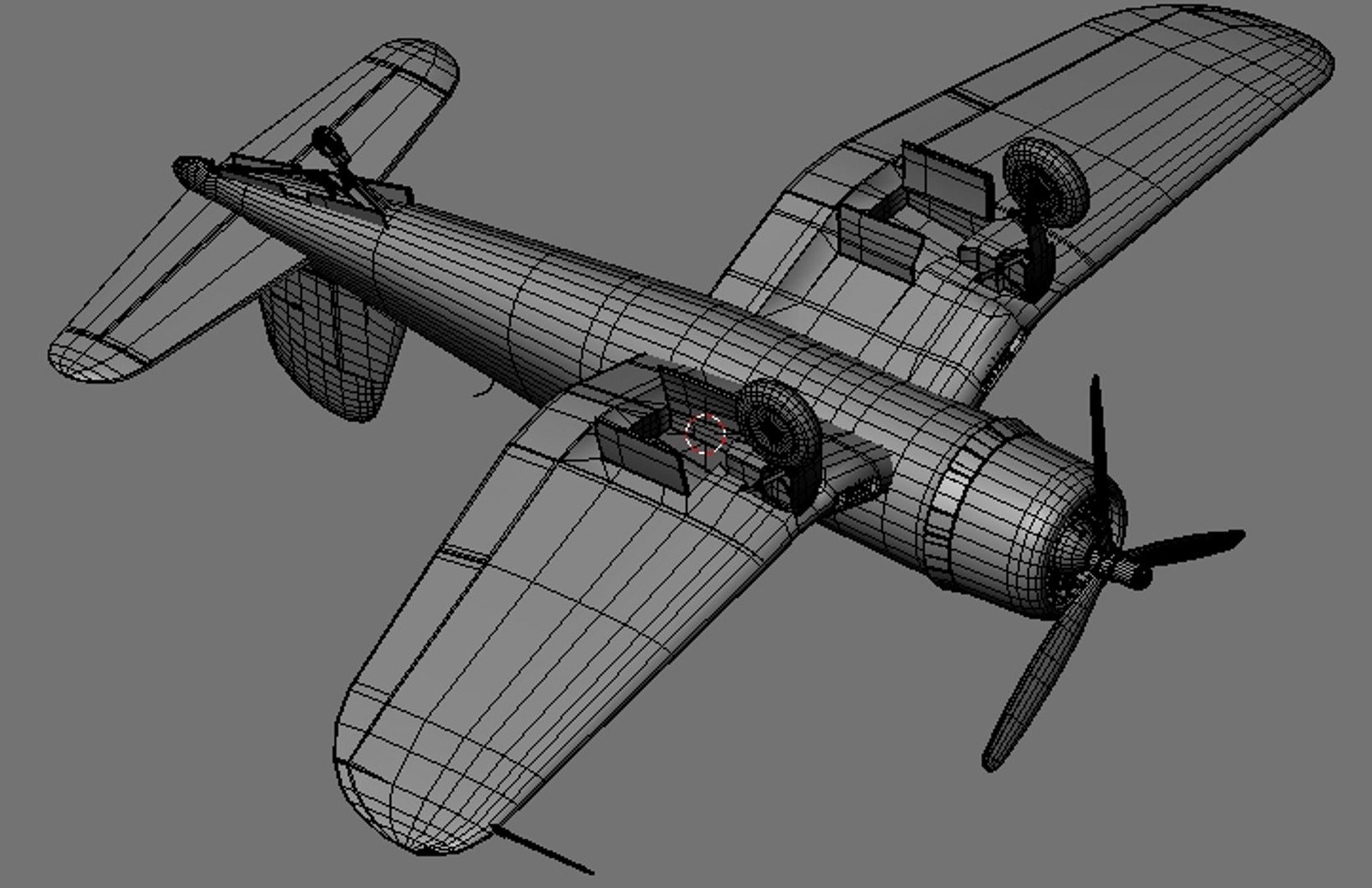
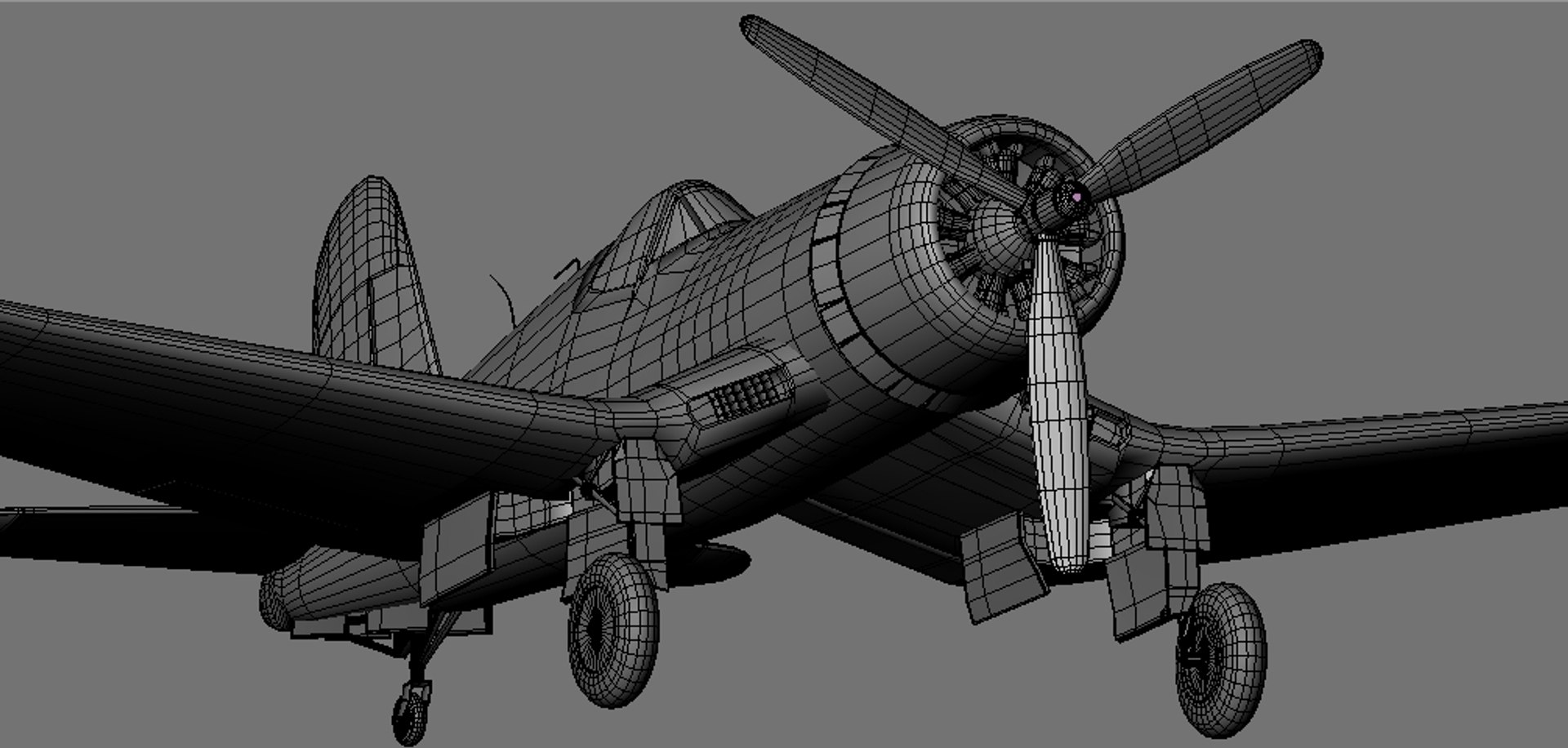
Polygons 29,927
Vertices 31,894
Polygonal Quads/Tris Geometry
Textures
Materials
UV Mapped
Mixed Unwrapped UVs
Animated
TurboSquid Exclusive
member avatar
EGPJET3D
992 Products | Contributor Since 2012
Have questions? Chat with us now.

Description

Chance Vought F4U Corsair.

The shapes and proportions of the objects are accurate. Following the original plans.


In BLENDER 3D
Selecting the object named CONTROL (parents). Change the size, position and rotation of the whole. Ready for animation. Ready to render. Textures , materials, lights, camera included.

Animatin.
Press the MBLUR for motion blur effect in the propellers. It is already configured.
Increase the value of OSA for more definition in BLUR effect.
When MBLUR is activated. Blender renders takes a number equal to the OSA. Once completed all renders BLUR effect appears.

In OBJ format.
In the OBJ format all properties are maintained. The meshes of the objects are independent. Materials and textures included. The ZIP file contains: OBJ file, MTL file, and original texture map JPG..

Optimized for integration in real environments and for closeups.
HD shapes with the minimum possible number of polygons.
Quad topology.
Ready to render.

Select Enhanced License

  • $10,000 in Legal Protection (Indemnification)
  • Uncapped Legal Protection (Indemnification)
  • Waiver from injunctive relief
  • Assignable model rights
  • $1,000,000 in Legal Protection (Indemnification)
  • Waiver from injunctive relief
  • Assignable model rights
  • $250,000 in Legal Protection (Indemnification)
  • Assignable model rights
Read more about enhanced license tiers, or contact us at enterprise@turbosquid.com. Already a Shutterstock Enterprise Customer? Contact your Shutterstock Sales Support Agent to talk about adding 3D.

About Conversion Requests

To submit a conversion request for a purchased asset, please complete our Conversion Request Form.

If you have not yet purchased a model, please review our Documentation about Conversions to learn about what limitations you may encounter with a conversion.

For any additional questions about a model’s suitability for conversion, please contact TurboSquid Support.

Loading...