
Chair_003

$19

Standard License | Upgrade License
Formats (9)
Native | 3ds Max 2014 | V-Ray
USD
3D Studio
OBJ
glTF
3ds Max
Specifications
Publish Date January 05, 2015
Product ID 883693
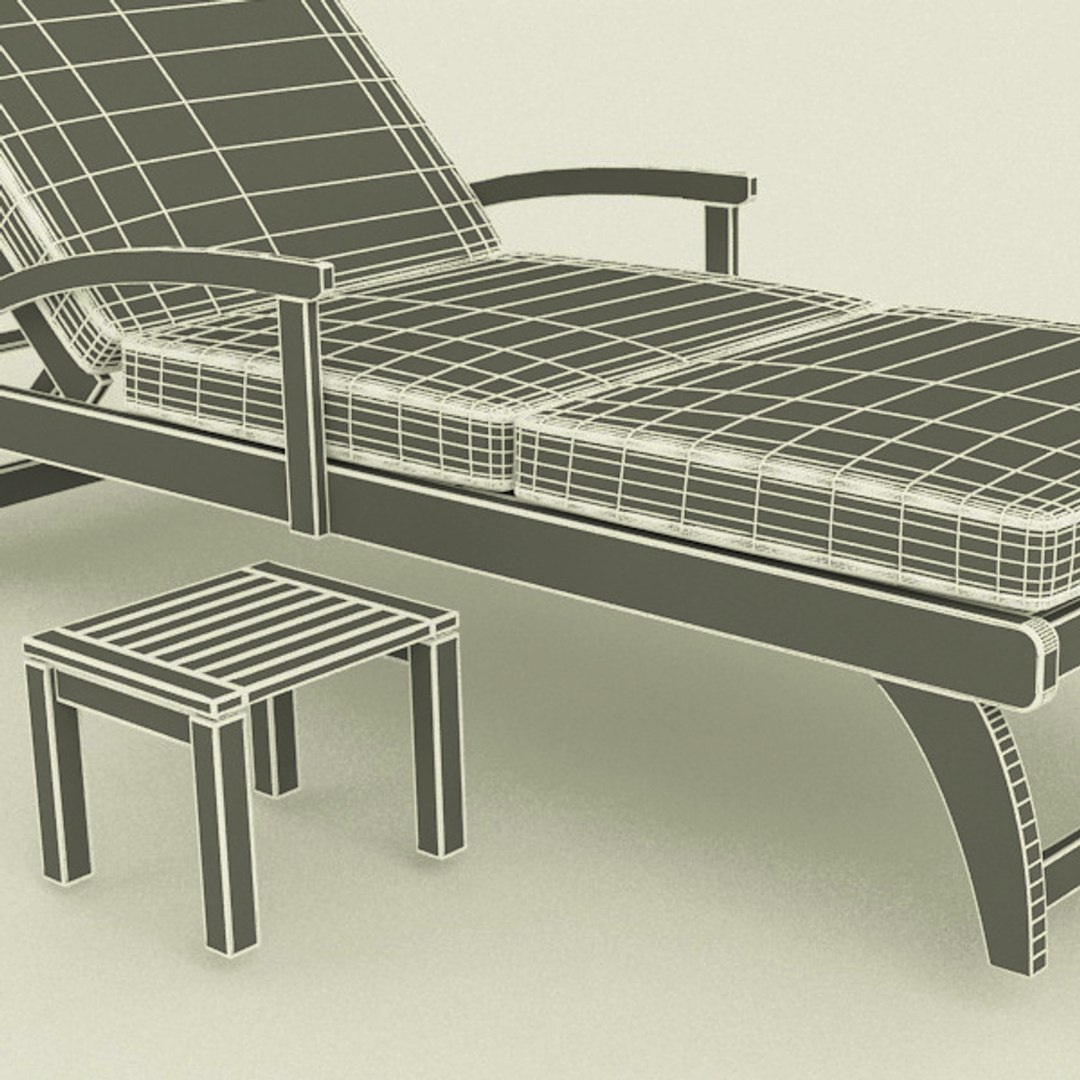
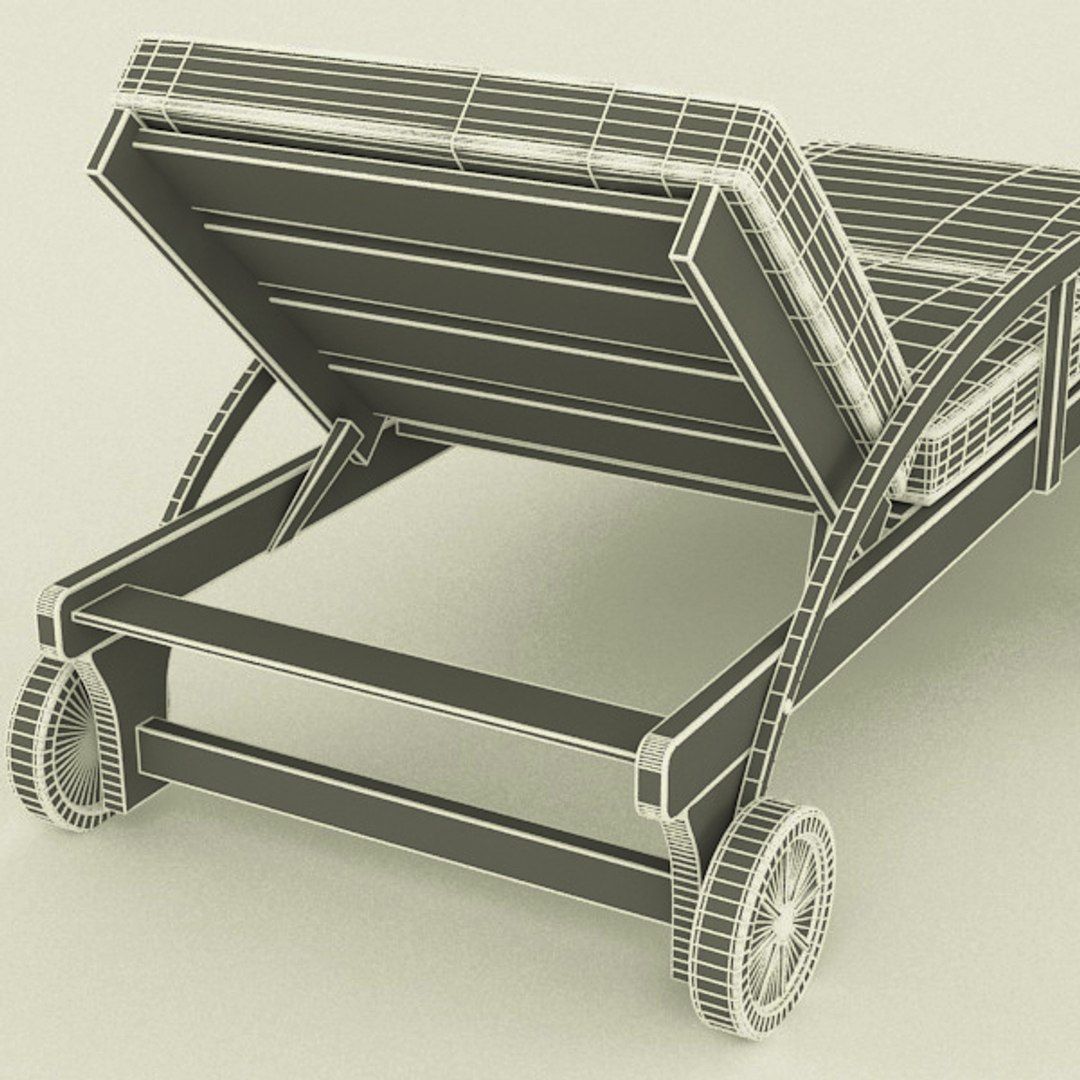
Polygons 24,470
Vertices 24,636
Polygonal Quads/Tris Geometry
Materials
PBR
member avatar
Mat3di
49 Products | Contributor Since 2011
Have questions? Chat with us now.

Description

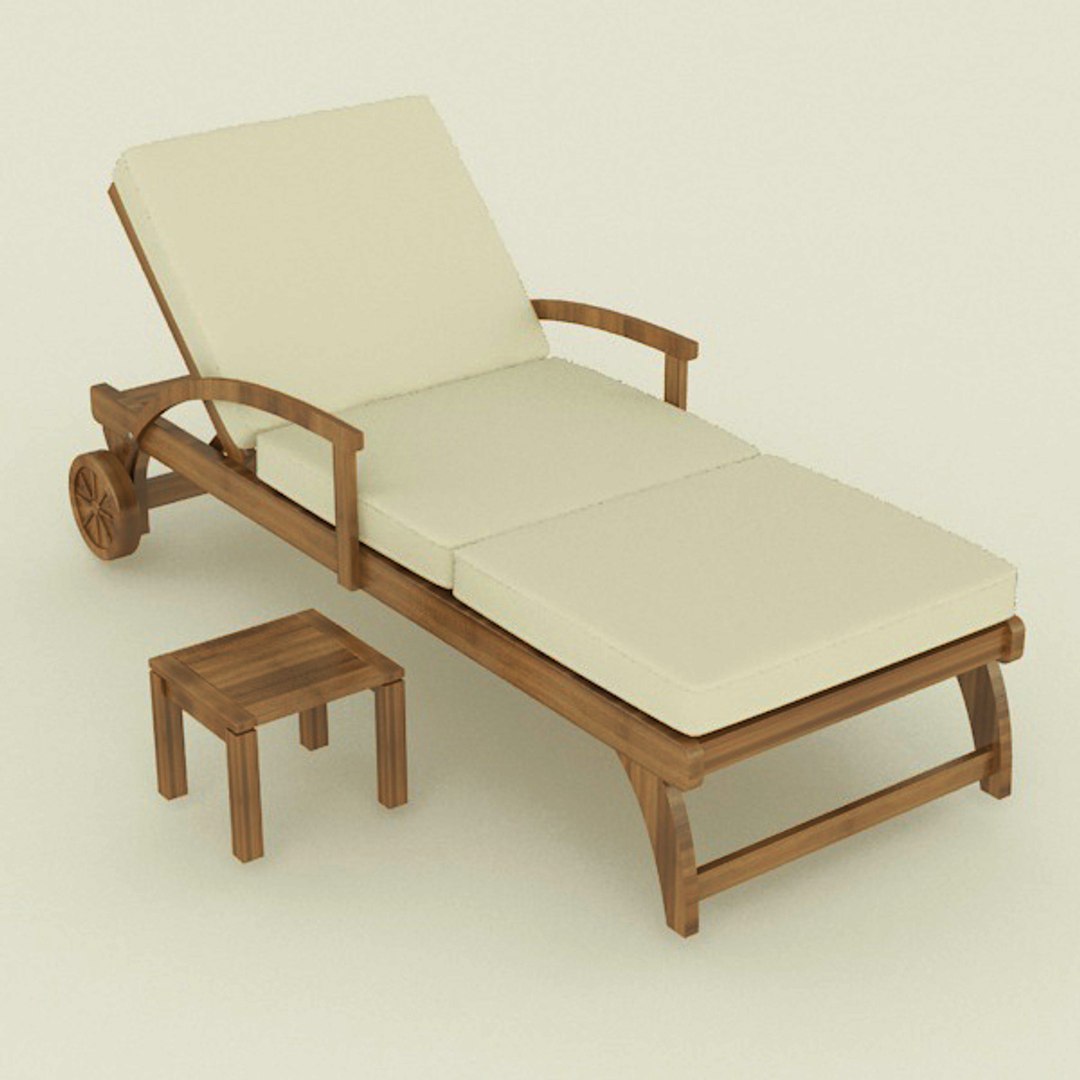
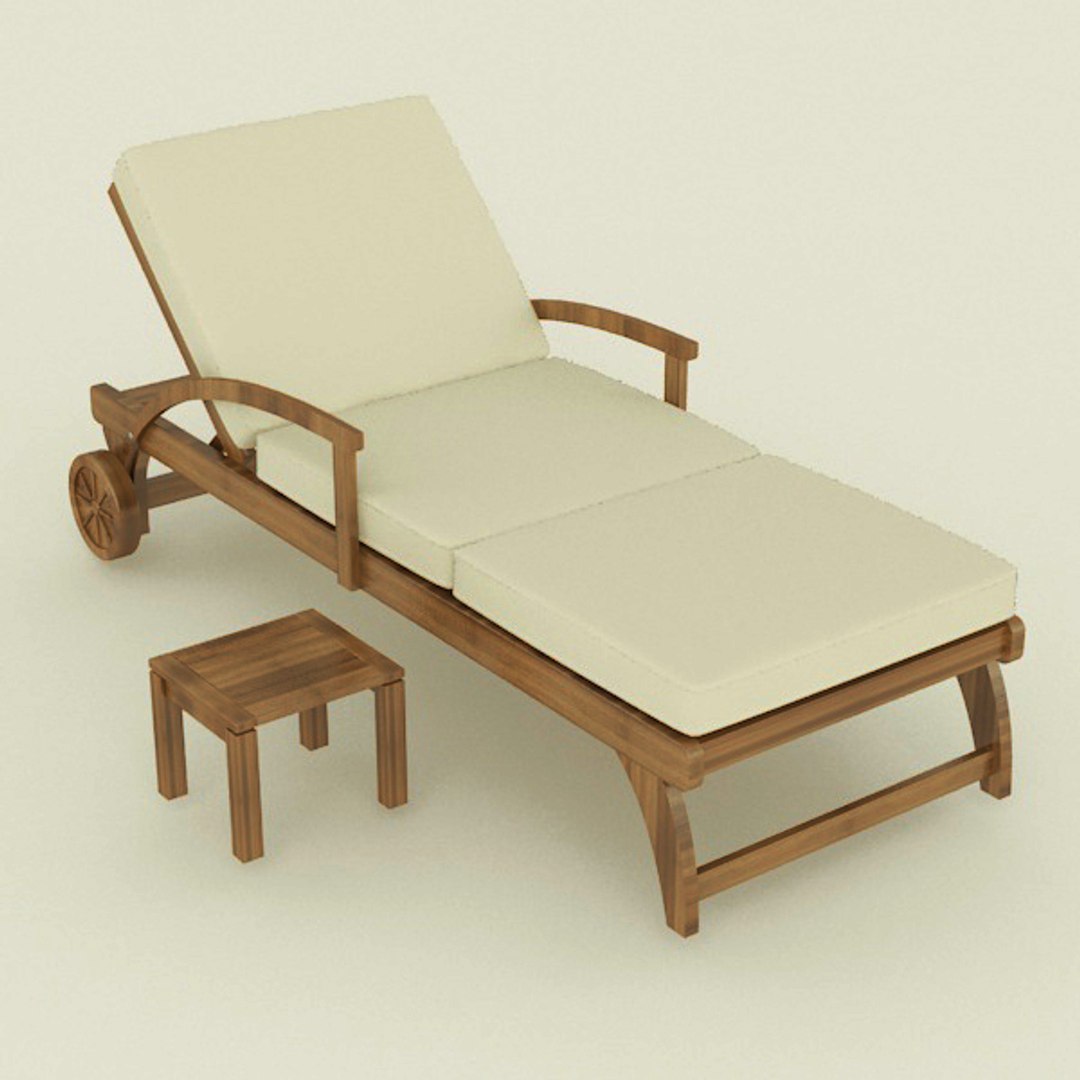
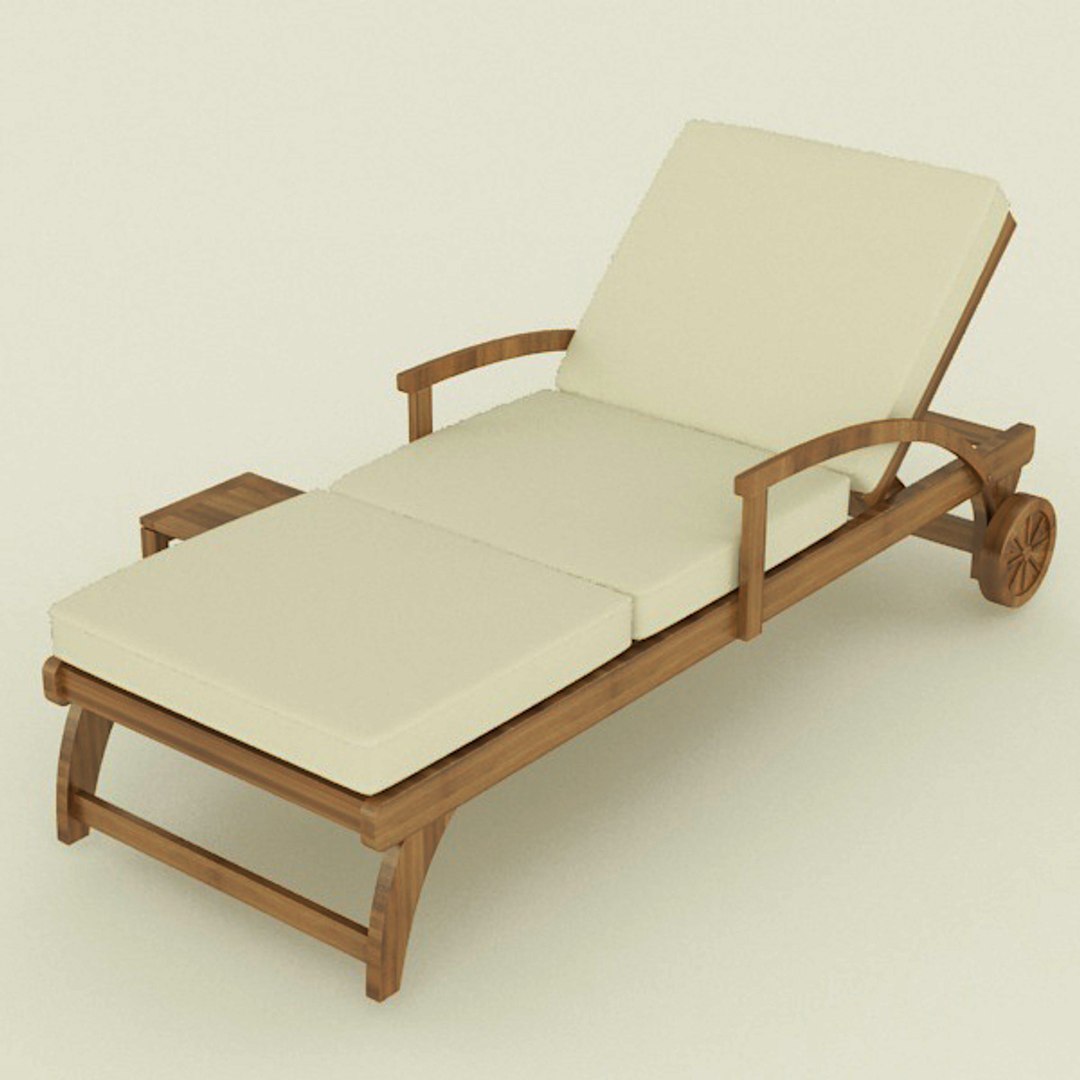
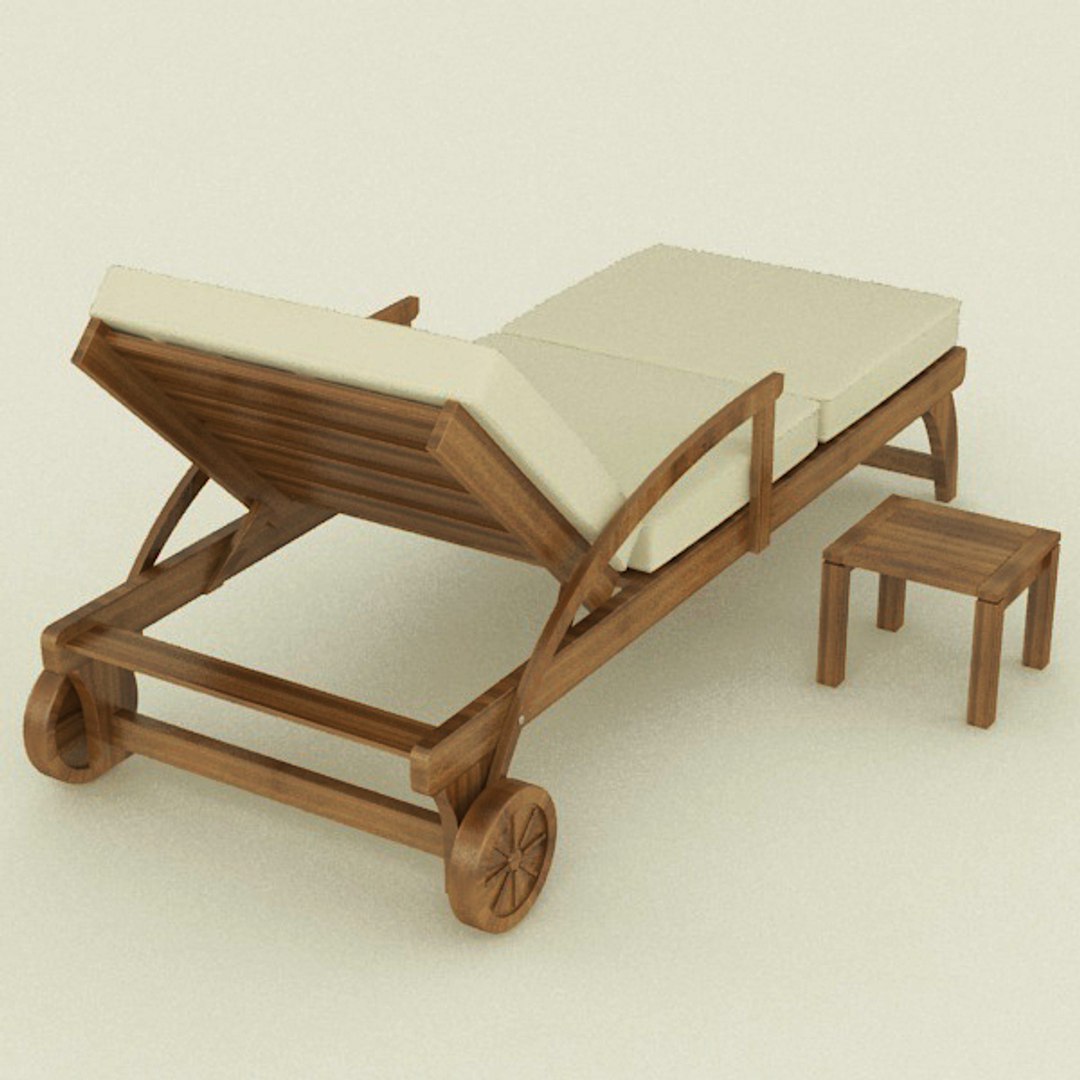
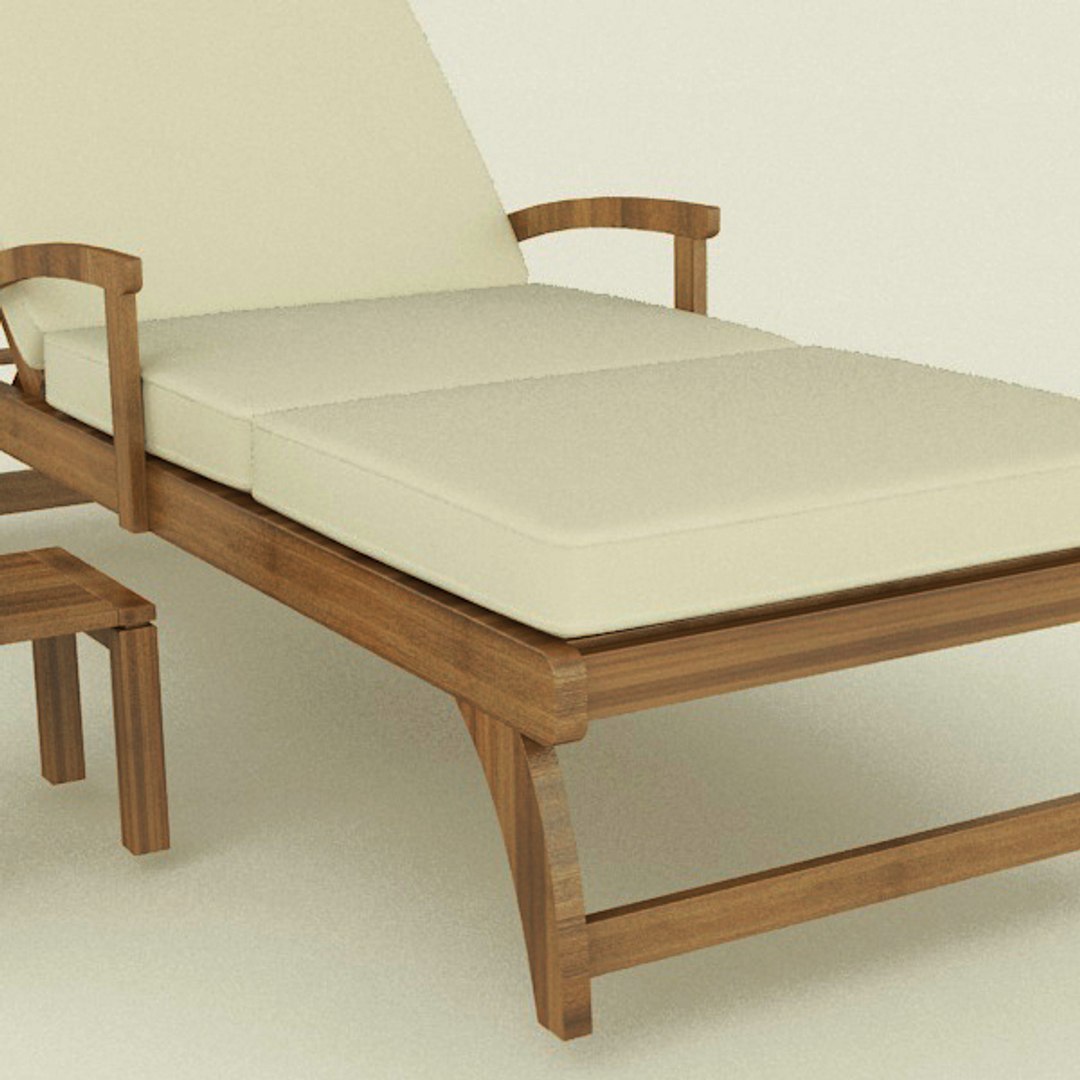
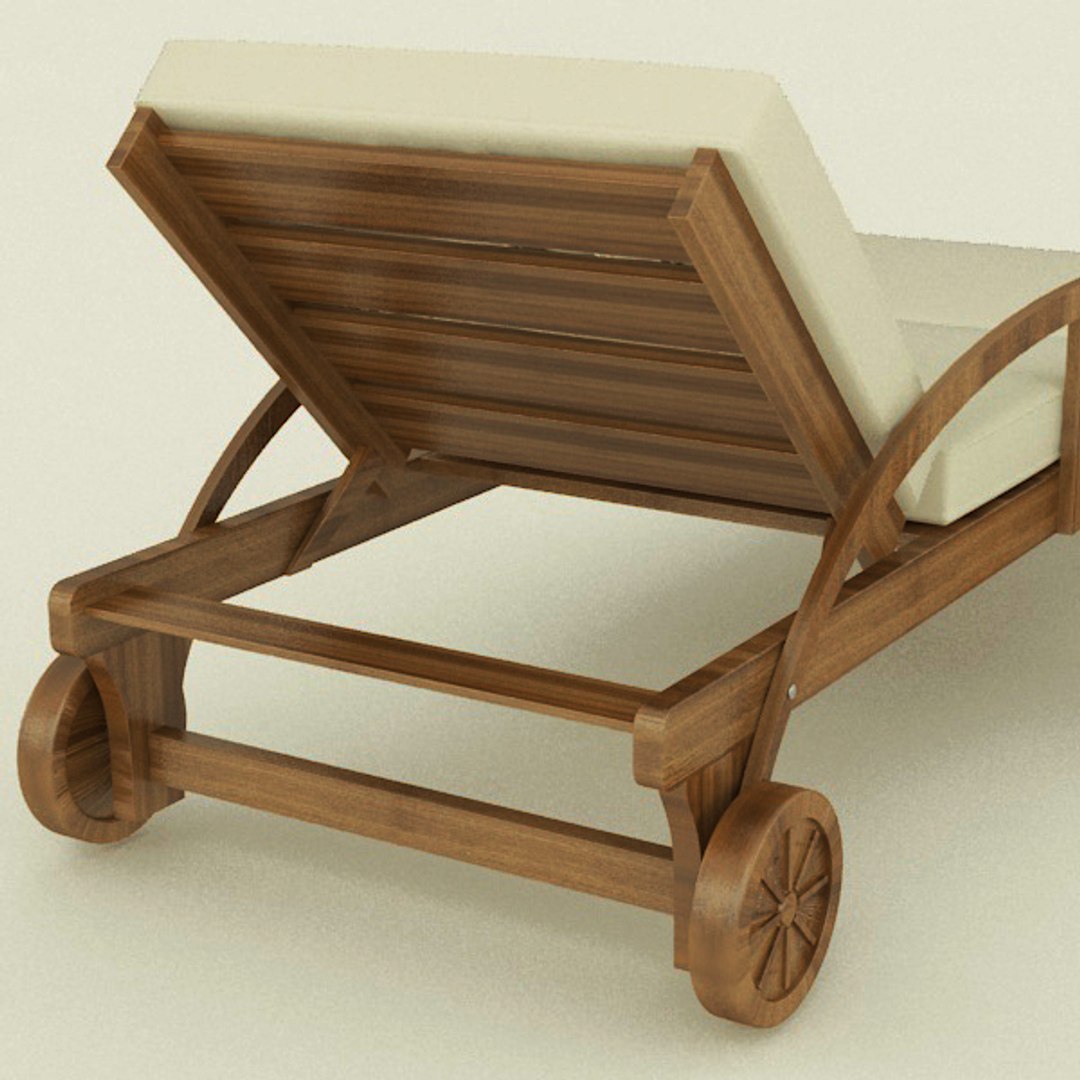
High quality model of a chair, perfect to add more details and realism to your rendering projects.
Fully detailed, textured models. Detailed enough for close-up renders. Comes with detailed textures.

Modeled in 3ds Max 2014.
Images rendered with V-Ray.
Images are post-processed and may differ from the rendering in 3ds max.
*********************************
Features:

- High quality polygonal model.
- Real world object representation.
- Models include textures and materials.
- Models are grouped for easy selection.
- Models are named logically.

*********************************
File formats:
- 3ds Max 2014 V-Ray scene
- OBJ (Multi Format)
- 3DS (Multi Format)

*********************************
Warning: Depending on which software package you are using, the exchange formats (.obj, .3ds) may not match the preview images exactly. Due to the nature of these formats there may be some textures that have to be loaded by hand and possibly triangulated geometry.

*********************************
Textures formats:
JPEG (.jpg)

*********************************
Enjoy, and please rate it!
Check out my other models. Search for artist mat3di. You can find every kind of model including architectural, mechanical, industrial and more.
© mat3di – 2015

Select Enhanced License

  • $10,000 in Legal Protection (Indemnification)
  • Uncapped Legal Protection (Indemnification)
  • Waiver from injunctive relief
  • Assignable model rights
  • $1,000,000 in Legal Protection (Indemnification)
  • Waiver from injunctive relief
  • Assignable model rights
  • $250,000 in Legal Protection (Indemnification)
  • Assignable model rights
Read more about enhanced license tiers, or contact us at enterprise@turbosquid.com. Already a Shutterstock Enterprise Customer? Contact your Shutterstock Sales Support Agent to talk about adding 3D.

About Conversion Requests

To submit a conversion request for a purchased asset, please complete our Conversion Request Form.

If you have not yet purchased a model, please review our Documentation about Conversions to learn about what limitations you may encounter with a conversion.

For any additional questions about a model’s suitability for conversion, please contact TurboSquid Support.

Loading...