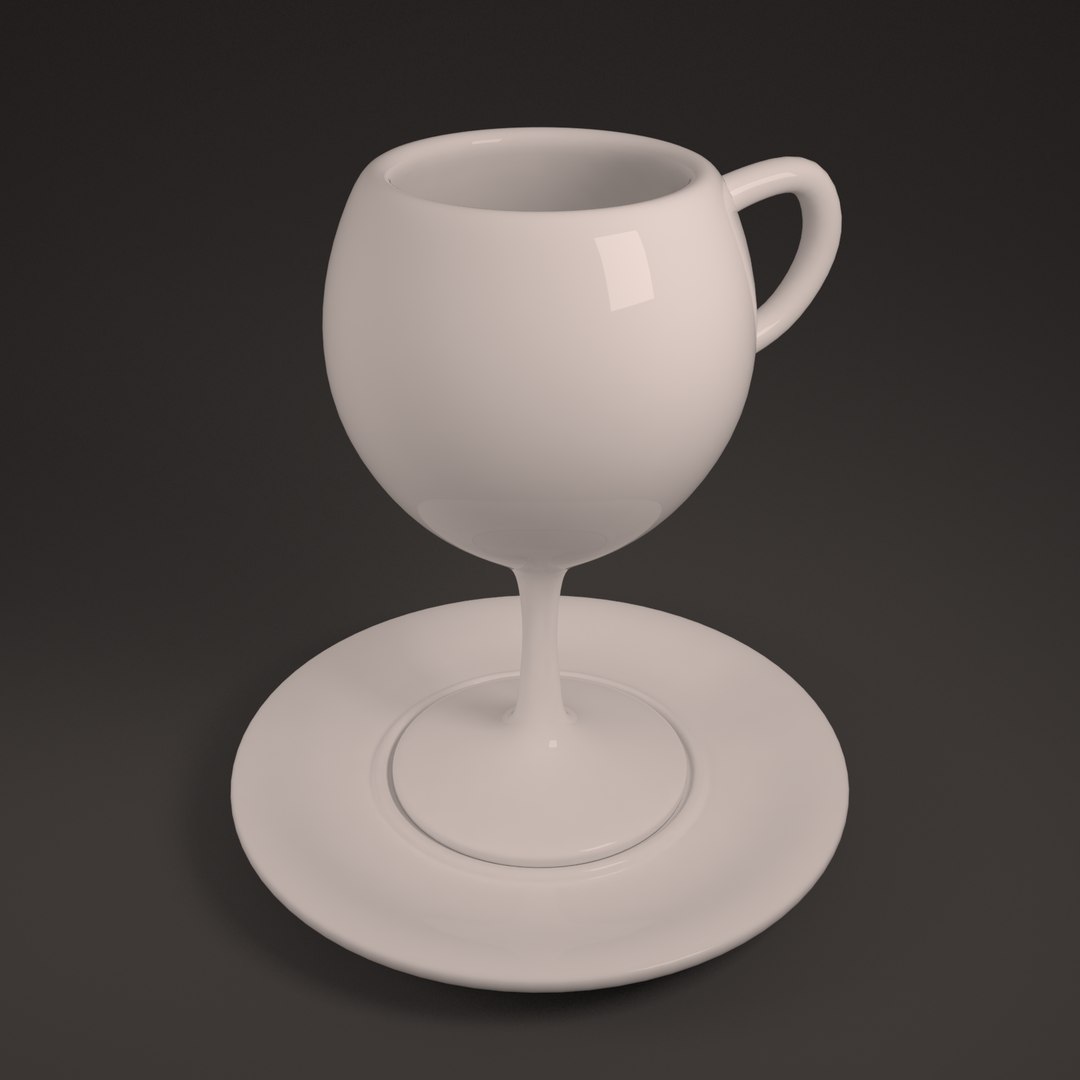
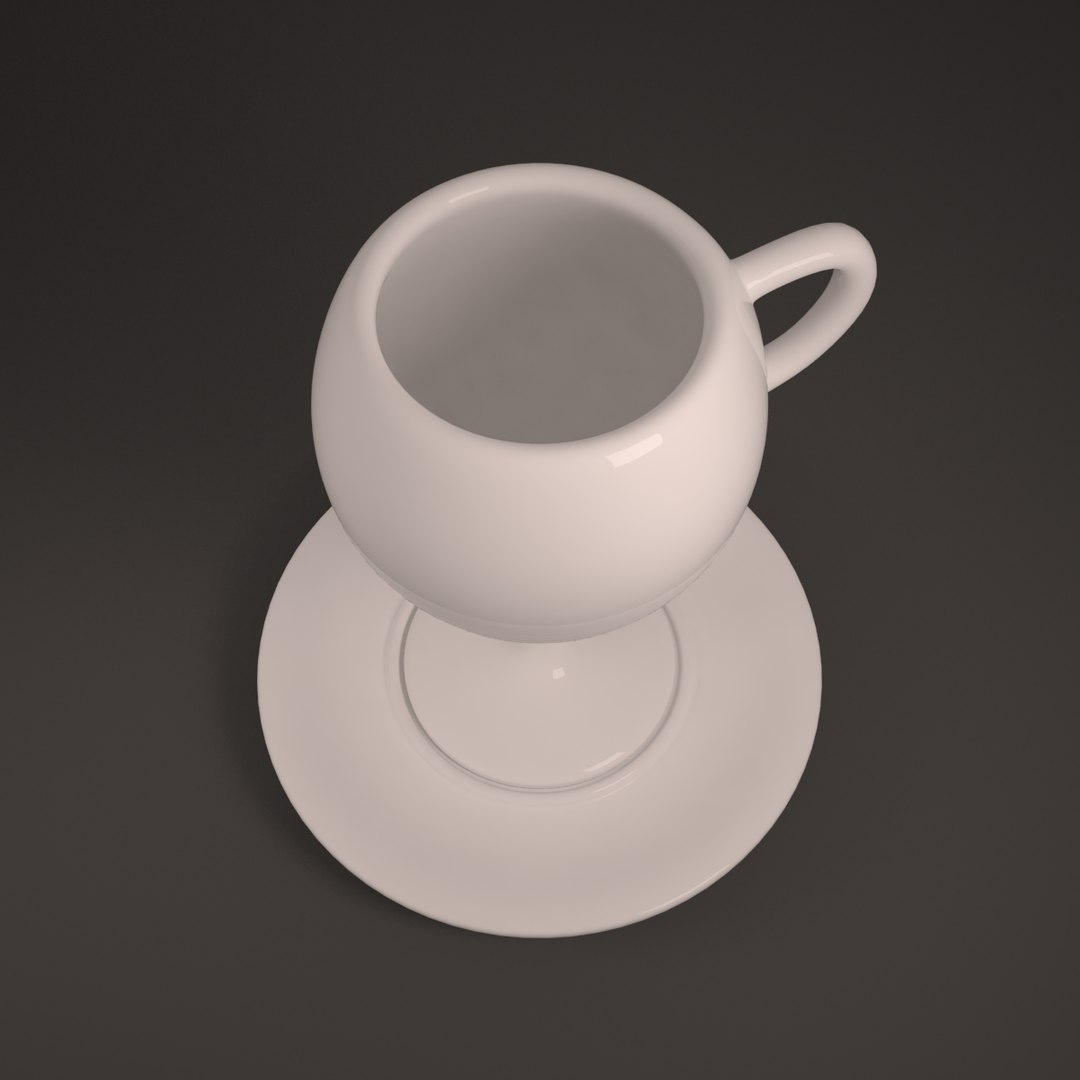
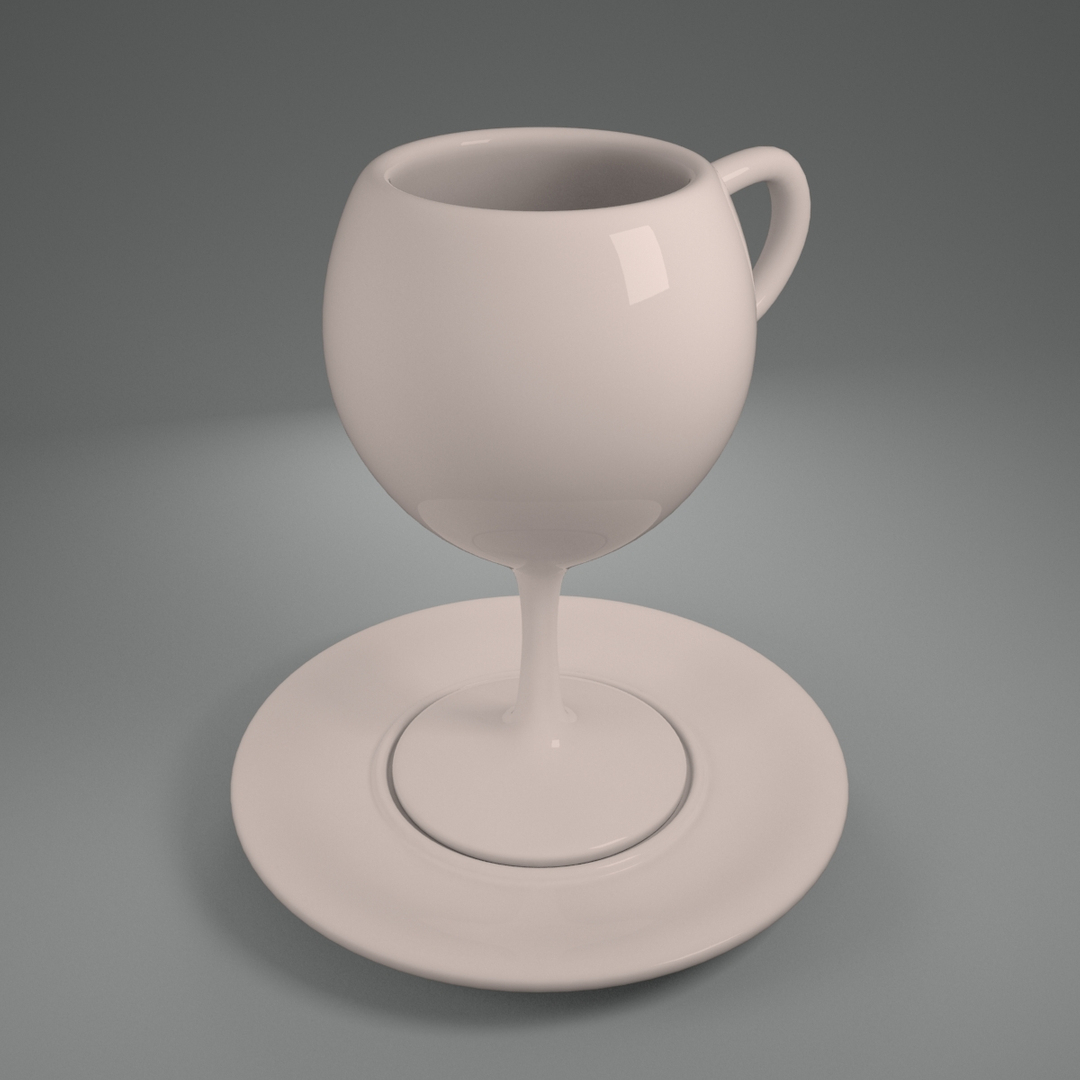
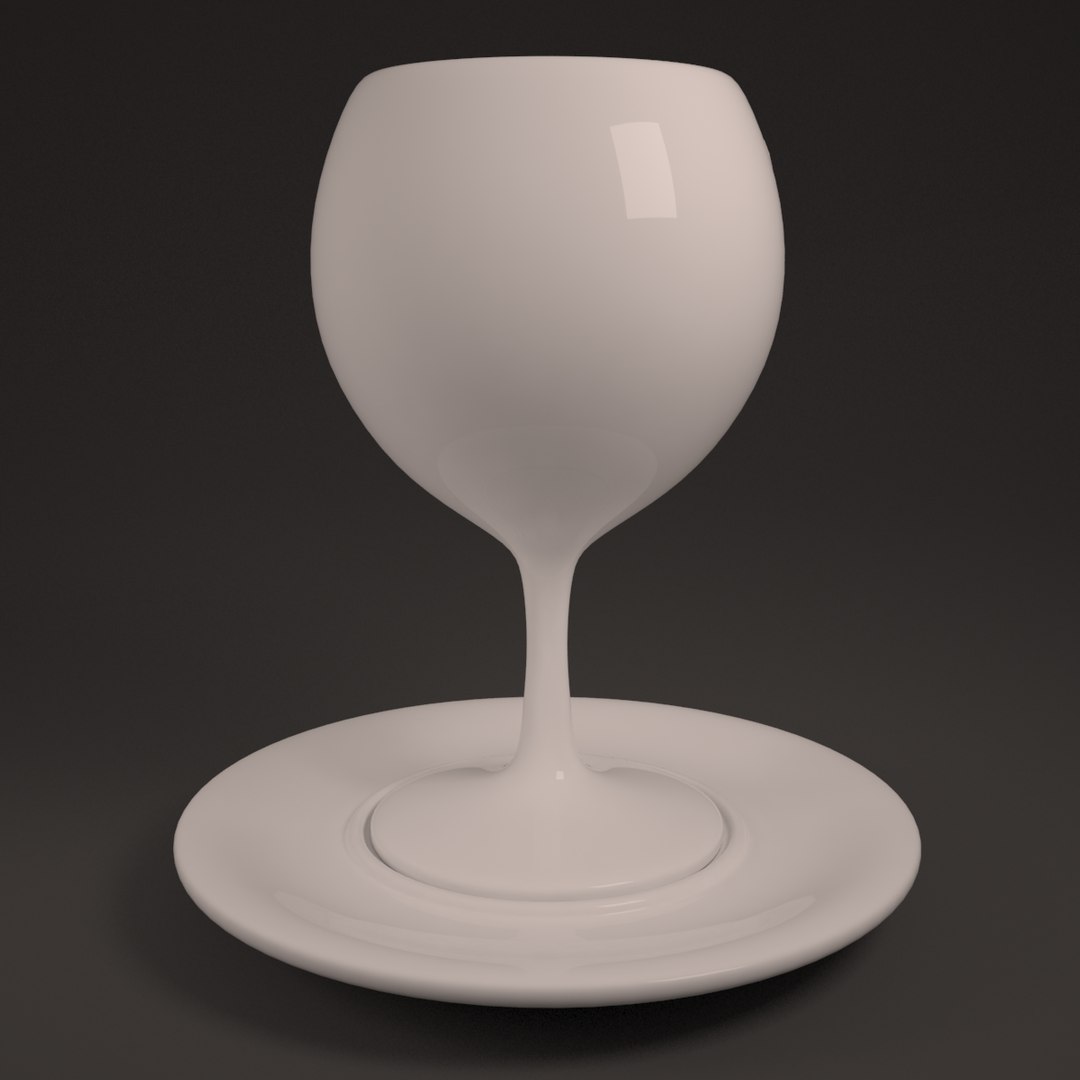
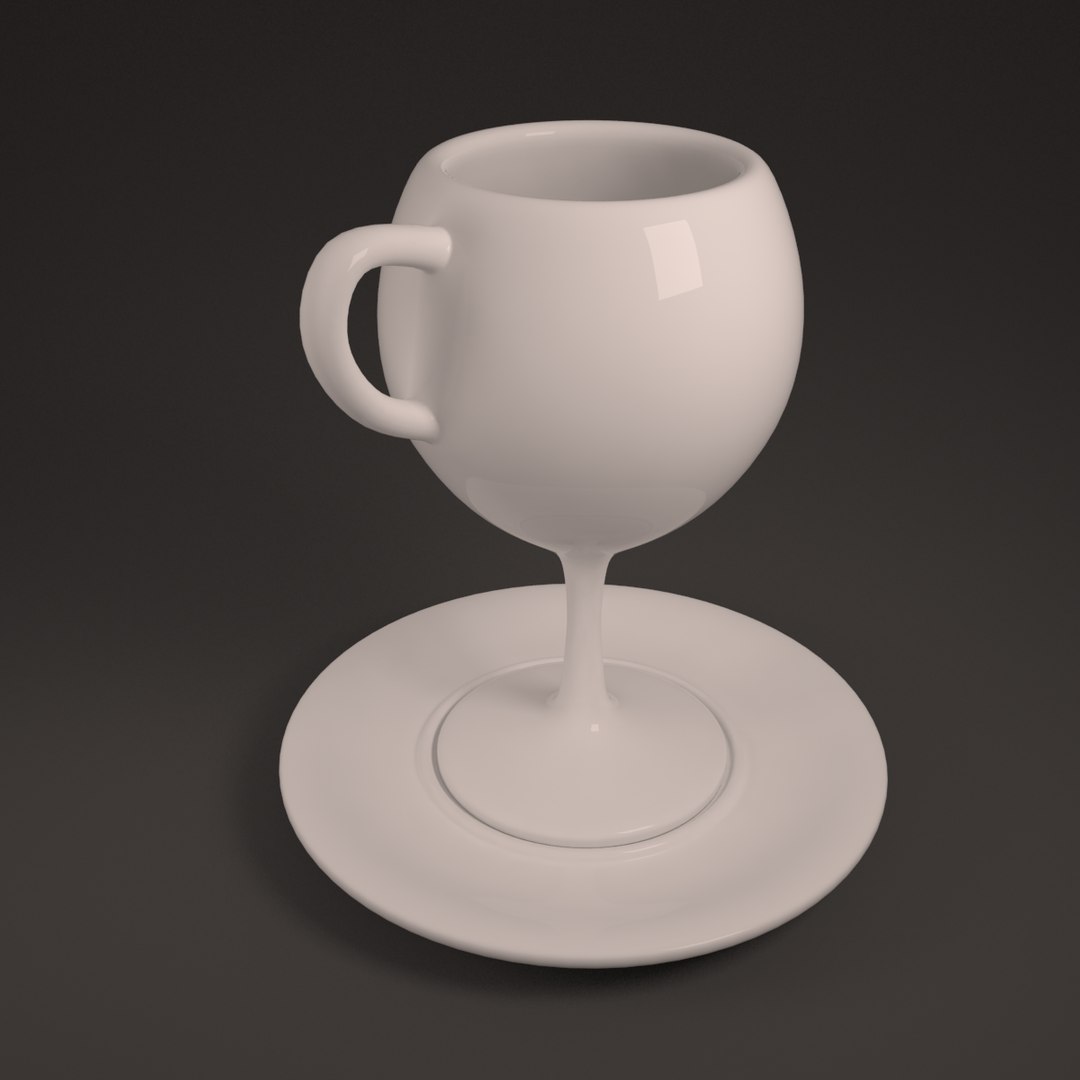
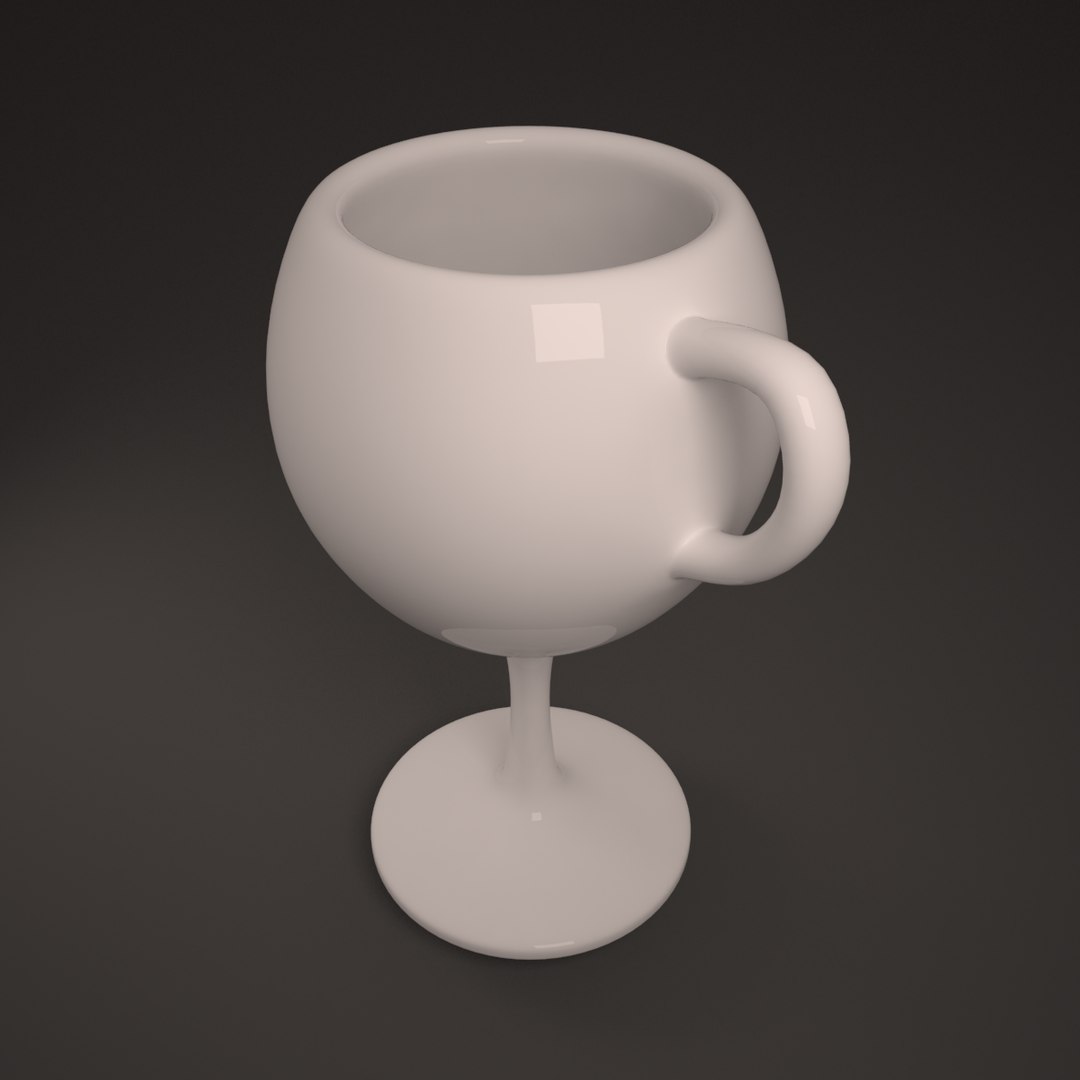
Ceramic Wine Mug

$9

Standard License | Upgrade License
Formats (3)
Native | 3ds Max 2013 | V-Ray 2.40.03
OBJ
FBX
Specifications
Publish Date January 27, 2015
Product ID 890363
Polygons 1,584
Vertices 1,586
Polygonal Quads Only
Materials
member avatar
anlu
46 Products | Contributor Since 2013
Have questions? Chat with us now.

Description

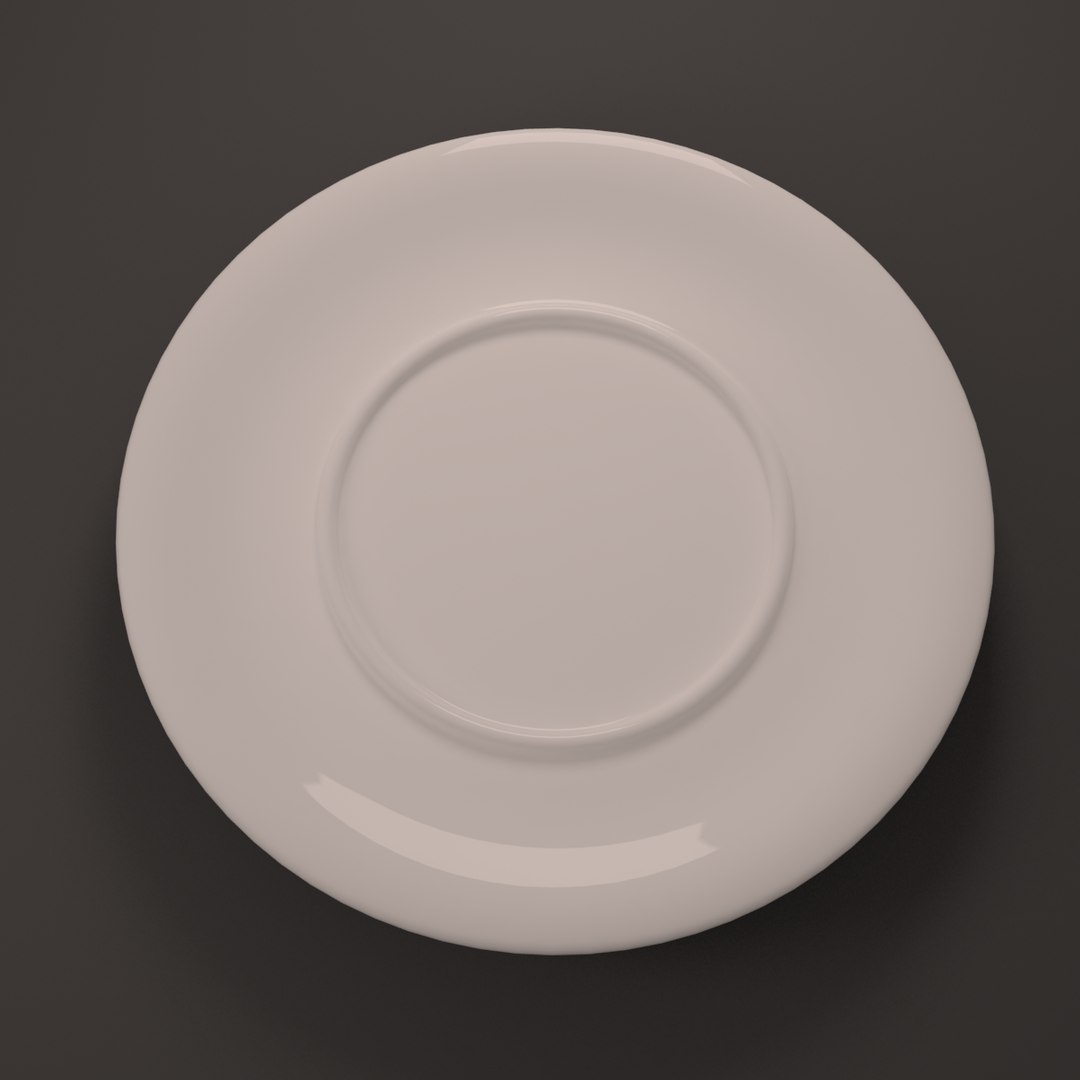
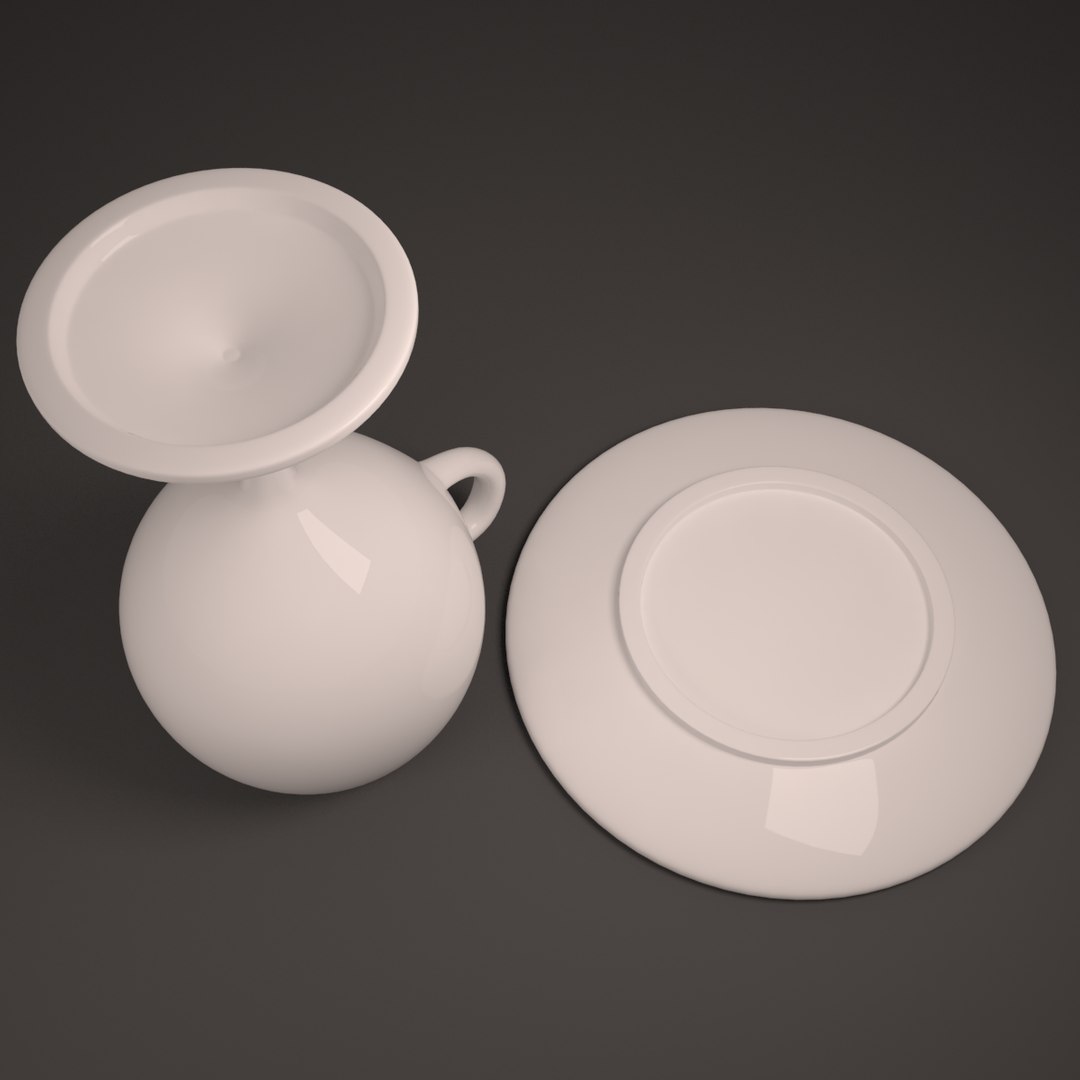
Realistic 3D model of Ceramic Wine Mug.
This model was originally modeled in 3ds Max 2013 and rendered with V-Ray.

*********************************

Features:
- High quality polygonal model, correctly scaled for an accurate representation of the original object.
- 3ds Max models are grouped for easy selection, and objects are logically named for ease scene management.
- V-Ray physical camera and lights are included in 3ds Max file. Ready for instant rendering.
- All objects and materials are intelligently named.
- Model does not include any backgrounds or scenes used in preview images.
- Real-world scale. (1 Unit = 1 Centimeter)

*********************************

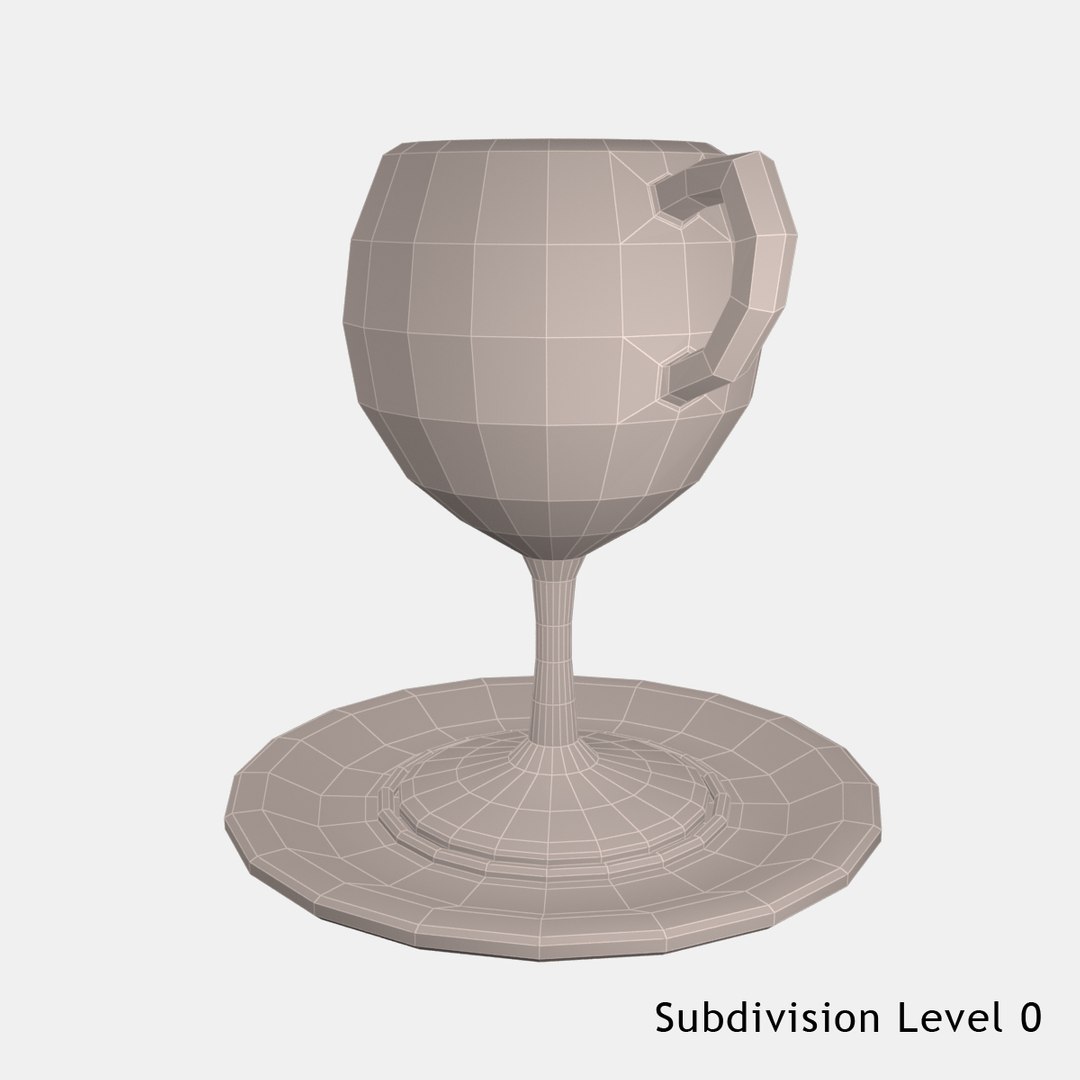
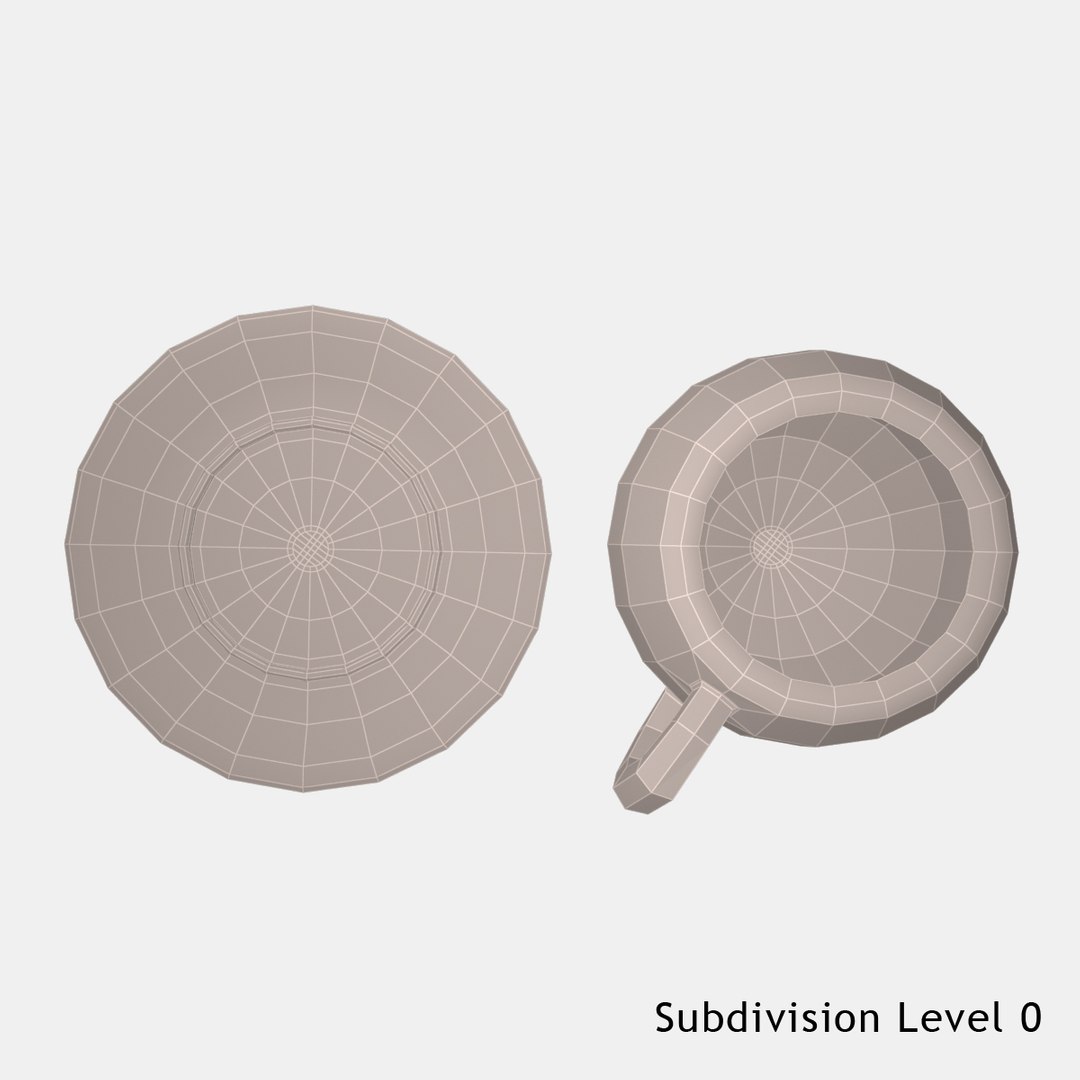
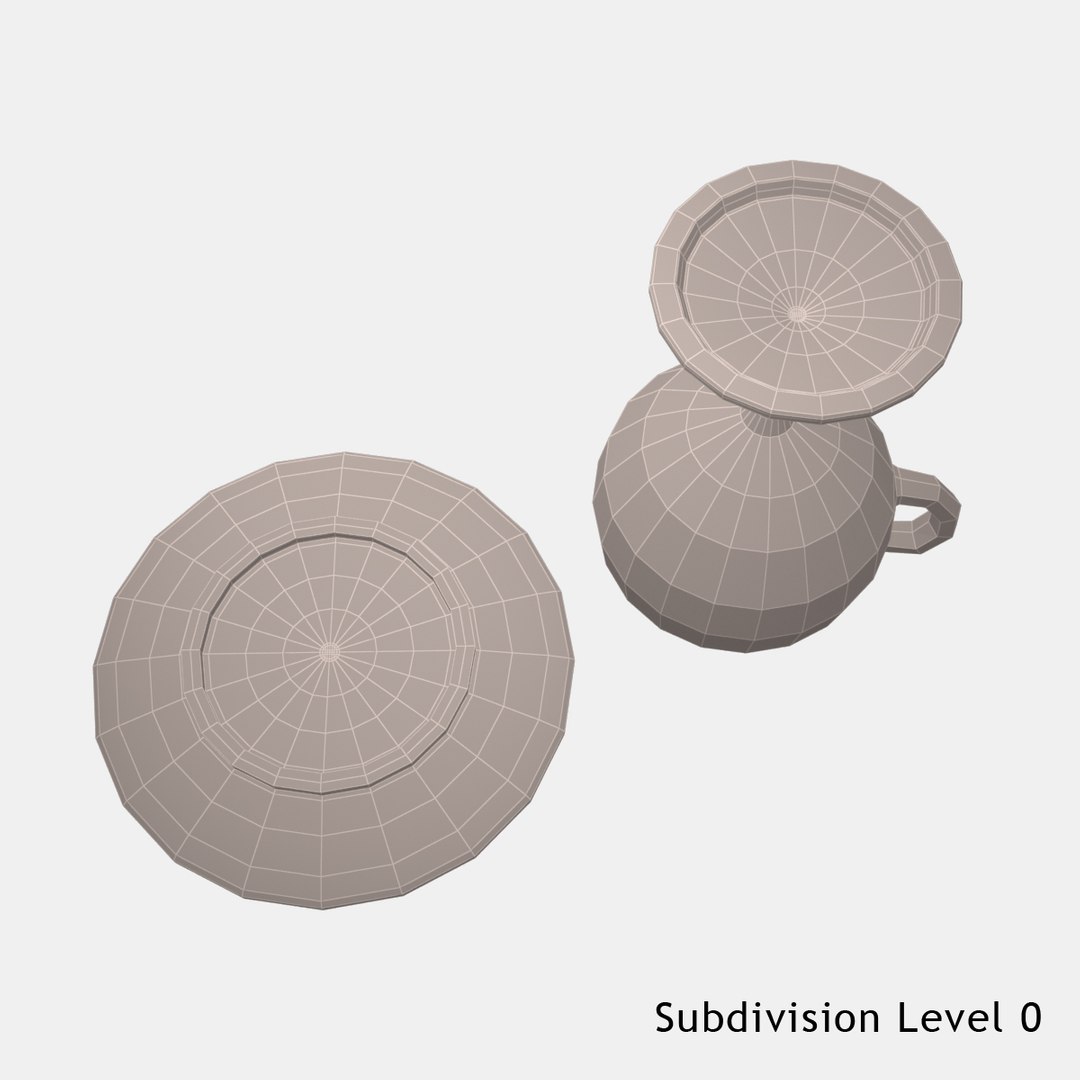
Subdivision level = 0
Polys: 1584 Verts: 1586

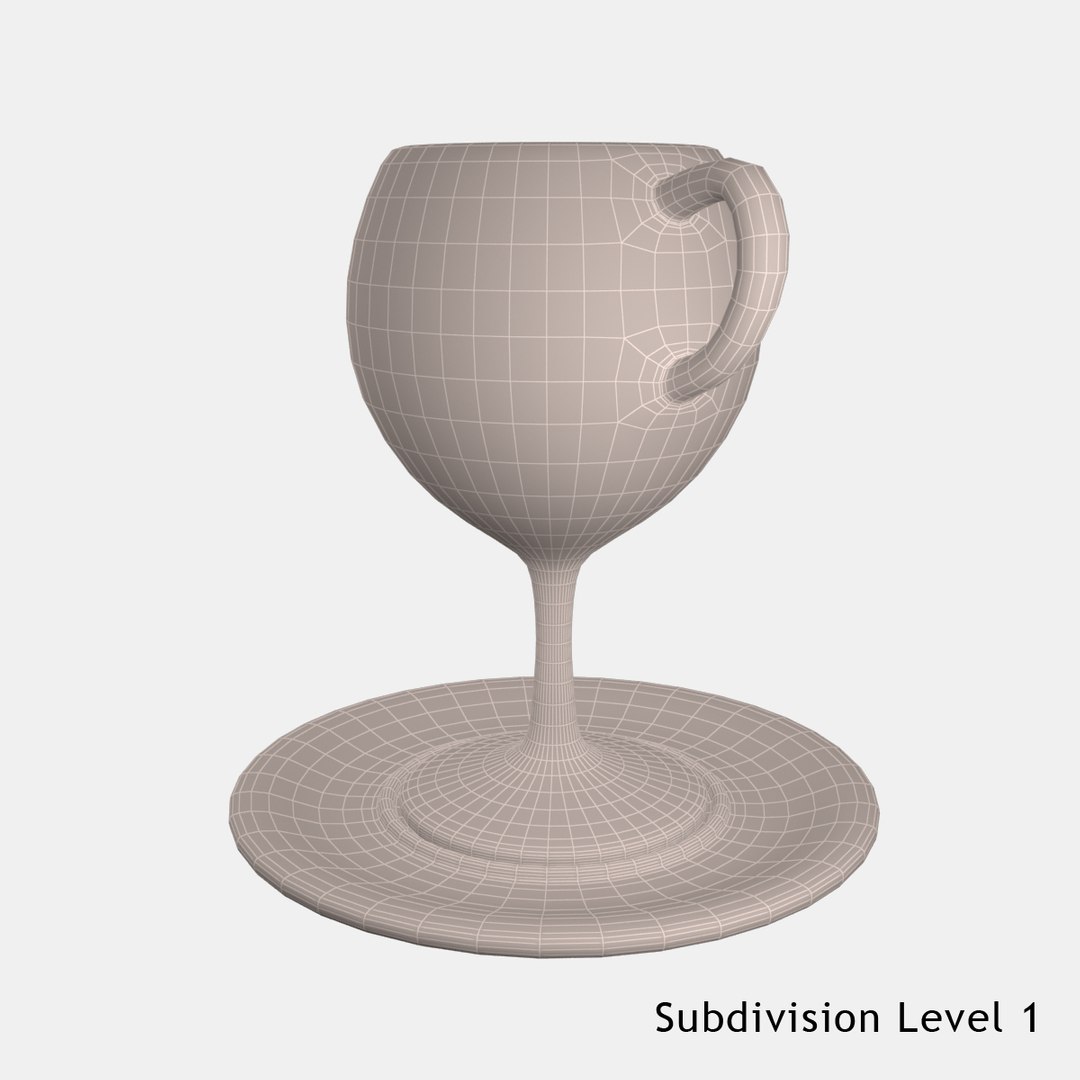
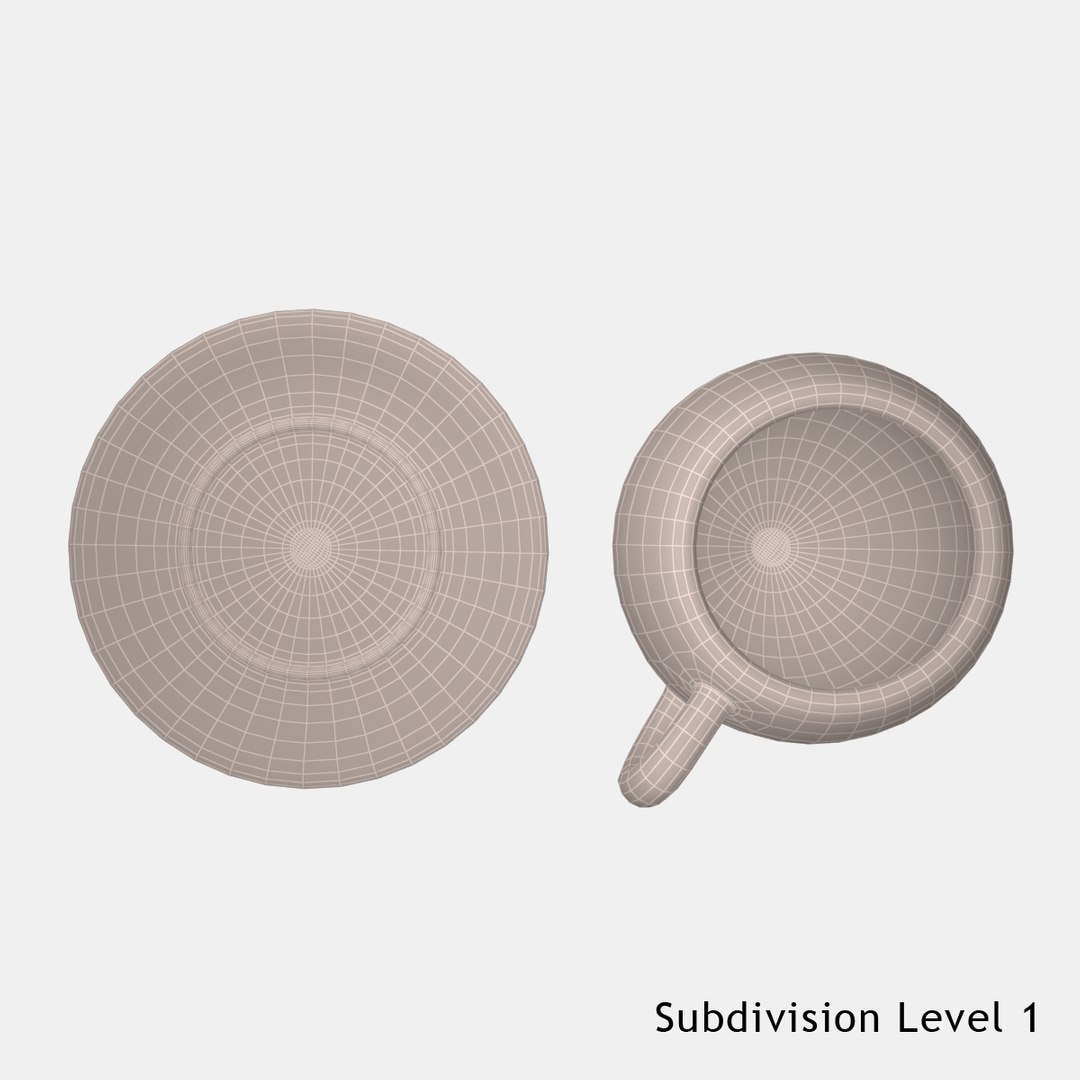
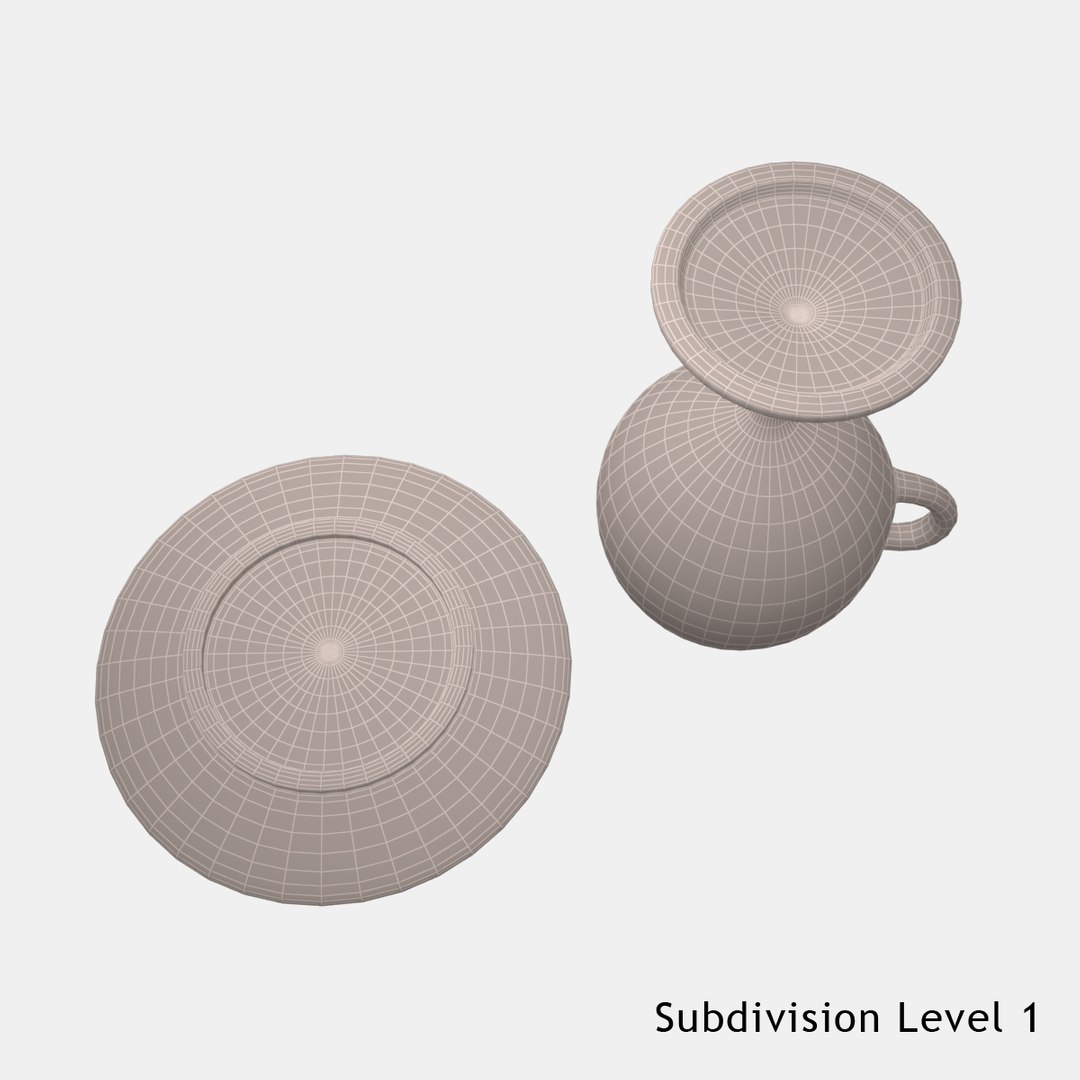
Subdivision level = 1
Polys: 12672 Verts: 6338

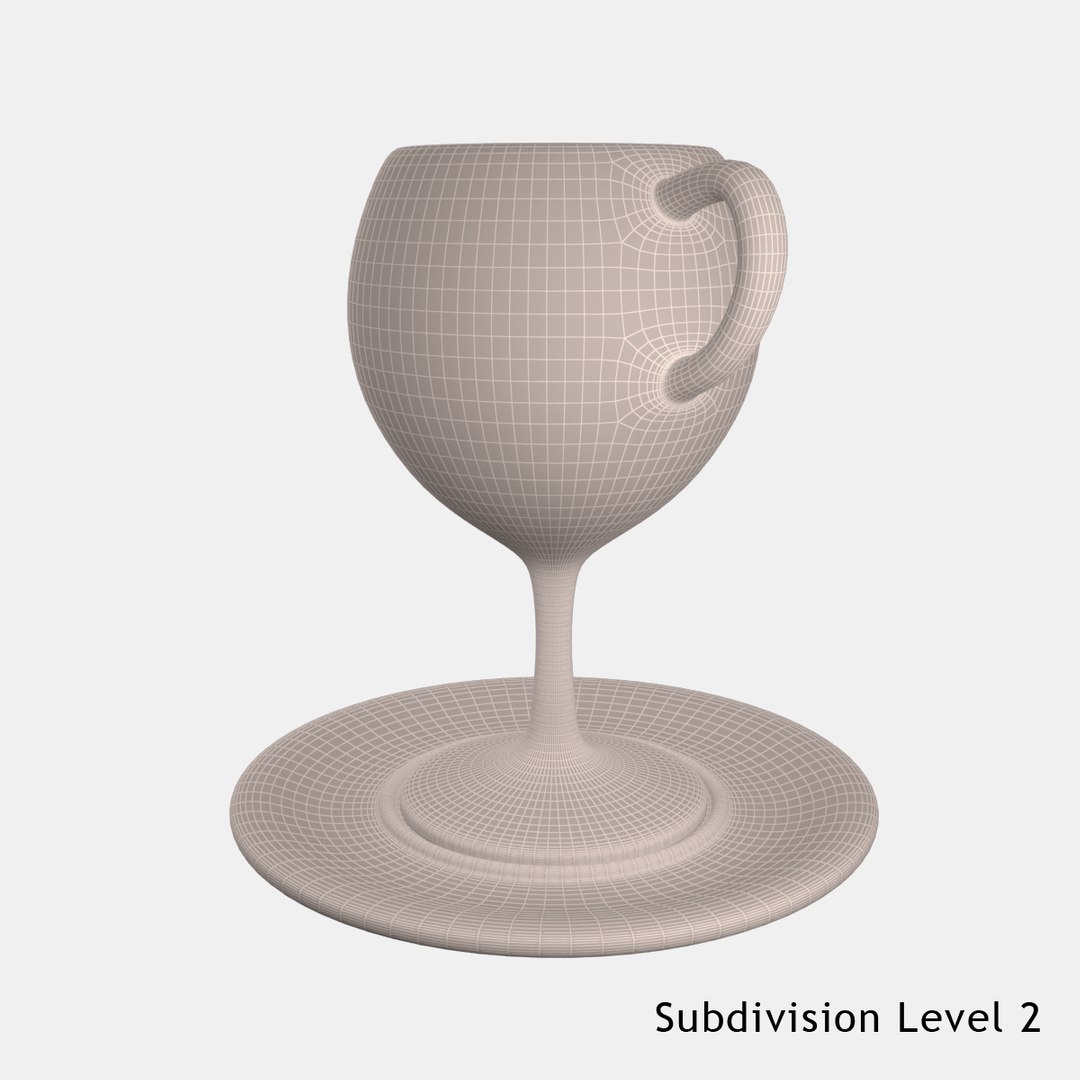
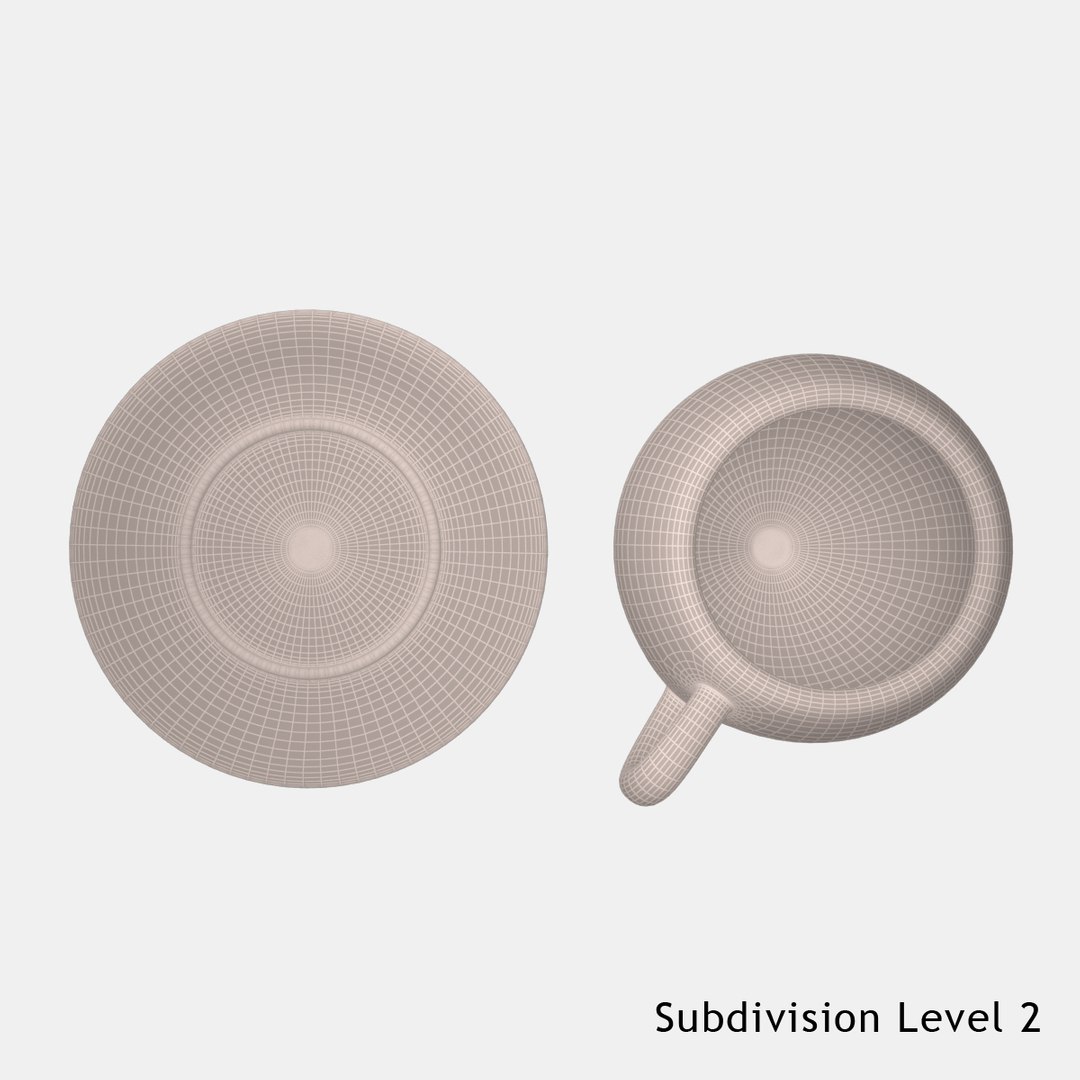
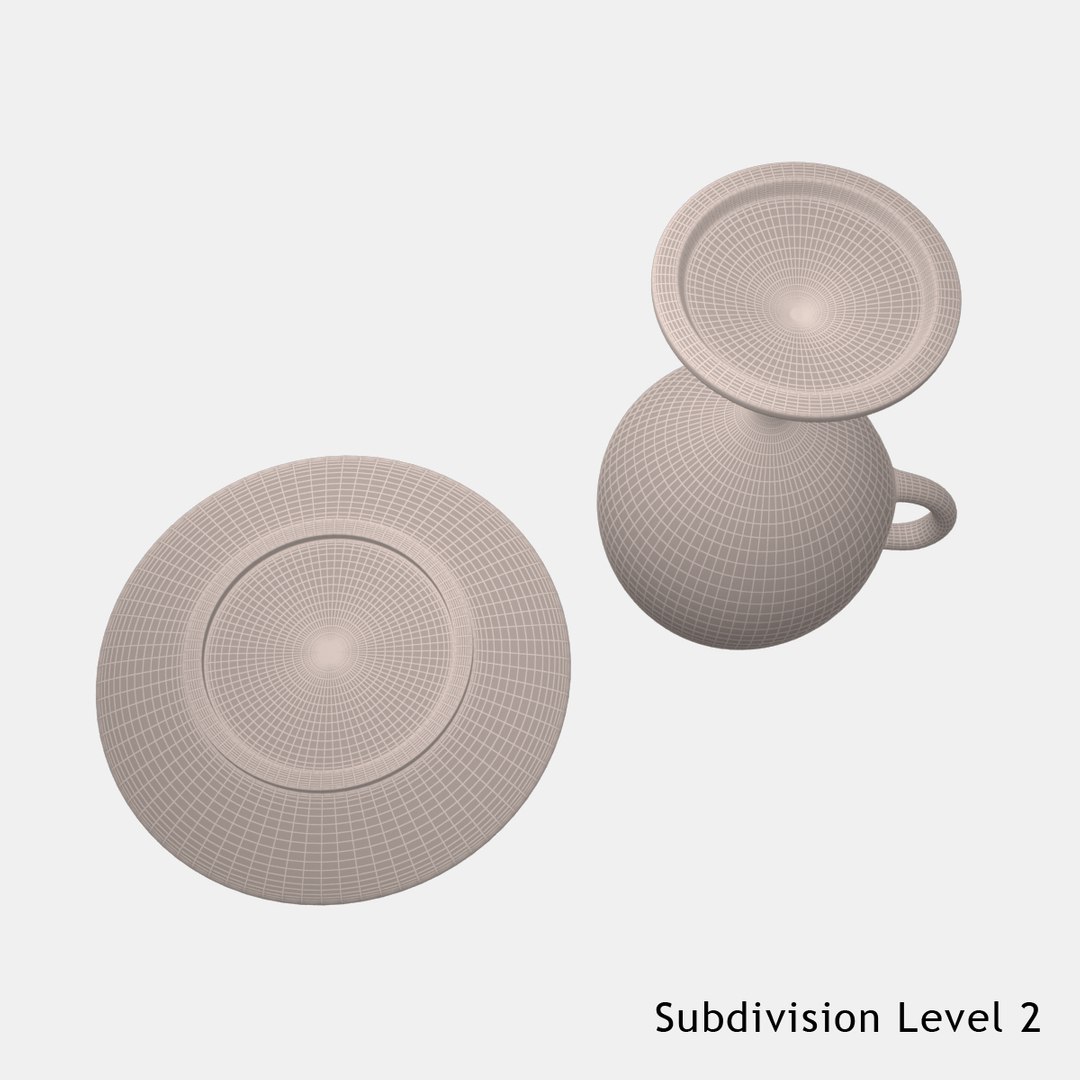
Subdivision level = 2
Polys: 50688 Verts: 25346

3ds Max file:
- Subdivision level 2 (Render scene)
- TurboSmooth modifier can be used to increase or decrease mesh resolution if necessary.

OBJ and FBX files:
- Subdivision level 2 collapsed.
- obj, fbx files doesn't include materials.

*********************************

Hope you like it!
© anlu - 2015

Select Enhanced License

  • $10,000 in Legal Protection (Indemnification)
  • Uncapped Legal Protection (Indemnification)
  • Waiver from injunctive relief
  • Assignable model rights
  • $1,000,000 in Legal Protection (Indemnification)
  • Waiver from injunctive relief
  • Assignable model rights
  • $250,000 in Legal Protection (Indemnification)
  • Assignable model rights
Read more about enhanced license tiers, or contact us at enterprise@turbosquid.com. Already a Shutterstock Enterprise Customer? Contact your Shutterstock Sales Support Agent to talk about adding 3D.

About Conversion Requests

To submit a conversion request for a purchased asset, please complete our Conversion Request Form.

If you have not yet purchased a model, please review our Documentation about Conversions to learn about what limitations you may encounter with a conversion.

For any additional questions about a model’s suitability for conversion, please contact TurboSquid Support.

Loading...