

Ceiling Surgical Light With Controls

$39

Formats (2)
Free file format Conversions available
Native | Blender 5.0 | Cycles Render
Blender 4.2 | Cycles Render
Specifications
Publish Date October 09, 2026
Product ID 2632936
Polygons 149,914
Vertices 145,318
Polygonal Quads/Tris Geometry
Textures
Materials
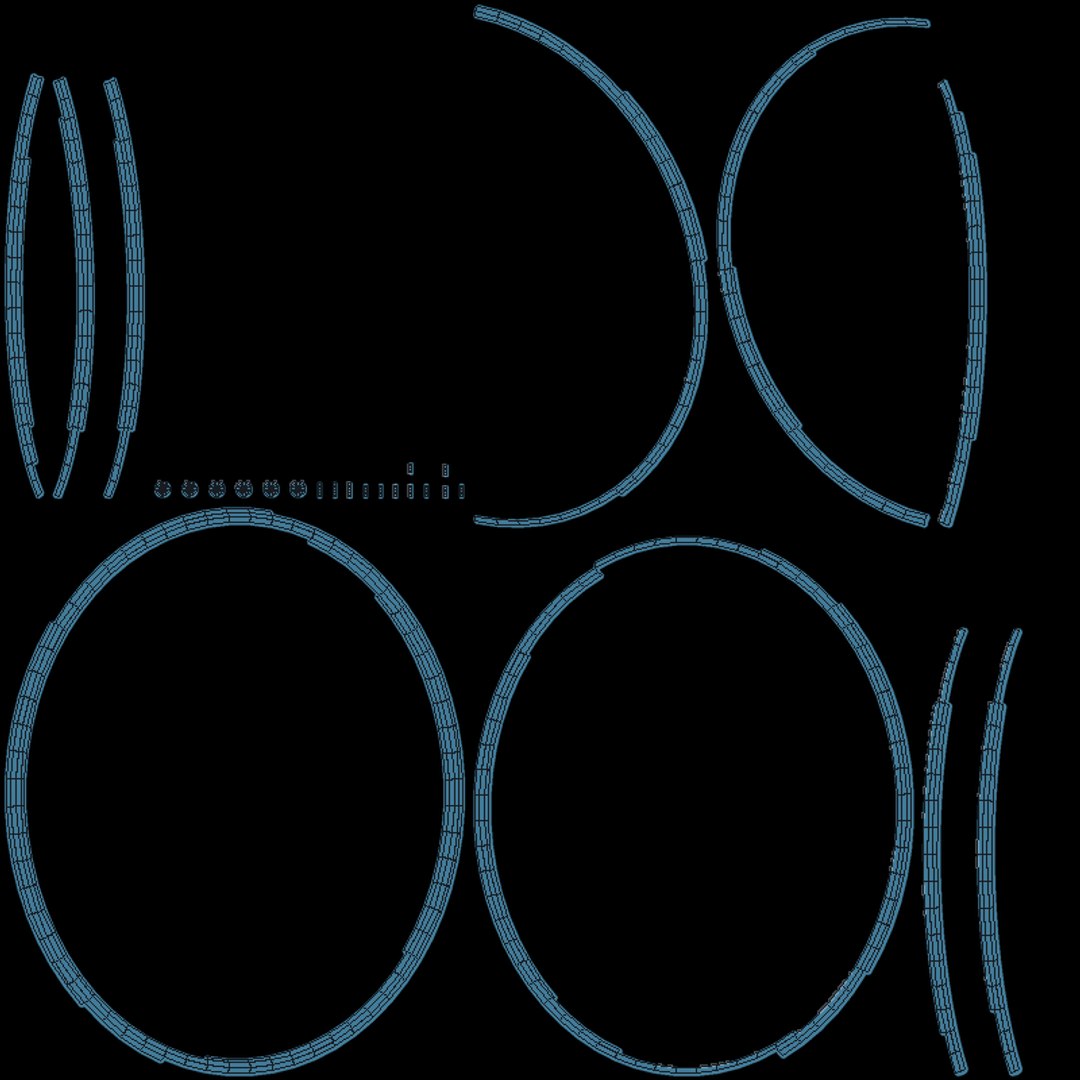
UV Mapped
Non-overlapping Unwrapped UVs
Rigged
TurboSquid Exclusive
member avatar
Brumby Visuals
44 Products | Contributor Since 2018
Have questions? Chat with us now.

Description

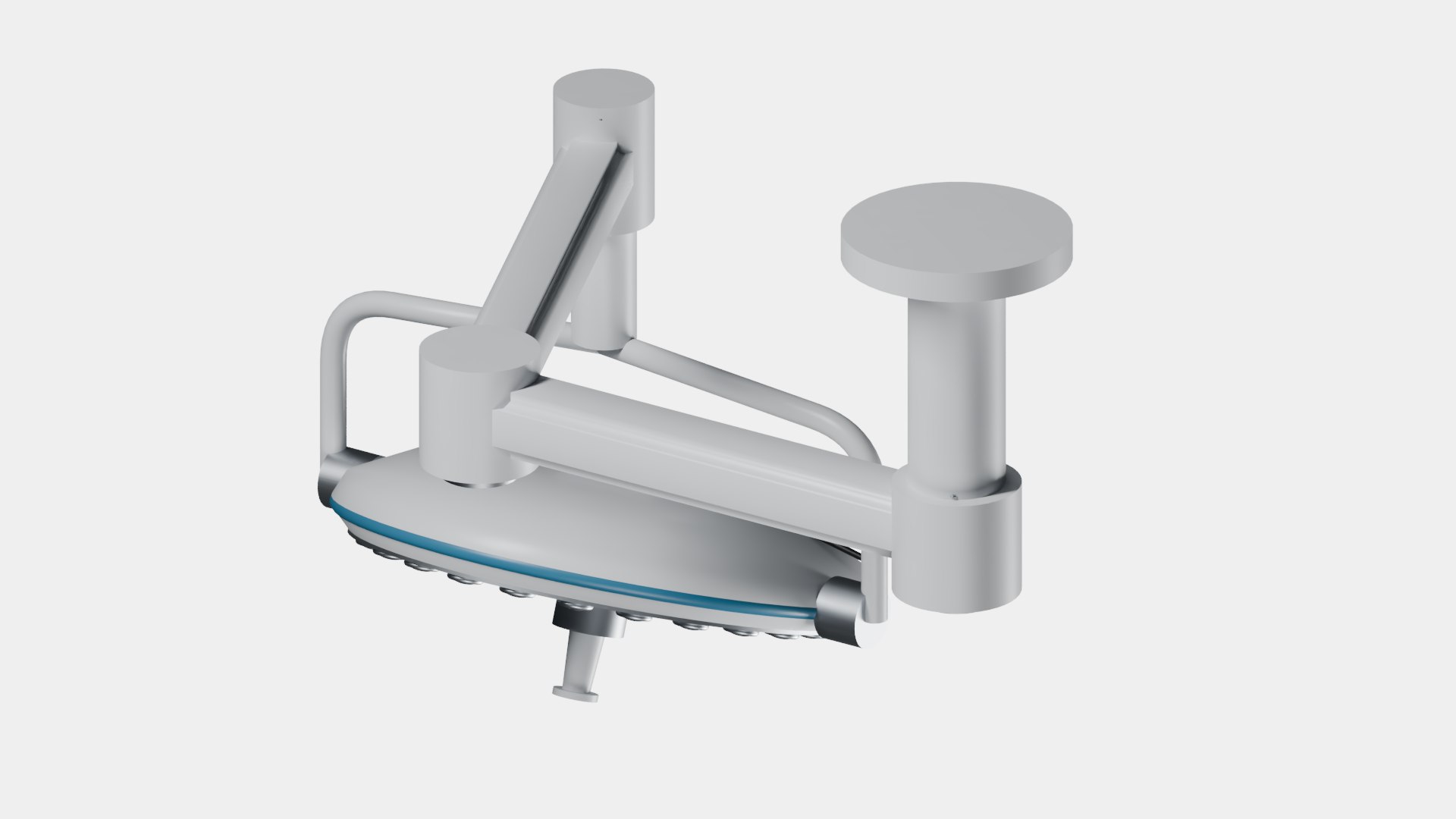
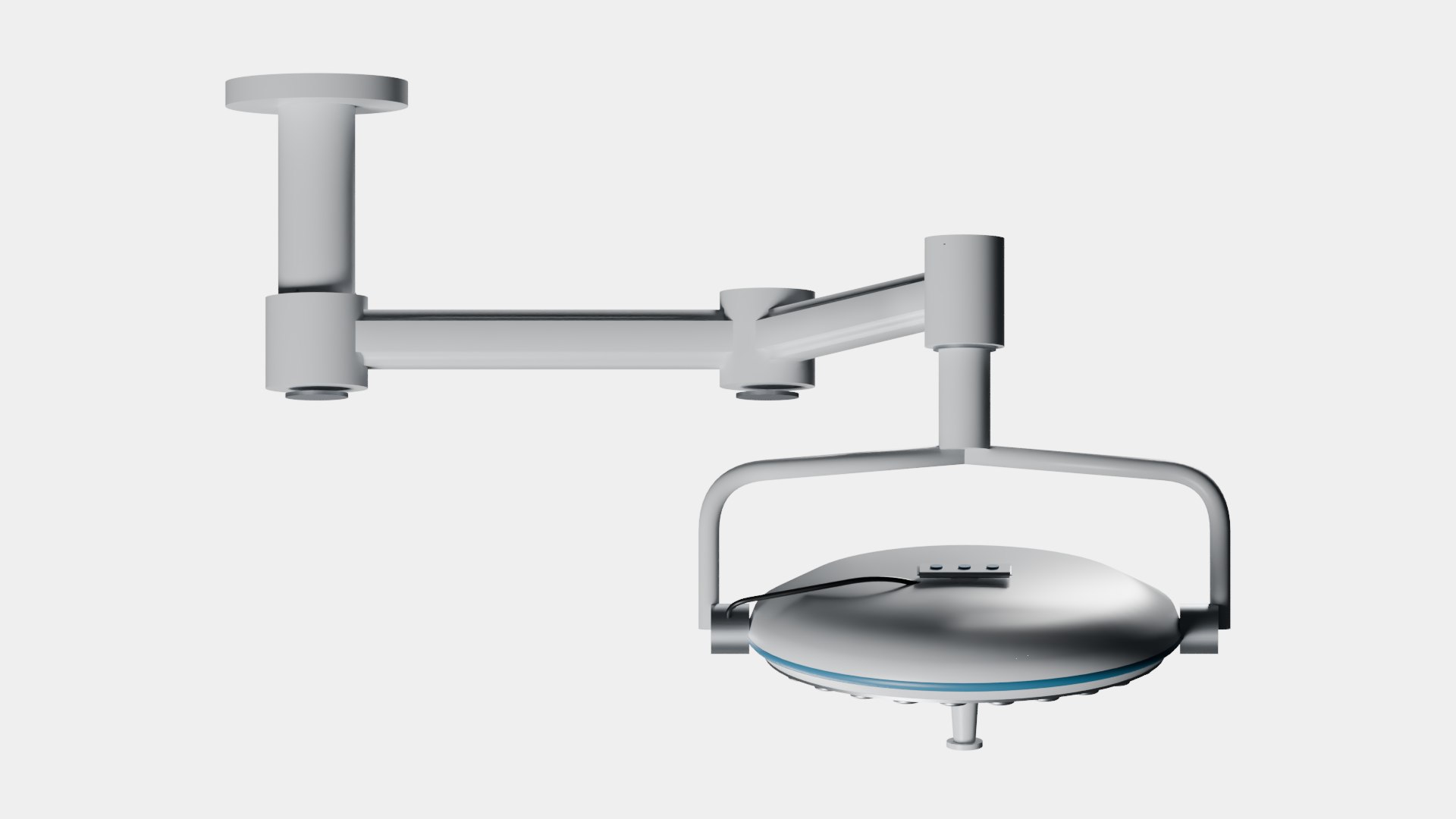
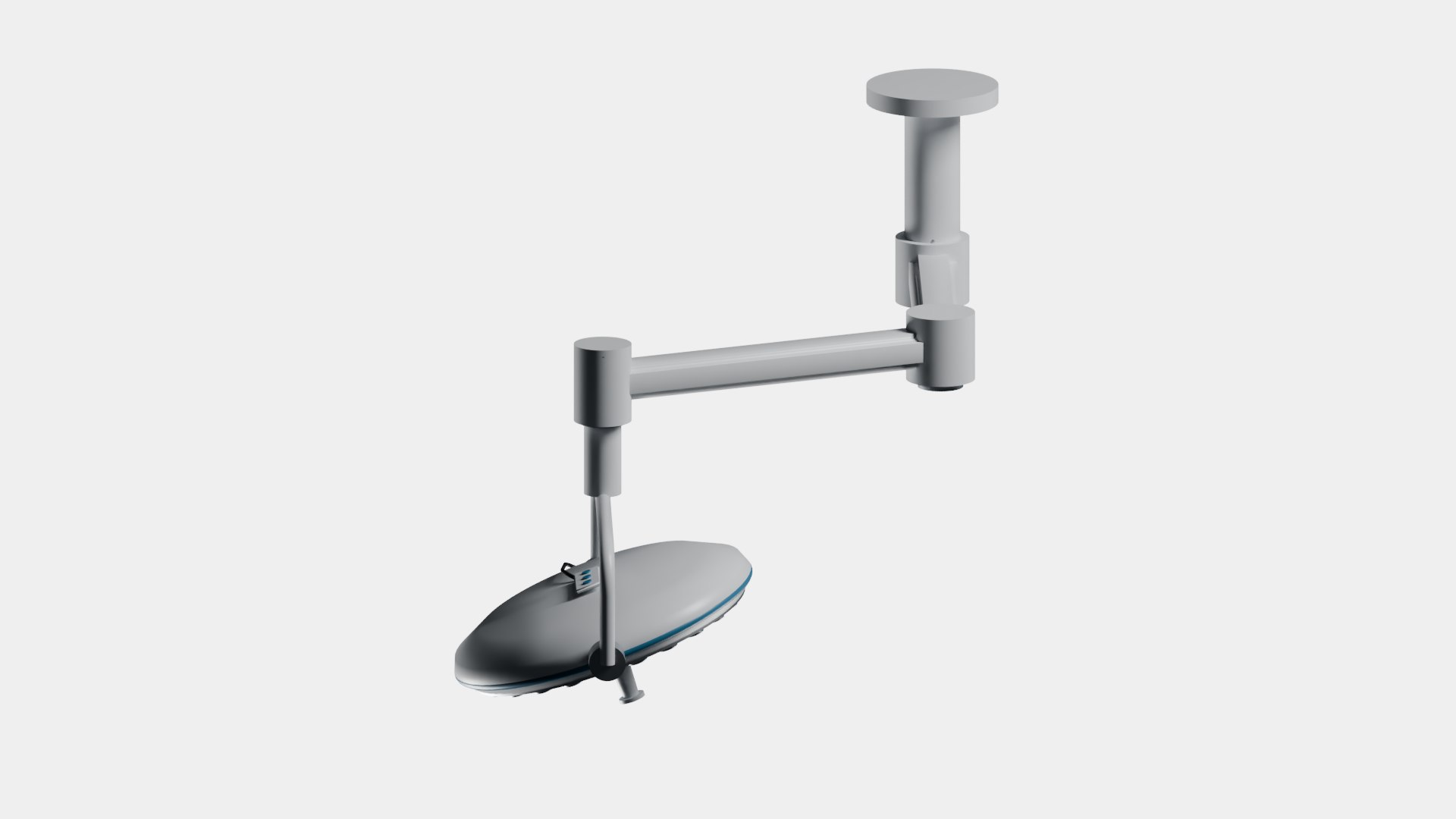
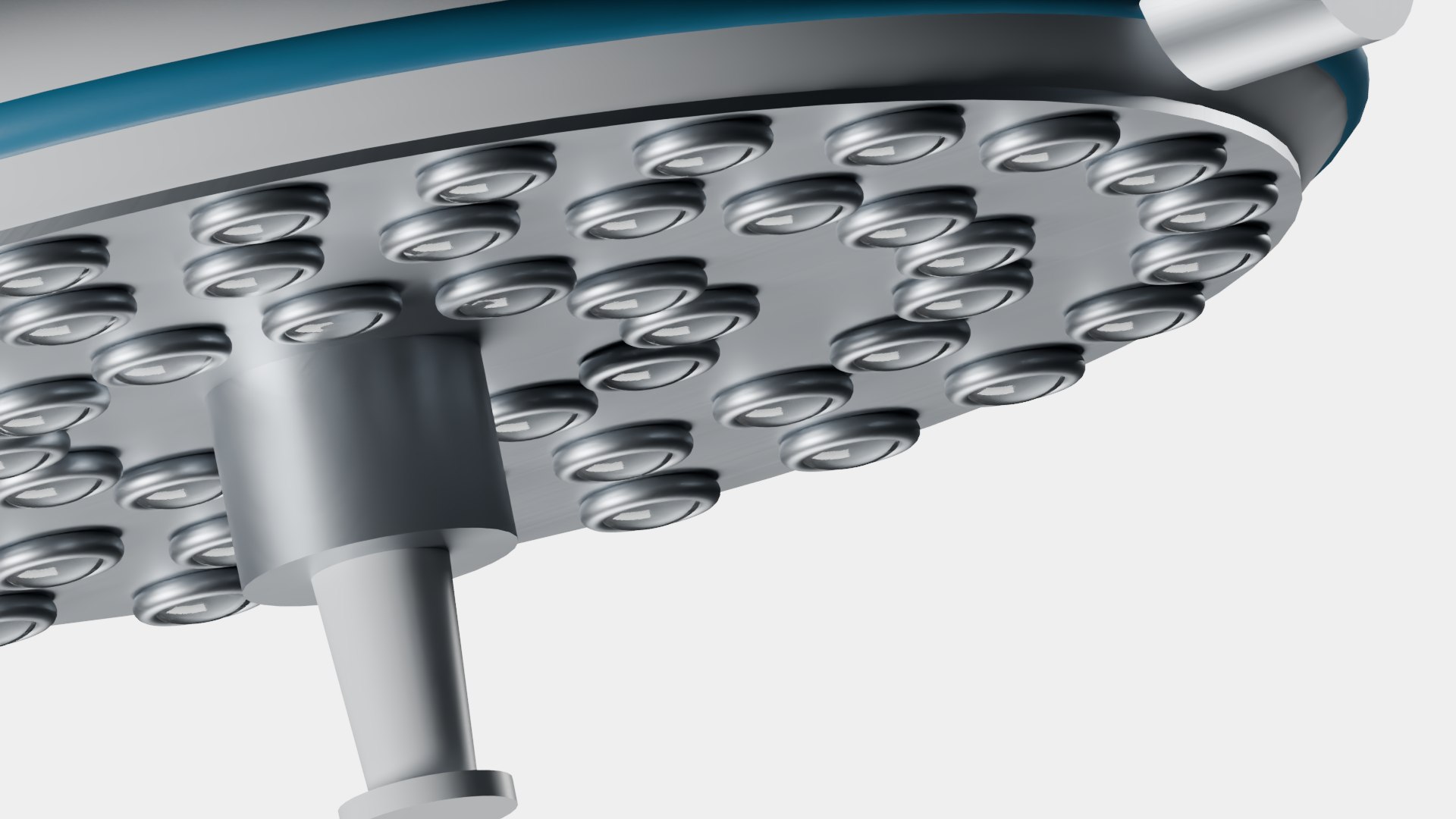
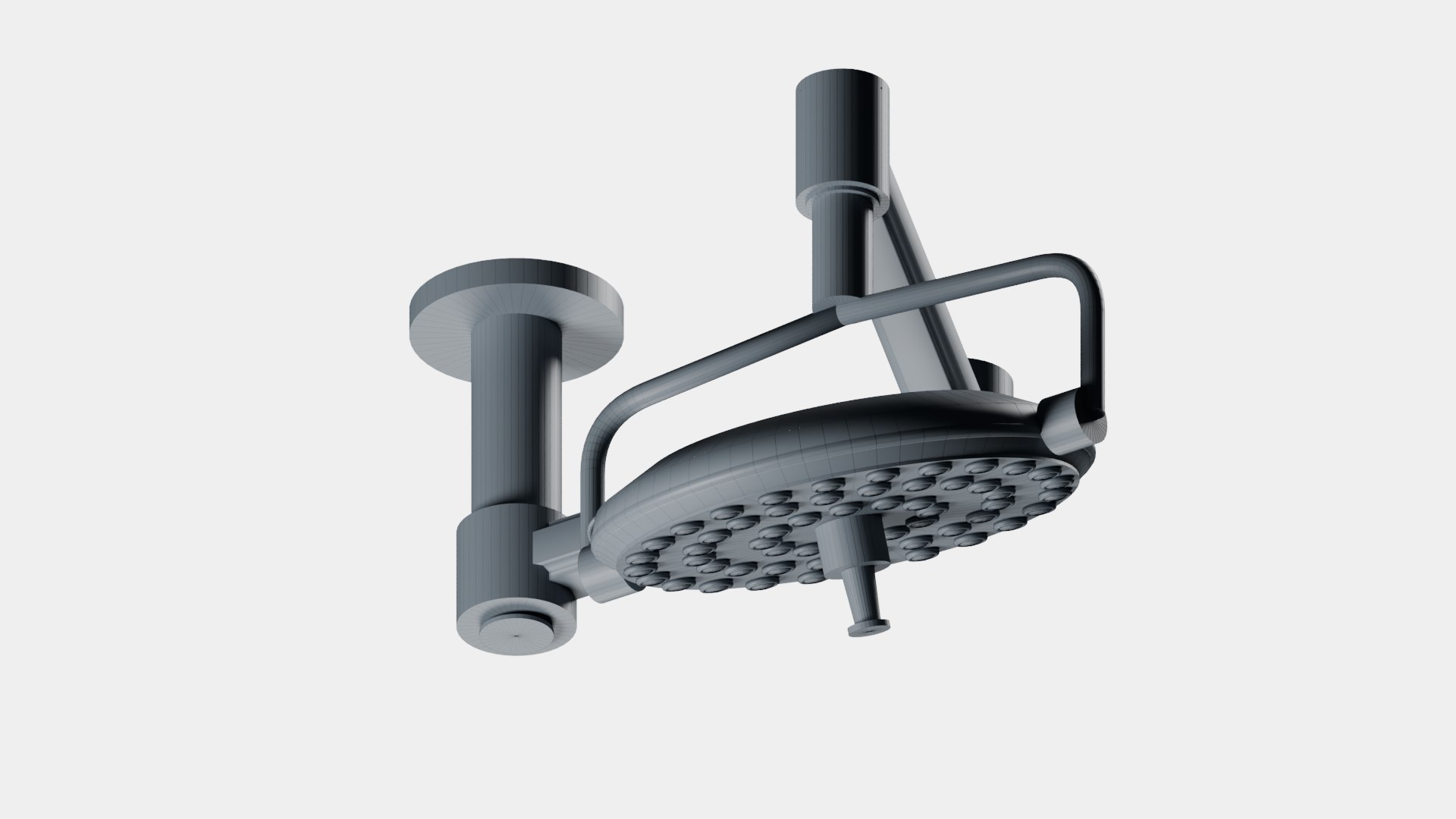
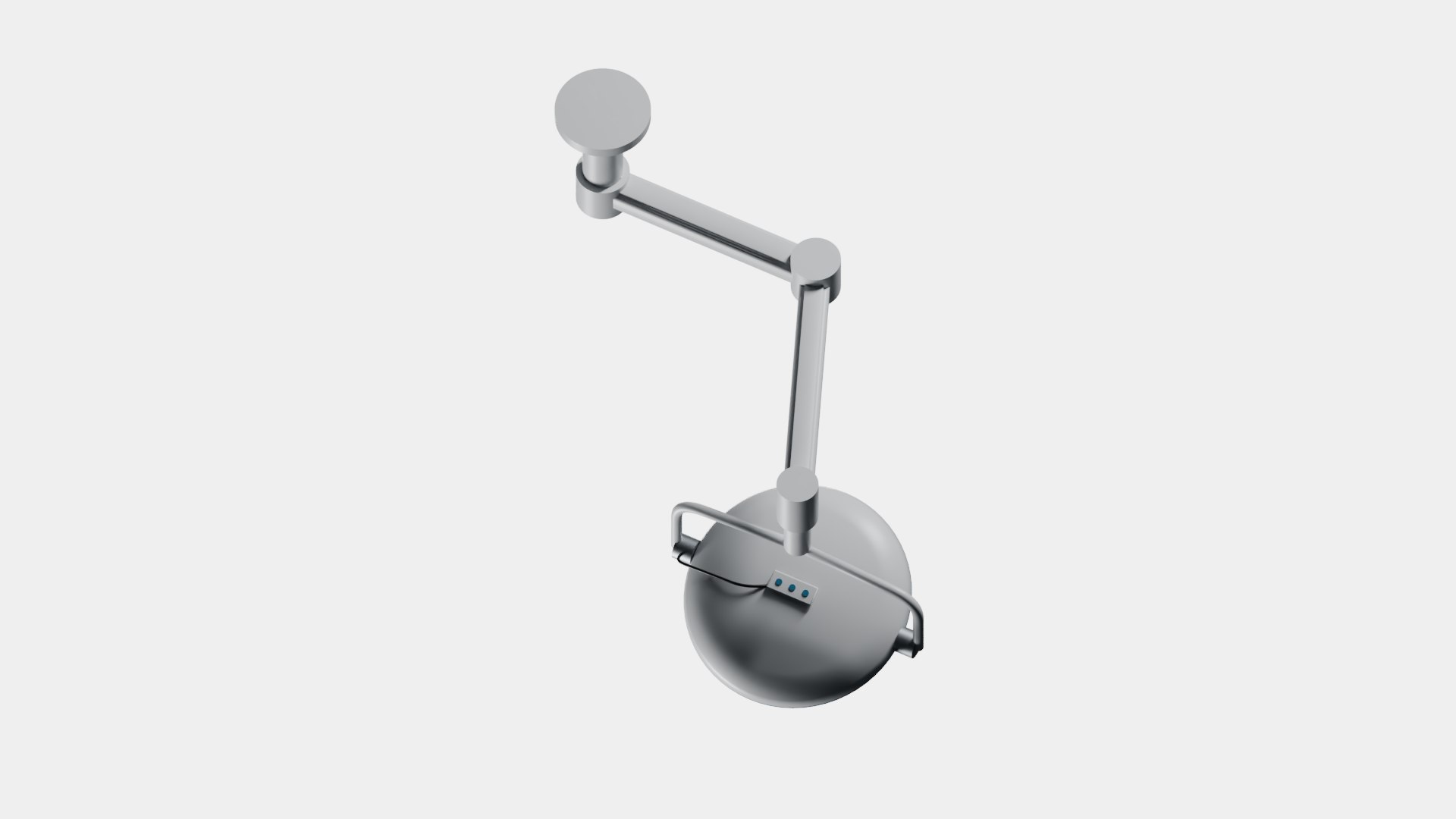
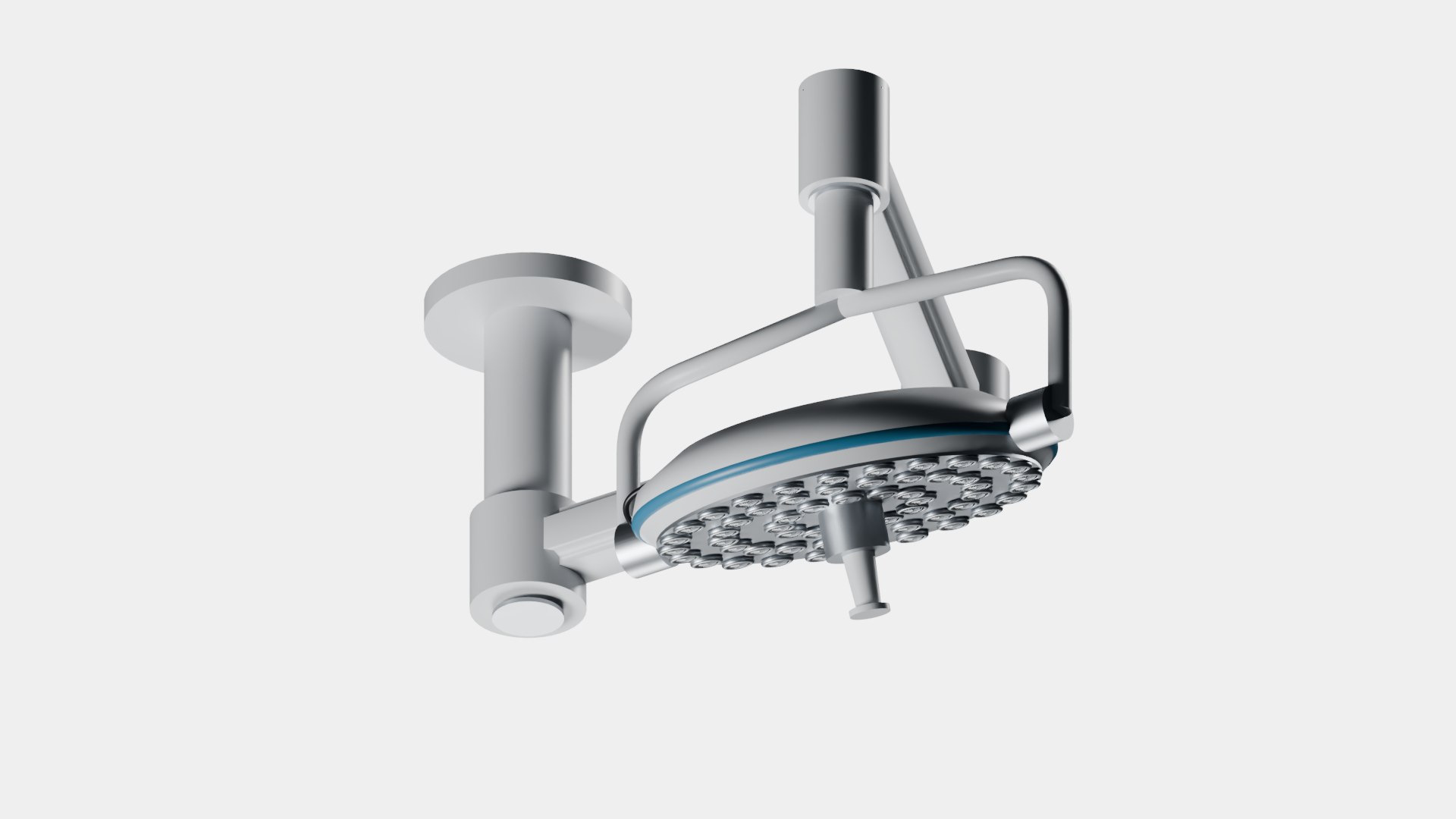
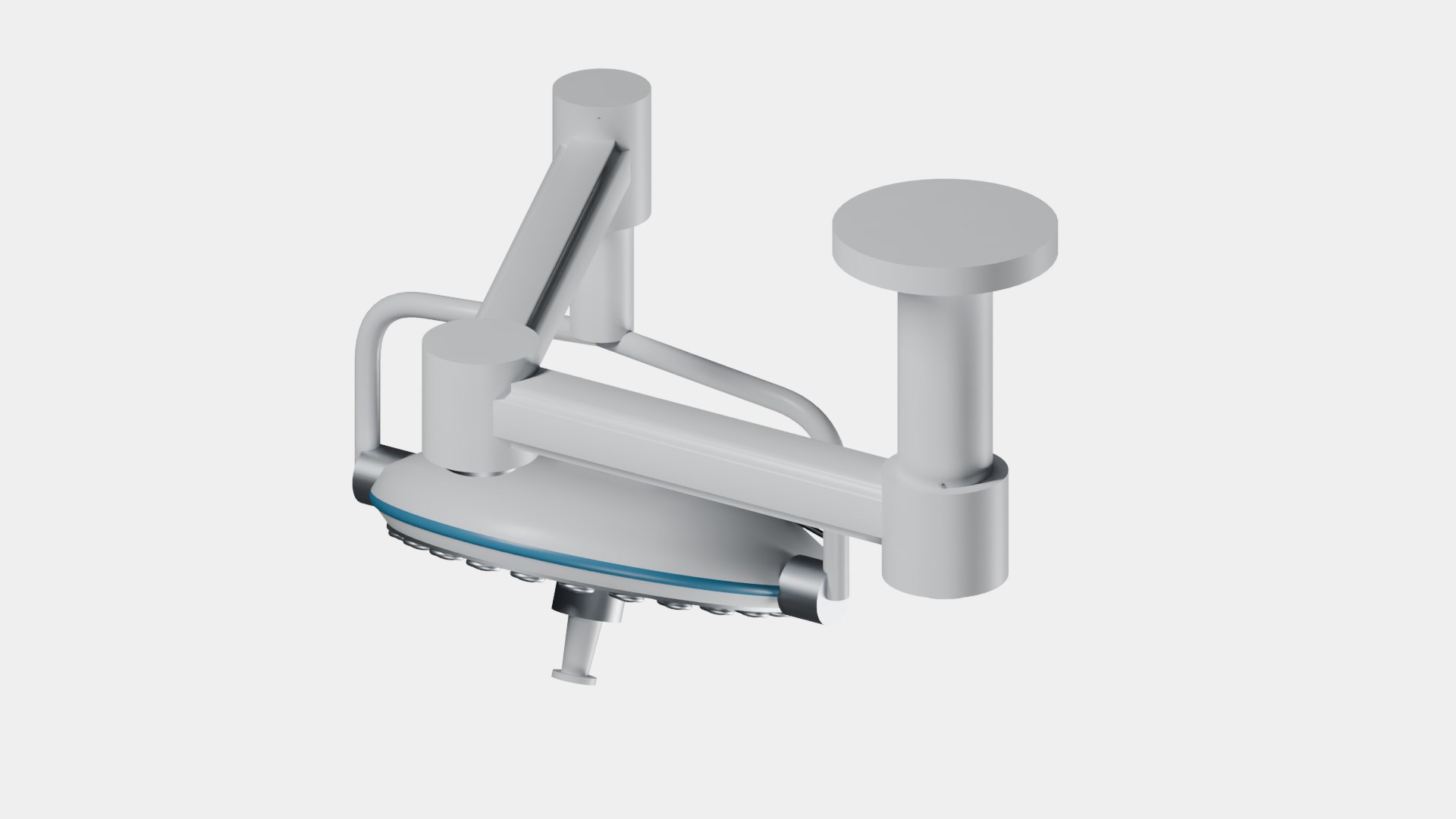
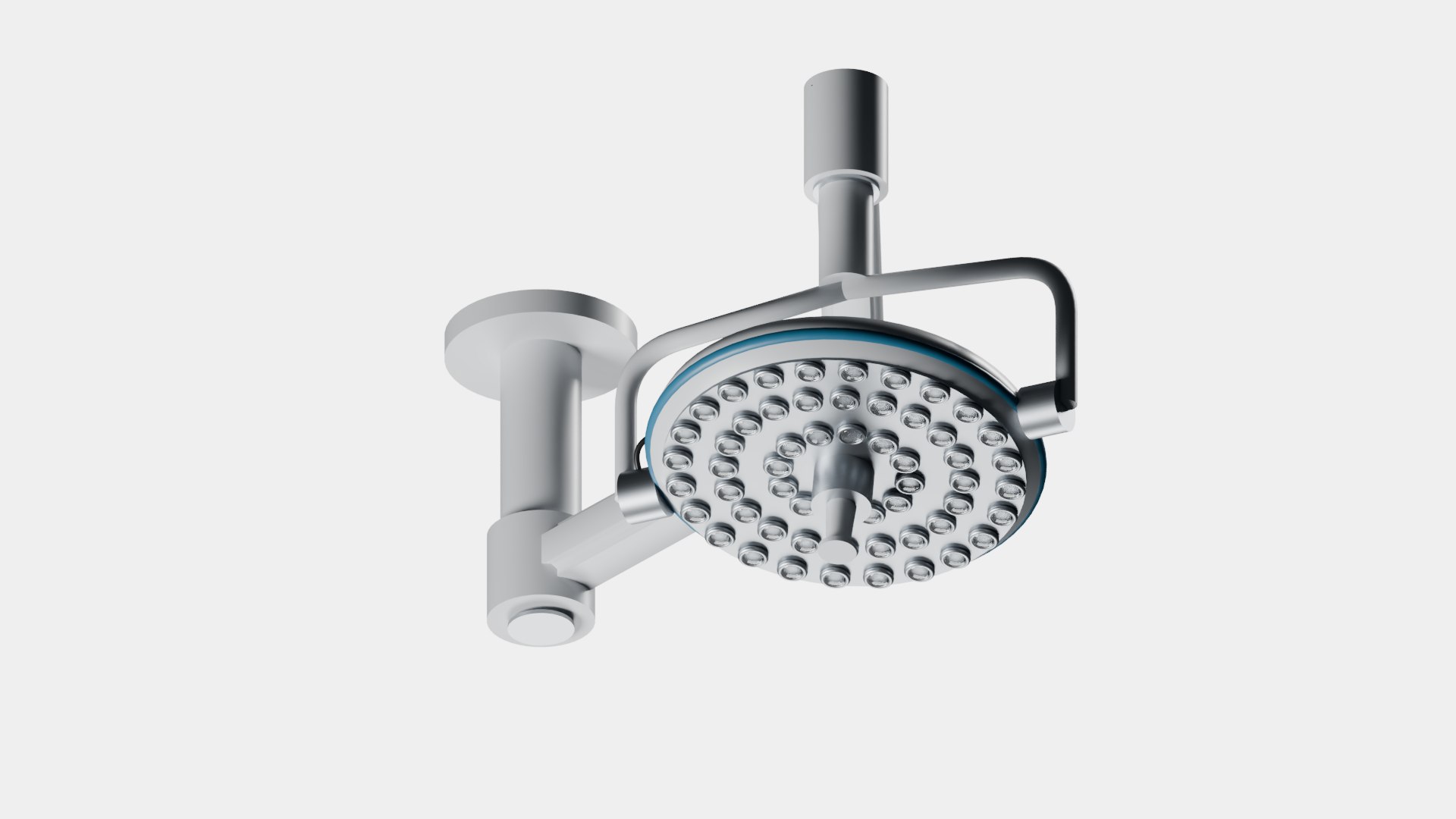
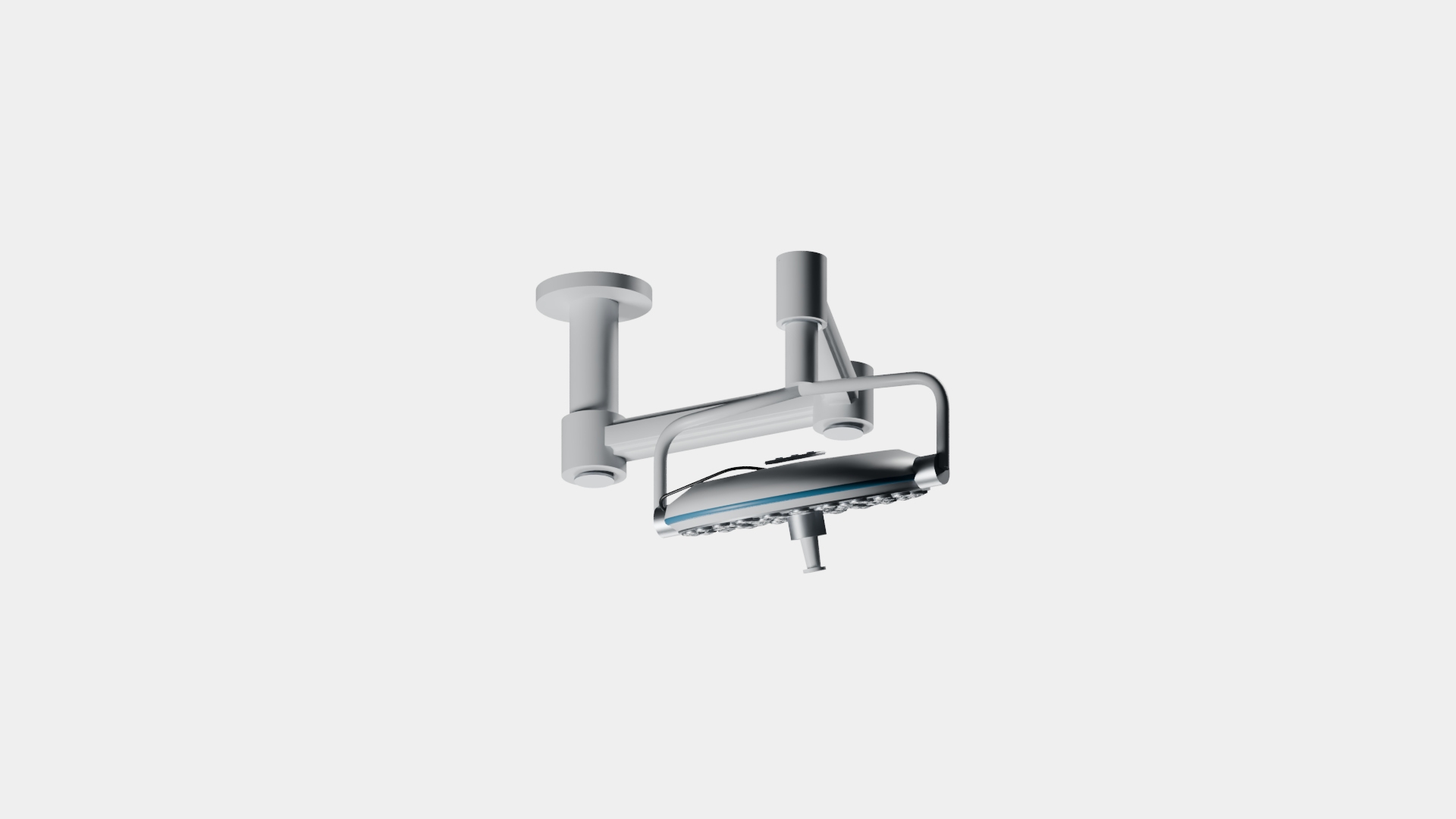
Ceiling surgical light for hospital interiors and operating-room visualization. The exterior includes articulated support arms and pivot joints, a rear housing, central handle, and 56 clear convex optic covers with satin metal surrounds. White and blue finishes have subtle surface variation.

Includes standard and compact sizes as separate Blender 4.2 static and controlled files. Native controls adjust arm swing, elbow rotation and head tilt; no keyframe animation is included. Both controlled files were checked at 125 sampled poses.

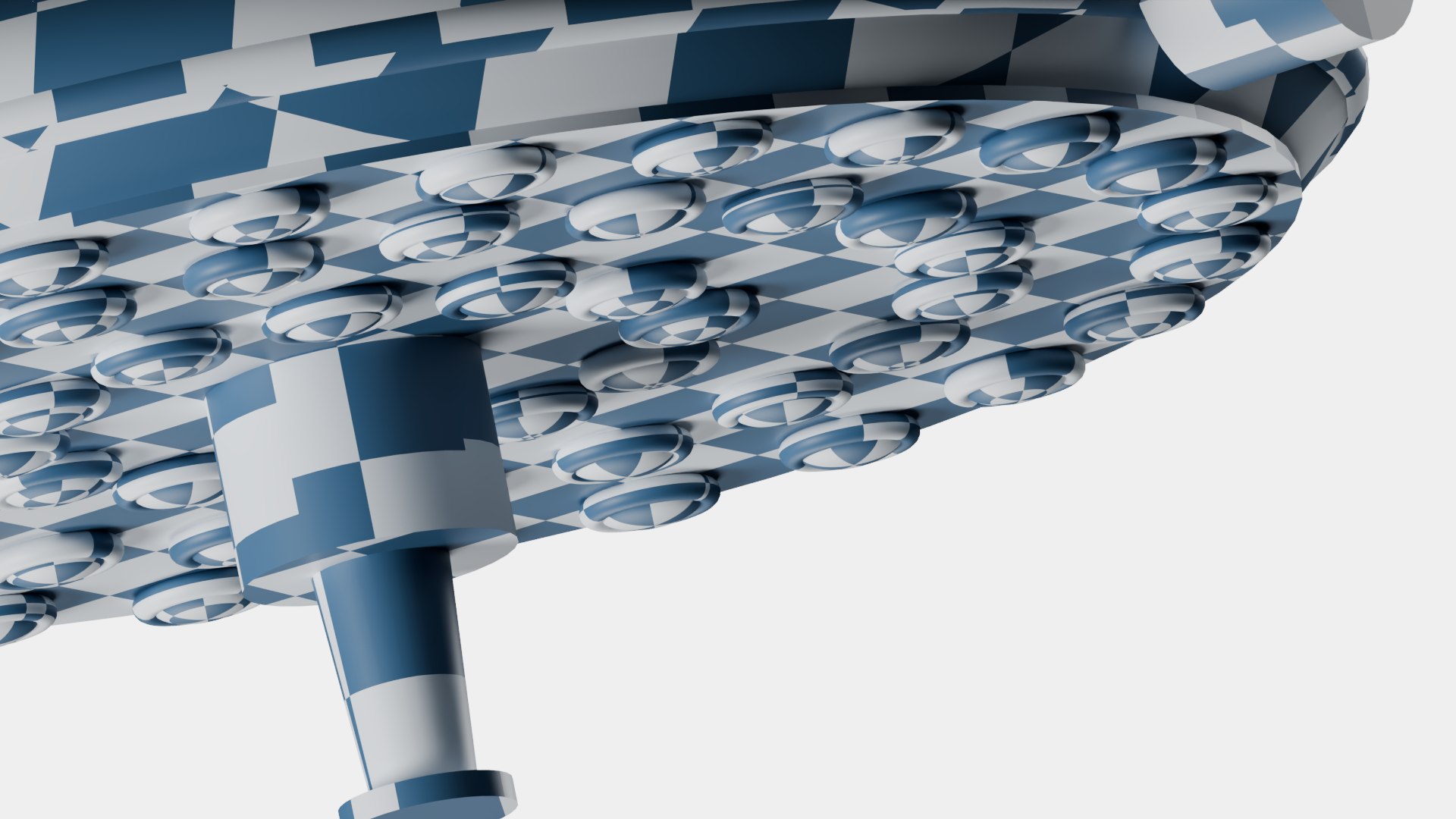
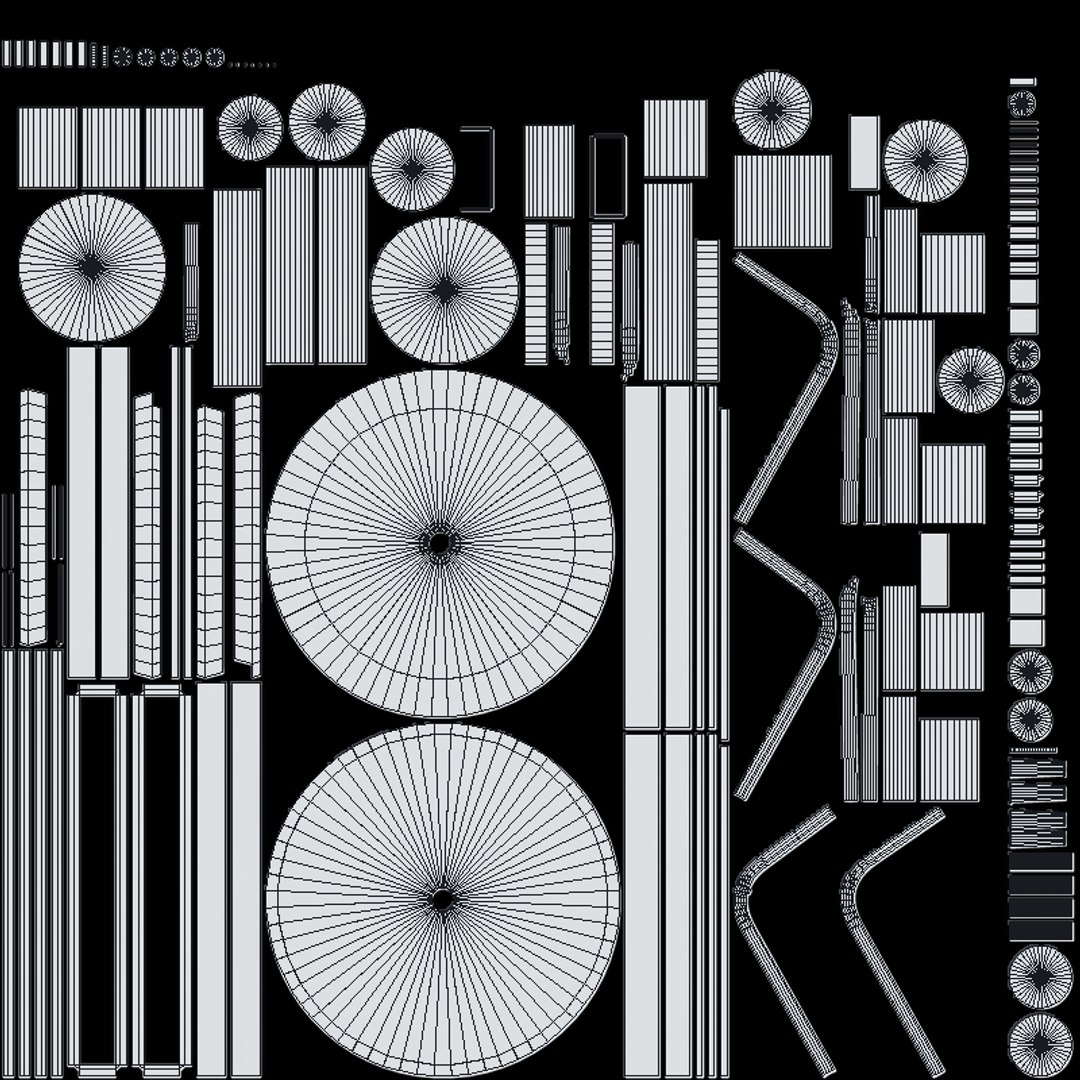
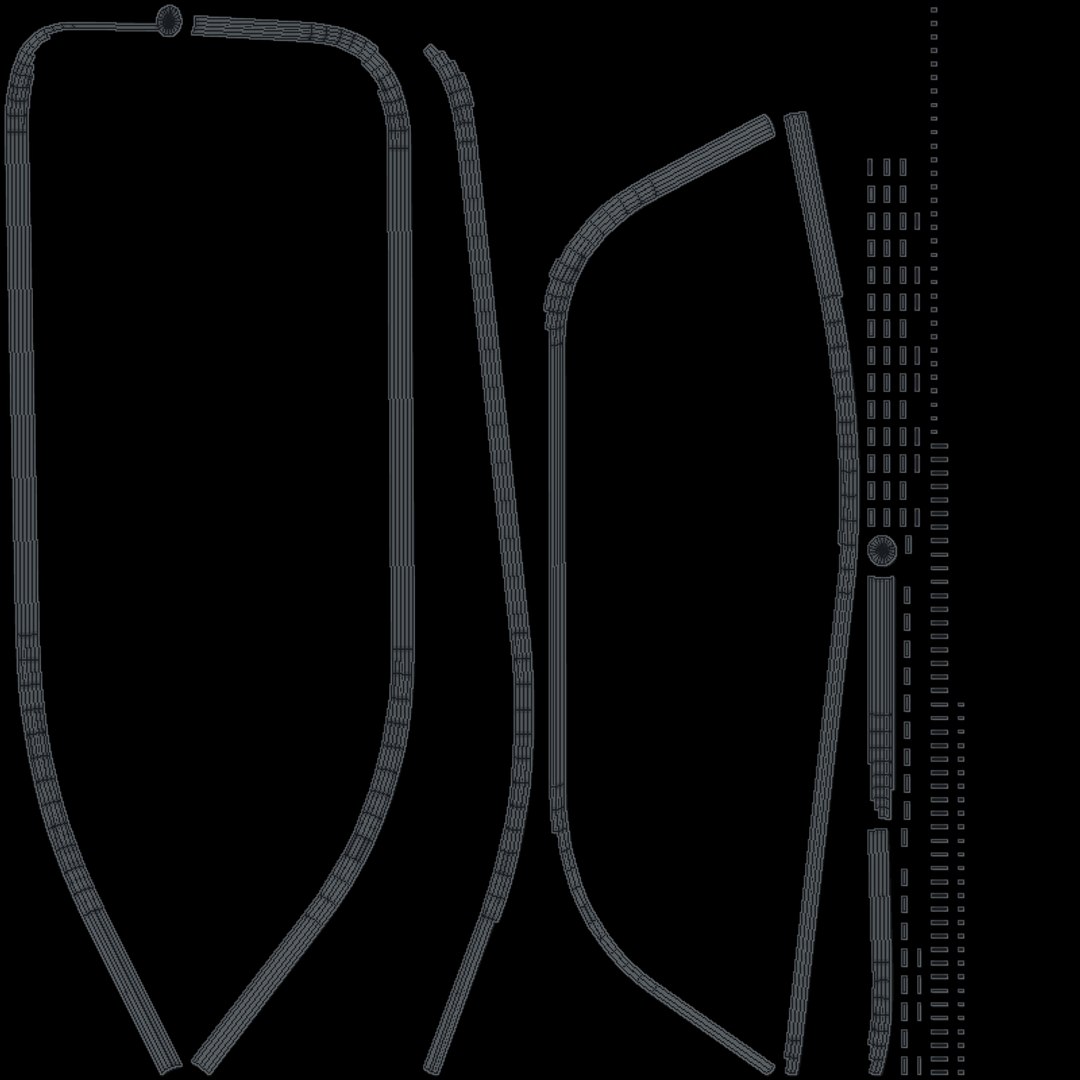
Each size has 198 mesh objects and six PBR material atlases. The customer package includes 50 PNG maps at 2048 or 4096 pixels square: base color, roughness, metallic, OpenGL tangent normal and optic transmission maps. Materials are configured for Cycles.

Neutral dimensions: standard 1.428 x 1.091 x 1.018 m; compact 1.388 x 1.054 x 1.018 m. Metre units, front -Y, up +Z, origin at the ceiling installation plane. Generic visualization design.

A separate Blender 5 static conversion file contains the standard light only. Presentation lighting and backdrops are excluded.

Select Enhanced License

  • $10,000 in Legal Protection (Indemnification)
  • Uncapped Legal Protection (Indemnification)
  • Waiver from injunctive relief
  • Assignable model rights
  • $1,000,000 in Legal Protection (Indemnification)
  • Waiver from injunctive relief
  • Assignable model rights
  • $250,000 in Legal Protection (Indemnification)
  • Assignable model rights
Read more about enhanced license tiers, or contact us at enterprise@turbosquid.com. Already a Shutterstock Enterprise Customer? Contact your Shutterstock Sales Support Agent to talk about adding 3D.

About Conversion Requests

To submit a conversion request for a purchased asset, please complete our Conversion Request Form.

If you have not yet purchased a model, please review our Documentation about Conversions to learn about what limitations you may encounter with a conversion.

For any additional questions about a model’s suitability for conversion, please contact TurboSquid Support.

Loading...