

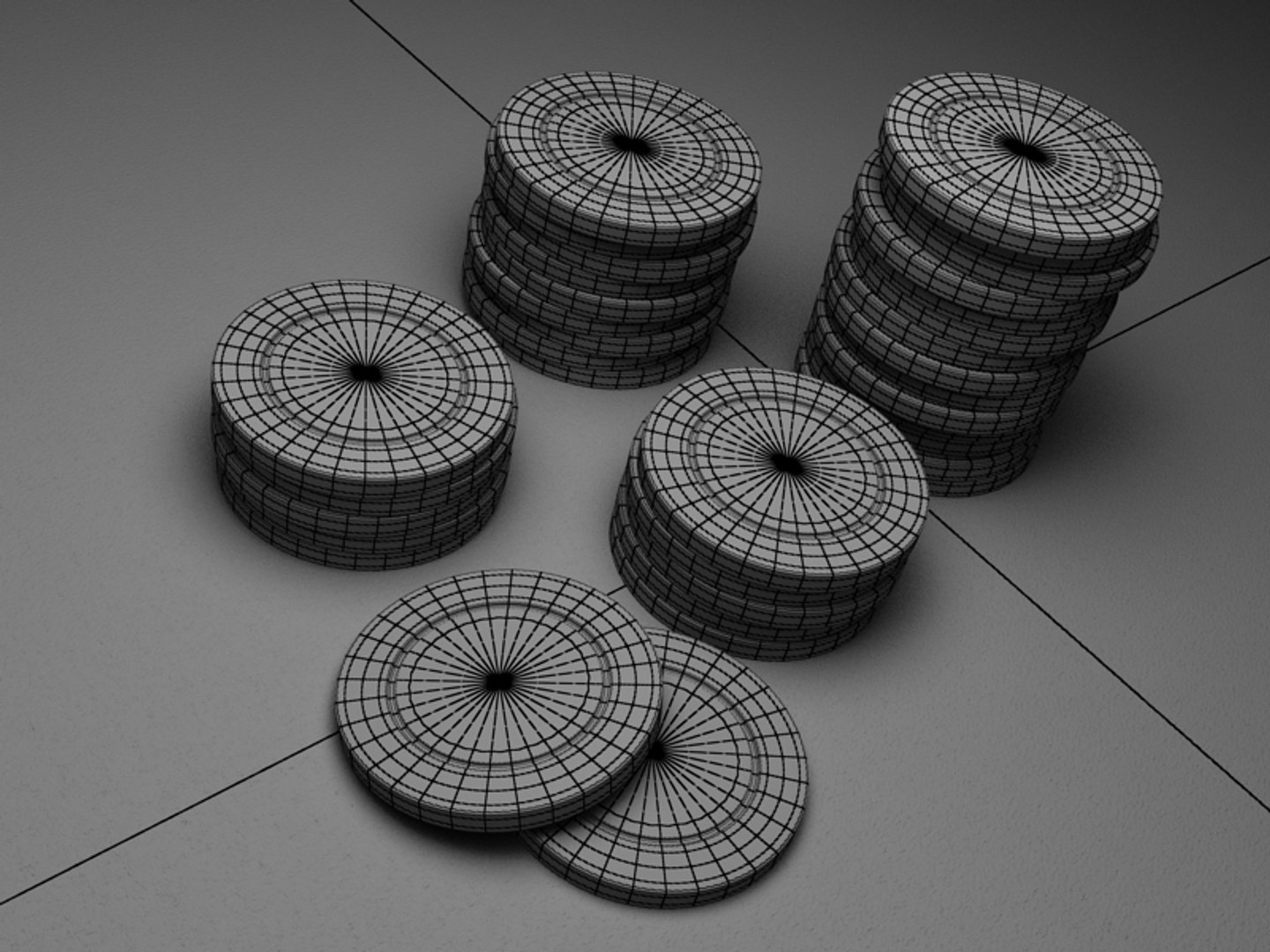





Casino Chips

$5

Standard License | Upgrade License
Formats (4)
Native | 3ds Max 2013 | V-Ray 2.40
Lightwave 9 | Default Scanline
FBX
OBJ
Specifications
Publish Date January 30, 2014
Product ID 796953
Polygons 1,248
Vertices 1,218
Polygonal
Textures
Materials
UV Mapped
Unknown Unwrapped UVs
TurboSquid Exclusive
member avatar
DIS3D
90 Products | Contributor Since 2004
Have questions? Chat with us now.

Description

Chip
- chip model with all textures included
- PSD layered texture file is included

.max format
Rar archive contains four scenes:
1. 3ds max 2013 with V-Ray(2.40.03) materials, lights and render setup, which you can see in preview images
2. 3ds max 2012 with V-Ray(2.40.03) materials, lights and render setup
3. 3ds max 2011 with V-Ray(2.40.03) materials, lights and render setup
4. 3ds max 2010 with V-Ray(2.40.03) materials, lights and render setup
In each scene model is provided with turbo smooth and others necessary modifiers on stack on objects that need it.


.obj format
Rar archive contains two scenes:
1. Chip.obj - with turbosmooth applied
2. Chip_beforeTS.obj - without smooth modifier.
Basic materials. Textures are included.


.fbx format
Rar archive contains one scene with turbo sooth modifier on stack.
Basic materials. Textures are included.


.lwo format
Rar archive contains two scene:
1. Chip.lwo - with turbosmooth applied
2. Chip_beforeTS.lwo - without smooth modifier.
Basic materials. Textures are included.

Select Enhanced License

  • $10,000 in Legal Protection (Indemnification)
  • Uncapped Legal Protection (Indemnification)
  • Waiver from injunctive relief
  • Assignable model rights
  • $1,000,000 in Legal Protection (Indemnification)
  • Waiver from injunctive relief
  • Assignable model rights
  • $250,000 in Legal Protection (Indemnification)
  • Assignable model rights
Read more about enhanced license tiers, or contact us at enterprise@turbosquid.com. Already a Shutterstock Enterprise Customer? Contact your Shutterstock Sales Support Agent to talk about adding 3D.

About Conversion Requests

To submit a conversion request for a purchased asset, please complete our Conversion Request Form.

If you have not yet purchased a model, please review our Documentation about Conversions to learn about what limitations you may encounter with a conversion.

For any additional questions about a model’s suitability for conversion, please contact TurboSquid Support.

Loading...