
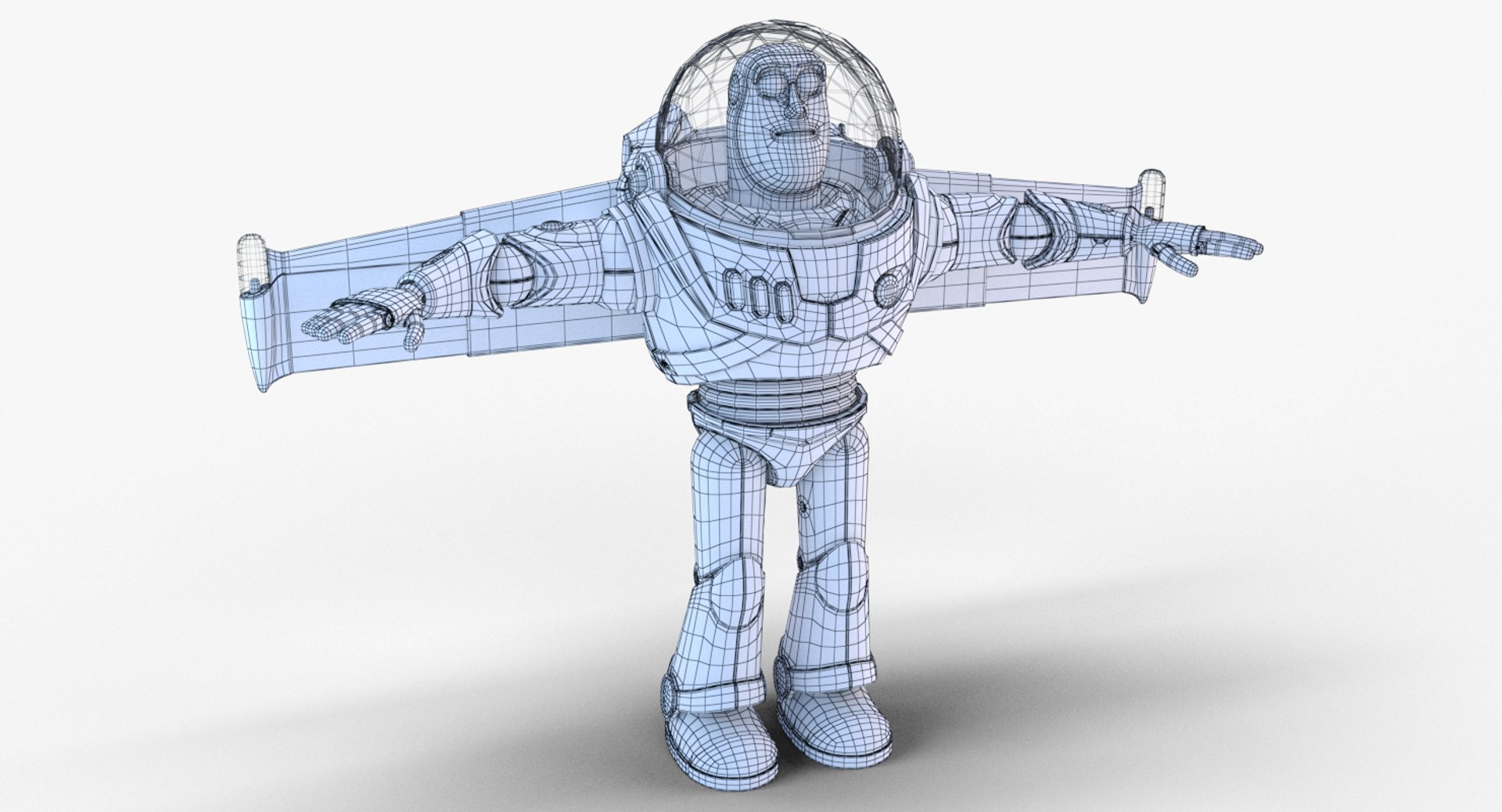
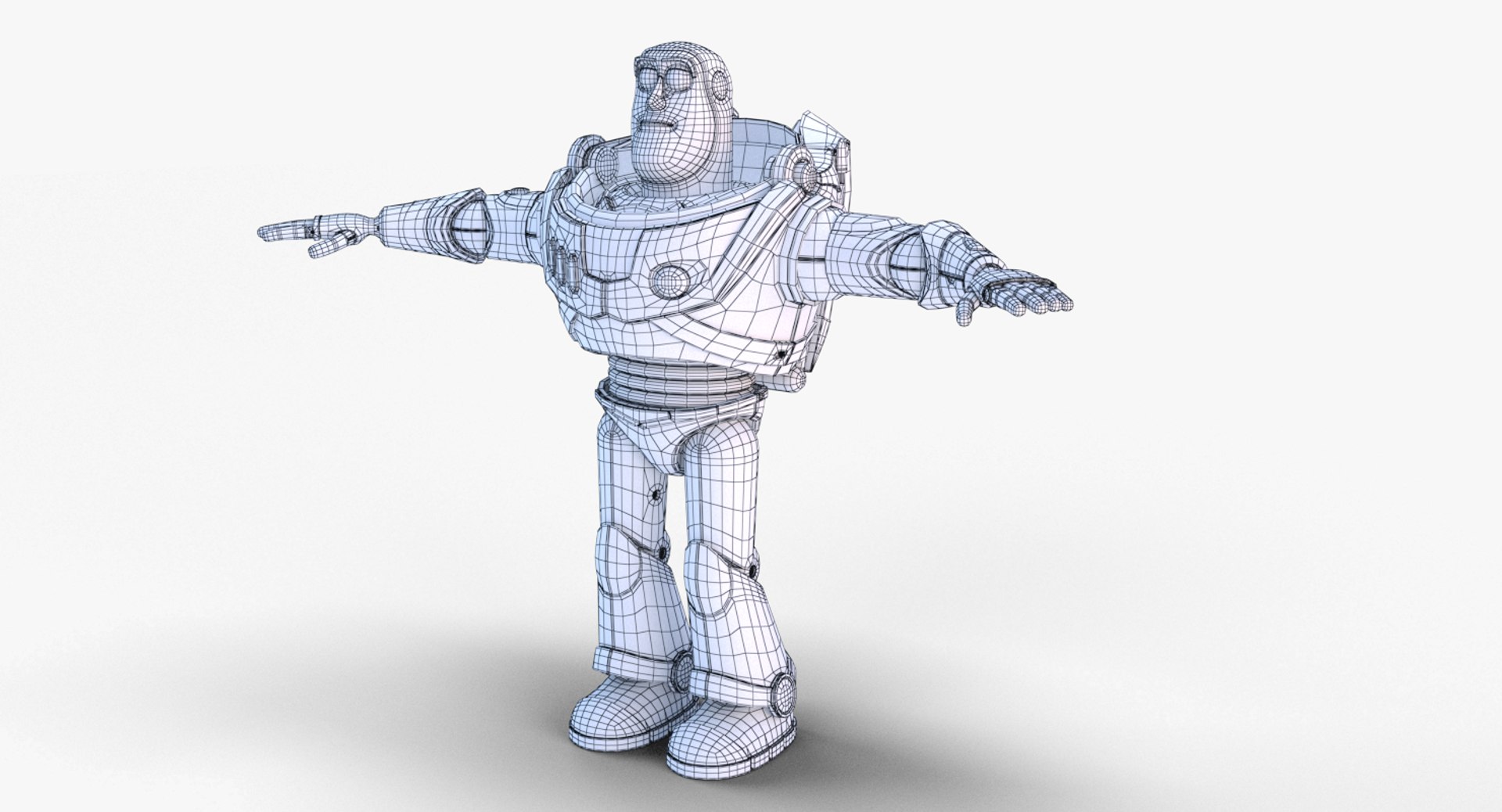
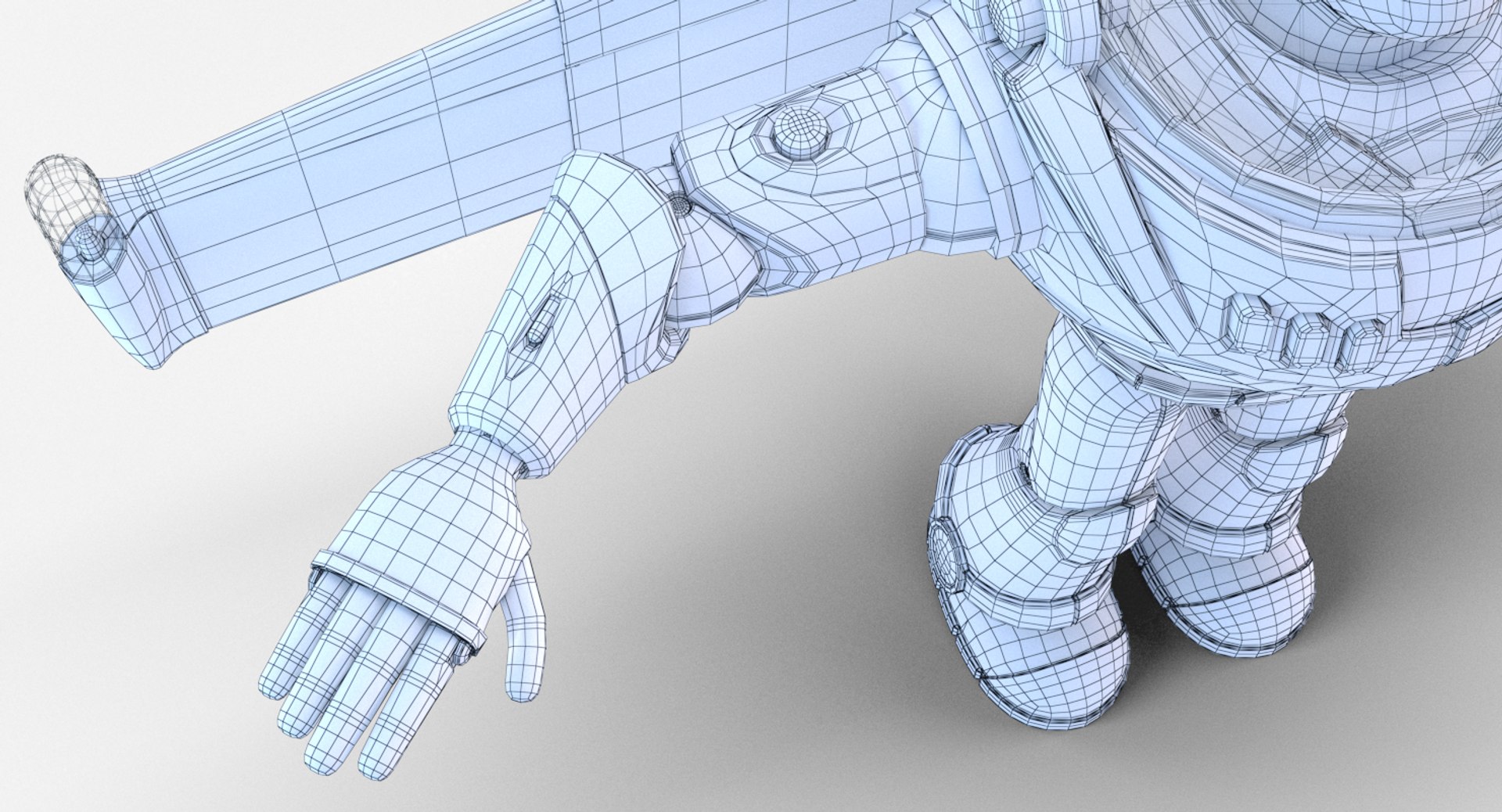
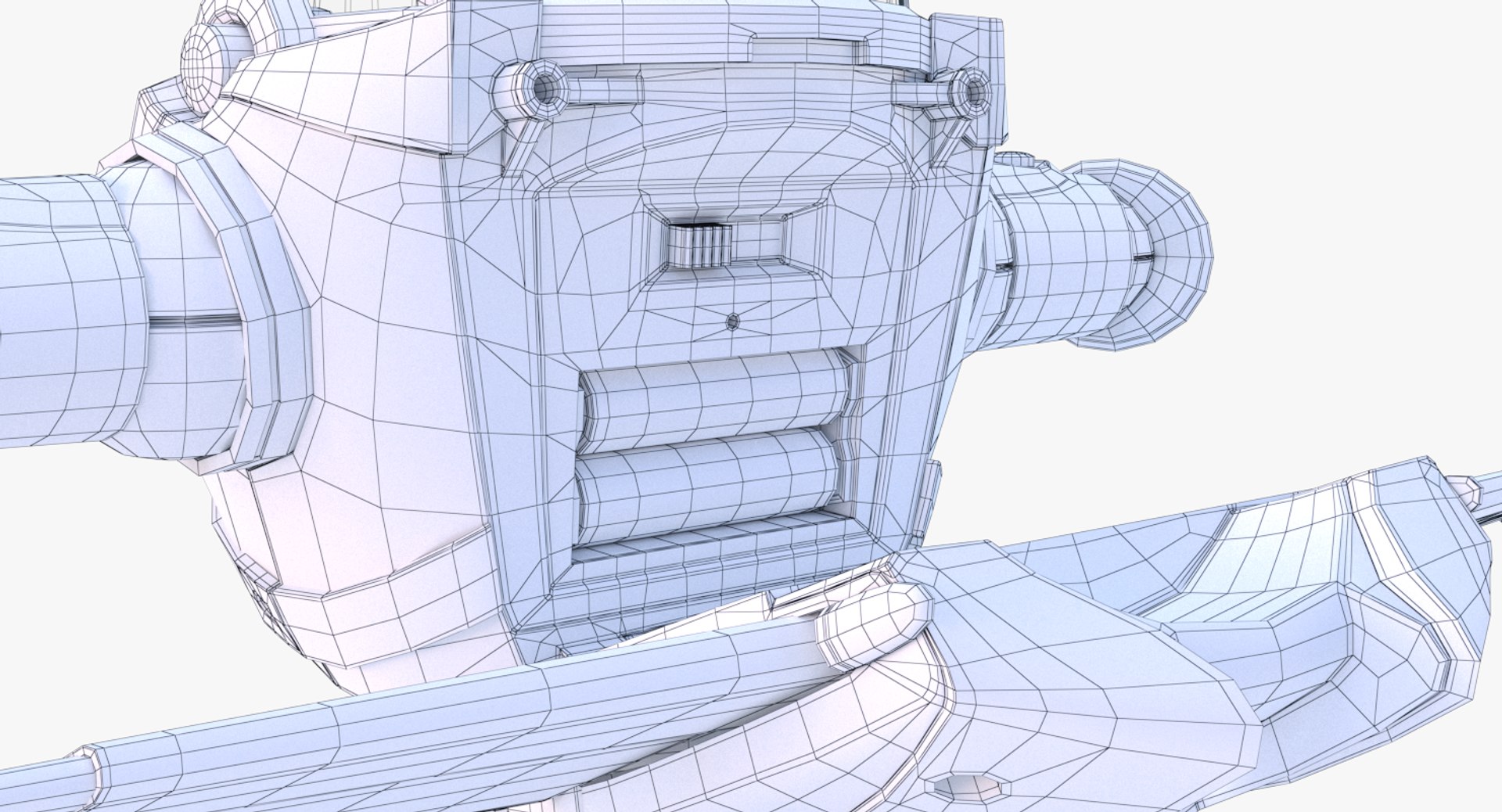
Buzz Lightyear 2019

$49

Standard License | Upgrade License
Editorial Uses Only
Formats (7)
Free file format Conversions available
Native | 3ds Max 2018 | V-Ray 3.6
3ds Max 2015 | V-Ray 3.6
3ds Max 2015 | mental ray 2015
3ds Max 2012 | V-Ray 2.0
3ds Max 2012 | mental ray 2012
FBX
OBJ
Previews

Download a preview

Sign in or create a TurboSquid account to download preview files.

Selected file:

Other Files
Buzz_Lightyear_Pose_01_2018.rar
Specifications
Publish Date May 07, 2019
Product ID 1404814
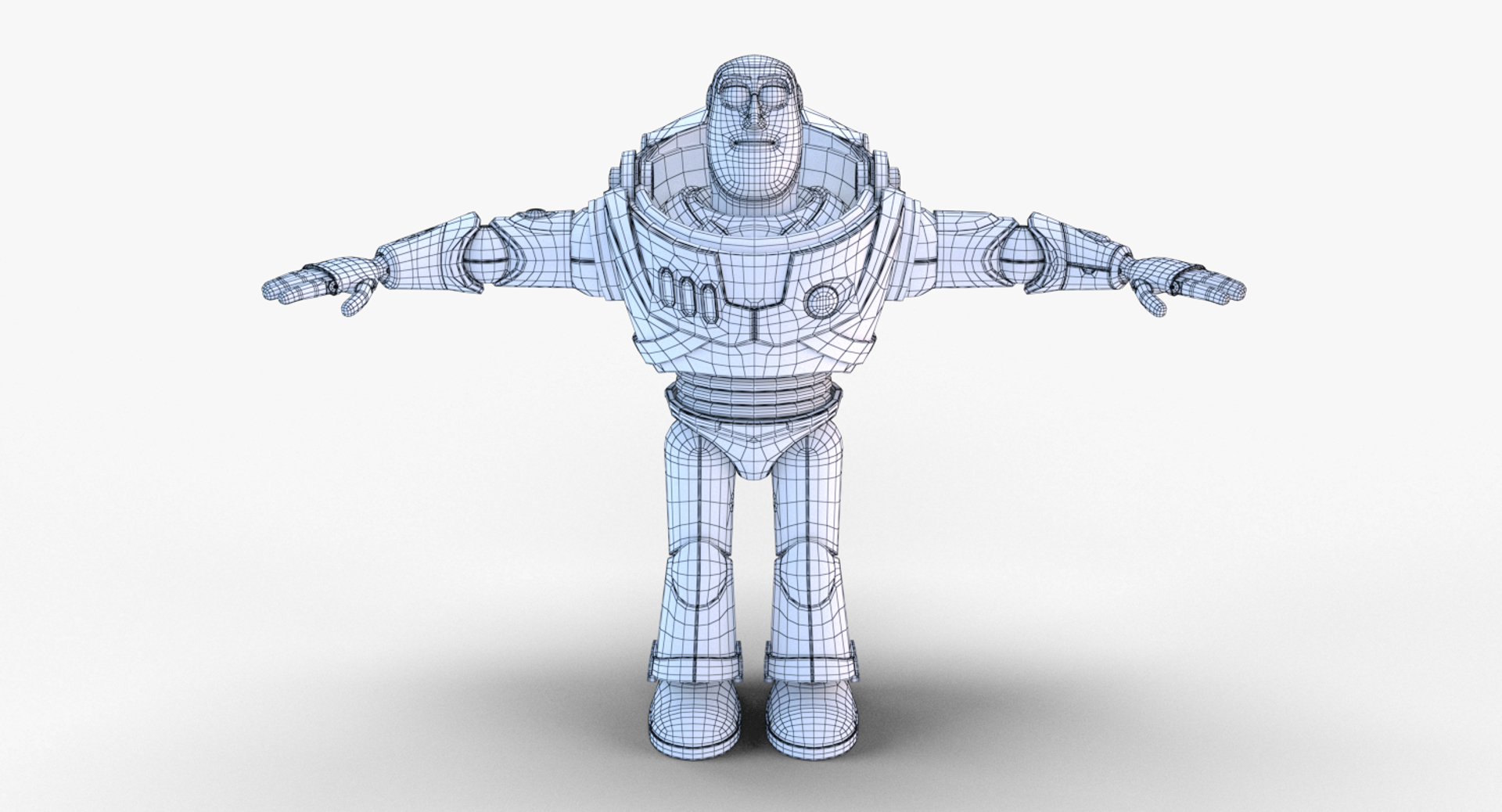
Polygons 47,819
Vertices 49,122
Polygonal Quads/Tris Geometry
Textures
Materials
UV Mapped
Non-overlapping Unwrapped UVs
TurboSquid Exclusive
member avatar
ArgentFish
142 Products | Contributor Since 2012
Have questions? Chat with us now.

Description

*********************************
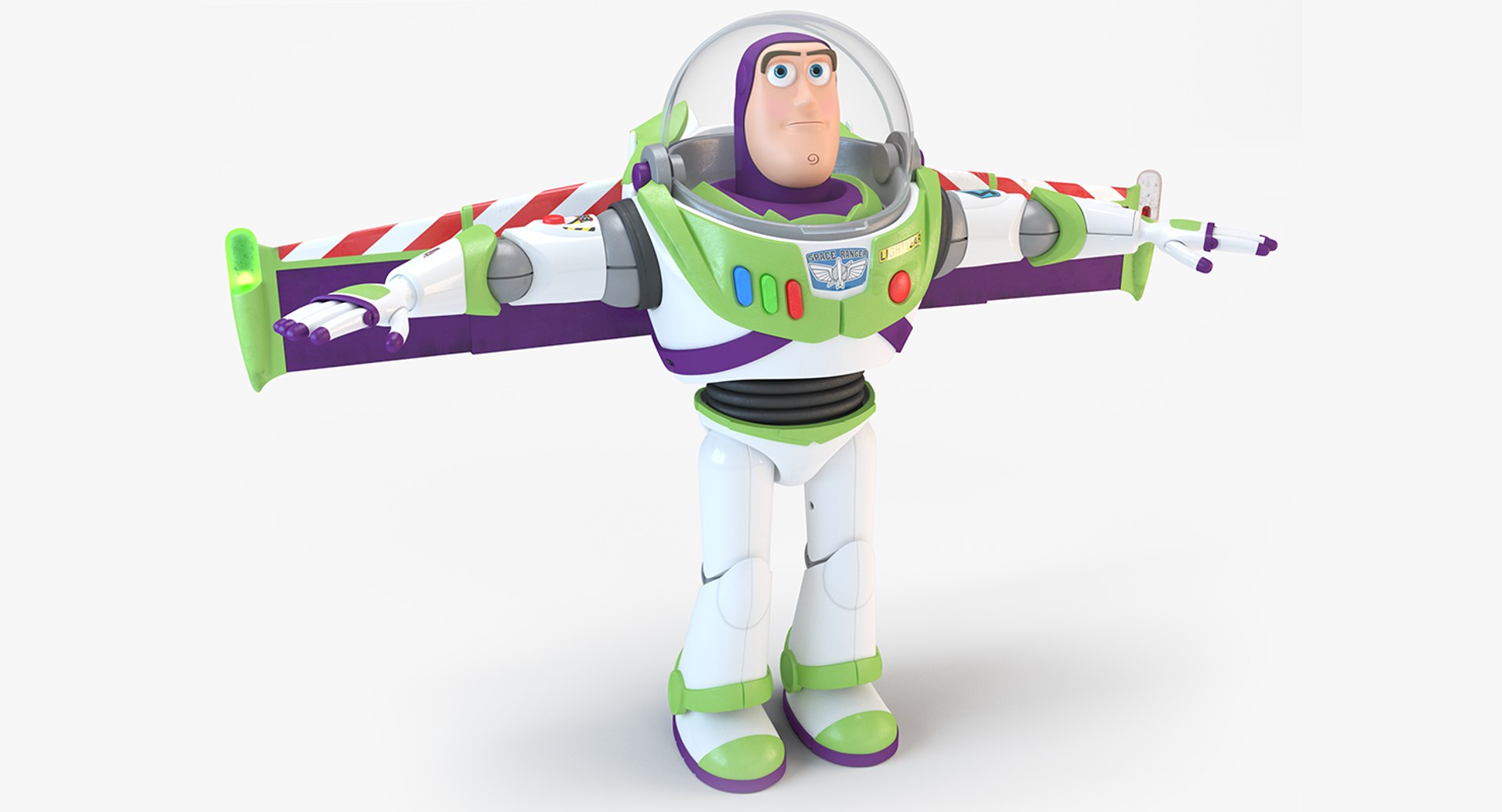
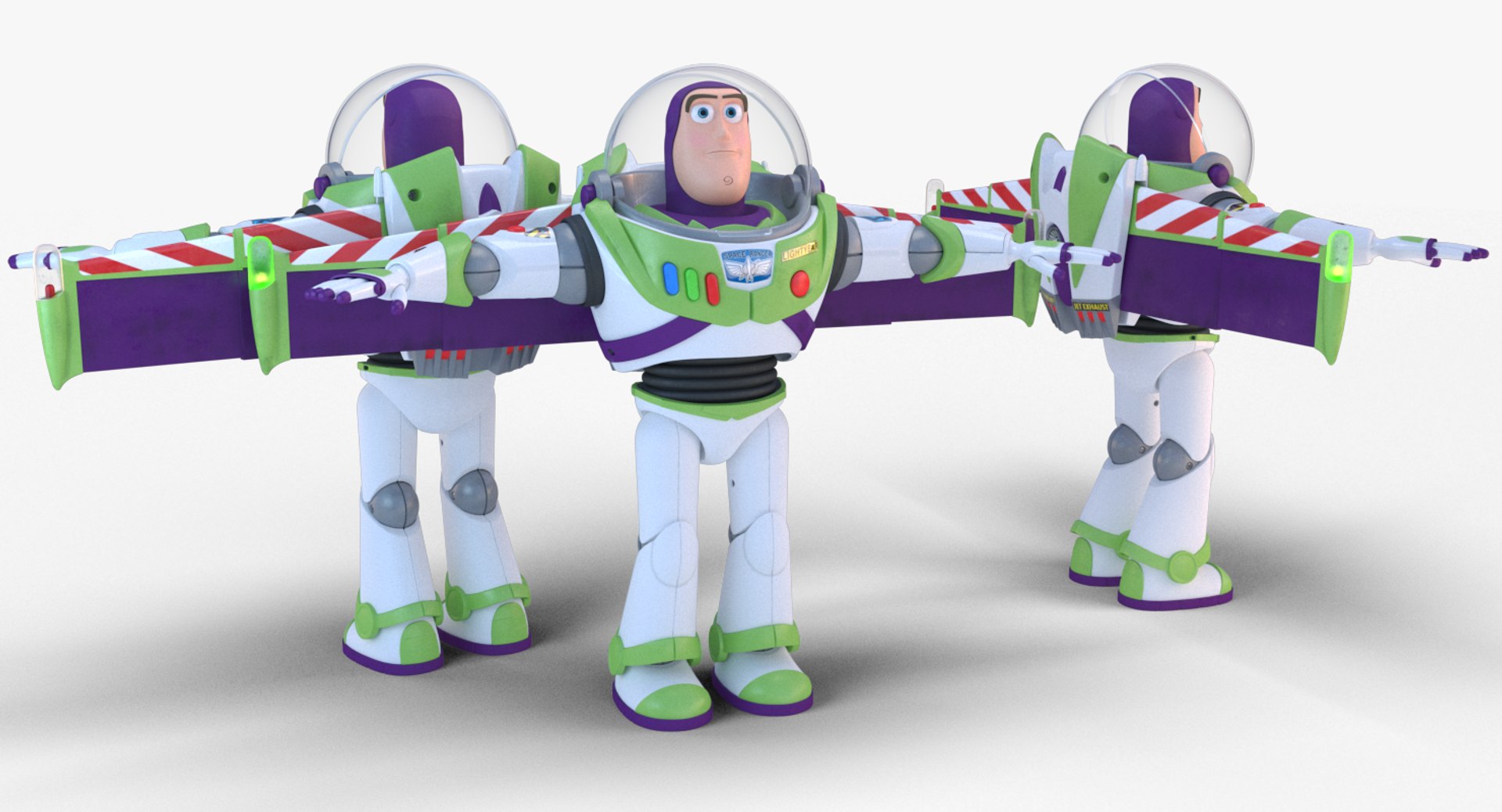
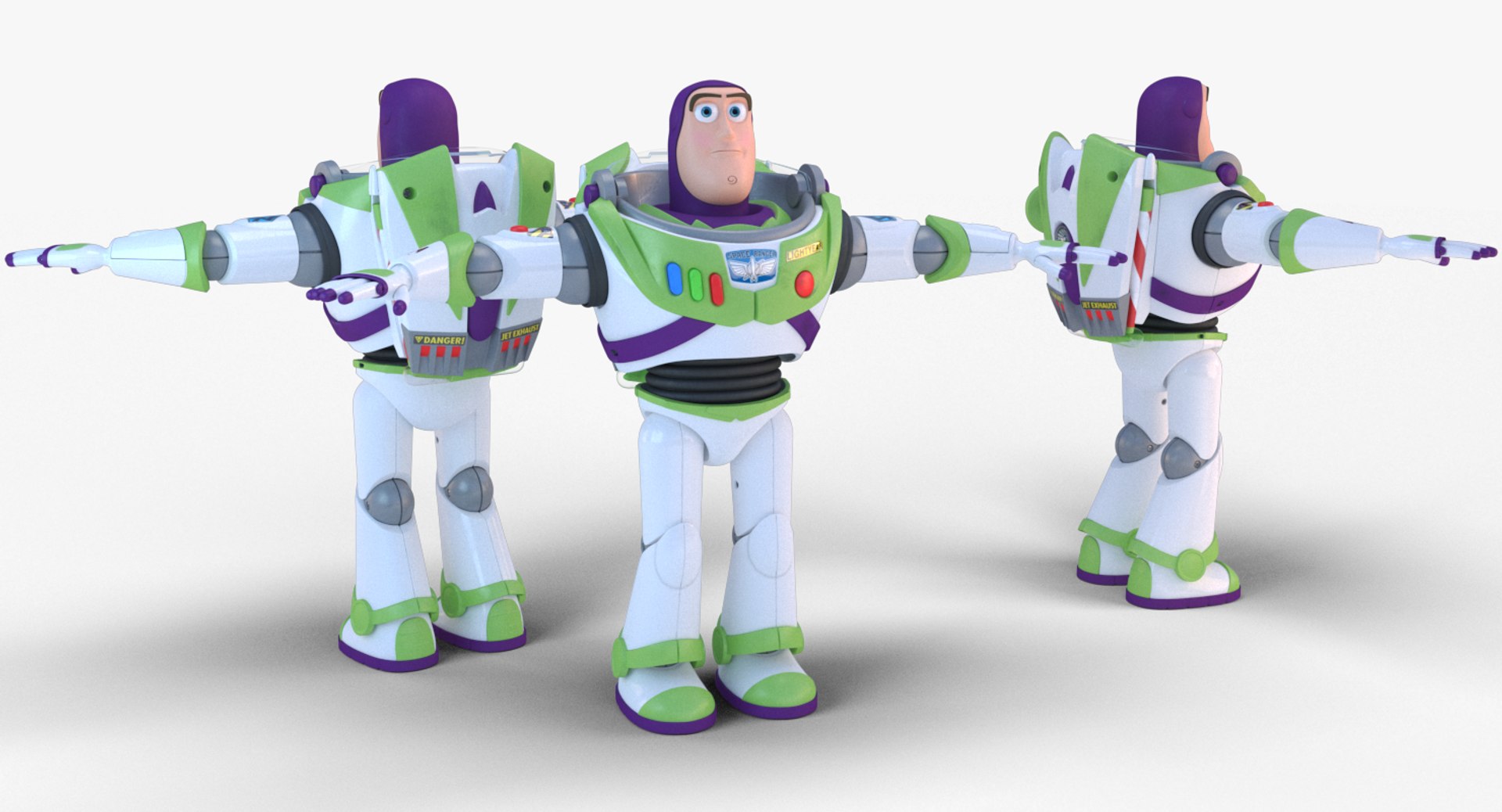
Buzz Lightyear
*********************************
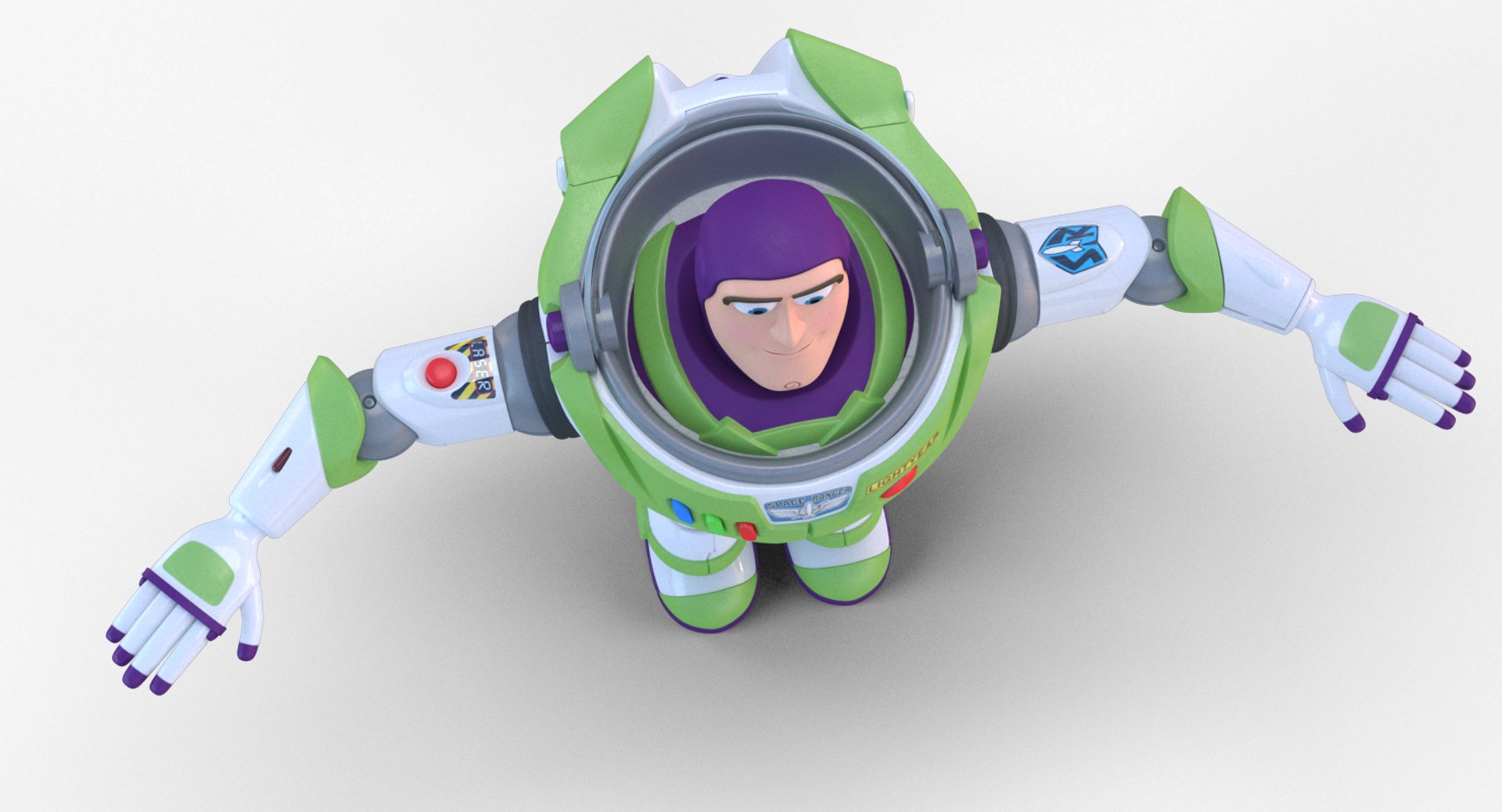
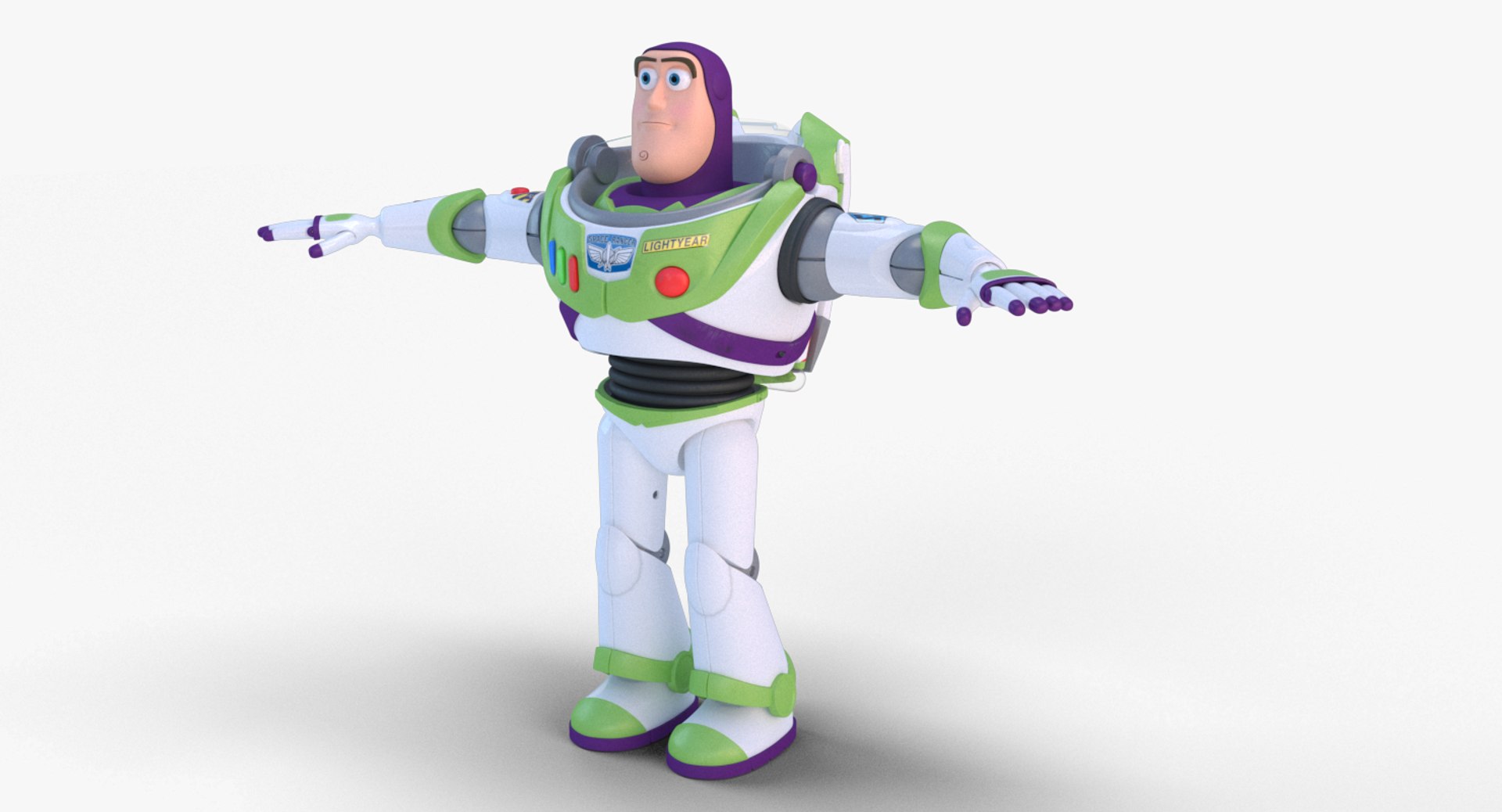
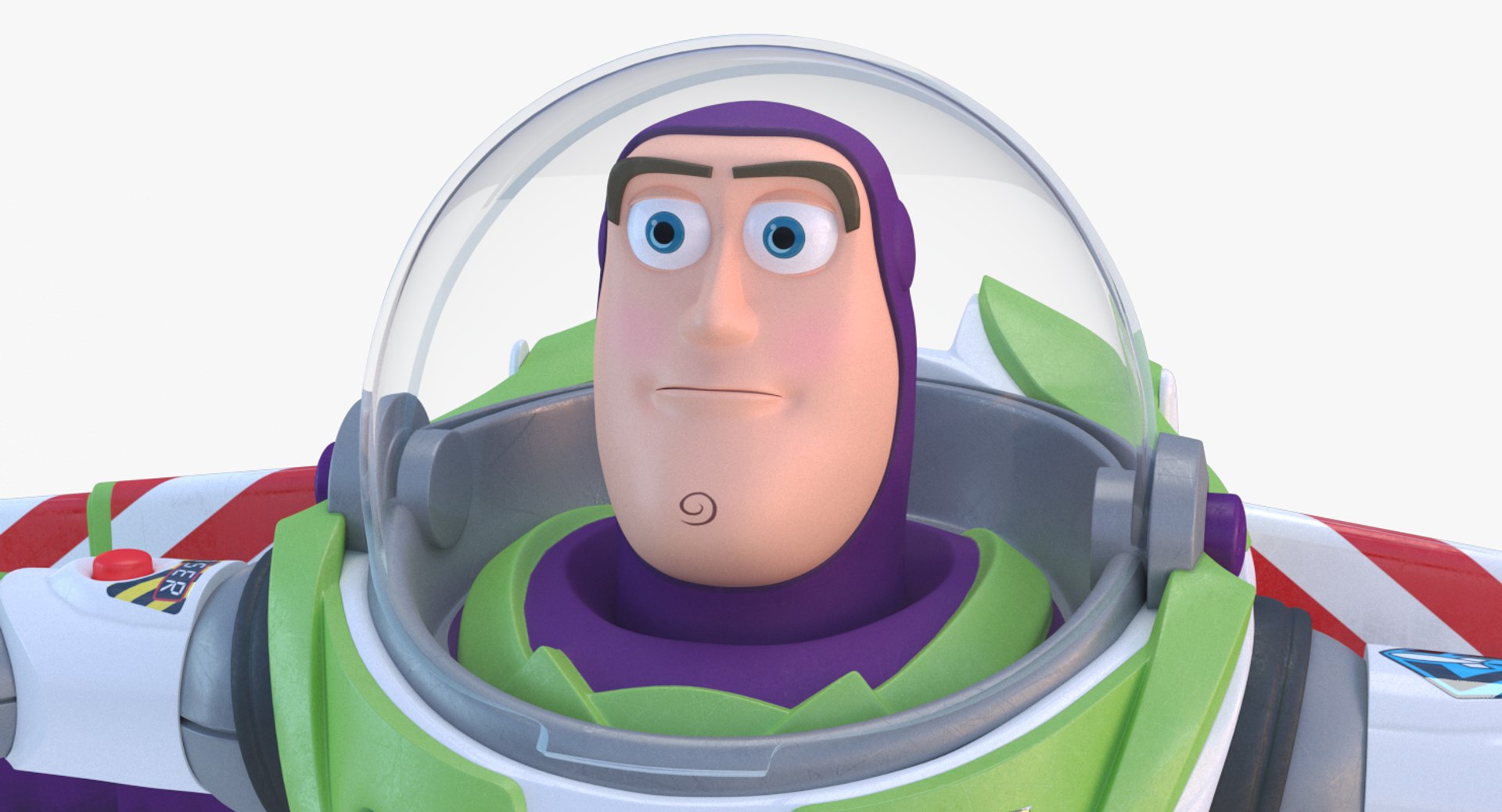
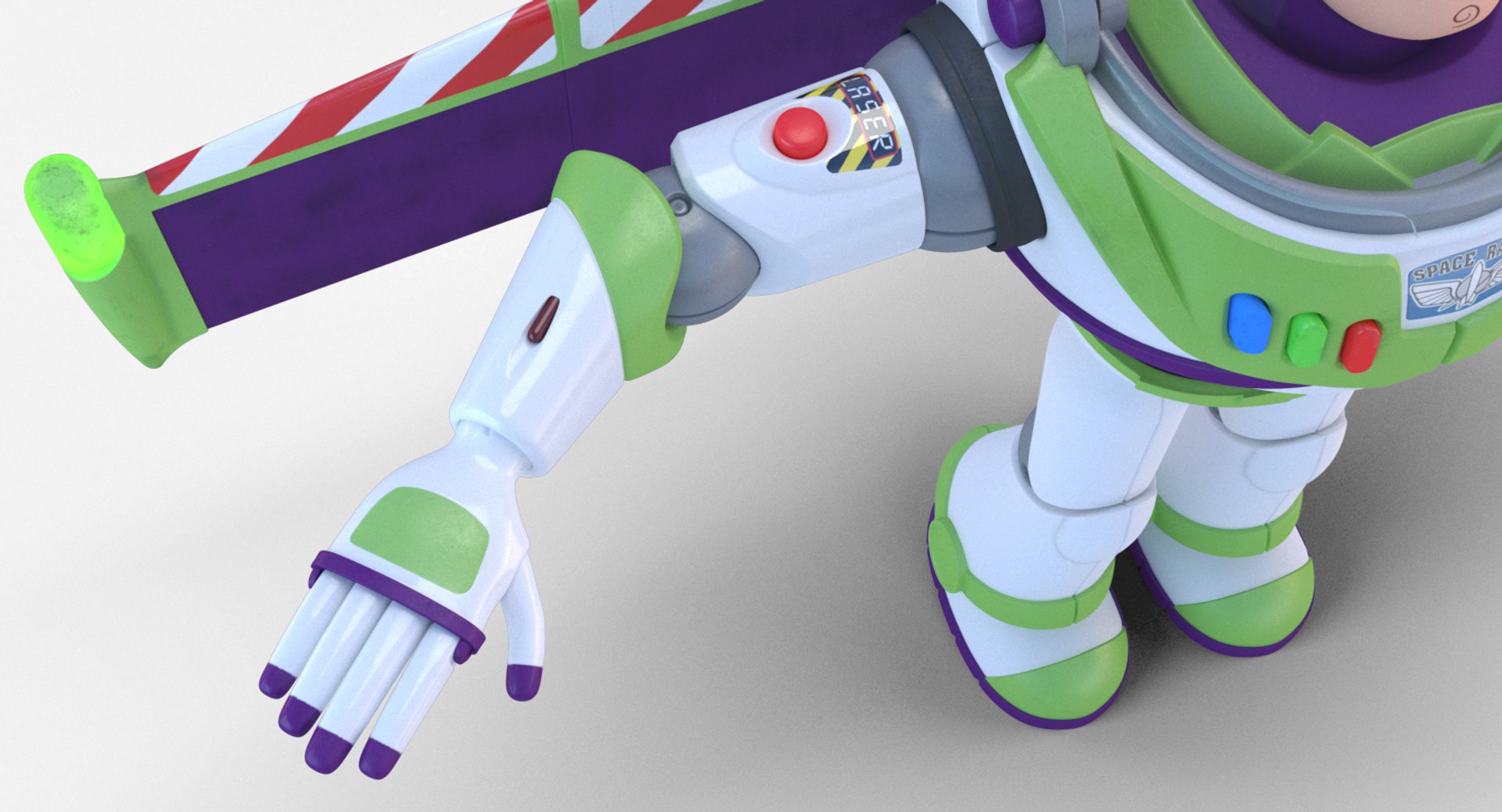
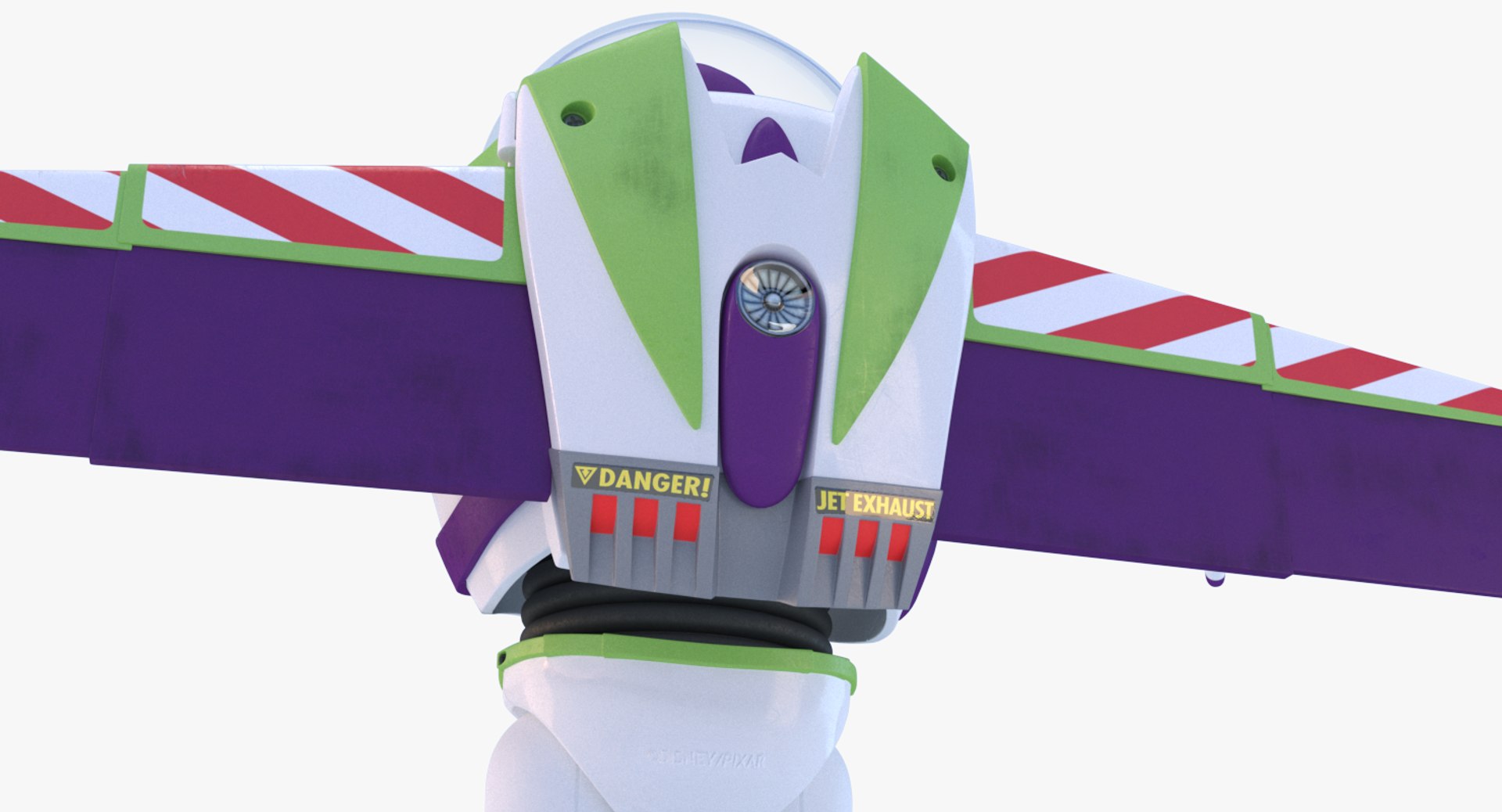
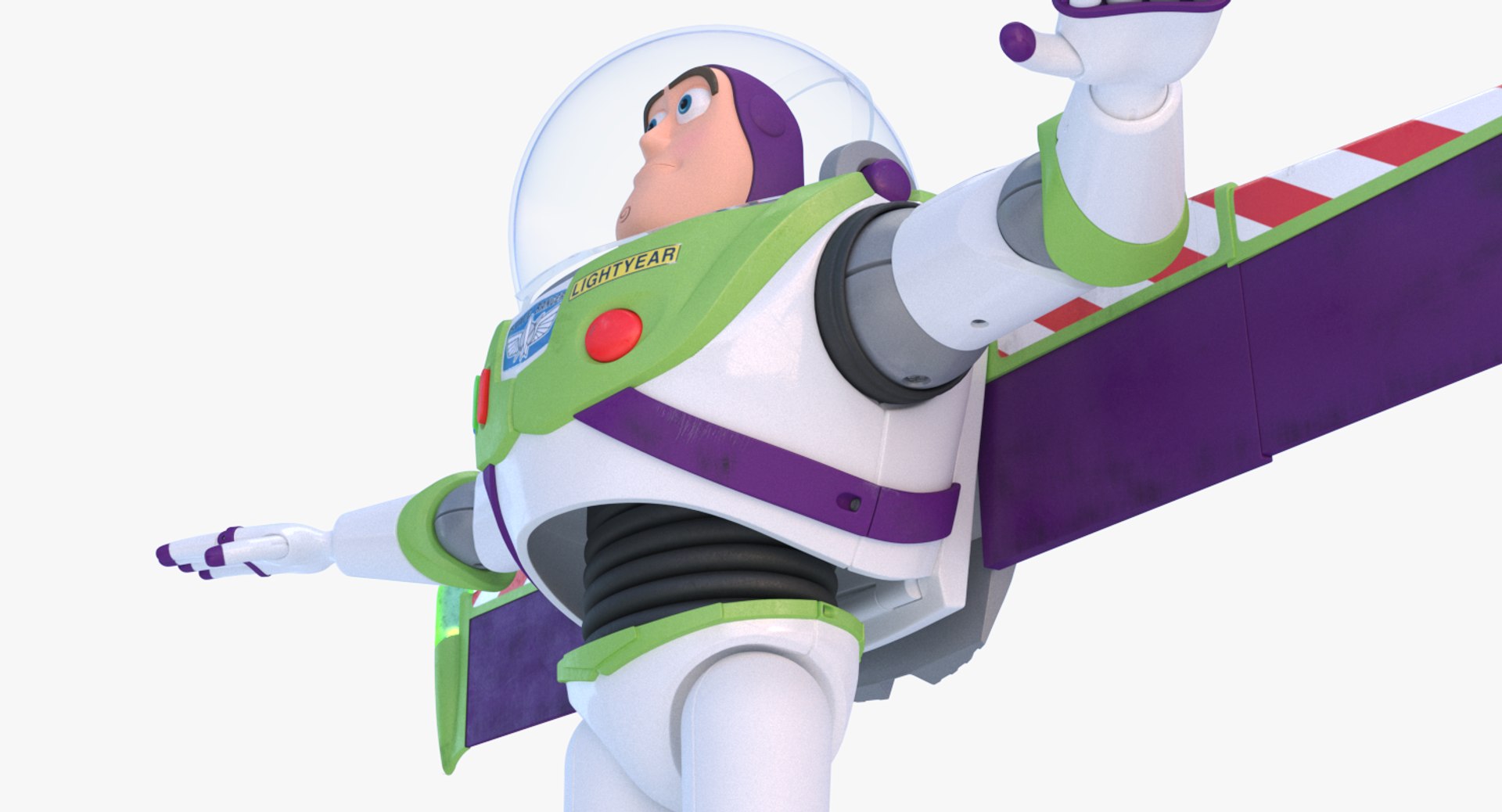
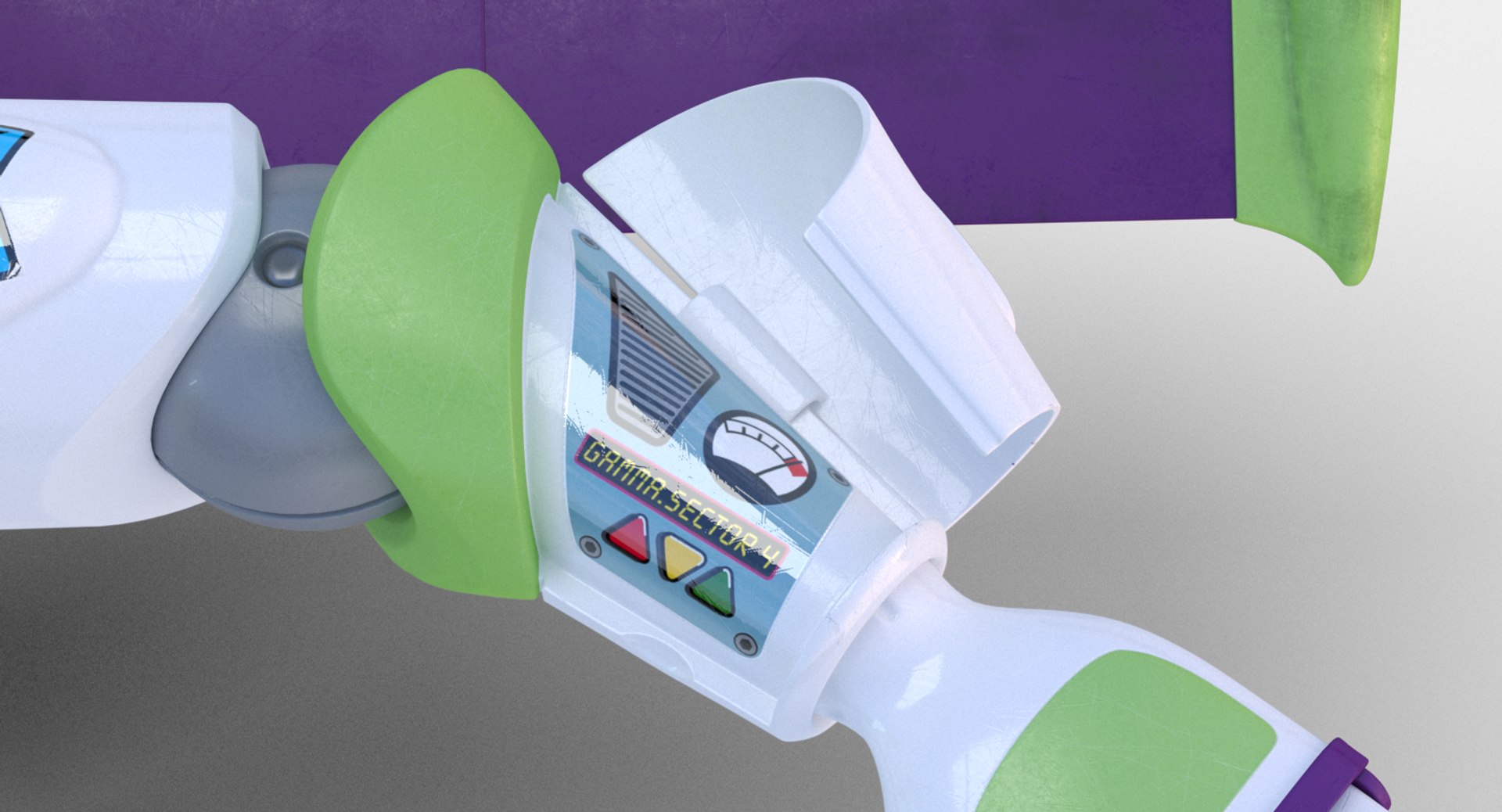
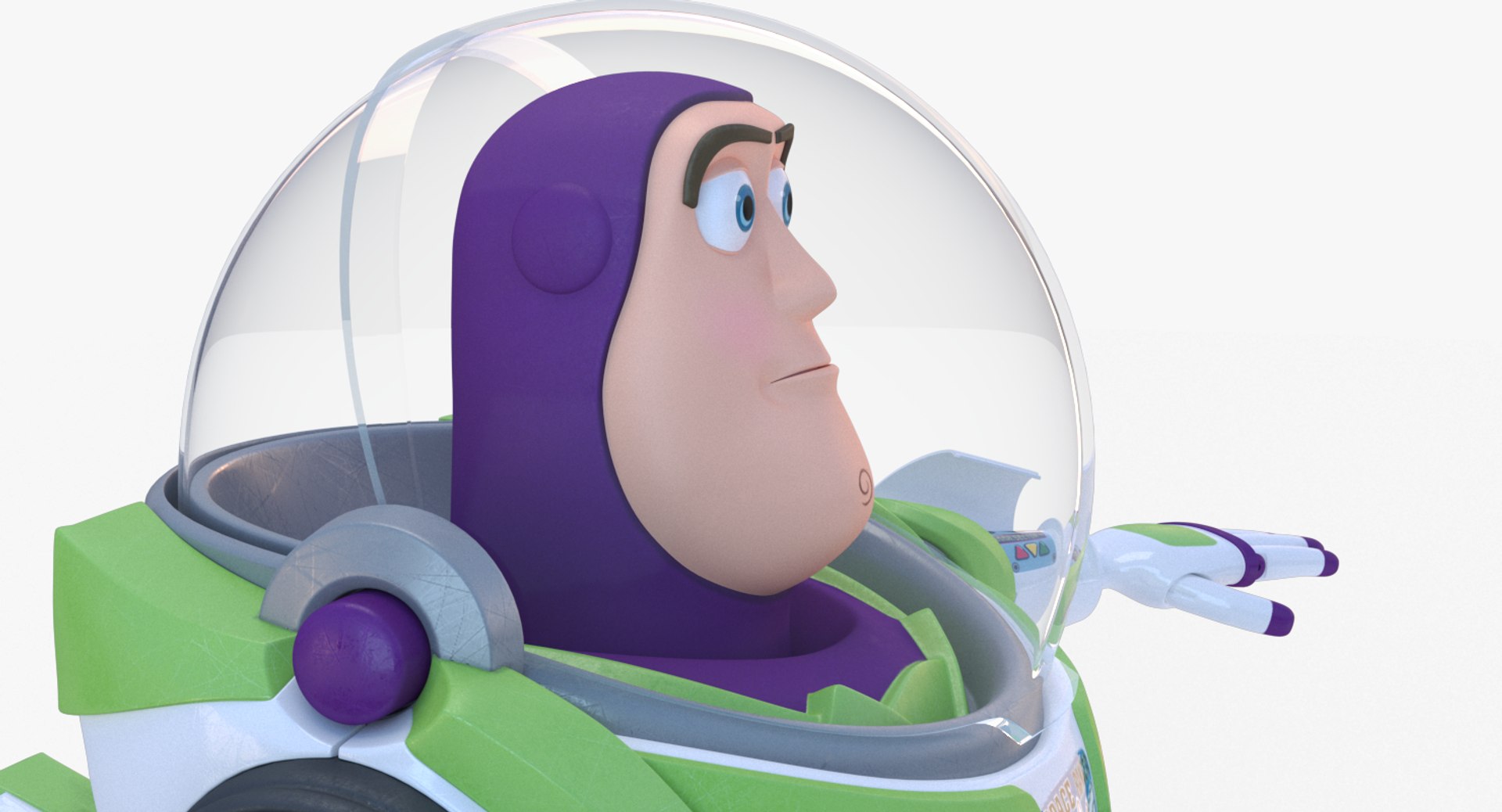
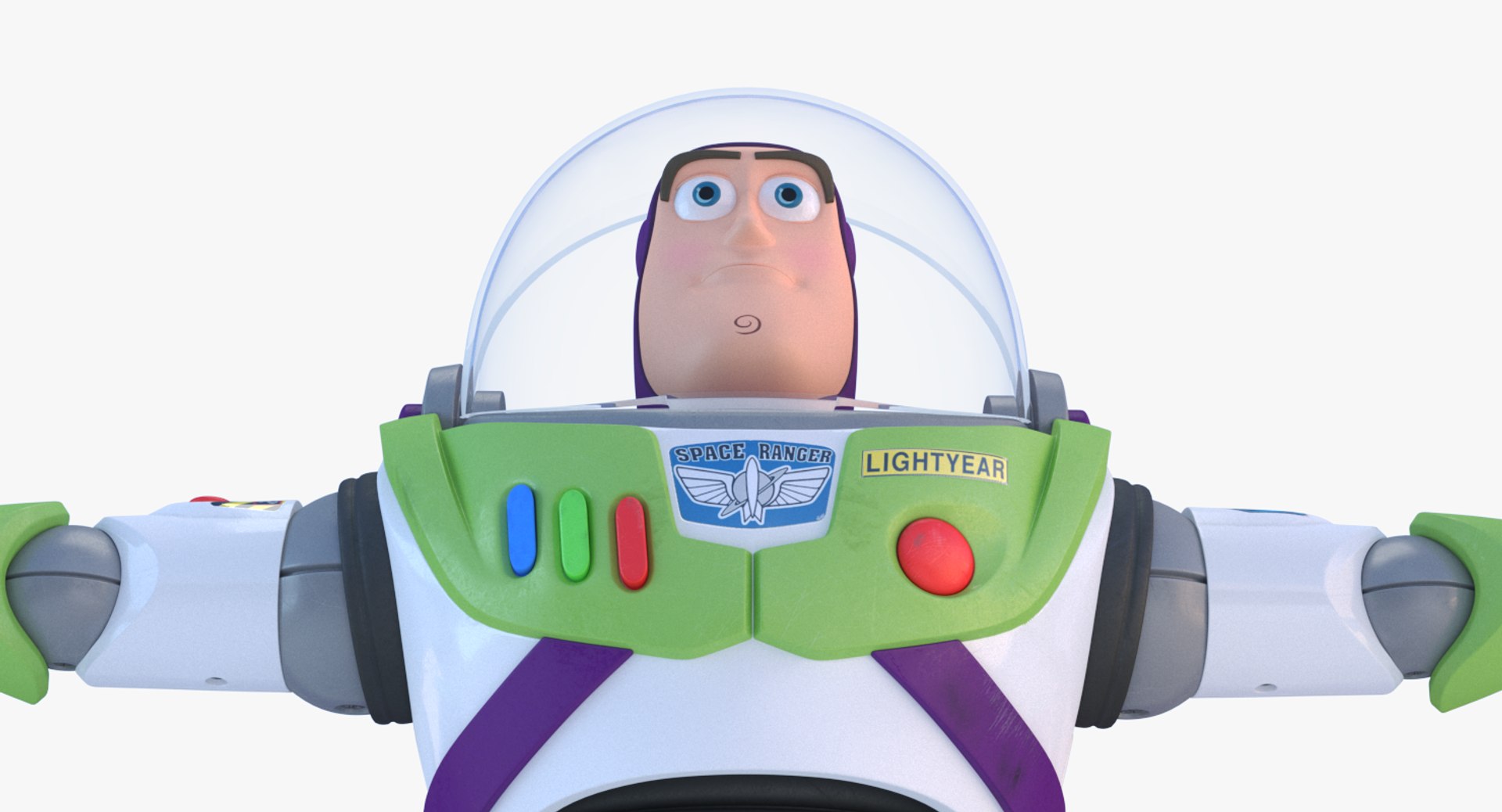
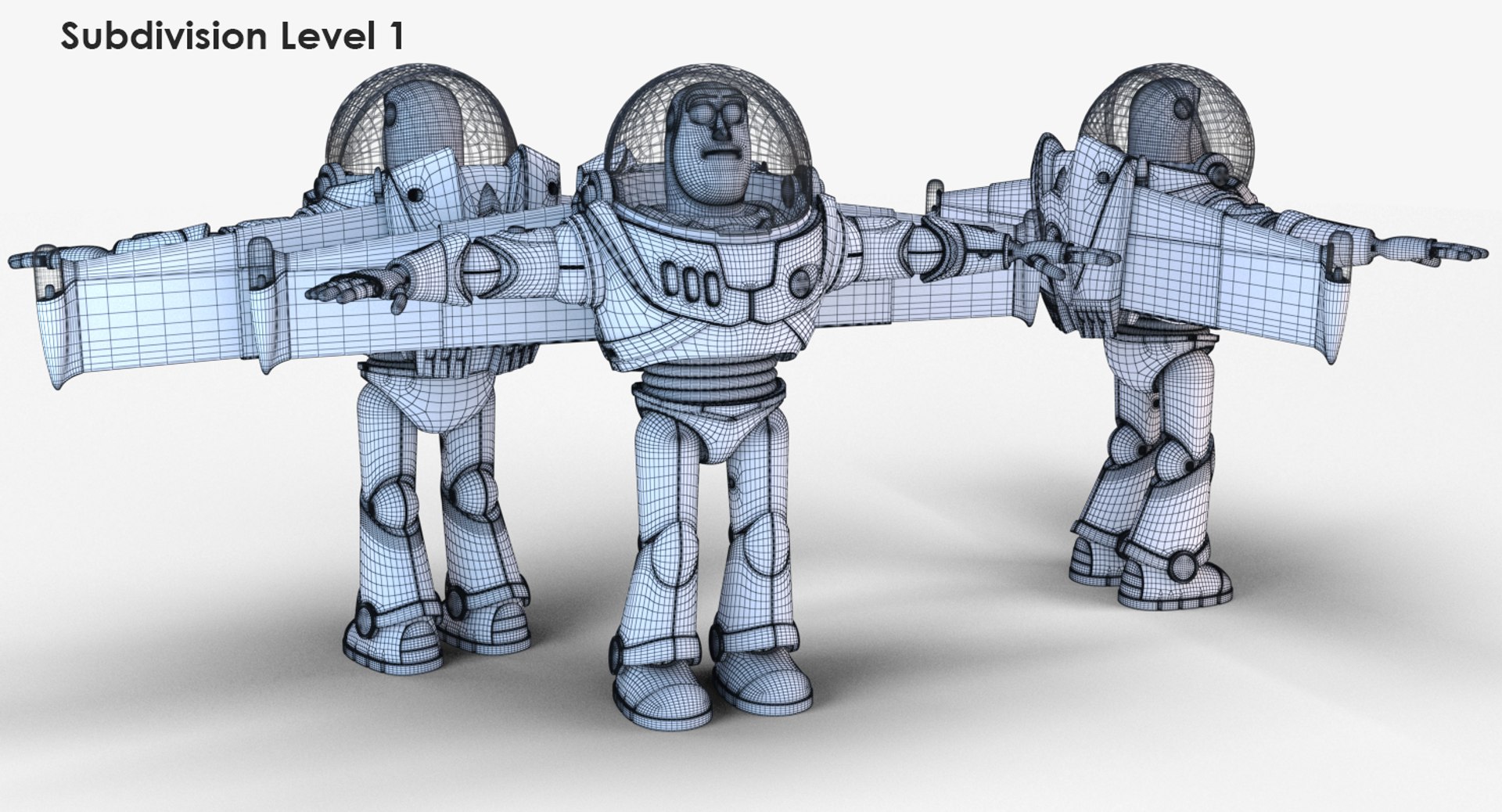
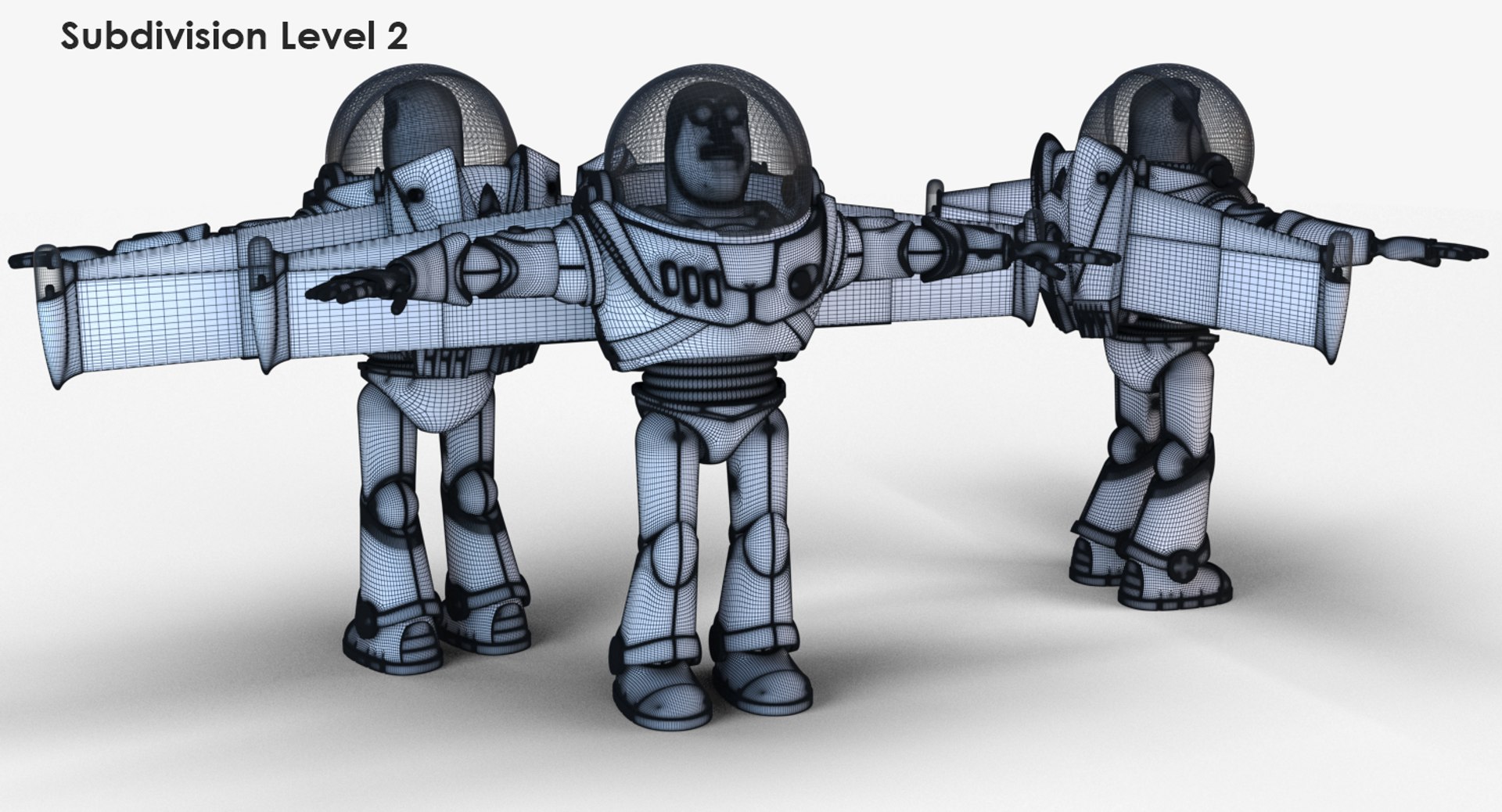
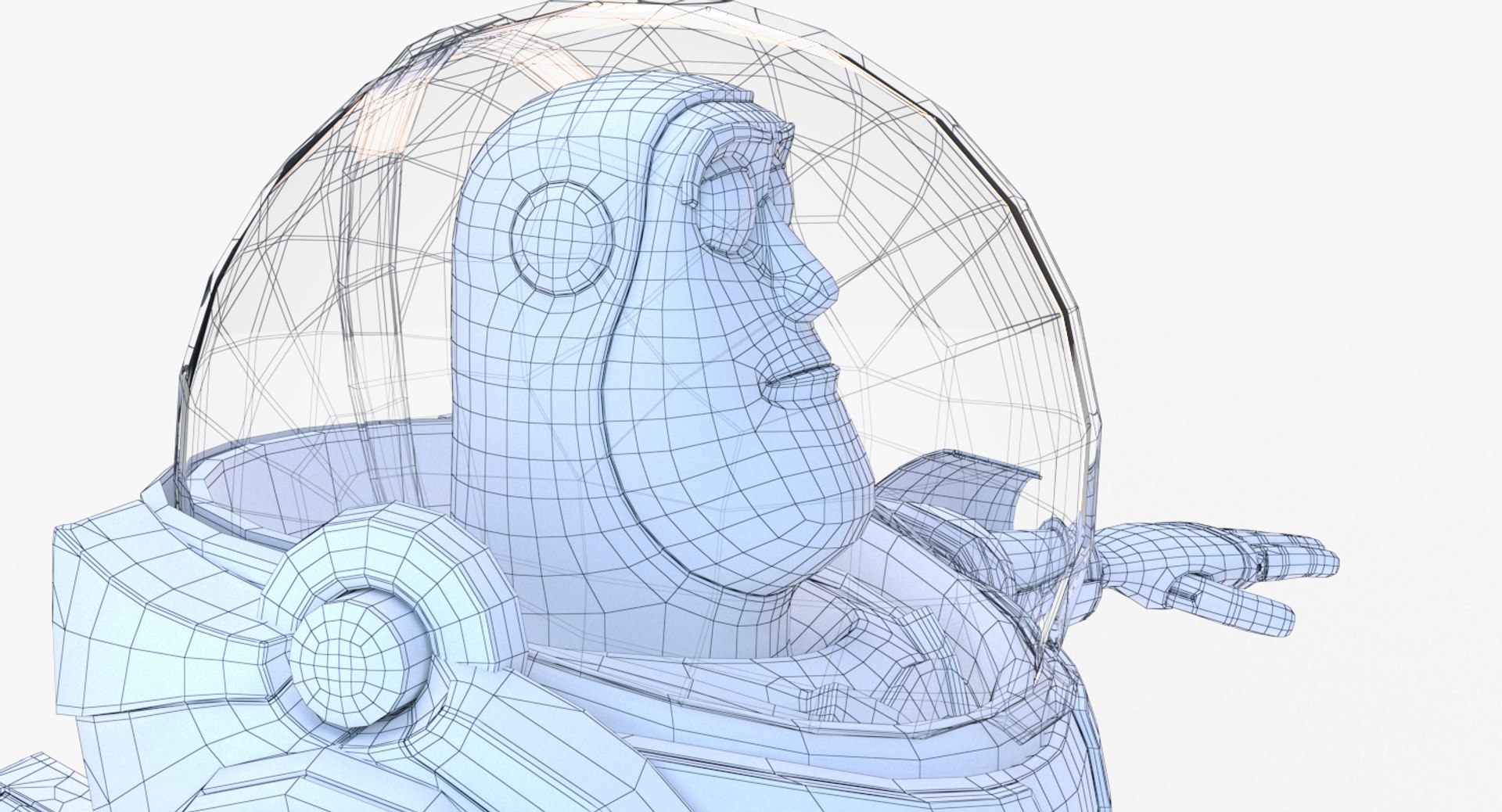
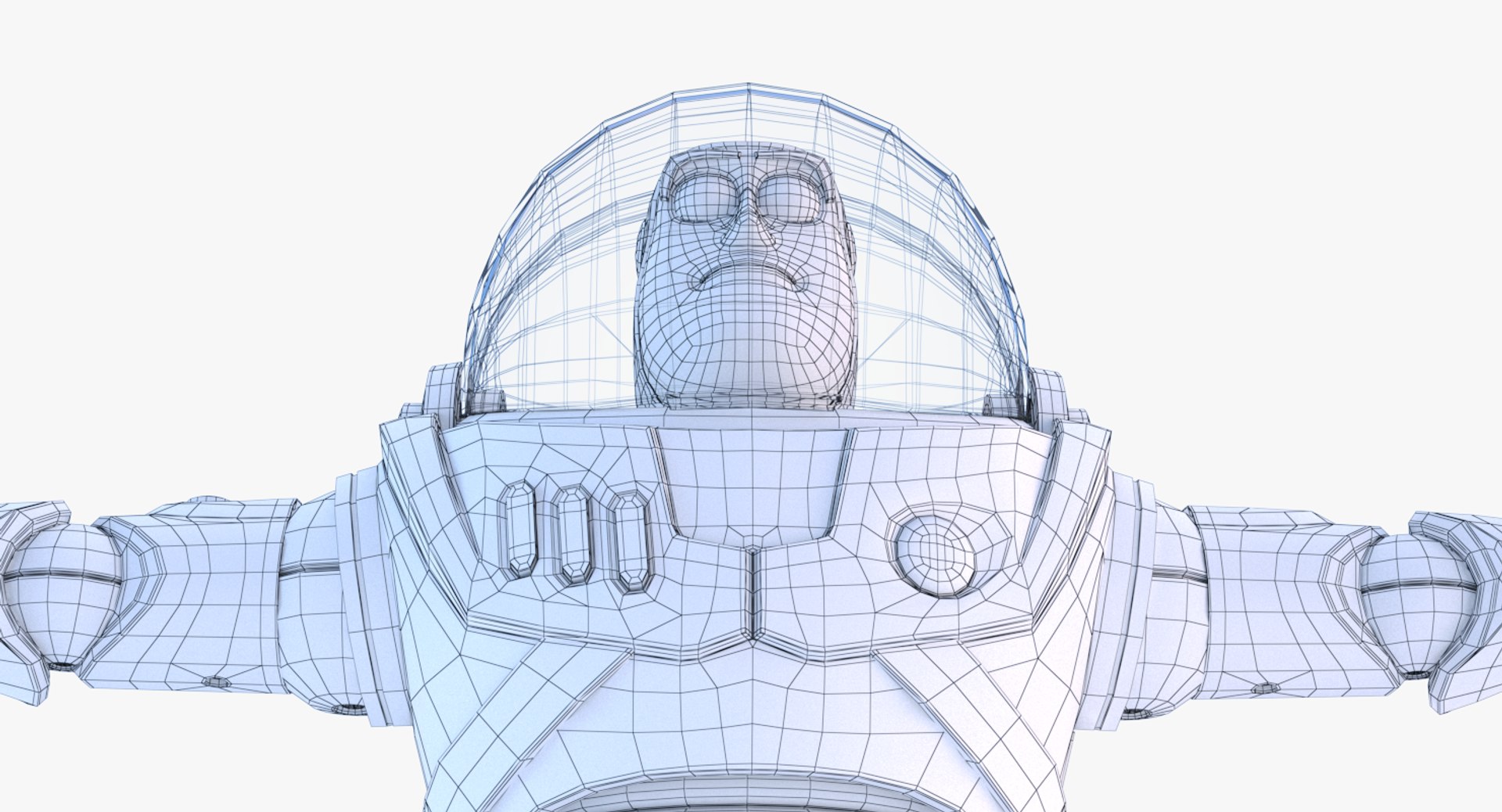
This is a high quality, photo real model that will enhance detail and realism to any of your rendering projects.
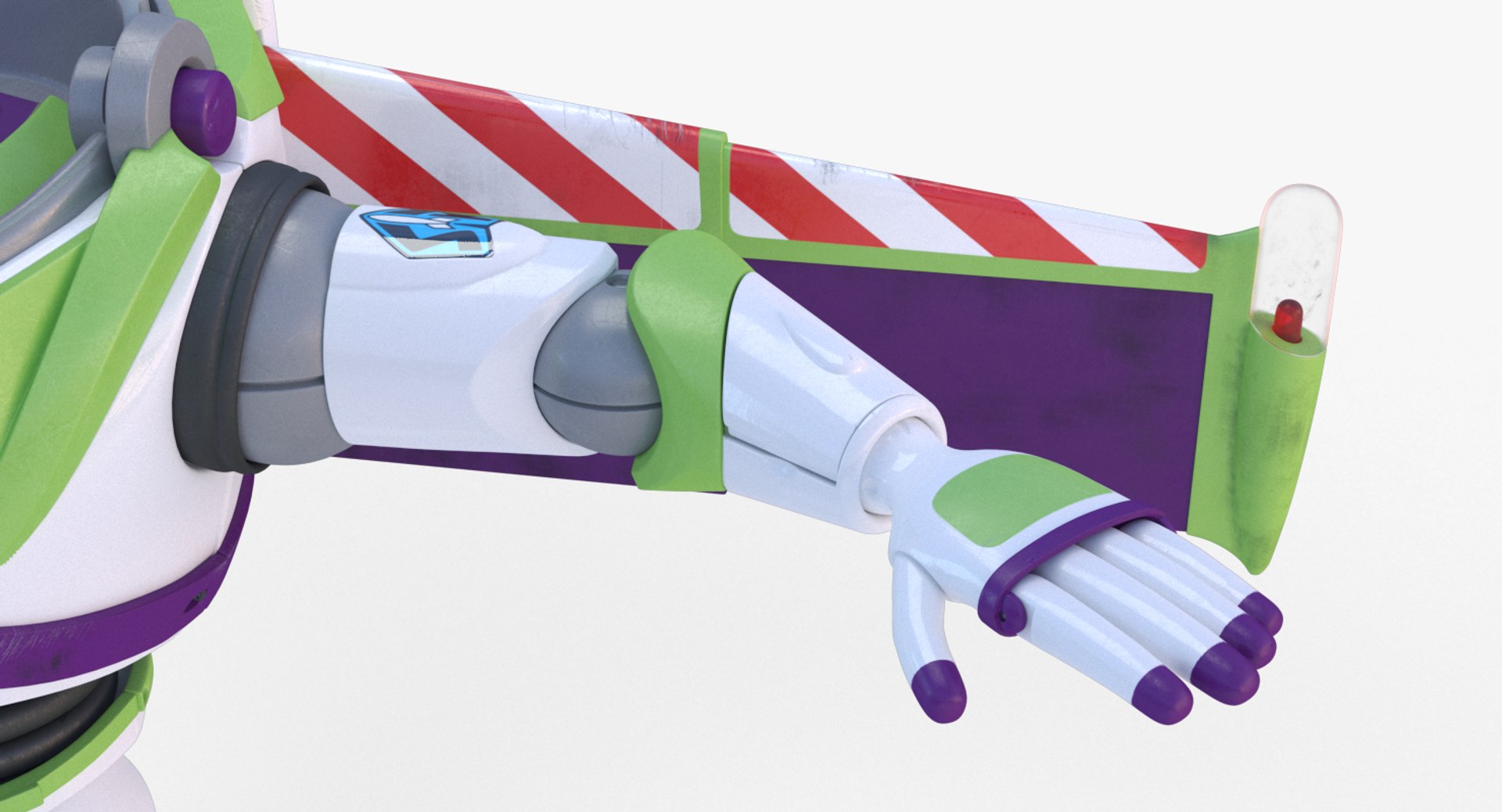
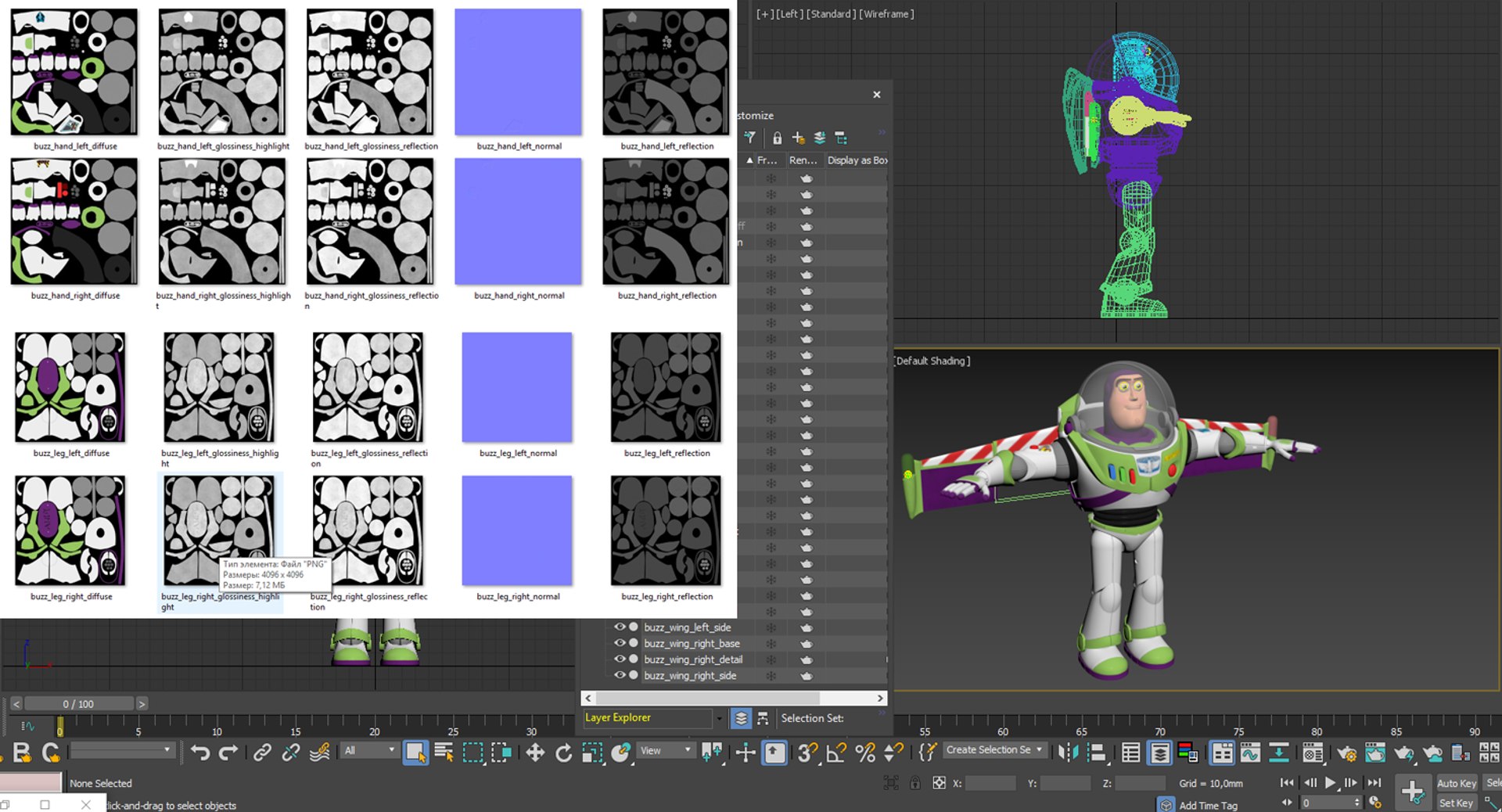
All textures was hand-painted in Substance Painter and Photoshop, and has high quality details that allows close-up renders. The main body normal texture was created in ZBrush.
It was originally modeled in 3ds Max 2018 and rendered with V-Ray 3.6.
Renders have no postproduction.
Hope you like it!
*********************************
Features:
- Units: mm
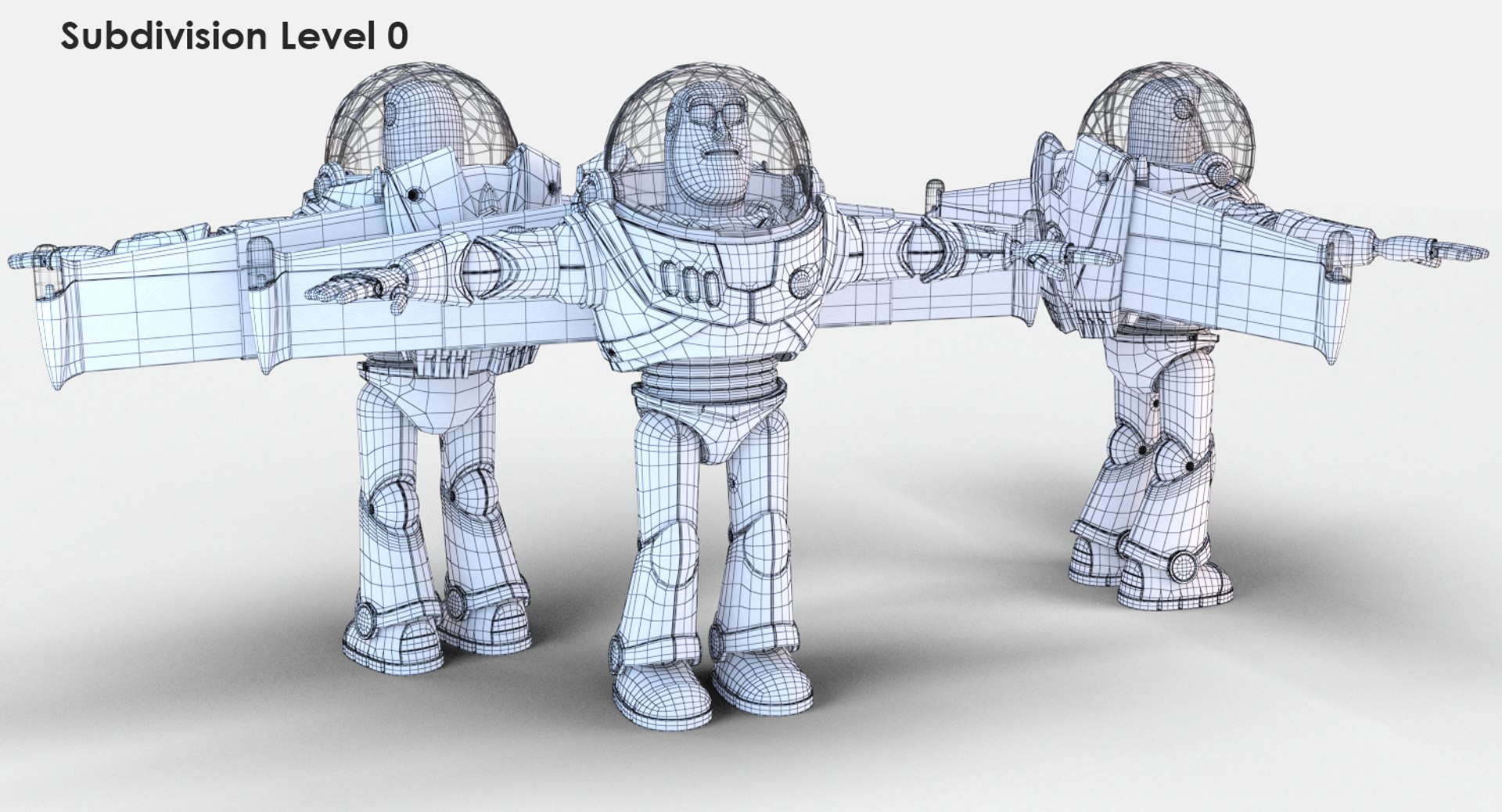
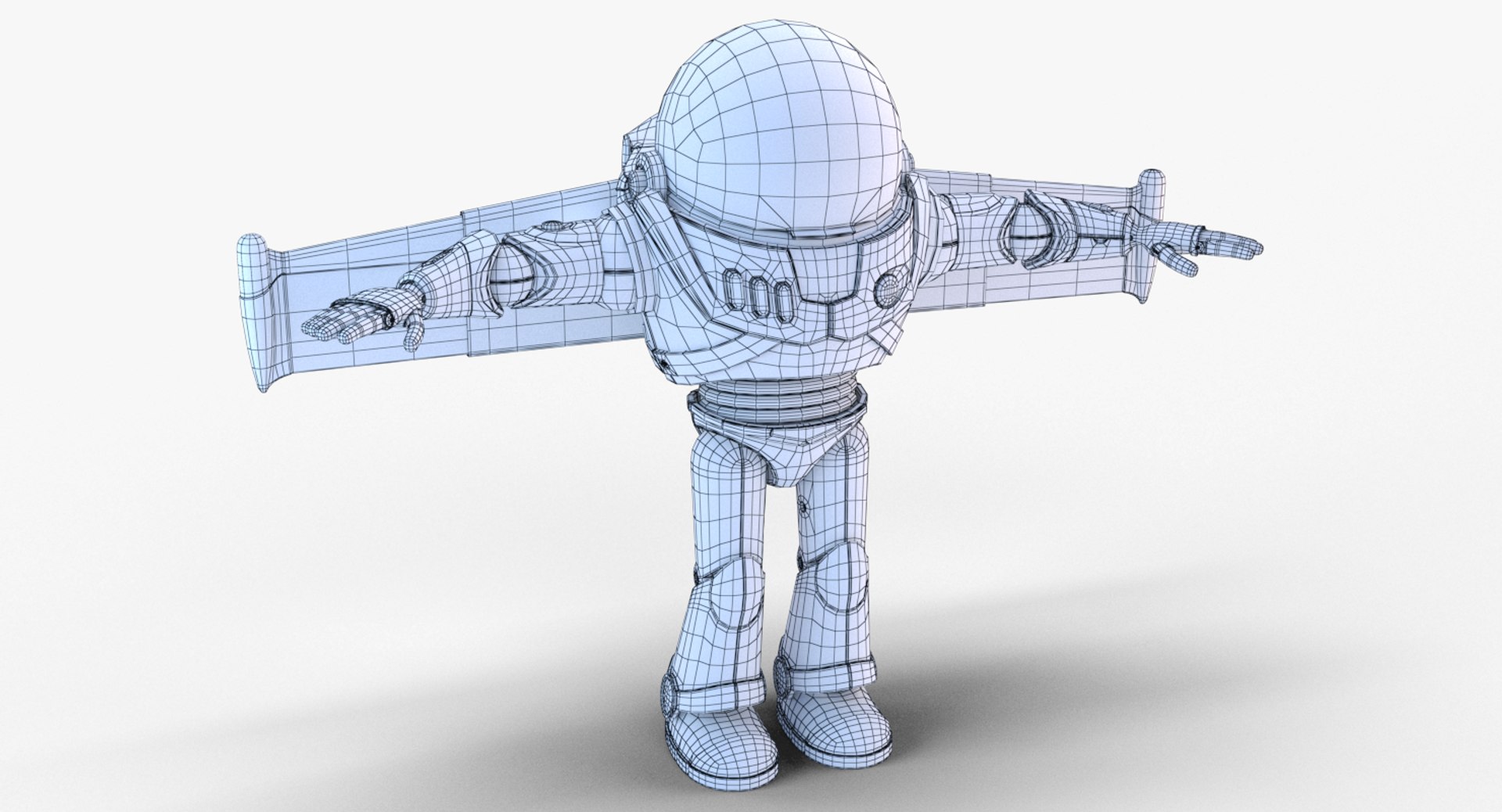
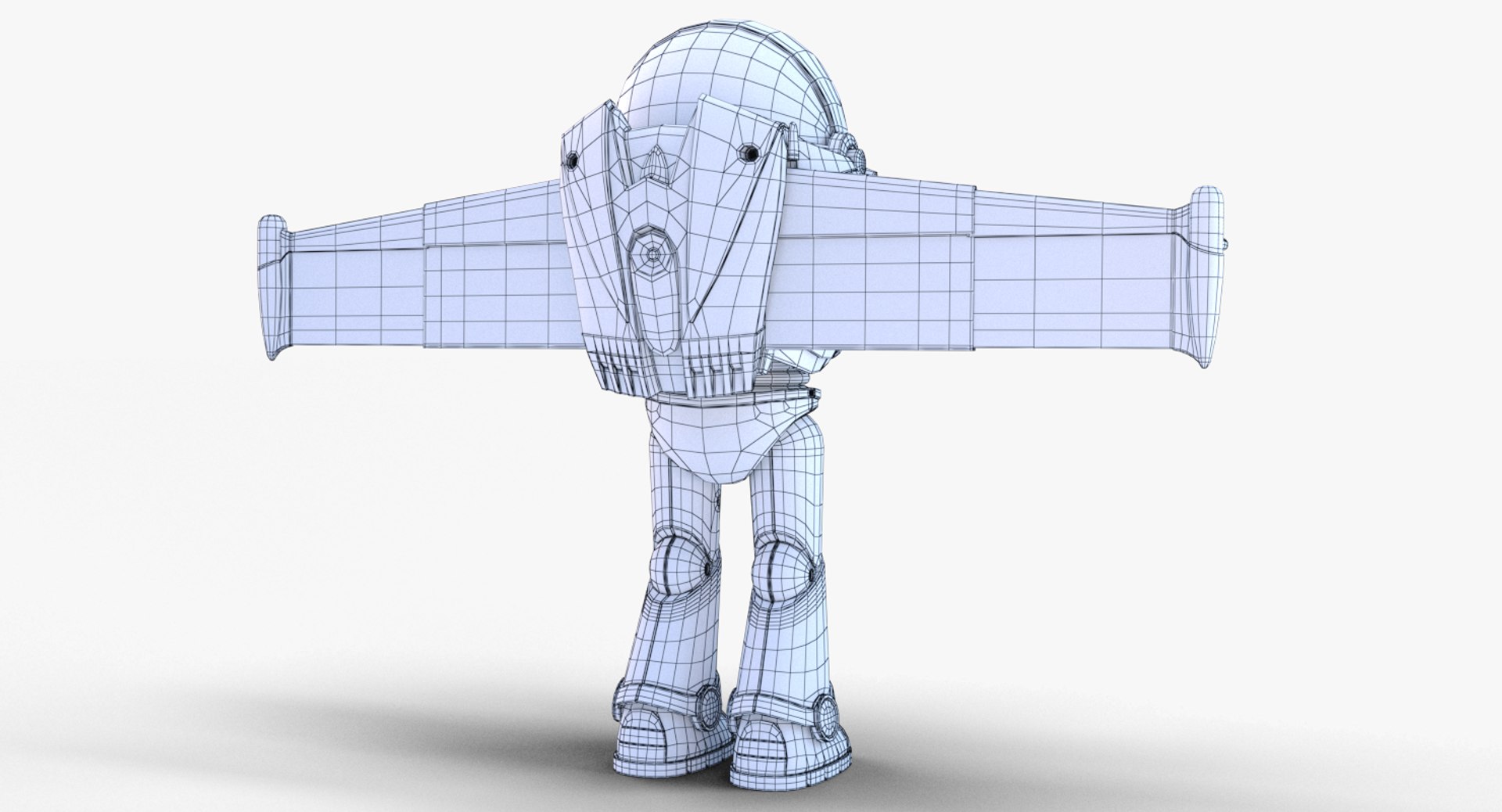
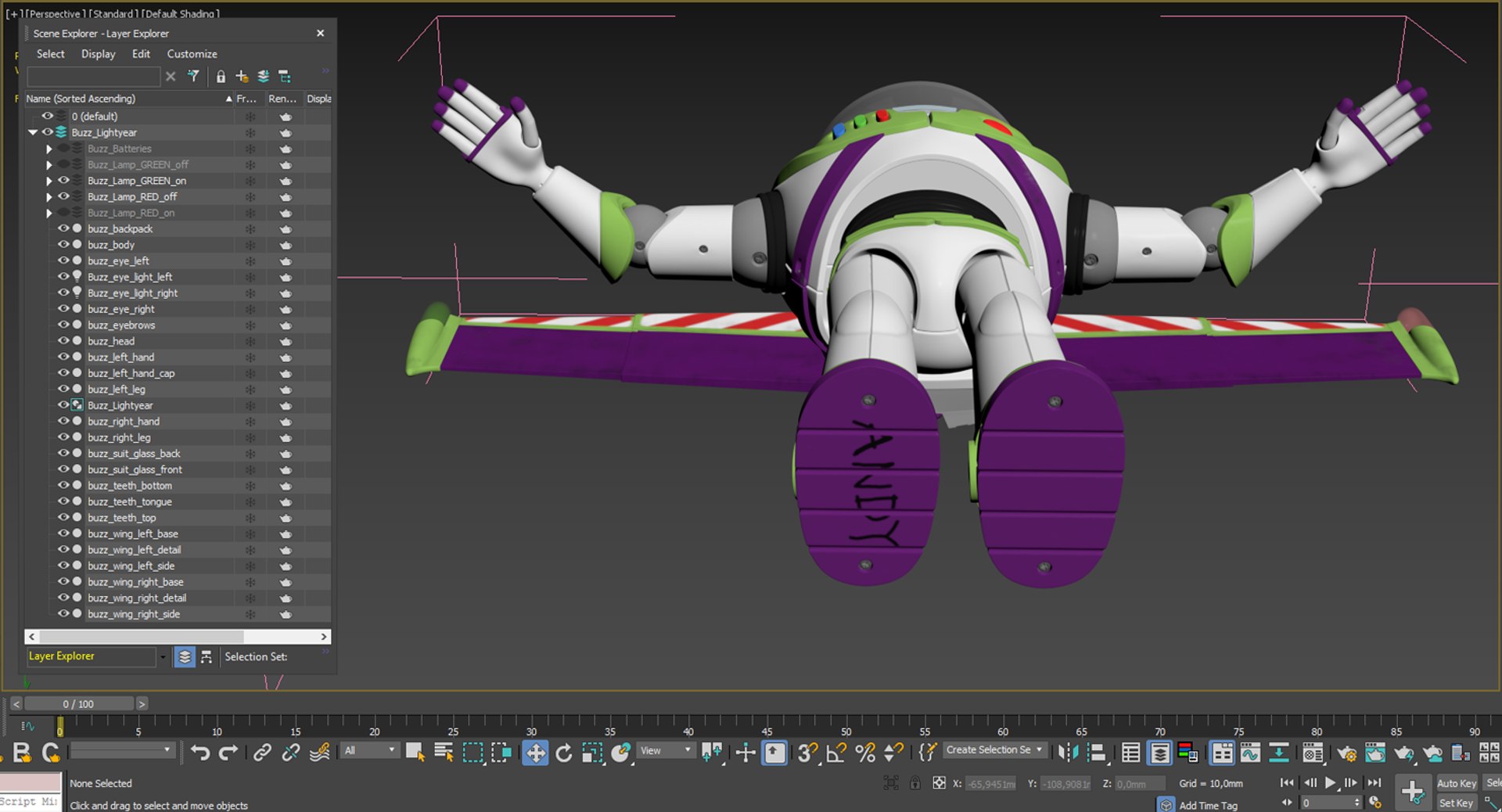
- Model includes 33 separate objects and all of it has correctly unwrapped UVs with no overlapping polygons.
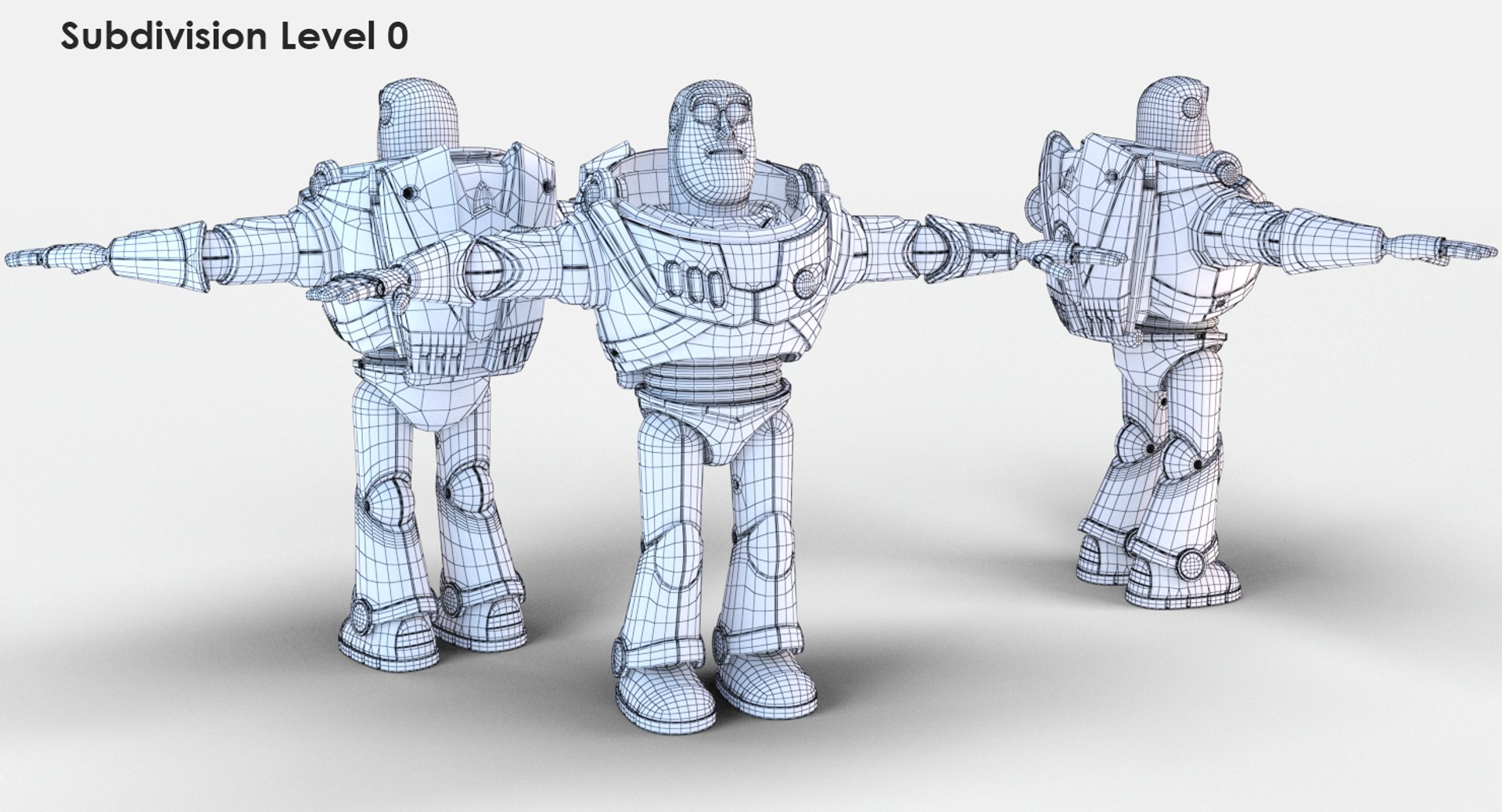
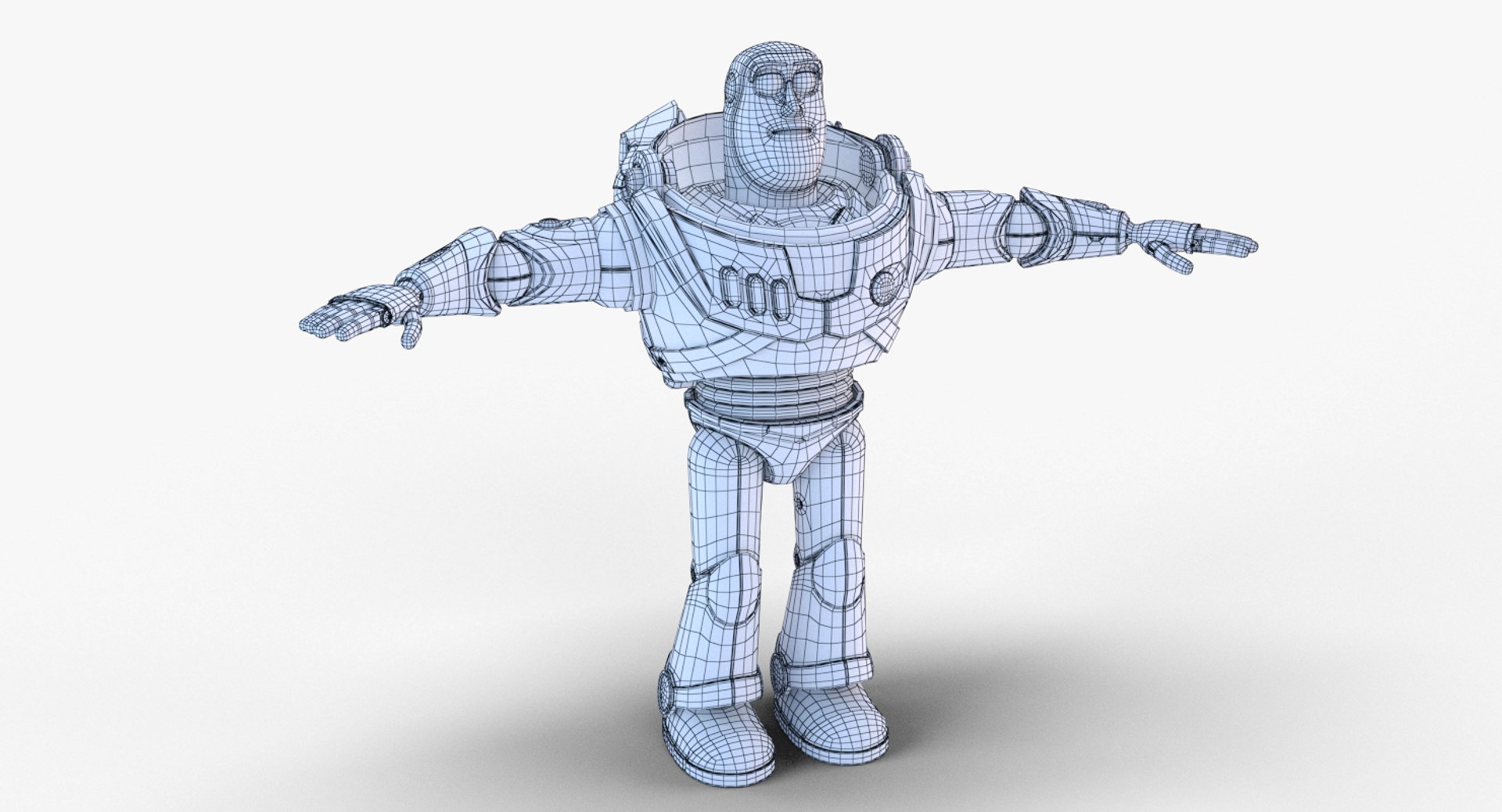
- Model consist of 47258 quads and 561 tris.
- High quality polygonal model, correctly scaled for an accurate representation of the original object.
- Models resolutions are optimized for polygon efficiency and include one Turbosmooth modifier (It can be easily turned off by clicking on any object modifier)
- Model is fully textured with all materials applied.
- All textures and materials are included and mapped in every format.
- 3ds Max models are grouped for easy selection, and objects are logically named for easier scene management.
- No part-name confusion when importing several models into a scene.
- No cleaning up necessary just drop your models into the scene and start rendering.
- No special plugins needed to open scene.
- Model does not include any backgrounds or scenes used in preview images.
- For max files with V-Ray materials and MentalRay there are created two invisible v-ray lights for eyes that gives more realistic reflections. It easily hides away or moves for other render views.
- Also include two lights for wing lamps. As you can see there is 4 layers for wings lamps: RED turned off lamp, GREEN turned off lamp, RED turned on lamp (with light), GREEN turned on lamp (with light)
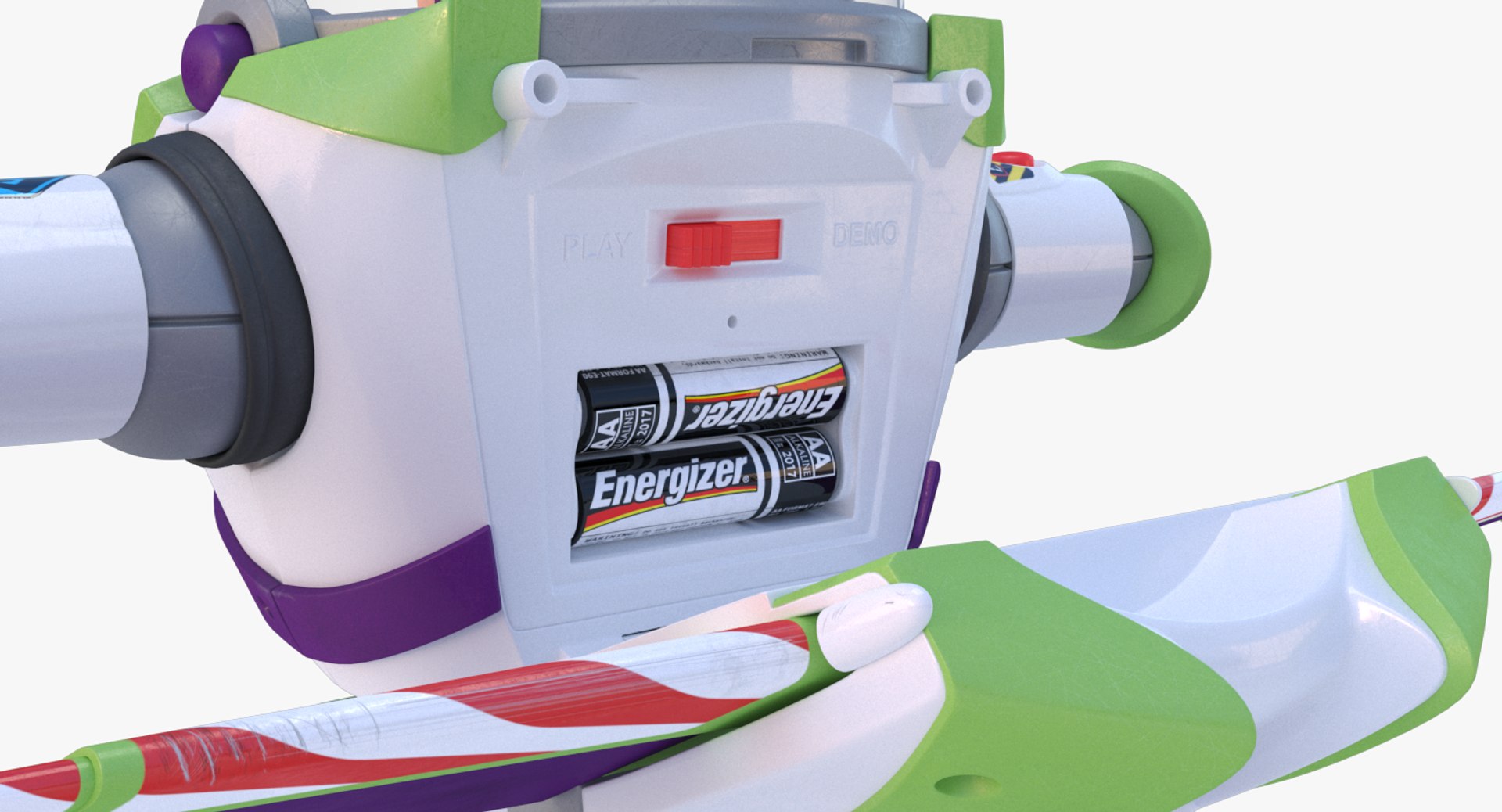
- And you can find inside in body object two batteries and additional geomentry. It assigned to additional layer Buzz_Batteries
*********************************
File Formats:
- 3ds Max 2018 V-Ray 3.6

- 3ds Max 2015 V-Ray 3.0
- 3ds Max 2015 Mental ray
- 3ds Max 2012 V-Ray 2.0
- 3ds Max 2012 Mental ray

- OBJ (Multi Format)
- FBX (Multi Format)
- 3DS (Multi Format)
*********************************
Textures Formats:
- (4 .tga) 4096 x 4096 Suit Glass Textures
- (7 .png) 2048 x 2048 Head and Batteries
- (45 .png) 4096 x 4096 Eyes and Buttons objects

Include the pack with 6 HIGH resolution textures 8192x8192 for body object in additional pack
*********************************
Also check out our other models, just click on our user name to see complete gallery.
ArgentFish studio

Select Enhanced License

  • $10,000 in Legal Protection (Indemnification)
  • Uncapped Legal Protection (Indemnification)
  • Waiver from injunctive relief
  • Assignable model rights
  • $1,000,000 in Legal Protection (Indemnification)
  • Waiver from injunctive relief
  • Assignable model rights
  • $250,000 in Legal Protection (Indemnification)
  • Assignable model rights
Read more about enhanced license tiers, or contact us at enterprise@turbosquid.com. Already a Shutterstock Enterprise Customer? Contact your Shutterstock Sales Support Agent to talk about adding 3D.

About Conversion Requests

To submit a conversion request for a purchased asset, please complete our Conversion Request Form.

If you have not yet purchased a model, please review our Documentation about Conversions to learn about what limitations you may encounter with a conversion.

For any additional questions about a model’s suitability for conversion, please contact TurboSquid Support.

Loading...