
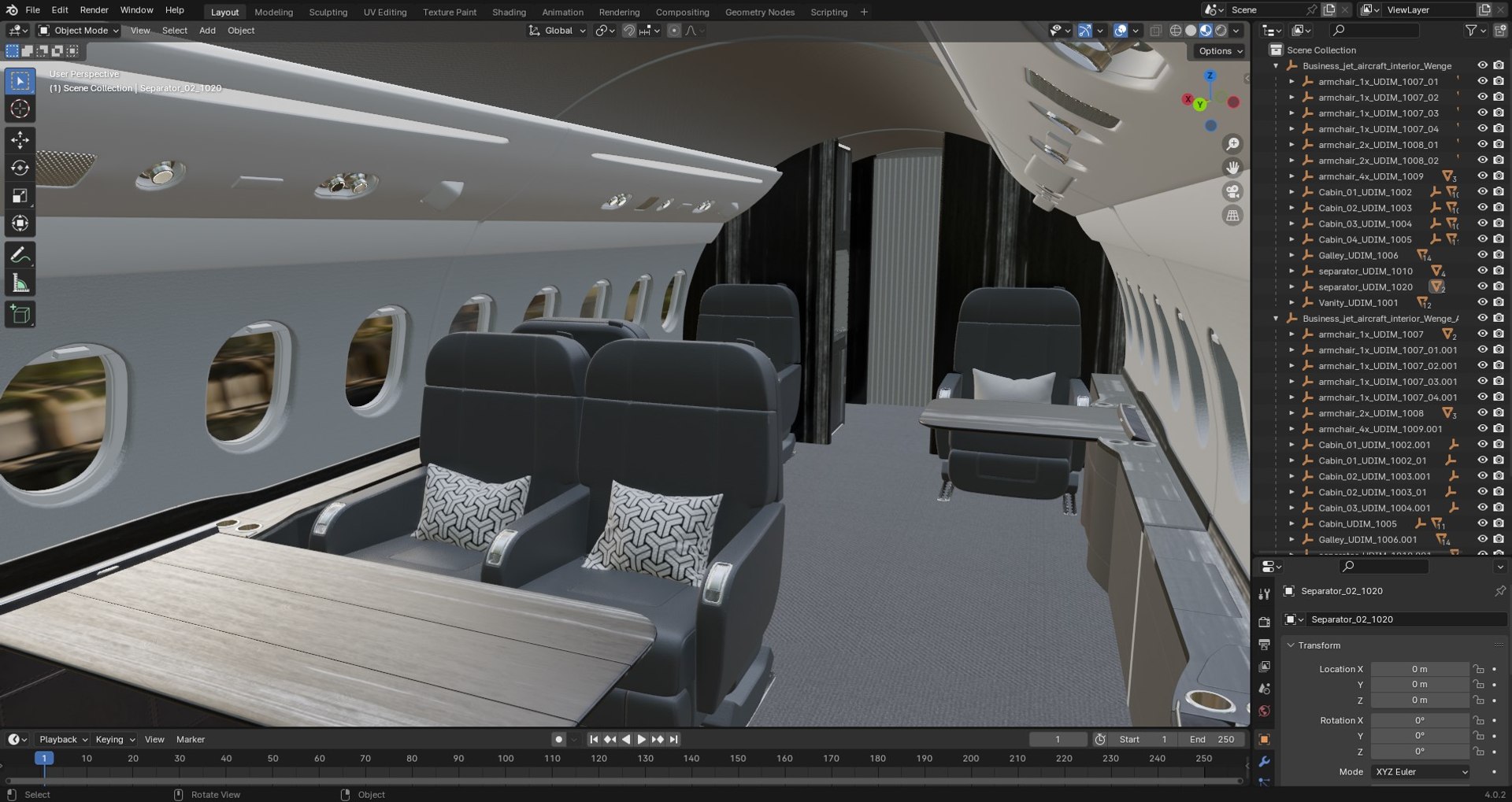
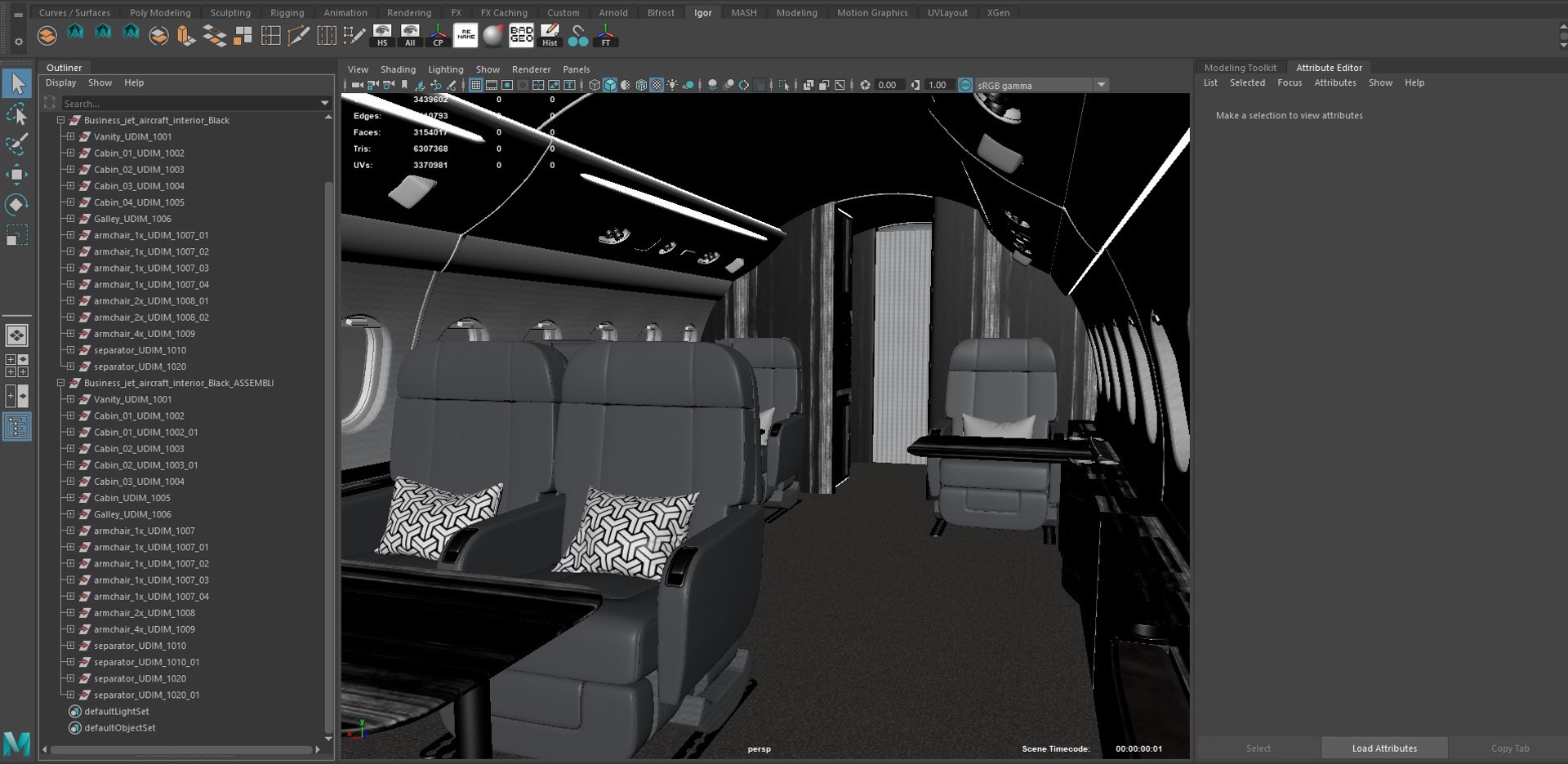
Buisiness jet interior Black

$30

Standard License | Upgrade License
Editorial Uses Only
Formats (6)
Free file format Conversions available
Native | Maya 2018 | Default Scanline 2018
3ds Max 2016 | V-Ray 3.20.03
Blender
FBX
glTF
Specifications
Publish Date February 08, 2024
Product ID 2187477
Polygons 1,537,702
Vertices 1,676,840
Polygonal
Textures
Materials
UV Mapped
Non-overlapping Unwrapped UVs
PBR
member avatar
IgorYerm
342 Products | Contributor Since 2015
Have questions? Chat with us now.

Description

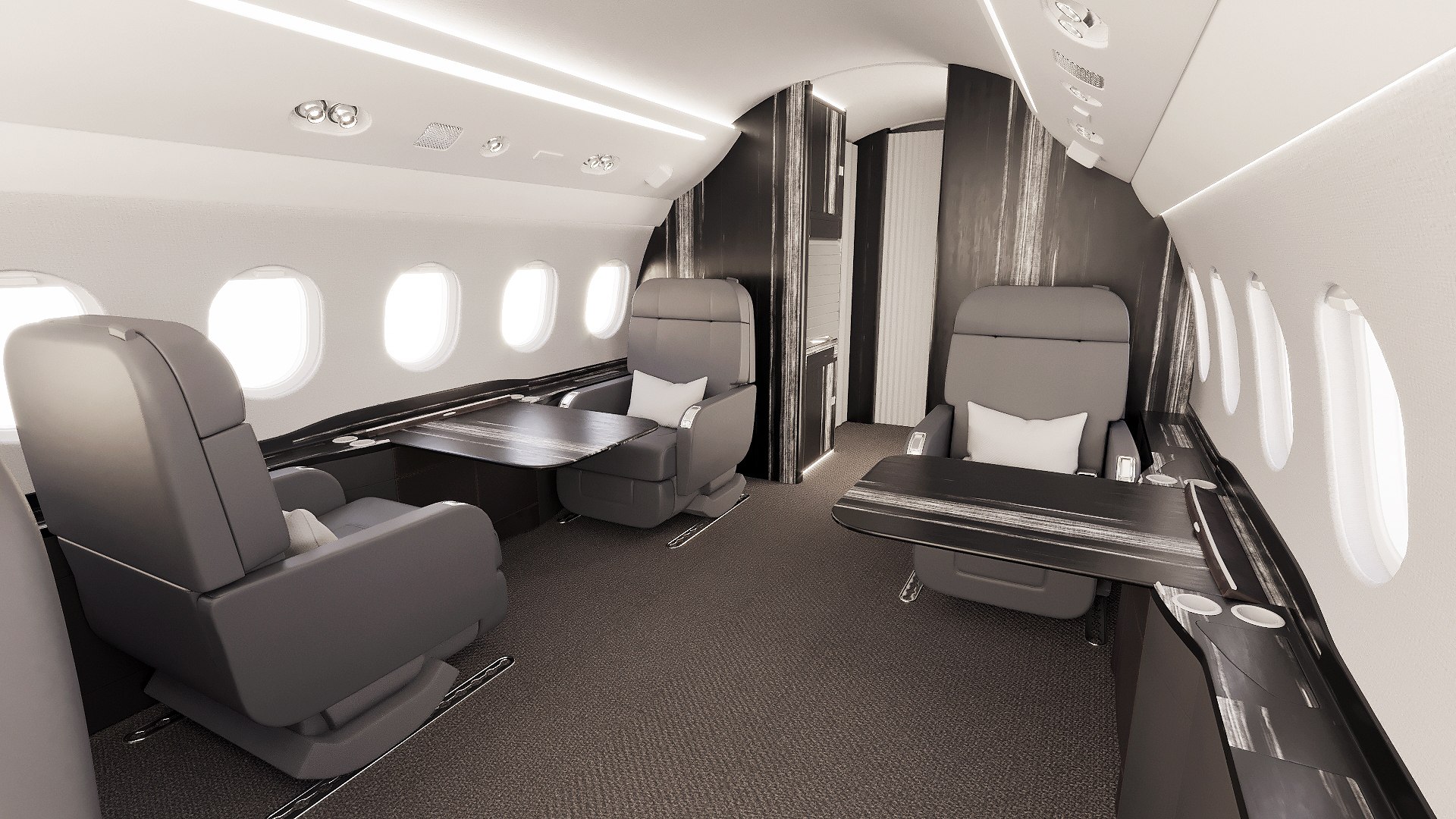
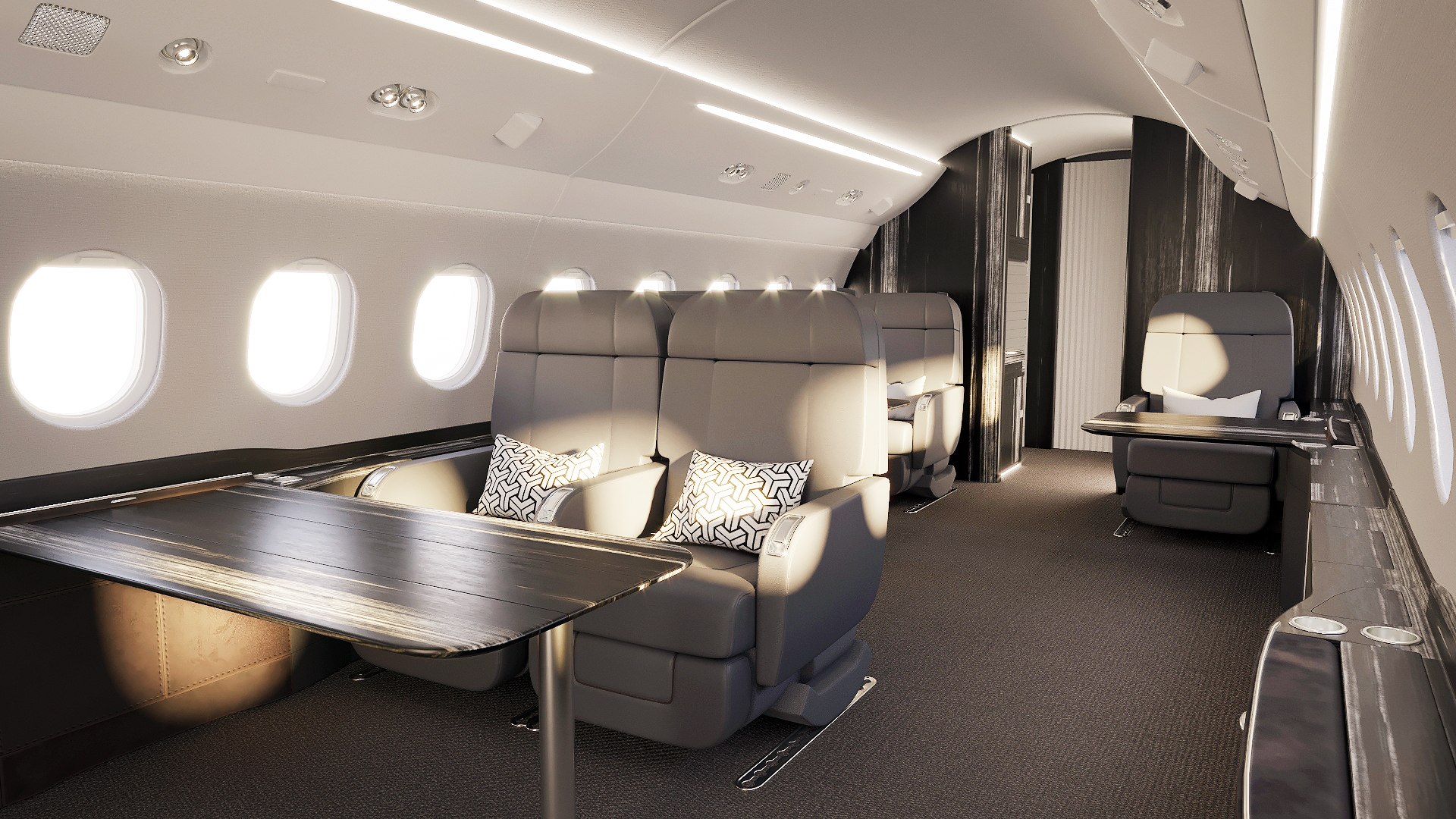
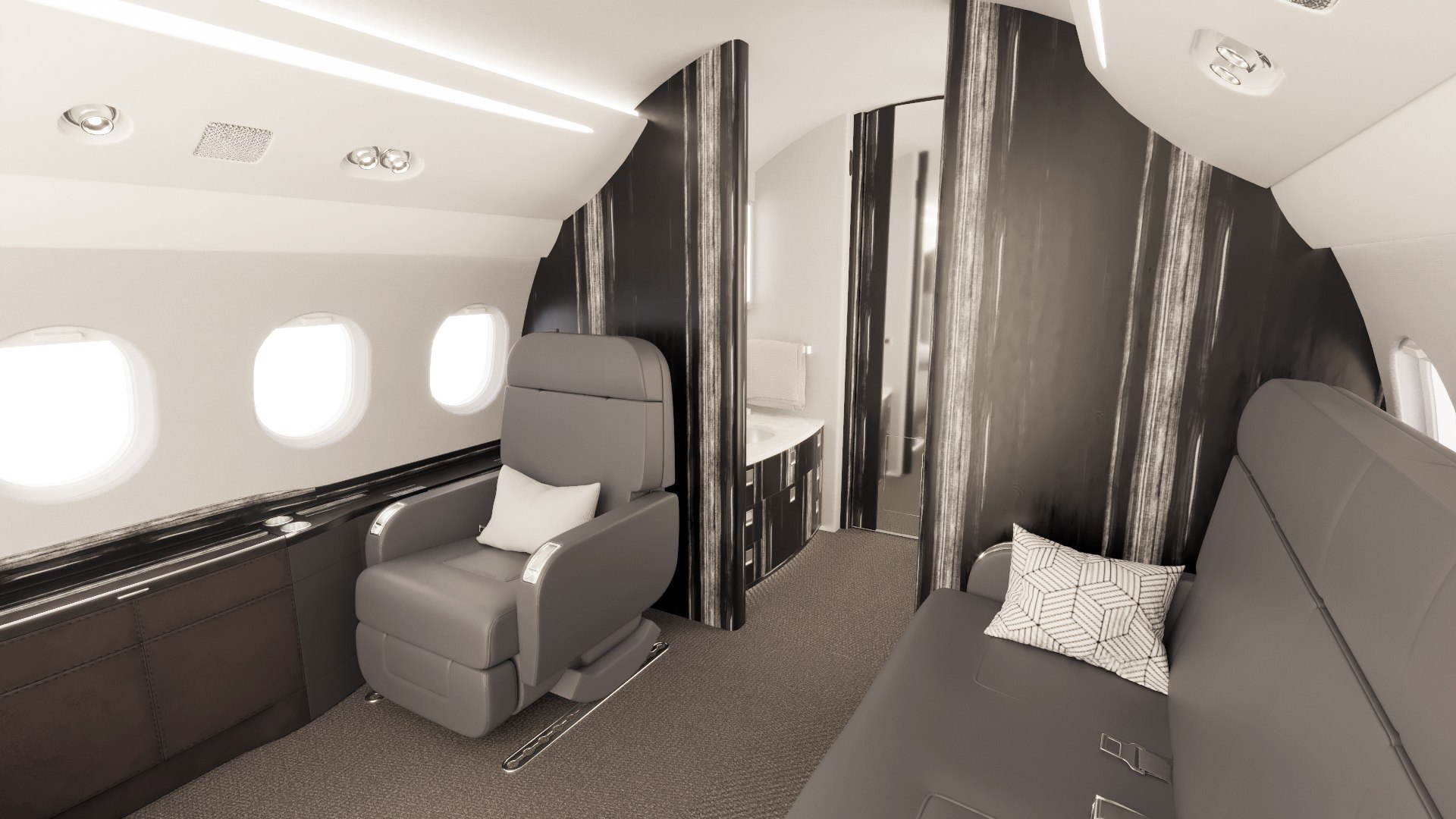
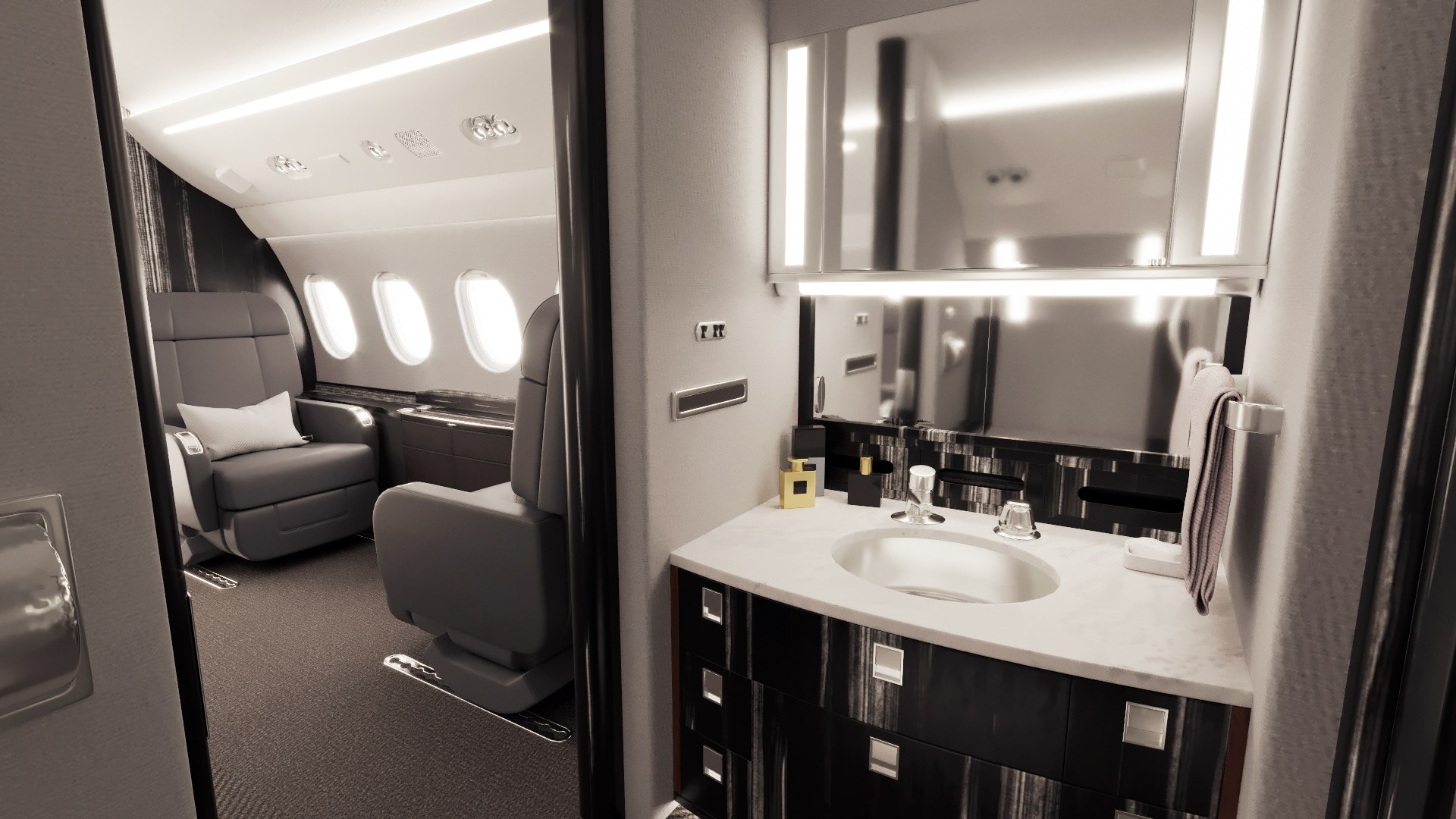
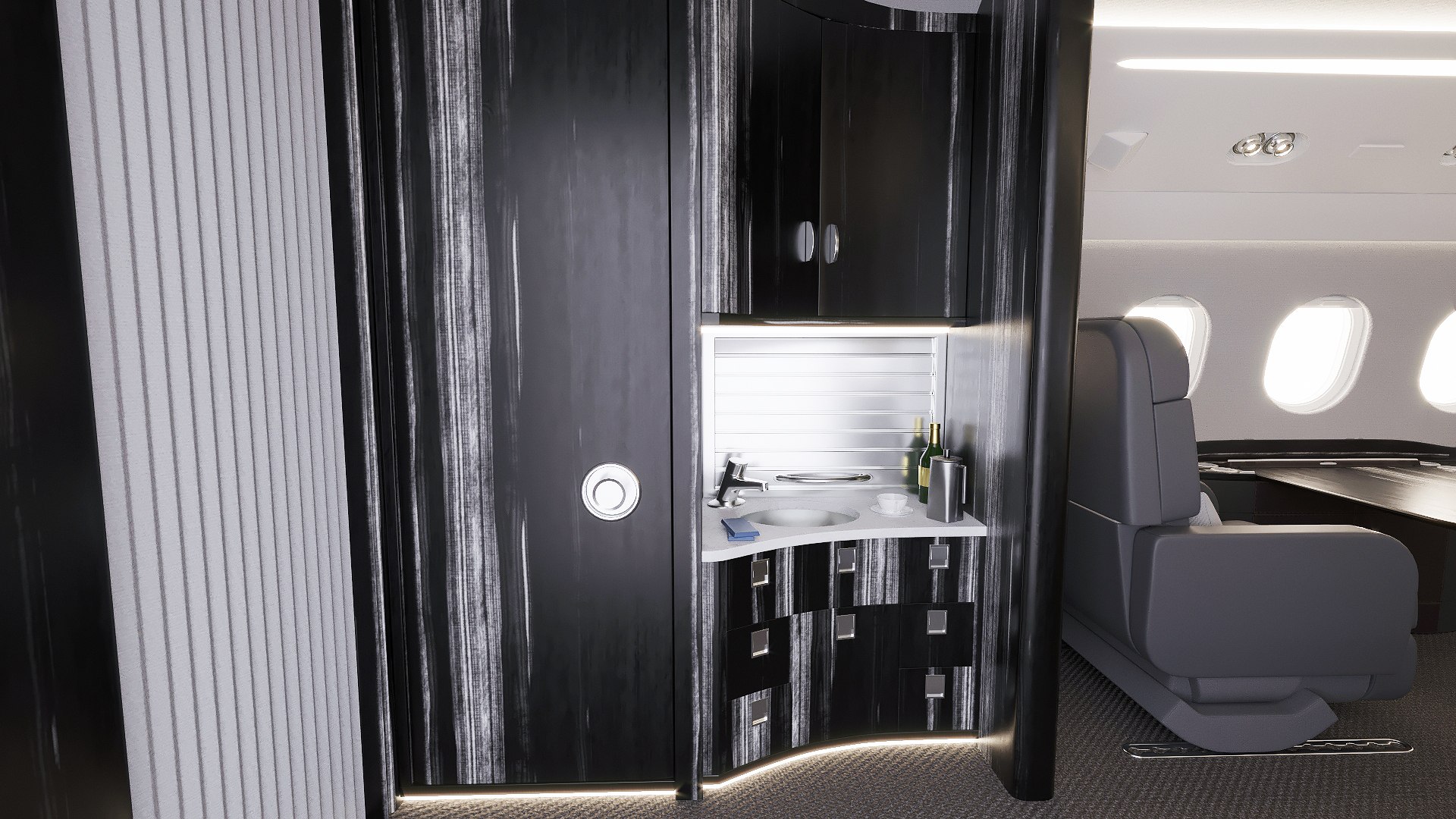
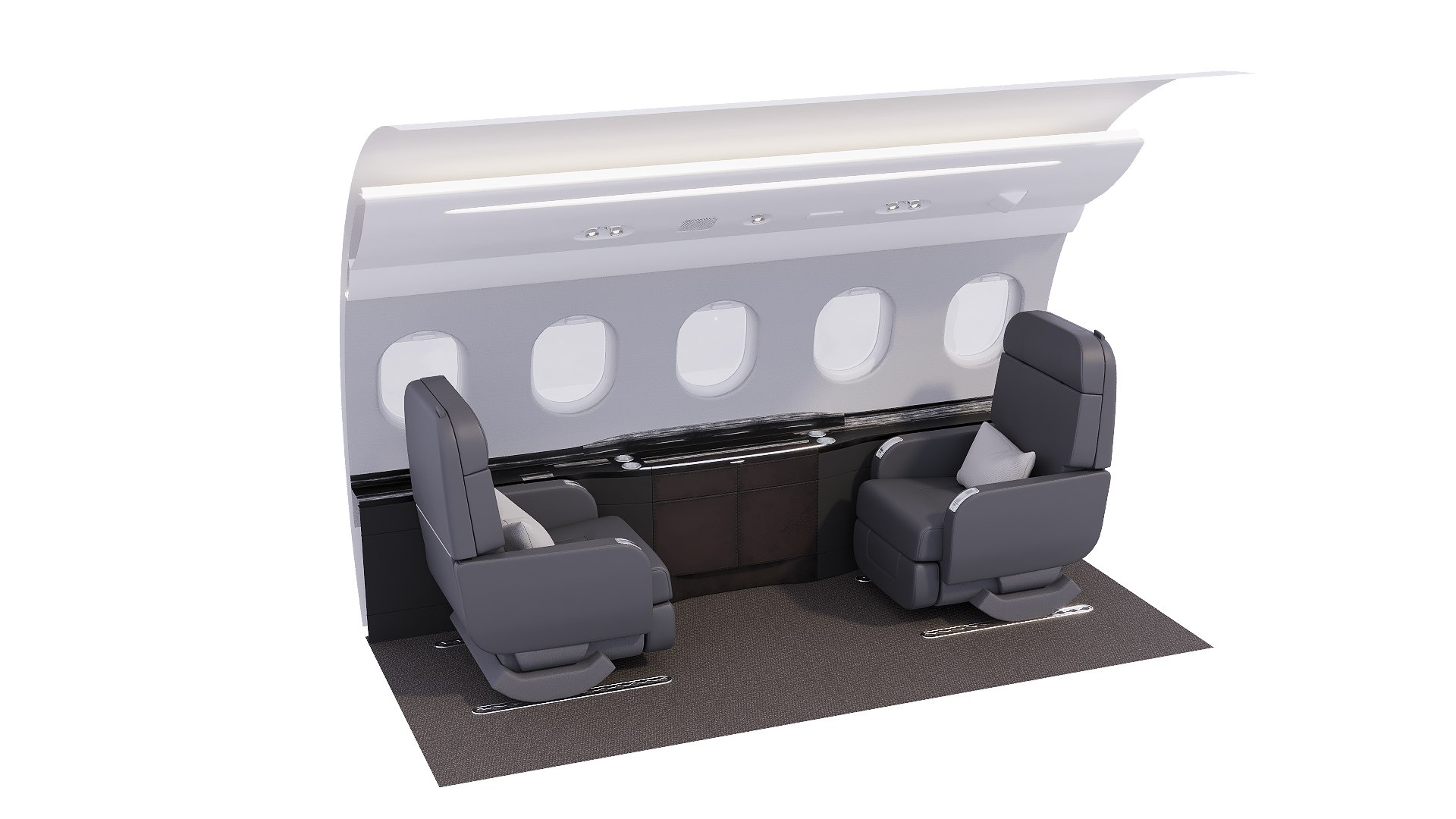
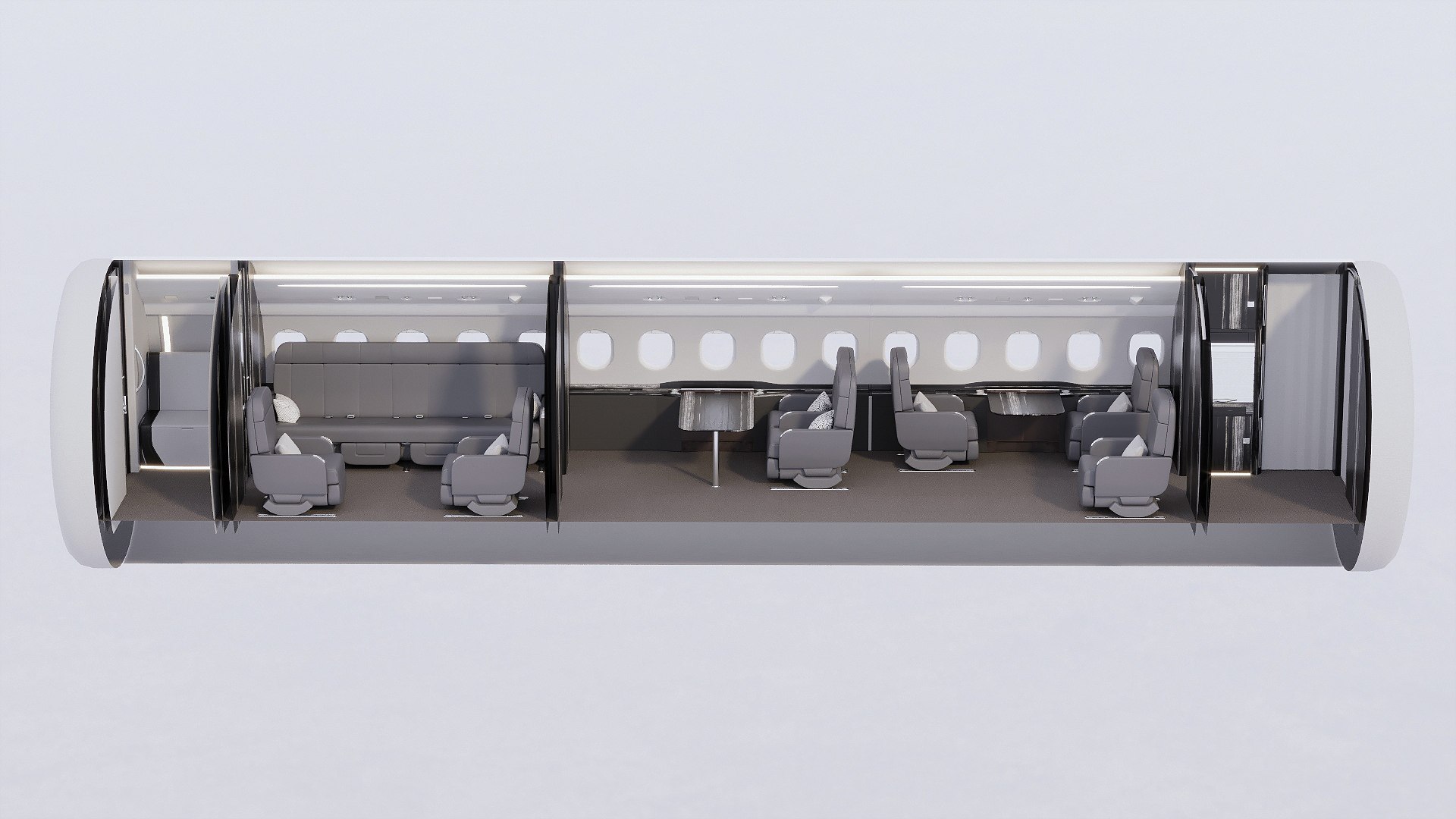
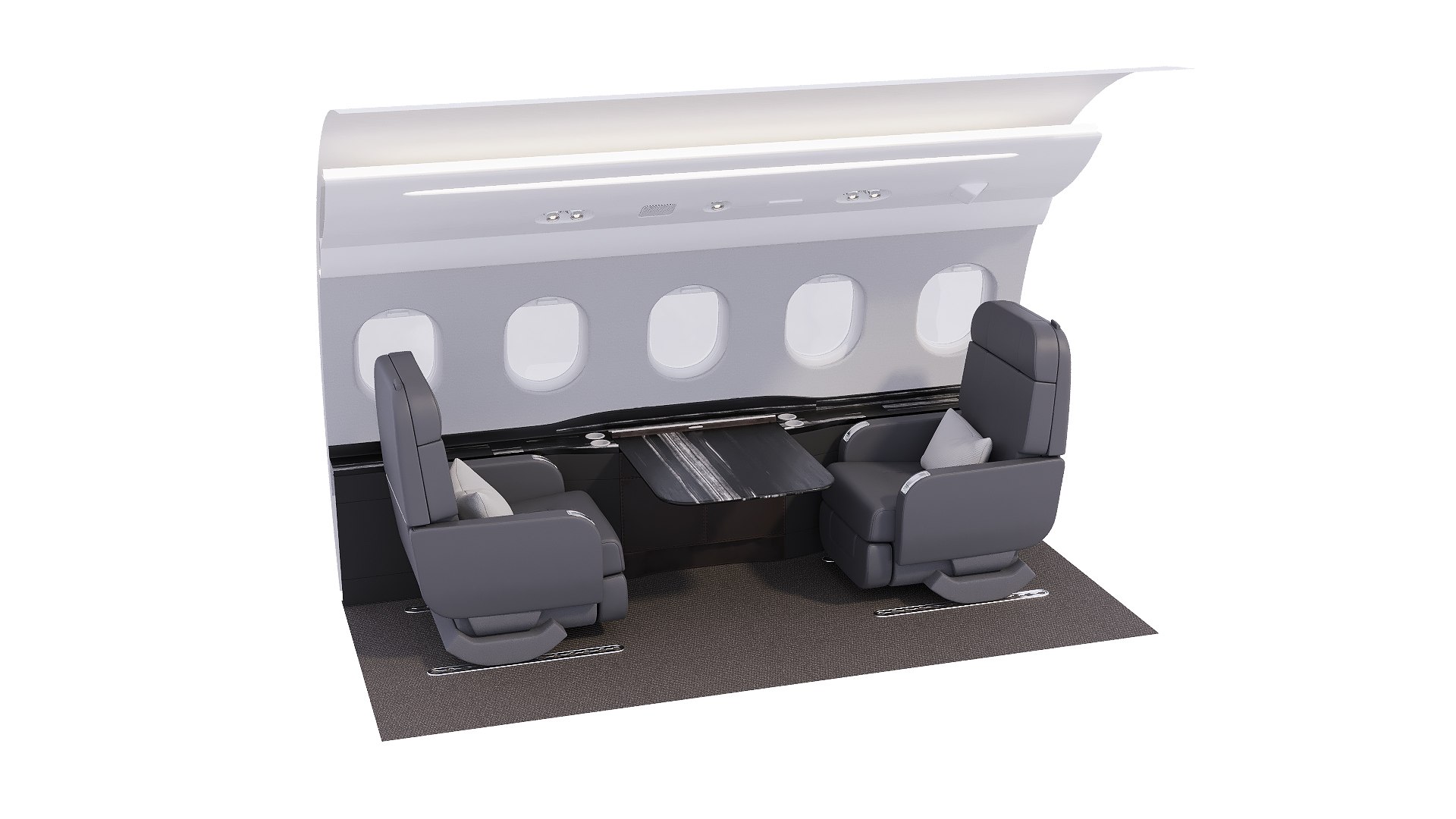
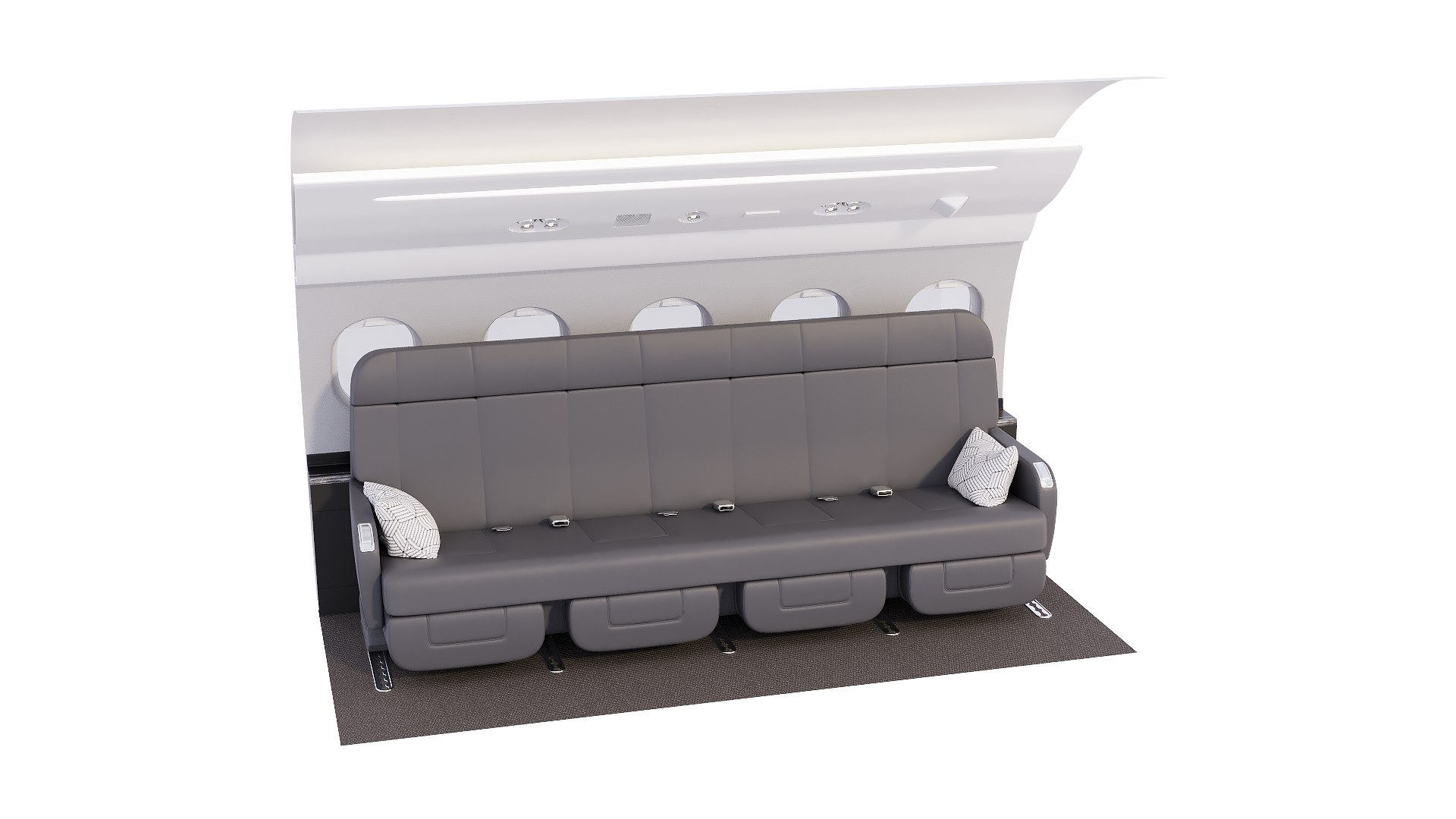
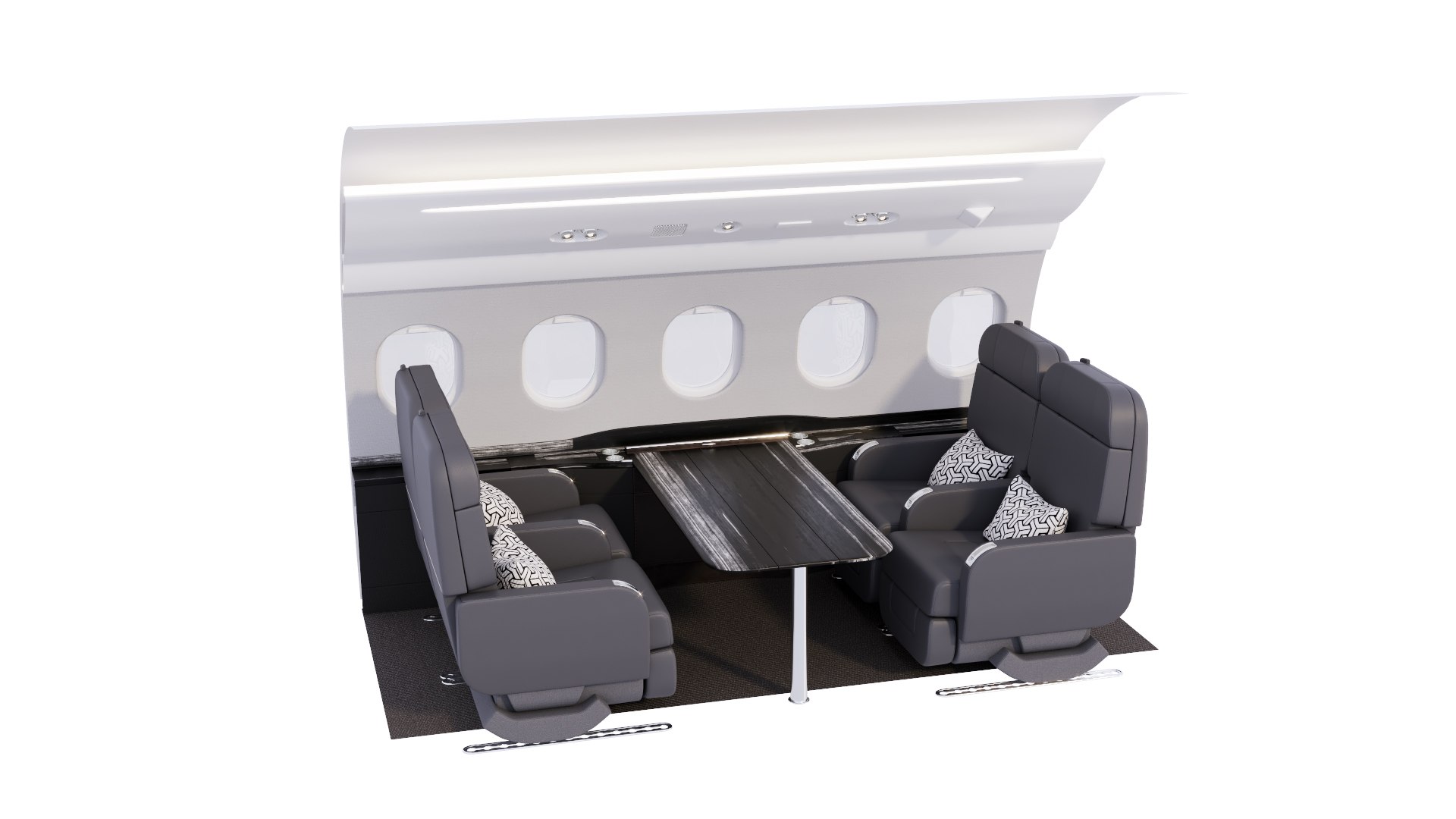
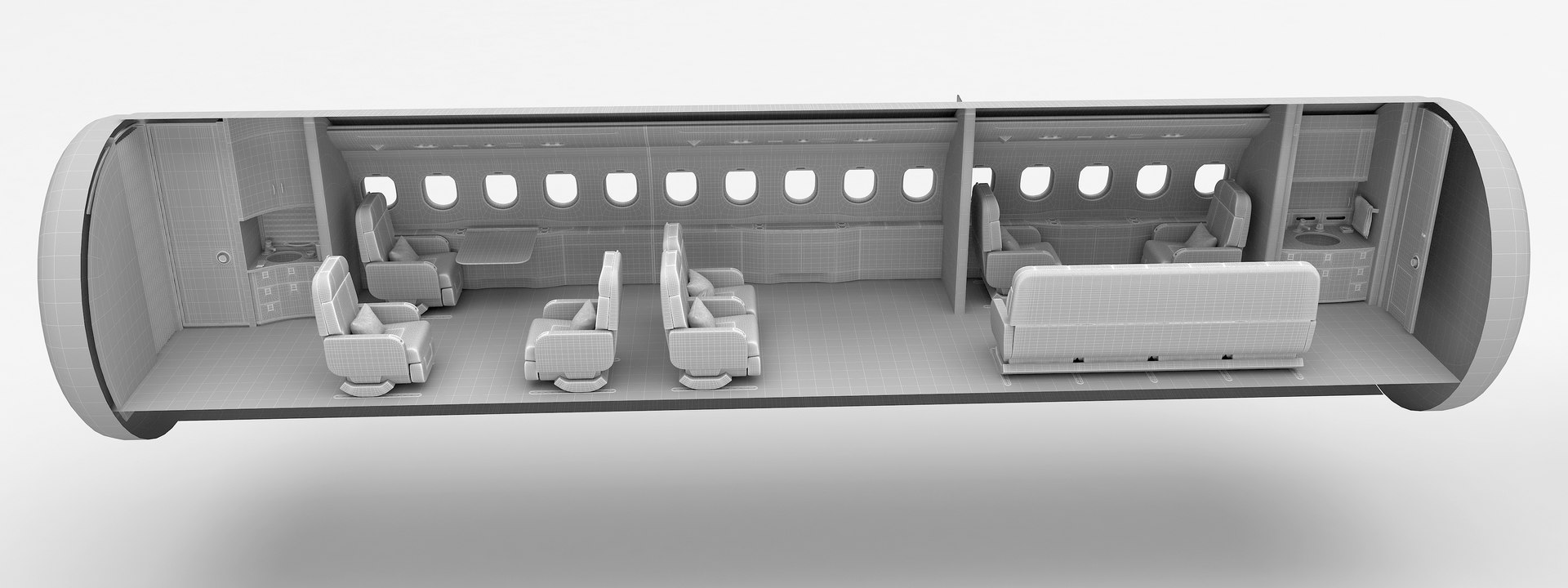
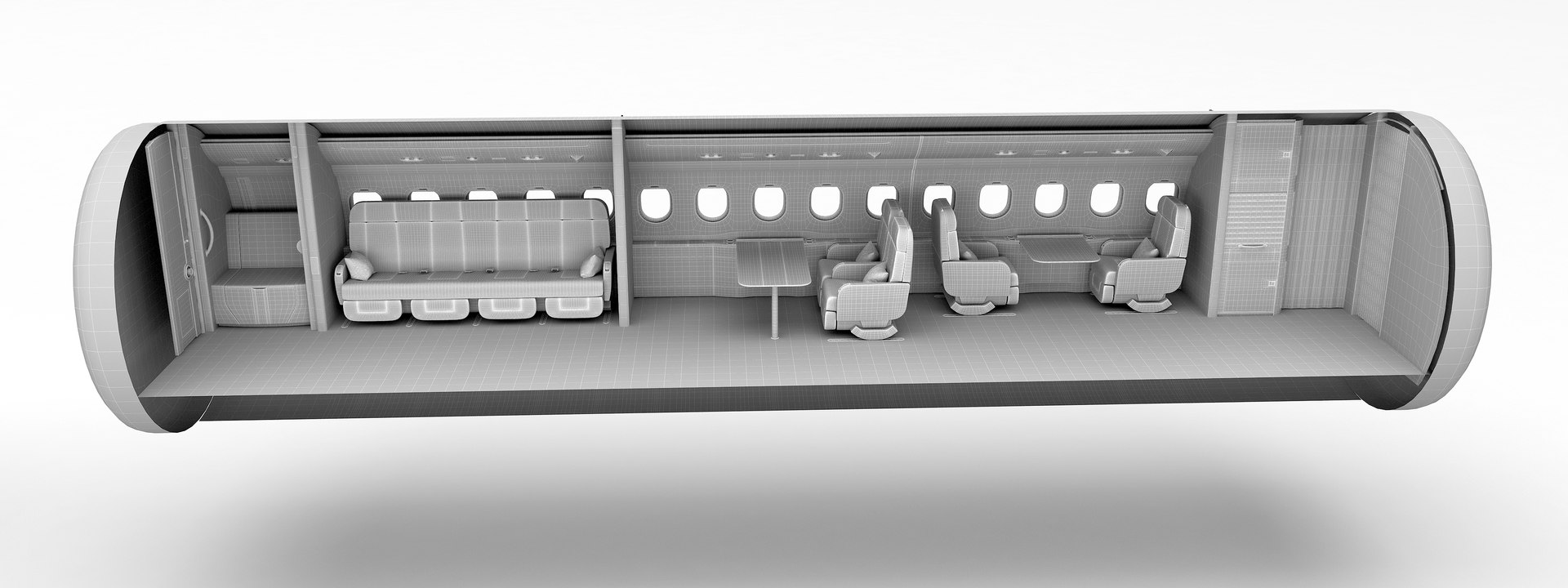
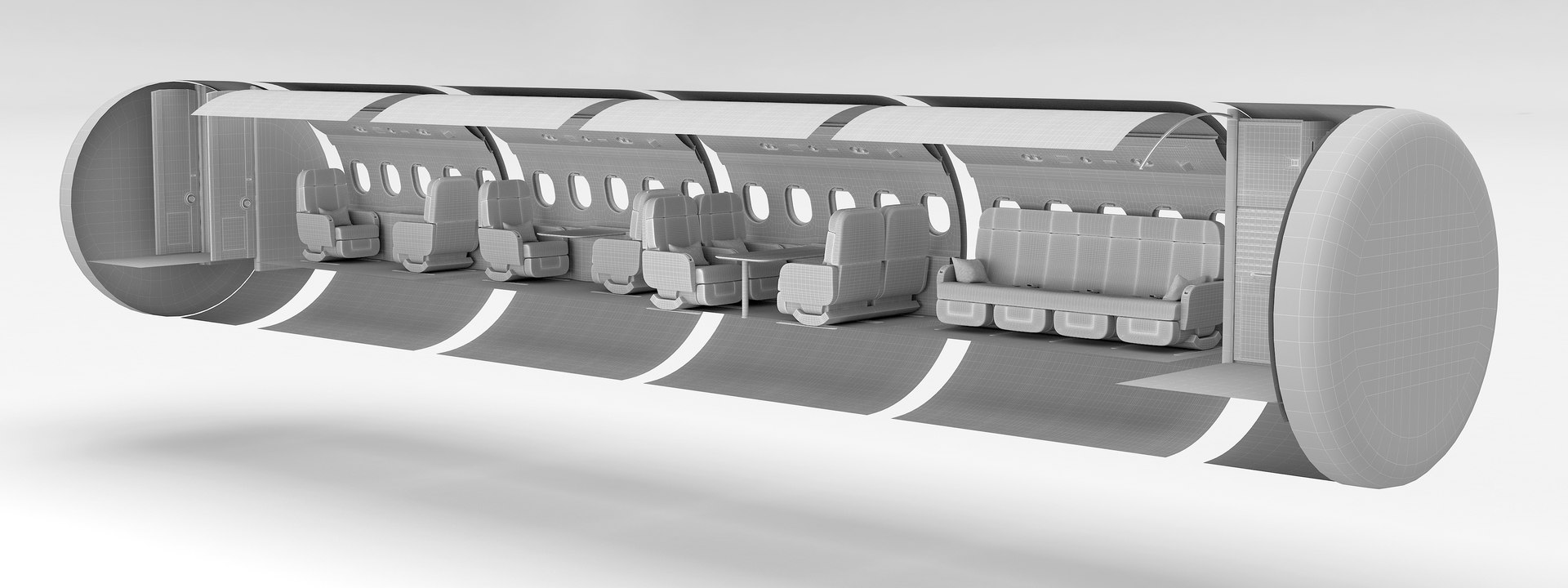
  • - The interior of the business jet Falcon 2000LXS is configurable at will. A model is a constructor. You can create an aircraft cabin with the composition you need:
  • 1) The part with the dressing room (with this part you can finish the fuselage.
  • 2) Detail with a folded table.
  • 3) Detail with an unfolded table.
  • 4) Detail with a table for two chairs
  • 5) An empty part or you can put a sofa to it
  • 6) Part with a kitchen (closed curtain for the entrance and cockpit)
  • 7) Single chair
  • 8) Double chair
  • 9) Sofa
  • 10) Part of the partition (can also be closed with a curtain)
  • - 11) The part of the molding that hides the joints of the fuselage parts. - 3d files included ----3DsMax 2016 -- Maya 2018--OBJ---FBX.
  • Aircraft interior is a high quality, model that will enhance detail and realism to any of your rendering projects. The geometry is carefully checked for holes, inverted normals, and overlapping polygons. Scene objects are organized in groups. Fits well for close up renders.

Select Enhanced License

  • $10,000 in Legal Protection (Indemnification)
  • Uncapped Legal Protection (Indemnification)
  • Waiver from injunctive relief
  • Assignable model rights
  • $1,000,000 in Legal Protection (Indemnification)
  • Waiver from injunctive relief
  • Assignable model rights
  • $250,000 in Legal Protection (Indemnification)
  • Assignable model rights
Read more about enhanced license tiers, or contact us at enterprise@turbosquid.com. Already a Shutterstock Enterprise Customer? Contact your Shutterstock Sales Support Agent to talk about adding 3D.

About Conversion Requests

To submit a conversion request for a purchased asset, please complete our Conversion Request Form.

If you have not yet purchased a model, please review our Documentation about Conversions to learn about what limitations you may encounter with a conversion.

For any additional questions about a model’s suitability for conversion, please contact TurboSquid Support.

Loading...