
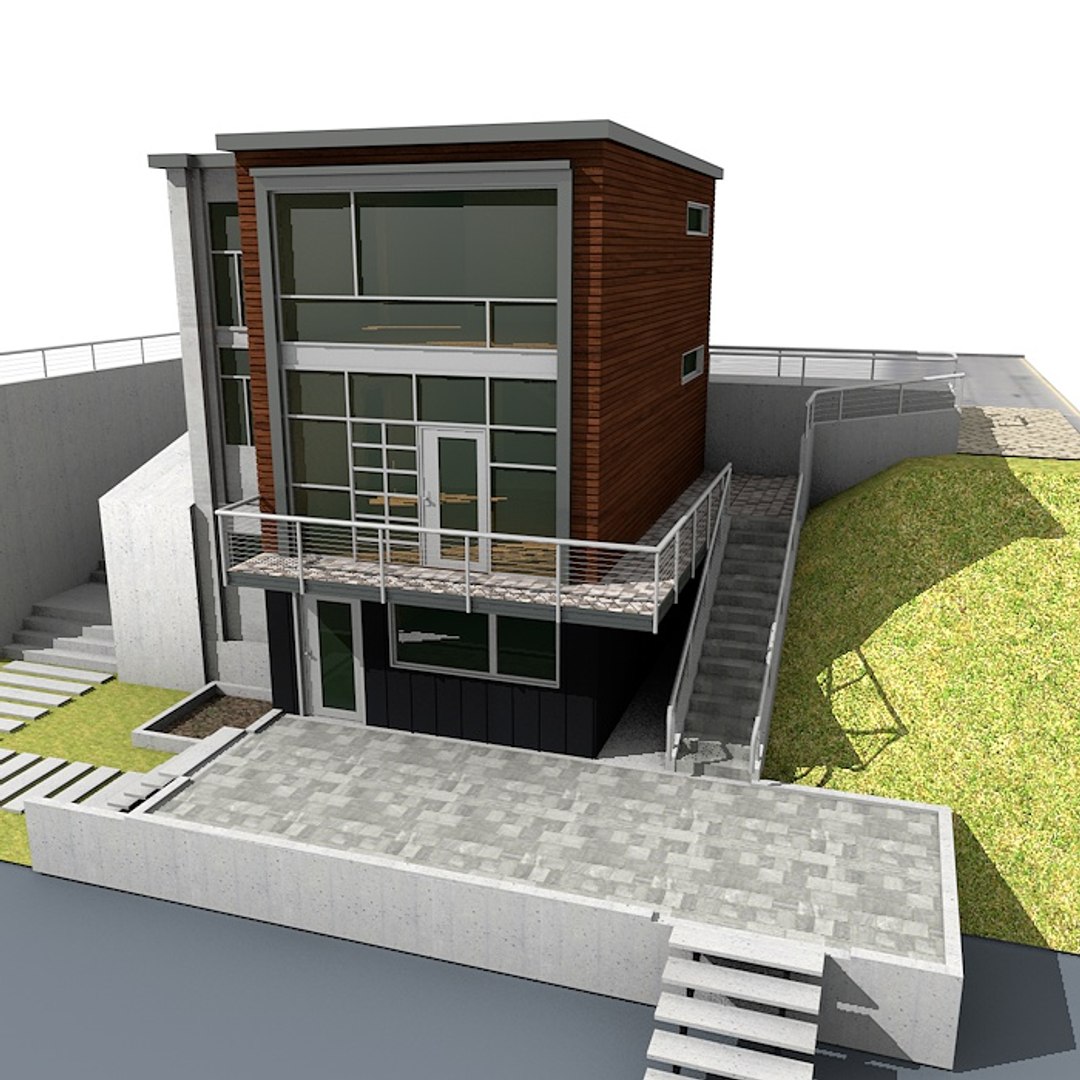
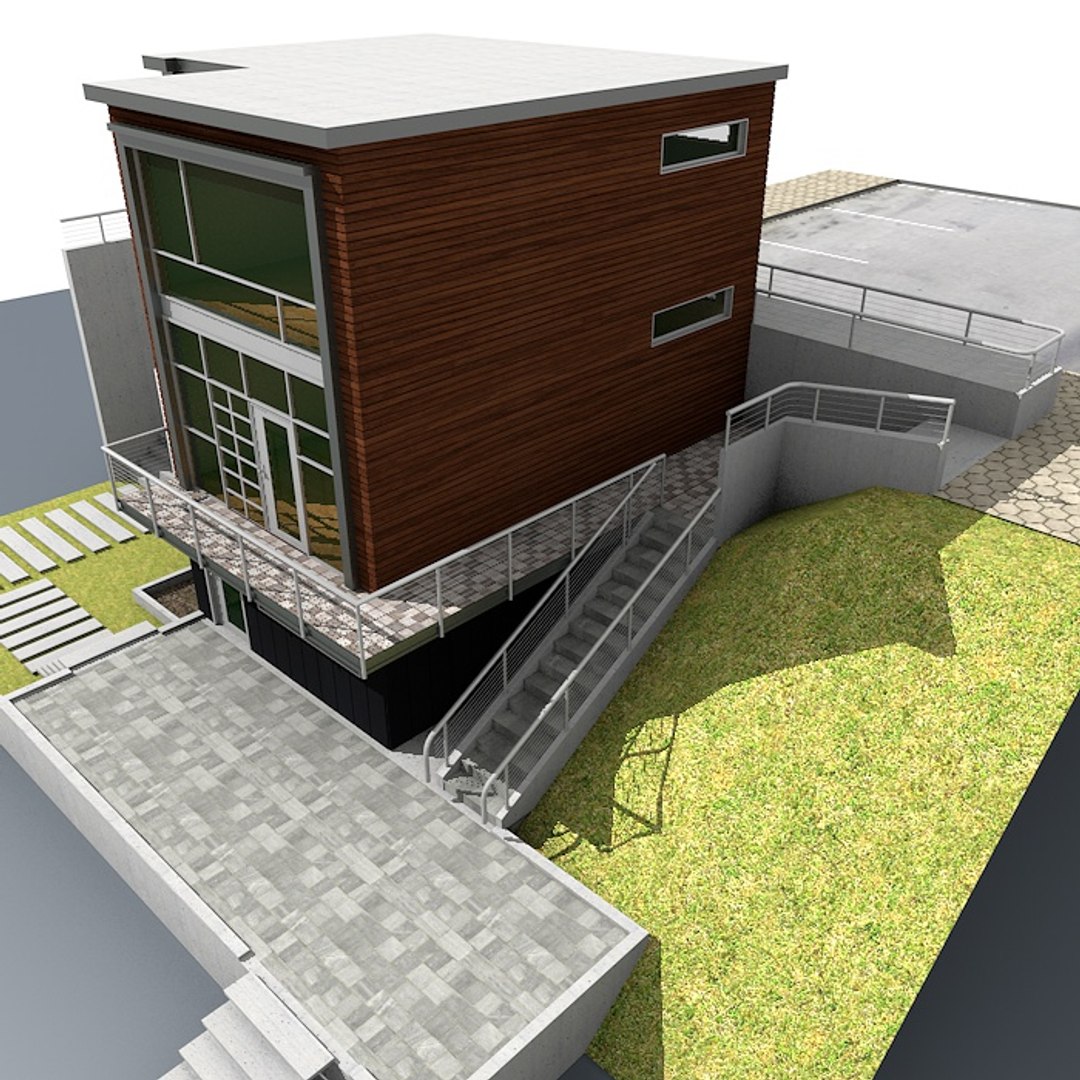
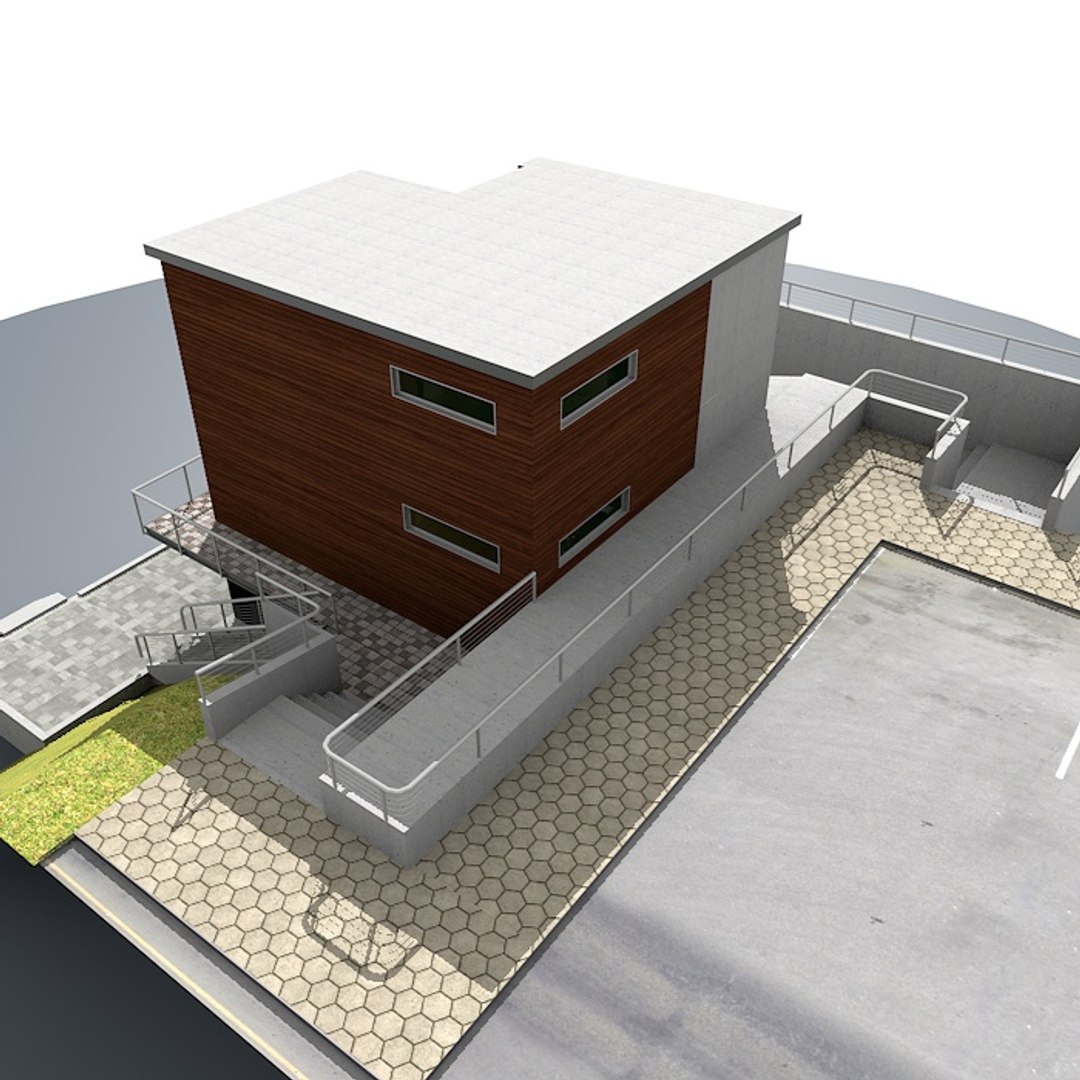
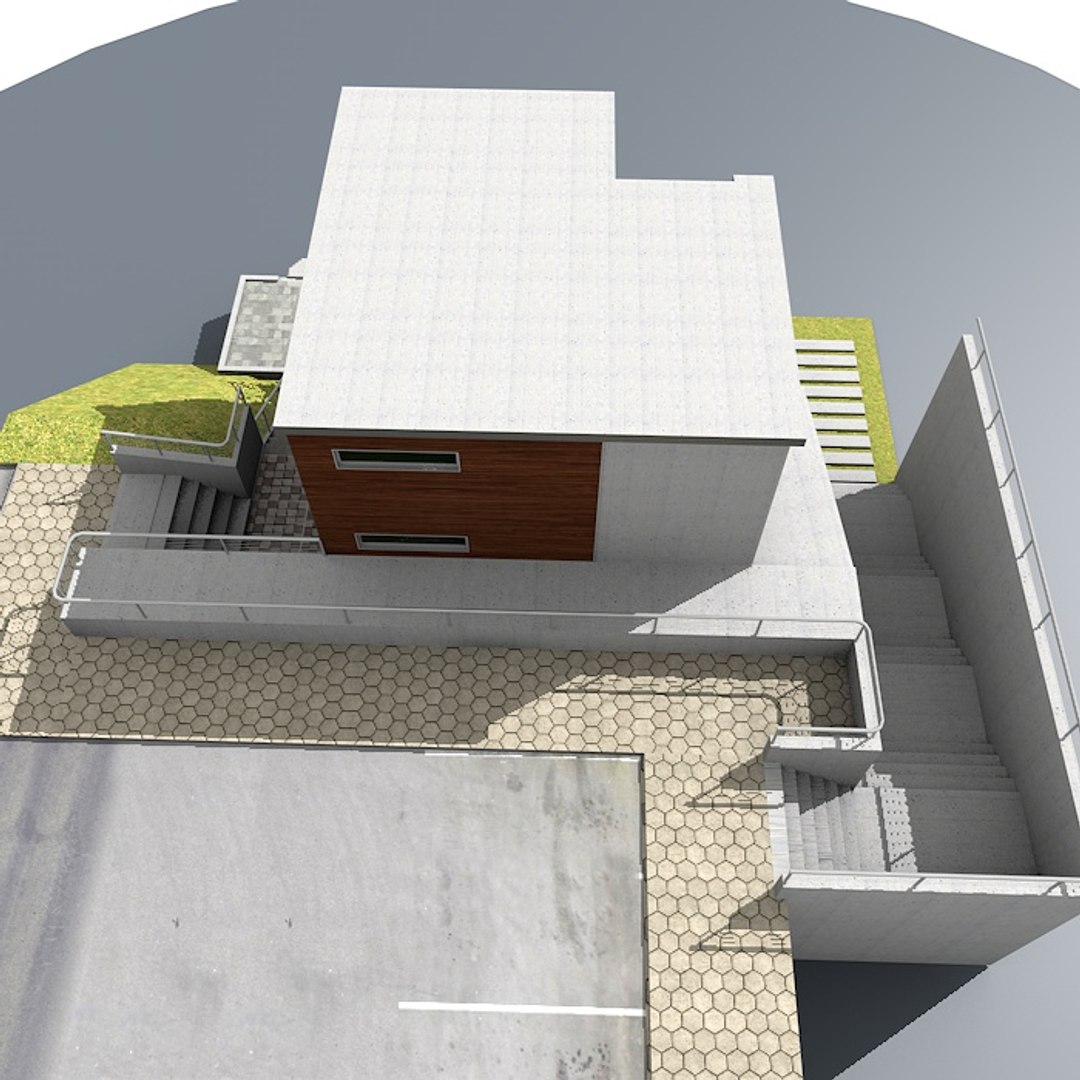
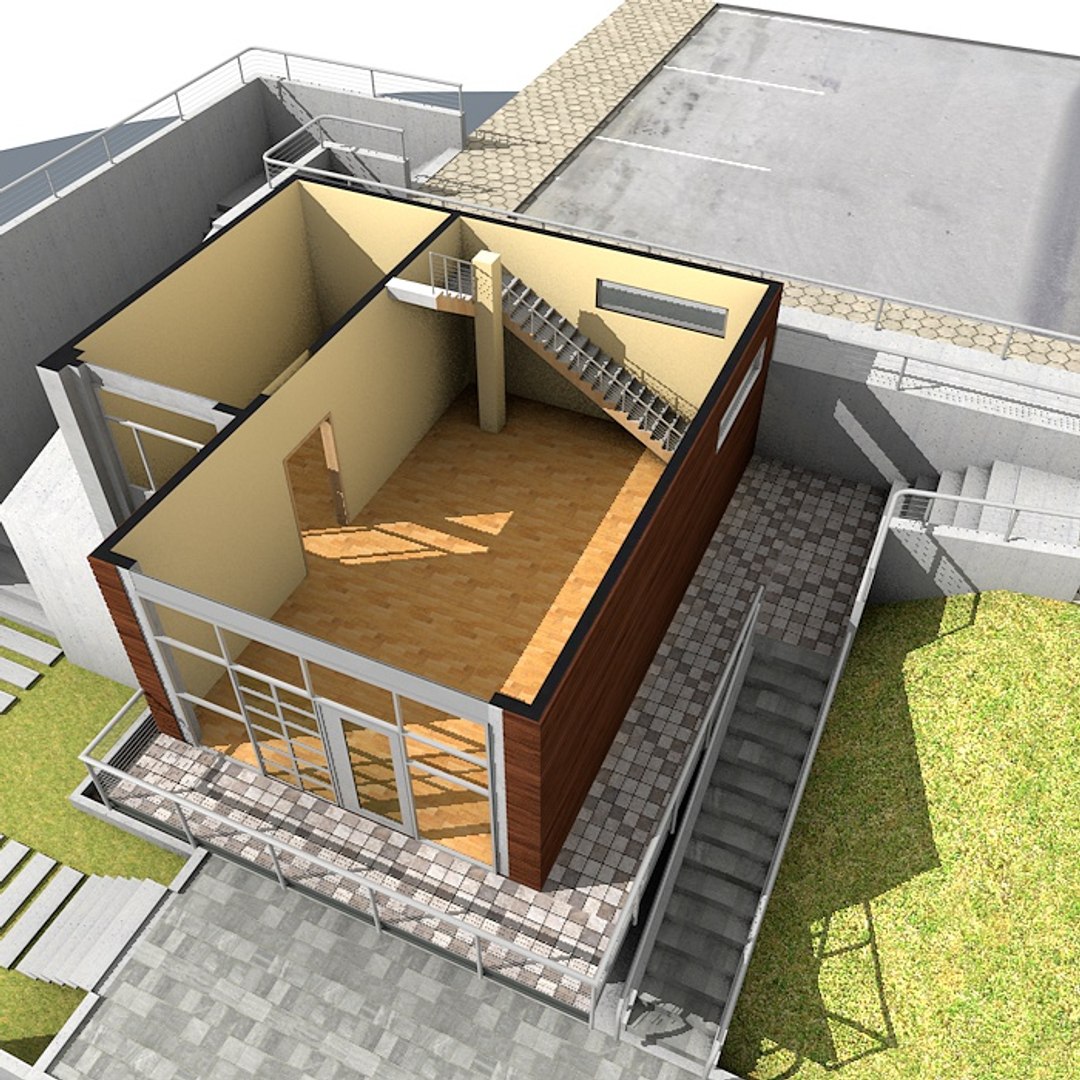
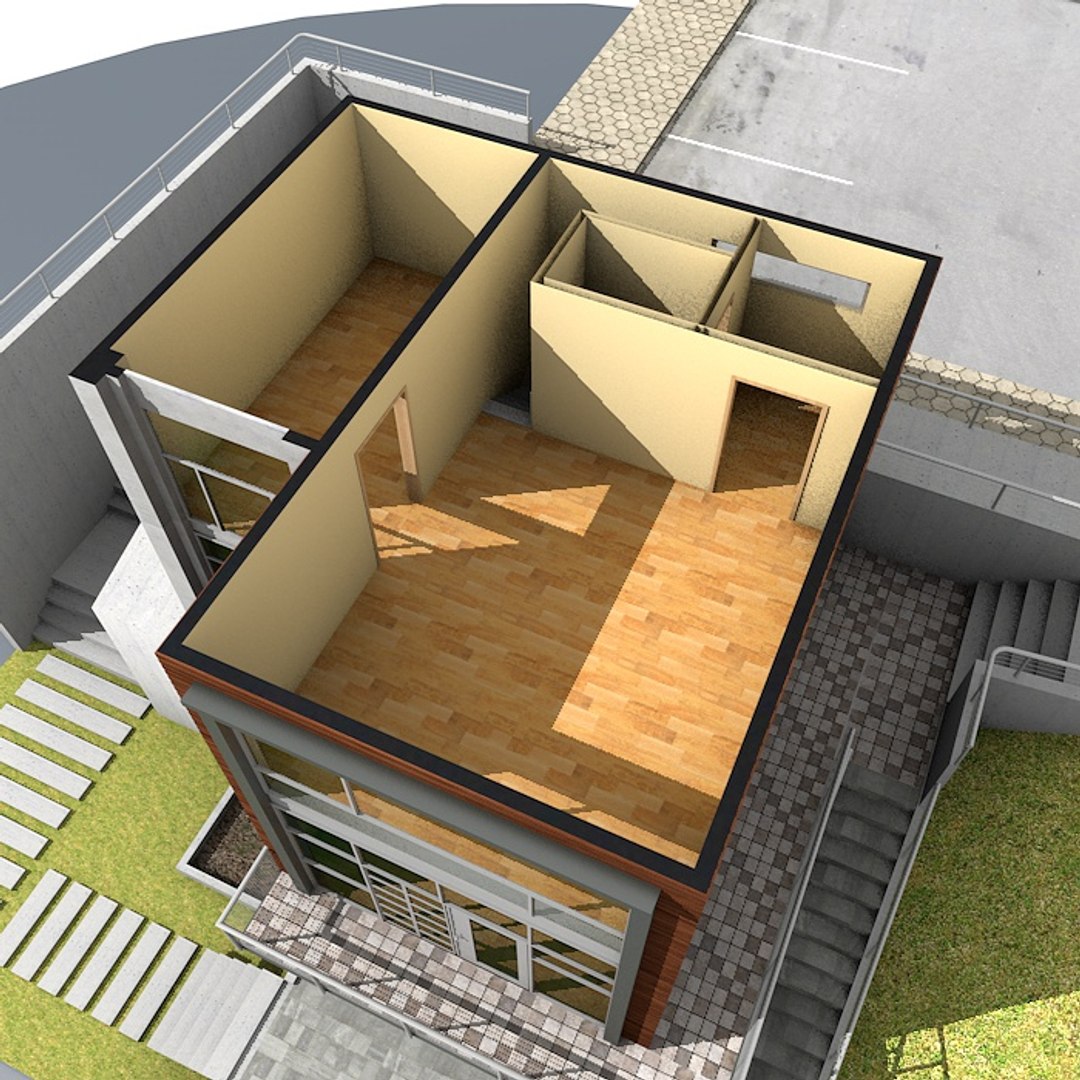
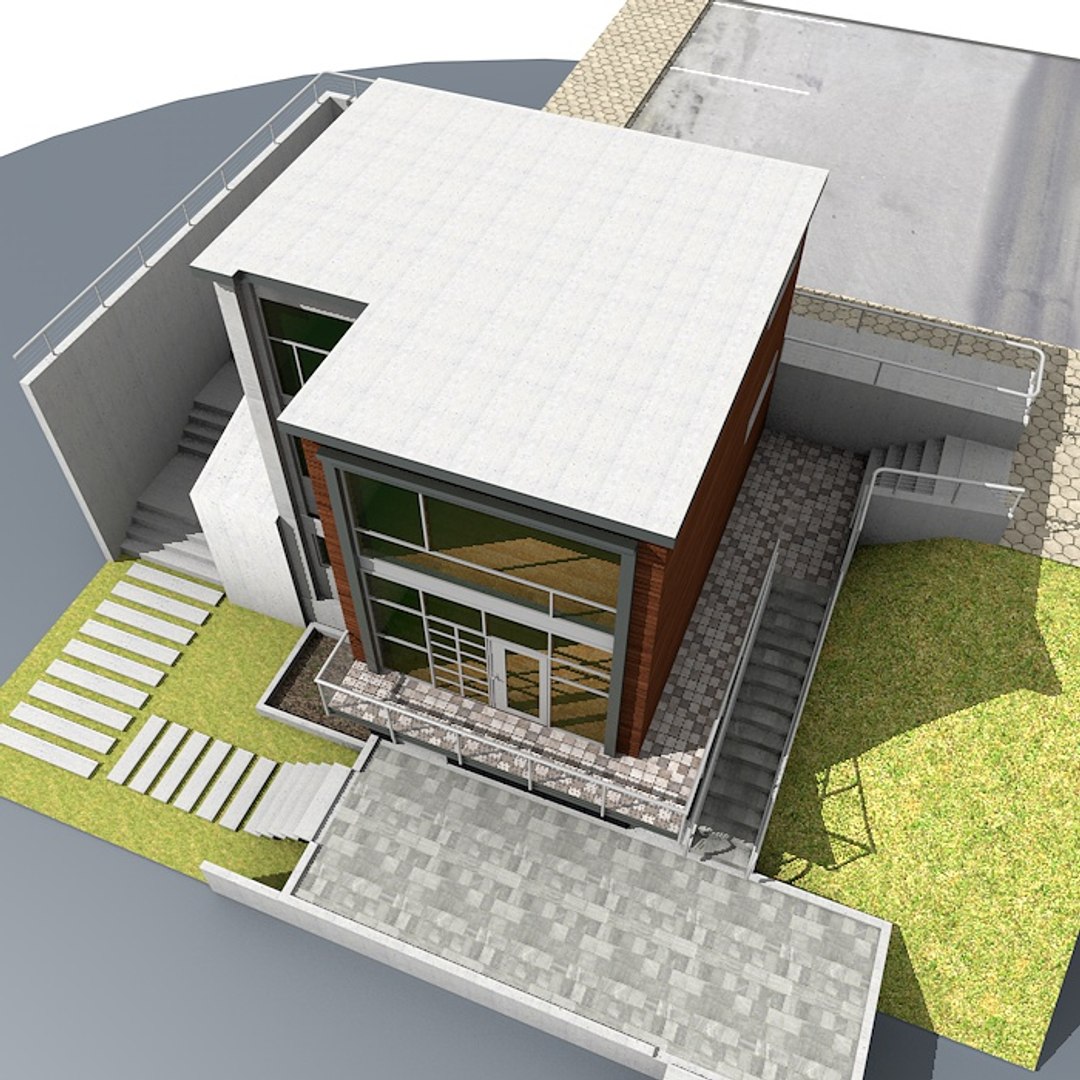
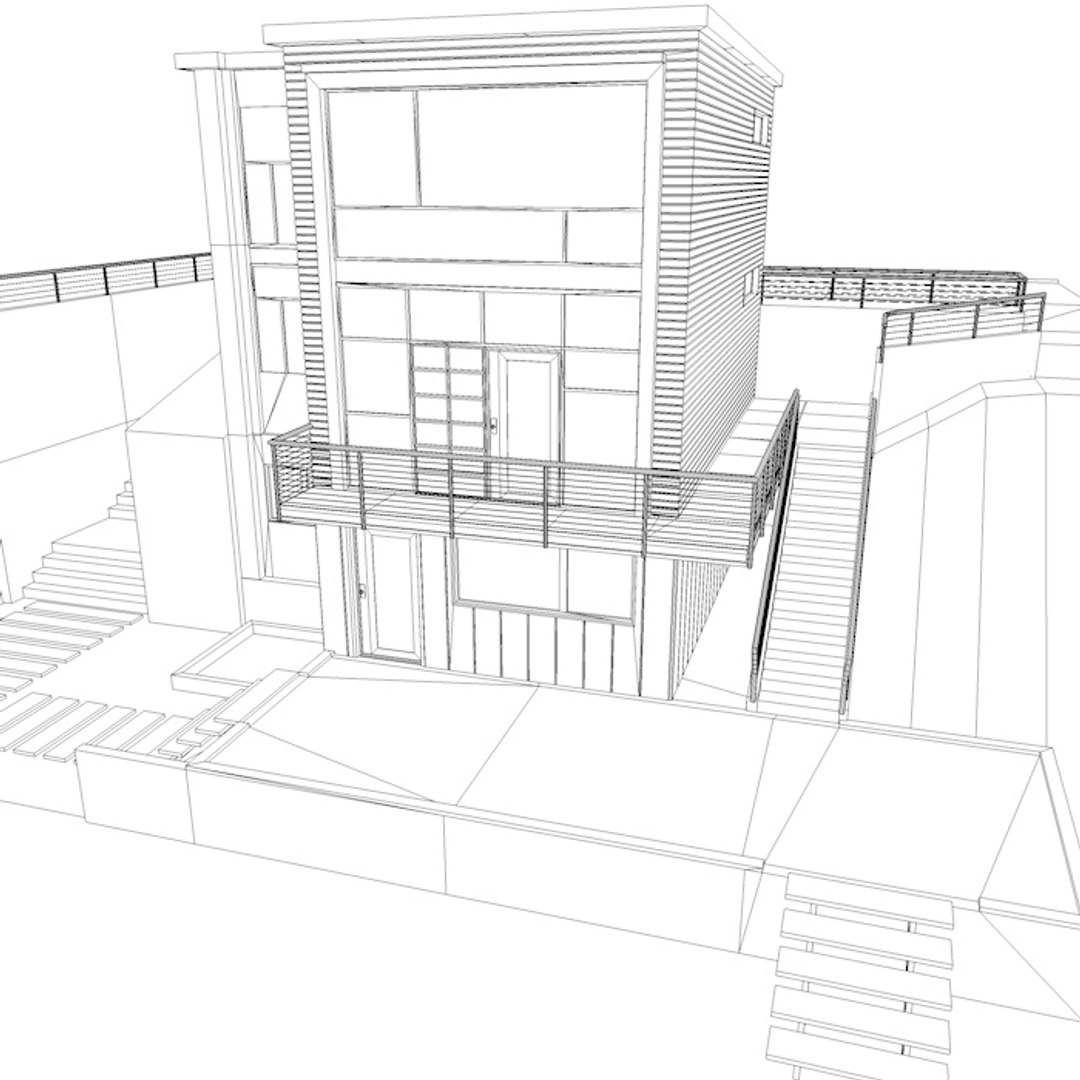
Building with interior HD

$39

Standard License | Upgrade License
Formats (6)
Free file format Conversions available
3ds Max 2008 | Other
Lightwave 9.2 | Other
Cinema 4D 12 | Advanced Render 12
Other Textures
OBJ
3D Studio
Specifications
Publish Date November 20, 2014
Product ID 869075
Polygons 8,467
Vertices 11,942
Polygonal
Textures
Materials
UV Mapped
Mixed Unwrapped UVs

member avatar
ERLHN
1327 Products | Contributor Since 2007
Have questions? Chat with us now.

Description

Main features:

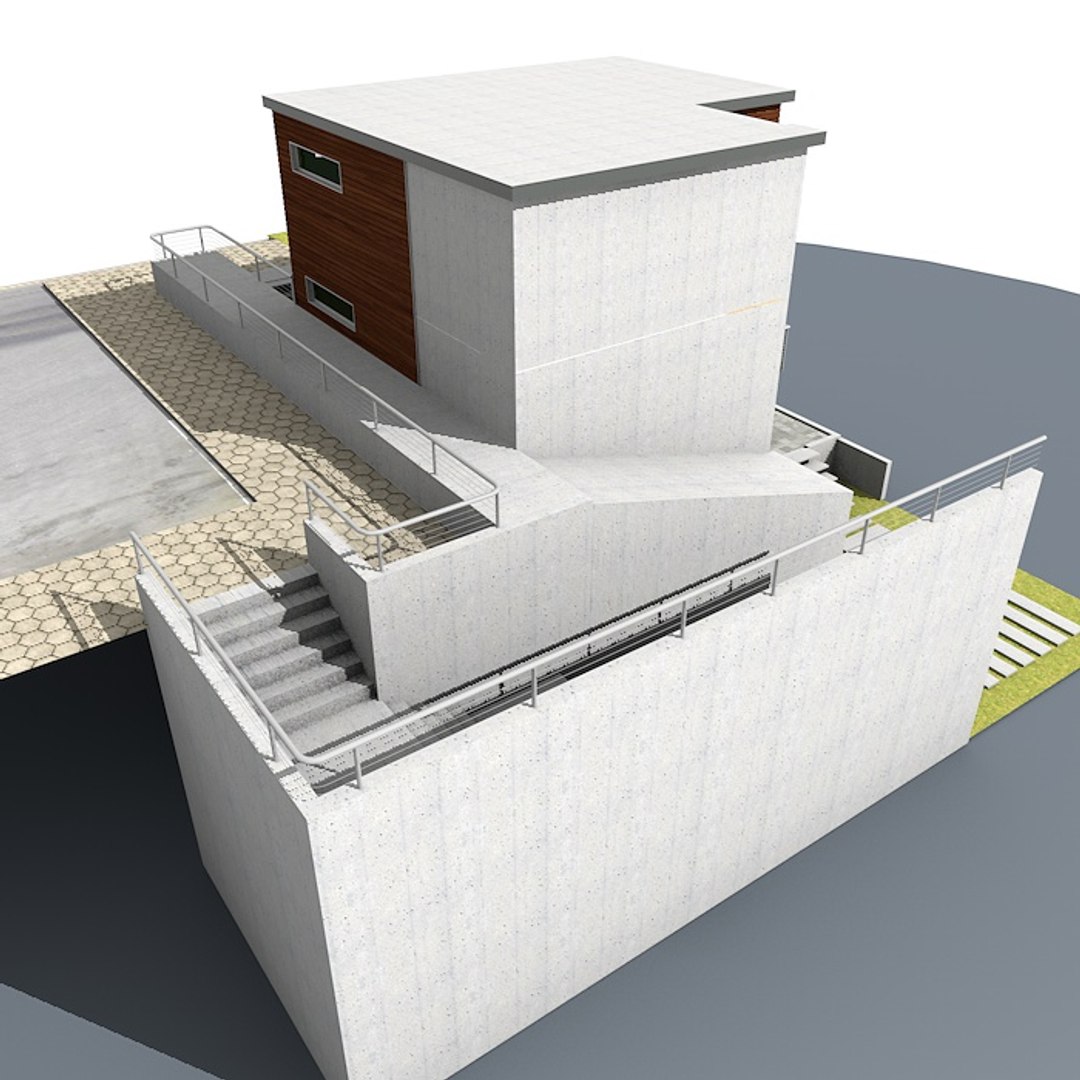
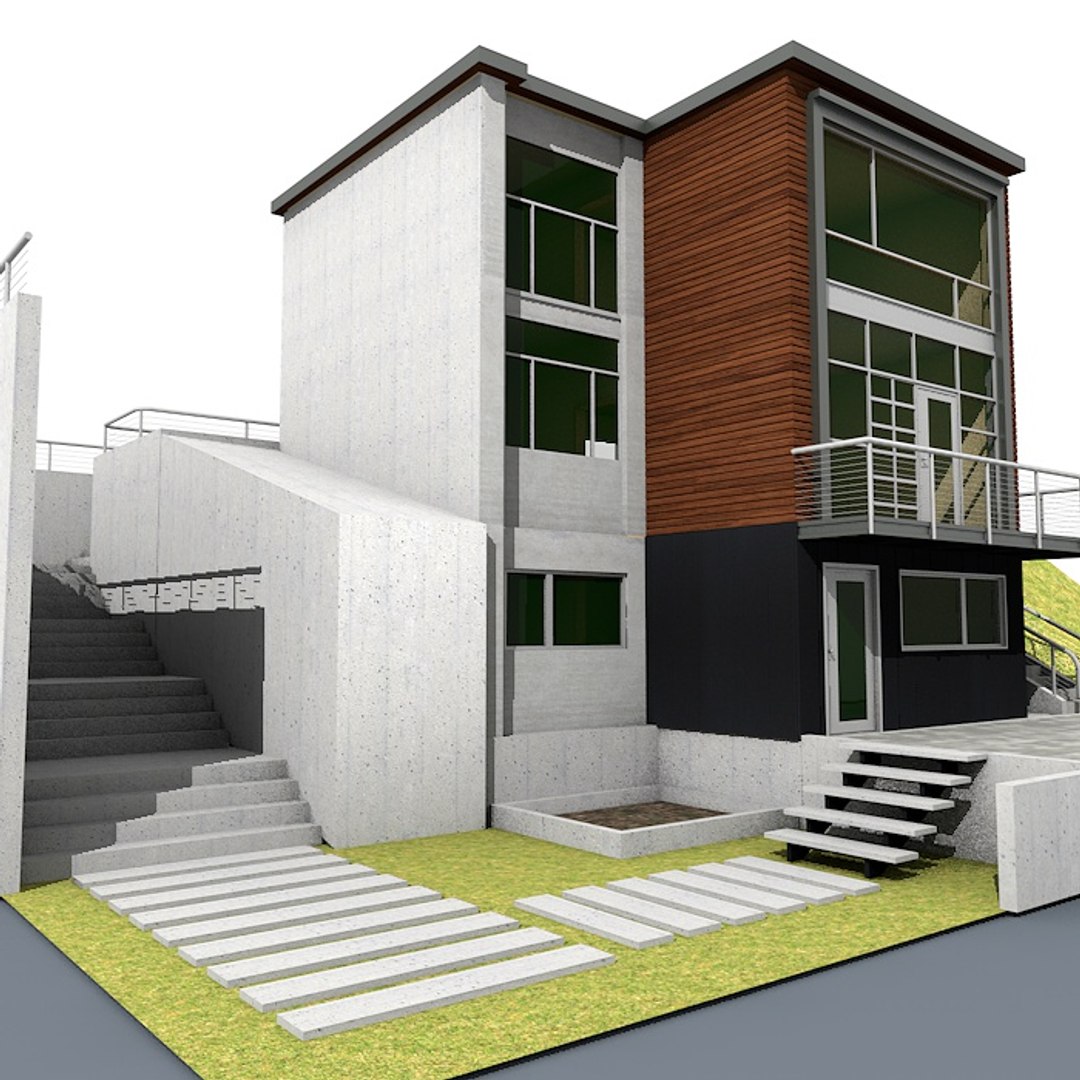
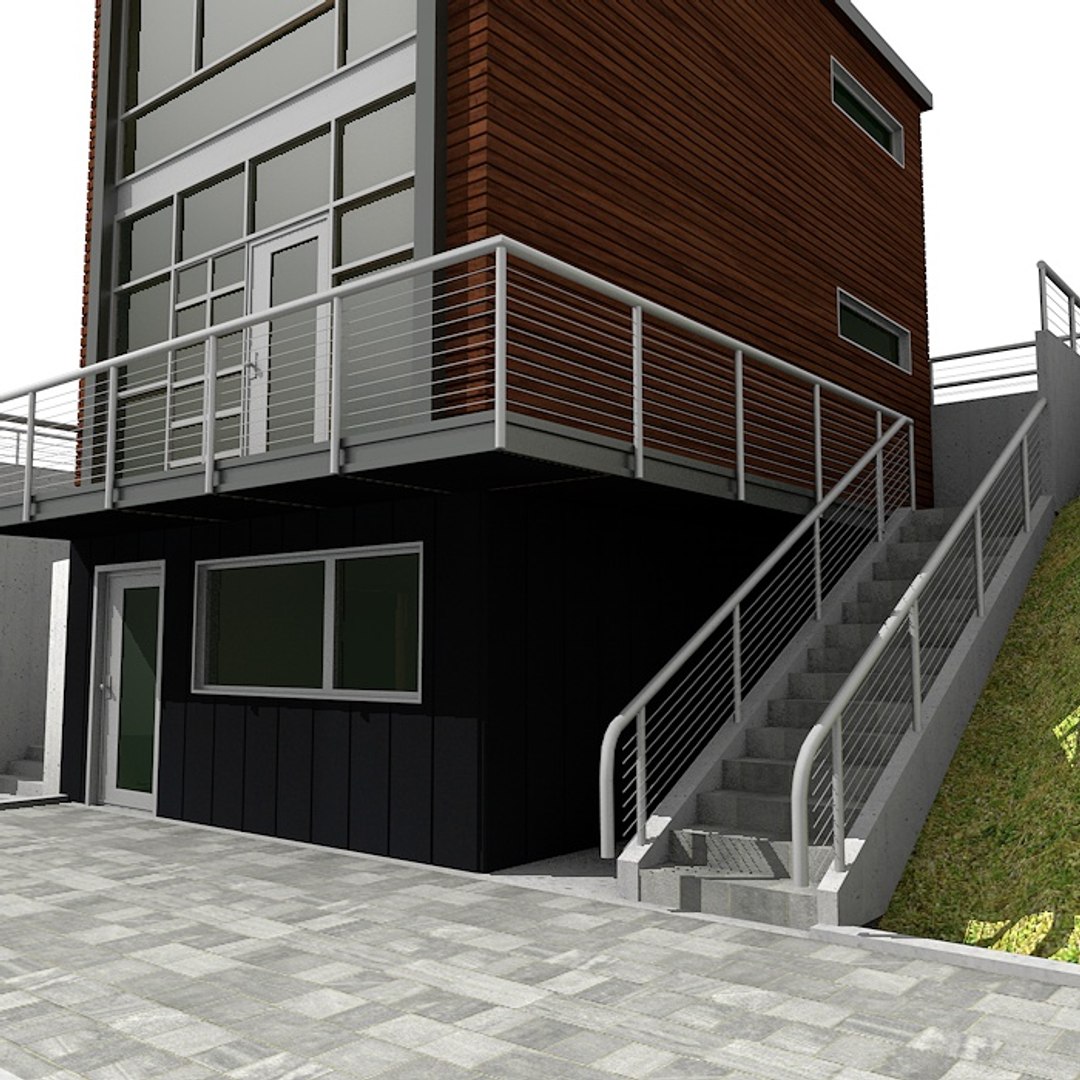
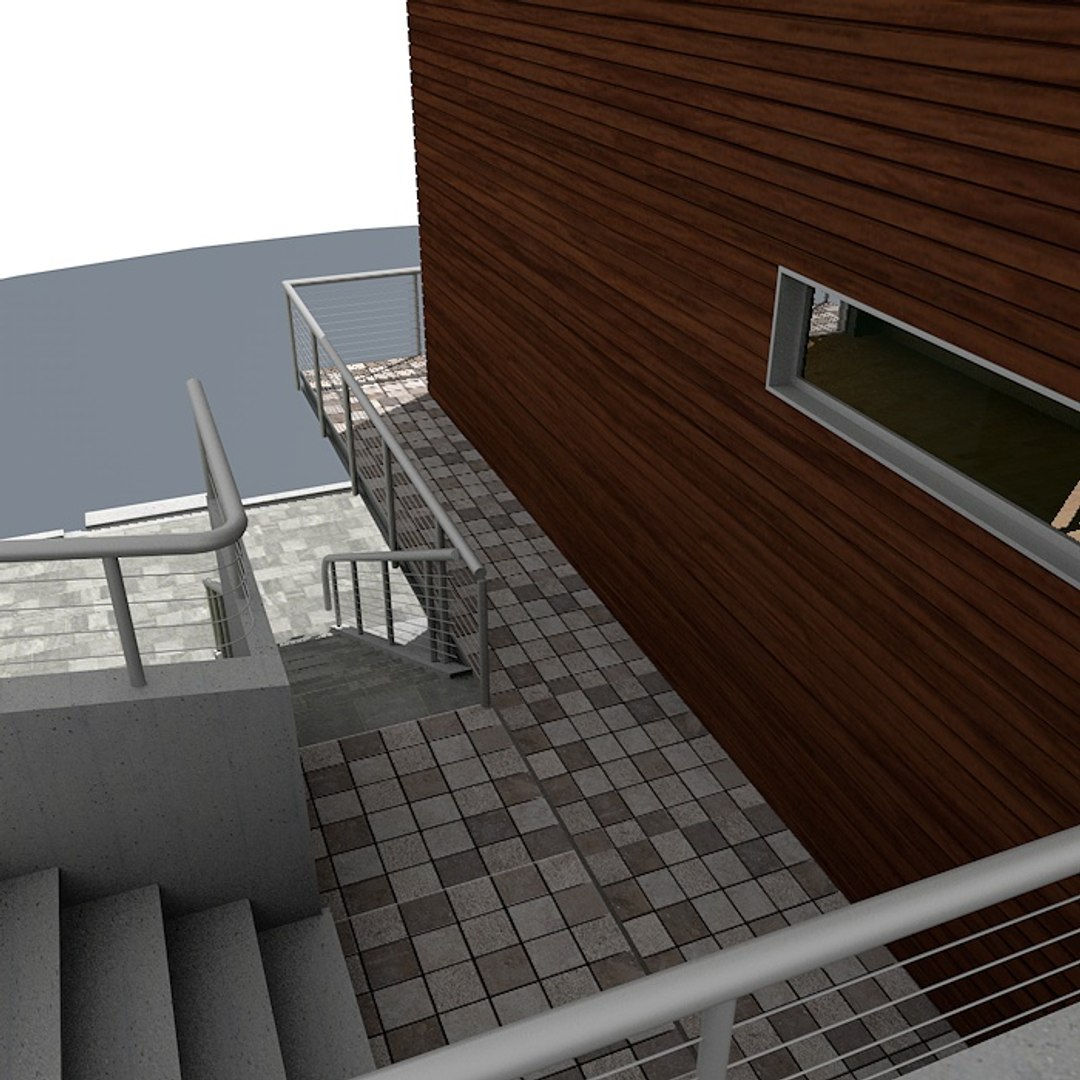
High quality 3D model with interior space.
This scene has High-res texture so you can also use them for static renders.
No need for any special plug-in to open the model
Useful for games, high resolution renders, magazines and production
High resolution materials allow you to get close up to the model
Very easy to work it

- Native format is Cinema4D R12. No 3rd party plugins required.
- Previews rendered in Cinema 4d R12 with standart materials
- Separate objects like windows, roof, wall and doors.
- Total number of objects is 36. All objects are intelligently named
- Texture Resulation range from 512x512 to 2048x2048px.

Special notes:

- .max files can be loaded in 3ds Max 2008 or higher
- .lw files can be loaded in LightWave 9.2 or higher
- .obj/3ds and dae format was exported from cinema4d R12
- Exported formats works correctly.


- Polycounts Cinema4d format:
Polygons: 8467 - Vertice: 11942

Select Enhanced License

  • $10,000 in Legal Protection (Indemnification)
  • Uncapped Legal Protection (Indemnification)
  • Waiver from injunctive relief
  • Assignable model rights
  • $1,000,000 in Legal Protection (Indemnification)
  • Waiver from injunctive relief
  • Assignable model rights
  • $250,000 in Legal Protection (Indemnification)
  • Assignable model rights
Read more about enhanced license tiers, or contact us at enterprise@turbosquid.com. Already a Shutterstock Enterprise Customer? Contact your Shutterstock Sales Support Agent to talk about adding 3D.

About Conversion Requests

To submit a conversion request for a purchased asset, please complete our Conversion Request Form.

If you have not yet purchased a model, please review our Documentation about Conversions to learn about what limitations you may encounter with a conversion.

For any additional questions about a model’s suitability for conversion, please contact TurboSquid Support.

Loading...