
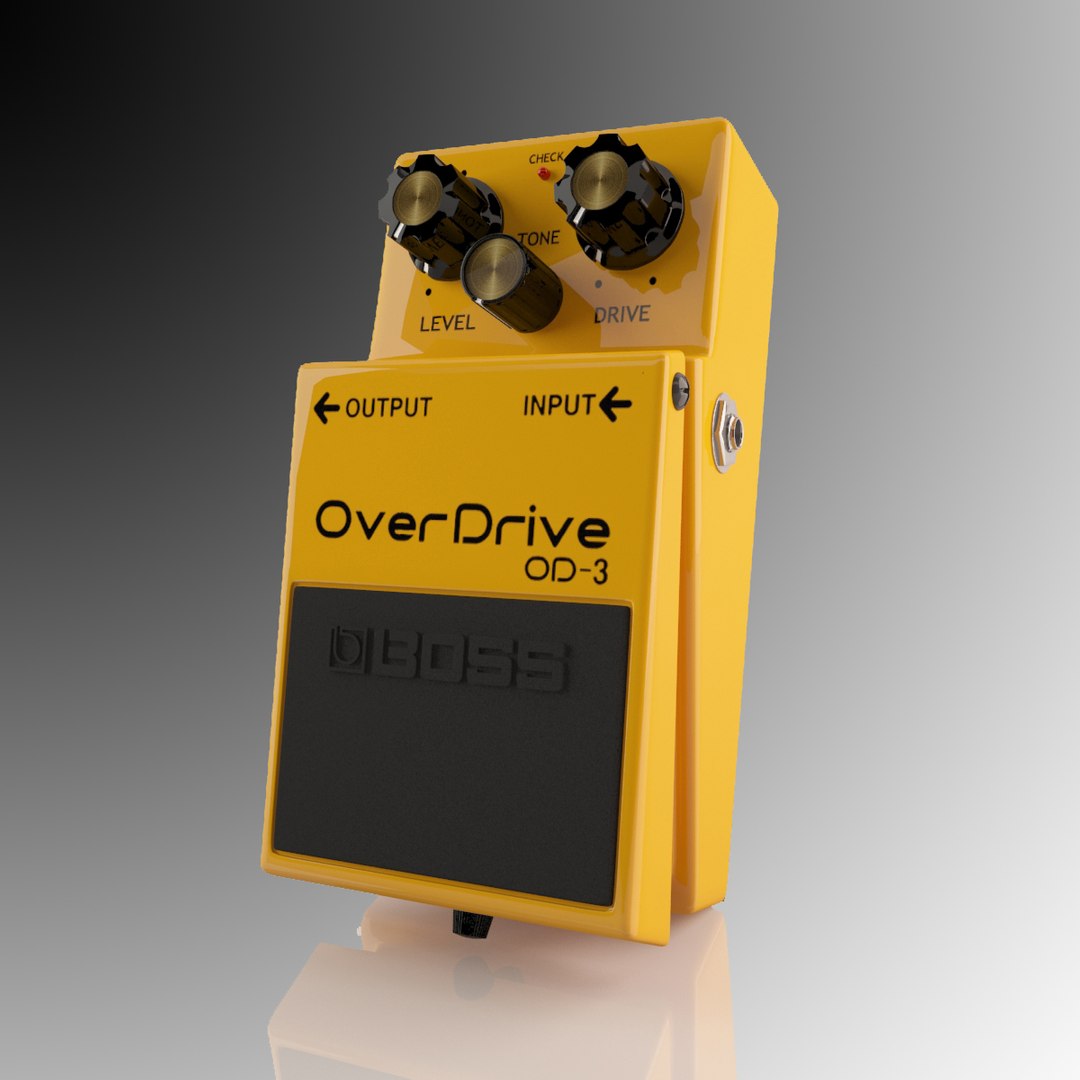
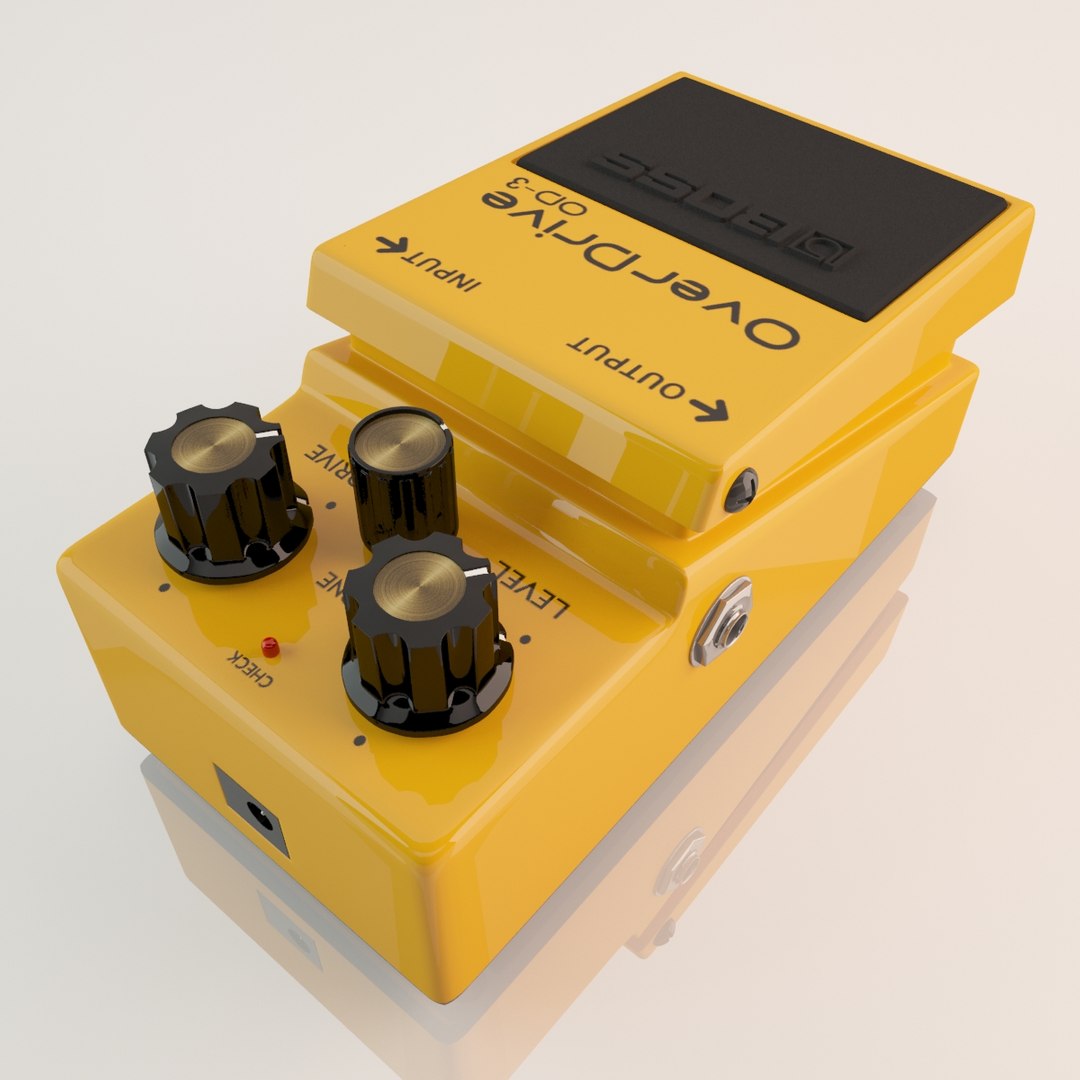
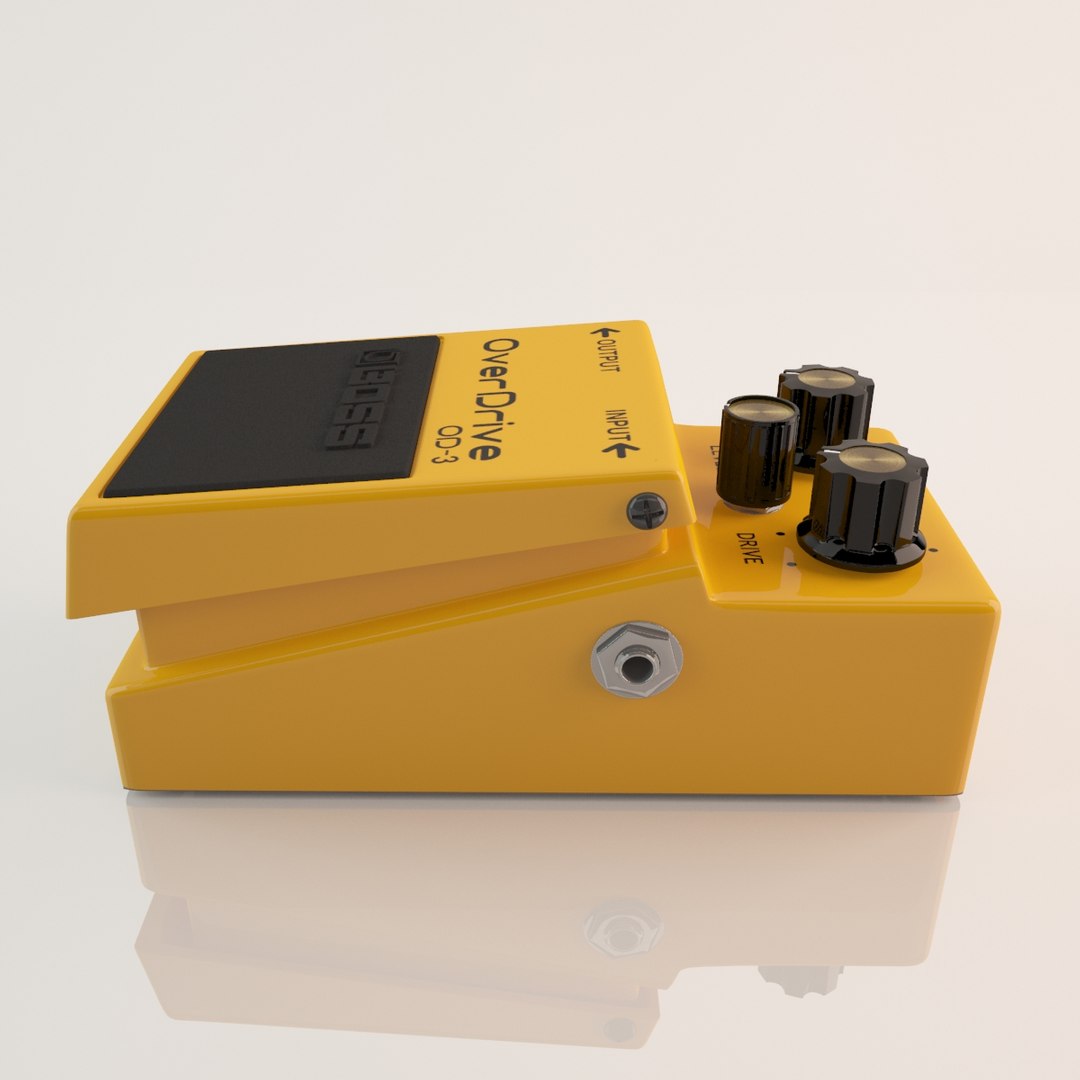
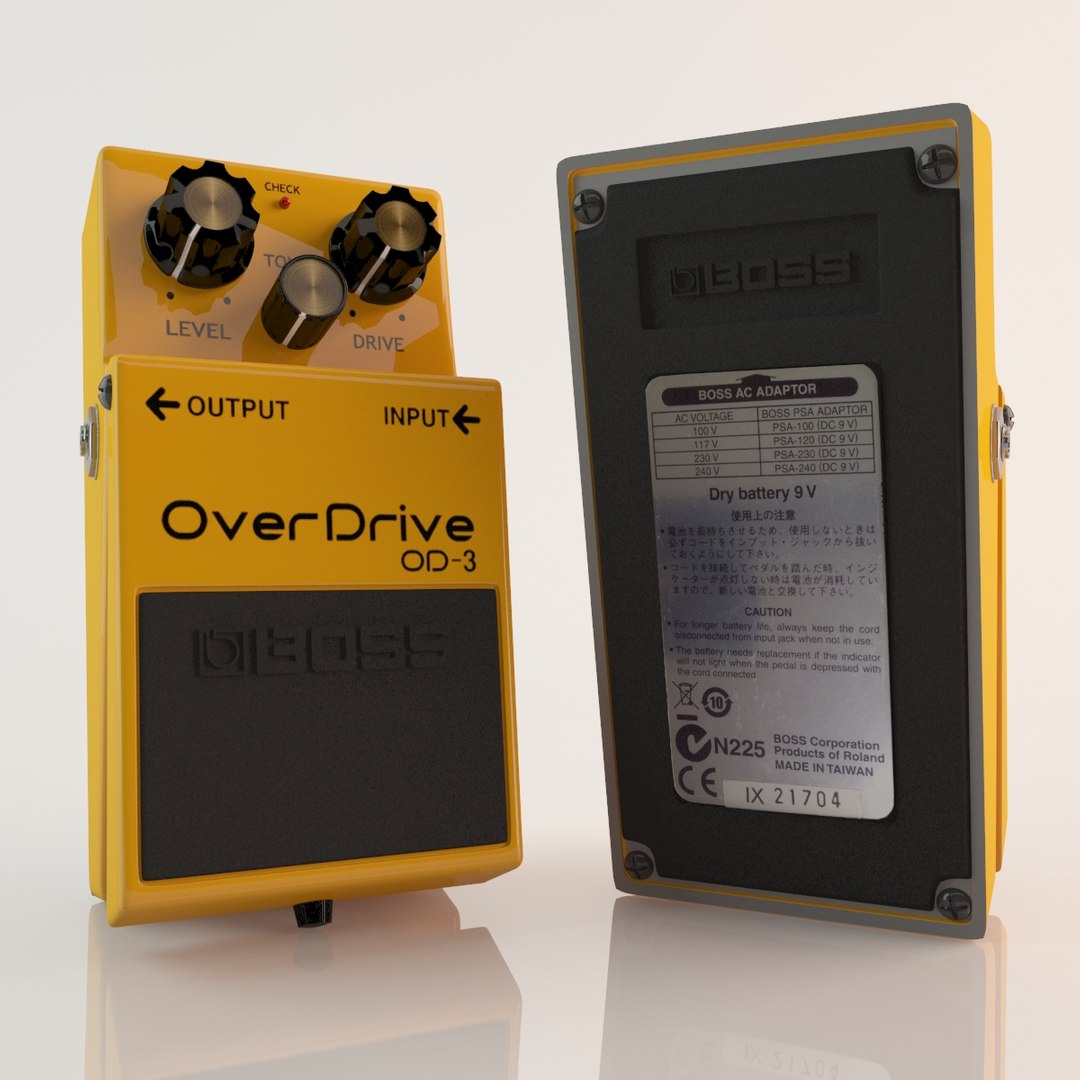
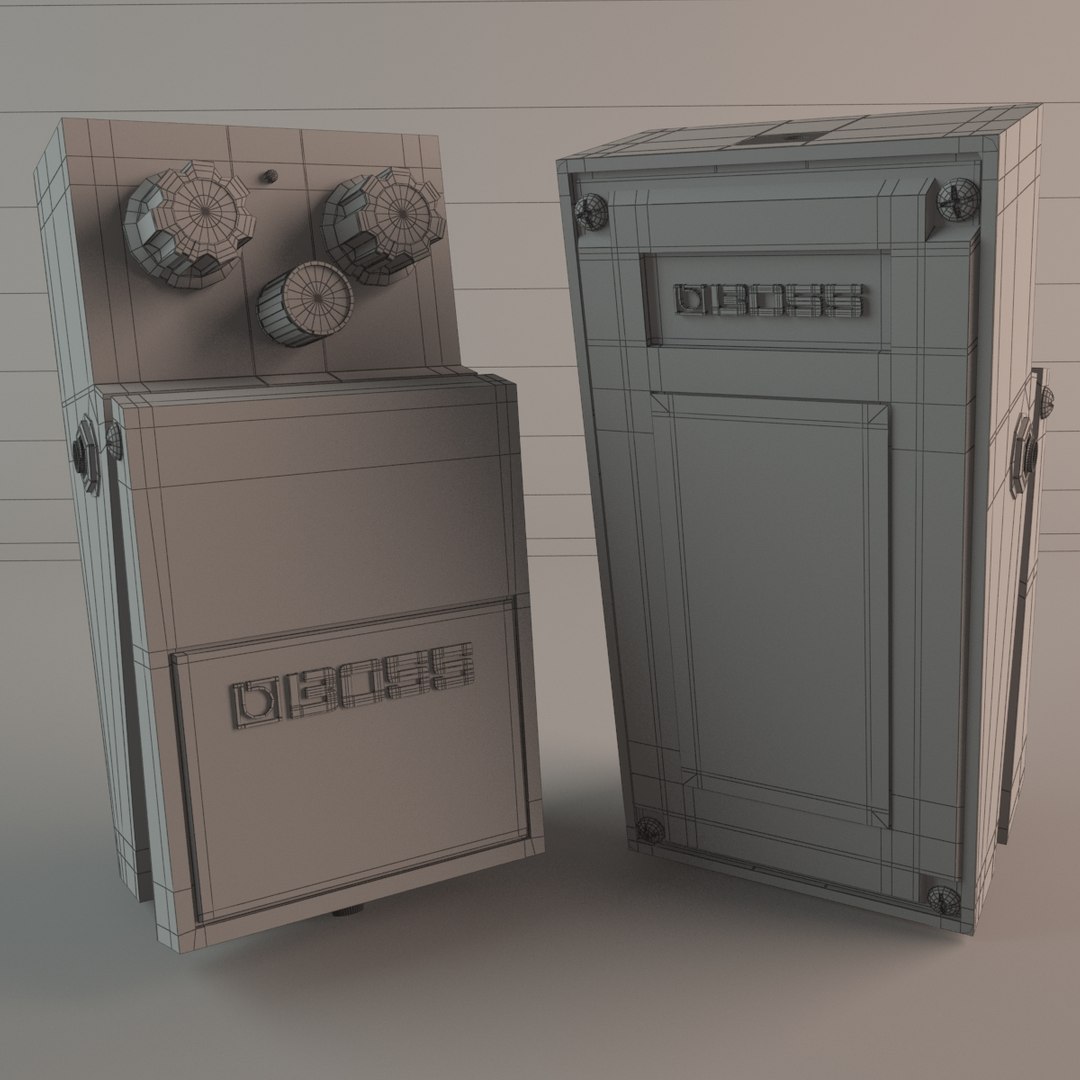
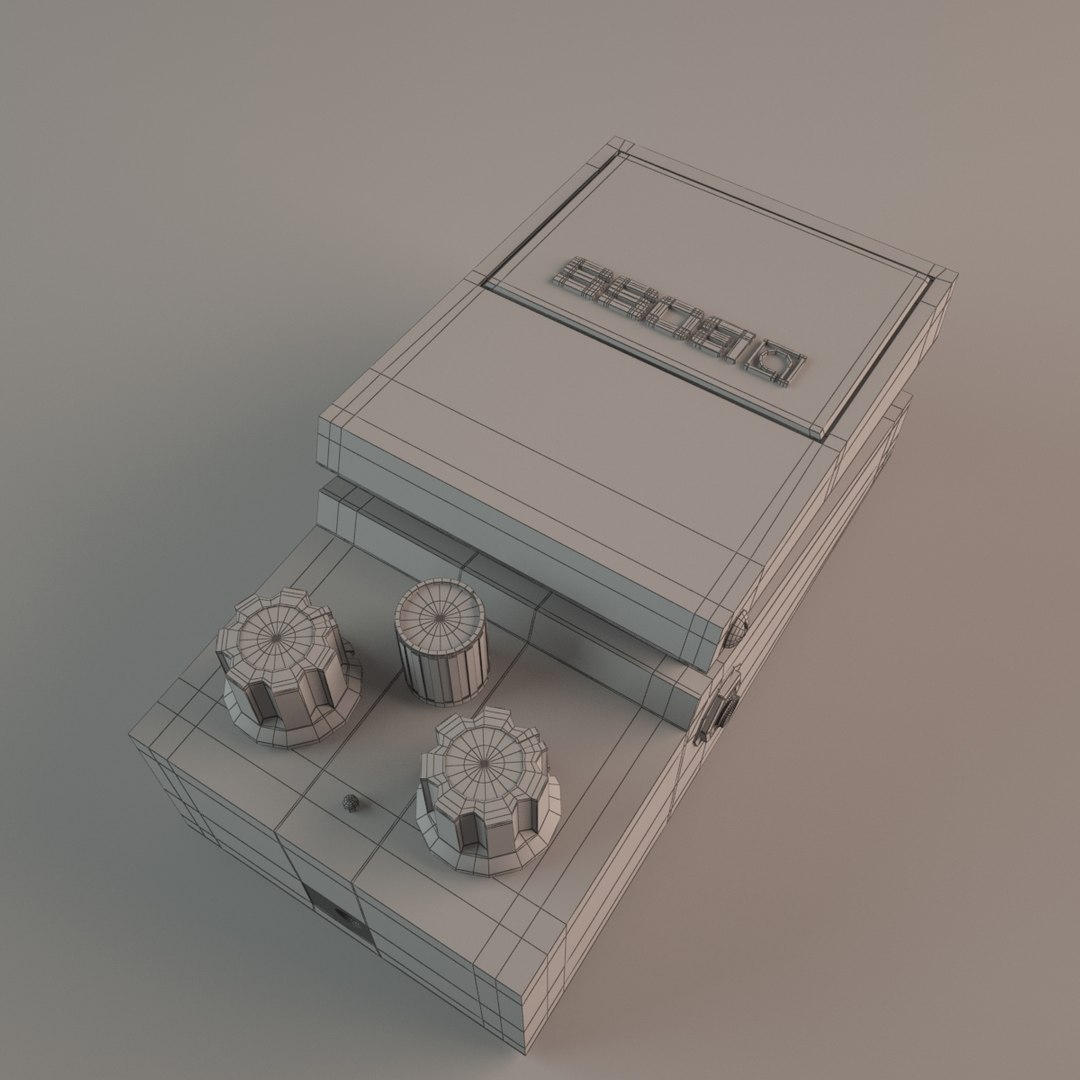
BOSS OD-3 Guitar Effect

$10

Standard License | Upgrade License
Editorial Uses Only
Formats (3)
Native | 3ds Max 2010 | V-Ray 2.0
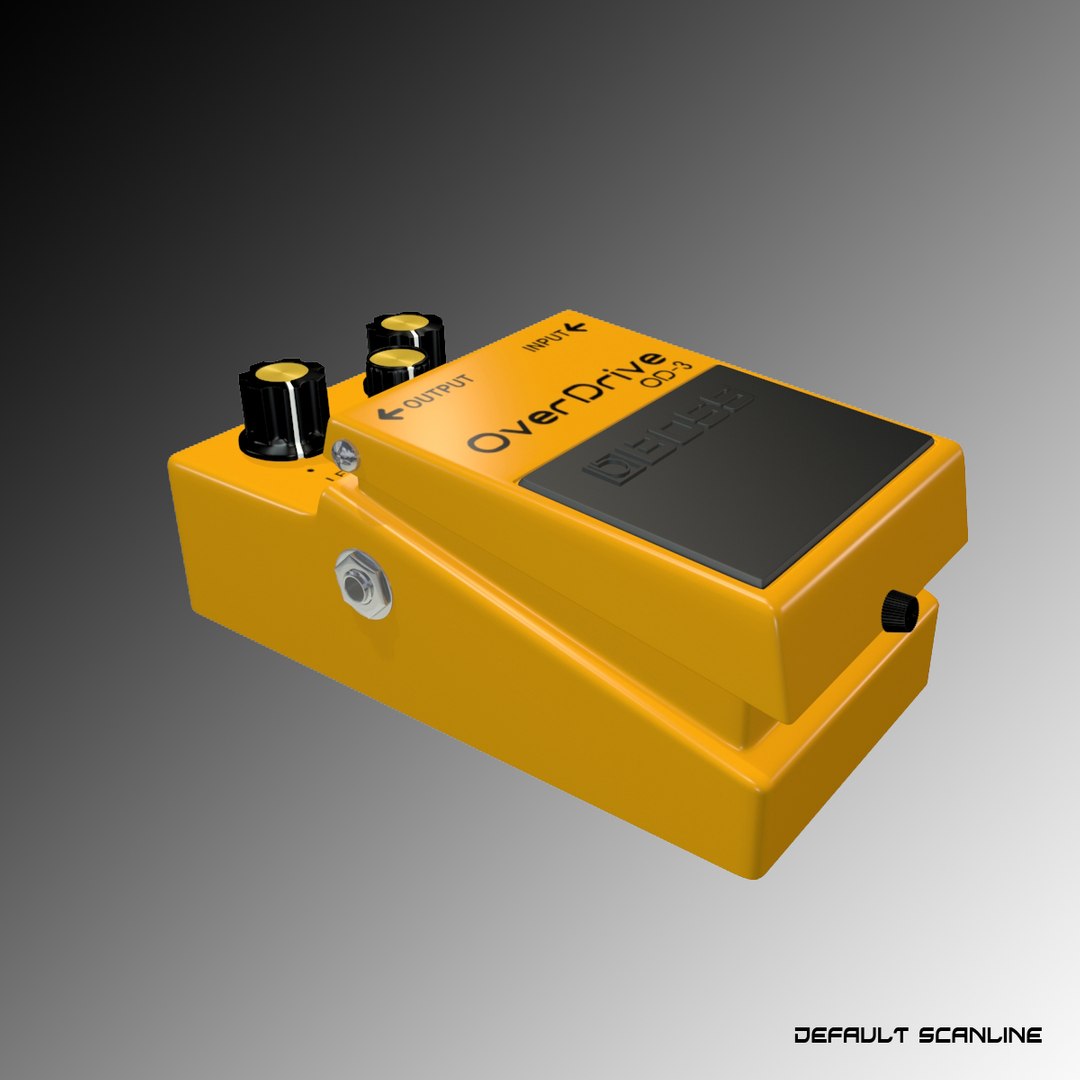
3ds Max 2010 | Default Scanline
OBJ
Specifications
Publish Date March 09, 2013
Product ID 728911
Polygons 23,875
Vertices 23,563
Polygonal Quads/Tris Geometry
Textures
Materials
UV Mapped
Mixed Unwrapped UVs
TurboSquid Exclusive

member avatar
Rhythm Paradise
22 Products | Contributor Since 2013
Have questions? Chat with us now.

Description

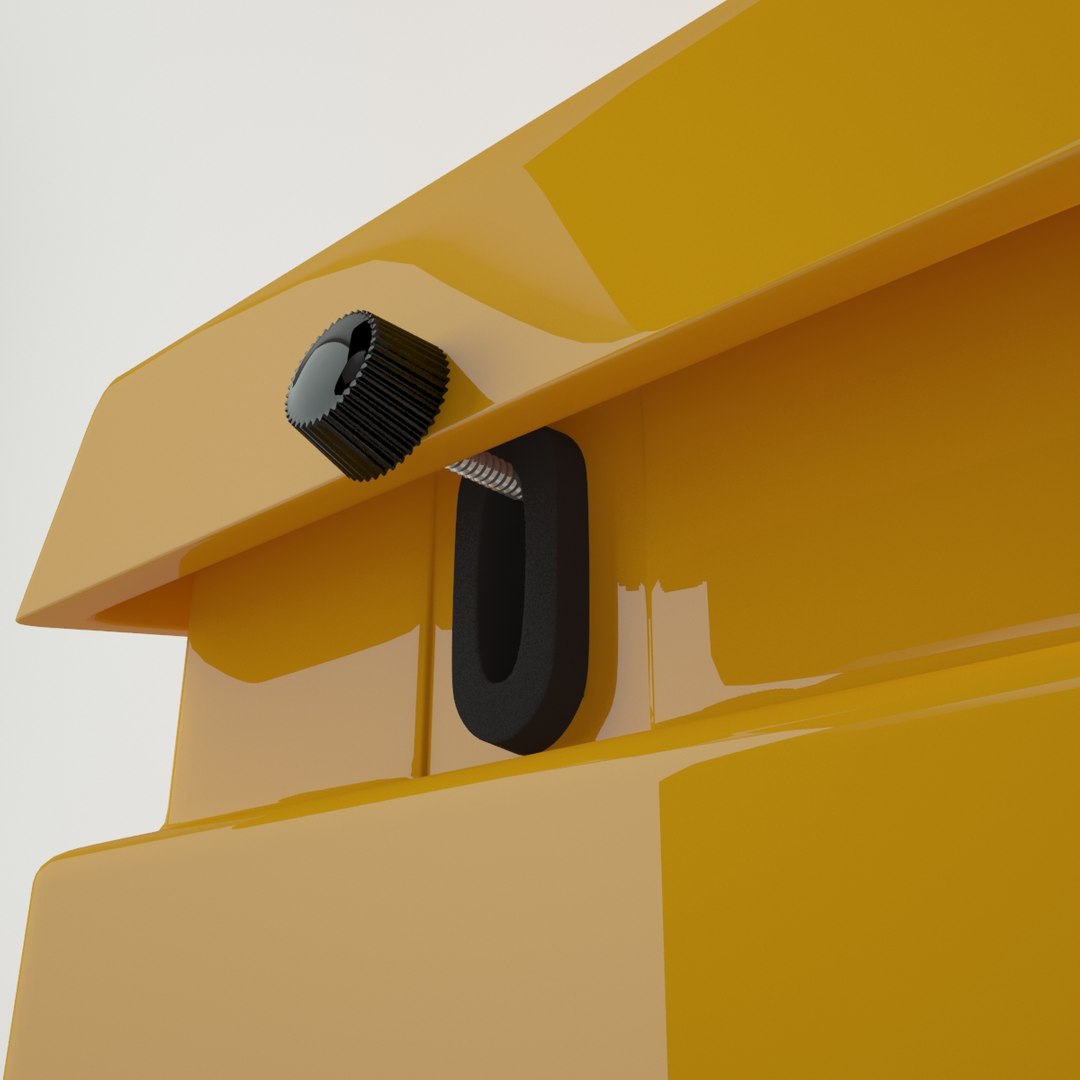
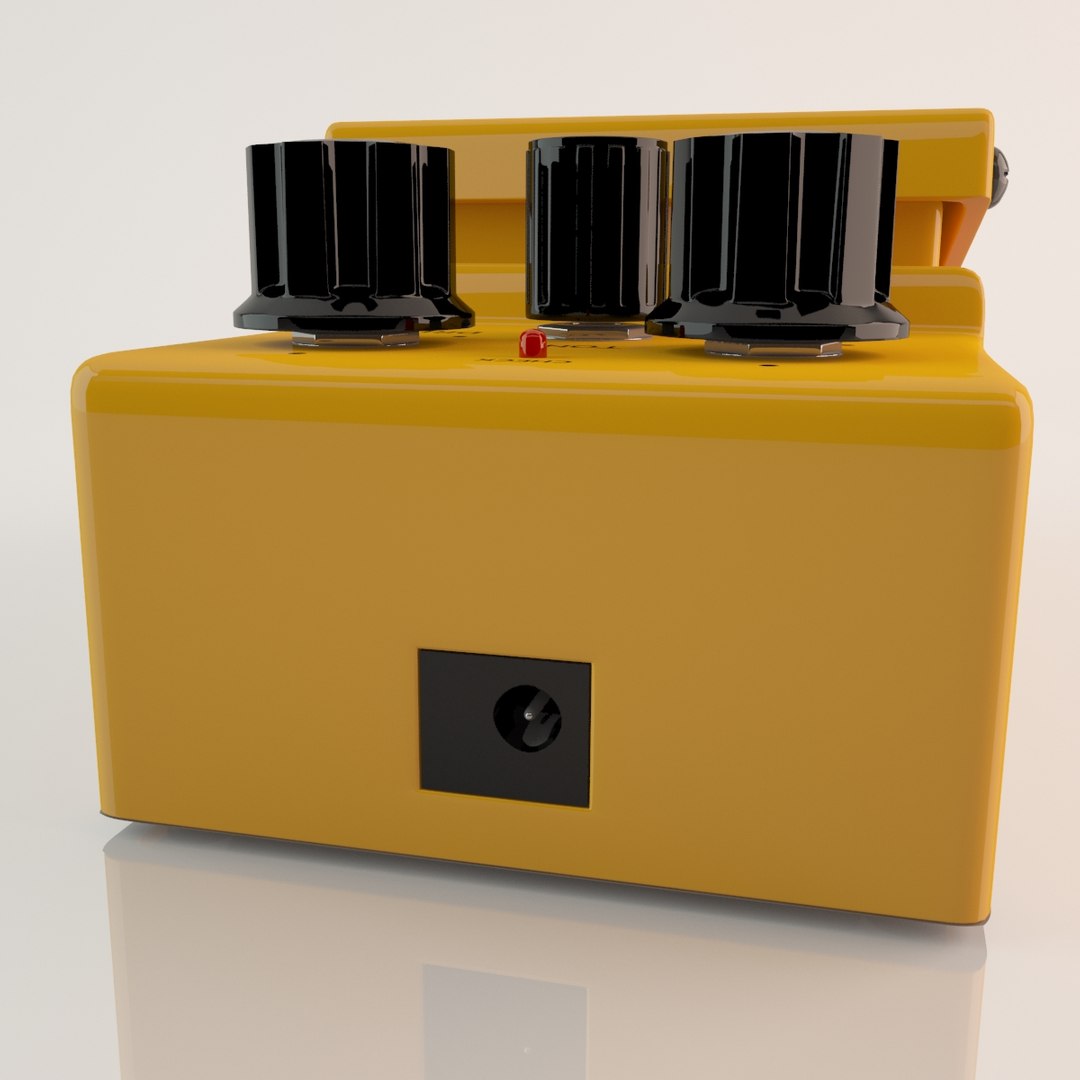
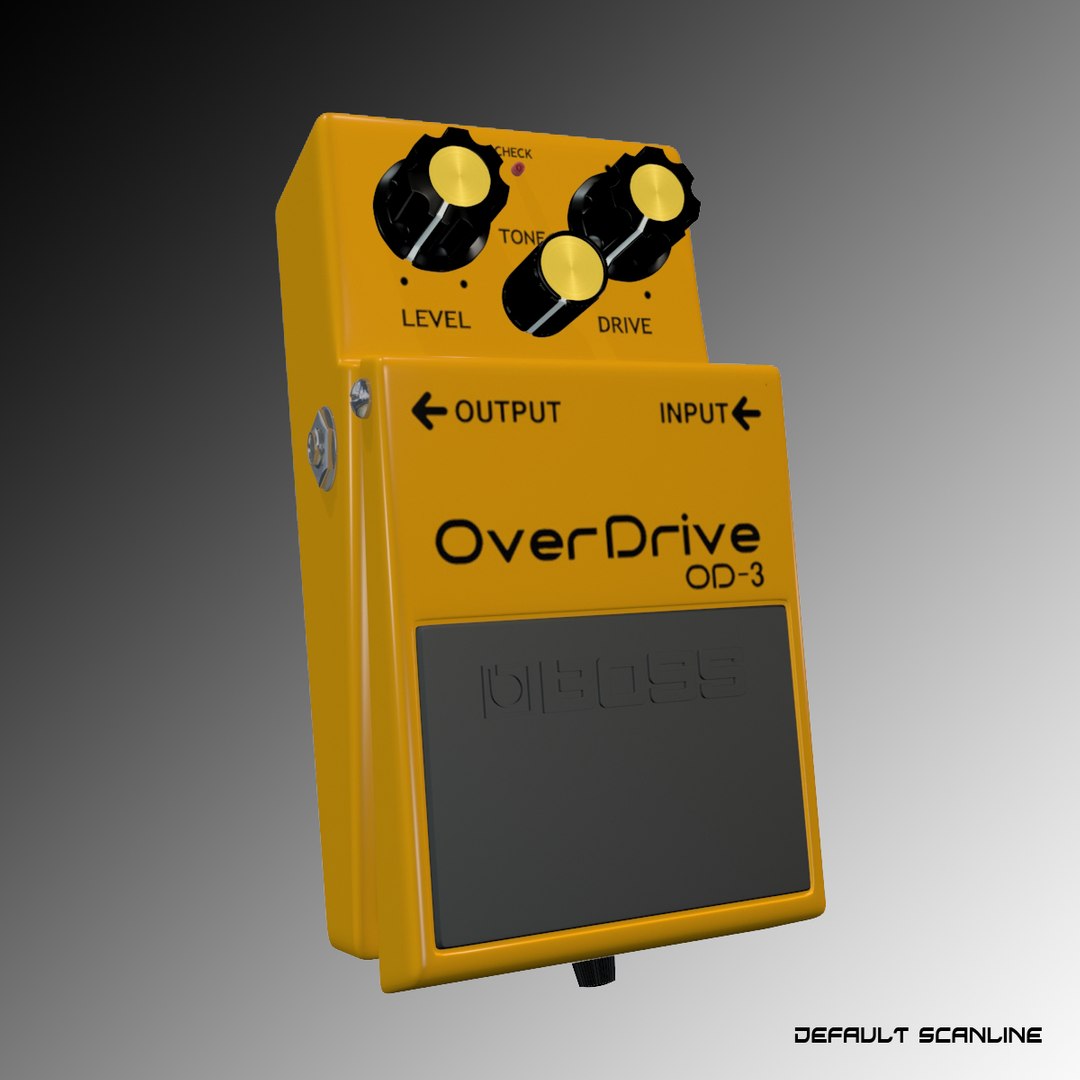
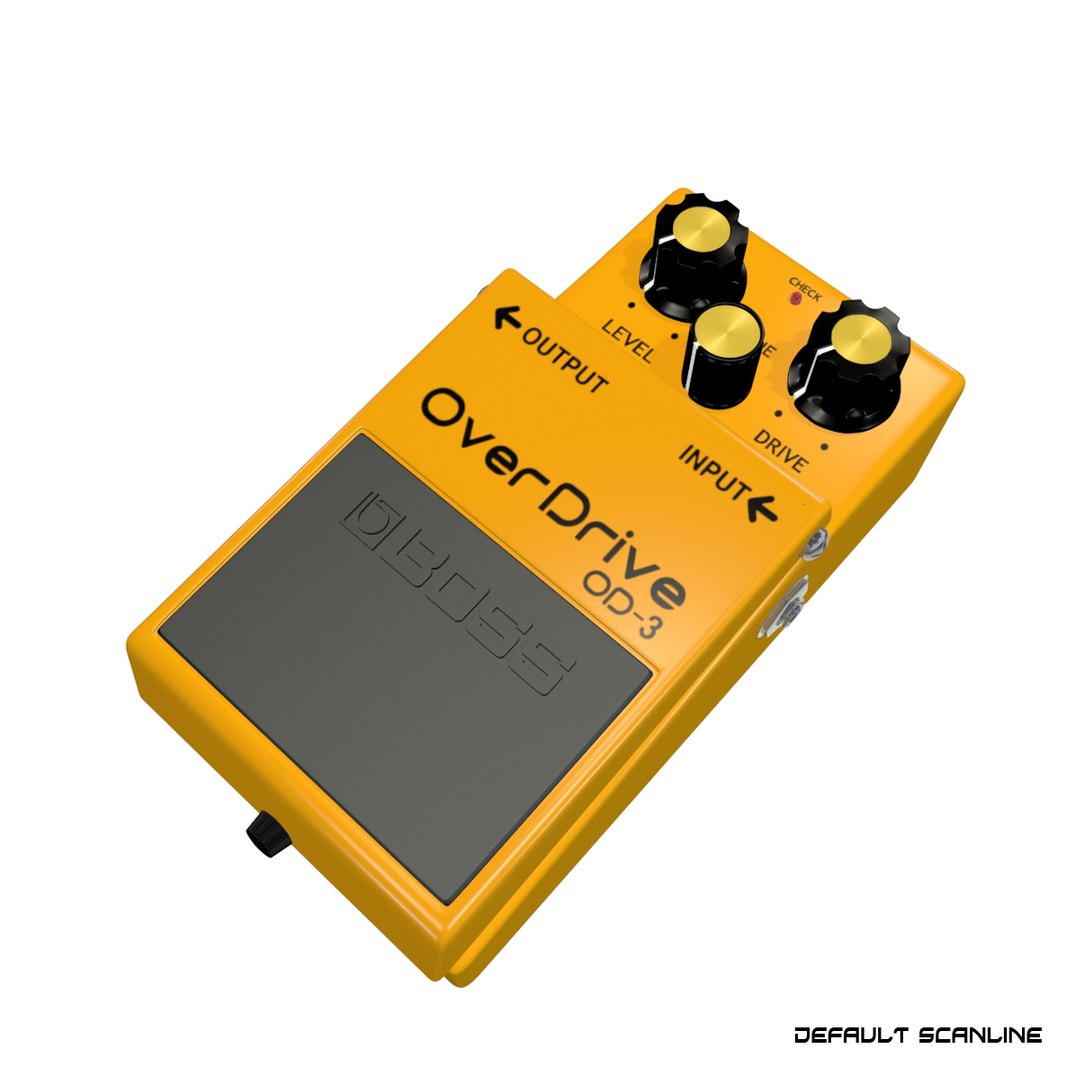
Hello friends, this is a specifications for Boss OD-3 Guitar effect
Native format is 3ds max 2010.
.max files can be loaded in 3ds Max 2010 or higher

Geometry:
you can be easily modified this model. no overlapping, only Quad and Tris, the geometry is clean.

File & Render:
=========== V-Ray ===========
name: textures, objects and materials have been named by either
material: of course, with V-Ray material
map: yes
smooth: using TurboSmooth
group: yes
Needed V-Ray plug-in.
=========== Default Scaneline ===========
name: textures, objects and materials have been named by either
material: Default Scanline
map: yes
smooth: using TurboSmooth
group: yes
No 3rd party plugin needed.
=========== Obj ===========
name: textures, objects and materials have been named by either
material: no
smooth: no
group: no group
This will be a safe.

Texture:
All texture creating in resolution 1600x1600,
and all the needed textures are attached in the model archives.

Enjoy!

Select Enhanced License

  • $10,000 in Legal Protection (Indemnification)
  • Uncapped Legal Protection (Indemnification)
  • Waiver from injunctive relief
  • Assignable model rights
  • $1,000,000 in Legal Protection (Indemnification)
  • Waiver from injunctive relief
  • Assignable model rights
  • $250,000 in Legal Protection (Indemnification)
  • Assignable model rights
Read more about enhanced license tiers, or contact us at enterprise@turbosquid.com. Already a Shutterstock Enterprise Customer? Contact your Shutterstock Sales Support Agent to talk about adding 3D.

About Conversion Requests

To submit a conversion request for a purchased asset, please complete our Conversion Request Form.

If you have not yet purchased a model, please review our Documentation about Conversions to learn about what limitations you may encounter with a conversion.

For any additional questions about a model’s suitability for conversion, please contact TurboSquid Support.

Loading...