
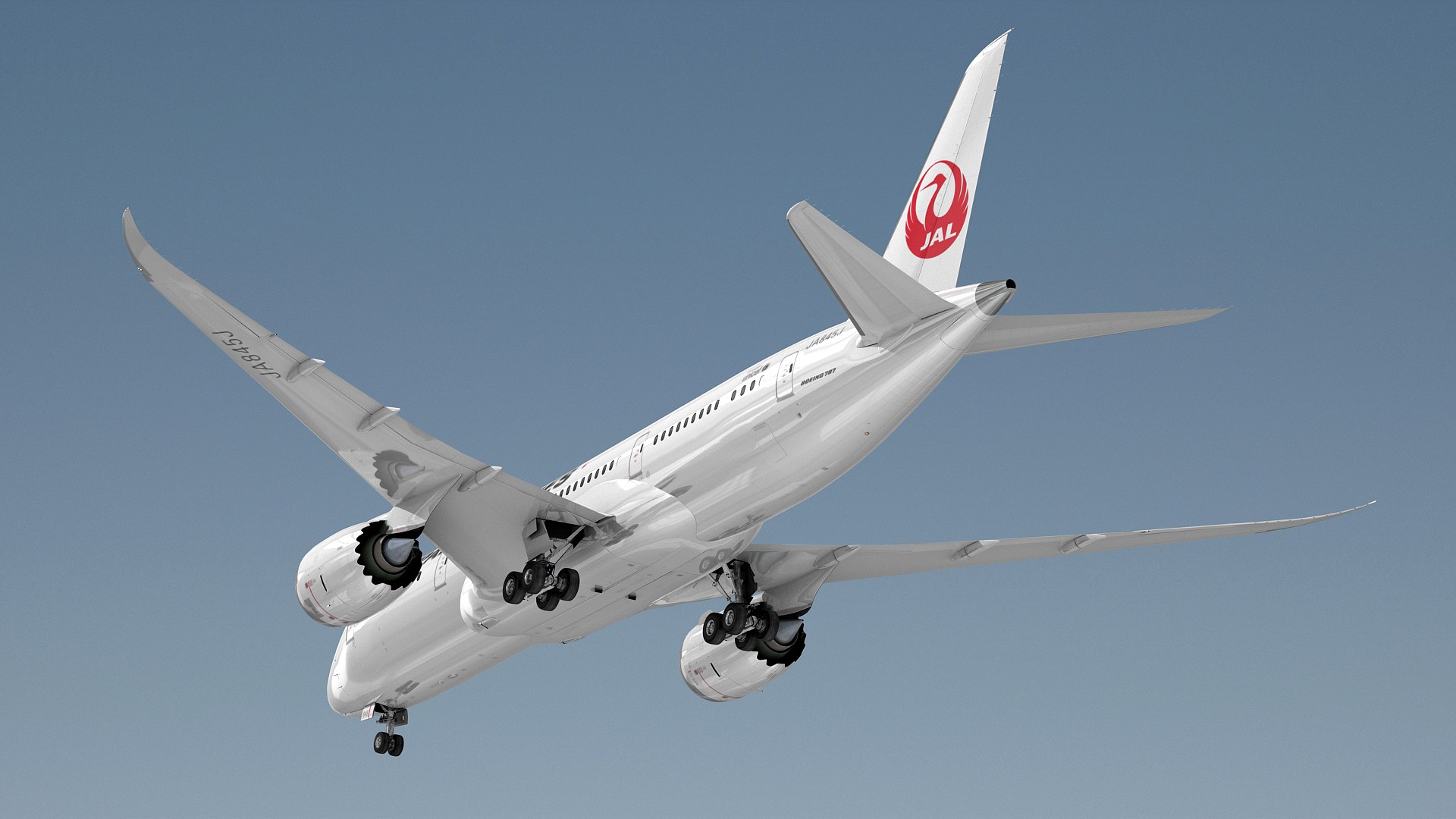
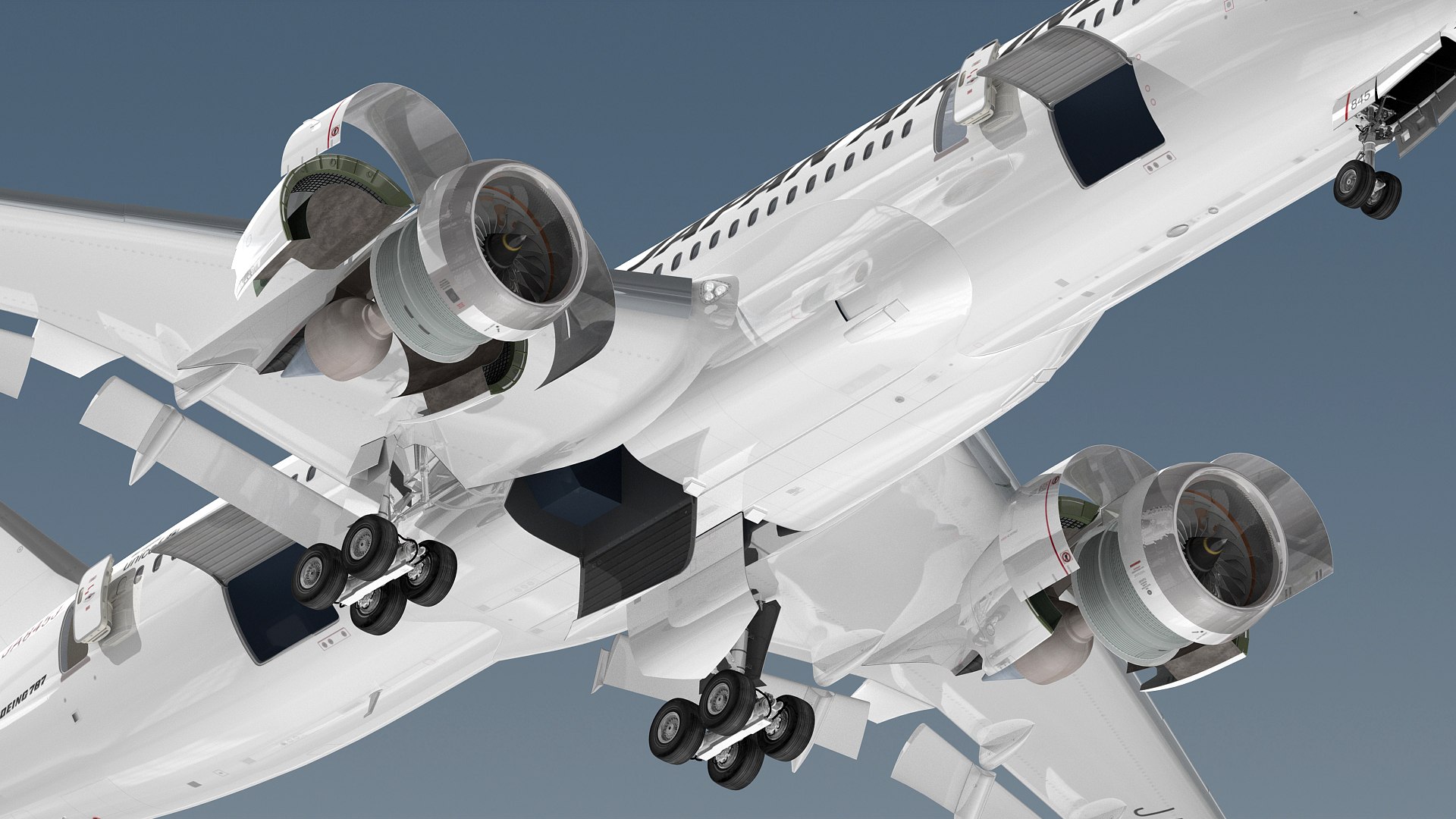
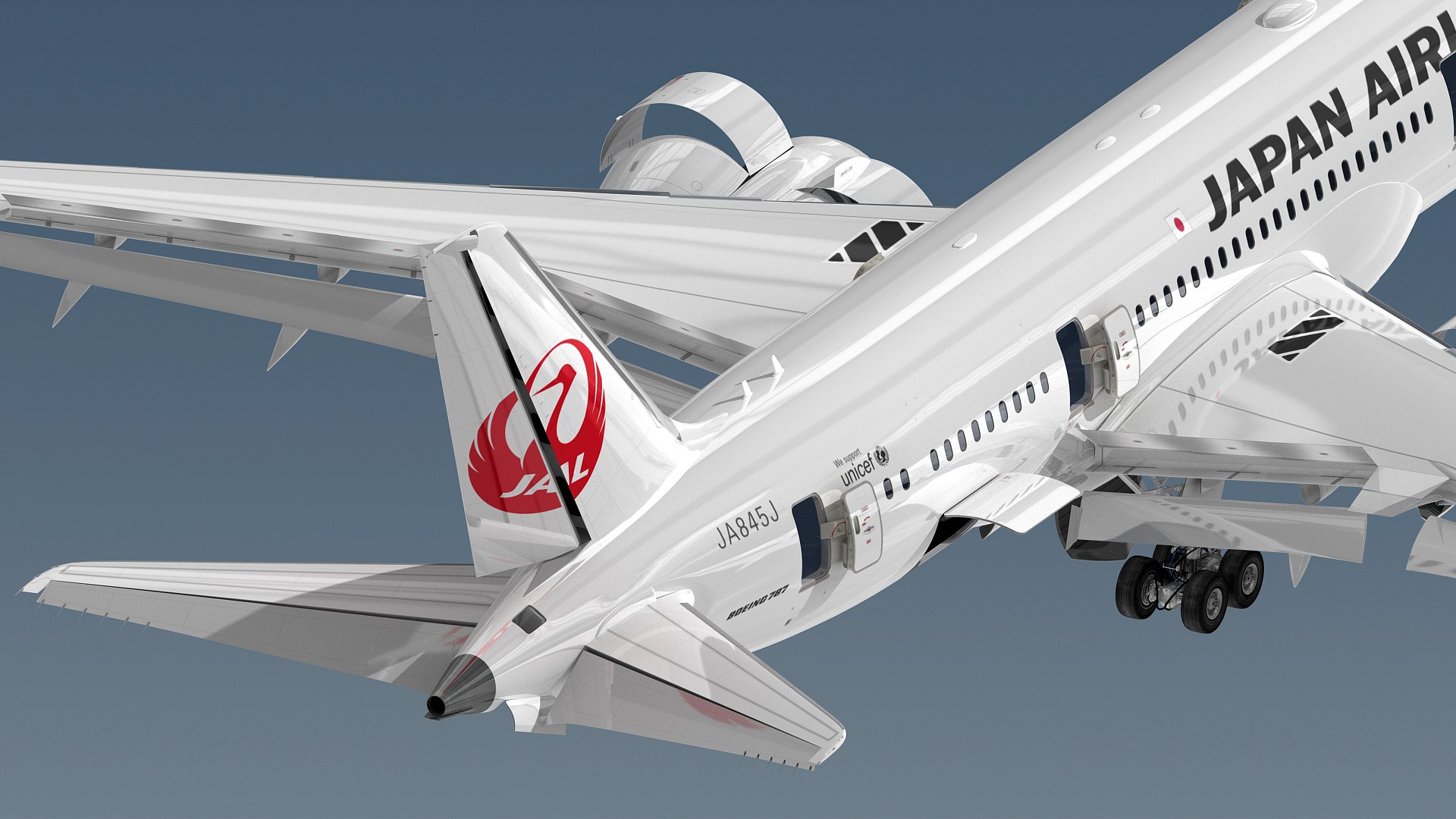
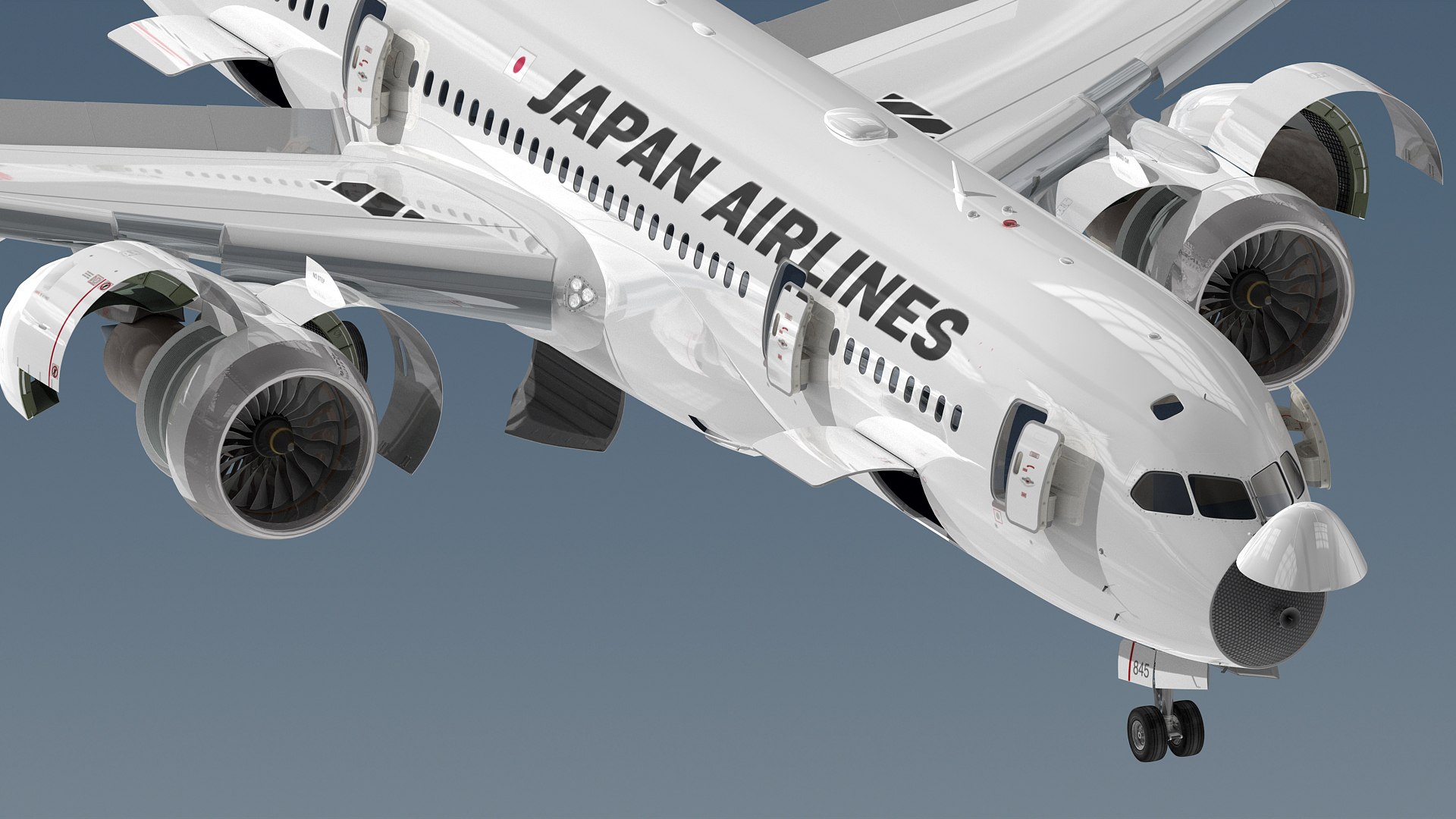
Boeing 787-8 Japan Airlines

$299

Standard License | Upgrade License
Editorial Uses Only
Formats (7)
Free file format Conversions available
Native | 3ds Max 2016 | V-Ray 3.60
3ds Max 2016 | Default Scanline
3ds Max 2013 | Default Scanline
Cinema 4D R14 | Default Scanline
3D Studio
FBX
OBJ
Specifications
Publish Date December 18, 2022
Product ID 2002233
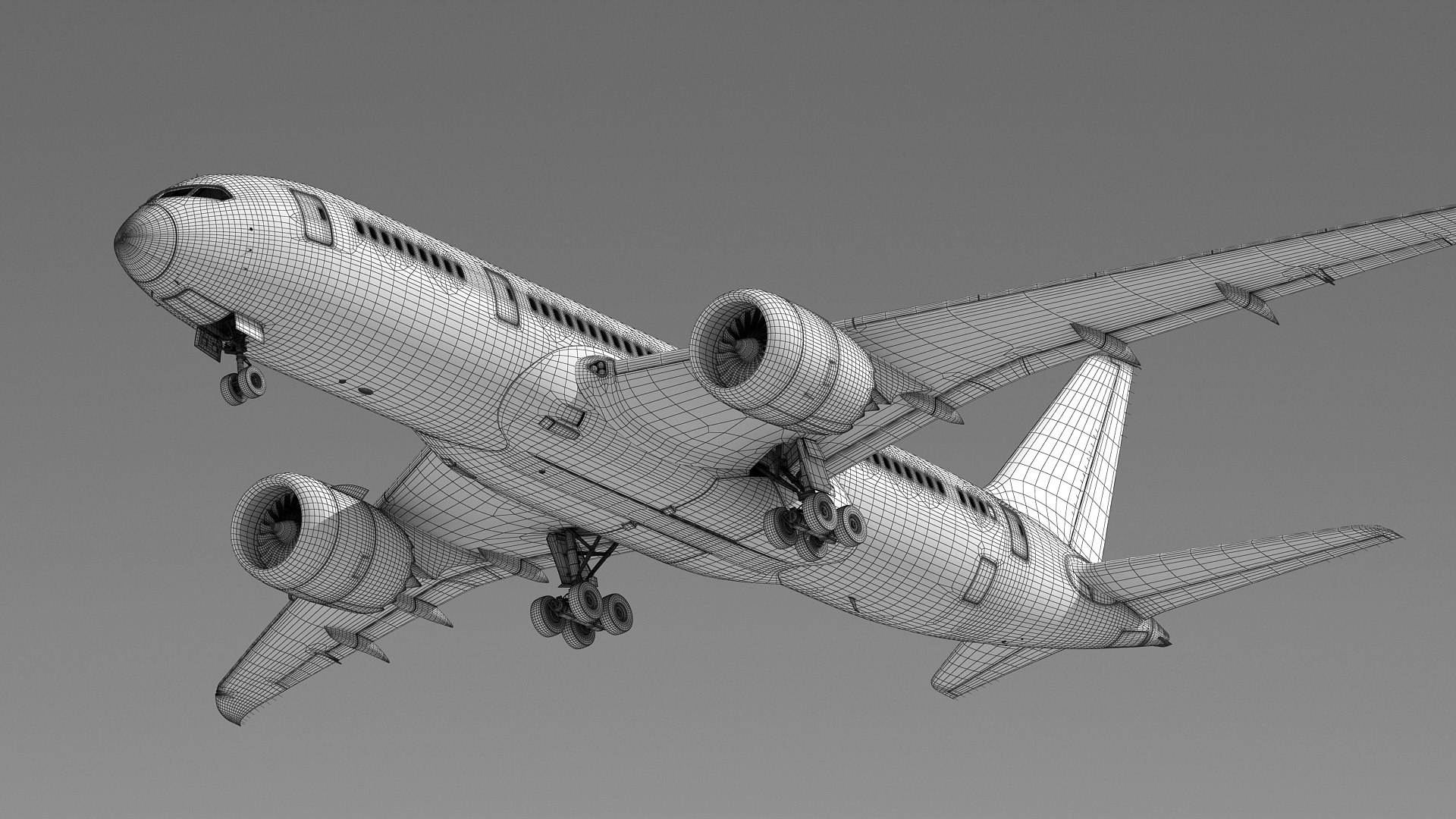
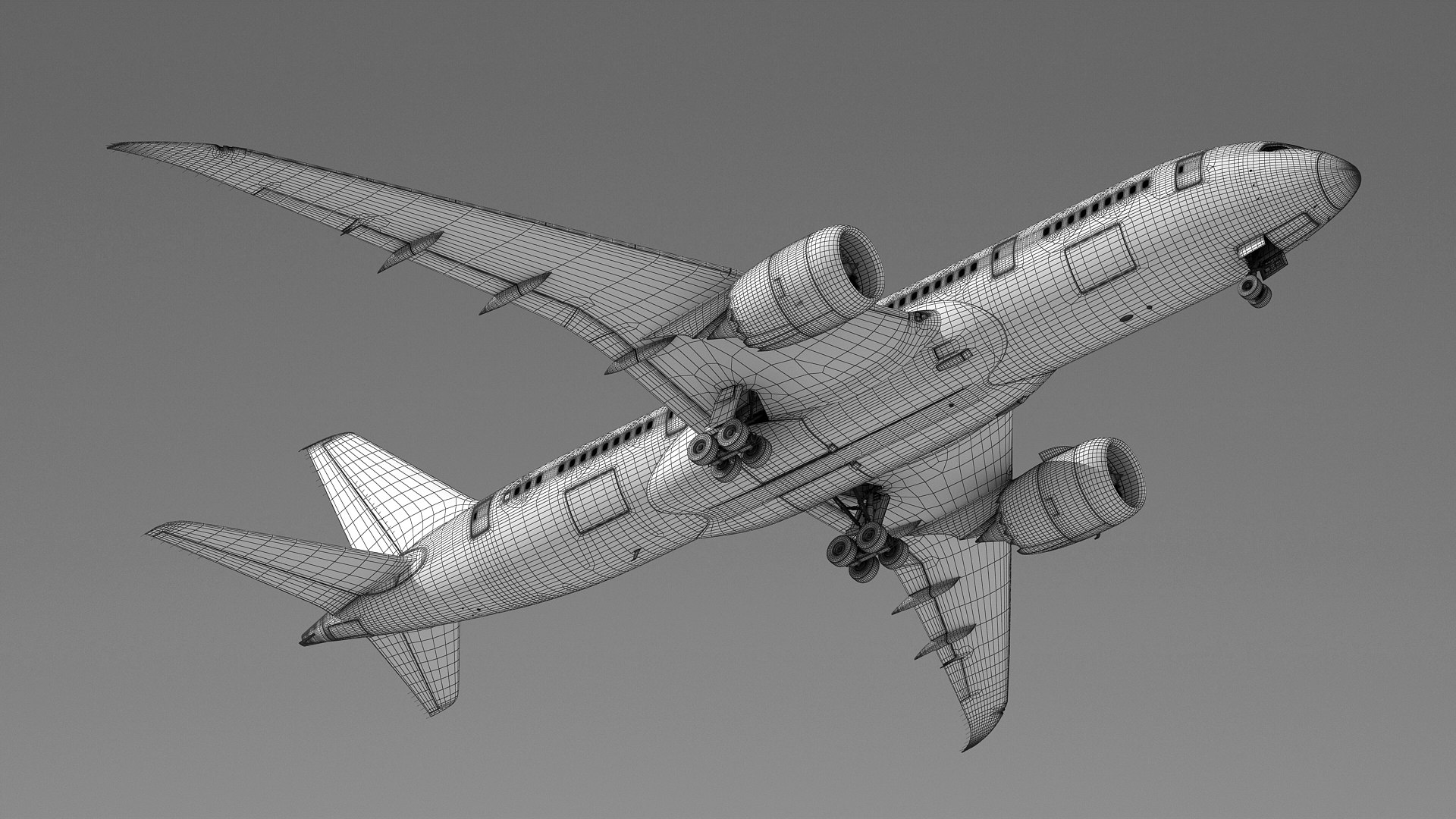
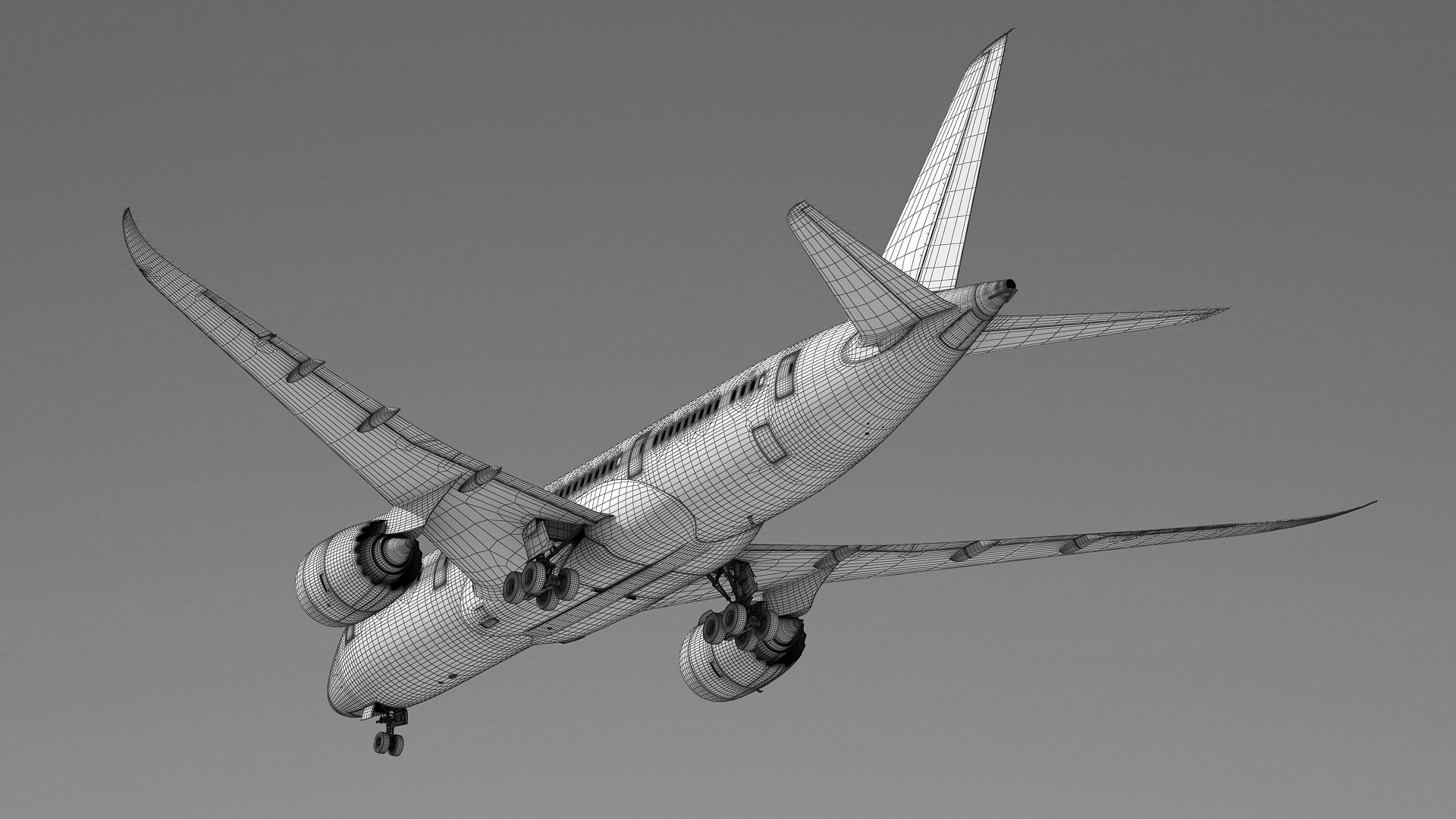
Polygons 646,677
Vertices 662,287
Polygonal Quads Only
Textures
Materials
UV Mapped
Non-overlapping Unwrapped UVs
TurboSquid Exclusive

member avatar
BlueGreen
1308 Products | Contributor Since 2003
Have questions? Chat with us now.

Description

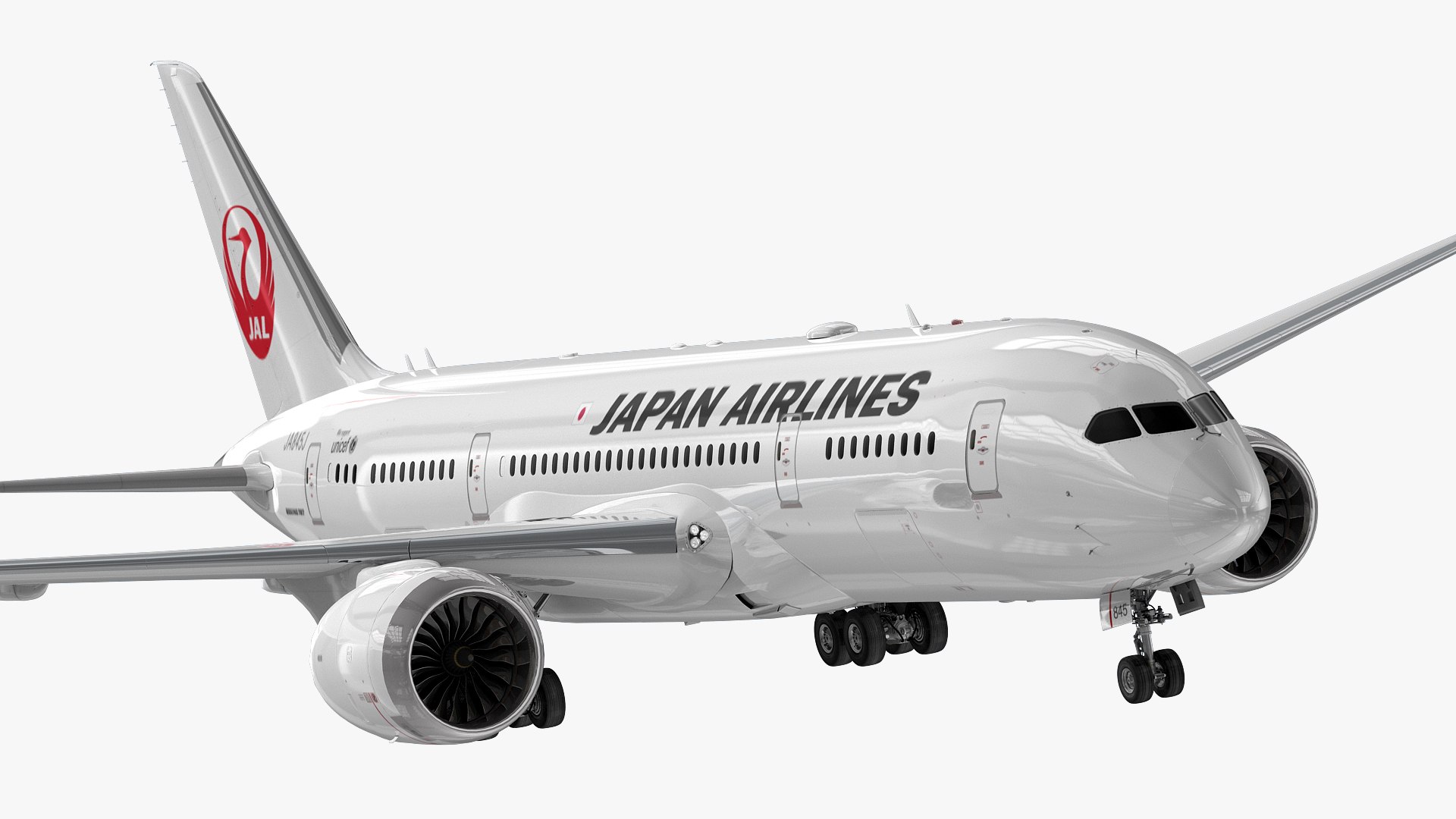
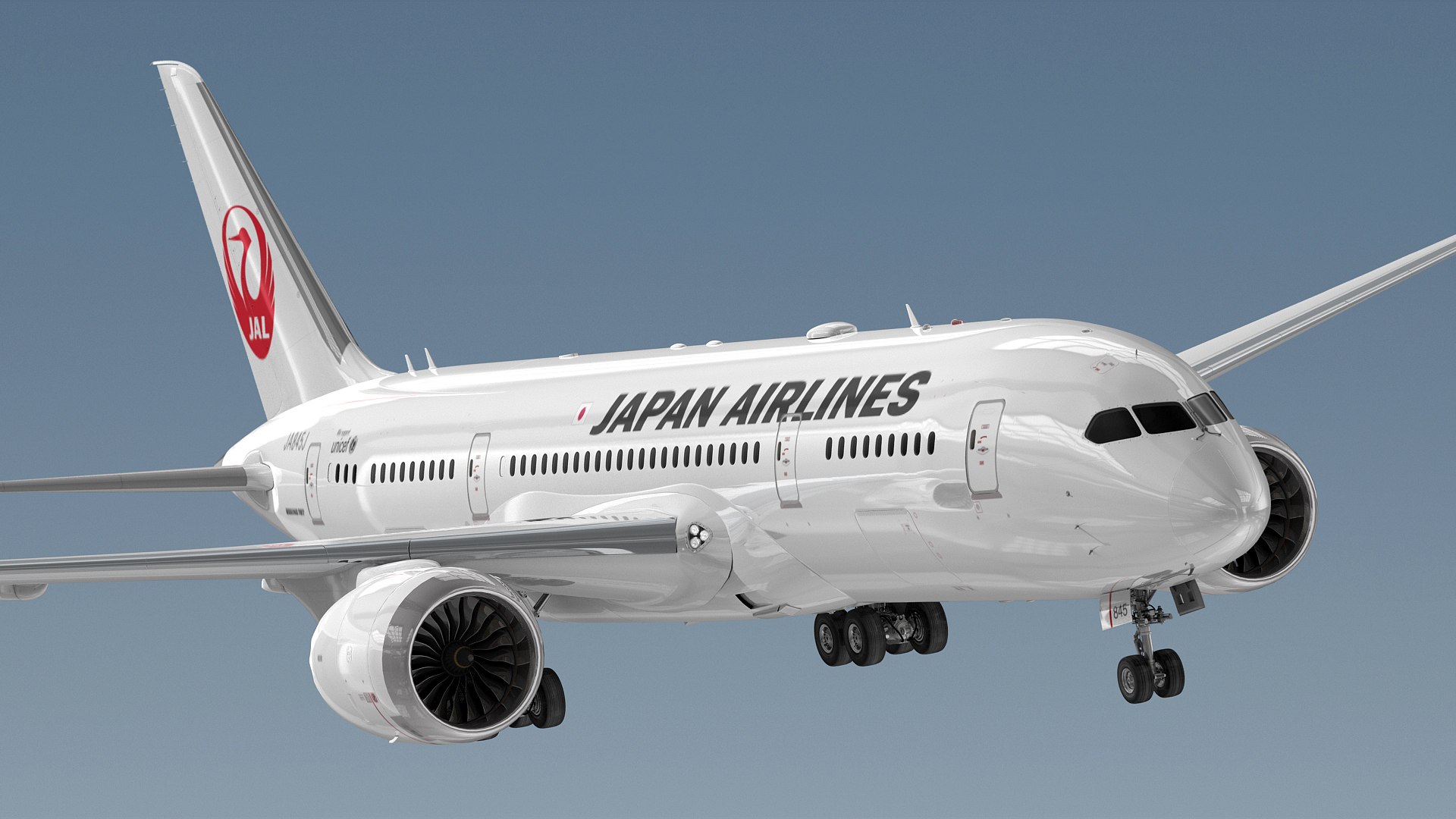
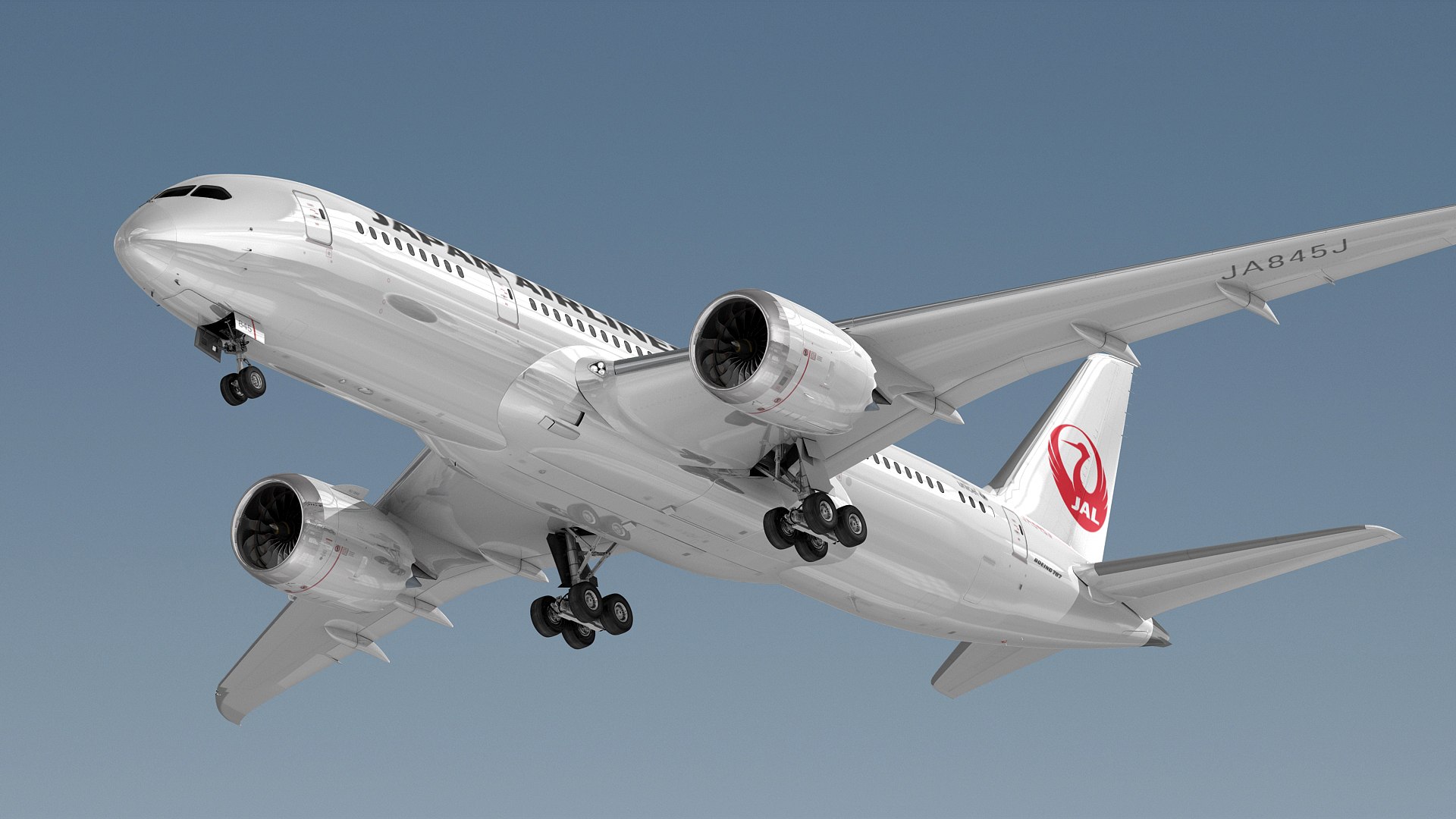
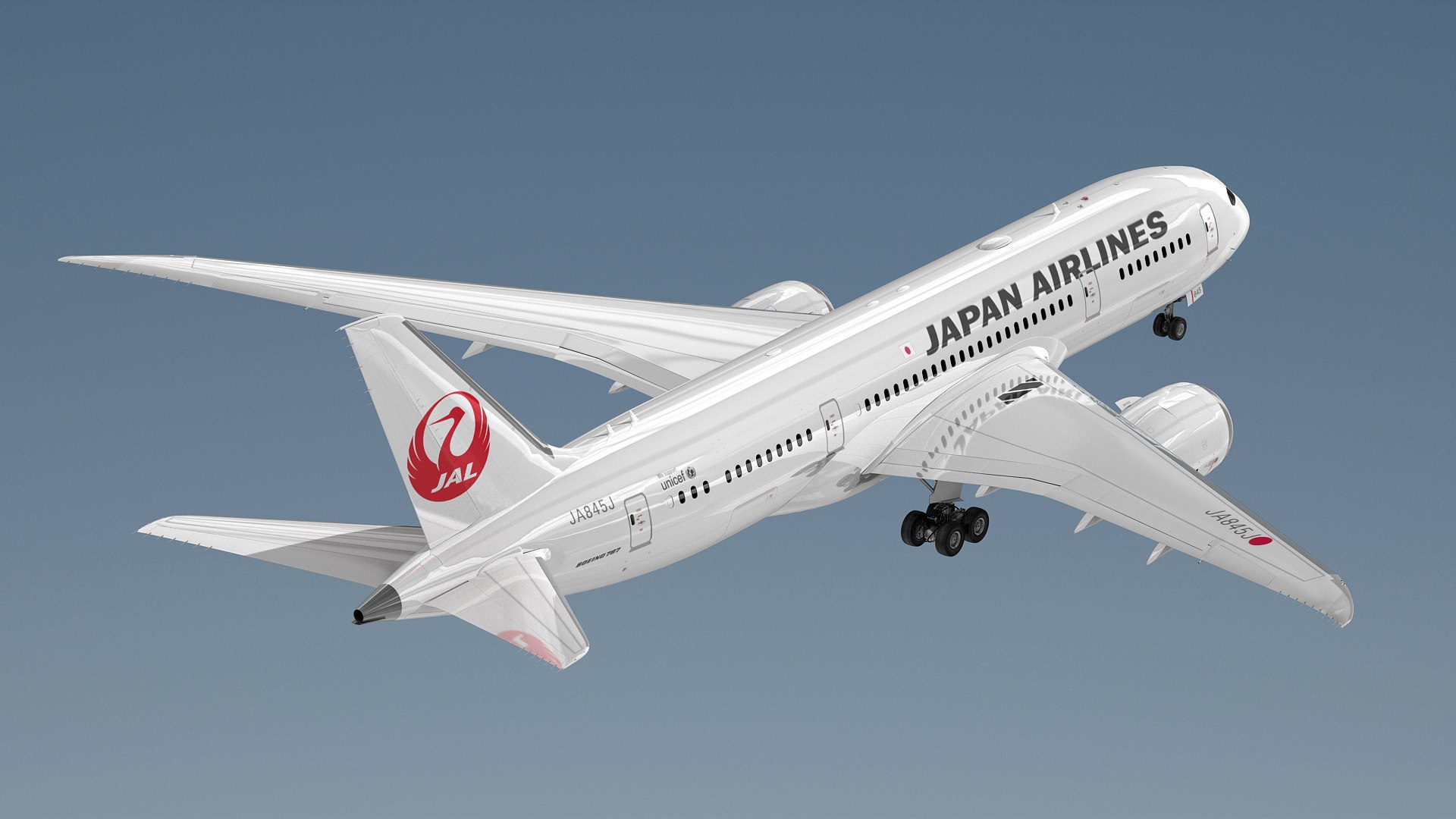
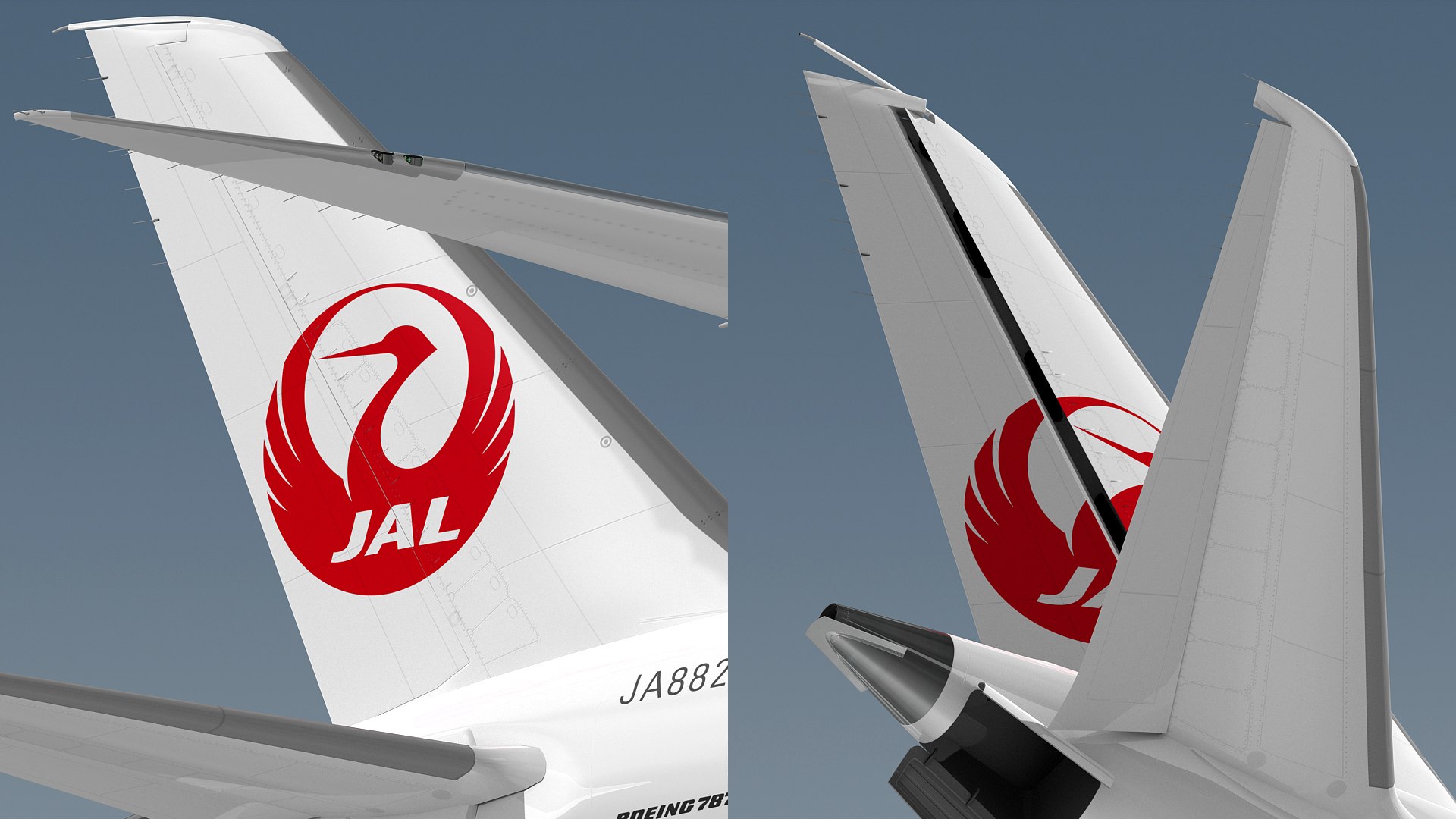
High detailed and accurated Boeing 787-8 Dreamliner commercial aircraft 3d model.
Textured as Japan Airlines.
Previews were rendered with v-ray 3.6
Both of vray and scanline versions are available in separate files for customers.

The scene is ready for rendering as seen in the preview files.
Main format is 3ds Max.

Plane is modeled in actual dimensions.
Model is in real world scale.

Diffuse and bump textures are 4096x4096 resolution. (12 maps)
Specular textures are 2048x2048 resolution. (6 maps)
Texture formats are png.

This product is NOT animated.
The moving parts in the previews are meant for illustration purposes.
All animatable parts (incoming flaps, outgoing flaps, ailerons, spoilers, nose landing gears, main landing gears, gear hatches, passenger doors, cargo doors, engine cowls, fan discs, elevators, rudder, nose radome and etc.) are named as separately.
All parts are named and separated.
Total object count is 236.

Select Enhanced License

  • $10,000 in Legal Protection (Indemnification)
  • Uncapped Legal Protection (Indemnification)
  • Waiver from injunctive relief
  • Assignable model rights
  • $1,000,000 in Legal Protection (Indemnification)
  • Waiver from injunctive relief
  • Assignable model rights
  • $250,000 in Legal Protection (Indemnification)
  • Assignable model rights
Read more about enhanced license tiers, or contact us at enterprise@turbosquid.com. Already a Shutterstock Enterprise Customer? Contact your Shutterstock Sales Support Agent to talk about adding 3D.

About Conversion Requests

To submit a conversion request for a purchased asset, please complete our Conversion Request Form.

If you have not yet purchased a model, please review our Documentation about Conversions to learn about what limitations you may encounter with a conversion.

For any additional questions about a model’s suitability for conversion, please contact TurboSquid Support.

Loading...