
Blender Sushi

$5

Standard License | Upgrade License
Formats (1)
Native | Blender 4.0.2 | Cycles Render
Other Files
Blender Sushi.zip
Specifications
Publish Date March 12, 2024
Product ID 2202709
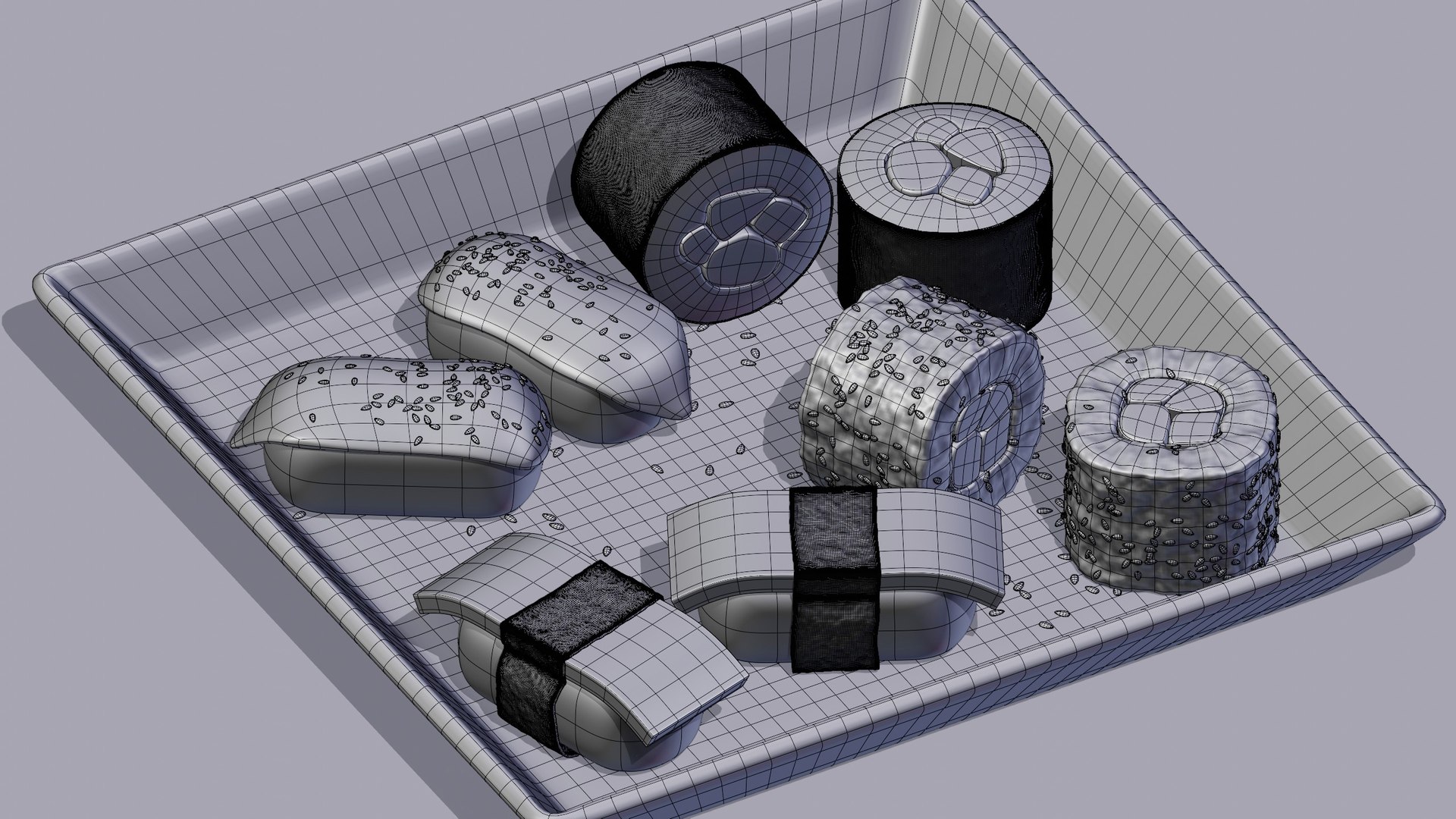
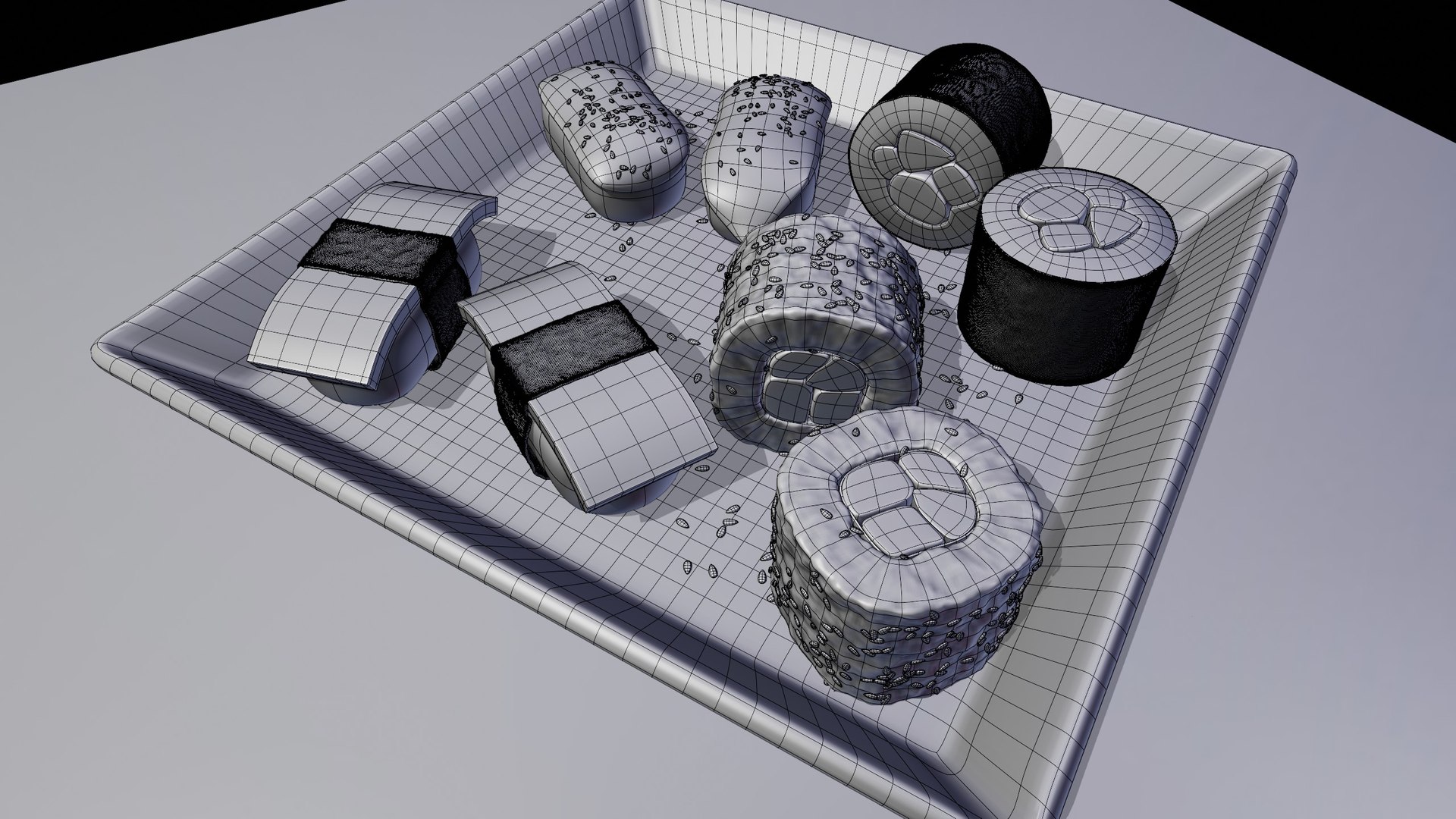
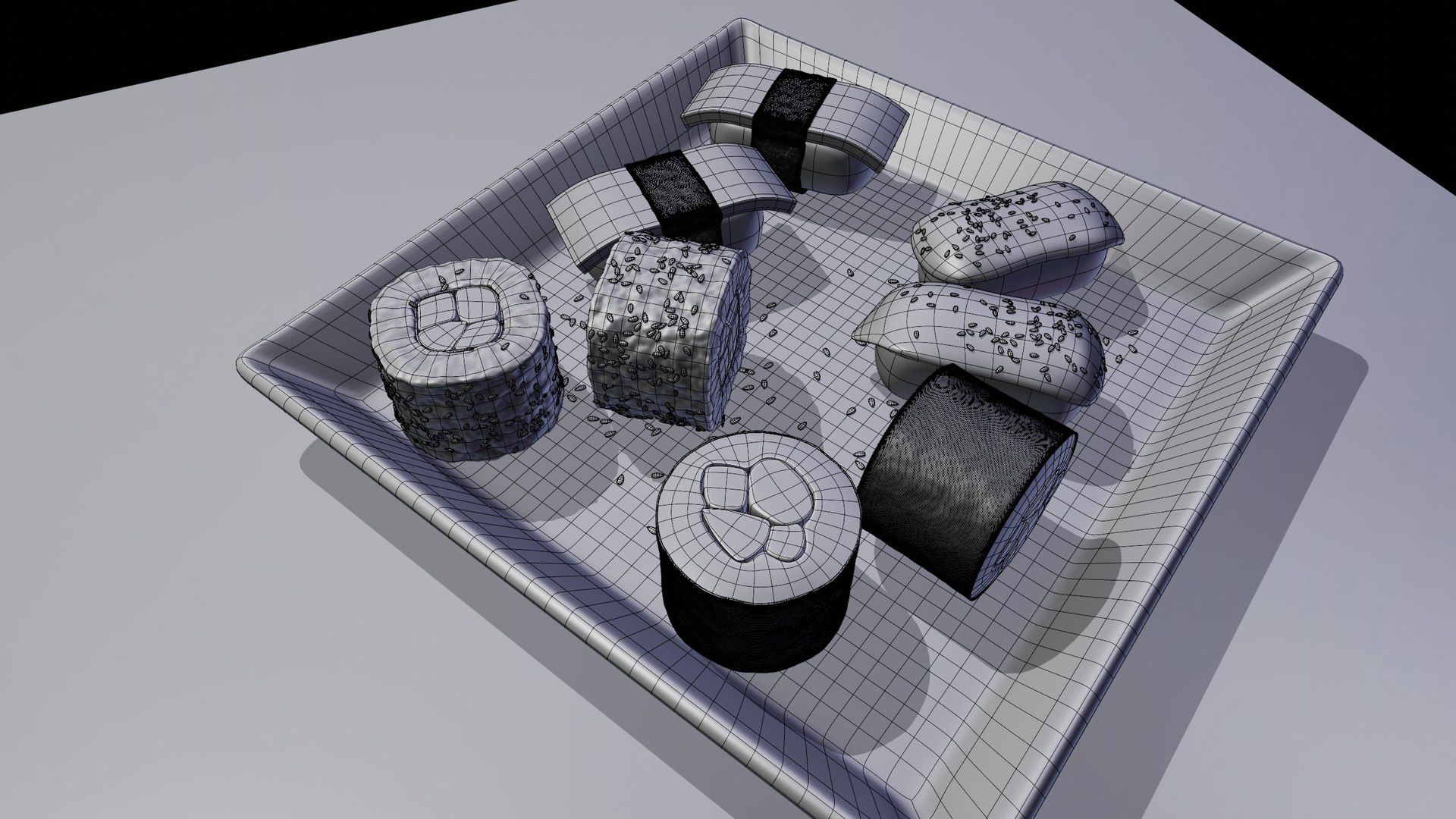
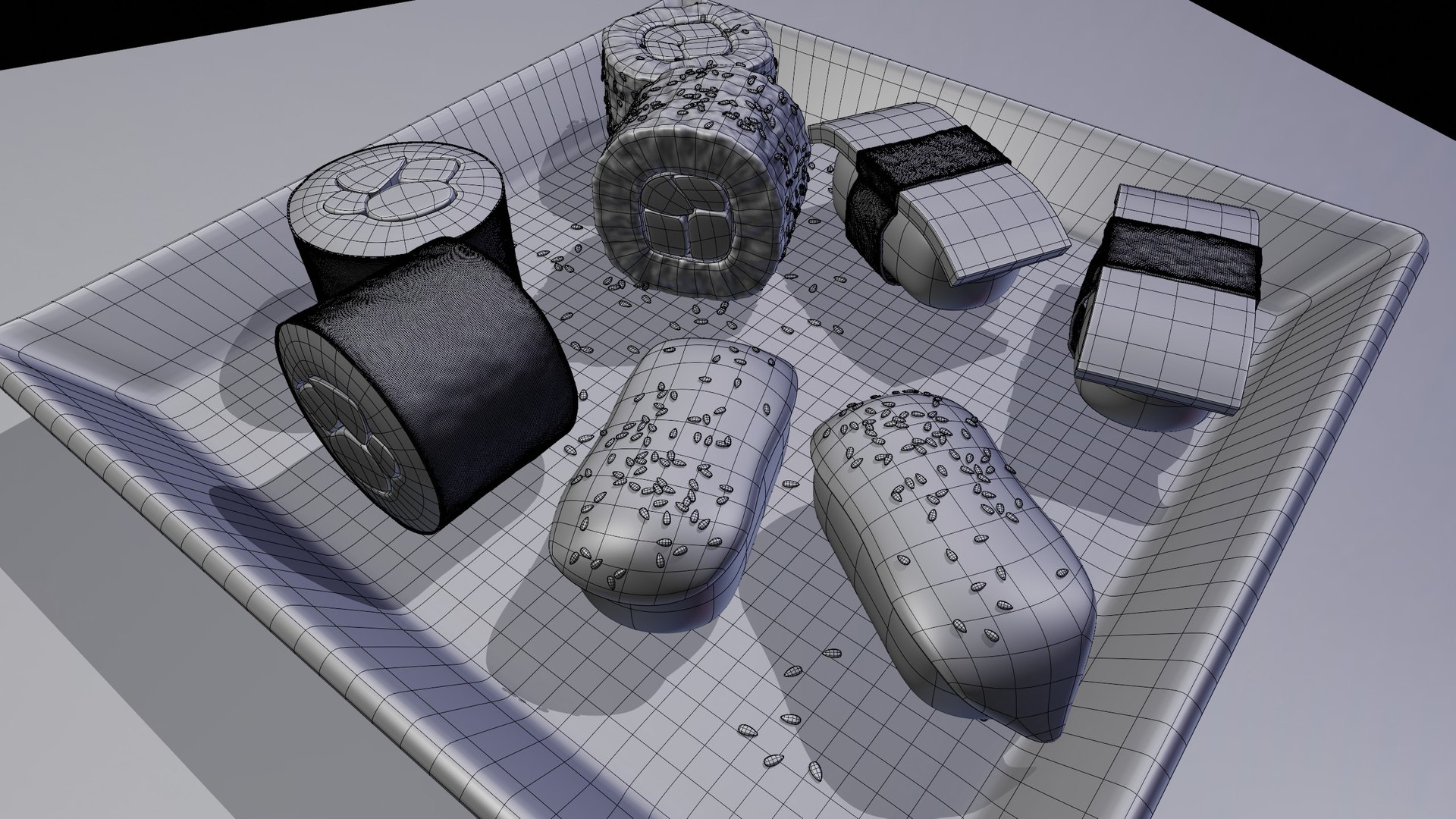
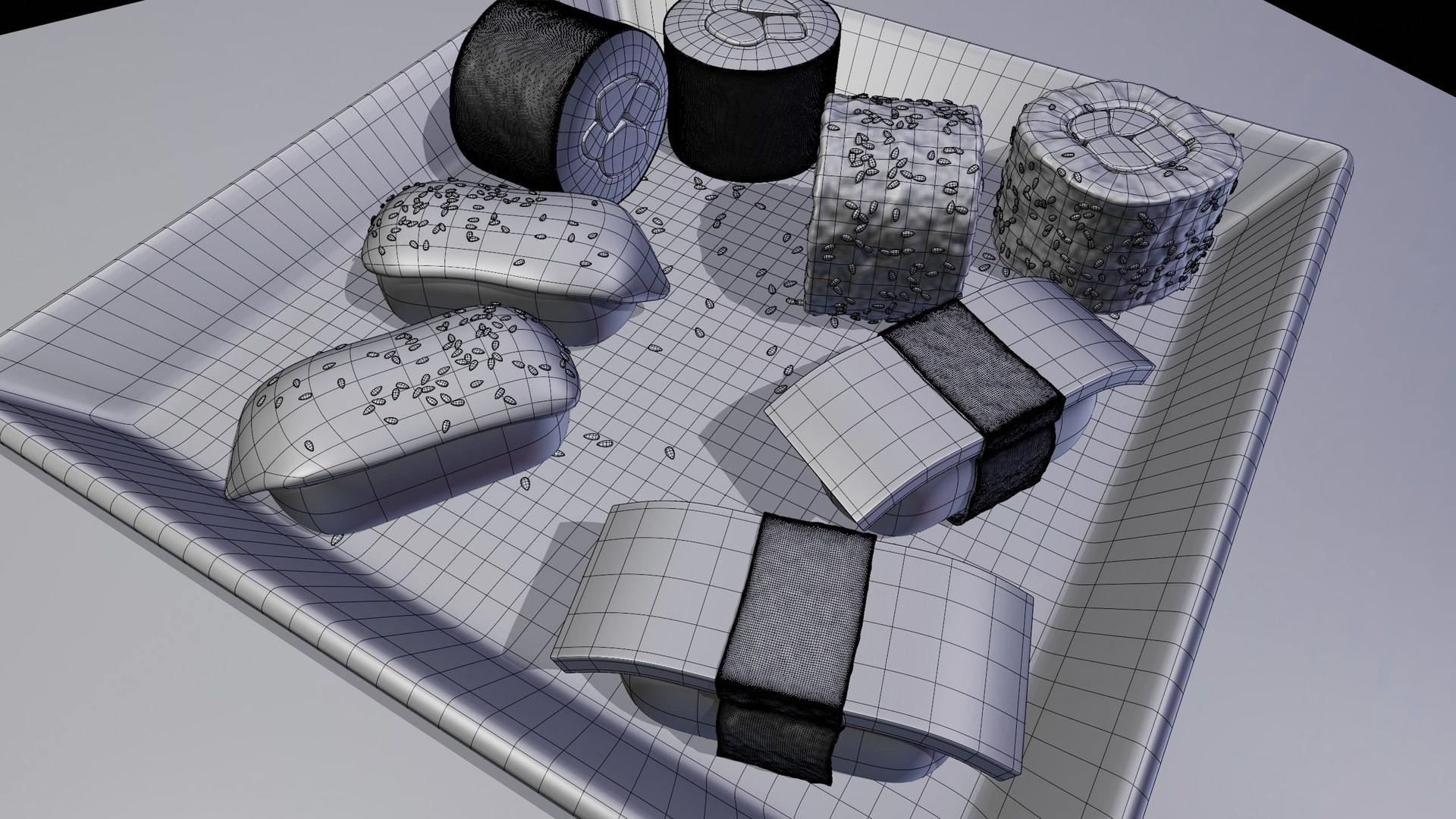
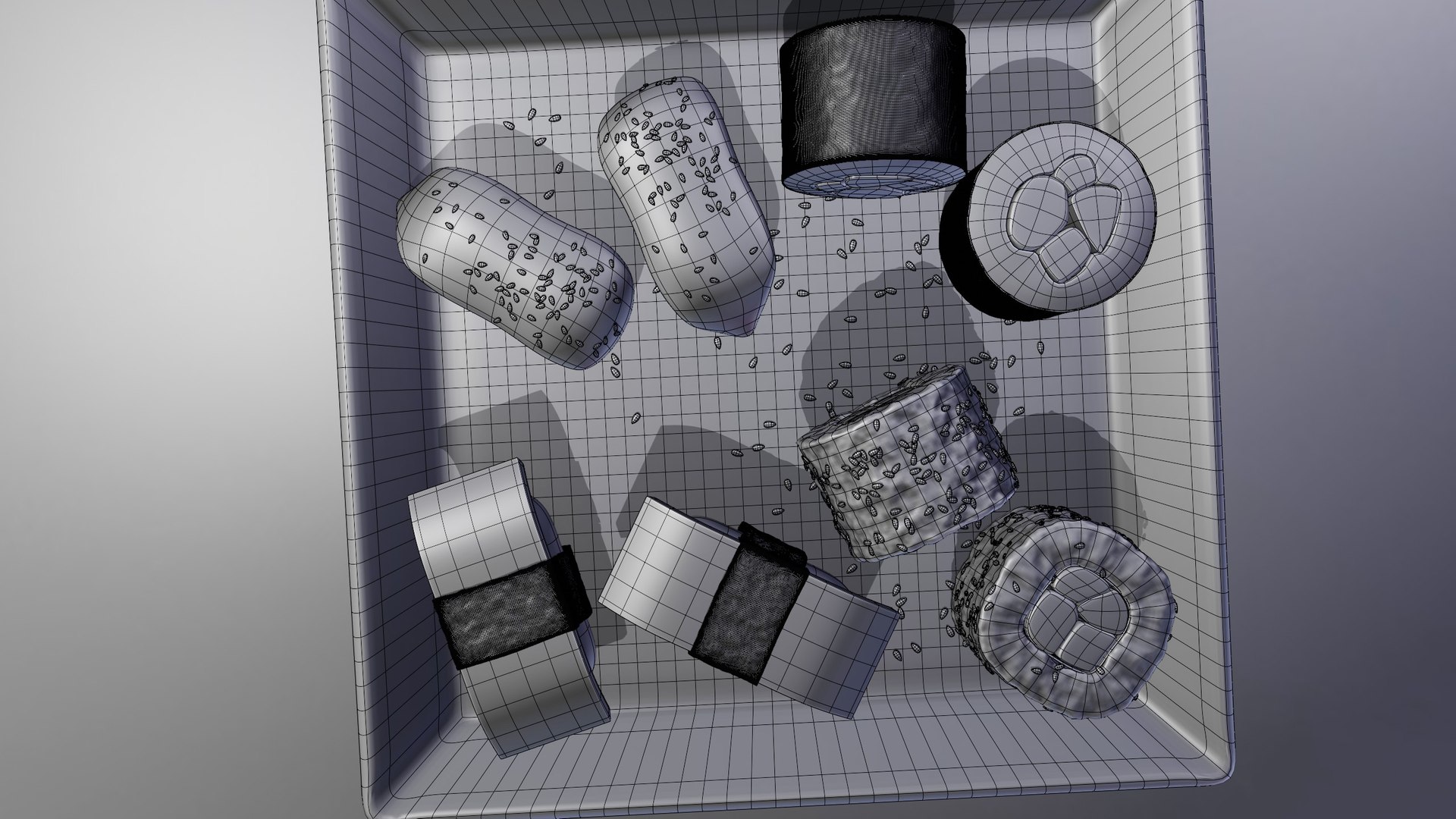
Polygons 7,637
Vertices 8,246
Unknown Geometry
Materials
Unknown Unwrapped UVs

member avatar
Ryan King Art
151 Products | Contributor Since 2020
Have questions? Chat with us now.

Description

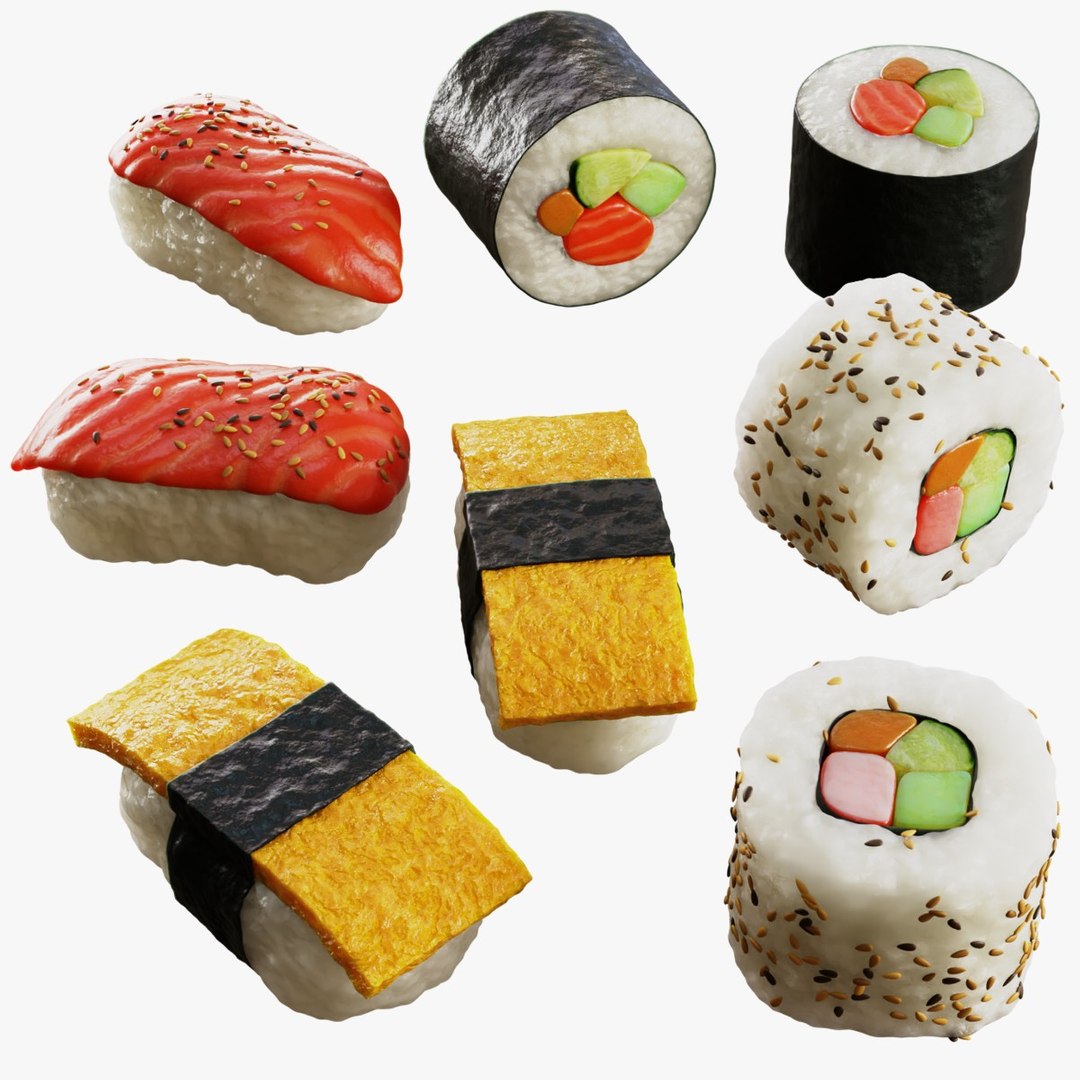
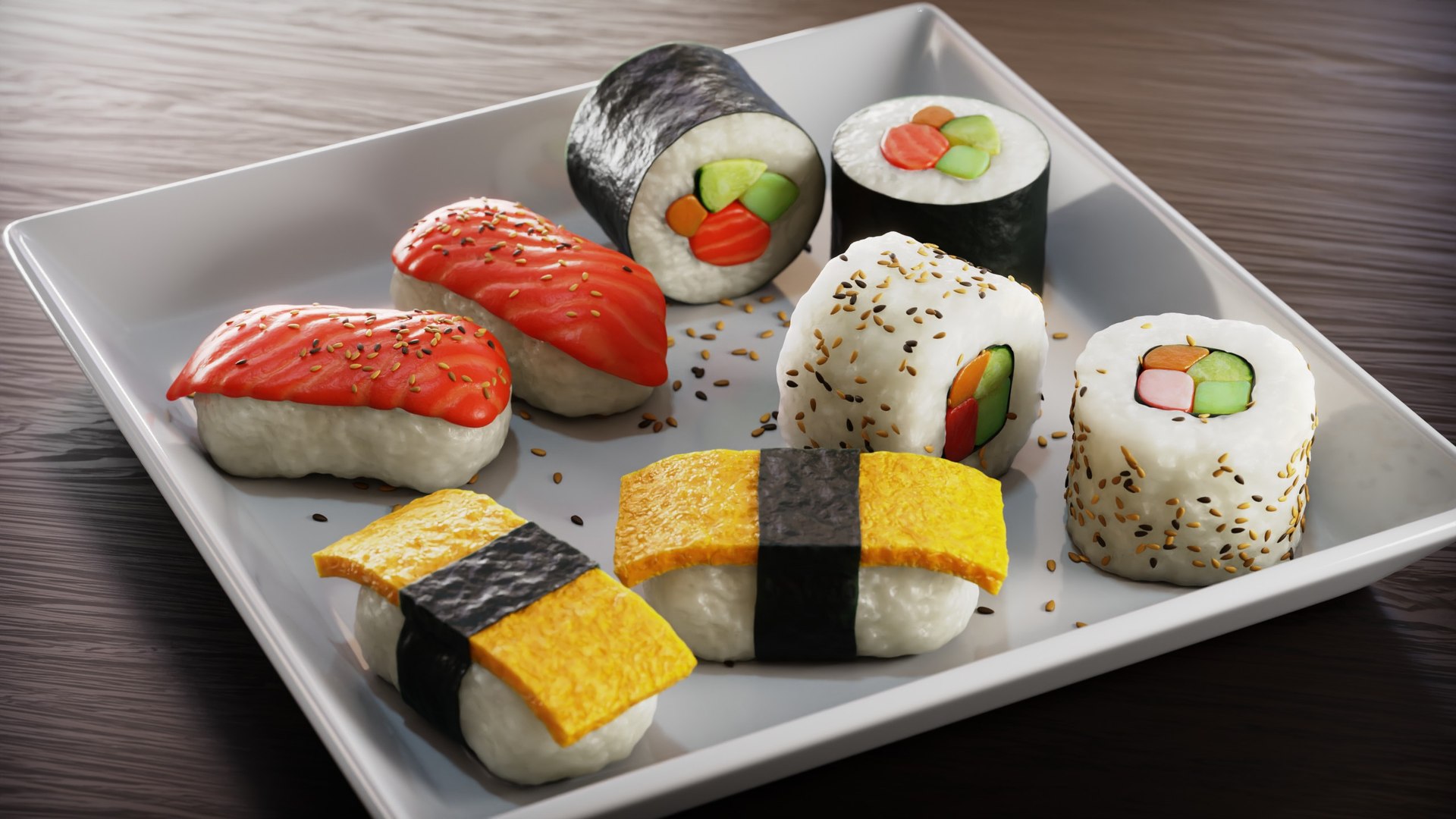
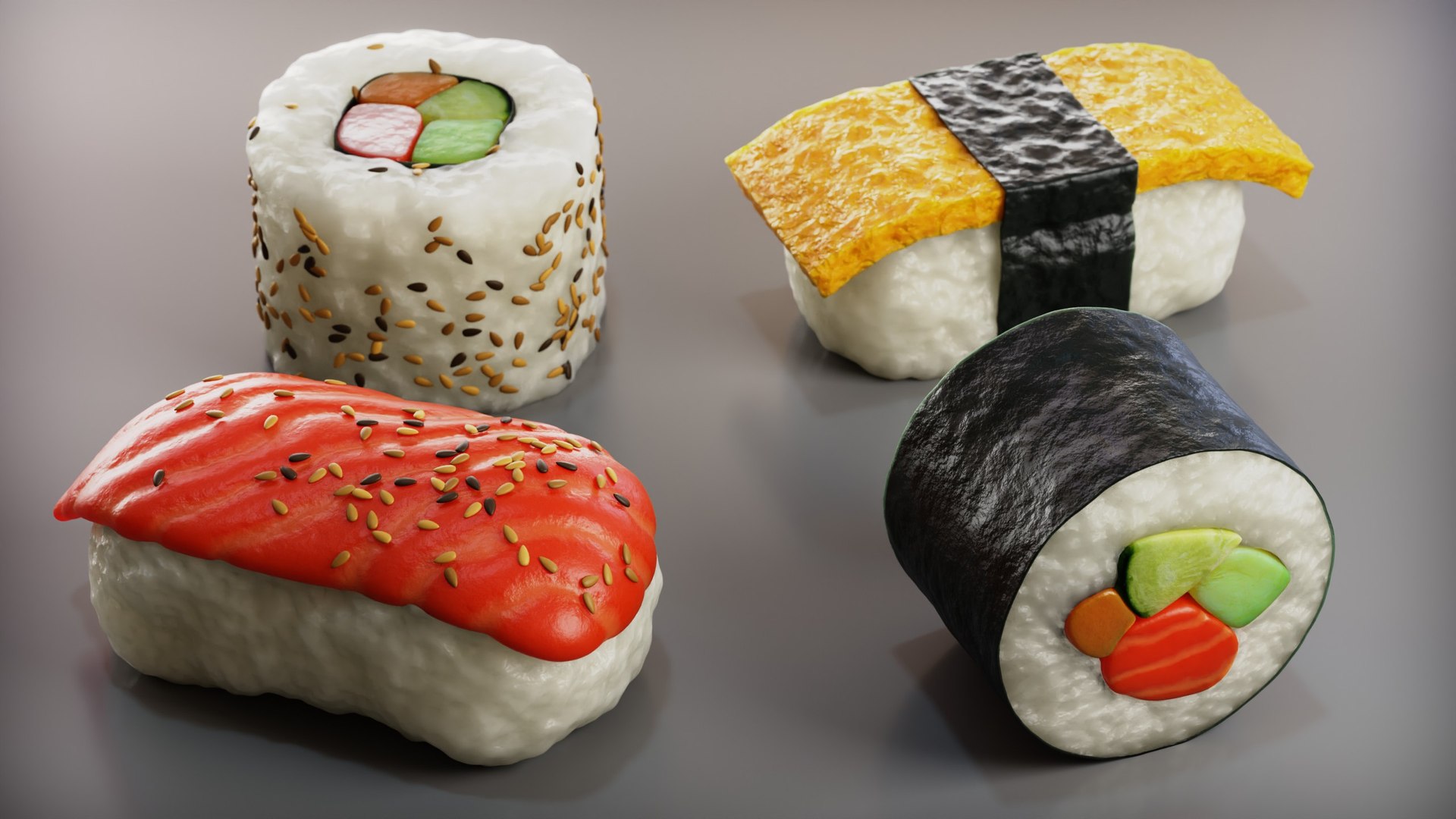
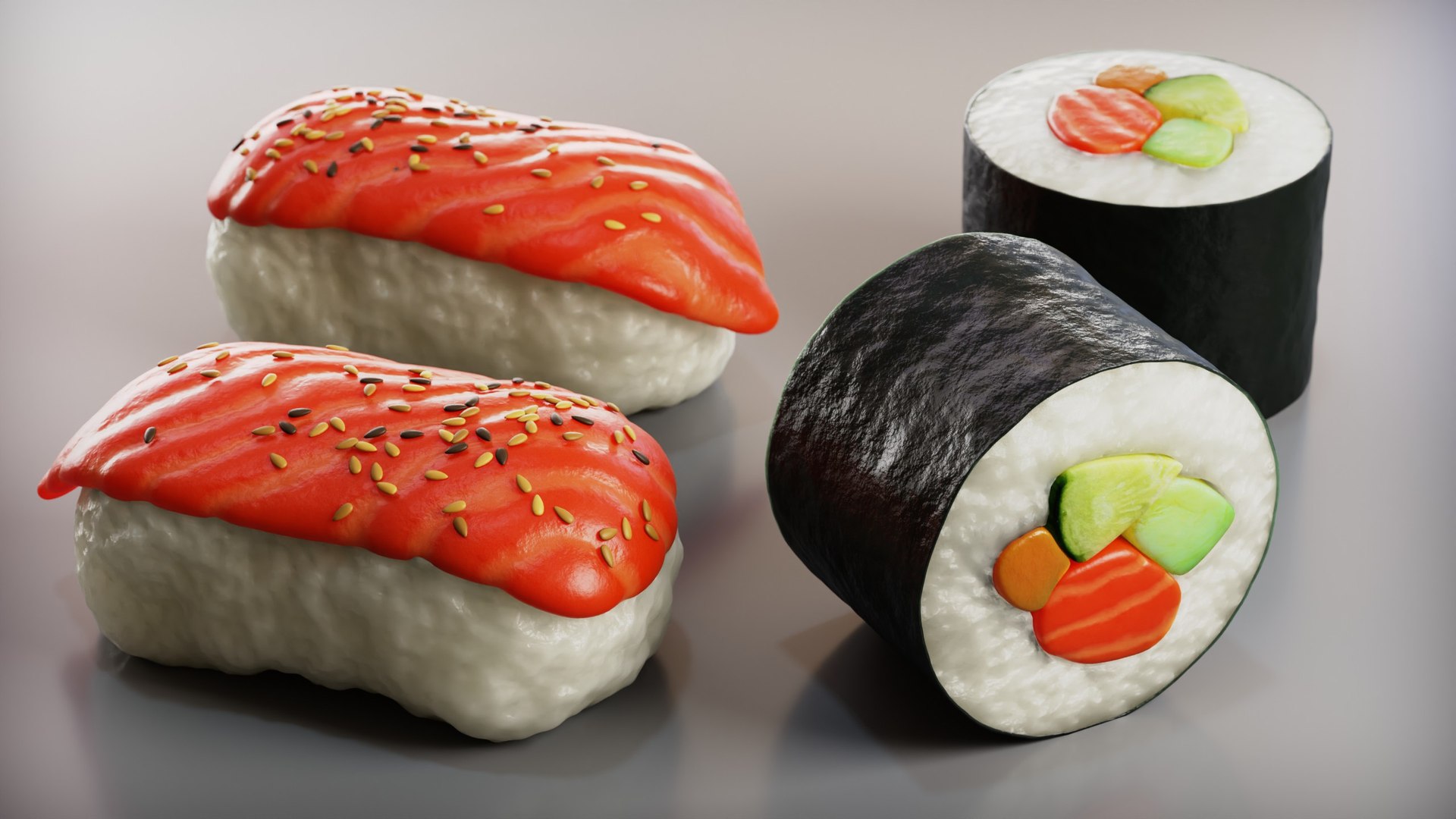
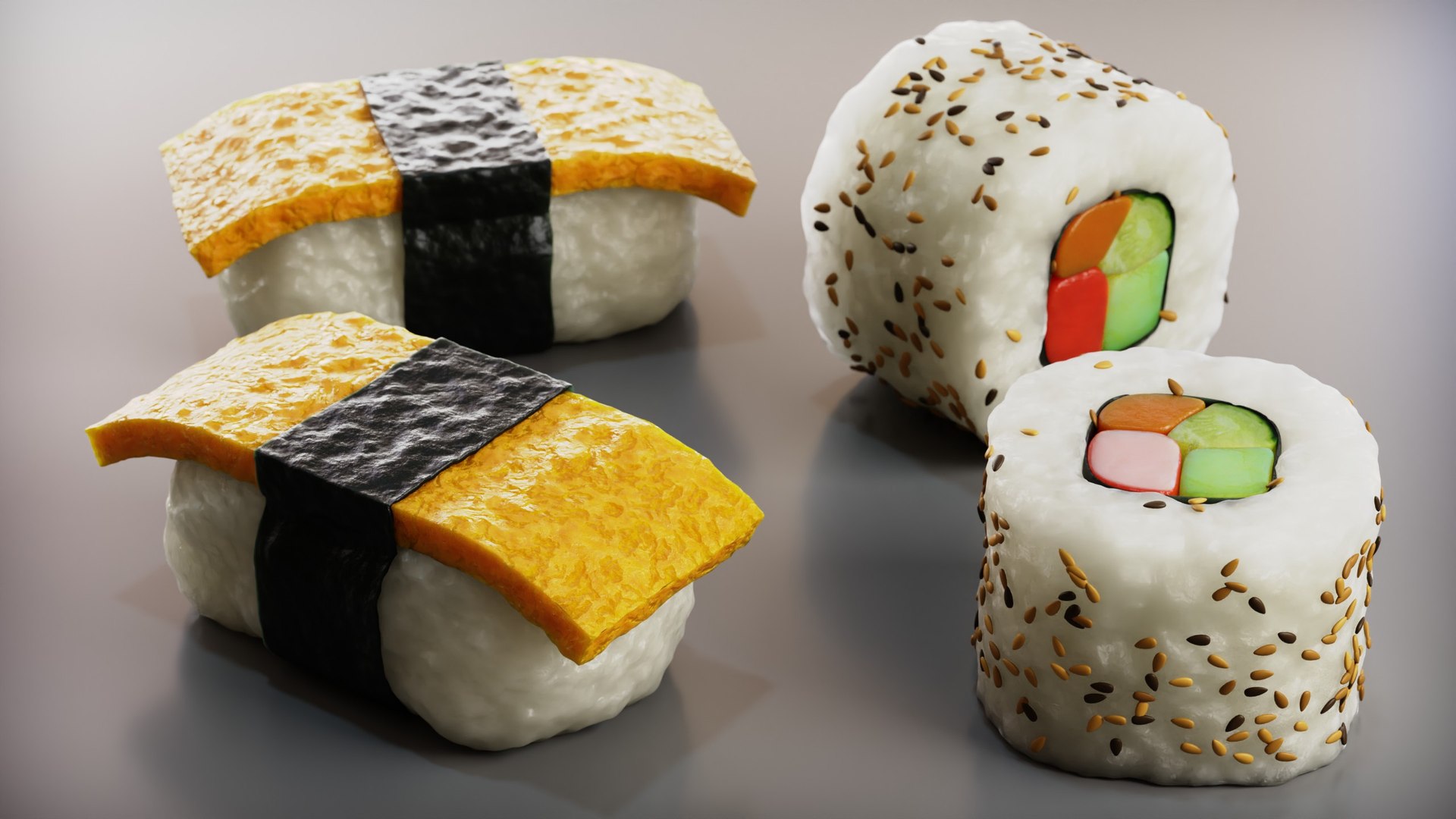
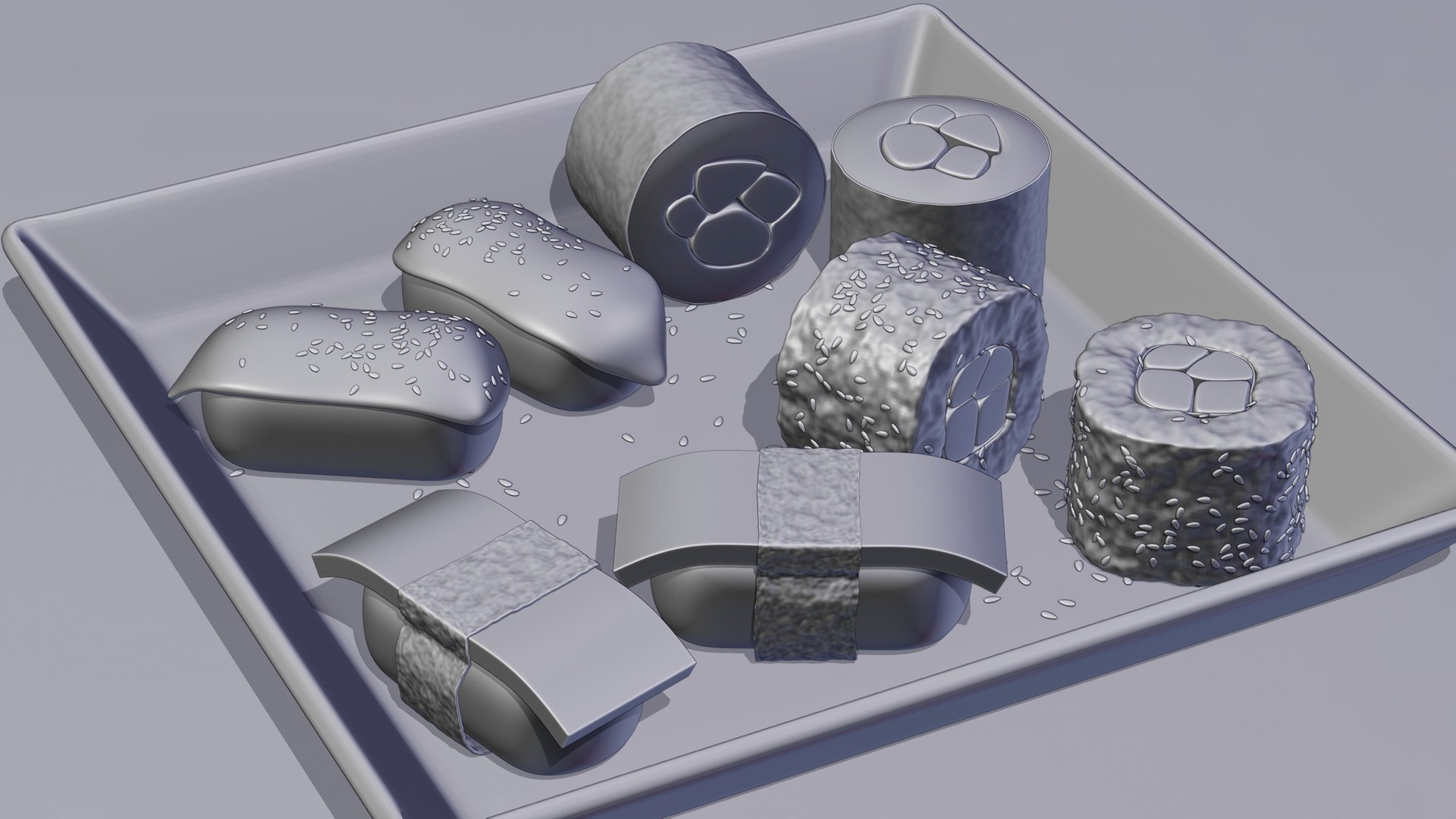
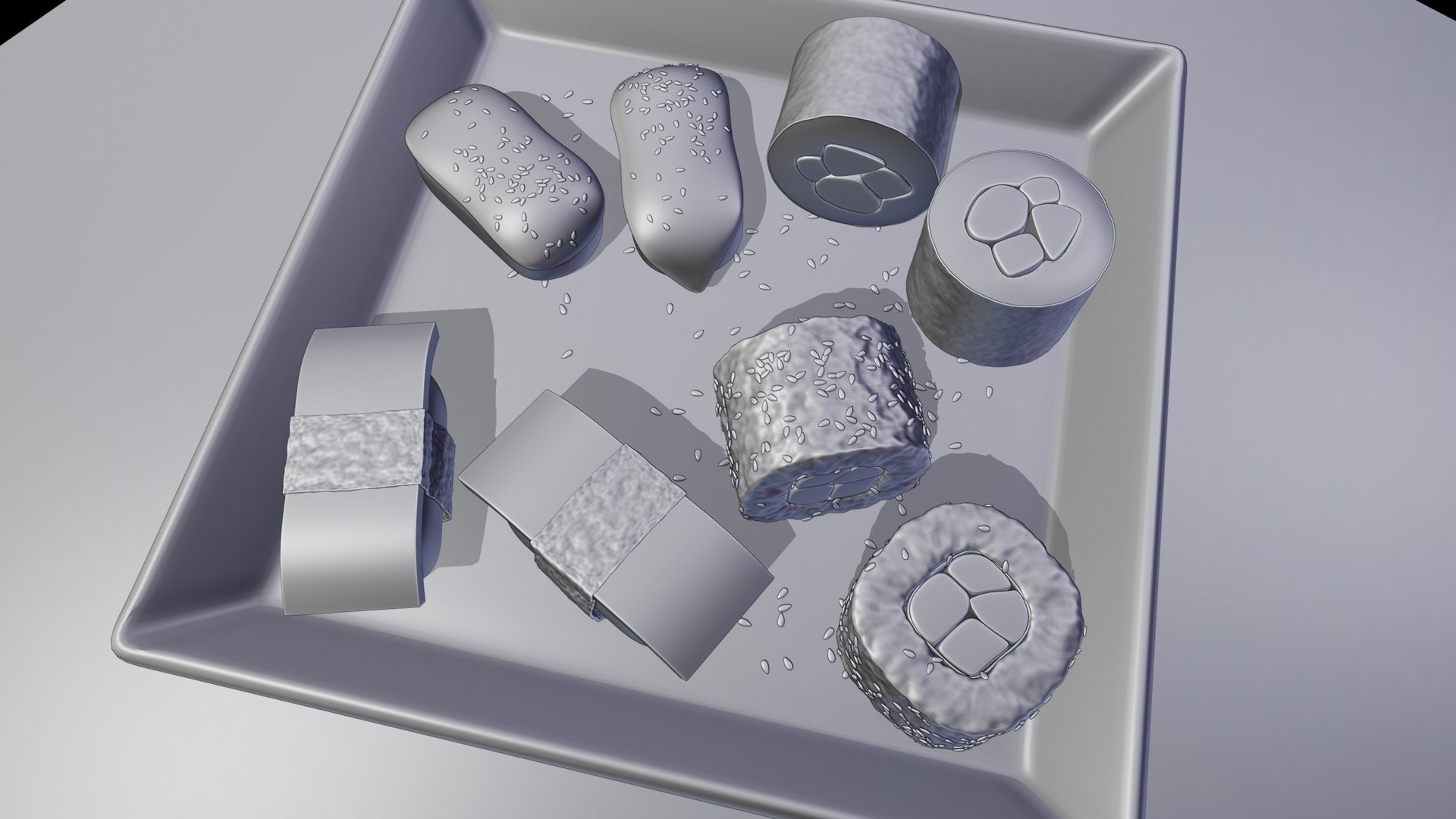
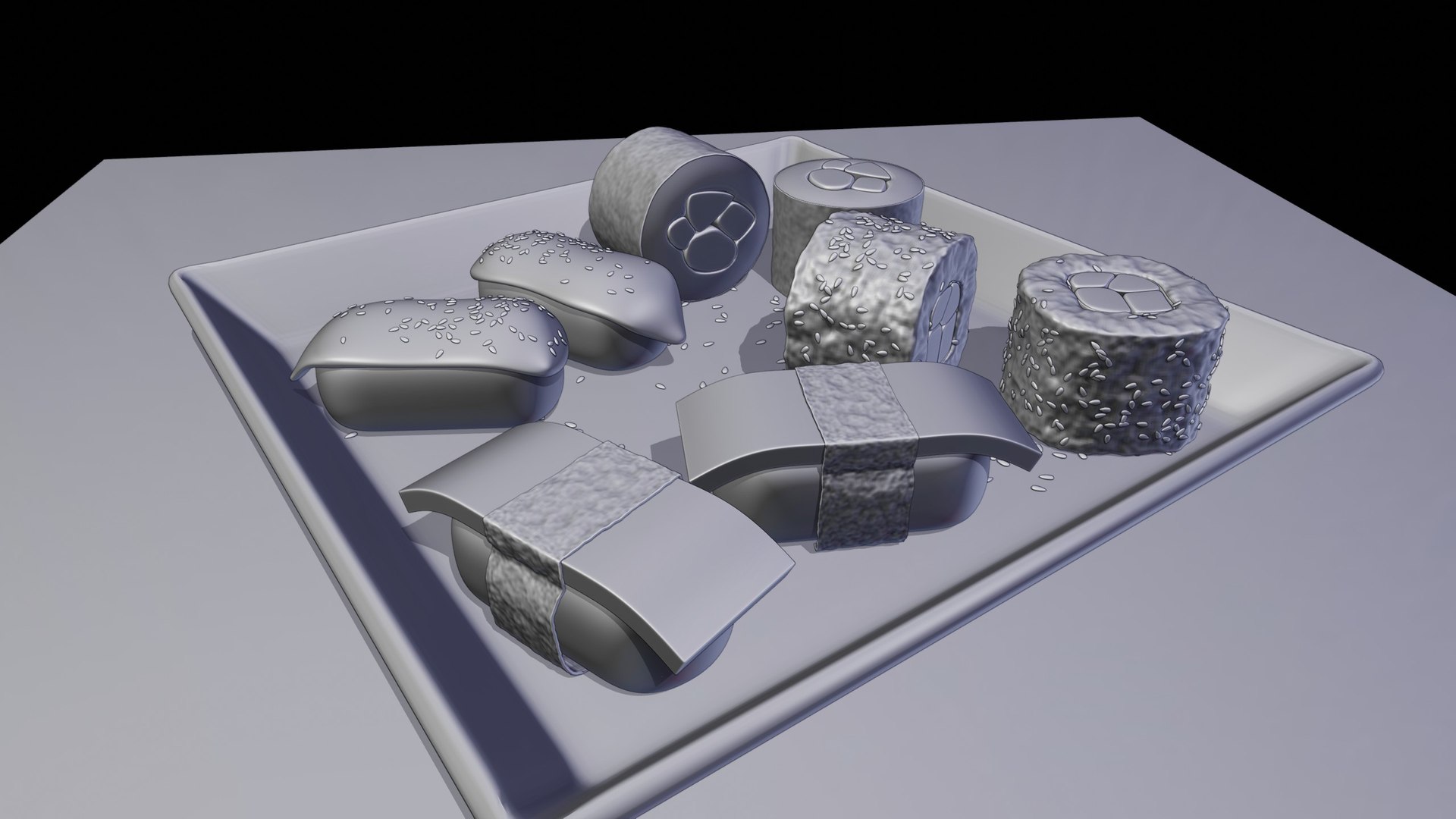
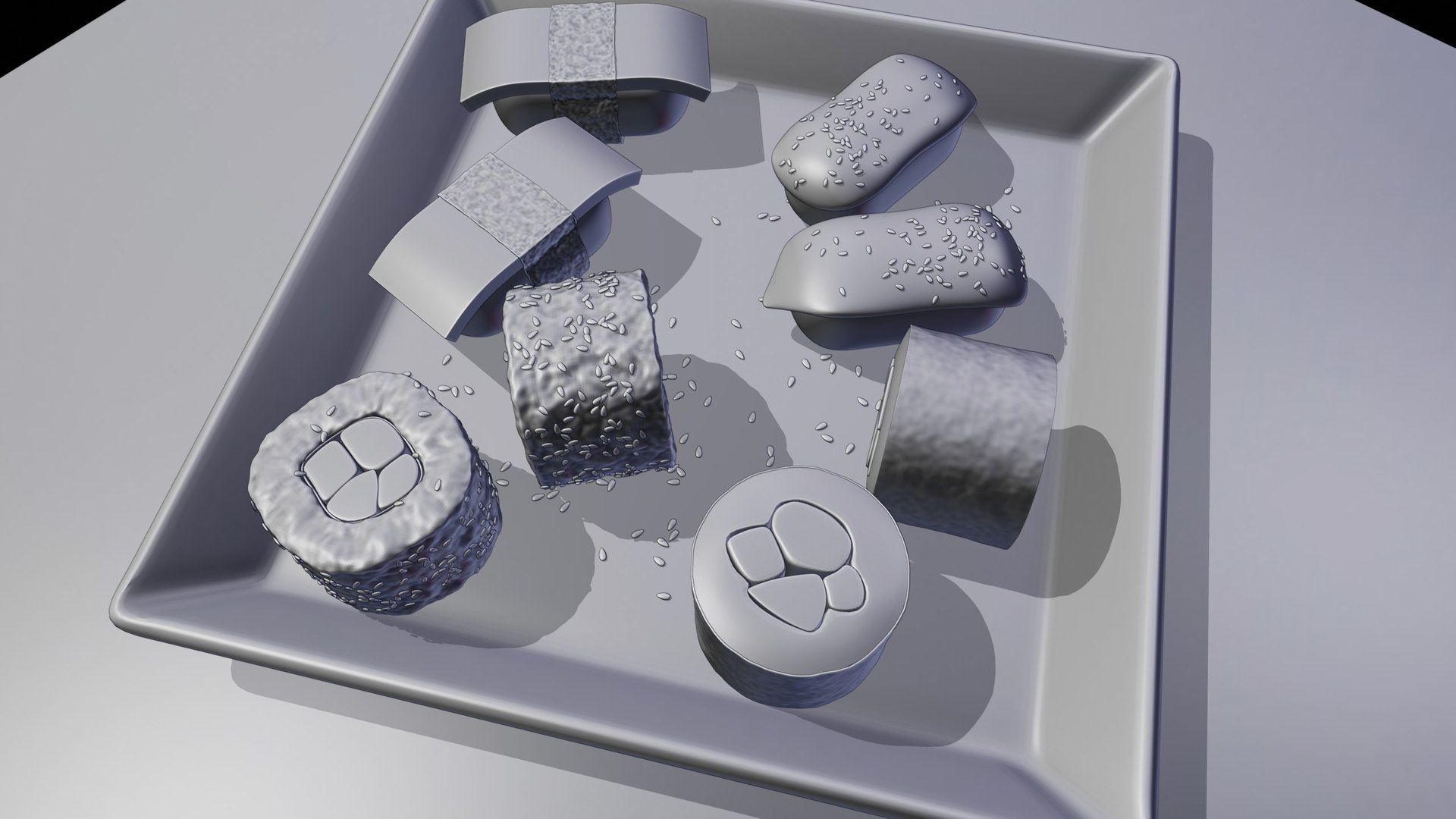
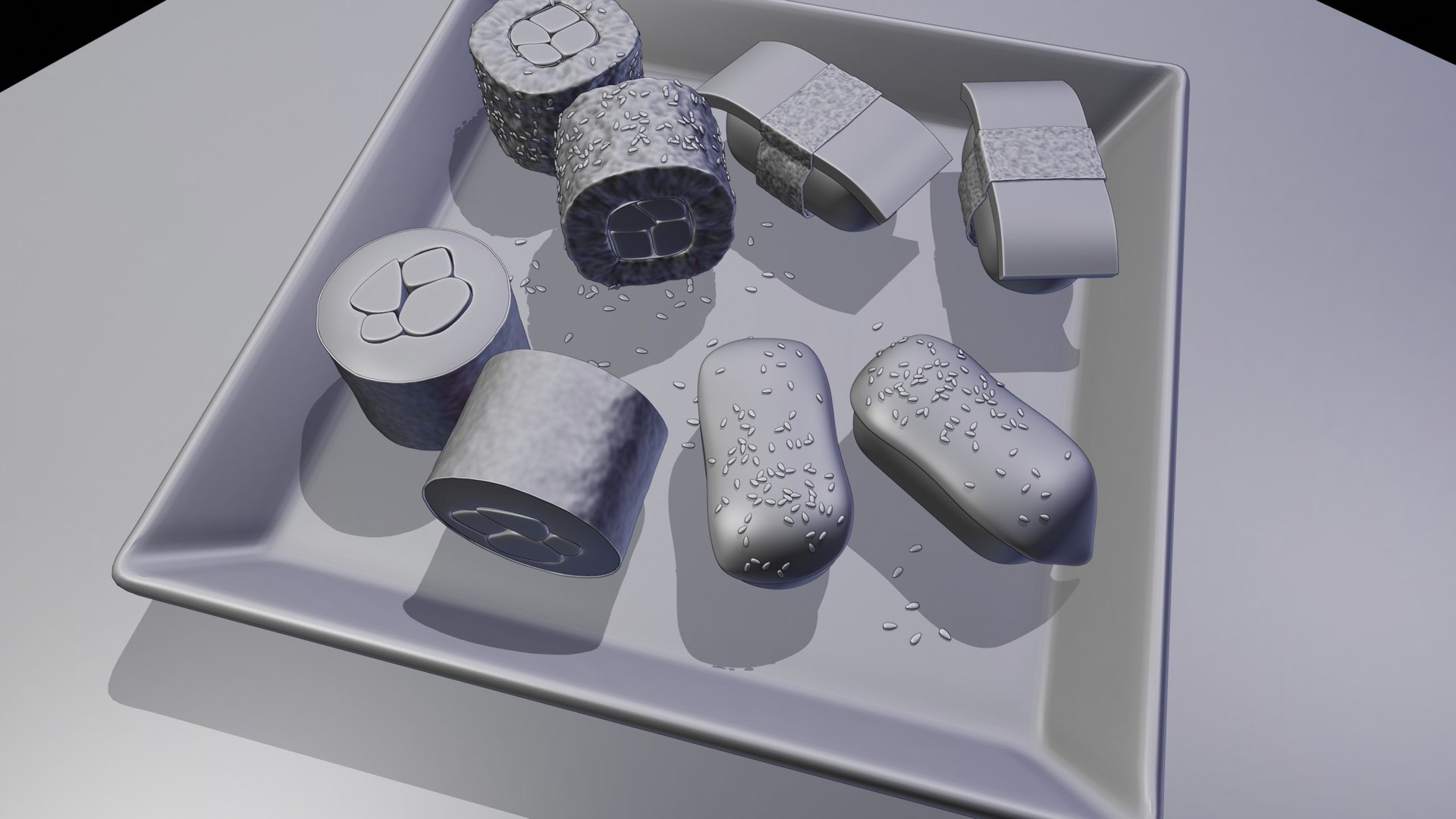
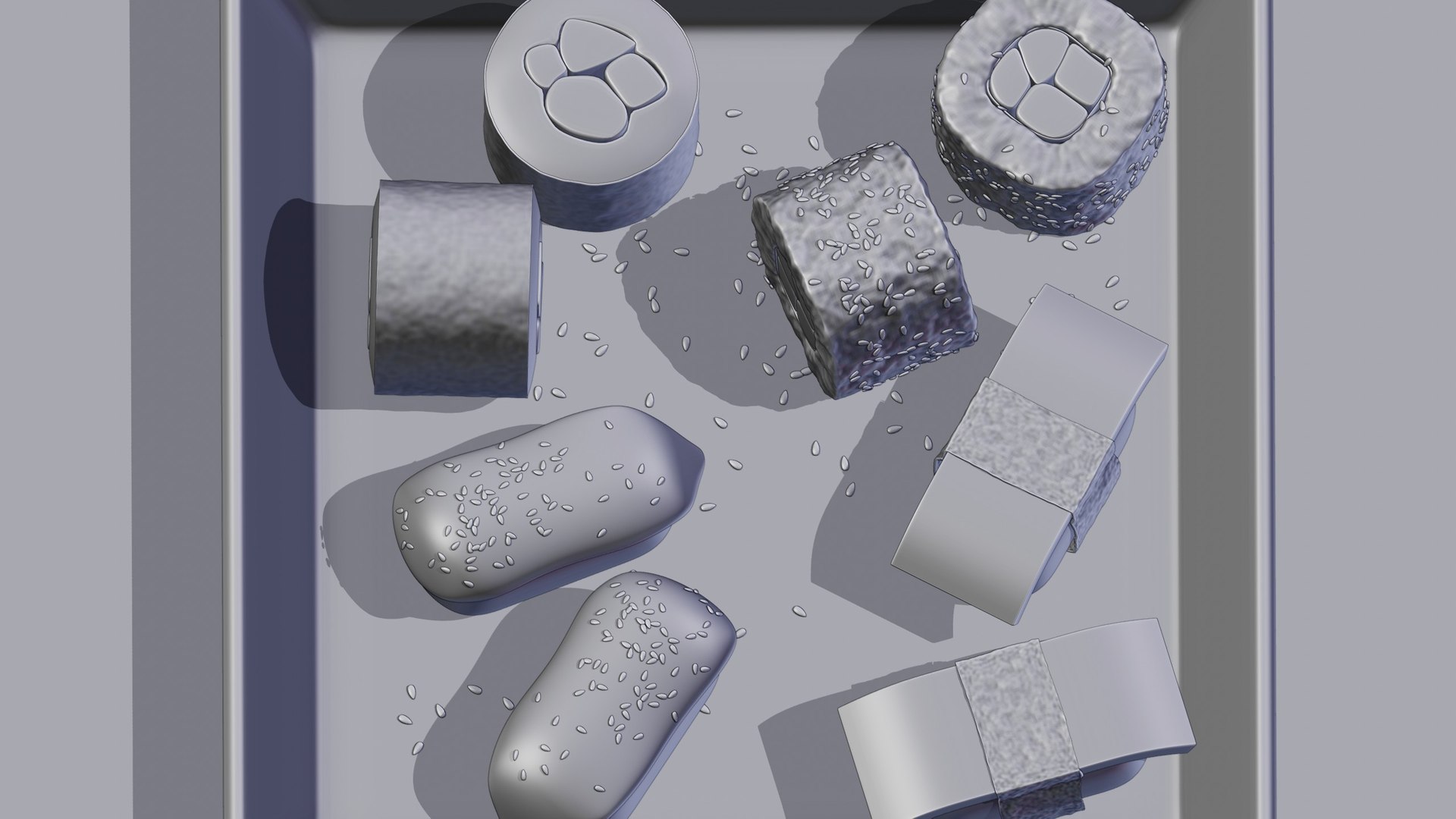
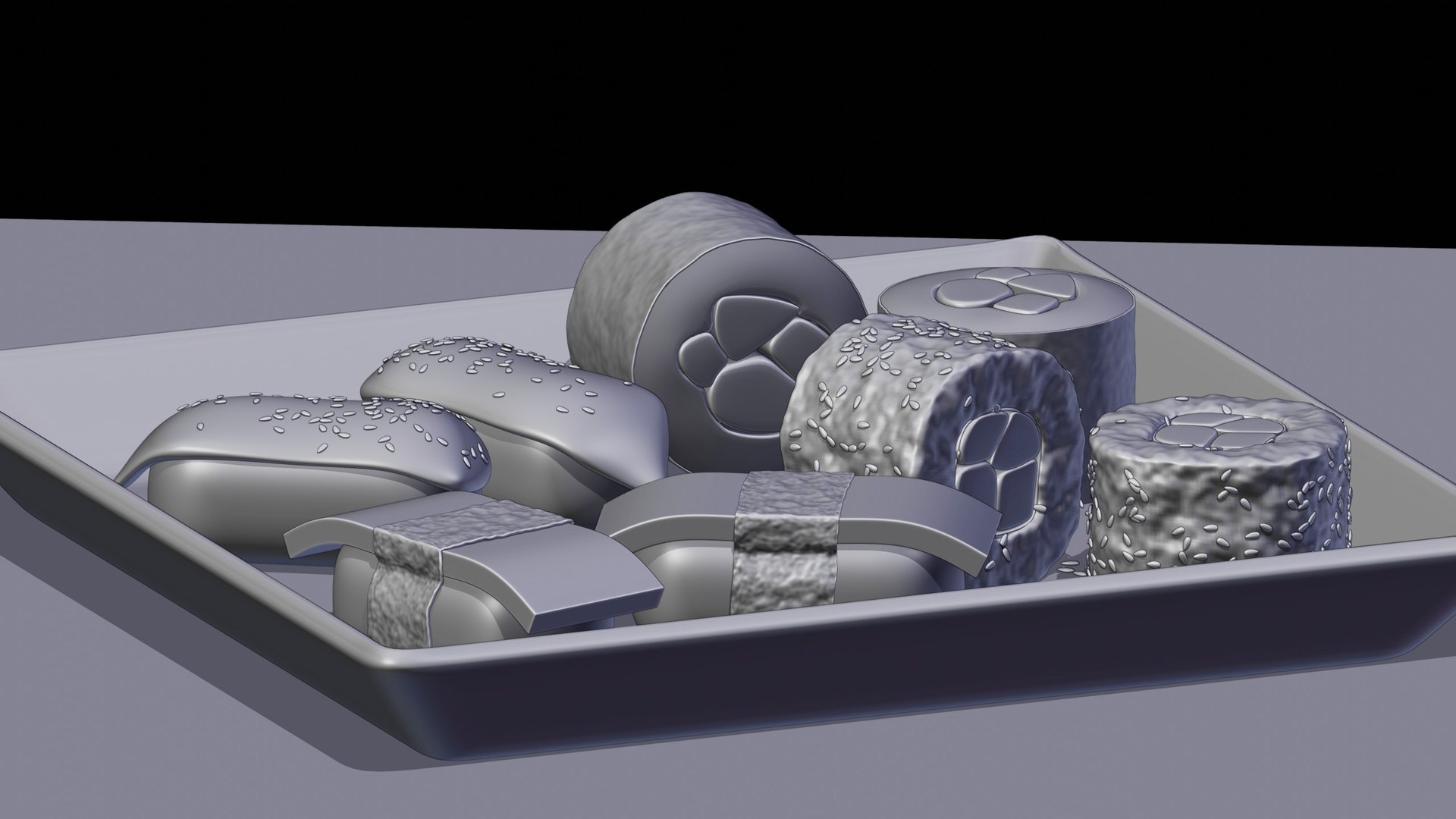
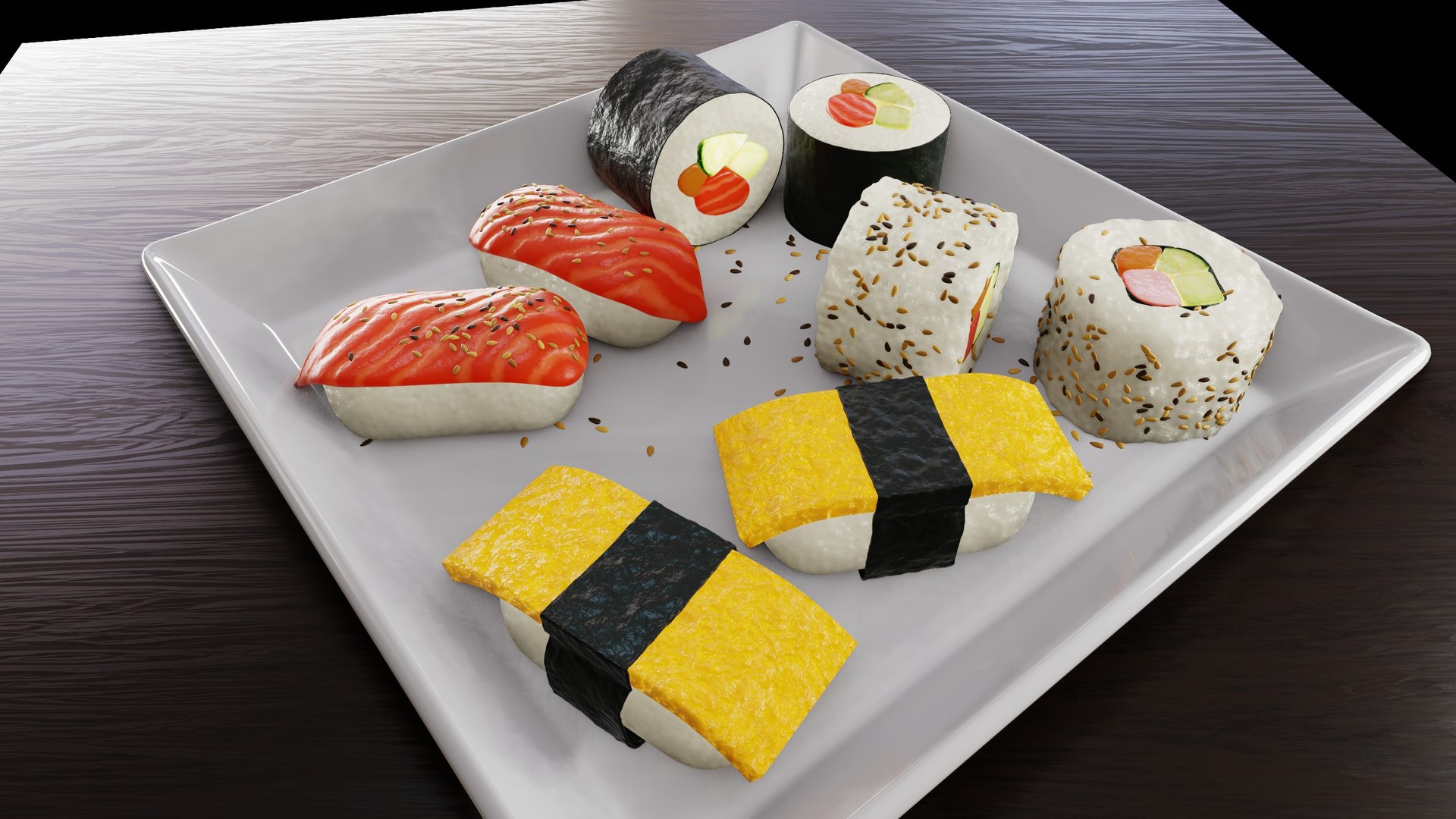
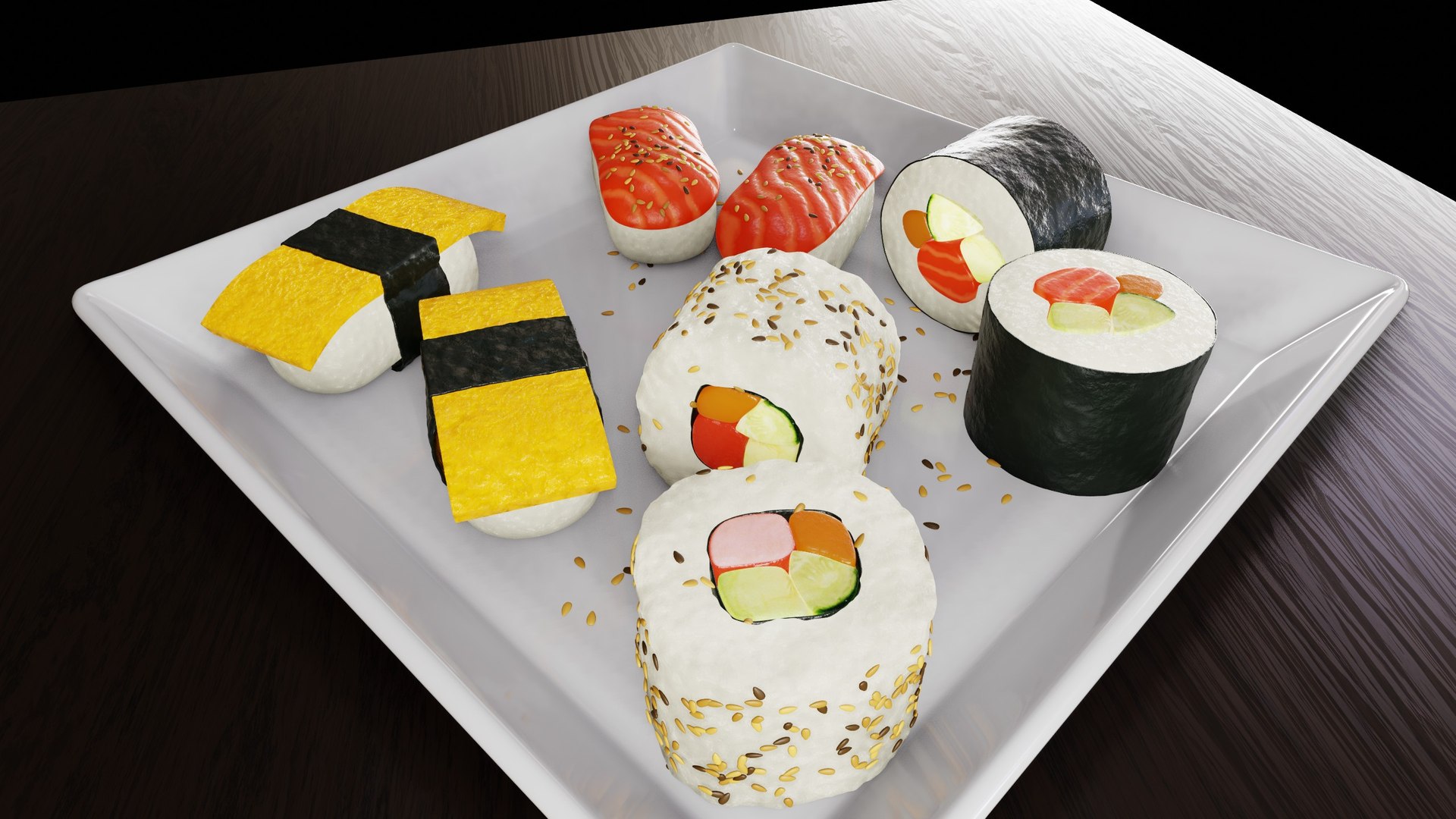
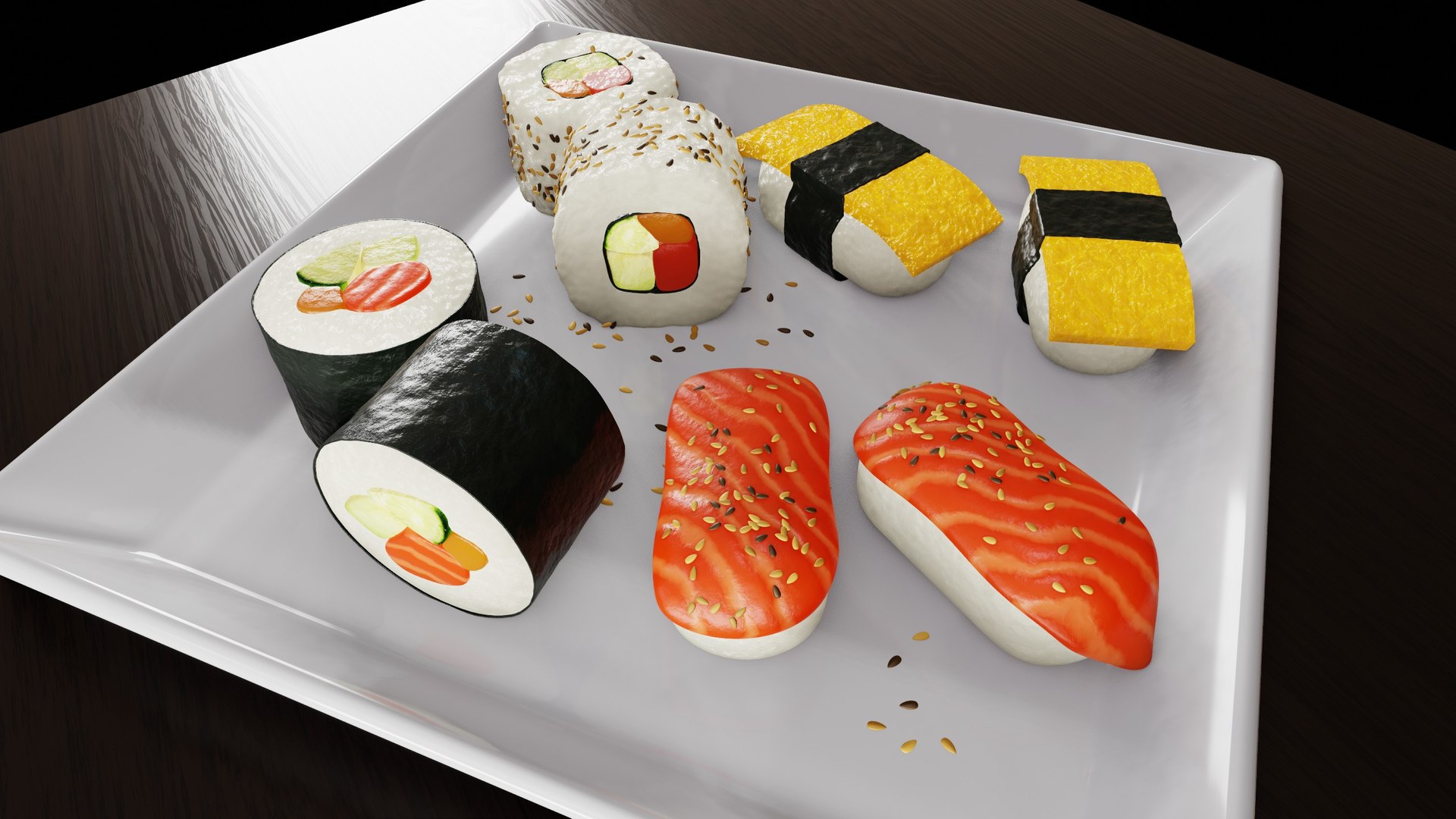
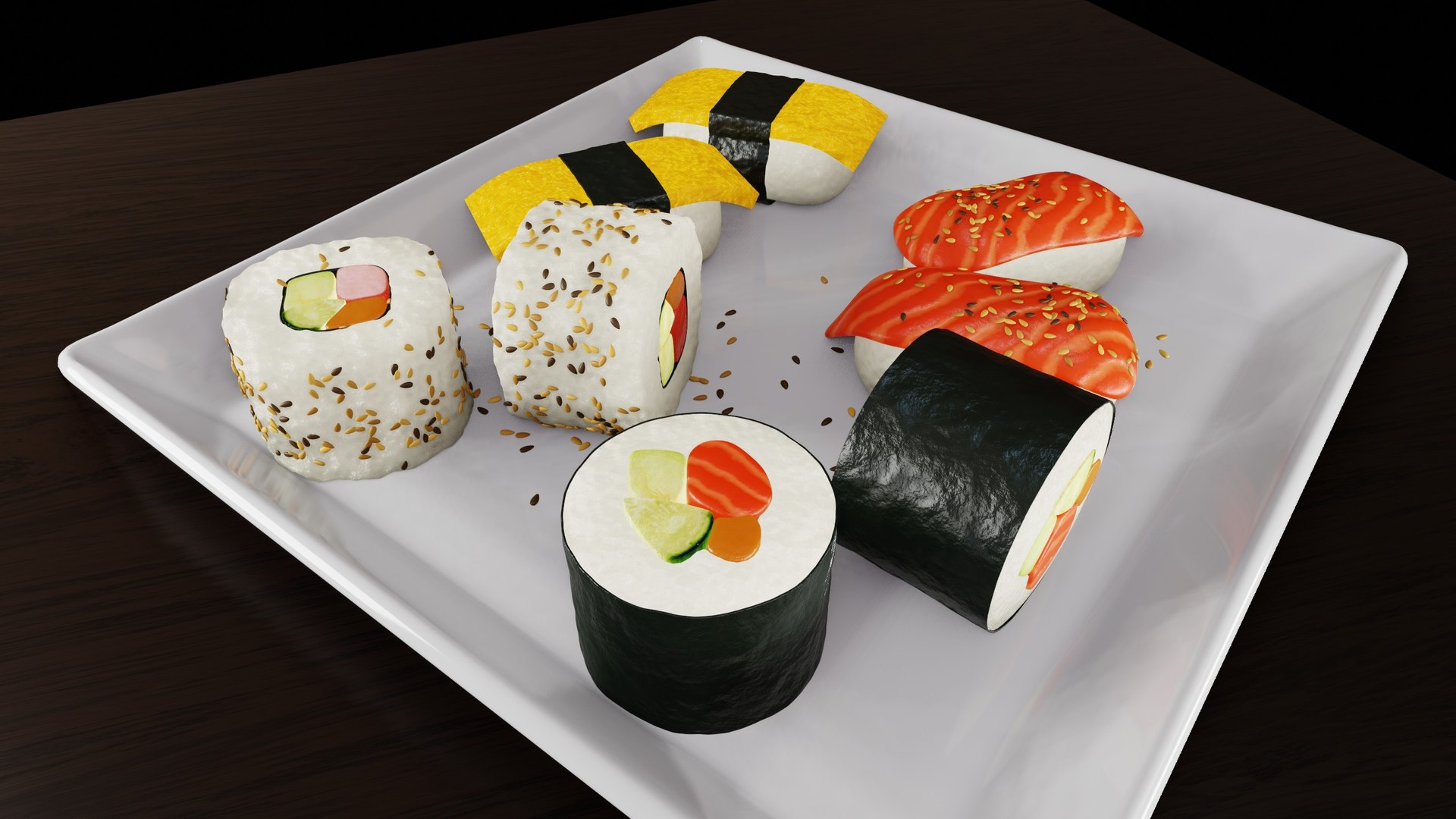
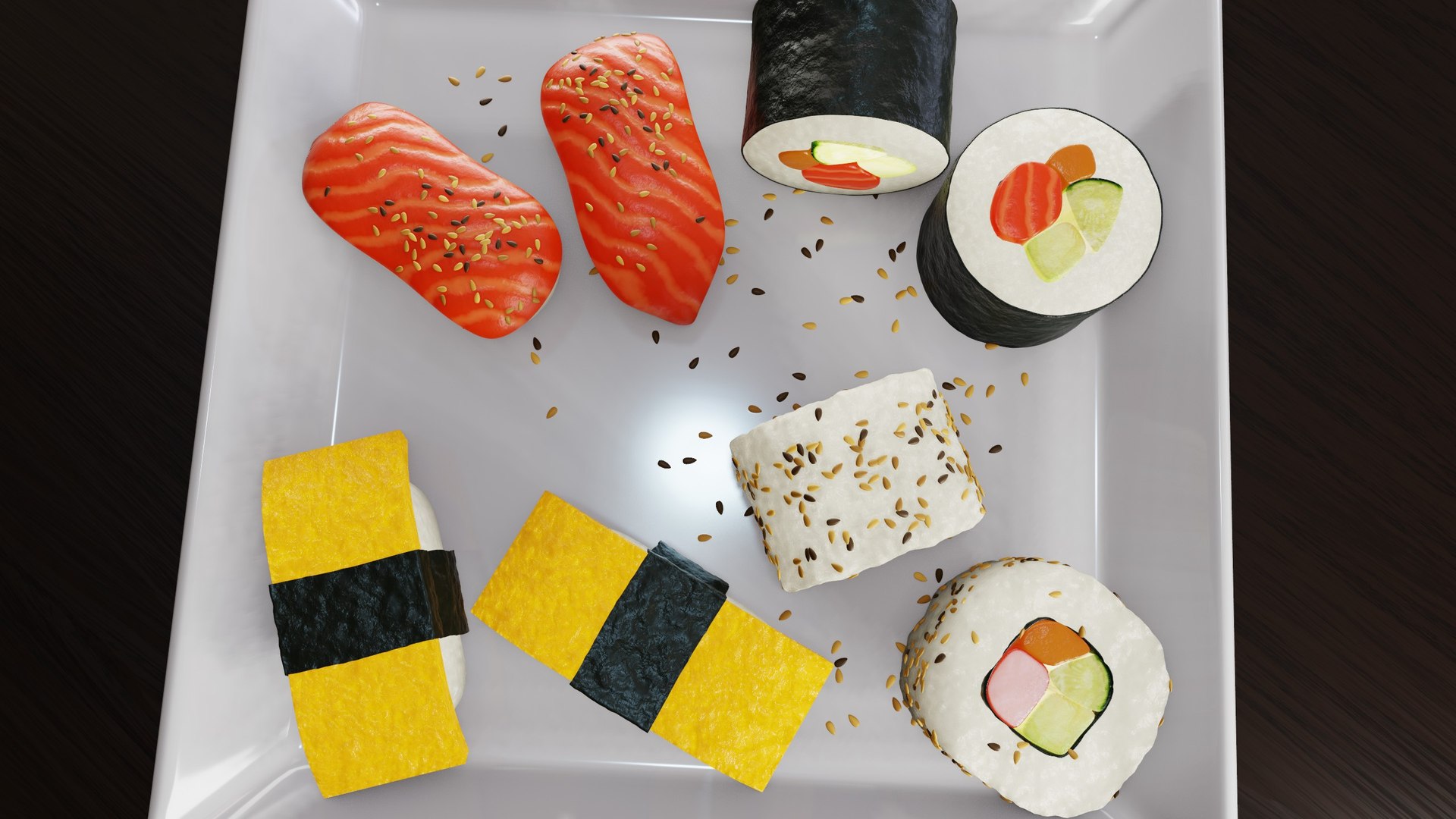
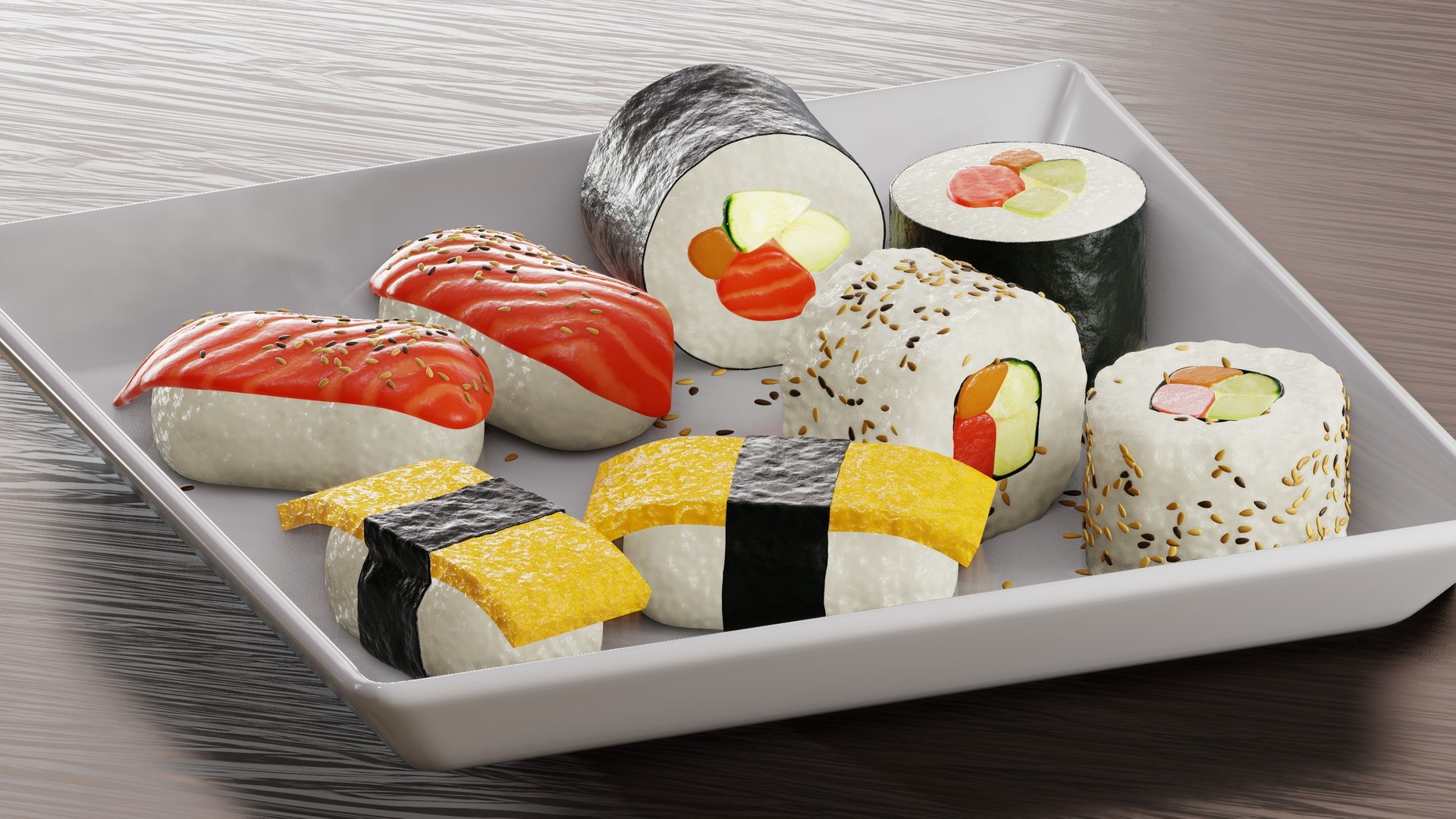
Realistic Sushi 3d models created with Blender.This product comes with 4 types of sushi: Nigiri Sushi, Makizushi Sushi, Tamago Sushi, and California Roll. ??

Materials:
Most of the materials are created procedurally with Blender's procedural shader nodes, like the salmon, rice, tamago, and seaweed. The avocado and cucumber materials are using image textures.

Render Engine:
You can use these models in Eevee, but they were created with Cycles. Some of the materials, like the rice and salmon, are also using material displacements to pop out the mesh and make them look more realistic. Material displacements only work in Cycles.

Geometry Nodes:
There are some geometry node setups on some of the objects, used to place the sesame seeds on the plate, and some of the sushi.

Contents:

  • Sushi Blender File
  • Nigiri Sushi
  • Makizushi Sushi
  • Tamago Sushi
  • California Roll
  • 4 Final Renders
  • Procedural Wood Material Files
  • HDRI Lighting
  • Avocado Texture
  • Cucumber Texture

Tutorial:

If you'd like to learn how to create this yourself, you can watch the tutorial on my YouTube channel, Ryan King Art.

Select Enhanced License

  • $10,000 in Legal Protection (Indemnification)
  • Uncapped Legal Protection (Indemnification)
  • Waiver from injunctive relief
  • Assignable model rights
  • $1,000,000 in Legal Protection (Indemnification)
  • Waiver from injunctive relief
  • Assignable model rights
  • $250,000 in Legal Protection (Indemnification)
  • Assignable model rights
Read more about enhanced license tiers, or contact us at enterprise@turbosquid.com. Already a Shutterstock Enterprise Customer? Contact your Shutterstock Sales Support Agent to talk about adding 3D.

About Conversion Requests

To submit a conversion request for a purchased asset, please complete our Conversion Request Form.

If you have not yet purchased a model, please review our Documentation about Conversions to learn about what limitations you may encounter with a conversion.

For any additional questions about a model’s suitability for conversion, please contact TurboSquid Support.

Loading...