
BLAINE COFFEE TABLE

$34

Standard License | Upgrade License
Editorial Uses Only
Formats (4)
Free file format Conversions available
Native | 3ds Max 2013 | V-Ray 3.50.04
3ds Max 2013 | Corona 2
FBX
OBJ
Other Files
texture.zip BLAINE COFFEE TABLE.mtl
Specifications
Publish Date April 30, 2020
Product ID 1550732
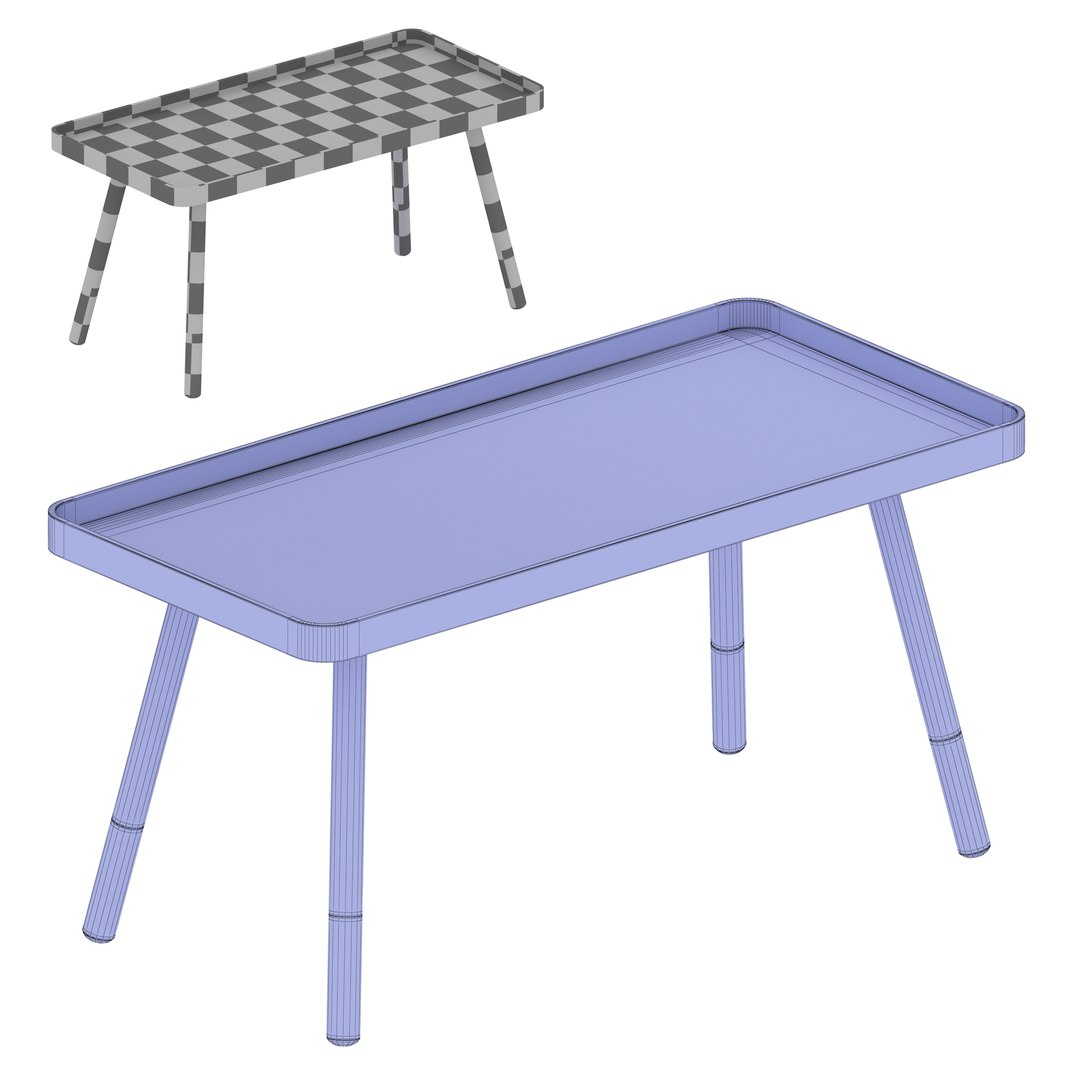
Polygons 4,734
Vertices 4,752
Polygonal
Textures
Materials
UV Mapped
Non-overlapping Unwrapped UVs

member avatar
raybrig
694 Products | Contributor Since 2006
Have questions? Chat with us now.

Description

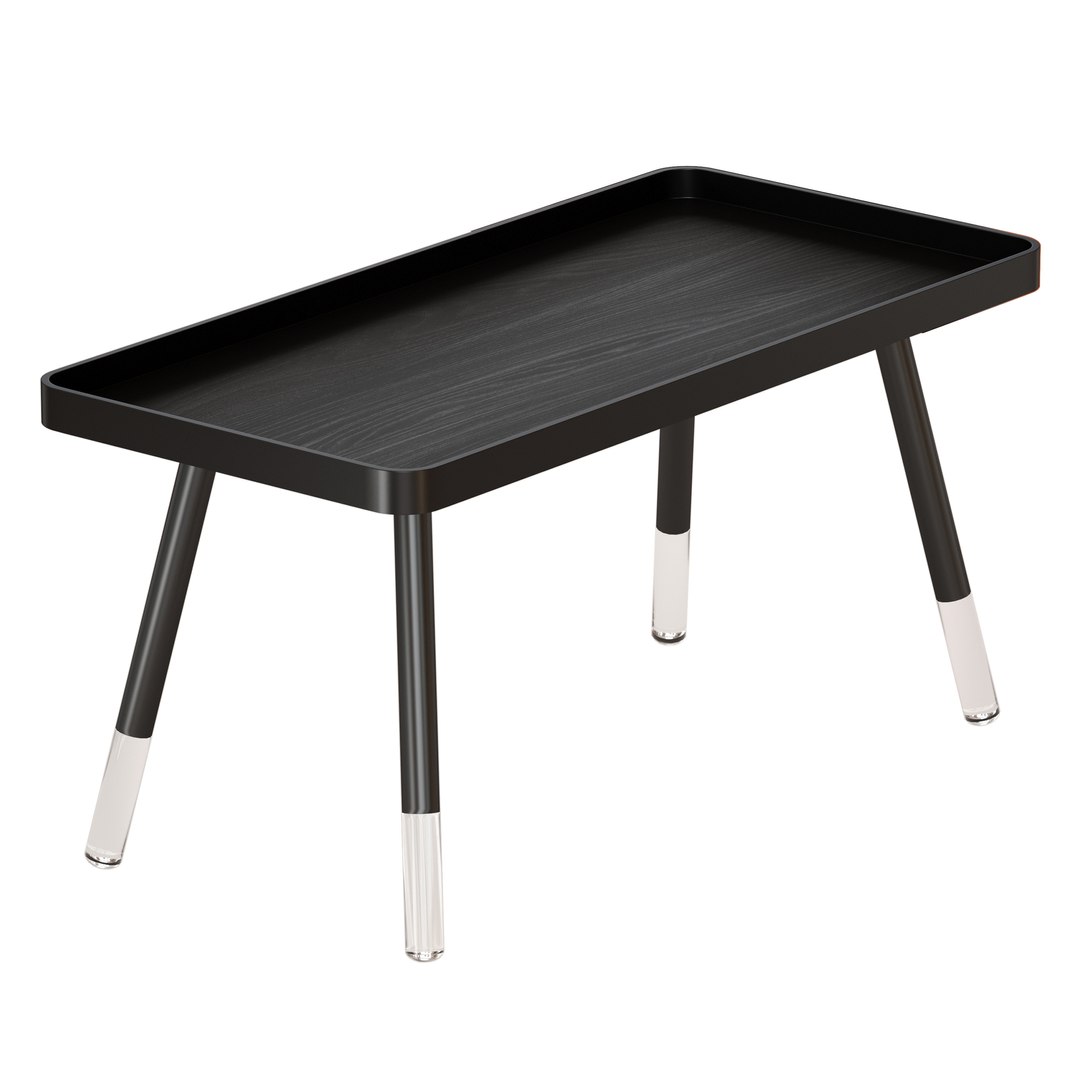
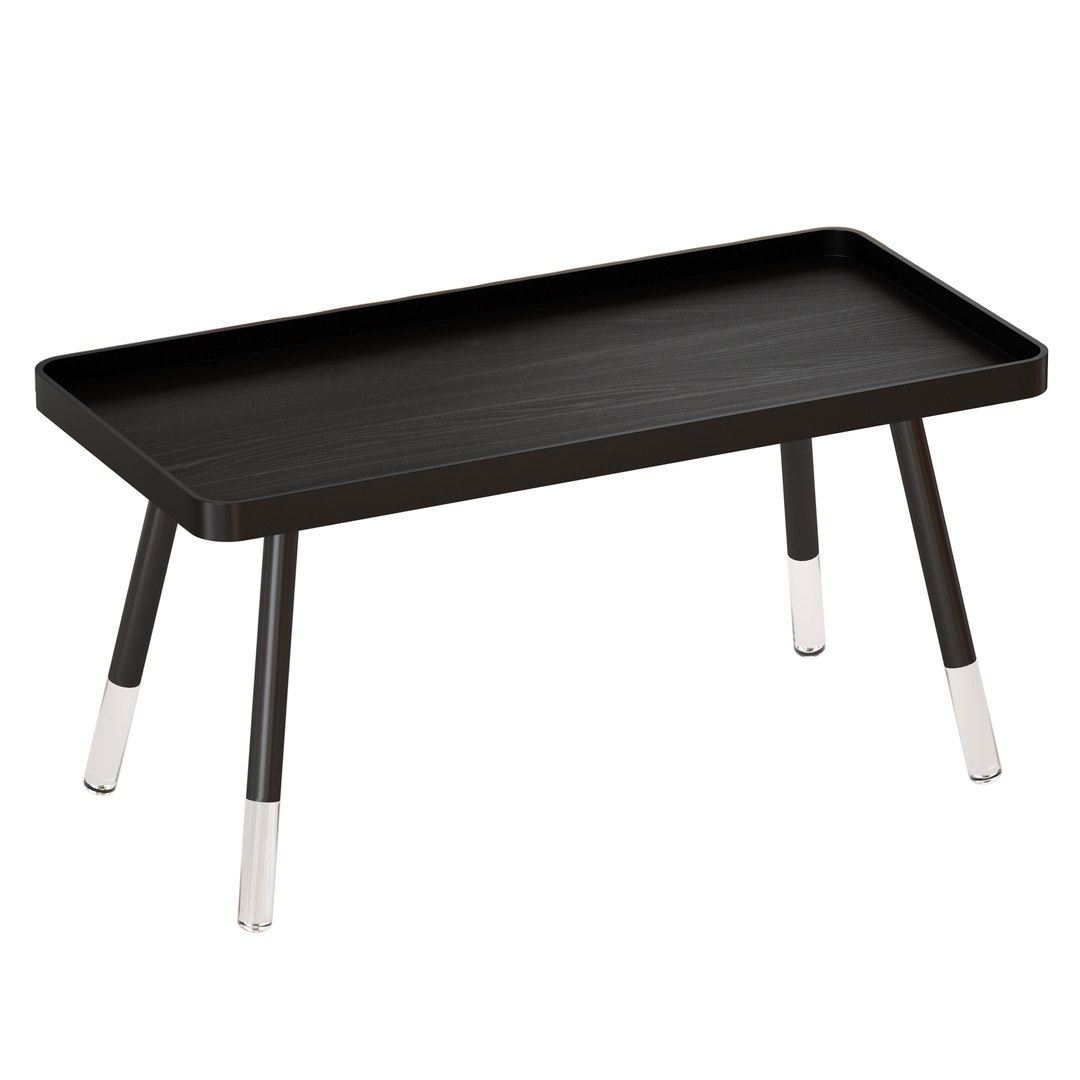
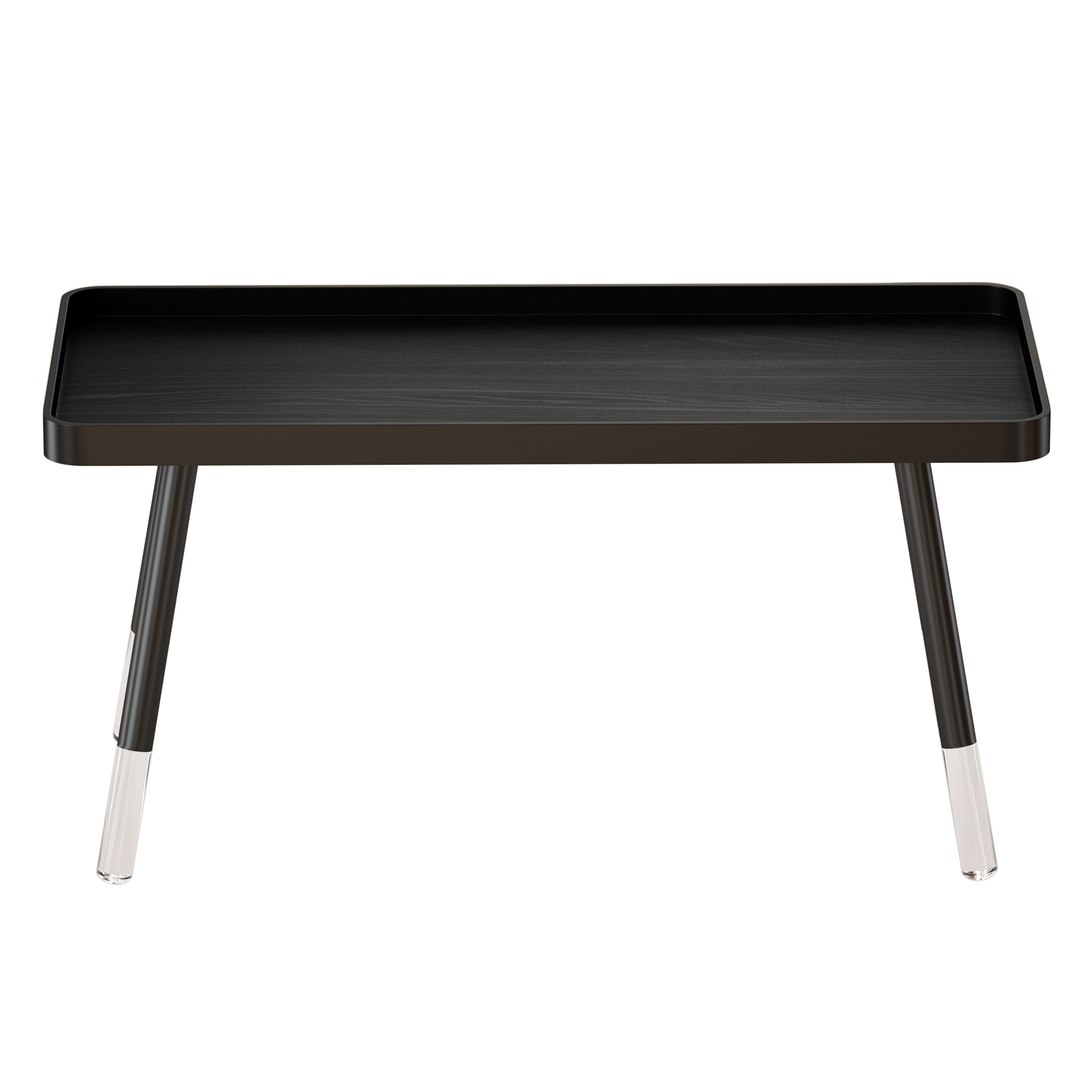
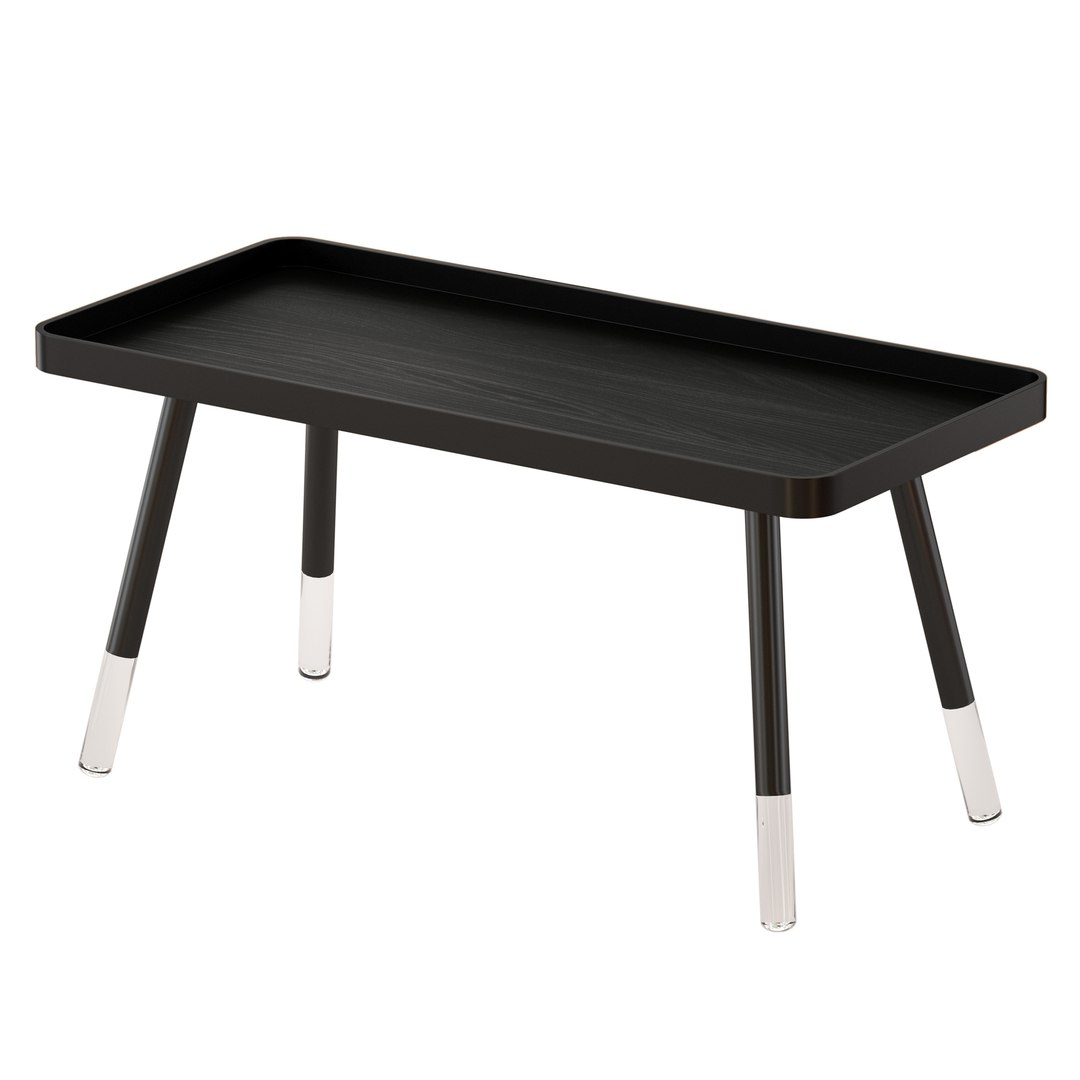
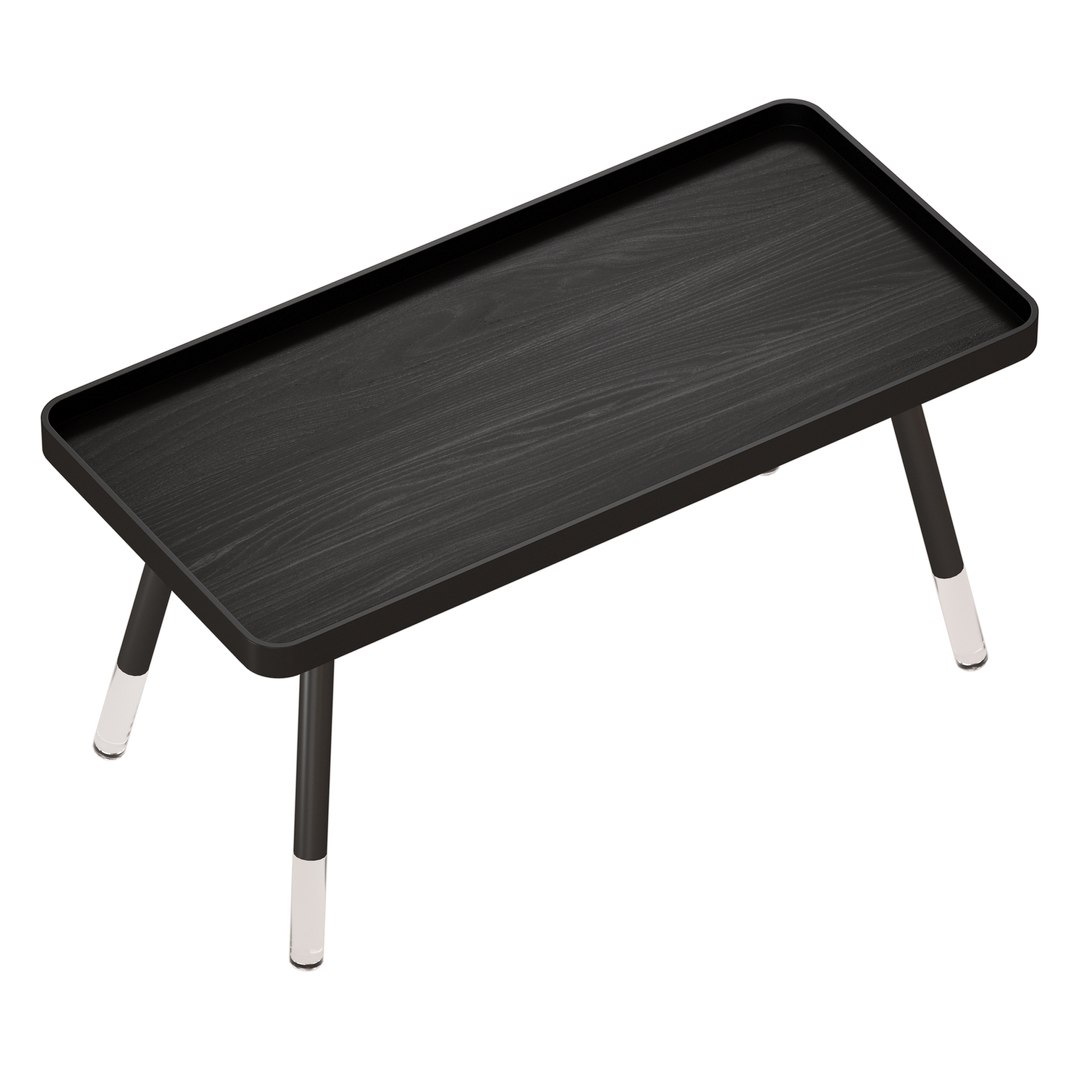
Black coffee table BLAINE COFFEE TABLE

Made in a modern style, it combines glossy and matte wood surfaces and transparent acrylic legs that make the table light.

Description of the manufacturer:
Black wood grain against a smooth black frame gives the Blaine Coffee Table a sharp, contemporary look. Clear acrylic tips on the legs add modern elegance while alluding to a floating appearance.A catch-all rim around the table top offers a secure setting for your valuables. This coffee table is the sturdy, reliable and stylish answer to your living room needs.

Black Oak Wood Veneer Table top
Black frame
Clear Acryling Leg Tips
19.25 "H
BASE MEASUREMENT 18.5 "x 39" Rect. Footprint

The archive contains:
all textures
files with materials for Vray and for Corona.
optional OBJ and FBX formats

Number of polygons: 4734
Number of peaks: 4752

Who works in the V-Ray version lower than 3.1, be careful, in the materials in the BRDF section there is Microfaset GTR (GGX), if your version is older than 3.1, then the BRDF field will be empty. Choose Blinn, Phong or Ward - which is preferable for you.

Select Enhanced License

  • $10,000 in Legal Protection (Indemnification)
  • Uncapped Legal Protection (Indemnification)
  • Waiver from injunctive relief
  • Assignable model rights
  • $1,000,000 in Legal Protection (Indemnification)
  • Waiver from injunctive relief
  • Assignable model rights
  • $250,000 in Legal Protection (Indemnification)
  • Assignable model rights
Read more about enhanced license tiers, or contact us at enterprise@turbosquid.com. Already a Shutterstock Enterprise Customer? Contact your Shutterstock Sales Support Agent to talk about adding 3D.

About Conversion Requests

To submit a conversion request for a purchased asset, please complete our Conversion Request Form.

If you have not yet purchased a model, please review our Documentation about Conversions to learn about what limitations you may encounter with a conversion.

For any additional questions about a model’s suitability for conversion, please contact TurboSquid Support.

Loading...