
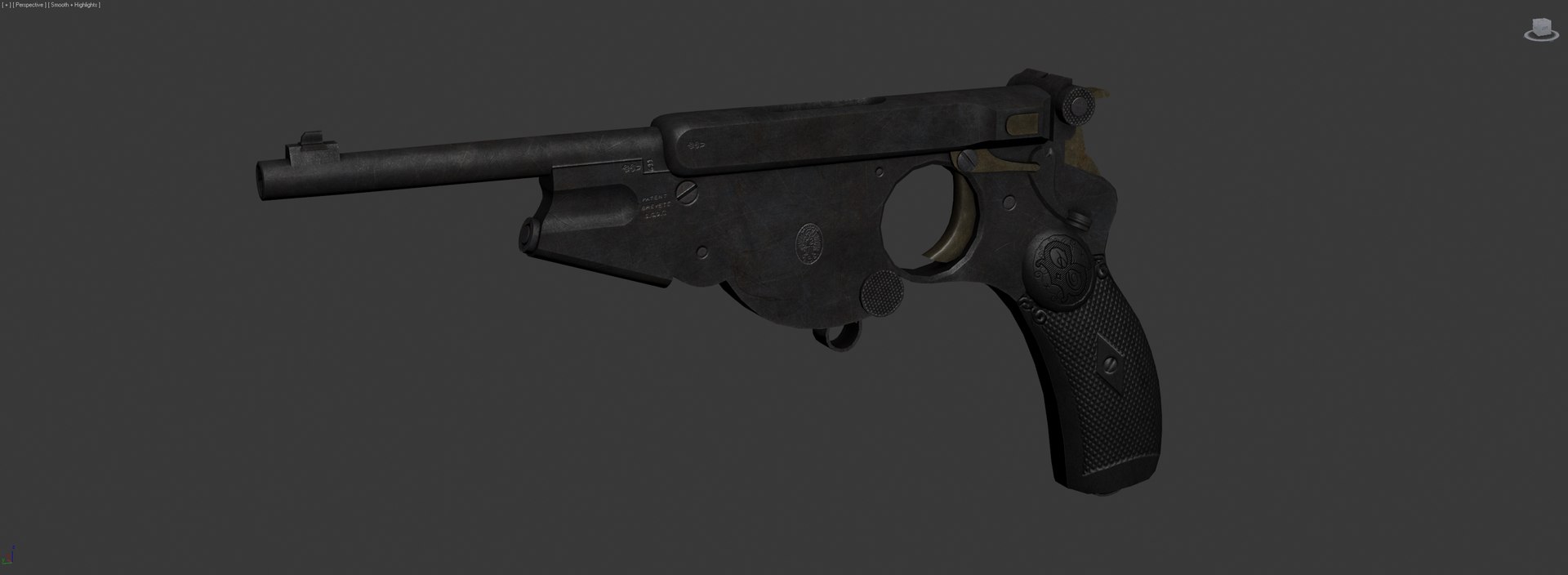
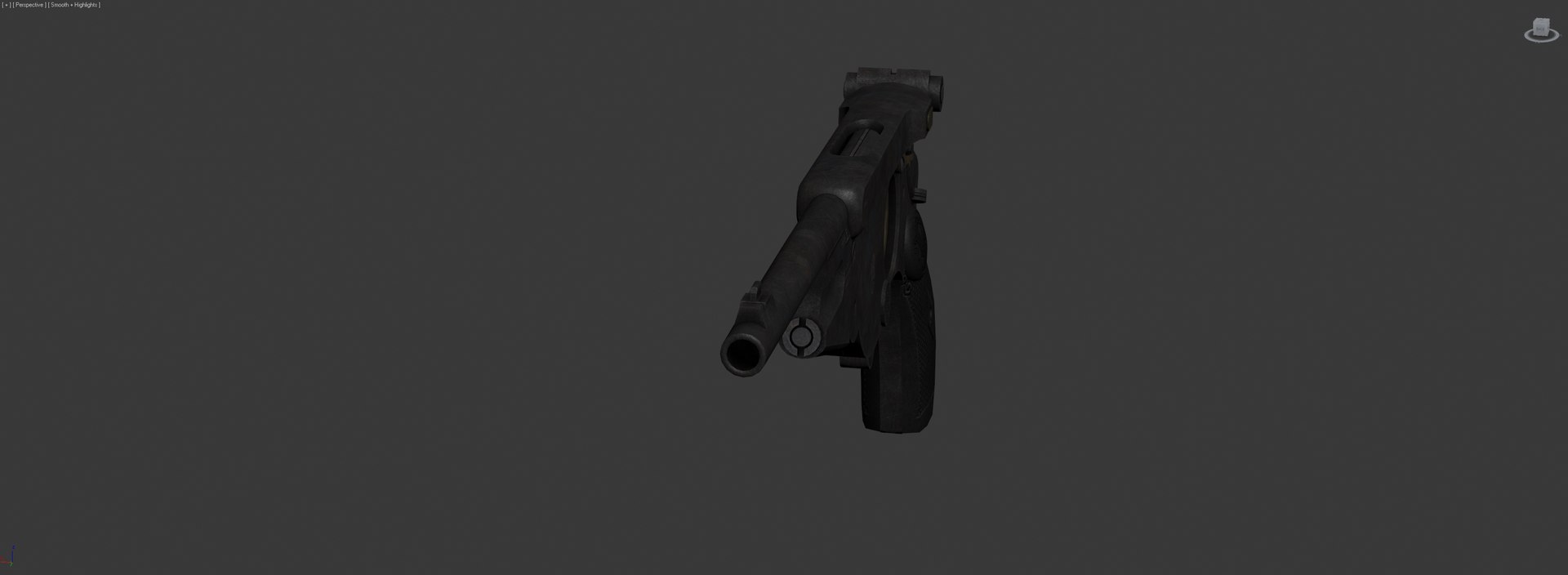
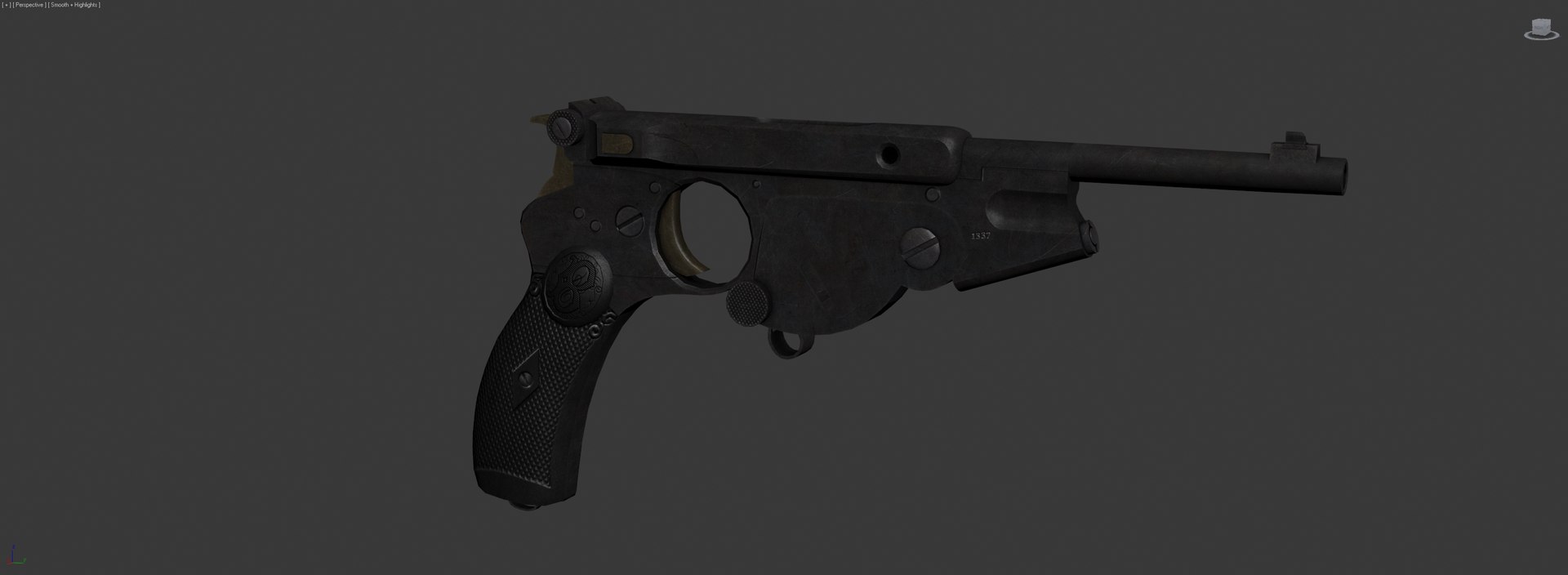
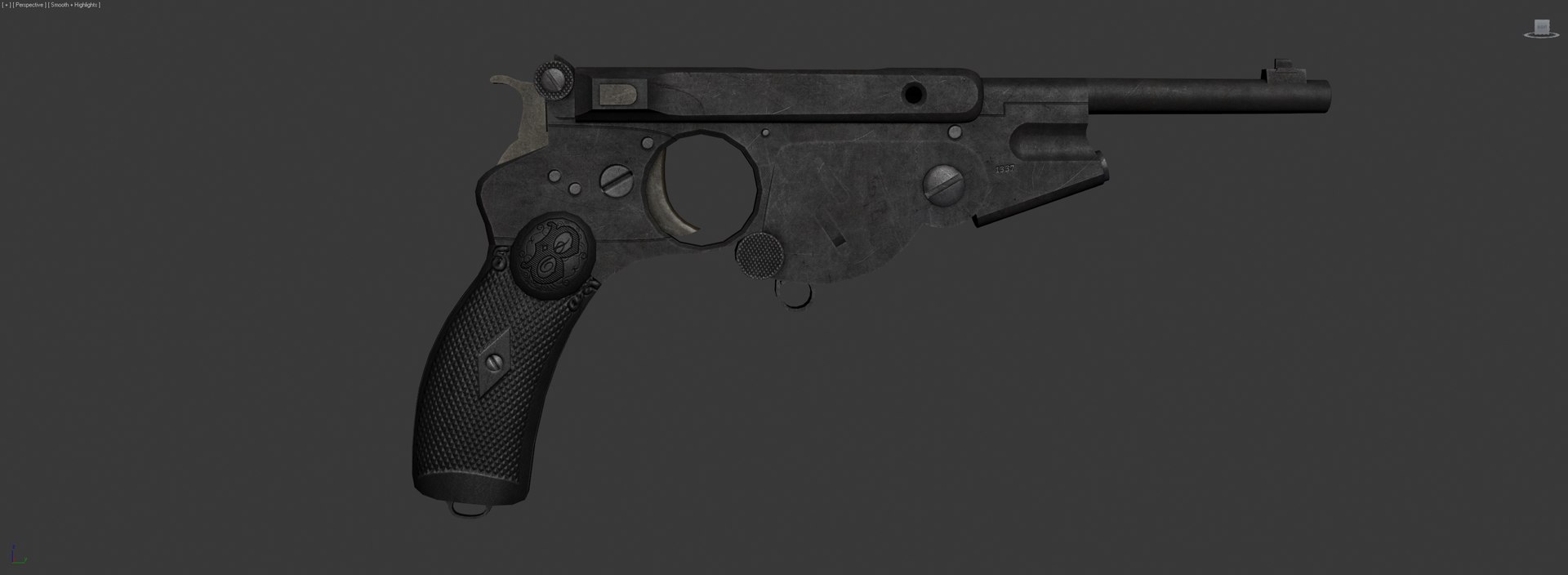
Bergmann 1896

$60

Standard License | Upgrade License
Editorial Uses Only
Formats (4)
Free file format Conversions available
Native | 3ds Max 2010 | Other
FBX
3D Studio
OBJ
Other Files
BergmannBarrels_Grips.tga BergmannBarrels_Grips_gls.tga BergmannBarrels_Grips_n.tga BergmannBarrels_Grips_s.tga BergmannReceiver_s.tga BergmannReciever.tga BergmannReciever_gls.tga BergmannReciever_n.tga
Specifications
Publish Date April 30, 2019
Product ID 1402683
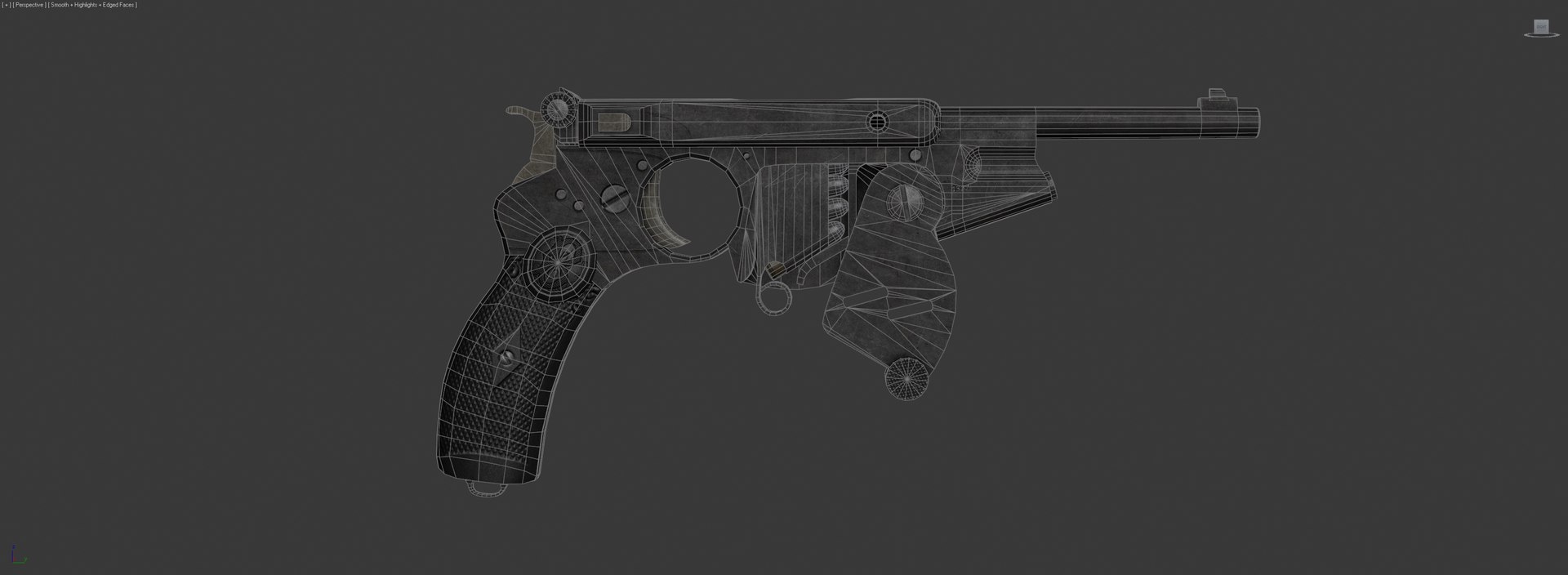
Polygons 5,193
Vertices 5,061
Polygonal Quads/Tris Geometry
Textures
Materials
UV Mapped
Non-overlapping Unwrapped UVs
member avatar
DaMagnus
7 Products | Contributor Since 2014
Have questions? Chat with us now.

Description

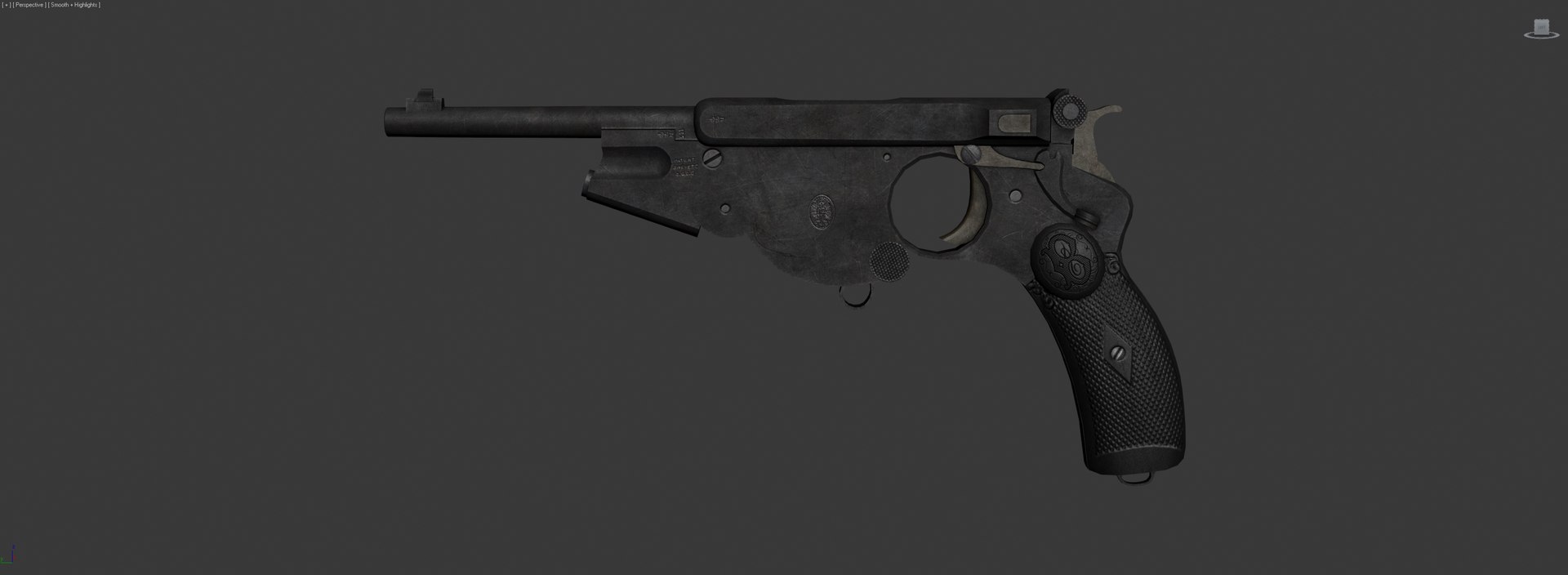
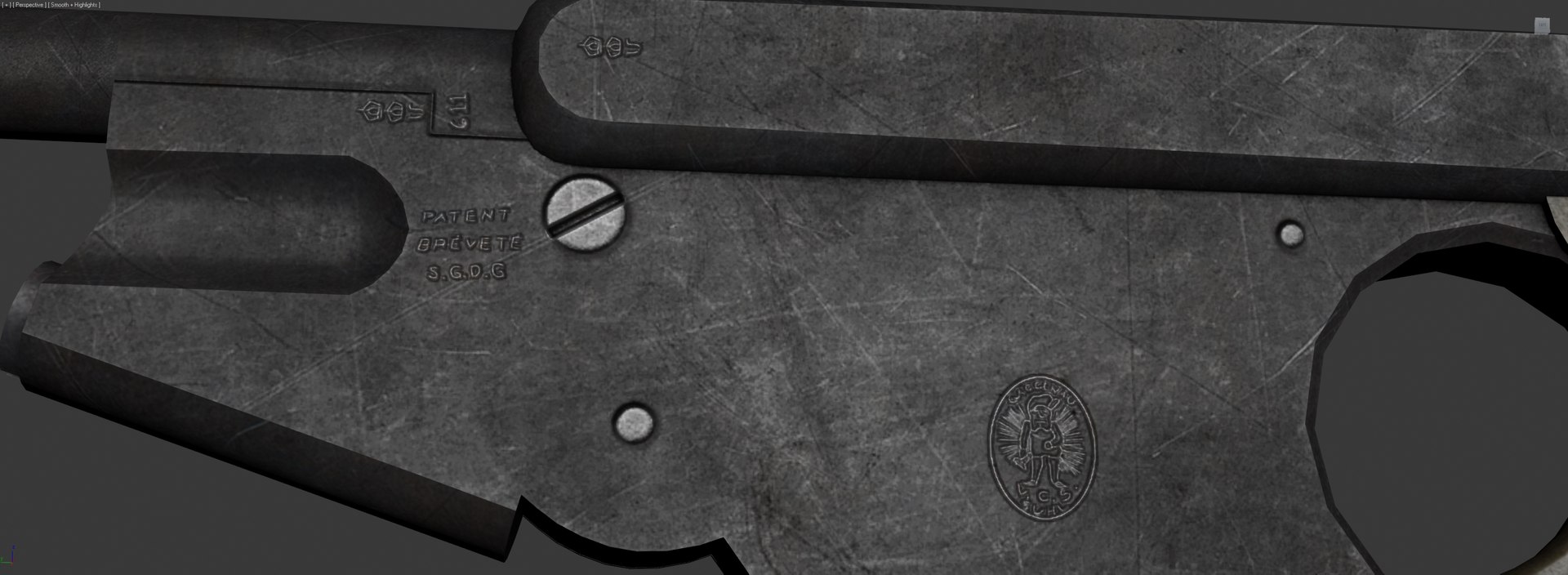
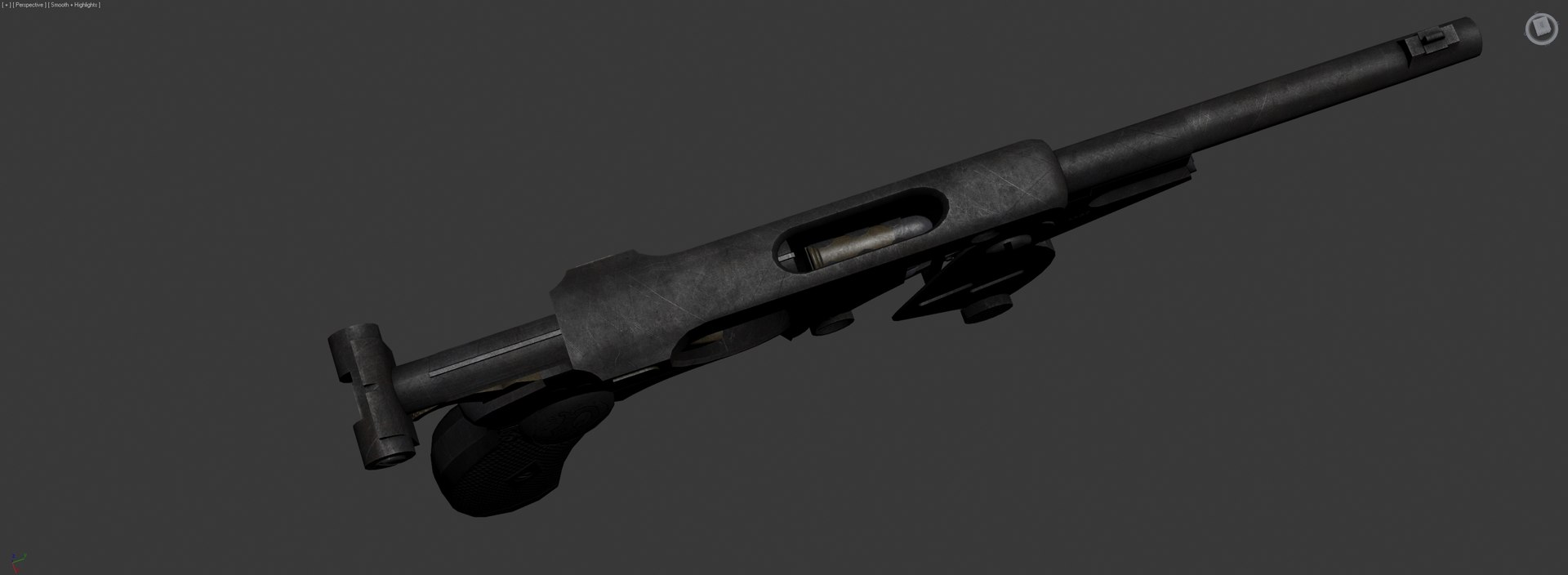
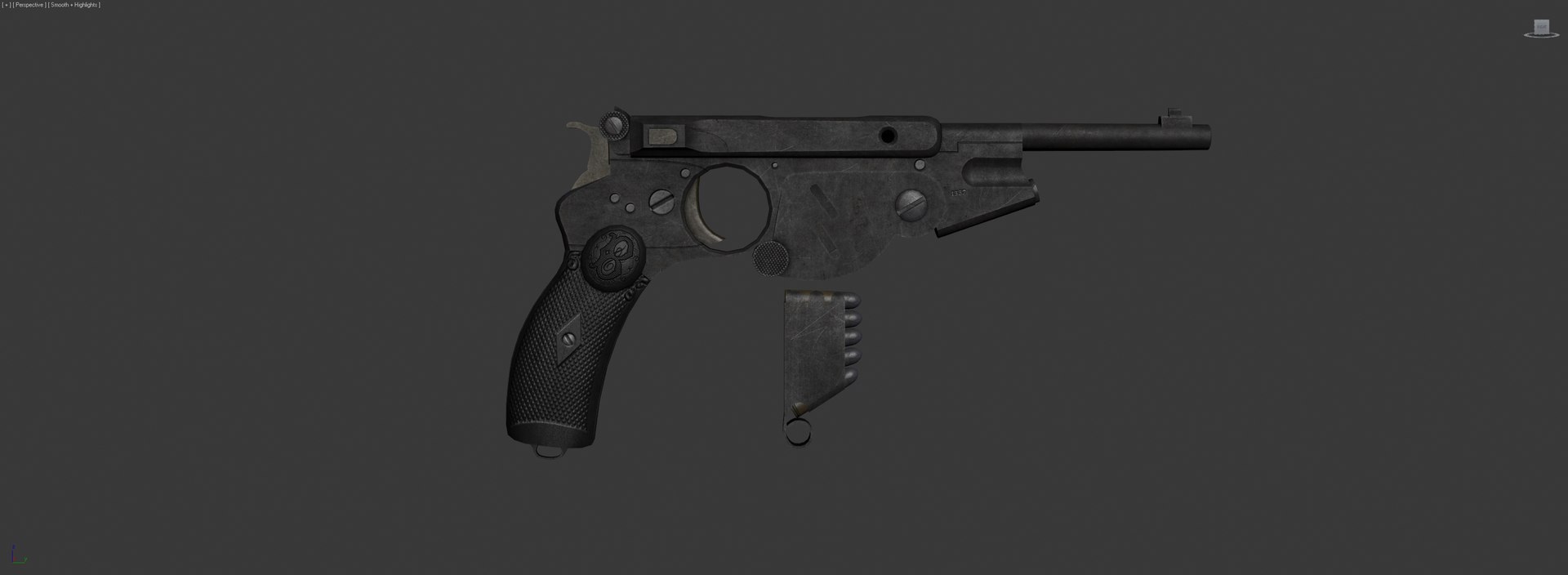
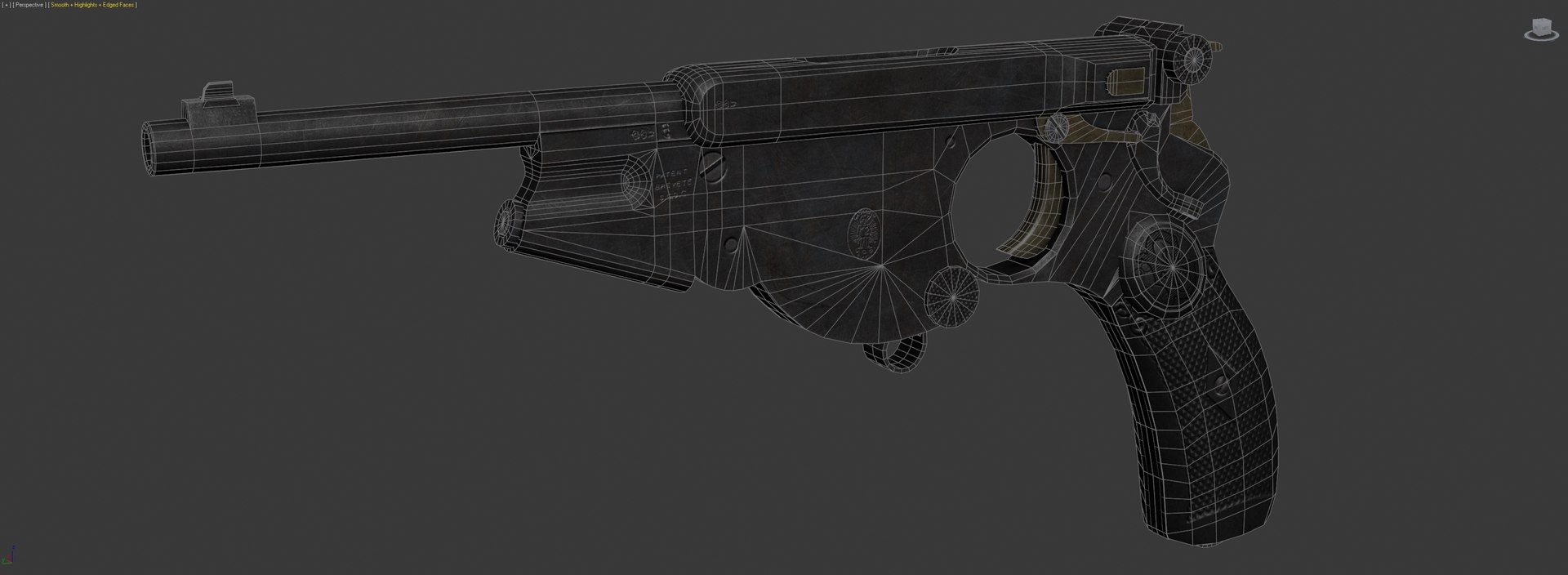
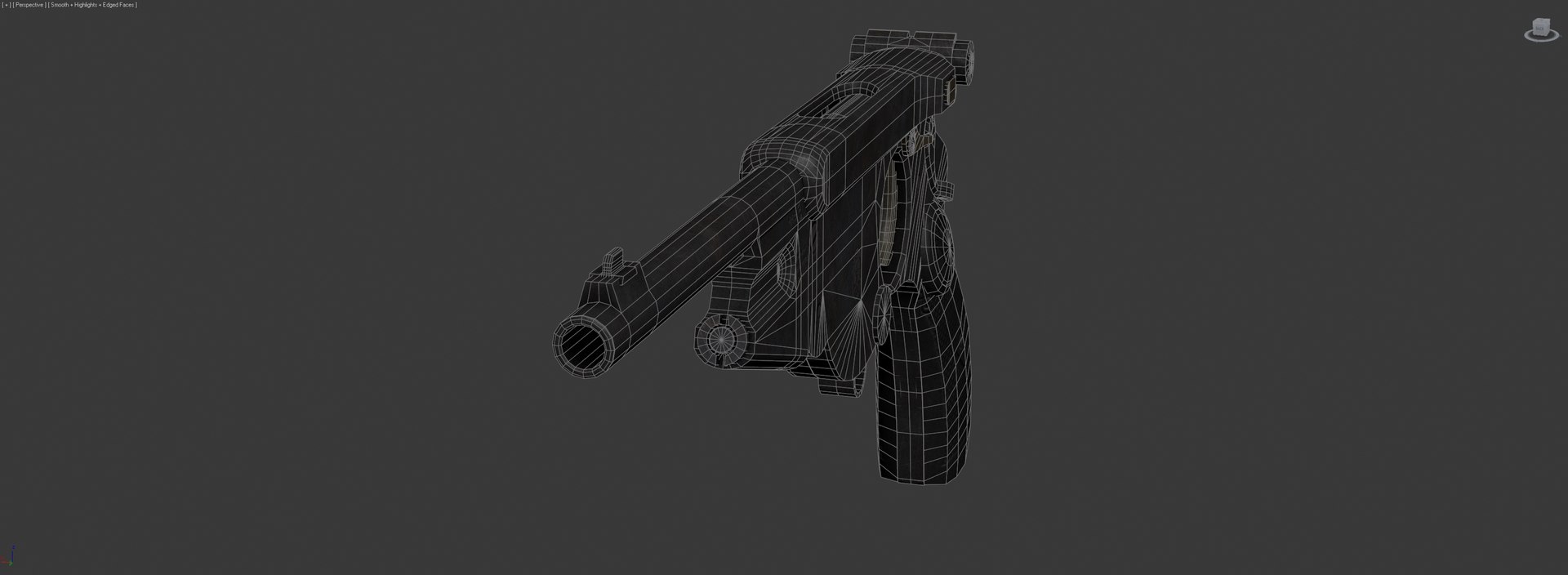
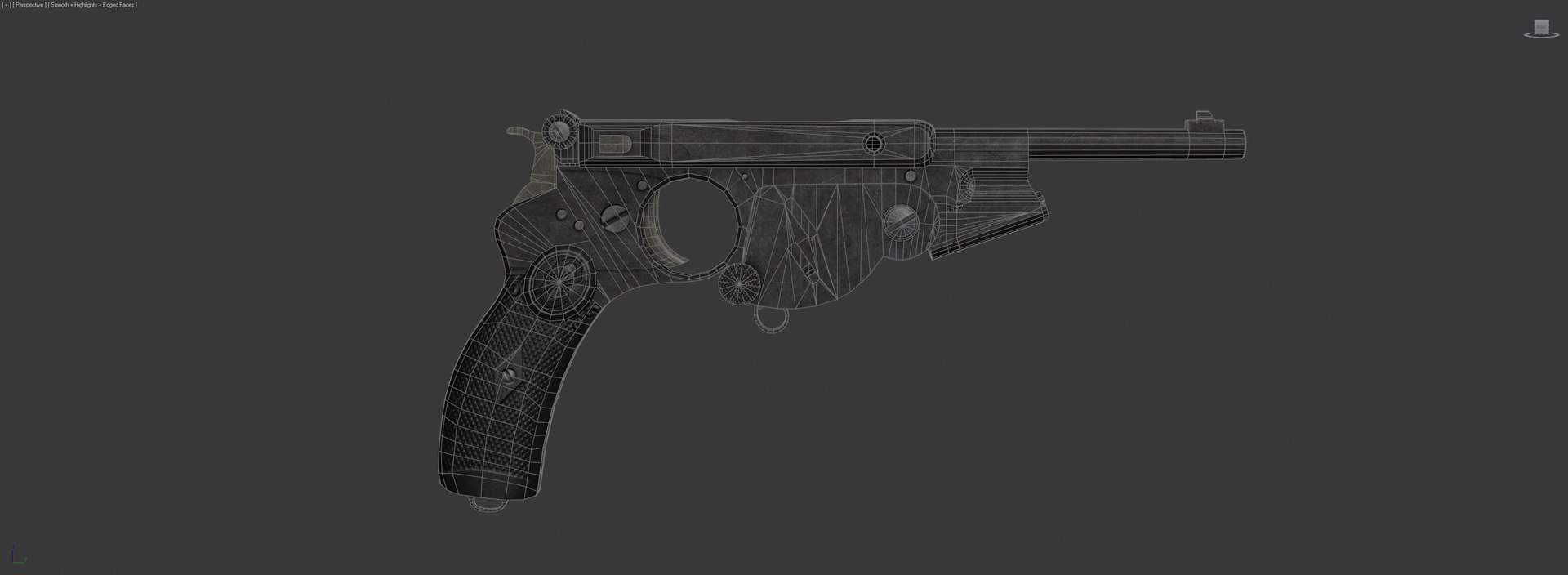
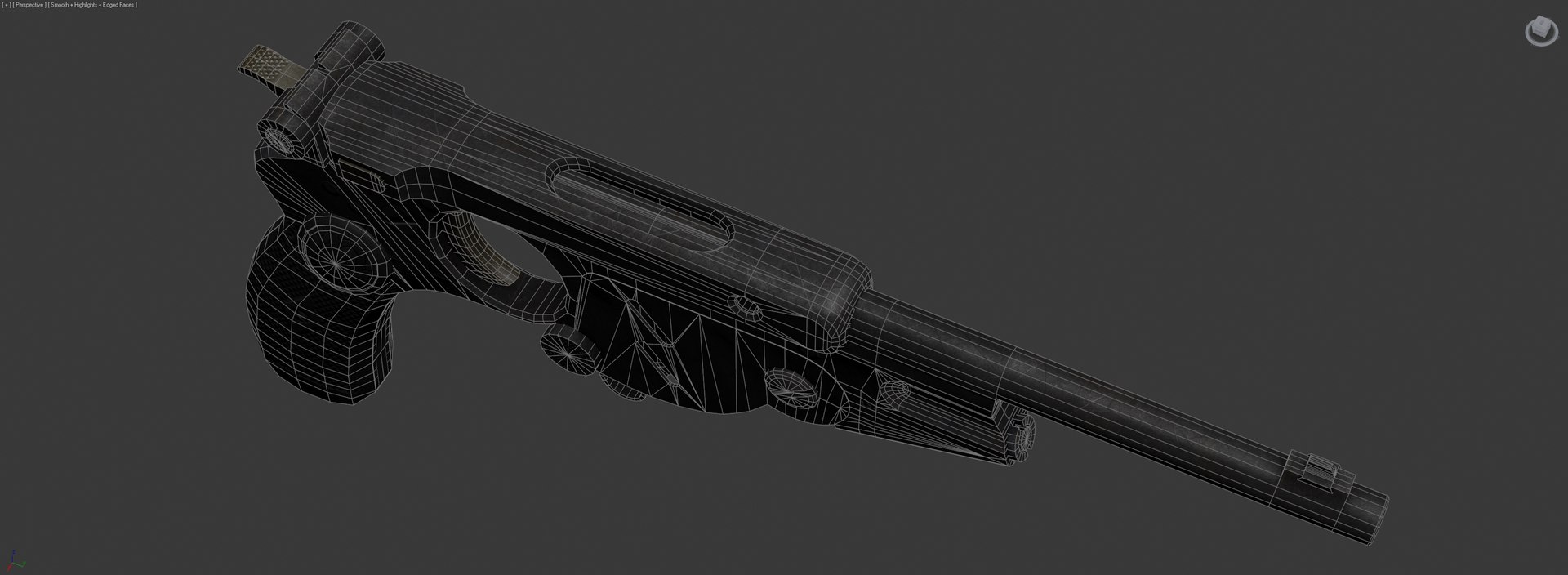
This is a detailed, fully textured model of the Bergmann 1896 Model 2. The model is a close recreation of the real gun, with even little details such as the proof marks maintained. It's also not terribly heavy on polys and verts, making it perfectly suitable for game purposes, and is detailed enough to be suitable for renders as well.

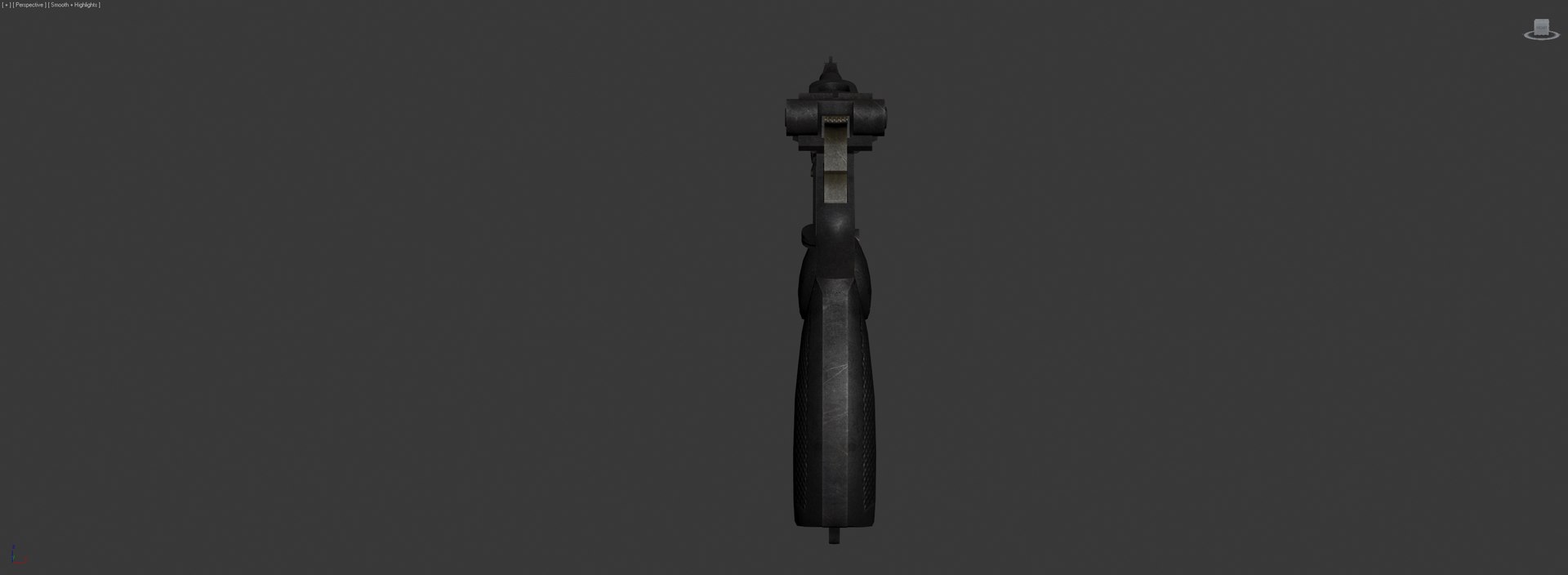
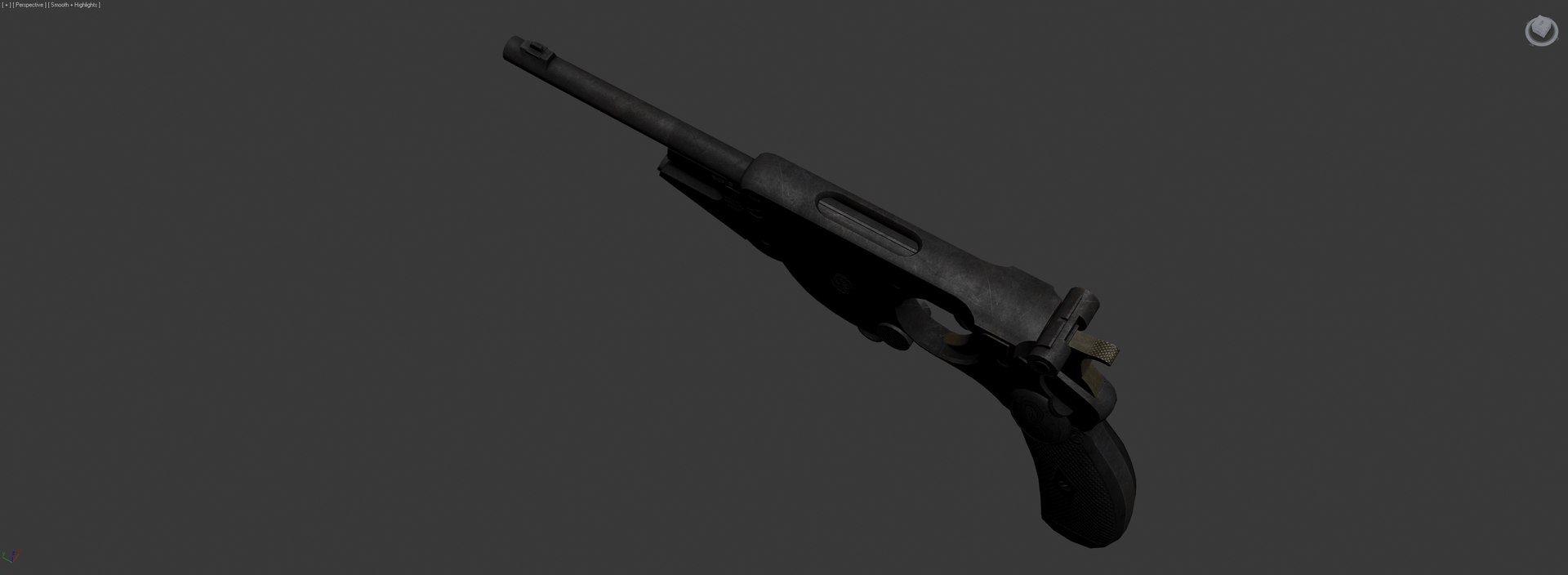
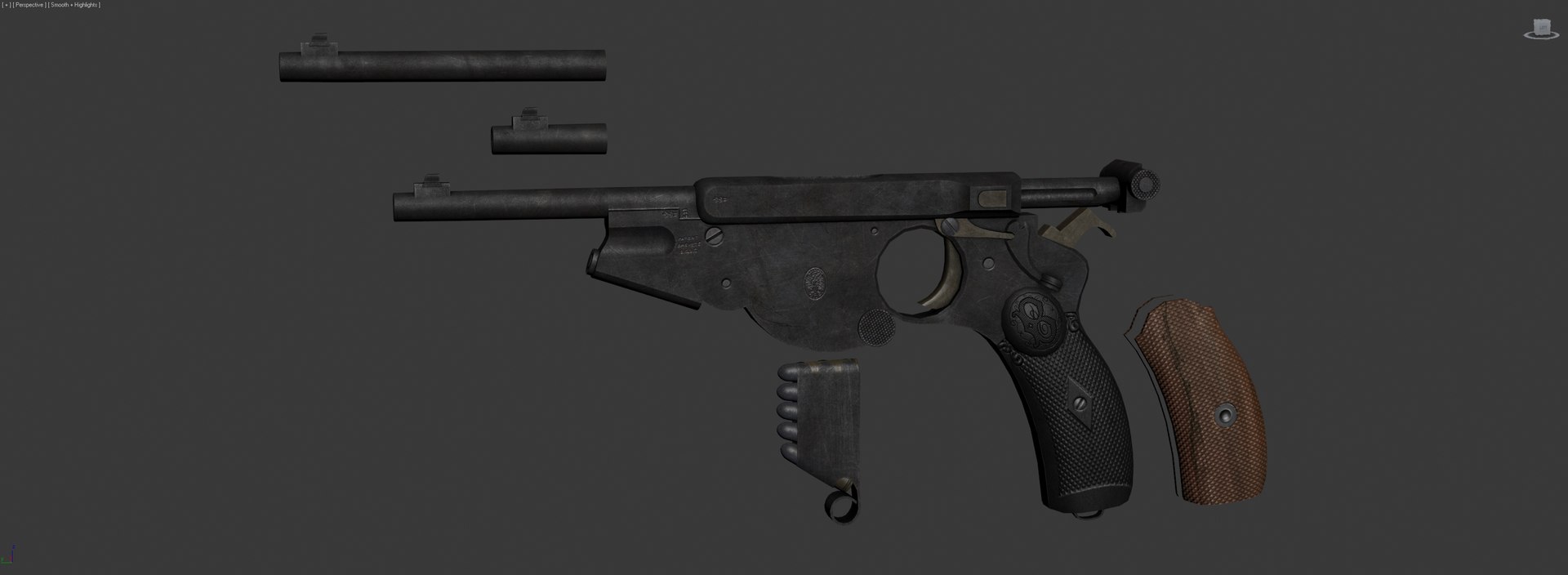
The pistol is broken up into several parts, those being: barrel, trigger, hammer, bolt, loading door, follower, clip, bullet casings + bullets and grip. The barrels and grips use a separate texture from the receiver.

Included in the MAX file are a few extras: 2 different barrel lengths and a wooden grip. These aren't included in the OBJ, 3DS and FBX formats. Also included are the pistol's textures, which are 2048x2048 (except the specular & gloss maps, which are 1024x1024) TGA files. The spec and gloss maps are grayscale.

Select Enhanced License

  • $10,000 in Legal Protection (Indemnification)
  • Uncapped Legal Protection (Indemnification)
  • Waiver from injunctive relief
  • Assignable model rights
  • $1,000,000 in Legal Protection (Indemnification)
  • Waiver from injunctive relief
  • Assignable model rights
  • $250,000 in Legal Protection (Indemnification)
  • Assignable model rights
Read more about enhanced license tiers, or contact us at enterprise@turbosquid.com. Already a Shutterstock Enterprise Customer? Contact your Shutterstock Sales Support Agent to talk about adding 3D.

About Conversion Requests

To submit a conversion request for a purchased asset, please complete our Conversion Request Form.

If you have not yet purchased a model, please review our Documentation about Conversions to learn about what limitations you may encounter with a conversion.

For any additional questions about a model’s suitability for conversion, please contact TurboSquid Support.

Loading...