
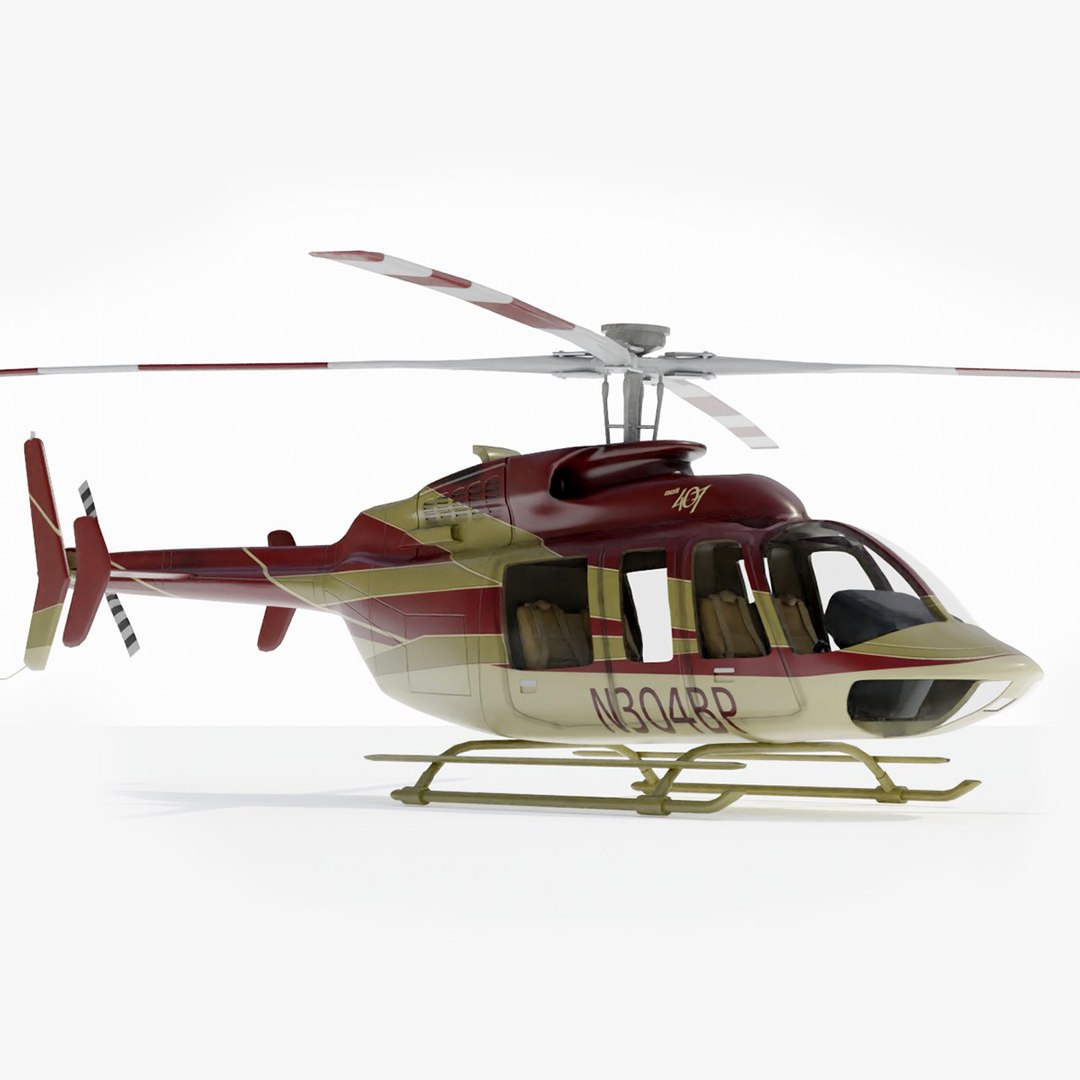
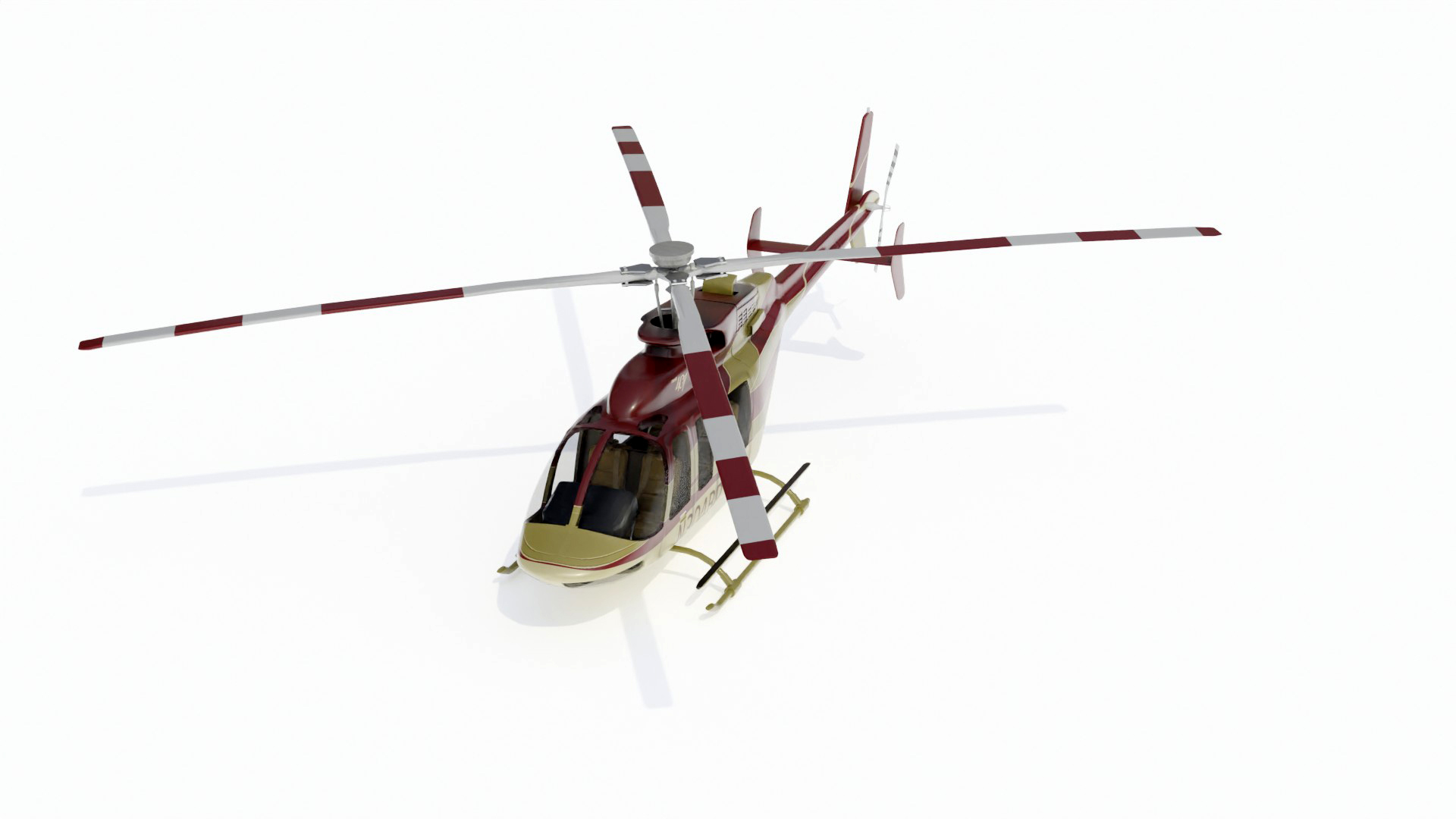
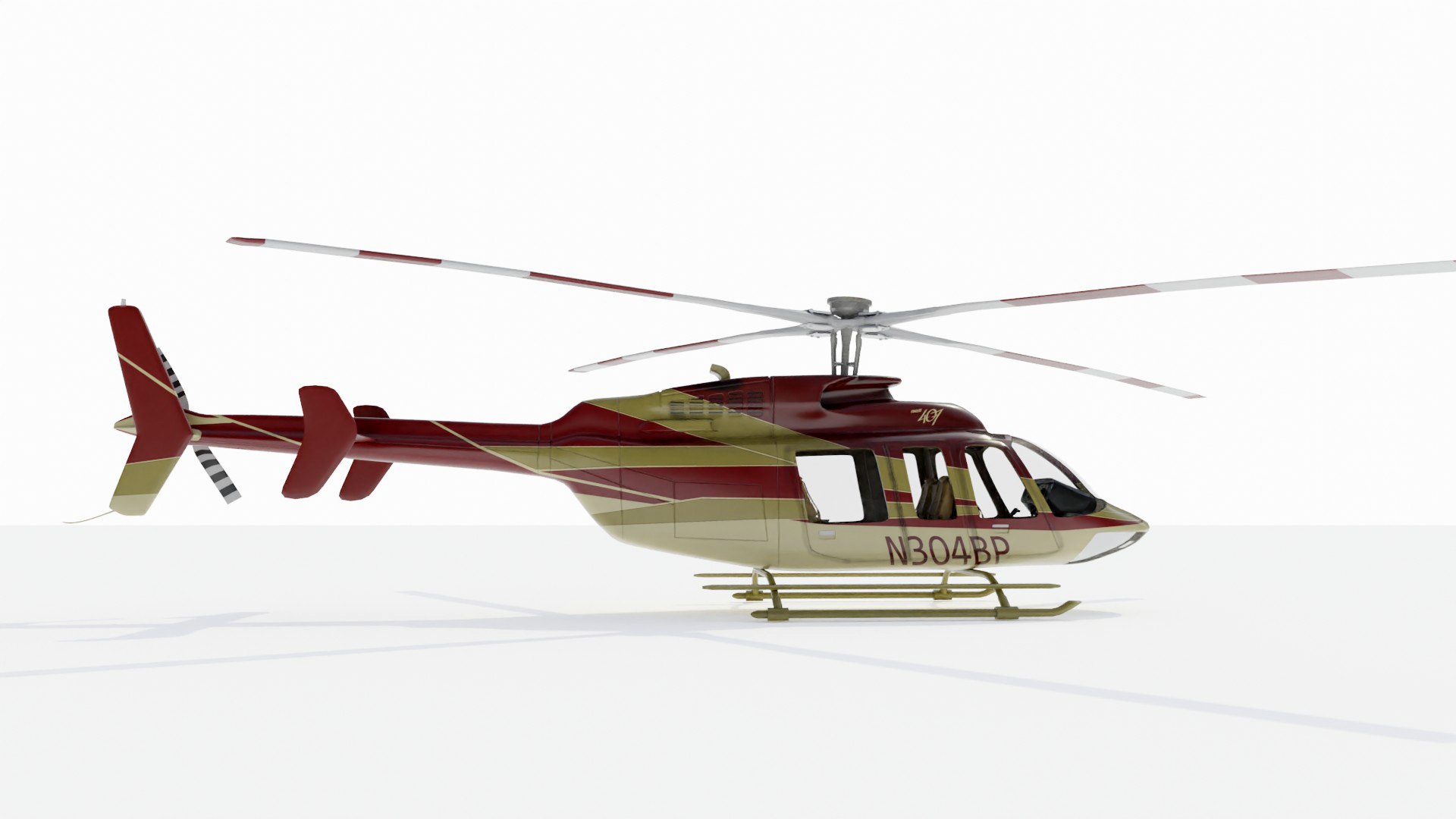
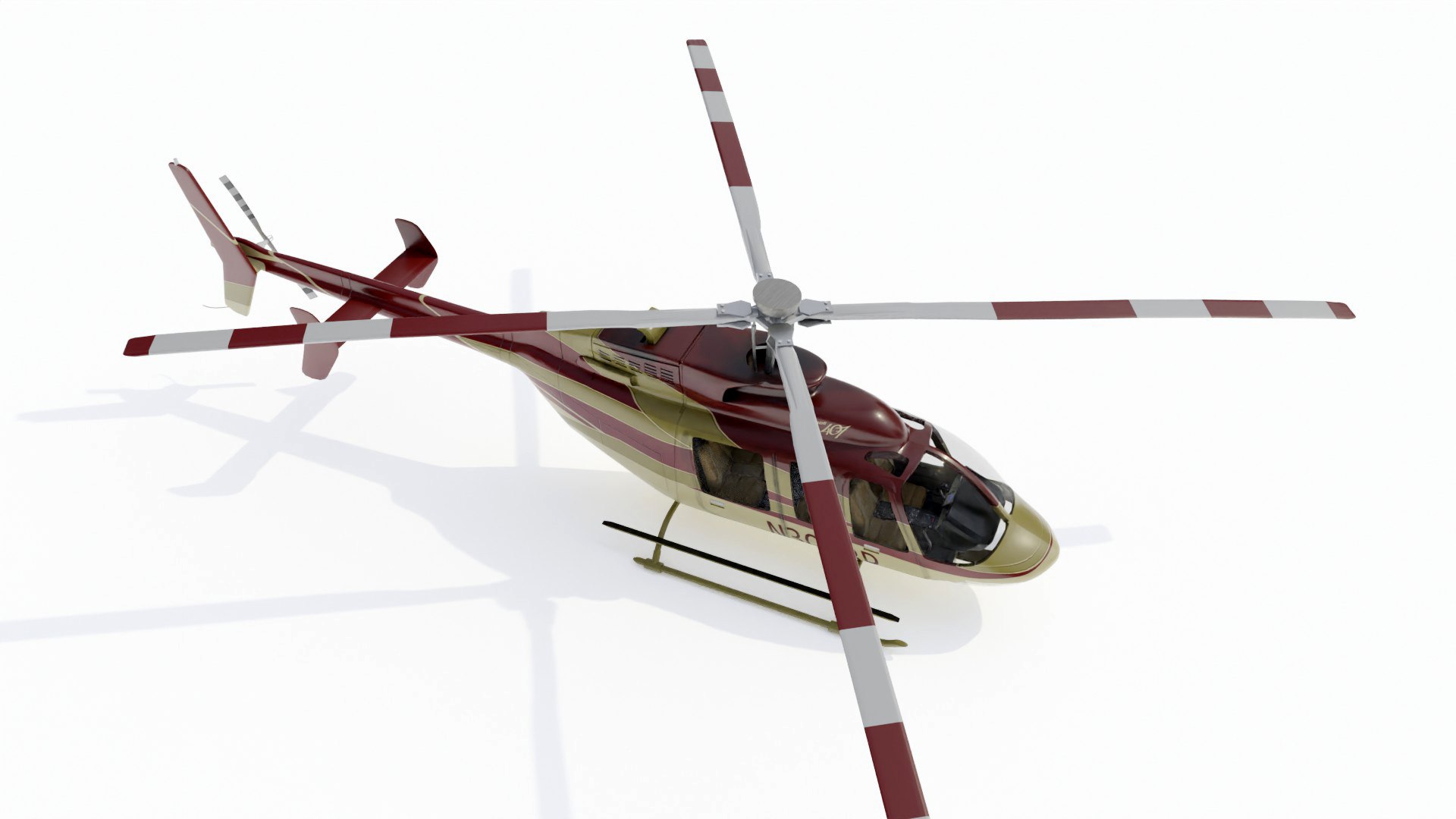
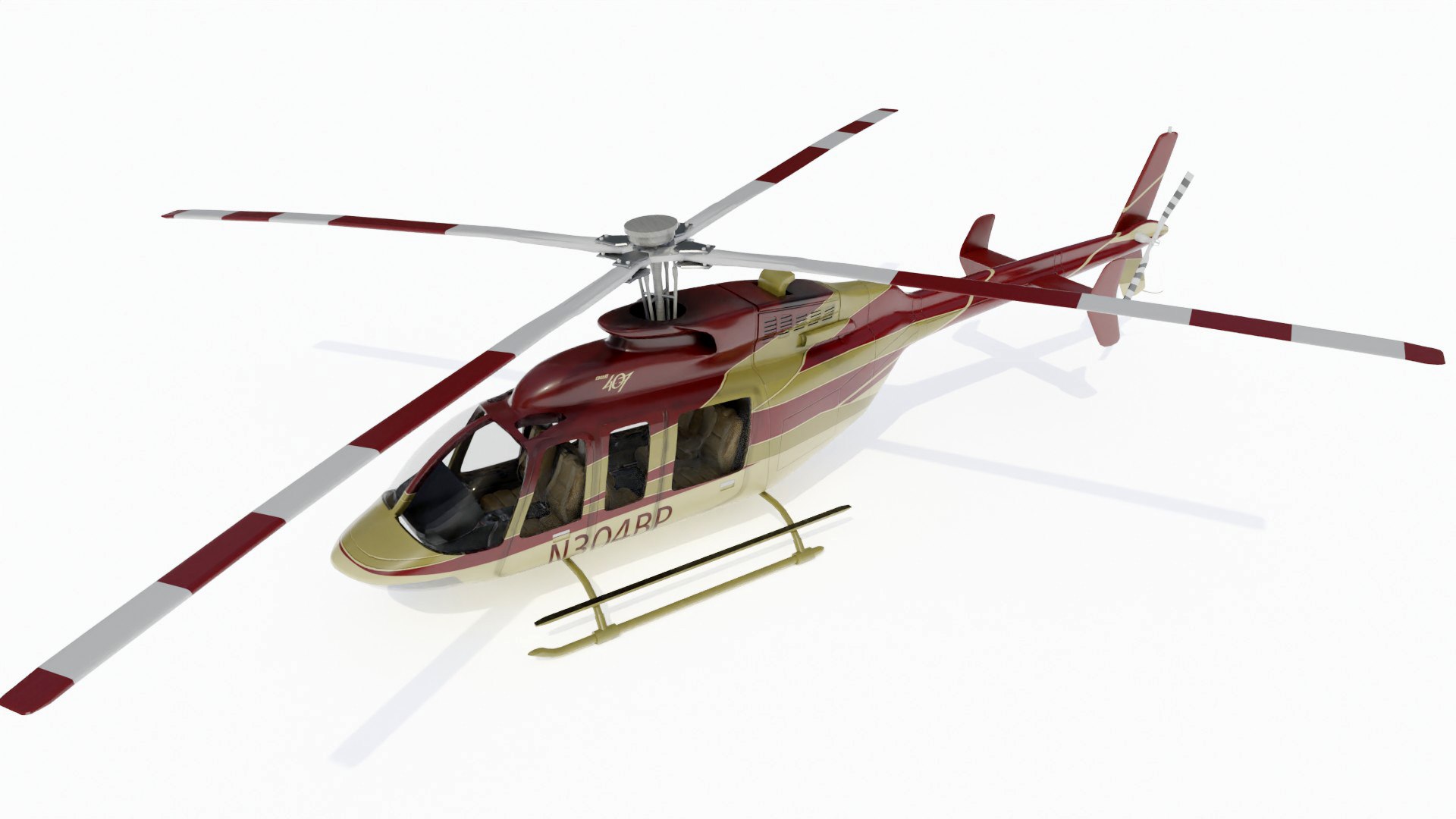
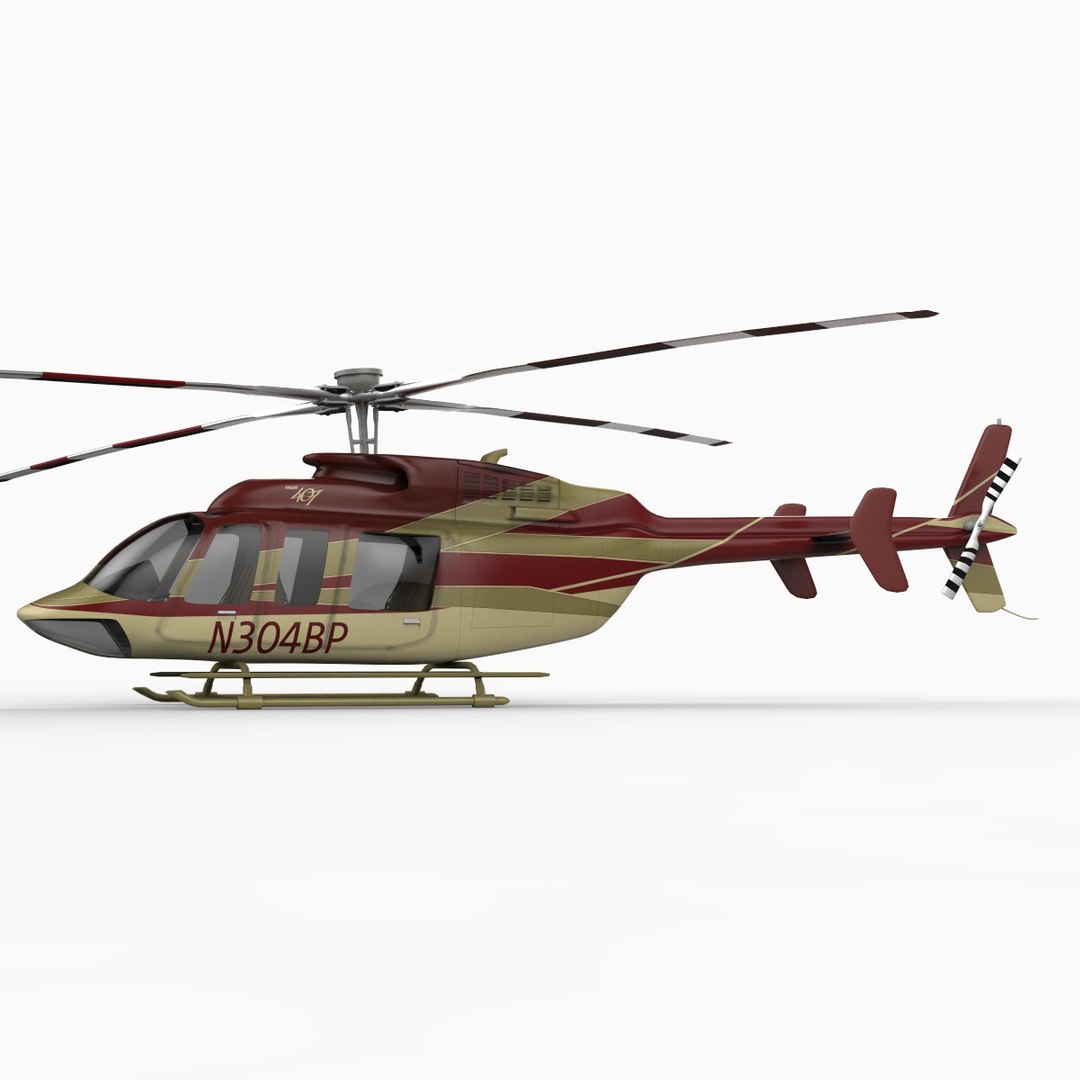
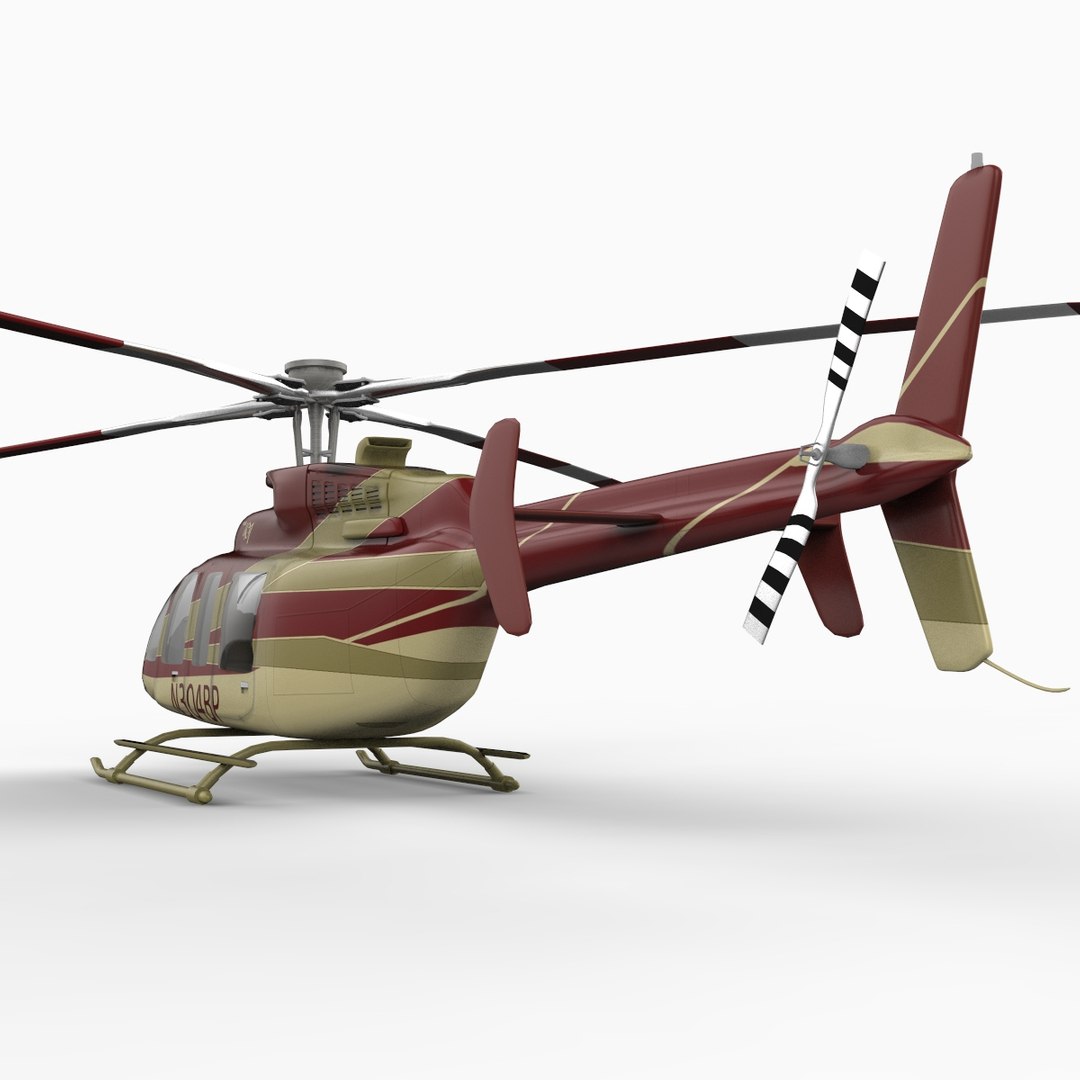
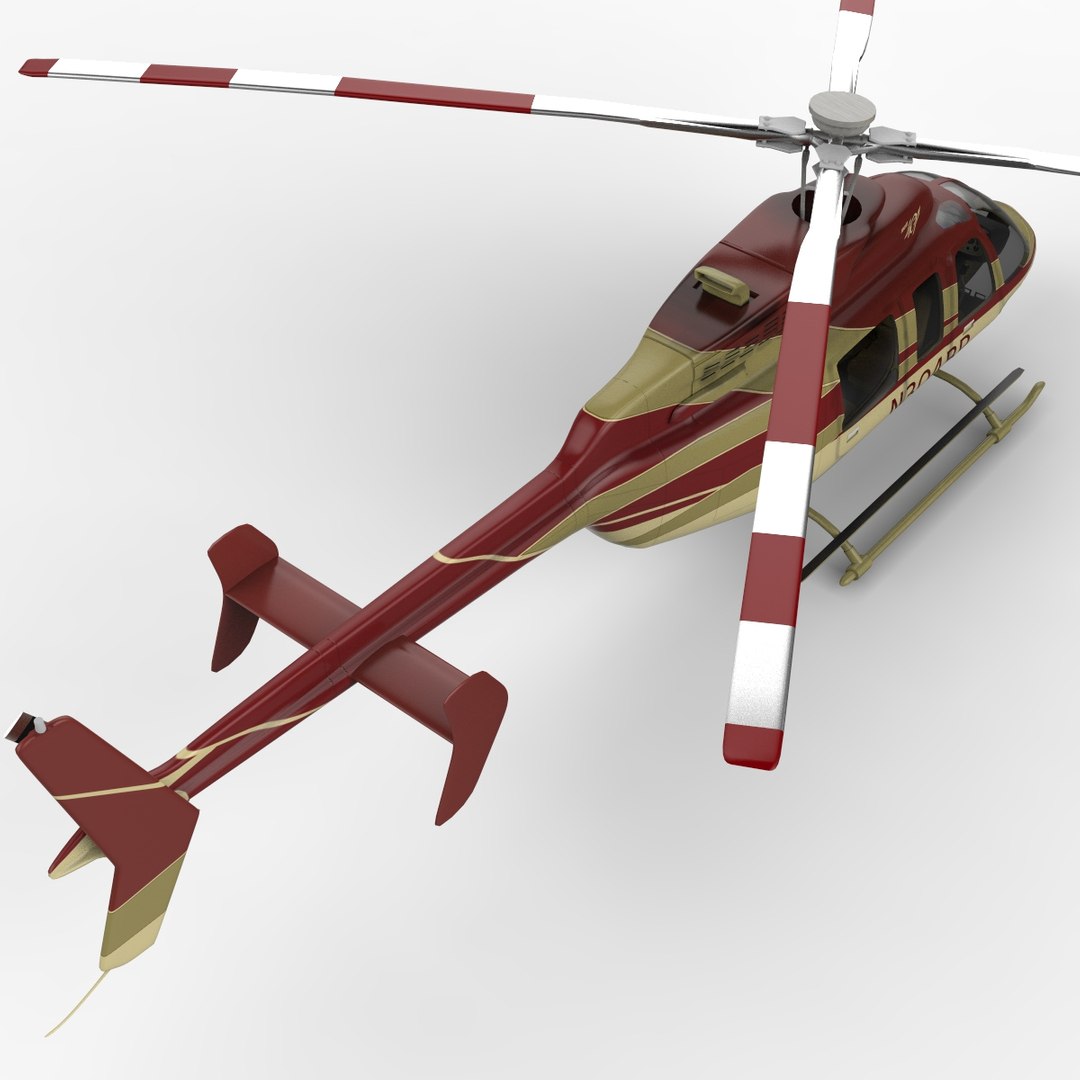
Bell 407 Helicopter

$69

Standard License | Upgrade License
Editorial Uses Only
Formats (17)
Free file format Conversions available
Native | Maya 2016.5 | mental ray
Cinema 4D R20 | Default Scanline
Lightwave 2018 | Default Scanline
Blender 3.6 | Cycles Render
3ds Max 2019 | Default Scanline
Softimage 3.5 | Default Scanline
3ds Max 2019 | V-Ray 3.60.5
USD
glTF
3ds Max
FBX 2014
OBJ
Collada 2014
3D Studio
Other Files
Bell407_EXT.zip
Specifications
Publish Date August 05, 2010
Product ID 549361
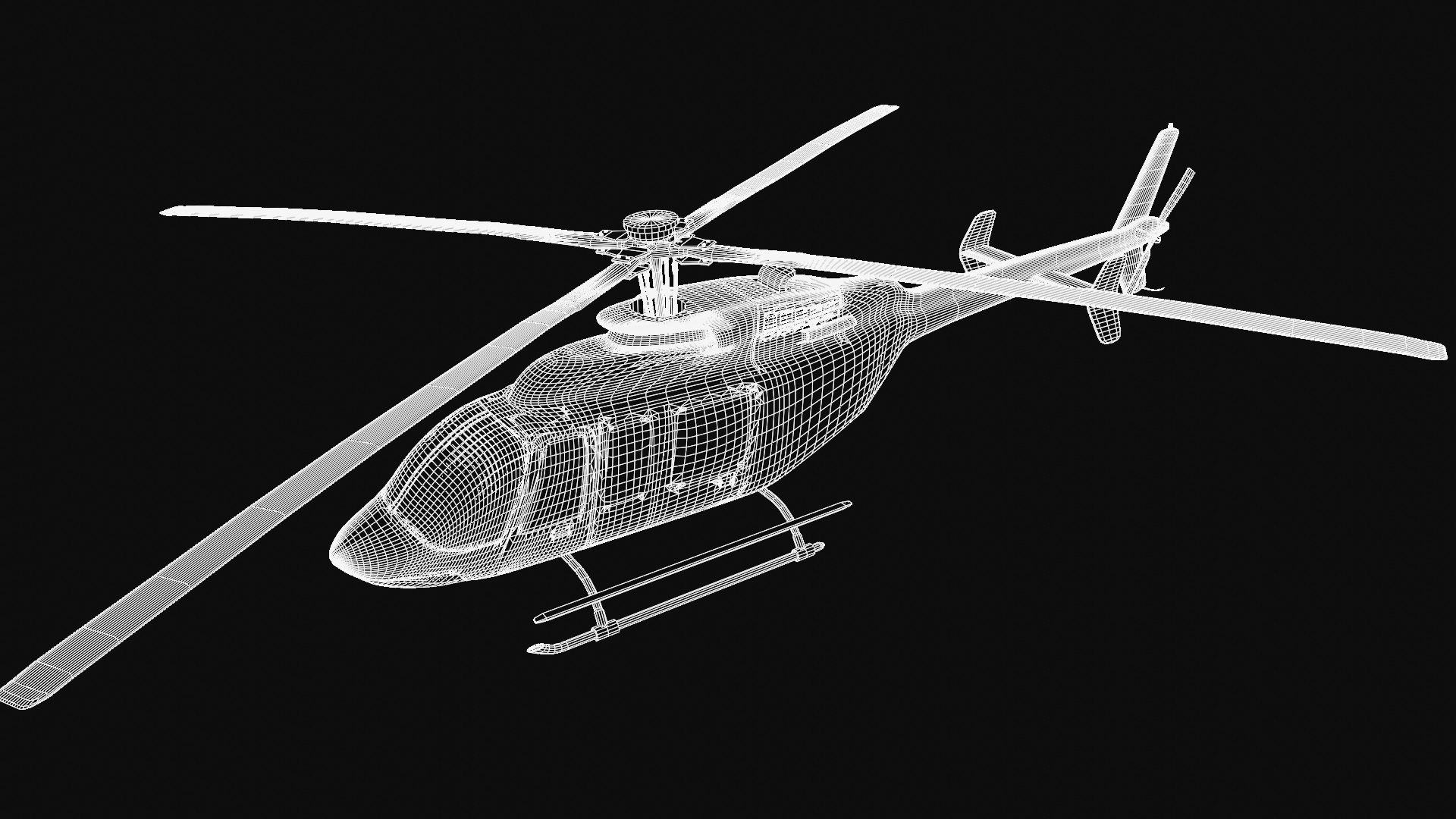
Polygons 62,507
Vertices 64,304
Polygonal Quads/Tris Geometry
Textures
Materials
Non-overlapping Unwrapped UVs
PBR
TurboSquid Exclusive

member avatar
PerspectX
806 Products | Contributor Since 2003
Have questions? Chat with us now.

Description

Description:

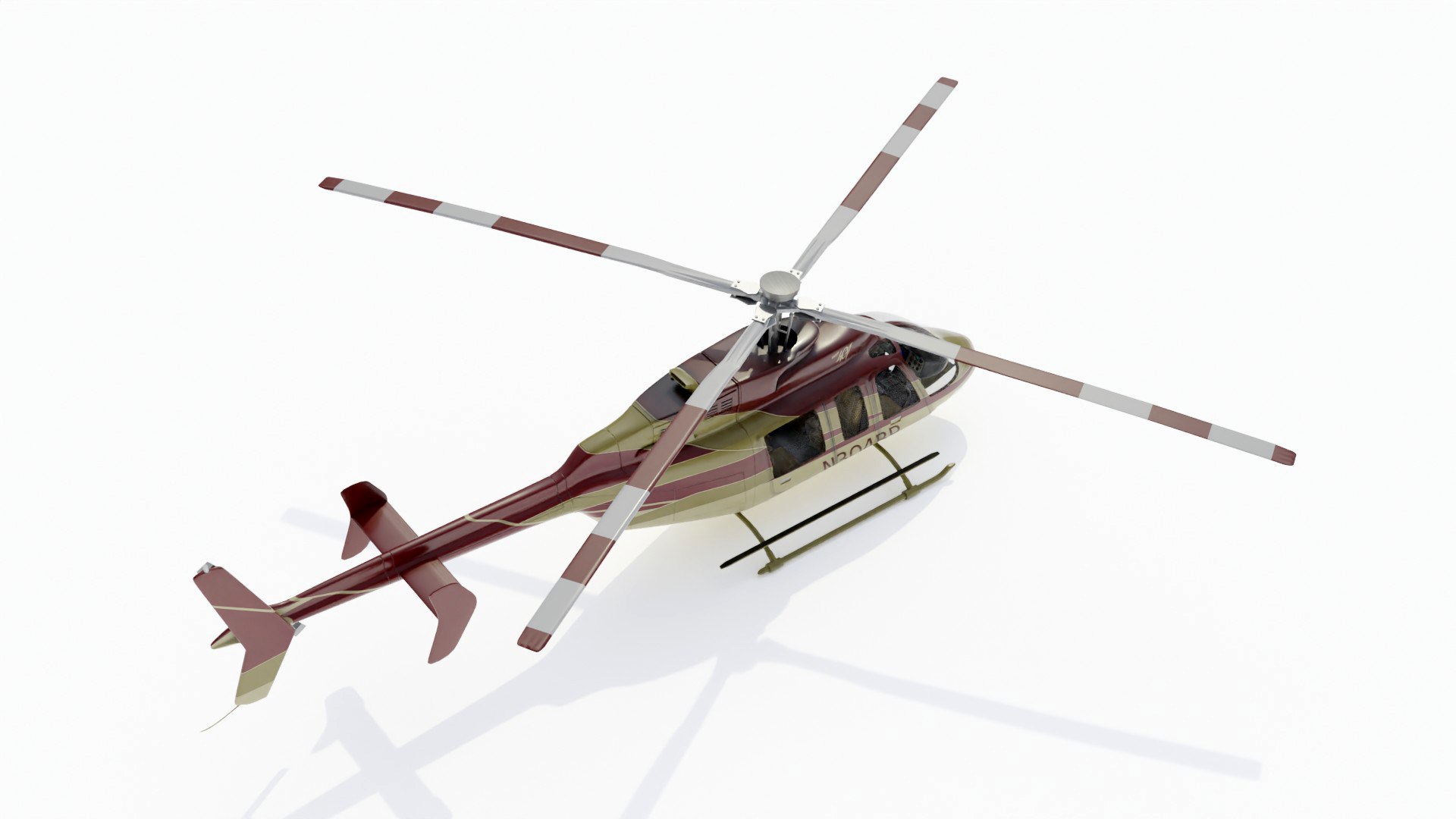
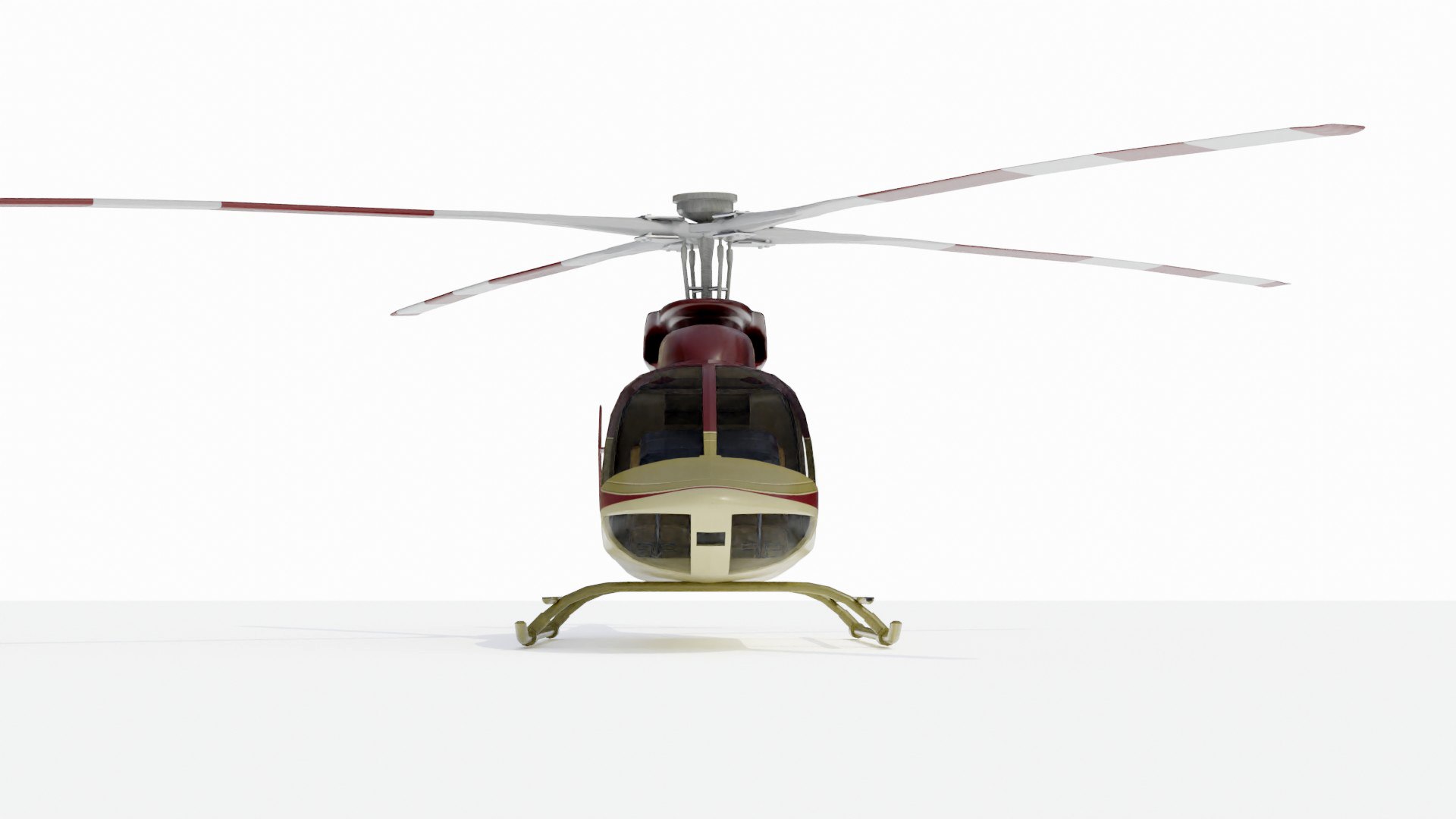
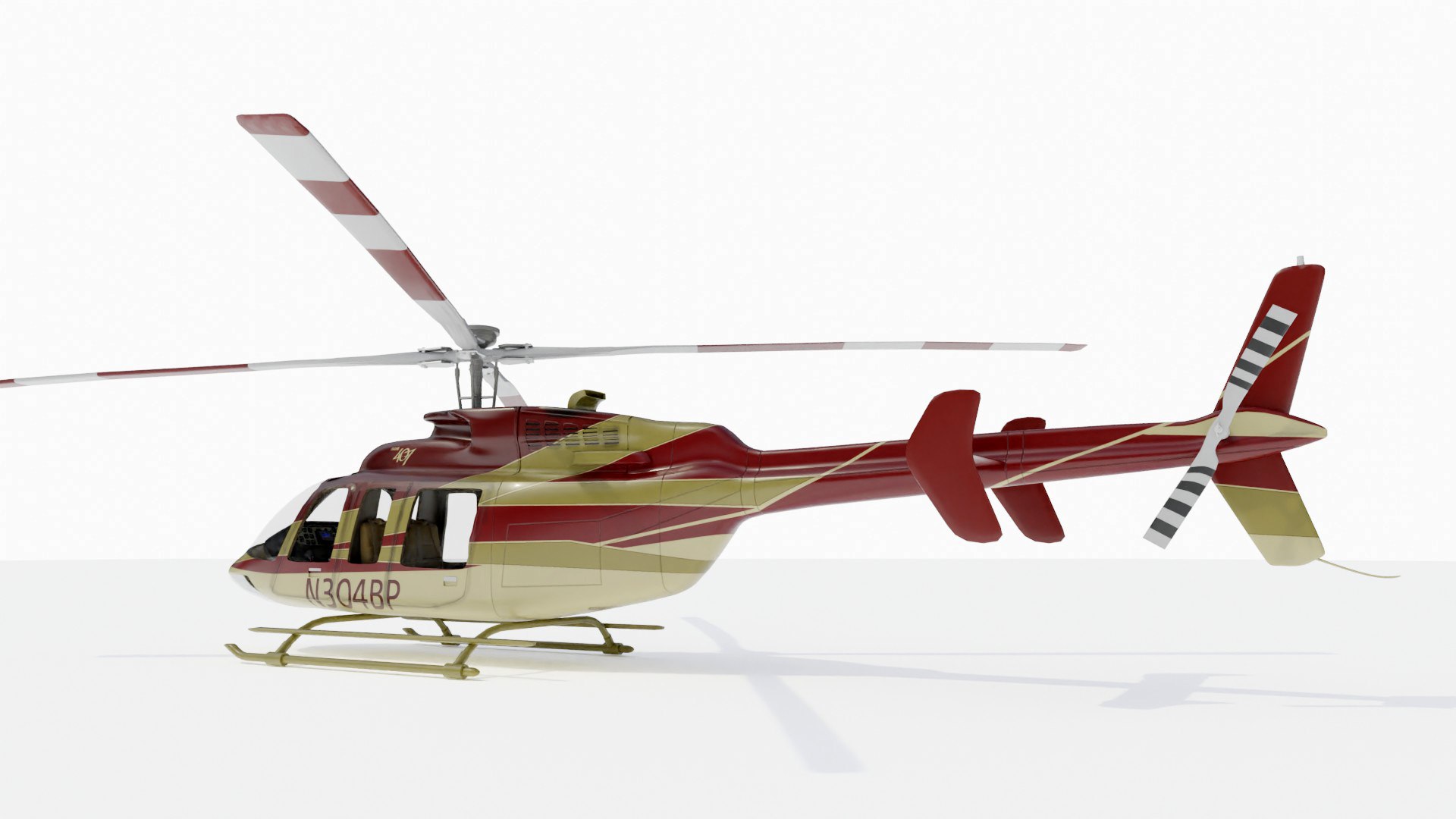
This is a detailed, textured 3D Model of a Bell 407 Helicopter.

Textures:

Detailed textures are provided including diffuse, bump. Maximum dimension of textures are 4096 pixels. Photoshop template files are available for download with the product so you can modify the layered textures to your liking.

History:

The Bell 407 is a four-blade, single-engine, civil utility helicopter; a derivative of the Bell 206L-3 LongRanger. The 407 uses the four-blade, soft, in-plane, rigid rotor with composite hub that was developed for the United States Army's OH-58D Kiowa Warrior instead of the two-bladed, semi-rigid rotor of the 206L-3. The Bell 407 is frequently used for corporate and offshore transport, as an air ambulance, law enforcement, electronic news gathering and movie making.

Select Enhanced License

  • $10,000 in Legal Protection (Indemnification)
  • Uncapped Legal Protection (Indemnification)
  • Waiver from injunctive relief
  • Assignable model rights
  • $1,000,000 in Legal Protection (Indemnification)
  • Waiver from injunctive relief
  • Assignable model rights
  • $250,000 in Legal Protection (Indemnification)
  • Assignable model rights
Read more about enhanced license tiers, or contact us at enterprise@turbosquid.com. Already a Shutterstock Enterprise Customer? Contact your Shutterstock Sales Support Agent to talk about adding 3D.

About Conversion Requests

To submit a conversion request for a purchased asset, please complete our Conversion Request Form.

If you have not yet purchased a model, please review our Documentation about Conversions to learn about what limitations you may encounter with a conversion.

For any additional questions about a model’s suitability for conversion, please contact TurboSquid Support.

Loading...