
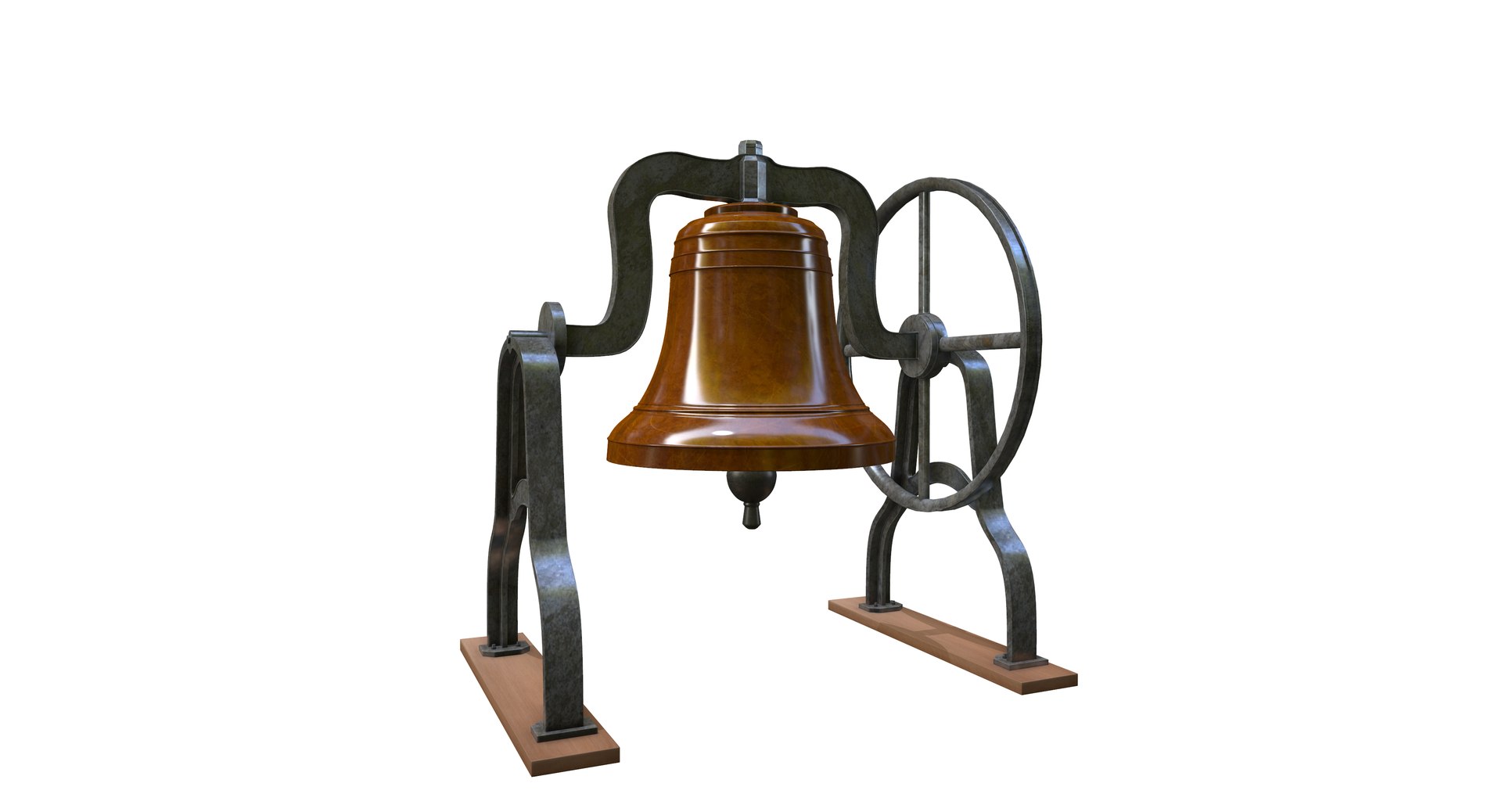
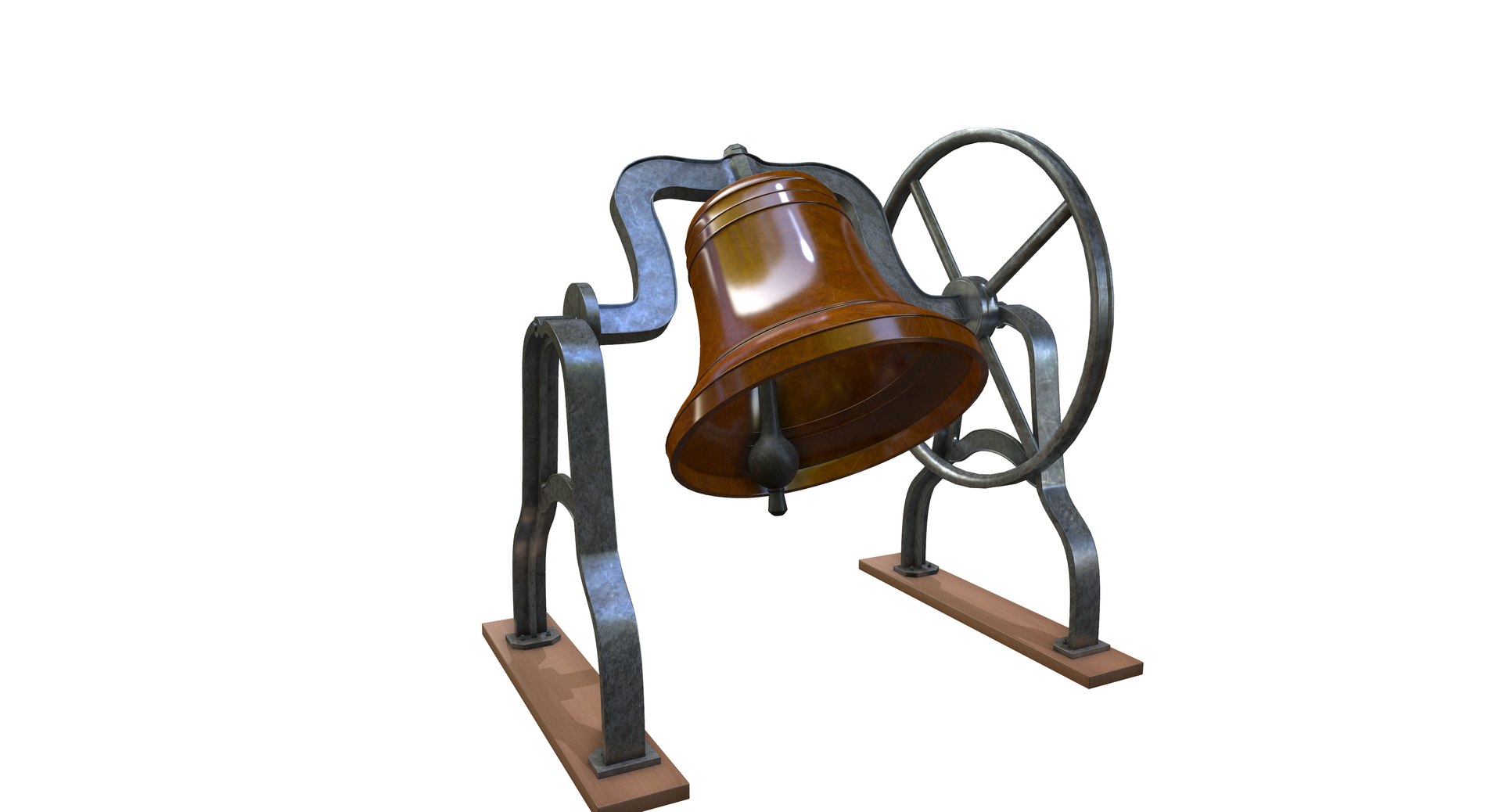
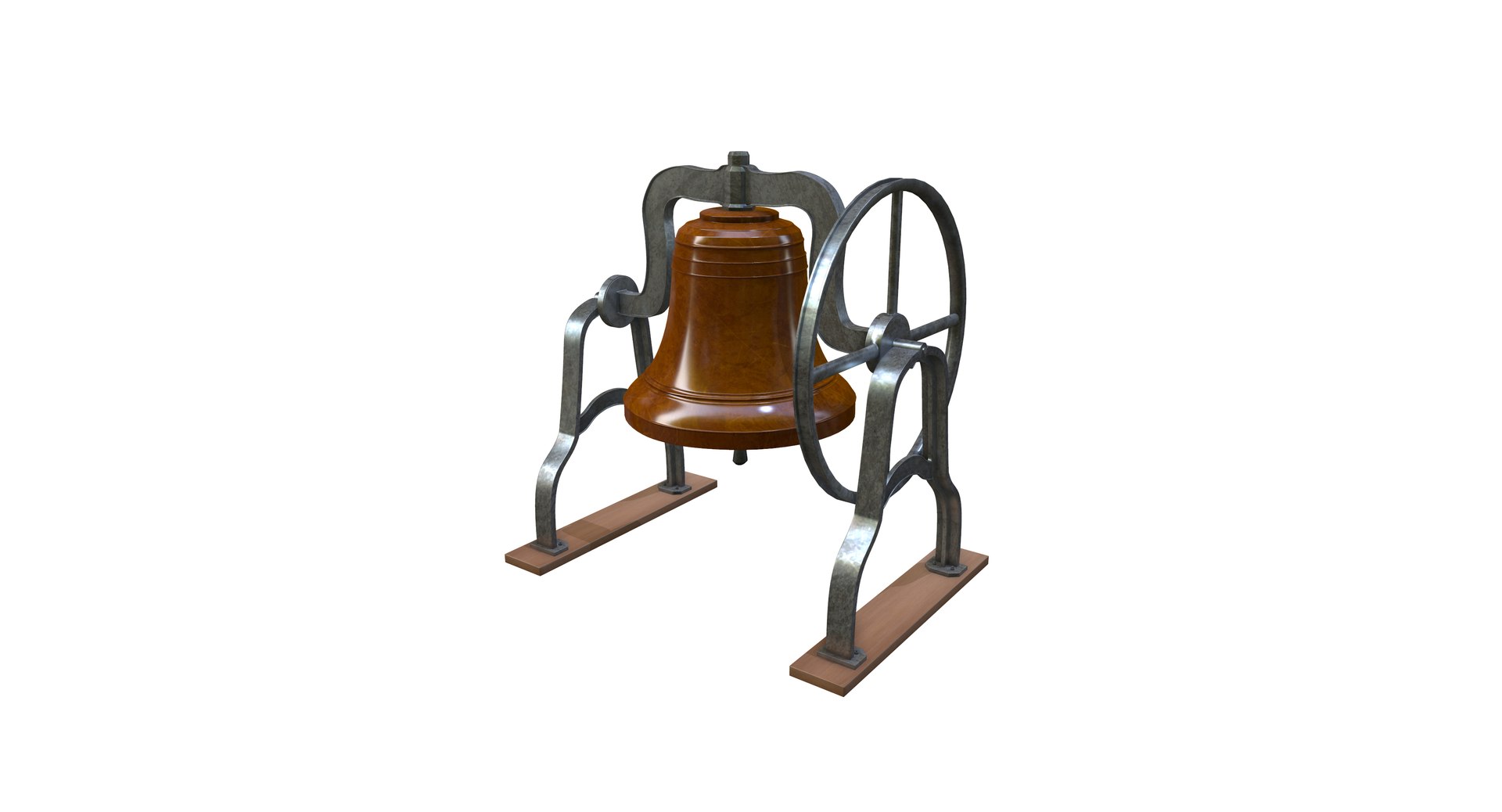
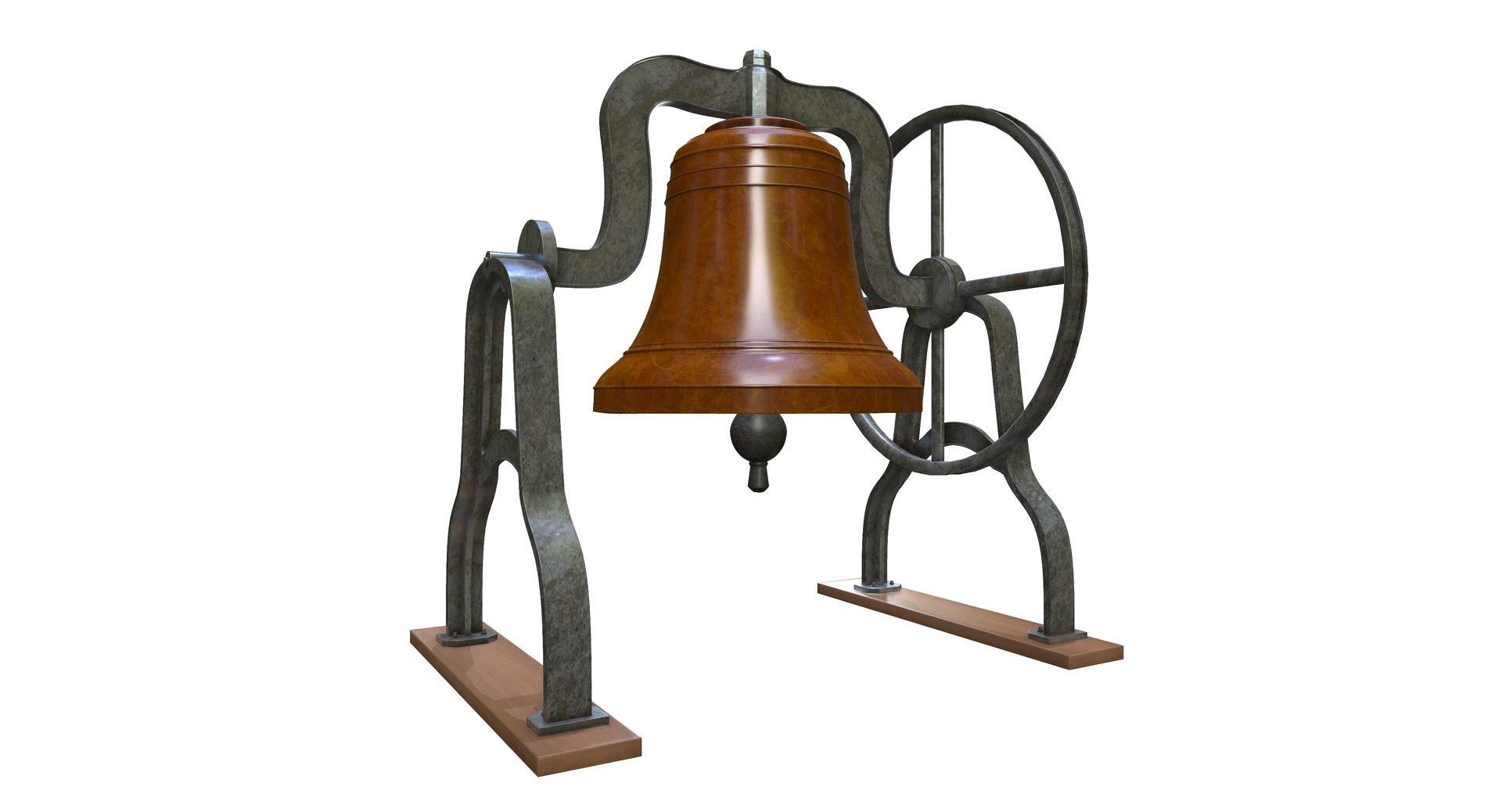
Bell(1)

$10

Standard License | Upgrade License
Formats (10)
Native | 3ds Max 2015 | mental ray
3ds Max 2012 | mental ray
3ds Max 2013 | mental ray
3ds Max 2014 | mental ray
3D Studio
FBX
OBJ
Other Files
TExture.rar
Specifications
Publish Date March 15, 2016
Product ID 1017114
Polygons 14,309
Vertices 14,758
Polygonal Quads/Tris Geometry
Textures
Materials
UV Mapped
Overlapping Unwrapped UVs
TurboSquid Exclusive
member avatar
Dorondei
119 Products | Contributor Since 2015
Have questions? Chat with us now.

Description

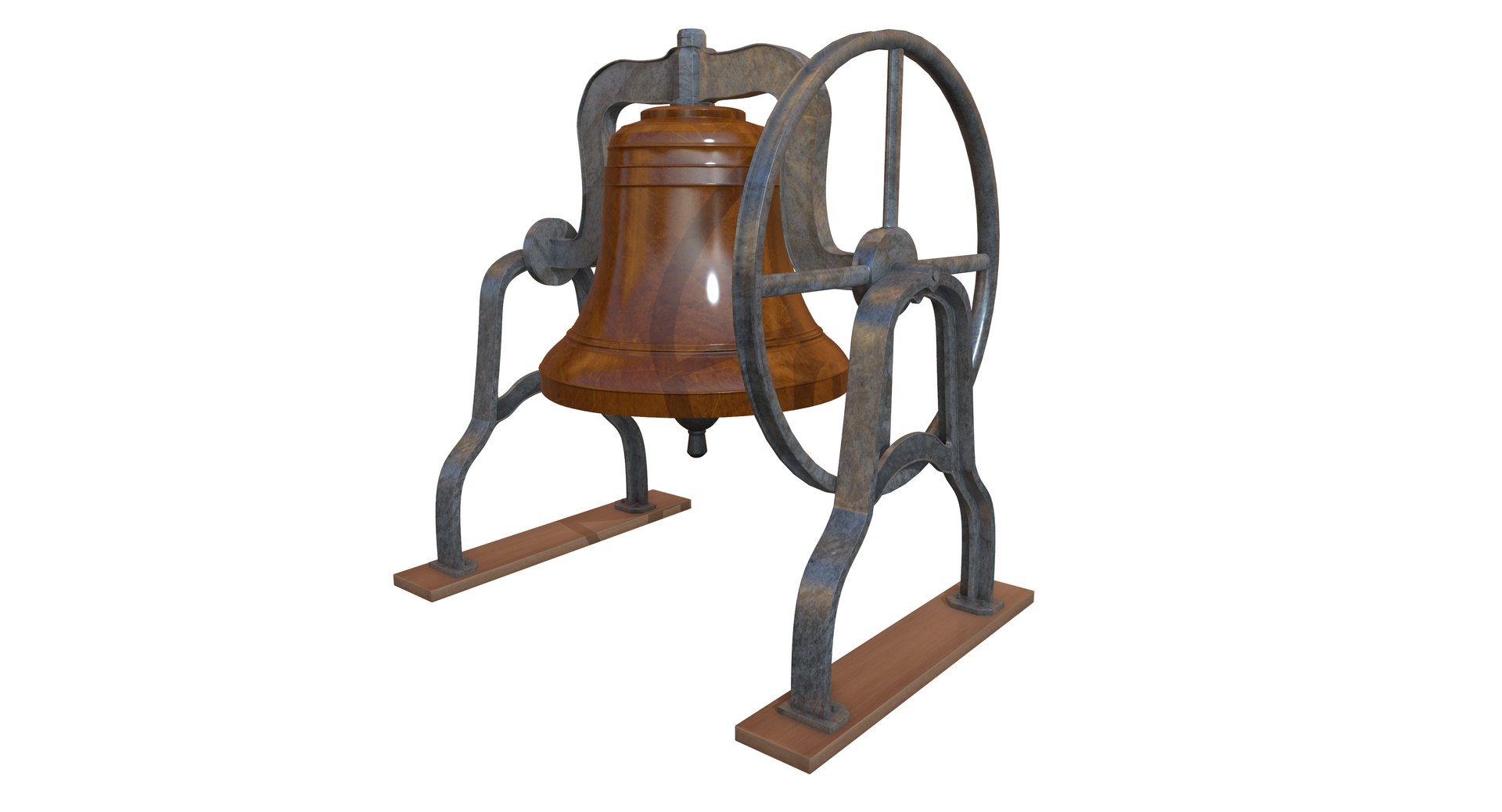
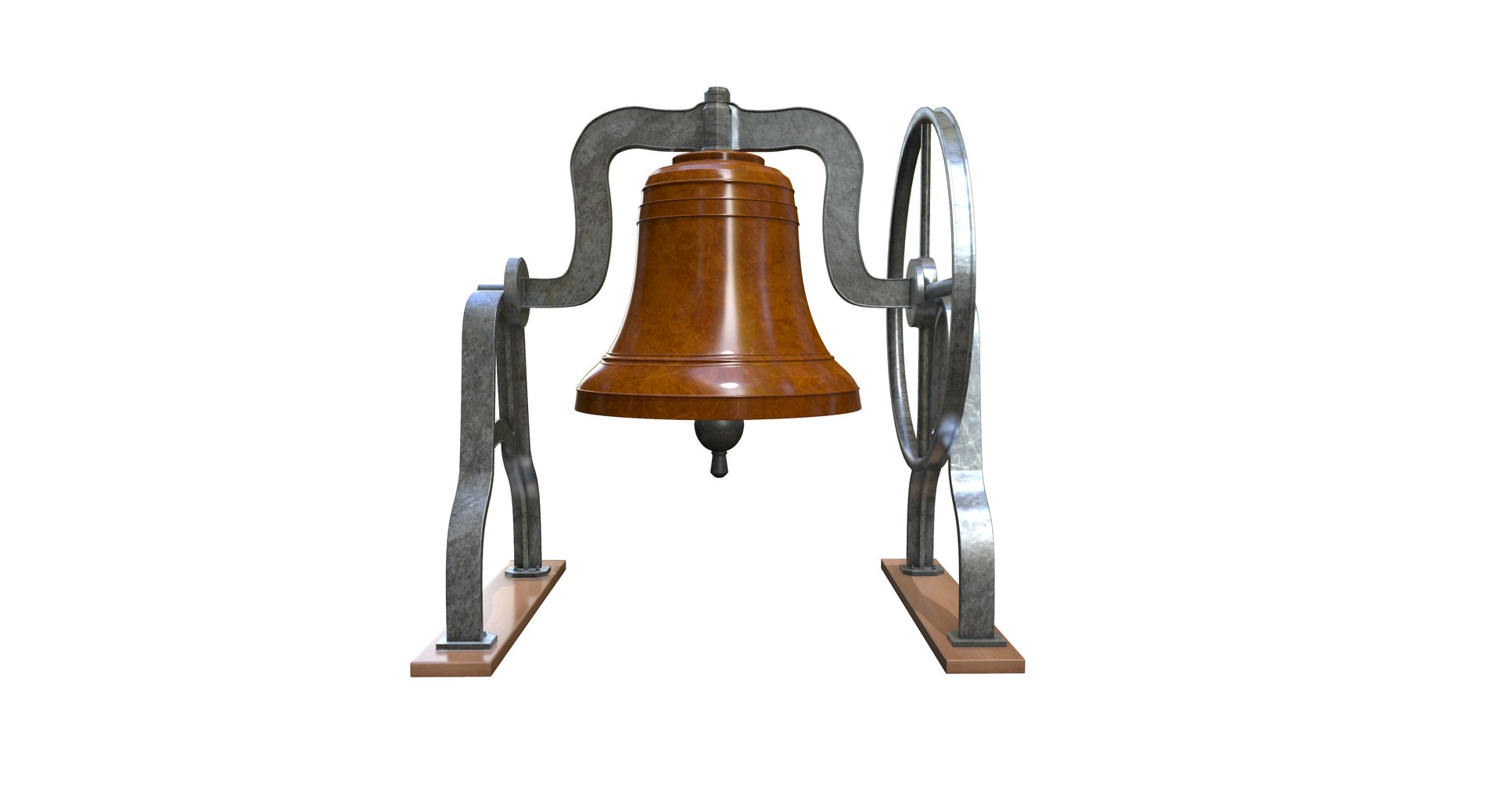
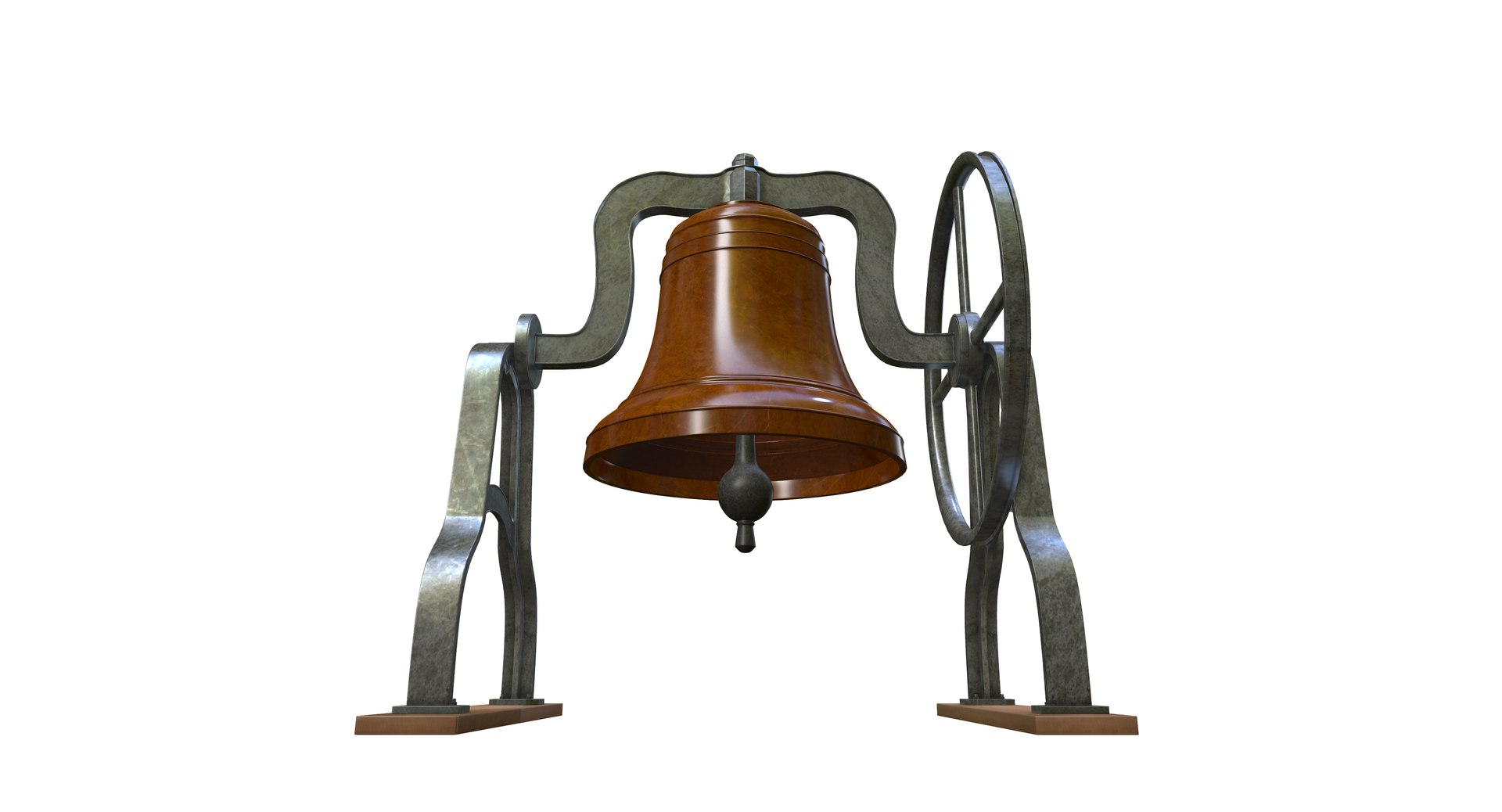
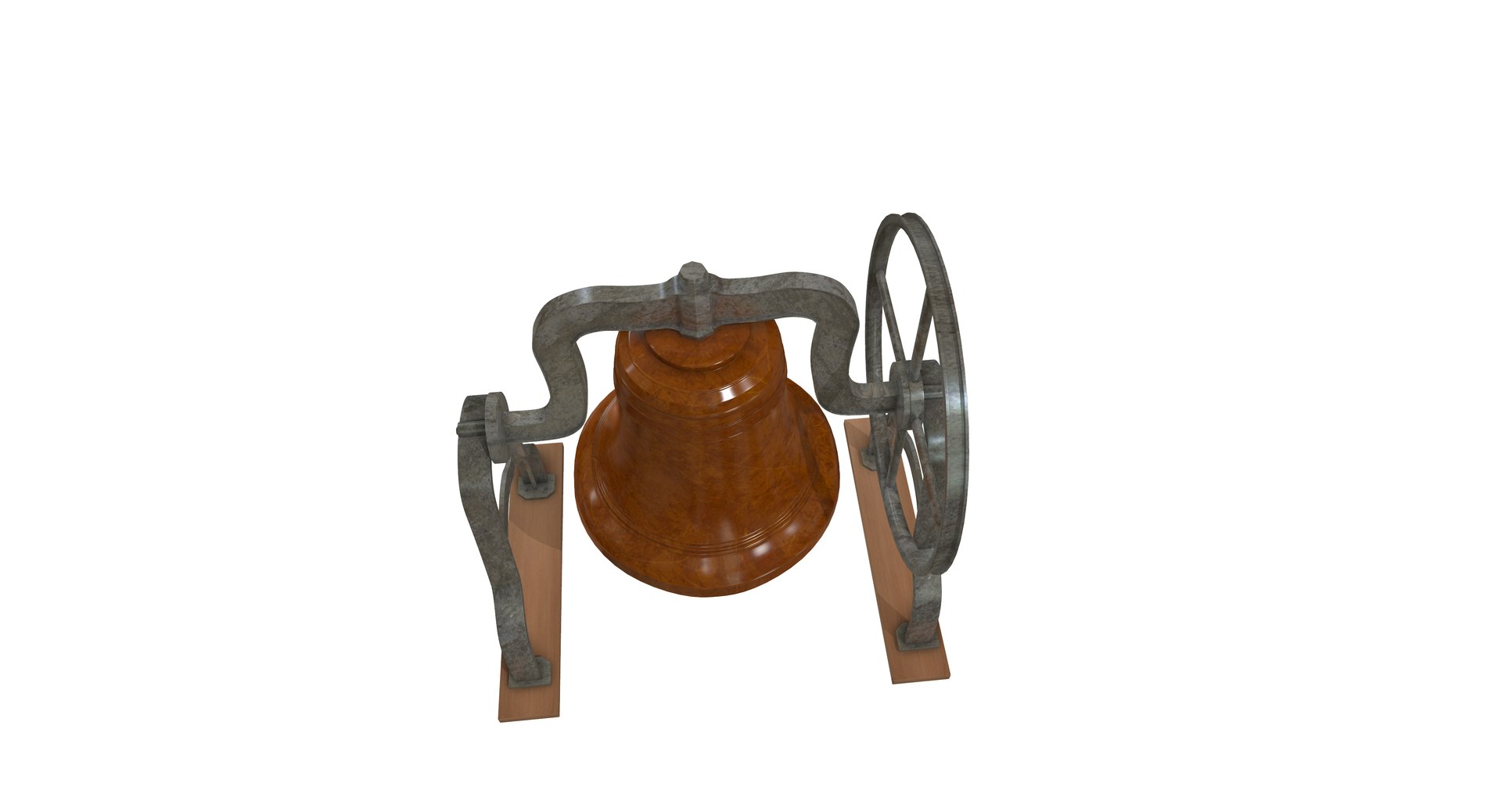
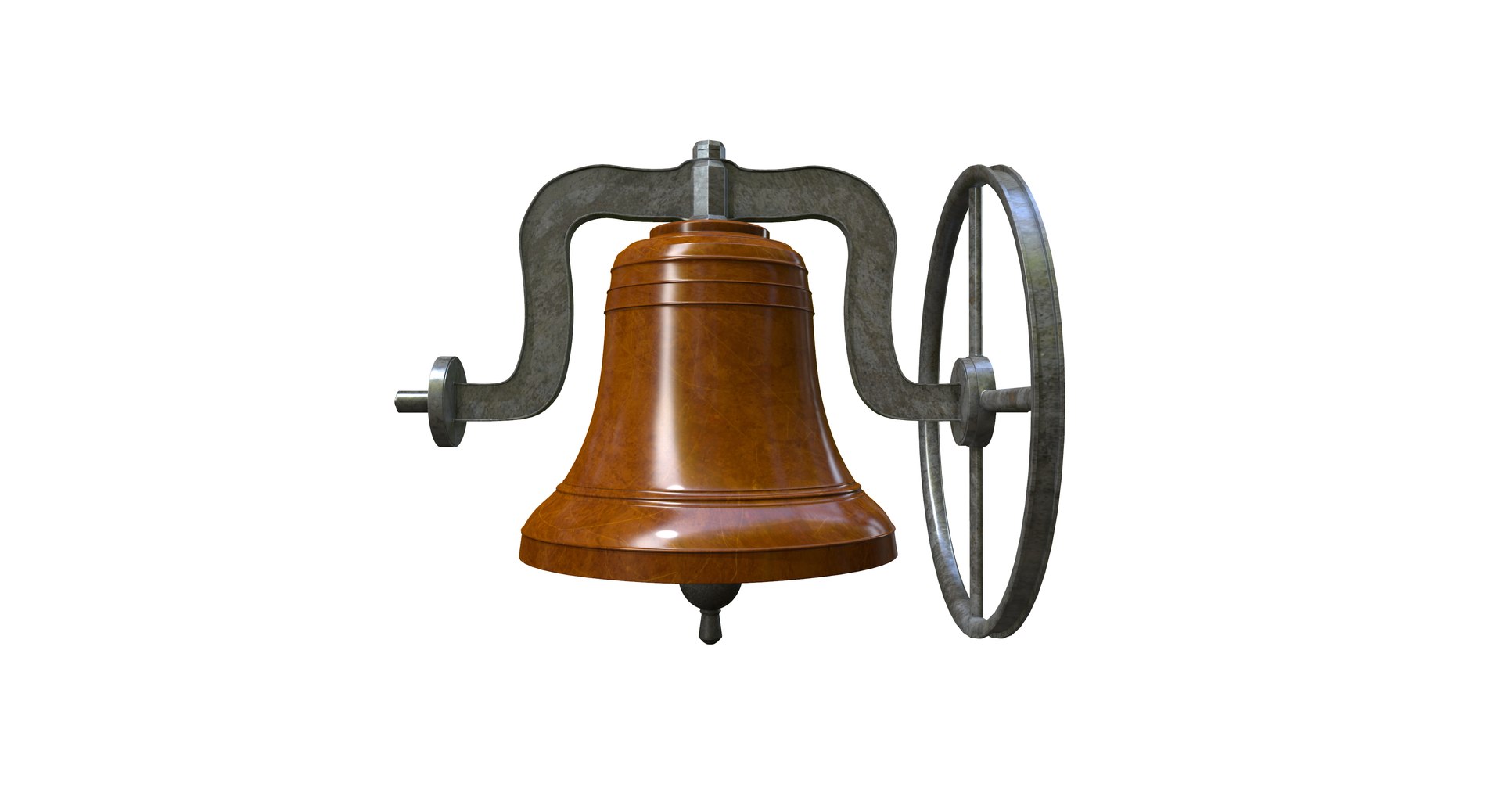
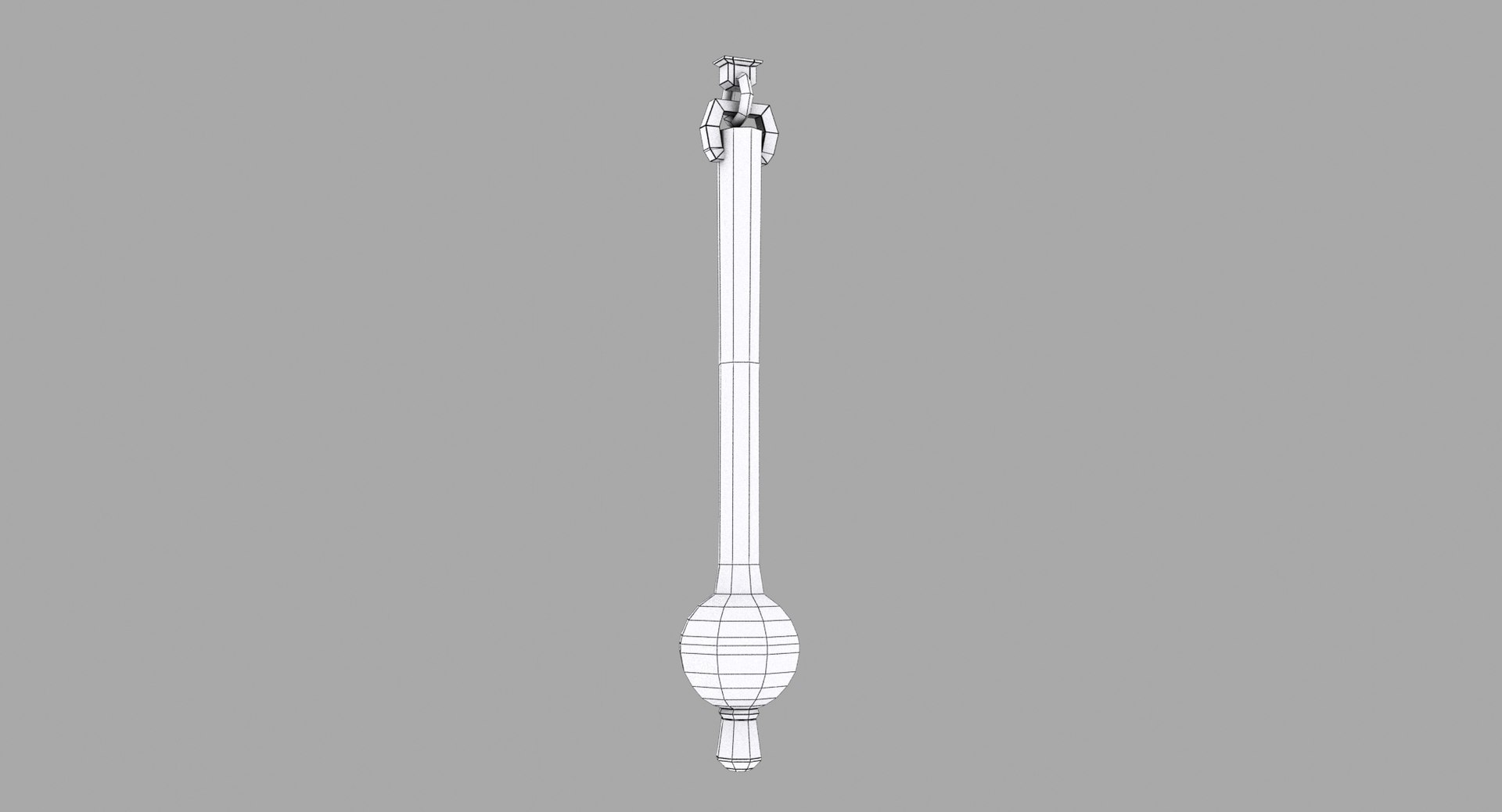
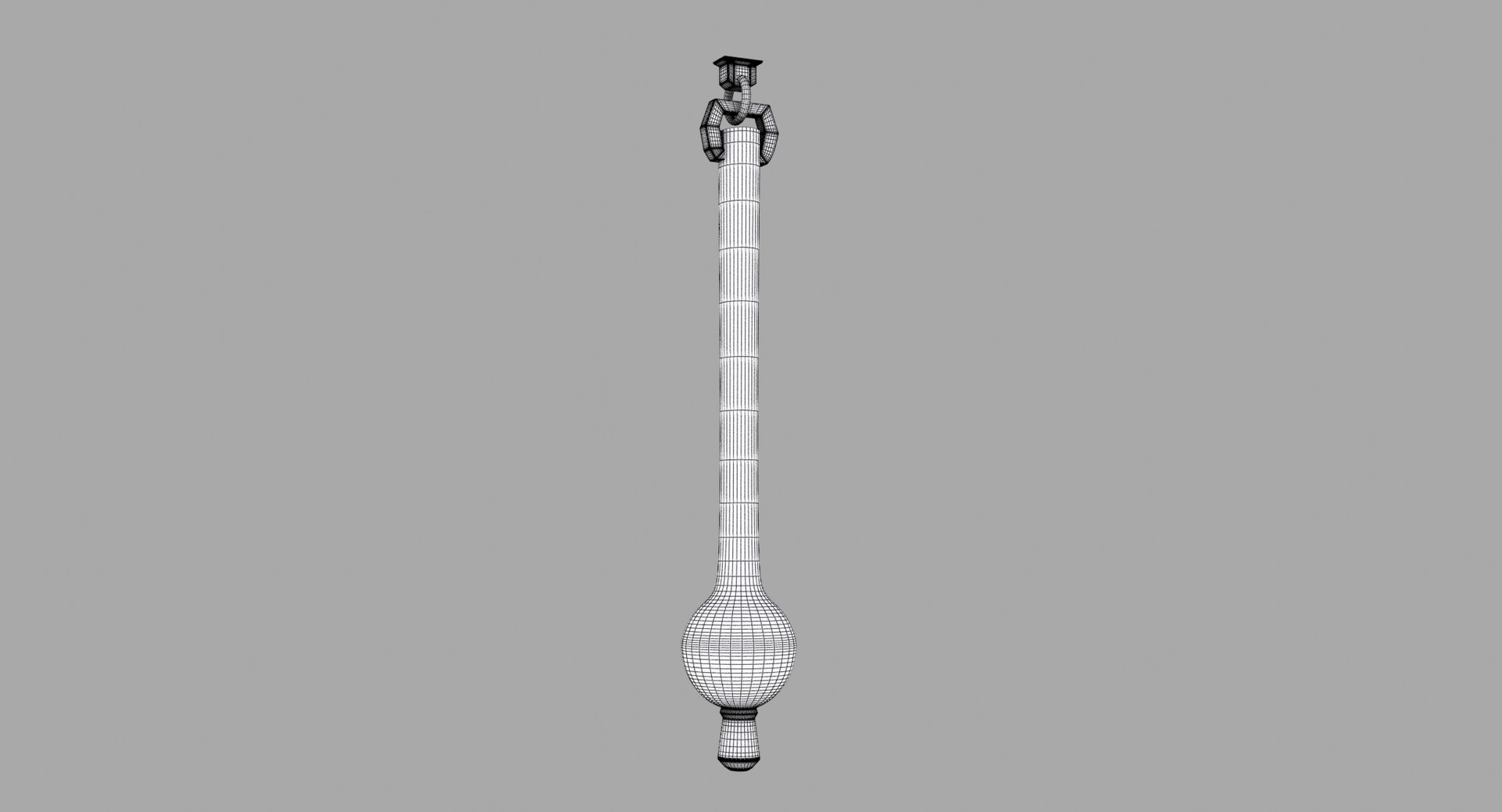
Photorealistic Bell

Can be used in realtime games.
Is suitable for use in broadcast, high-res film close-ups, advertising, design visualization, etc.

Polycount:

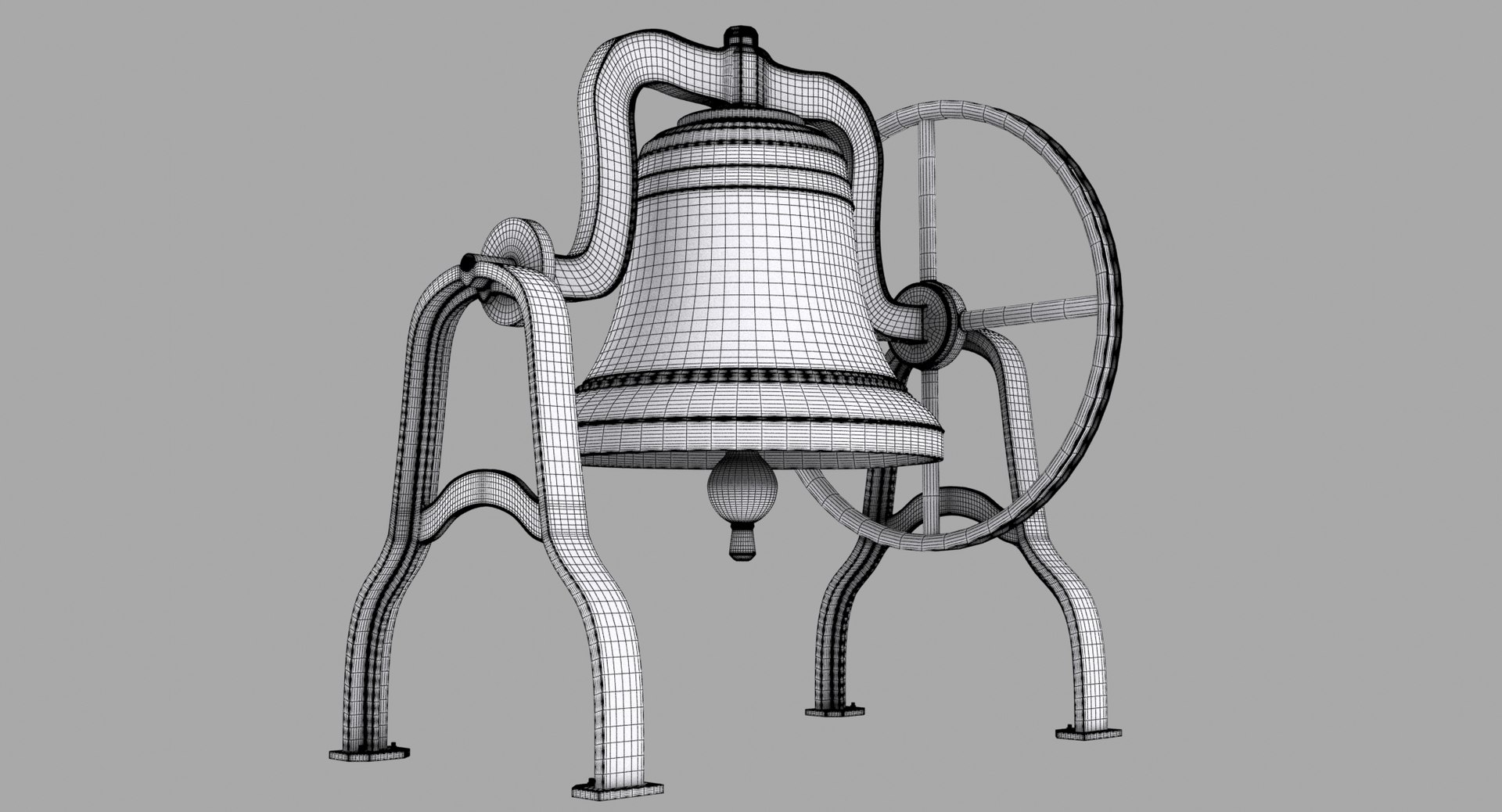
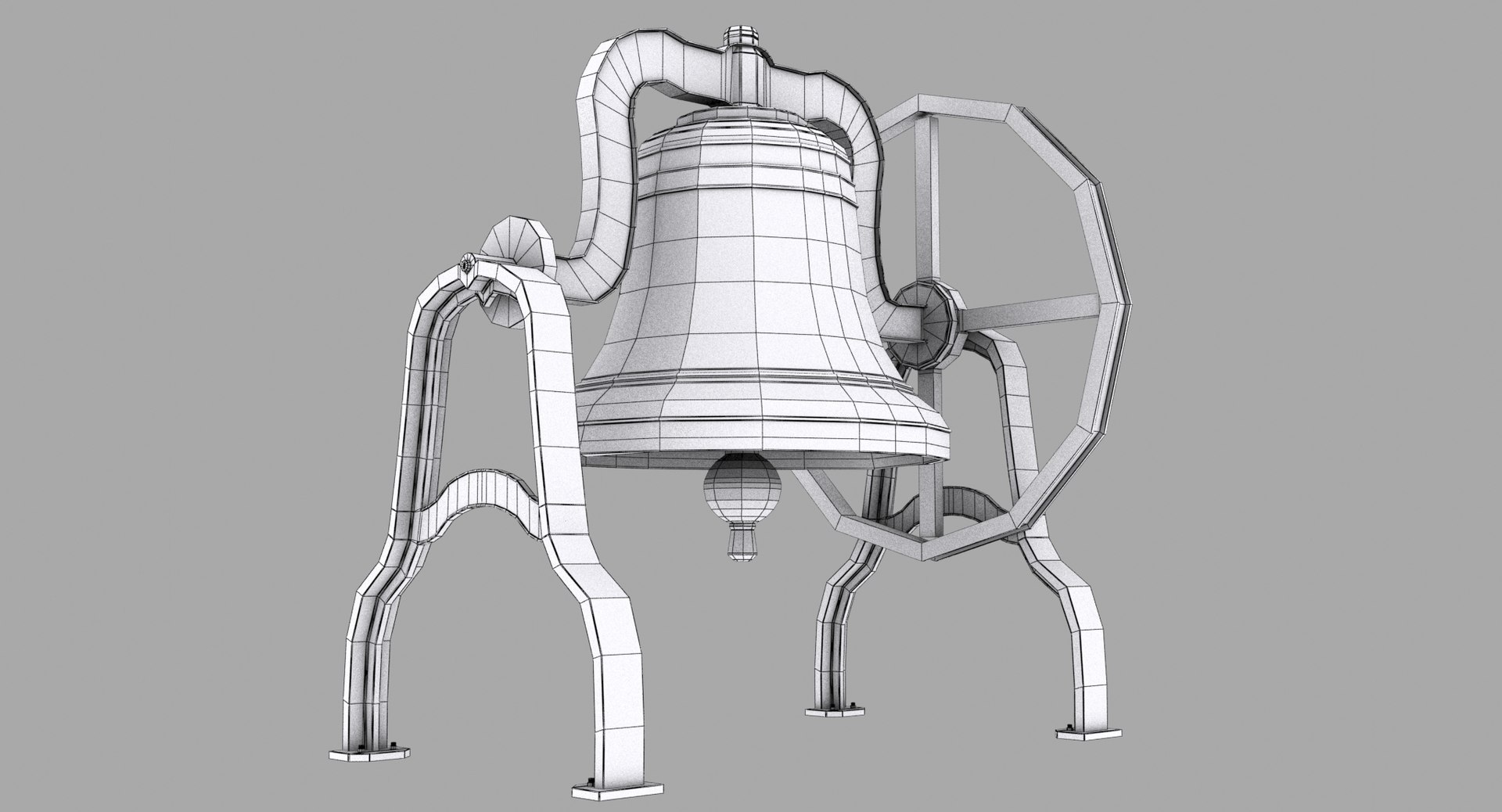
Poly 14309
Verts 14758
Tris 28462


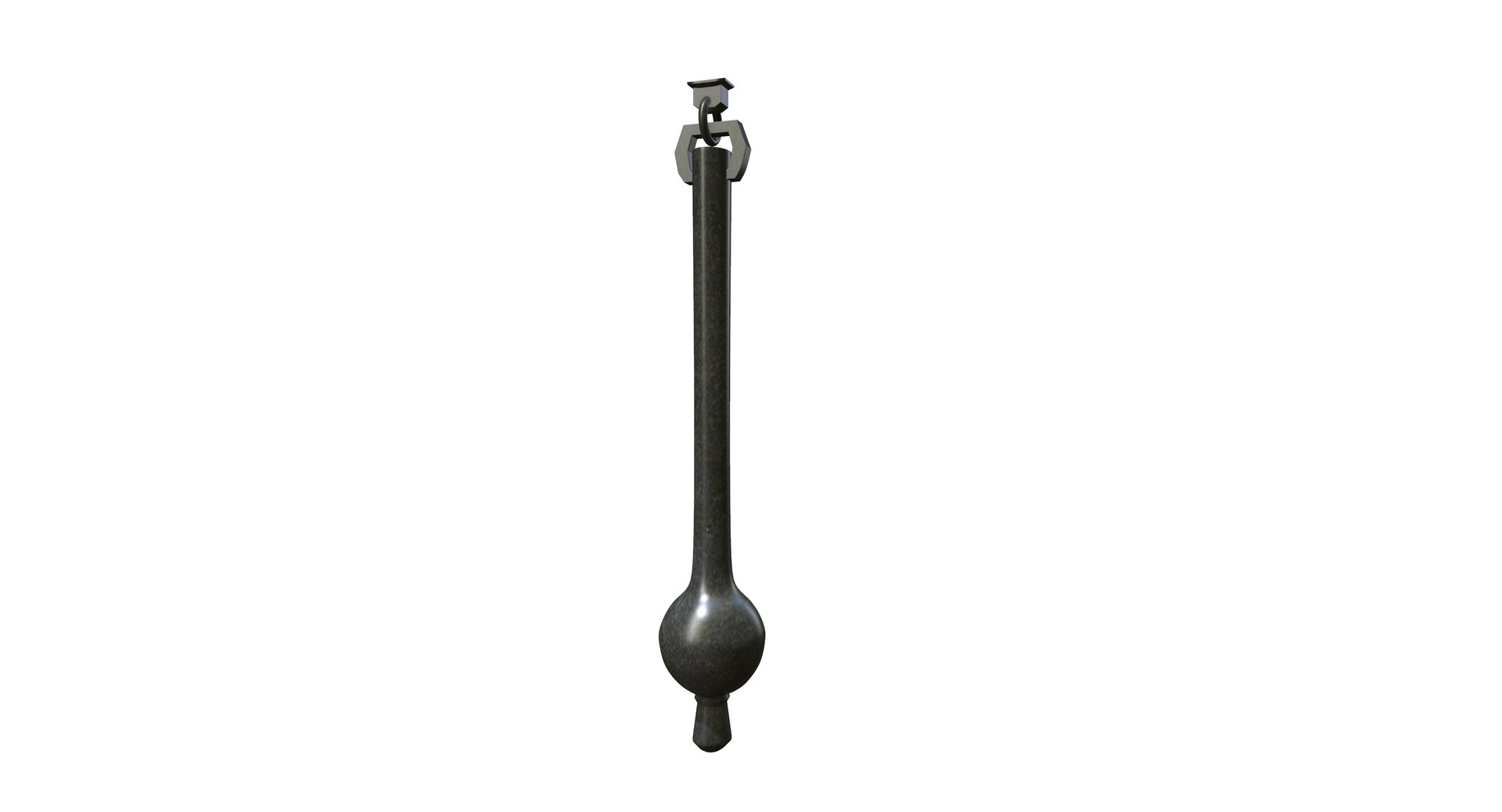
This model contains 4 object.

Descriptive and unique object names ( easy-to-scan names.)
Materials and Bitmap texture files named descriptively.
Includes hierarchy for moving all objects in model together.

Textures:
1.Bell diffuse.jpg 2048x2048
2.Clapper diffuse.jpg 2048x1387
3.Standing Suport Diffuse .jpg 2048x1371
4.Standing Suport Specular .jpg 1200x1200
5.Wheel Support Diffuse.jpg 2048x1371
6.Wheel Support Specular.jpg 1200x1200

File format:

.max 2012 ,2013,2014,2015(Native Format)
.obj
.FBX
.3DS
No special plug-ins needed to use this product

-Two FBX files:
subdivision level 0
subdivision level 2 (render scene)
-Two OBJ files:
subdivision level 0
subdivision level 2
-3DS file:
subdivision level 0

Units used - centimeters
Base of model at 0,0,0
The entire model is subdivided
3ds Max model has TurboSmooth modifier applied.
Clean topology. No poles. No N-Gons.


Dorondei Gabriel Andrei

Select Enhanced License

  • $10,000 in Legal Protection (Indemnification)
  • Uncapped Legal Protection (Indemnification)
  • Waiver from injunctive relief
  • Assignable model rights
  • $1,000,000 in Legal Protection (Indemnification)
  • Waiver from injunctive relief
  • Assignable model rights
  • $250,000 in Legal Protection (Indemnification)
  • Assignable model rights
Read more about enhanced license tiers, or contact us at enterprise@turbosquid.com. Already a Shutterstock Enterprise Customer? Contact your Shutterstock Sales Support Agent to talk about adding 3D.

About Conversion Requests

To submit a conversion request for a purchased asset, please complete our Conversion Request Form.

If you have not yet purchased a model, please review our Documentation about Conversions to learn about what limitations you may encounter with a conversion.

For any additional questions about a model’s suitability for conversion, please contact TurboSquid Support.

Loading...