
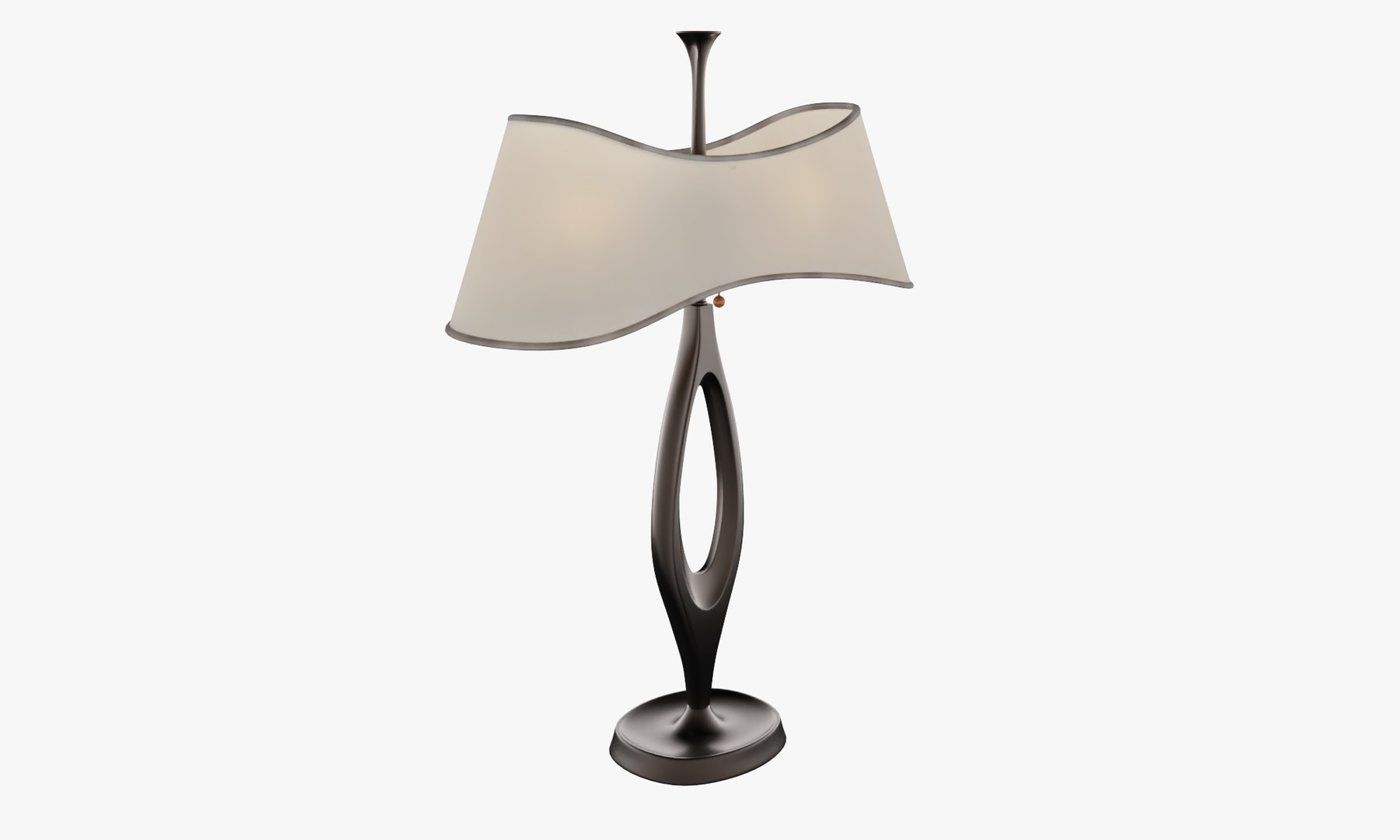
Bedroom Long Lamp

$19

Standard License | Upgrade License
Formats (7)
Native | 3ds Max 2015 | Corona 1.7.4
3ds Max 2015 | V-Ray 4.10.03
3ds Max 2017 | Corona 1.7.4
3ds Max 2017 | V-Ray 4.10.03
FBX
3D Studio
OBJ
Other Files
ProxyTextures.rar
Specifications
Publish Date February 09, 2020
Product ID 1507722
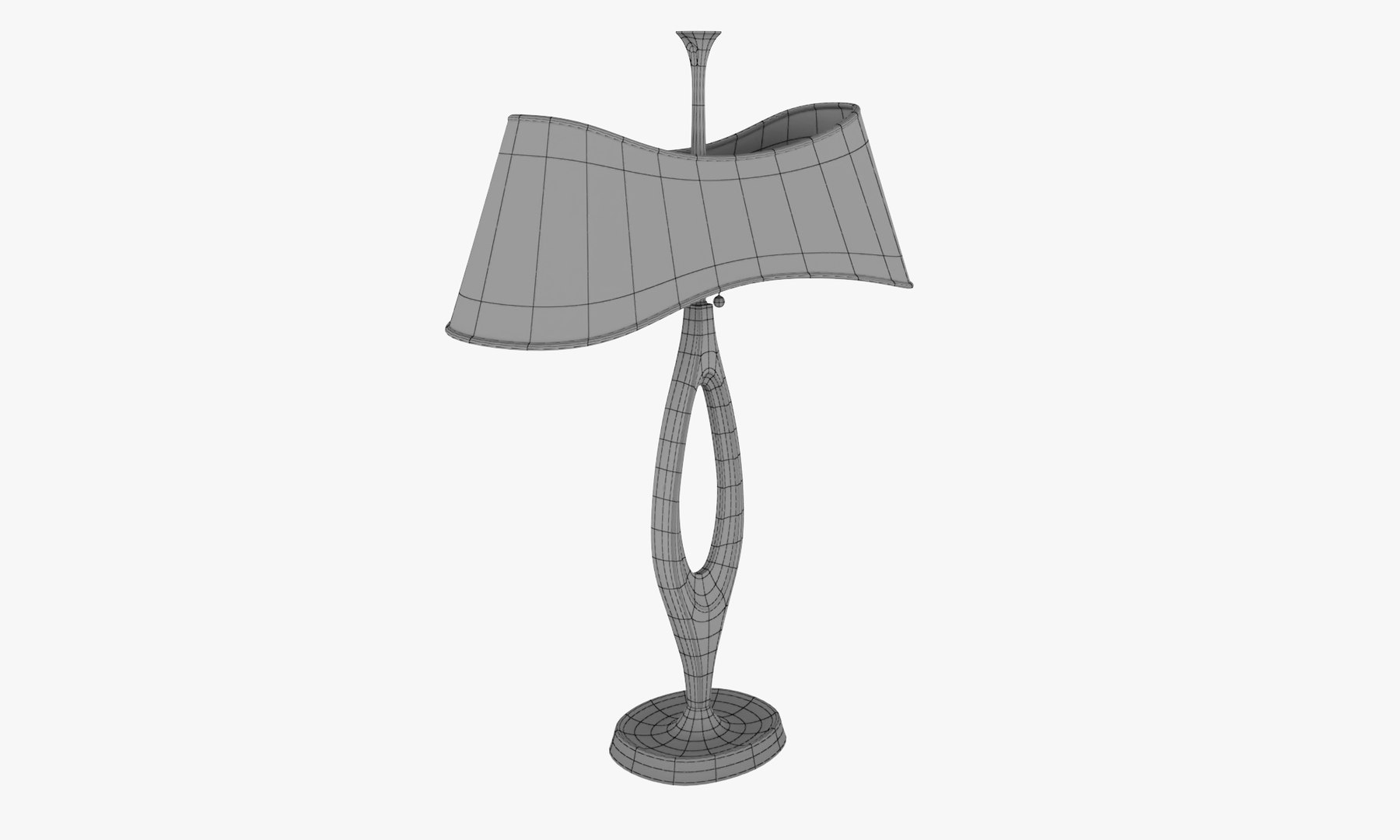
Polygons 4,881
Vertices 5,172
Subdivision
Textures
Materials
UV Mapped
Overlapping Unwrapped UVs
Rigged
TurboSquid Exclusive

member avatar
Polygonizer
113 Products | Contributor Since 2014
Have questions? Chat with us now.

Description

Bedroom Unique Designer's Long Lamp. Can combine with two-tone bedroom interiors.

Formats:

Autodesk 3ds max 2015, 2017 - (Vray and Corona renders. Vray have studio setup. Corona have only model with applied materials) Autodesk FBX 2018 - .fbx (Geometry with Standard Materials) Wavefront OBJ v0.97b - .obj (Geometry with .mtl info in ''ProxyTextures'' archive) Autodesk 3DS 2010 - (Geometry with Standard Materials)

Model was accurately modeled by photo references, have clean geometry without intersections, and shared by layers with prefix: INT_Bedroom_Long_Lamp.

In ''ProxyTextures'' archive includes bitmap .jpg files for texturing furniture model, and .mtl information for .obj file. And arhive include render preset for test renders.

Geometry: Polygonal

Polygons: 4881 (Without Turbosmooth modifier) Vertices: 5172 (Without Turbosmooth modifier)

Textures: Yes Materials: Yes Rigged: No Animated: No UV Mapped: Yes Unwrapped UV's: No

Select Enhanced License

  • $10,000 in Legal Protection (Indemnification)
  • Uncapped Legal Protection (Indemnification)
  • Waiver from injunctive relief
  • Assignable model rights
  • $1,000,000 in Legal Protection (Indemnification)
  • Waiver from injunctive relief
  • Assignable model rights
  • $250,000 in Legal Protection (Indemnification)
  • Assignable model rights
Read more about enhanced license tiers, or contact us at enterprise@turbosquid.com. Already a Shutterstock Enterprise Customer? Contact your Shutterstock Sales Support Agent to talk about adding 3D.

About Conversion Requests

To submit a conversion request for a purchased asset, please complete our Conversion Request Form.

If you have not yet purchased a model, please review our Documentation about Conversions to learn about what limitations you may encounter with a conversion.

For any additional questions about a model’s suitability for conversion, please contact TurboSquid Support.

Loading...