
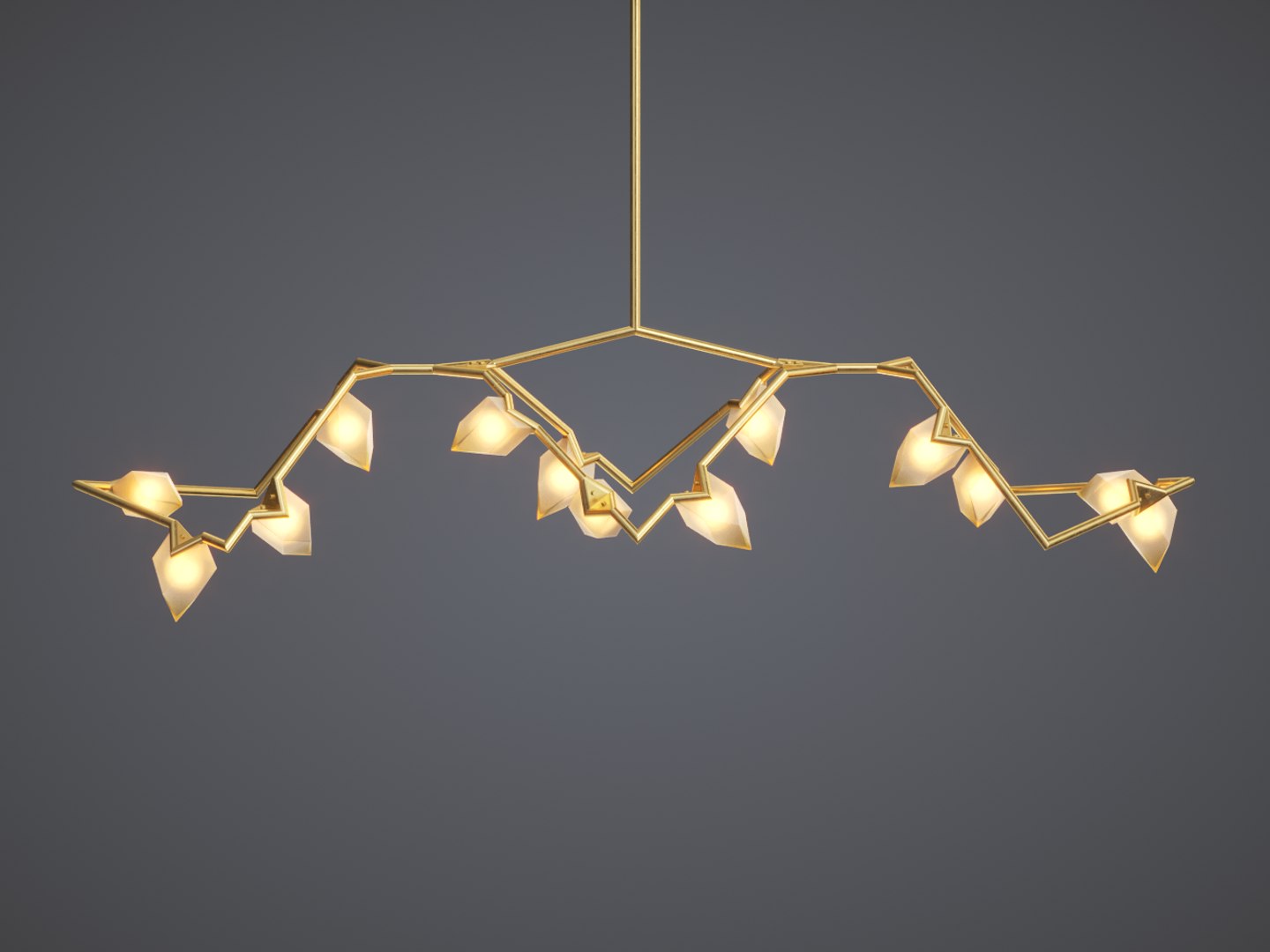
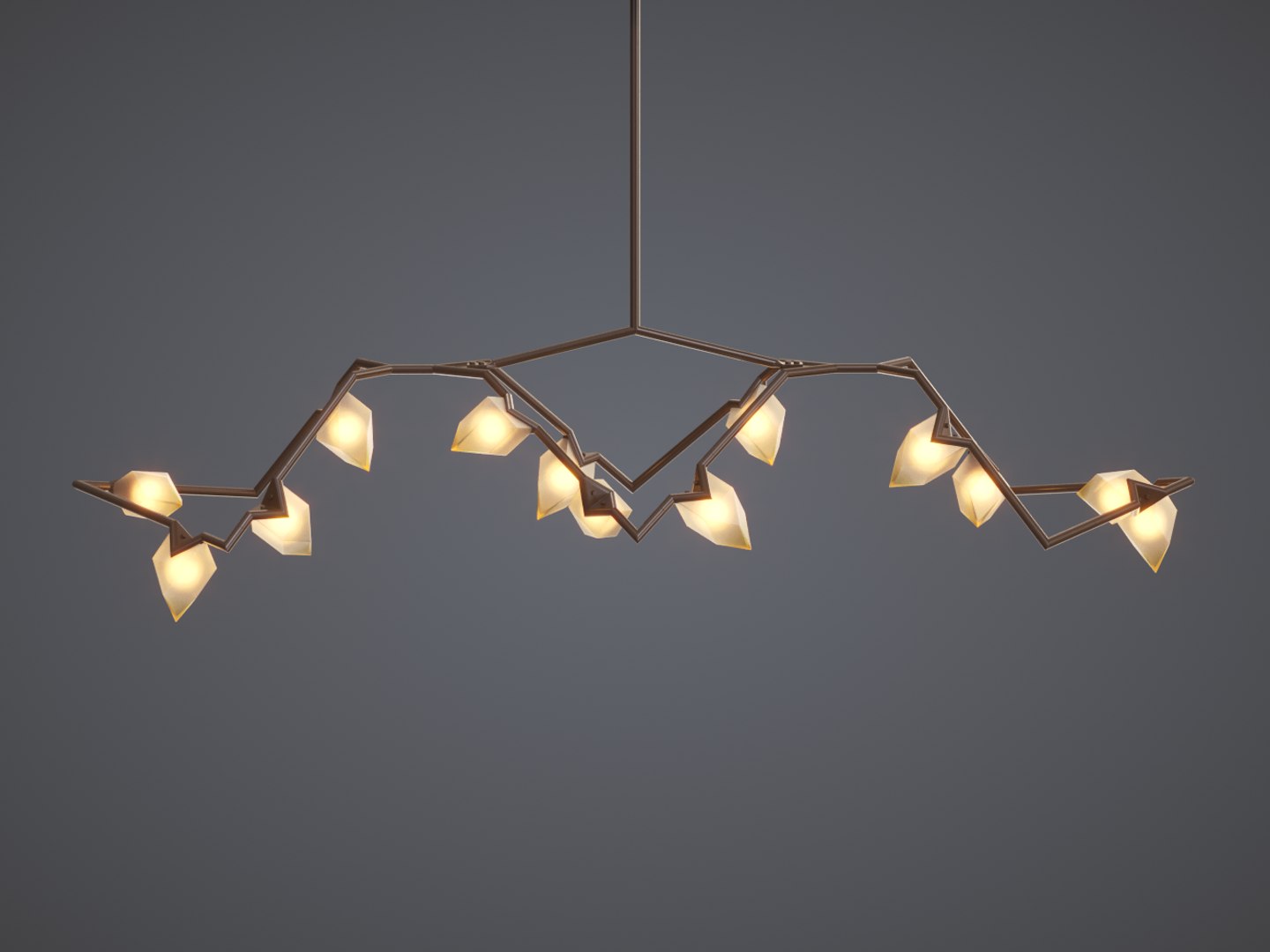


Bec Brittain Seed Chandelier 03

$12

Standard License | Upgrade License
Editorial Uses Only
Formats (4)
Native | 3ds Max 2013 | Corona 1.5
3ds Max 2013 | Default Scanline
FBX
OBJ
Specifications
Publish Date December 04, 2016
Product ID 1099445
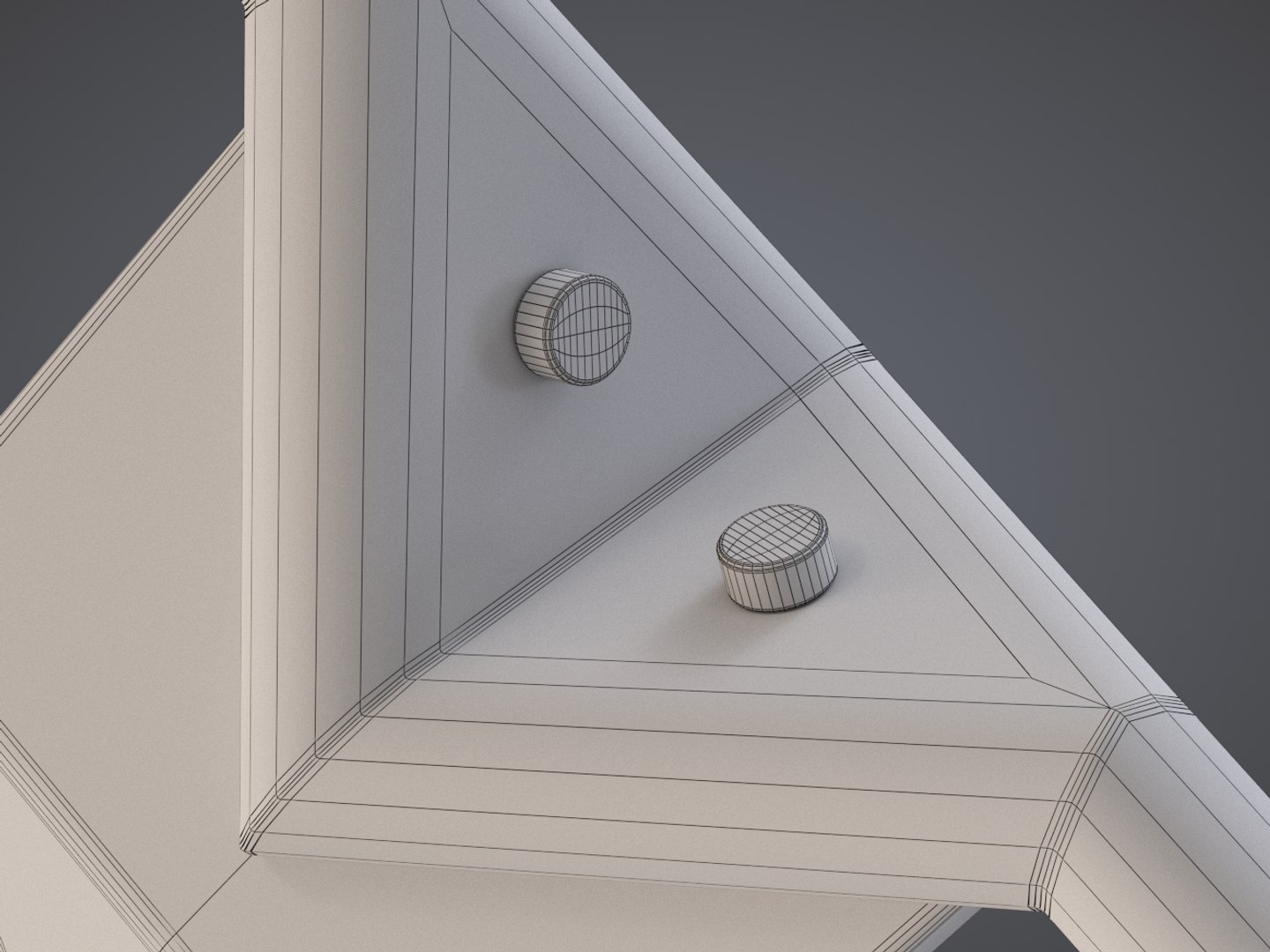
Polygons 29,701
Vertices 30,143
Polygonal
Textures
Materials
UV Mapped
Non-overlapping Unwrapped UVs

member avatar
LemonadeCG
210 Products | Contributor Since 2007
Have questions? Chat with us now.

Description

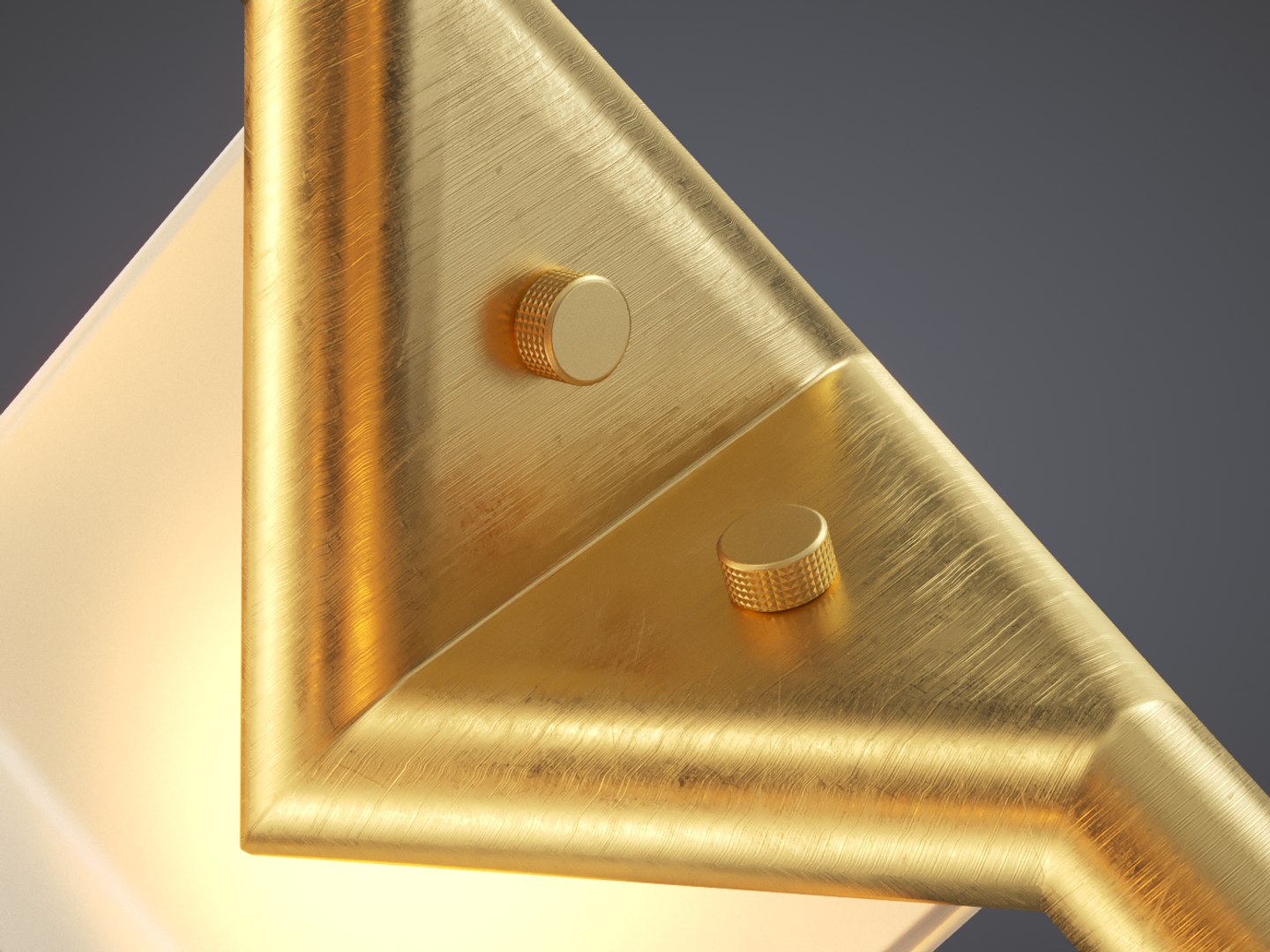
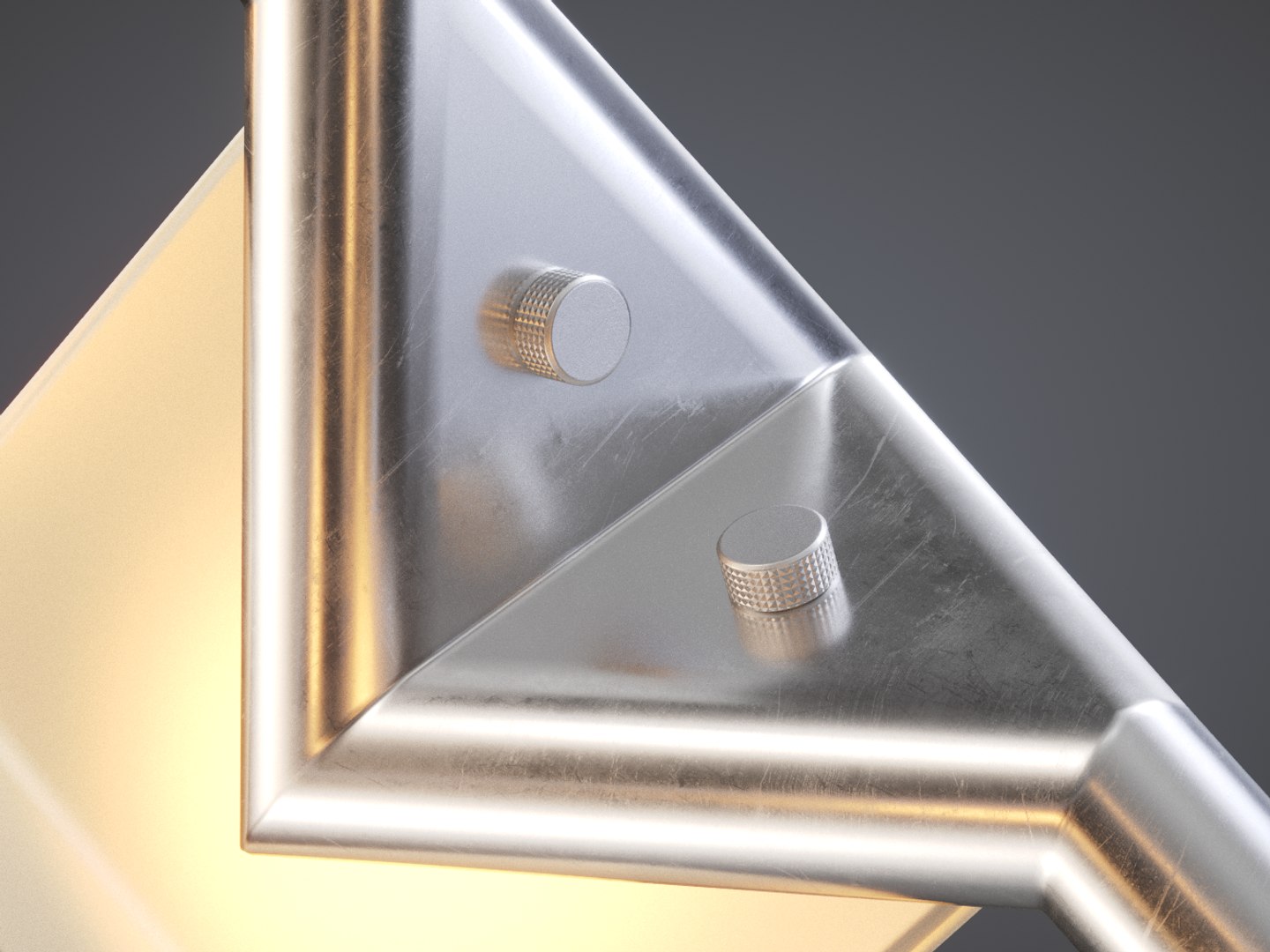
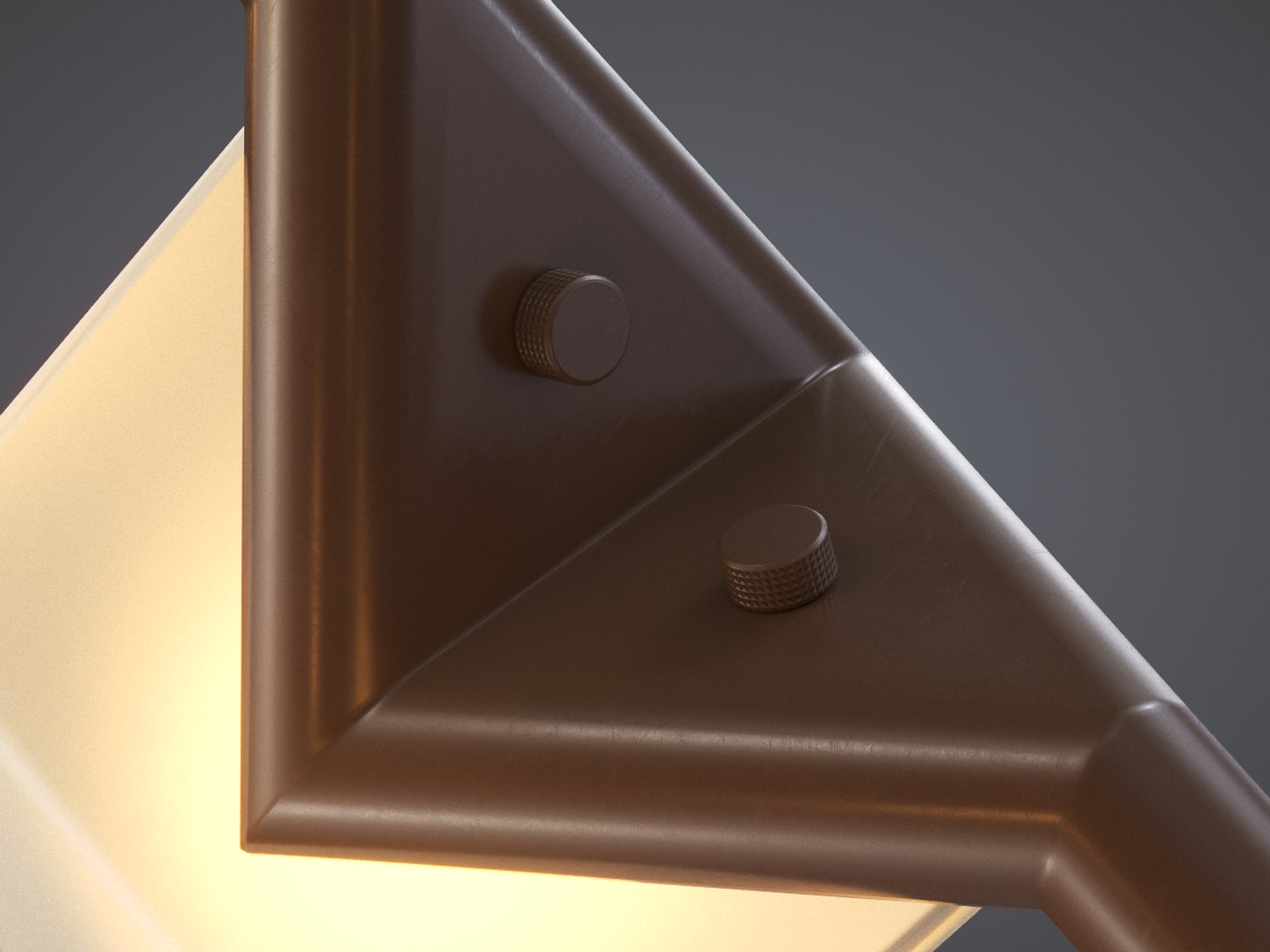
Seed 03 chandelier by Bec Brittain. Lighting fixture dimensions are: 239 x 76 x 61 cm (94 x 30 x 24 inches). Bulbs: 13 x 25 watt. Total luminous output: 2340 lumens. Colour temperature: 2700 K. Max file for Corona renderer has accurately setup lights accordingly to aforementioned specs. Max file for Scanline has point helpers in place of lights, that lets you to place your own lights without hassle. FBX and OBJ files has no light objects. Light fixture comes with 3 distinct materials: golden, polished chrome and painted metal.

Modeled in 3ds max.
Model is scaled to proper real world dimensions. Scene units are in cm.
All objects, materials and textures are properly and uniquely named.
All transformations has been reset and model is placed at scene origin [0, 0, 0 XYZ].
All texture paths are set to relative.
Materials are prepared for Corona and Scanline renderers. File for Scanline renderer has only very basic materials and will NOT render the same as in preview images.
Preview images are rendered with Corona renderer.
Textures are collected in one arhive and are delivered in separate file.
Render scene is not included.

File formats available: MAX, FBX, OBJ

Select Enhanced License

  • $10,000 in Legal Protection (Indemnification)
  • Uncapped Legal Protection (Indemnification)
  • Waiver from injunctive relief
  • Assignable model rights
  • $1,000,000 in Legal Protection (Indemnification)
  • Waiver from injunctive relief
  • Assignable model rights
  • $250,000 in Legal Protection (Indemnification)
  • Assignable model rights
Read more about enhanced license tiers, or contact us at enterprise@turbosquid.com. Already a Shutterstock Enterprise Customer? Contact your Shutterstock Sales Support Agent to talk about adding 3D.

About Conversion Requests

To submit a conversion request for a purchased asset, please complete our Conversion Request Form.

If you have not yet purchased a model, please review our Documentation about Conversions to learn about what limitations you may encounter with a conversion.

For any additional questions about a model’s suitability for conversion, please contact TurboSquid Support.

Loading...