
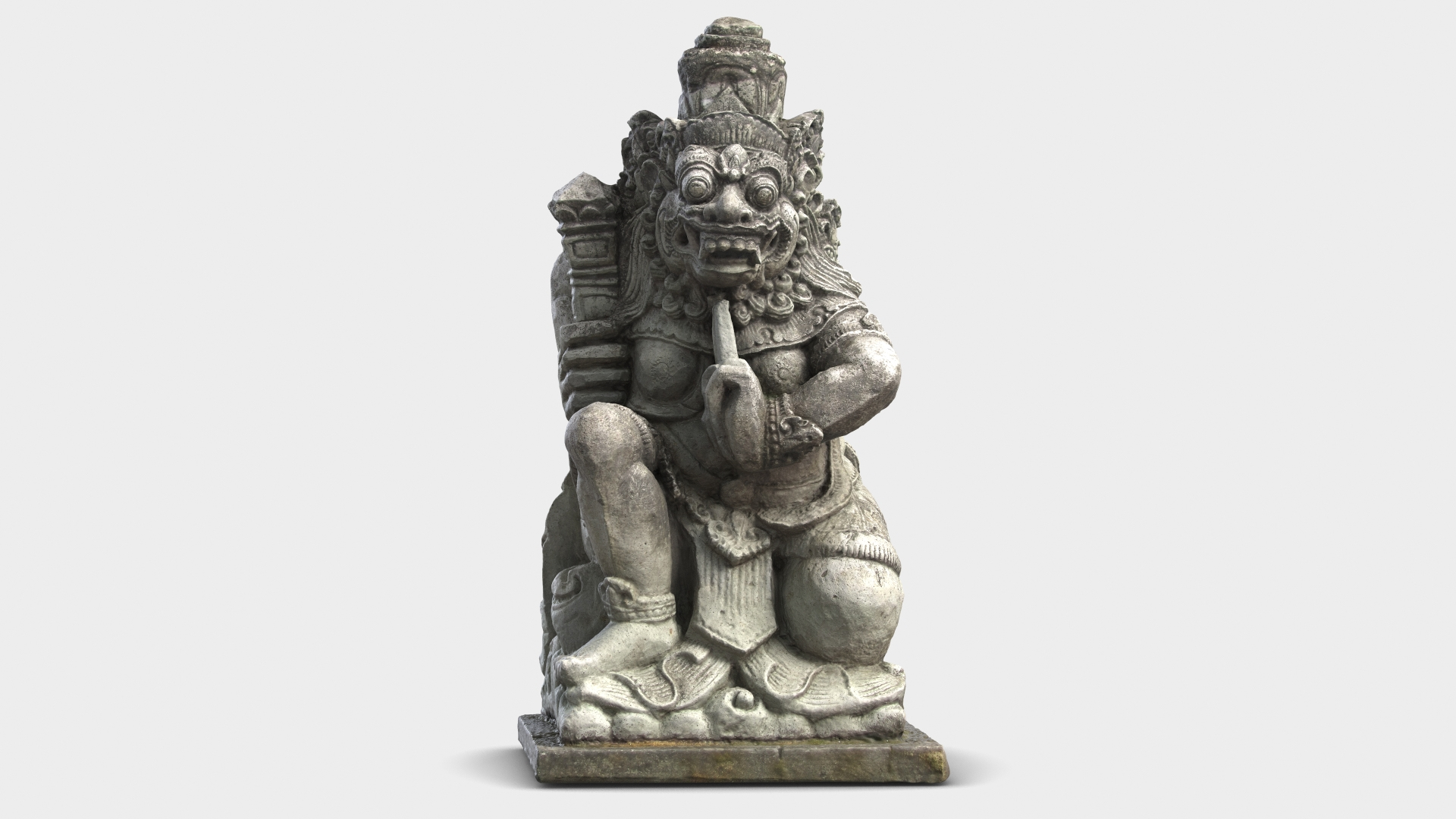
Bali Demon Statue 1

$49

Standard License | Upgrade License
Formats (5)
Free file format Conversions available
Native | 3ds Max 2015 | V-Ray 3.5
3ds Max 2015 | Default Scanline
FBX
OBJ
3D Studio
Specifications
Publish Date August 01, 2013
Product ID 757789
Polygons 15,048
Vertices 15,050
Polygonal Quads/Tris Geometry
Textures
Materials
UV Mapped
Non-overlapping Unwrapped UVs
TurboSquid Exclusive
member avatar
shiva3d
2276 Products | Contributor Since 2000
Have questions? Chat with us now.

Description

Bali Demon Statue 3D Model. 
 
Model recreated from 3D Scan Data and completed in 3ds Max. 
 
This model is suitable for use in broadcast, high-res film close-up, advertising, design visualization, etc. 
 
This model contains 1 geometry object. 
 
Model created in real world size. 
Units used - centimeters 
Dimensions: 22.9cm x 24.3cm x 42.3cm 
 
Modeled for Subdivision. 
3ds Max model has TurboSmooth modifier applied. 
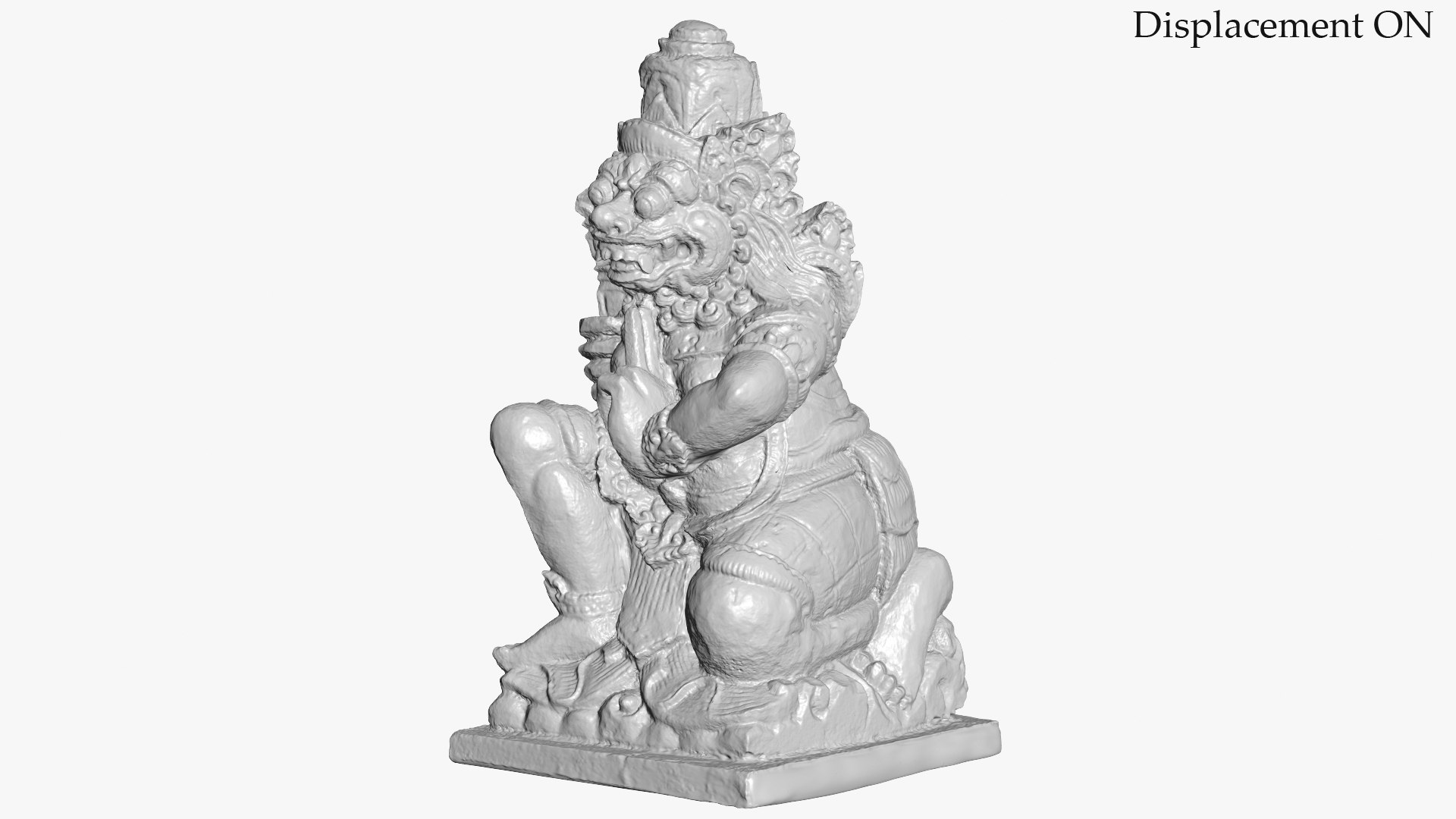
Model used Displacement map for details. 
3ds Max model has Displacement modifier applied. Or VRayDisplacement in case of V-Ray scene. 
 
Clean topology. 
No N-Gons. 
No Triangles. Only 4 sided polygons. 
 
Includes 3Ds Max Model setuped for V-Ray render. 
Includes 3Ds Max Model setuped for standart Scanline render. 
No third-party renderer or plug-ins needed. 
For V-Ray scene you will need V-Ray renderer. 
Previews rendered with V-Ray. 
 
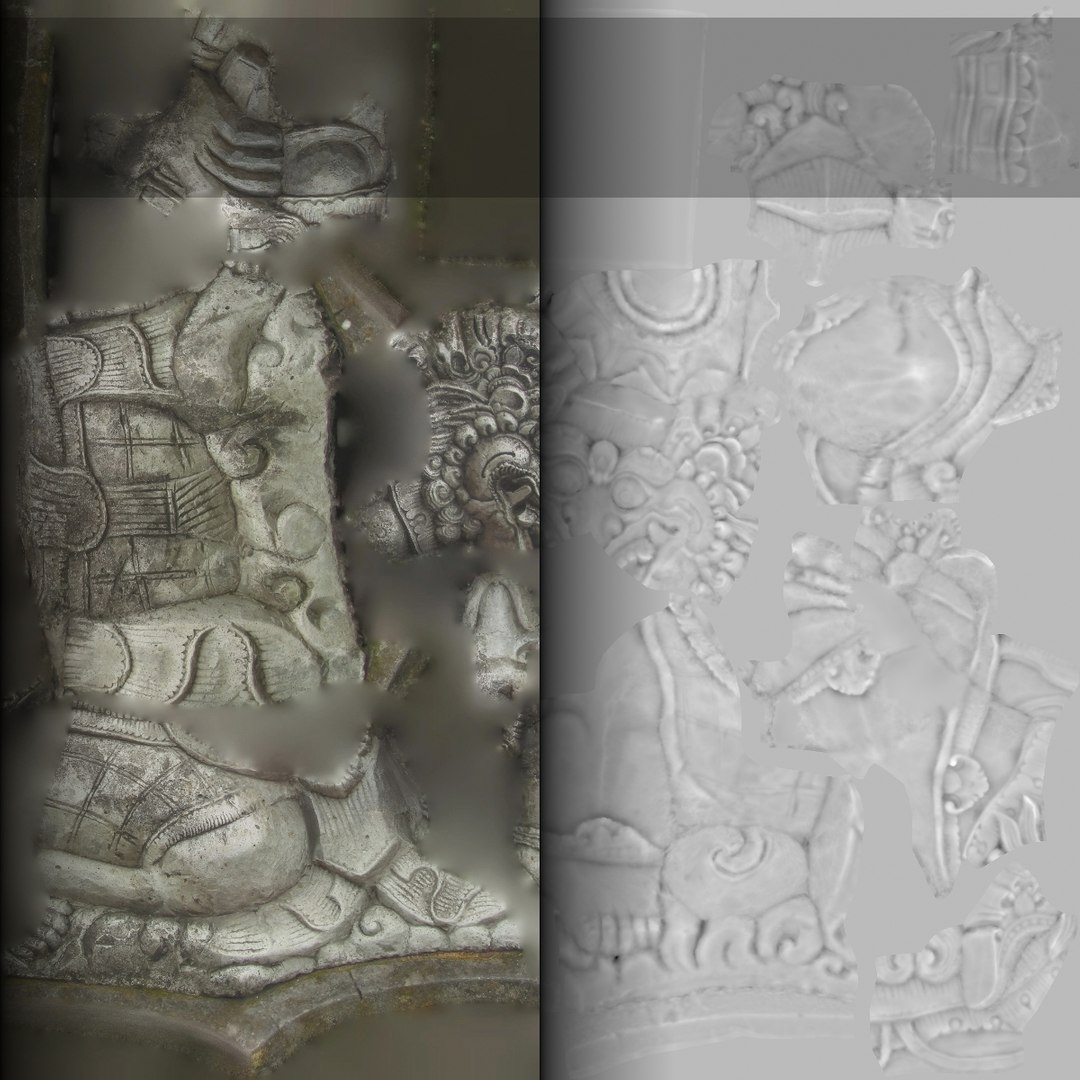
Textures: 
1. Demon1.jpg - 4096x4096 
2. BaliDemon1_Disp.tif - 2048x2048 
 
Feel free to leave your opinion in comments and check out my other models. 
 
Categories

Select Enhanced License

  • $10,000 in Legal Protection (Indemnification)
  • Uncapped Legal Protection (Indemnification)
  • Waiver from injunctive relief
  • Assignable model rights
  • $1,000,000 in Legal Protection (Indemnification)
  • Waiver from injunctive relief
  • Assignable model rights
  • $250,000 in Legal Protection (Indemnification)
  • Assignable model rights
Read more about enhanced license tiers, or contact us at enterprise@turbosquid.com. Already a Shutterstock Enterprise Customer? Contact your Shutterstock Sales Support Agent to talk about adding 3D.

About Conversion Requests

To submit a conversion request for a purchased asset, please complete our Conversion Request Form.

If you have not yet purchased a model, please review our Documentation about Conversions to learn about what limitations you may encounter with a conversion.

For any additional questions about a model’s suitability for conversion, please contact TurboSquid Support.

Loading...