
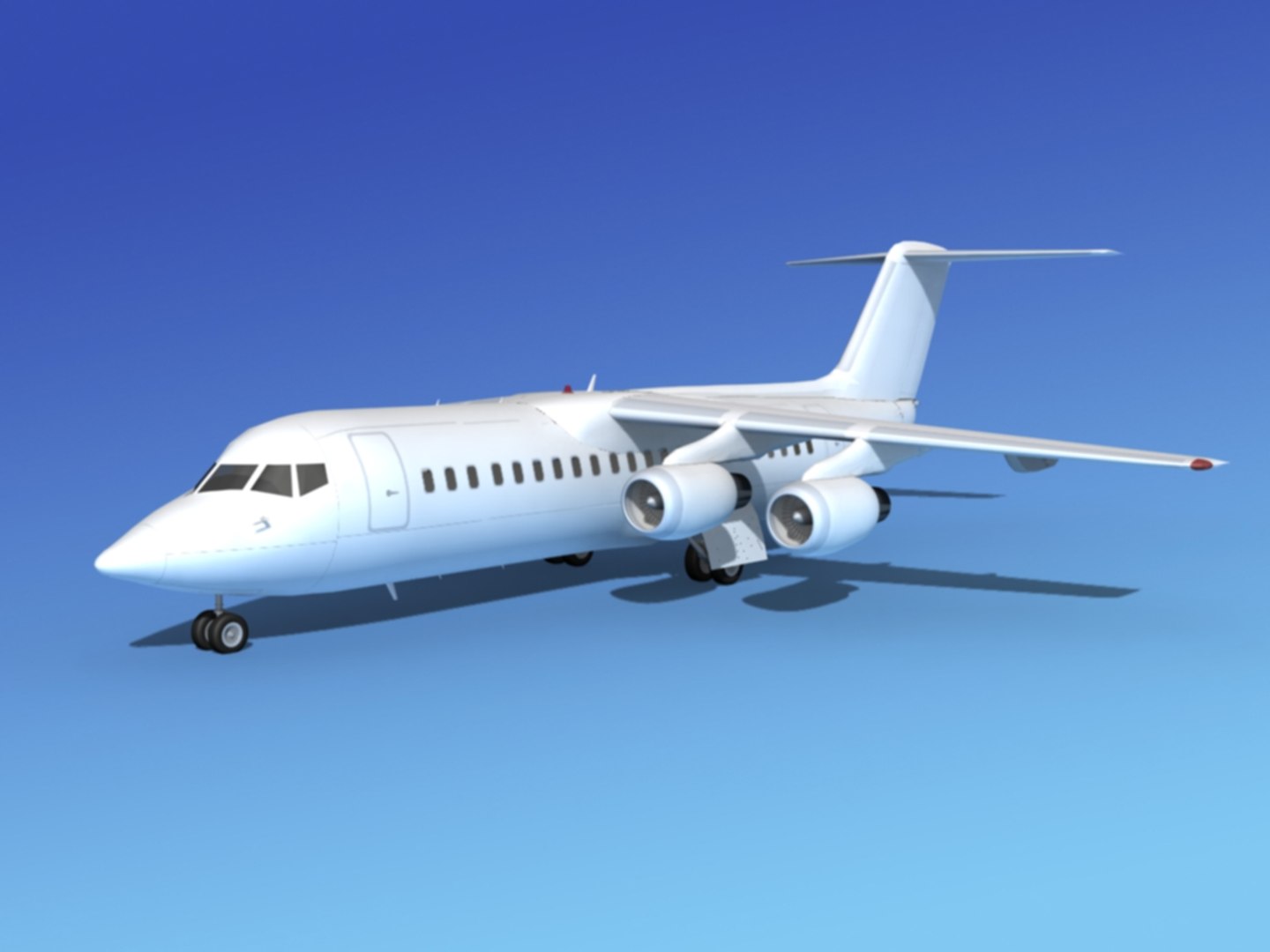
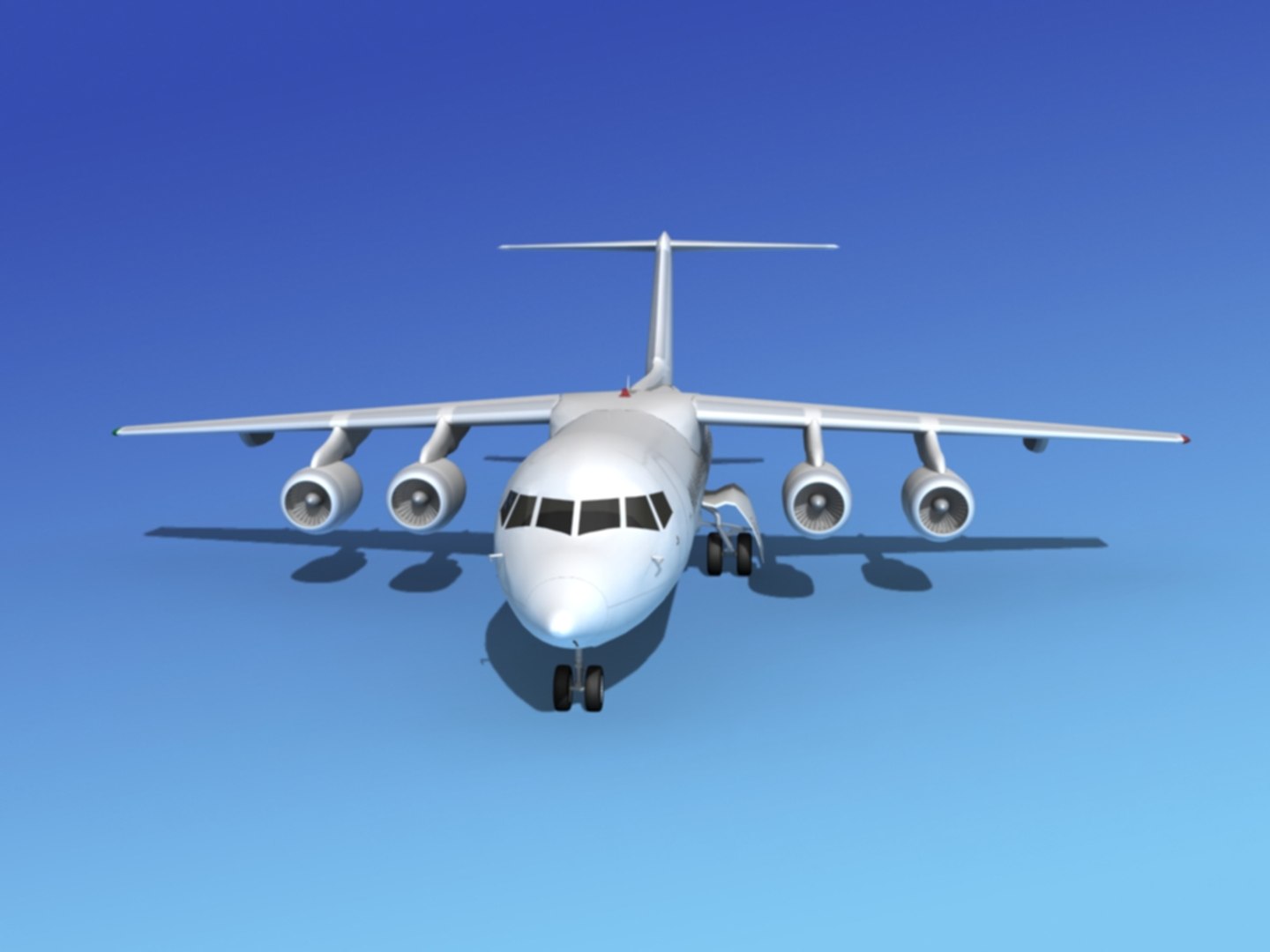
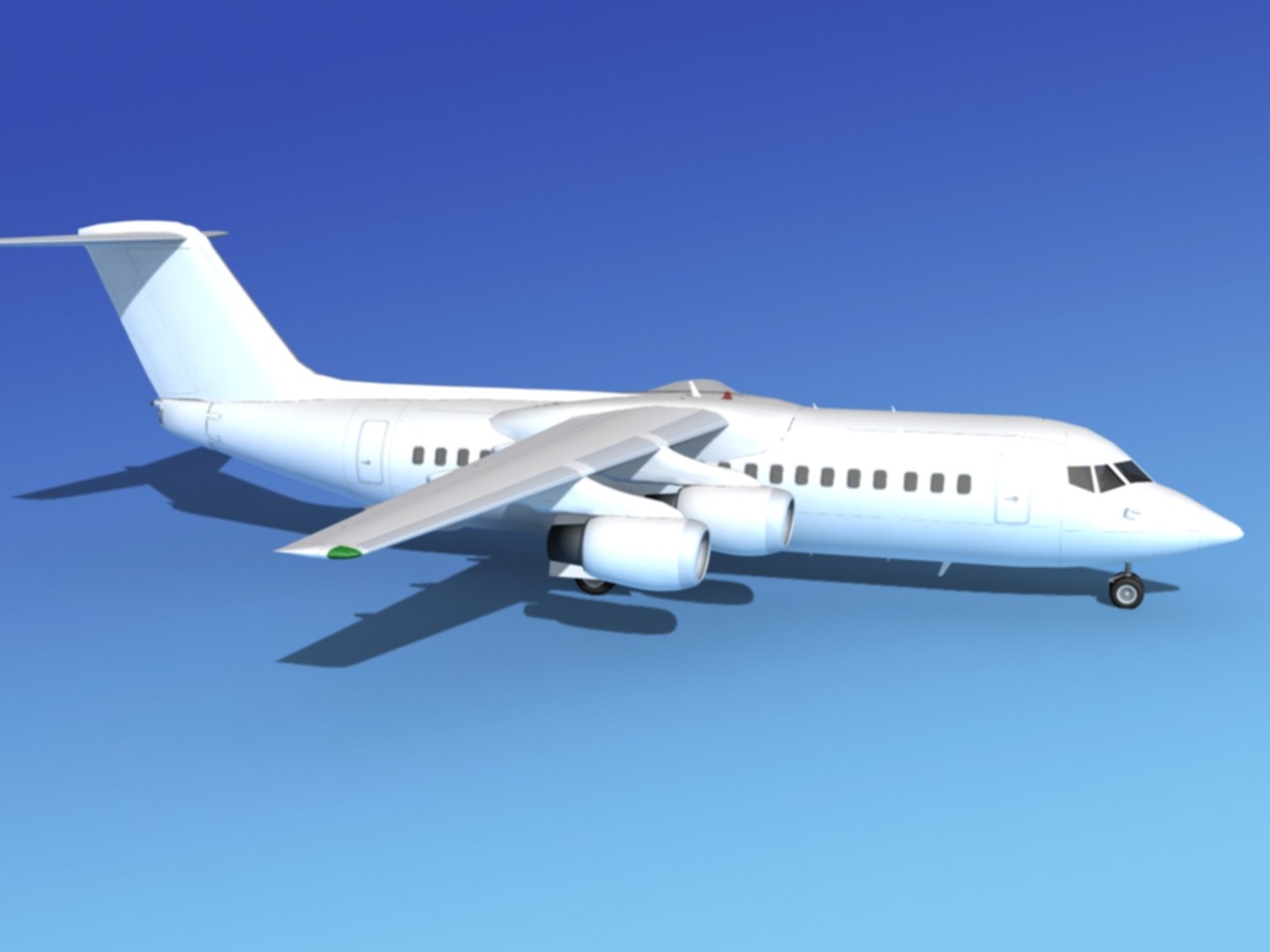
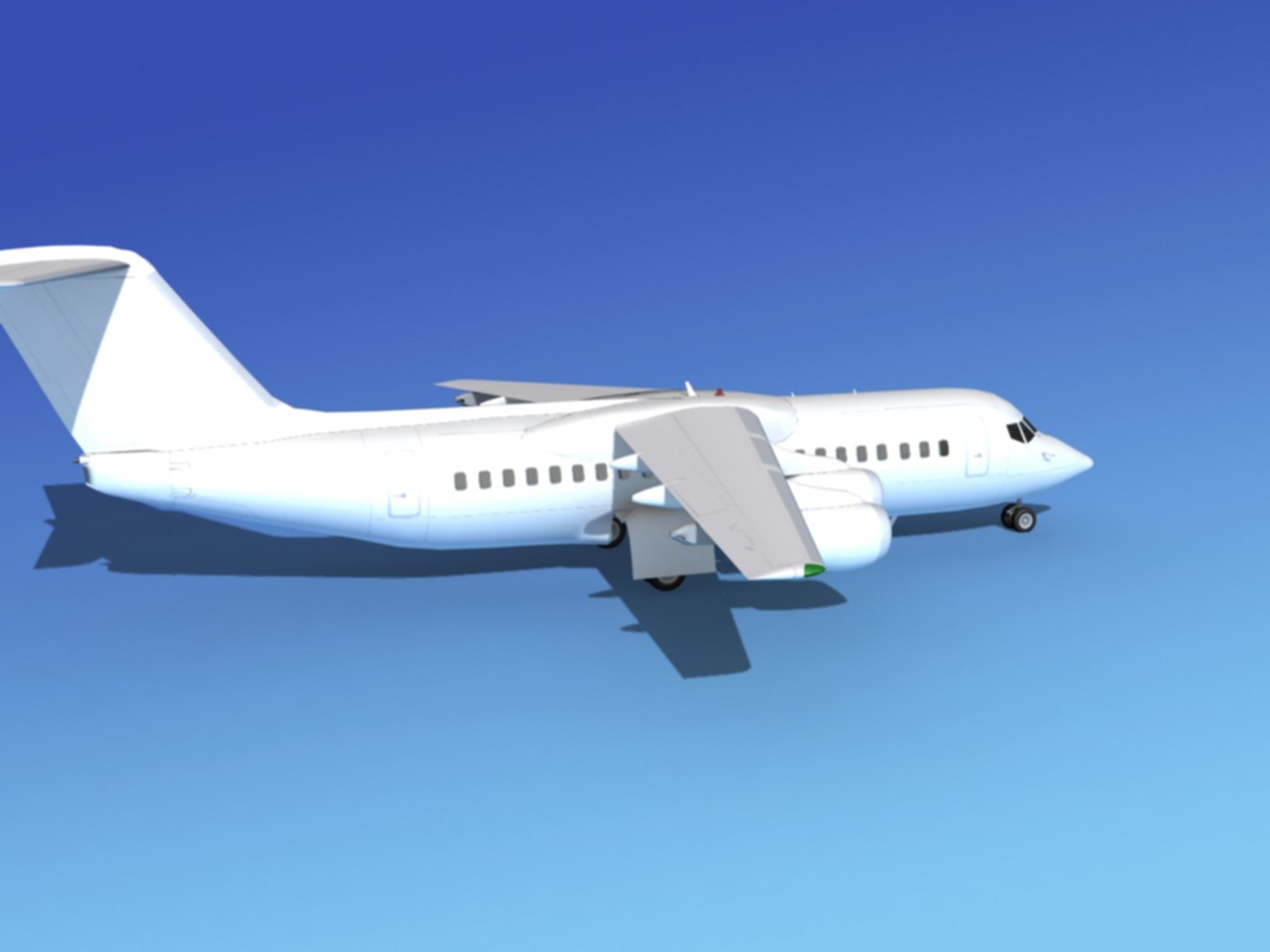
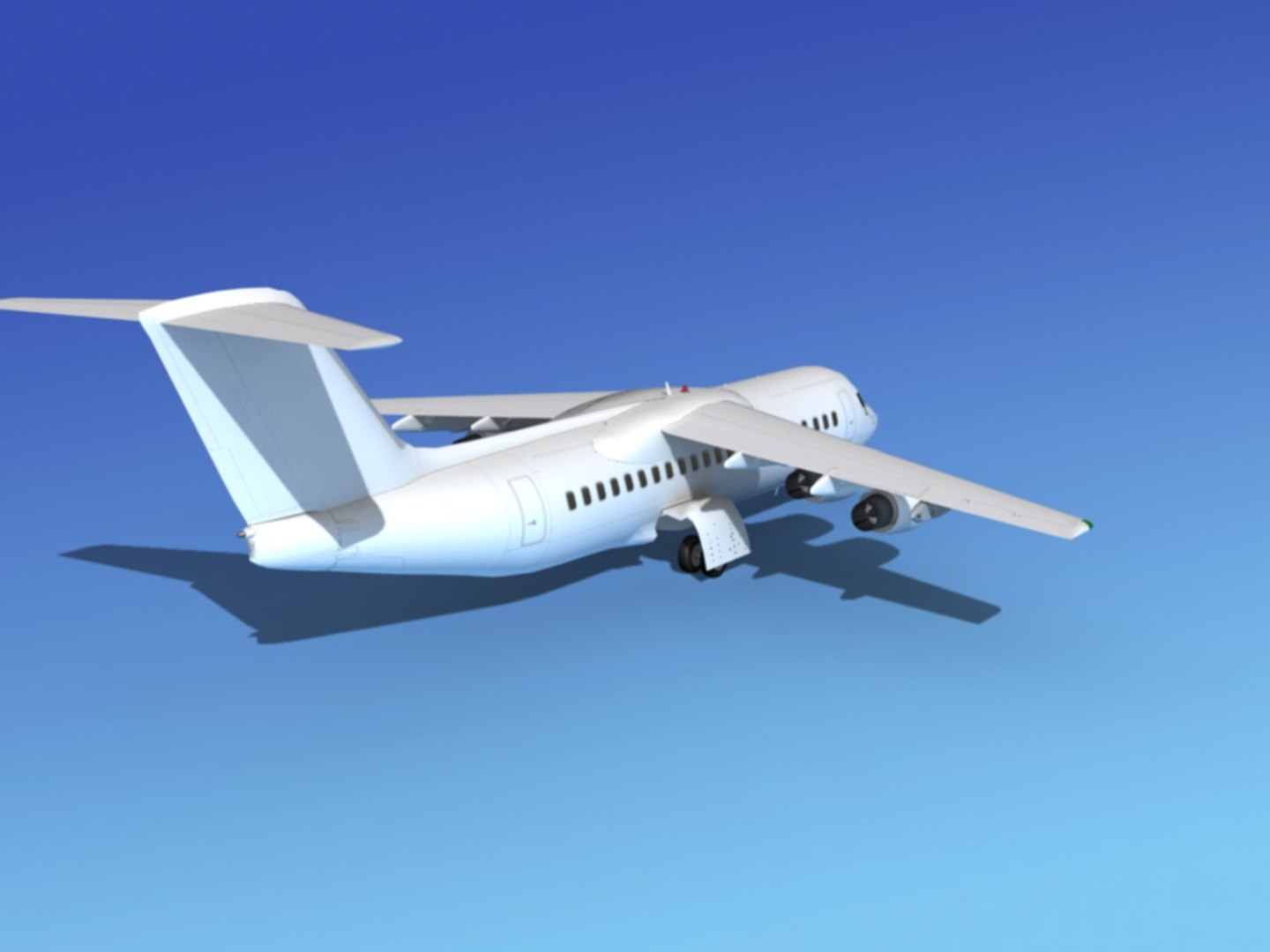
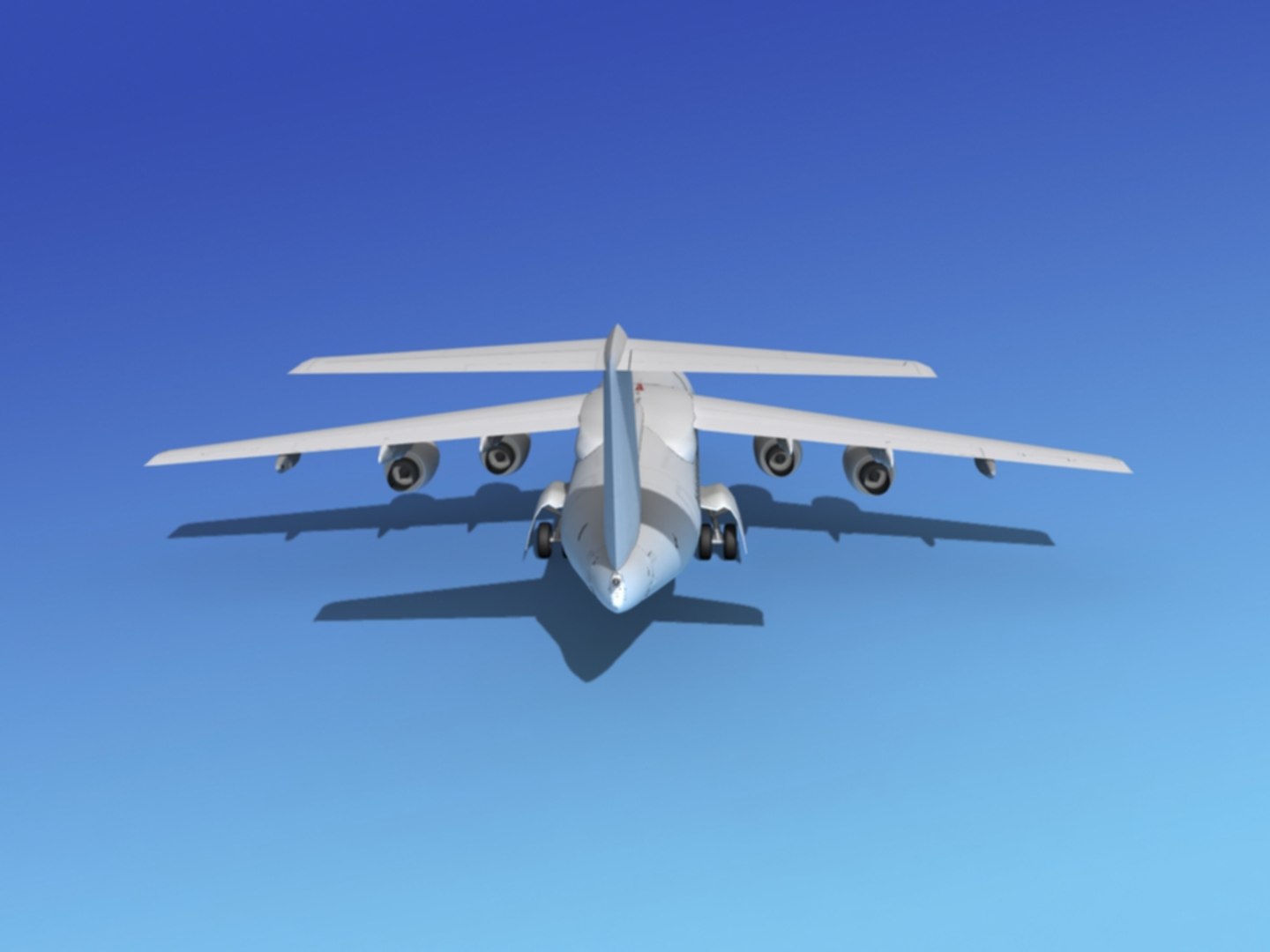
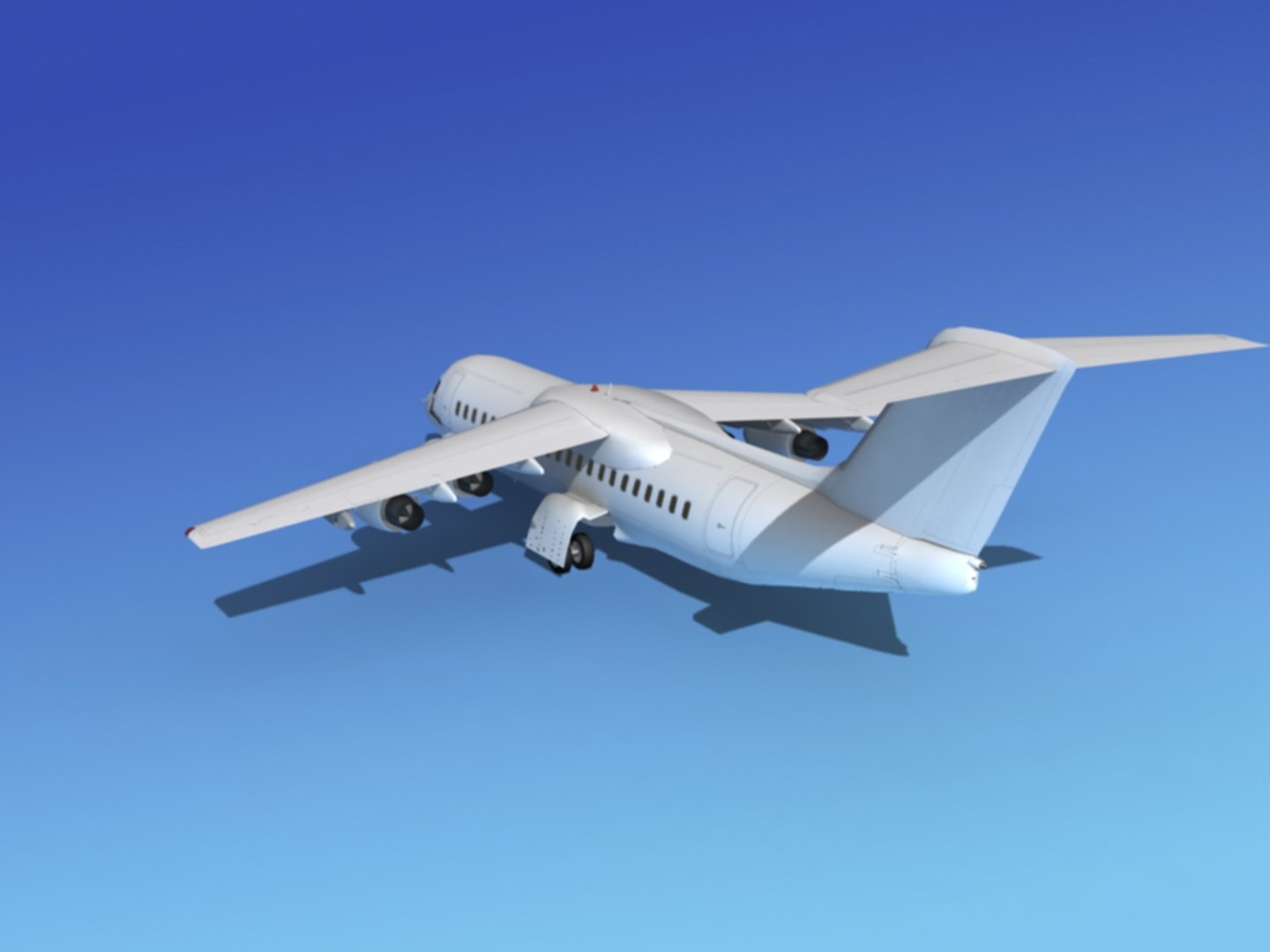
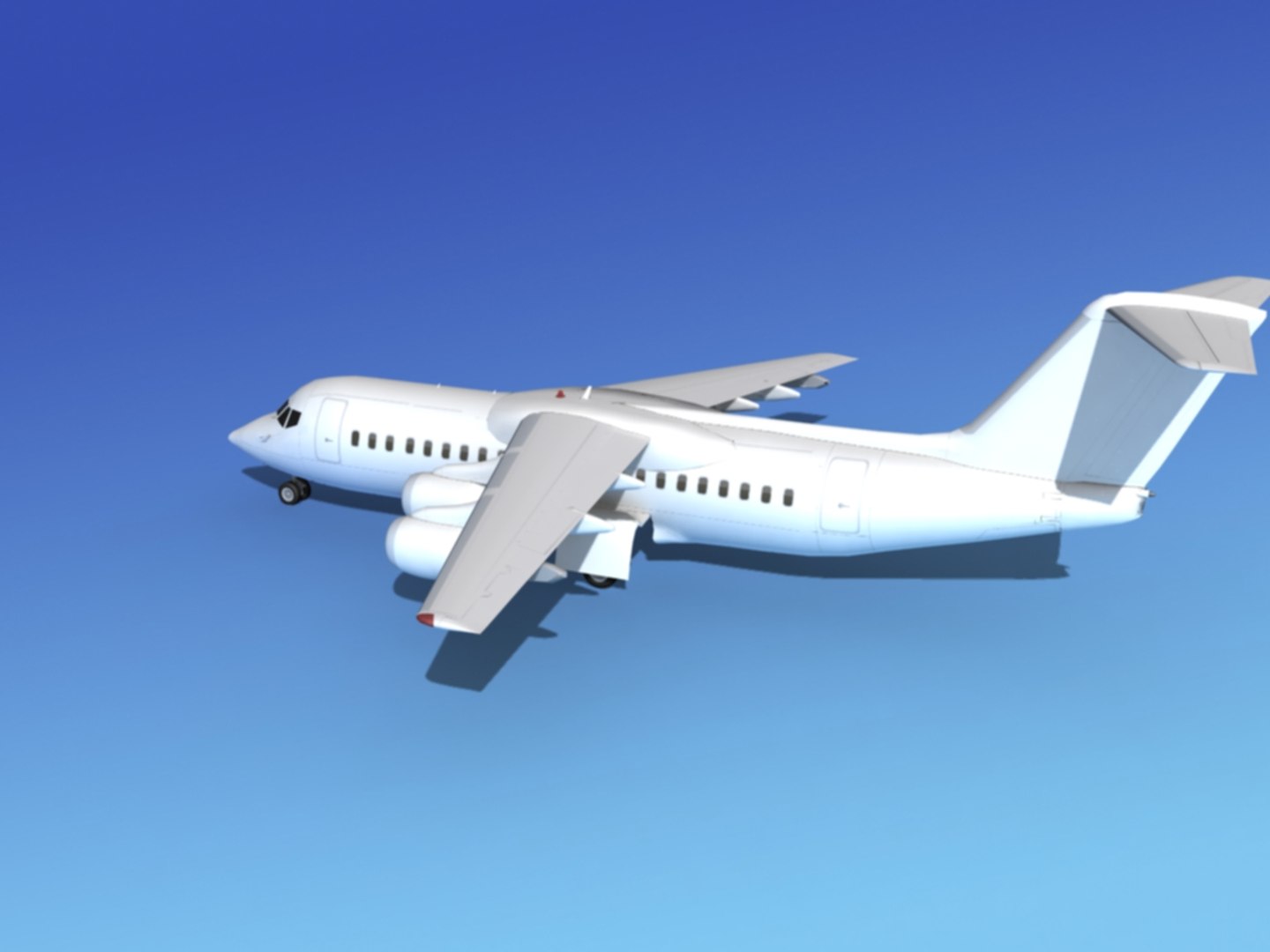
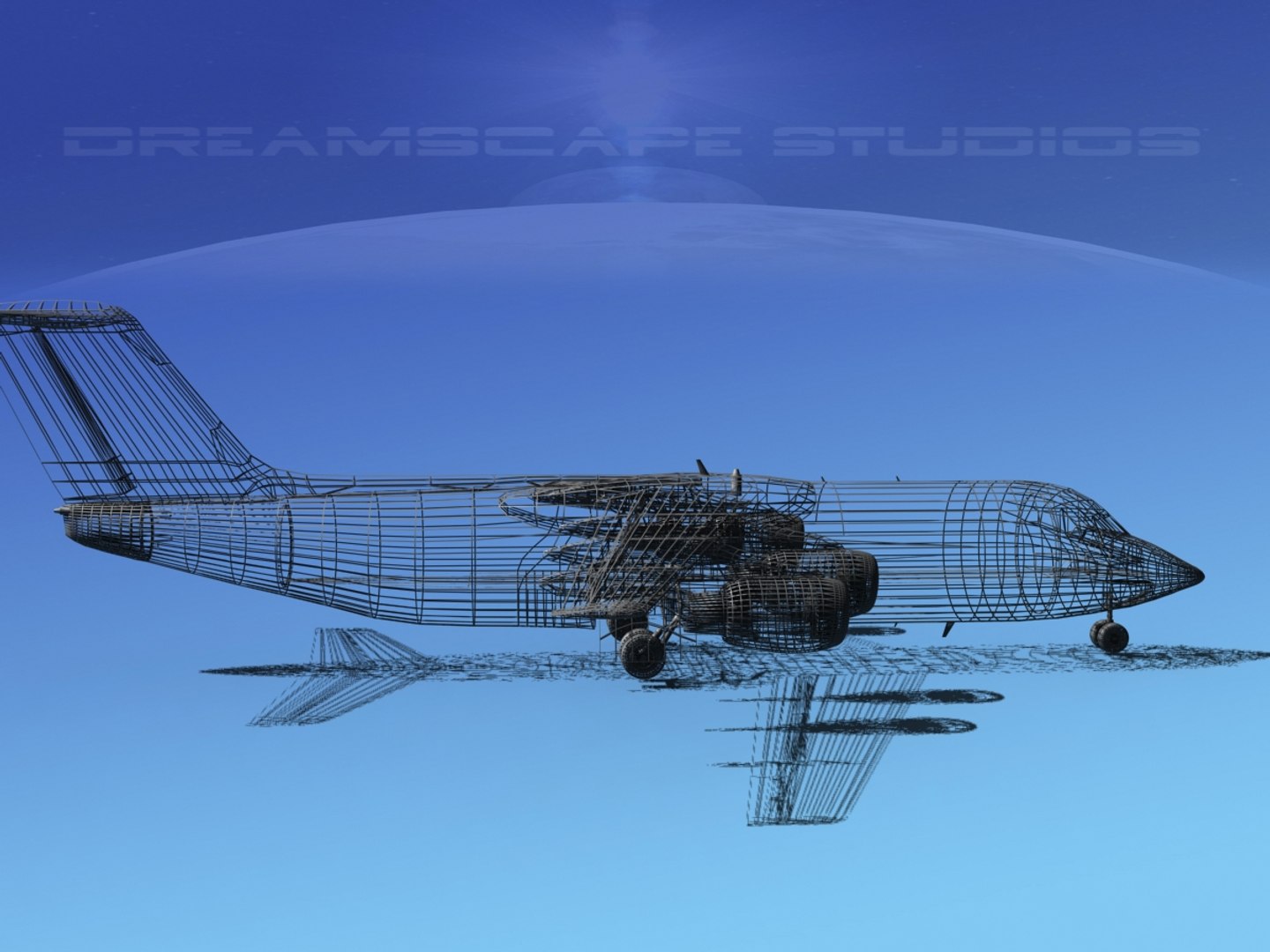
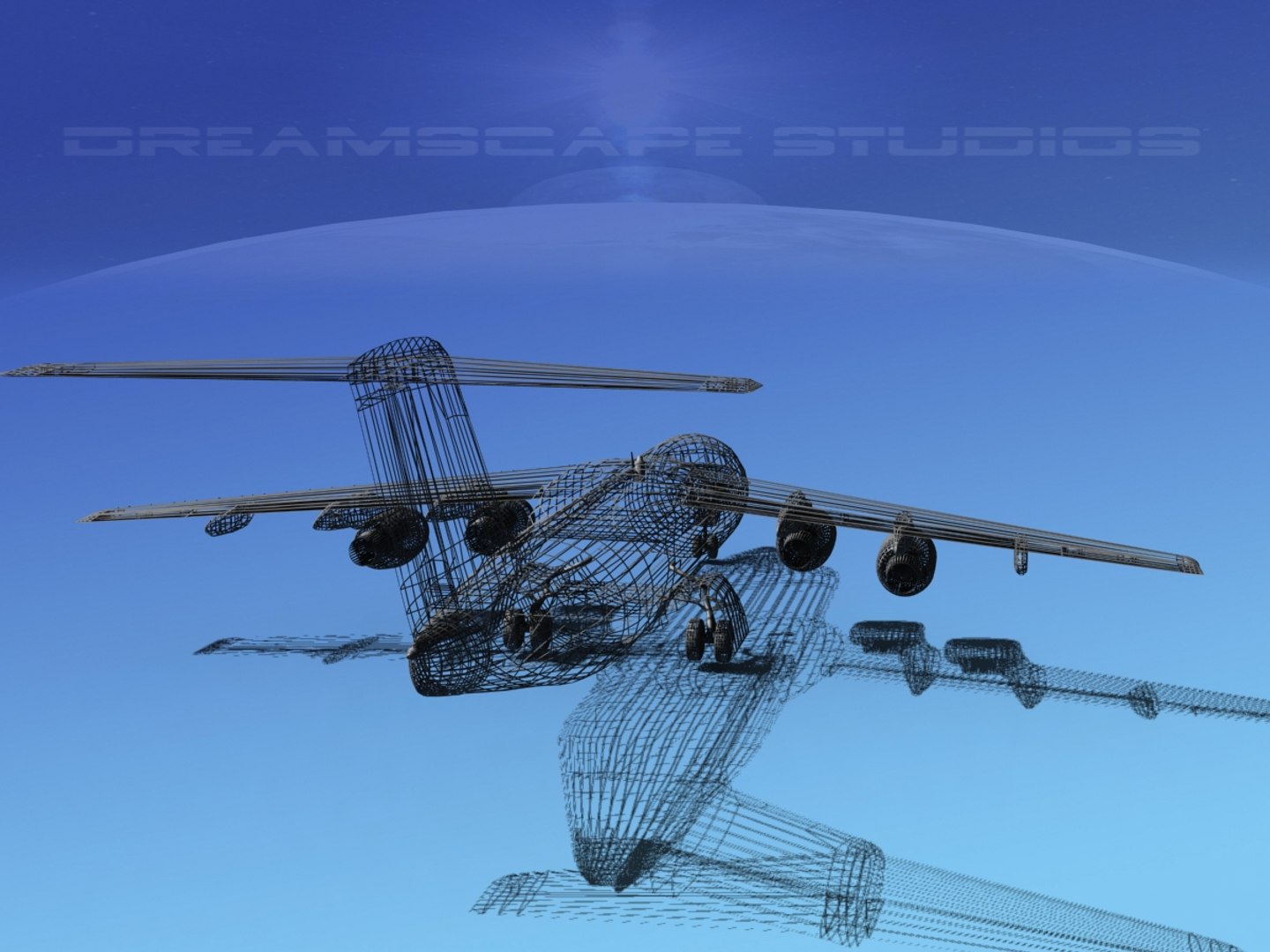
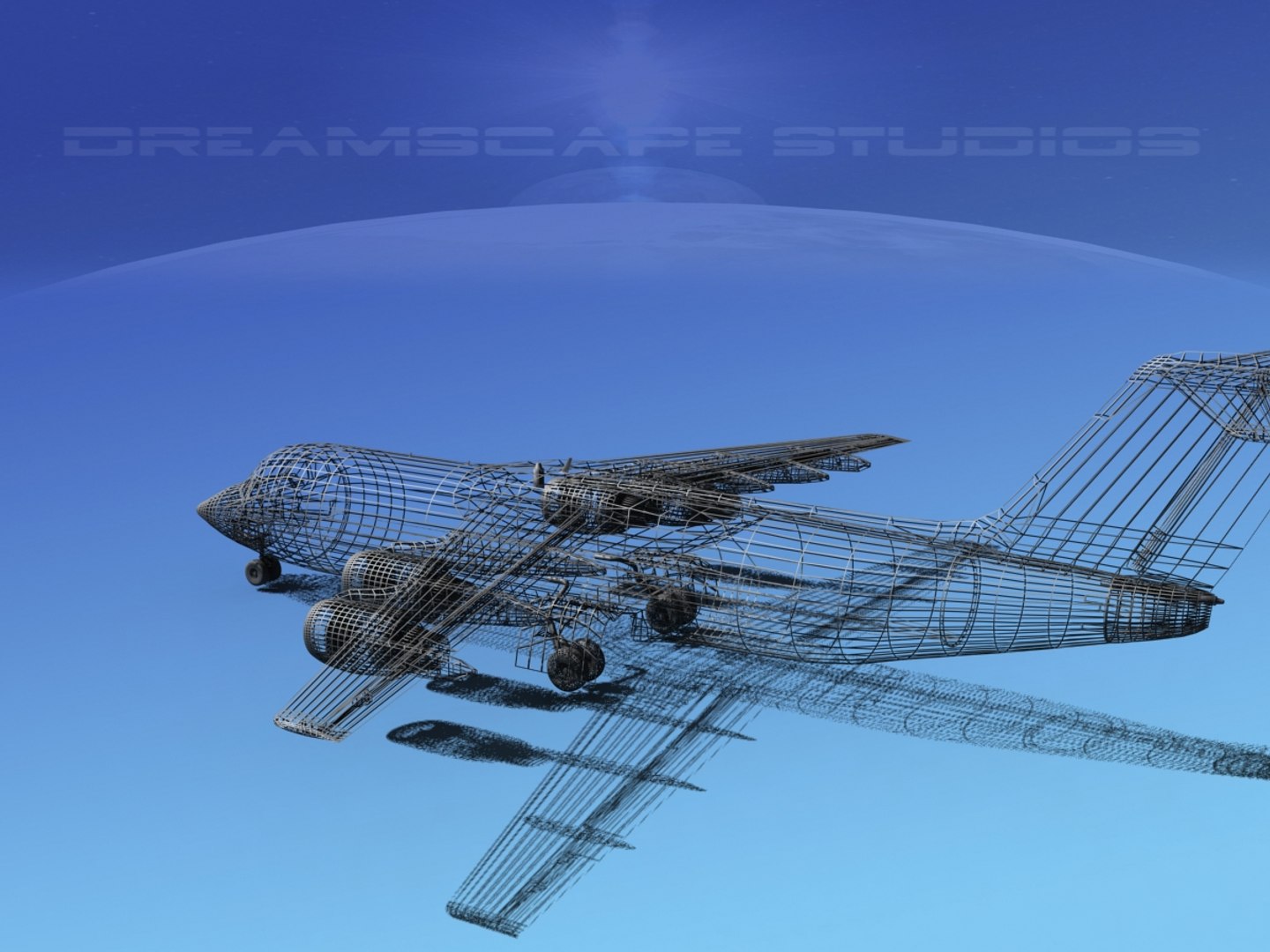
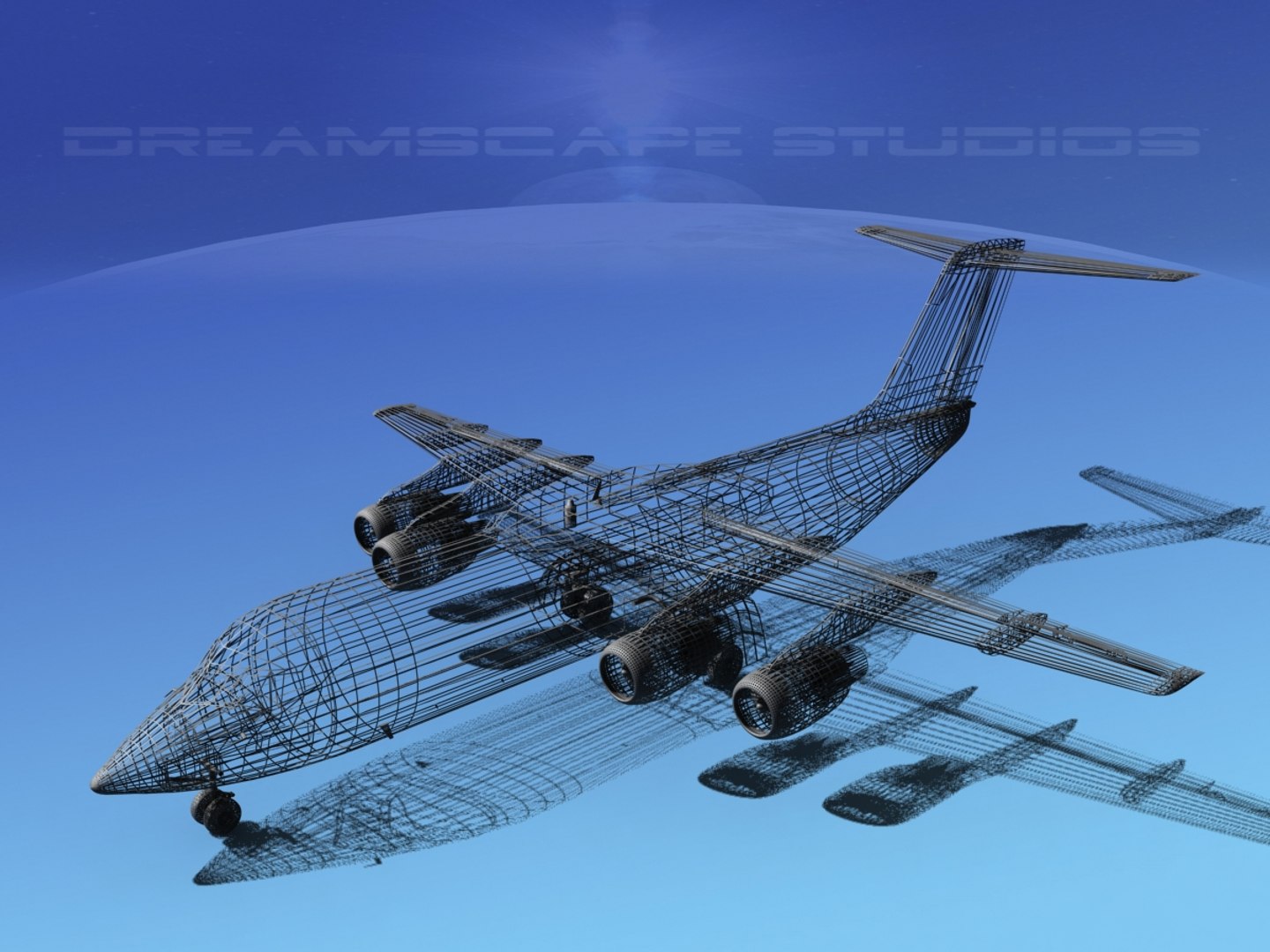
BAe 146-300 Unmarked 2

$89

Standard License | Upgrade License
Editorial Uses Only
Formats (9)
Free file format Conversions available
Lightwave 6 | Other
3ds Max 7 | Default Scanline
Other Textures
AutoCAD drawing
DXF
OBJ
STL
3D Studio
Other Files
BaE RJ-146-300 Unmarked 2matex.rar
Specifications
Publish Date December 10, 2014
Product ID 875966
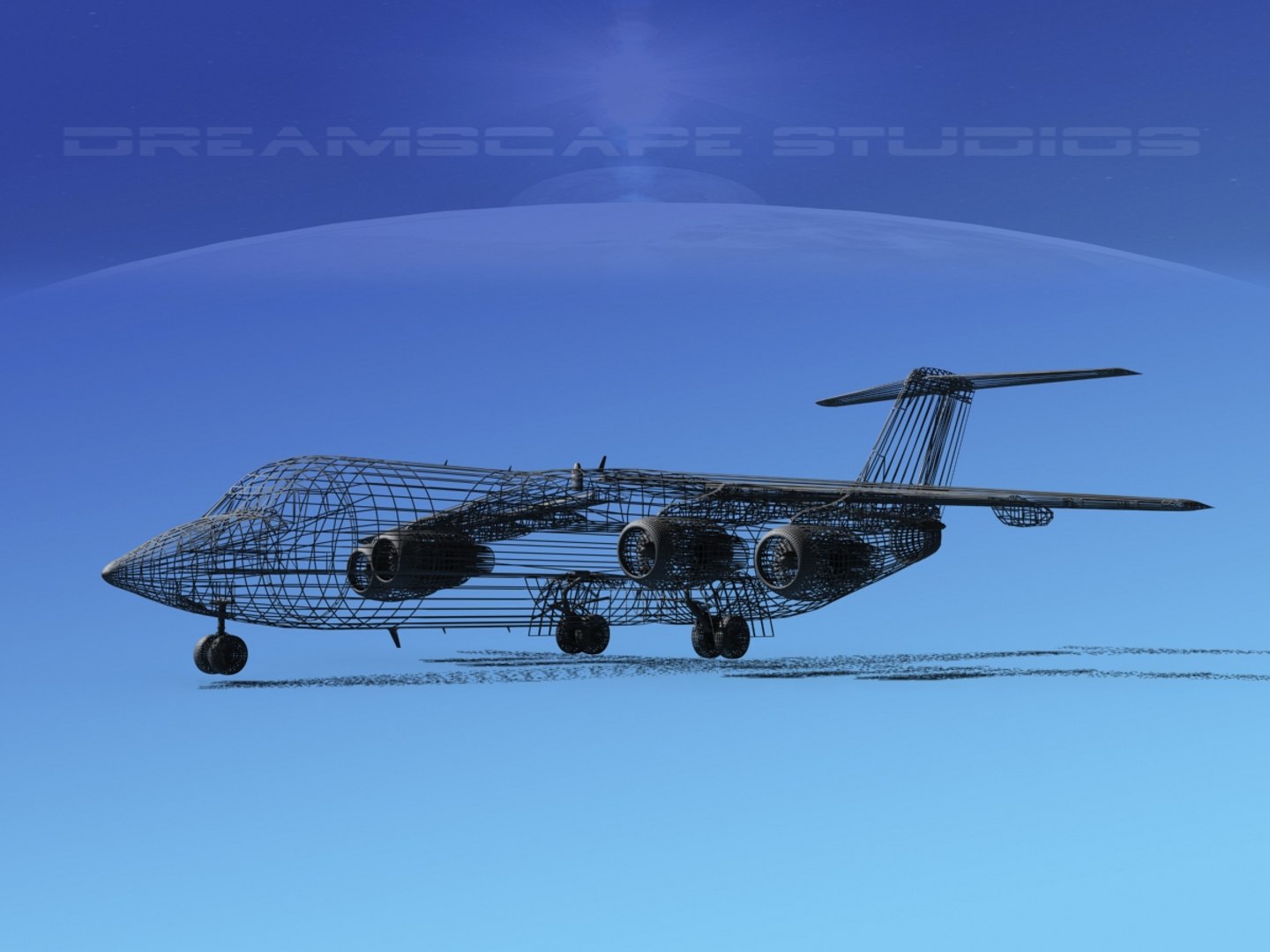
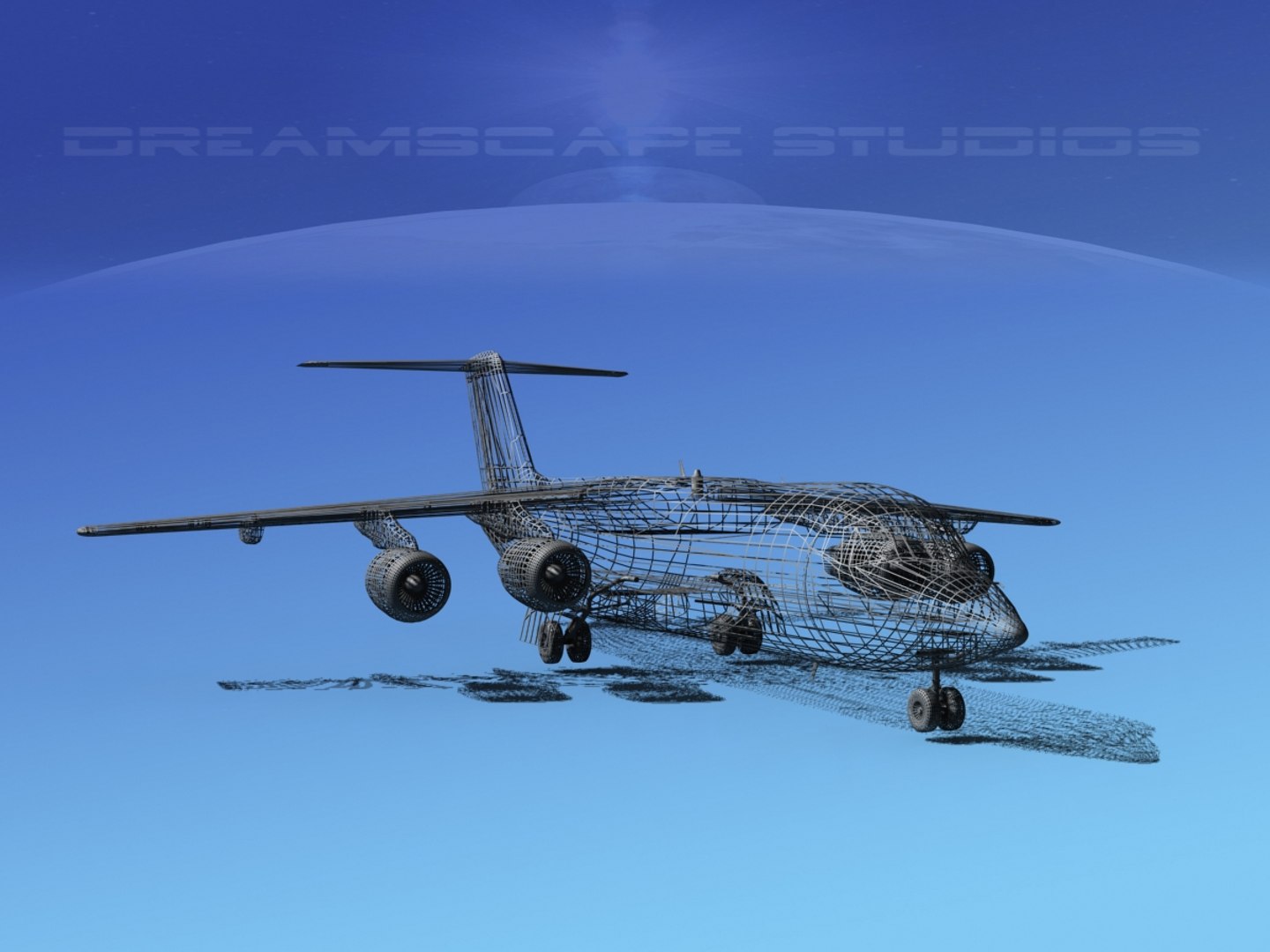
Polygons 108,428
Vertices 56,425
Polygonal
Textures
Materials
UV Mapped
Rigged

member avatar
Dreamscape Studios
8885 Products | Contributor Since 2002
Have questions? Chat with us now.

Description

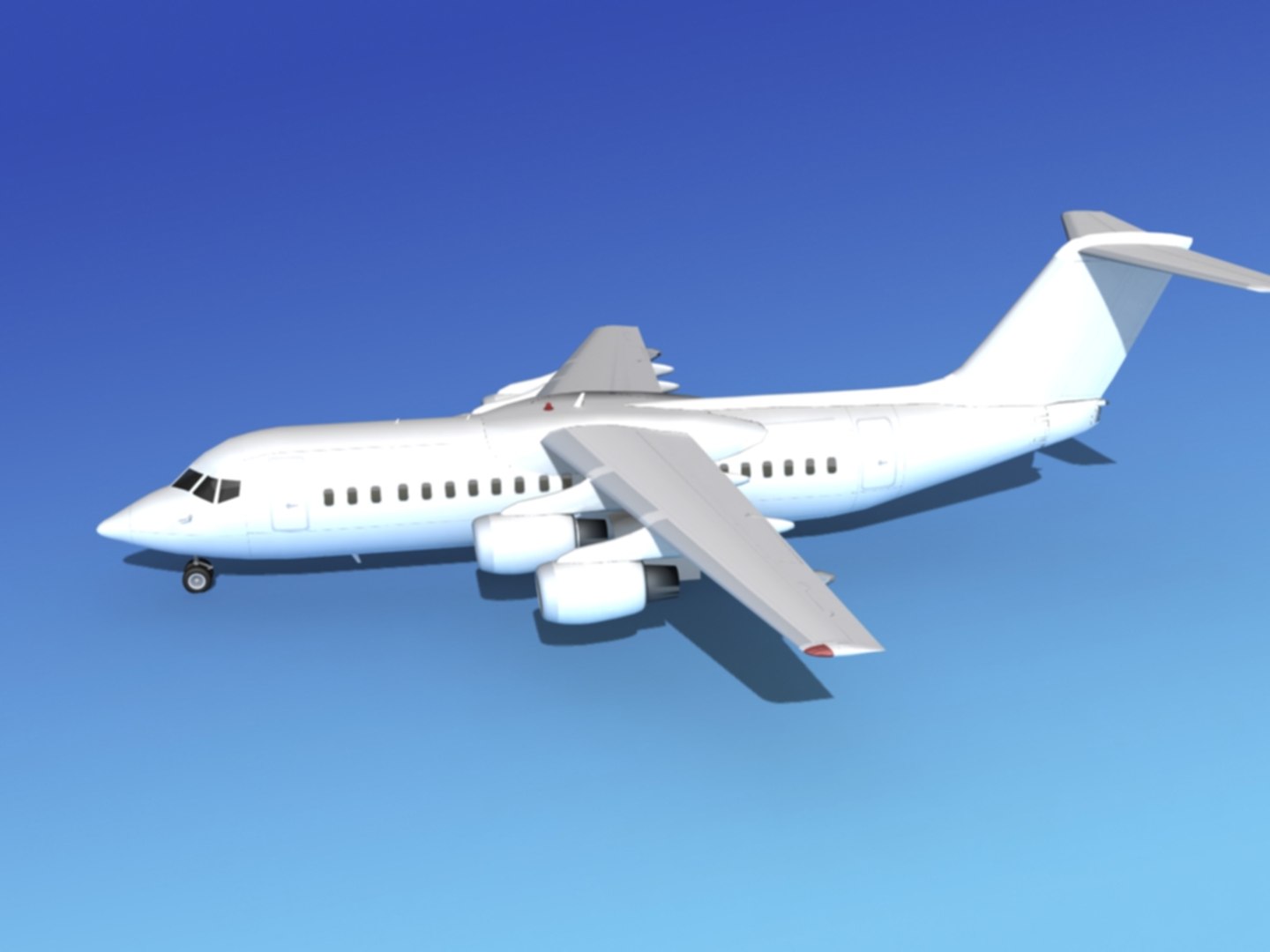
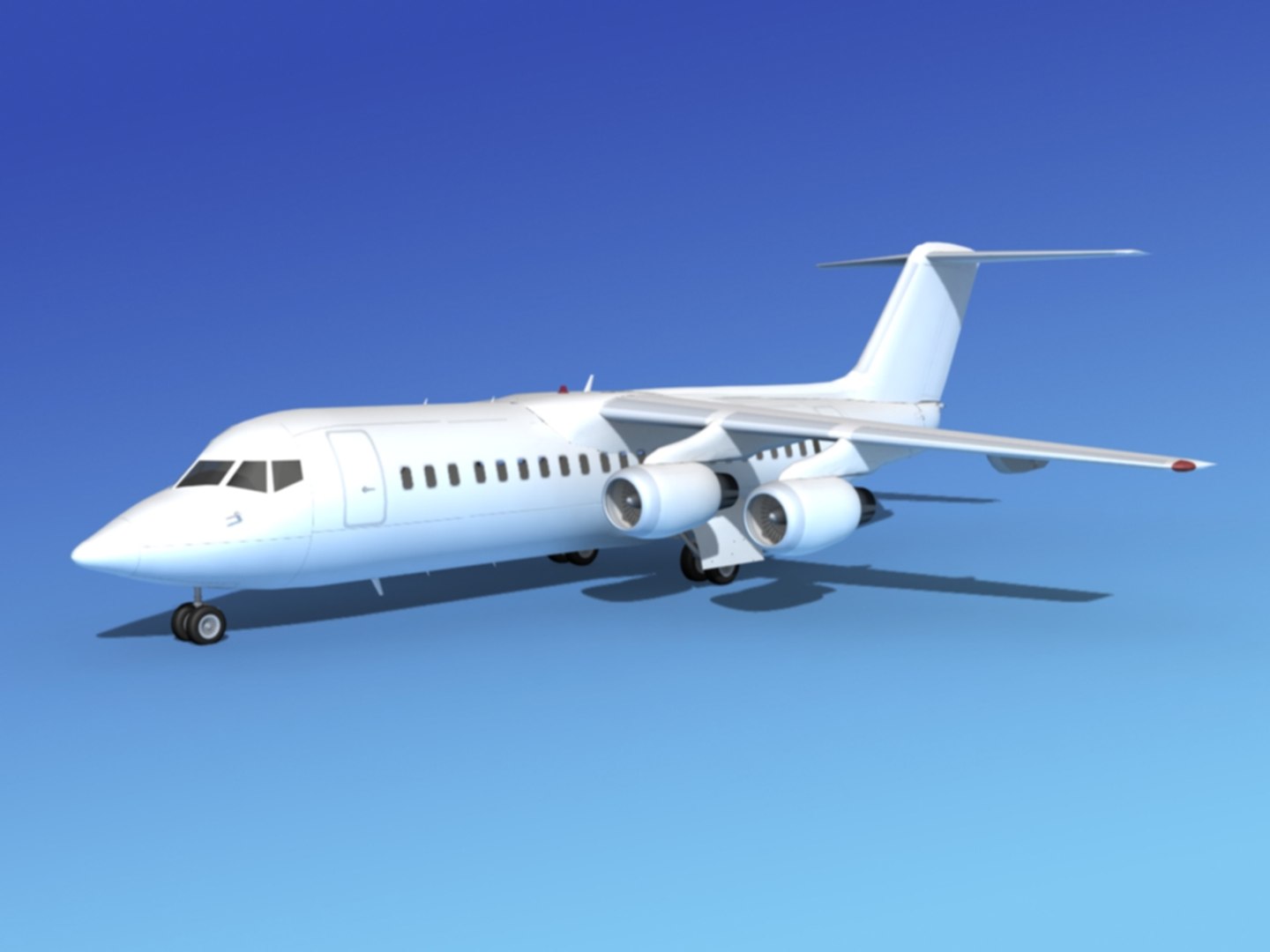
BAe146-300 is built near the scale based on actual dimensions and in good detail. The model includes many animateable features including turbines, flaps, ailerons, rudder, elevators, landing gear, landing gear doors. It comes with all the textures and materials and is provided in several different formats.

The BAe 146 is the most successful British built aircraft manufactured in Britain. It is a high wing, fully cantilever four engine jet with a T-tail.

These aircraft began production in 1981 in the United Kingdom and 387 were produced. This aircraft comes in three versions including the 100, 200, and 300. The equivalent Avro versions are designated RJ70, RJ85, and RJ100. The 300 variant is the largest of the family with a capacity of 112 passengers.

Many of these airliners have served airlines around the world economically and safely. Most of these aircraft are being converted into freighters and cargo carriers, while being replaced by new Airbus 318, CRJ900 or 1000, or other aircraft.

Select Enhanced License

  • $10,000 in Legal Protection (Indemnification)
  • Uncapped Legal Protection (Indemnification)
  • Waiver from injunctive relief
  • Assignable model rights
  • $1,000,000 in Legal Protection (Indemnification)
  • Waiver from injunctive relief
  • Assignable model rights
  • $250,000 in Legal Protection (Indemnification)
  • Assignable model rights
Read more about enhanced license tiers, or contact us at enterprise@turbosquid.com. Already a Shutterstock Enterprise Customer? Contact your Shutterstock Sales Support Agent to talk about adding 3D.

About Conversion Requests

To submit a conversion request for a purchased asset, please complete our Conversion Request Form.

If you have not yet purchased a model, please review our Documentation about Conversions to learn about what limitations you may encounter with a conversion.

For any additional questions about a model’s suitability for conversion, please contact TurboSquid Support.

Loading...