
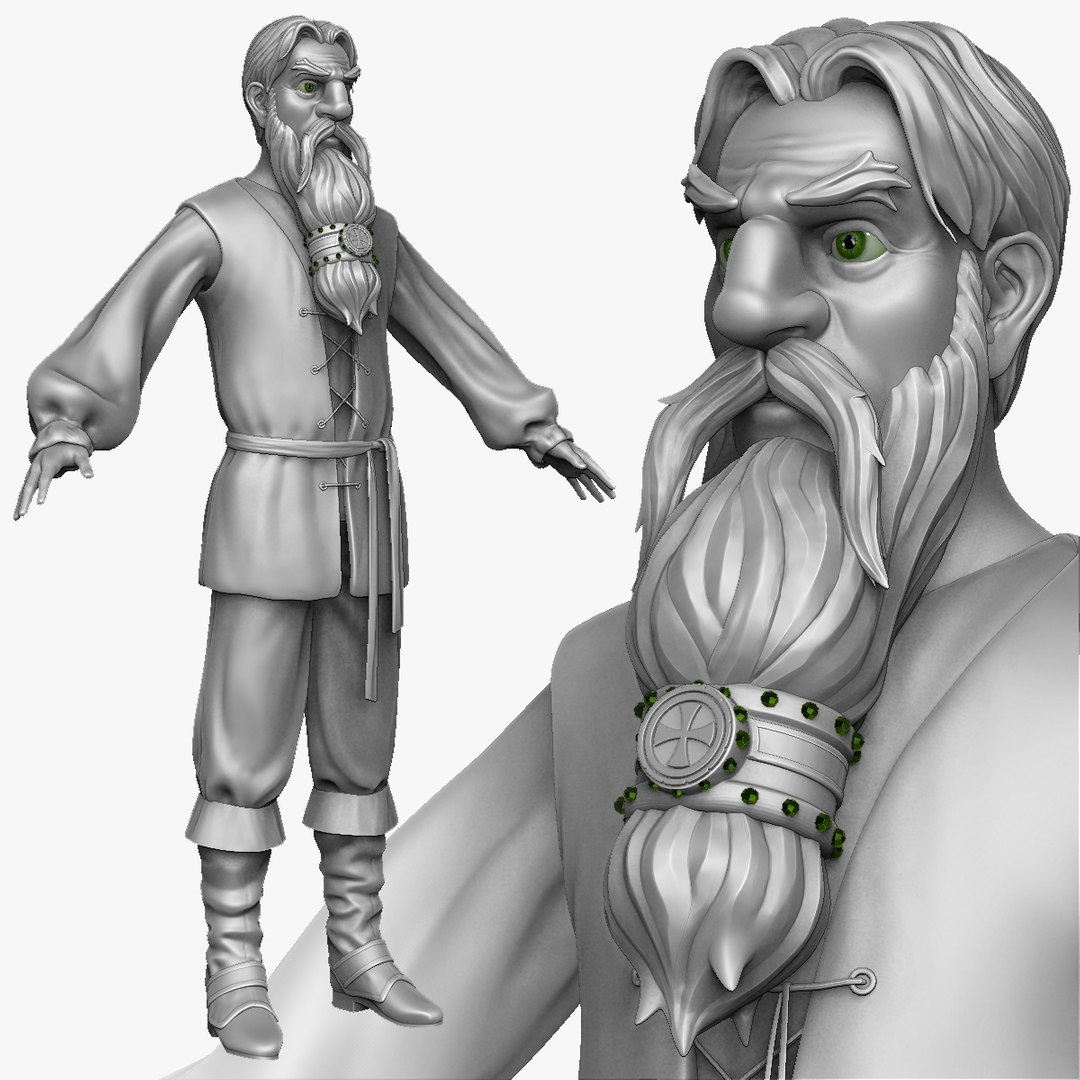
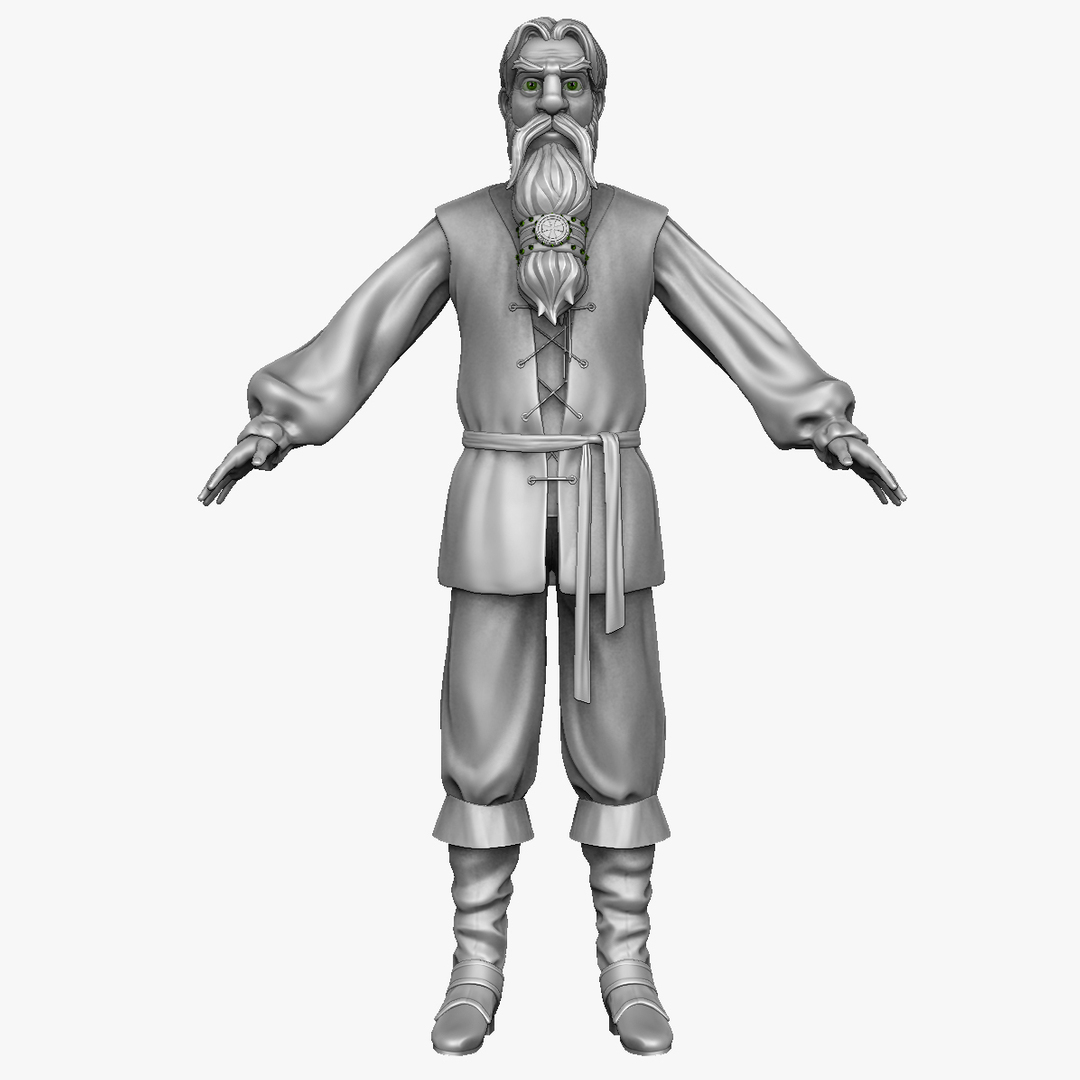
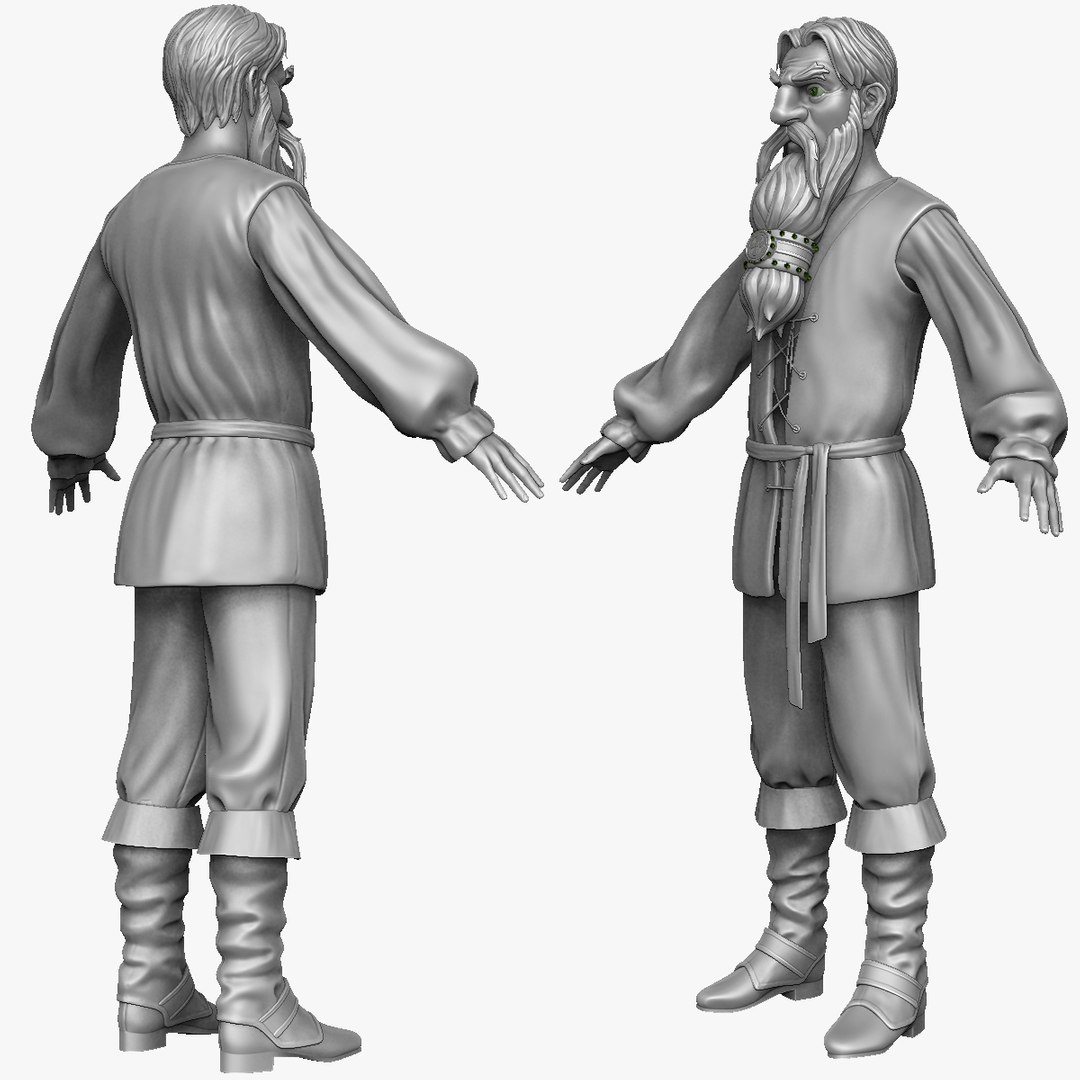
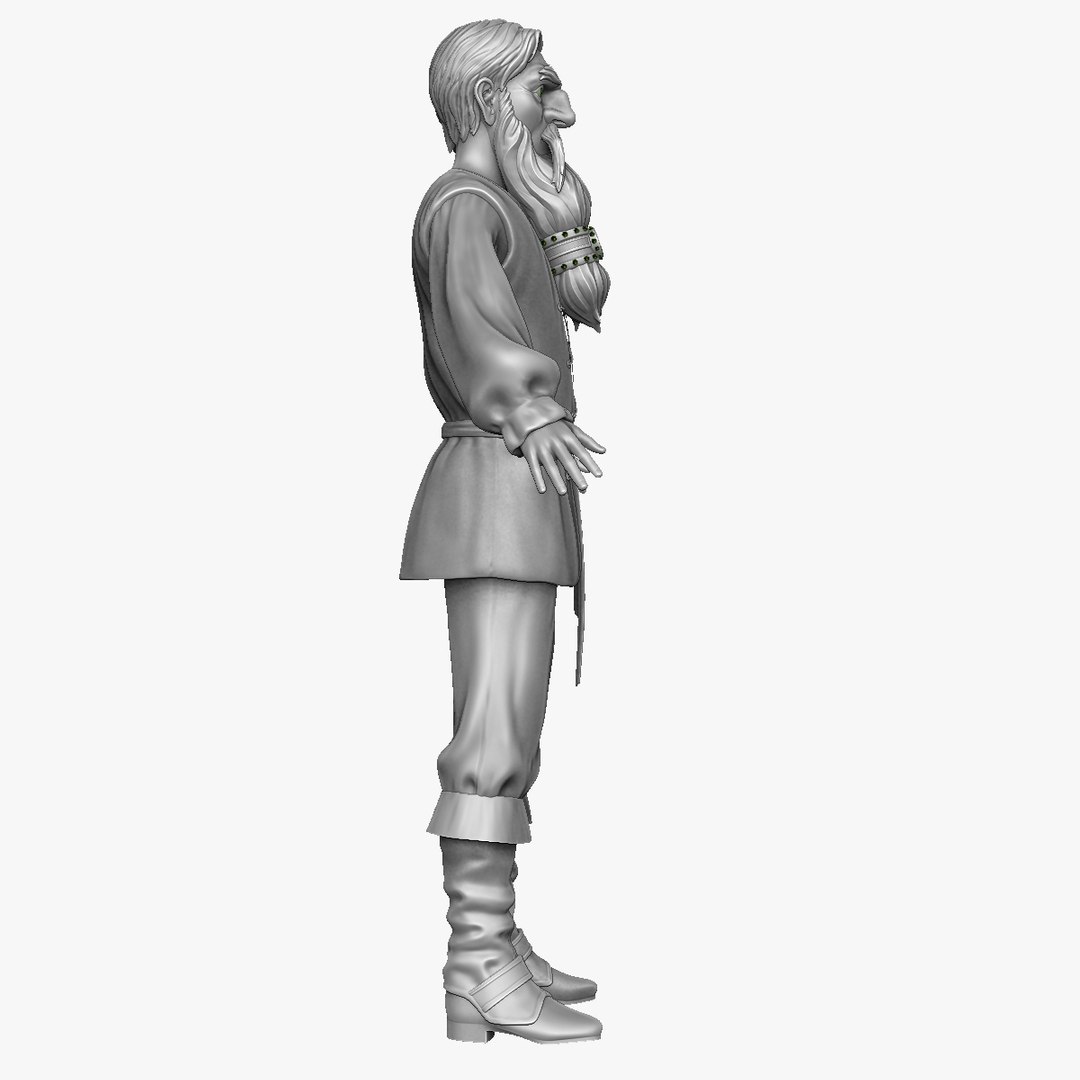
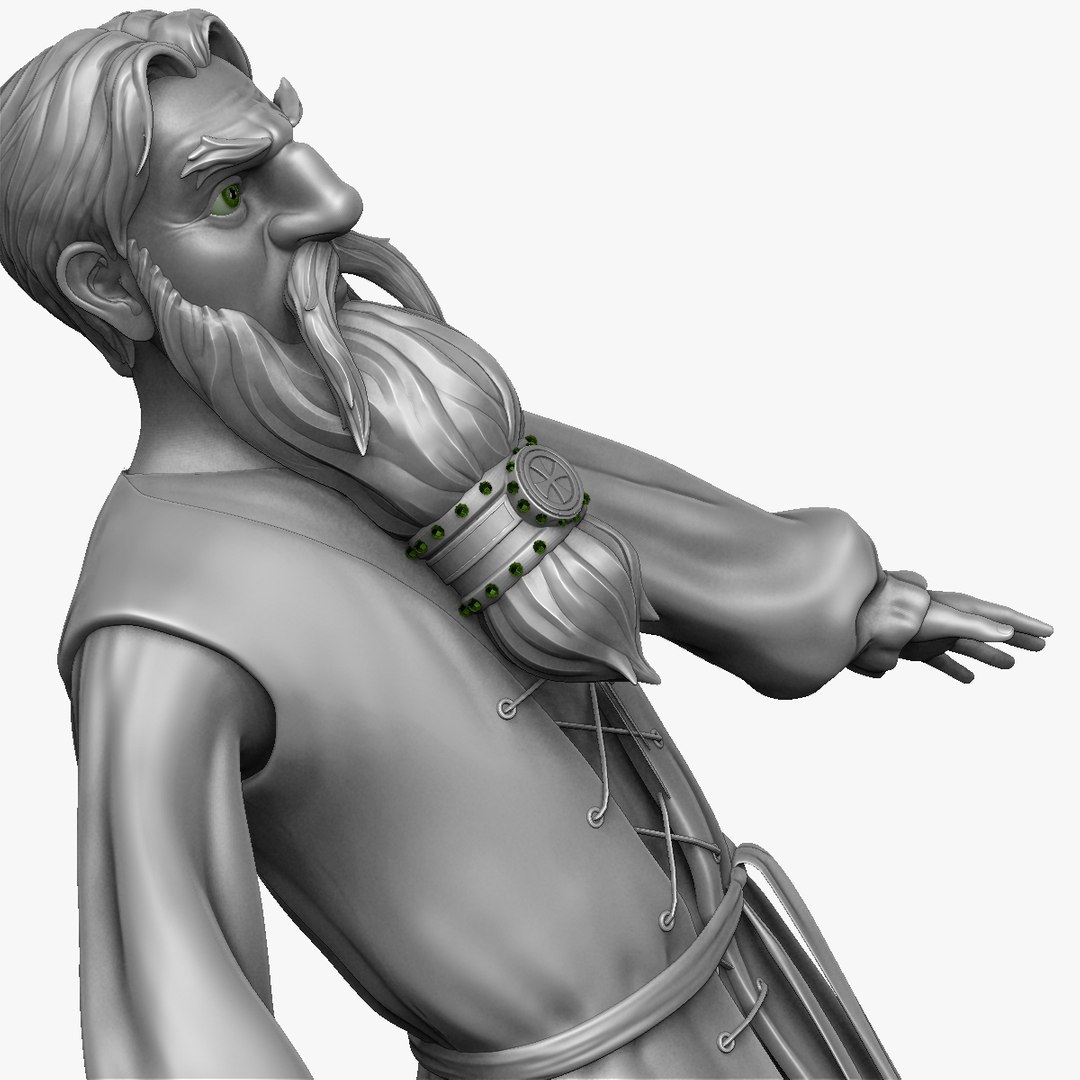
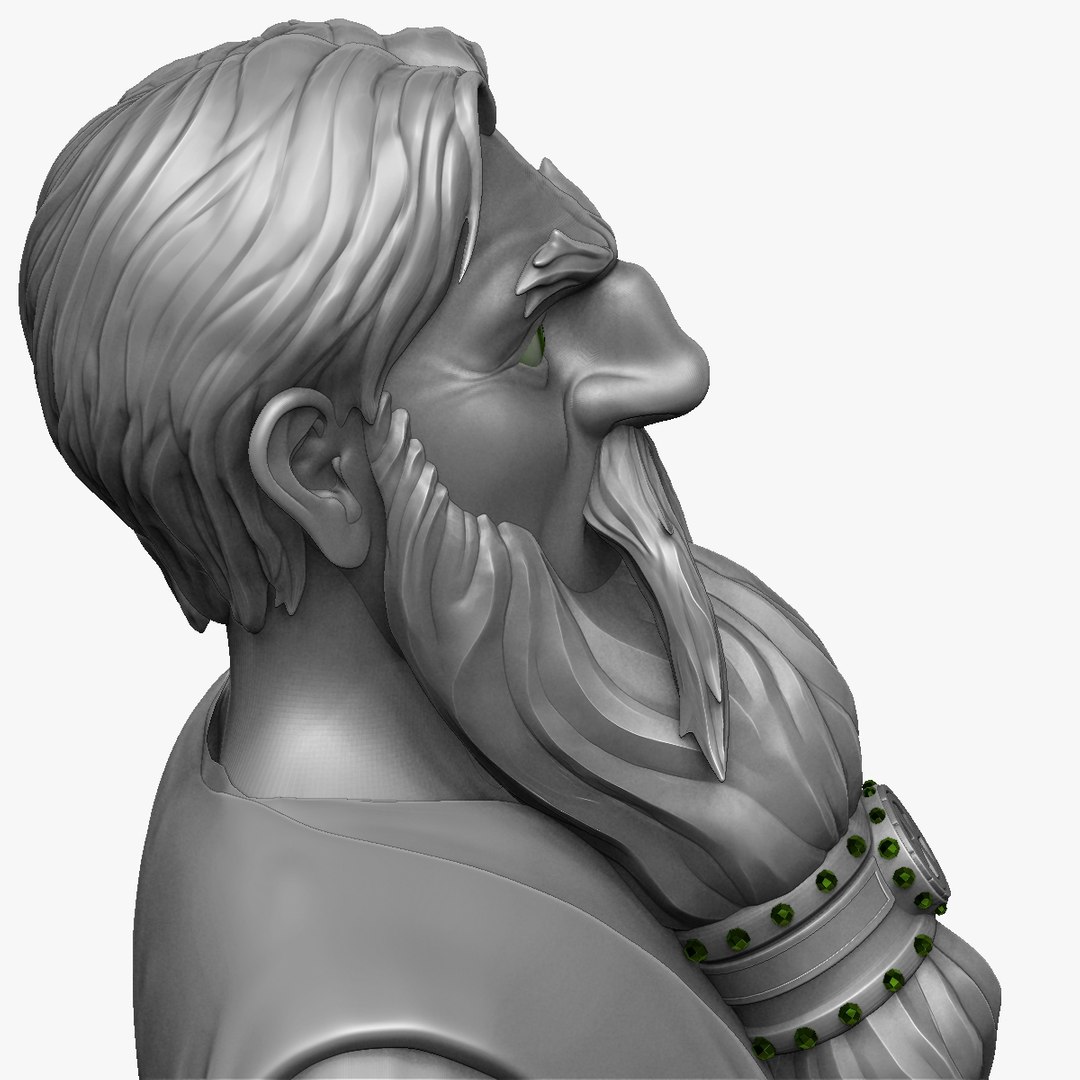
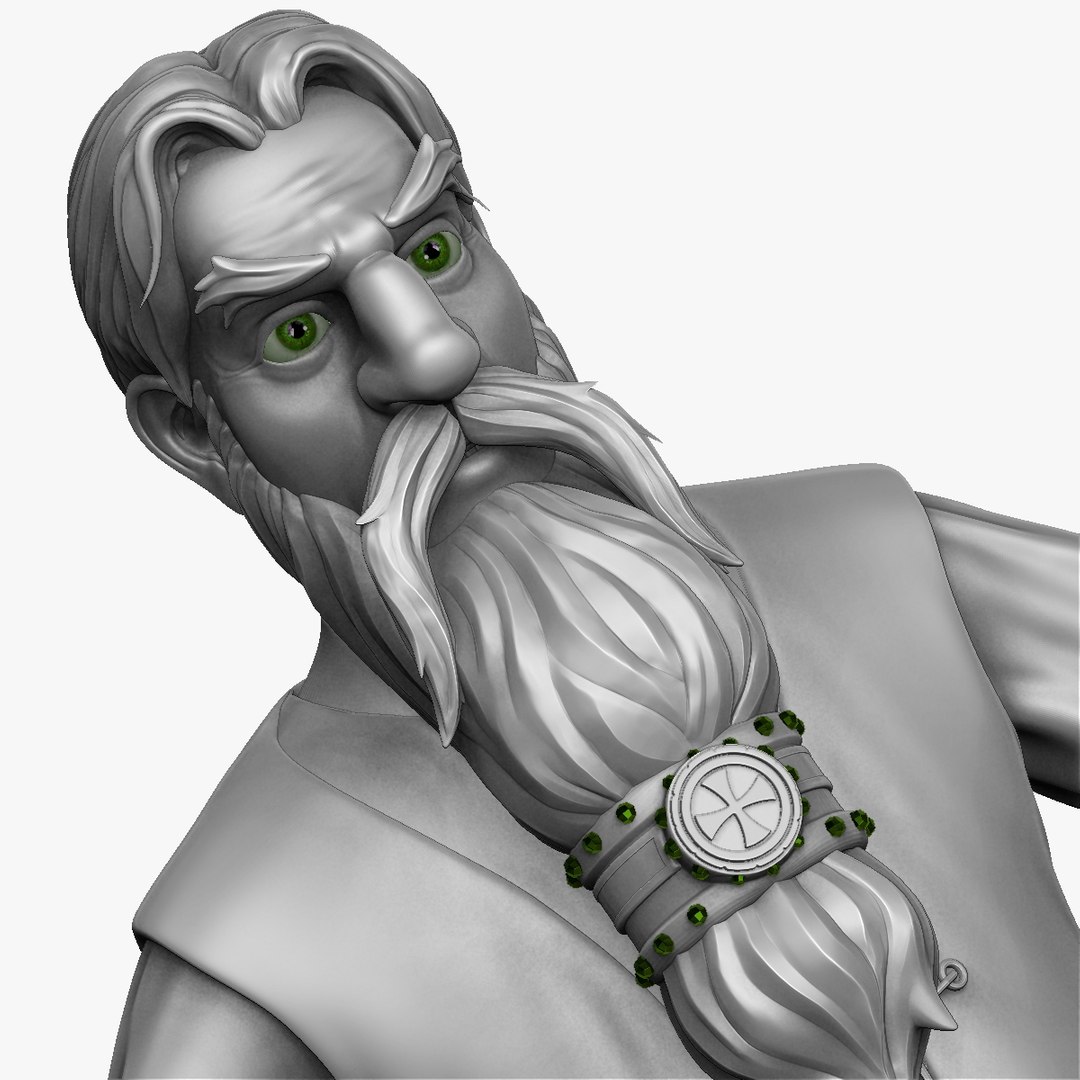
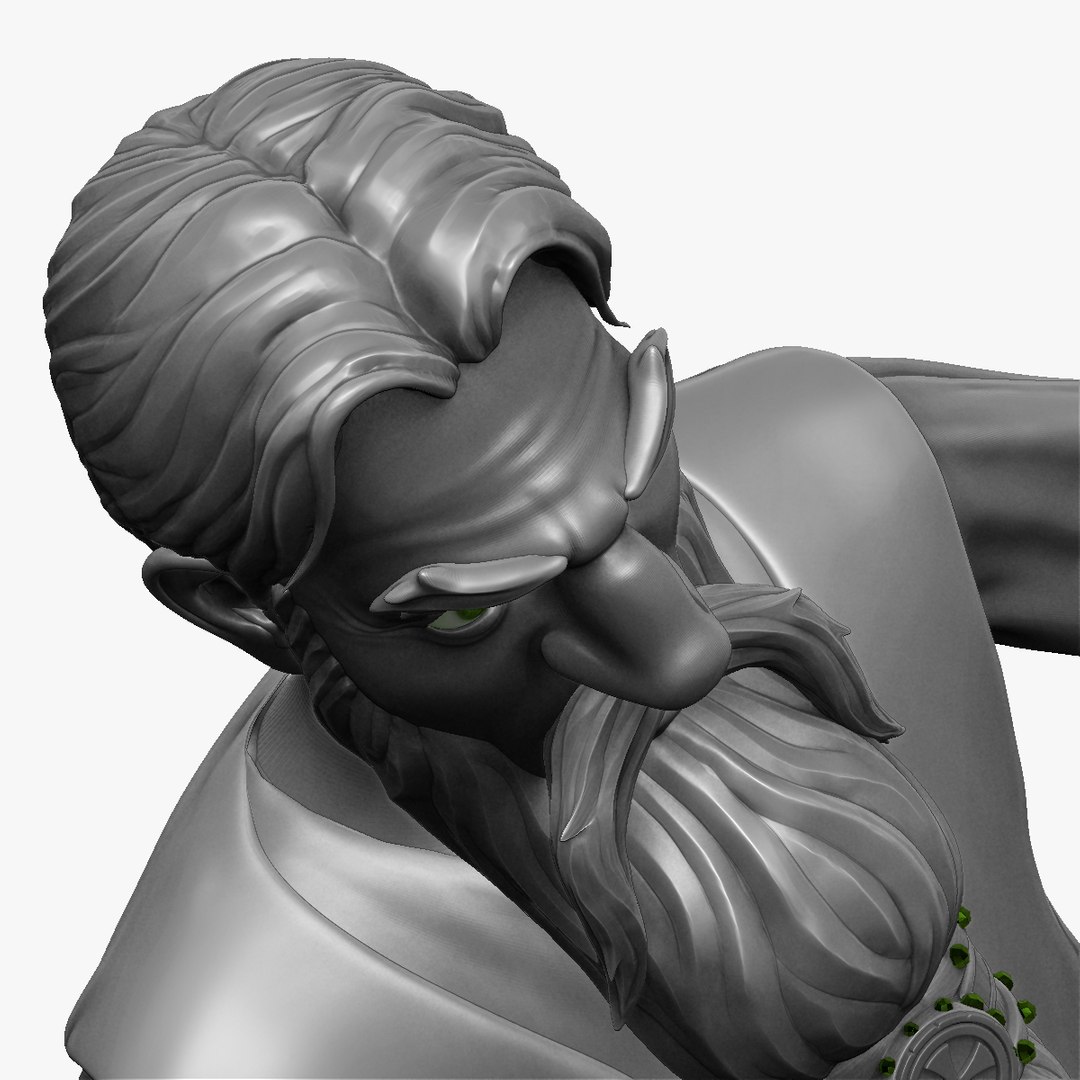
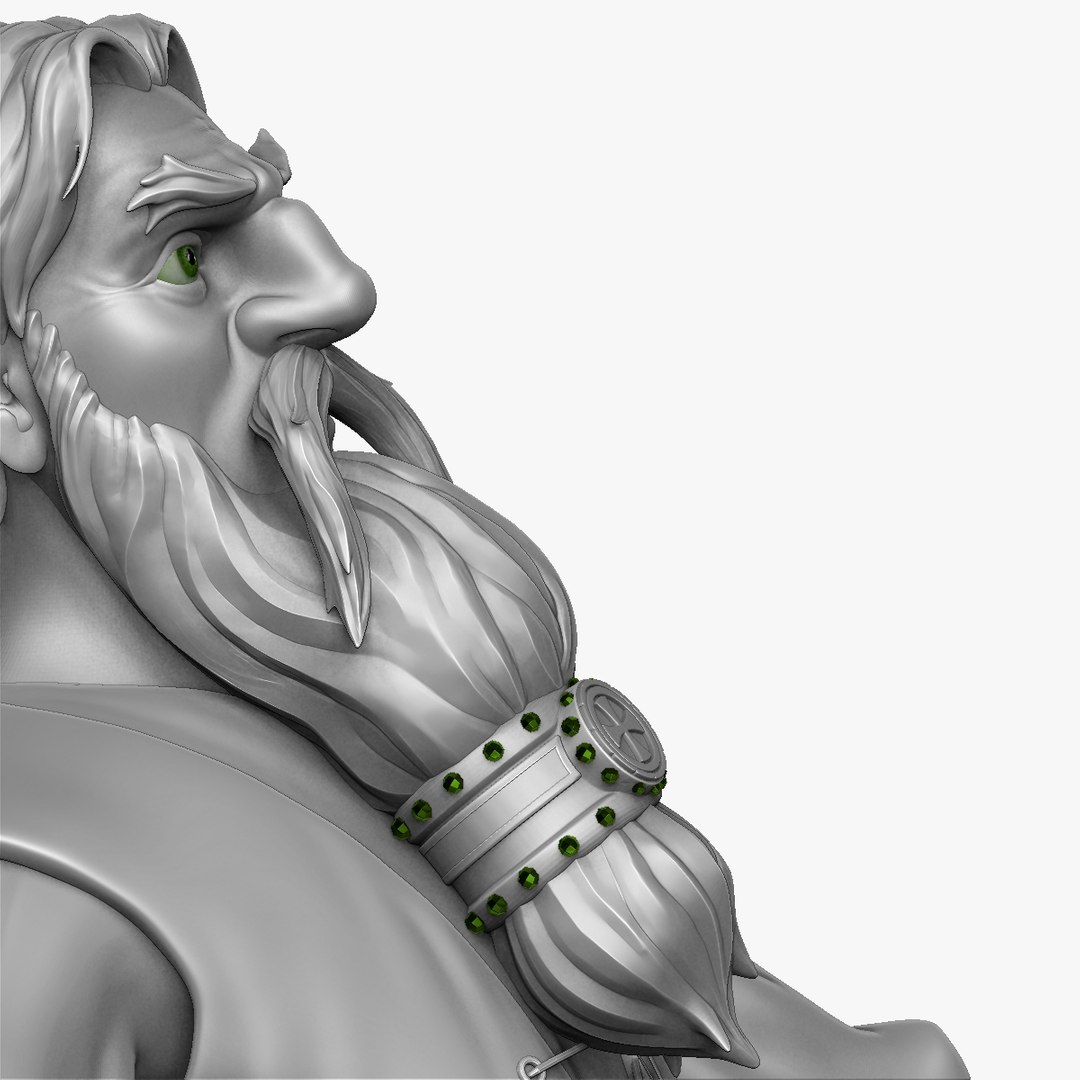
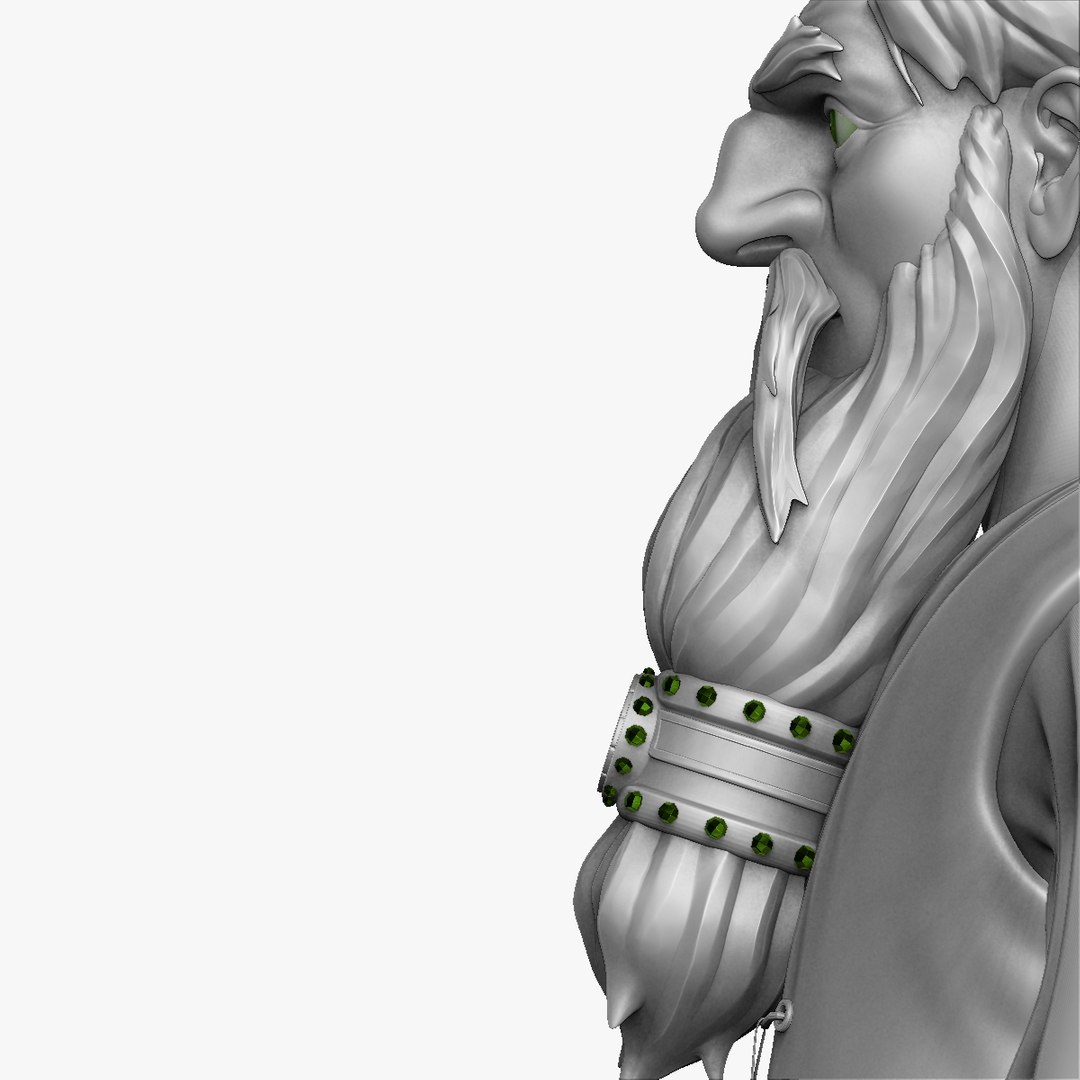
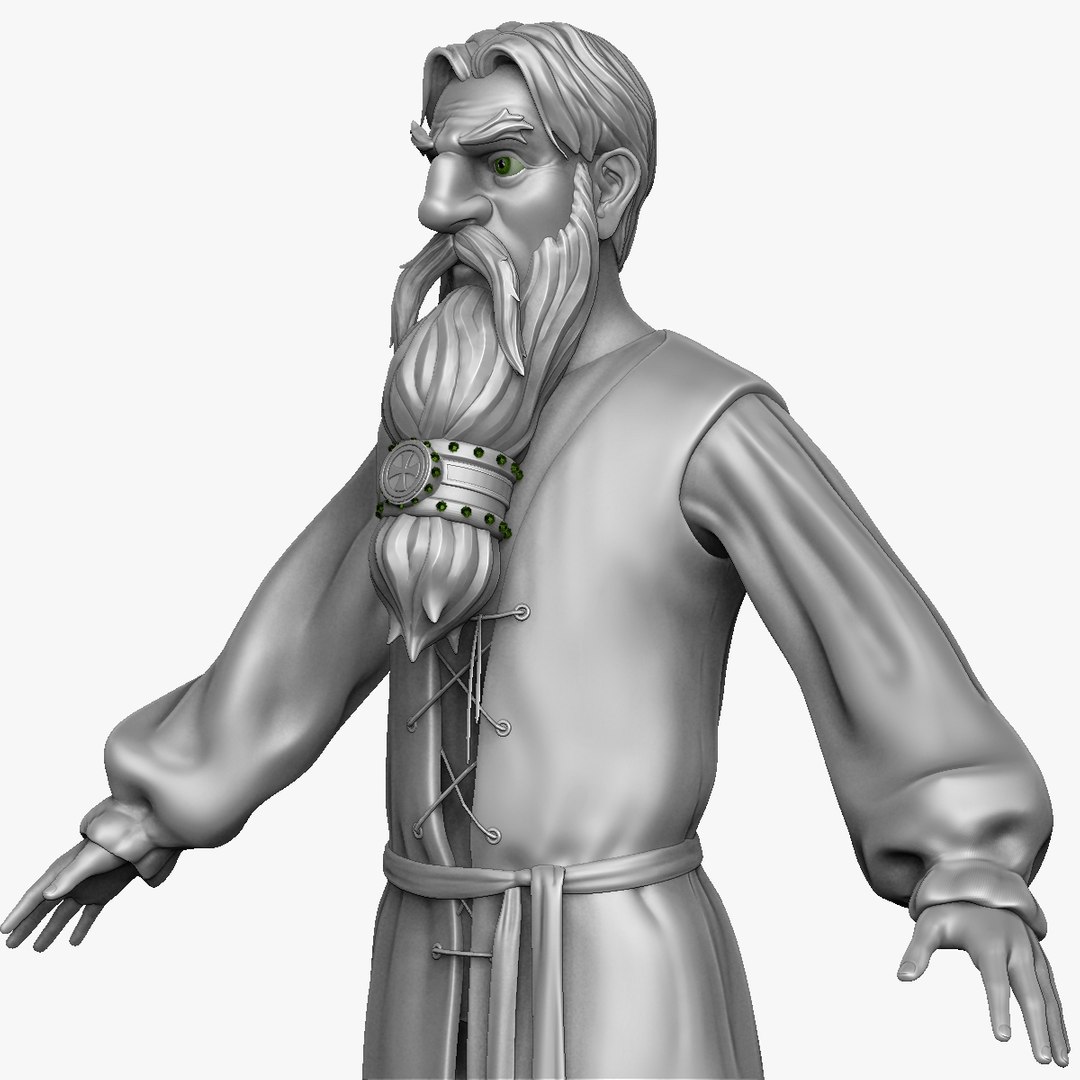
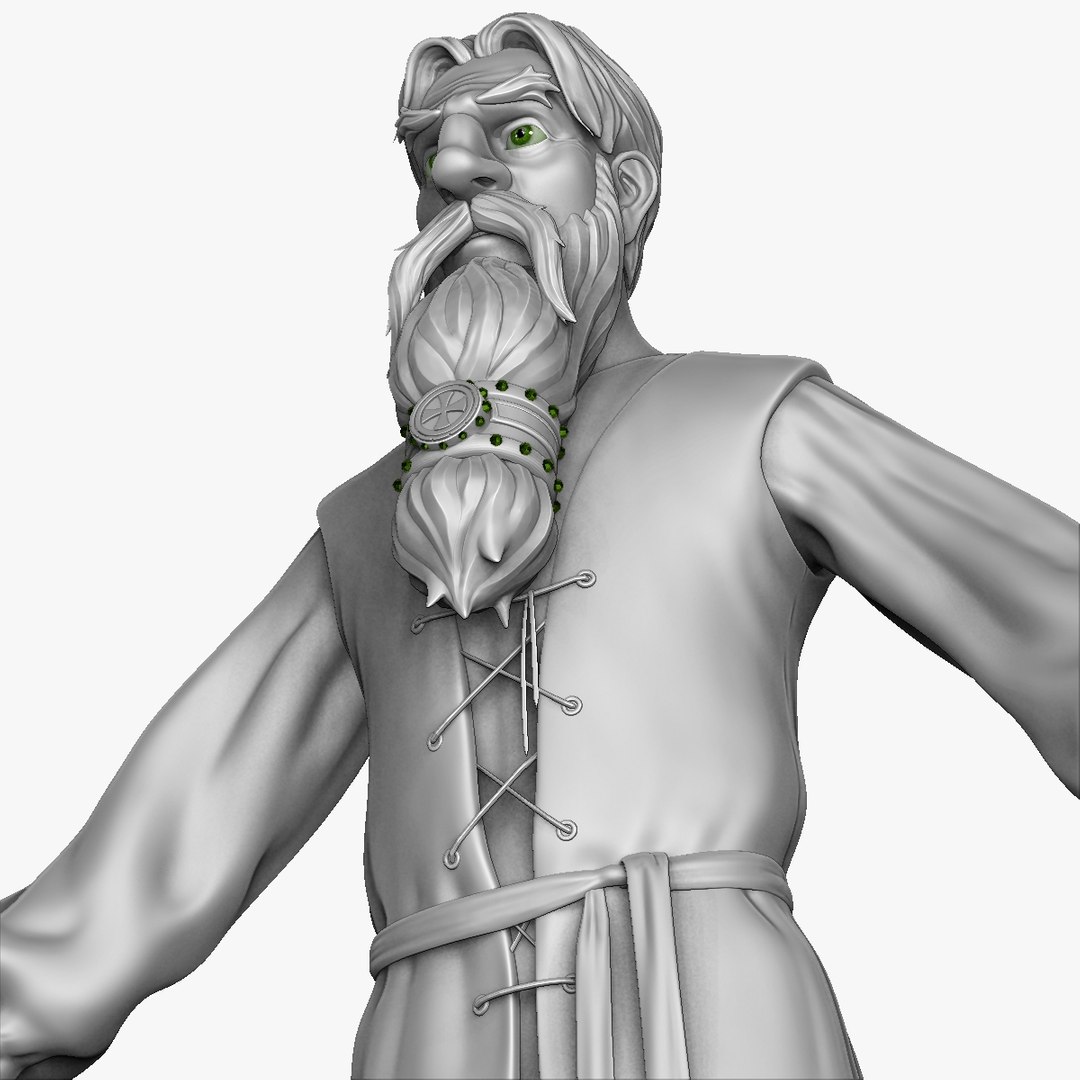
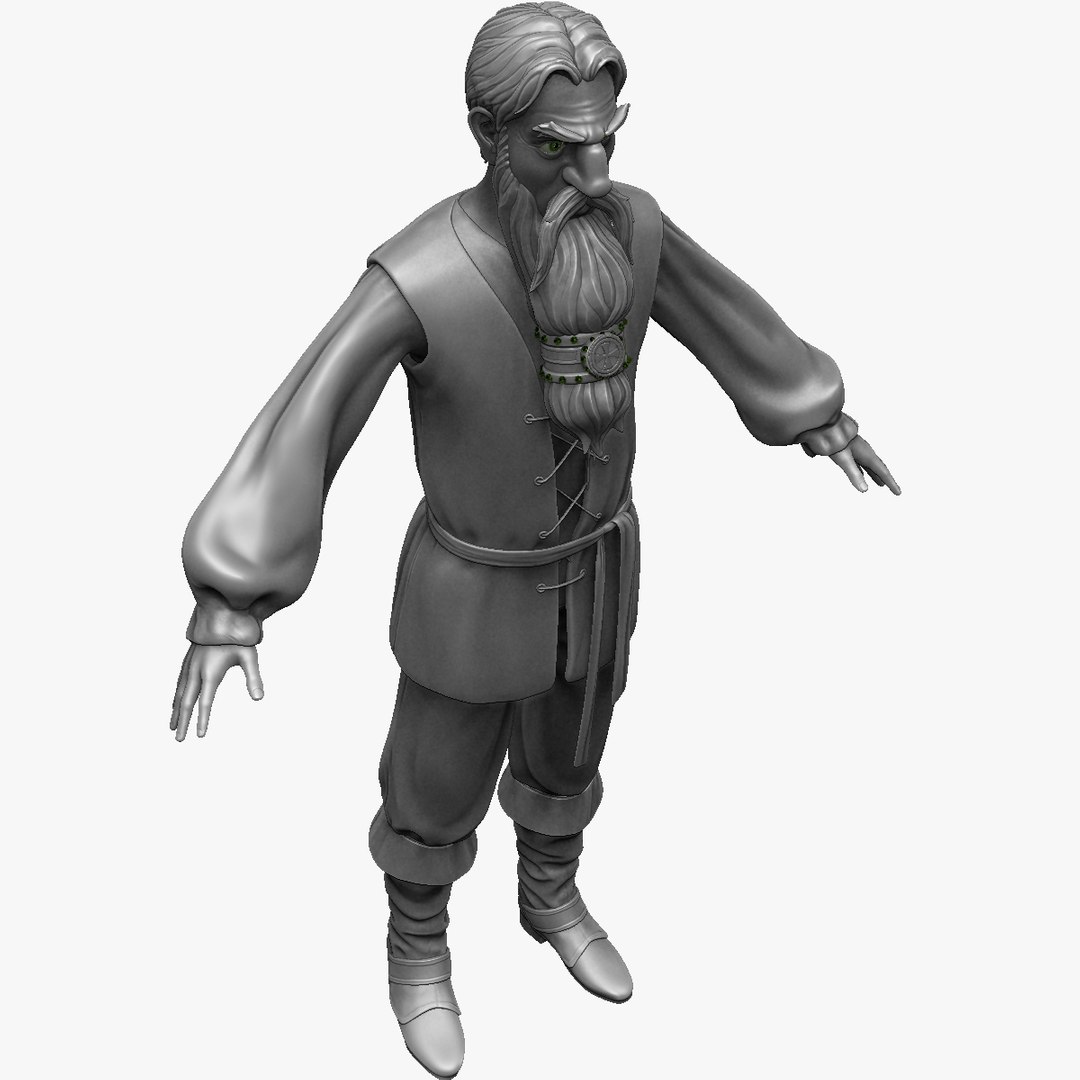
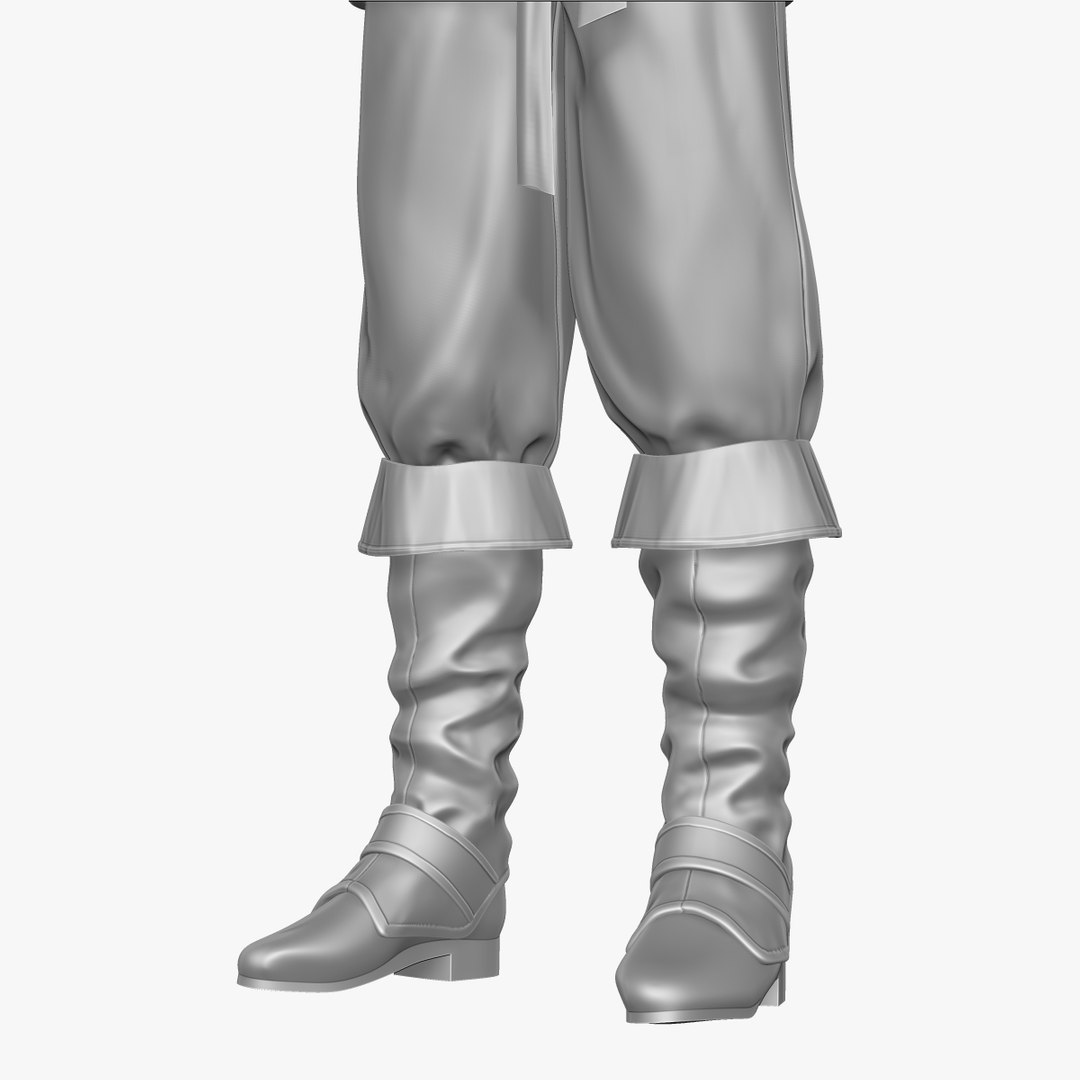
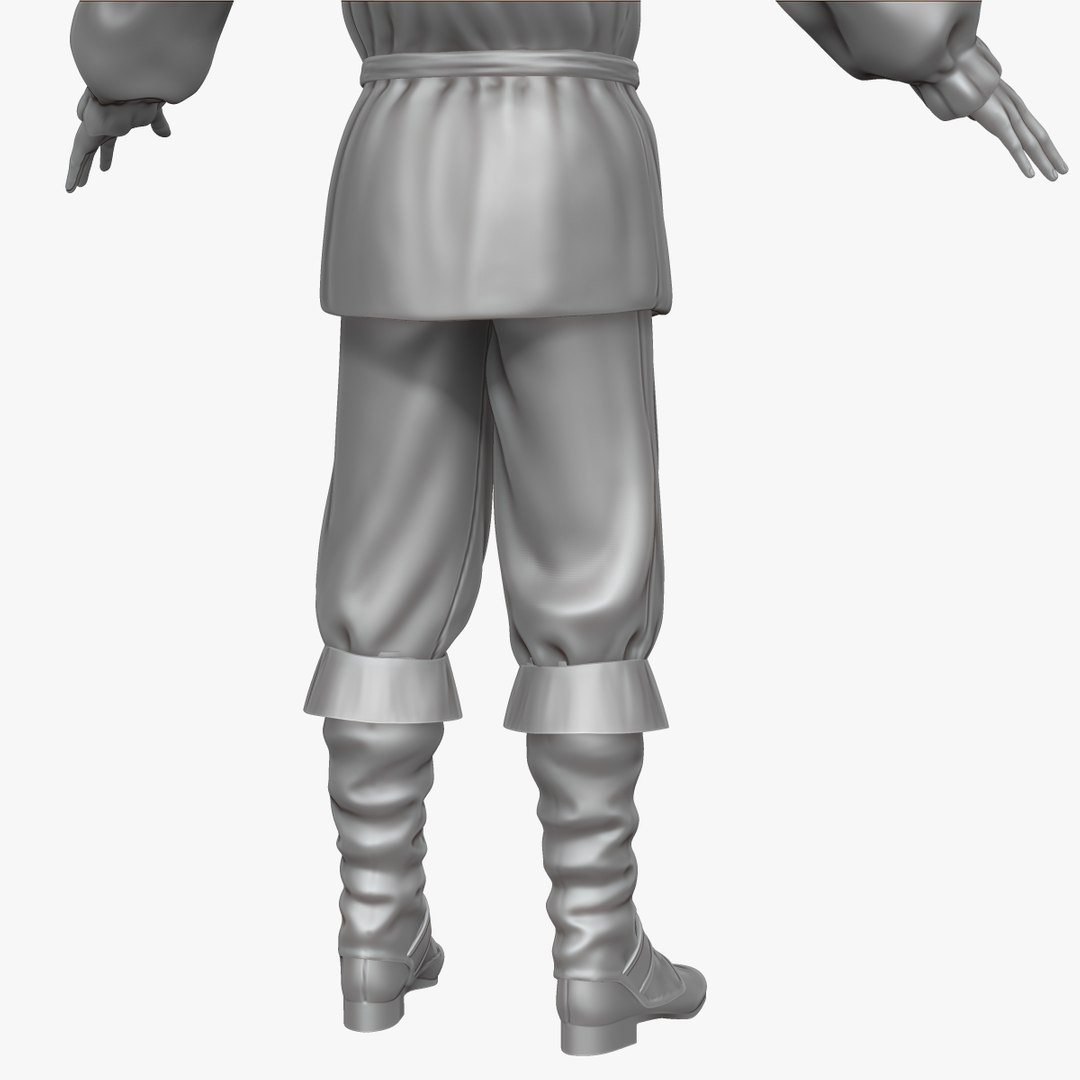
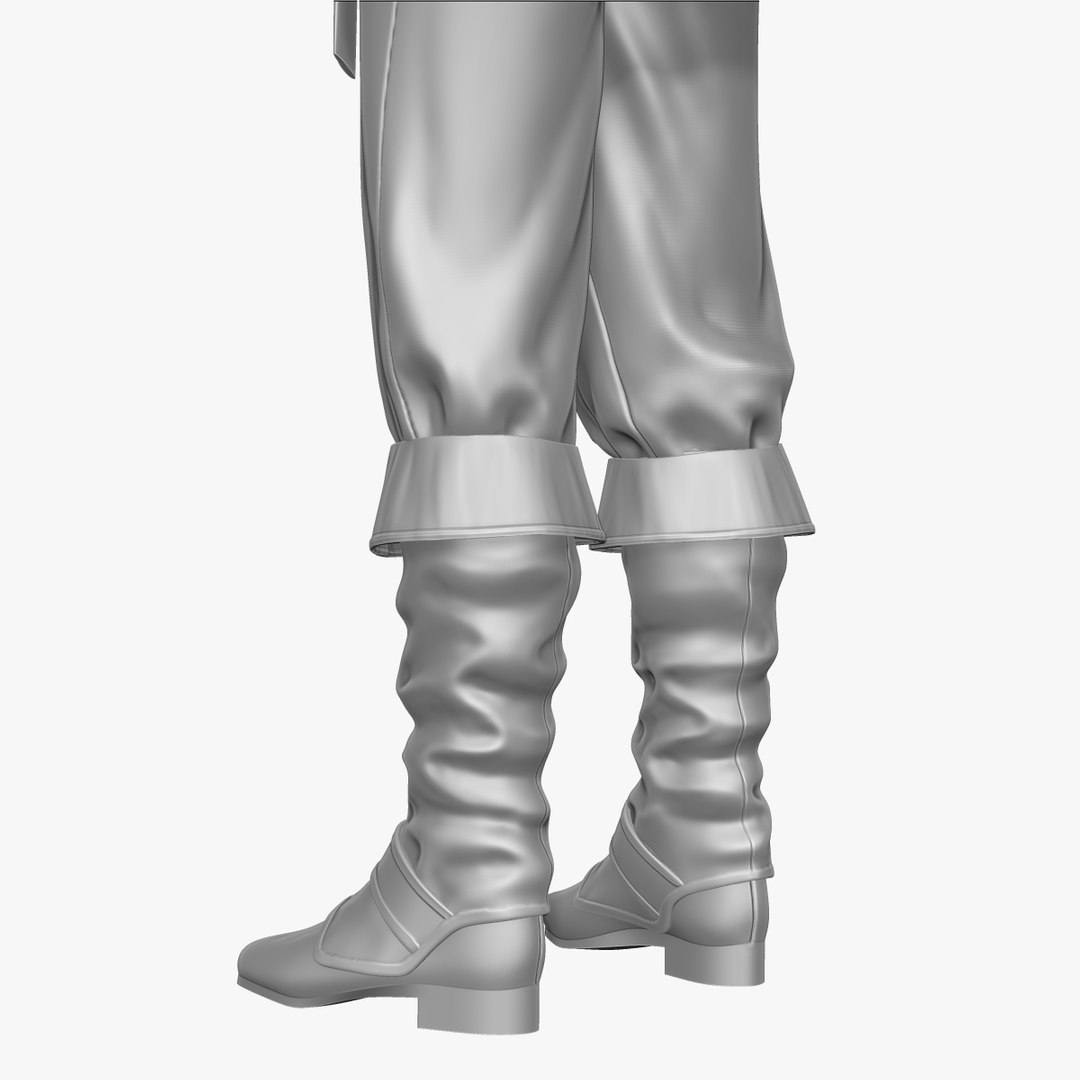
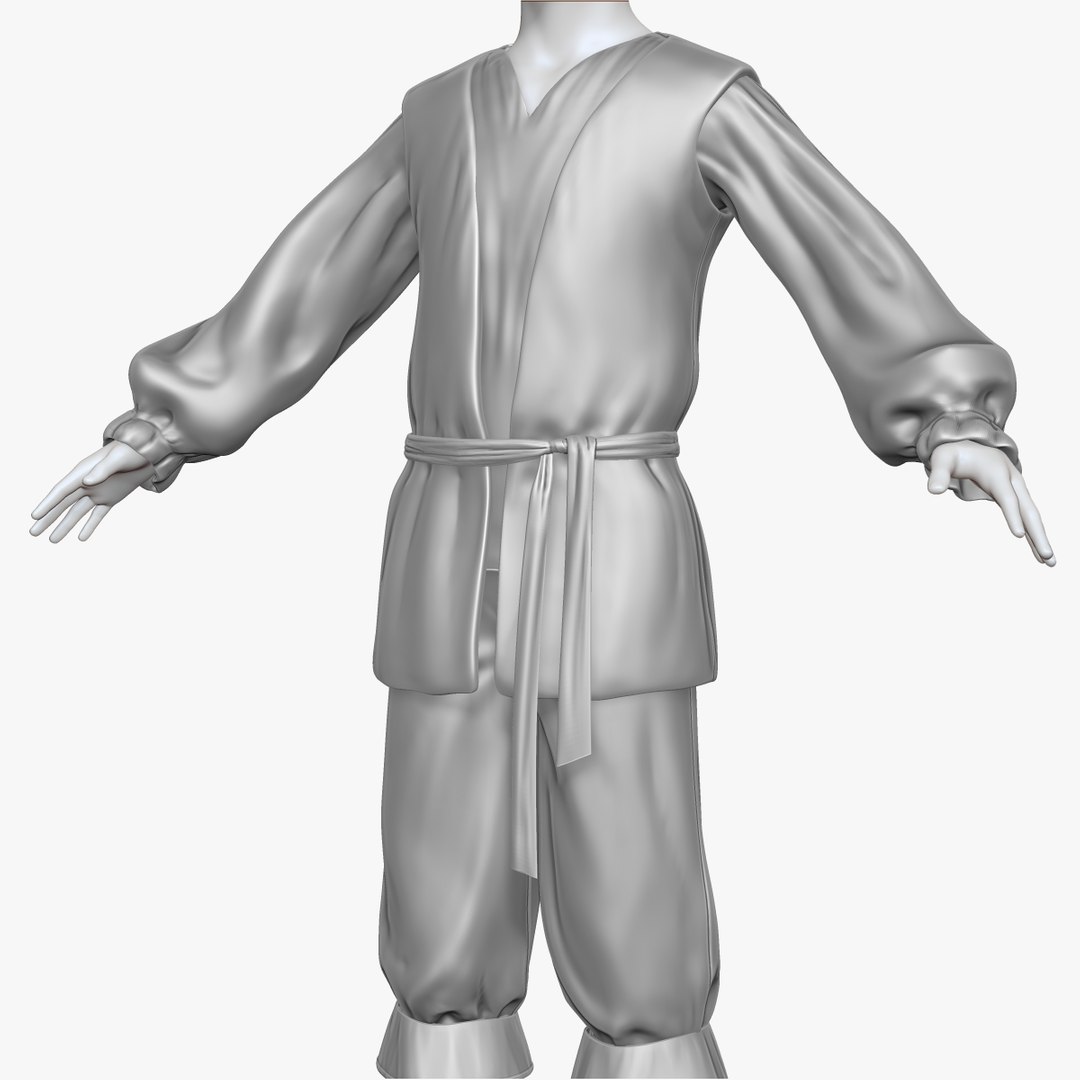
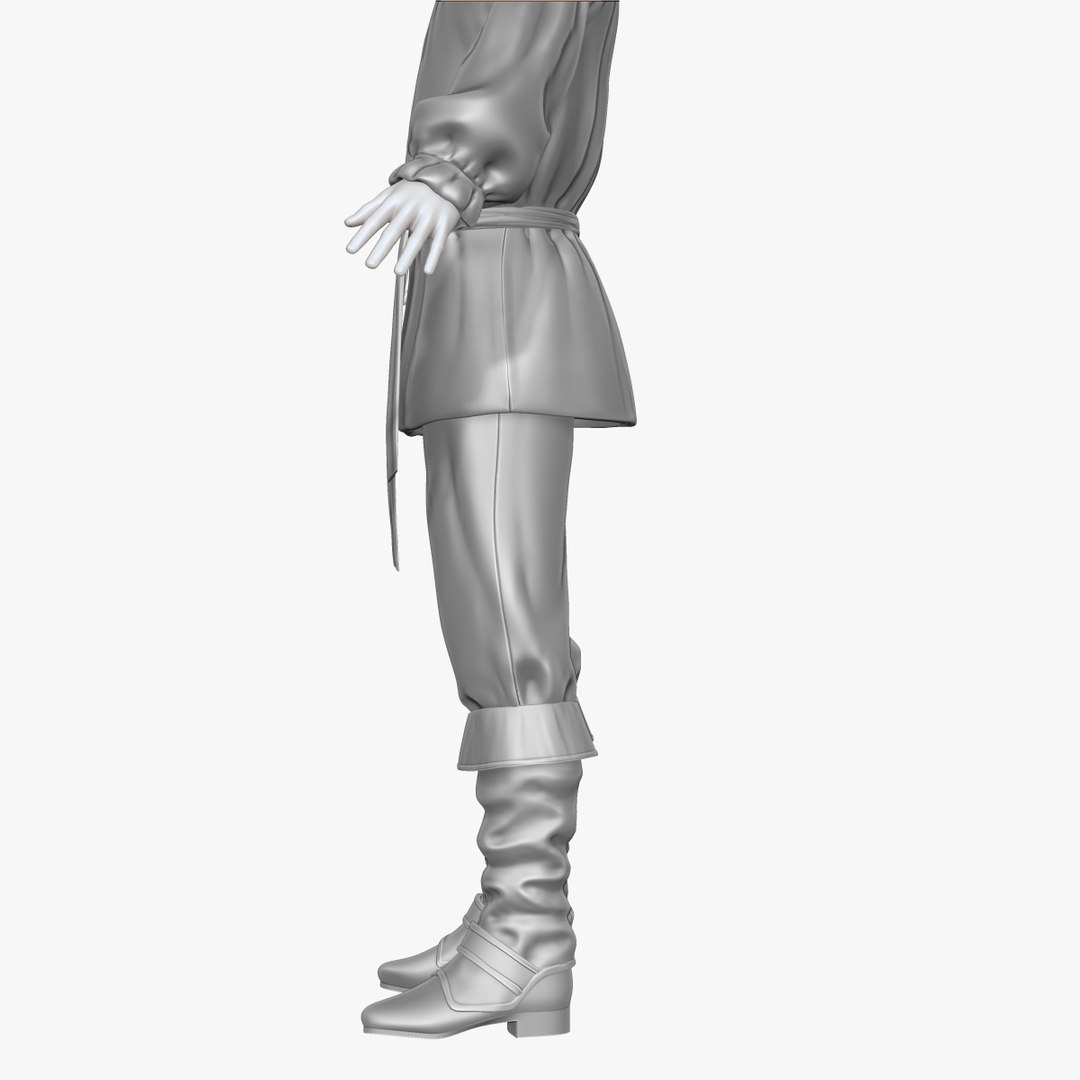
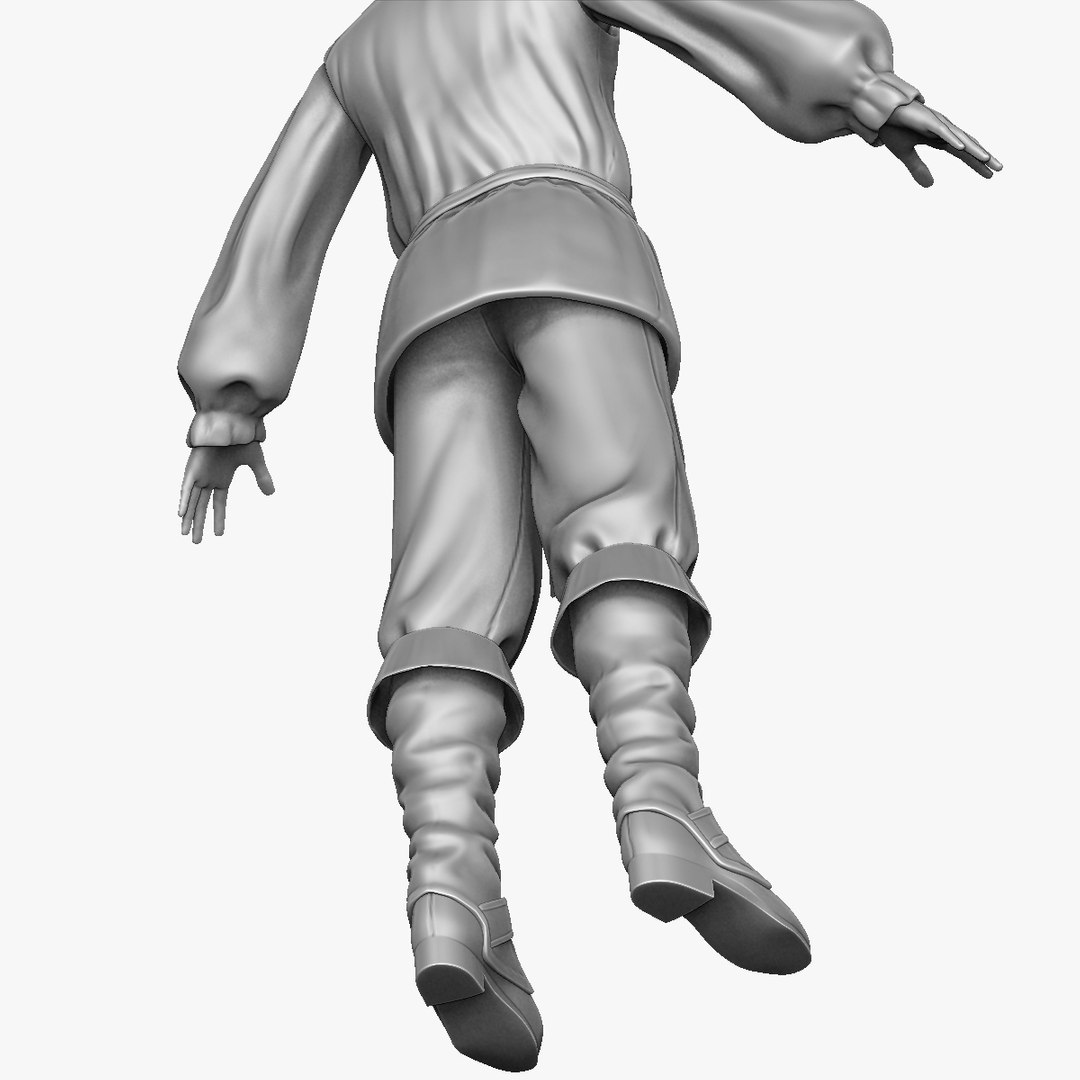
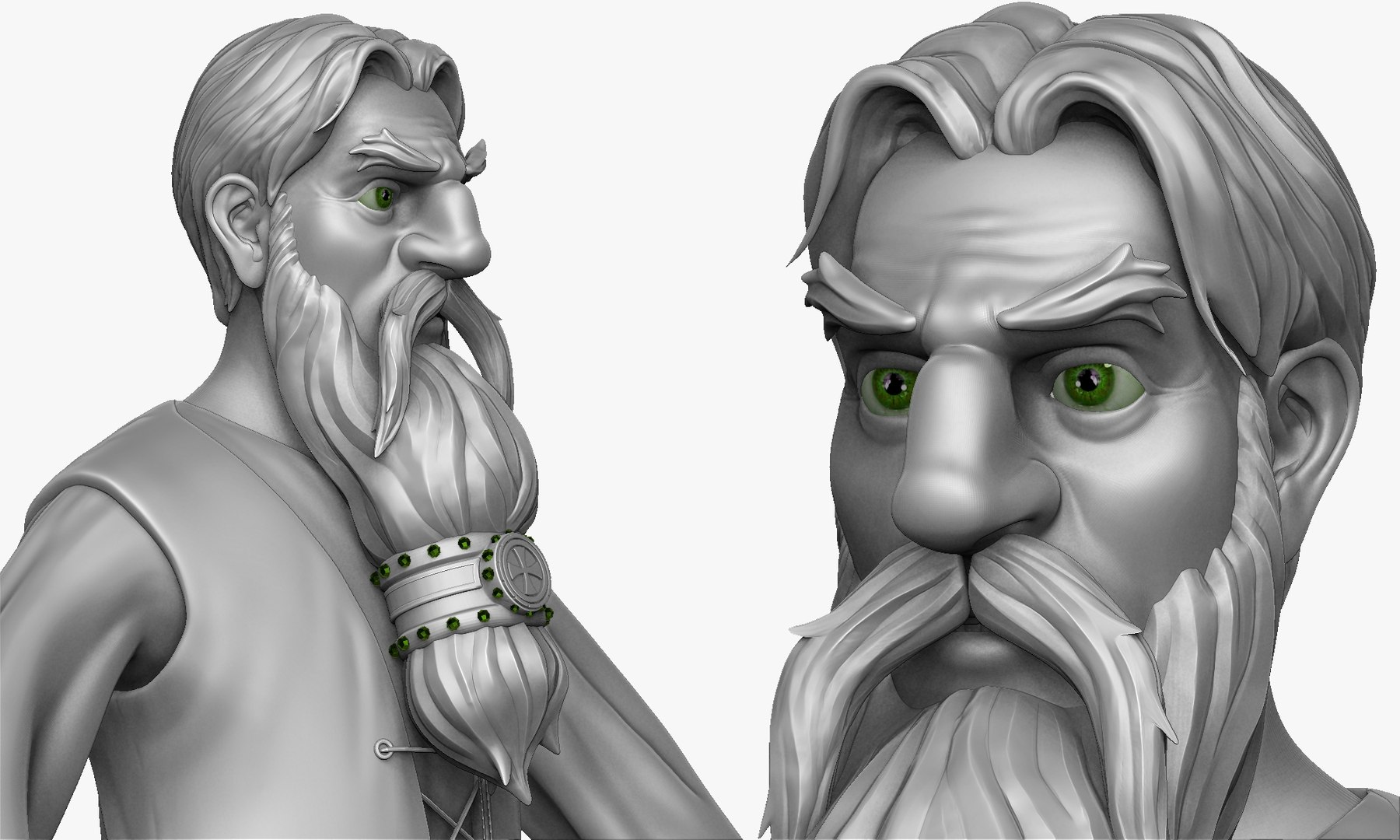
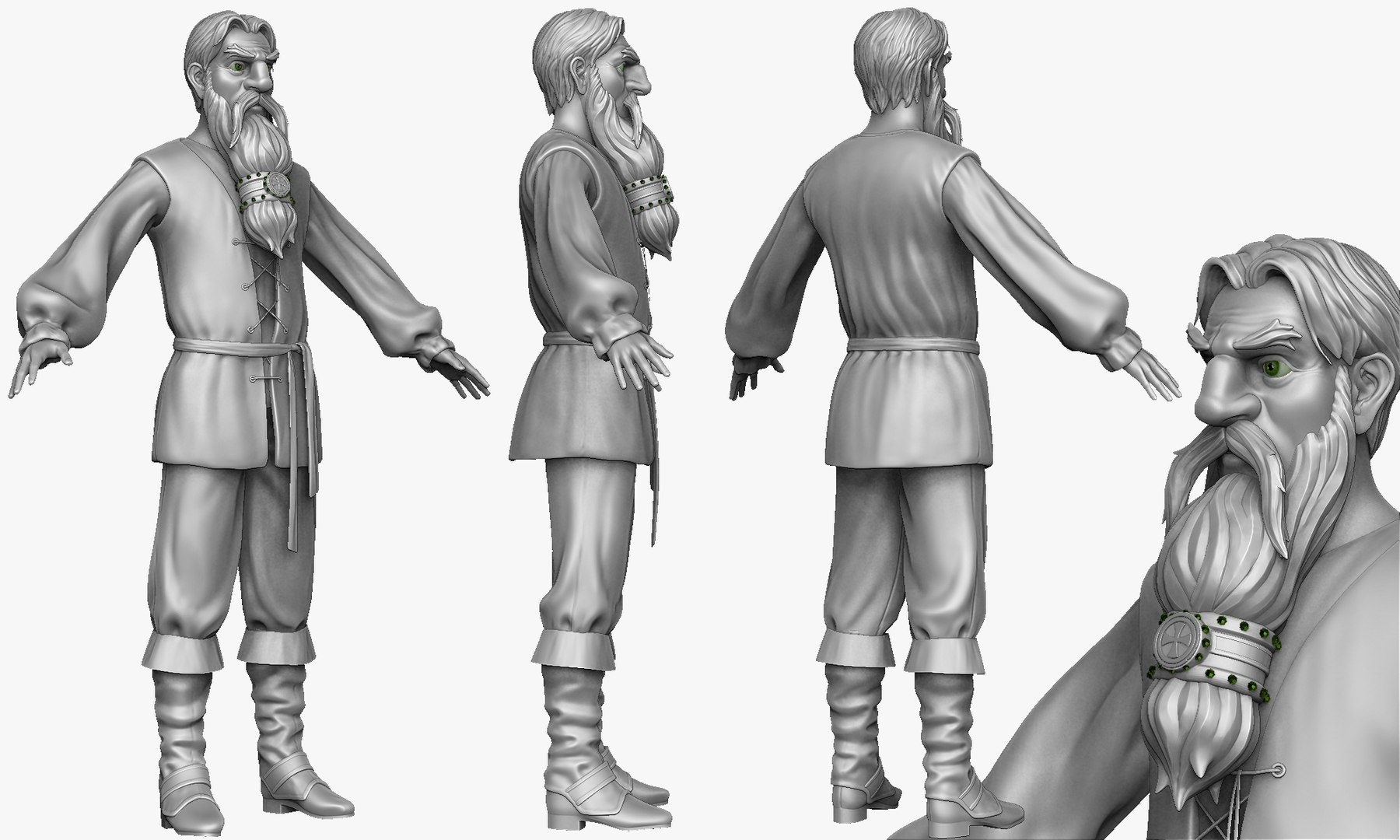
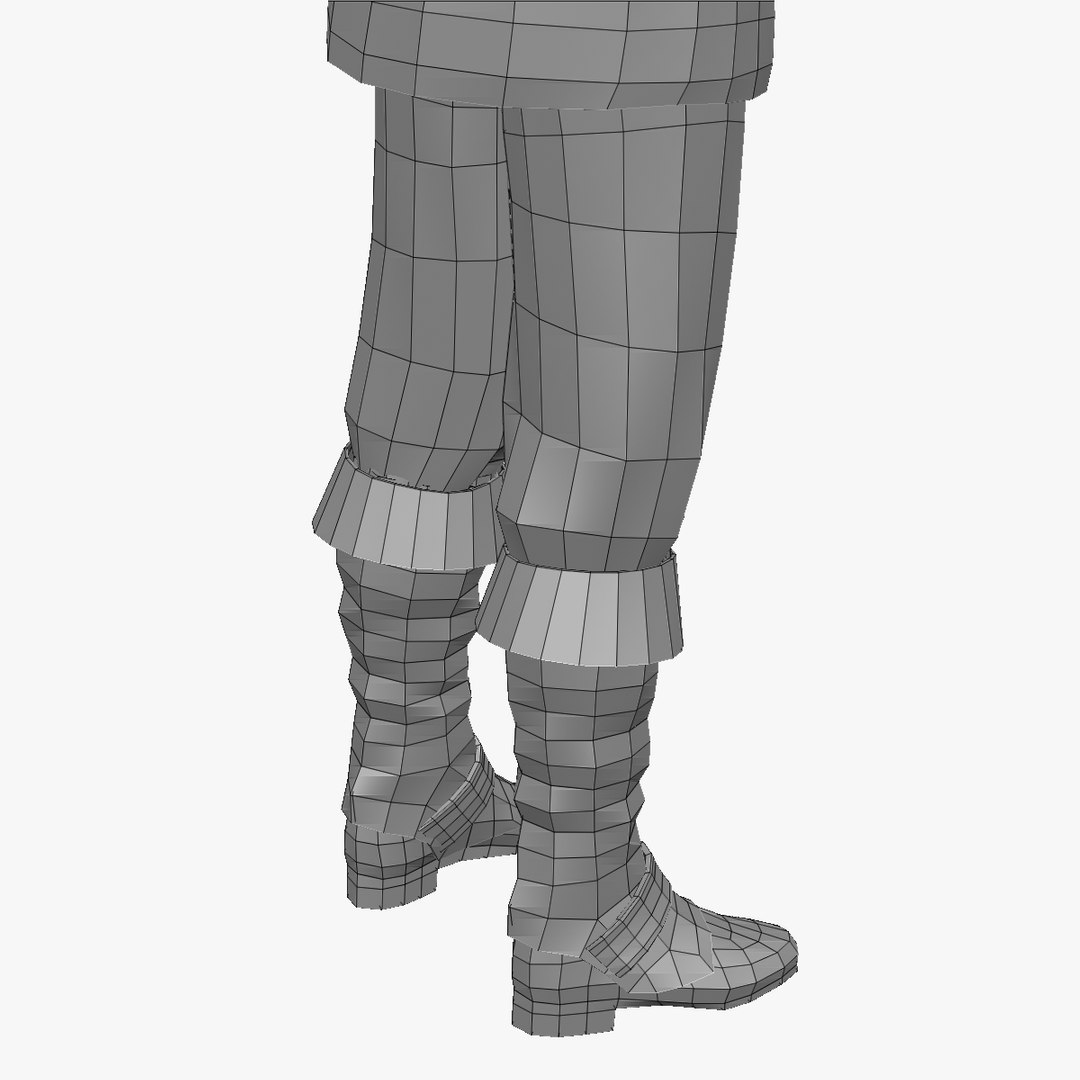
Peasant man B Zbrush Sculpt

$30

Standard License | Upgrade License
Formats (7)
Free file format Conversions available
Other Textures
ZBrush
OBJ
Specifications
Publish Date January 30, 2015
Product ID 891597
Polygons 29,068
Vertices 29,897
Polygonal Quads/Tris Geometry
Materials
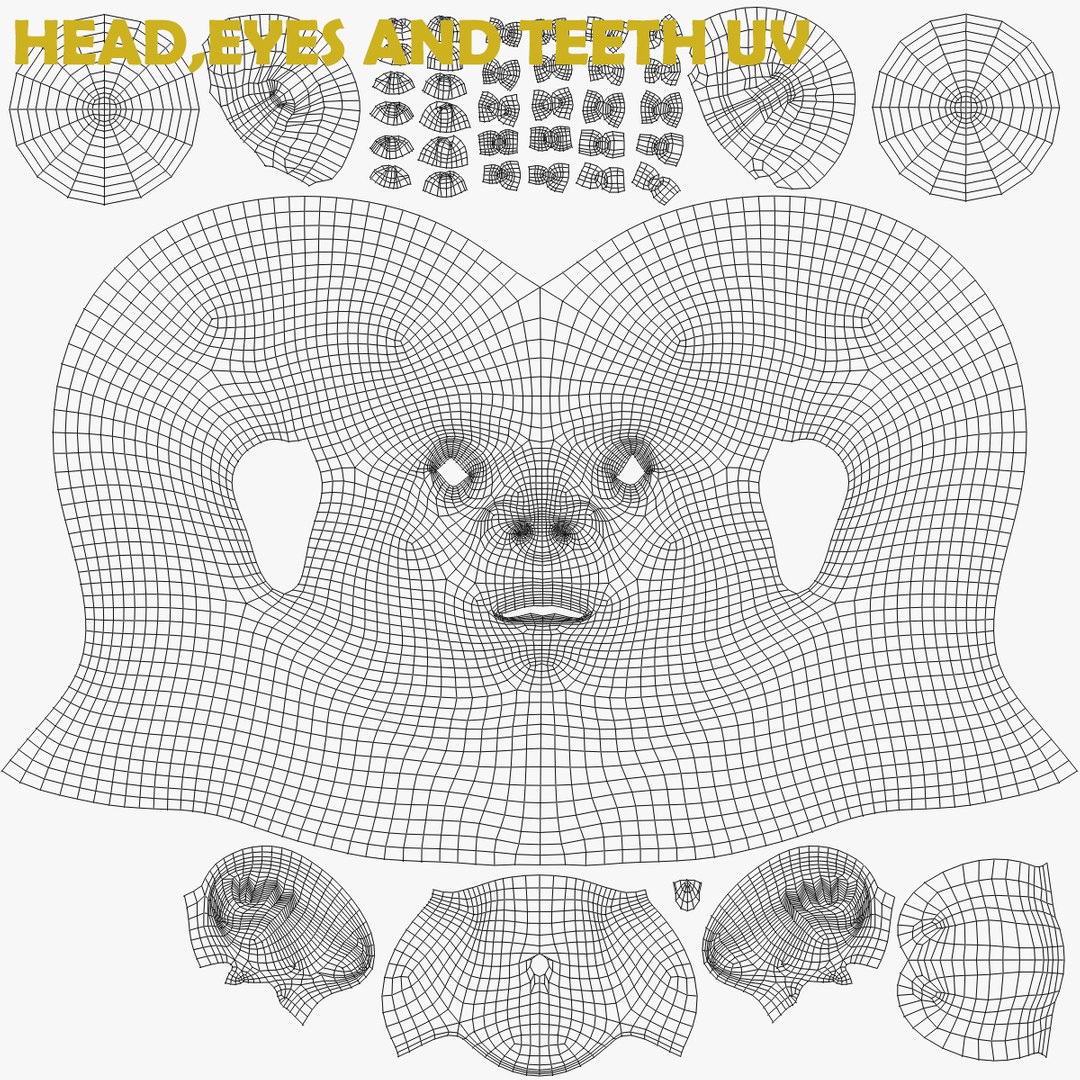
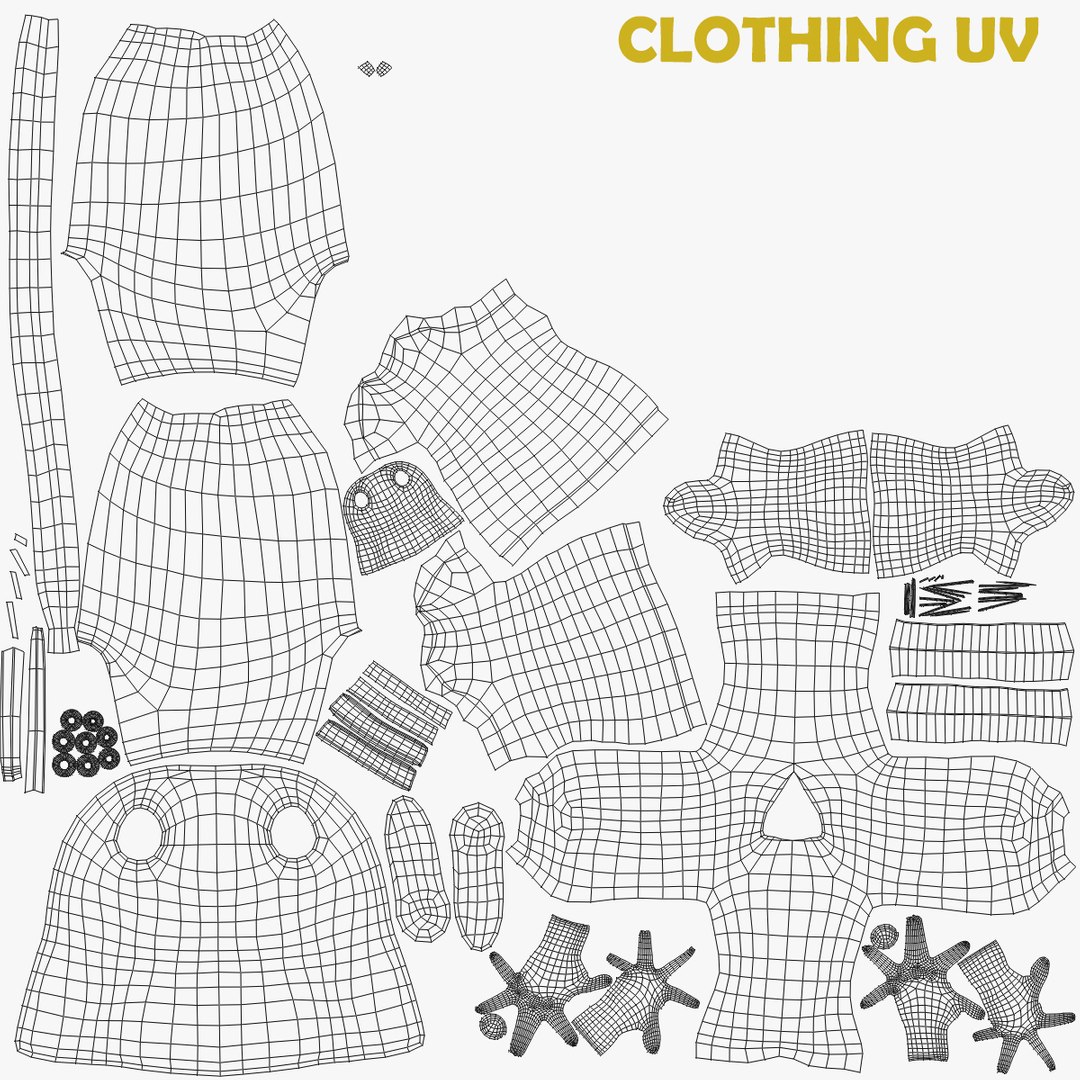
UV Mapped
Mixed Unwrapped UVs
TurboSquid Exclusive
member avatar
Dannan
375 Products | Contributor Since 2010
Have questions? Chat with us now.

Description

PRODUCT OVERVIEW
--------------------------------
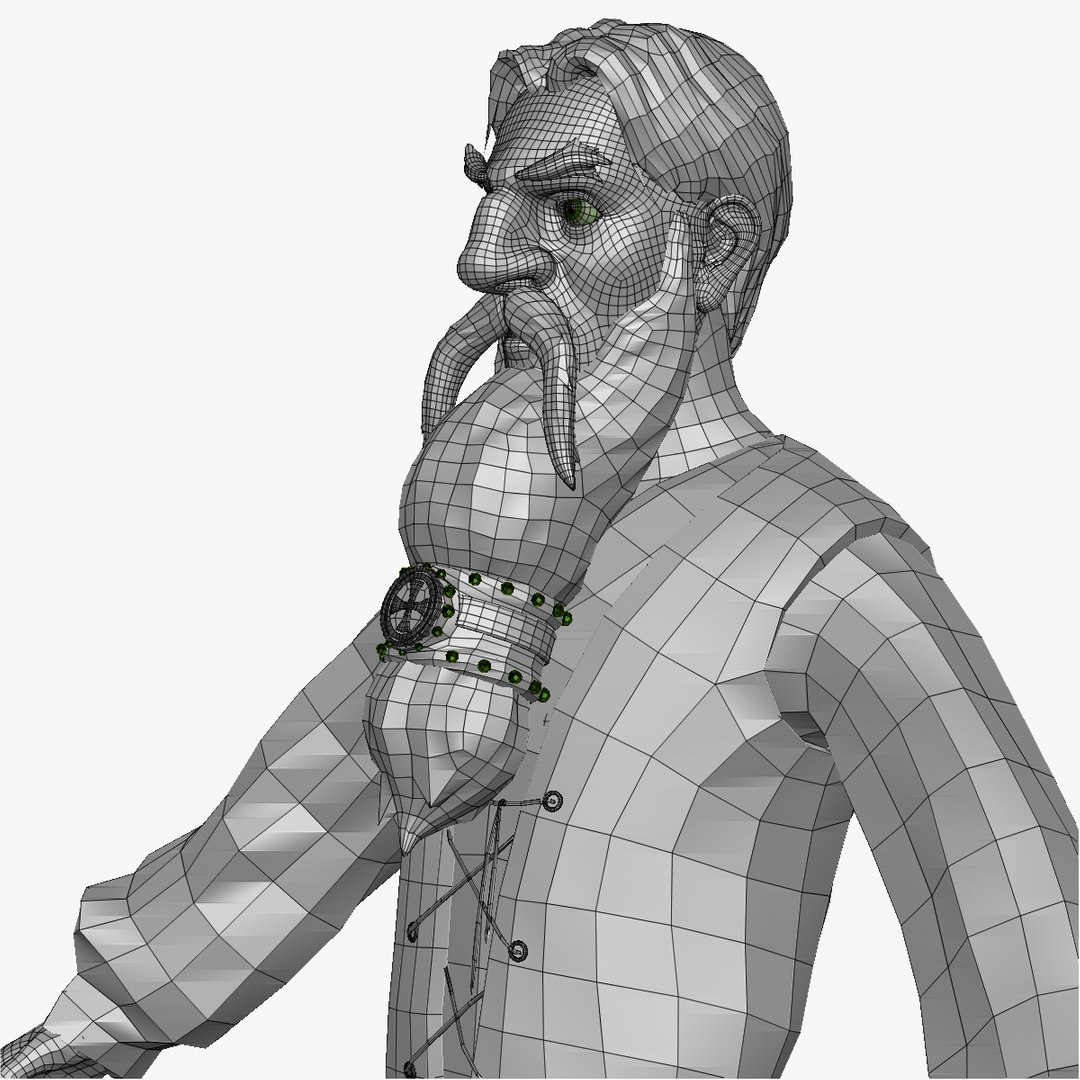
This is a 3d sculpt of medieval peasant man.

.ZTL DETAILS
---------------------
Product is provided in obj and .ztl format. You need to have Zbrush 4r6 or above to open .ztl file.

This product opens with all the subtools/meshes on their lowest subdivision level. subdivisions of each subtool ranges from 1 to 6 subdivision levels and can be exported from zbrush to your 3d package of choice. Either by exporting .obj files or using the GoZ feature in Zbrush.

**Links to free video tutorials on how to use GoZ in zbrush with Maya,3ds Max and Cinema 4D provided with product download

UV MAPPING
---------------------
All meshes have been UVed


POLYGON COUNT
----------------------------
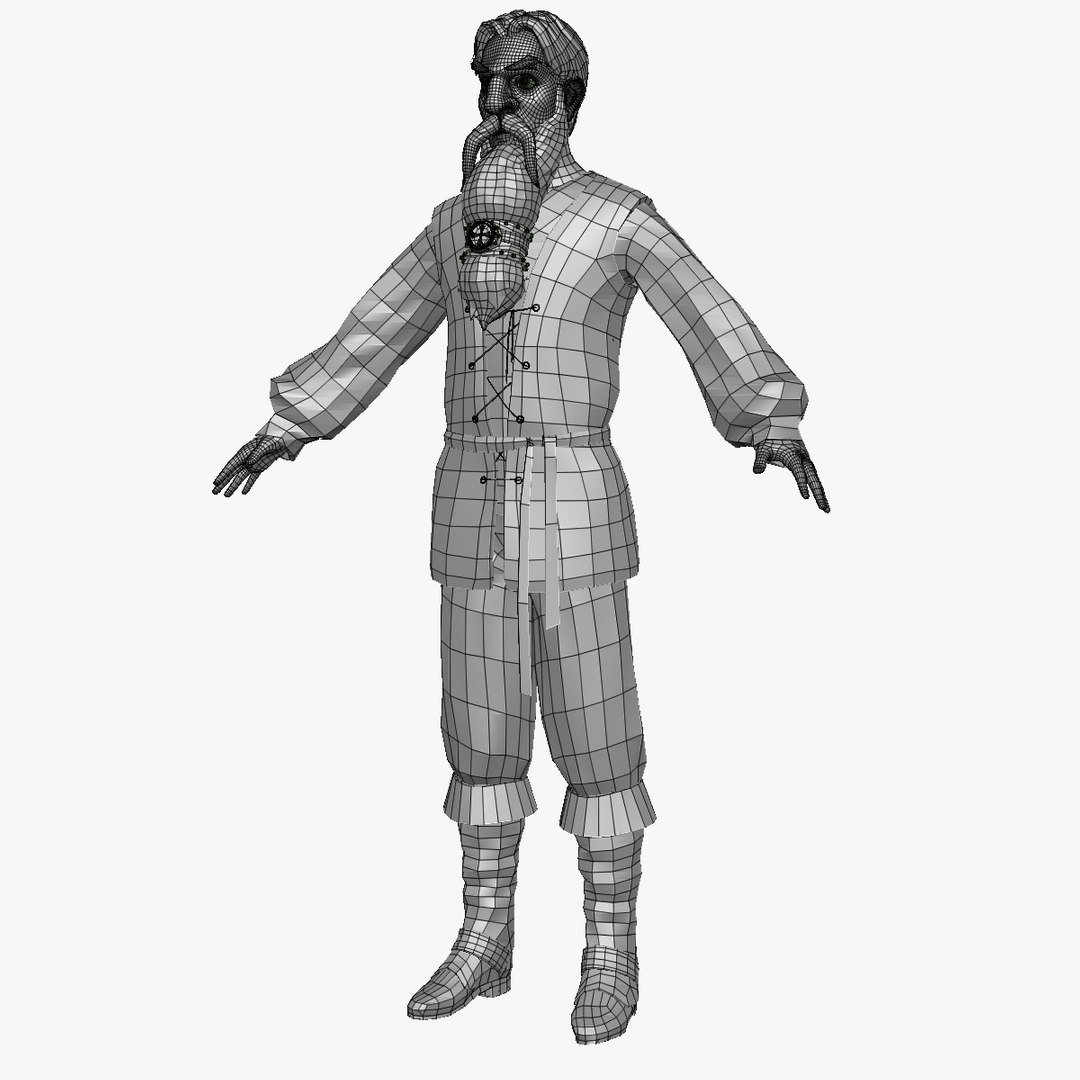
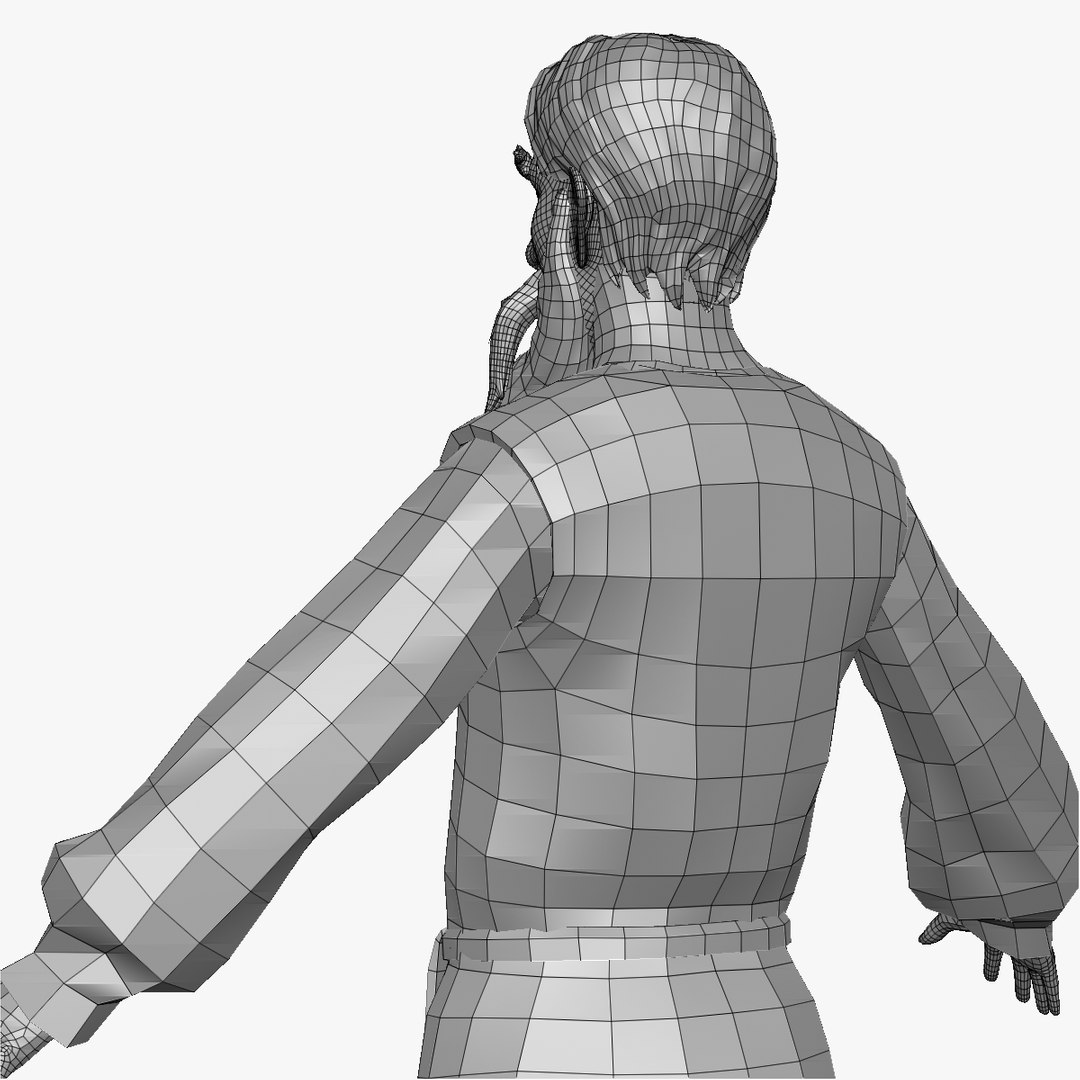
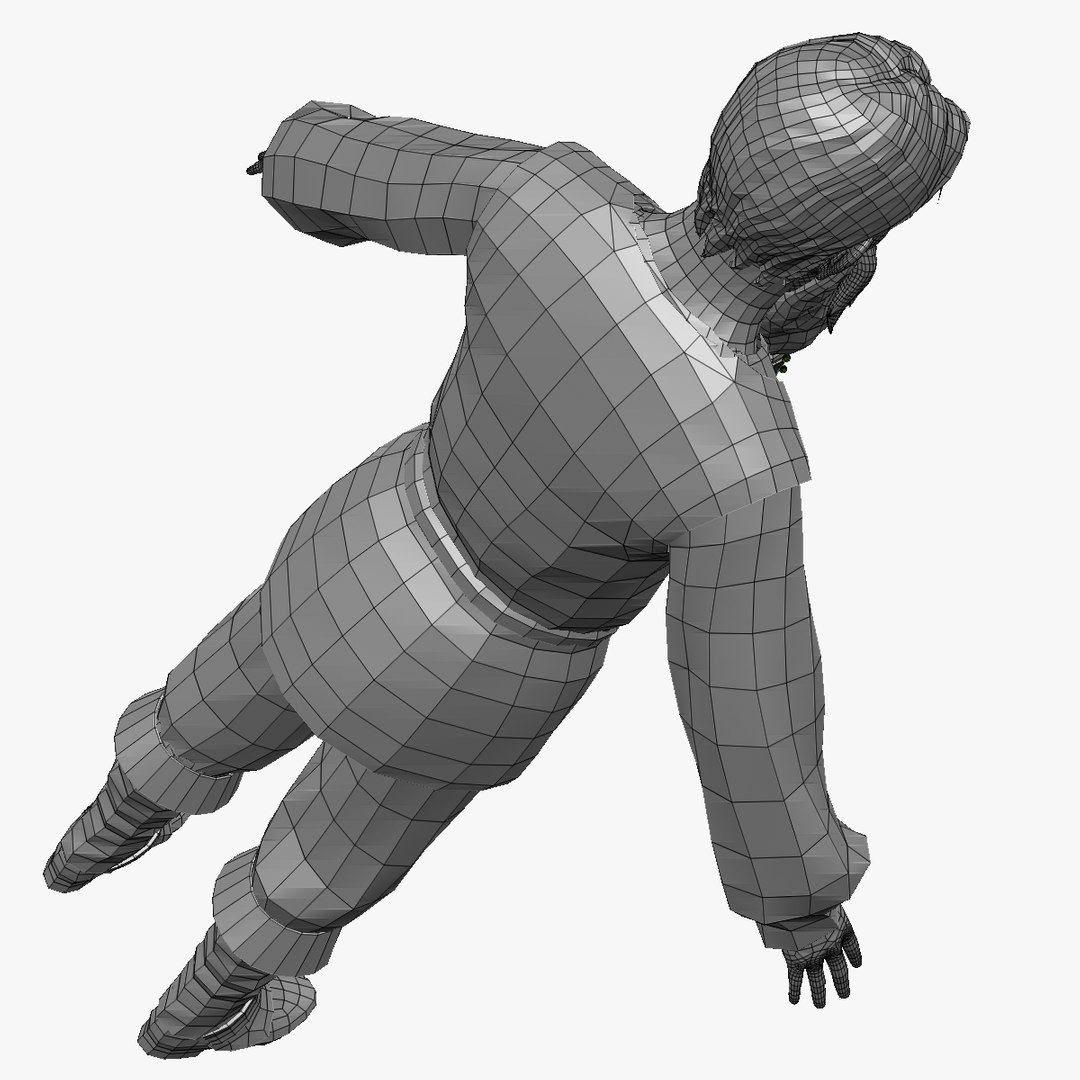
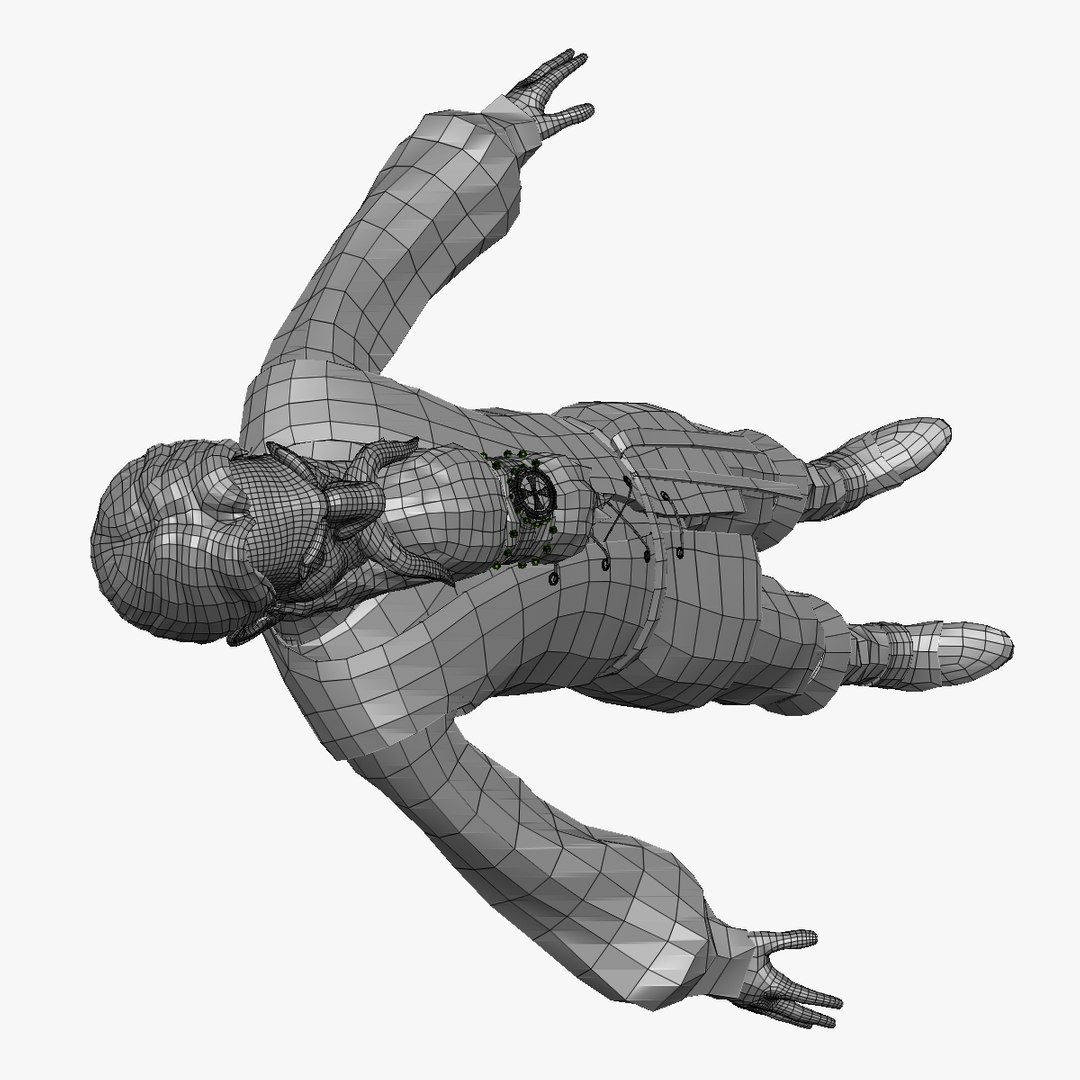
The wireframe turnables shown in the last few preview images are of the meshes at their lowest subdivision level.

The polygon and vertice count specified above is based on the combined poly count of the lowest subdivision level of this character.


.OBJ DETAILS
-------------------------
The .obj files of the character are provided in 5 different subdivision levels and the can be re-exported from the ztl file if needed.

Select Enhanced License

  • $10,000 in Legal Protection (Indemnification)
  • Uncapped Legal Protection (Indemnification)
  • Waiver from injunctive relief
  • Assignable model rights
  • $1,000,000 in Legal Protection (Indemnification)
  • Waiver from injunctive relief
  • Assignable model rights
  • $250,000 in Legal Protection (Indemnification)
  • Assignable model rights
Read more about enhanced license tiers, or contact us at enterprise@turbosquid.com. Already a Shutterstock Enterprise Customer? Contact your Shutterstock Sales Support Agent to talk about adding 3D.

About Conversion Requests

To submit a conversion request for a purchased asset, please complete our Conversion Request Form.

If you have not yet purchased a model, please review our Documentation about Conversions to learn about what limitations you may encounter with a conversion.

For any additional questions about a model’s suitability for conversion, please contact TurboSquid Support.

Loading...