
Audience Seating System

$99

Standard License | Upgrade License
Formats (3)
Free file format Conversions available
Native | 3ds Max 2015 | V-Ray 3.30
OBJ
FBX
Specifications
Publish Date February 20, 2017
Product ID 1125520
Polygons 678,390
Vertices 652,420
Polygonal Quads/Tris Geometry
Textures
Materials
UV Mapped
Non-overlapping Unwrapped UVs
TurboSquid Exclusive

member avatar
tgarch3d
365 Products | Contributor Since 2009
Have questions? Chat with us now.

Description

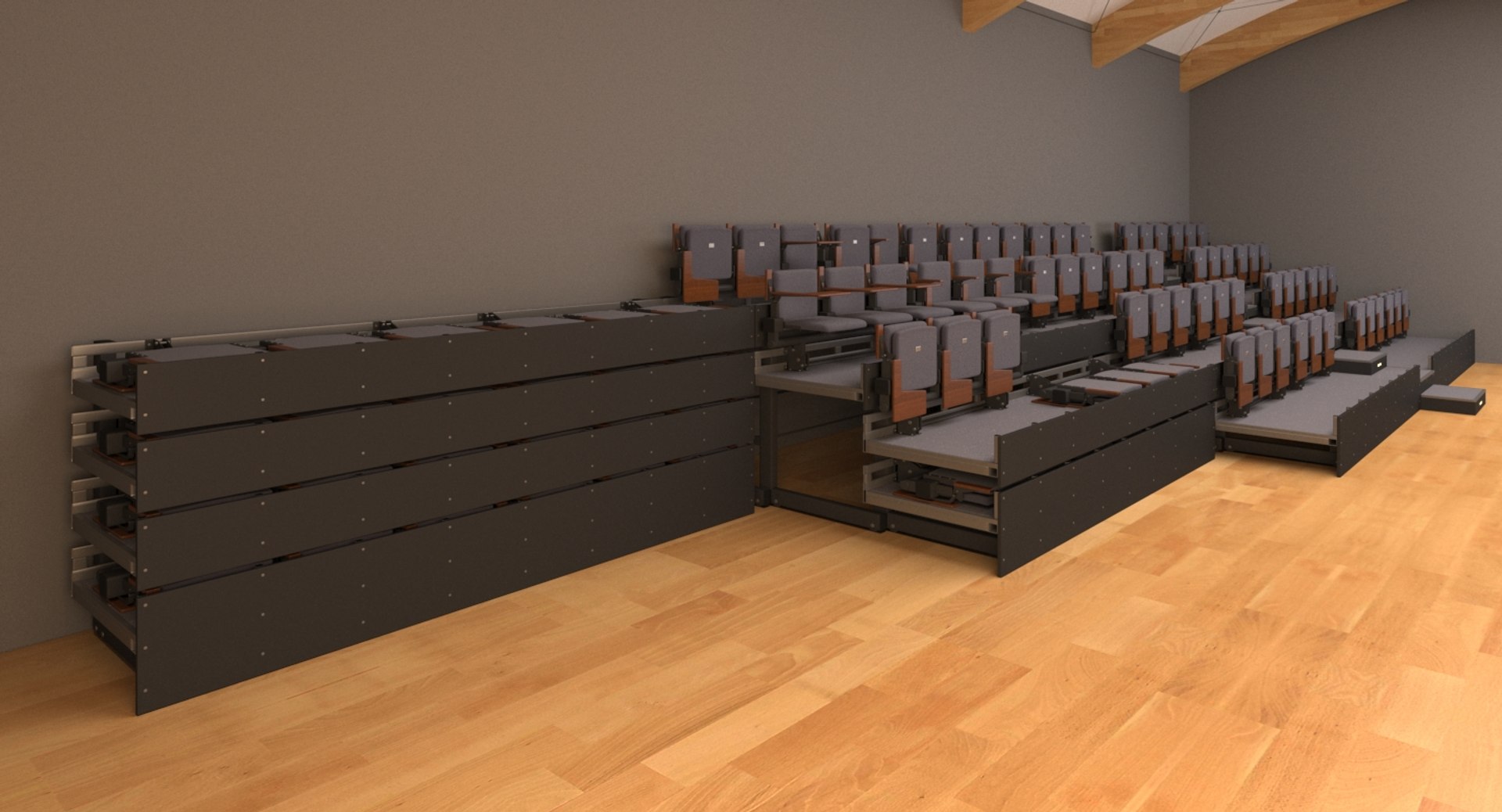
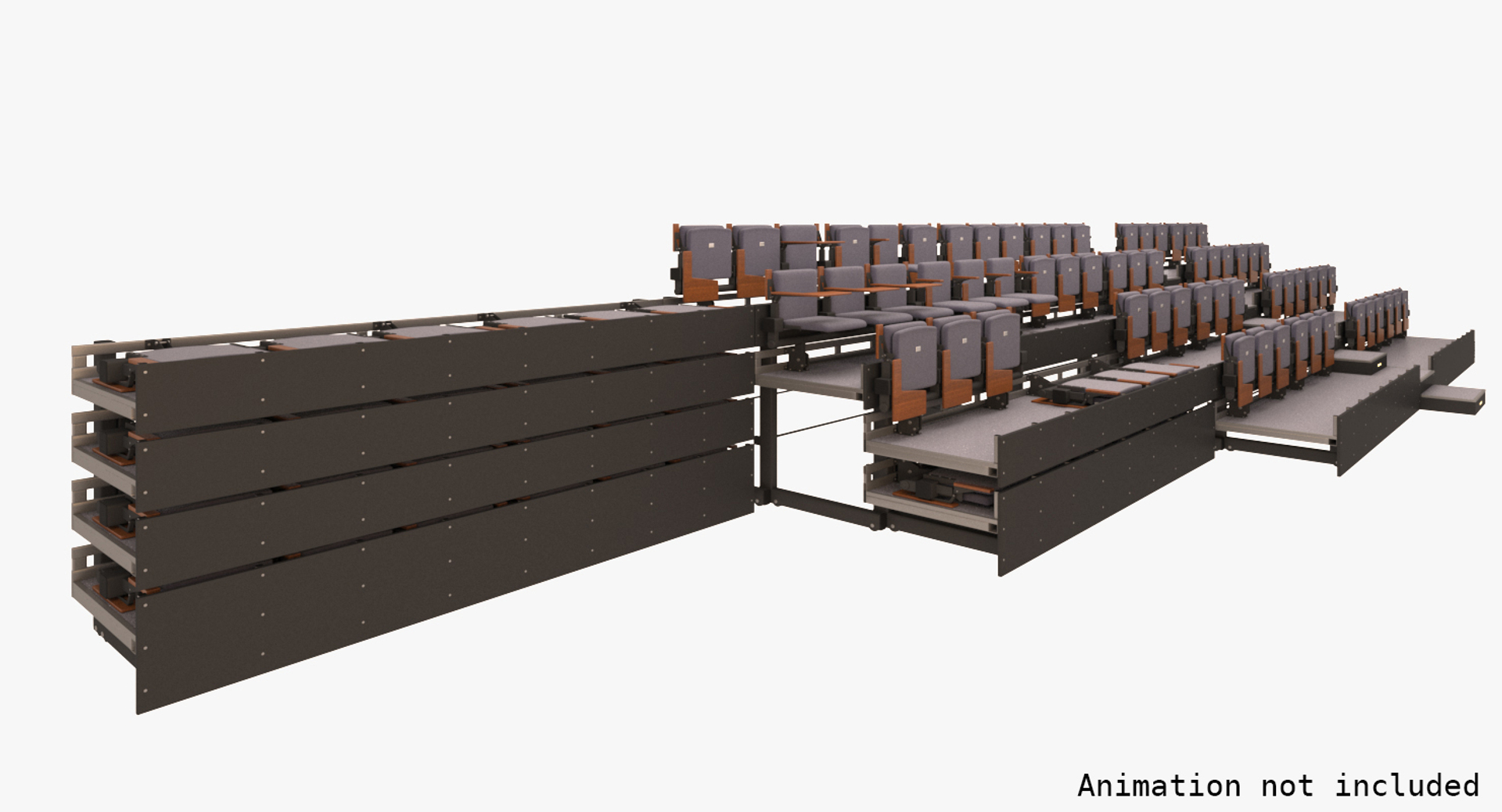
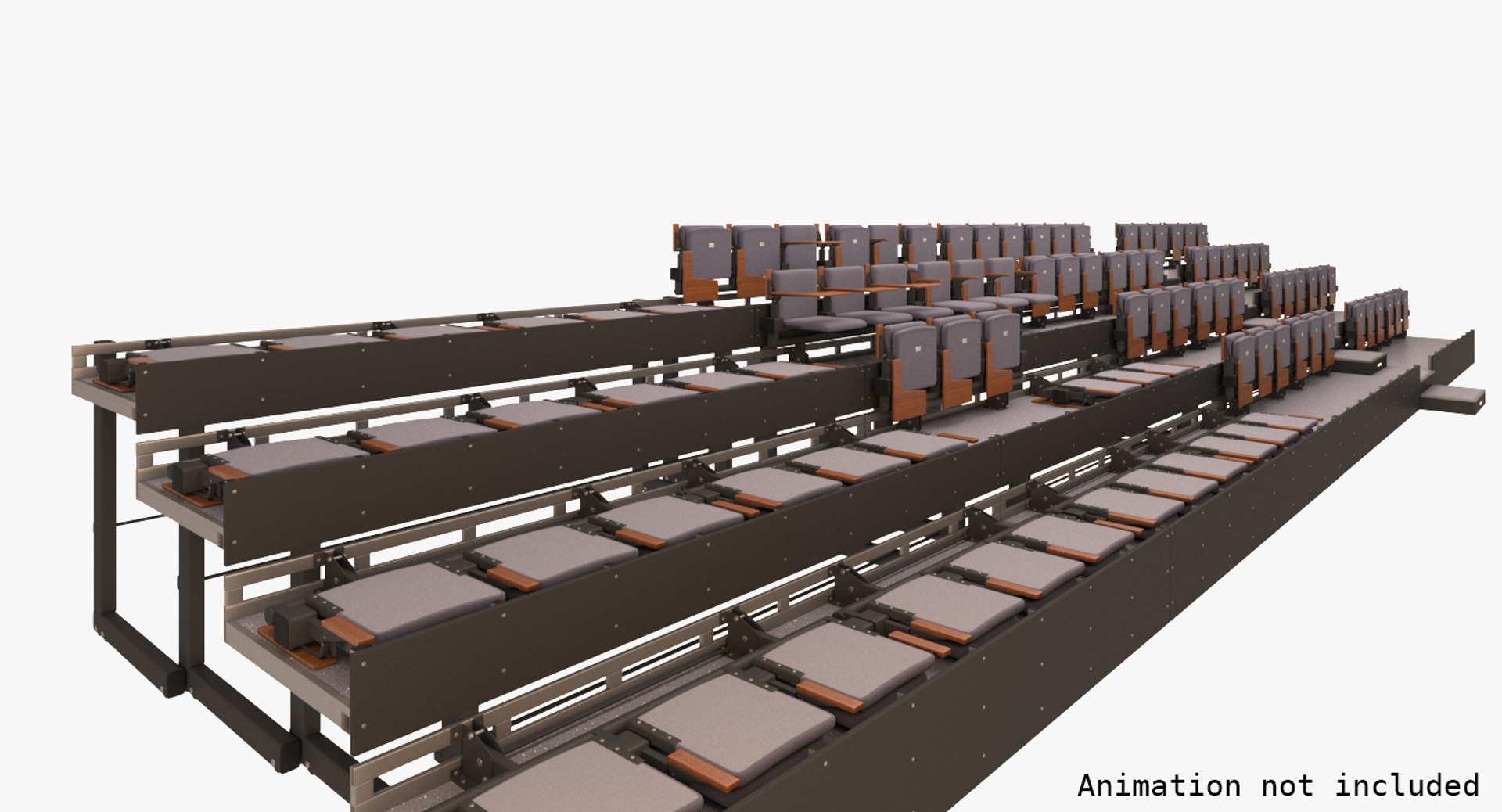
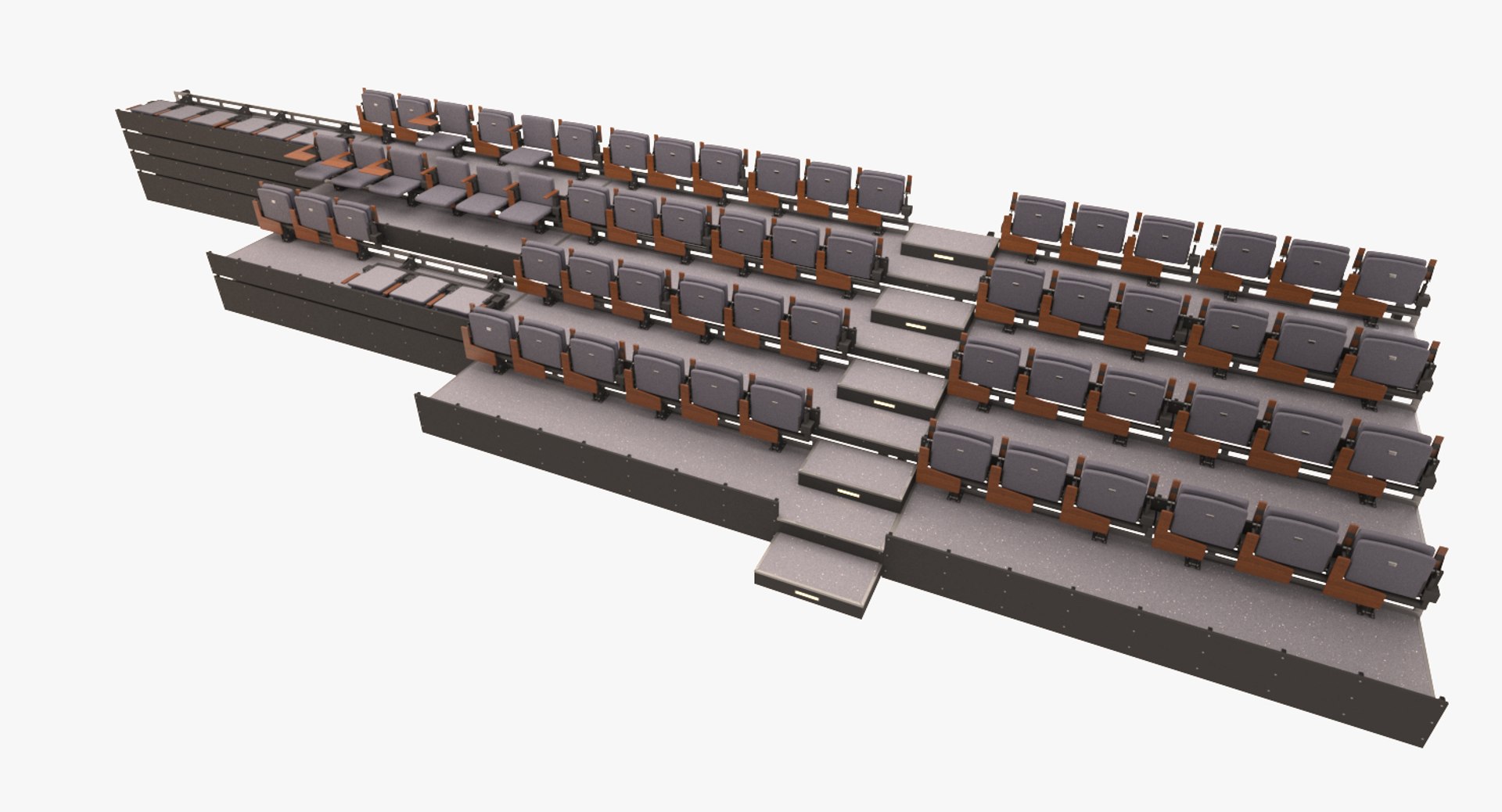
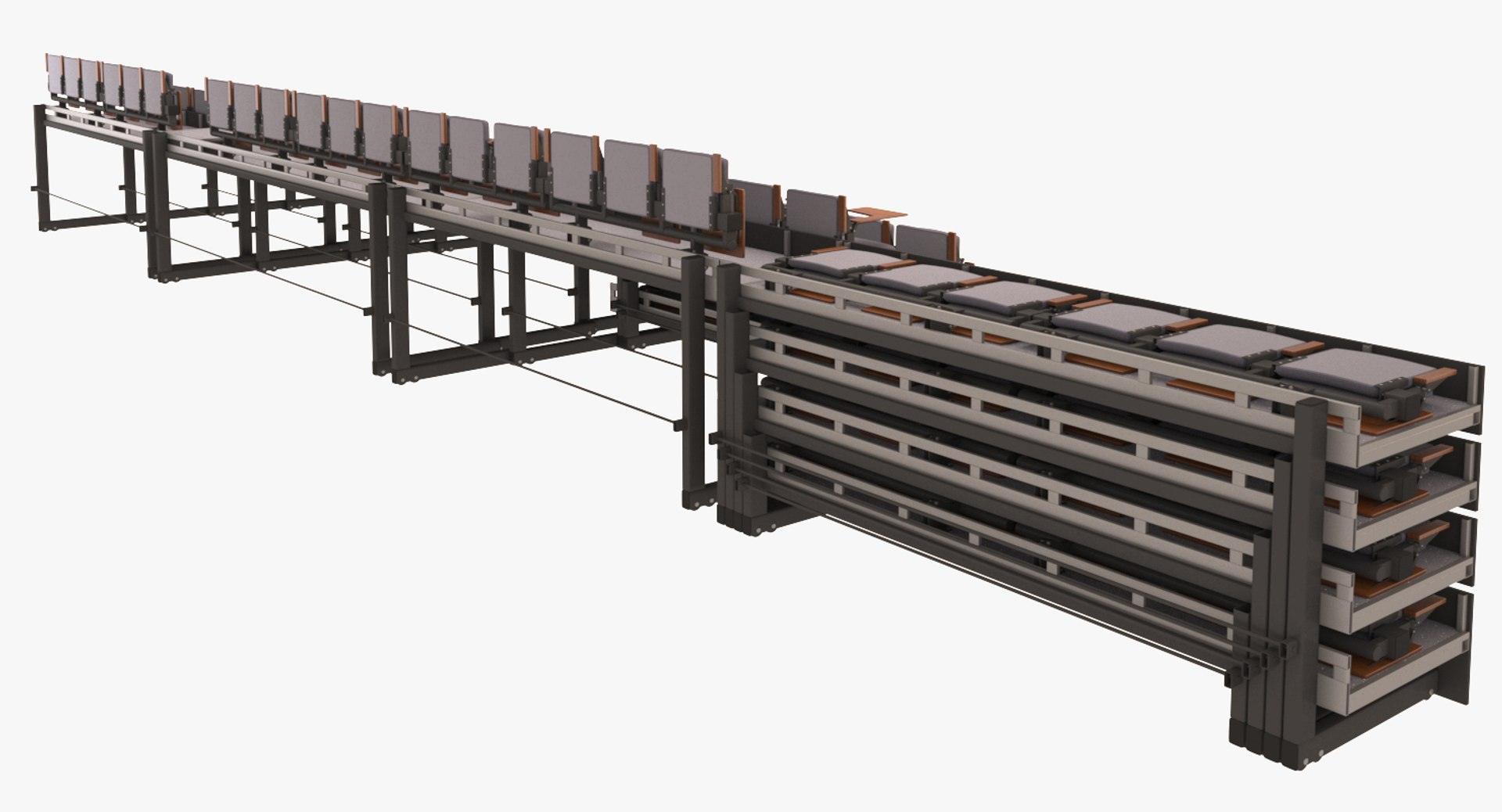
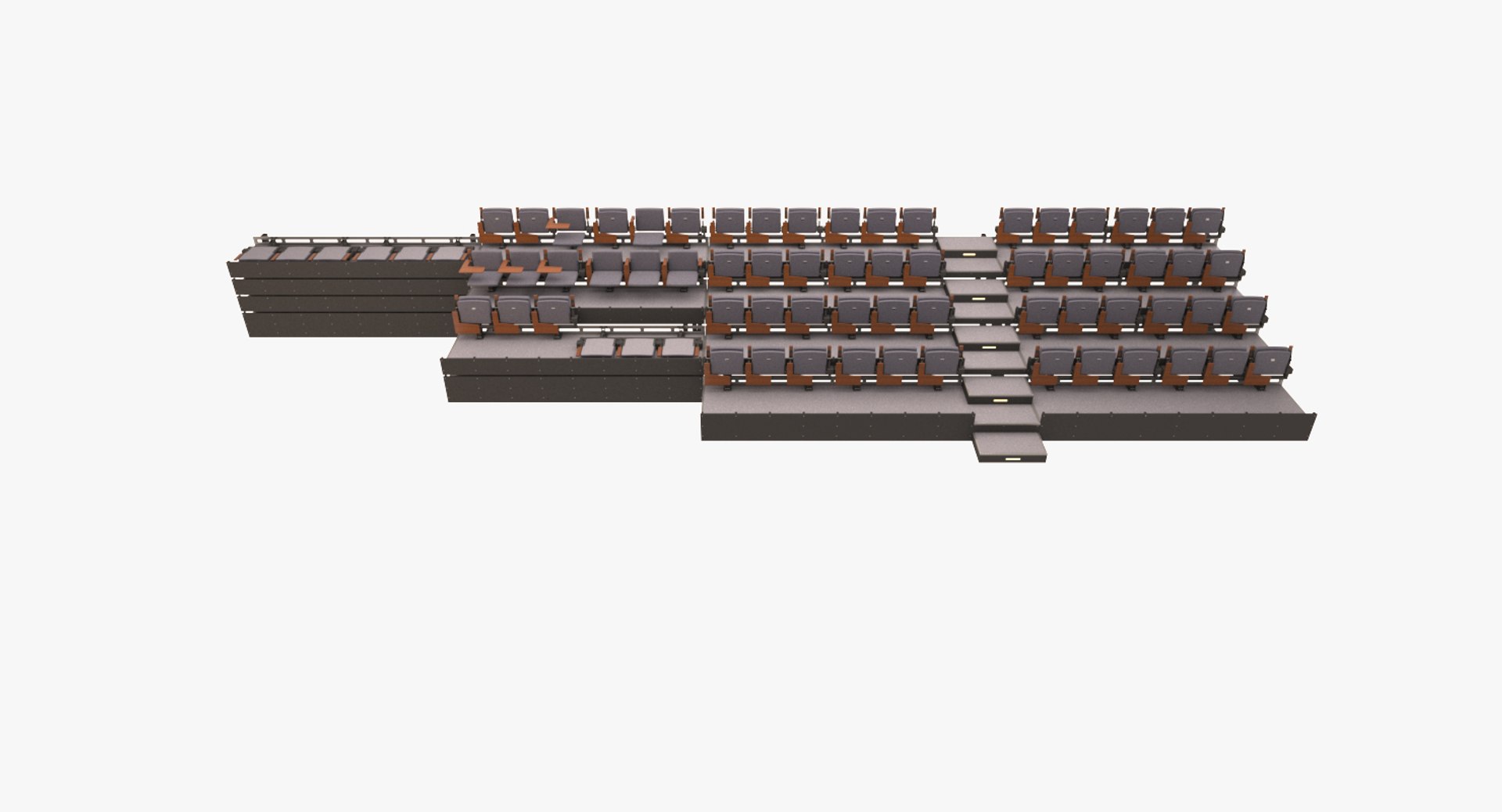
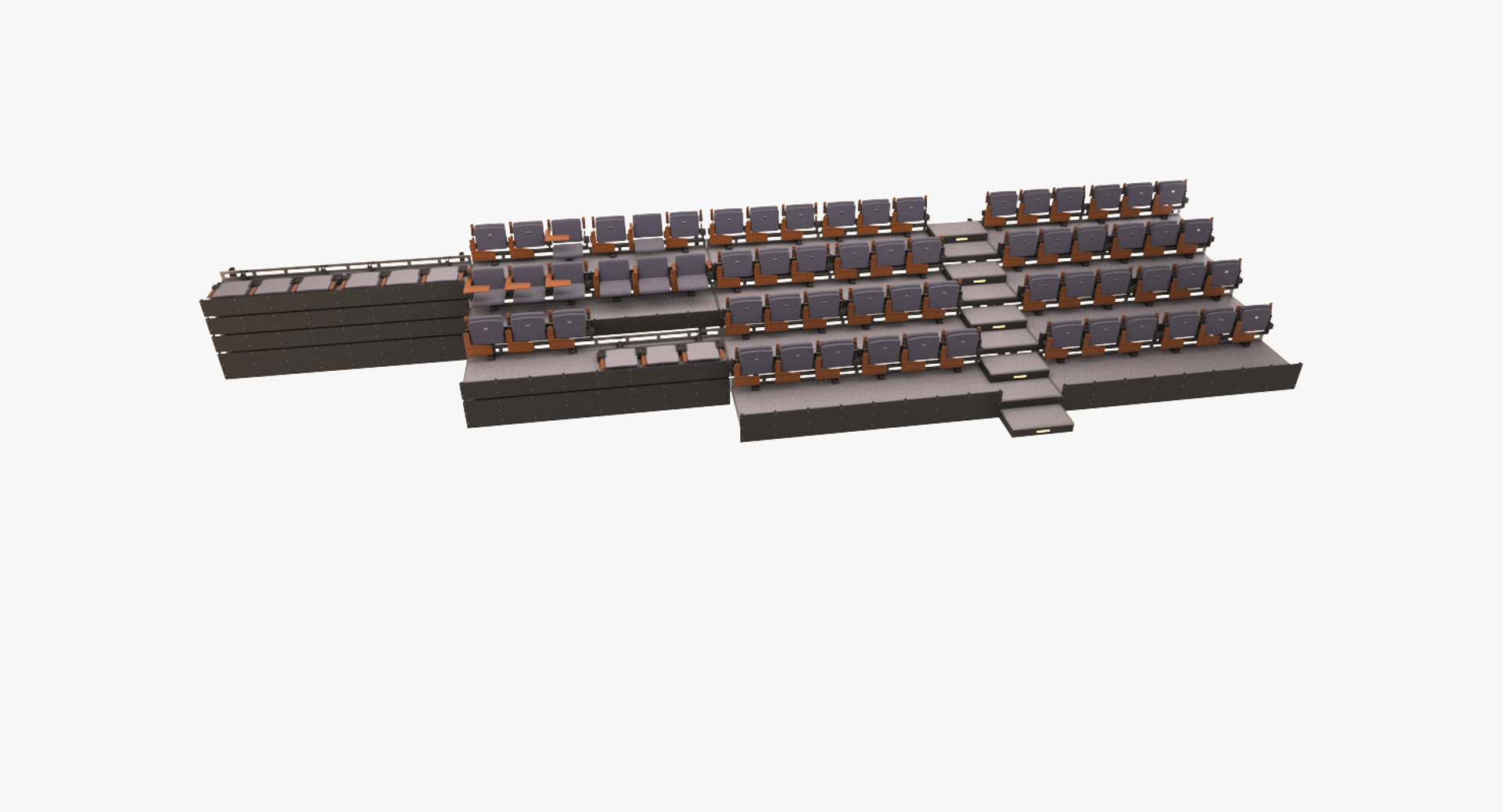
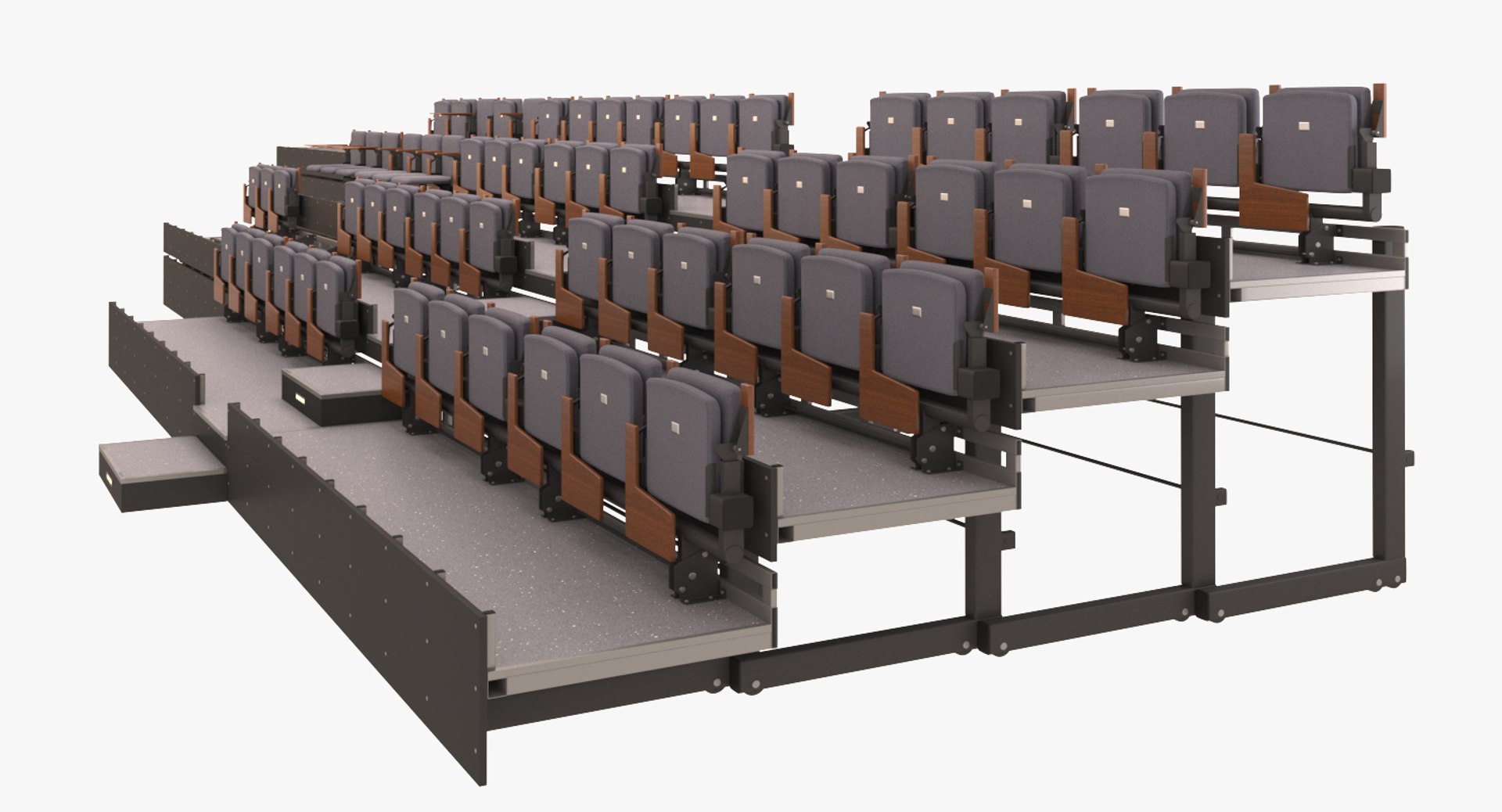
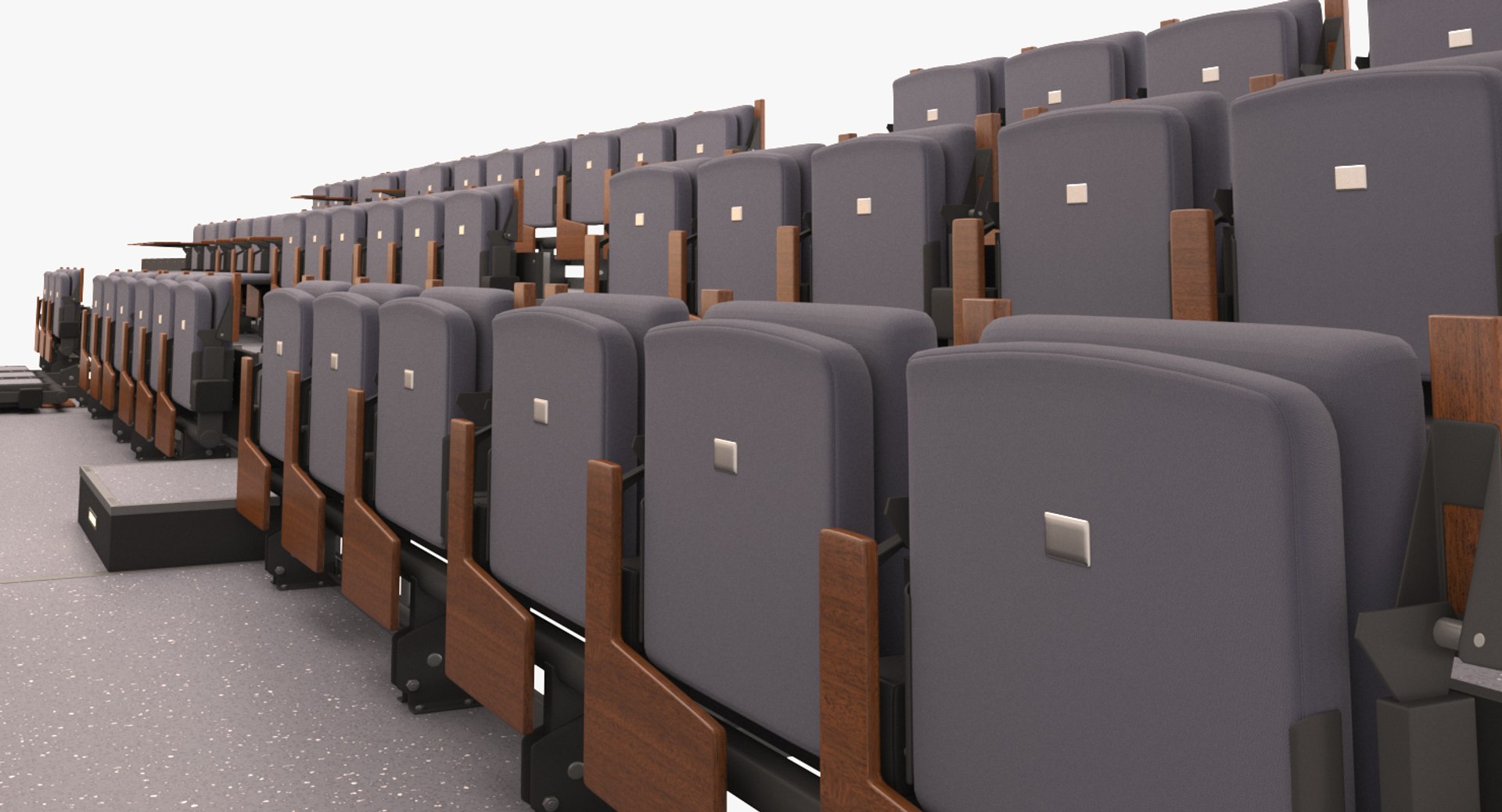
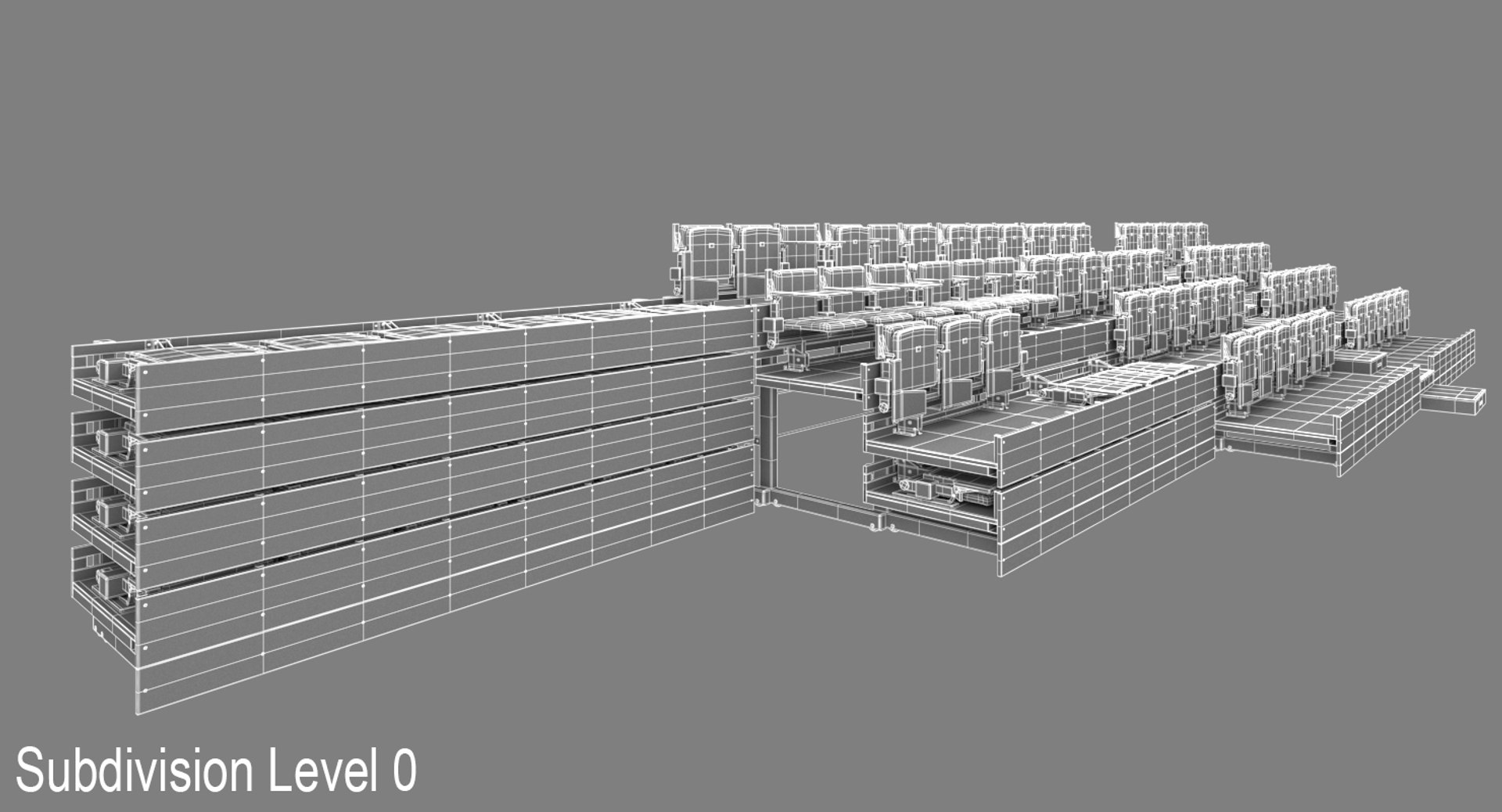
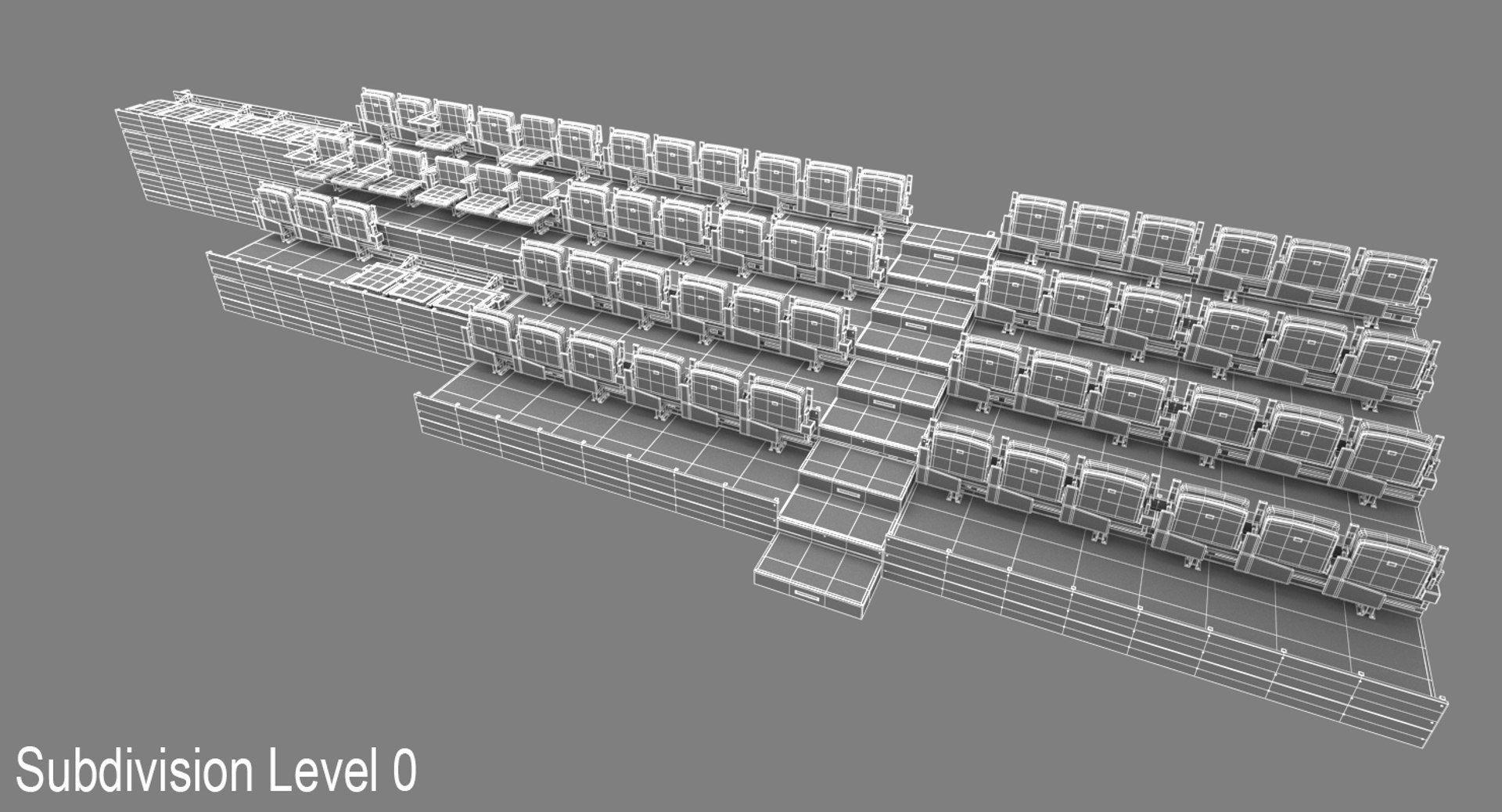
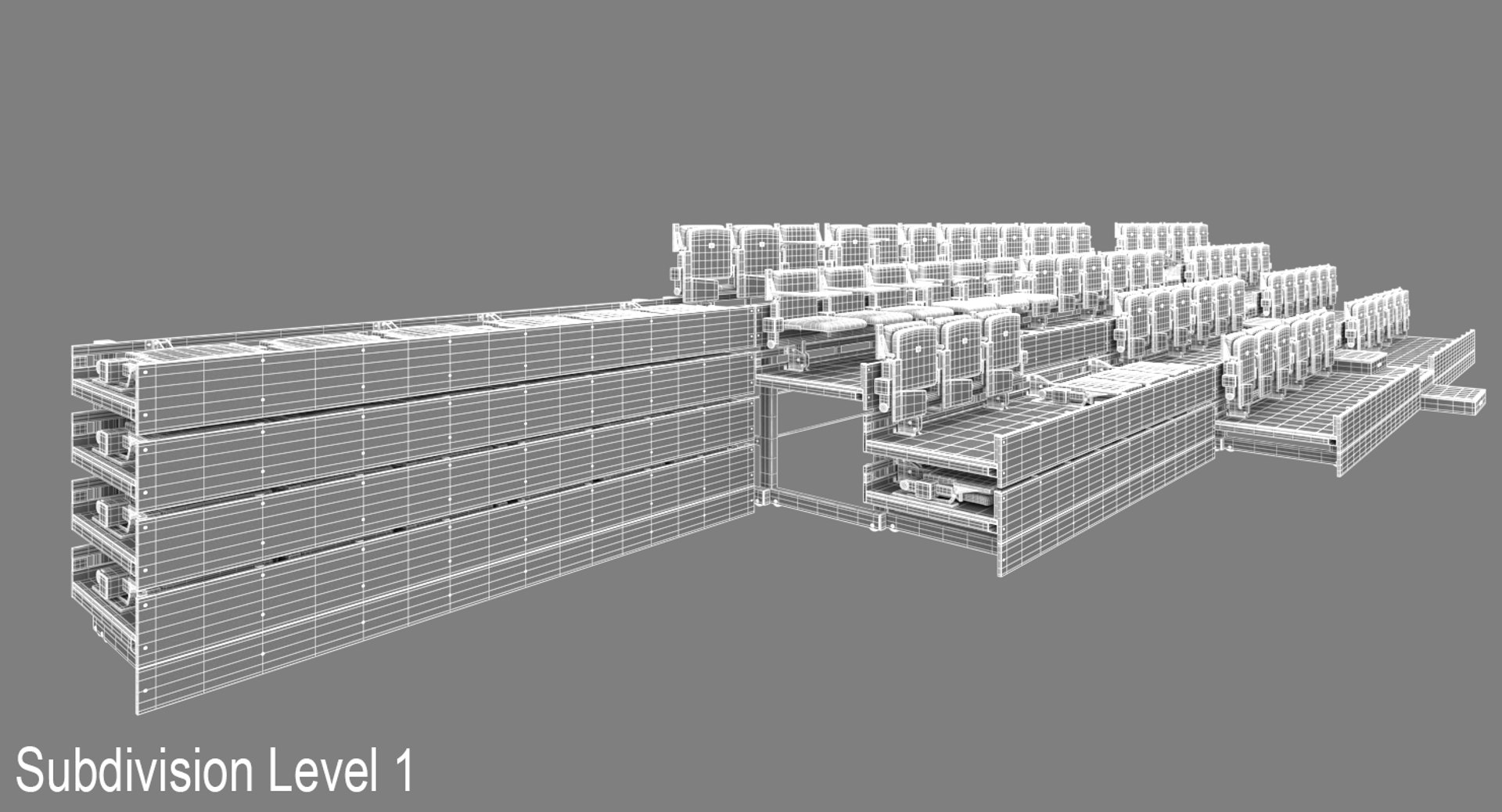
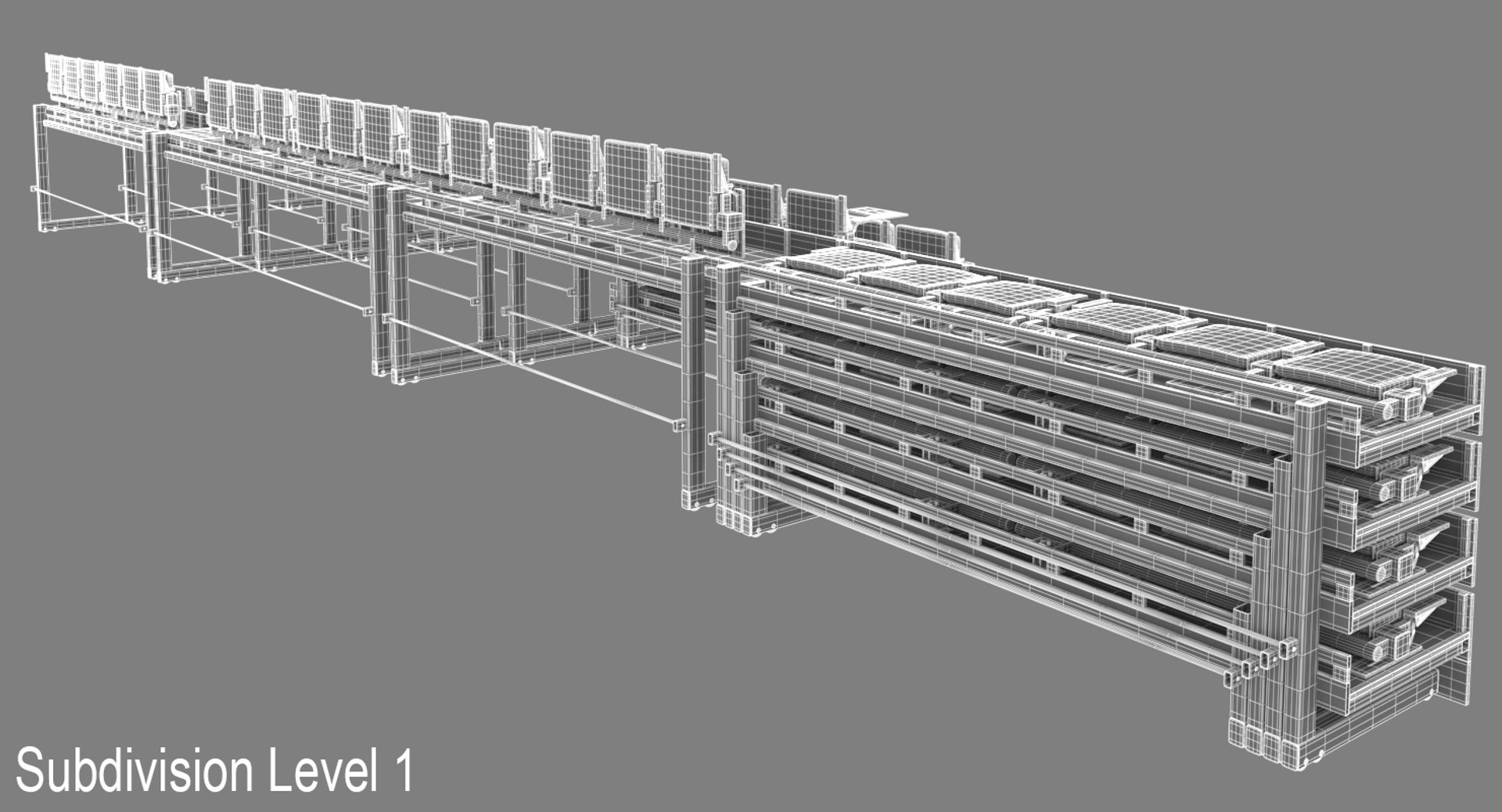
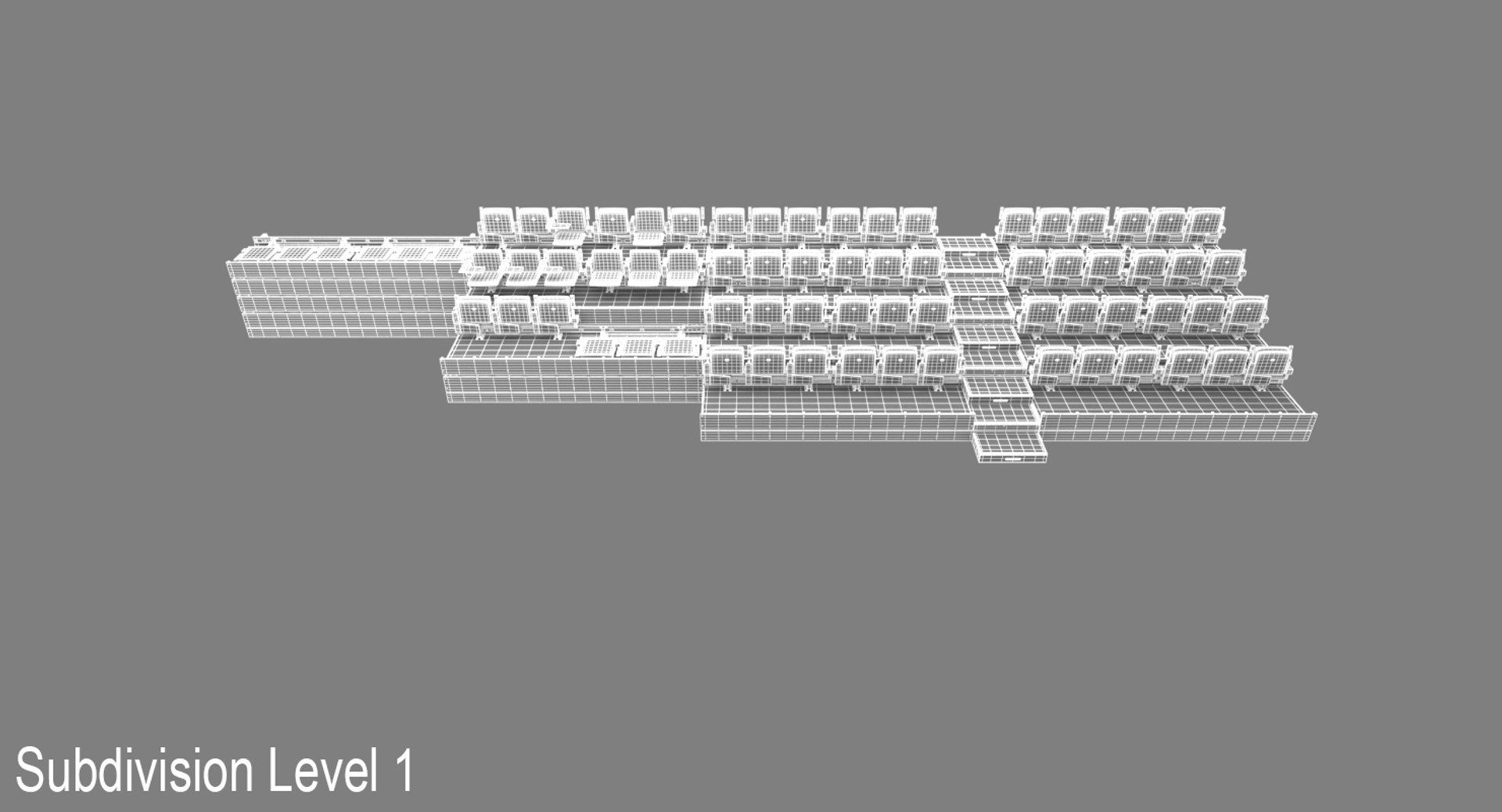
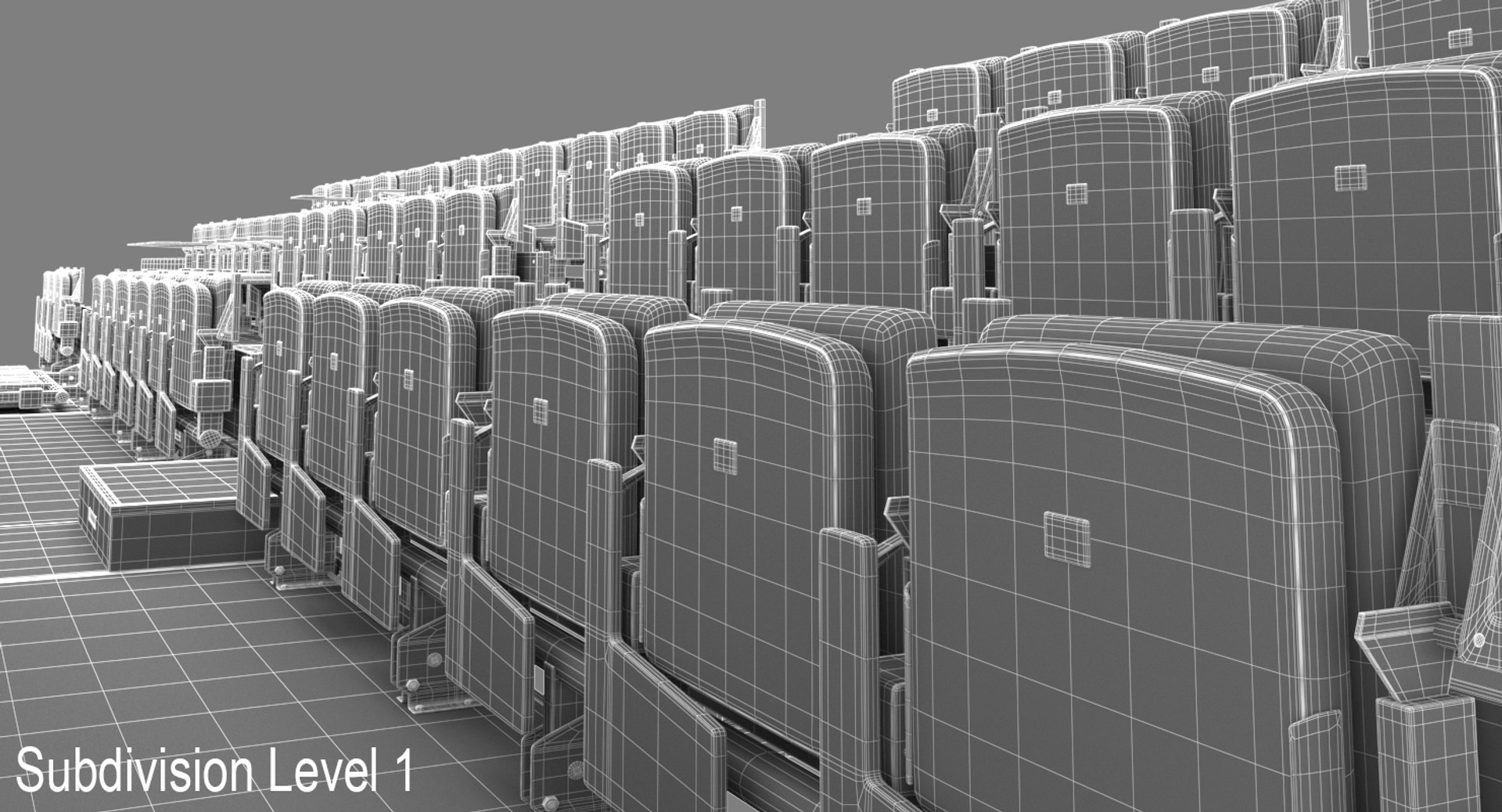
This is the model of a flexible audience seating solution.
============================================

GENERAL INFORMATION:
Created in 3ds Max 2015 and rendered with V-ray 3.3 .
Model is based on photos and basic dimensions:
Standard segment: 335 x 315 x 190 cm
Segment with stairs: 335 x 400 x 190 cm
All: 380 x 1370 x 190 cm
============================================

FEATURES:
- gamma/LUT correction is enable.
- great for visualizations and animations,
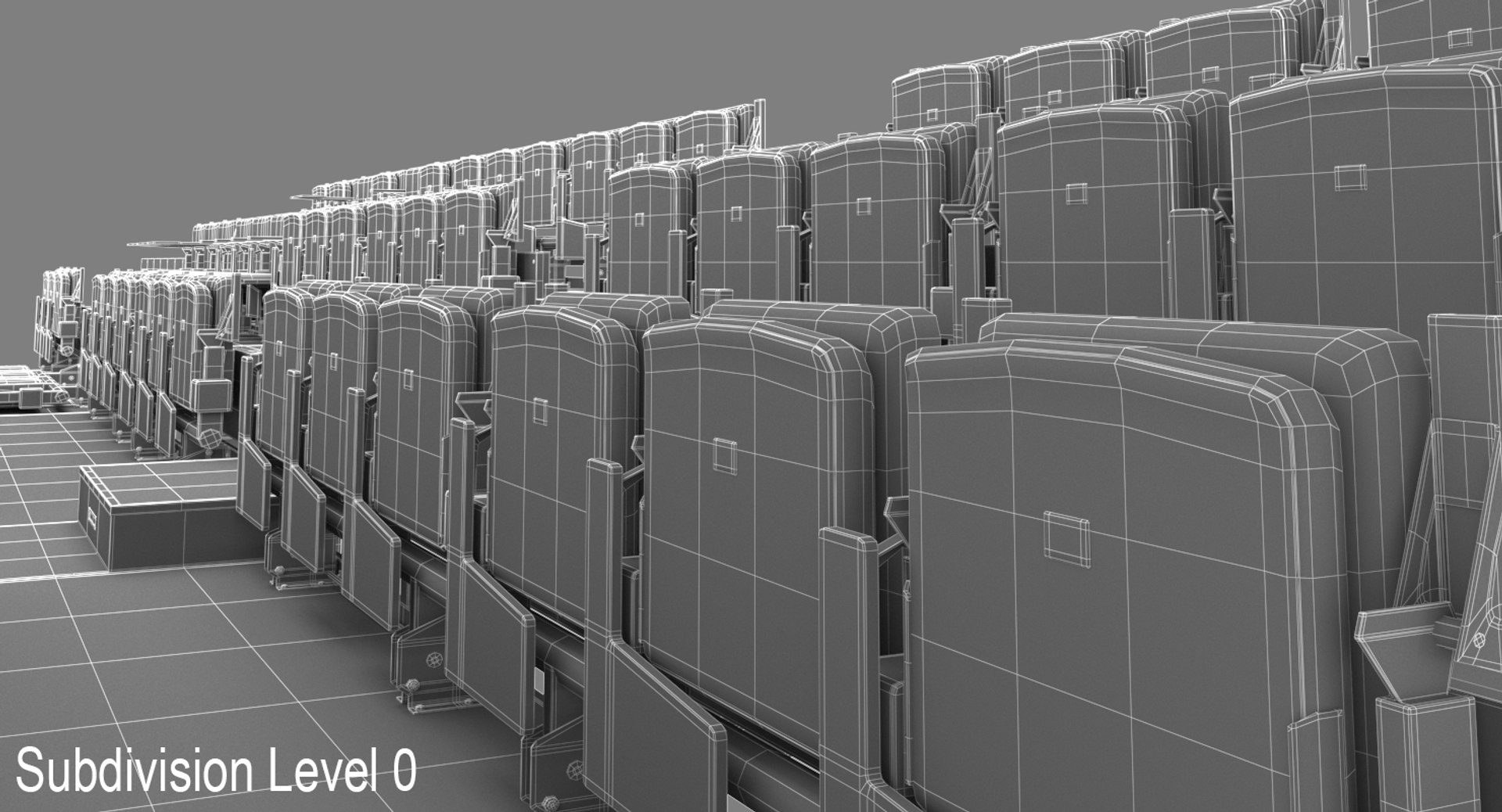
- clean geometry, real world scale,
- scene is ready to render (not animated).
- objects are linked into a hierarchy. Use TR_CONTROL_... objects to transform each platform or seat.
============================================

FILES:
- max_vr_tribune.max file include geometry, materials and V-ray render presets. Geometry is uvw mapped. Objects are named, scaled and located in 0,0,0 position,
- obj_tribune.obj file include geometry and maping. Objects are named, scaled and located in 0,0,0 position,
- fbx_tribune.fbx file include geometry and maping. Objects are named, scaled and located in 0,0,0 position,
============================================

BITMAPS:
1000x1000, 2048x2048

Select Enhanced License

  • $10,000 in Legal Protection (Indemnification)
  • Uncapped Legal Protection (Indemnification)
  • Waiver from injunctive relief
  • Assignable model rights
  • $1,000,000 in Legal Protection (Indemnification)
  • Waiver from injunctive relief
  • Assignable model rights
  • $250,000 in Legal Protection (Indemnification)
  • Assignable model rights
Read more about enhanced license tiers, or contact us at enterprise@turbosquid.com. Already a Shutterstock Enterprise Customer? Contact your Shutterstock Sales Support Agent to talk about adding 3D.

About Conversion Requests

To submit a conversion request for a purchased asset, please complete our Conversion Request Form.

If you have not yet purchased a model, please review our Documentation about Conversions to learn about what limitations you may encounter with a conversion.

For any additional questions about a model’s suitability for conversion, please contact TurboSquid Support.

Loading...