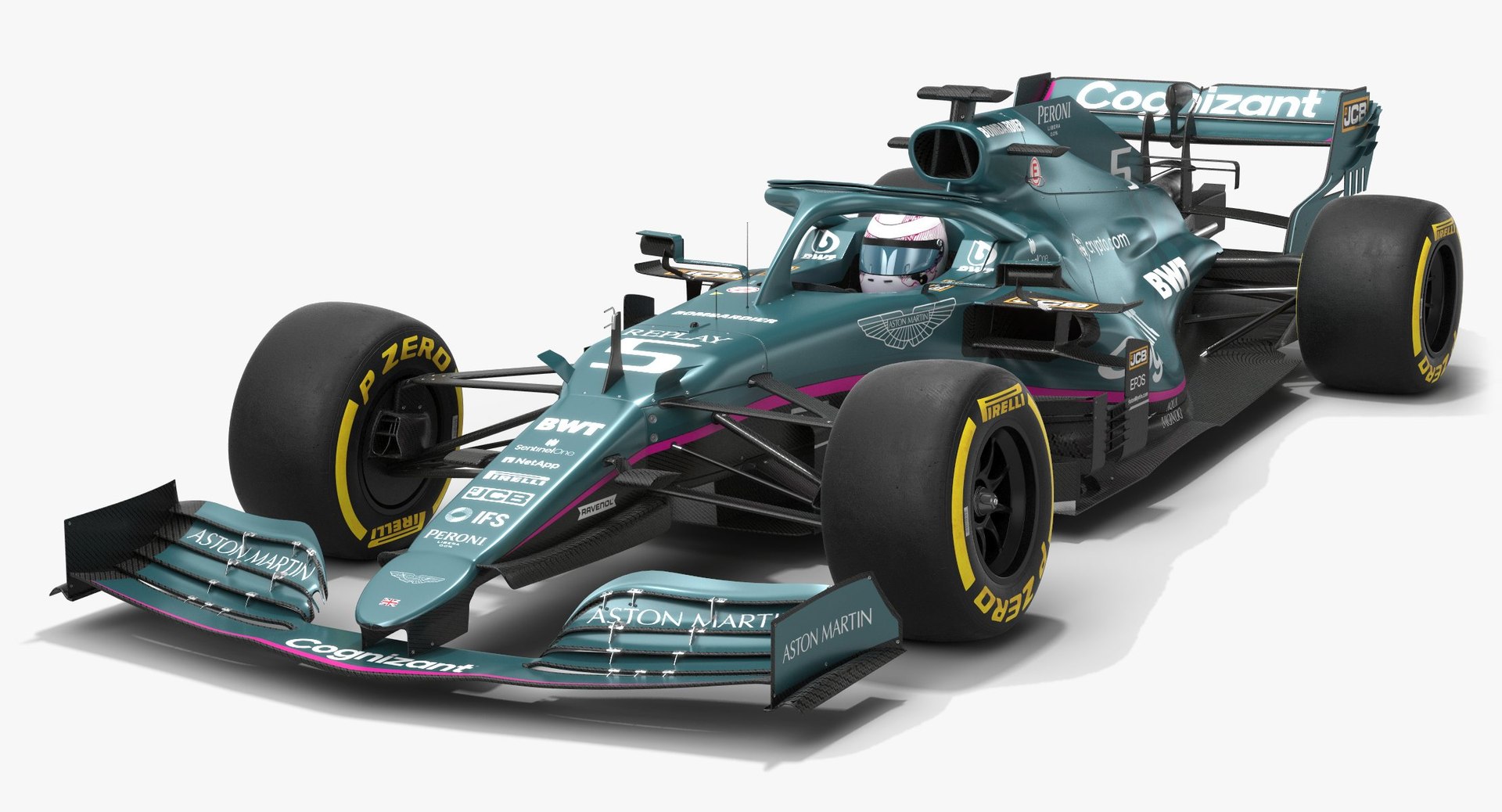
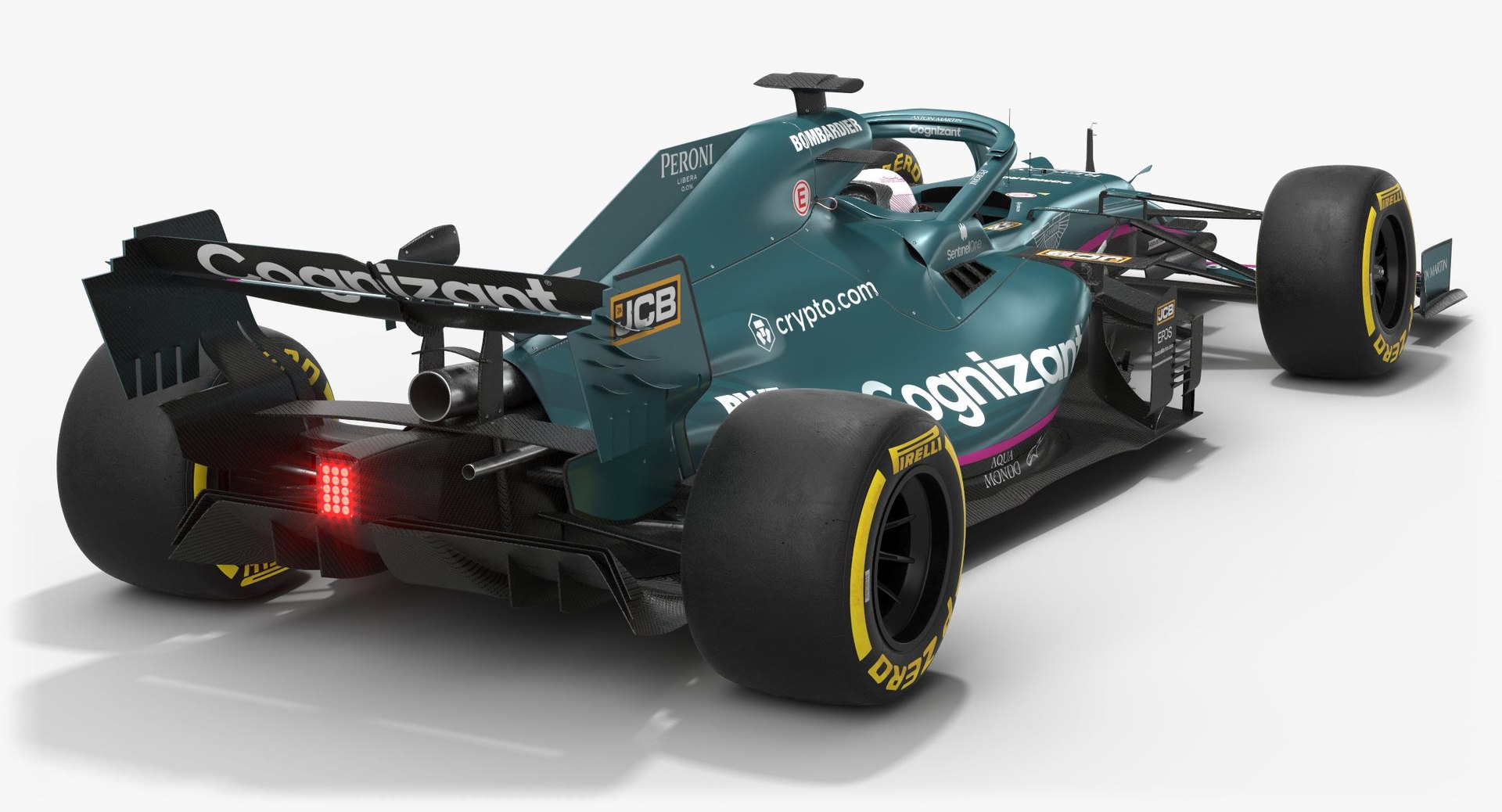
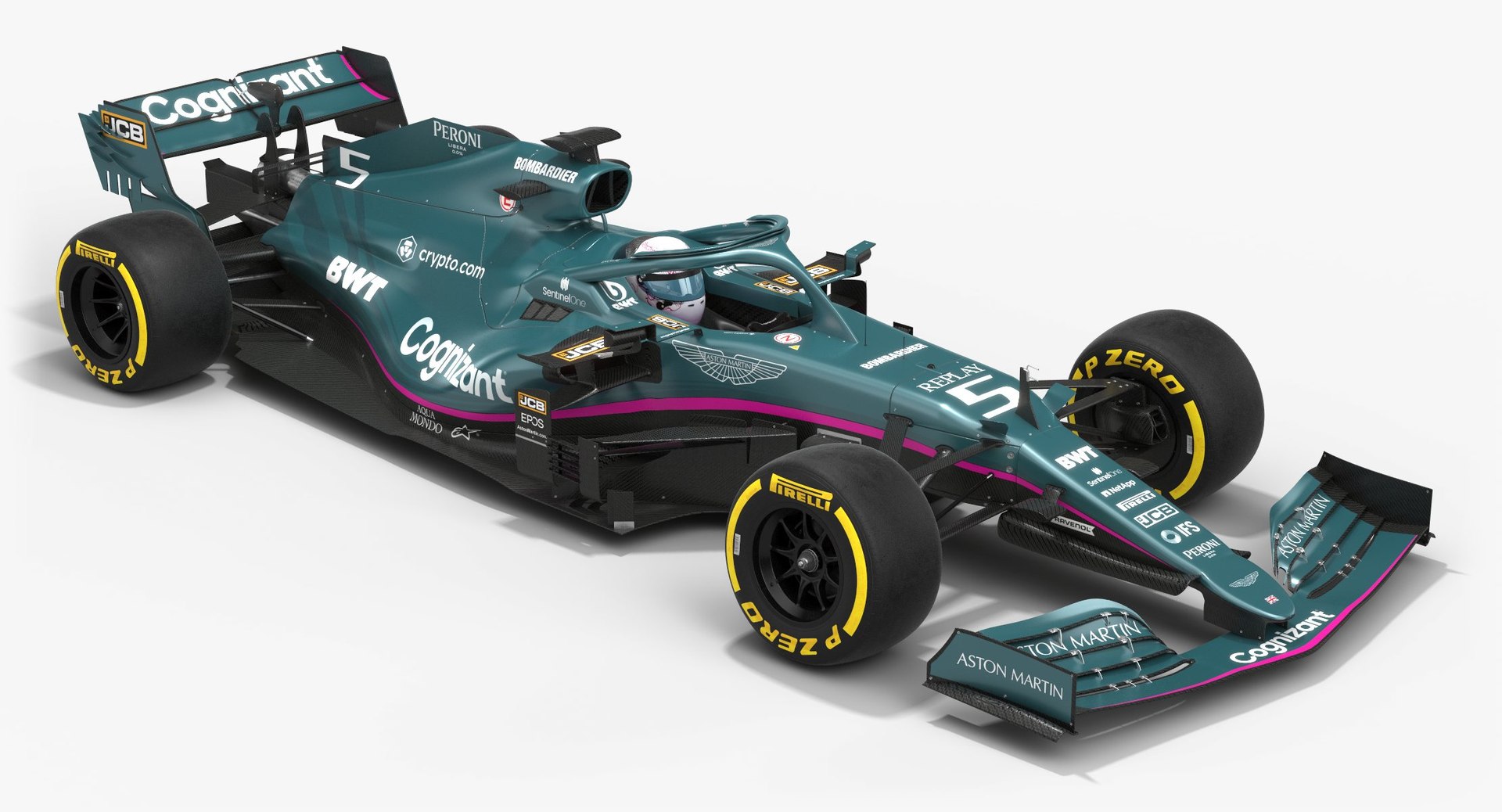
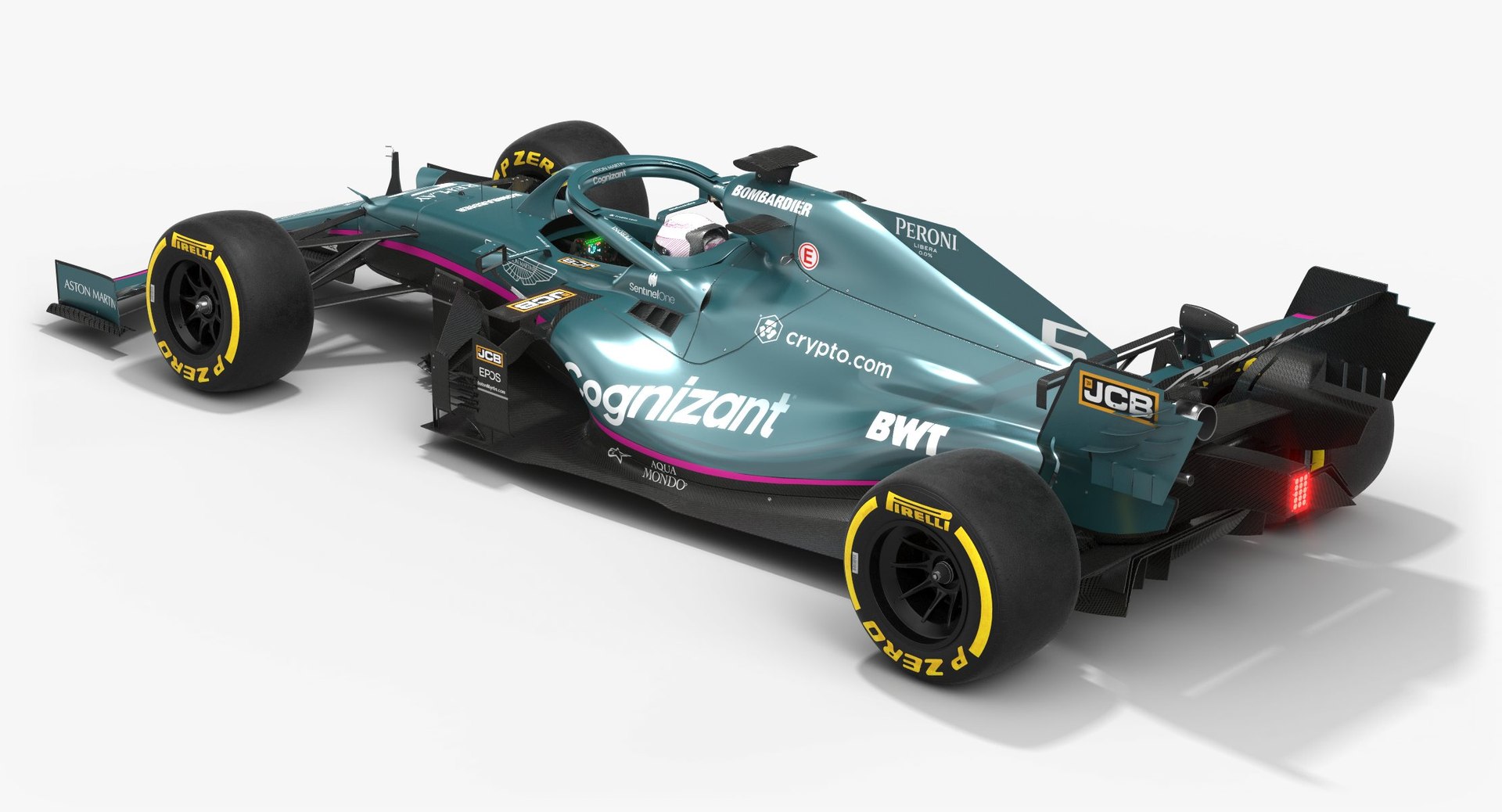
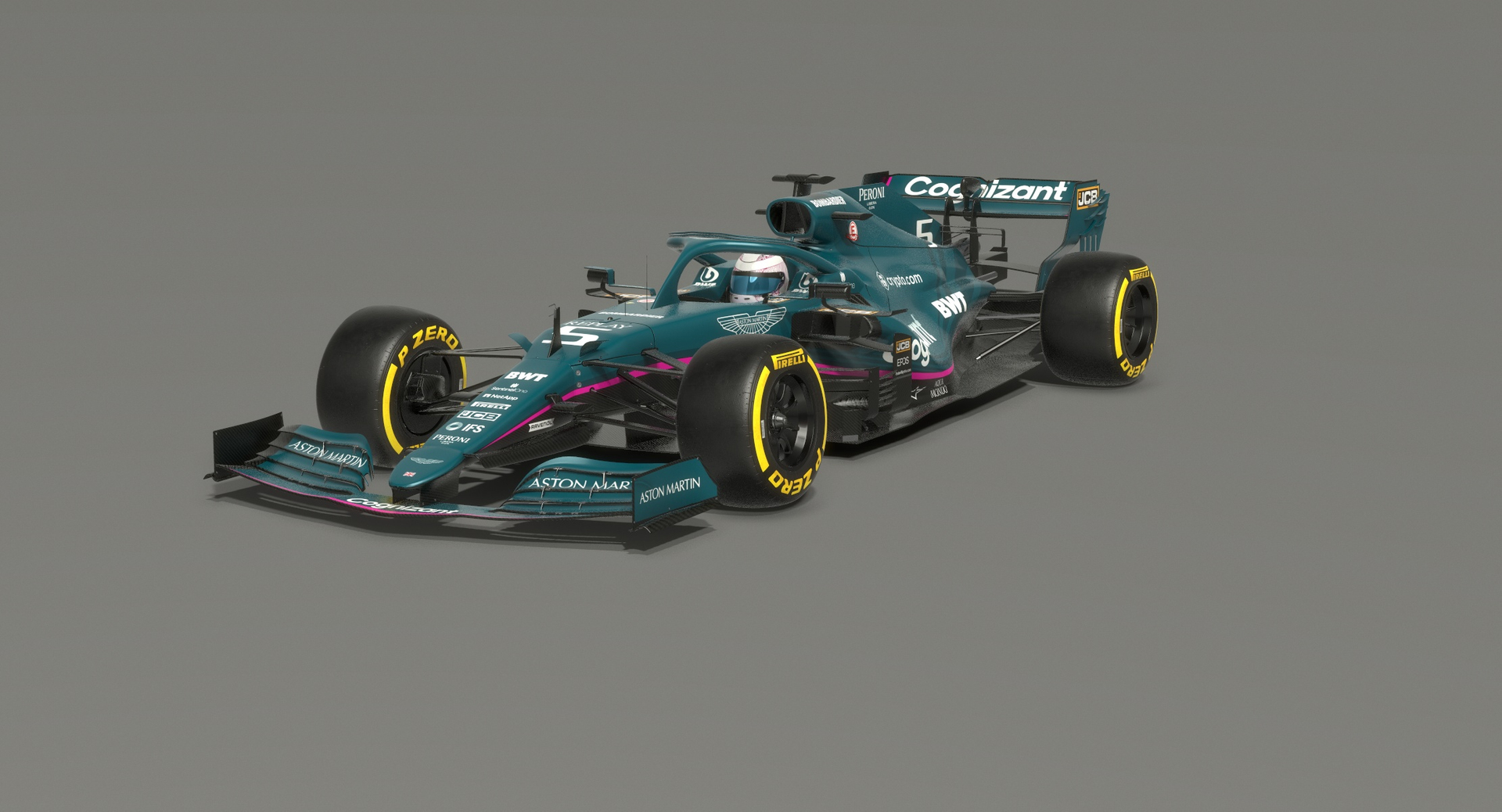
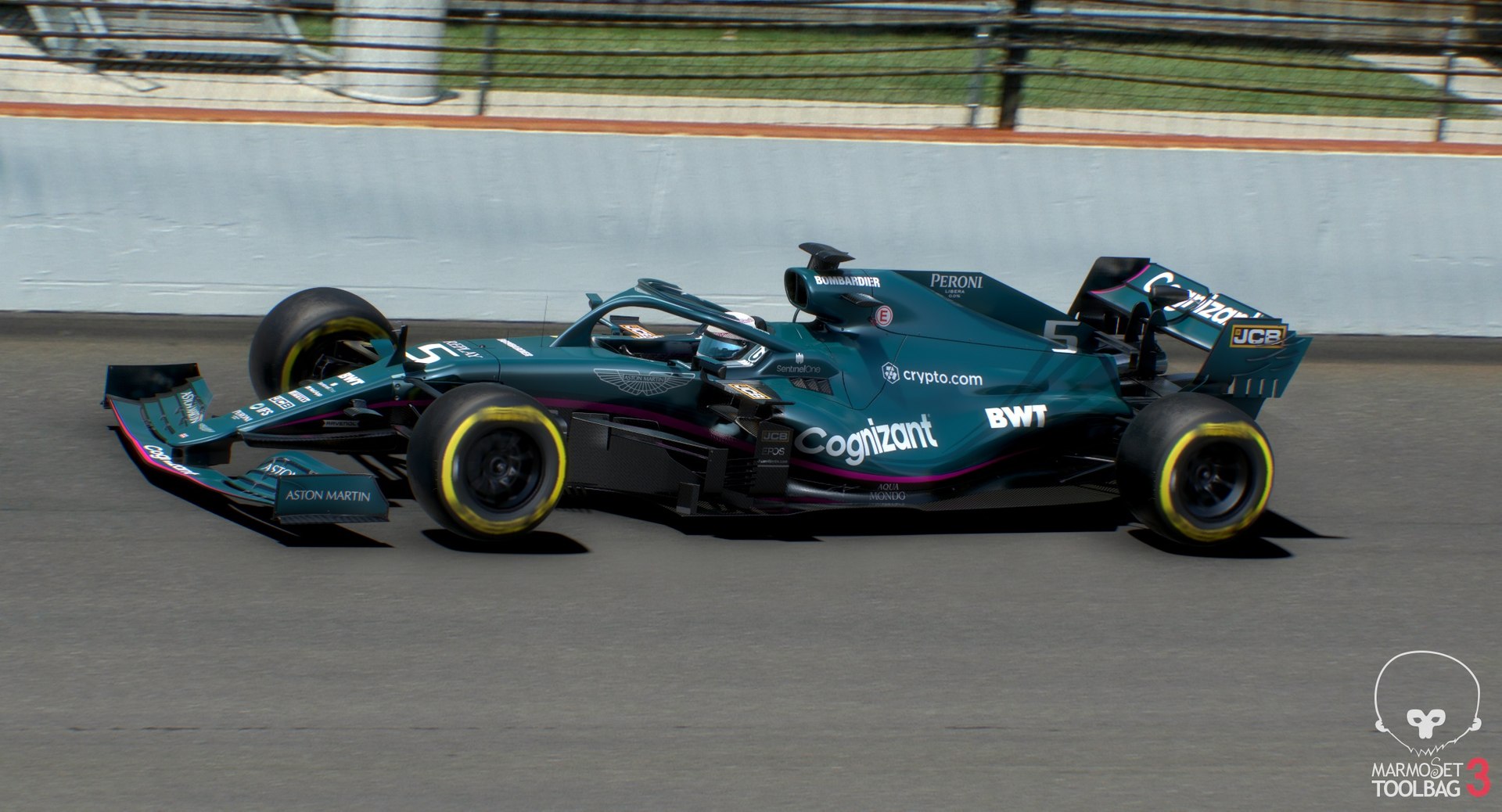
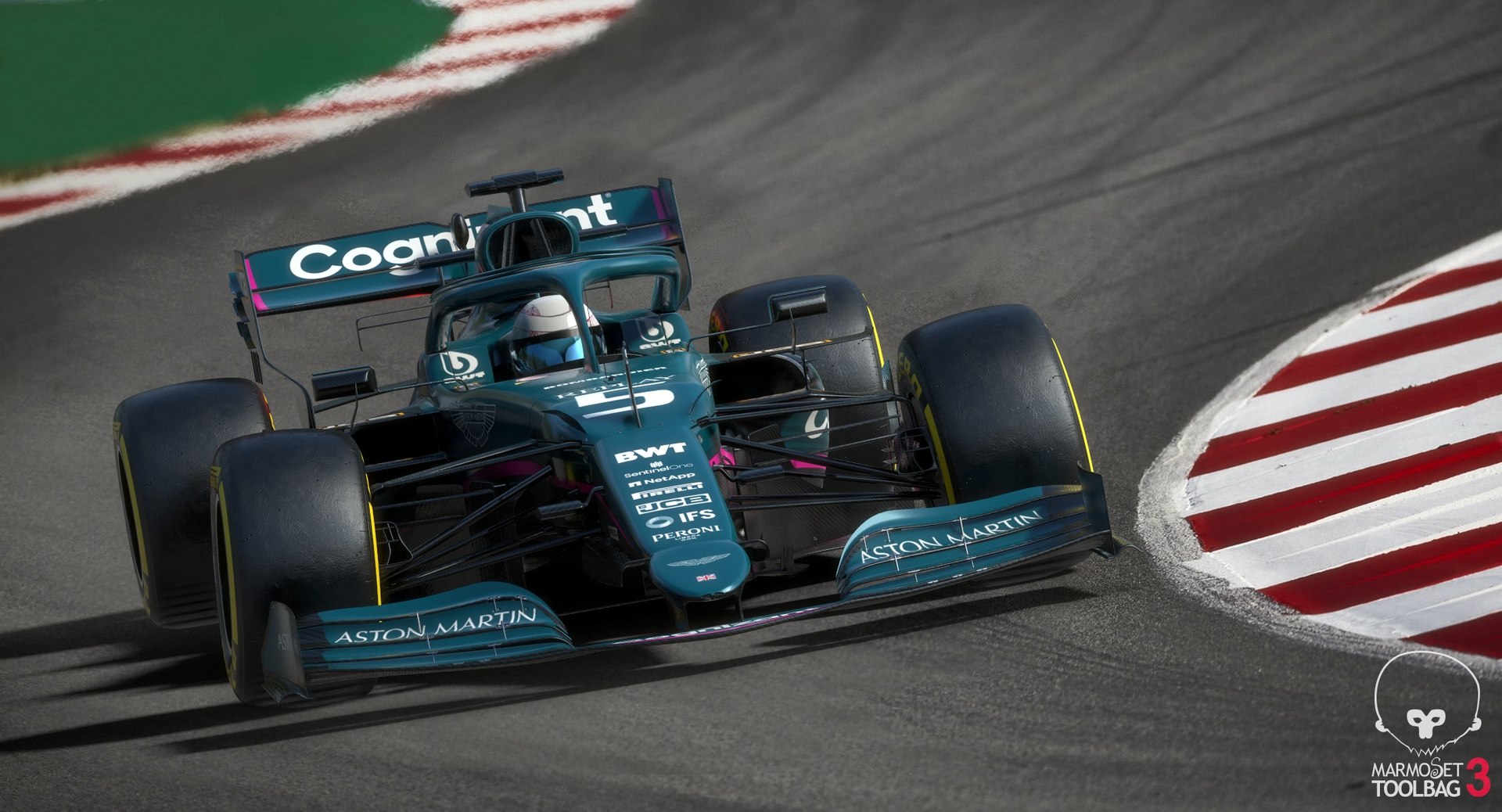
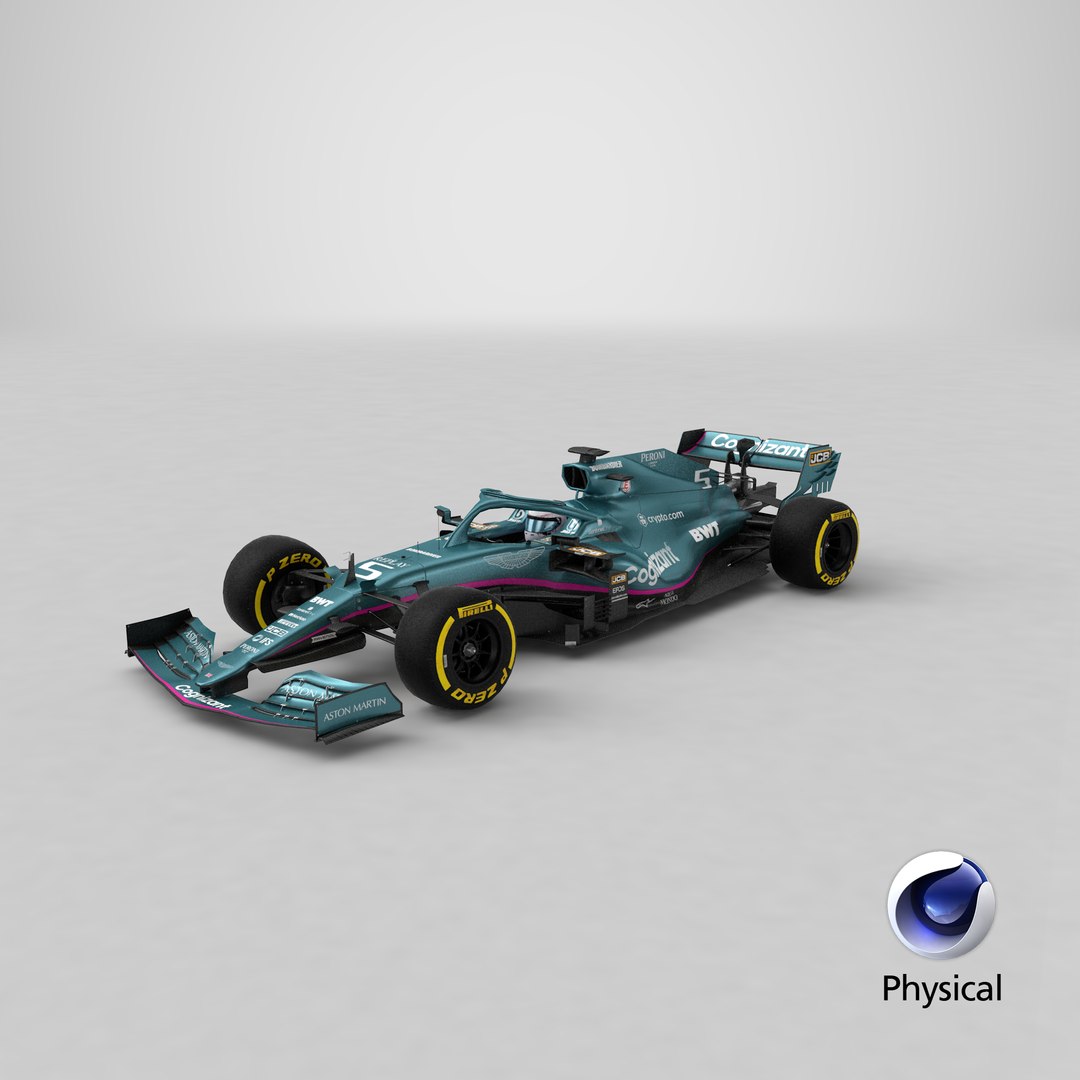
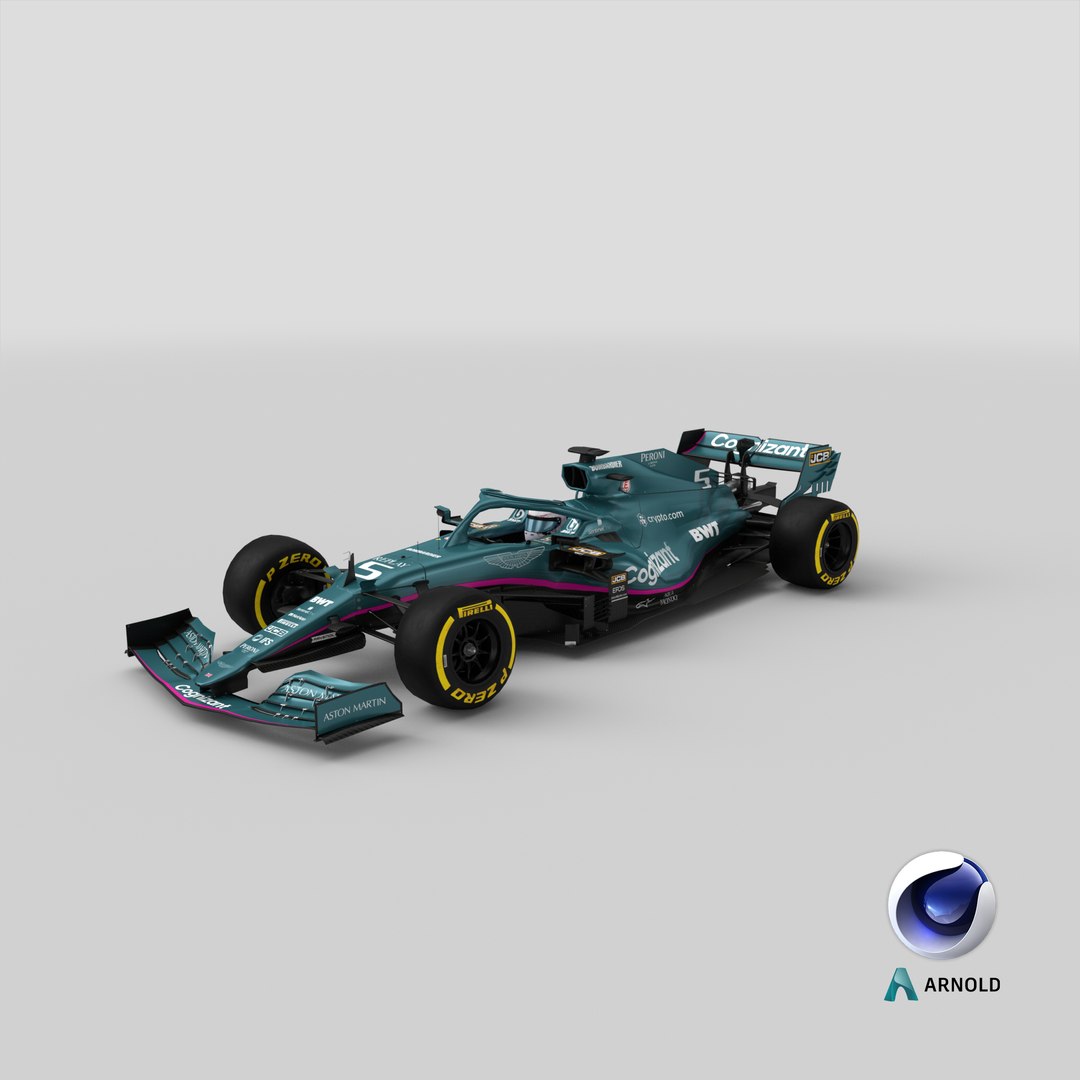
Aston Martin F1 Team 2021 Formula 1 AMR21

$99

Standard License | Upgrade License
Editorial Uses Only
Formats (21)
Free file format Conversions available
Native | 3ds Max 2018 | V-Ray 4.10.03
Cinema 4D R18 | Advanced Render
Cinema 4D R18 | Arnold 5.3.1.1
3ds Max 2018 | Arnold 5.3.1.1
Maya 2015 | V-Ray 3.2
Maya 2015 | mental ray
Maya 2017 | Arnold 5.3.1.1
DXF
3D Studio
FBX
STL
OBJ
Unity
Unreal
glTF
USDz
Specifications
Publish Date March 22, 2021
Product ID 1708935
Polygons 37,797
Vertices 39,663
Polygonal Quads/Tris Geometry
Textures
Materials
UV Mapped
Non-overlapping Unwrapped UVs
PBR
Real-Time
StemCell Certified
TurboSquid Exclusive
member avatar
OpticalDreamSoft
802 Products | Contributor Since 2008
Have questions? Chat with us now.

Description

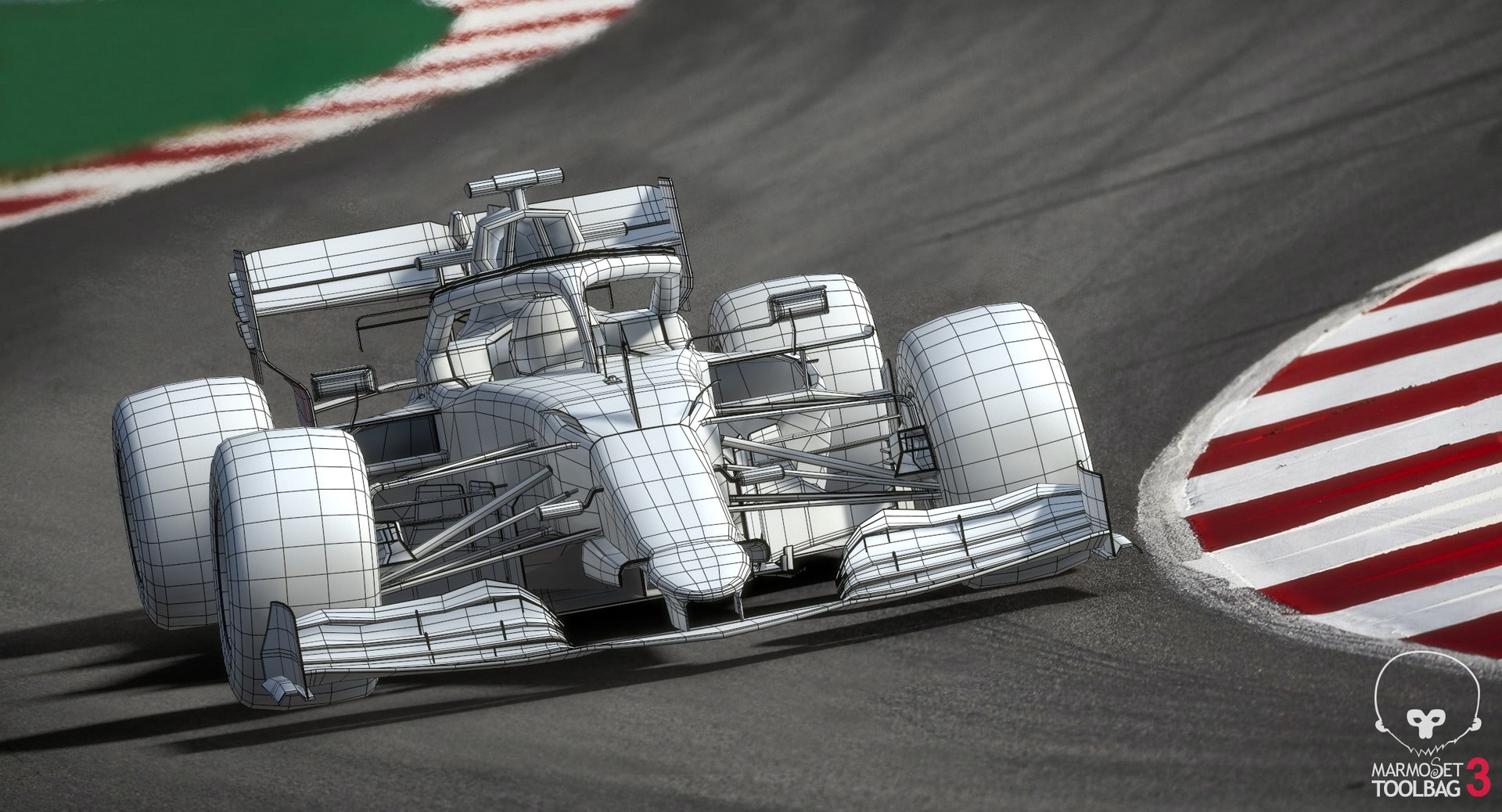
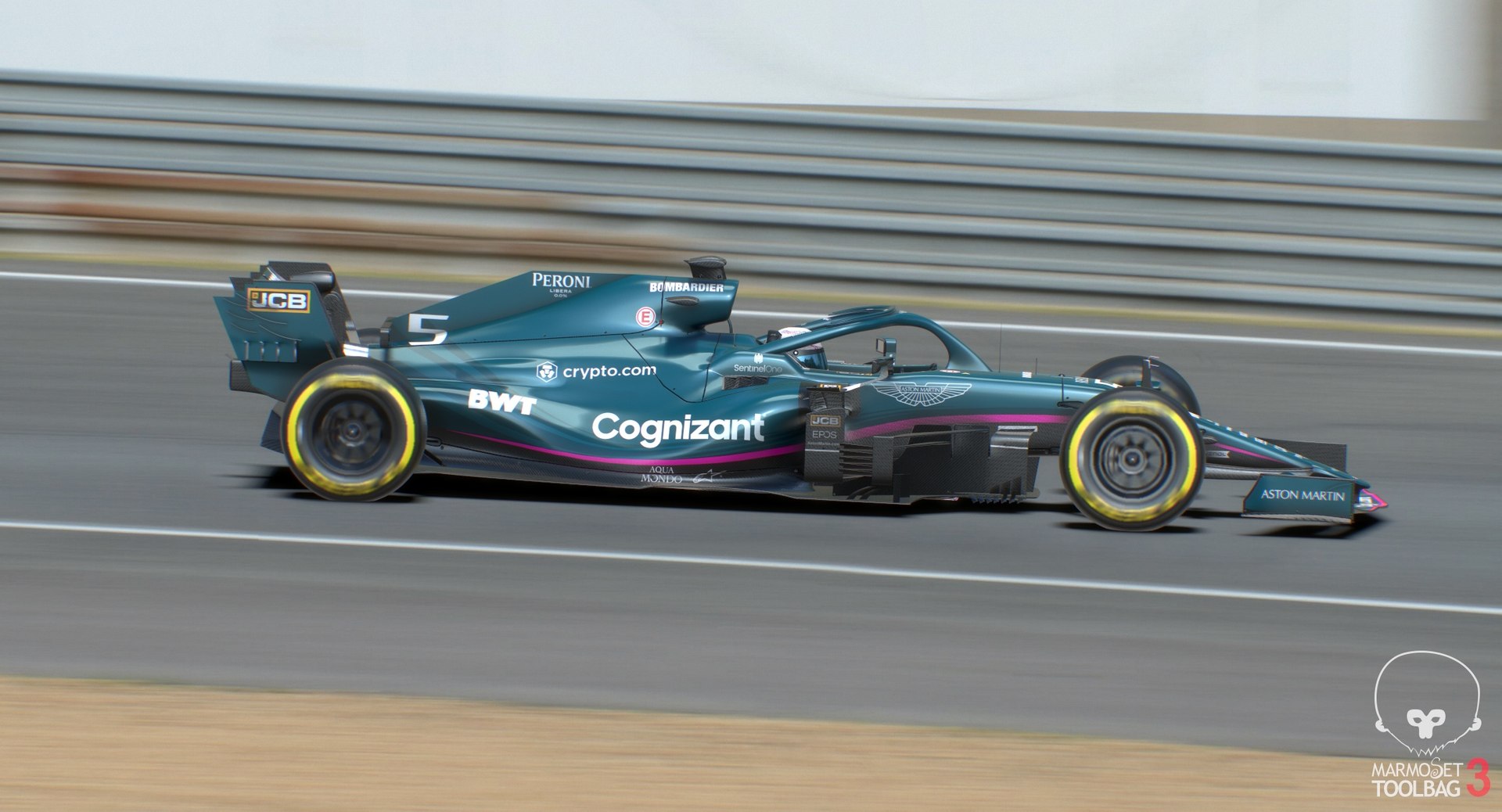
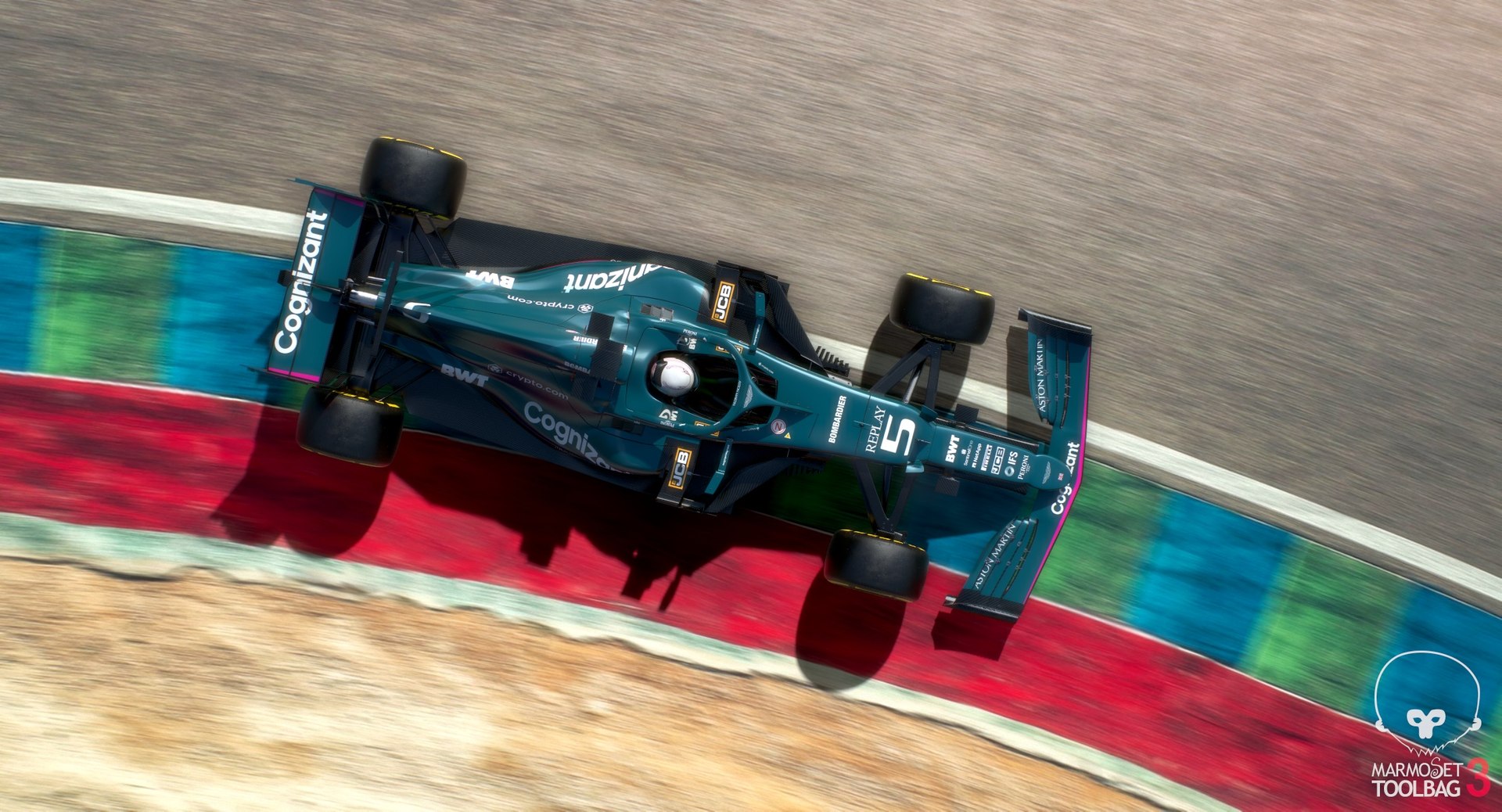
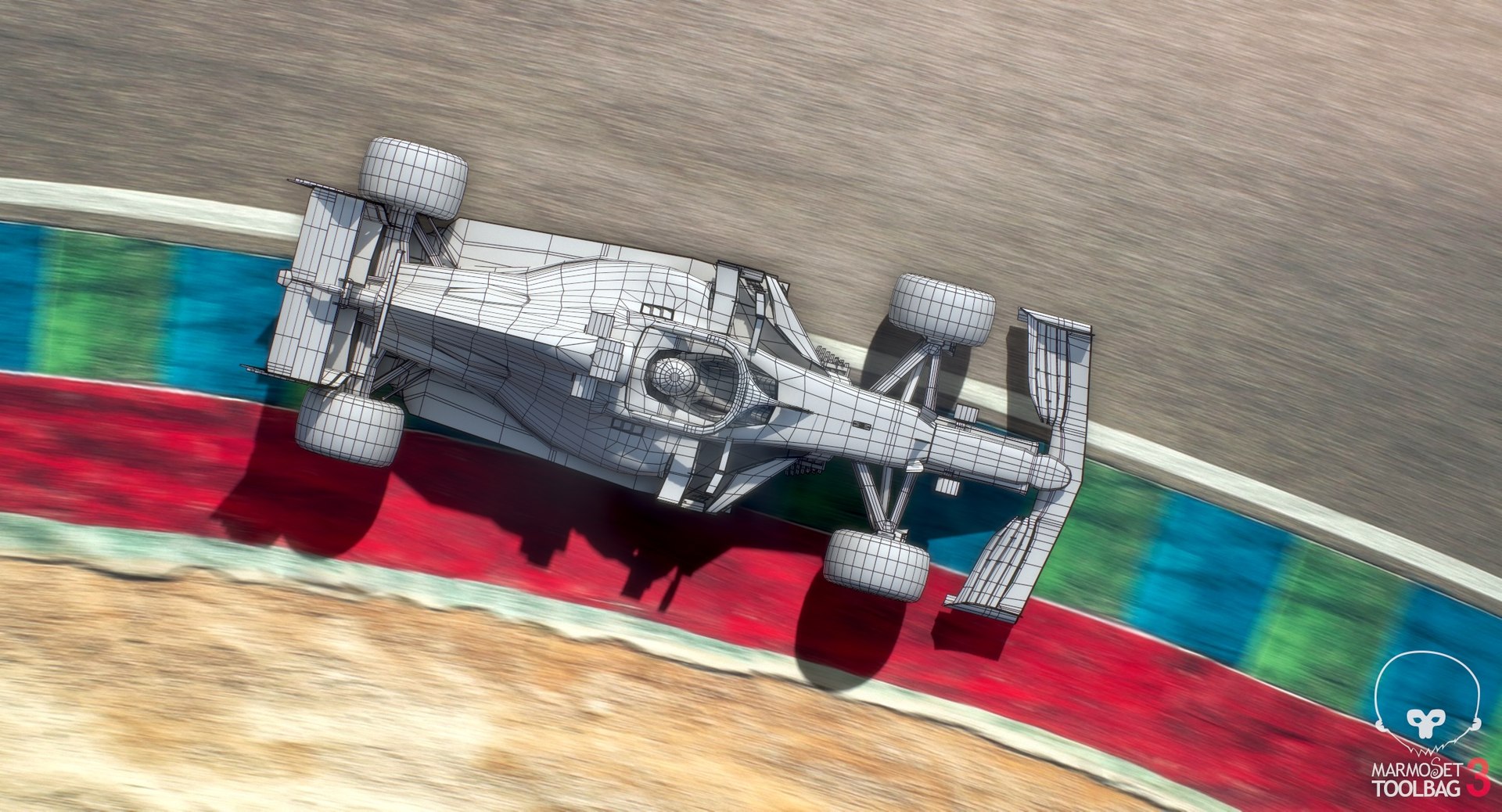
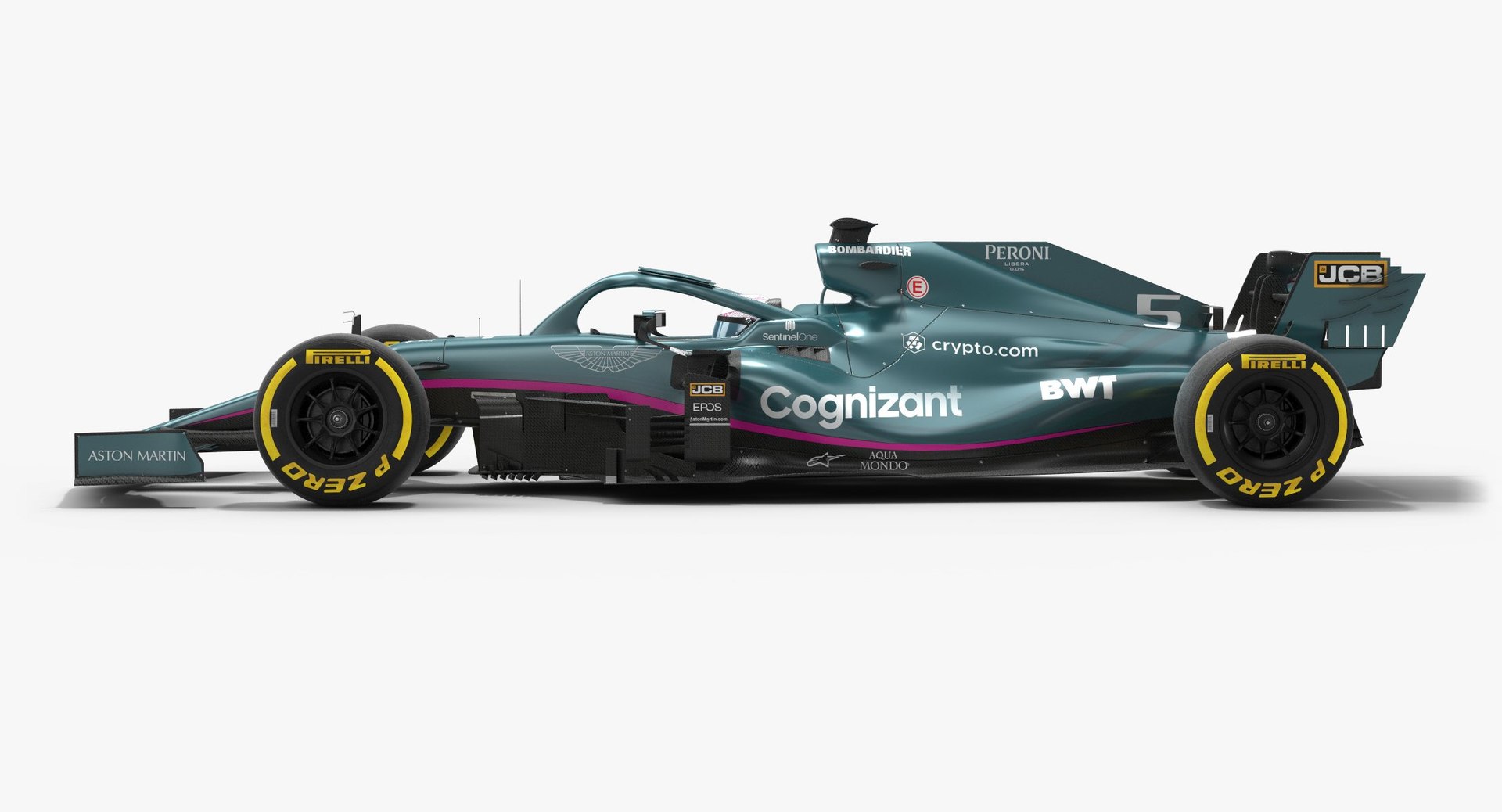
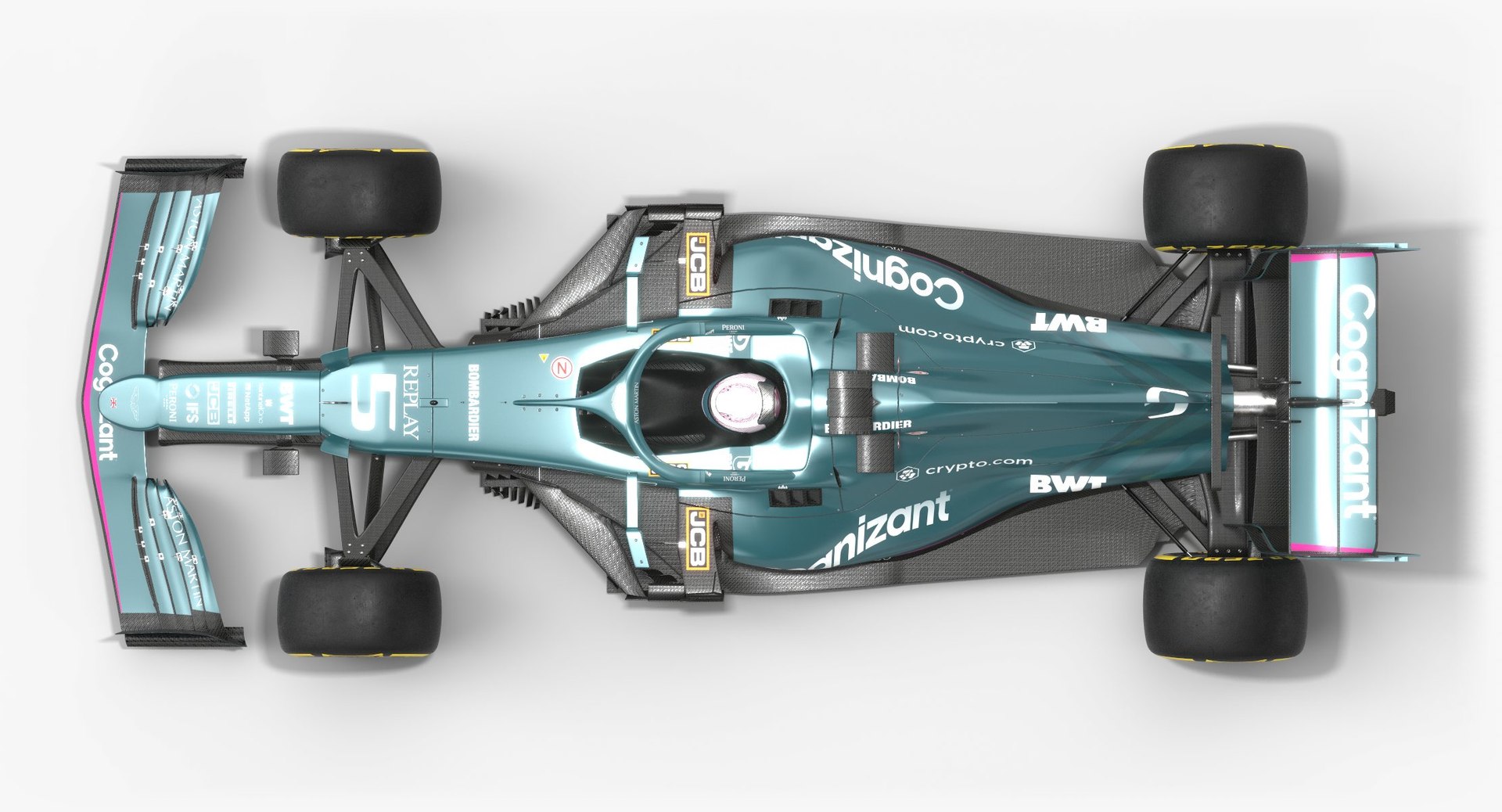
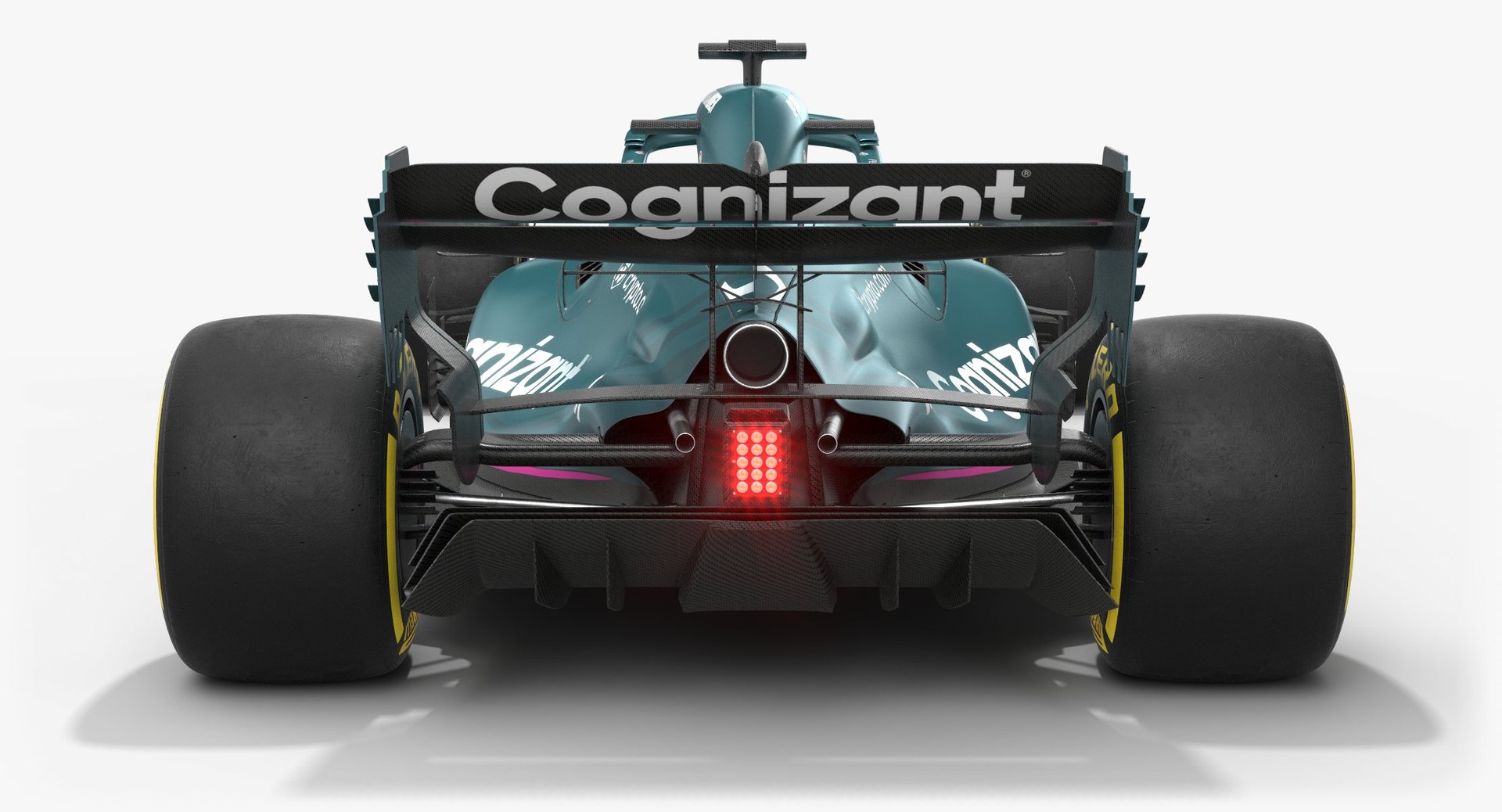
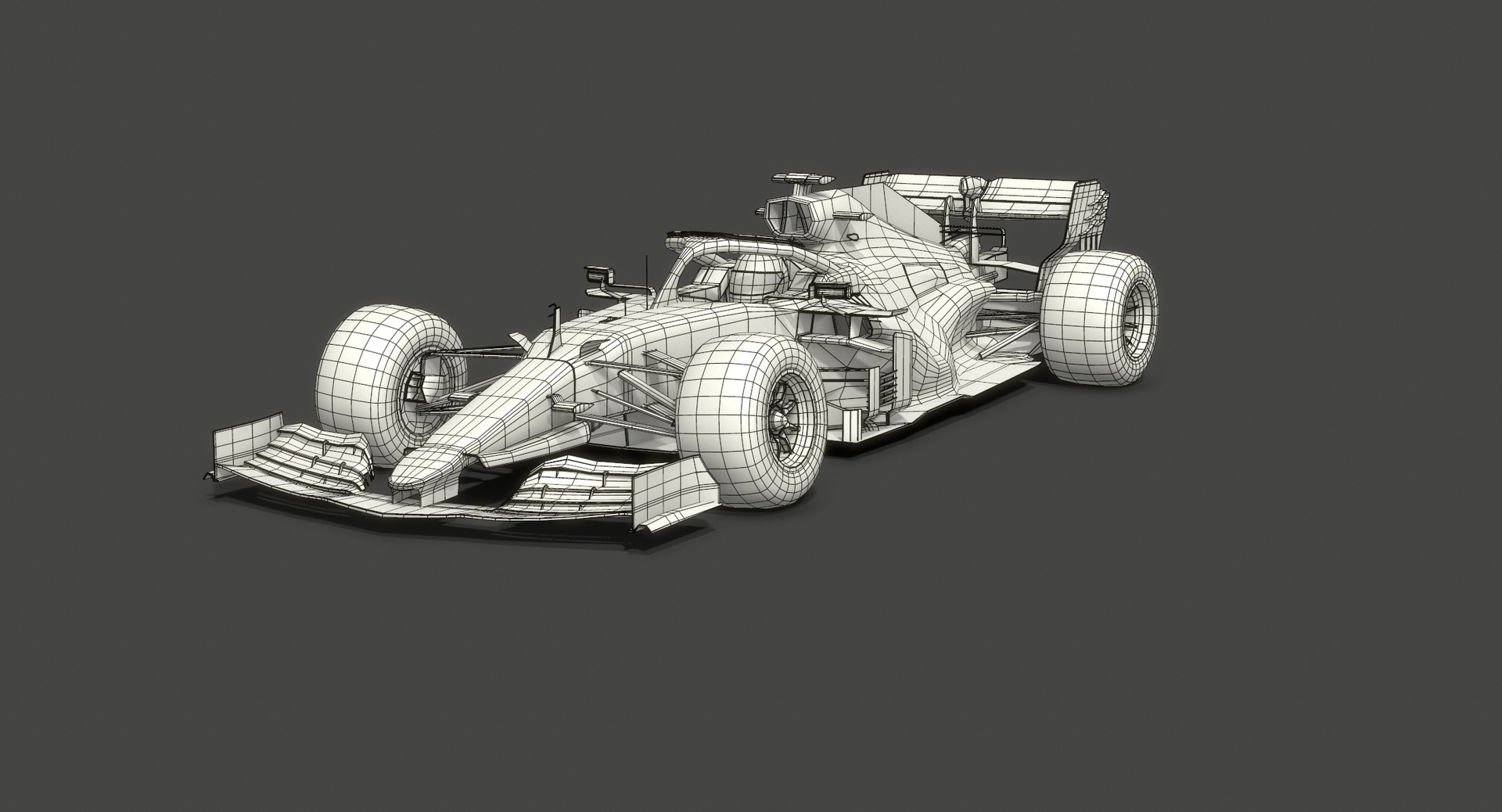
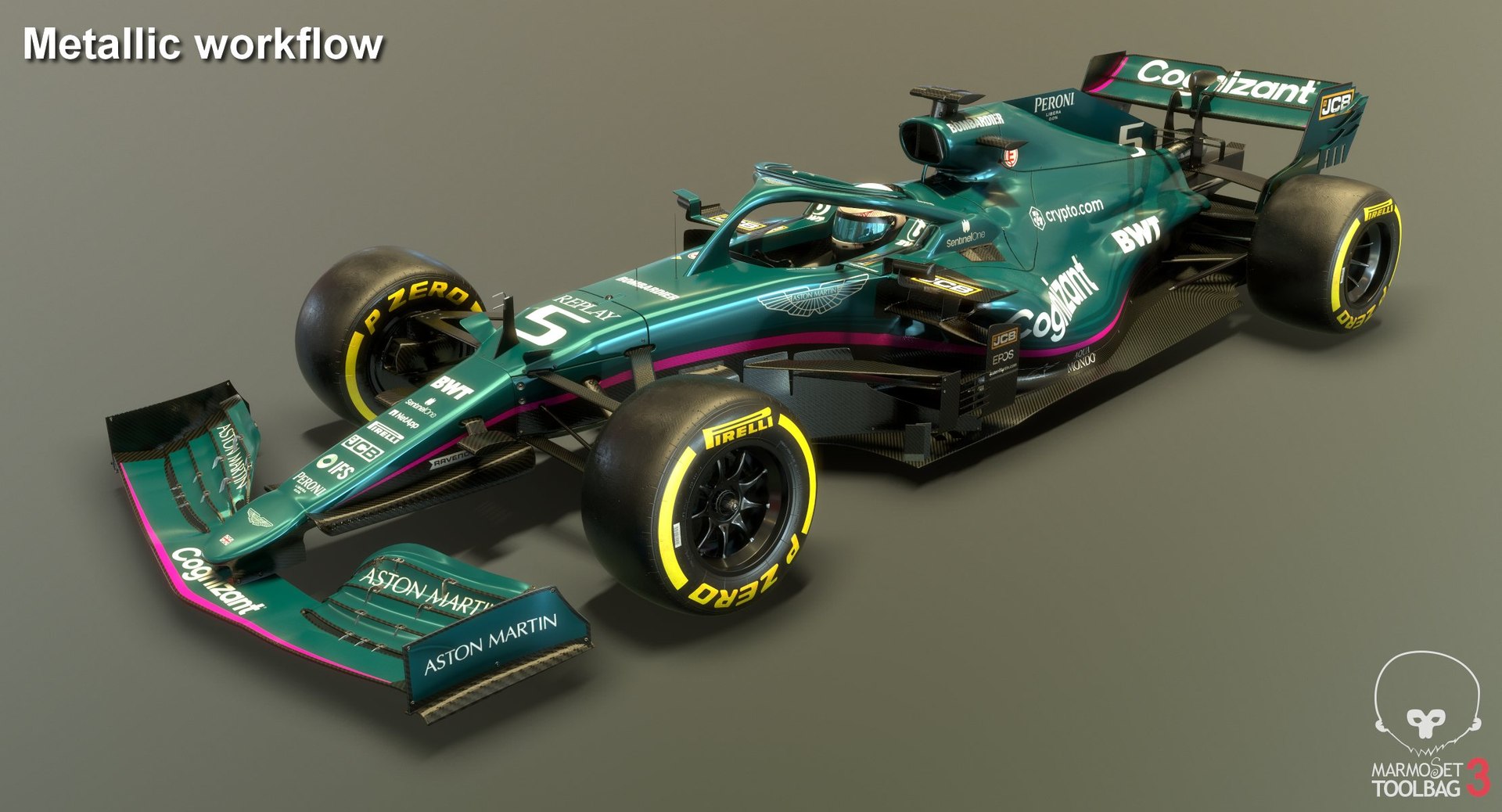
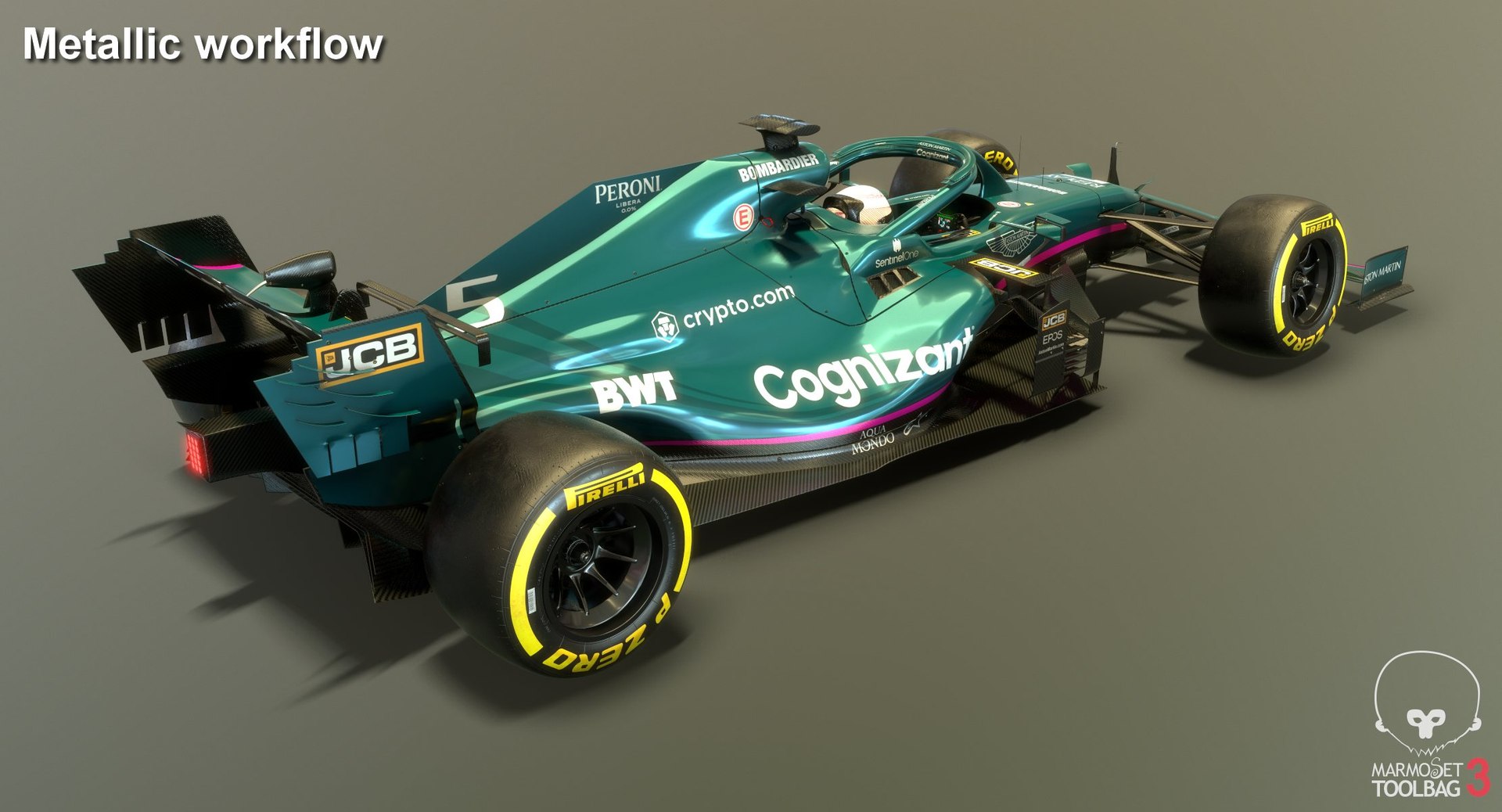
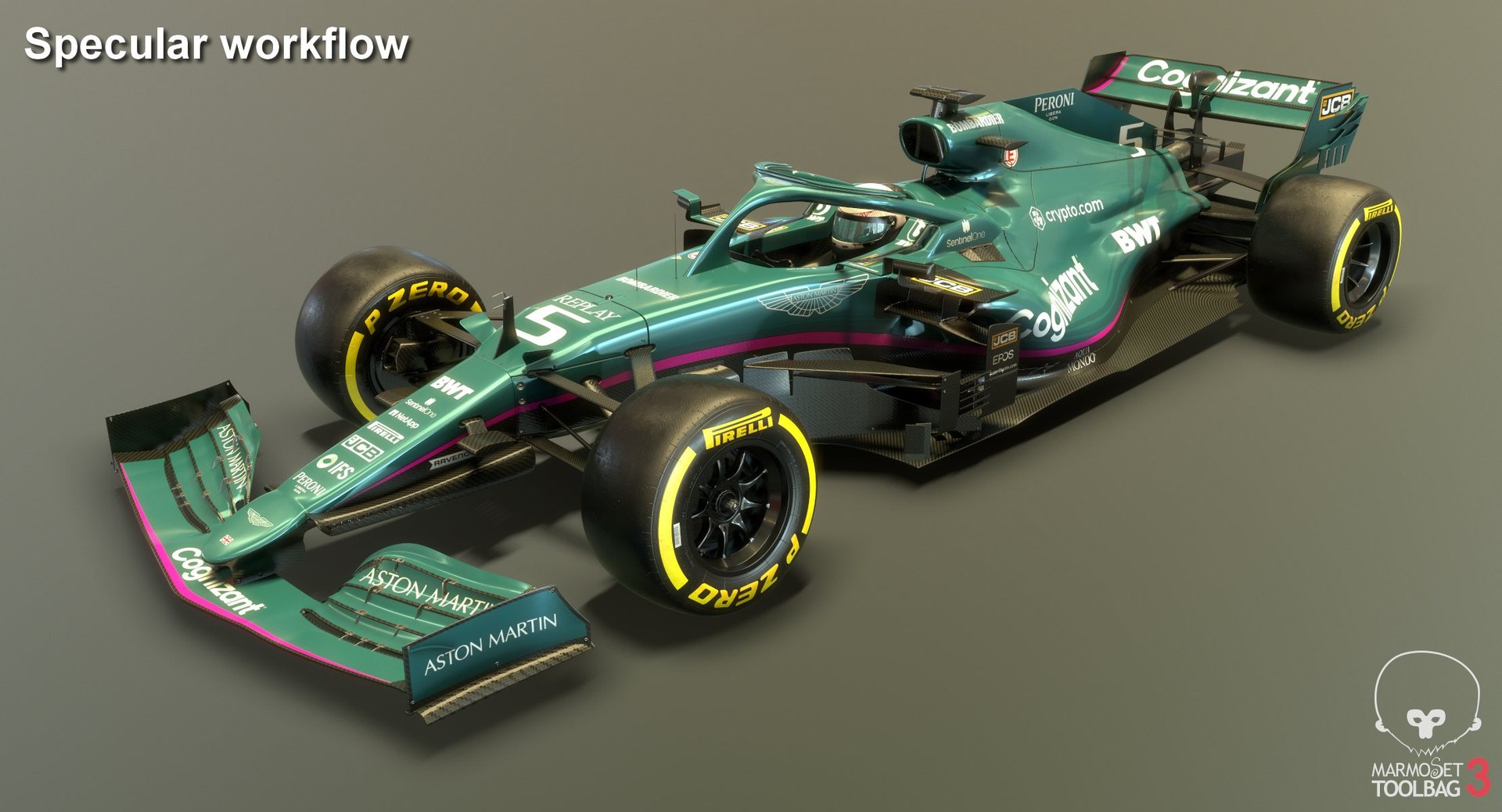
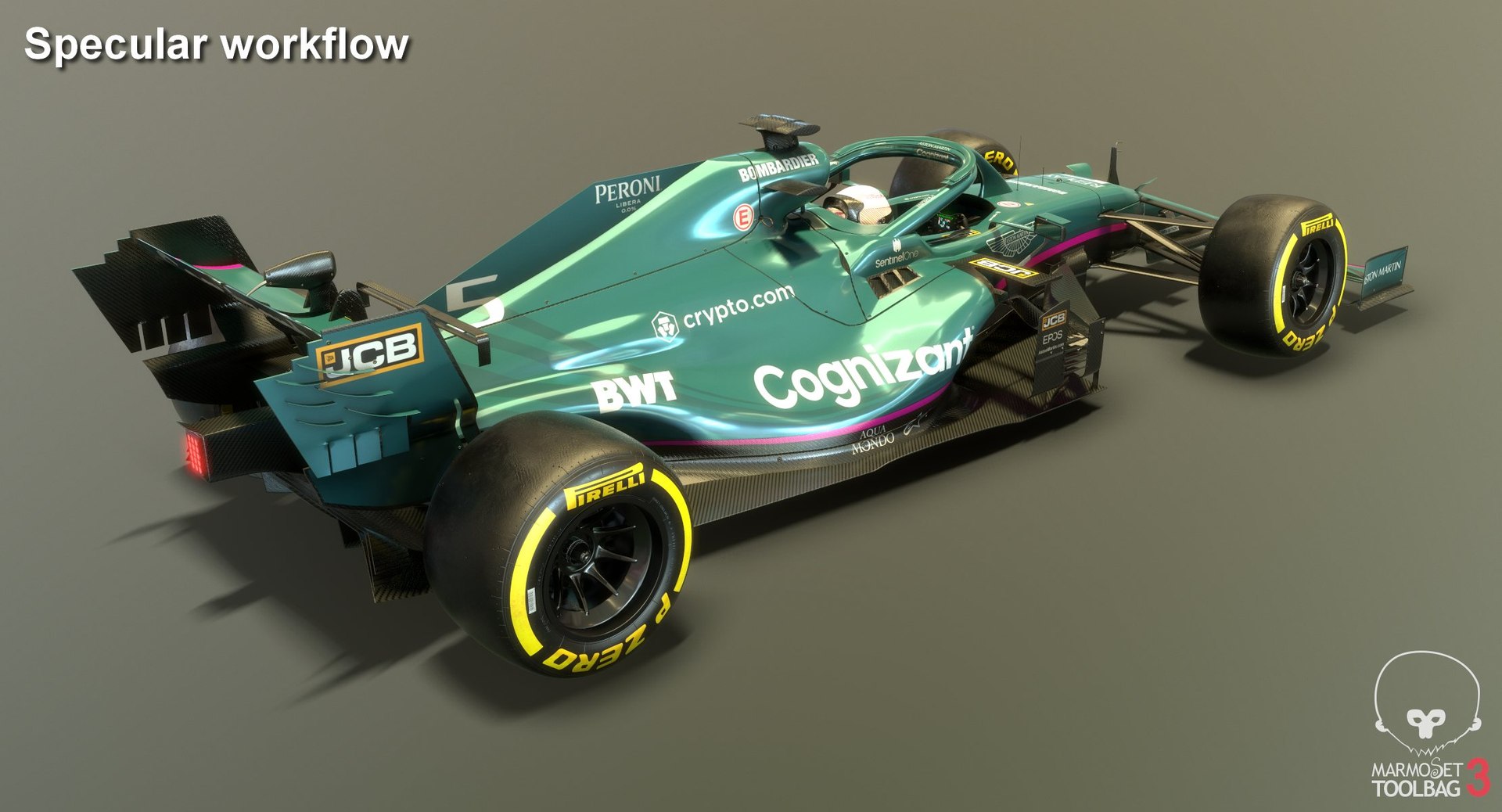
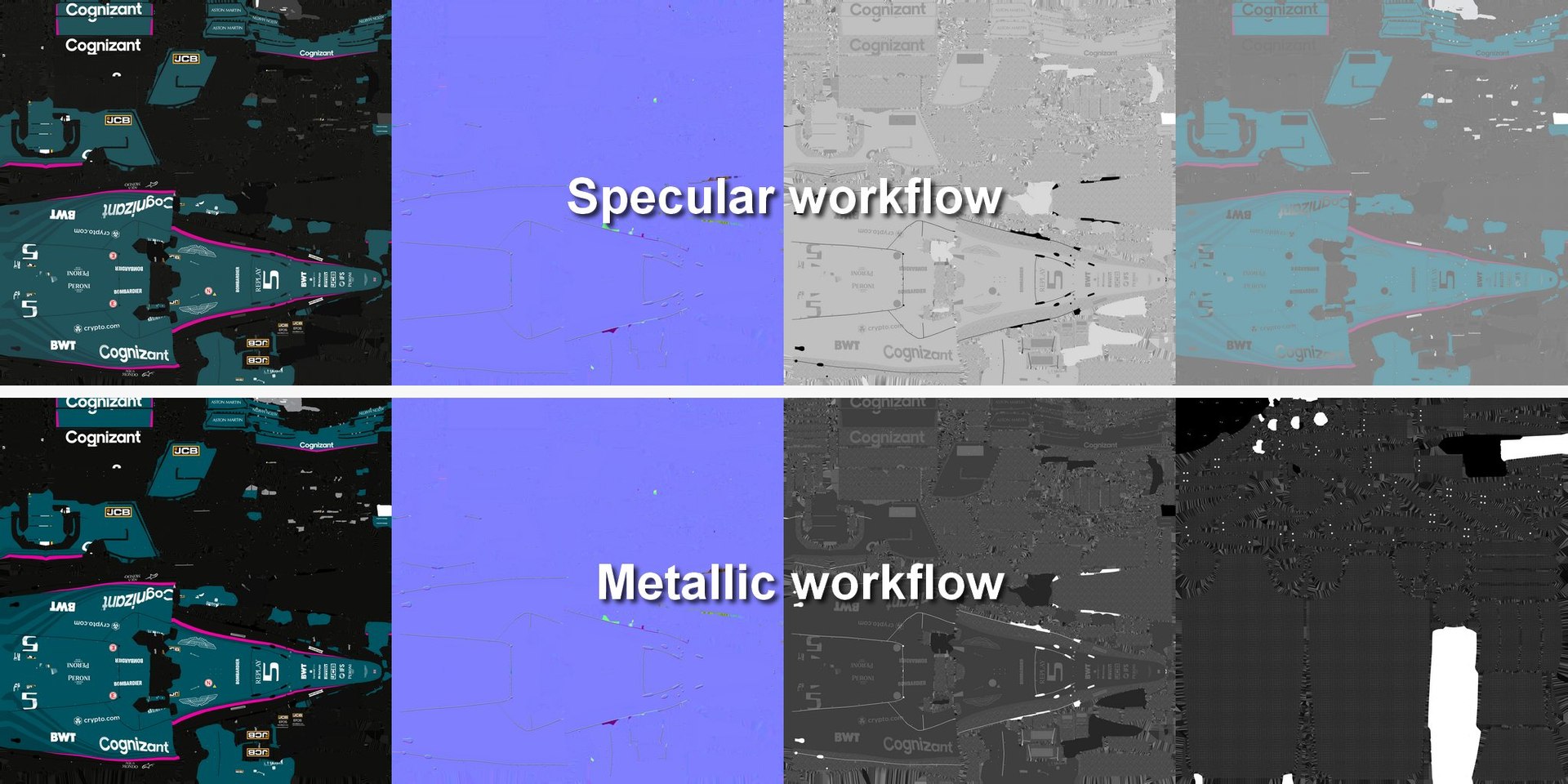
Low-poly subdivision-ready 3D model of Aston Martin Cognizant Formula 1 Team Season 2021 Race Car with PBR materials (Specular and Metallic workflows).

Advantages of the model:
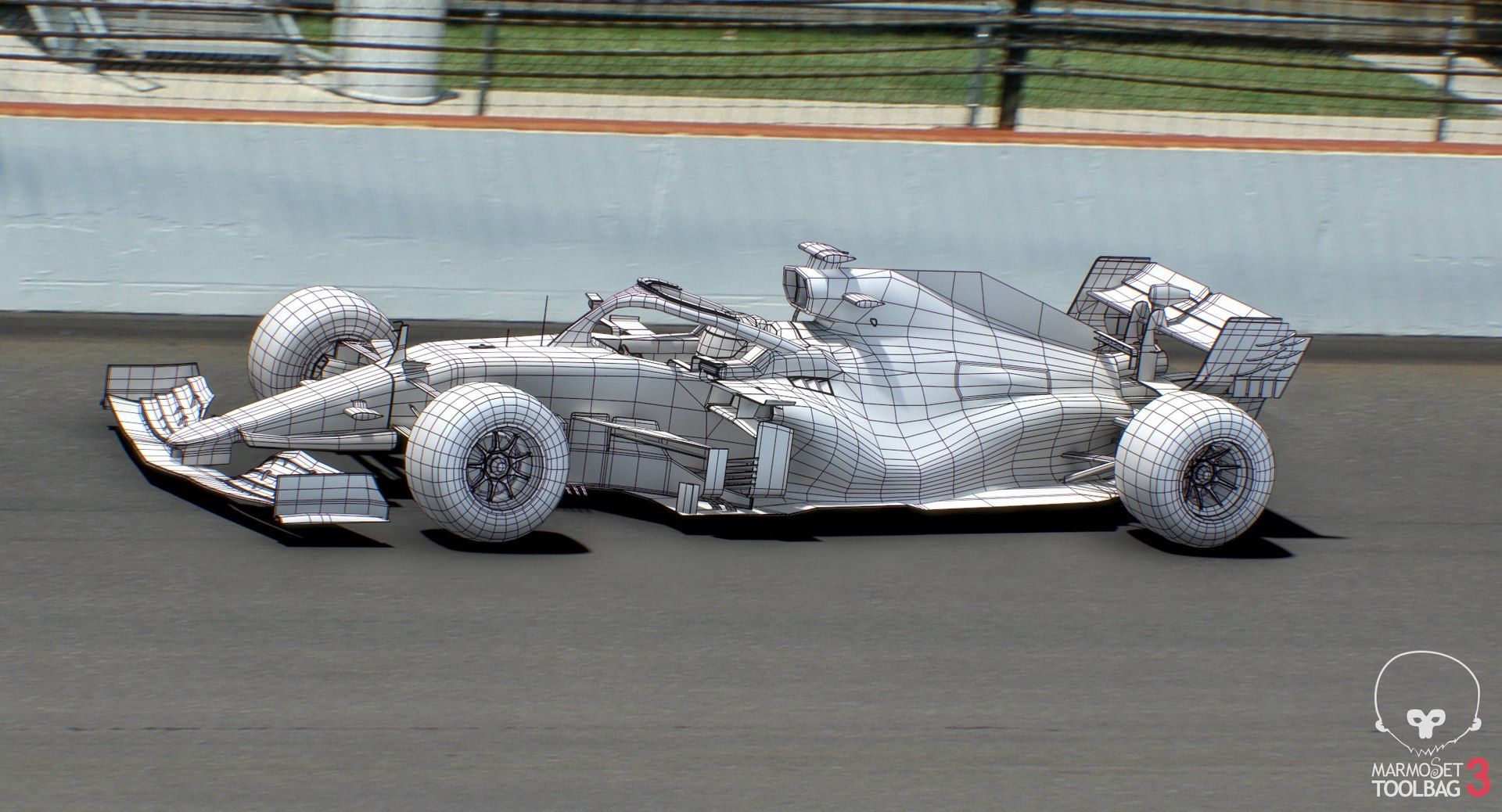
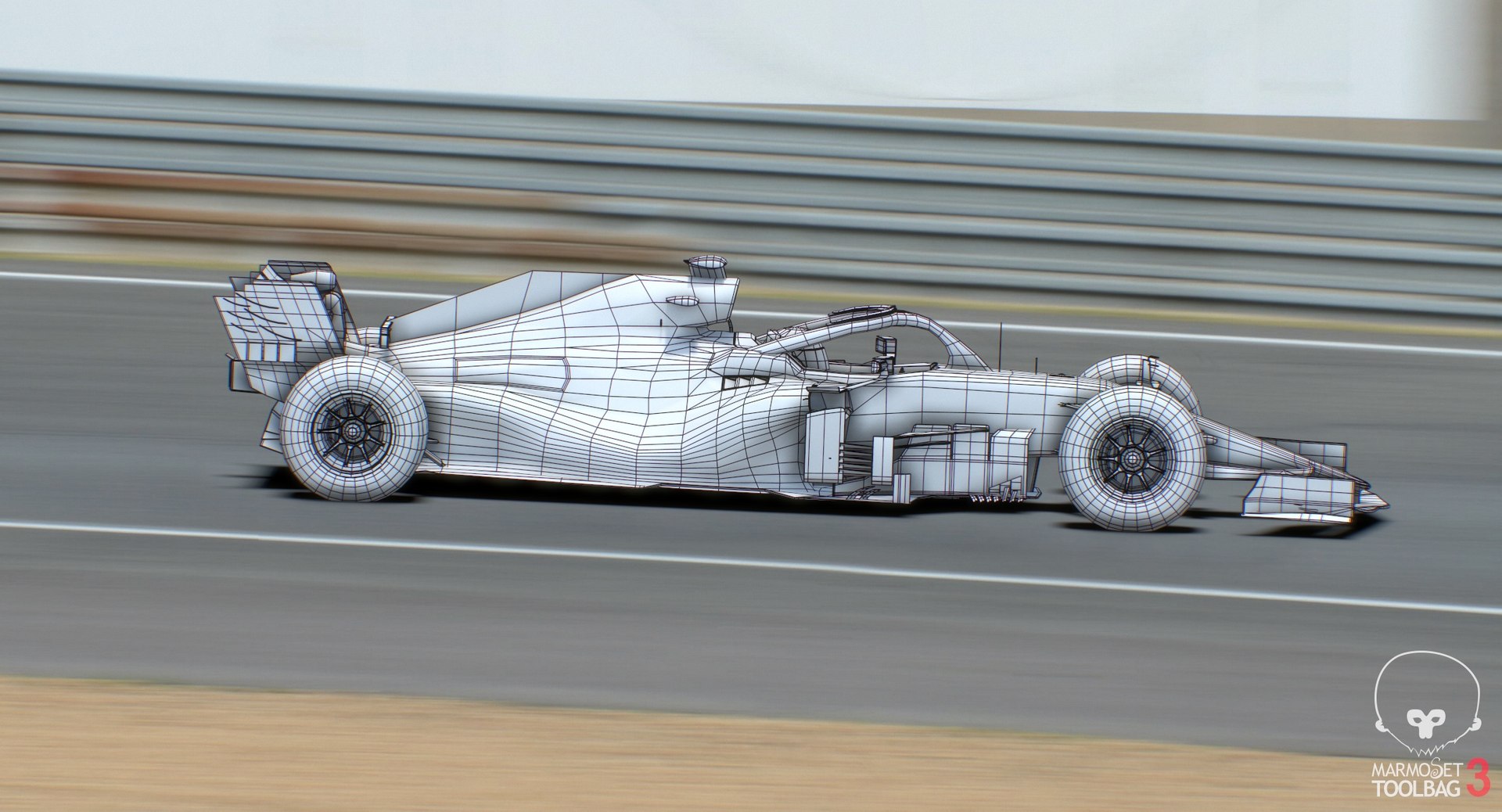
- Very clean geometry;
- The model is maximally optimized for use in 3d games and VR;
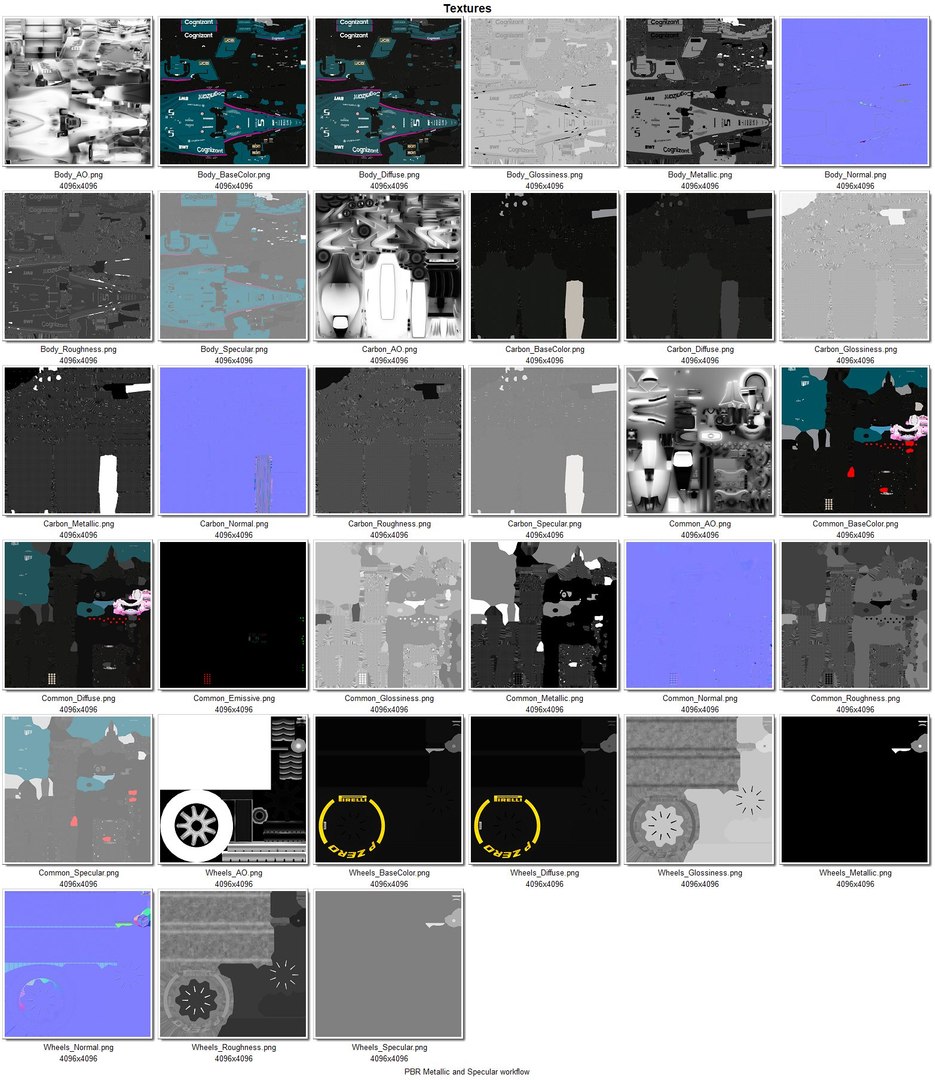
- 4 Materials with textures set - separate for Body, Carbon, Common, Wheels - containing AO, BaseColor/Diffuse, Emissive, Glossiness/Roughness, Metallic/Specular, Normal - depending on material;
- Textures size:
Body - 4,096 X 4,096 PNG;
Carbon - 4,096 X 4,096 PNG;
Common - 4,096 X 4,096 PNG;
Wheels - 4,096 X 4,096 PNG;
-
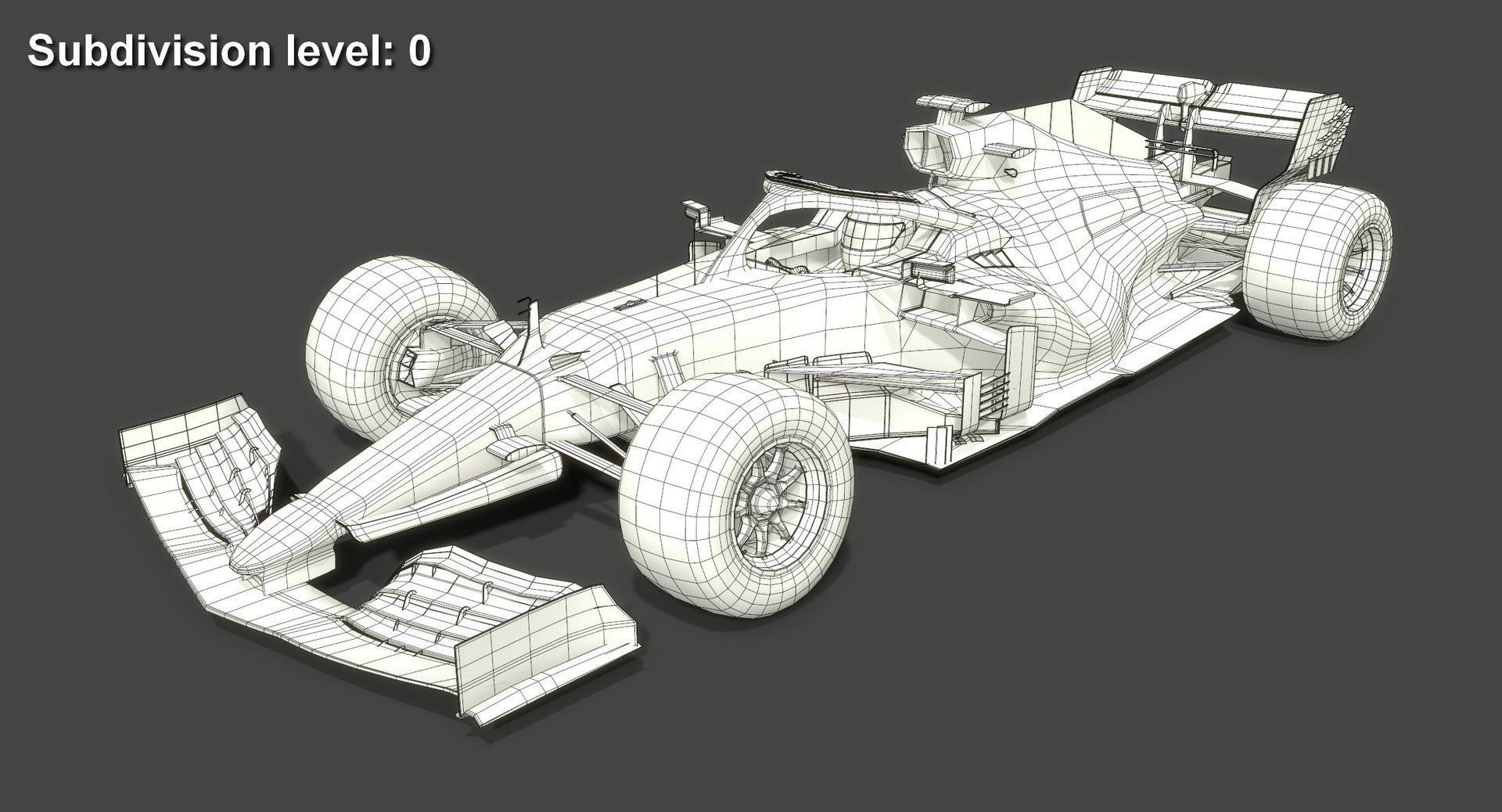
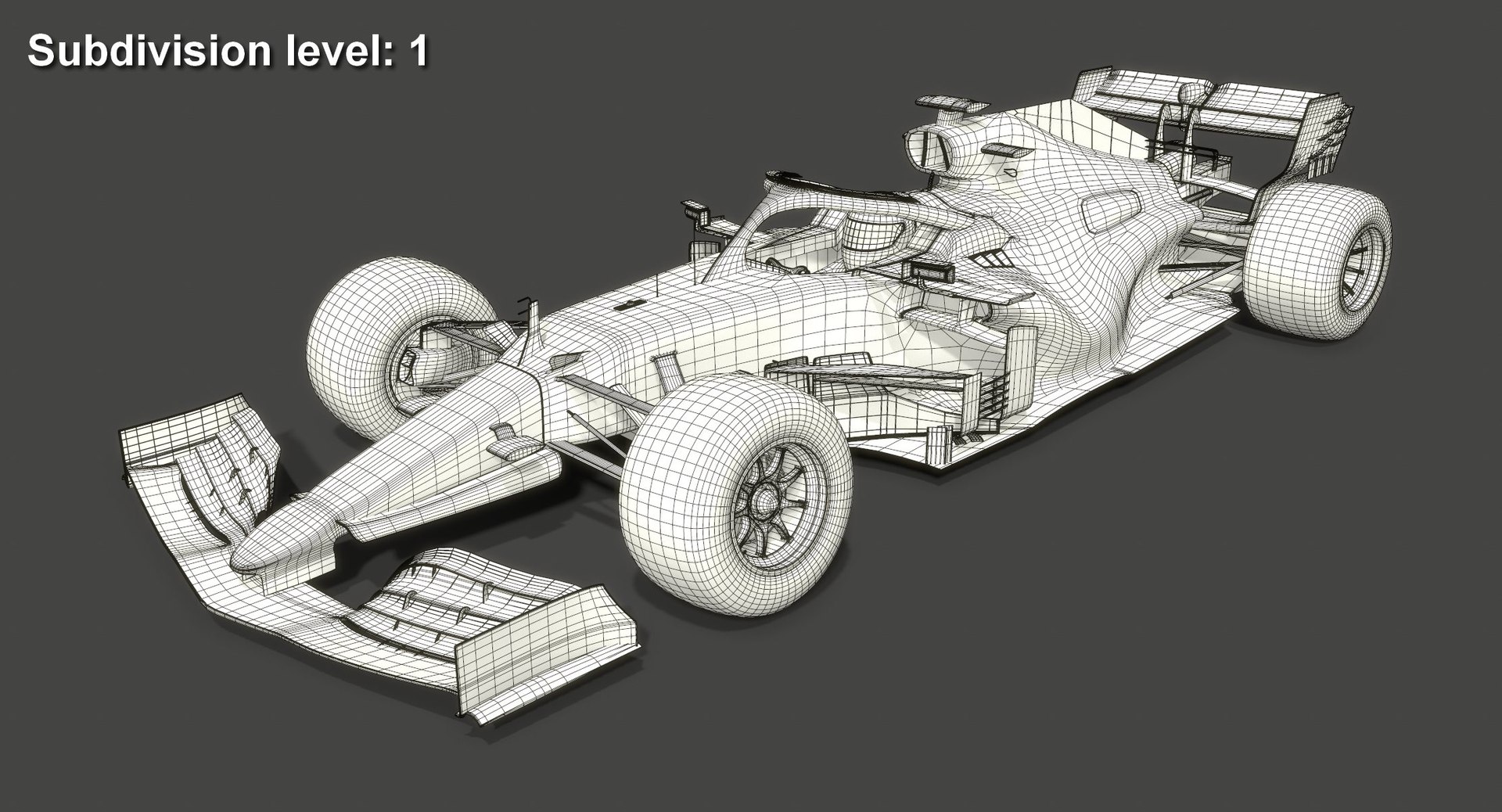
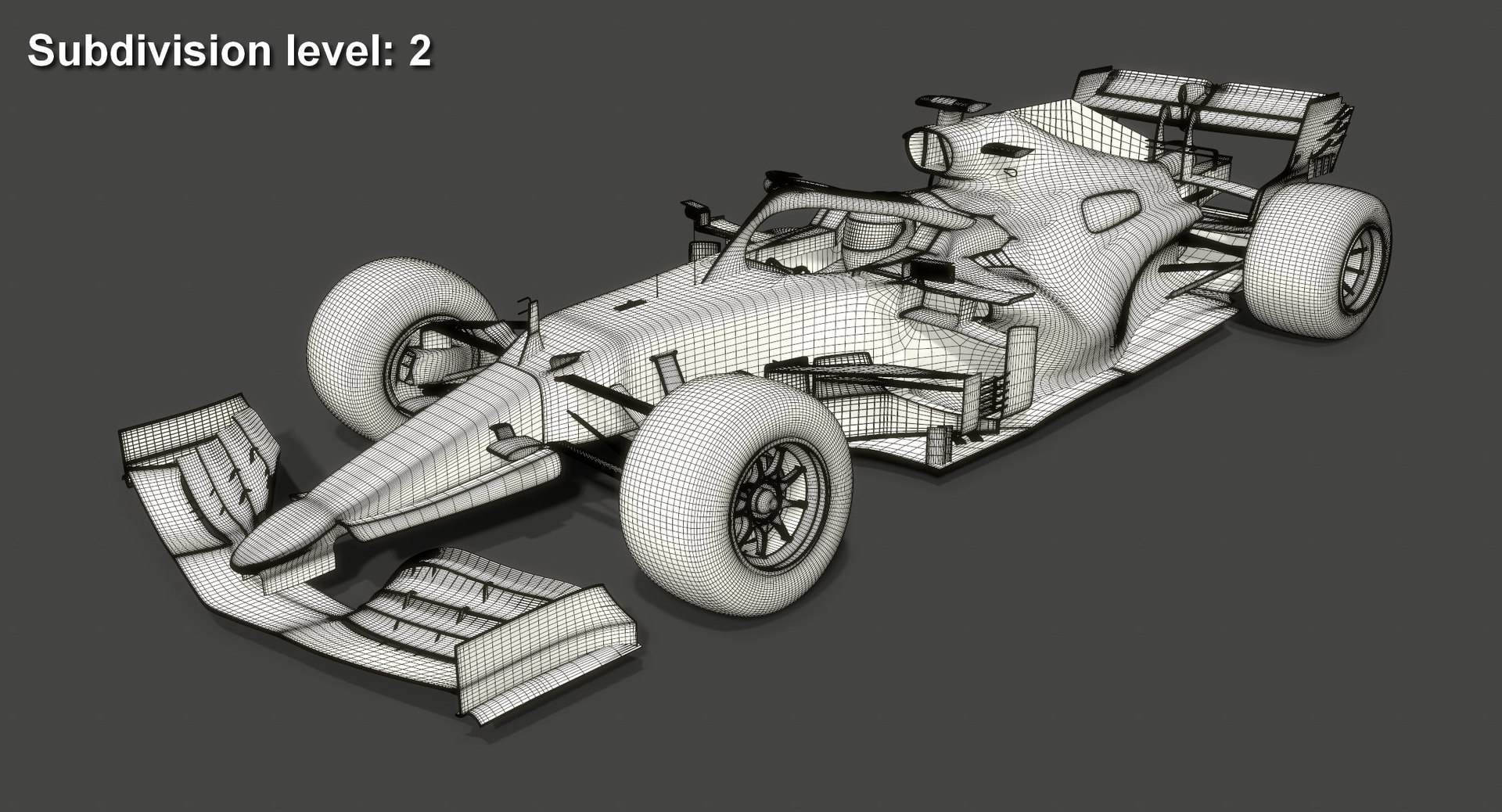
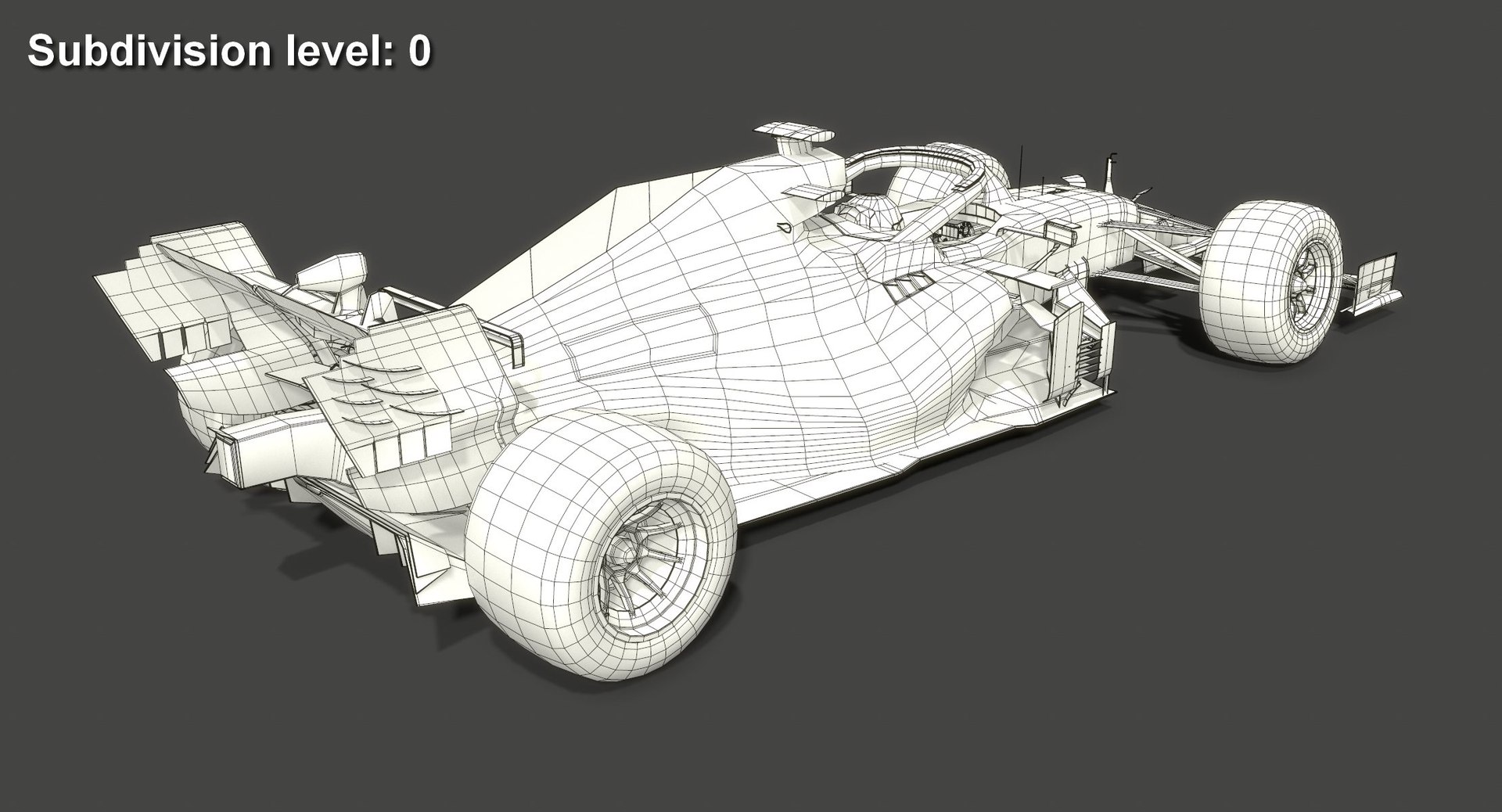
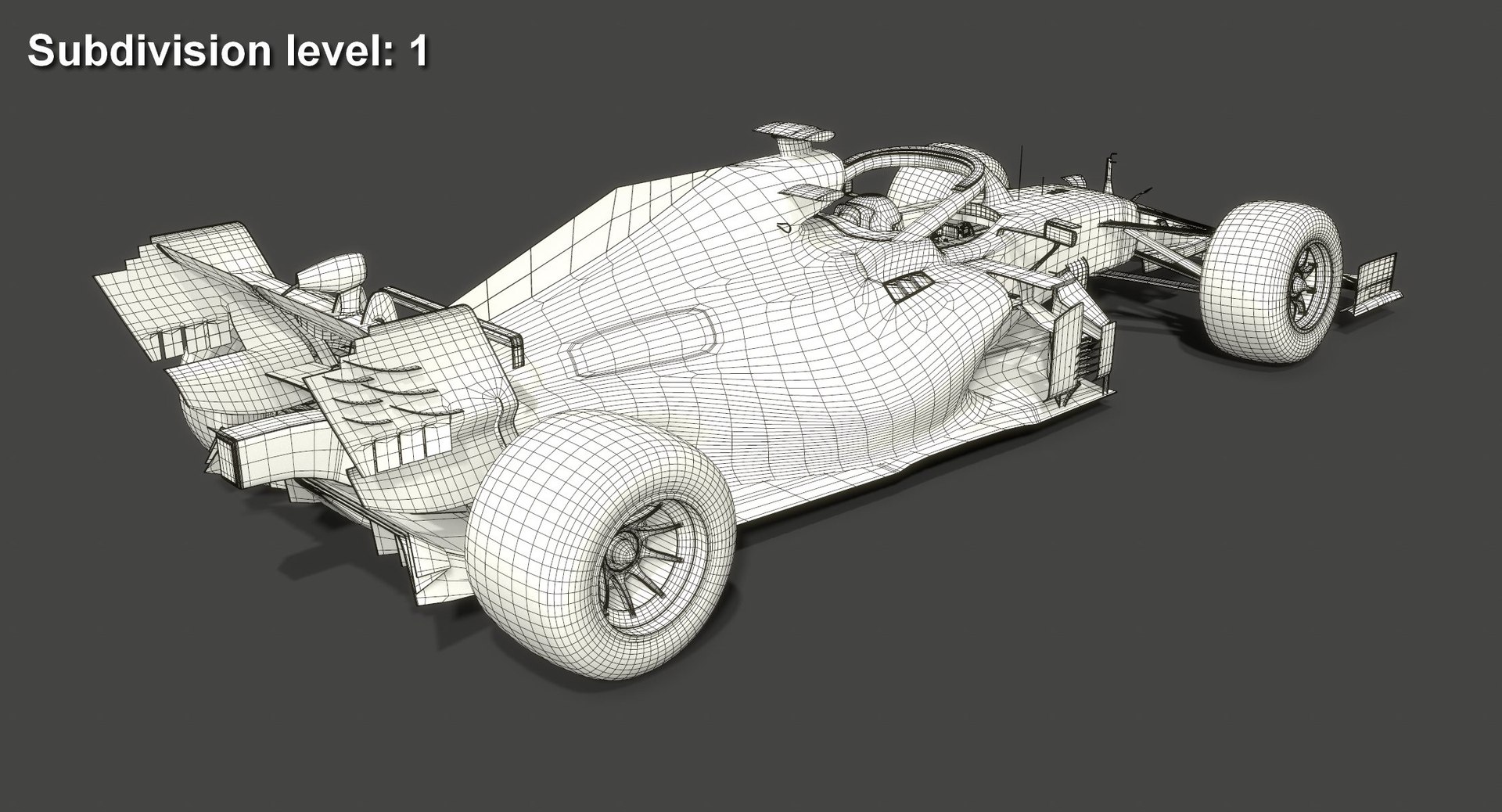
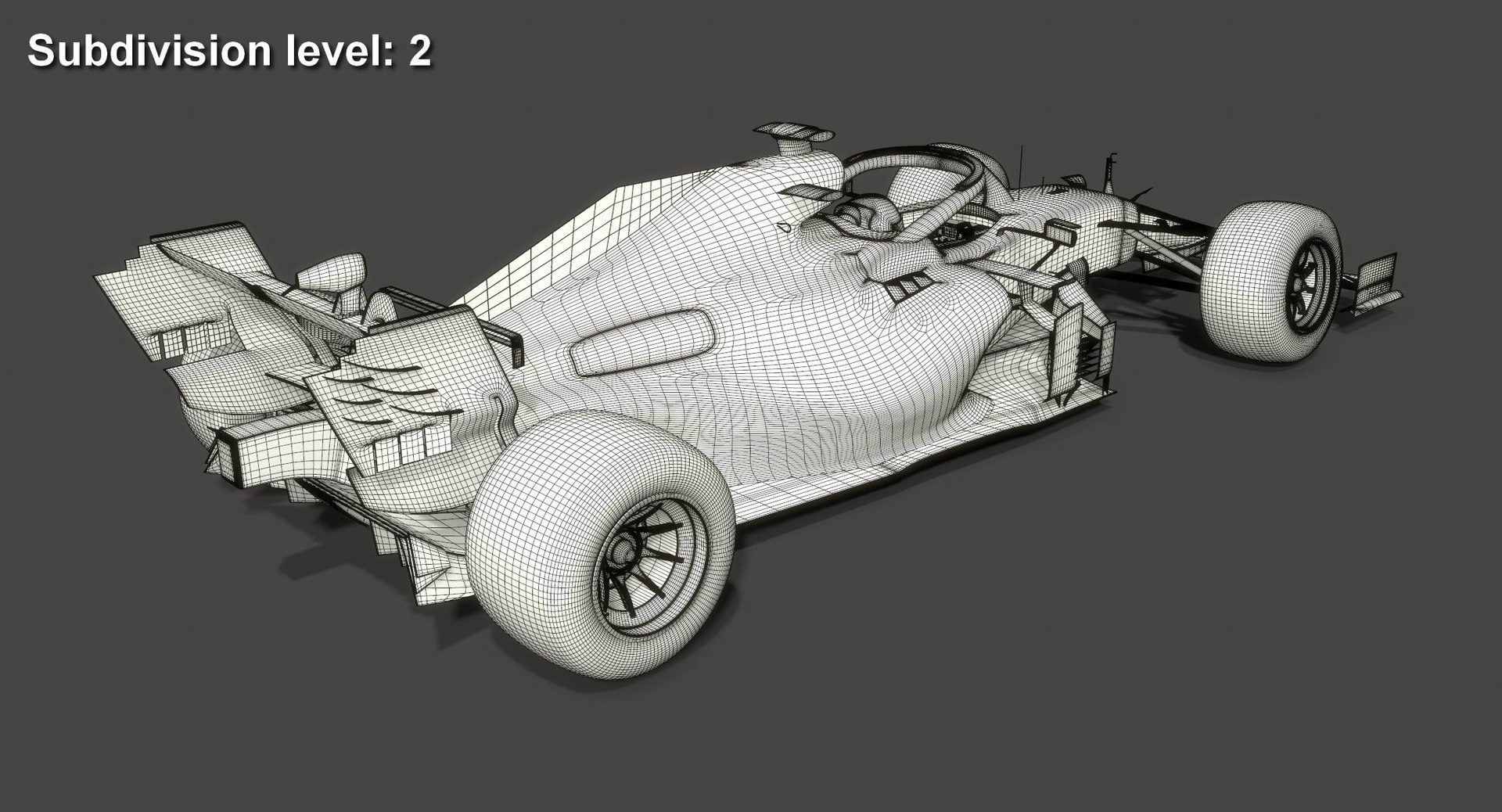
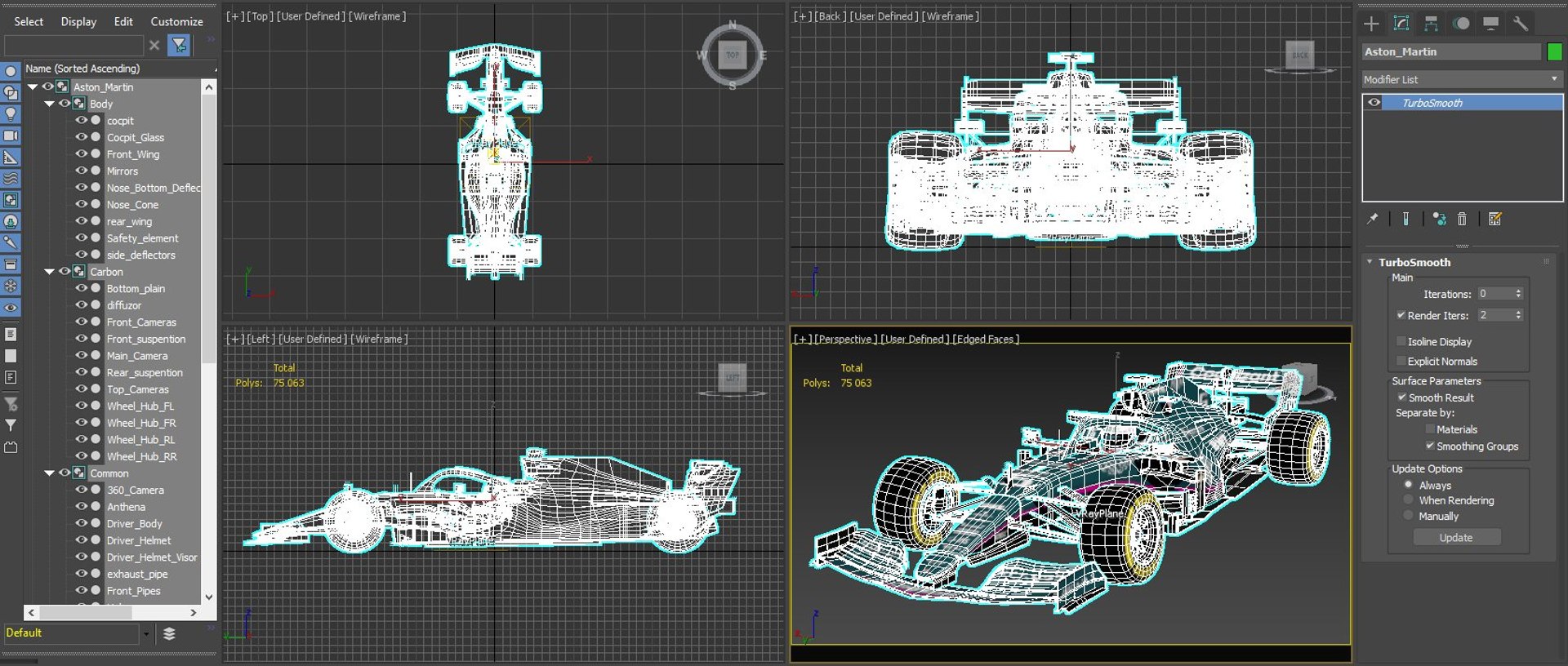
Very low polycount. The model without turbosmooth is great for mobile games. When you apply a turbosmooth modifier, it starts to look great in large projects on PCs and game consoles as well. This is possible thanks to a very competent application of smoothing groups and properly adjusted geometry;
- Real world scale (Metric / Centimeters). So you can import this model easily into your project without need to change anything;
- The model uses smoothing groups, so you can always increase details to the required level simply by applying a turbosmooth modifier with a necessary number of iterations;
- Divided into functional parts and grouped for easy editing and using in game engines;
- The model consists of 50 separate objects grouped together. Each of these objects has a simple and understandable name;
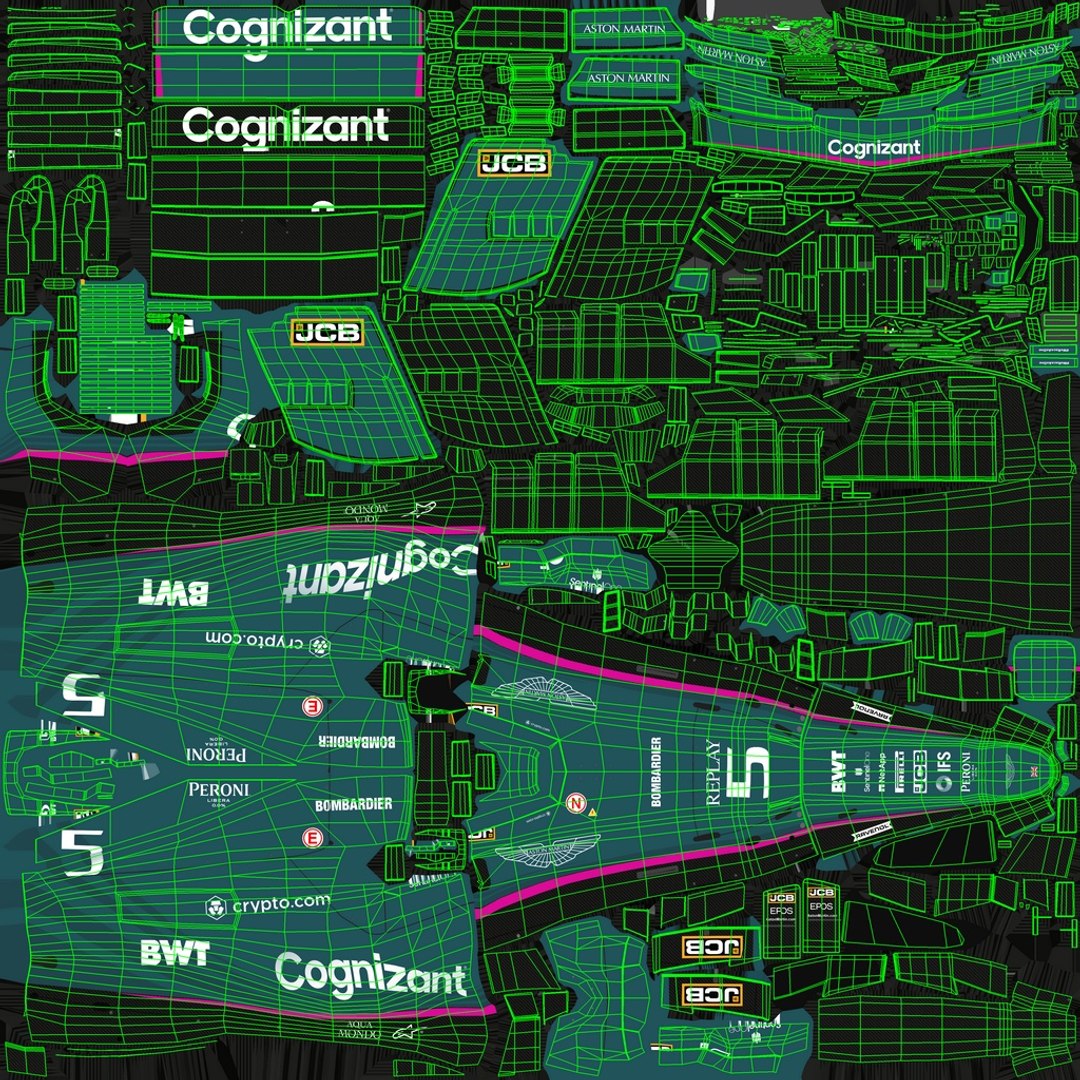
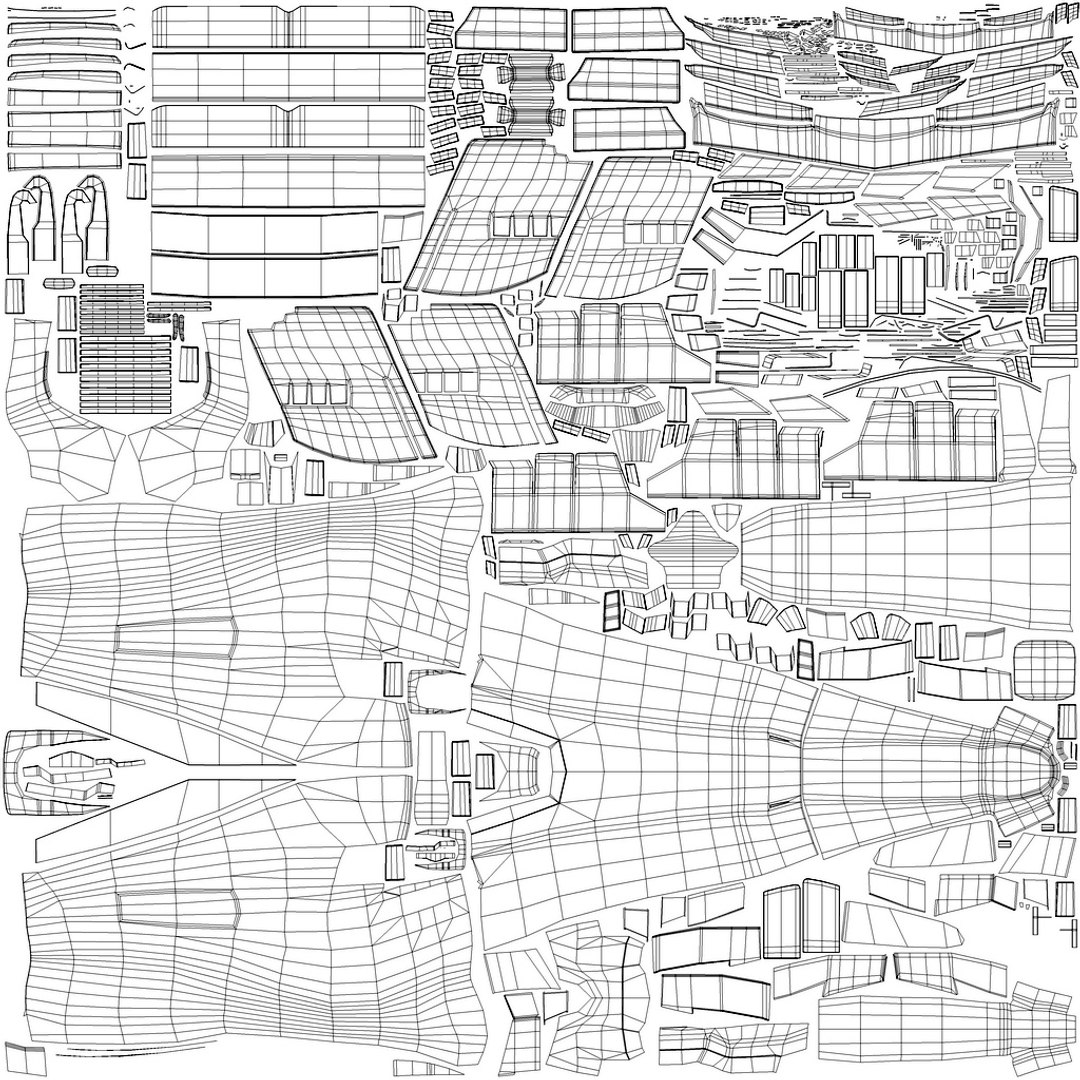
-UV map is maximally optimized for texture's easy editing so without difficulties you can add or remove any logo or some details where needed;
- Specular and Metallic workflow textures included!
- 3D model archieves include separate layers of diffuse texture thus making changes to textures is easy as never.
- Compatible with the majority of modern game engines!

Model specifications:

Created in 3DS Max 2018 and rendered with V-Ray 4.10. Lighting is a mix of global illumination from HDRI (included) and 1 v-ray light. The model does not require installation of additional plug-ins or software. You need only 3DS Max 2018 and V-Ray 4.10.03 to get the same rendering as on the preview image.

- Polygons count: 37,797 (no n-gons)
Subdivision 1 polygons count: 301,314
Subdivision 2 polygons count: 1,205,256
- Vertices count: 39,663
- Unit Scale: Metric / Centimeters

Materials:
A V-Ray PBR material with specular workflow is applied to the model. All its parameters were created for the StemCell standard.

Model is available in the following formats:
- MAX (2018)
- FBX
- OBJ
- 3DS
- DXF (2010)
- STL

You will find 3 versions of the model in every archive (format) file except 3DS format: the original one and two modes with applied turbosmooth modifier (1 and 2 iterations). 3DS format does not have those due to limitations on the maximum number of polygons. The model in 3DS format is available only in subdivision 0.

Select Enhanced License

  • $10,000 in Legal Protection (Indemnification)
  • Uncapped Legal Protection (Indemnification)
  • Waiver from injunctive relief
  • Assignable model rights
  • $1,000,000 in Legal Protection (Indemnification)
  • Waiver from injunctive relief
  • Assignable model rights
  • $250,000 in Legal Protection (Indemnification)
  • Assignable model rights
Read more about enhanced license tiers, or contact us at enterprise@turbosquid.com. Already a Shutterstock Enterprise Customer? Contact your Shutterstock Sales Support Agent to talk about adding 3D.

About Conversion Requests

To submit a conversion request for a purchased asset, please complete our Conversion Request Form.

If you have not yet purchased a model, please review our Documentation about Conversions to learn about what limitations you may encounter with a conversion.

For any additional questions about a model’s suitability for conversion, please contact TurboSquid Support.

Loading...