Ashtray

$9

Standard License | Upgrade License
Formats (21)
Native | 3ds Max 2015 | V-Ray 3.4
3ds Max 2015 | Default Scanline
Cinema 4D R18 | Advanced Render
Cinema 4D R18 | Arnold 5.3.1.1
3ds Max 2018 | Arnold 5.3.1.1
3ds Max 2015 | mental ray
3ds Max 2015 | V-Ray 3.2
Maya 2017 | Arnold 5.3.1.1
OBJ
3D Studio
FBX
Unity
Unreal
glTF
USD
USDz
Specifications
Publish Date June 14, 2020
Product ID 1300427
Polygons 1,760
Vertices 1,762
Polygonal Quads/Tris Geometry
Textures
Materials
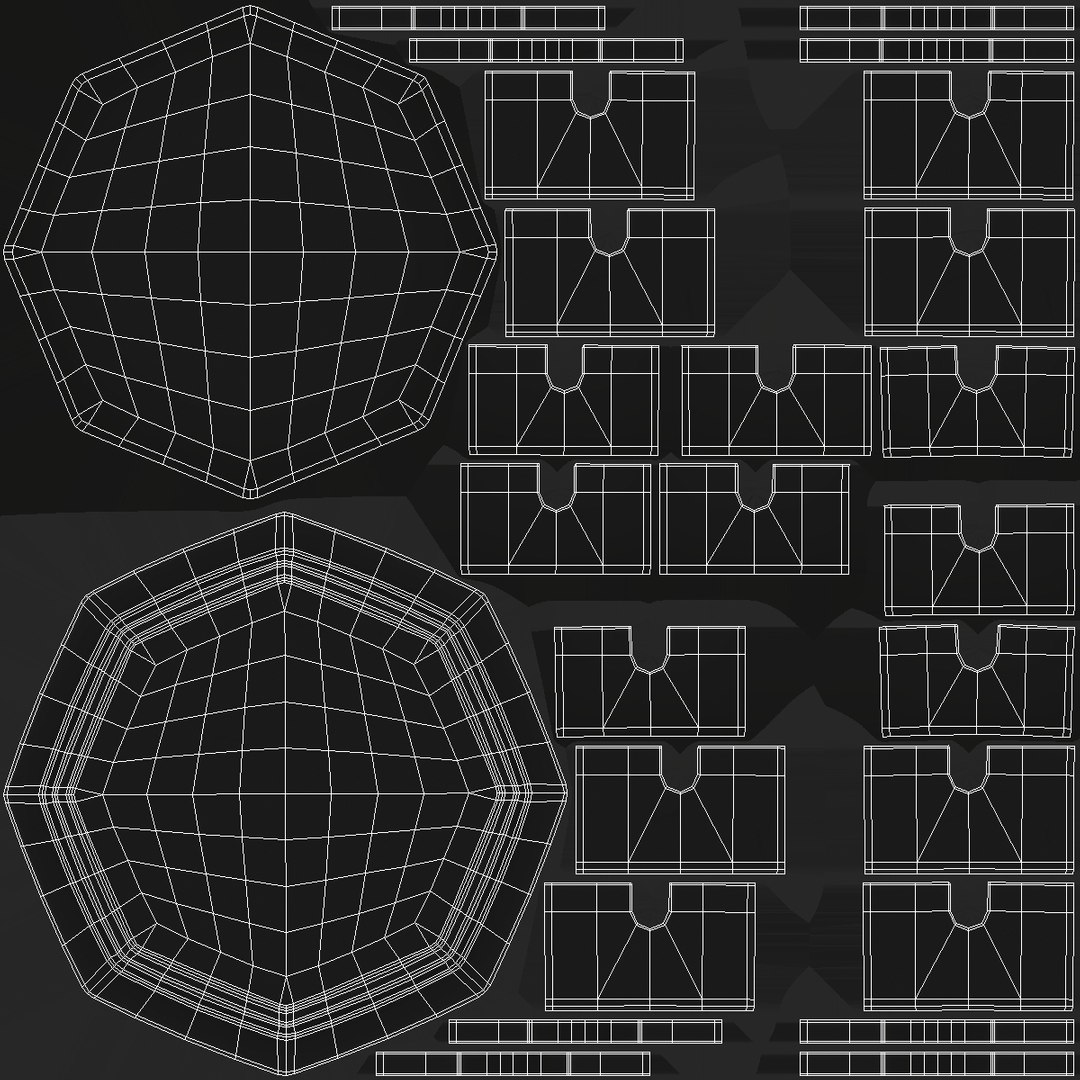
UV Mapped
Non-overlapping Unwrapped UVs
PBR
StemCell Certified
TurboSquid Exclusive
member avatar
shiva3d
2269 Products | Contributor Since 2000
Have questions? Chat with us now.

Description

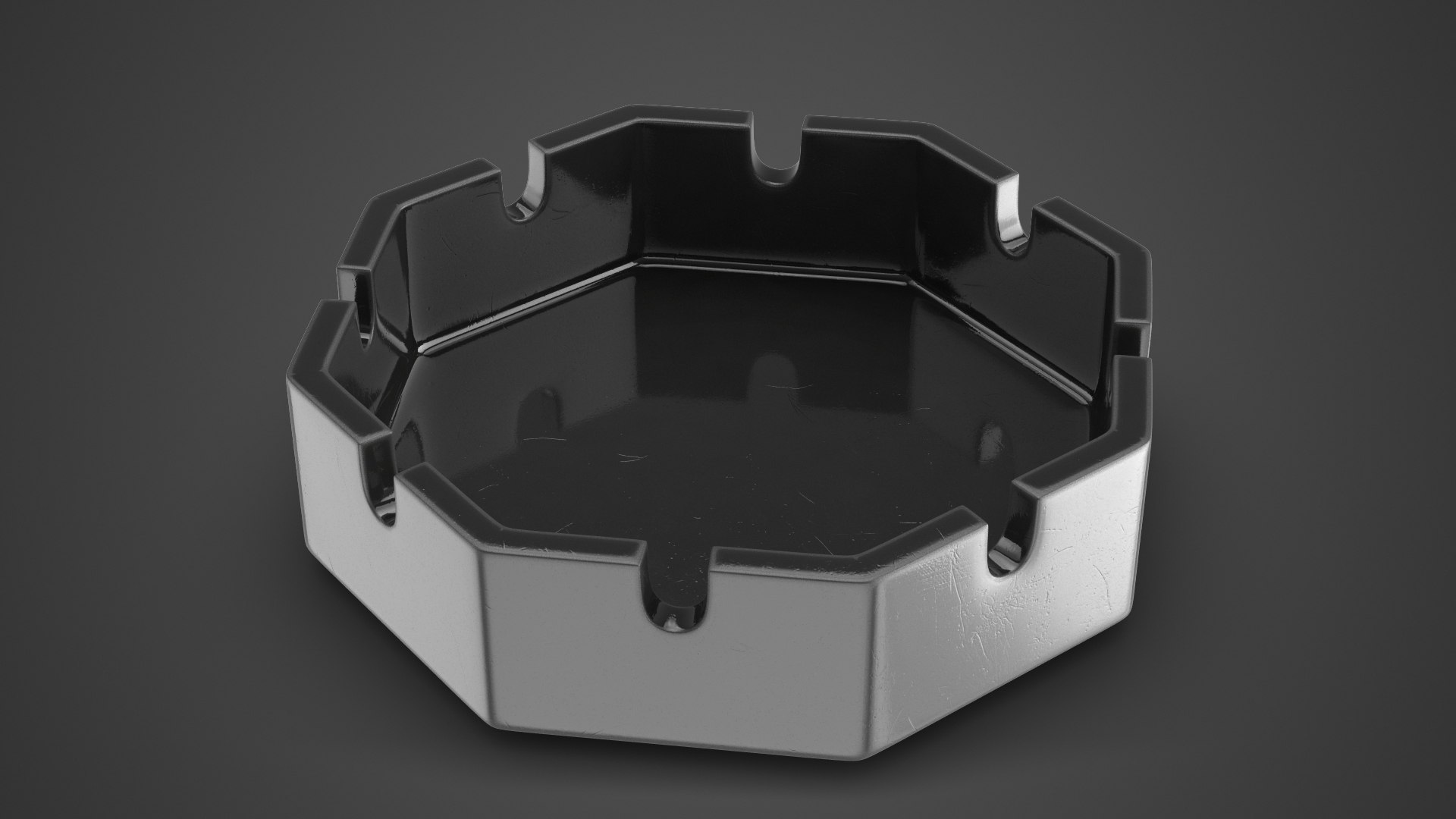
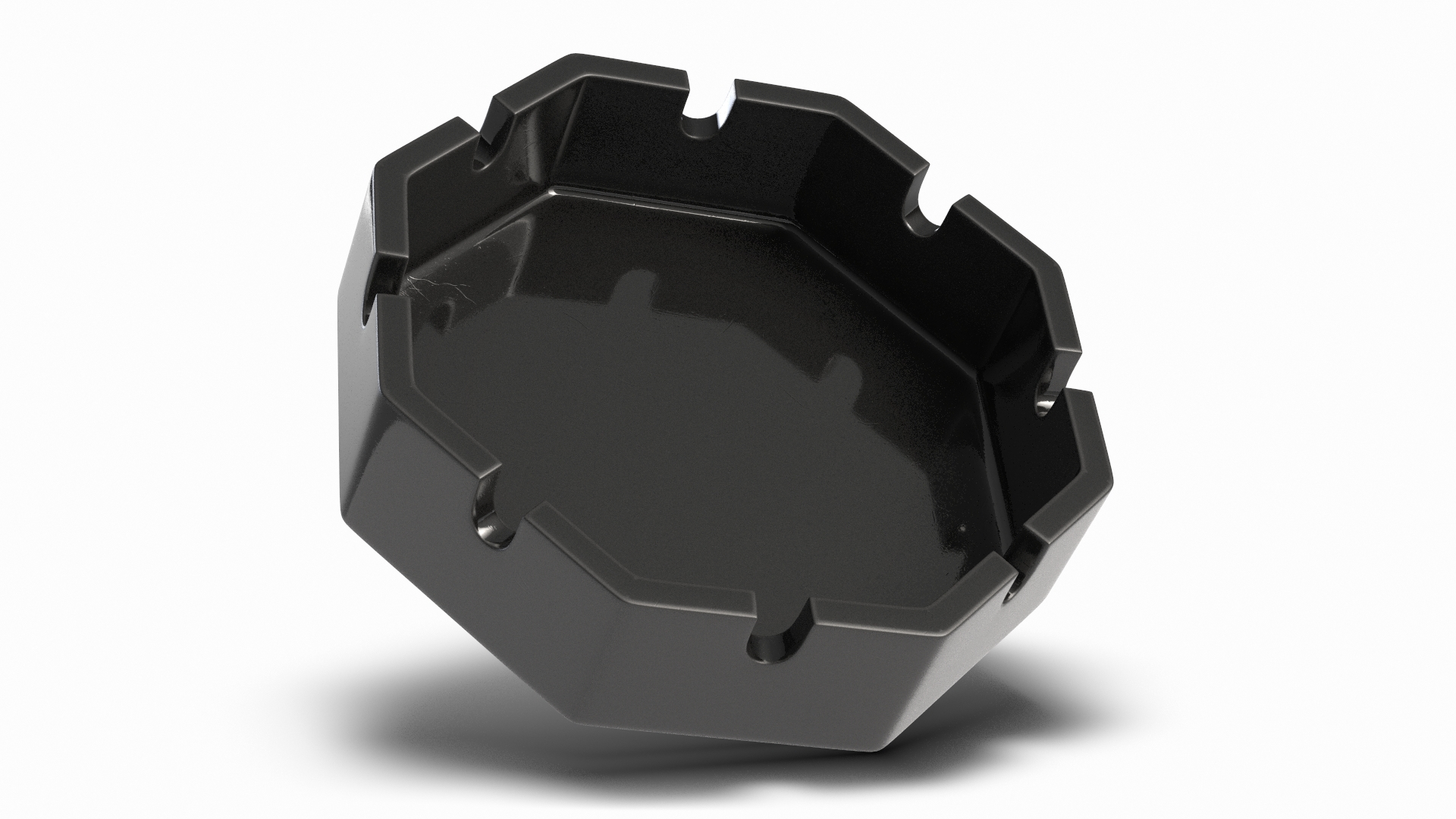
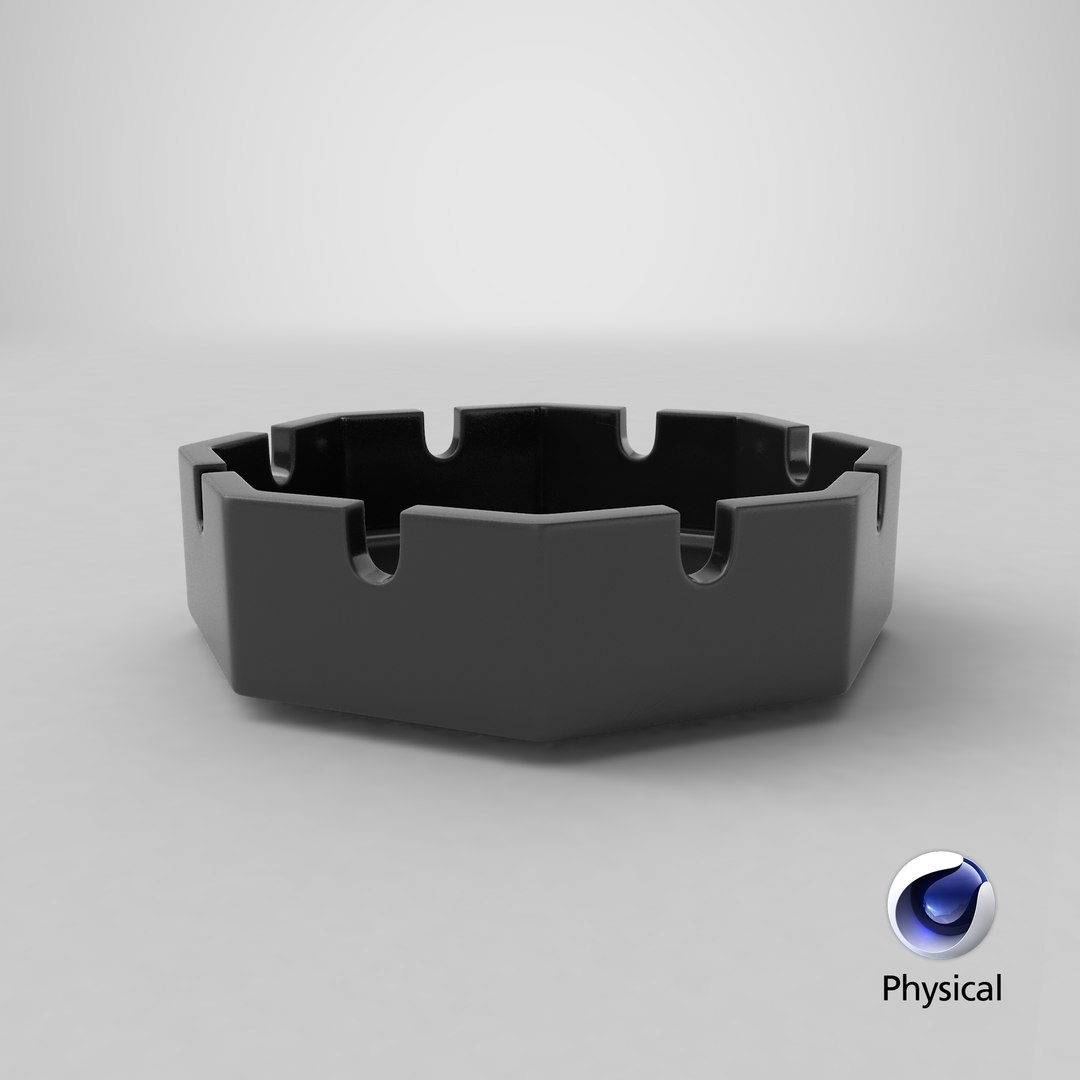
Ashtray 3D Model.

This model is suitable for use in broadcast, high-res film close-up, advertising, design visualization, etc.

Adapted for PBR Metallic and Specular workflow.

This model contains 1 geometry object.

Model created in real world size.
Units used - centimeters
Dimensions: 12.0cm x 12.0cm x 3.2cm

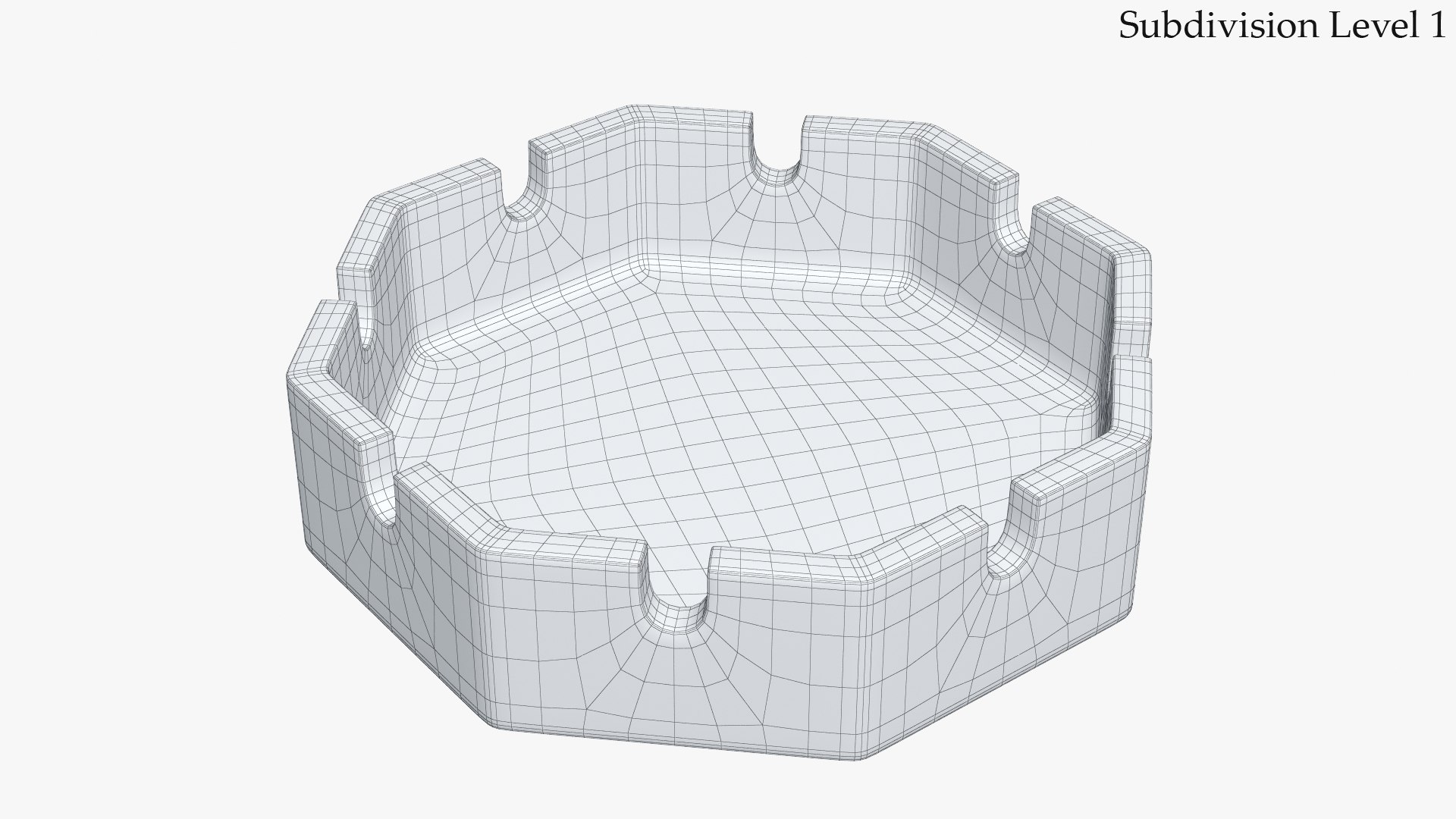
Modeled for Subdivision.
3ds Max model has TurboSmooth modifier applied.

Clean topology.
No N-Gons.
No Triangles. Only 4 sided polygons.

Includes 3Ds Max Model setuped for V-Ray render.
Includes 3Ds Max Model setuped for standart Scanline render.
No third-party renderer or plug-ins needed.
For V-Ray scene you will need V-Ray renderer.
Previews rendered with V-Ray.

Textures:
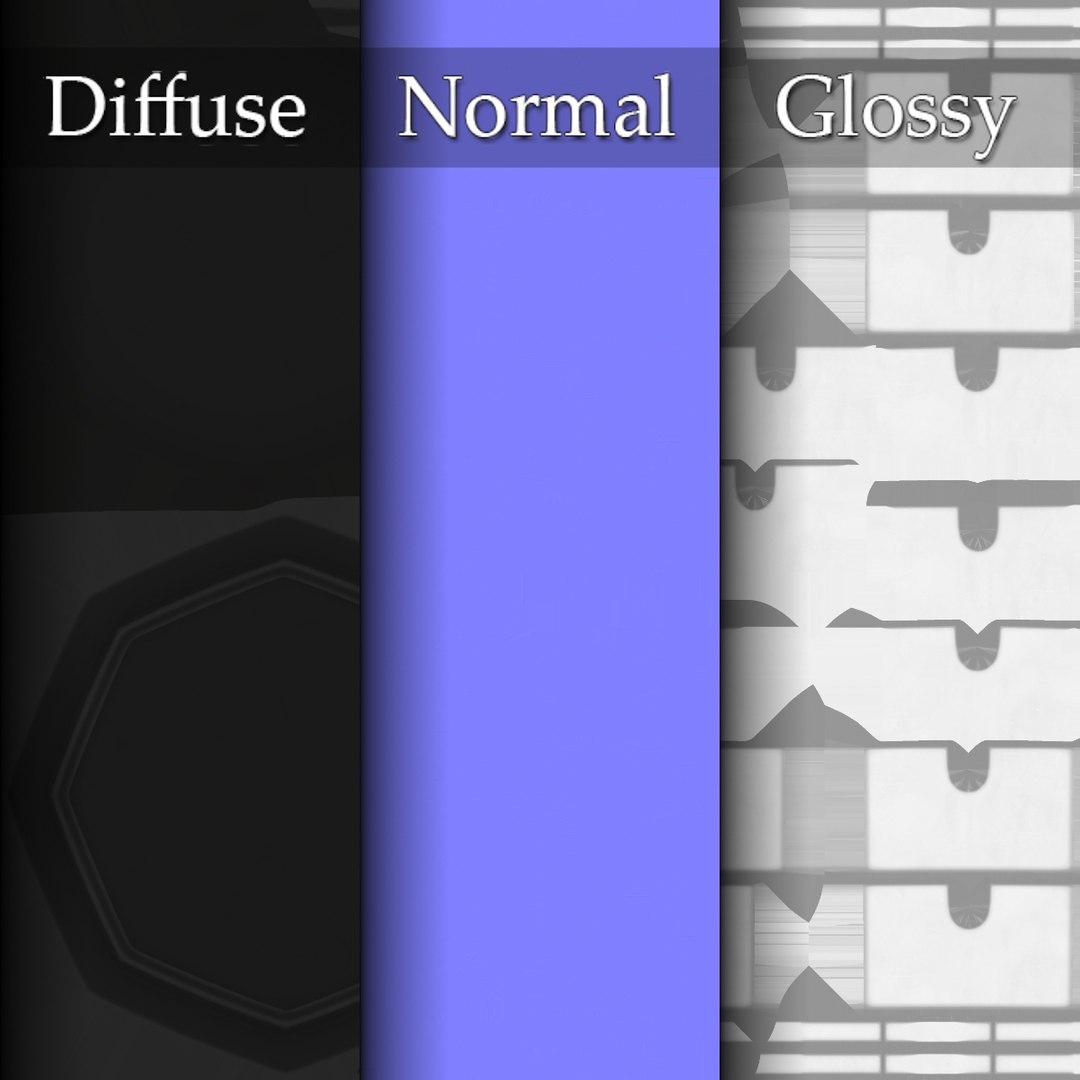
1. Ashtray_Diffuse.png - 4096x4096
2. Ashtray_Glossiness.png - 4096x4096
3. Ashtray_Normal.png - 4096x4096

Feel free to leave your opinion in comments and check out my other models.

Select Enhanced License

  • $10,000 in Legal Protection (Indemnification)
  • Uncapped Legal Protection (Indemnification)
  • Waiver from injunctive relief
  • Assignable model rights
  • $1,000,000 in Legal Protection (Indemnification)
  • Waiver from injunctive relief
  • Assignable model rights
  • $250,000 in Legal Protection (Indemnification)
  • Assignable model rights
Read more about enhanced license tiers, or contact us at enterprise@turbosquid.com. Already a Shutterstock Enterprise Customer? Contact your Shutterstock Sales Support Agent to talk about adding 3D.

About Conversion Requests

To submit a conversion request for a purchased asset, please complete our Conversion Request Form.

If you have not yet purchased a model, please review our Documentation about Conversions to learn about what limitations you may encounter with a conversion.

For any additional questions about a model’s suitability for conversion, please contact TurboSquid Support.

Loading...