
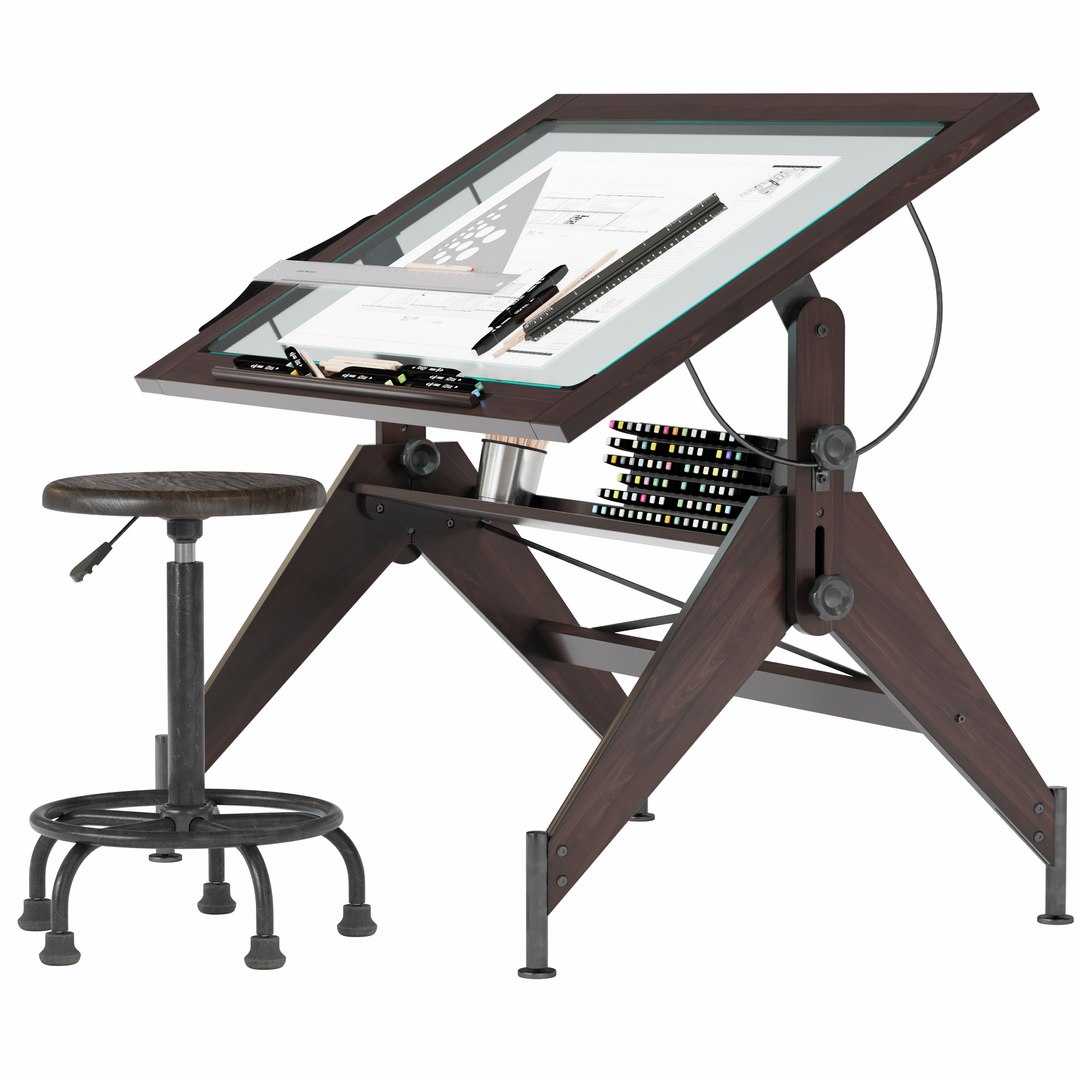
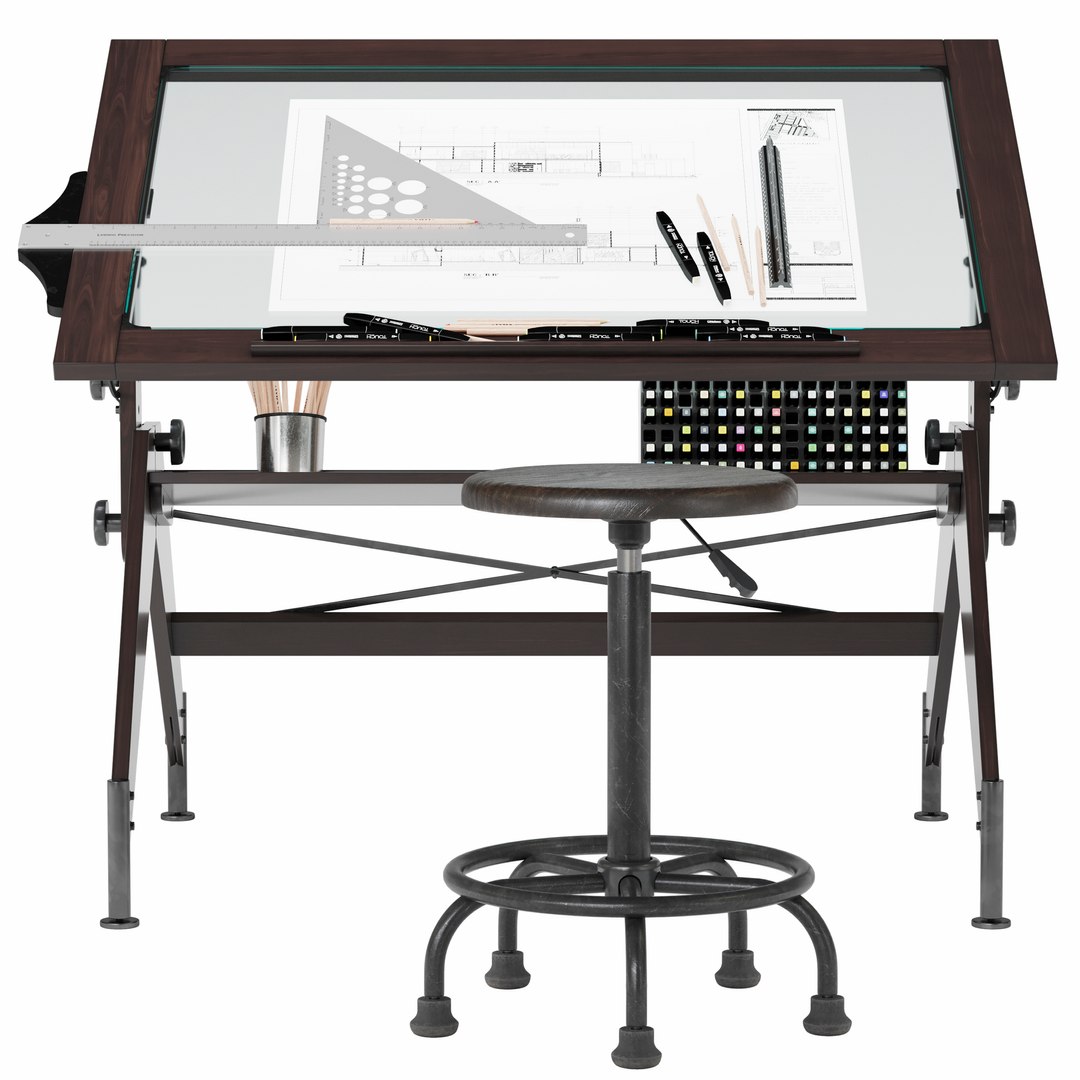
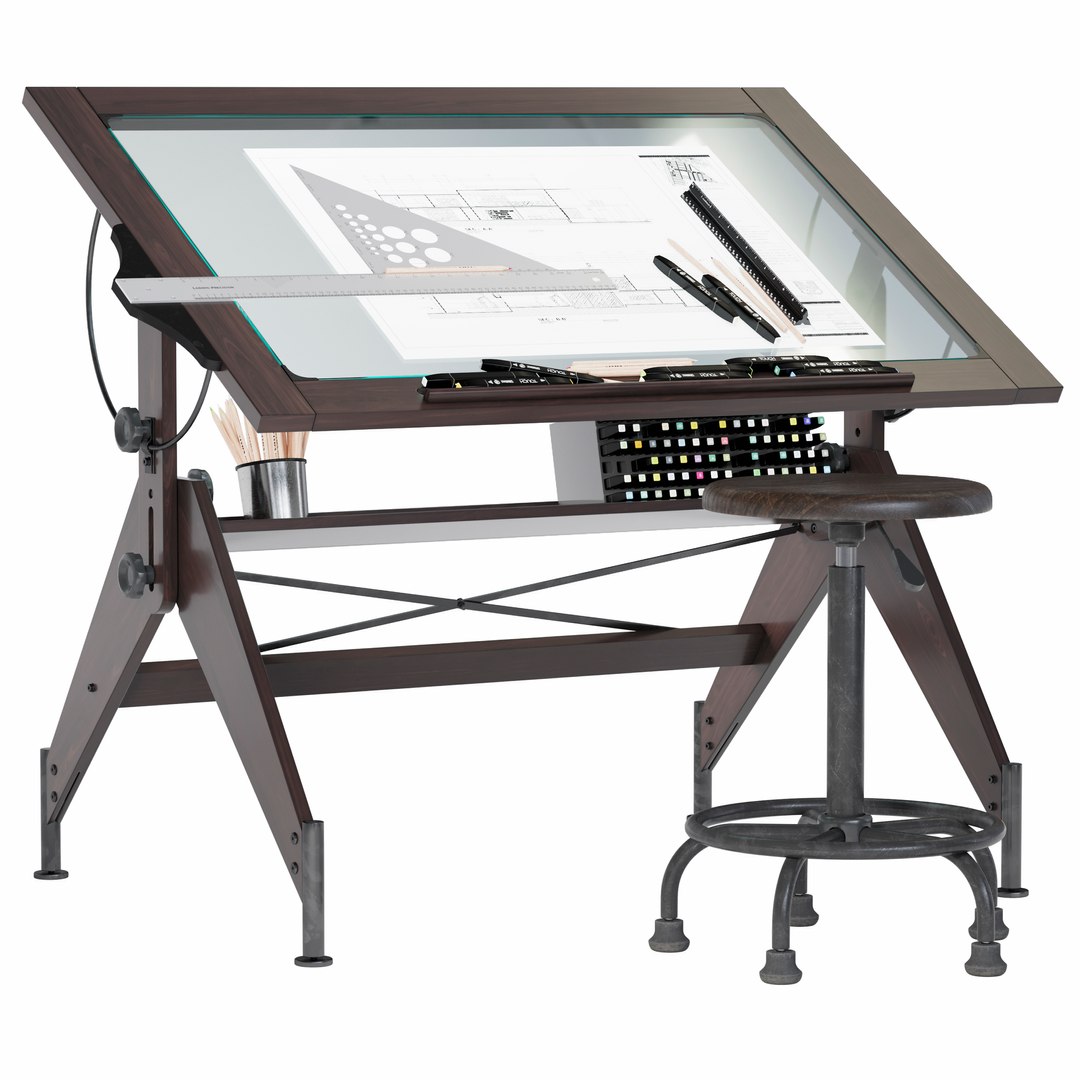
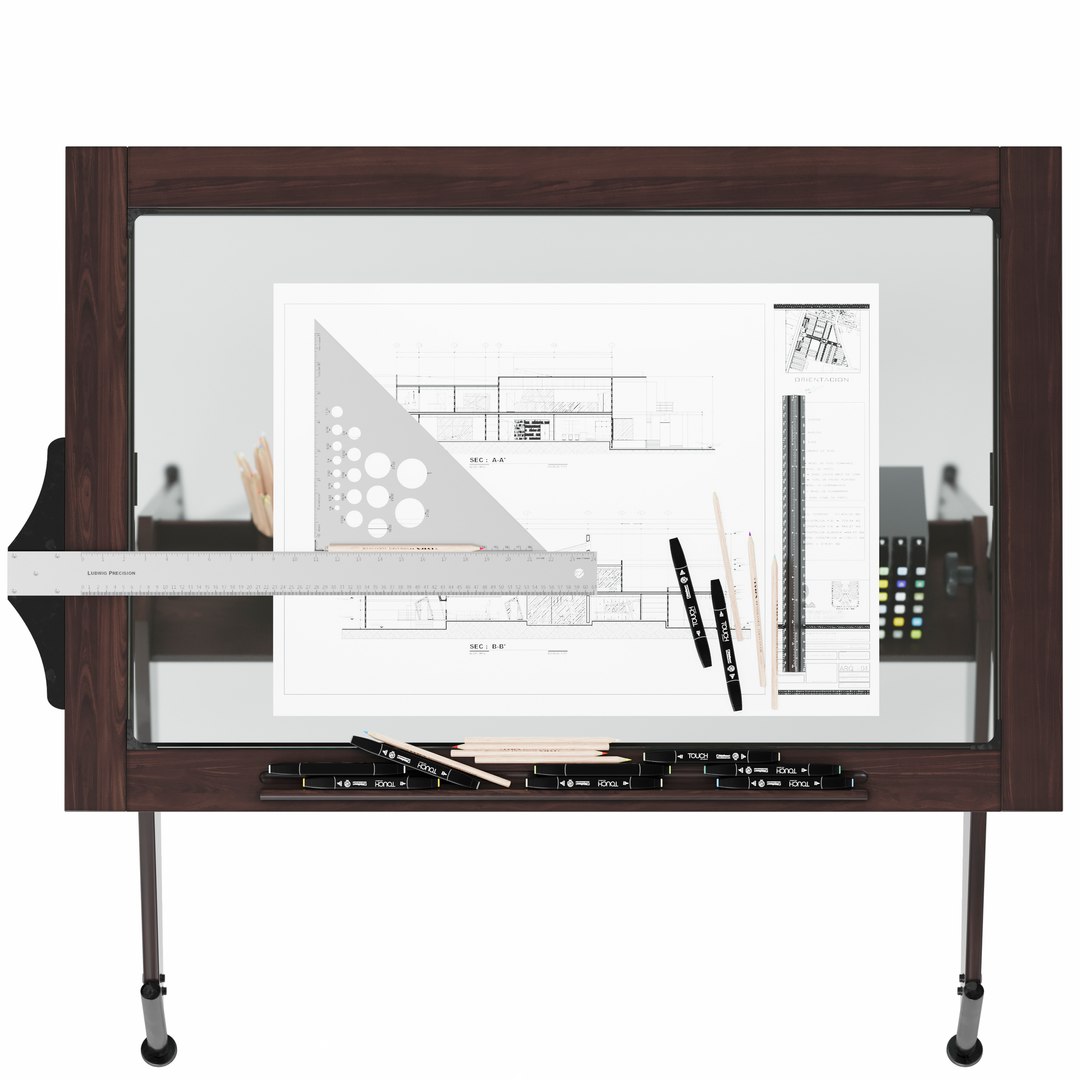
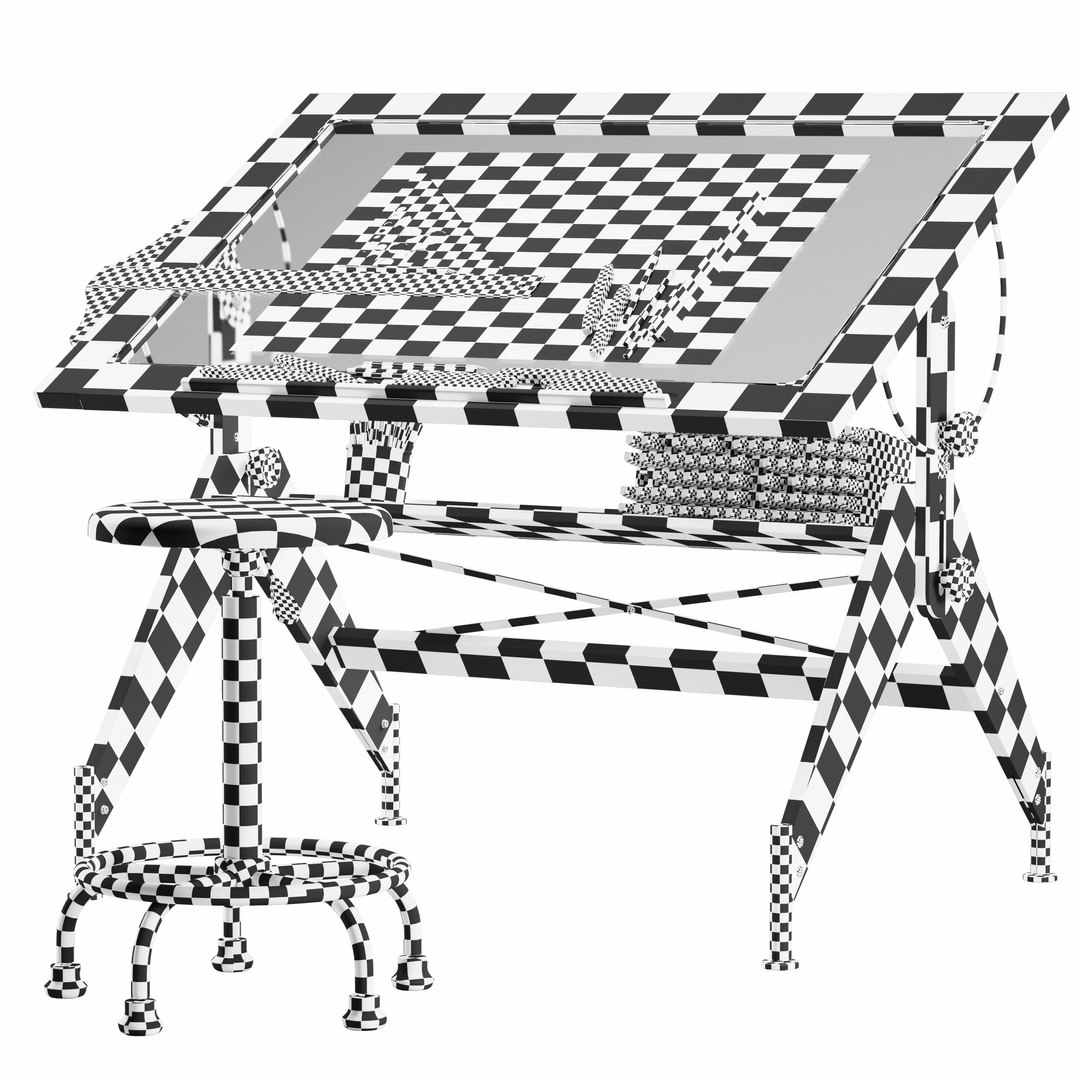
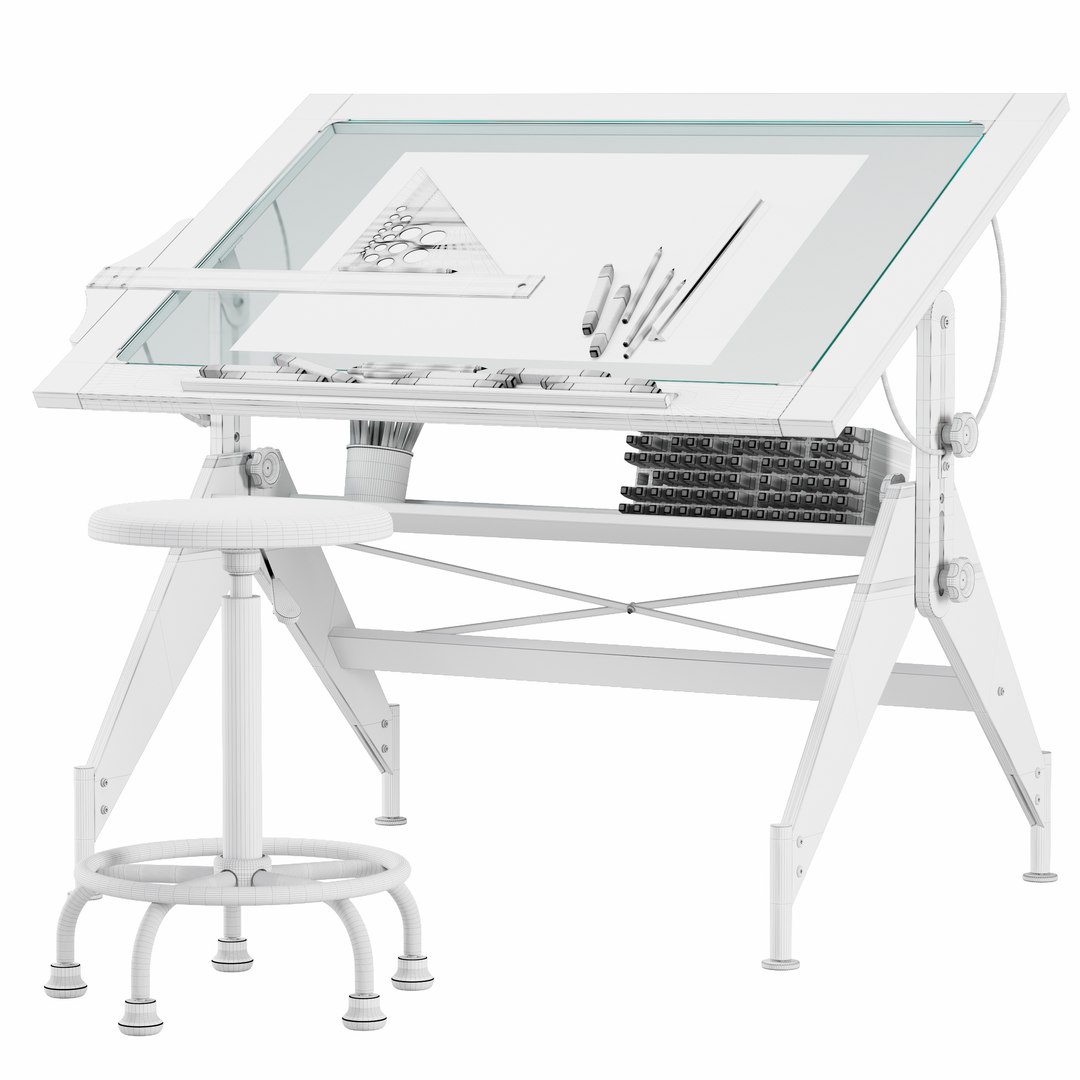
Aries Wood and Glass Drawing Table and Retro Drafting Stool

$30

Standard License | Upgrade License
Editorial Uses Only
Formats (3)
Free file format Conversions available
Native | 3ds Max 2016 | Corona 6.2
3ds Max 2016 | V-Ray 5
OBJ 2016
Specifications
Publish Date August 13, 2023
Product ID 2110608
Polygons 1,820,705
Vertices 1,824,046
Polygonal
Textures
Materials
UV Mapped
Non-overlapping Unwrapped UVs
member avatar
BehnaM_kz
1 Products | Contributor Since 2021
Have questions? Chat with us now.

Description

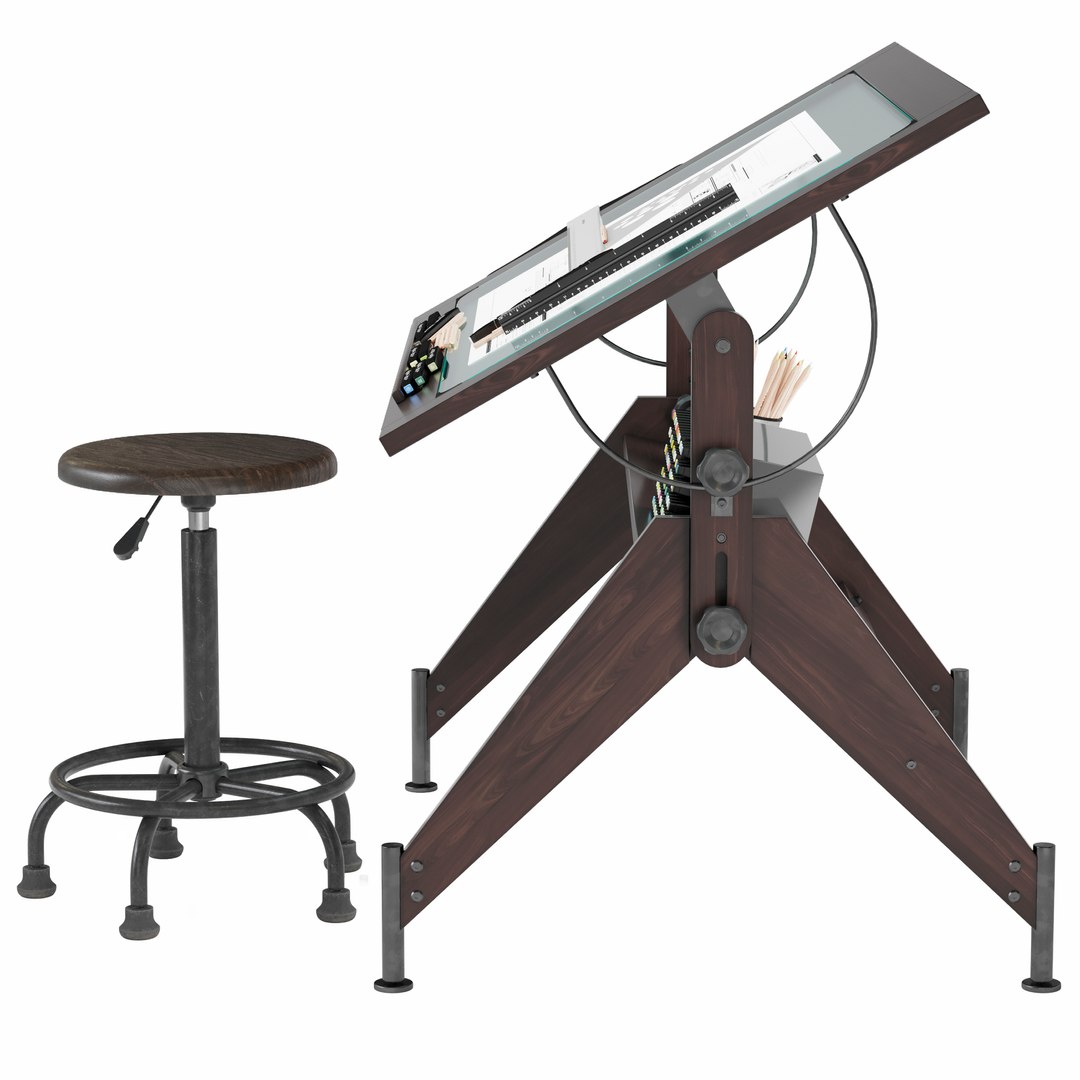
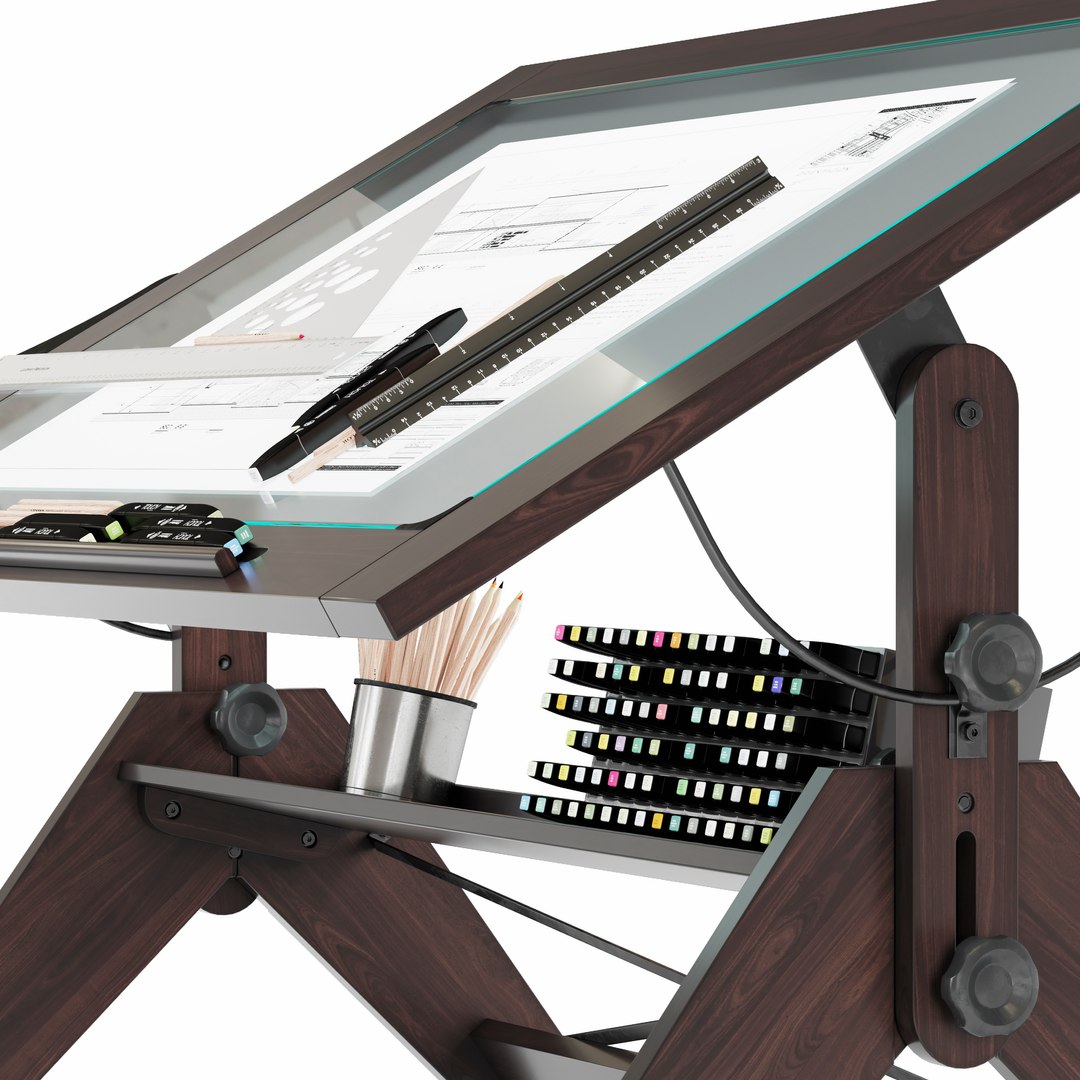
Aries Wood and Glass Drawing Table + Retro Drafting Stool


Features:

-Product Dimensions: 81 D x 107 W x 93 H Centimetres

-3ds Max version: 2016

-V-ray version: 5

-Corona renderer version: 6.2

-Ready to subdivide if necessary

-High-quality polygonal model

-Model is full unwrapUVW.

-Real-world scale and centered

-The unit of measurement used for the model: Centimeters

-All textures and materials are included.

-Objects and materials are logically named for ease of scene
management.

-Model does not include any backgrounds or scenes used in
preview images.

-File Formats:

1) 3ds Max 2016+Corona

2) 3ds Max 2016+V-ray

3) Obj


No. of Polys: 1820705

No. of Verts: 1824046

====================================

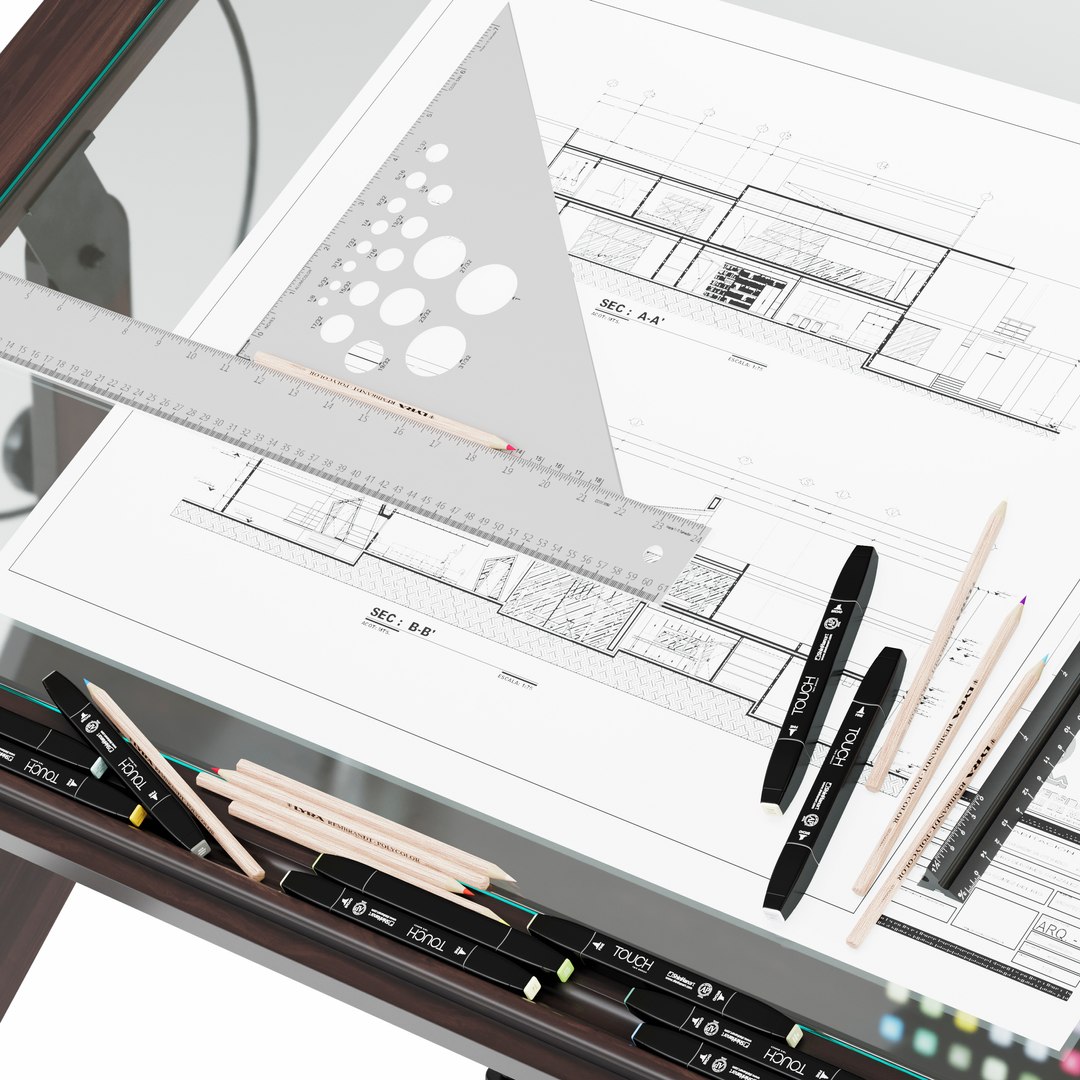
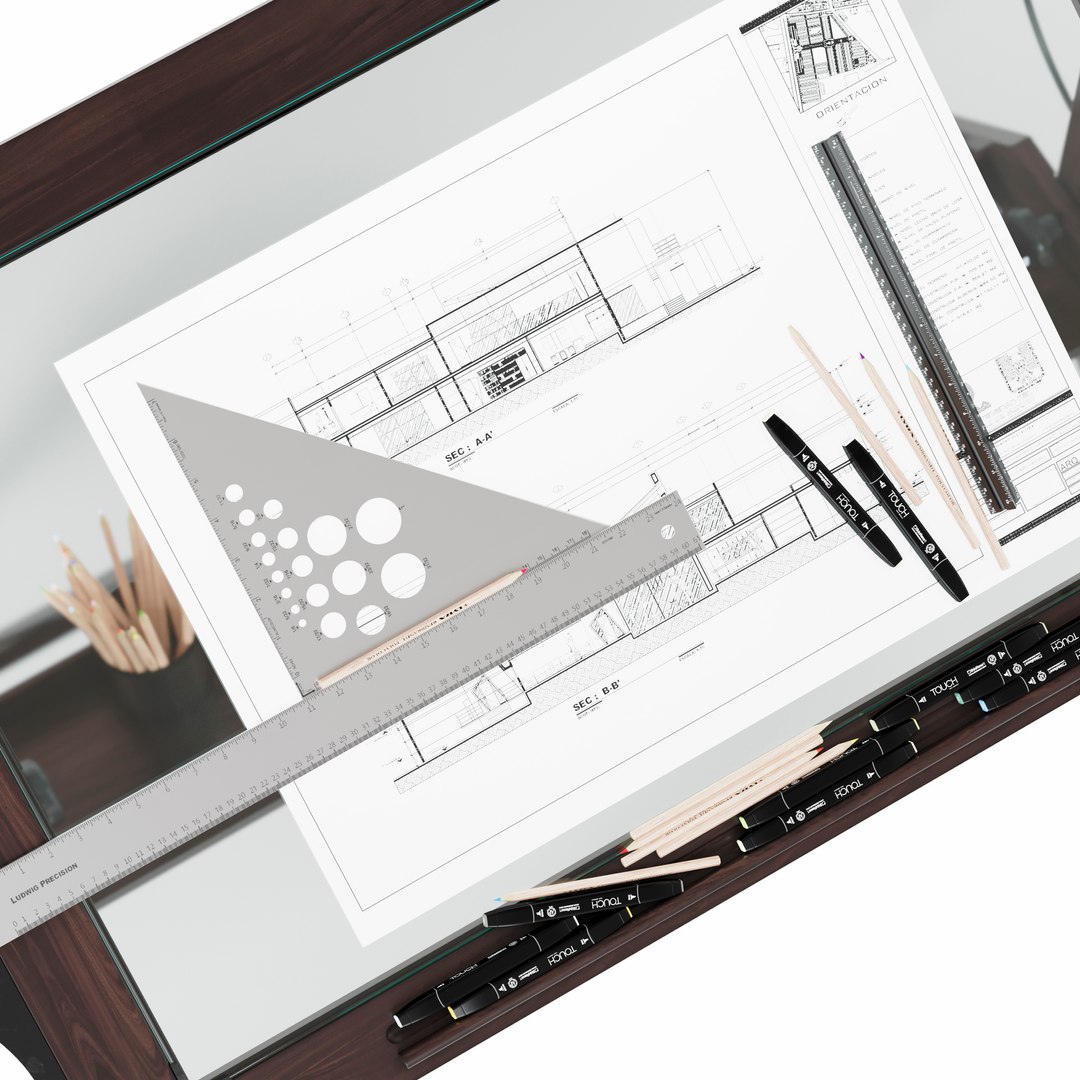
This set includes:

1) Studio Designs Aries Wood and Glass Drawing Table in Dark
Walnut – Item # 13310

2) Studio Designs Retro Wood and Metal Drafting Stool in
Distressed Black- Item # 13317

3) Alumicolor® Triangular Drafting Scale

4) Alumicolor® Professional T-Square

5) Alumicolor®
Calibrated Triangle

6) ShinHan TOUCH TWIN Marker

7) LYRA colored pencil

Select Enhanced License

  • $10,000 in Legal Protection (Indemnification)
  • Uncapped Legal Protection (Indemnification)
  • Waiver from injunctive relief
  • Assignable model rights
  • $1,000,000 in Legal Protection (Indemnification)
  • Waiver from injunctive relief
  • Assignable model rights
  • $250,000 in Legal Protection (Indemnification)
  • Assignable model rights
Read more about enhanced license tiers, or contact us at enterprise@turbosquid.com. Already a Shutterstock Enterprise Customer? Contact your Shutterstock Sales Support Agent to talk about adding 3D.

About Conversion Requests

To submit a conversion request for a purchased asset, please complete our Conversion Request Form.

If you have not yet purchased a model, please review our Documentation about Conversions to learn about what limitations you may encounter with a conversion.

For any additional questions about a model’s suitability for conversion, please contact TurboSquid Support.

Loading...