

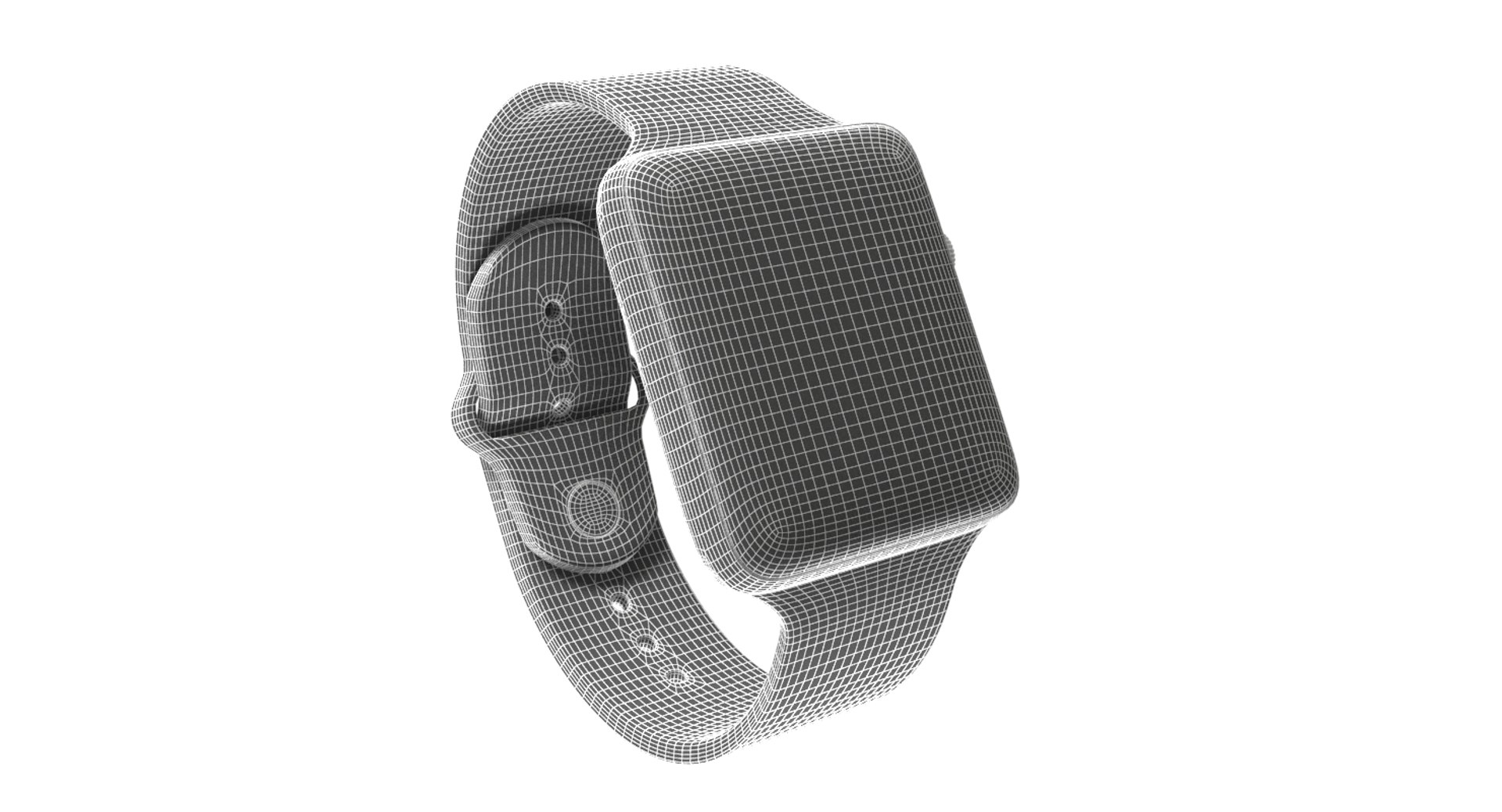
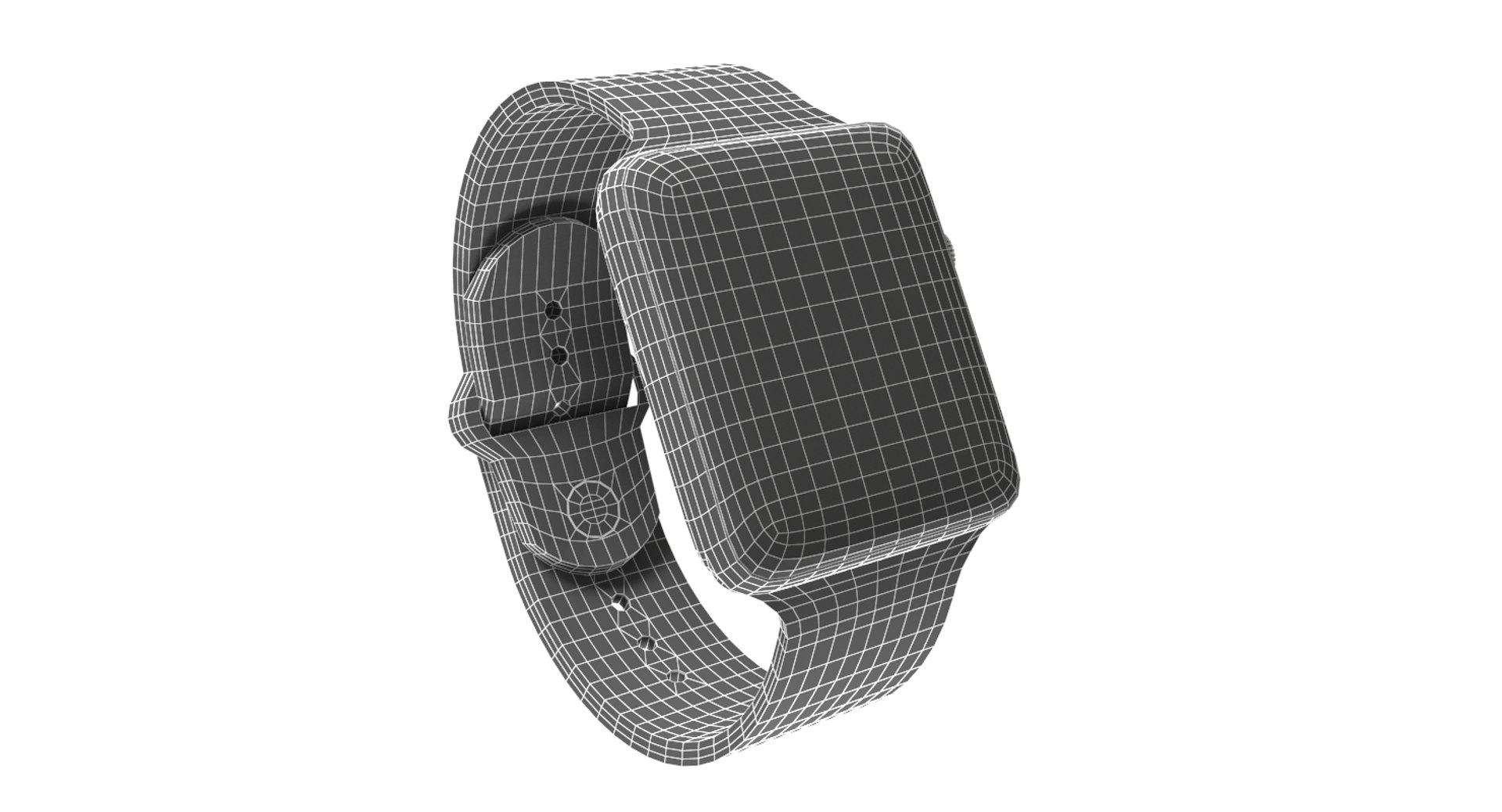
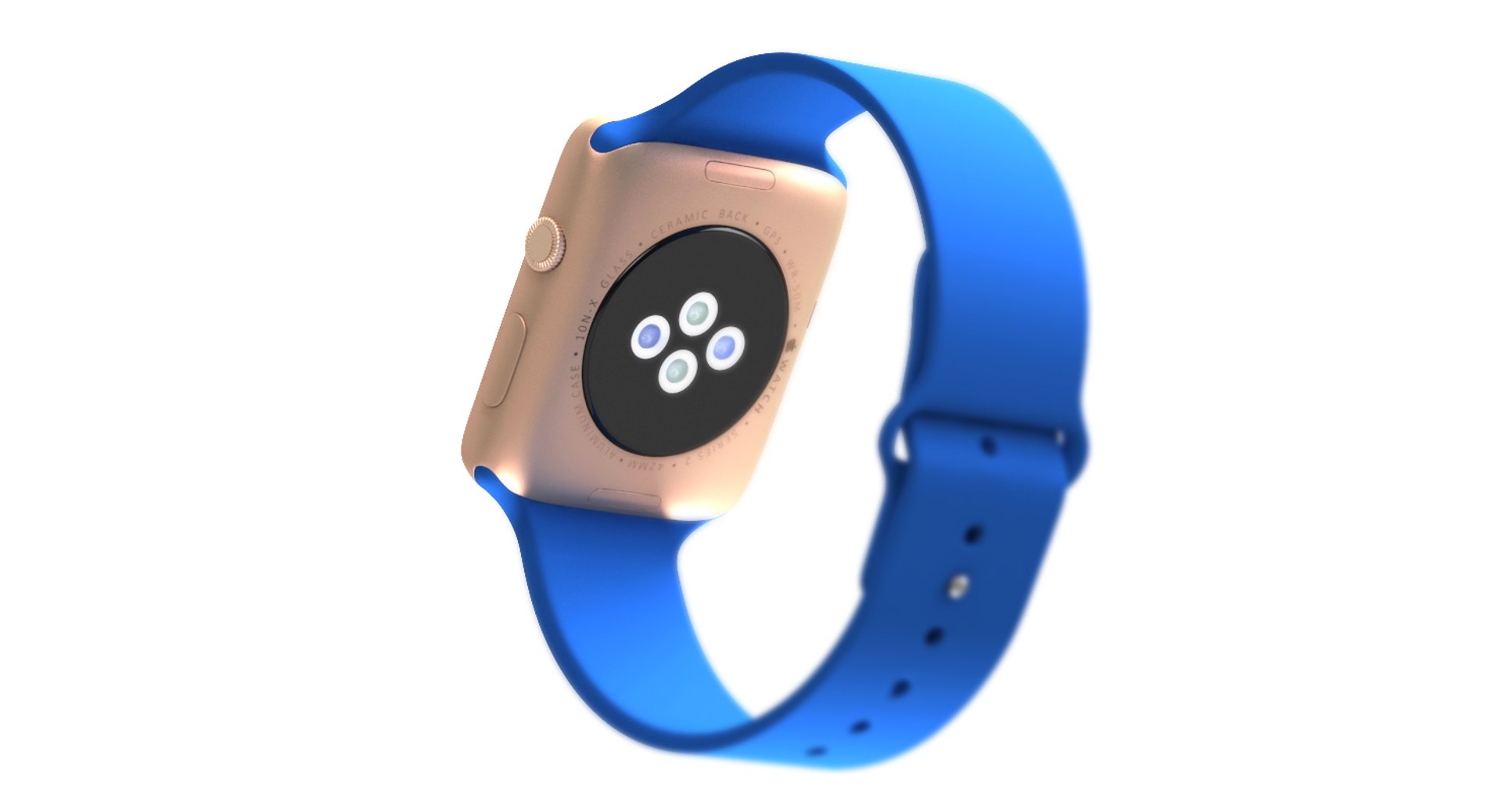
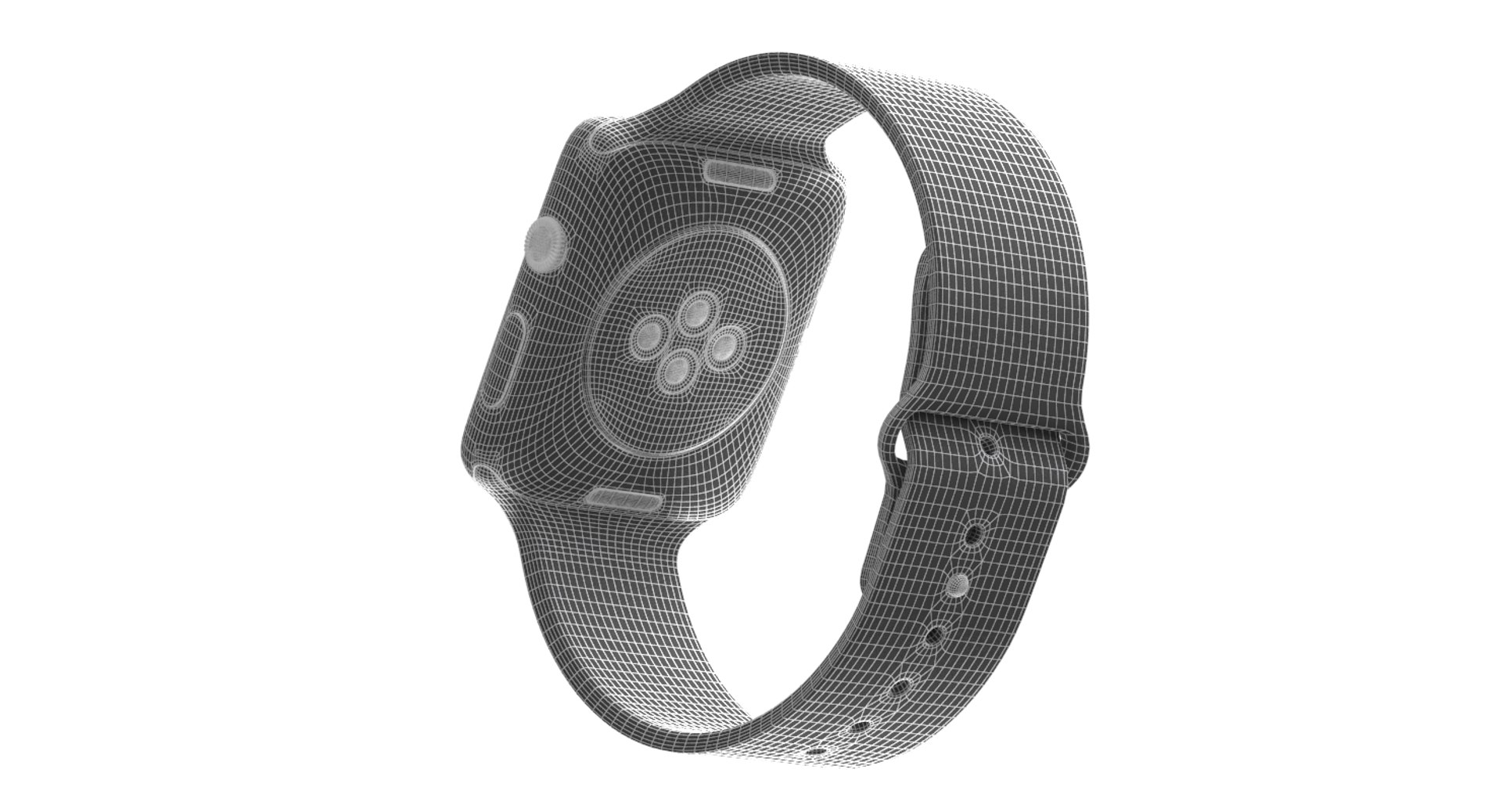
Apple Watch 2

$49

Standard License | Upgrade License
Editorial Uses Only
Formats (1)
Free file format Conversions available
Native | 3ds Max 2012 | V-Ray 2.10.01
Other Files
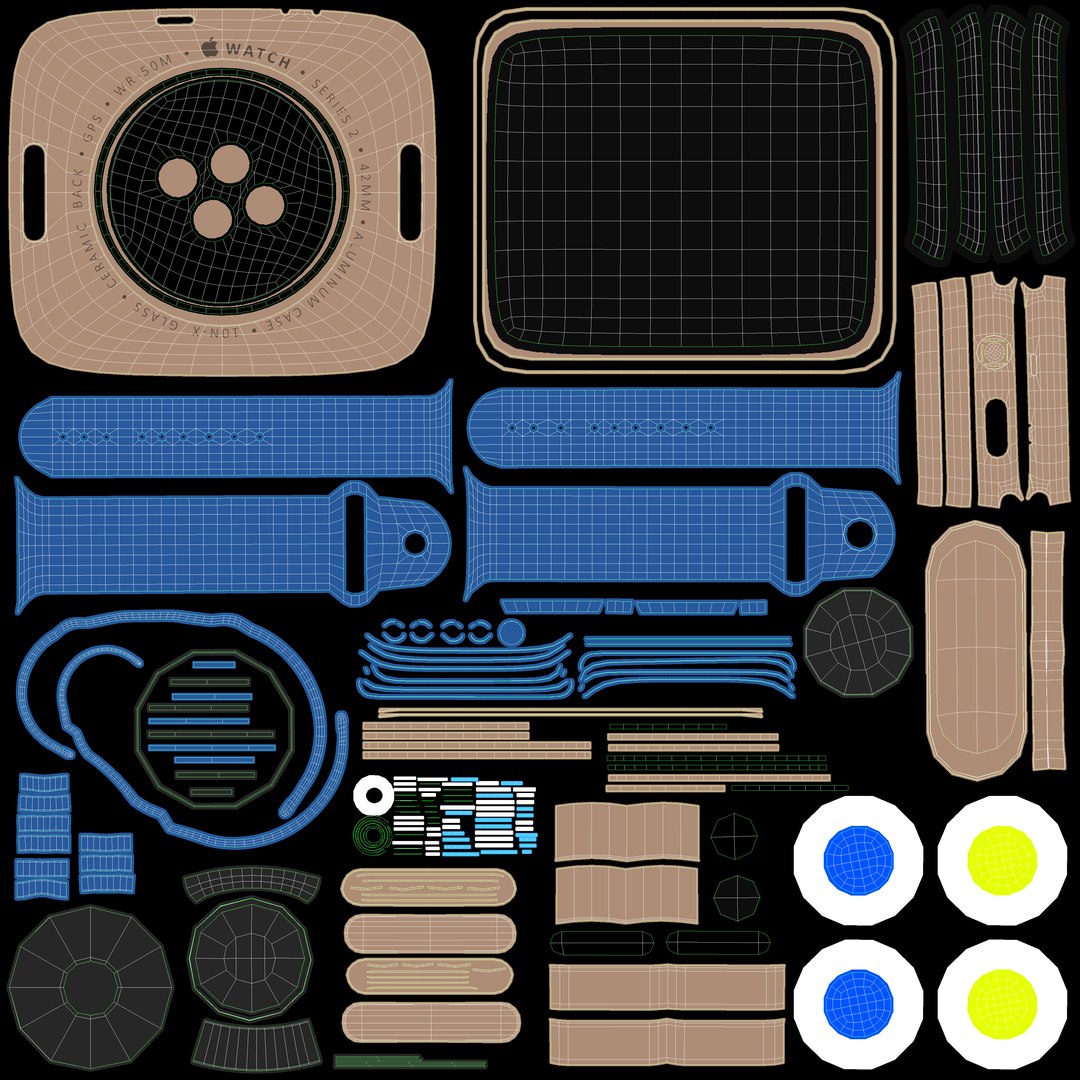
display.psd UVWs_apple_watch_2.psd
Specifications
Publish Date March 01, 2017
Product ID 1129149
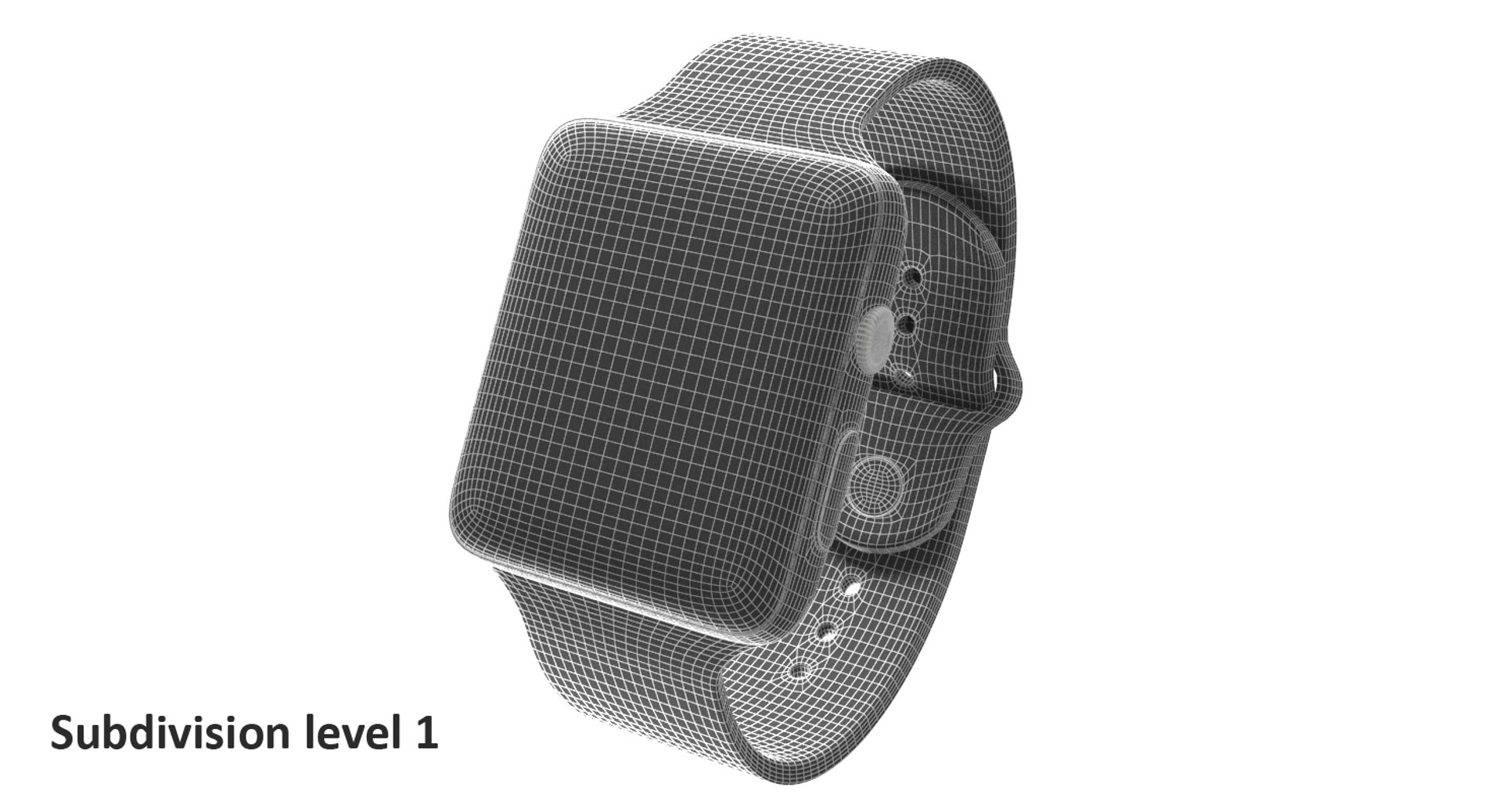
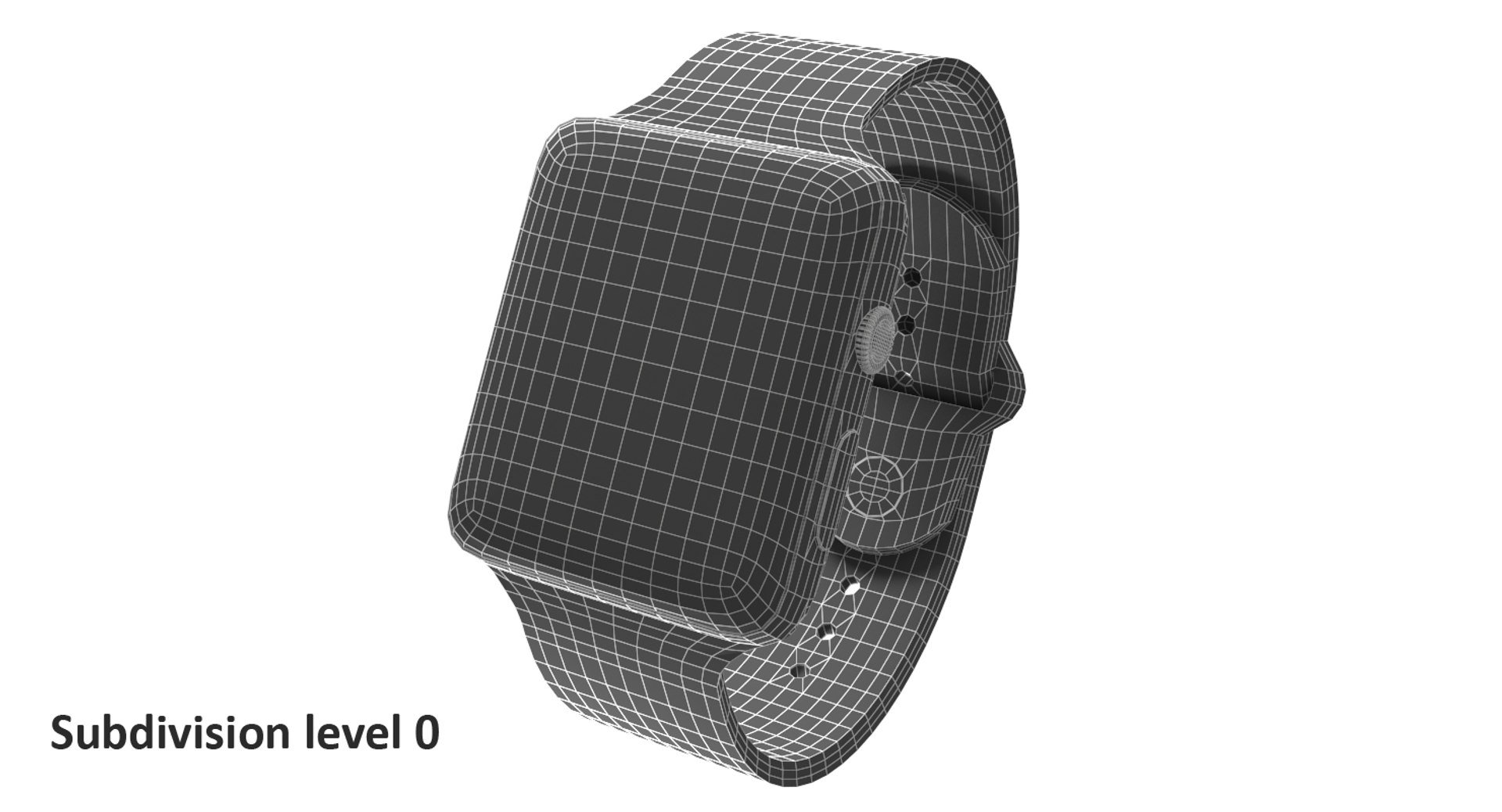
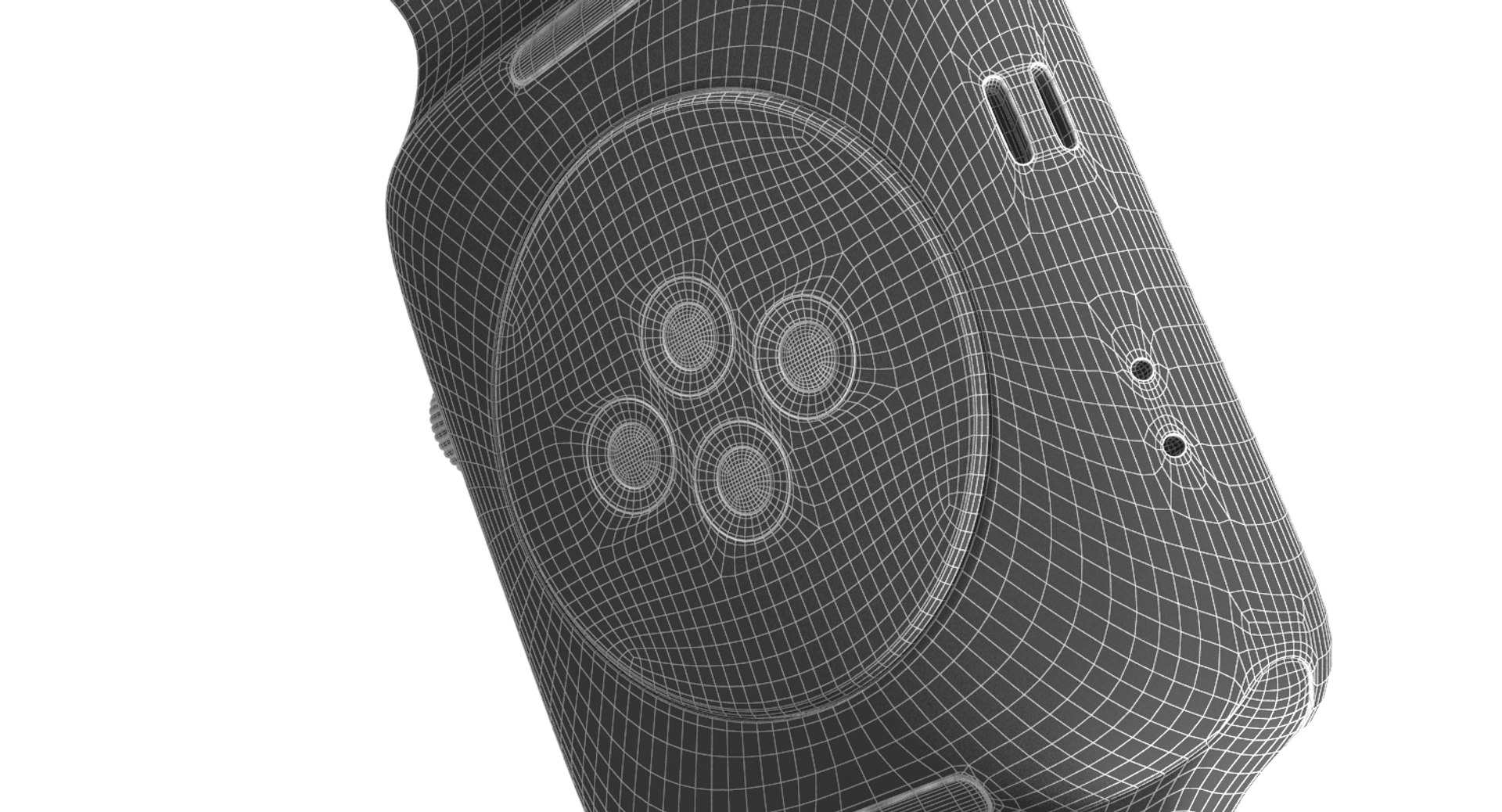
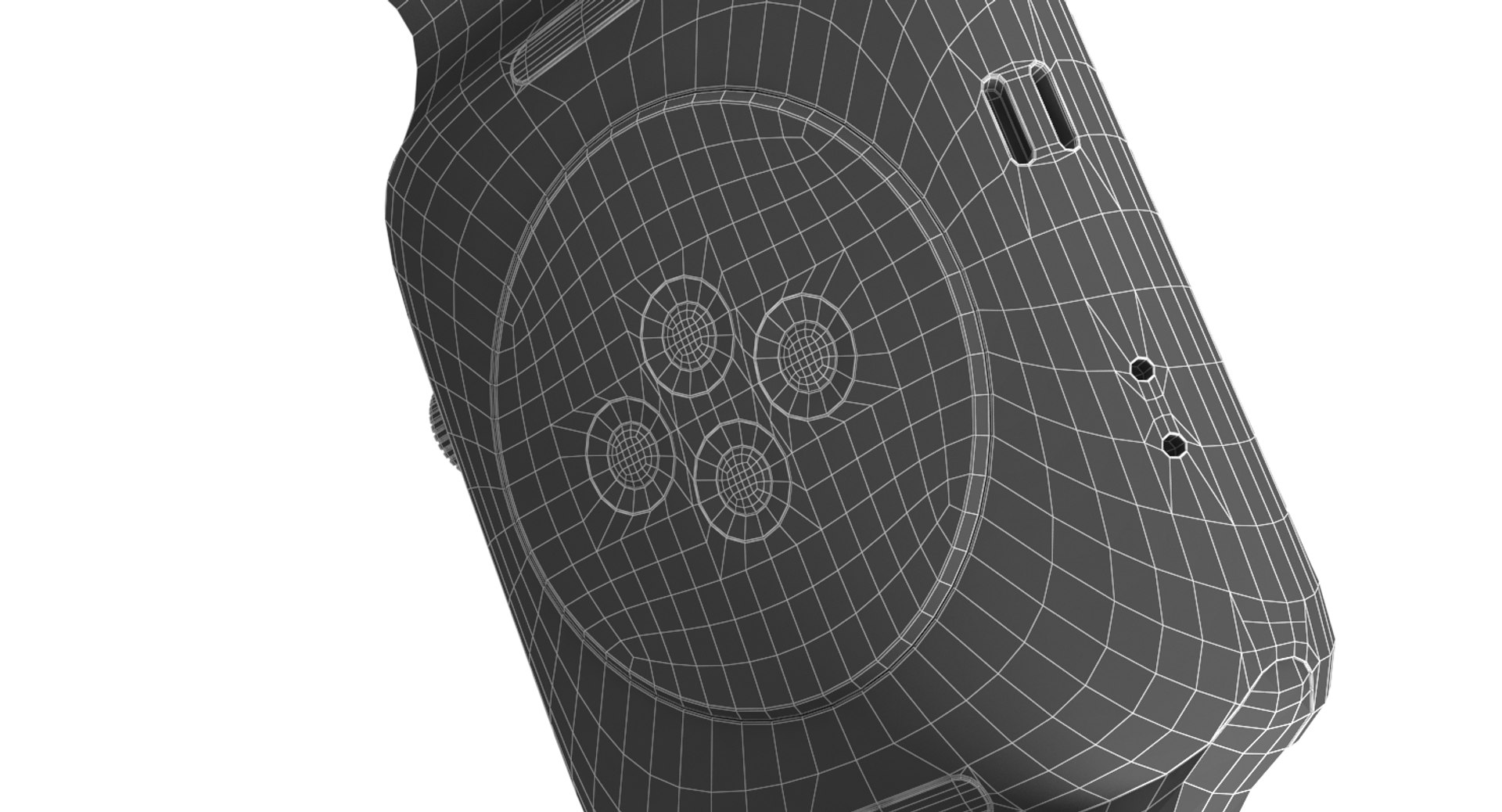
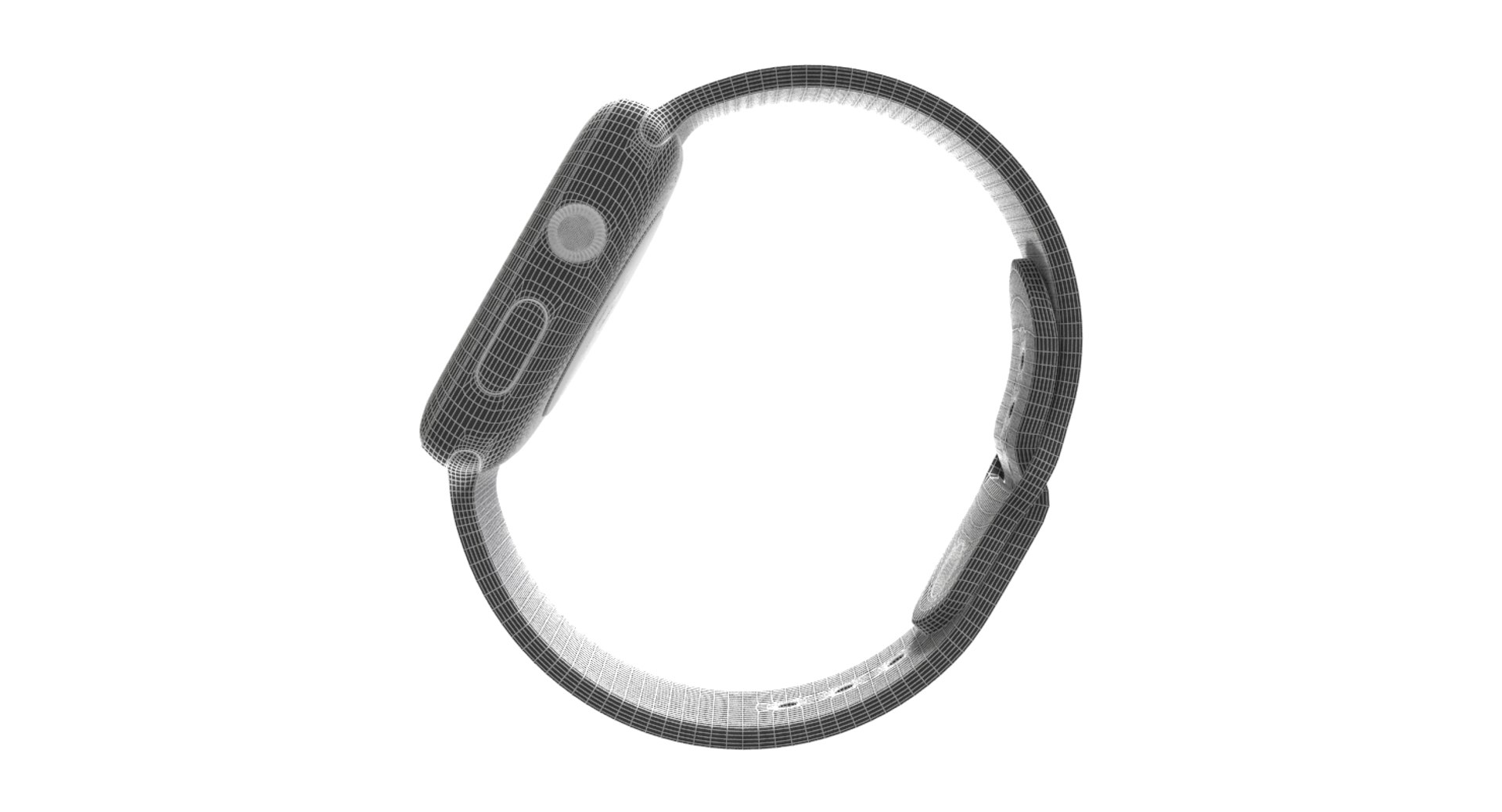
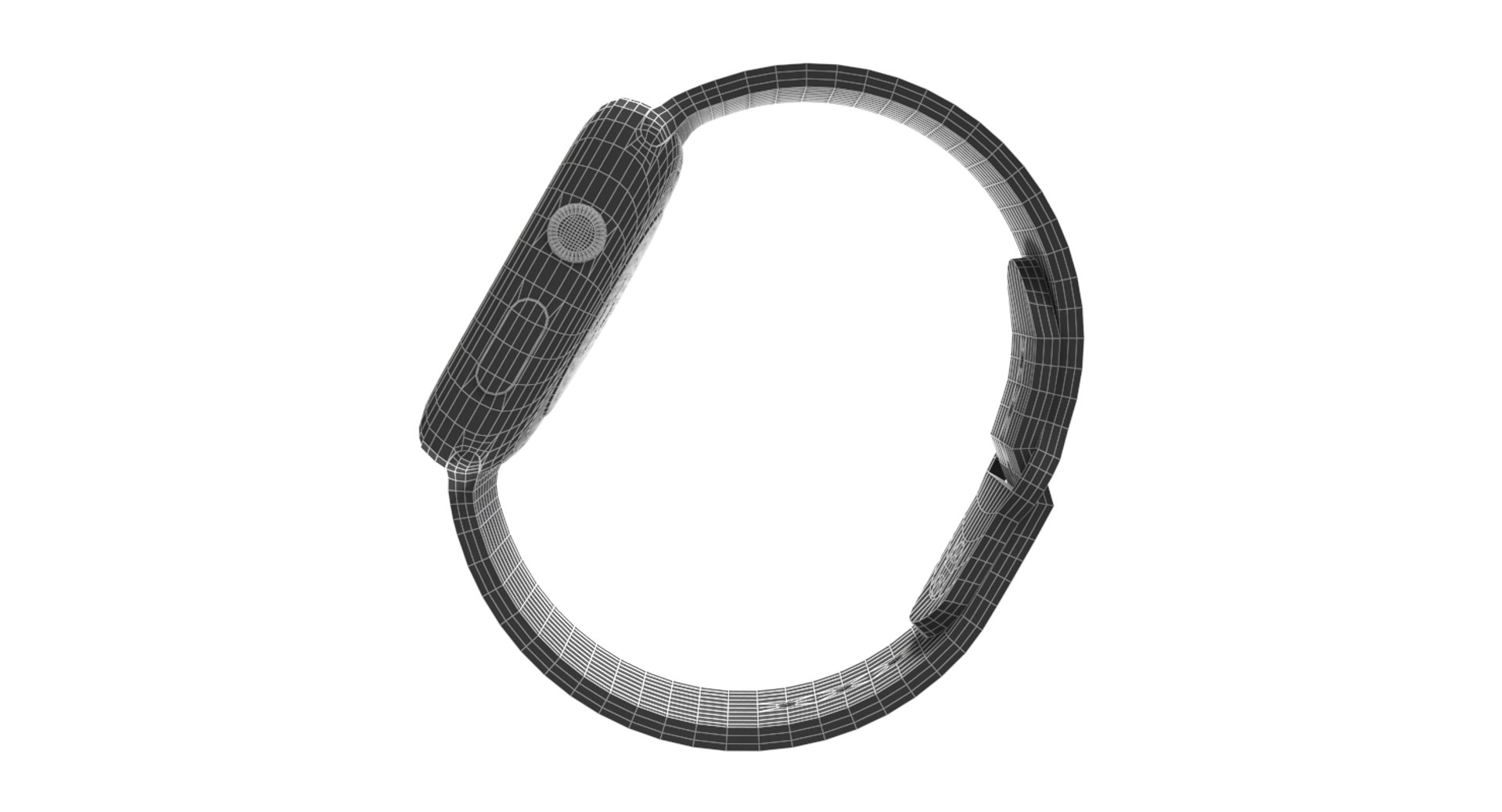
Polygons 9,914
Vertices 9,993
Polygonal Quads Only
Textures
Materials
UV Mapped
Non-overlapping Unwrapped UVs
TurboSquid Exclusive

member avatar
MrHatter
68 Products | Contributor Since 2015
Have questions? Chat with us now.

Description

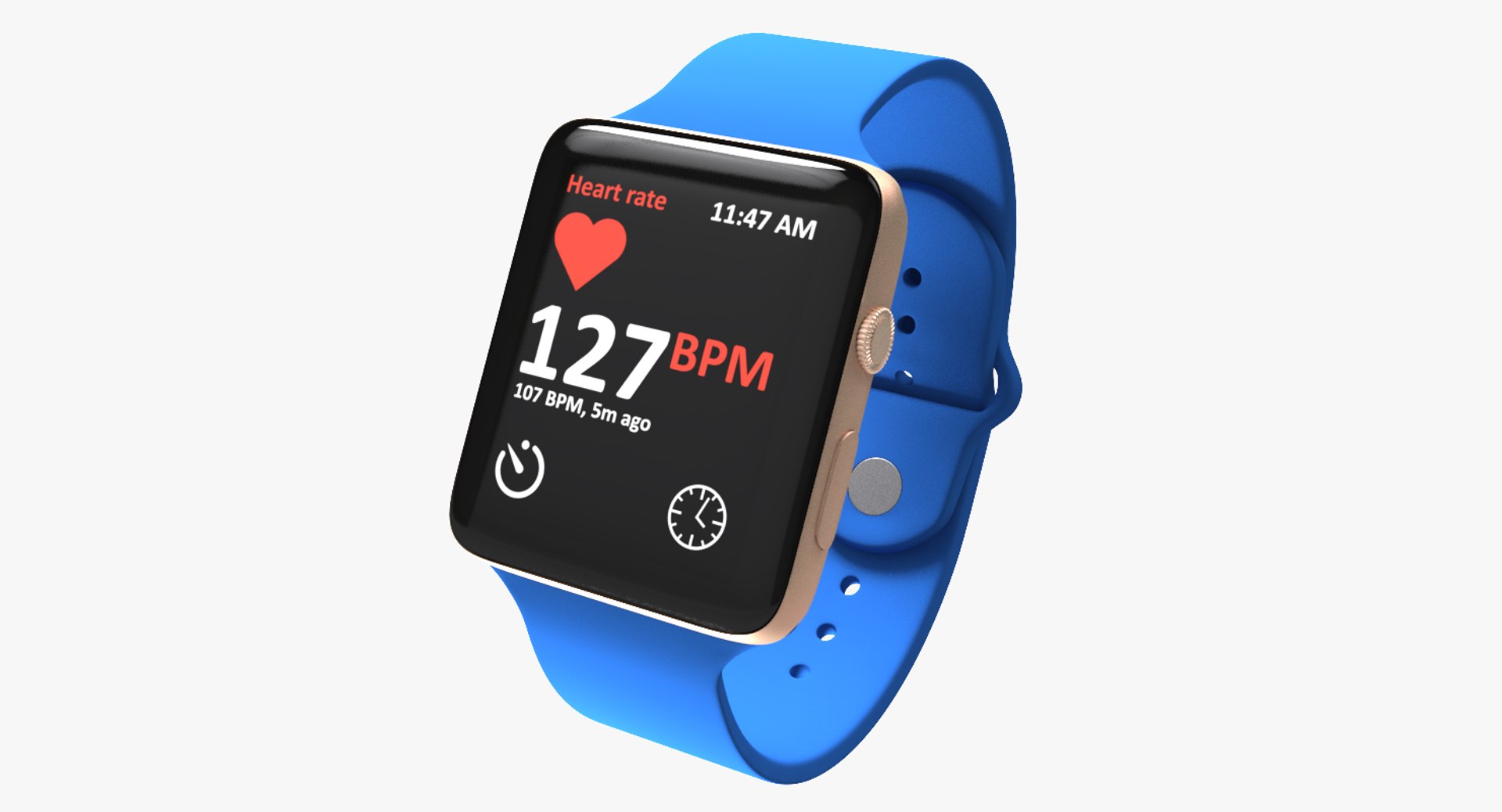
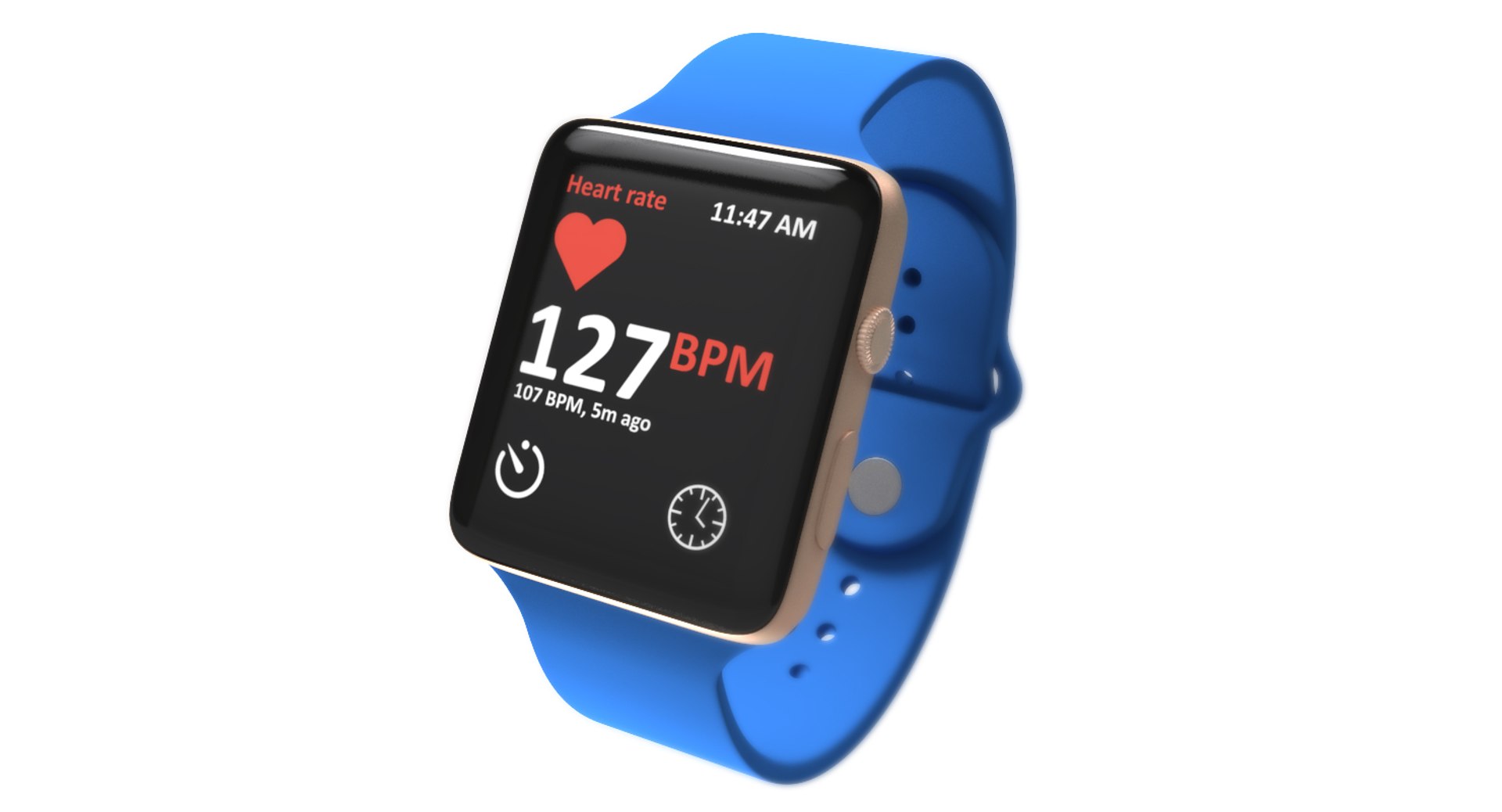
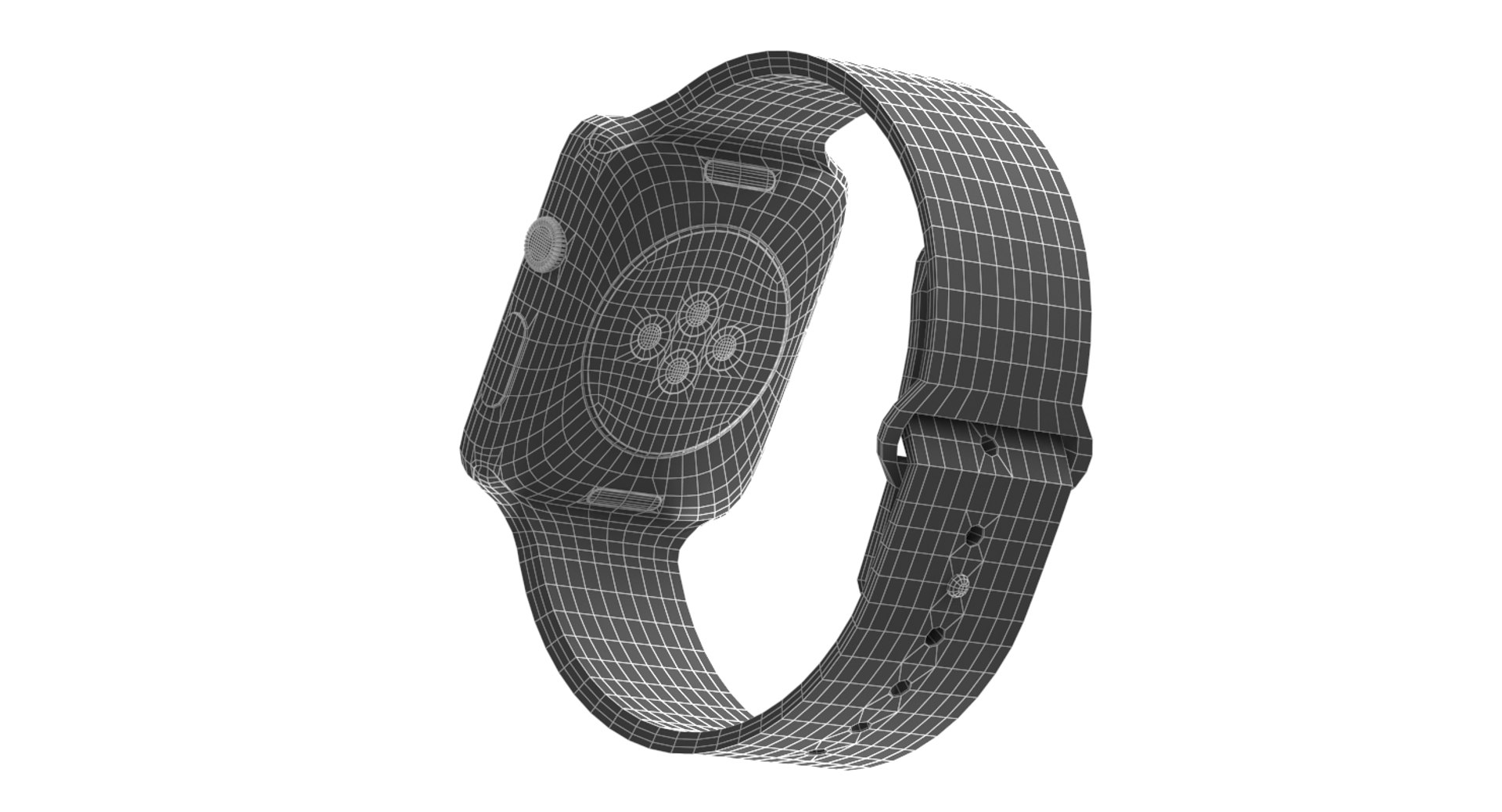
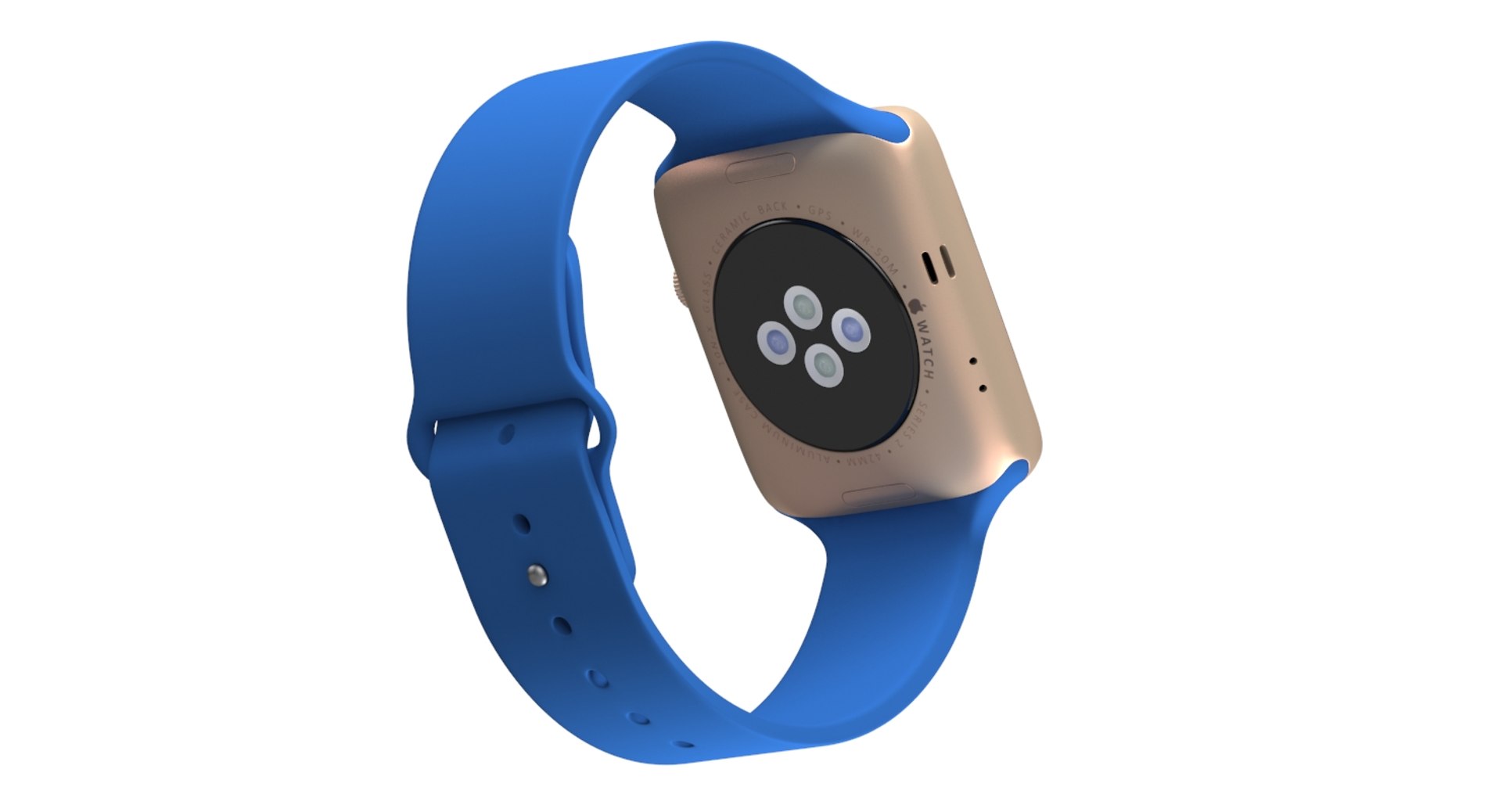
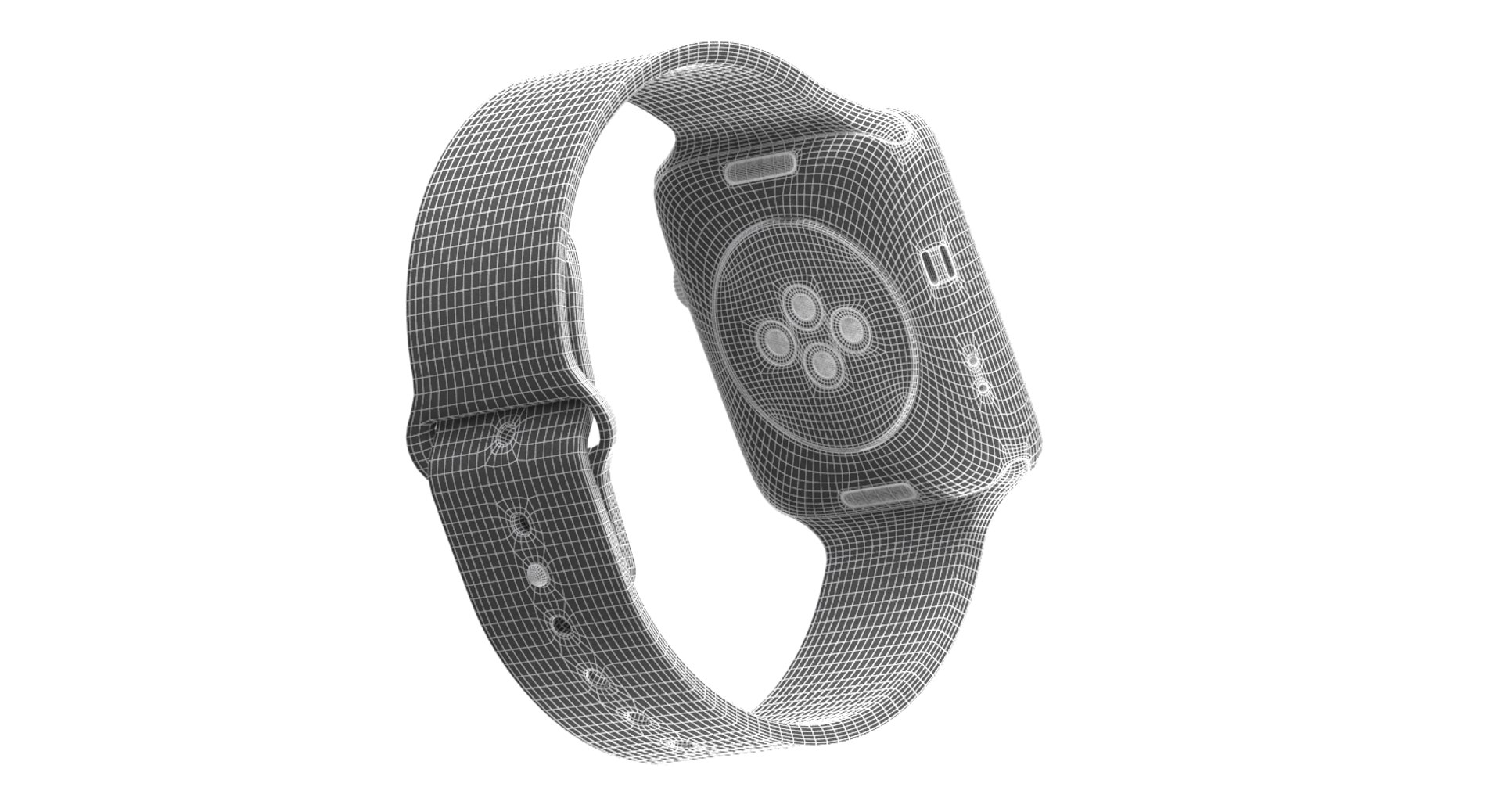
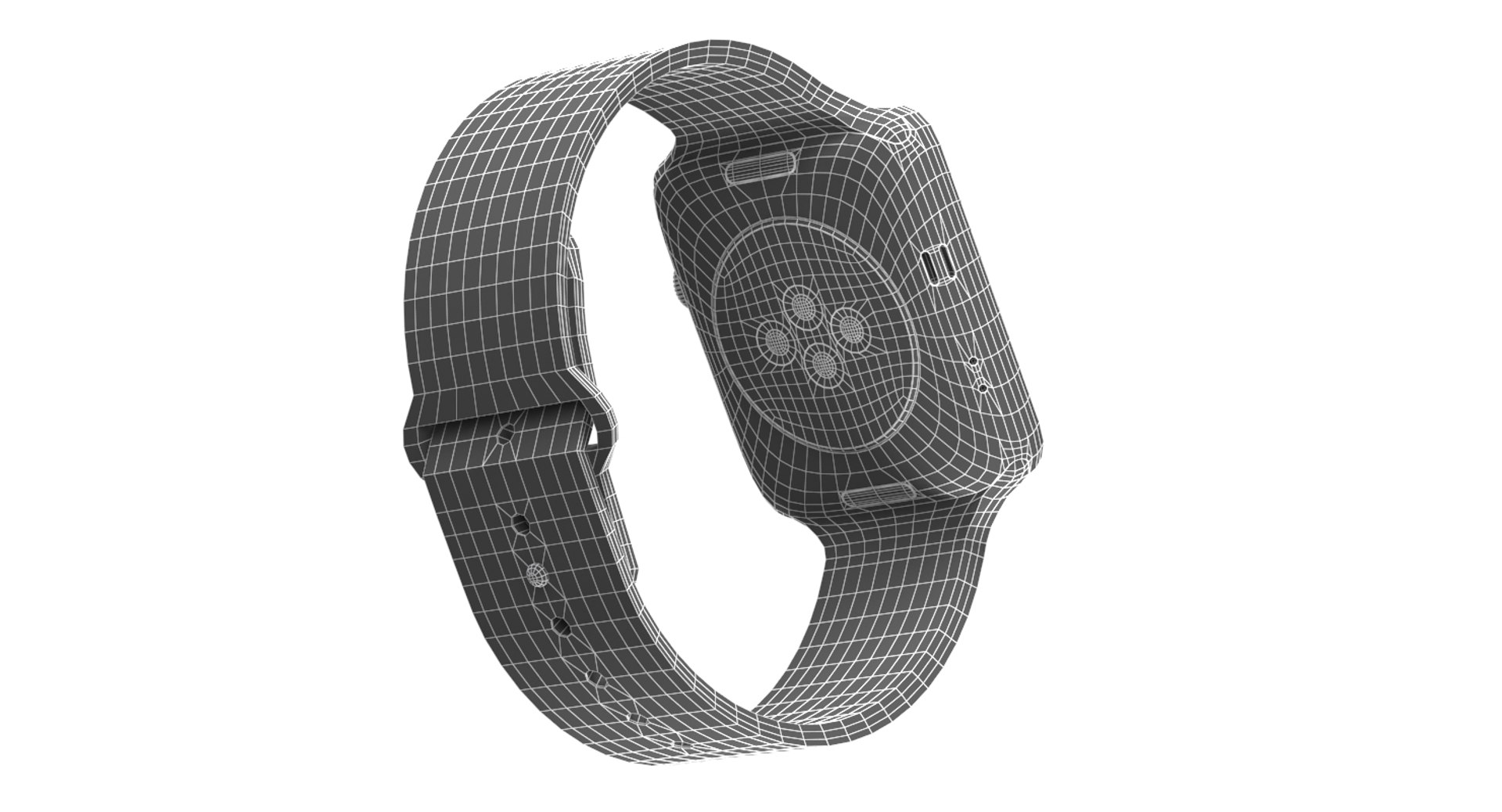
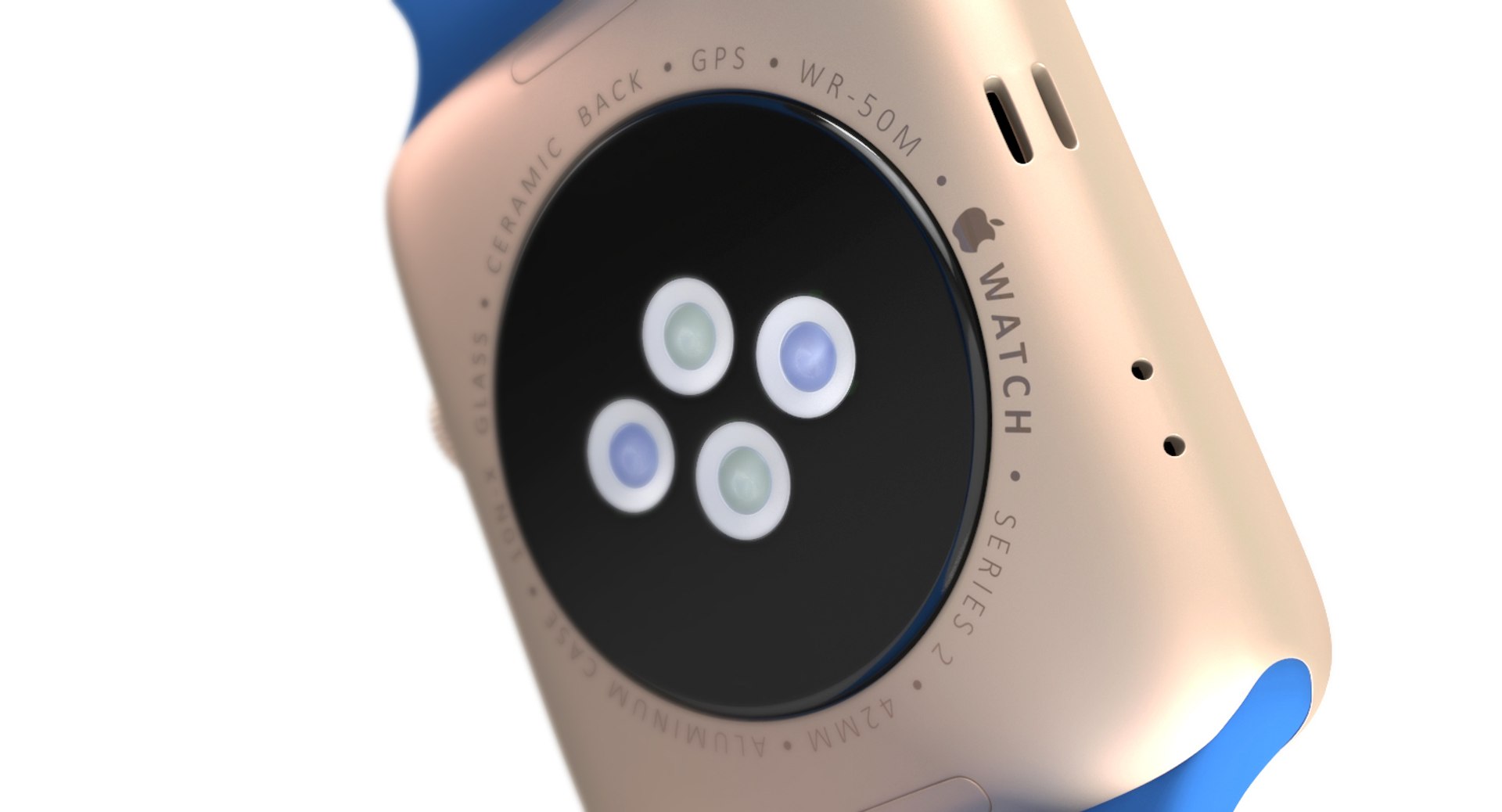
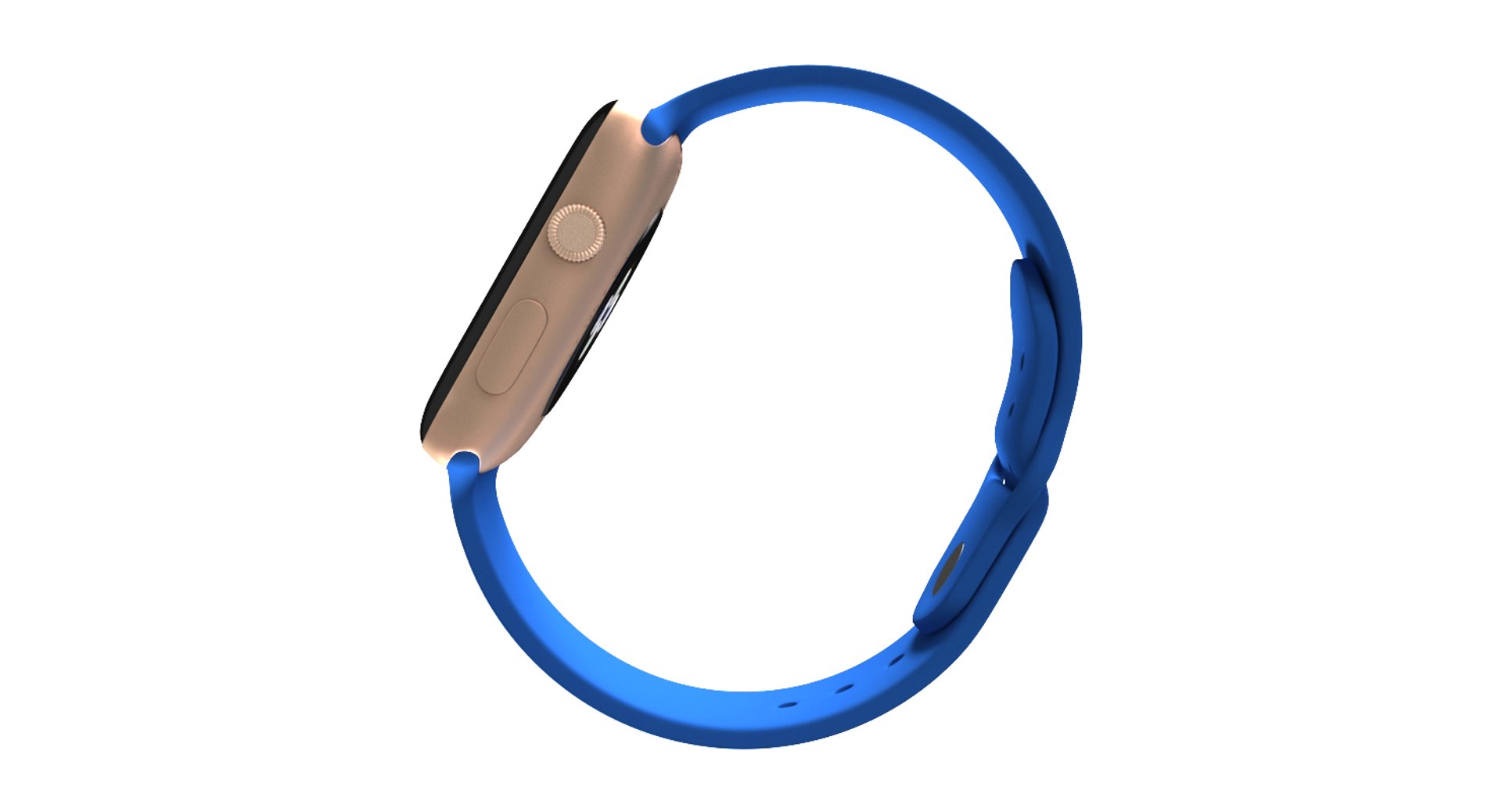
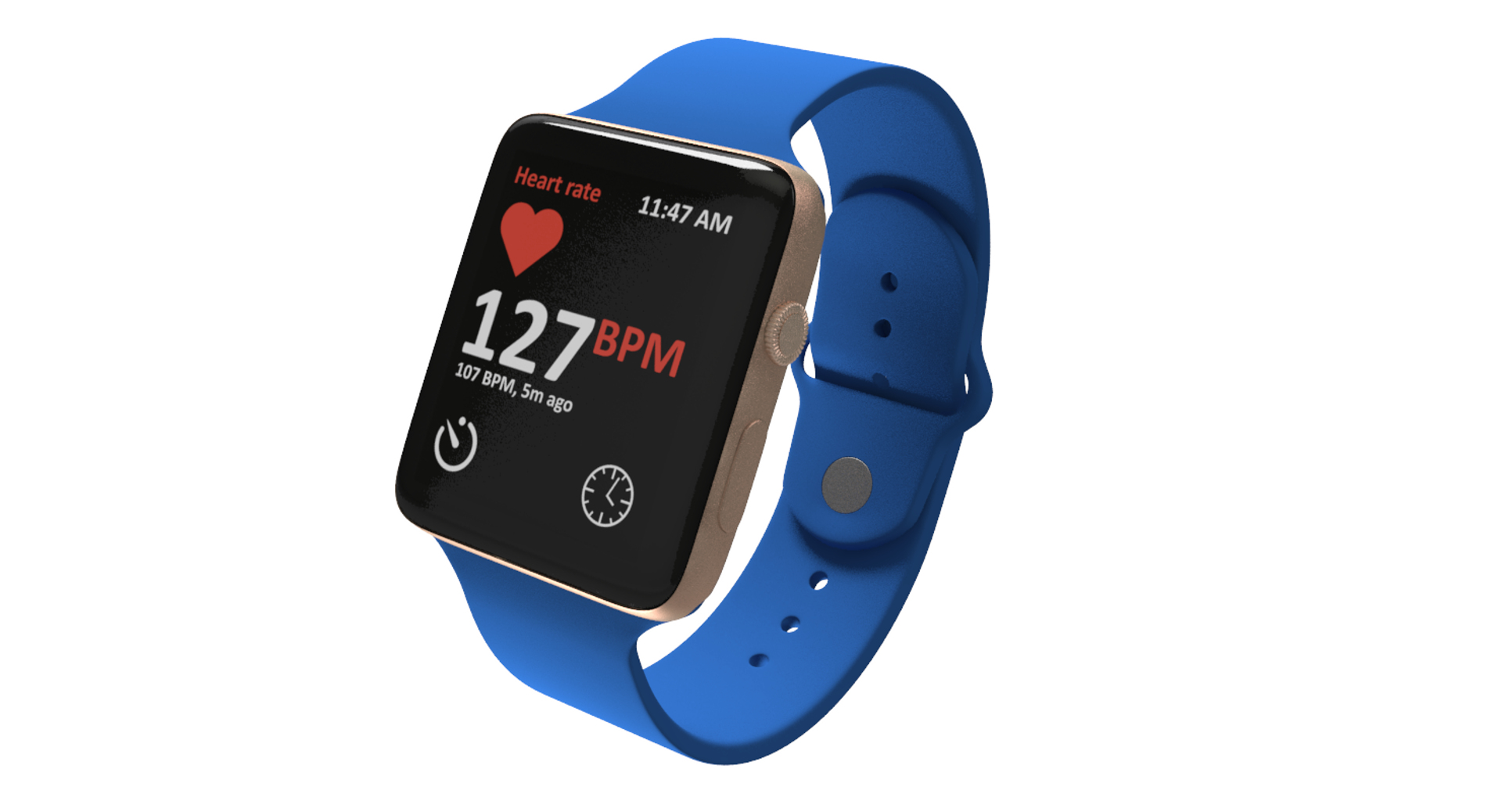
Realistic 3d model of Apple Watch 2
--------------------------------------------------
The model is completely ready for use visualization in 3ds max.
This model is suitable for use in advertising, design visualization, presentations, movies, etc.
--------------------------------------------------
Originally created with 3ds Max 2012
V-Ray 2.10.01 renderer used
This model contains V-Ray materials only
Real world size (system units - mm)
Texture formats: JPEG (4000x4000)

Also there is a PSD files which contains all maps. And it can be used for simple changing texture maps. It allows you to change color in a few clicks.
--------------------------------------------------
Geometry:

polygons without Turbosmooth: 9 914
vertices without Turbosmooth: 9 993

geometry: polygonal quads only
unit of measure - mm
--------------------------------------------------
Objects are named
Materials are named
The light rig/HDRI is not included with the model.
Additional plugins didn't use.
--------------------------------------------------
Your search ends here.

Select Enhanced License

  • $10,000 in Legal Protection (Indemnification)
  • Uncapped Legal Protection (Indemnification)
  • Waiver from injunctive relief
  • Assignable model rights
  • $1,000,000 in Legal Protection (Indemnification)
  • Waiver from injunctive relief
  • Assignable model rights
  • $250,000 in Legal Protection (Indemnification)
  • Assignable model rights
Read more about enhanced license tiers, or contact us at enterprise@turbosquid.com. Already a Shutterstock Enterprise Customer? Contact your Shutterstock Sales Support Agent to talk about adding 3D.

About Conversion Requests

To submit a conversion request for a purchased asset, please complete our Conversion Request Form.

If you have not yet purchased a model, please review our Documentation about Conversions to learn about what limitations you may encounter with a conversion.

For any additional questions about a model’s suitability for conversion, please contact TurboSquid Support.

Loading...