
Antique Iron 2

$34

Standard License | Upgrade License
Formats (5)
Free file format Conversions available
Native | 3ds Max 2015 | V-Ray 3.5
3ds Max 2015 | Default Scanline
3D Studio
FBX
OBJ
Specifications
Publish Date April 29, 2023
Product ID 2064020
Polygons 12,032
Vertices 12,109
Polygonal Quads/Tris Geometry
Textures
Materials
UV Mapped
Non-overlapping Unwrapped UVs
PBR
TurboSquid Exclusive

member avatar
shiva3d
2289 Products | Contributor Since 2000
Have questions? Chat with us now.

Description

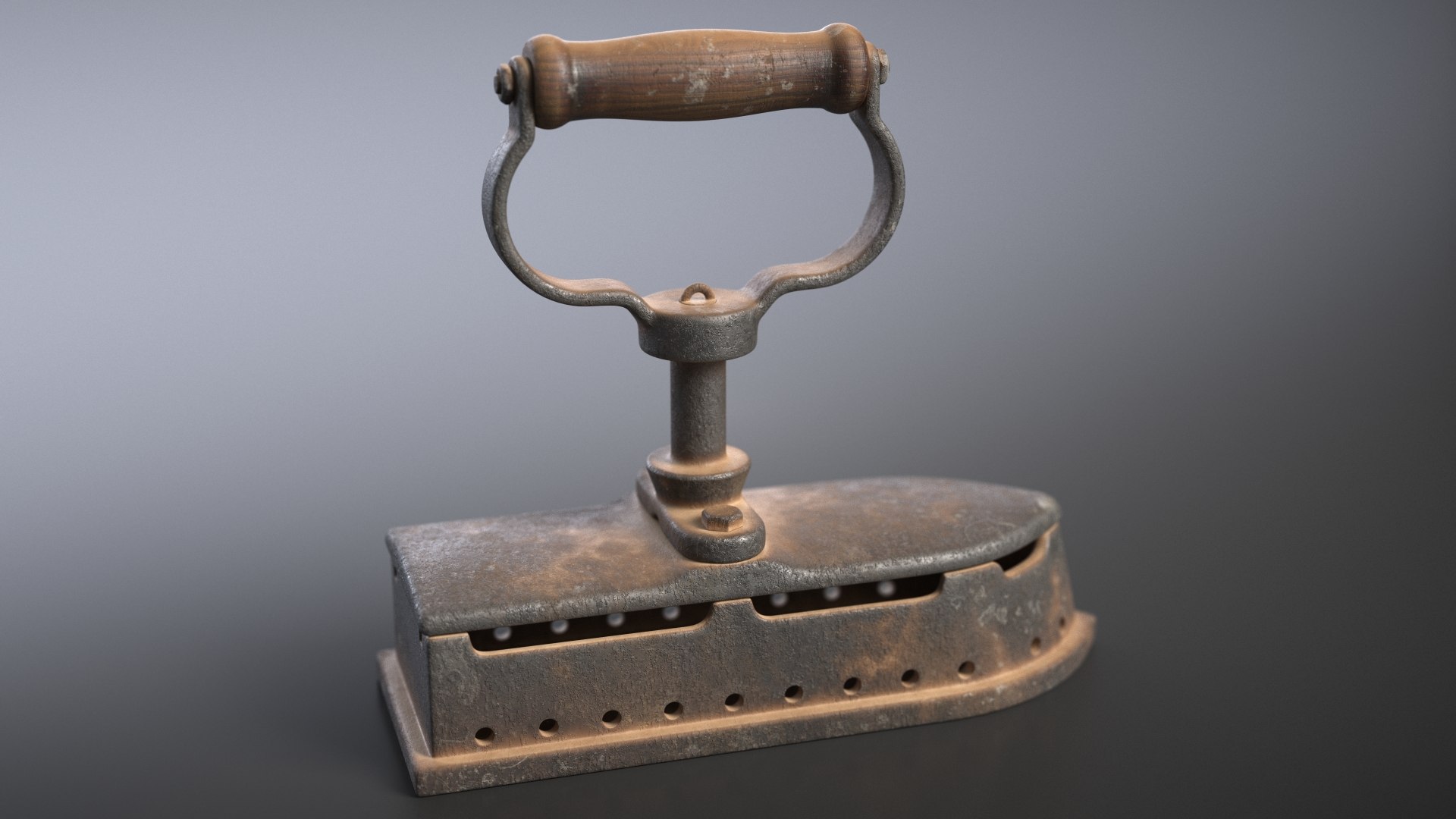
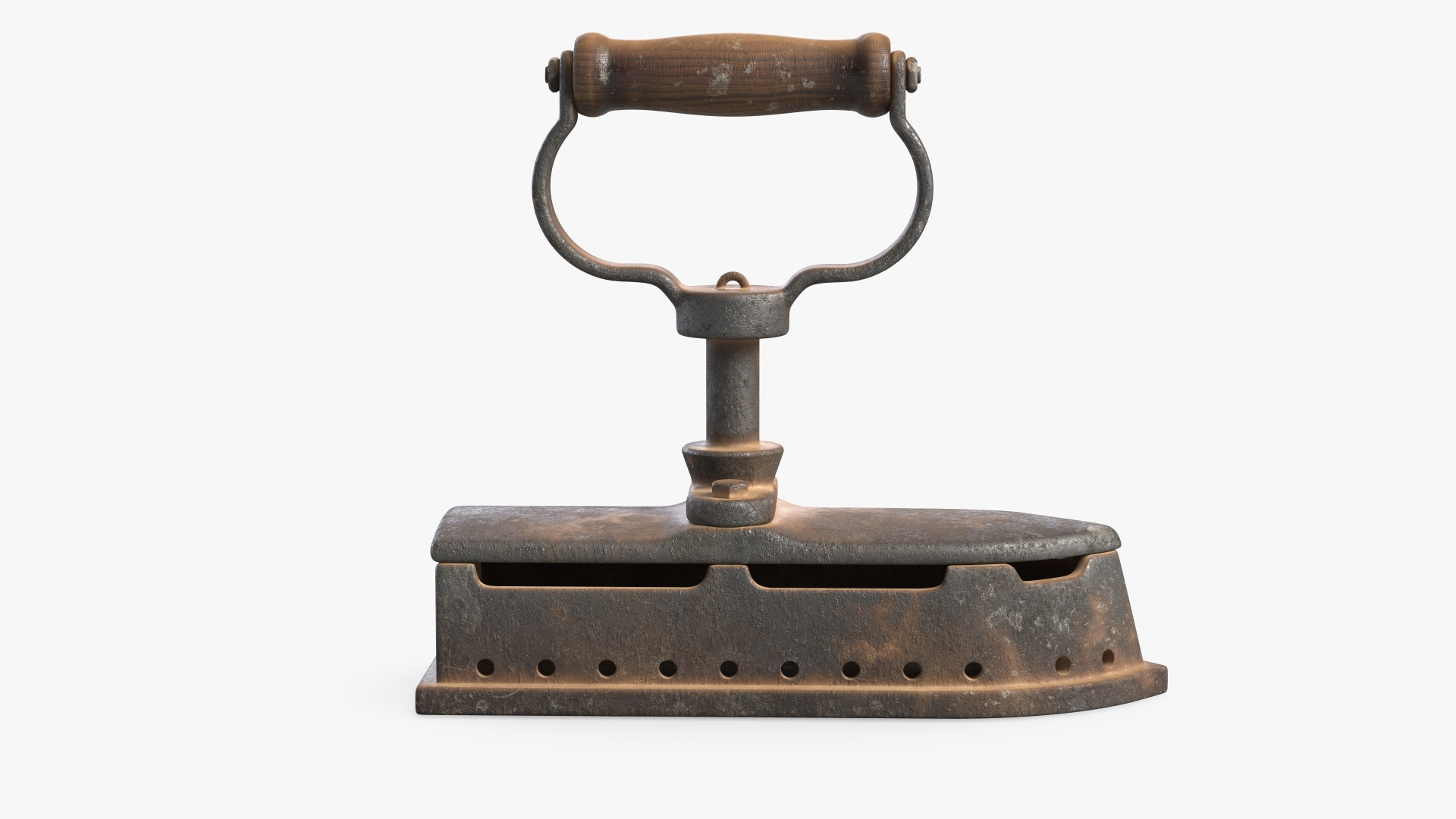
Antique Iron 3D Model.

Features:

- Model is built to real-world scale.
- Scene objects are organized by layers / groups
- No name confusion. All object correctly named.
- No special plugin needed to open scene.
- Model does not include any backgrounds or scenes used in preview images. But main HDRI map included.
- Adapted for PBR Metallic and Specular workflow.

Specifications:

- This model contains 10 geometry objects.
- Units: centimeters
- Size: 28.6 x 10.5 x 25.5 cm
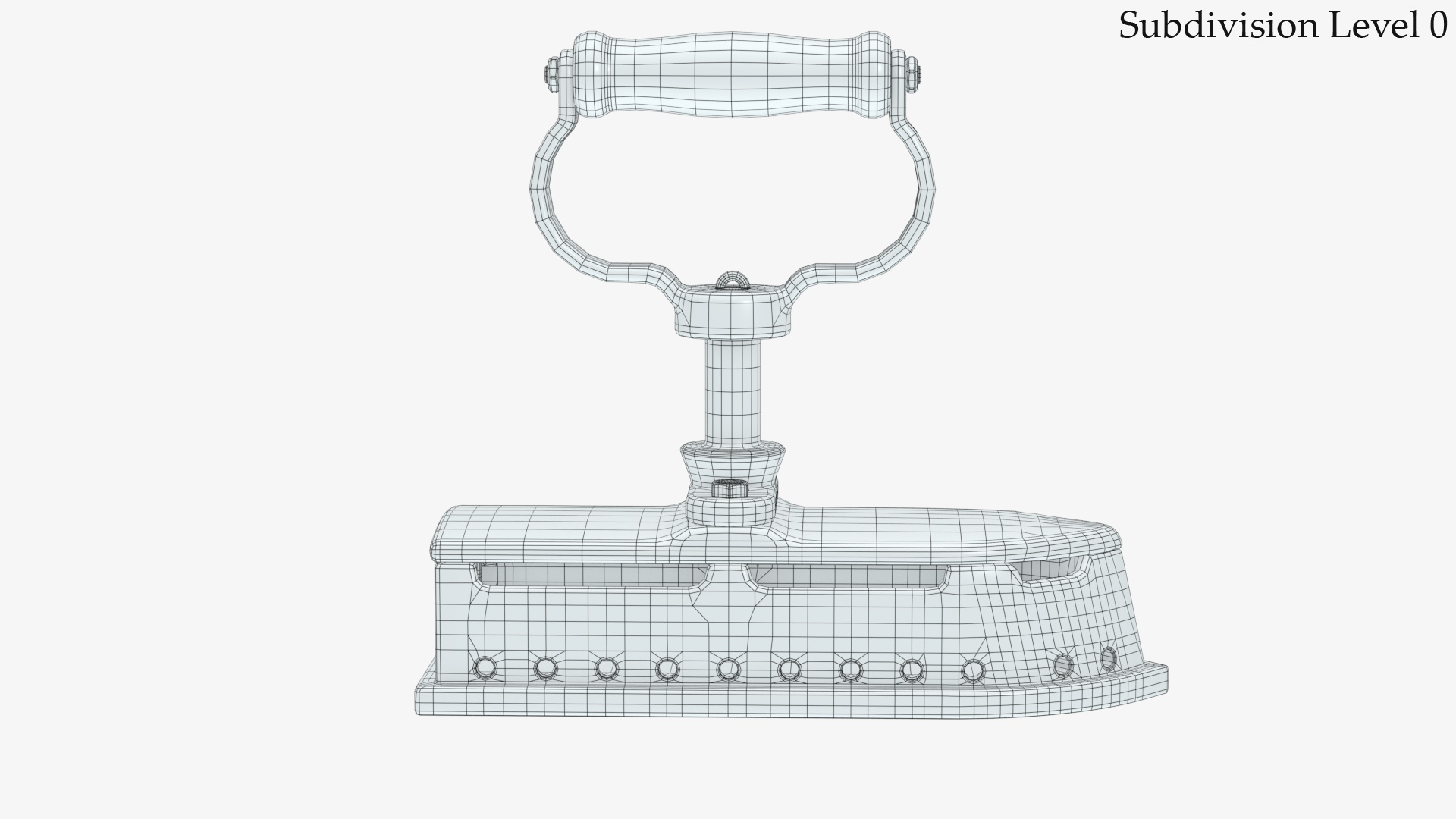
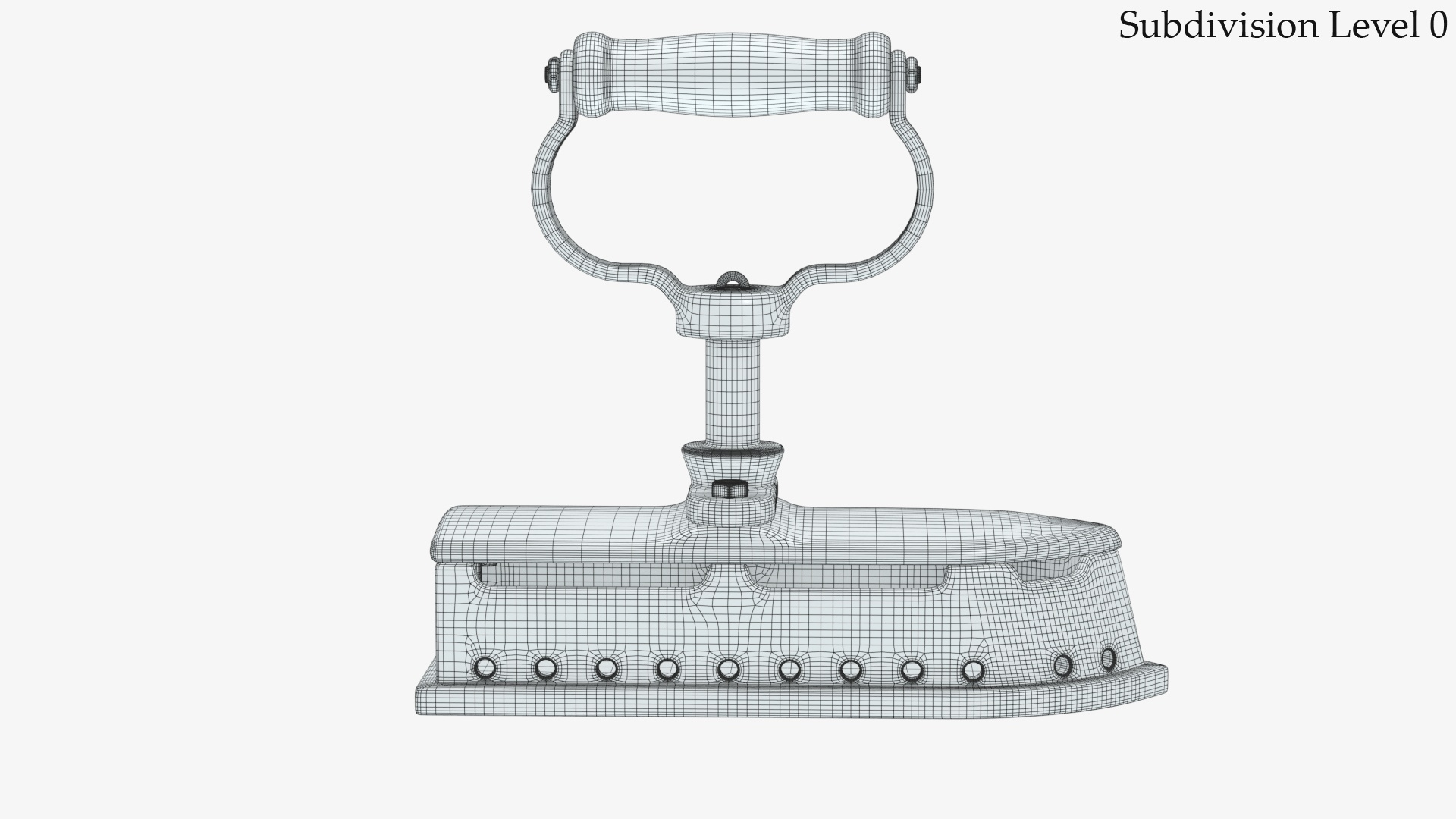
- topology prepared for Subdivision. 3ds Max model has TurboSmooth modifier applied.

- Clean topology.
- No N-gons. Only Quads and Triangles.
- Includes 3Ds Max Model setuped for V-Ray render. (you will need V-Ray renderer)
- Previews rendered with V-Ray.

Textures:

Textures for Native scene:
1. AntiqueIron2_Body_Diffuse.png - 4096x4096
2. AntiqueIron2_Body_Specular.png - 4096x4096
3. AntiqueIron2_Body_Normal.png - 4096x4096
4. AntiqueIron2_Body_Glossiness.png - 4096x4096
5. AntiqueIron2_Body_Metallic.png - 4096x4096

Feel free to leave your opinion in comments and check out my other models.

Select Enhanced License

  • $10,000 in Legal Protection (Indemnification)
  • Uncapped Legal Protection (Indemnification)
  • Waiver from injunctive relief
  • Assignable model rights
  • $1,000,000 in Legal Protection (Indemnification)
  • Waiver from injunctive relief
  • Assignable model rights
  • $250,000 in Legal Protection (Indemnification)
  • Assignable model rights
Read more about enhanced license tiers, or contact us at enterprise@turbosquid.com. Already a Shutterstock Enterprise Customer? Contact your Shutterstock Sales Support Agent to talk about adding 3D.

About Conversion Requests

To submit a conversion request for a purchased asset, please complete our Conversion Request Form.

If you have not yet purchased a model, please review our Documentation about Conversions to learn about what limitations you may encounter with a conversion.

For any additional questions about a model’s suitability for conversion, please contact TurboSquid Support.

Loading...