
Antique Dining Table

$35

Standard License | Upgrade License
Formats (6)
Free file format Conversions available
Native | 3ds Max 2011 | Default Scanline 2011
OBJ
FBX
DXF
AutoCAD drawing
3D Studio
Specifications
Publish Date December 04, 2009
Product ID 502180
Polygons 62,647
Vertices 37,046
Polygonal
Textures
Materials
UV Mapped
Non-overlapping Unwrapped UVs
TurboSquid Exclusive

member avatar
chaosfractal
37 Products | Contributor Since 2005
Have questions? Chat with us now.

Description

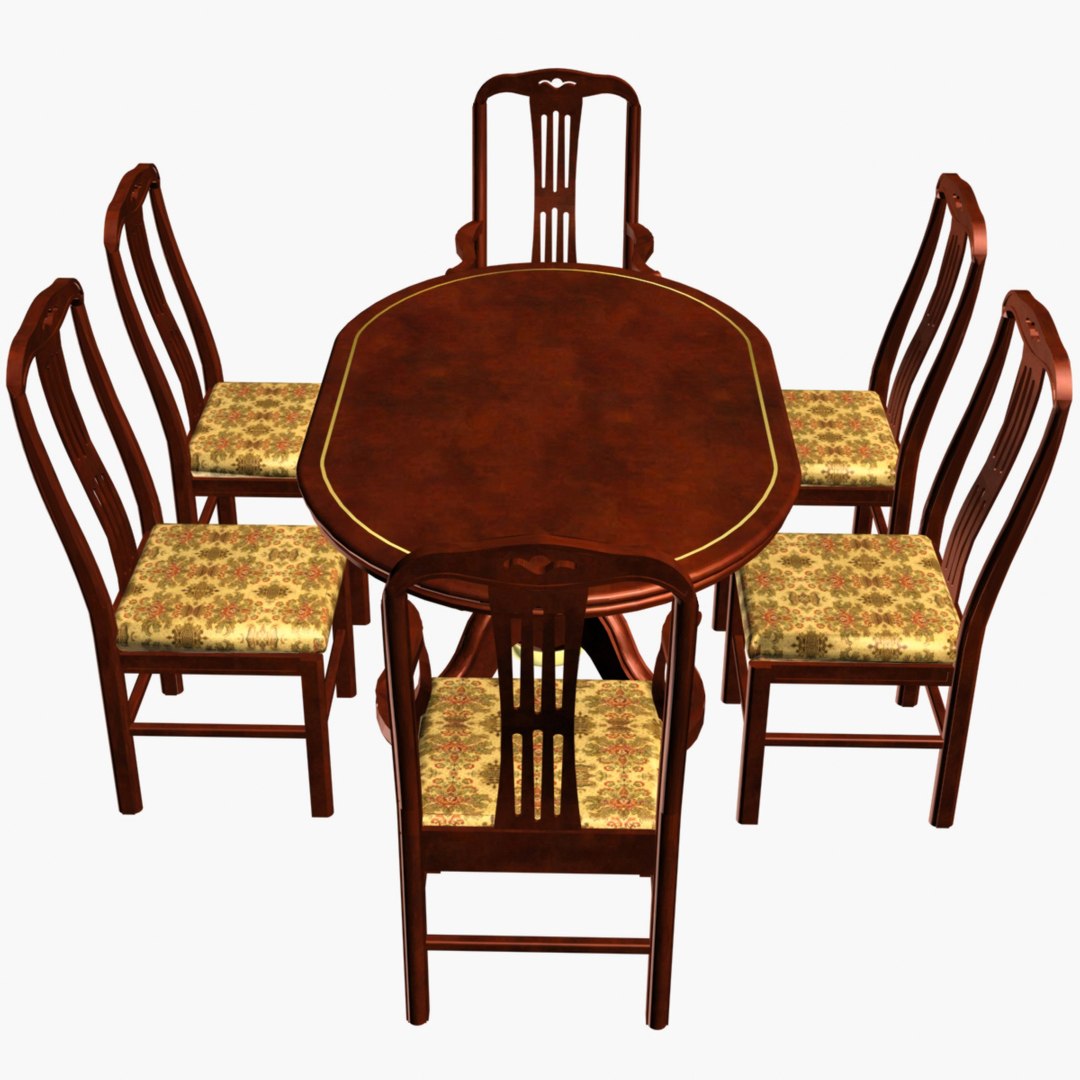
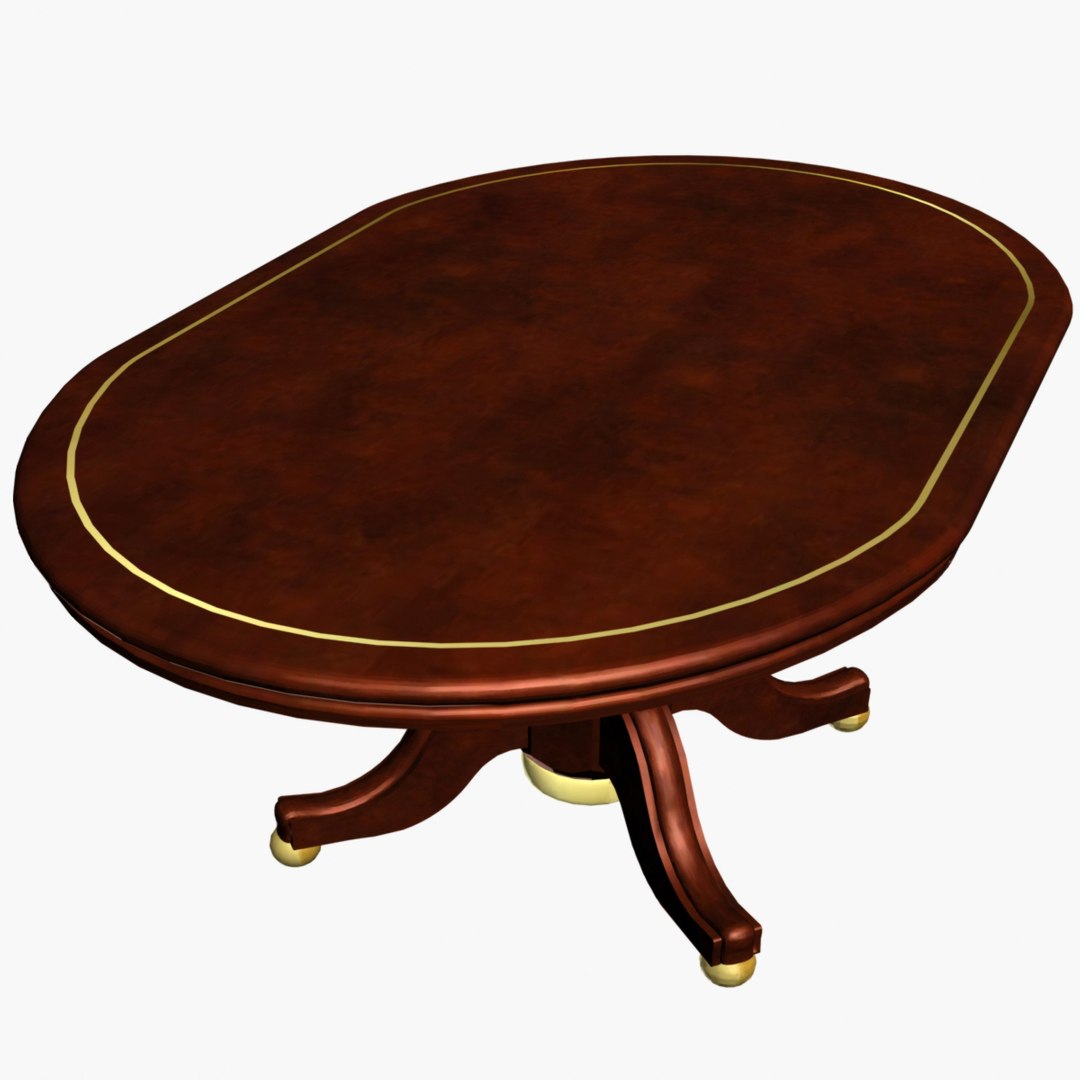
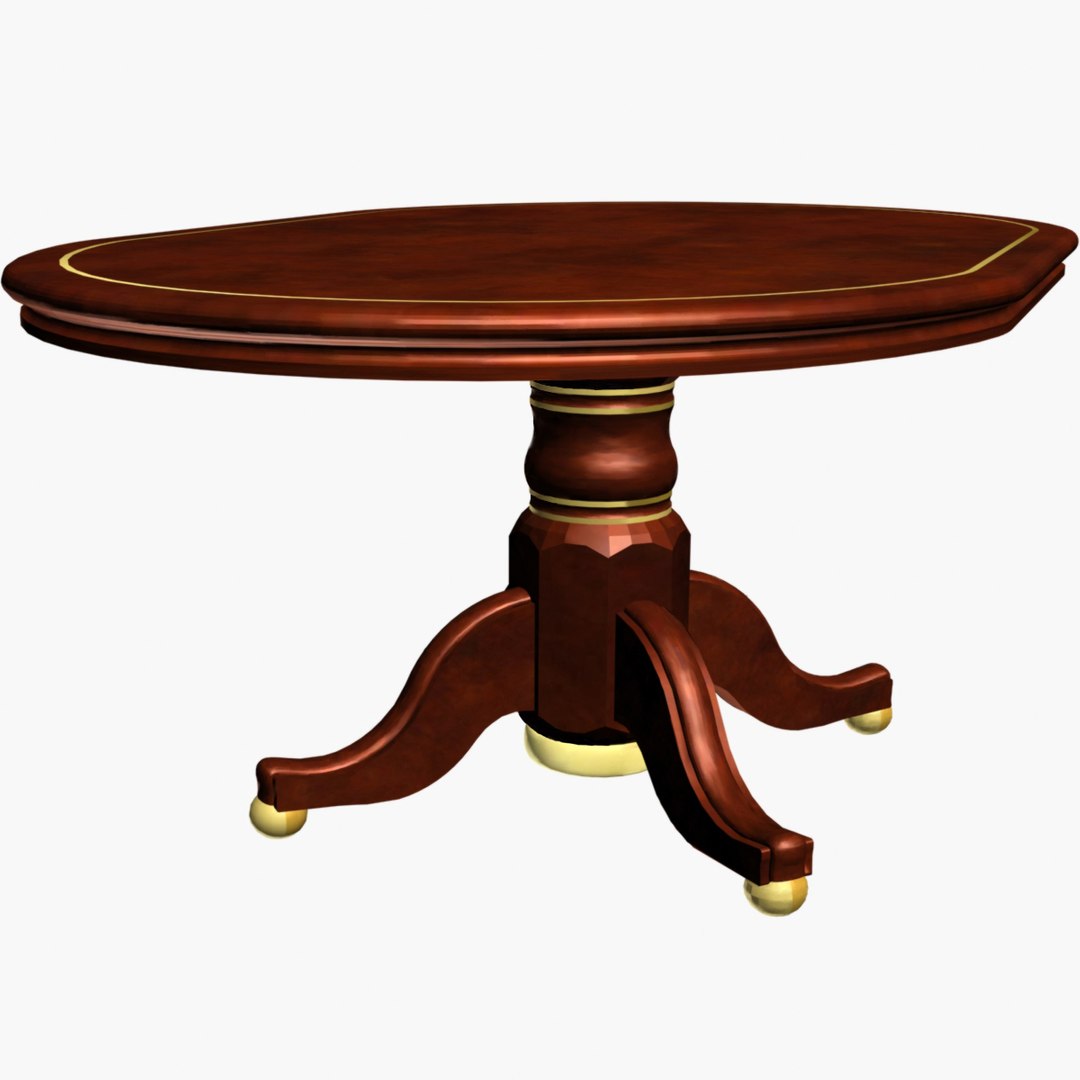
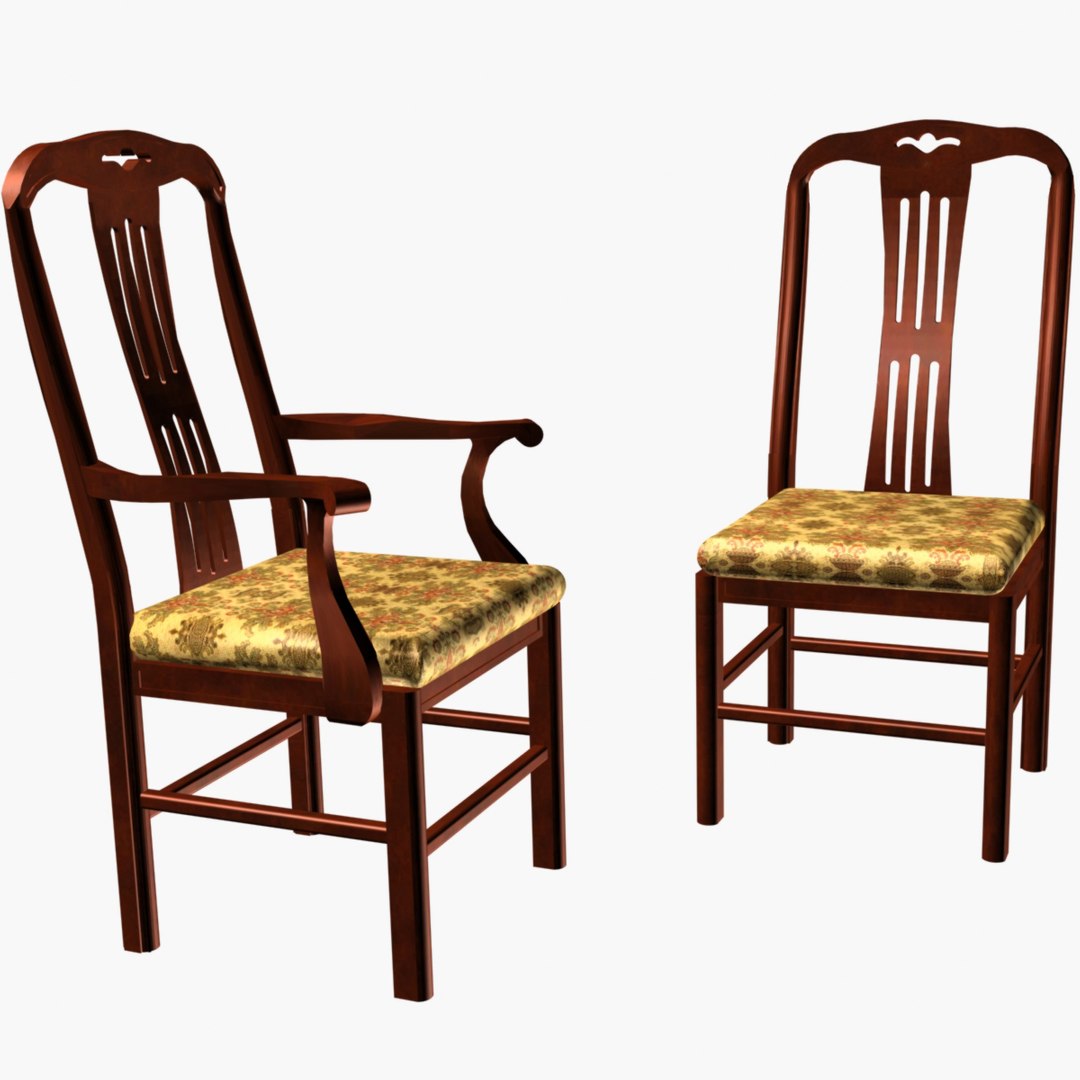
6-piece dining set, chairs are covered with antique upholstery and a oval cherry wood table. High polygon model of dining set. Details are fully modeled out with textures attached and ready to render. Default lighting is used for all models. Meshes are optimized.
****
Notes:
3DS MAX File
Contains both 2011 and 2010 version. Geometry has been checked for correctness. Objects, layers and selection sets have intelligent names. Unwrap are stacked for easy turning off or on. All objects are group to a single parent object for easy moving and merging into other scenes.
***
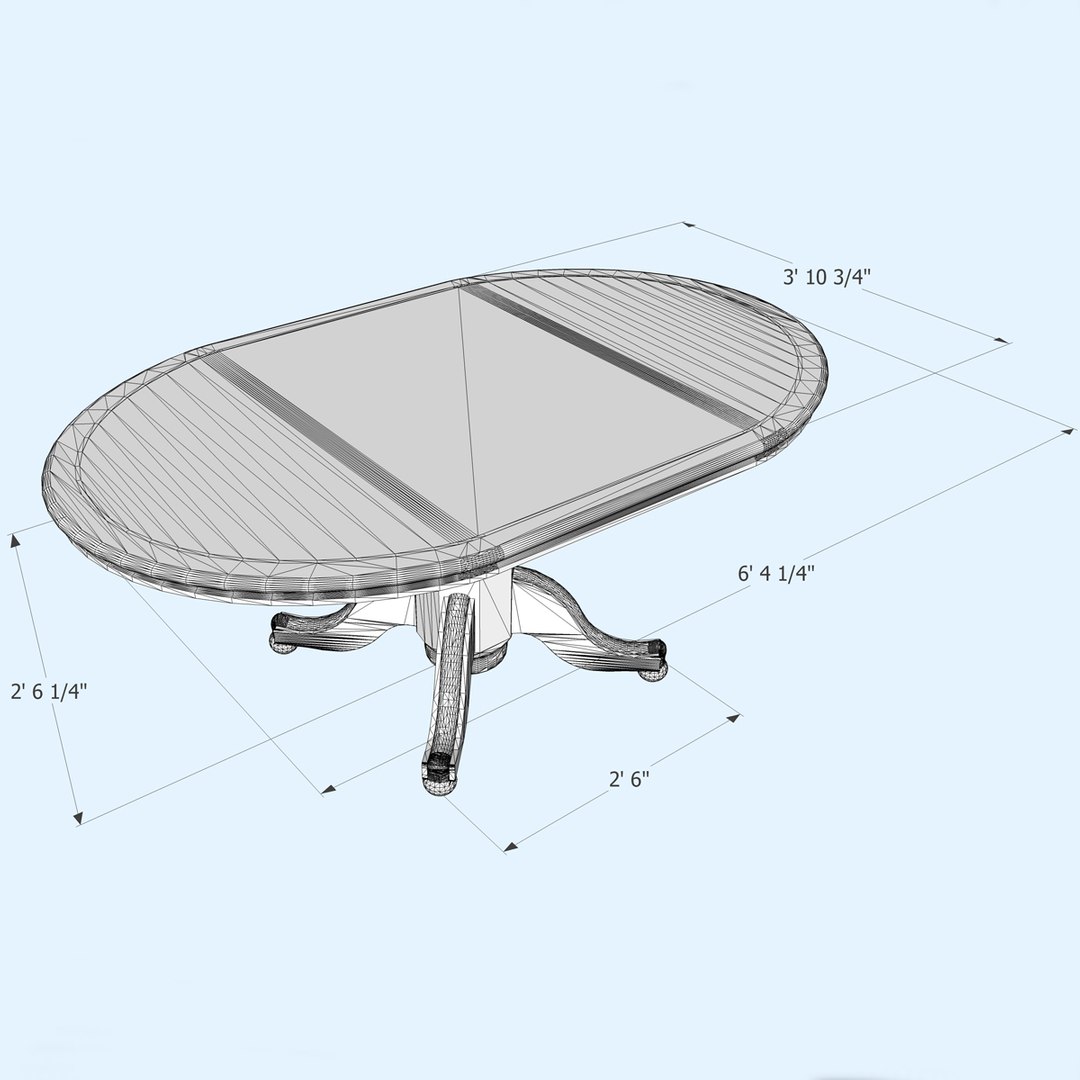
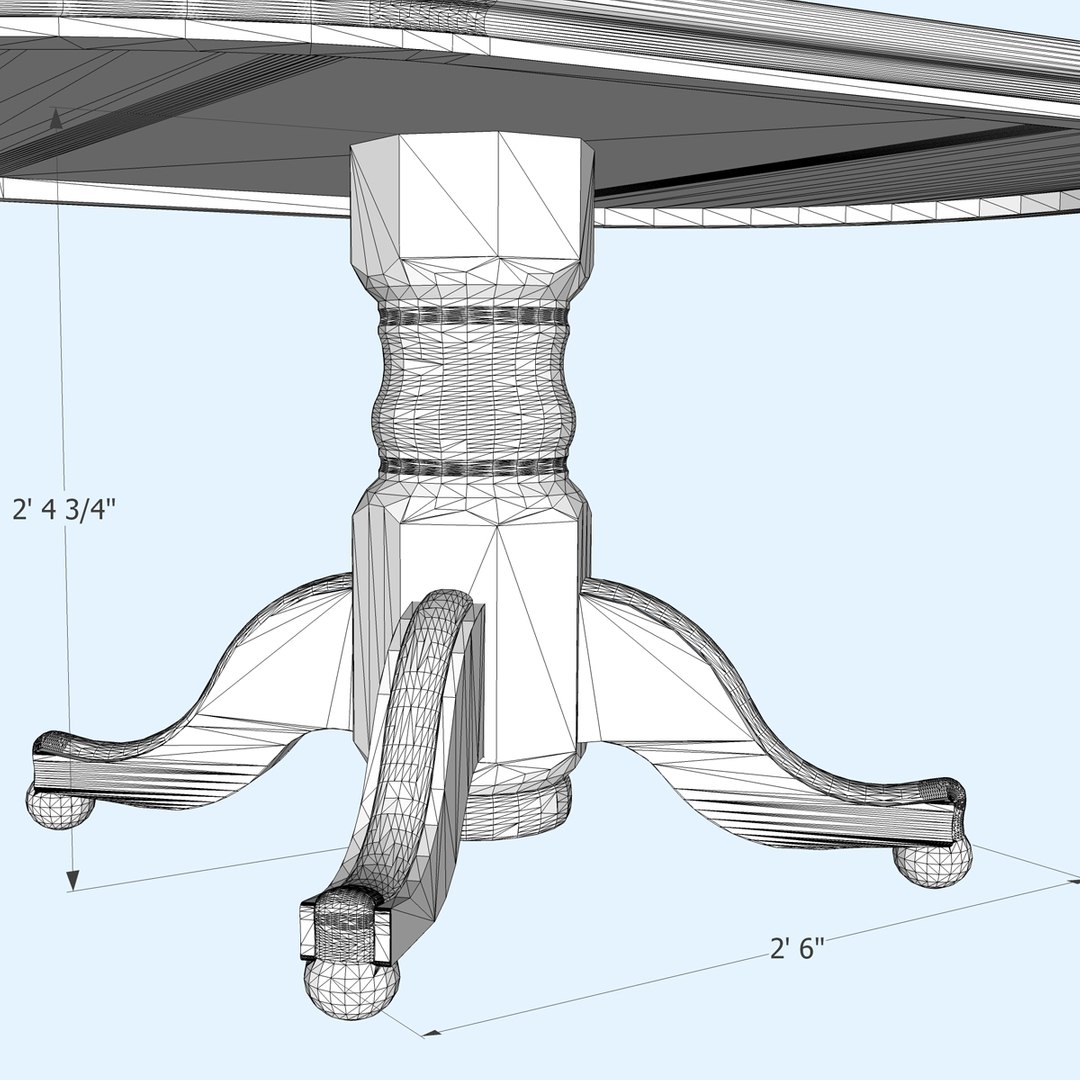
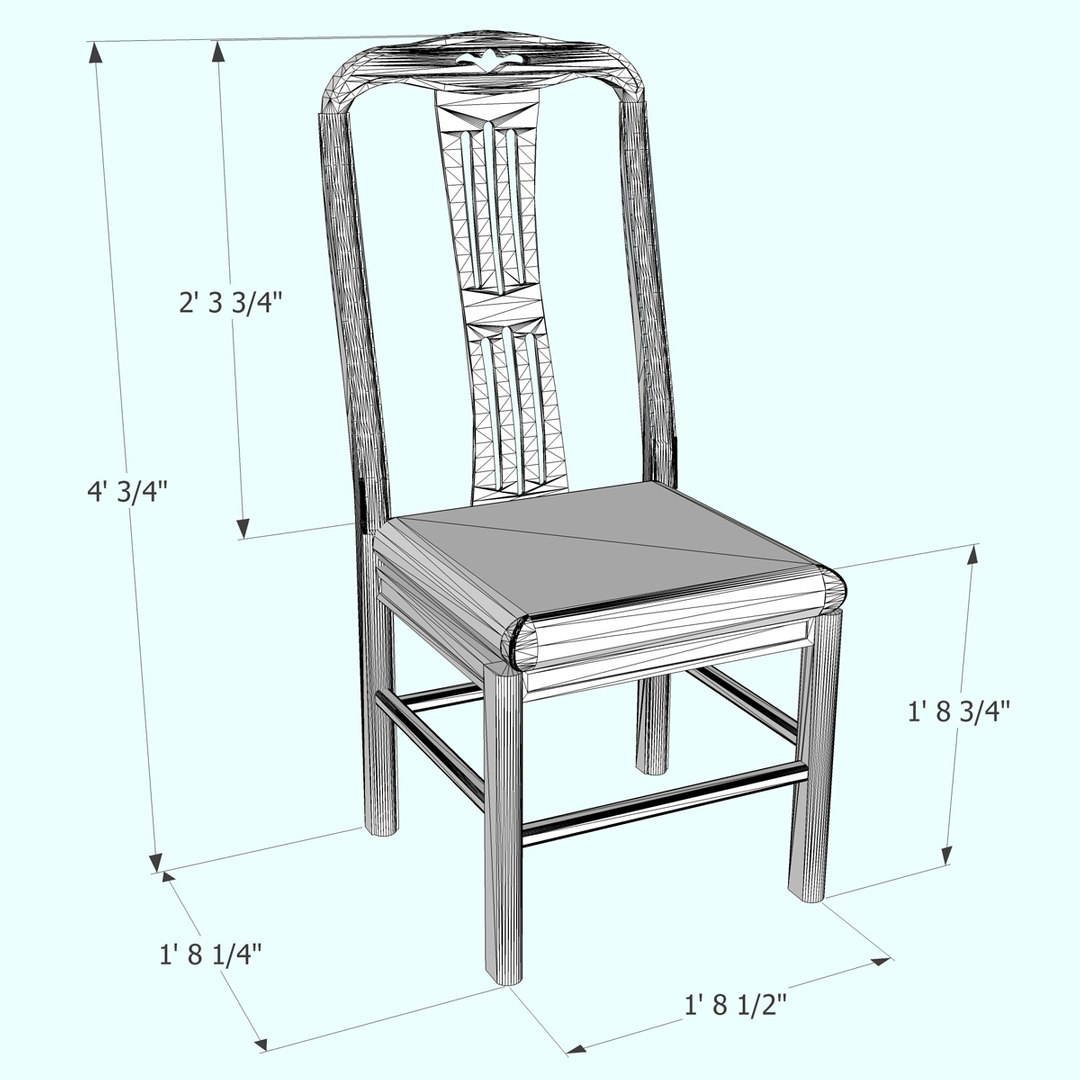
The Antique Dining Table dimensions are on the thumbnail. The model is made to a real-world scale of 1 unit = 1 inch Architectural
***
Texture format is JPG. Textures may need relinking. Texture maps/materials are packaged with each file format and All textures are included and mapped in every format.
***
obj, 3ds, FBX files may need lights adjusted or added depending on the program there imported into. All formats have been tested.

Select Enhanced License

  • $10,000 in Legal Protection (Indemnification)
  • Uncapped Legal Protection (Indemnification)
  • Waiver from injunctive relief
  • Assignable model rights
  • $1,000,000 in Legal Protection (Indemnification)
  • Waiver from injunctive relief
  • Assignable model rights
  • $250,000 in Legal Protection (Indemnification)
  • Assignable model rights
Read more about enhanced license tiers, or contact us at enterprise@turbosquid.com. Already a Shutterstock Enterprise Customer? Contact your Shutterstock Sales Support Agent to talk about adding 3D.

About Conversion Requests

To submit a conversion request for a purchased asset, please complete our Conversion Request Form.

If you have not yet purchased a model, please review our Documentation about Conversions to learn about what limitations you may encounter with a conversion.

For any additional questions about a model’s suitability for conversion, please contact TurboSquid Support.

Loading...