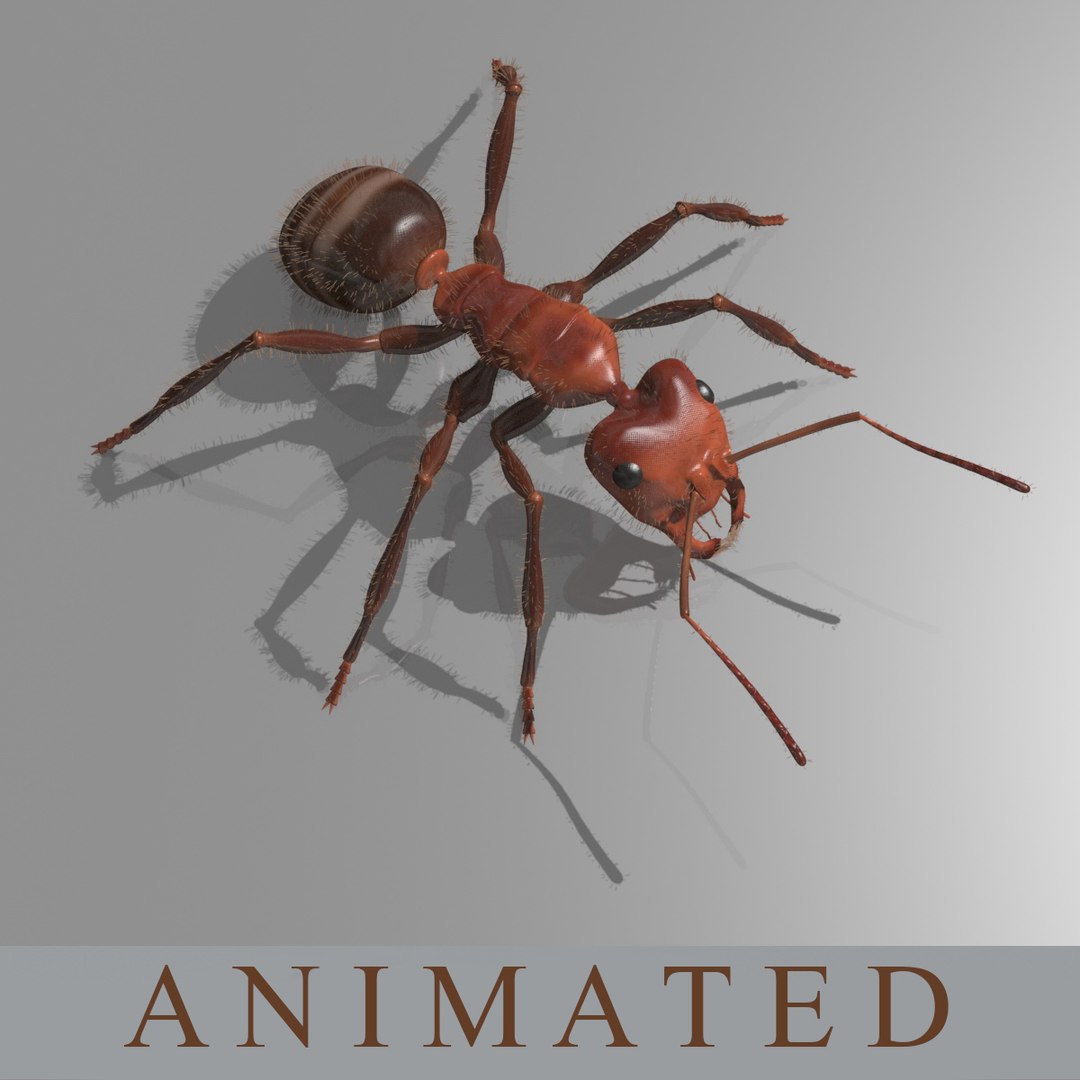
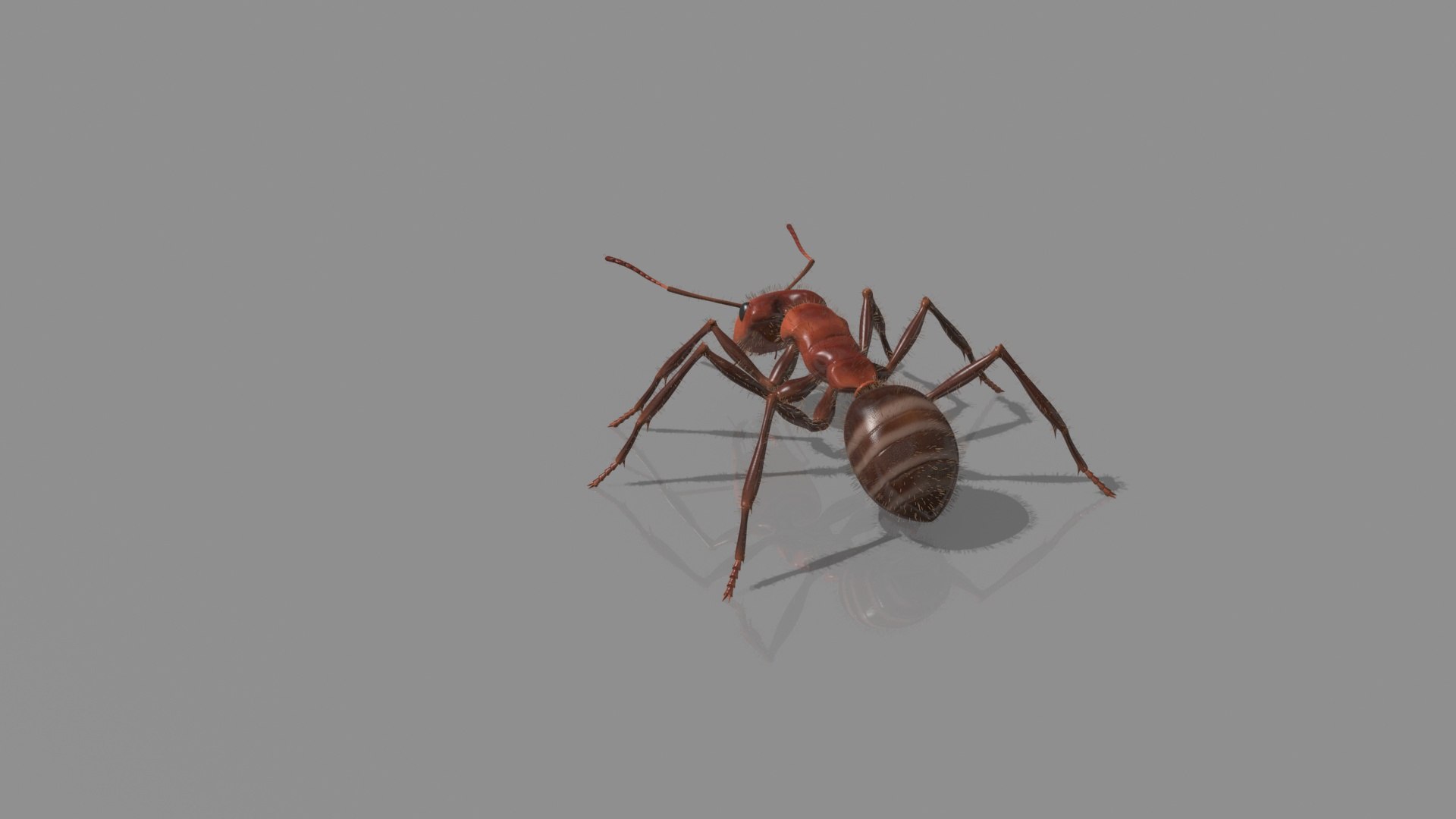
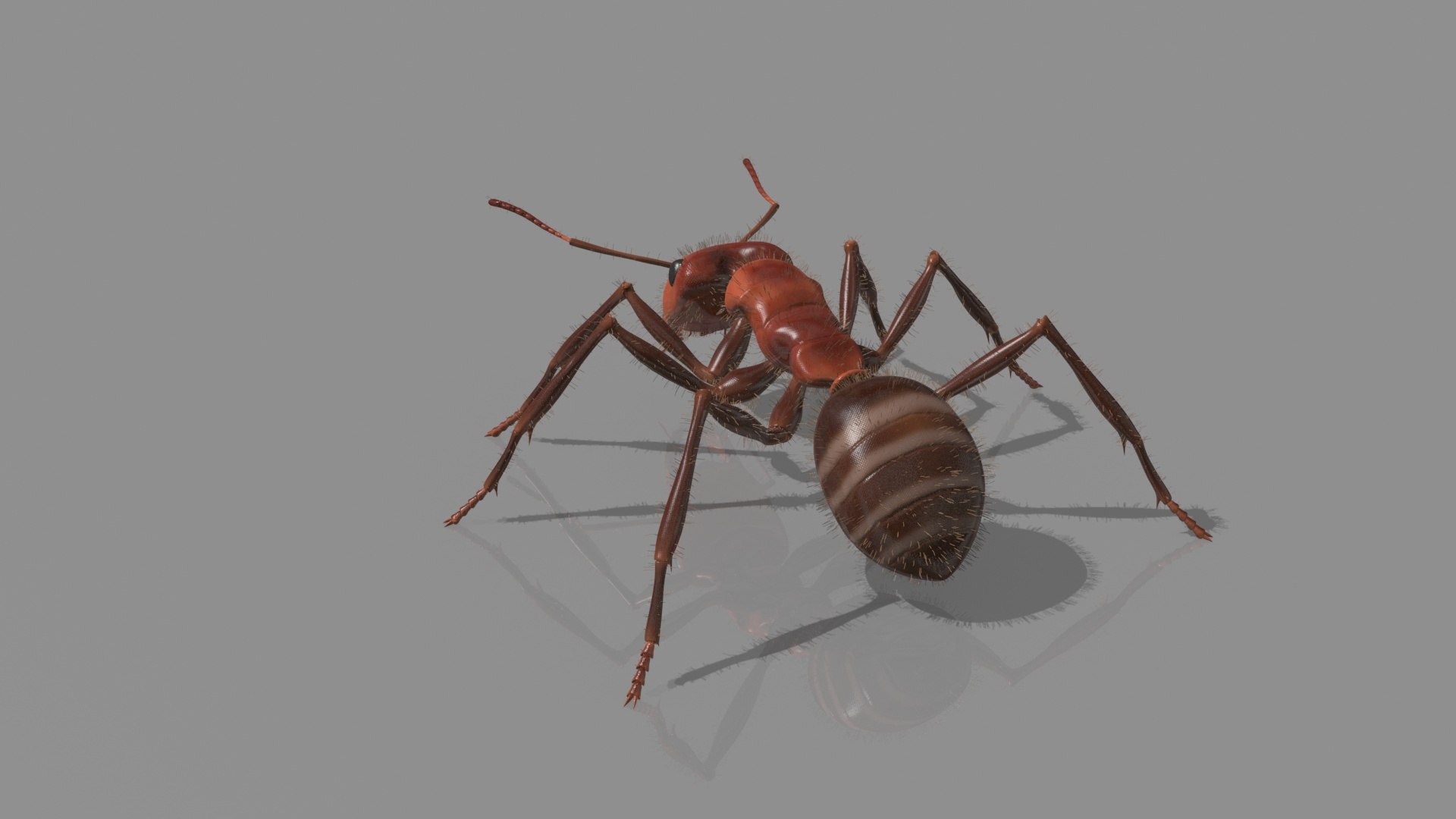
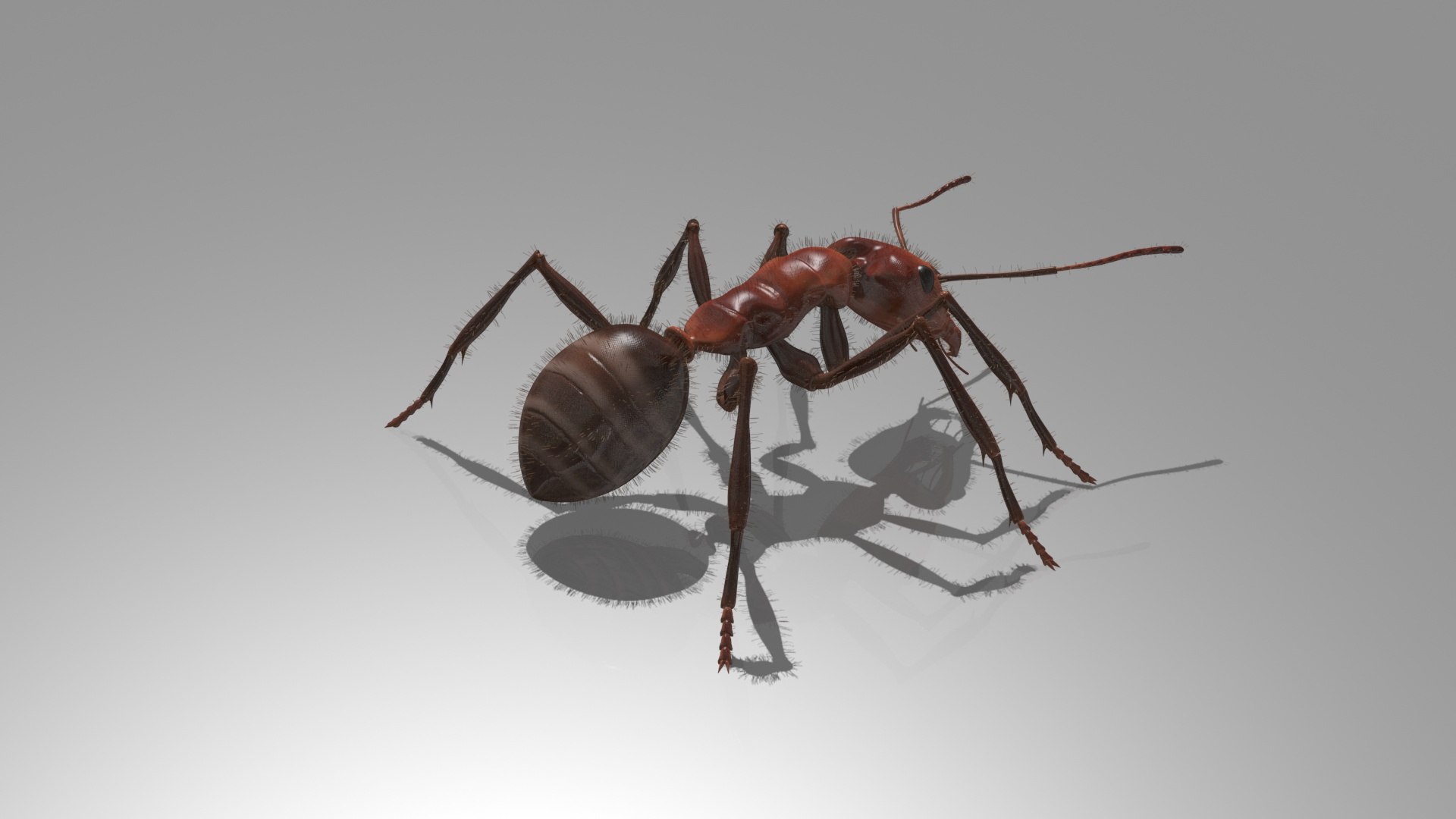
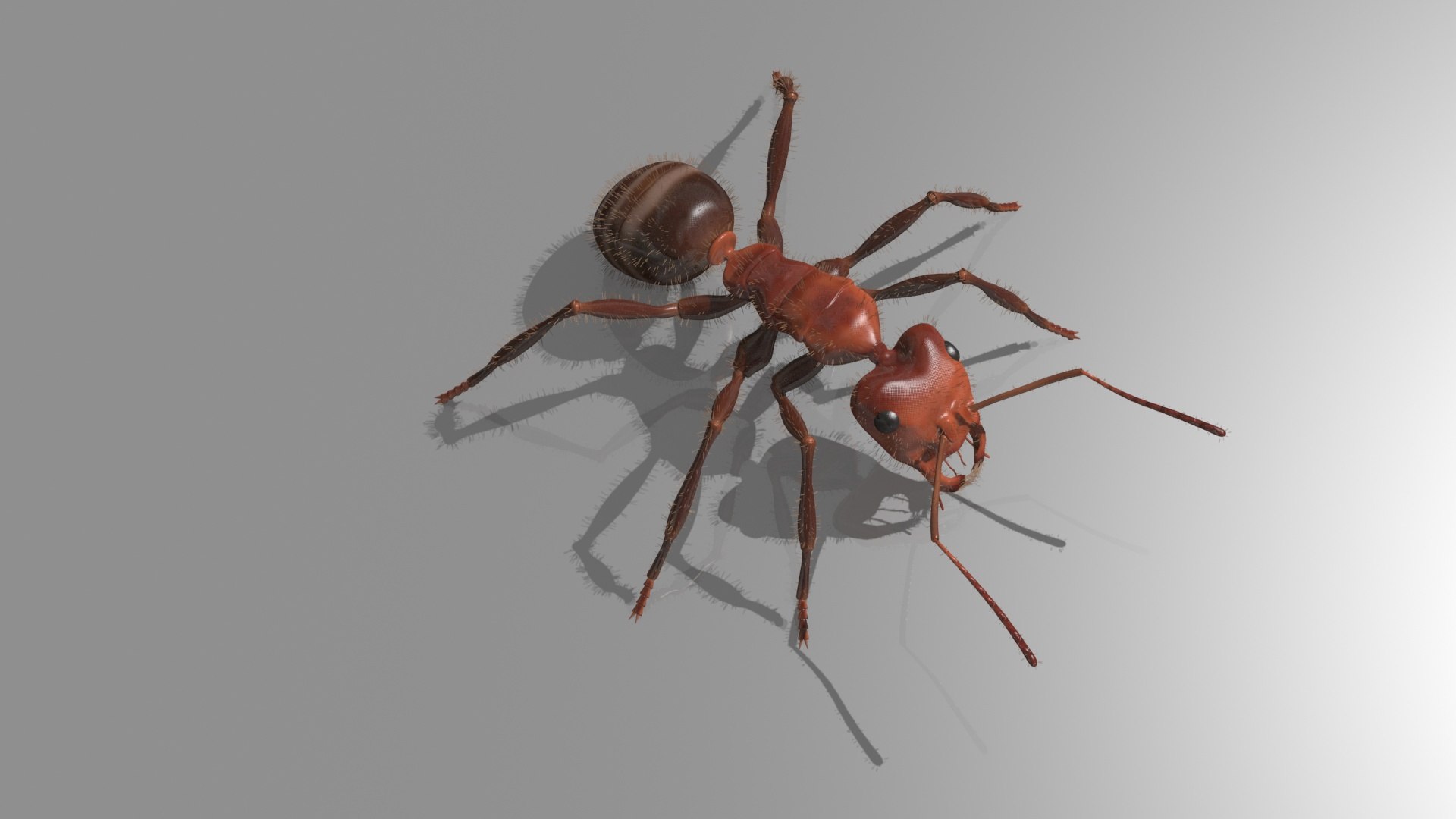
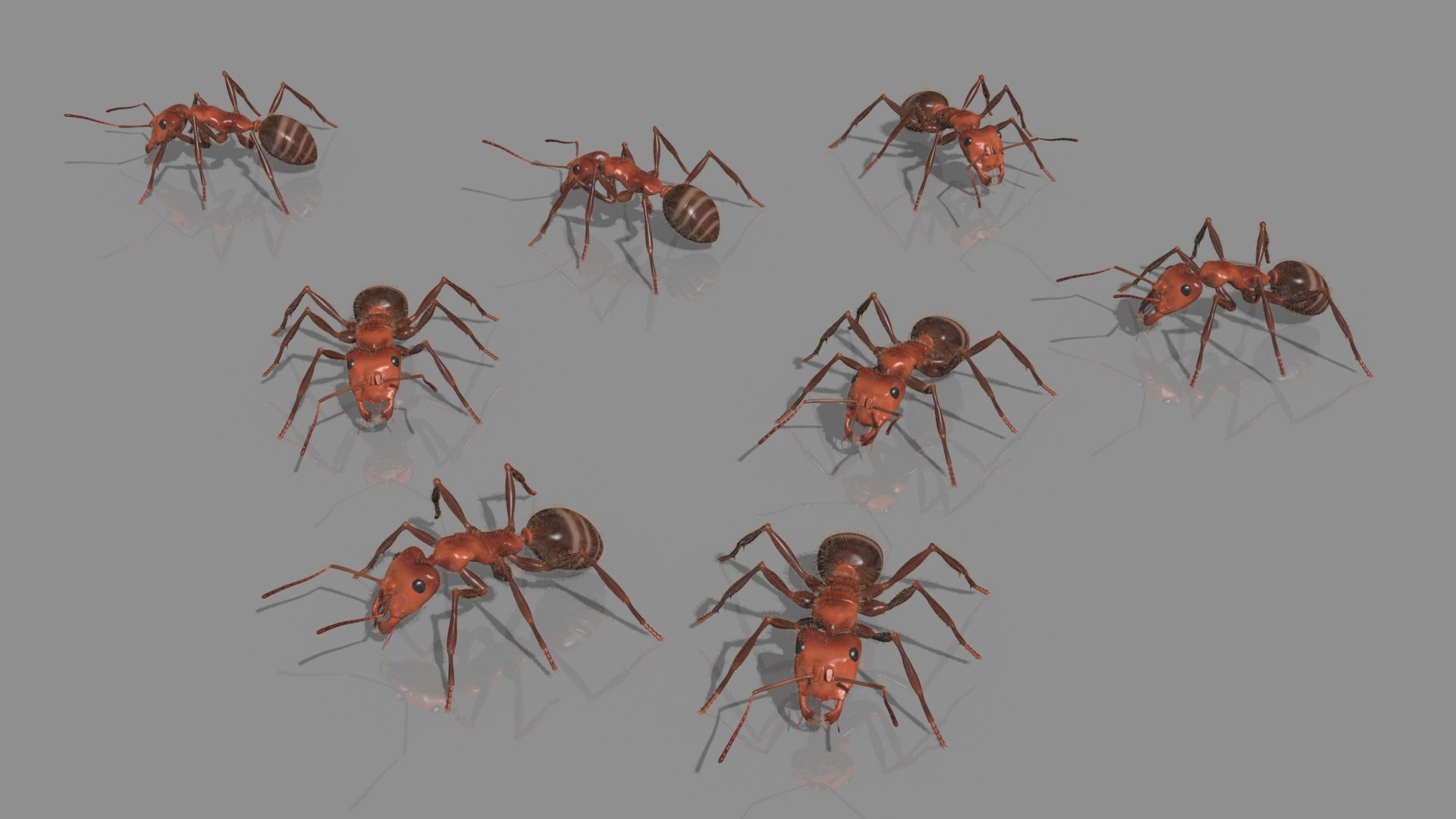
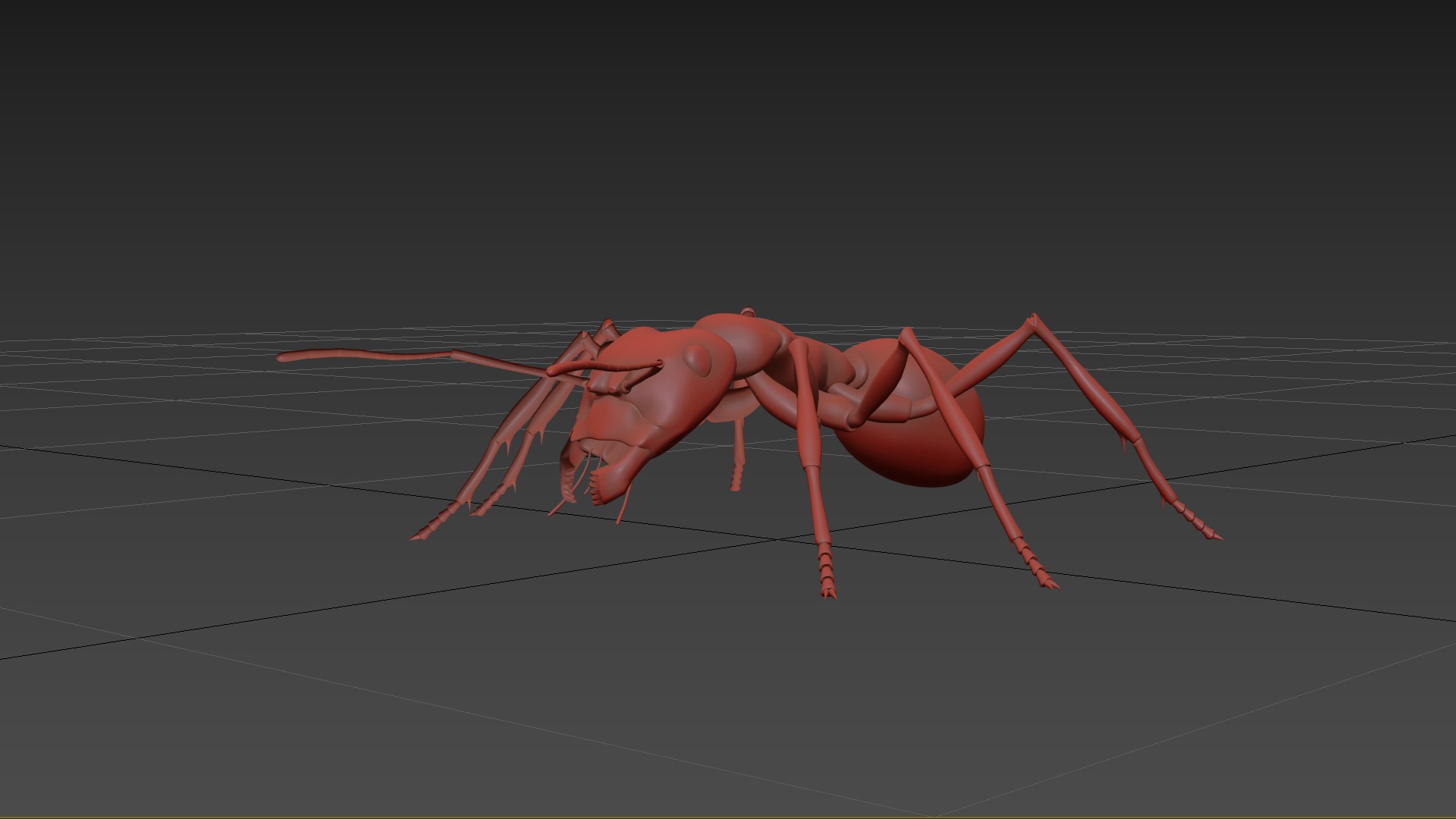
ANIMATED Fire Ant HD

$59

Formats (3)
Free file format Conversions available
Native | 3ds Max 2017/2020 | Default Scanline
Other Textures
OBJ
Previews

Download a preview

Sign in or create a TurboSquid account to download preview files.

Selected file:

Specifications
Publish Date November 16, 2026
Product ID 2653660
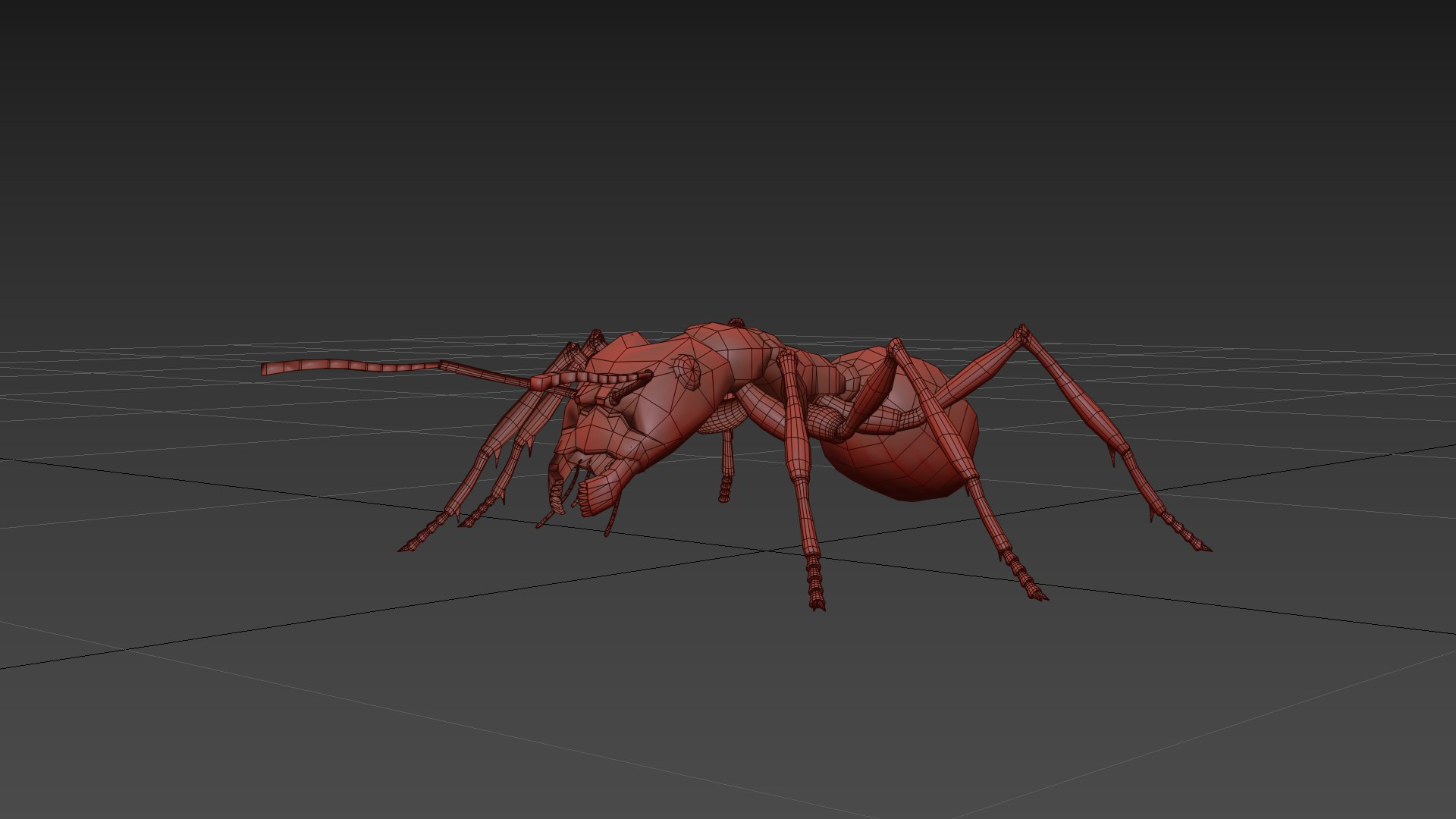
Polygons 13,014
Vertices 12,668
Subdivision
Textures
Materials
UV Mapped
Non-overlapping Unwrapped UVs
Rigged
Animated
member avatar
Virtual creator
224 Products | Contributor Since 2005
Have questions? Chat with us now.

Description

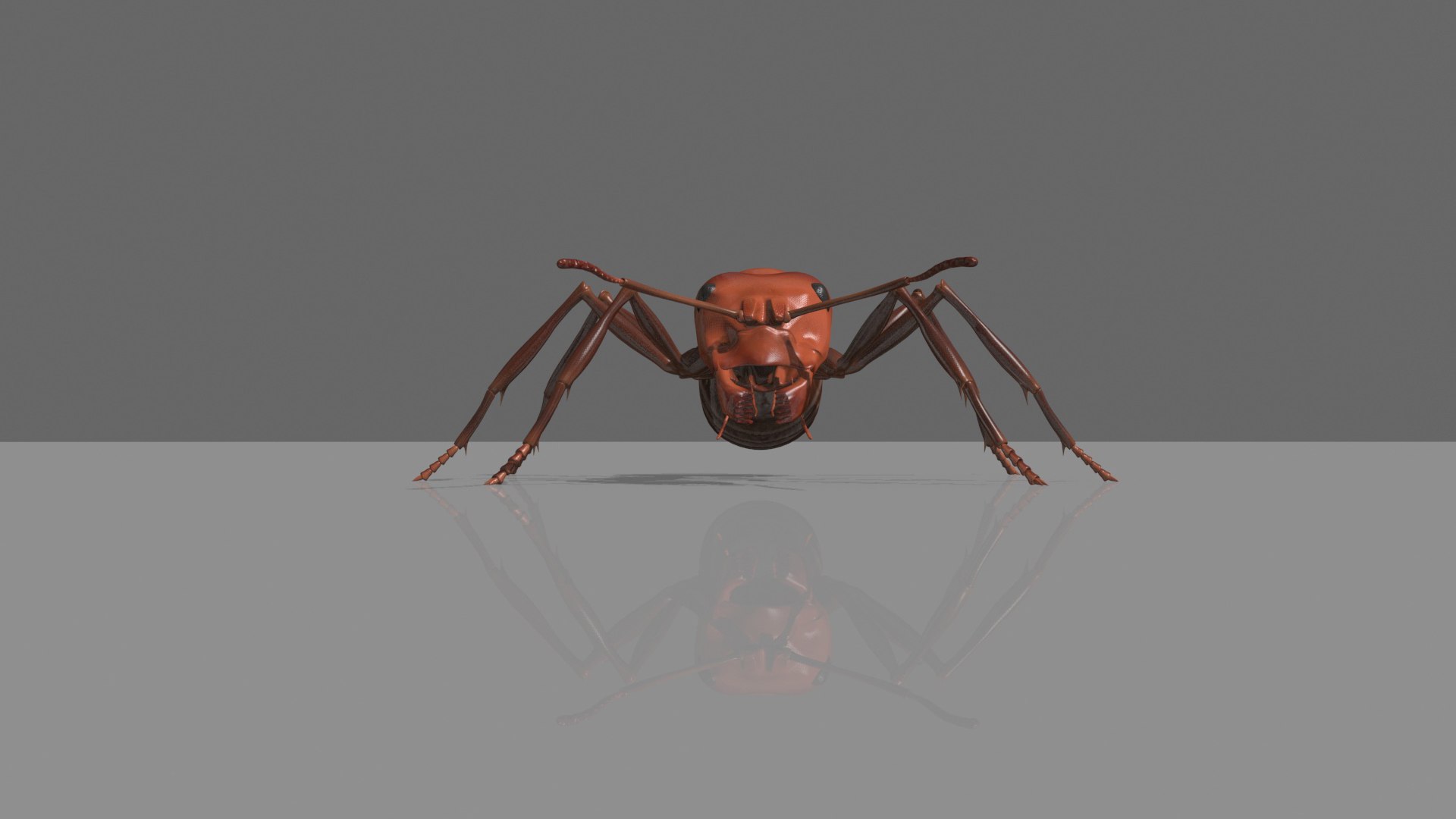
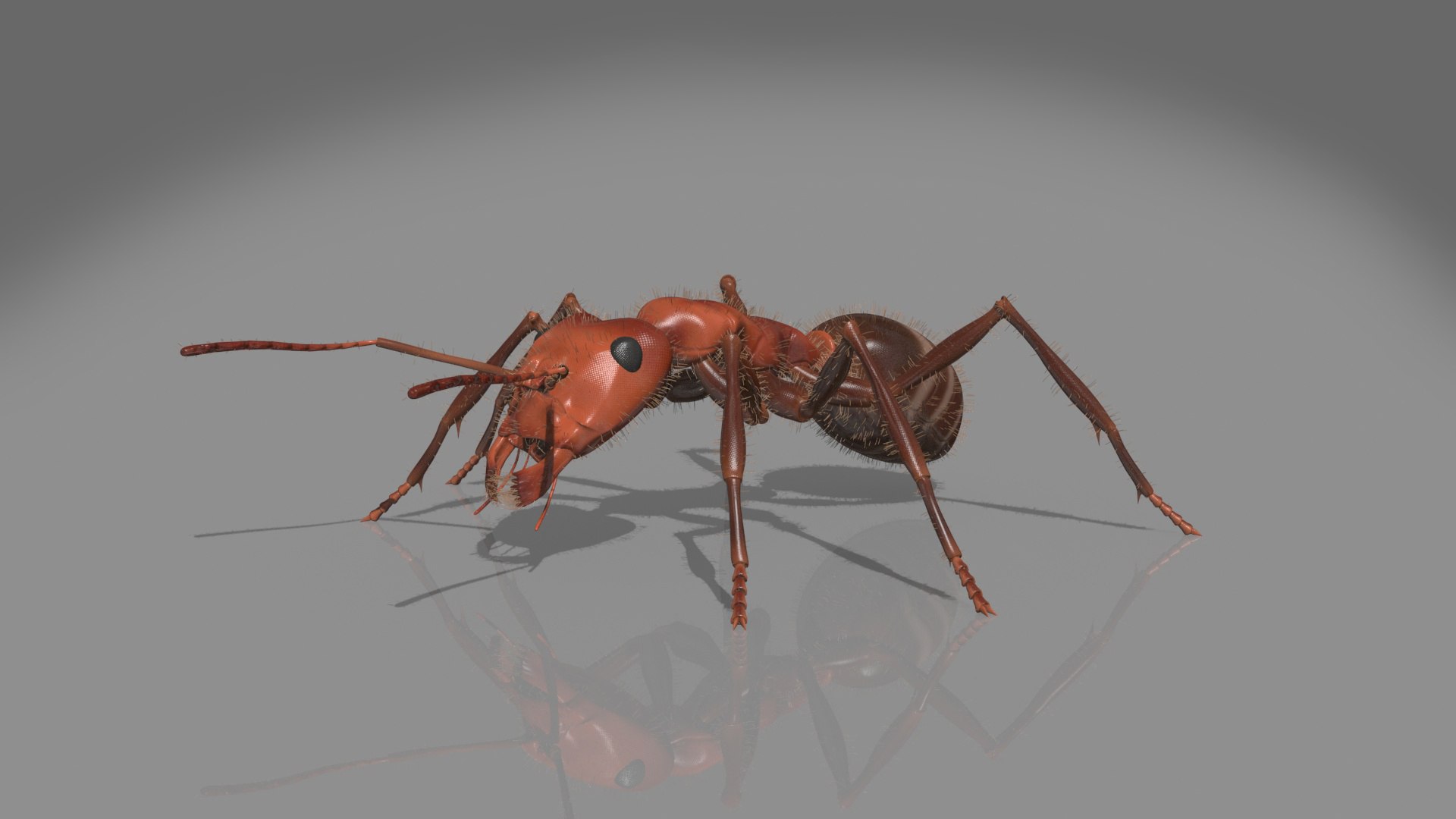
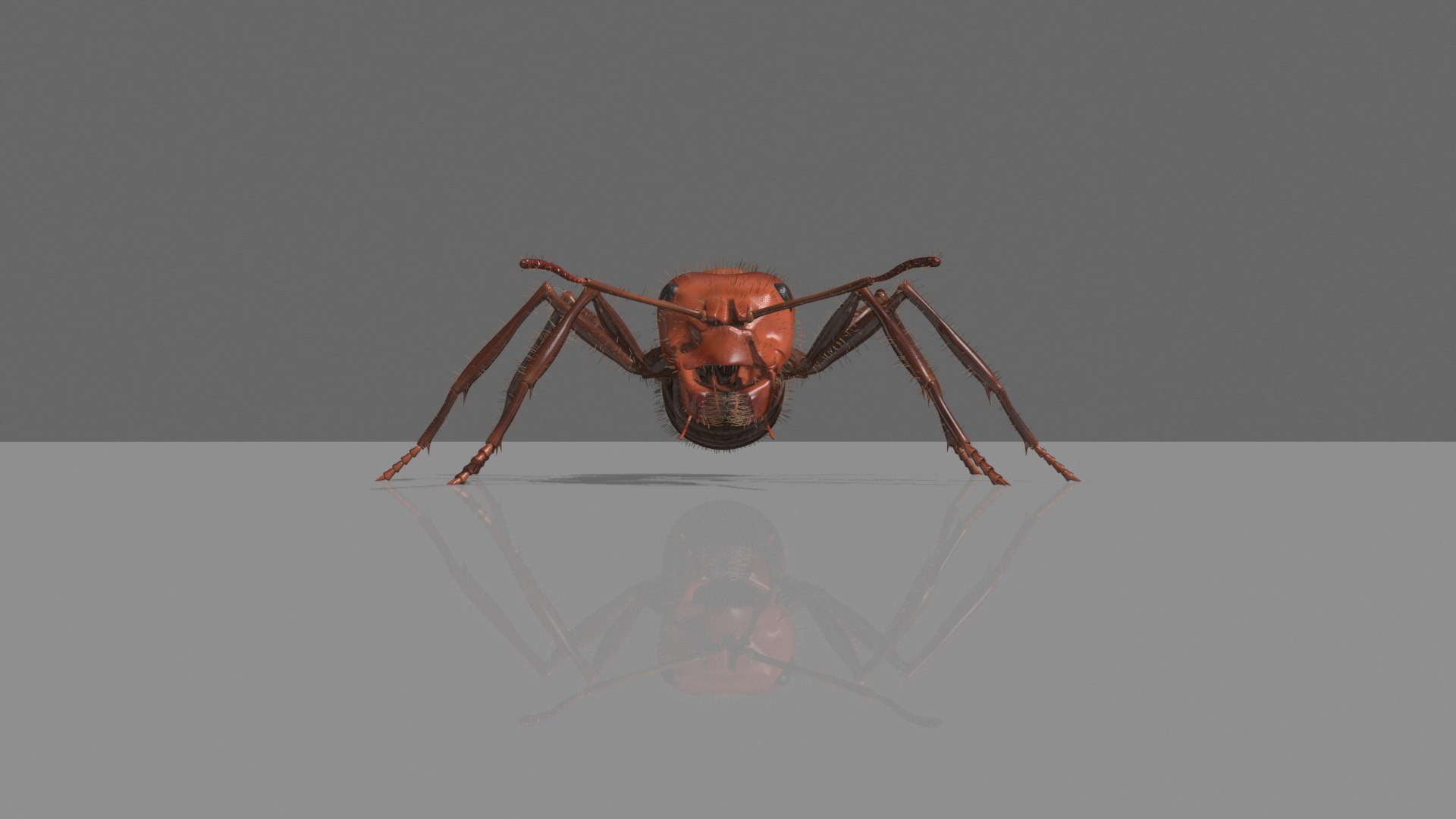
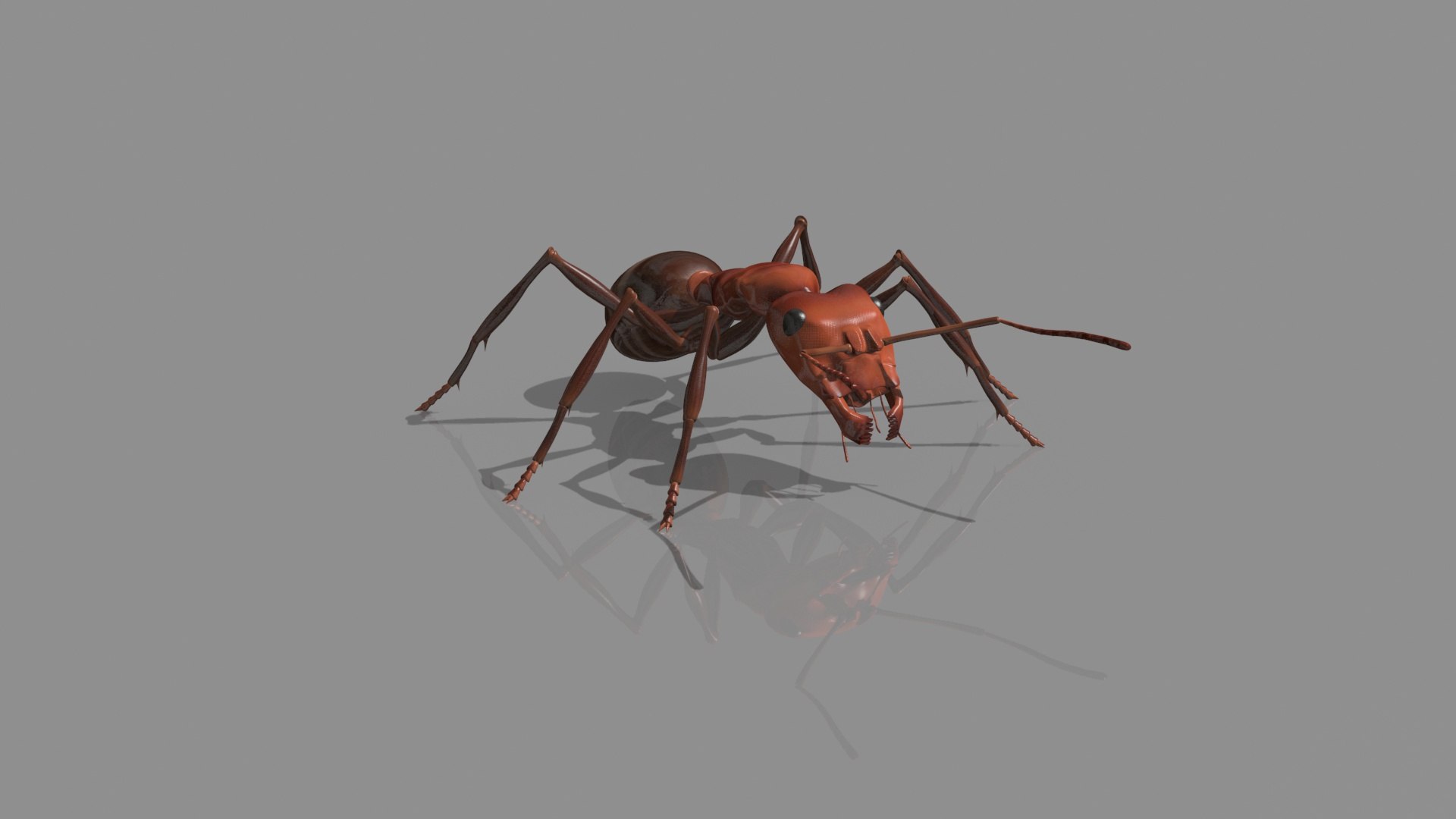
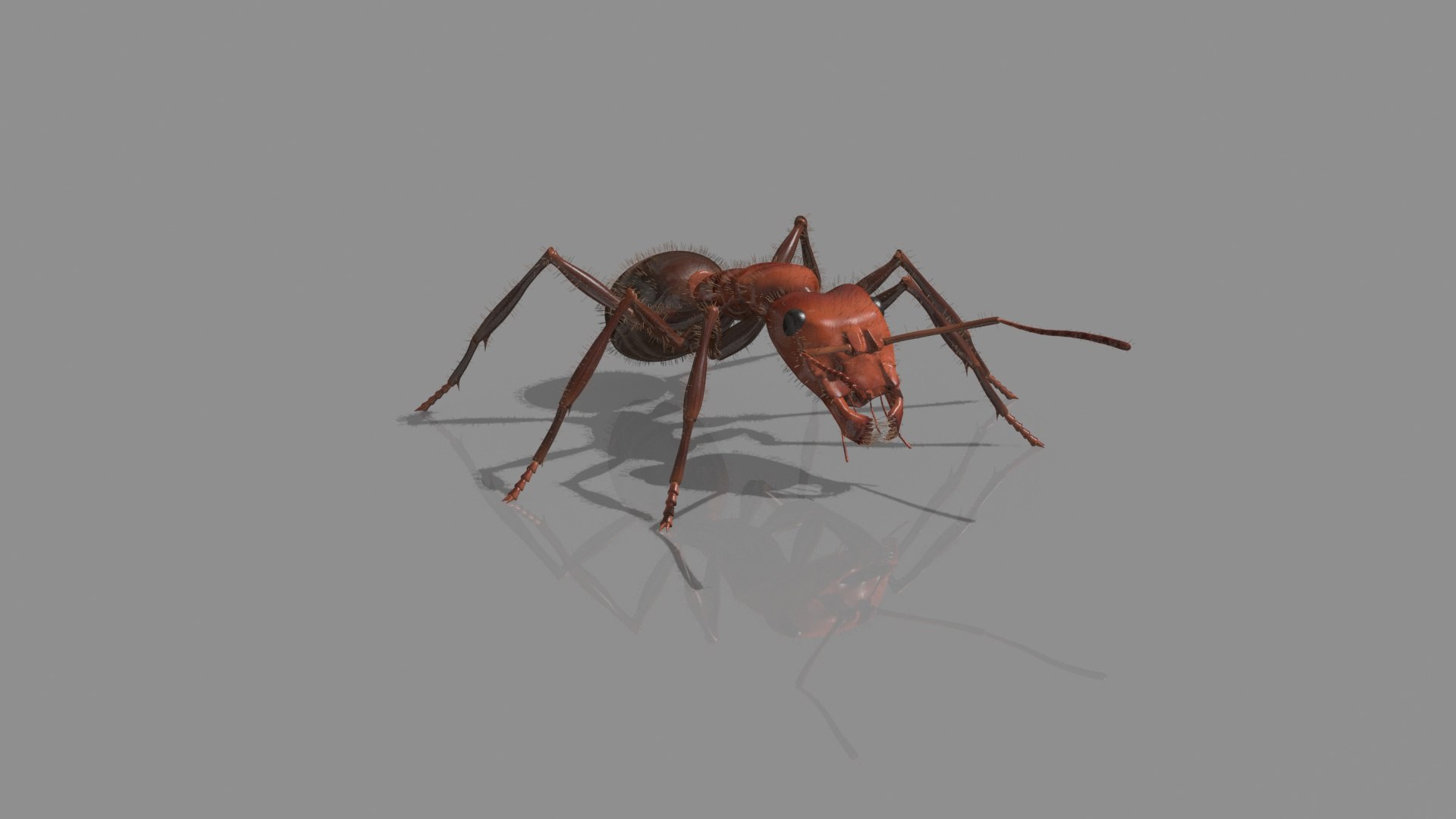
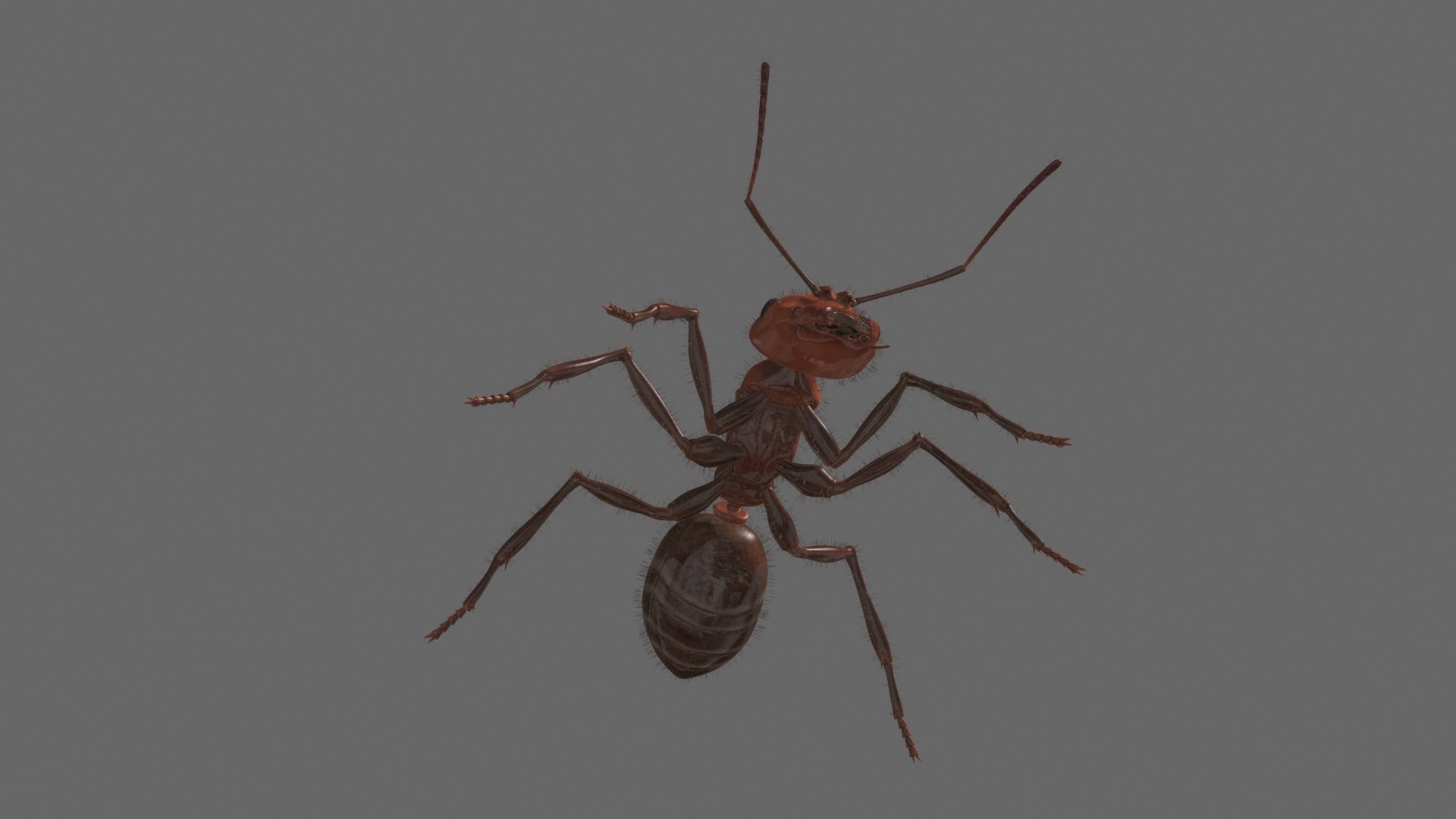
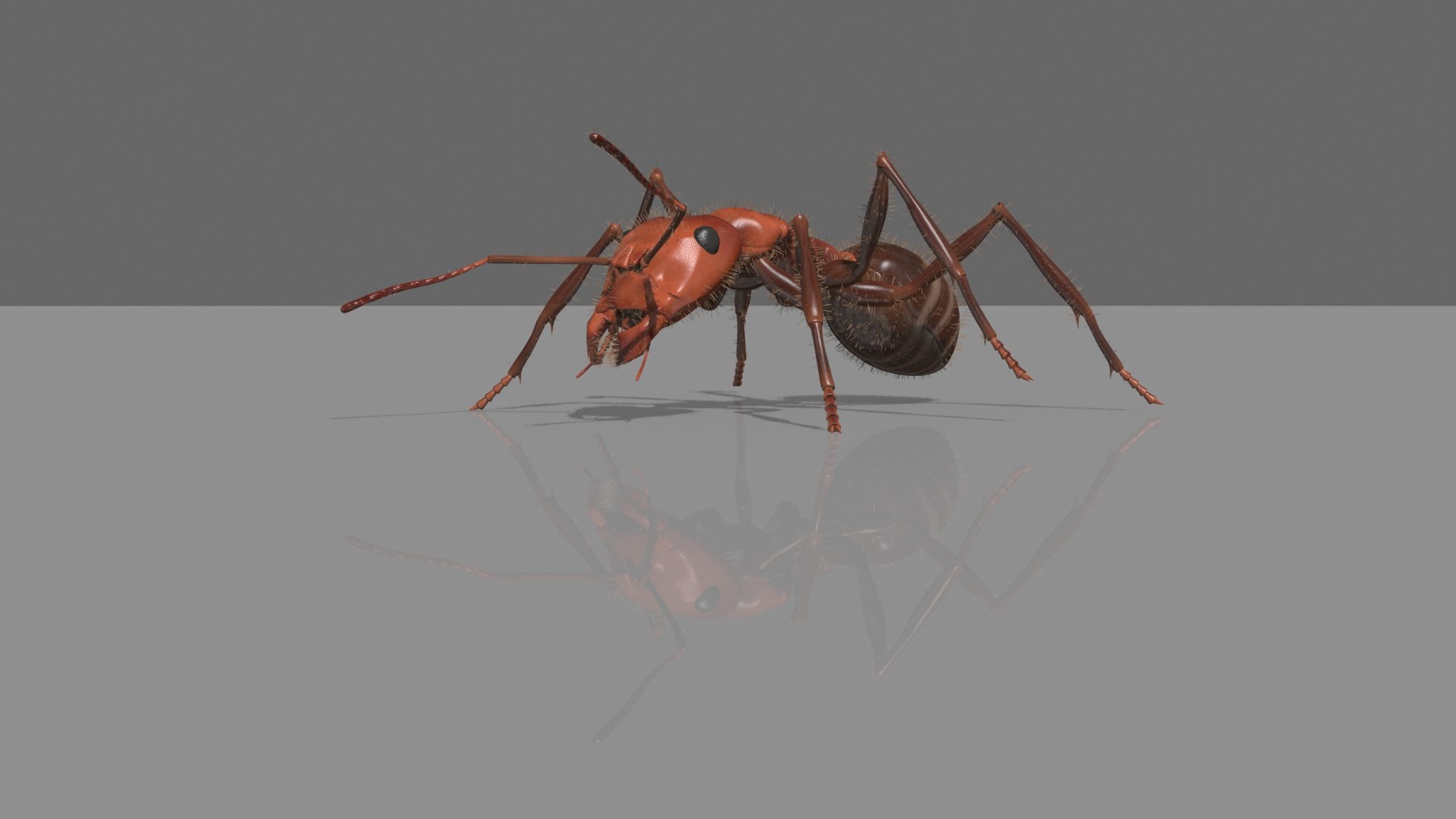
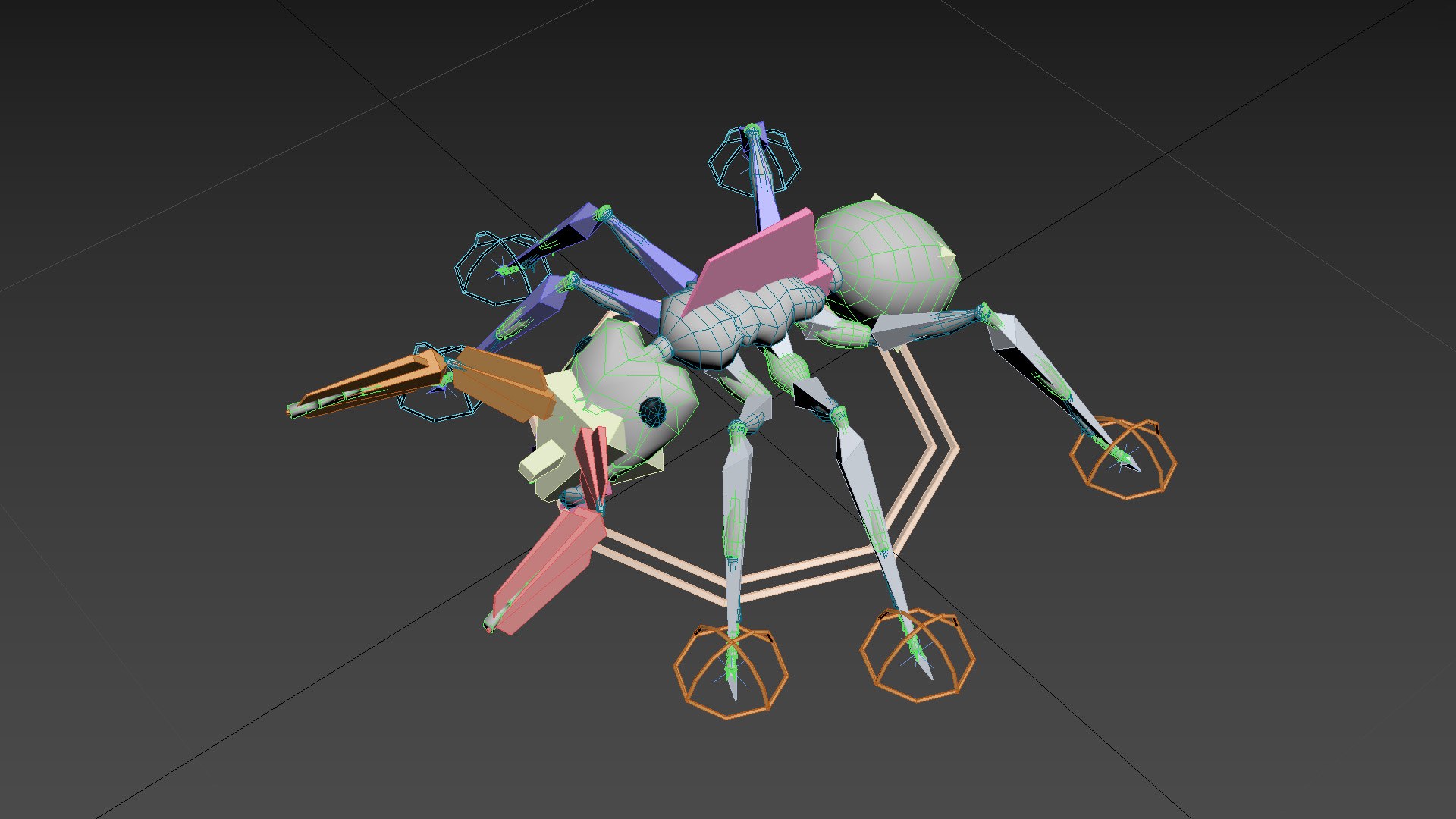
Photorealistic Fire Ant


1 FULLY RIGGED AND ANIMATED creature

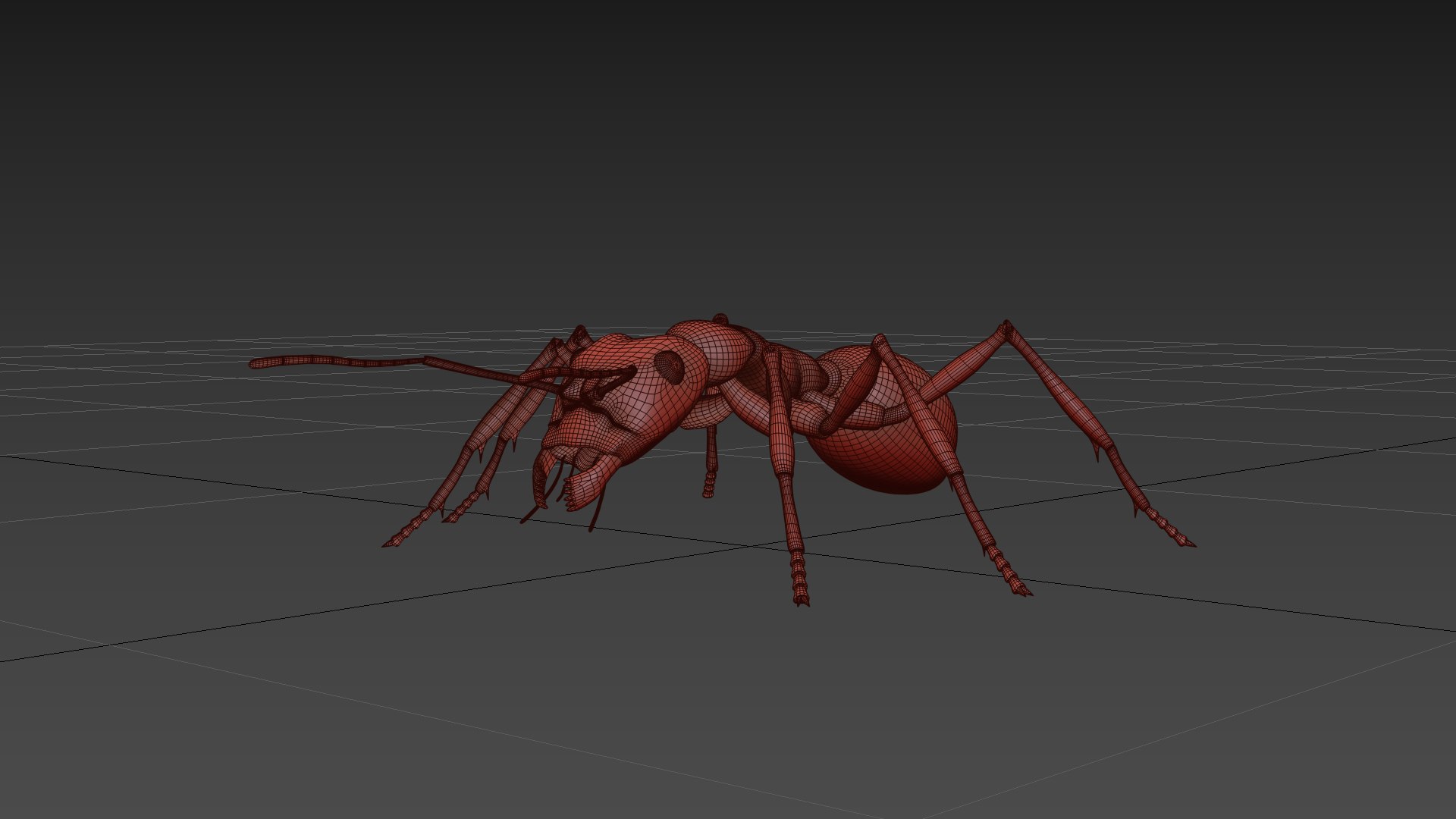
UVmapped and smoothable, made with 3ds max.


clean geometry.

Ready to render - no plugins necessary


Easy Layer Management (organized scene)

naming convention


Mouth and antennas animation


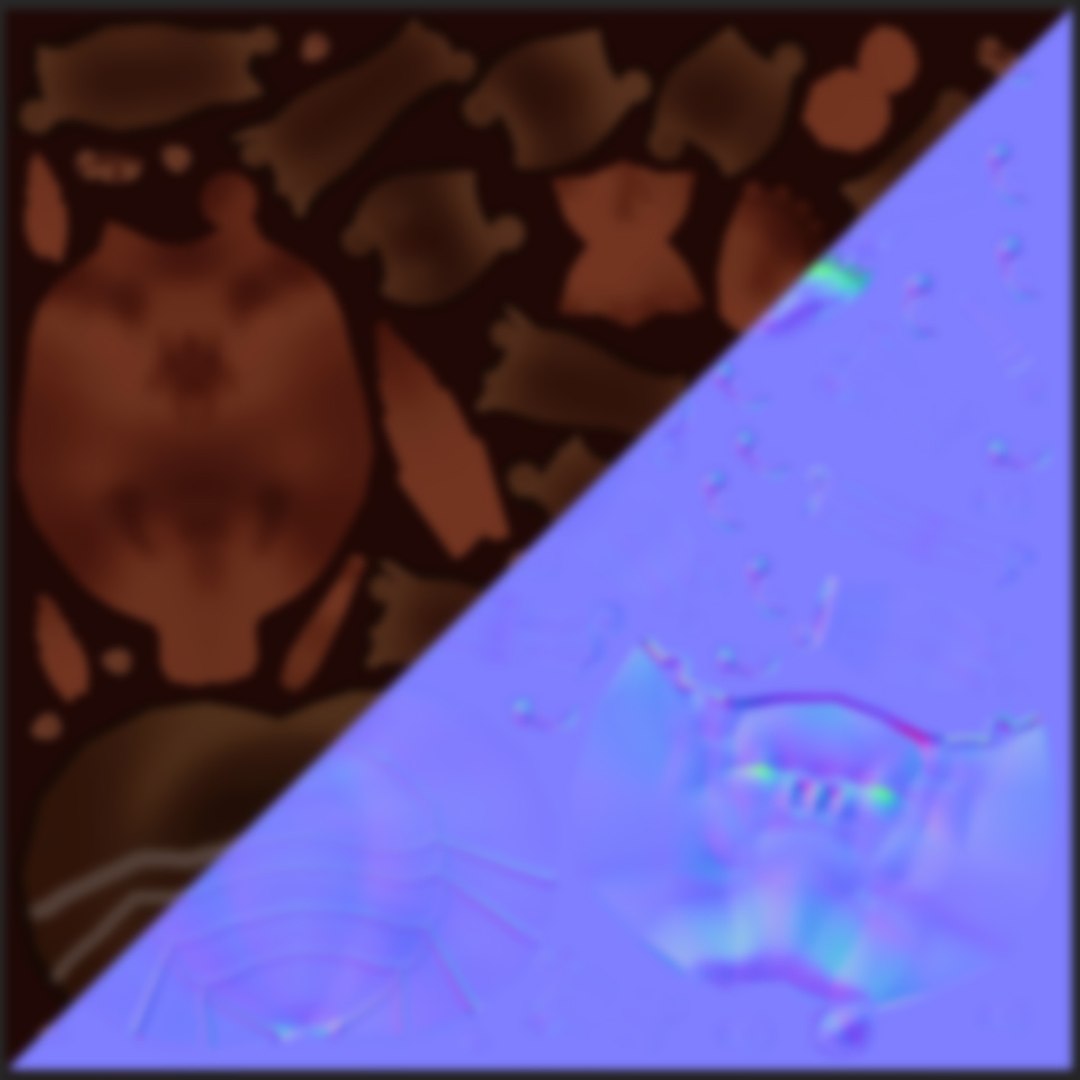
- Up to 4k High resolution textures:

color map, normal map, bump map, body reflection map, displacement map.


Formats included:


max
obj
abc


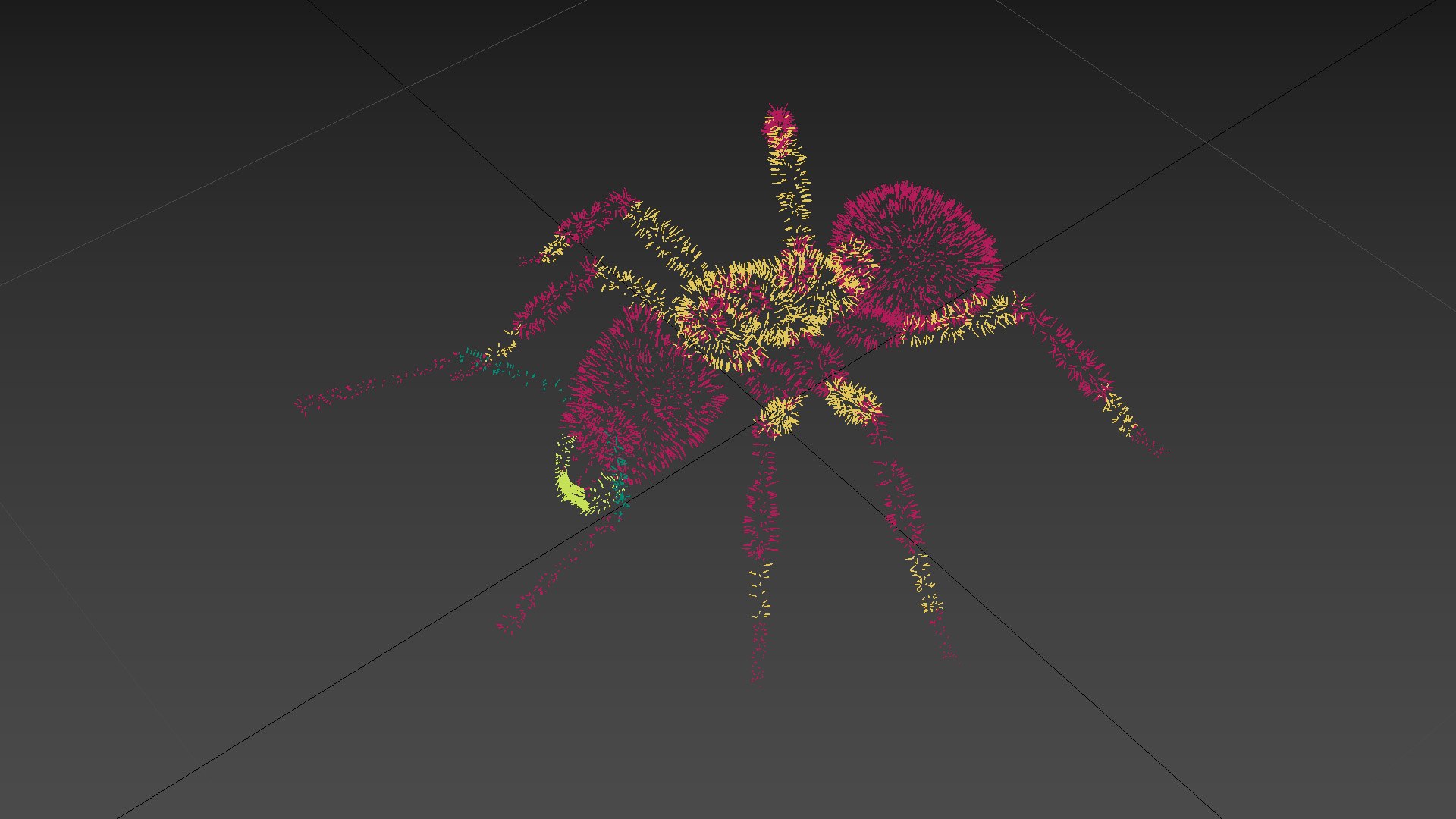
geometric hairs:

vertices: 107104

faces: 80448


Subdivision ready.


ant full body Polygons:


vertices: 12668

faces: 13014


ABC, OBJ NOTES:


The OBJ file has the ant model with mapping coordinates and no rig or animation; it opens well in blender.

The ABC (alembic) file opens well in max, not blender, with full skinning and animation, but the rig is useless.


Animations:

- 1 creature walking forward and confronting: 354 frames

In max, it can walk on spot if you delete the keyframes in the main (father) controller.


...........................................................................................................

Select Enhanced License

  • $10,000 in Legal Protection (Indemnification)
  • Uncapped Legal Protection (Indemnification)
  • Waiver from injunctive relief
  • Assignable model rights
  • $1,000,000 in Legal Protection (Indemnification)
  • Waiver from injunctive relief
  • Assignable model rights
  • $250,000 in Legal Protection (Indemnification)
  • Assignable model rights
Read more about enhanced license tiers, or contact us at enterprise@turbosquid.com. Already a Shutterstock Enterprise Customer? Contact your Shutterstock Sales Support Agent to talk about adding 3D.

About Conversion Requests

To submit a conversion request for a purchased asset, please complete our Conversion Request Form.

If you have not yet purchased a model, please review our Documentation about Conversions to learn about what limitations you may encounter with a conversion.

For any additional questions about a model’s suitability for conversion, please contact TurboSquid Support.

Loading...