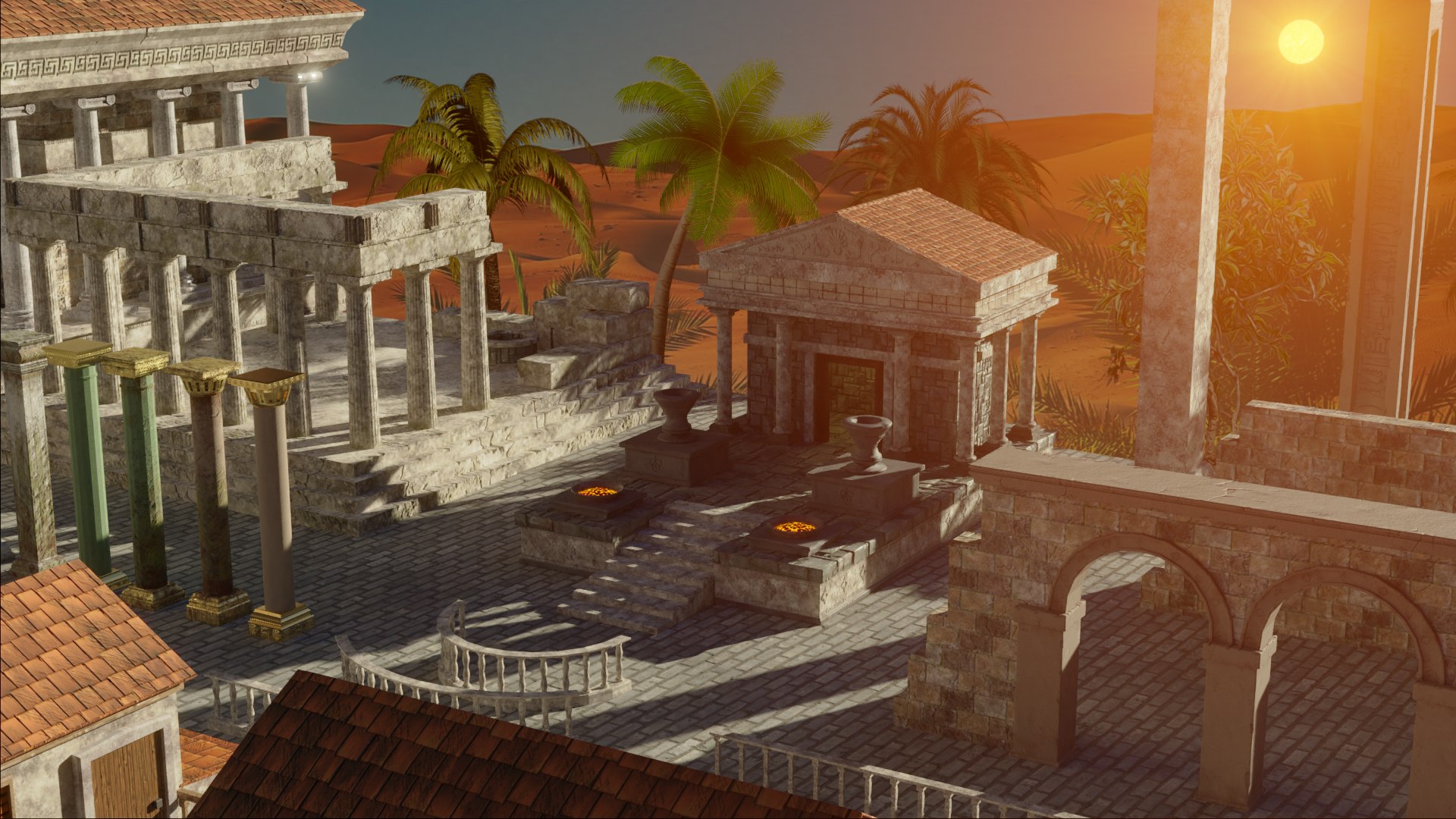
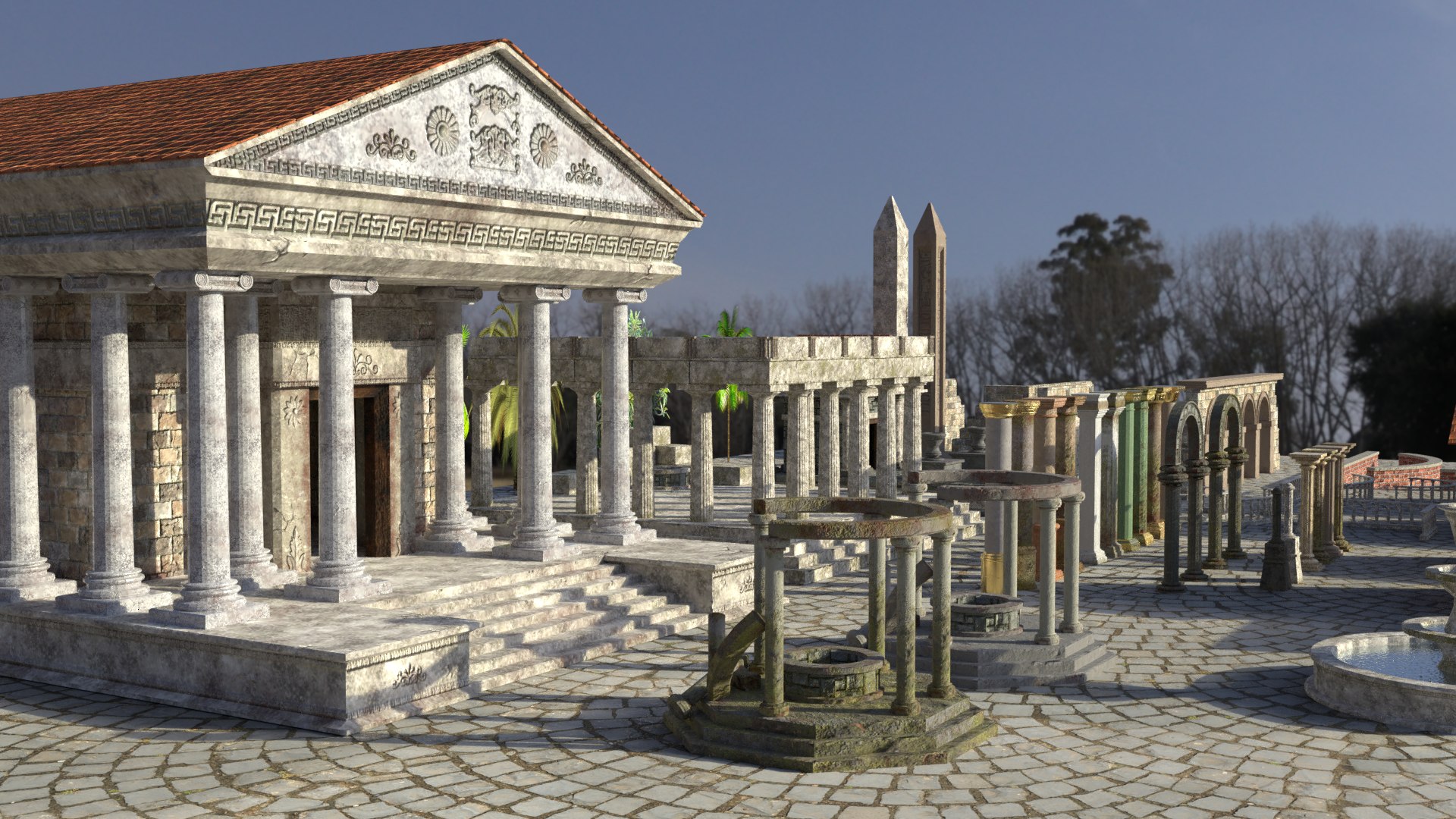
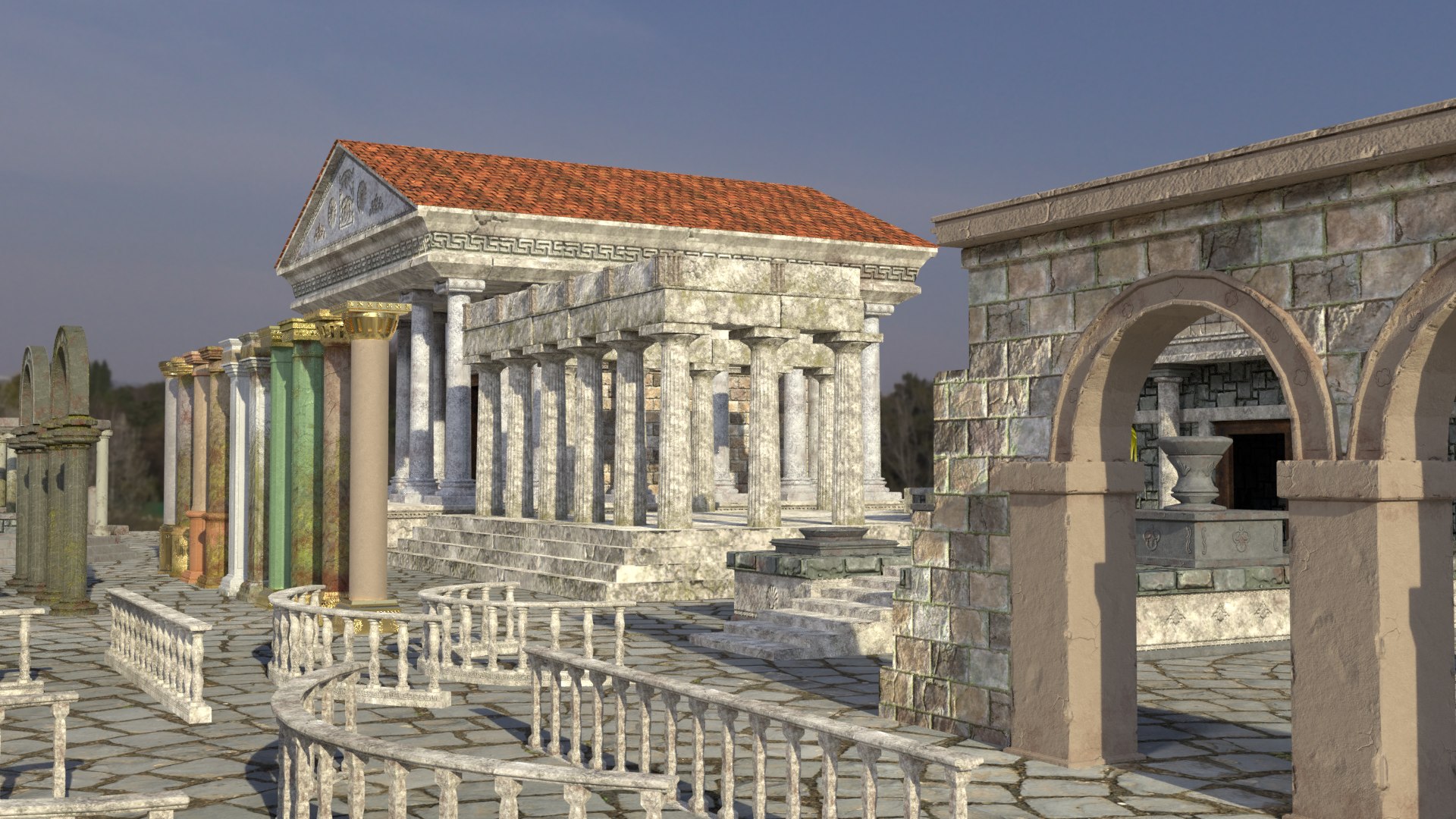
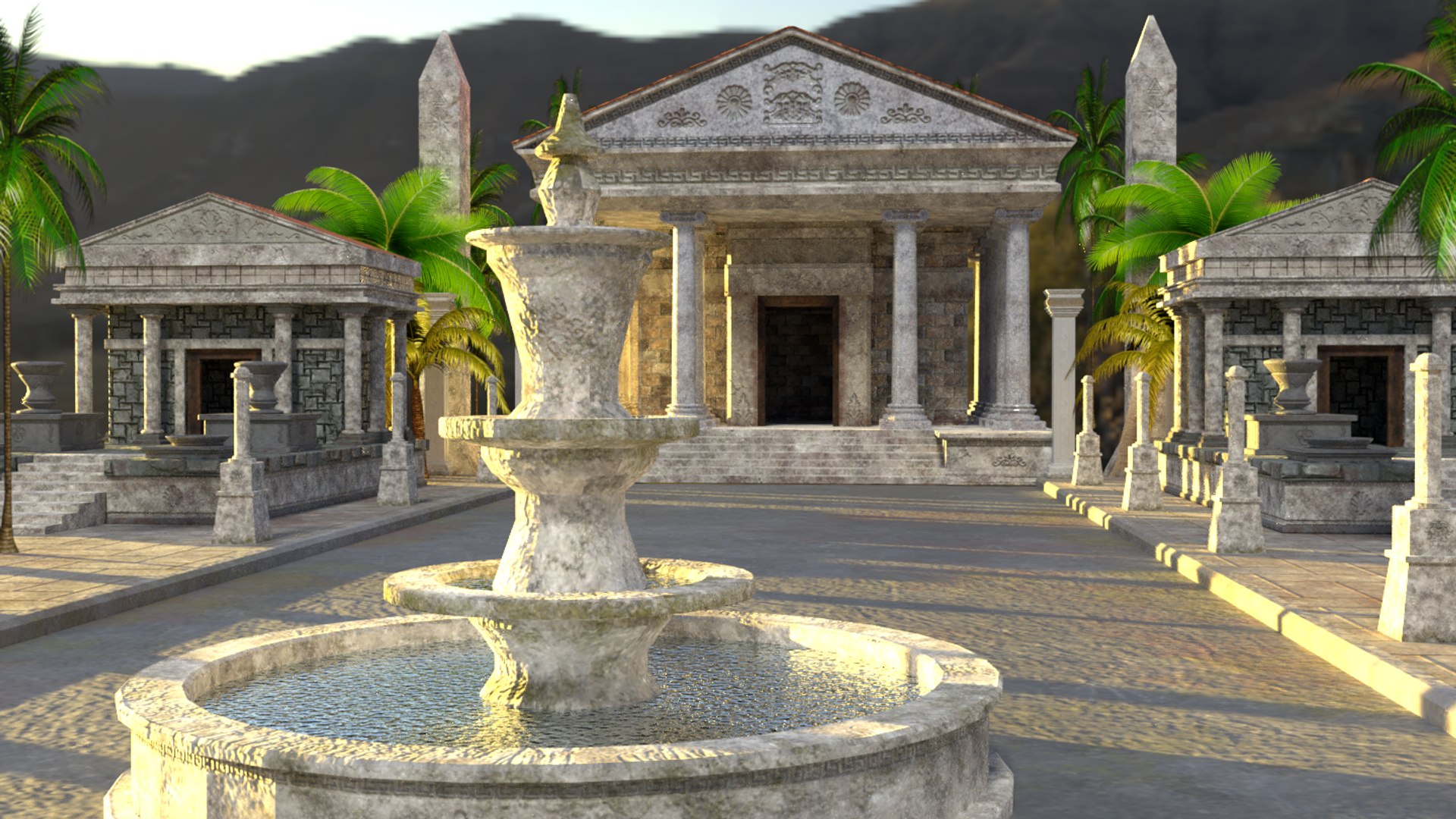
ANCIENT ASSETS PACK
Low-Poly Models created with Blender
Blender 2.79 used for Modelling
Tested in 2.80/2.93
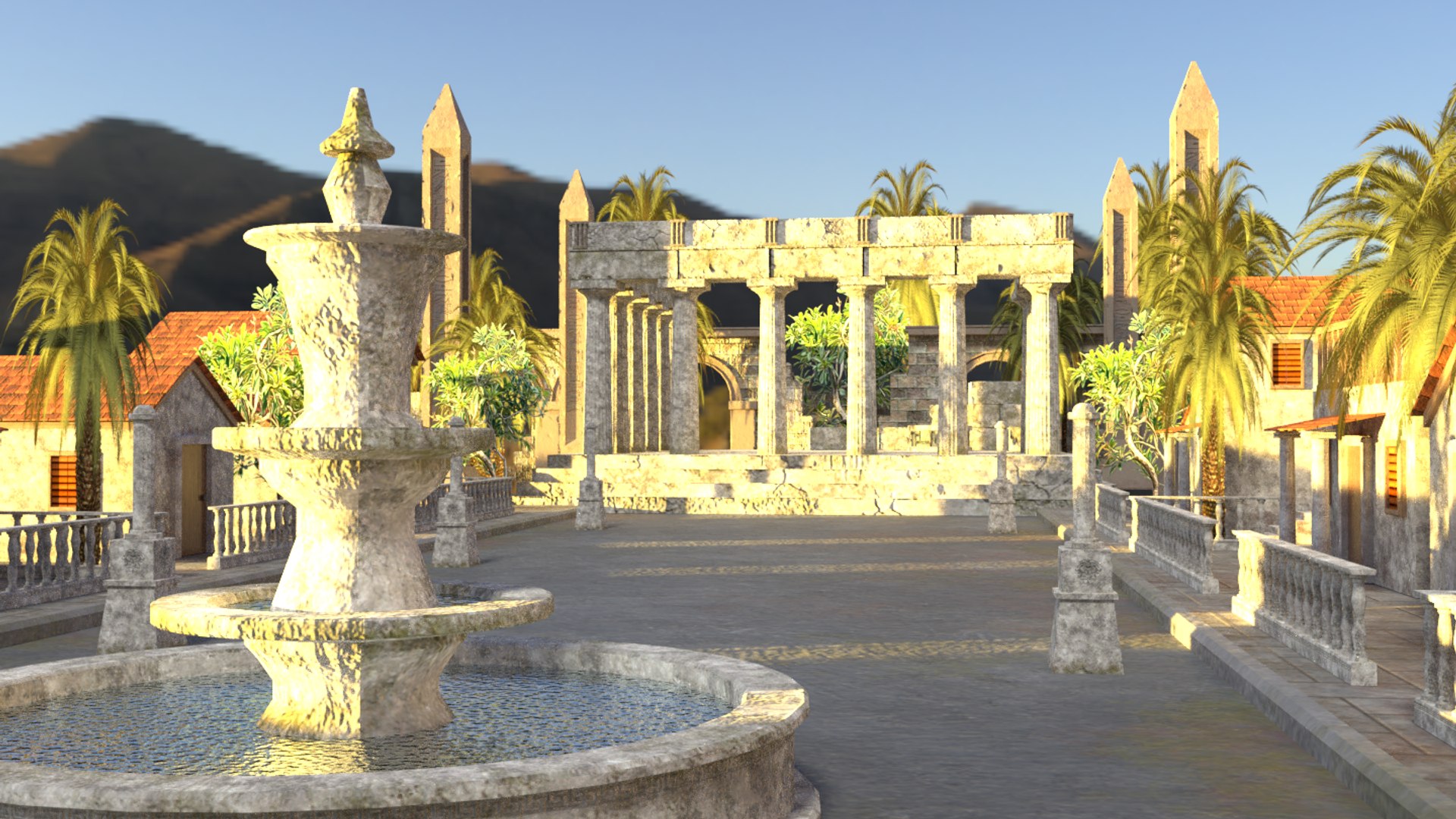
An Asset Pack that the Gods of Ancient Times would surely approve of, they certainly liked stunning architecture and they`re worshipers were only to happy to construct some of the worlds greatest buildings ........back to the modern day, here is a bundle of various Assets to add to your project that I have already built for you, some of those stones were mighty heavy!
Each Object has a high level of detail, while keeping the Polycount as low as possible using the High to Low Poly baking method, giving a realistic aged look
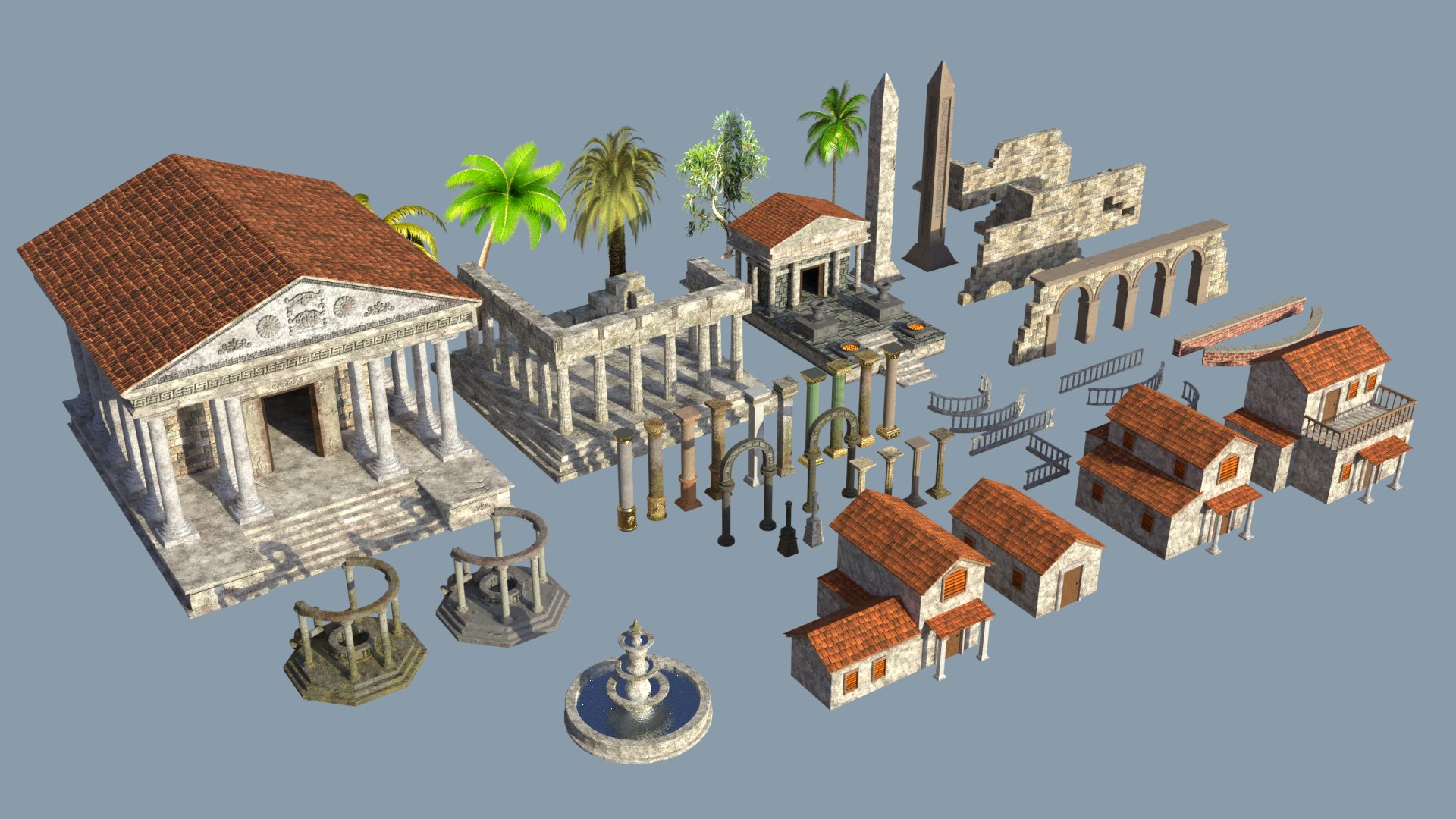
The Pack Contains 49 Highly Detailed Low Poly Objects as follows:
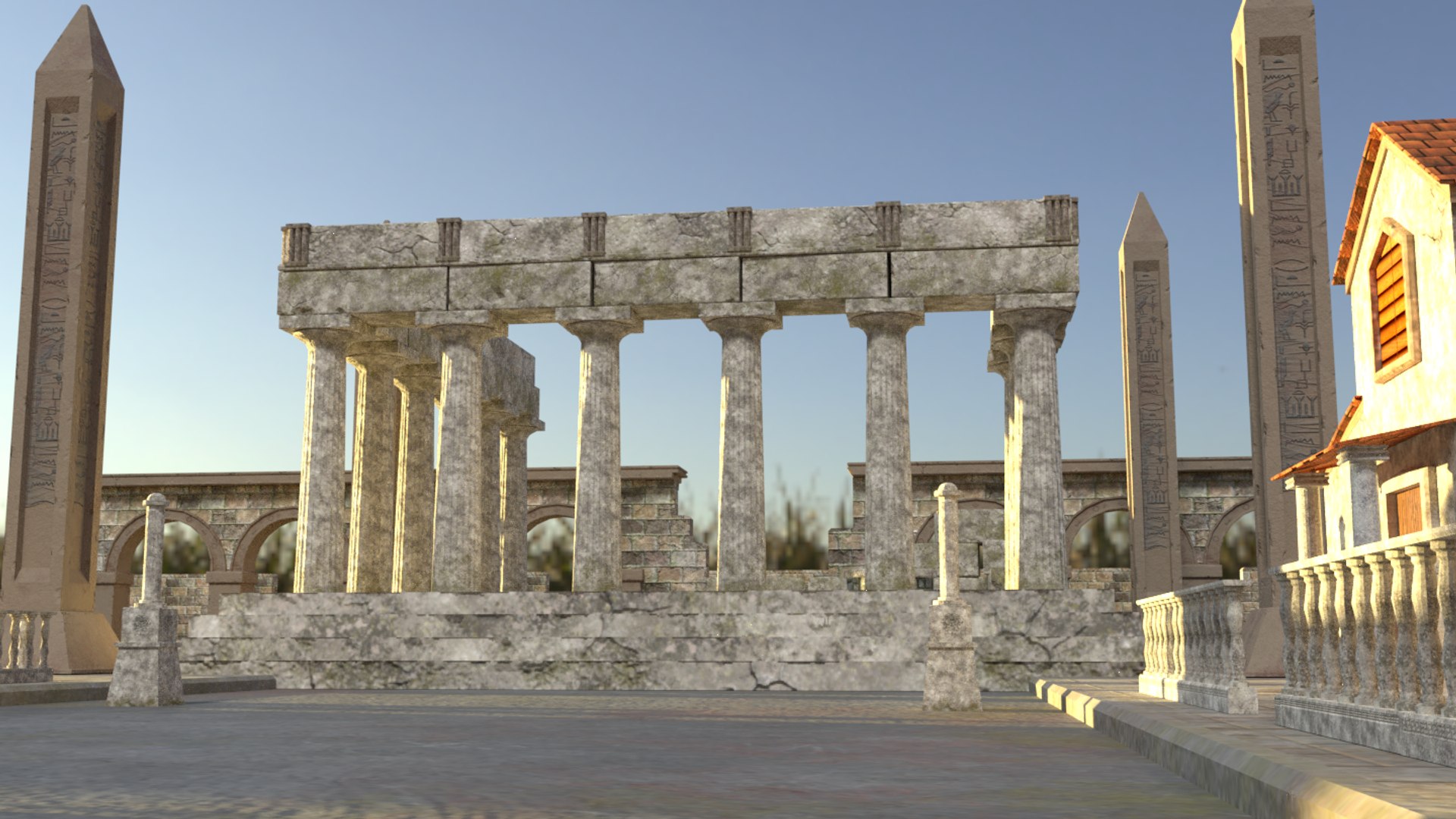
2 Arched Column Structures (2 styles of ageing)
1 Stone Wall With Arches
2 Boundary Columns (2 styles of ageing)
3 Bricked Walls (1 Straight, 2 Curved)
7 Railed/Spindled Stone Walls (2 Straight, 4 Curved, 1 Right Angled)
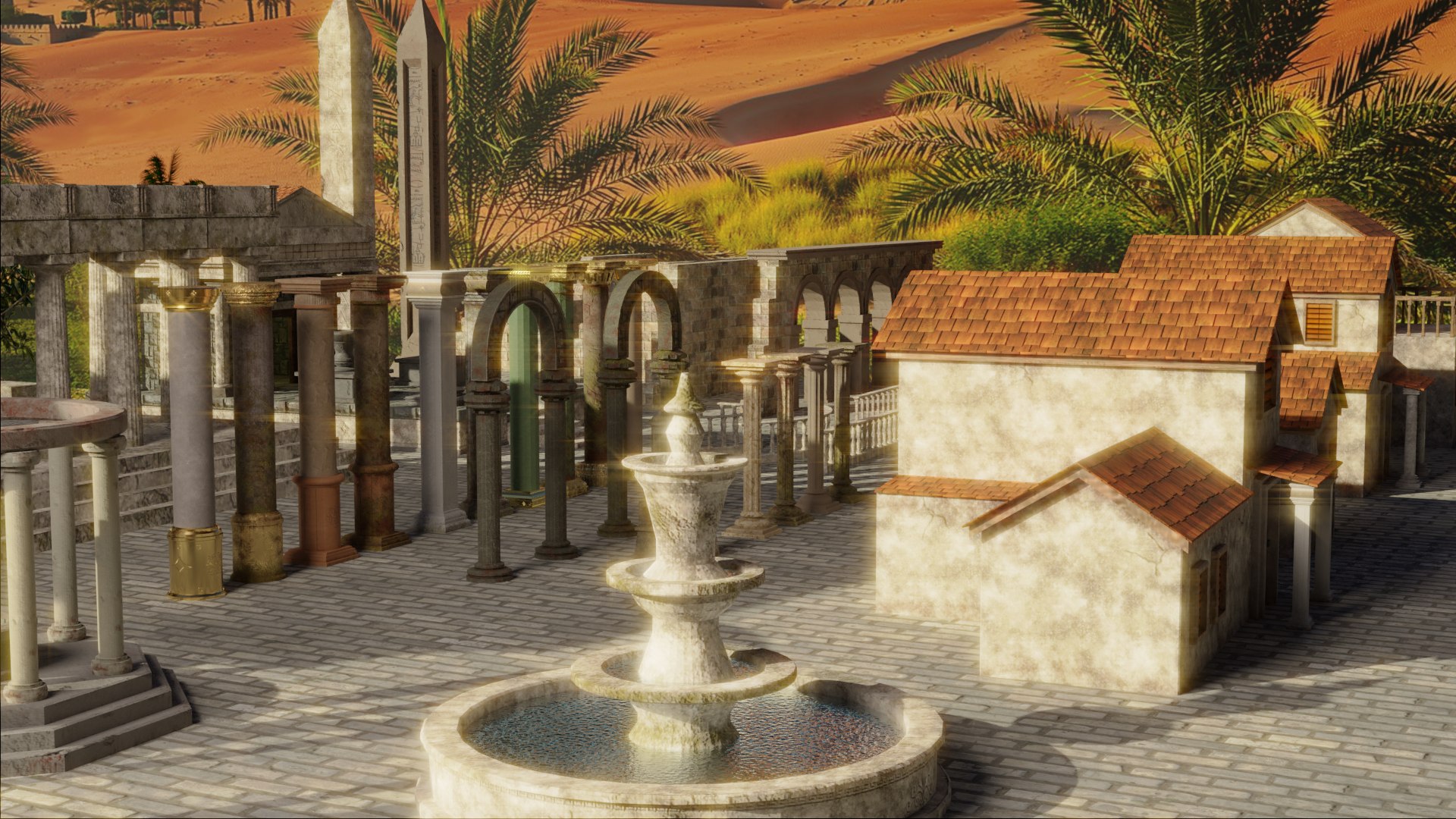
4 Various Styles of House
2 Obelisks (2 styles of ageing)
3 Large Ruined Style Stone Walls
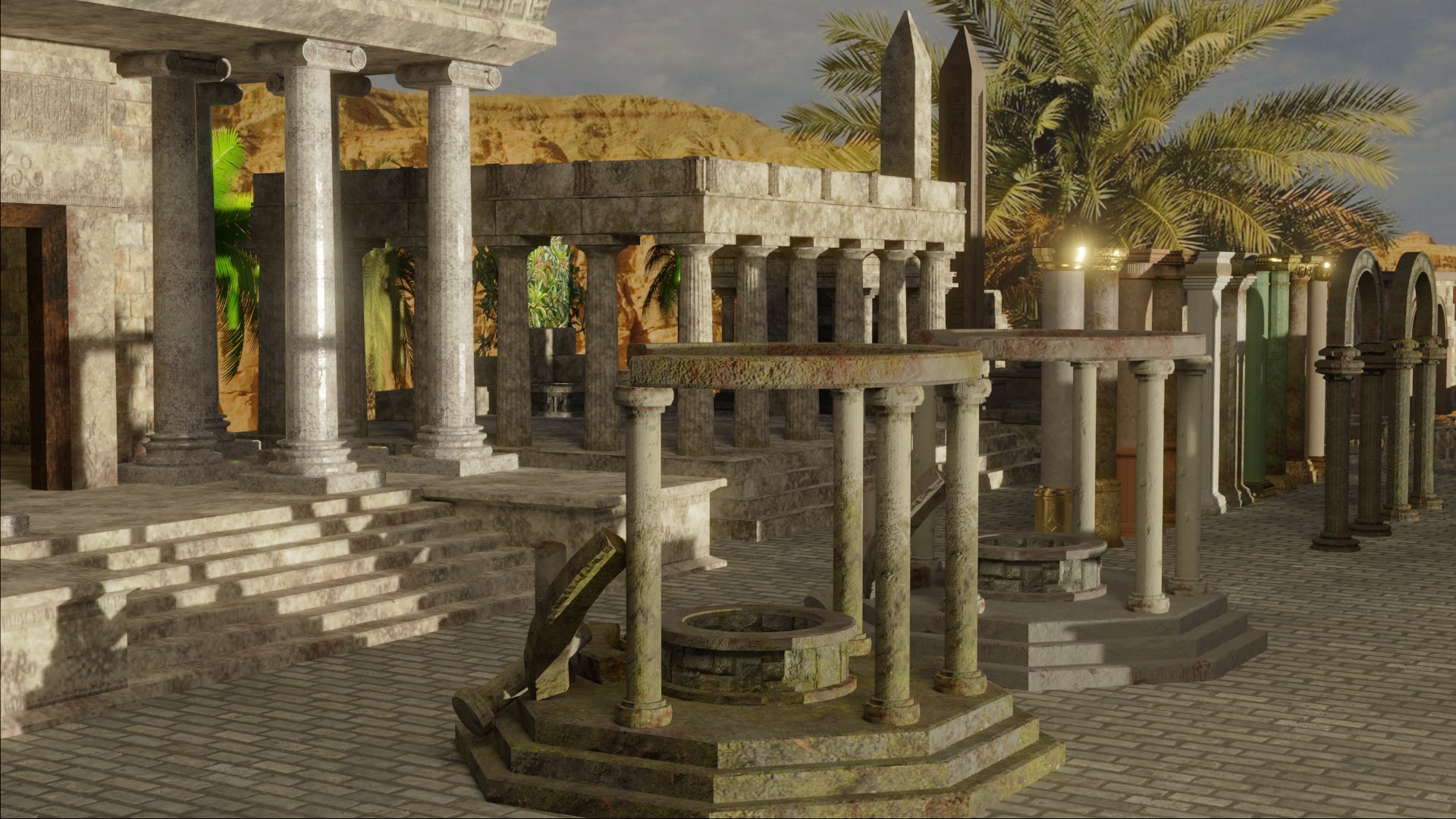
2 Wells (2 styles of ageing)
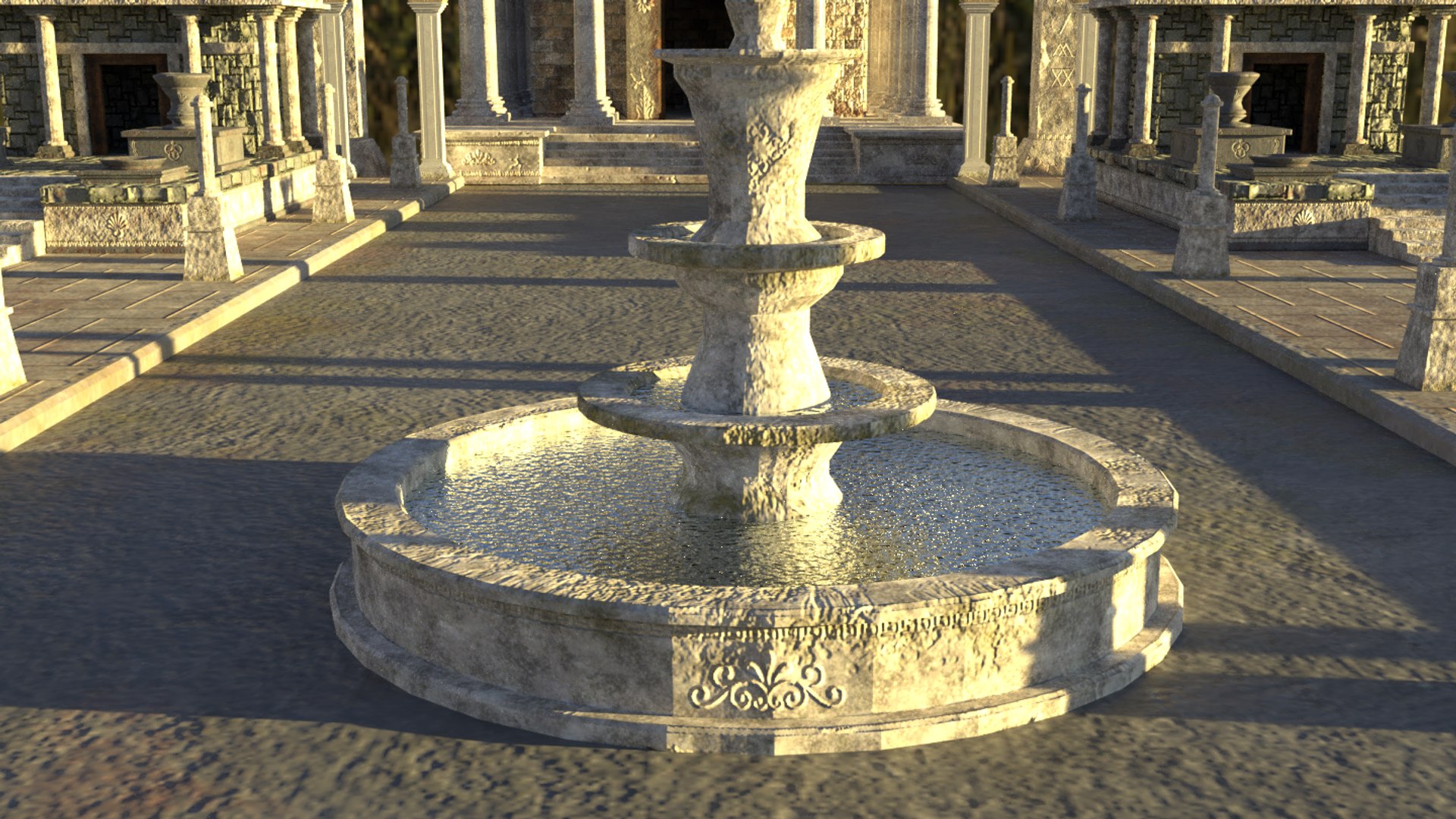
1 Fountain
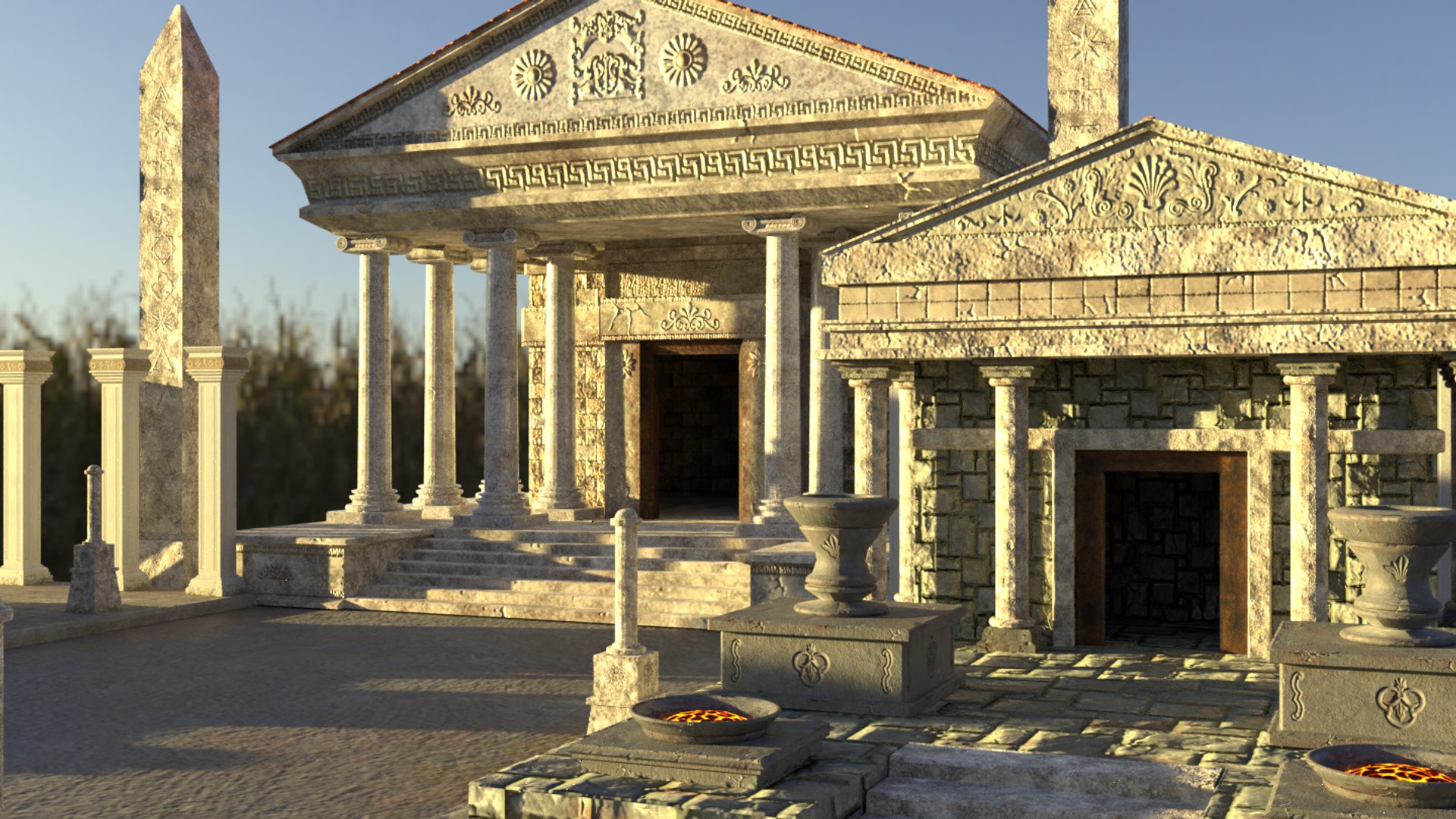
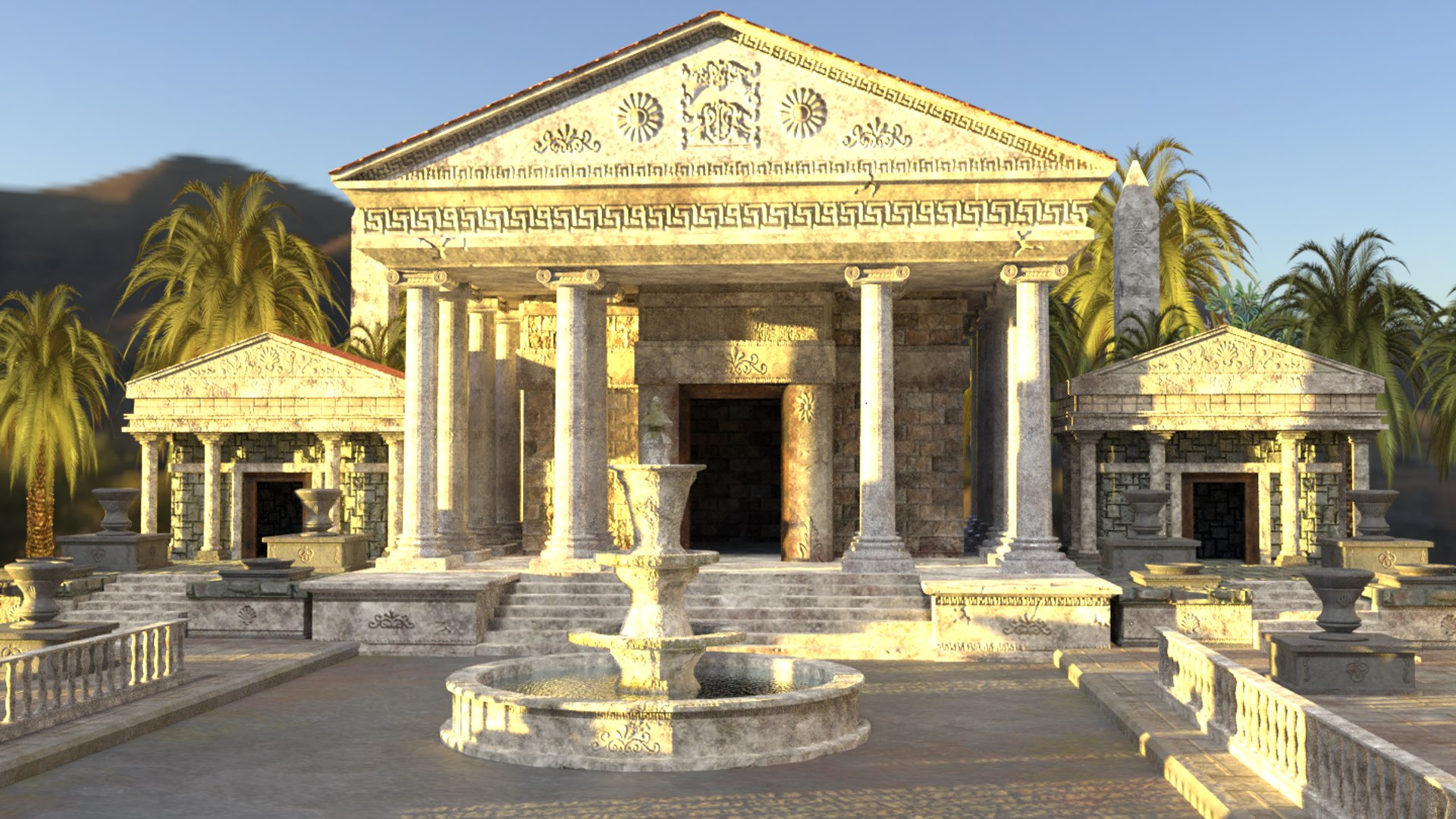
1 Large Main Temple Of Worship
1 Large Temple in Ruins
1 Small Temple Of Worship
14 Various Styles Of Column with Capitals (2 styles of ageing each)
5 Tree Types (Images as Planes) ( See notes below regarding EEVEE )
The HDRI is not included (There are loads of free ones out there)
The ground Planes shown are also not included
All Objects are named accordingly within the Outliner
All Objects are on layer 1
The Camera and lighting are on Layer 2
All textures are packed into the .blend file
The Polycount given is for the whole package combined:
F: 133,813
V: 137,041
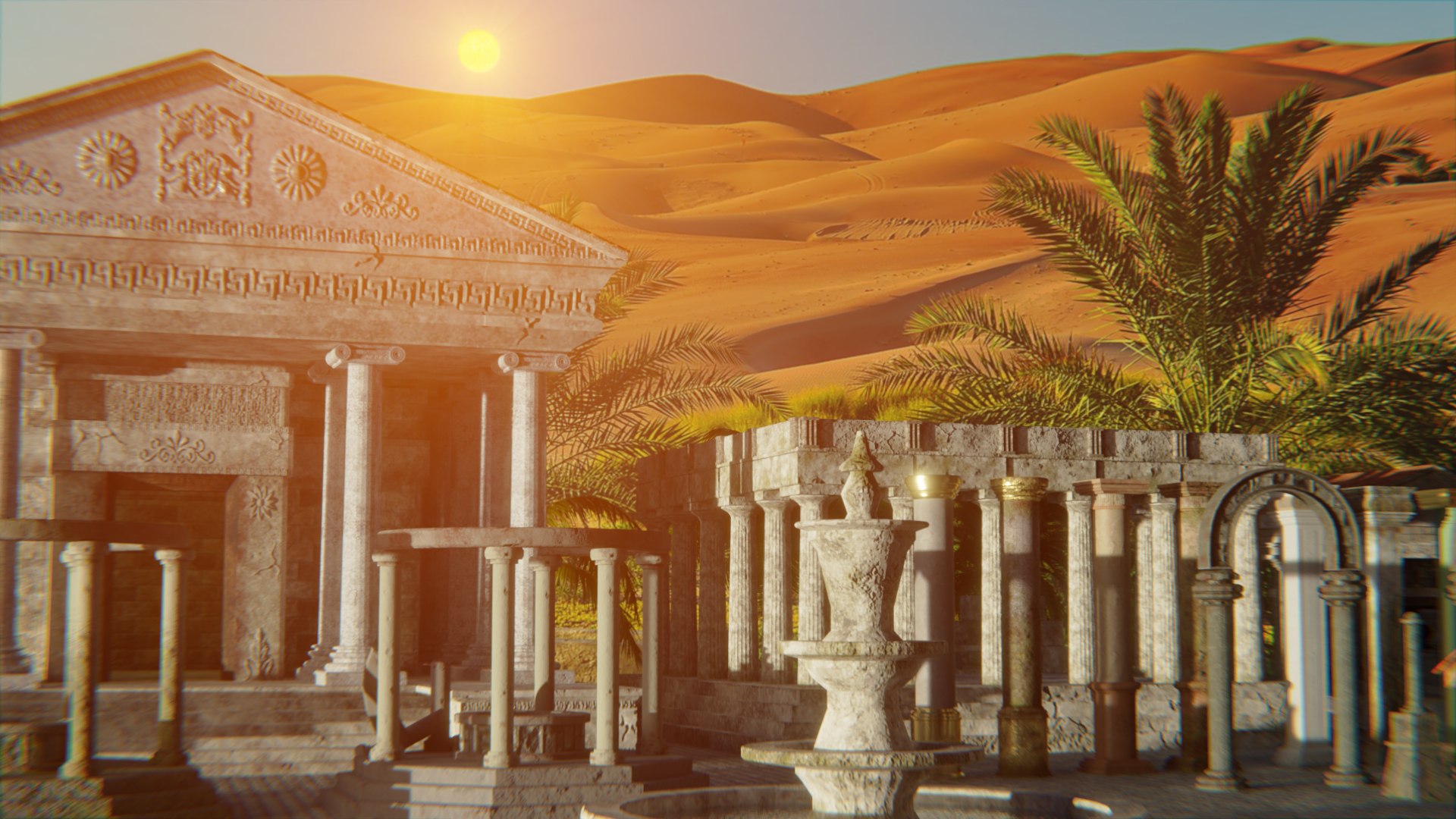
All images shown were Rendered with Cycles
Please note if you are using EEVEE:
You may need to go into the Render Properties Tab - Performance - Enable High Quality Normals
Everything works fine in 2.80 with EEVEE with the exception of the Trees which are Images as Planes .... therefore contain a Transparent background.
If you use EEVEE , you will need to set the Blend Mode to ALPHA BLEND in the MATERIALS tab for the Trees and then the Shadow mode to ALPHA HASHED if you want to see correct shadows
All of the Objects can of course be duplicated as many times as you like using SHIFT-D......so therefore you can quickly and easily build up a very detailed scene
If you wish to see more of my Models, just click `By MagicCGIStudios` next to my Logo to visit and browse all my products
Thank you for your interest & support!
MagicCGIStudios
This is a .blend file (Unzipped .7z file)