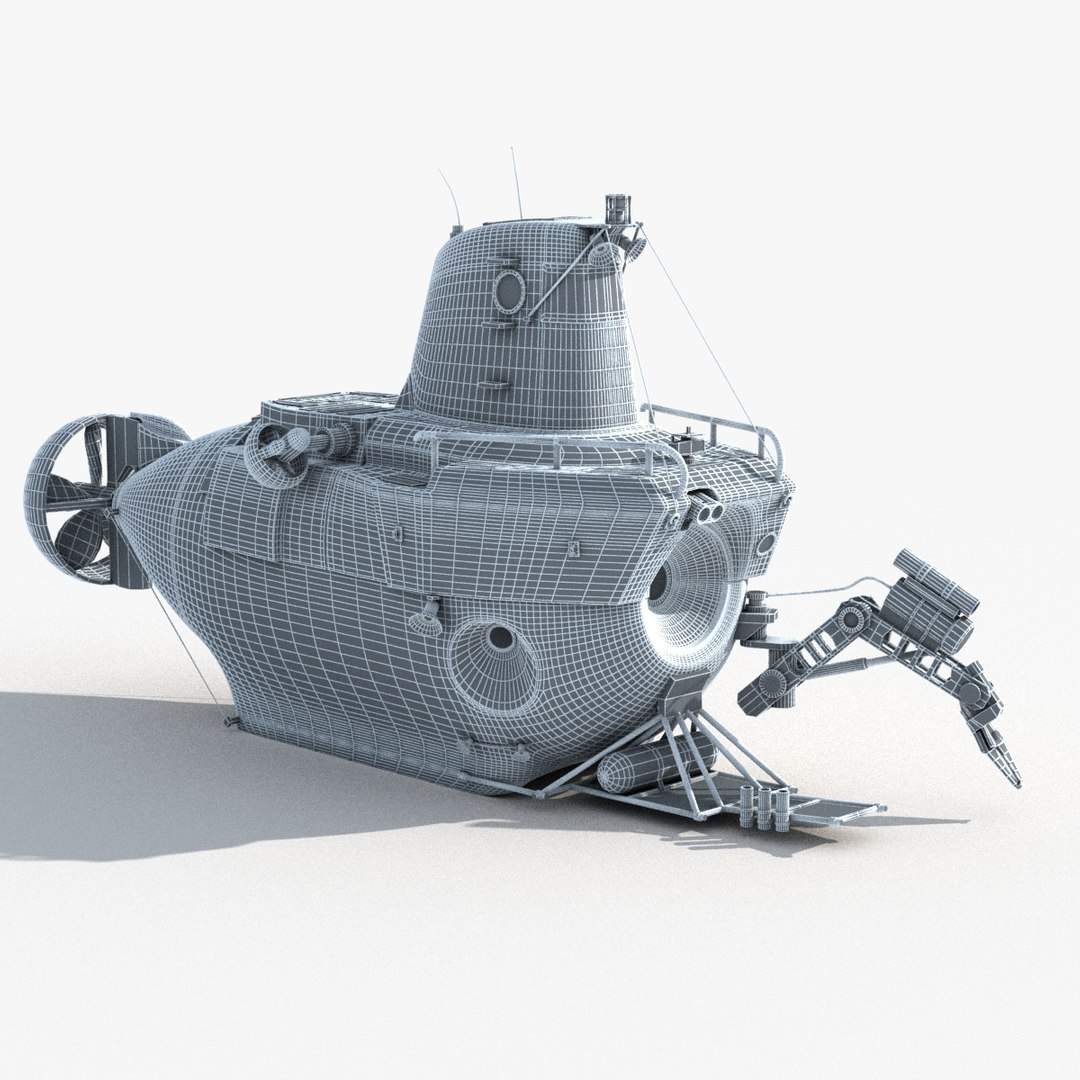
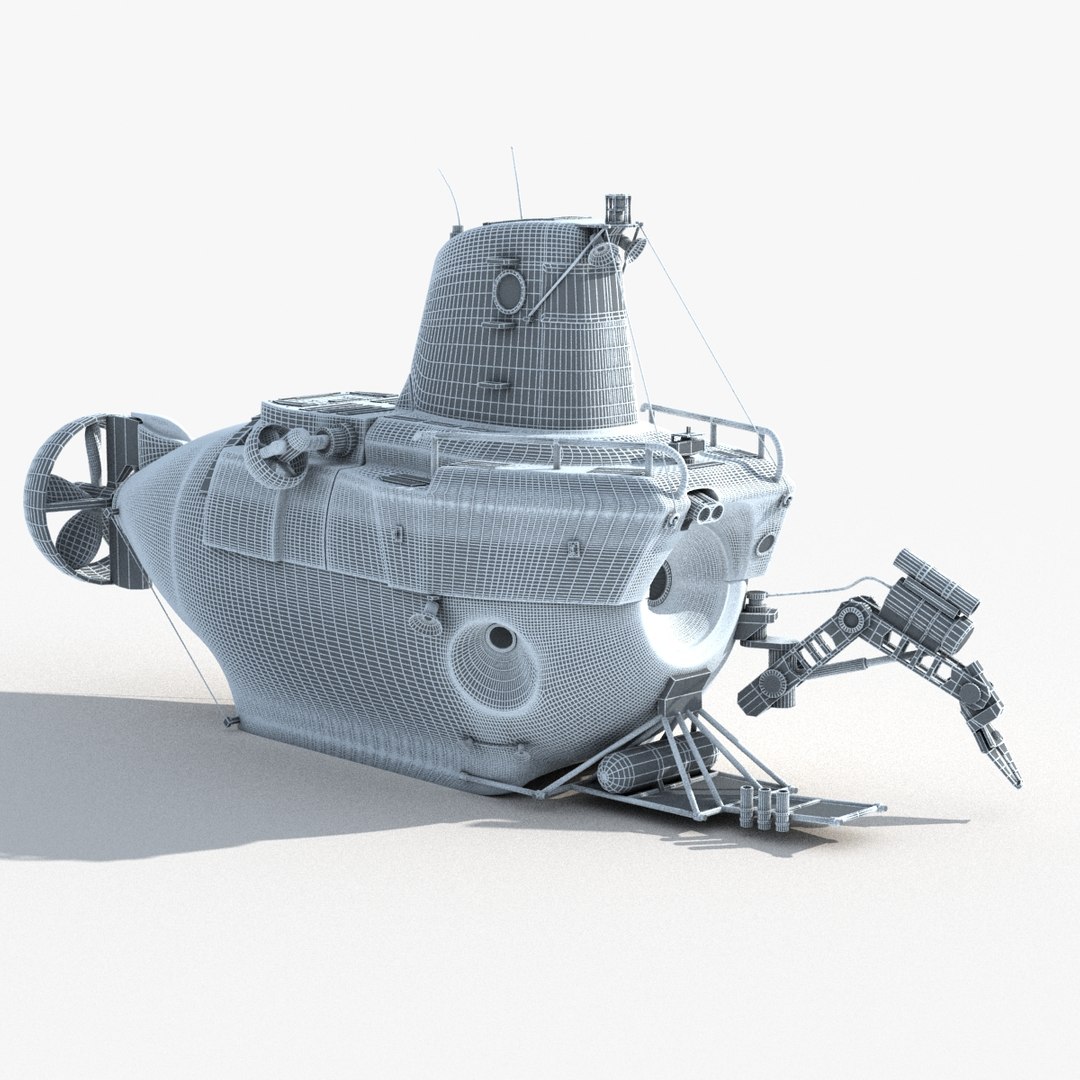
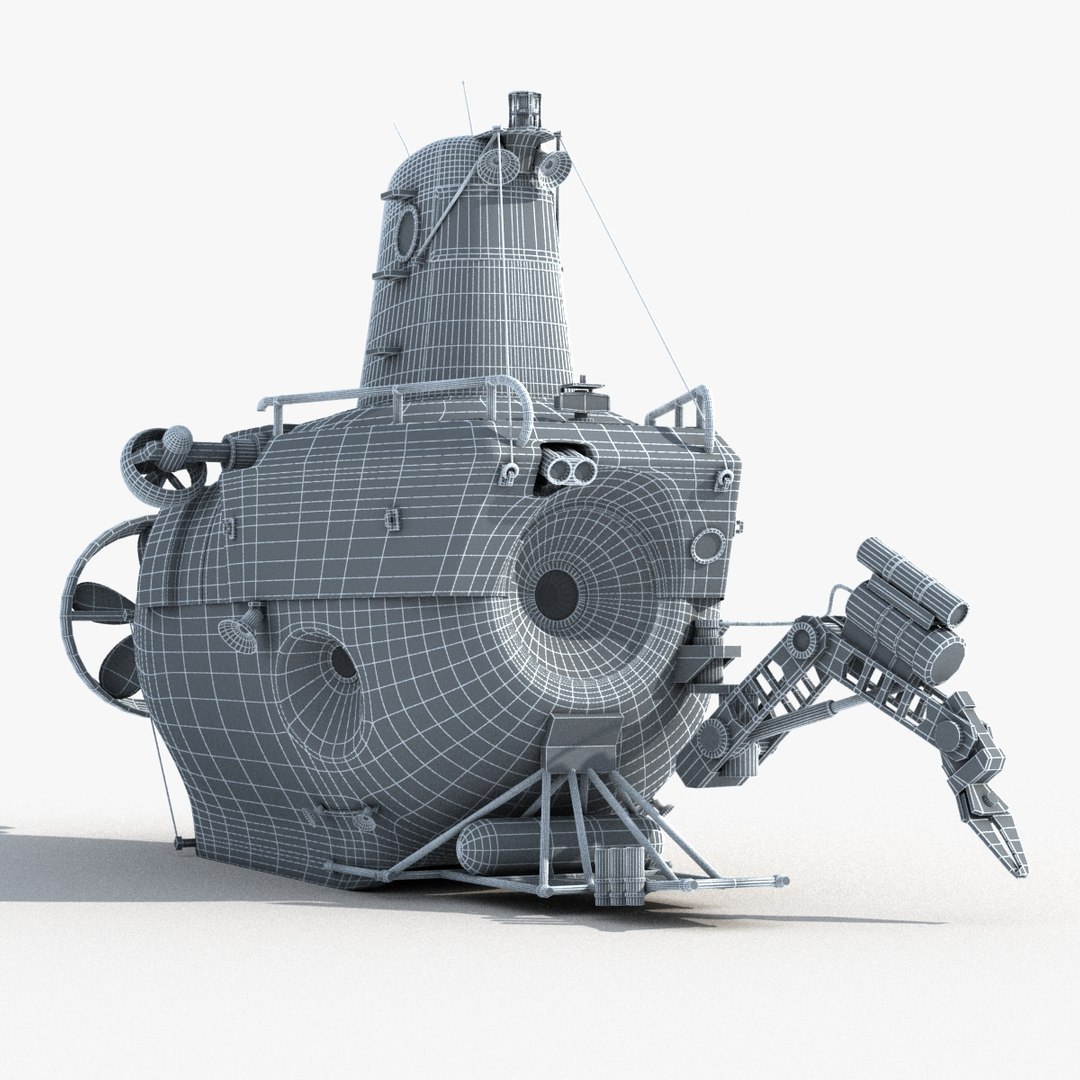
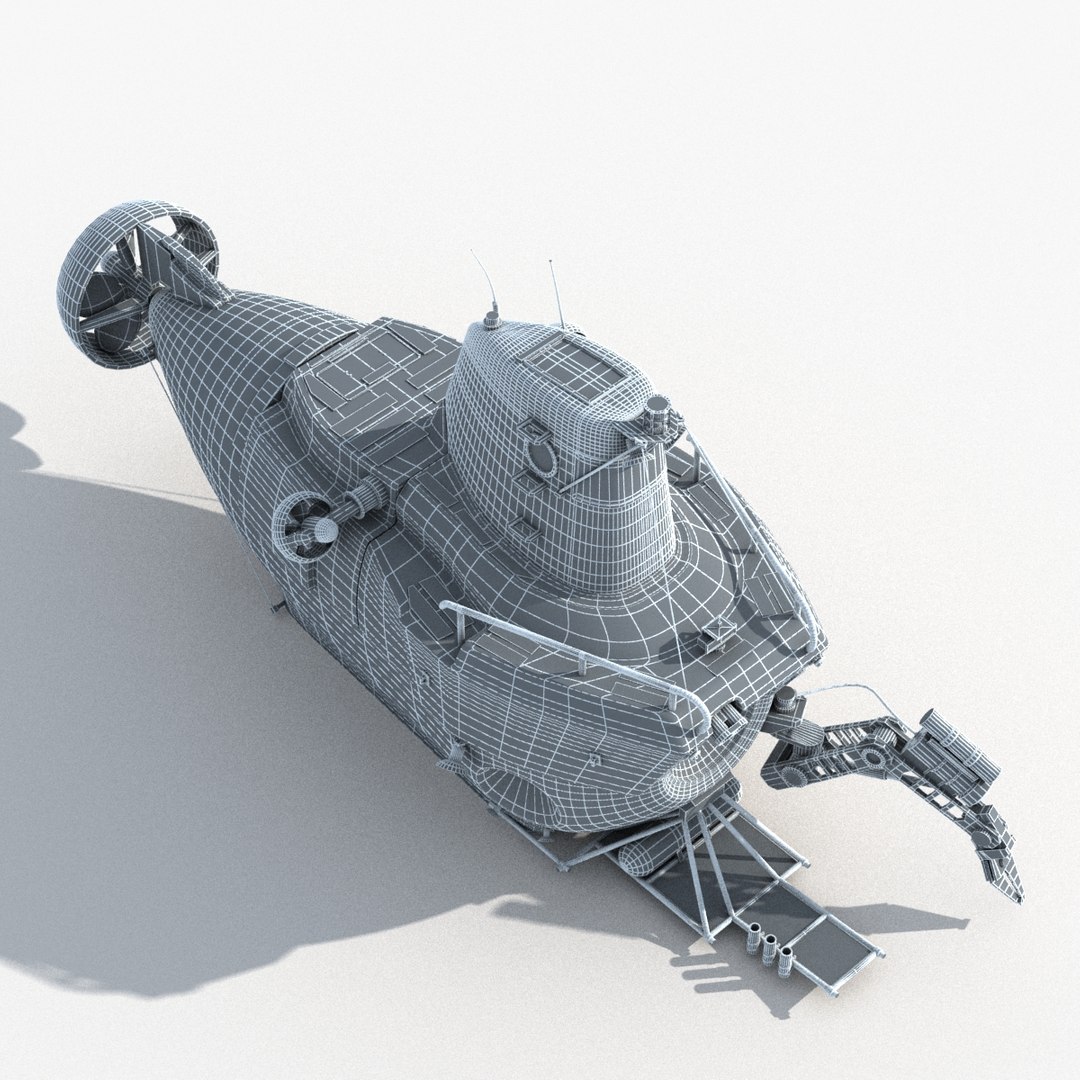
Alvin

$79

Standard License | Upgrade License
Editorial Uses Only
Formats (4)
Free file format Conversions available
Native | 3ds Max 2011 | V-Ray 3
3ds Max 2011 | mental ray
FBX
OBJ
Specifications
Publish Date February 14, 2014
Product ID 800383
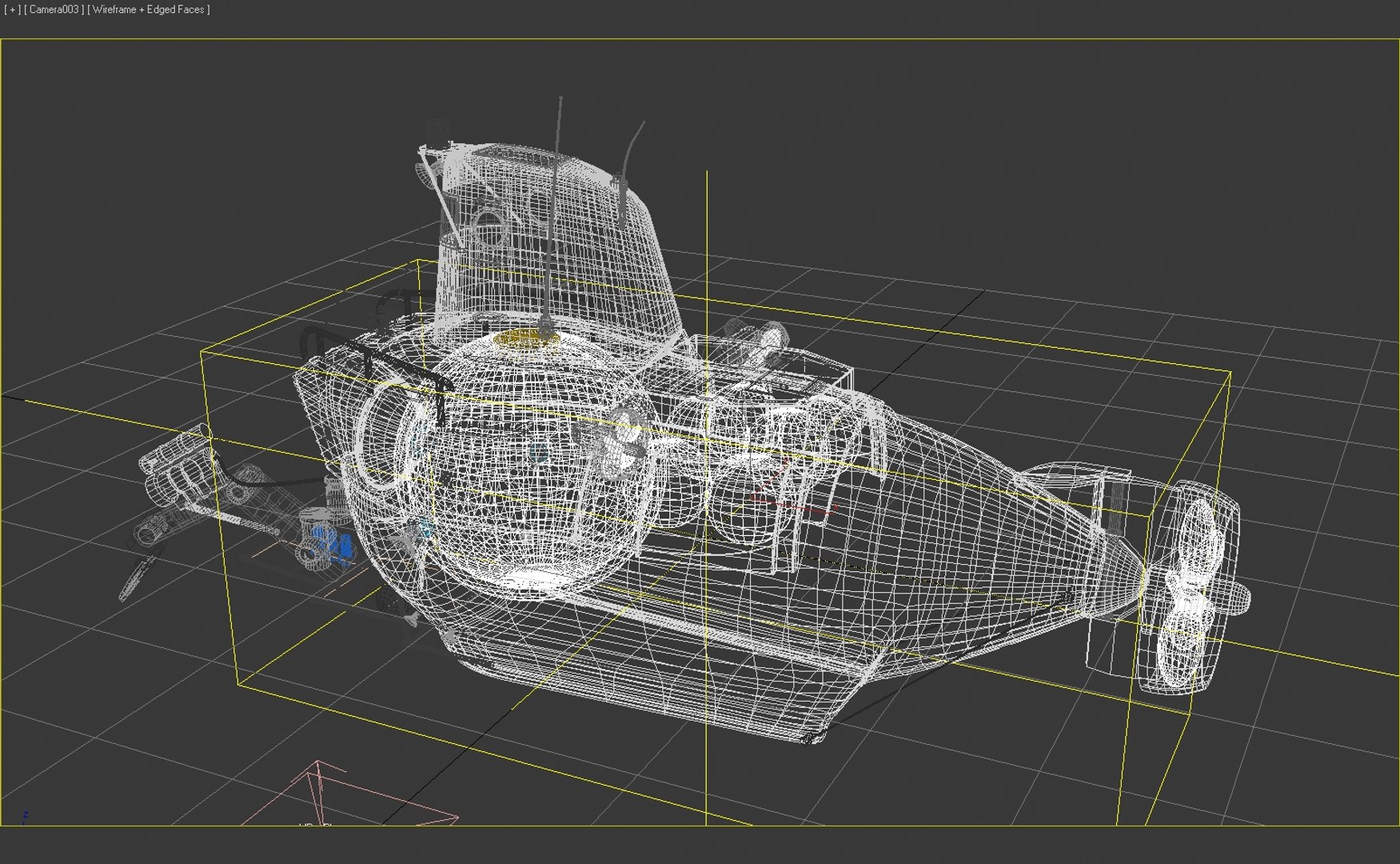
Polygons 38,999
Vertices 39,893
Polygonal Ngons Used
Textures
Materials
UV Mapped
Rigged
TurboSquid Exclusive
member avatar
wdc600
33 Products | Contributor Since 2008
Have questions? Chat with us now.

Description

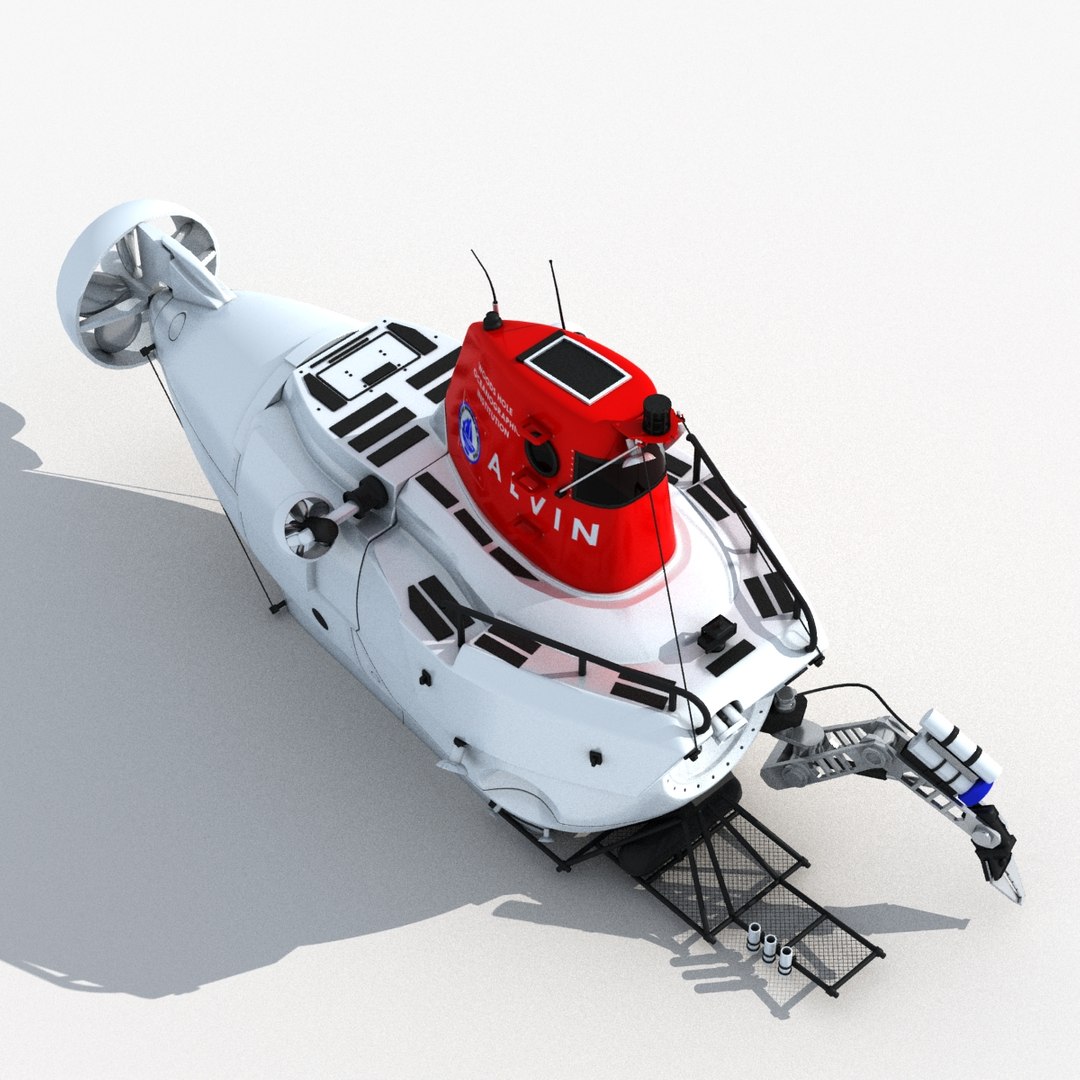
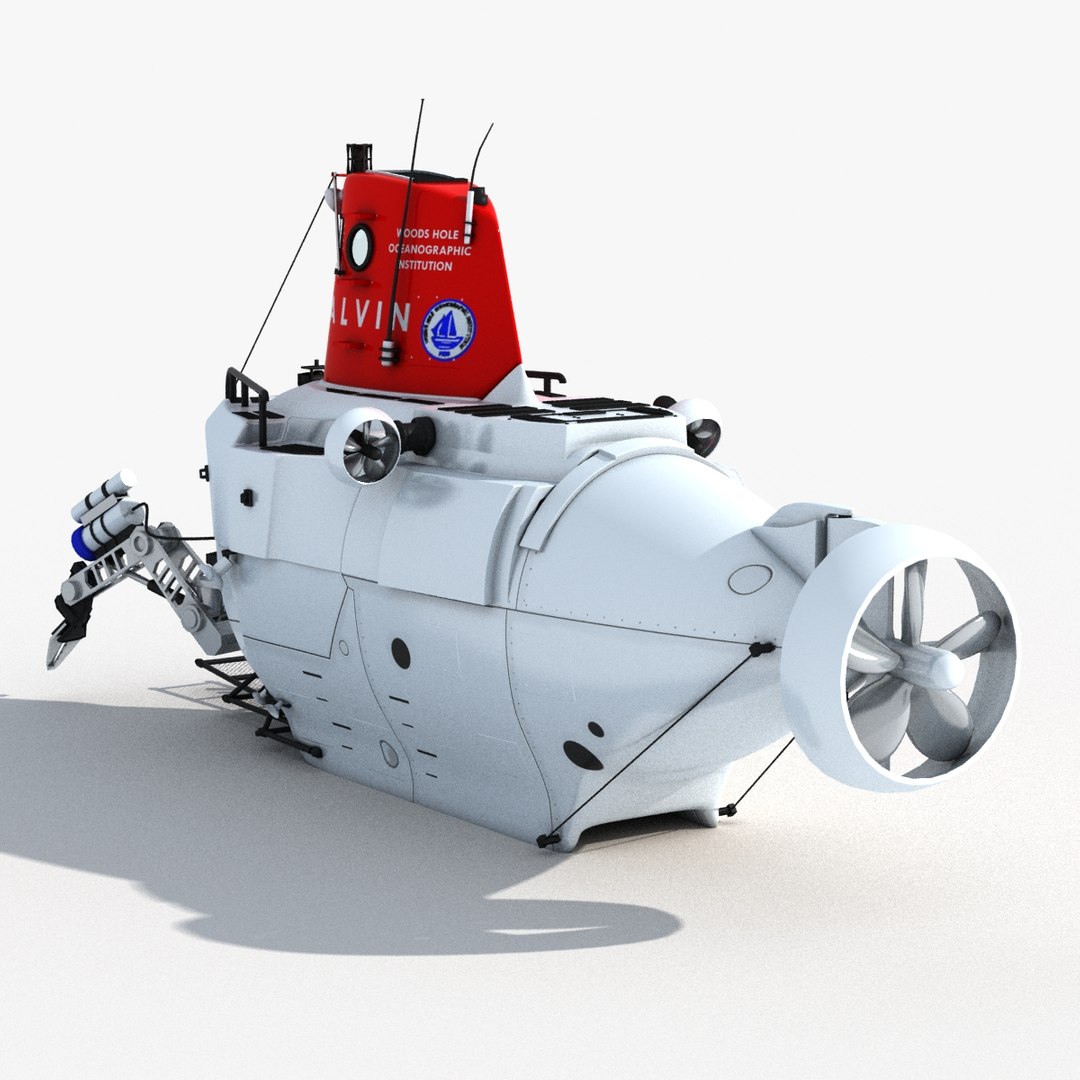
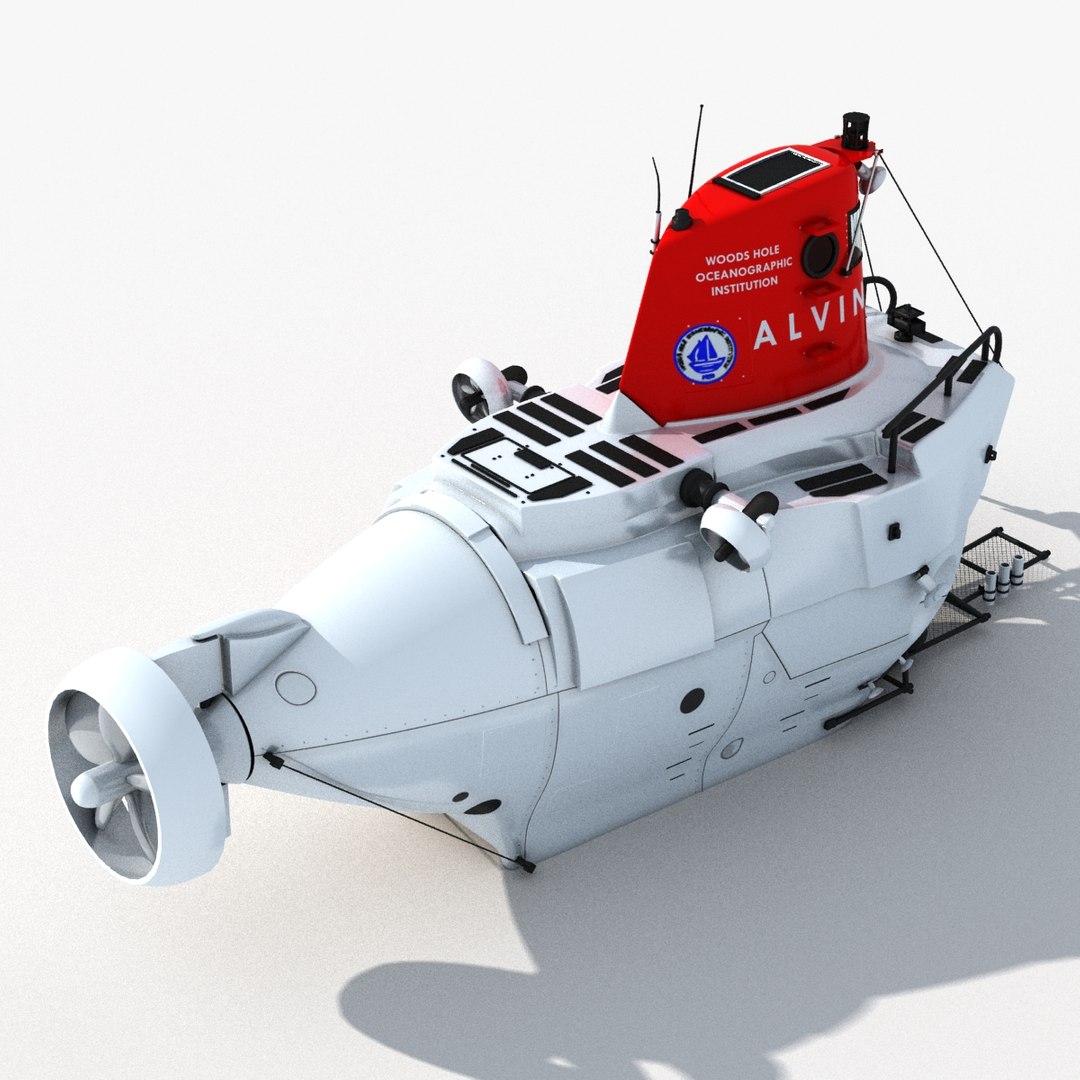
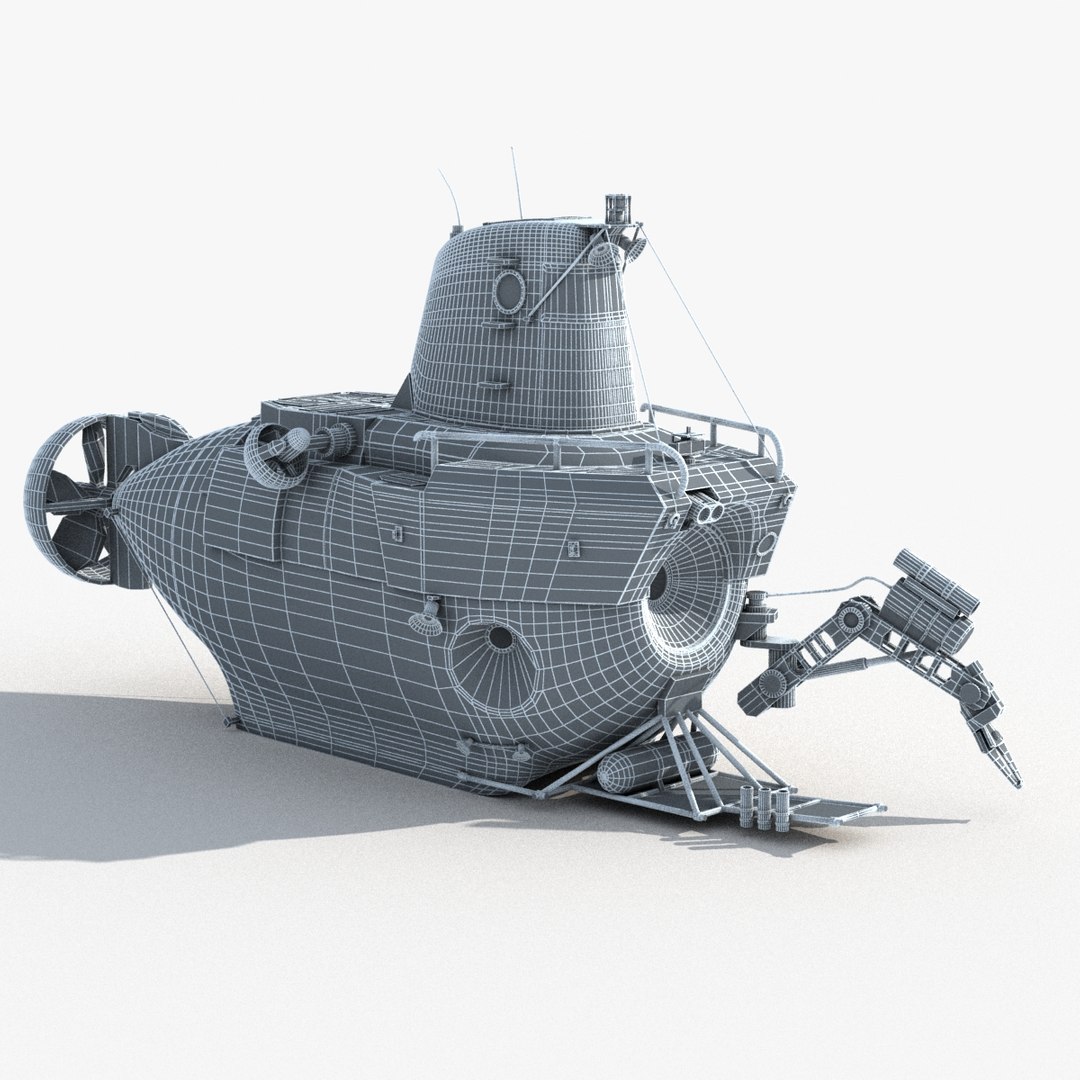
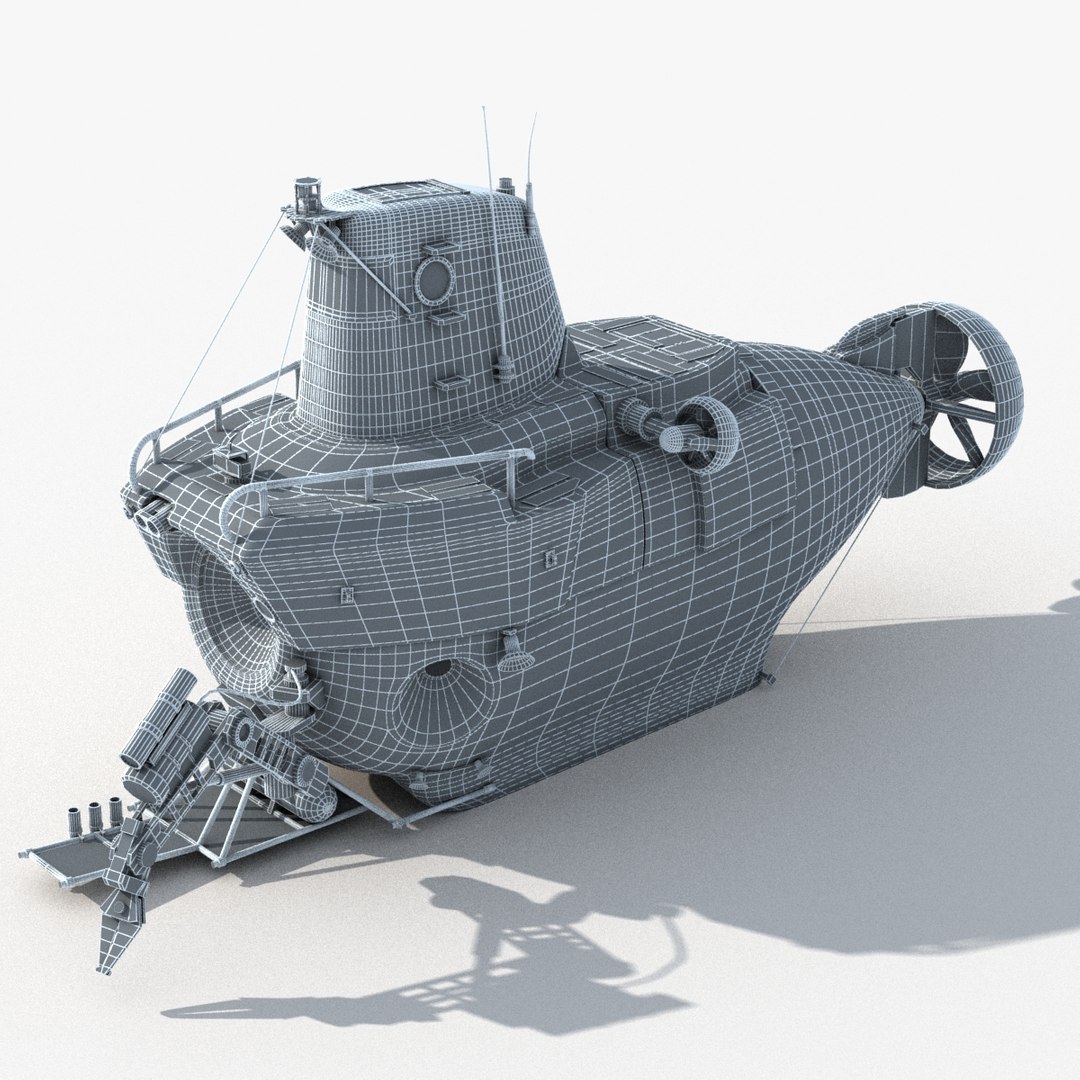
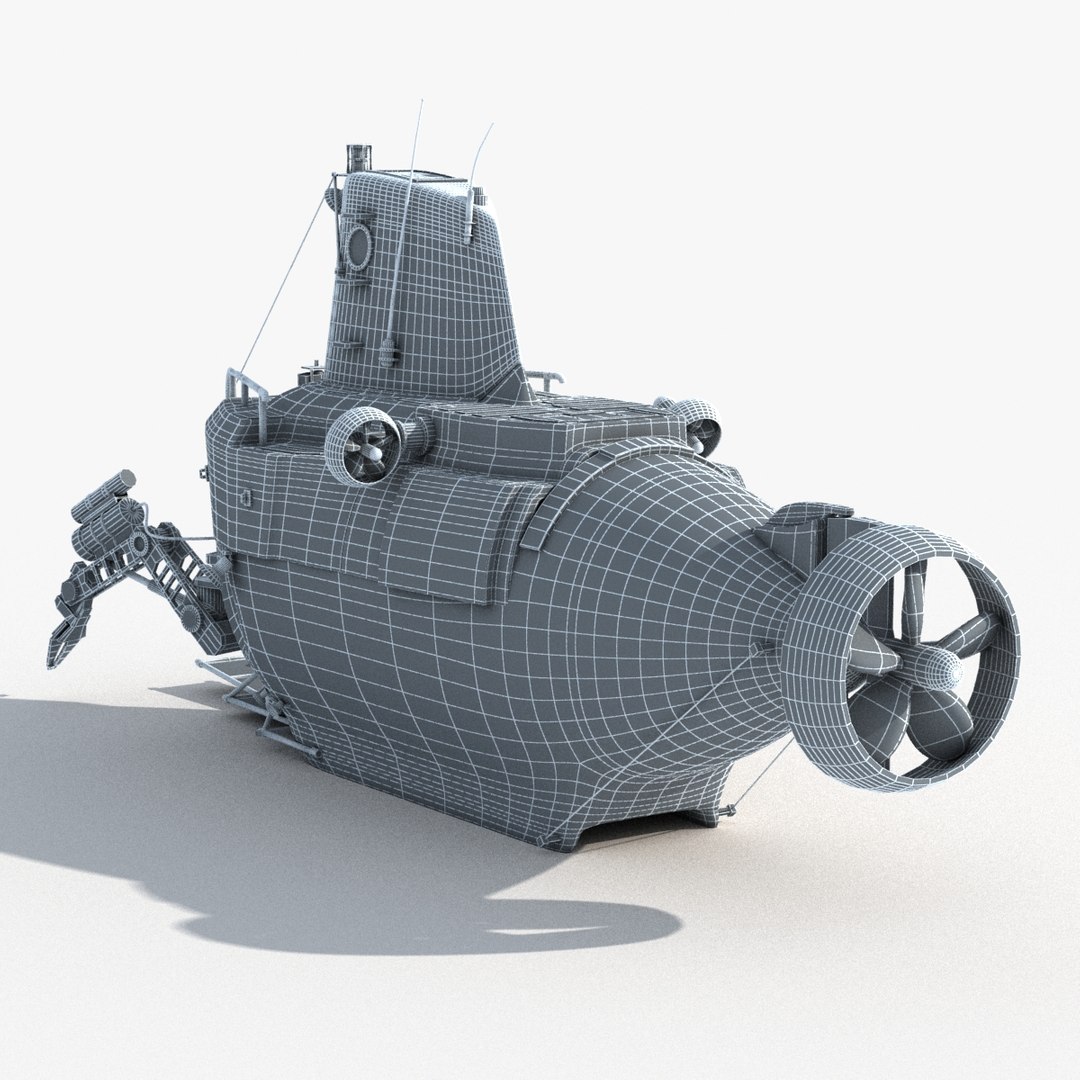
quad poly modeling from pictures
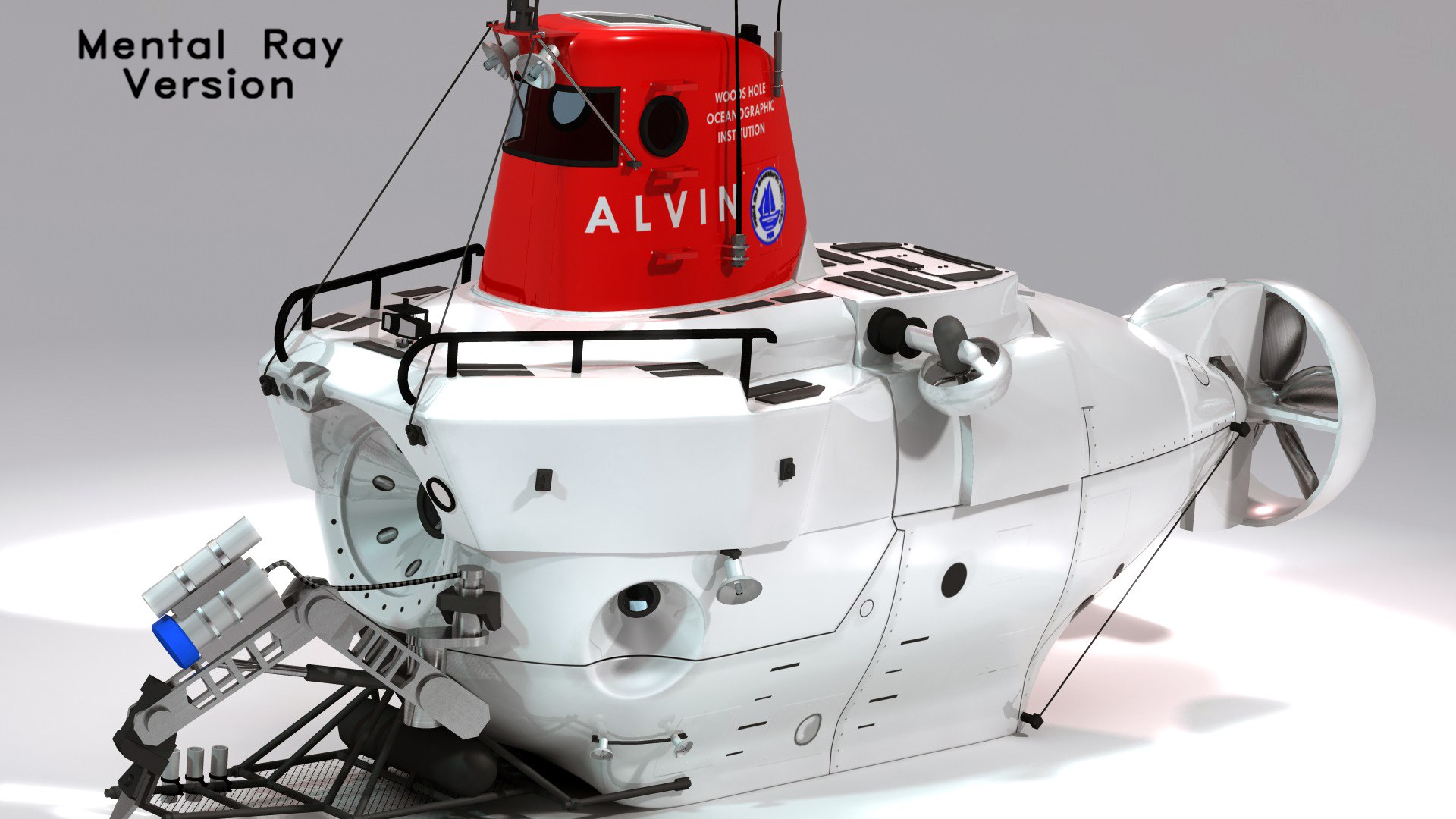
the textures are in the Alvin_Rev01_VRay_Max2011.zip Archive and Alvin_Rev01_MR_Max2011.zip
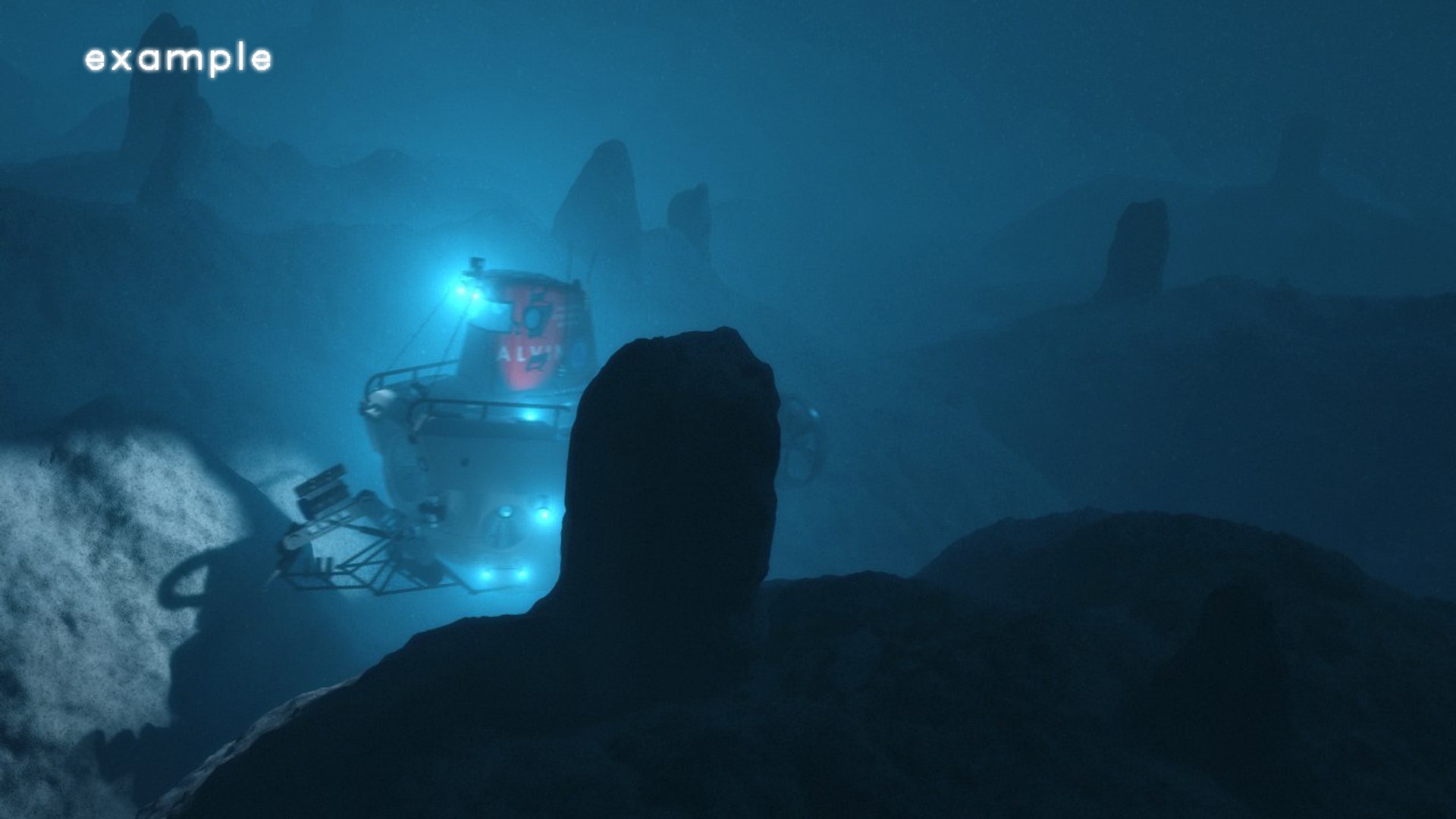
does not include the deep ocean terrain

The changes to Rev01 are:
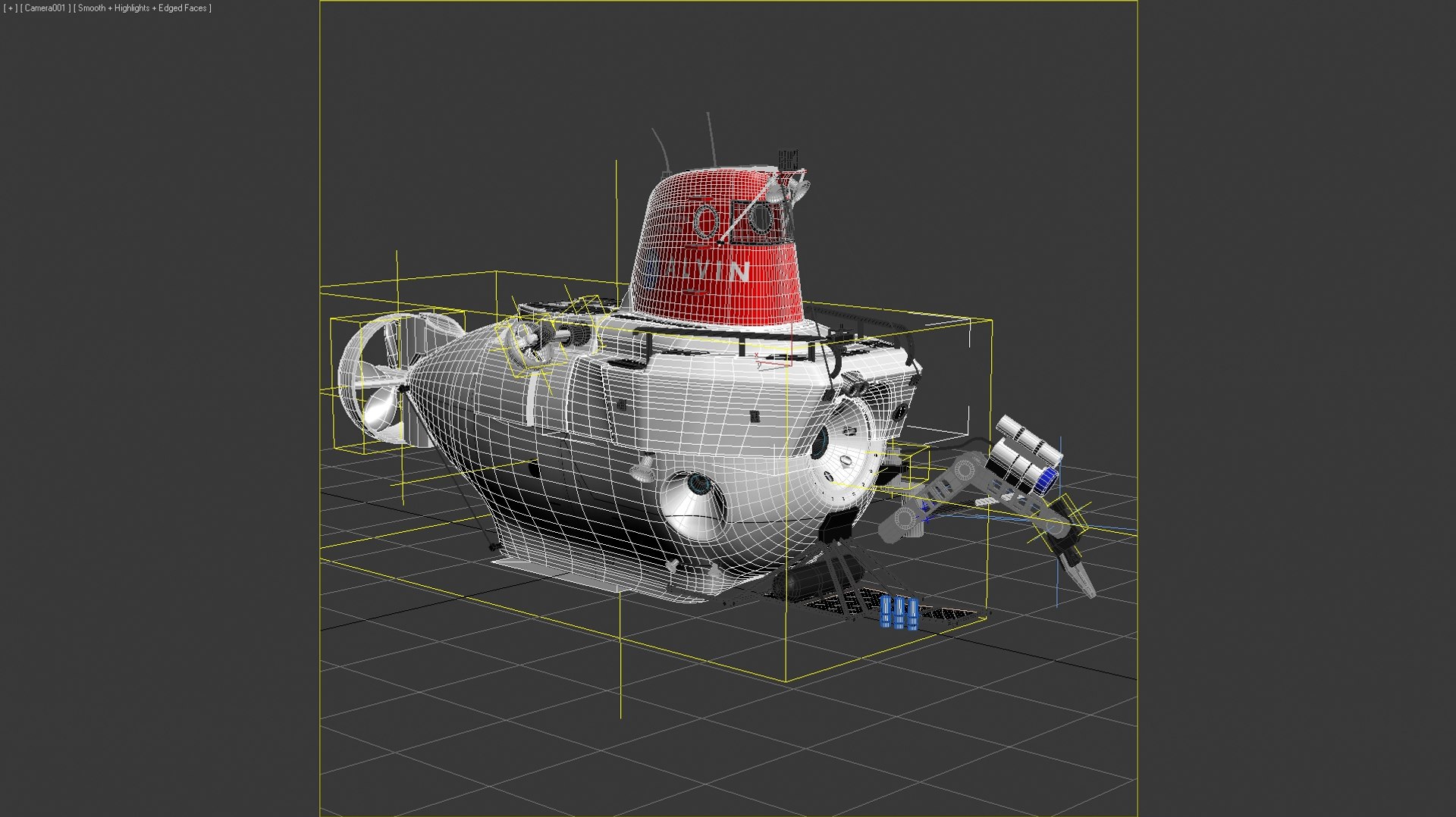
1. Fully rigged now
2. Bitmap Pager disabled (rendering should be very fast now)
3. New object names
4. Cameras, Ground plane and light included
5. All objects are editable poly now for the base mesh

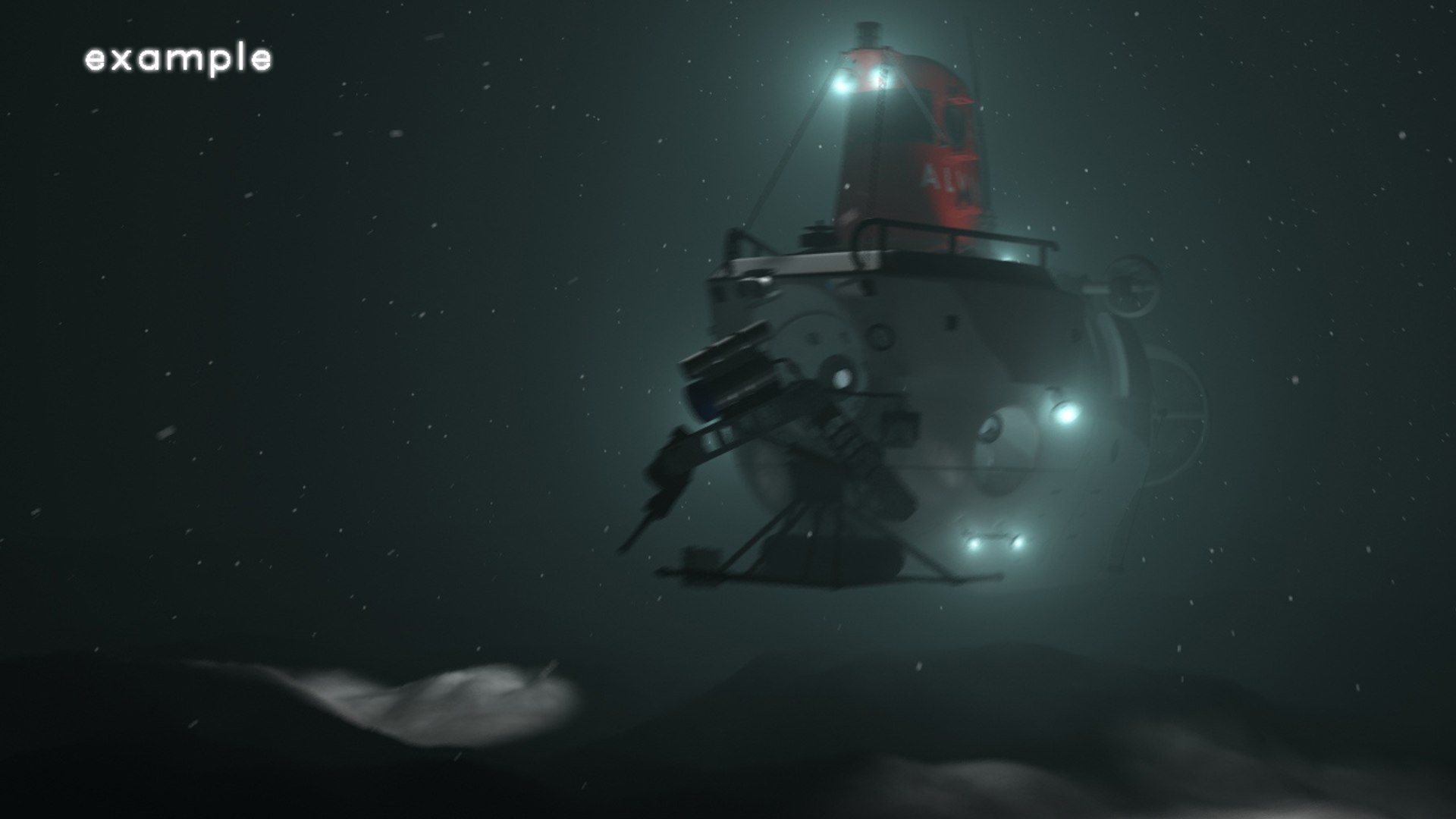
The previews were rendered with VRay (not included) and are direct renderoutput ->
just open the max file and press render (if VRay is available)

The 3Ds Max Versions Rev01 are fully rigged
Two FBX Files are included, one with base mesh only and one inlcusive
instancing and Turbosmooth
The OBJ file contains the base mesh only

The texture sizes are between FullHD and HD resolution

Object List:
Geometry: 99
Shapes: 5
Helpers: 32
Lights: 1
Cameras: 6

38.999 polys, 39.893 vertices
109.910 polys, 69.674 at turbosmooth level 1
348.958 polys, 189.308 at turbosmooth level 2

hope you like it

Select Enhanced License

  • $10,000 in Legal Protection (Indemnification)
  • Uncapped Legal Protection (Indemnification)
  • Waiver from injunctive relief
  • Assignable model rights
  • $1,000,000 in Legal Protection (Indemnification)
  • Waiver from injunctive relief
  • Assignable model rights
  • $250,000 in Legal Protection (Indemnification)
  • Assignable model rights
Read more about enhanced license tiers, or contact us at enterprise@turbosquid.com. Already a Shutterstock Enterprise Customer? Contact your Shutterstock Sales Support Agent to talk about adding 3D.

About Conversion Requests

To submit a conversion request for a purchased asset, please complete our Conversion Request Form.

If you have not yet purchased a model, please review our Documentation about Conversions to learn about what limitations you may encounter with a conversion.

For any additional questions about a model’s suitability for conversion, please contact TurboSquid Support.

Loading...