
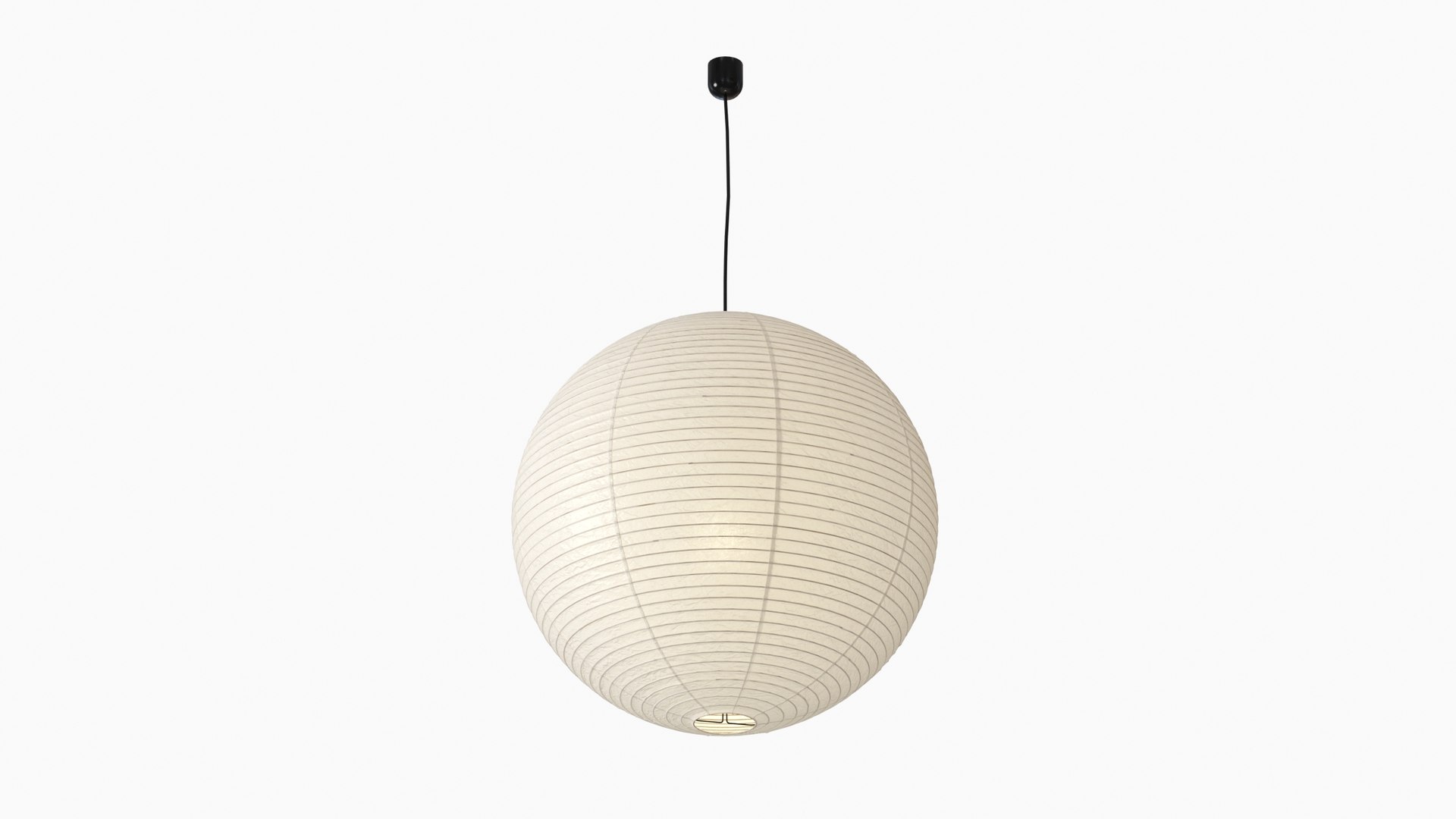
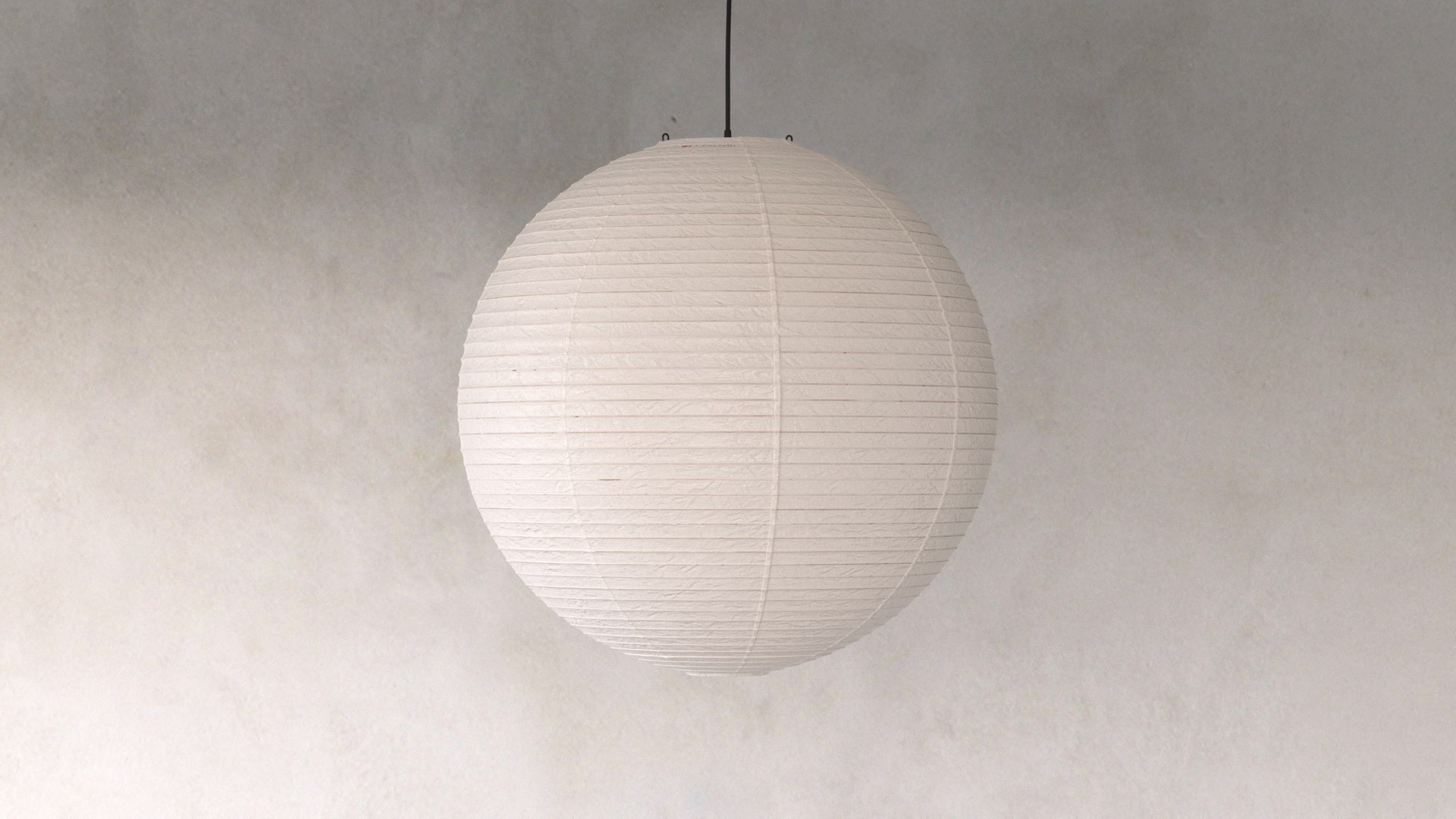
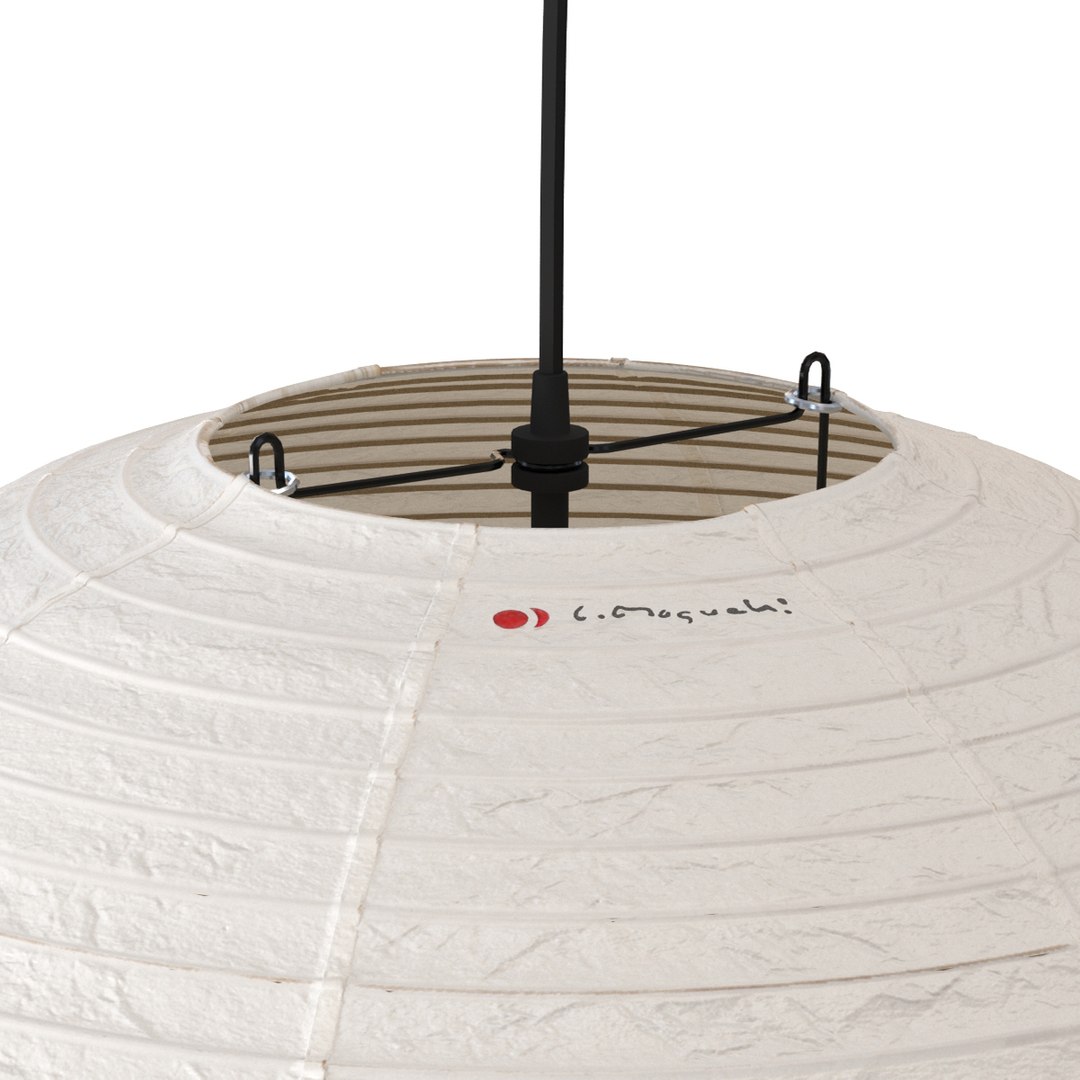
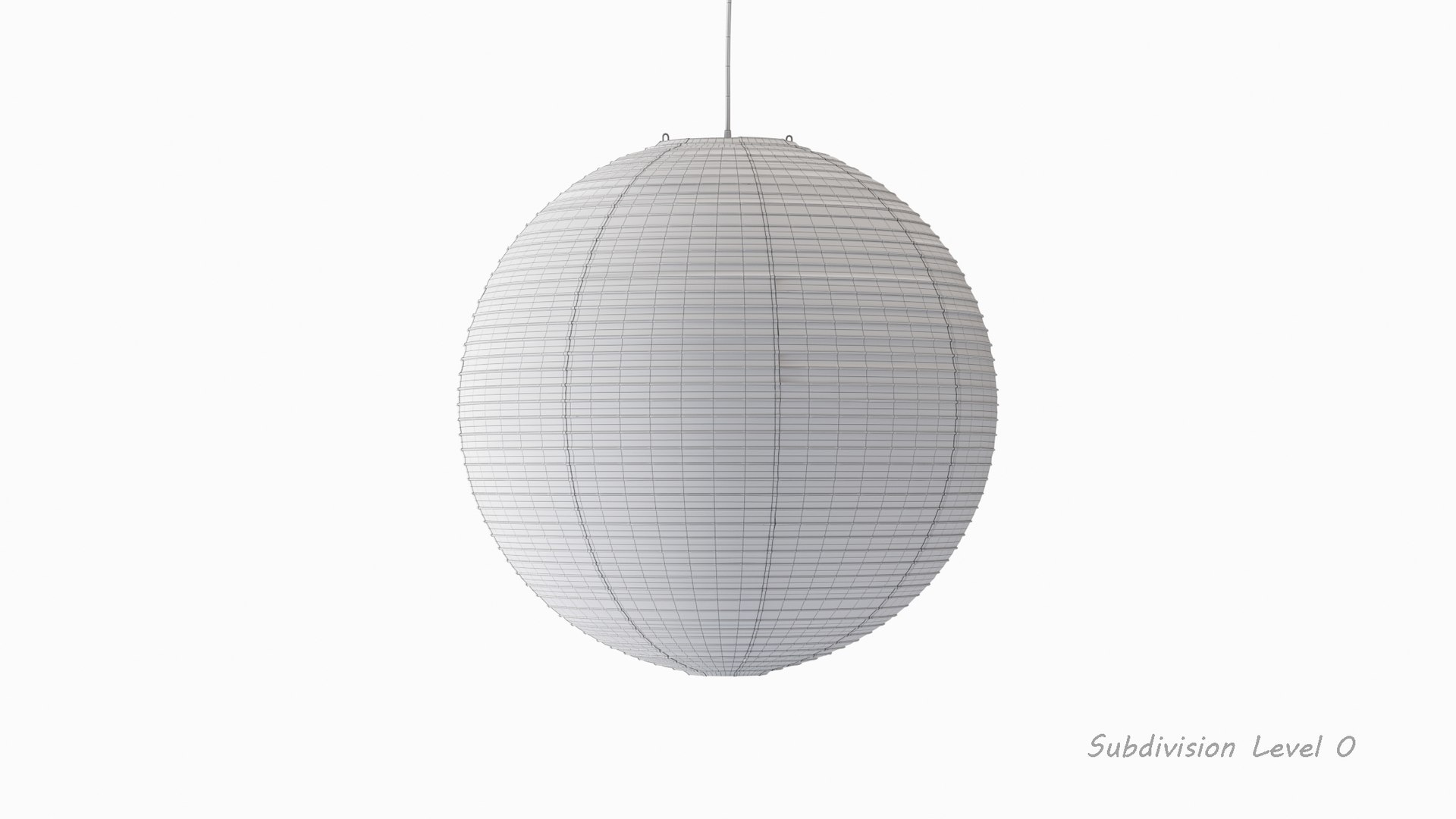
Akari 75A Lamp by Isamu Noguchi

$10

Standard License | Upgrade License
Editorial Uses Only
Formats (3)
Native | 3ds Max 2016 | Corona 8.2
FBX
OBJ
Other Files
Akari_75A.mtl
Specifications
Publish Date December 08, 2023
Product ID 2162608
Polygons 47,115
Vertices 49,159
Polygonal Quads Only
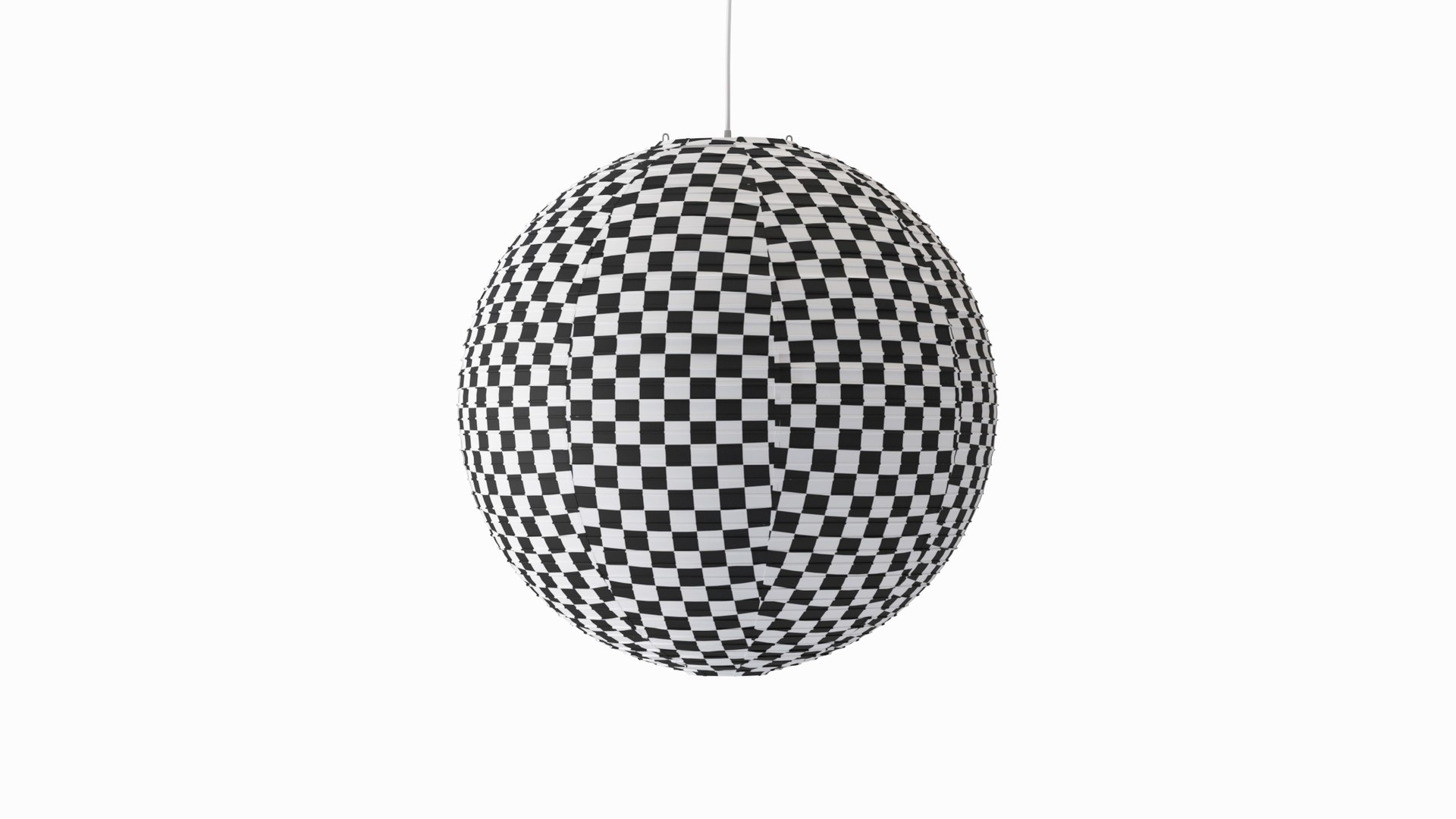
Textures
Materials
UV Mapped
Mixed Unwrapped UVs
member avatar
BAllex
26 Products | Contributor Since 2023
Have questions? Chat with us now.

Description


Modelled to real-world scale (mm.)
Dimensions (XxYxZ): 680mm.x680mm.x750mm.

This model is made for smoothing. It contains 47115 polygons and 49159 vertices without subdivision.
The model in the previews is smoothed with TurboSmooth (1 it.)
TurboSmooth is deleted from the stack, so you should add it for smoothing.
The mesh has no Tris, no NGons, no Poles, no Overlapping vertices, and no Overlapping Faces.

This model comprises ten parts that are grouped for easy manipulation.
Model is at the origin, and its Pivot is at the topmost point of the model.
The light source inside the lampshade is CoronaLight.
All objects, textures and materials have their own names.
The model is on the appropriate layer.

Previews are rendered with 3Ds Max and Corona Renderer.
This model contains Corona Physical Materials only (Roughness & Metallic Workflow).

Total count of texture files: 9
7 baked textures 4096x4096.
2 textures 1024x1024.
Textures are in PNG format.

For any questions about this product, feel free to email me.

Select Enhanced License

  • $10,000 in Legal Protection (Indemnification)
  • Uncapped Legal Protection (Indemnification)
  • Waiver from injunctive relief
  • Assignable model rights
  • $1,000,000 in Legal Protection (Indemnification)
  • Waiver from injunctive relief
  • Assignable model rights
  • $250,000 in Legal Protection (Indemnification)
  • Assignable model rights
Read more about enhanced license tiers, or contact us at enterprise@turbosquid.com. Already a Shutterstock Enterprise Customer? Contact your Shutterstock Sales Support Agent to talk about adding 3D.

About Conversion Requests

To submit a conversion request for a purchased asset, please complete our Conversion Request Form.

If you have not yet purchased a model, please review our Documentation about Conversions to learn about what limitations you may encounter with a conversion.

For any additional questions about a model’s suitability for conversion, please contact TurboSquid Support.

Loading...