
AirPods

$10

Standard License | Upgrade License
Editorial Uses Only
Formats (1)
Native | 3ds Max 2022 | V-Ray 6
Other Files
Airpods Max_Opacity_Diffuse.png Airpods Max_Body_Reflection.png Airpods Max_Body_Diffuse.png Inner-Fabric.png Airpods Max_Body_Glossiness.png Texture-Right.png Texture-Left.png Airpods Max_Opacity_Normal.png Airpods Max_Body_Normal.png Fabric.png Grayscale.png Airpods Max_Opacity_ior.png Airpods Max_Body_ior.png Airpods Max_Opacity_Glossiness.png Top-fabric.png Texture-Right-Alpha.png Airpods Max_Opacity_Reflection.png Airpods Max_Body_Height.png Texture-Left-Alpha.png Airpods Max_Opacity_Height.png
Specifications
Publish Date April 19, 2024
Product ID 2218426
Polygons 83,844
Vertices 84,572
Polygonal Quads Only
Textures
Materials
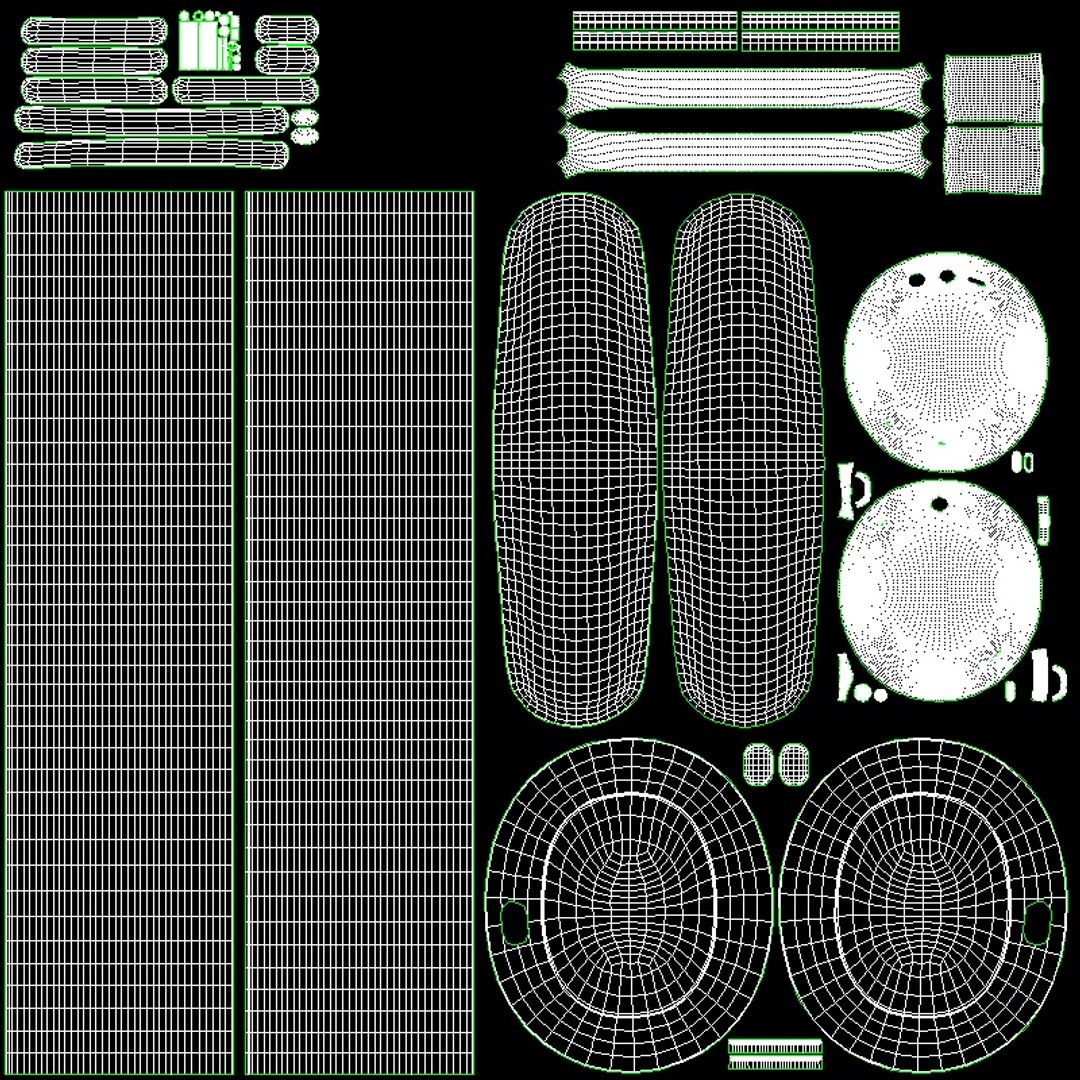
UV Mapped
Non-overlapping Unwrapped UVs
Animated
TurboSquid Exclusive
member avatar
if is Juwel
5 Products | Contributor Since 2022
Have questions? Chat with us now.

Description

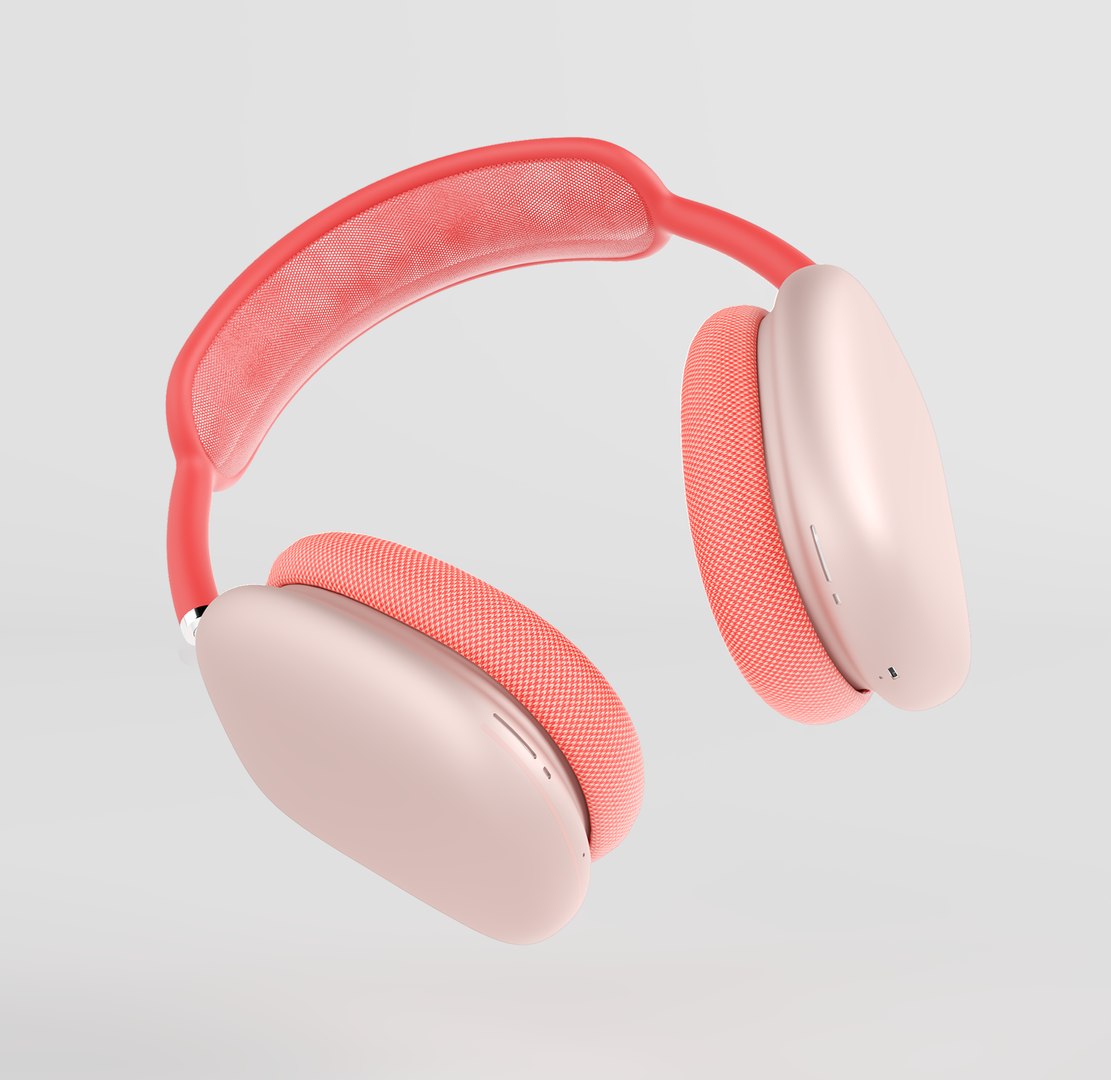
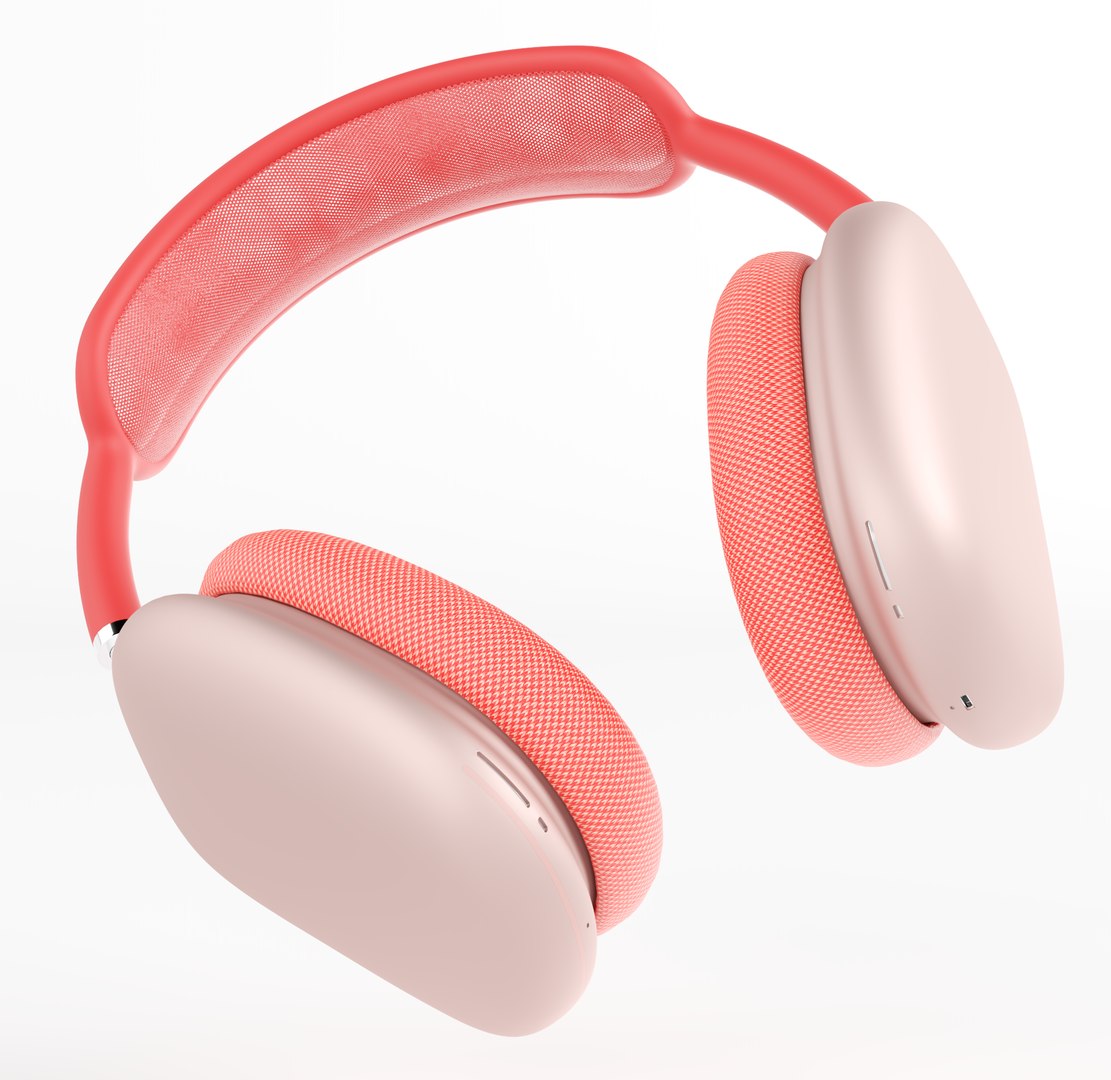
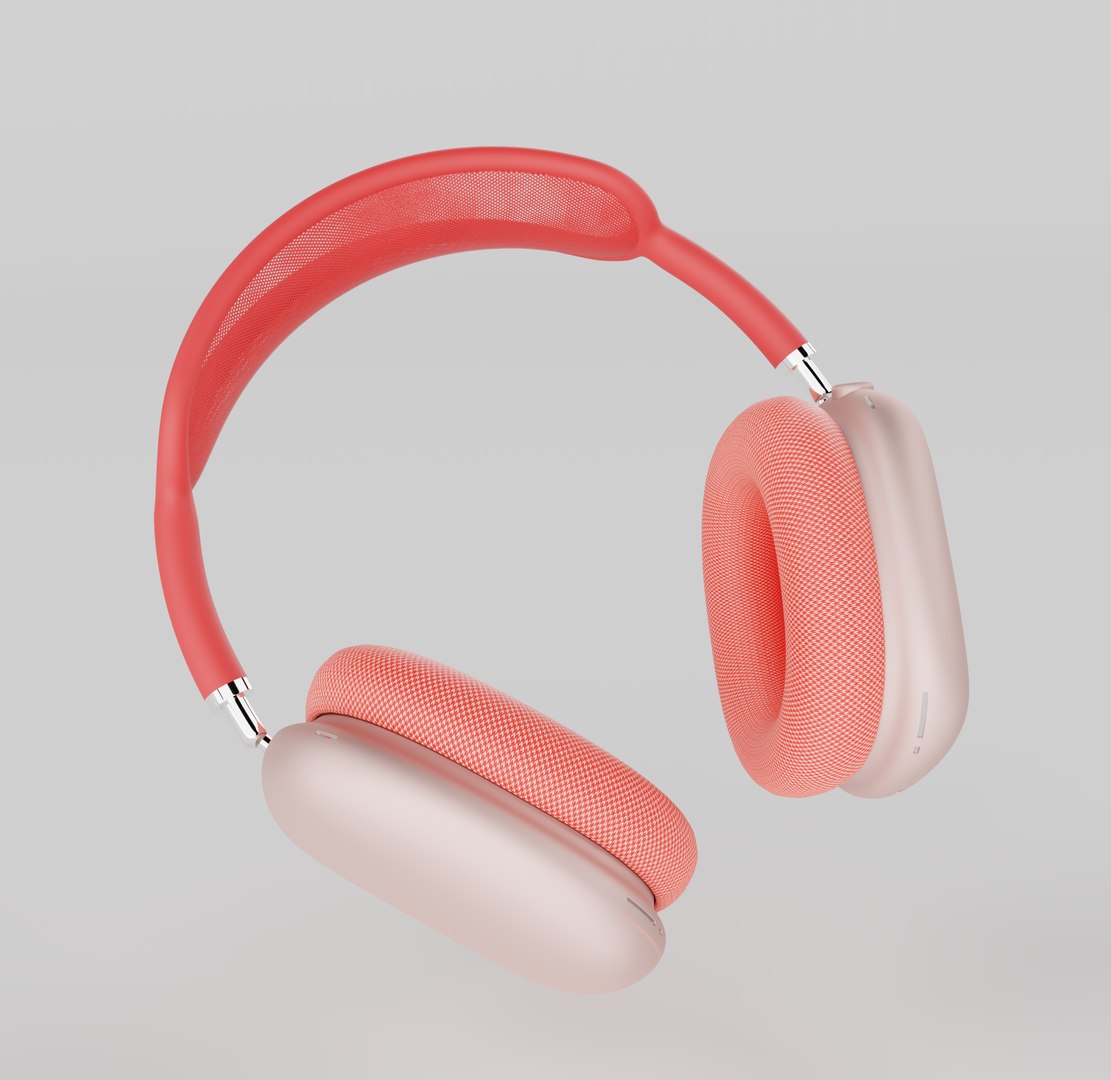
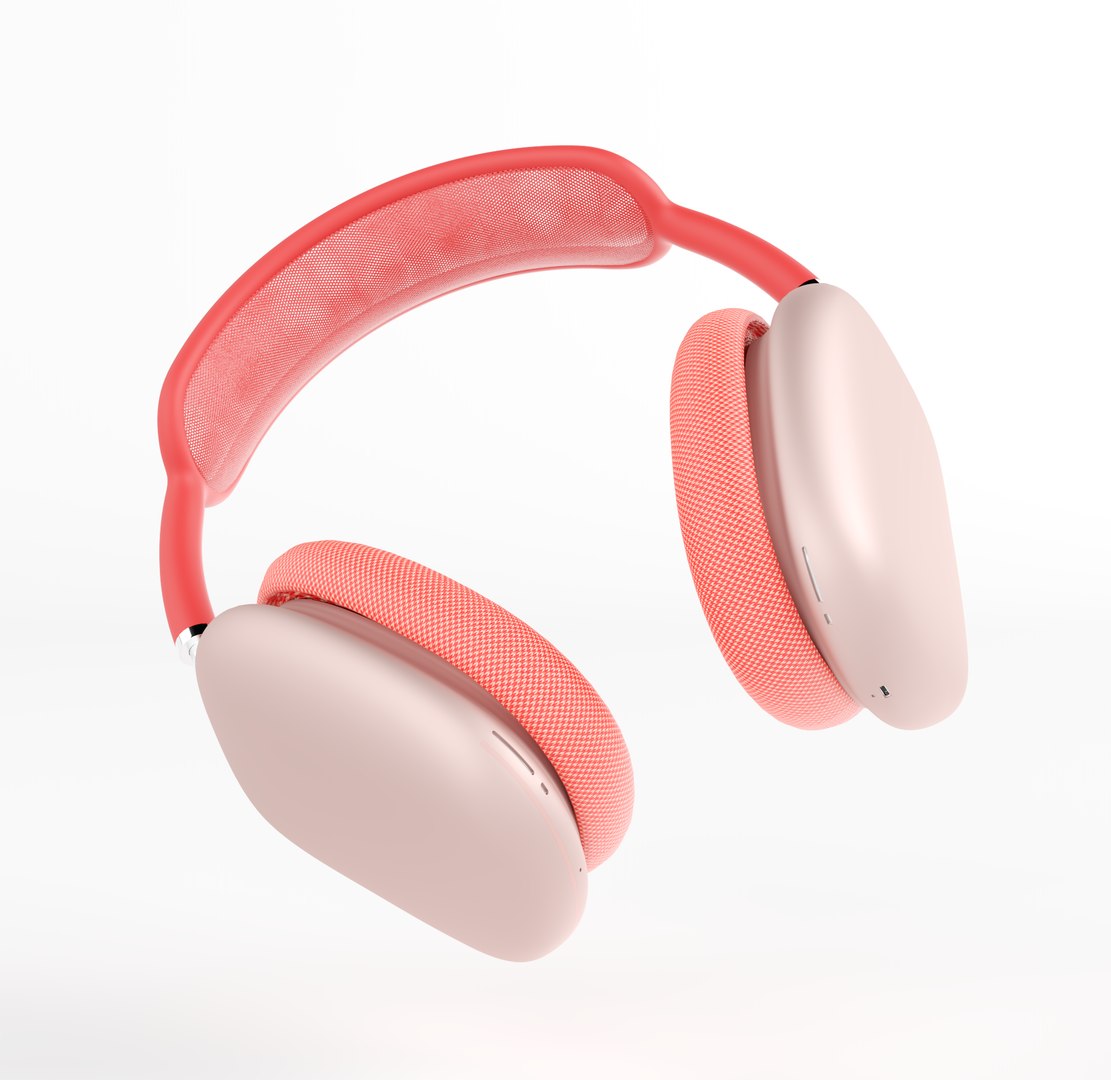
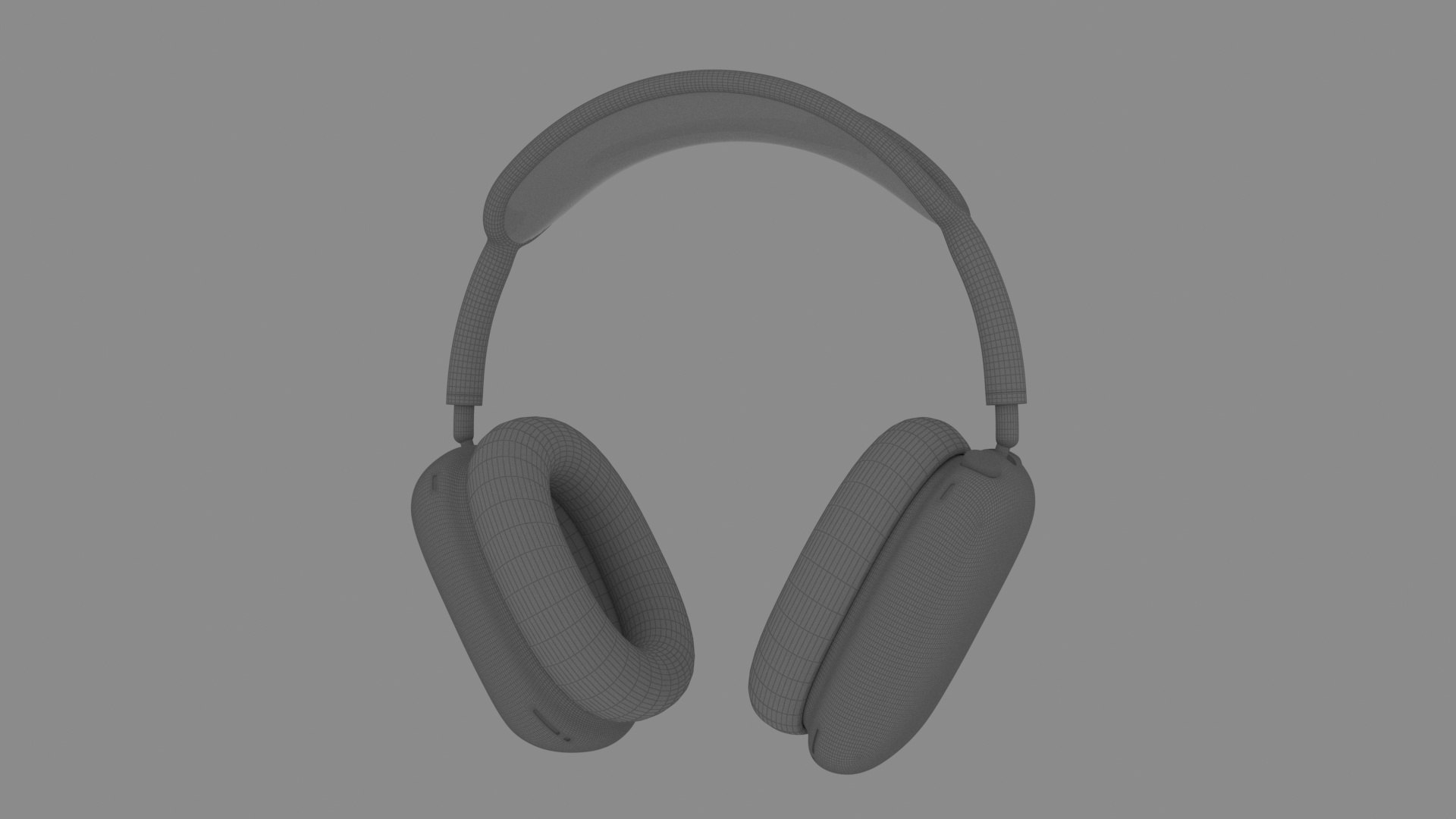
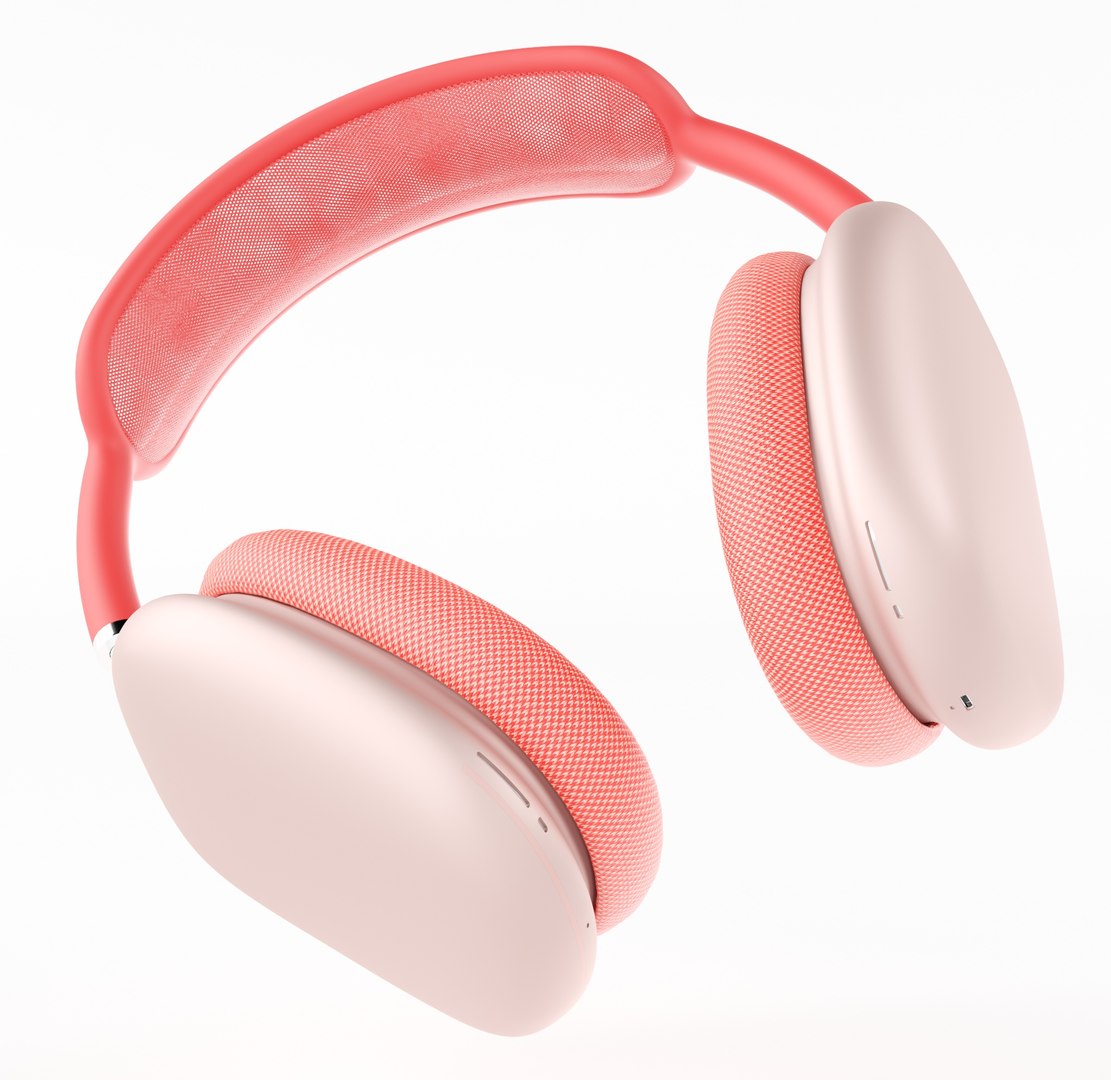
Realistic (copy) 3d model of Apple AirPods MAX.

This set:
The model given is easy to use
- 1 file obj standard
- 1 file 3ds Max 2022 vray material
- 1 file of 3Ds
How to use it?


3. Select Install Location
4. Click on the import inside the Element3D Installation location
5. Select my .e3d according to the model and click on the open button.

If you do not see the model, do not forget to right click on the model name and press the replace model select.


Topology of geometry:

- forms and proportions of The 3D model
- the geometry of the model was created very neatly
- there are no many-sided polygons
- detailed enough for close-up renders
- the model optimized for turbosmooth modifier
- Not collapsed the turbosmooth modified
- apply the Smooth modifier with a parameter to get the desired level of detail


Materials and Textures:

- 3ds max files included Vray-Shaders
- file e3d full set of materials
- all texture paths are cleared


Organization of scene:

- to all objects and materials
- real-world size (system units - mm)
- coordinates of the location of the model in space (x0, y0, z0)
- does not contain extraneous or hidden objects (lights, cameras, shapes, etc.)


Excellent renders to you!

Select Enhanced License

  • $10,000 in Legal Protection (Indemnification)
  • Uncapped Legal Protection (Indemnification)
  • Waiver from injunctive relief
  • Assignable model rights
  • $1,000,000 in Legal Protection (Indemnification)
  • Waiver from injunctive relief
  • Assignable model rights
  • $250,000 in Legal Protection (Indemnification)
  • Assignable model rights
Read more about enhanced license tiers, or contact us at enterprise@turbosquid.com. Already a Shutterstock Enterprise Customer? Contact your Shutterstock Sales Support Agent to talk about adding 3D.

About Conversion Requests

To submit a conversion request for a purchased asset, please complete our Conversion Request Form.

If you have not yet purchased a model, please review our Documentation about Conversions to learn about what limitations you may encounter with a conversion.

For any additional questions about a model’s suitability for conversion, please contact TurboSquid Support.

Loading...