
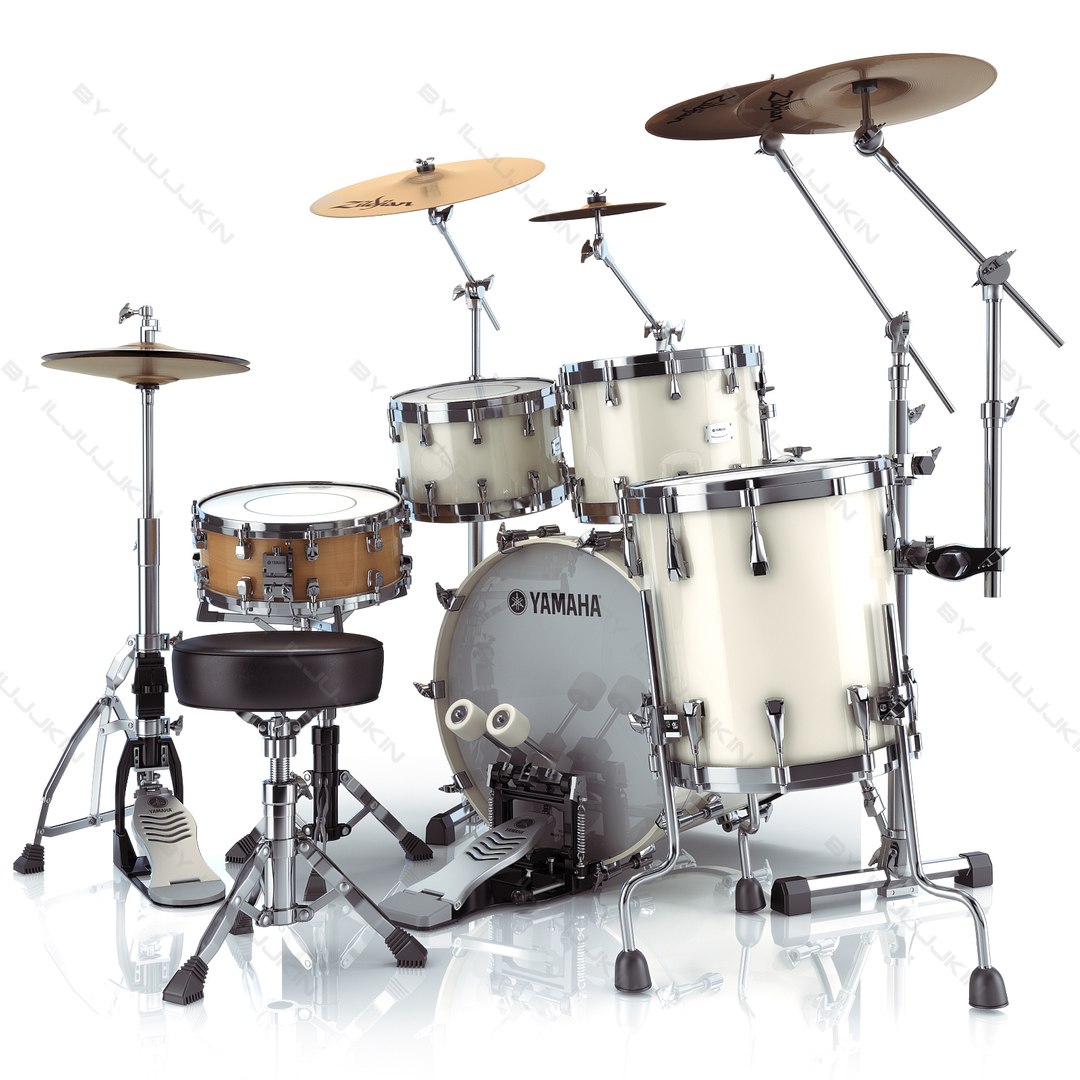
Acoustic Drum Kit Yamaha Absolute Birch

$99

Standard License | Upgrade License
Editorial Uses Only
Formats (8)
Native | 3ds Max 2009 | Default Scanline and Vray
Maya 2001 | Default Scanline
Lightwave - | Default Scanline
3ds Max 2009 | Default Scanline and Vray
OBJ
FBX
3D Studio
Other Files
Drums_Yamaha_Absolute_Birch_hq.zip Drums_Yamaha_Absolute_Birch_tex.rar
Specifications
Publish Date September 16, 2010
Product ID 556792
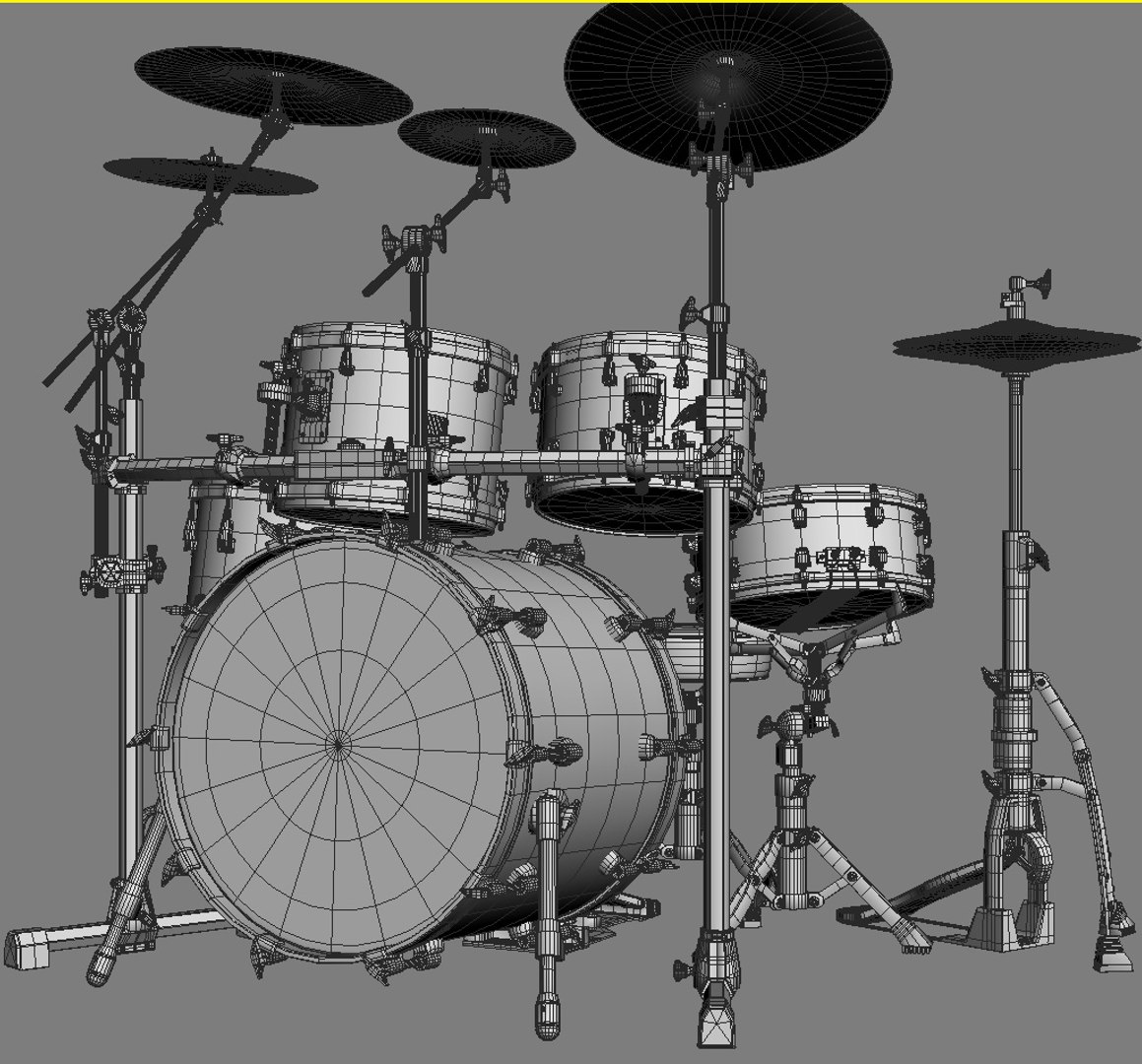
Polygons 674,000
Vertices 712,000
Polygonal
Textures
Materials
UV Mapped
Mixed Unwrapped UVs
TurboSquid Exclusive

member avatar
iljujjkin
2330 Products | Contributor Since 2009
Have questions? Chat with us now.

Description

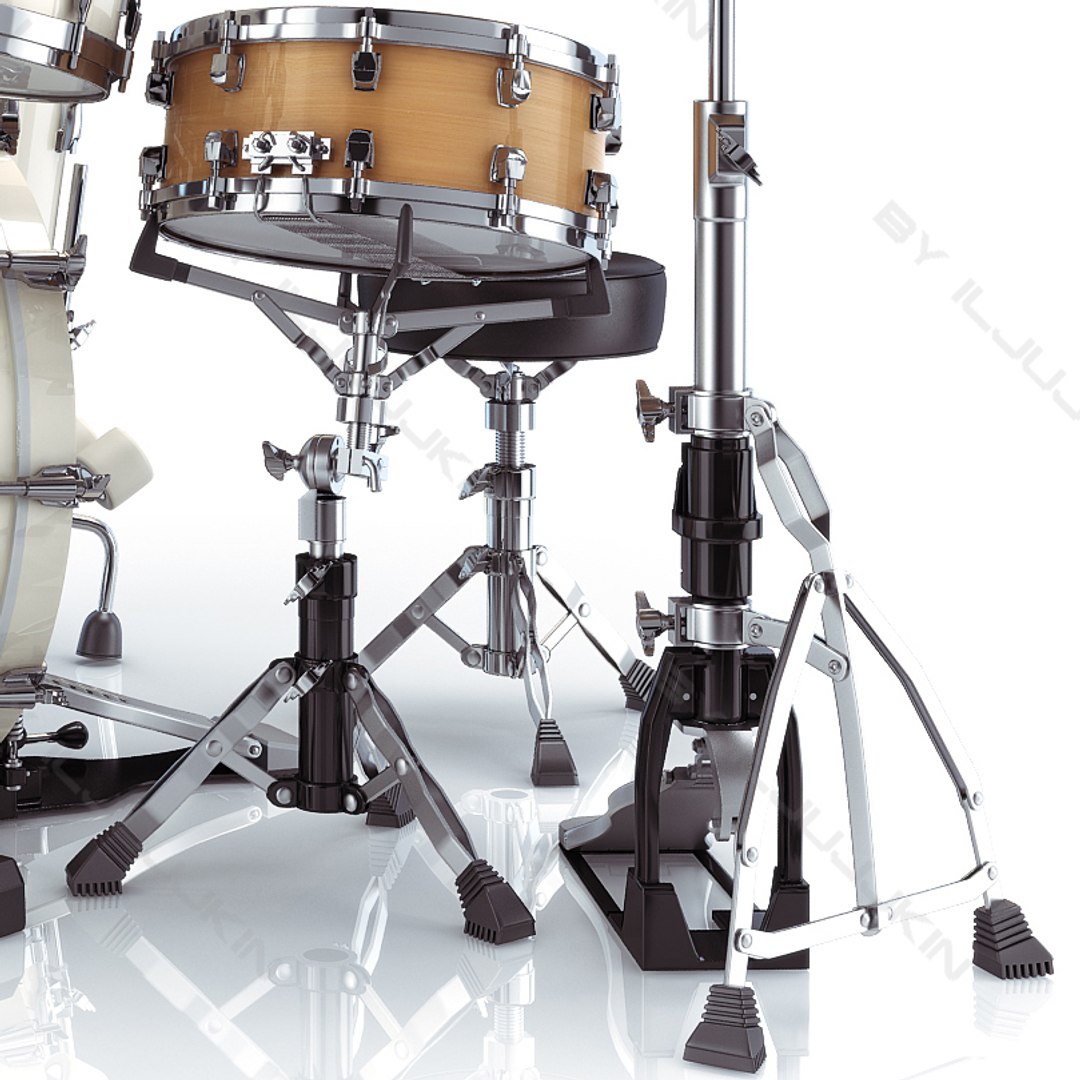
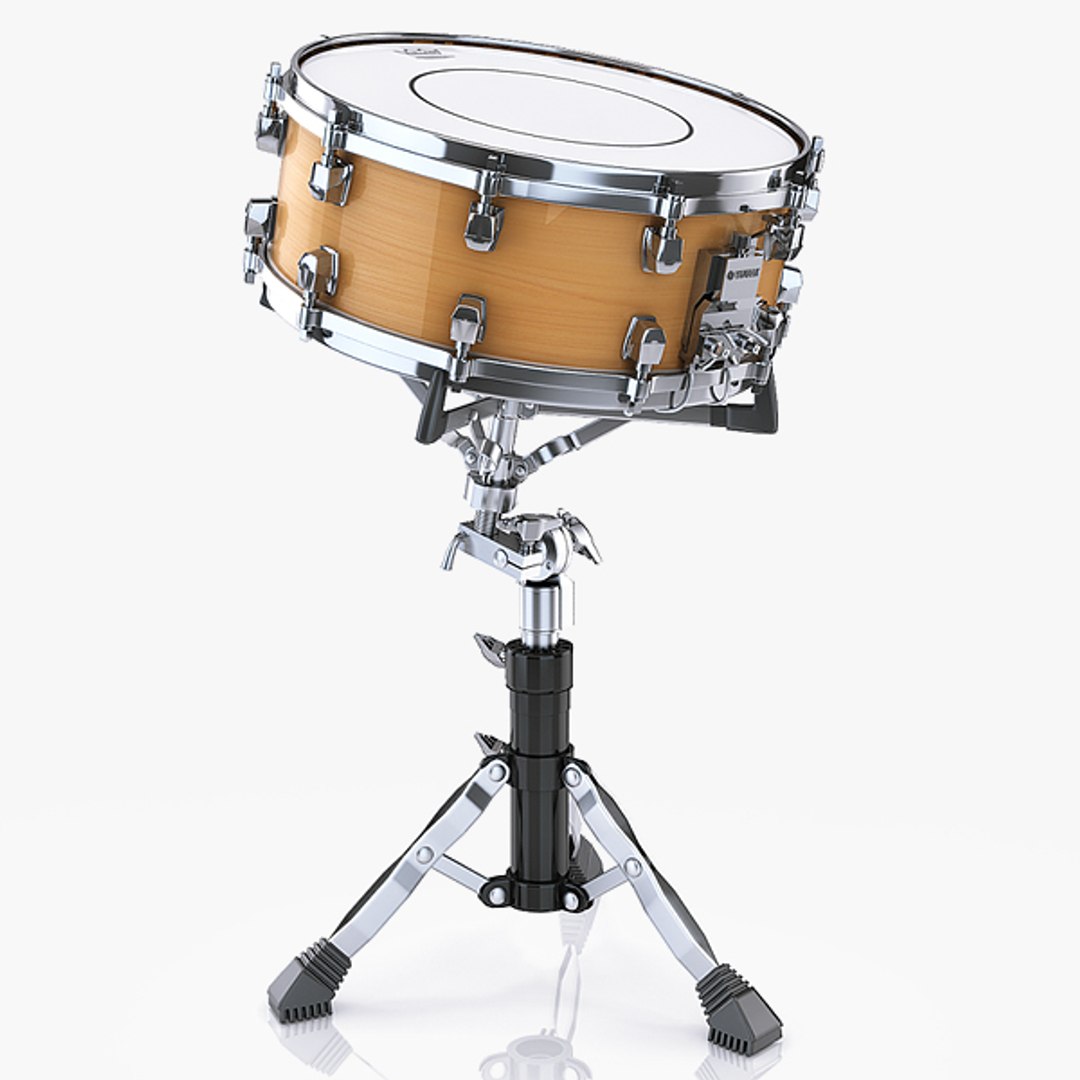
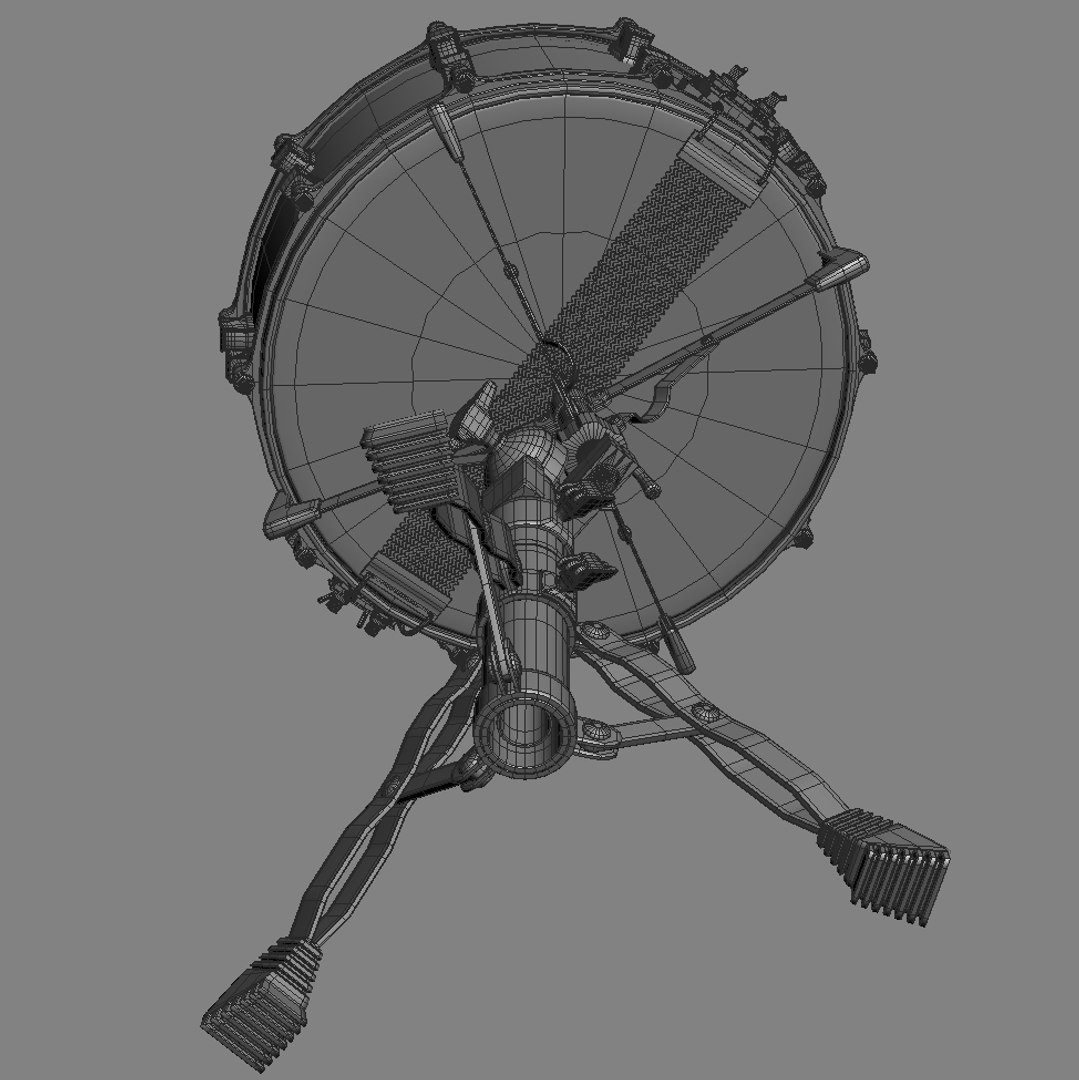
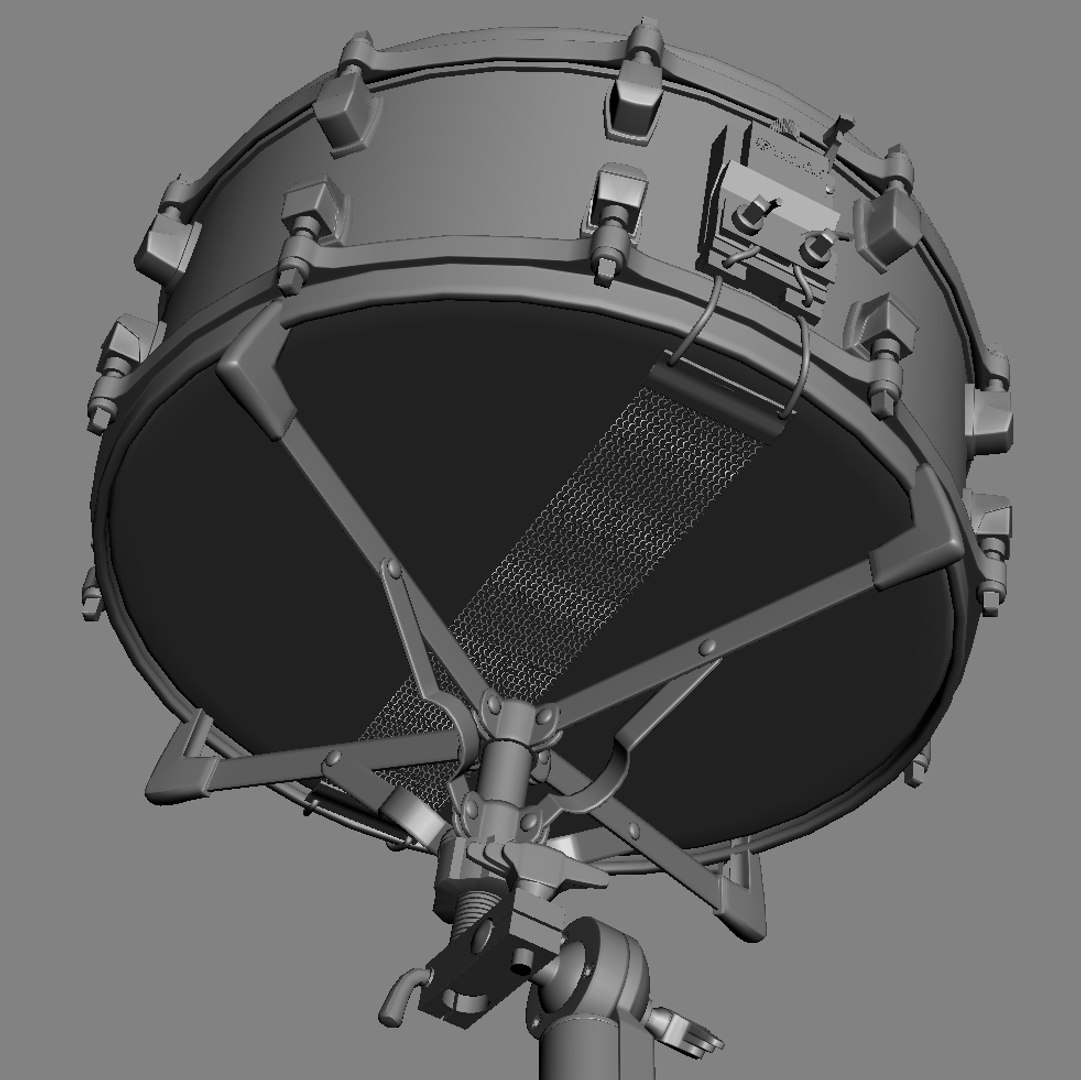
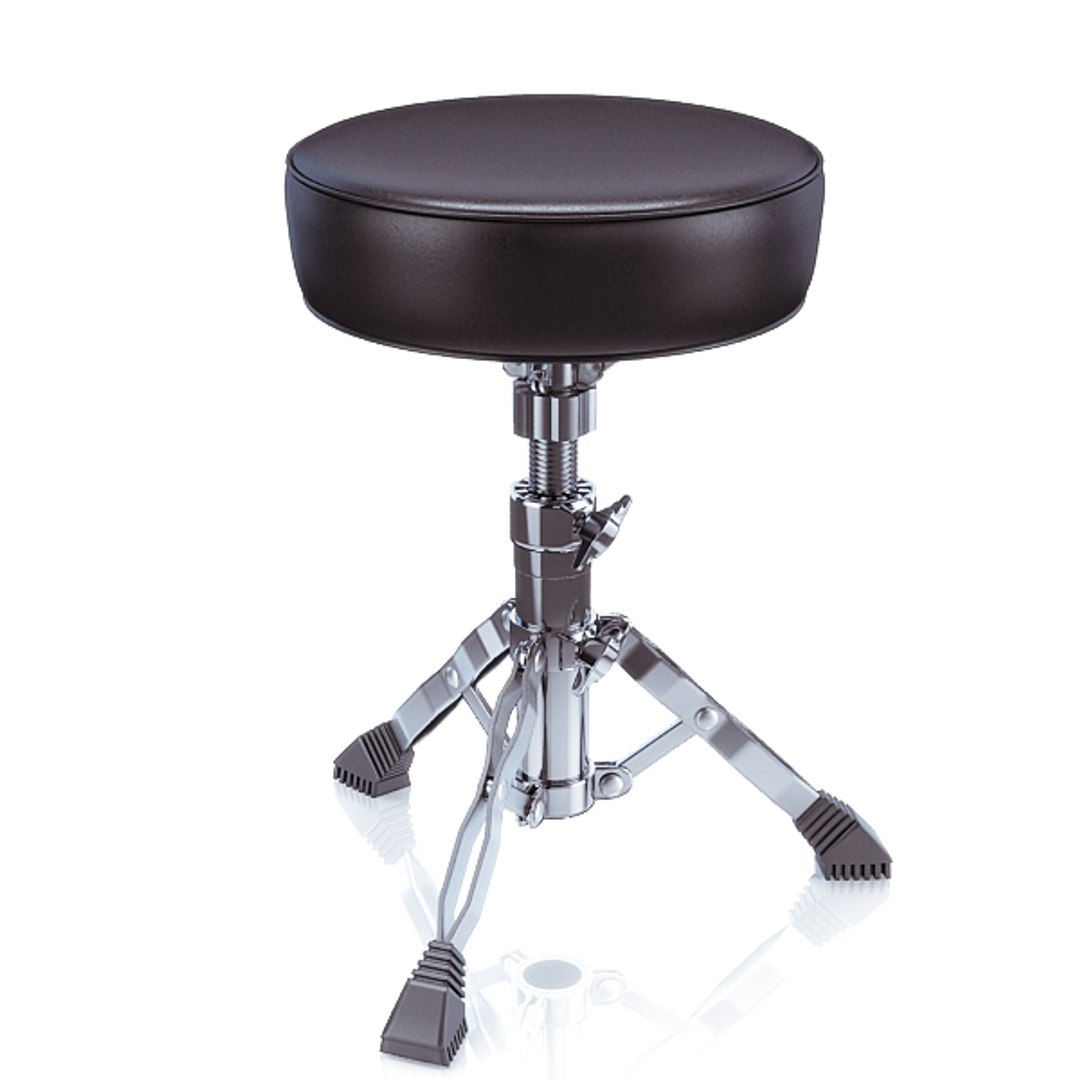
Very detailed 3d model of Acoustic Drum Sets Yamaha Absolute Birch and Chair-Drum
Detailed enough for close-up renders.

- Two *.max files included Standart materials and Vray-materials

- hi-poly model with meshsmooth modifier

- not colaps smooth modified

- apply the Smooth modifier with a parameter to obtain the desired level of detail

- textures *.jpeg format included

- realistic HQ render included

- file format - max2009, 3ds, obj, fbx, lwo, c4d, ma, mb included

- original file format - max 2009

- to all objects and materials in a scene names are appropriated

- real world size (system units - mm)

- coordinates of the location of the model in space (x0, y0, z0)

- files with the model does not contain extraneous or hidden objects (lights, cameras, etc.)


The model is completely ready for use in visualization 3ds max.

In formats c4d, 3ds, lwo, obj, fbx, ma, mb - model exported to standard materials, not contain Vray shaders.

Updated on February, 23rd 2012.

Select Enhanced License

  • $10,000 in Legal Protection (Indemnification)
  • Uncapped Legal Protection (Indemnification)
  • Waiver from injunctive relief
  • Assignable model rights
  • $1,000,000 in Legal Protection (Indemnification)
  • Waiver from injunctive relief
  • Assignable model rights
  • $250,000 in Legal Protection (Indemnification)
  • Assignable model rights
Read more about enhanced license tiers, or contact us at enterprise@turbosquid.com. Already a Shutterstock Enterprise Customer? Contact your Shutterstock Sales Support Agent to talk about adding 3D.

About Conversion Requests

To submit a conversion request for a purchased asset, please complete our Conversion Request Form.

If you have not yet purchased a model, please review our Documentation about Conversions to learn about what limitations you may encounter with a conversion.

For any additional questions about a model’s suitability for conversion, please contact TurboSquid Support.

Loading...