
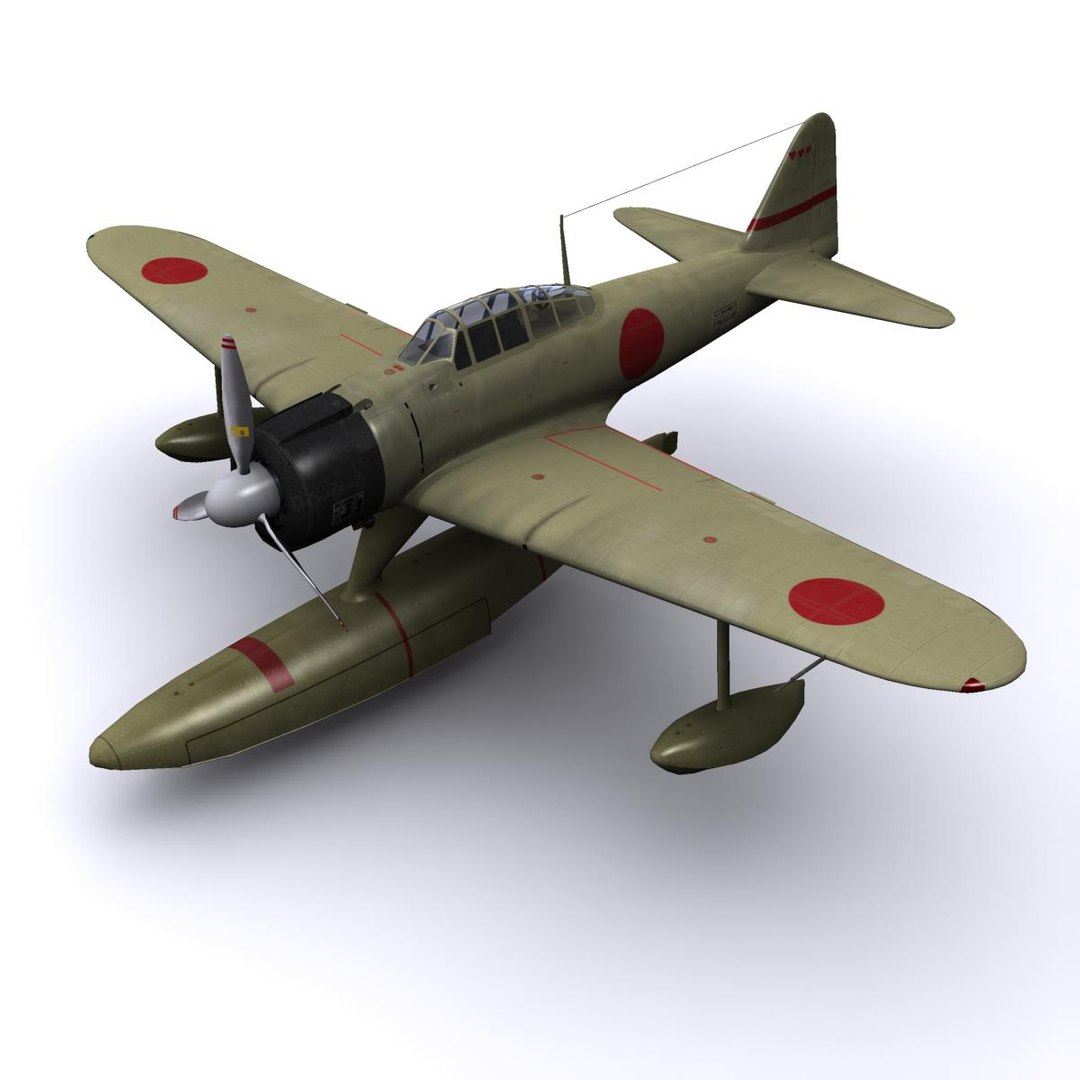
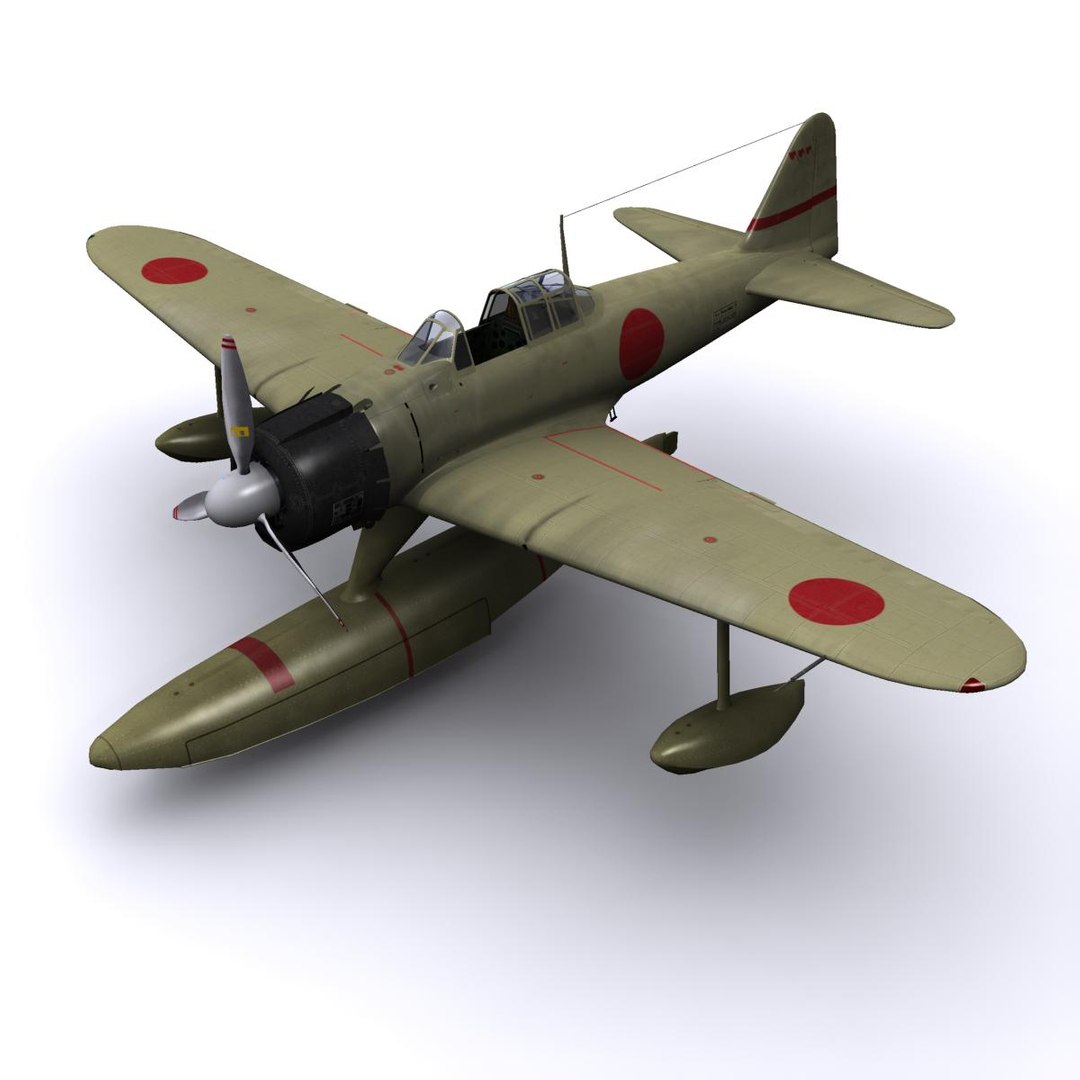

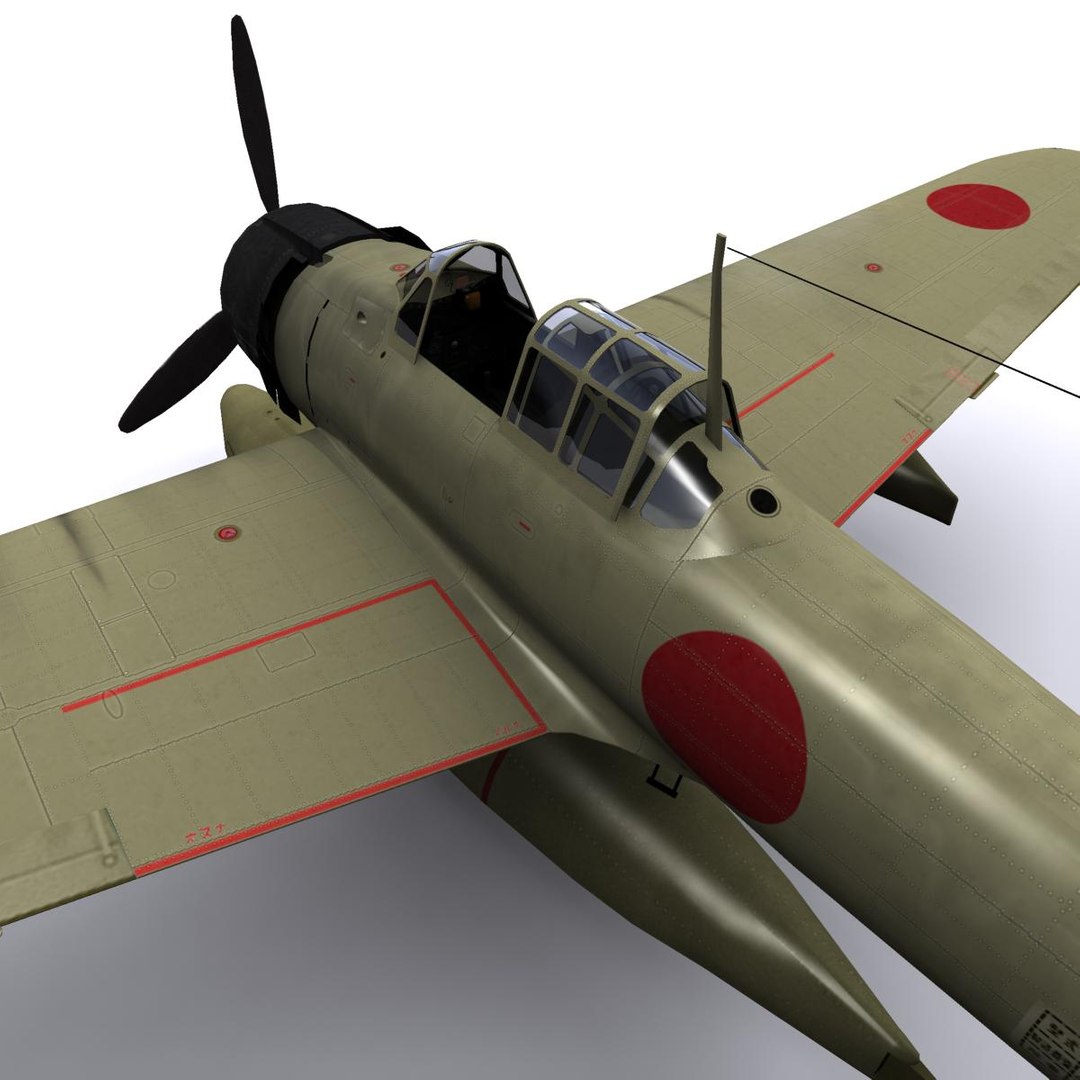
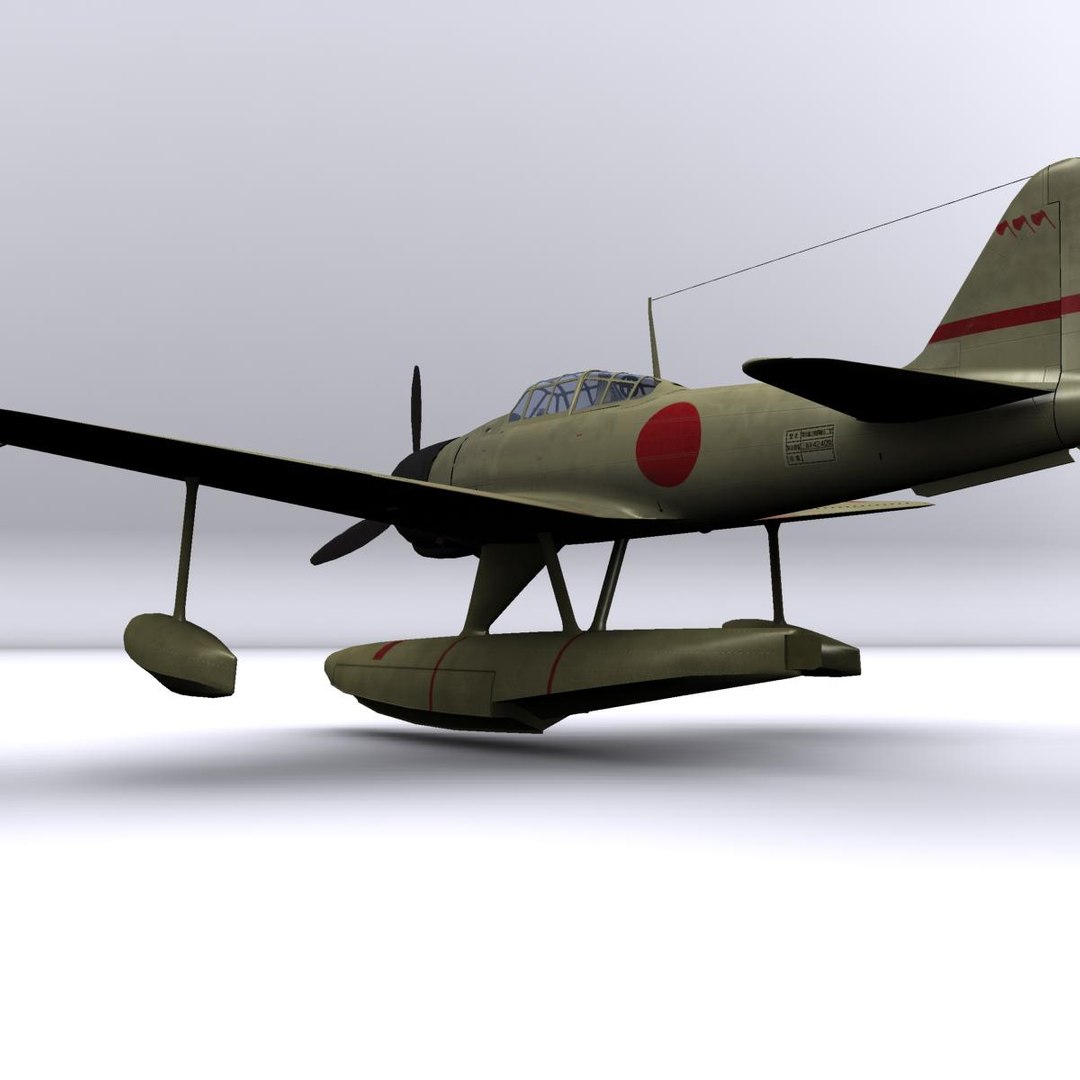
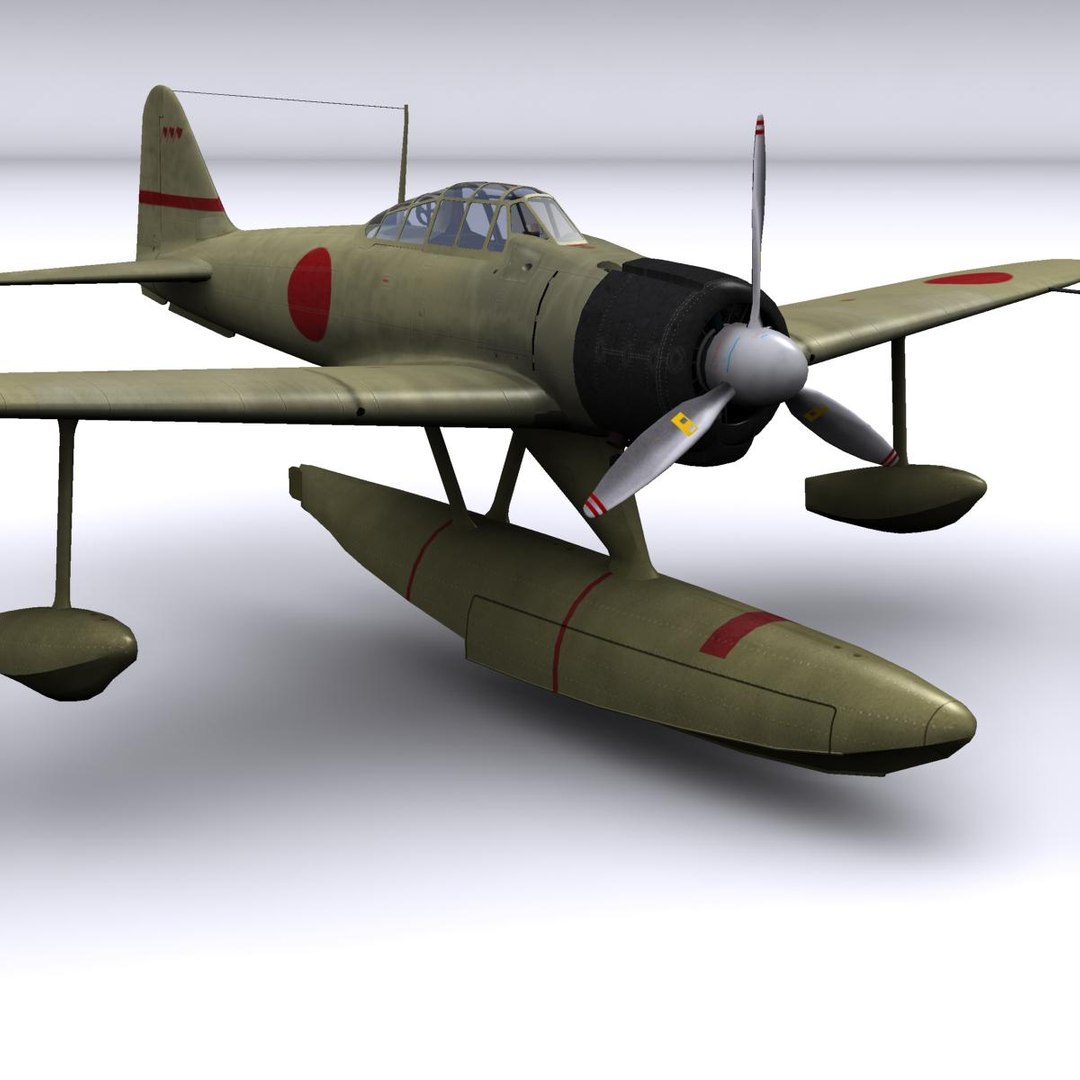
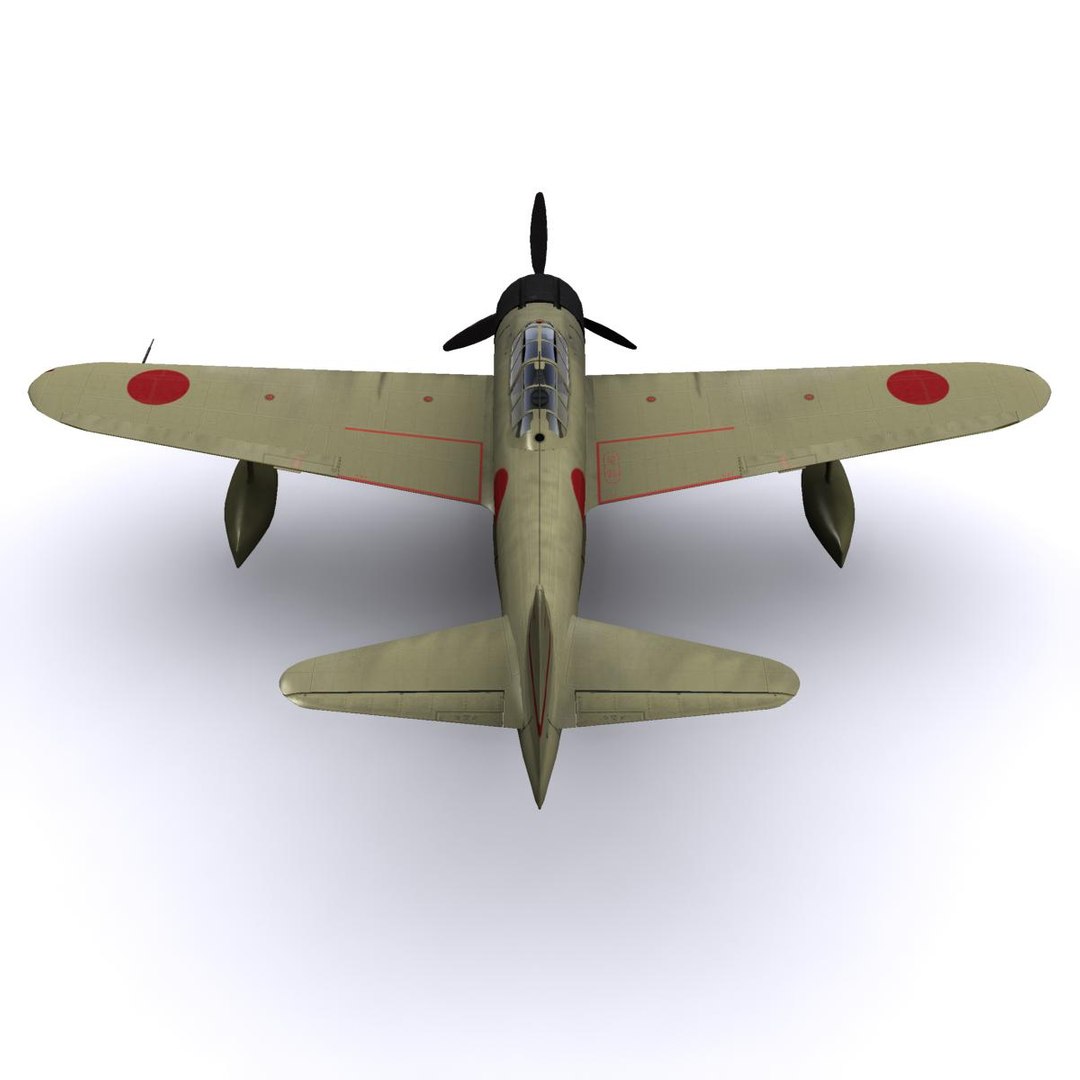
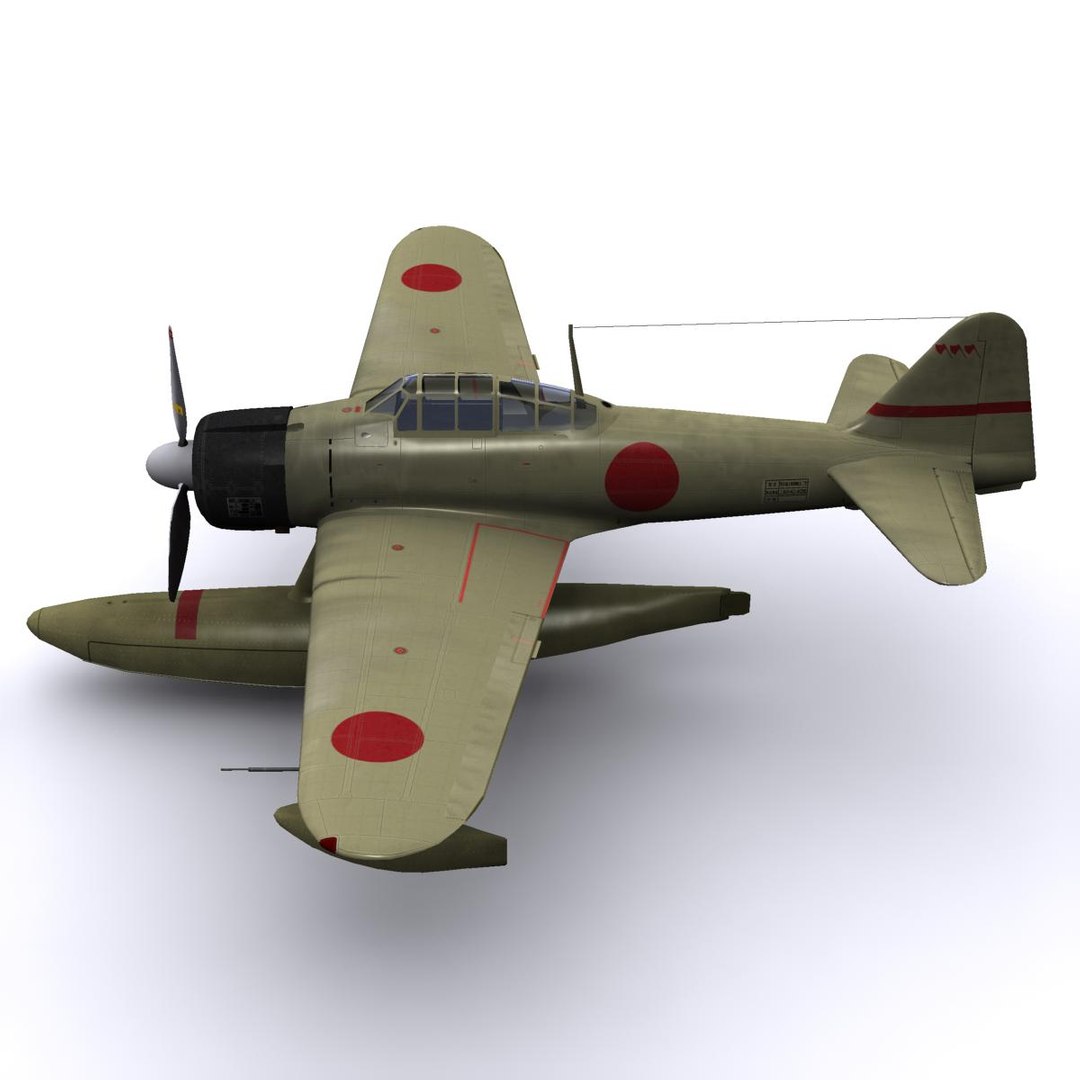
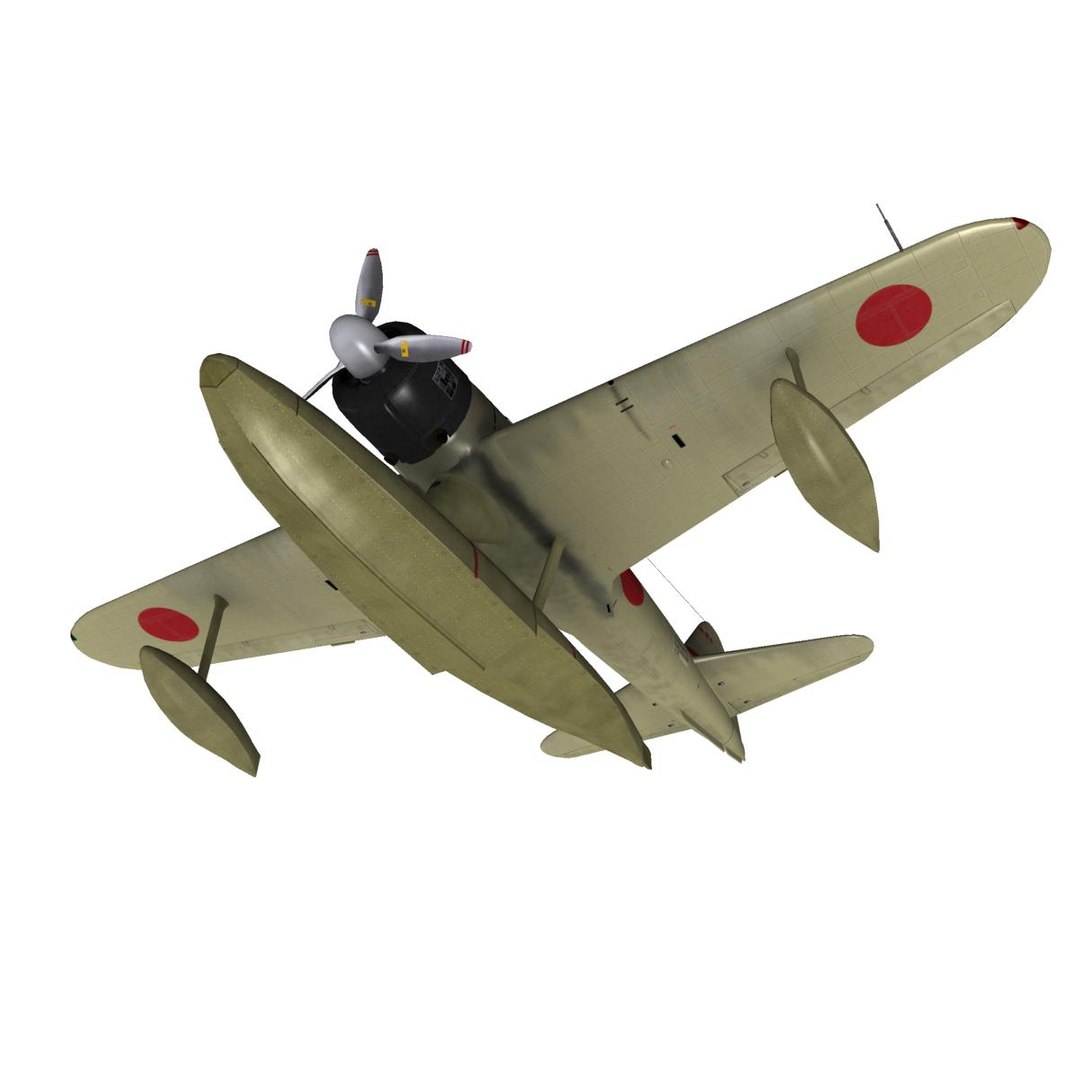
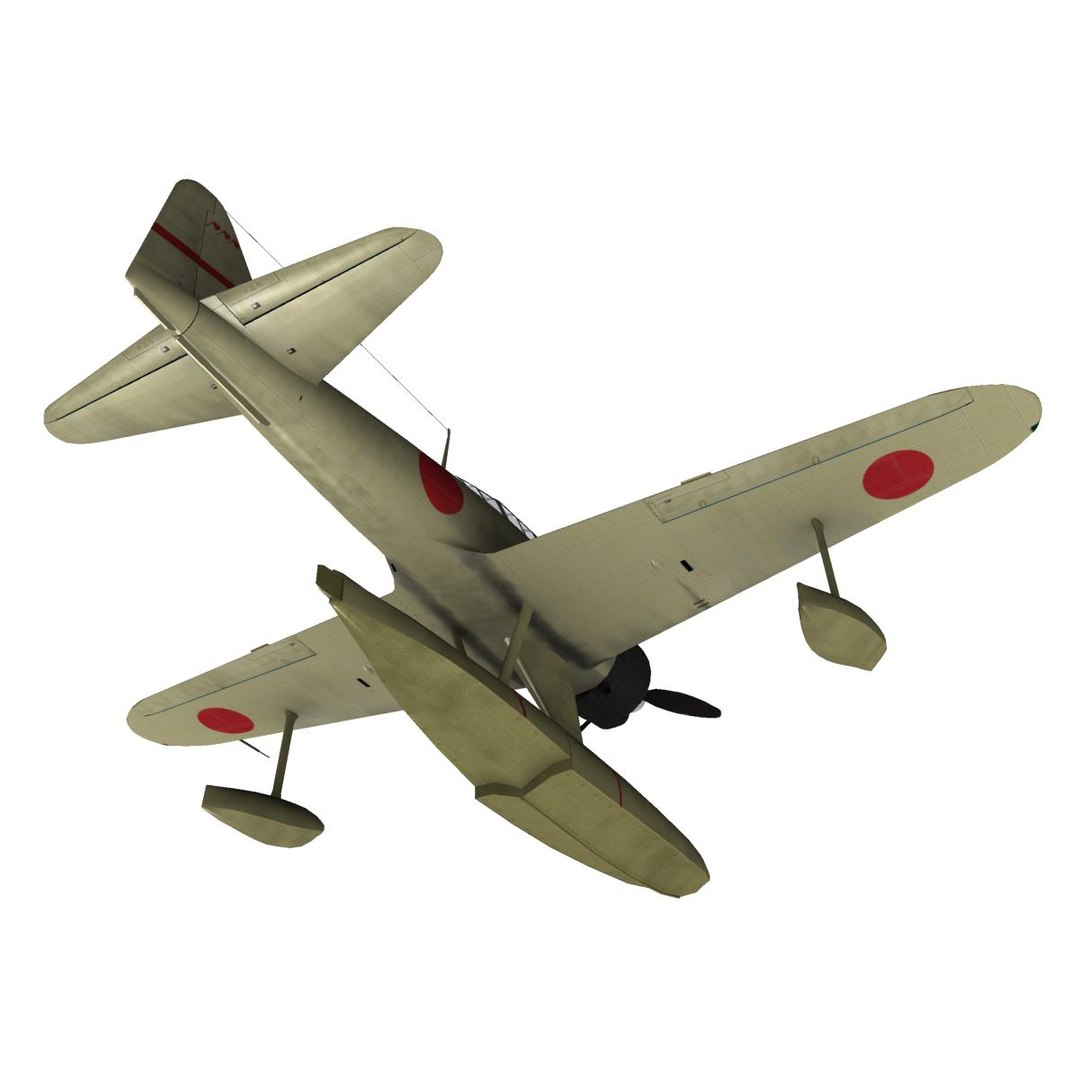
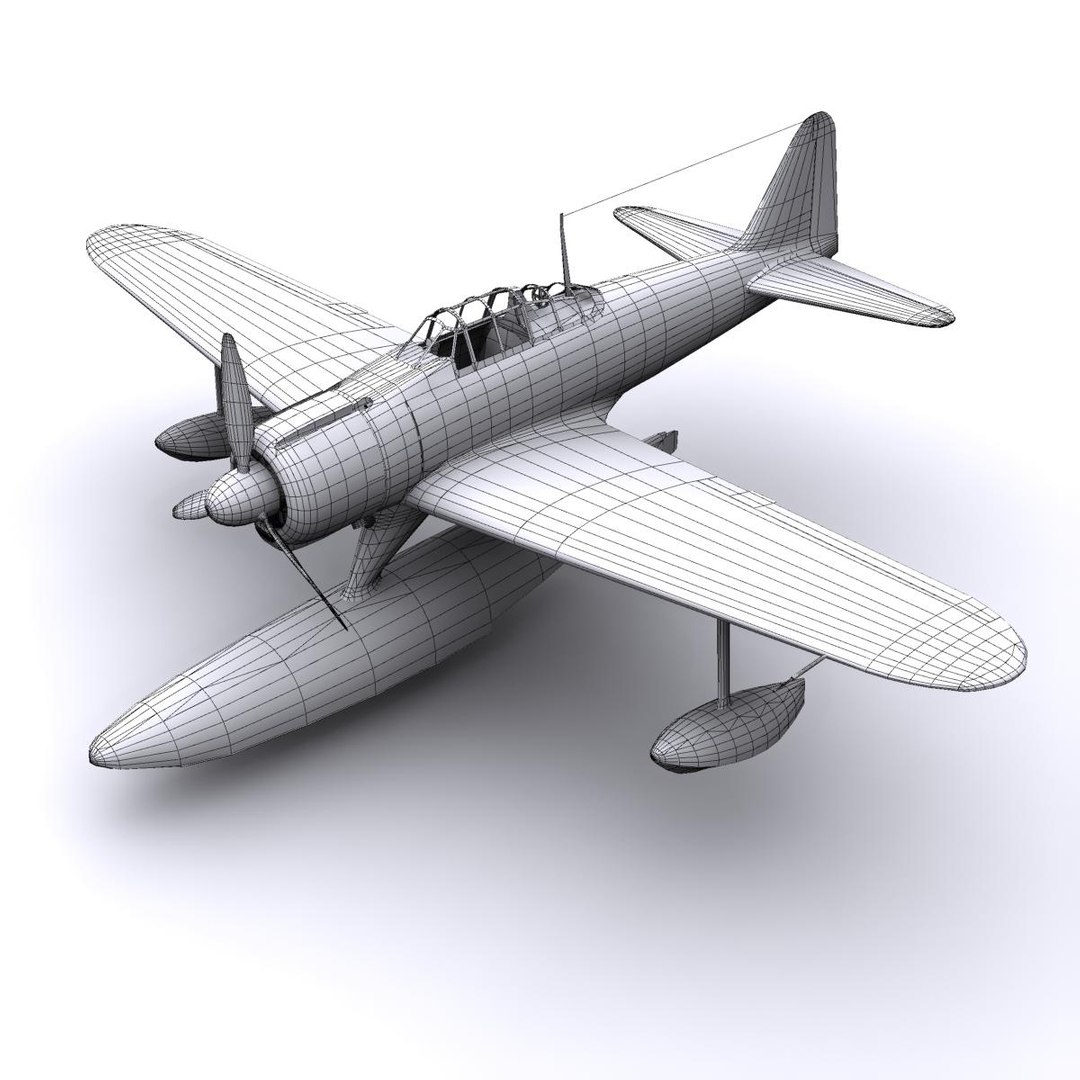
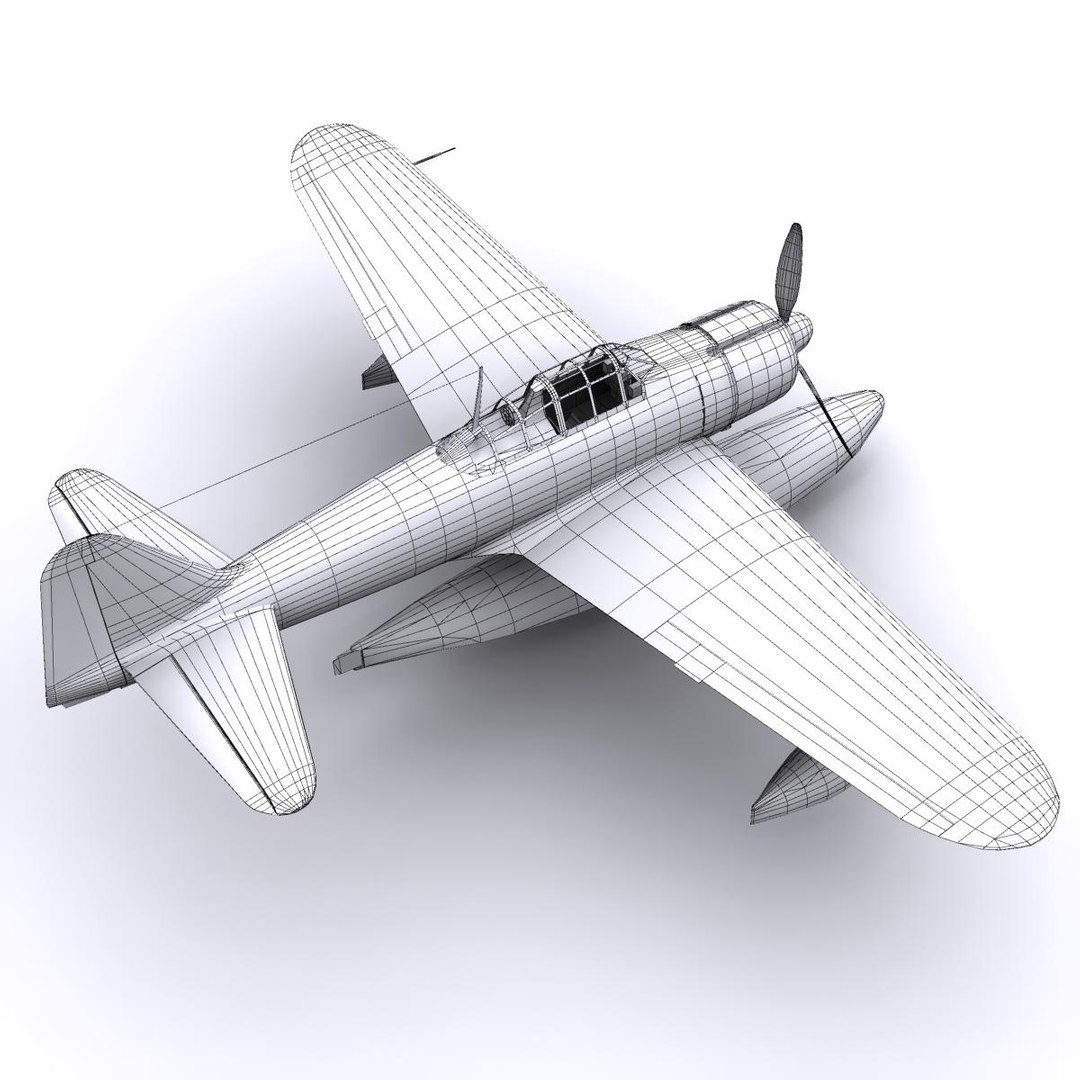
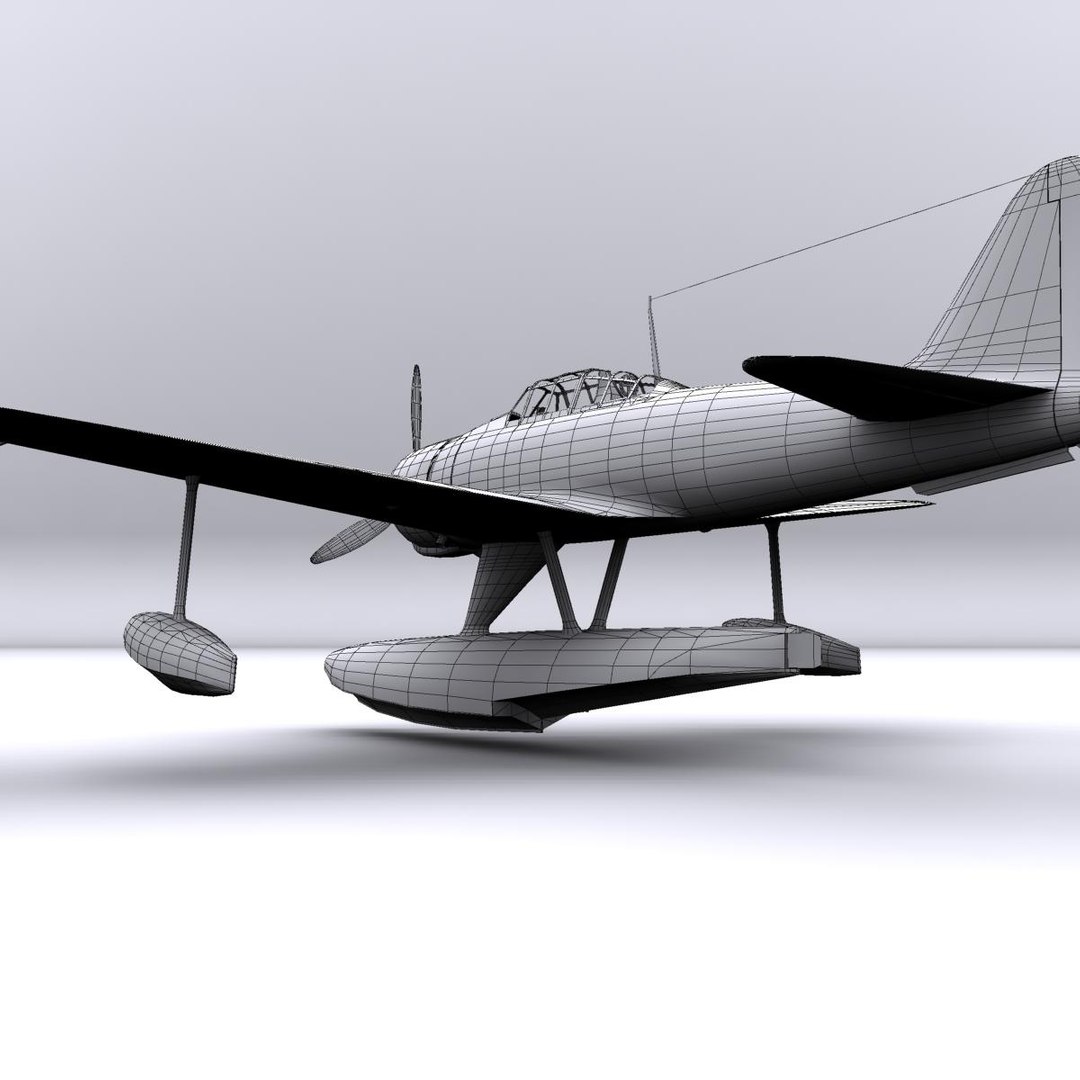
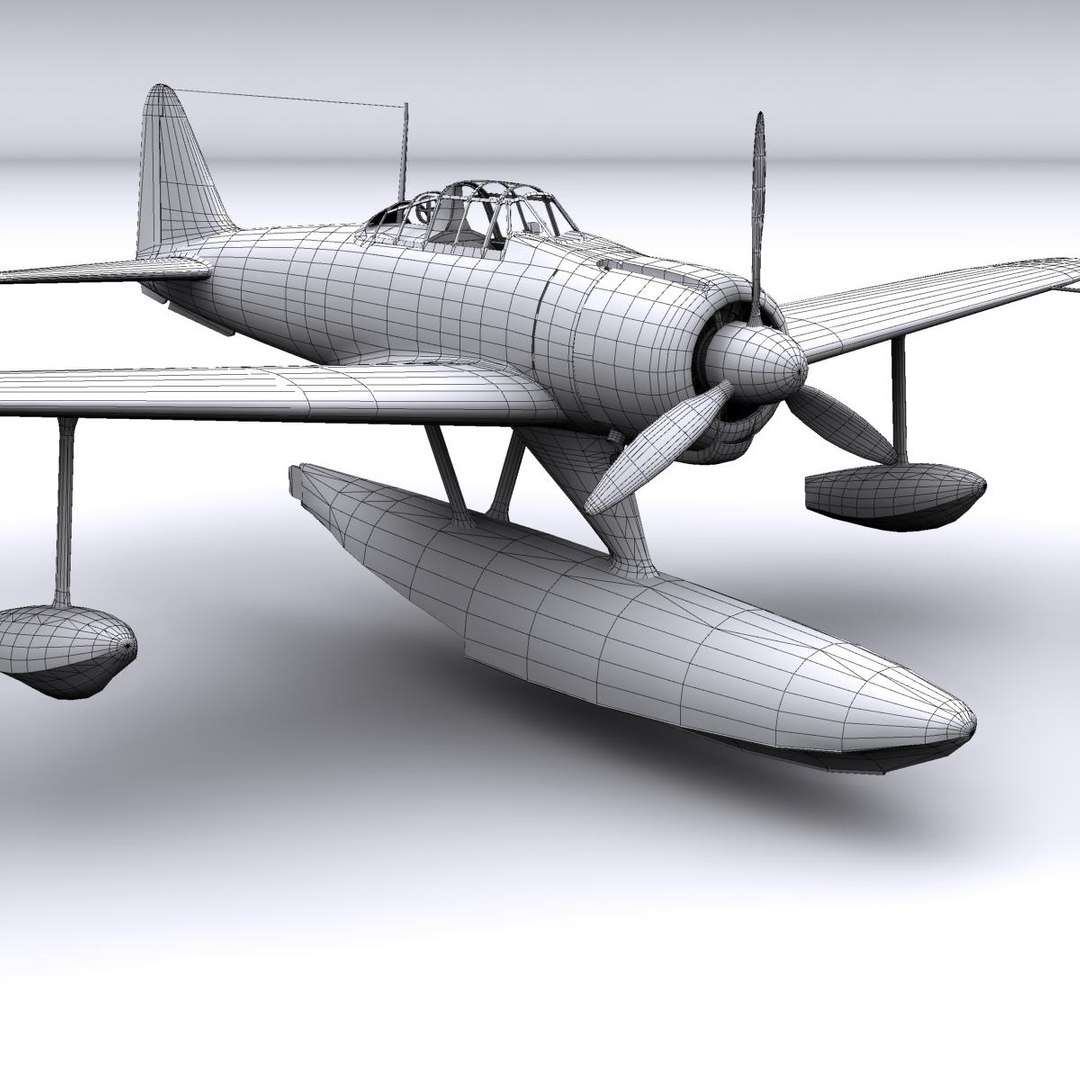
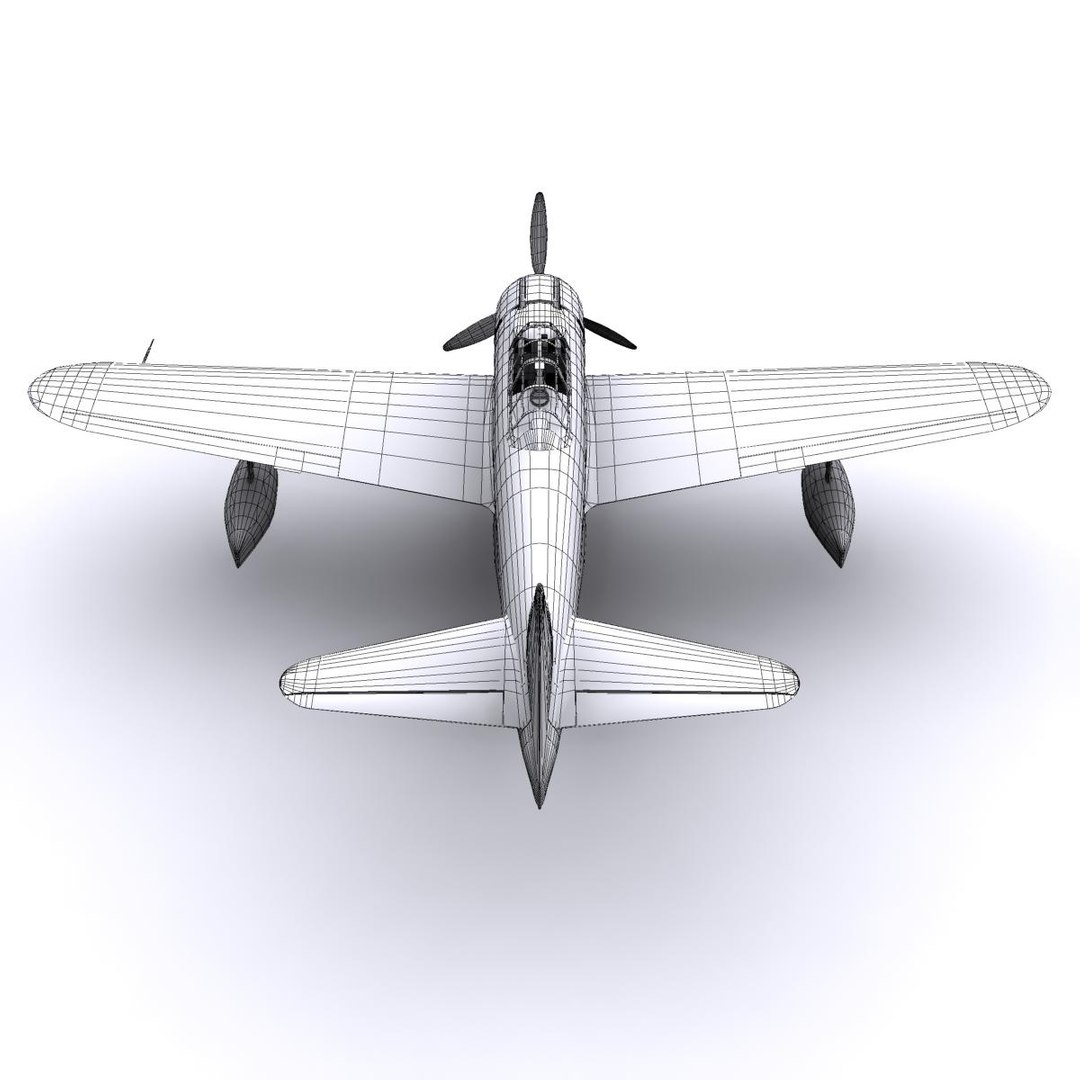
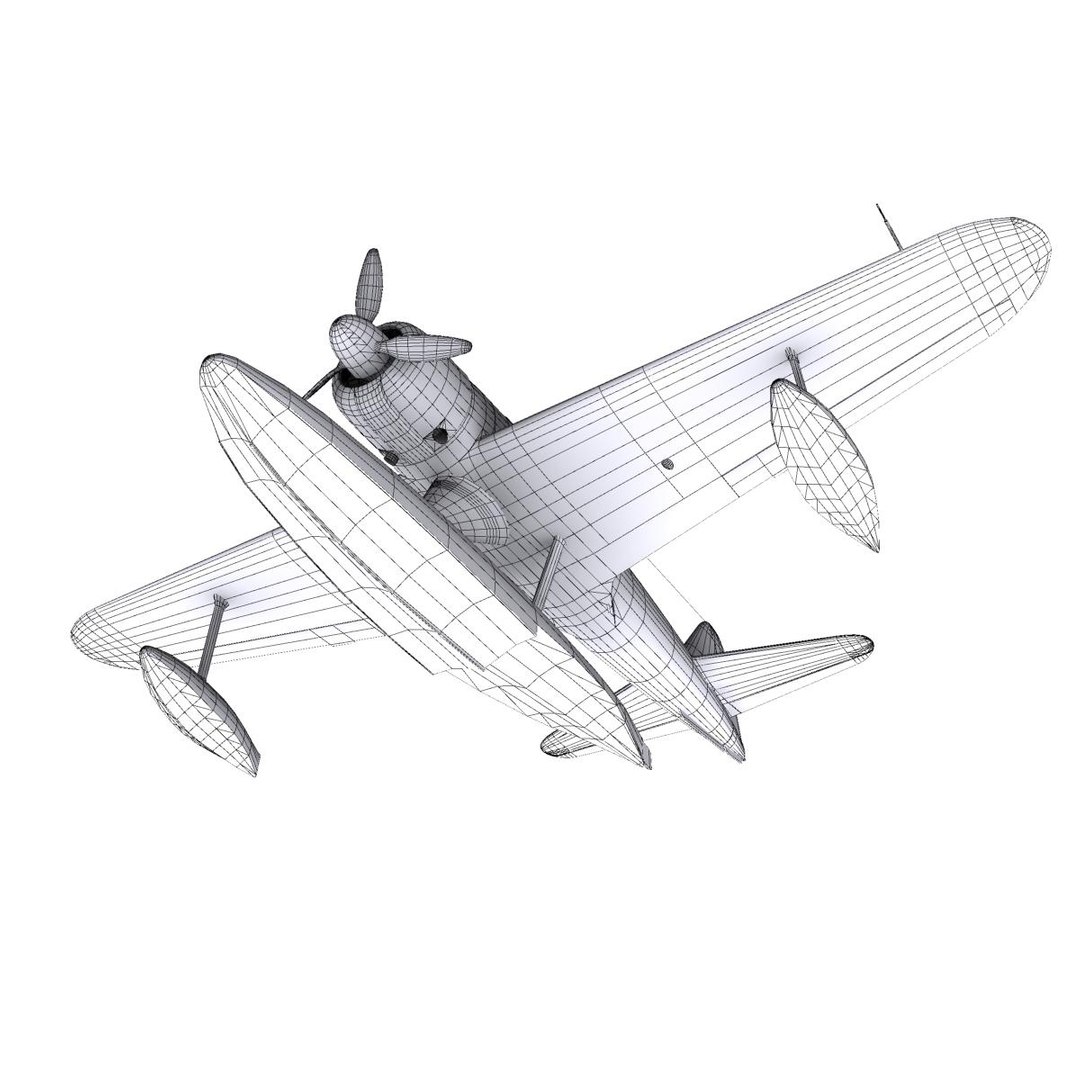
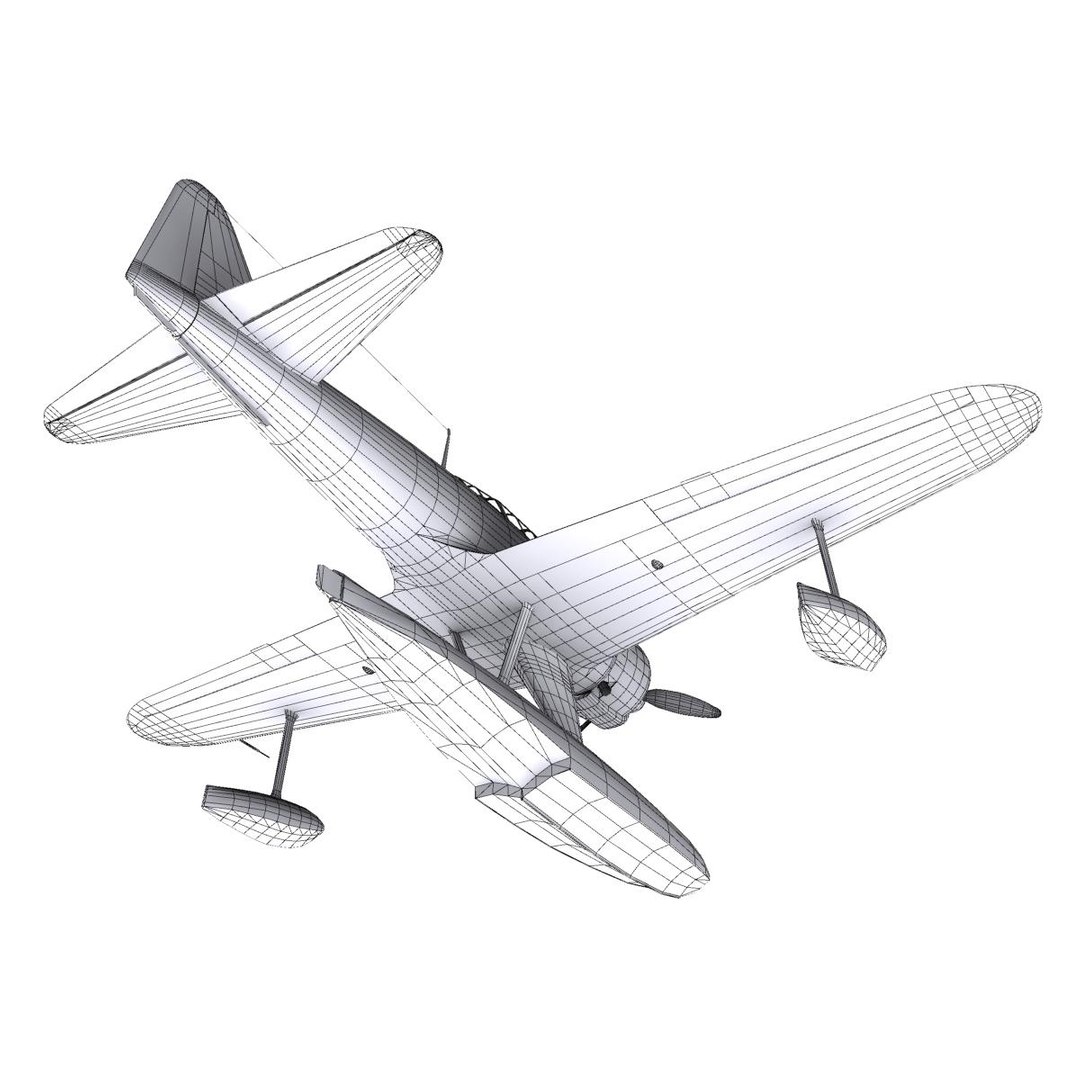
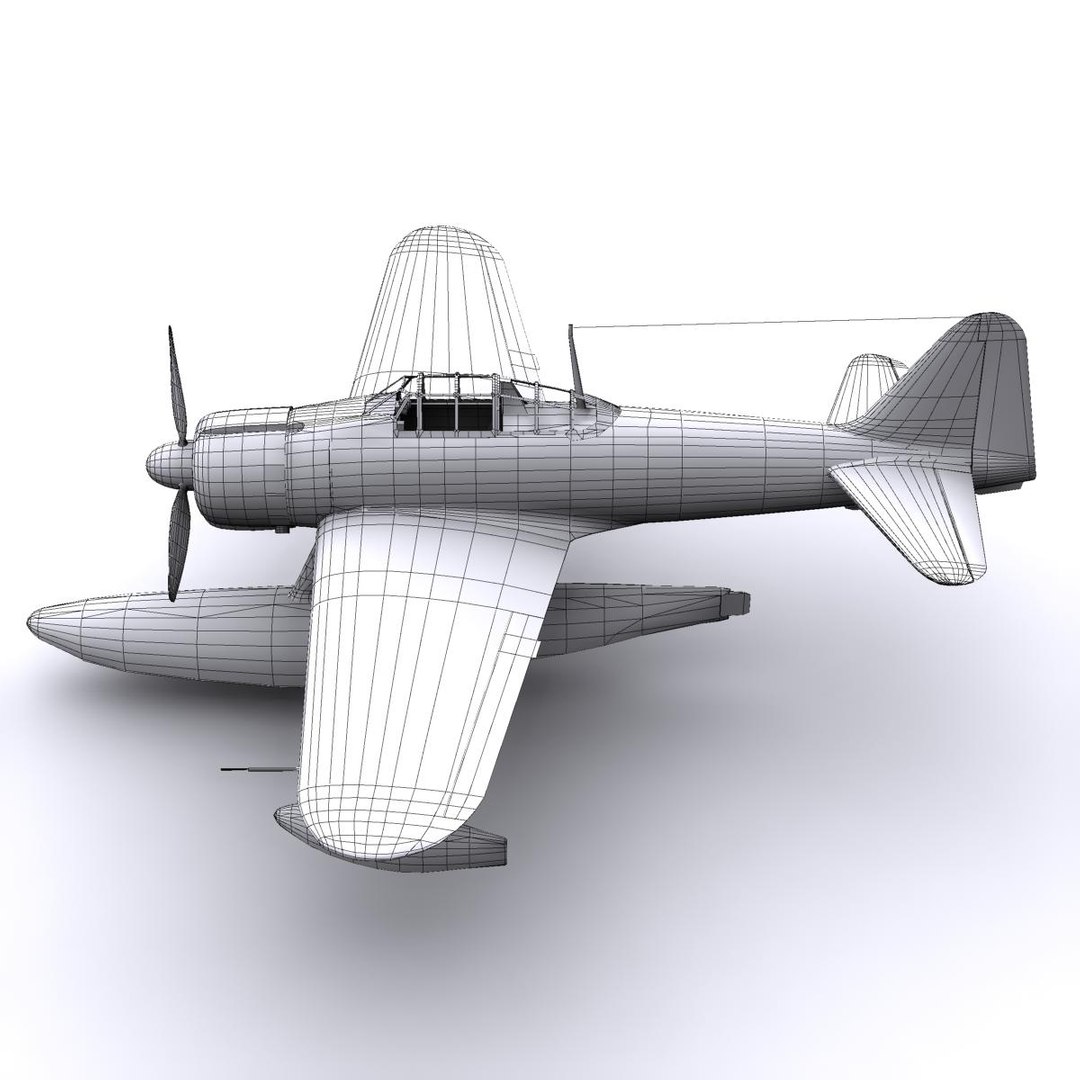
A6M2-N Rufe

$49

Standard License | Upgrade License
Editorial Uses Only
Formats (3)
Free file format Conversions available
Native | 3ds Max 9 | mental ray
OBJ
3D Studio
Previews
Specifications
Publish Date October 29, 2012
Product ID 703100
Polygons 16,938
Vertices 17,203
Polygonal
Textures
Materials
UV Mapped
Non-overlapping Unwrapped UVs
Rigged
Animated
TurboSquid Exclusive
member avatar
file404
164 Products | Contributor Since 2004
Have questions? Chat with us now.

Description

The Mitsubishi A6M Zero was a long-range fighter aircraft operated by the Imperial Japanese Navy Air Service (IJNAS) from 1940 to 1945. The A6M was designated as the Mitsubishi Navy Type 0 Carrier Fighter, and also designated as the Mitsubishi A6M Rei-sen and Mitsubishi Navy 12-shi Carrier Fighter.
When it was introduced early in World War II, the Zero was considered the most capable carrier-based fighter in the world, combining excellent maneuverability and very long range.
The A6M2-N floatplane was developed from the Mitsubishi A6M Zero Type 0, for the purposes of supporting amphibious operations and defending remote bases.

Modelled in 1:1 real world scale, all parts are conveniently named and separated, textures and specular maps are 2048x2048 pixels and it has the following key-frame animations already in place:

Vents
Canopy

Mesh Totals:

Verts: 17203
Faces: 16938

Original format is 3ds max 9, obj generated by Deep Exploration. You might need to re-apply the textures depending on the software used.
In the download are included the clean psd texture templates.

Select Enhanced License

  • $10,000 in Legal Protection (Indemnification)
  • Uncapped Legal Protection (Indemnification)
  • Waiver from injunctive relief
  • Assignable model rights
  • $1,000,000 in Legal Protection (Indemnification)
  • Waiver from injunctive relief
  • Assignable model rights
  • $250,000 in Legal Protection (Indemnification)
  • Assignable model rights
Read more about enhanced license tiers, or contact us at enterprise@turbosquid.com. Already a Shutterstock Enterprise Customer? Contact your Shutterstock Sales Support Agent to talk about adding 3D.

About Conversion Requests

To submit a conversion request for a purchased asset, please complete our Conversion Request Form.

If you have not yet purchased a model, please review our Documentation about Conversions to learn about what limitations you may encounter with a conversion.

For any additional questions about a model’s suitability for conversion, please contact TurboSquid Support.

Loading...