
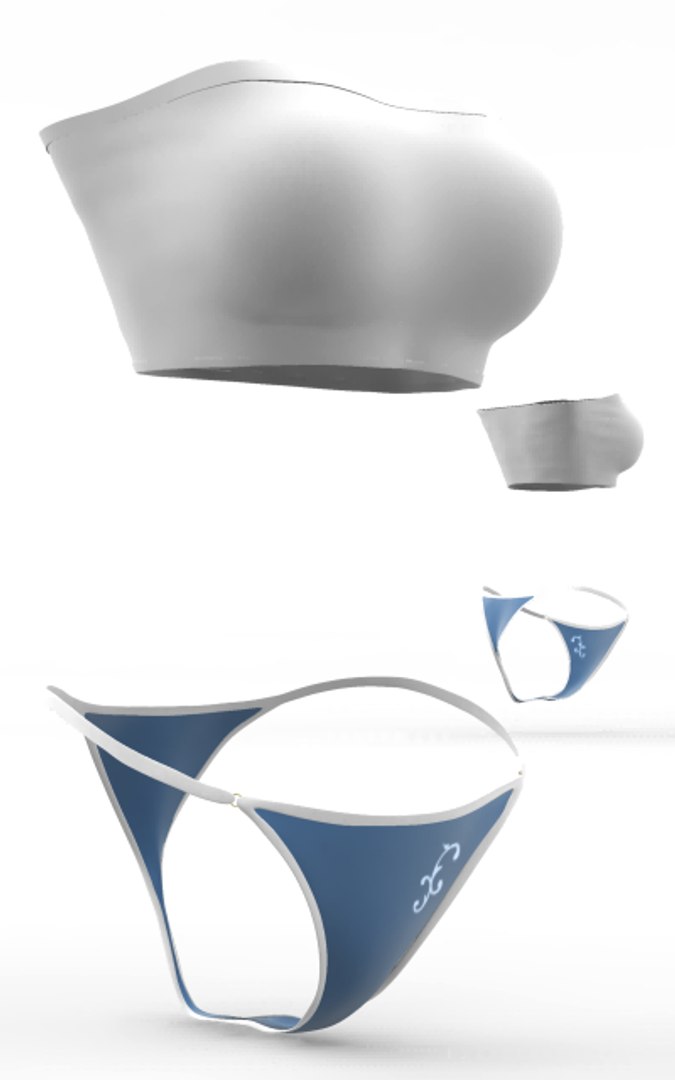
Lingerie set (cloth simulation)

$39

Standard License | Upgrade License
Formats (1)
3ds Max 8 | mental ray
Specifications
Publish Date December 16, 2013
Product ID 787787
Polygons 5,421
Vertices 5,740
Subdivision
Textures
Materials
UV Mapped
Non-overlapping Unwrapped UVs
member avatar
Anidumo3D
42 Products | Contributor Since 2013
Have questions? Chat with us now.

Description

This lingerie set is part of the collection of cloth of the character Seline. The full character is not included in this model. For the full character with all the other cloth and accessories search the keyword "Seline".

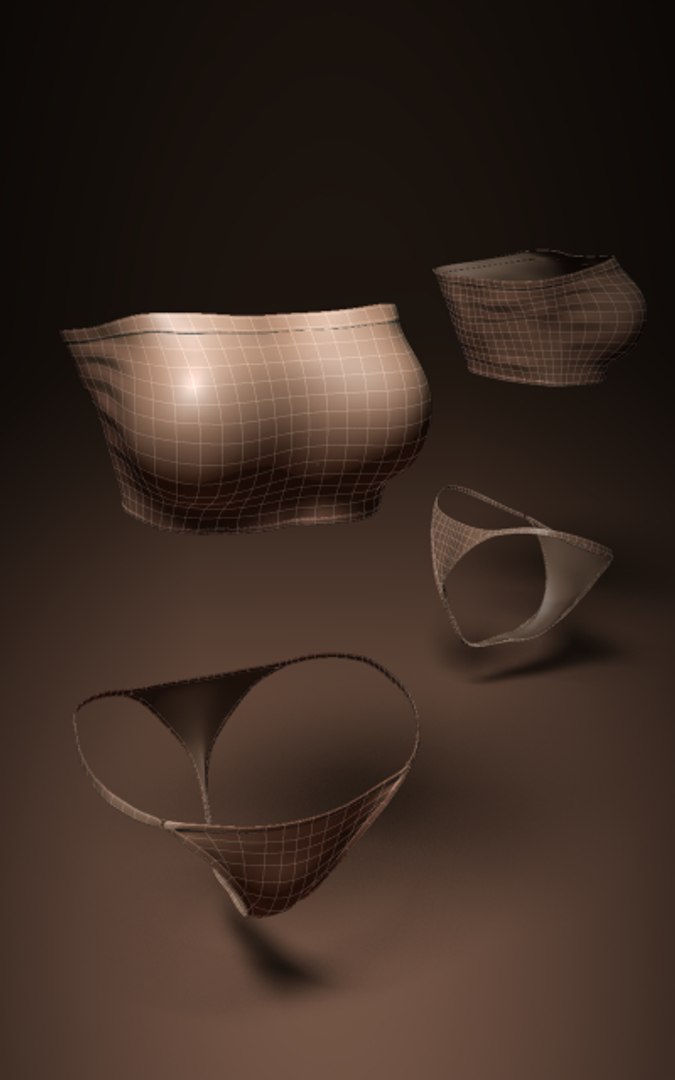
This set includes both the lingerie mesh and a second simplified mesh which works as a deformer of the original lingerie mesh for cloth simulations. This second mesh has an optimized topology to give faster calculations or better deformations when doing cloth simulations. The Cloth modifier acts on this second mesh, and the second mesh deforms the original mesh using Skinwrap modifier. The size of the breasts area can easily be modified through a morph target.

This product includes:
- Mesh of the original top.
- Mesh of the top deformer.
- Mesh of the original panties.
- Mesh of the panties deformer.
- Set up ready for cloth simulation with Cloth modifier, and fabric settings.
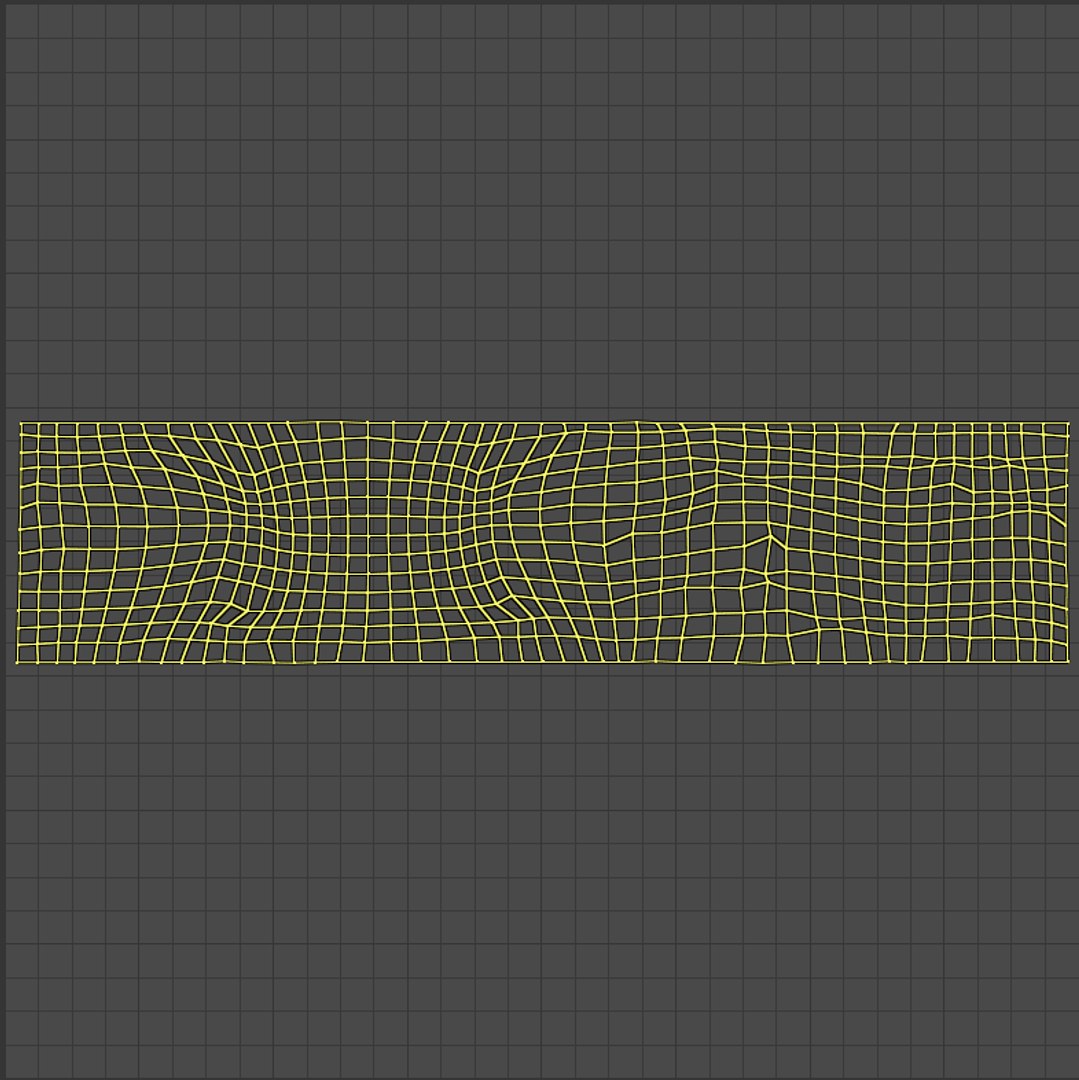
- UV maps.
- Textures for the fabric bump and decoration of the panties.
- Mental ray materials.


Bra polygons: 1081
Bra Deformer mesh polygons: 705

Panties polygons: 843
Panties Deformer mesh polygons: 2792

Select Enhanced License

  • $10,000 in Legal Protection (Indemnification)
  • Uncapped Legal Protection (Indemnification)
  • Waiver from injunctive relief
  • Assignable model rights
  • $1,000,000 in Legal Protection (Indemnification)
  • Waiver from injunctive relief
  • Assignable model rights
  • $250,000 in Legal Protection (Indemnification)
  • Assignable model rights
Read more about enhanced license tiers, or contact us at enterprise@turbosquid.com. Already a Shutterstock Enterprise Customer? Contact your Shutterstock Sales Support Agent to talk about adding 3D.

About Conversion Requests

To submit a conversion request for a purchased asset, please complete our Conversion Request Form.

If you have not yet purchased a model, please review our Documentation about Conversions to learn about what limitations you may encounter with a conversion.

For any additional questions about a model’s suitability for conversion, please contact TurboSquid Support.

Loading...